
 Login
Login
US Expands AI Chip Restrictions Worldwide: What It Means for China
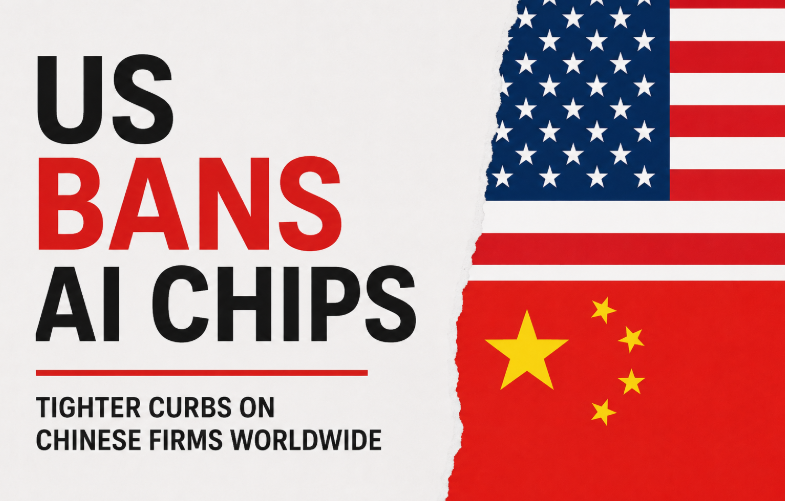
The US government has given a new clarification that export restrictions on advanced AI chips apply not only to companies operating in China but also to Chinese-owned firms and subsidiaries located overseas. The move closes a potential loophole that may have allowed Chinese companies to access restricted AI hardware through operations in countries outside mainland China.
Why the US Made This Move
The clarification follows concerns in Washington that Chinese firms could obtain advanced AI processors through overseas subsidiaries despite existing export controls. Some policymakers argued that uncertainty created after the cancellation of the Biden-era AI Diffusion Framework may have opened a pathway for such purchases. The new guidance makes it clear that Chinese-headquartered companies remain subject to licensing requirements regardless of where they operate.
Pressure Grows on China’s AI Industry
The tighter enforcement is expected to make access to advanced US AI hardware more difficult for Chinese companies. NVIDIA’s most powerful Blackwell AI chips remain restricted, while purchases of other advanced processors continue to face regulatory scrutiny. As a result, Chinese technology firms are being pushed to rely more heavily on domestic alternatives.
China Accelerates Its Chip Strategy
In response to years of US restrictions, China has been rapidly expanding its domestic AI semiconductor industry. Companies including Huawei, Moore Threads, Biren Technology, Cambricon, and Alibaba have increased investments in AI processors designed for both training and deploying large AI models. Rather than focusing solely on replacing Nvidia products, many firms are now building complete AI hardware and software ecosystems.
Domestic Alternatives Gain Importance
Industry analysts expect Chinese AI companies to increasingly adopt locally developed accelerators as access to foreign chips becomes more limited. Huawei’s Ascend series and Alibaba’s custom AI processors are among the products attracting attention as China works to reduce dependence on US technology.
What to Expect Next
The latest US action is unlikely to slow China’s AI ambitions. Instead, it may further accelerate investment in domestic chips, software platforms, and AI infrastructure. The competition between the US and China is increasingly shifting from individual products to entire technology ecosystems. In the coming years, the key question may no longer be whether China can replace Nvidia, but how quickly it can build a self-sufficient AI industry capable of competing on a global scale.
Read More:
- China vs US in Robotics: Nvidia CEO Reveals the Real Power Shift
- Huawei aims to launch lithography equivalent to TSMC’s 1.4nm by 2031 in a major defiance of U.S. sanctions
- OnePlus Ace 6 Ultra vs OnePlus Ace 6: Are the Upgrades Really Worth the Extra Money?
The post US Expands AI Chip Restrictions Worldwide: What It Means for China appeared first on Gizmochina.

