
 Login
Login
Samsung One UI 8.5 update: Here’s everything you need to know
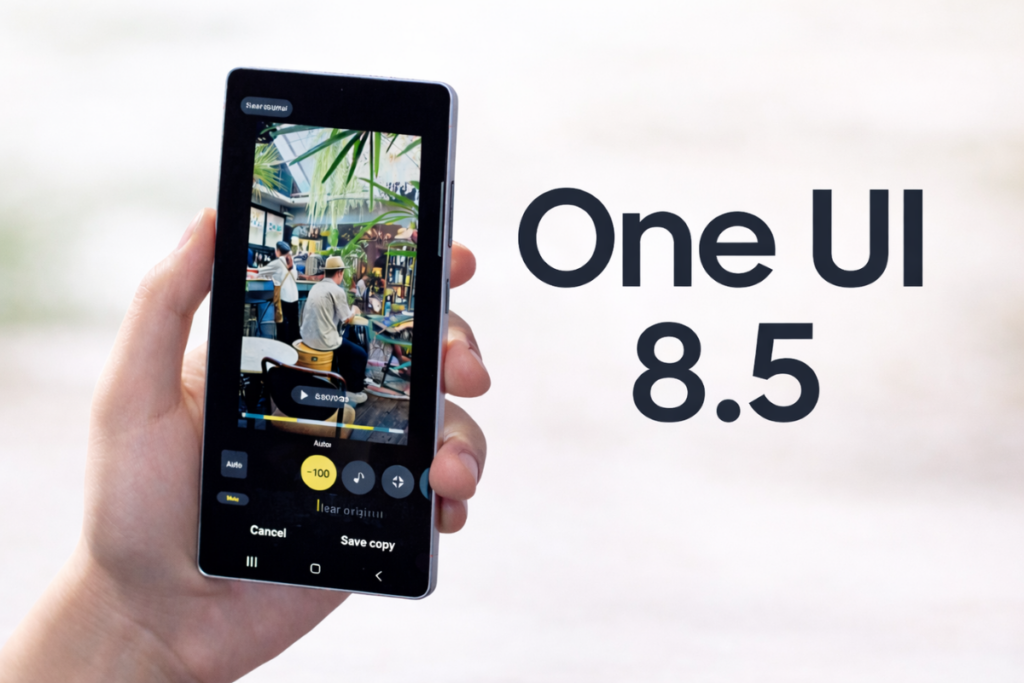
One UI 8.5 recently debuted on the Galaxy S26 series, and soon it will start rolling out to older Galaxy devices. This is actually a major upgrade, based on Android 16 QPR2, bringing a range of improvements and several important features, including audio broadcast, storage share, and now nudge.
Now that One UI 8.5 has already debuted, you may be wondering when the update will reach your Galaxy device. We’ll take a look at the rollout status, the eligible devices list, and the major upgrades so you don’t miss out on anything.
When will Samsung roll out the One UI 8.5 update?
Samsung still hasn’t announced a rollout timeline for One UI 8.5. However, the wait shouldn’t be much longer from here, given that the stable version has already debuted on the S26 series and the beta program has already stretched enough.
The beta program for the Galaxy S25 series launched in December 2025 and is still active after seven beta releases. The Galaxy Z Fold 7 and Galaxy Z Flip 7 were recently added to the list, and according to recent reports, the beta program could also expand to the Galaxy S24 series, Galaxy Z Fold 6, and Galaxy Z Flip 6.
Luckily for Galaxy devices other than the S25 series, the beta program won’t go on for months. Samsung would be looking to wrap it up quickly to begin the stable rollout. That seems more likely as Galaxy S25 was recently spotted on the server with a stable firmware. That indicates the stable rollout could be right around the corner.
Is your Galaxy eligible for the One UI 8.5 update?
Samsung hasn’t published a list of eligible One UI 8.5 devices, but it will more or less include the same devices that have received the One UI 8.0 update and the Galaxy devices launched with it.
Here’s a list of Galaxy devices likely to receive the One UI 8.5 update:
Galaxy S series
- Galaxy S25, S25+, S25 Ultra, S25 FE, S25 Edge
- Galaxy S24, S24+, S24 Ultra, S24 FE
- Galaxy S23, S23+, S23 Ultra, S23 FE
- Galaxy S22, S22+, S22 Ultra
- Galaxy S21 FE
Galaxy Z series
- Galaxy Z TriFold
- Galaxy Z Fold SE
- Galaxy Z Fold 7, Z Flip 7
- Galaxy Z Fold 6, Z Flip 6
- Galaxy Z Fold 5, Z Flip 5
- Galaxy Z Fold 4, Z Flip 4
Galaxy Tab series
- Galaxy Tab S11, S11 Ultra
- Galaxy Tab S10+, S10 Ultra, S10 Lite, S10 FE, S10 FE+
- Galaxy Tab S9, S9+, S9 Ultra, S9 FE, S9 FE+
- Galaxy Tab S8, S8+, S8 Ultra
- Galaxy Tab S6 Lite (2024)
- Galaxy Tab A11, A11+
- Galaxy Tab A9, A9+
- Galaxy Tab Active 5, Active 5 Pro
Galaxy A series
- Galaxy A73
- Galaxy A56, A55, A54, A53
- Galaxy A36, A35, A34, A33
- Galaxy A26, A25, A24
- Galaxy A17 (4G/5G), A16 (4G/5G), A15 (4G/5G)
- Galaxy A07 (4G/5G), A06 (4G/5G)
Galaxy M series
- Galaxy M56, M55, M55s, M54, M53
- Galaxy M36, M35, M34, M33
- Galaxy M17, M17e, M16, M15
- Galaxy M07, M06
Galaxy F series
- Galaxy F70e
- Galaxy F56, F55, F54
- Galaxy F36, F34
- Galaxy F17, F16, F15
- Galaxy F07, F06
Galaxy XCover series
- Galaxy XCover 7, XCover 7 Pro
- Galaxy XCover 6 Pro
Major upgrades in One UI 8.5
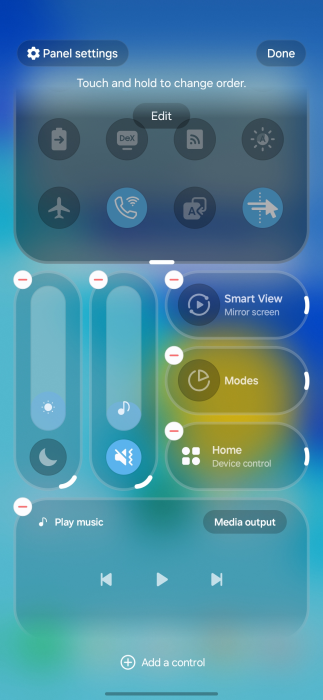
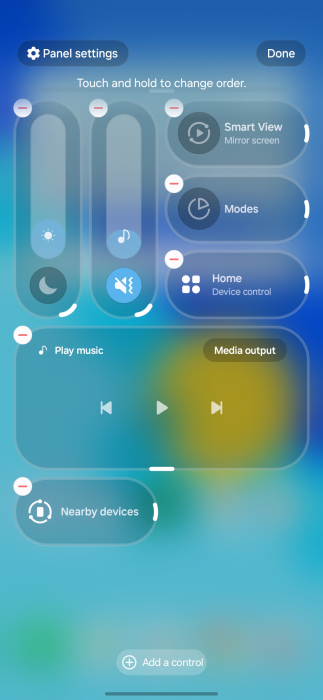
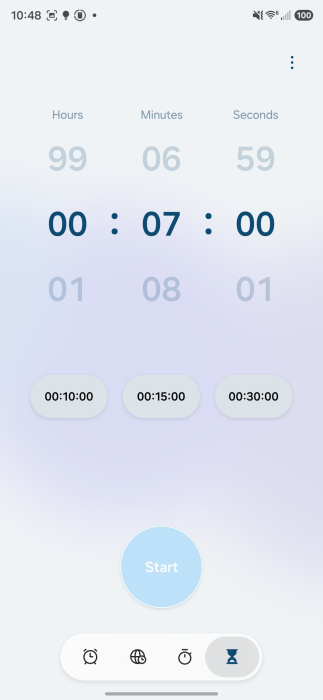
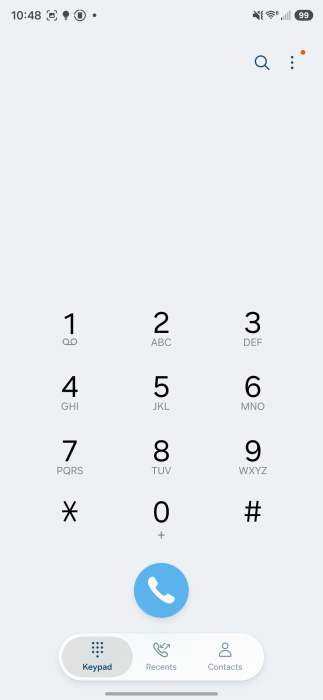
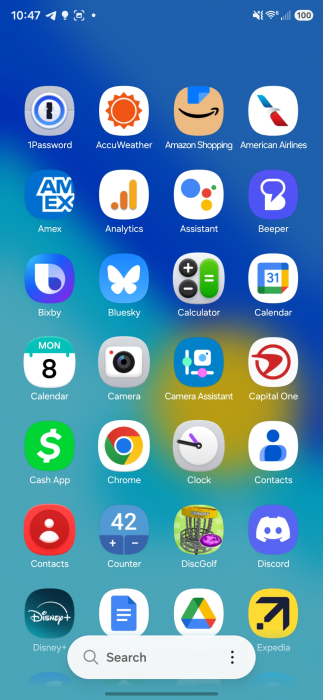
One UI 8.5 is still based on Android 16, but it uses a newer QPR2 build that adds extra features from Google, in addition to those developed by the One UI team. The Quick Settings are now fully customizable, allowing users to resize, rearrange, and organize toggles and sliders more freely than before. Samsung has updated app icons, at least for the first-party apps, to feature a bit of a 3D effect.
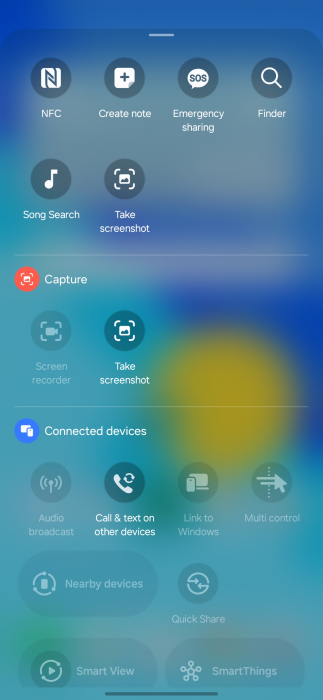
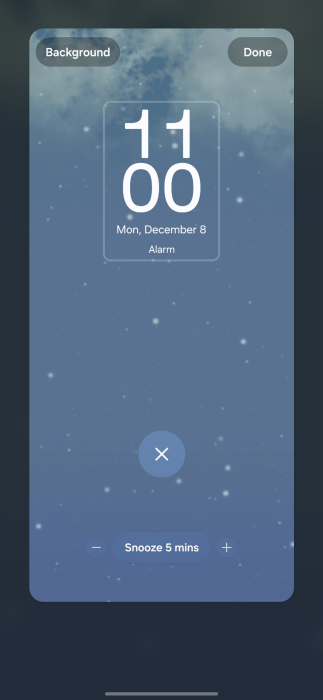
The lock screen has been updated to automatically adjust the clock and date, so they don’t cover the main subject of your lock screen wallpaper. Additionally, it can now show weather visuals based on the current conditions. An important visual upgrade is the new, modern floating tab bar UI, a pill-shaped UI element with a frosted color scheme. It replaces the traditional plain tab bar at the bottom.
Samsung has improved the Photo Assist feature to let users keep generating and editing AI images without saving every version first. It also introduces a new AI feature, “Now Nudge,” that proactively suggests actions and information based on what is currently on your screen. It works similarly to Google’s “Magic Cue” on Pixel devices.
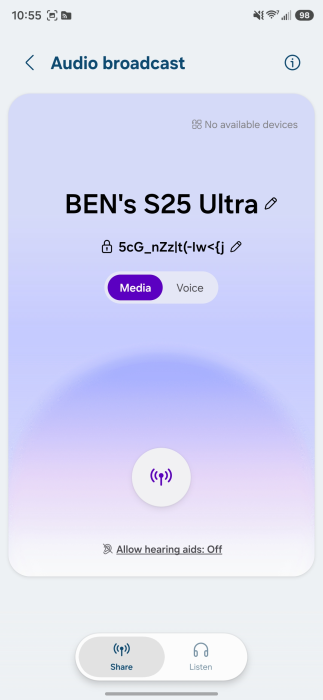
One UI 8.5 also introduces some important features, such as Partial Screen Recording to record specific areas of your phone, Audio Broadcast to use your phone as a microphone, and Storage Share to access files from other Galaxy devices. The new Failed Authentication Lock feature automatically locks the device after multiple failed unlock attempts. To further strengthen security, it includes features such as Theft Protection and Expanded Identity Check.
Be sure to visit the Samsung section on this website regularly for fresh details. If you prefer instant news, join our Telegram channel.
The post Samsung One UI 8.5 update: Here’s everything you need to know appeared first on Gizmochina.
