
 Login
Login
Best Dumb / Simple Phones for Parents & Grandparents (2026)

Buying a phone for parents or grandparents isn’t about features; it’s about removing friction. The goal is simple: they should be able to call, pick up calls, and use the phone without asking for help every day. This guide focuses on what actually impacts day-to-day usage, buttons, sound, battery, and clarity, so you can choose a device that feels effortless, not overwhelming.
What You Should Prioritize (Real-World, Not Specs)
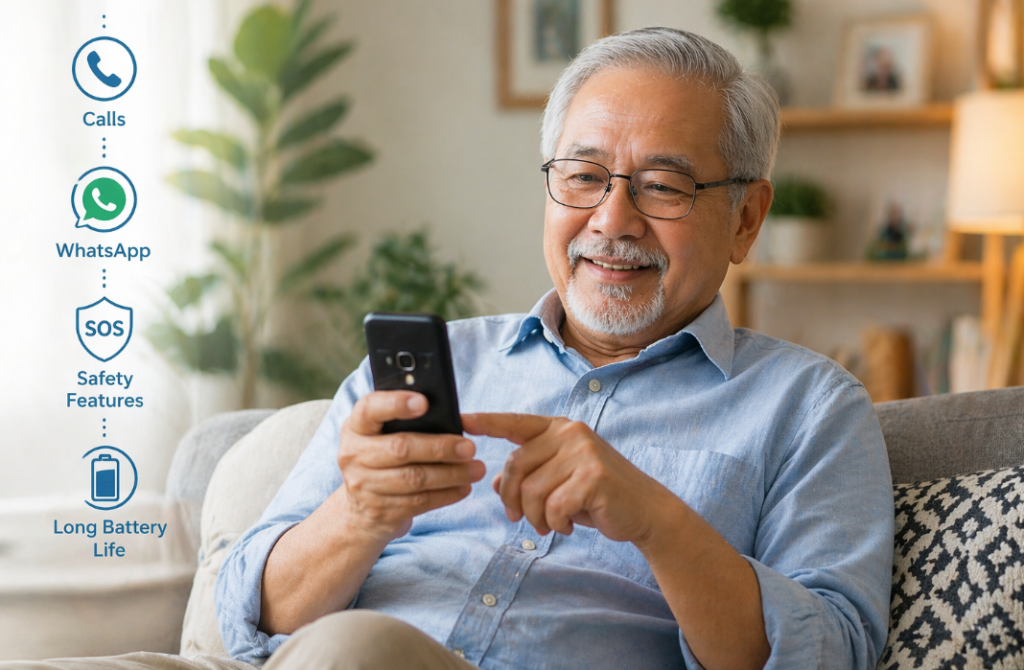
Buttons, Not Touchscreens
Physical buttons are still the biggest usability win. Seniors make fewer mistakes with keypads because there’s clear feedback, press equals action. Flip phones and classic keypad phones reduce accidental touches, which is one of the most common frustrations with smartphones.
Loud Audio (This Is Critical)
Most people underestimate this. If the phone isn’t loud enough, nothing else matters. Look for strong earpiece volume and loud speakers for ringtones. Phones designed for seniors often prioritize this, and it makes a bigger difference than any display upgrade.
Battery That Lasts Days, Not Hours
Charging every night becomes a problem quickly. A good, simple phone should last 3–7 days easily. This removes anxiety around battery and makes the device more dependable, especially for users who forget to charge regularly.
Screen Clarity Over Resolution
Forget about HD or AMOLED. What matters is big text, high contrast, and brightness. A basic screen that’s easy to read in sunlight is far more useful than a sharper but smaller display.
Simple Menus (Zero Learning Curve)
If the user has to “learn” the phone, it’s already a bad fit. The best phones have 3–5 clear options on screen, calls, contacts, maybe messages. Anything beyond that starts adding friction.
Choose Based on How They’ll Use It
Only Calls? Go Fully Basic
If they just need calling, don’t overthink it. A classic keypad phone is the best option. It’s reliable, long-lasting, and almost impossible to mess up.
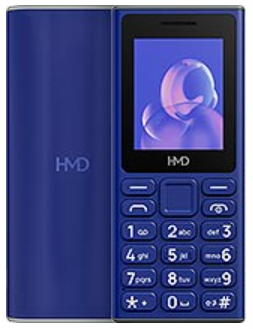
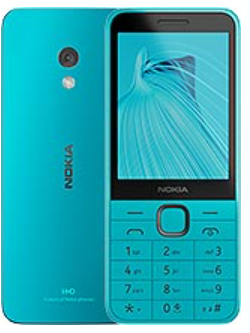
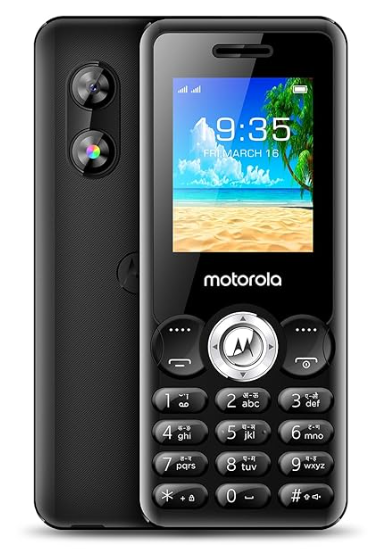
Best picks:
| Phone | Key Highlight | Amazon Link |
|---|---|---|
| HMD 105 Keypad Phone | Ultra-simple, long battery, very durable | Available on Amazon |
| Nokia 235 4G | Better connectivity, 4G support, still simple | Available on Amazon |
| Motorola Moto A300 | Budget-friendly keypad alternative | Available on Amazon |
Ideal for: zero-tech users, call-only usage, maximum reliability
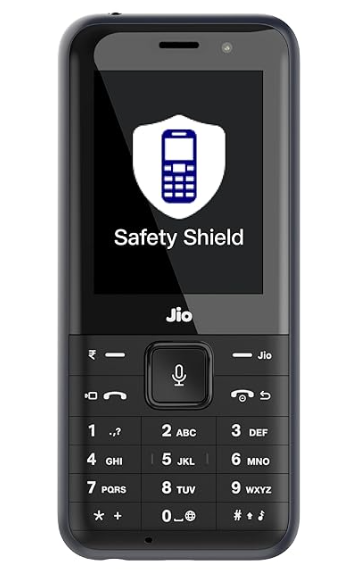
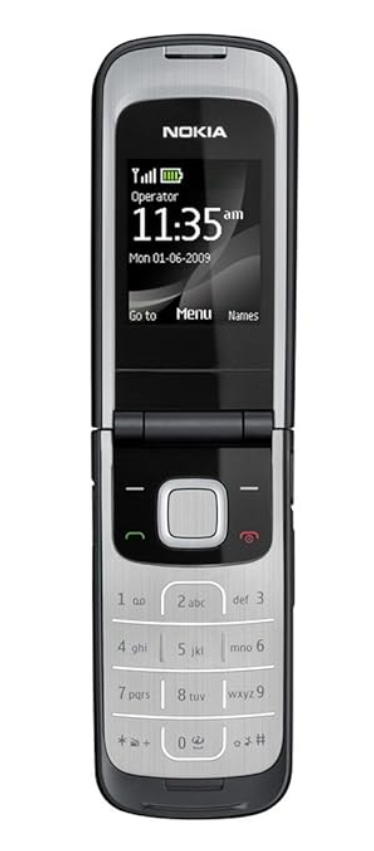
Calls + WhatsApp? Go Smart Feature Phone
If staying connected on WhatsApp matters, don’t jump straight to a smartphone. Smart feature phones keep things simple while adding just enough modern functionality.
Best picks:
| Phone | Key Highlight | Amazon Link |
|---|---|---|
| JioPhone Prima 4G | Best India option, keypad + WhatsApp | Available on Amazon |
| Nokia 2720 Flip | Flip design, big buttons, WhatsApp (global) | Available on Amazon |
Ideal for: light messaging, family groups, video/voice calls without complexity
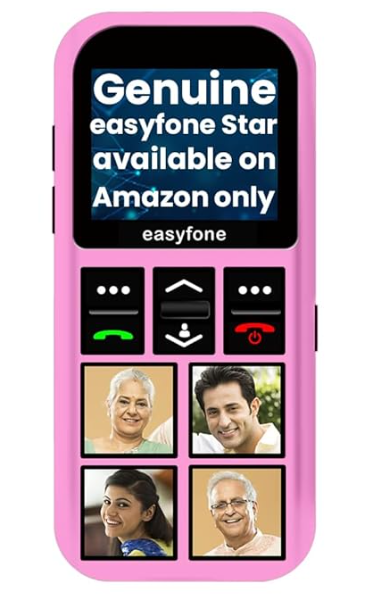
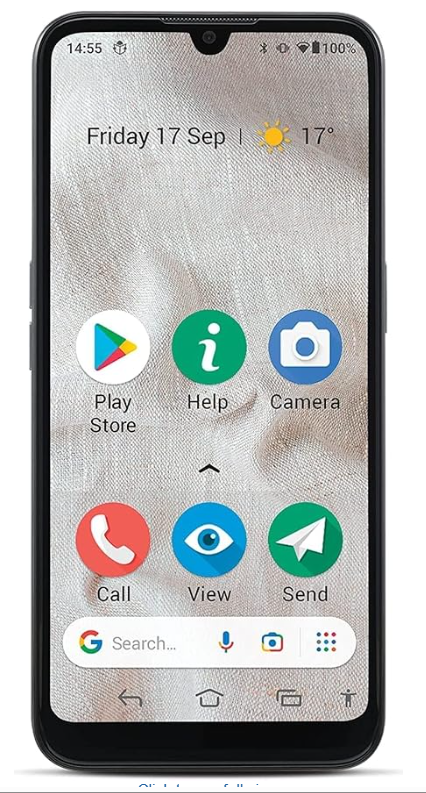
Maximum Simplicity + Safety (SOS Focus)
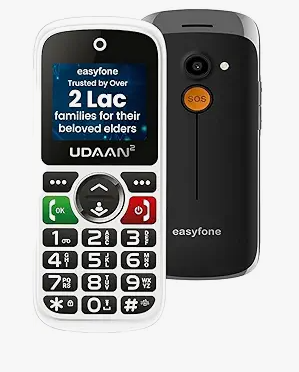
If safety is a concern, this category matters more than anything else. Dedicated SOS buttons can instantly alert family.
Best picks:
| Phone | Key Highlight | Amazon Link |
|---|---|---|
| Easyfone Udaan 2 | Loud, simple, dedicated SOS button (India) | Available on Amazon |
| Easyfone Star SOS Phone | Emergency-first design, GPS + long battery | Available on Amazon |
| Doro 8100 | Global senior-focused phone with assistance features | Limited / Global Amazon availability |
Ideal for: seniors living alone, medical concerns, safety-first users
Need a Bigger Screen? Go Simplified Smartphone
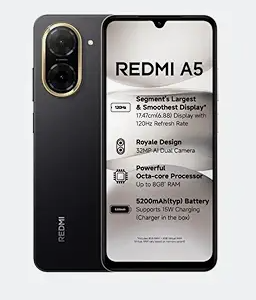
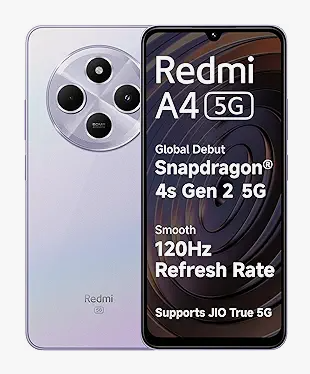
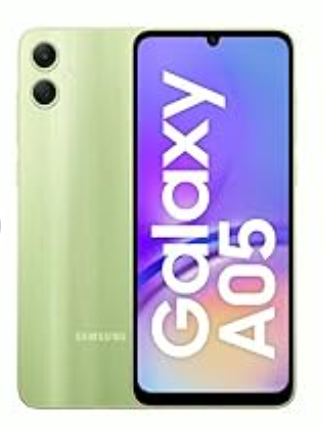
Some users prefer a larger display for visibility. In that case, a basic smartphone with “Easy Mode” works, but only if someone sets it up properly.
| Phone | Key Highlight | Amazon Link |
|---|---|---|
| Redmi A4 5G | Big display, budget-friendly | Available on Amazon |
| Redmi A5 | Affordable alternative | Available on Amazon |
| Samsung Galaxy A05 | Clean UI + Easy Mode support | Available on Amazon |
Best picks:
Important: remove apps, increase font size, simplify home screen
What Actually Makes or Breaks the Experience
Setup Matters More Than the Phone
Even the best phone becomes frustrating if it’s not configured properly. Speed dial, font size, and ringtone volume these small things define usability.
Fewer Choices = Better Experience
Phones that try to do more often confuse users. The best devices limit options and keep everything predictable.
Reliability Beats Features
A phone that never crashes, never lags, and always connects is far more valuable than one with extra capabilities.
Common Mistakes to Avoid
Buying a “Future-Proof” Smartphone
This rarely works. Extra features don’t get used; they just create confusion.
Ignoring Button Quality
Cheap keypads with poor feedback make dialing frustrating.
Choosing Based on Your Preference
Always think from their perspective, not yours.
Final Verdict
- Most seniors: Go with a basic keypad phone (HMD/Nokia)
- Need WhatsApp: Choose JioPhone or Nokia Flip
- Safety priority: Pick Easyfone or Doro-type devices
- Need big screen: Only then consider a simple smartphone (properly set up)
The mistake most people make is buying a “better” phone instead of a simpler one. In real usage, simplicity always wins.
Disclaimer:
This guide is for general information only. Availability, pricing, and features may vary. Choose based on individual comfort and needs, and verify details before purchase.
The post Best Dumb / Simple Phones for Parents & Grandparents (2026) appeared first on Gizmochina.
