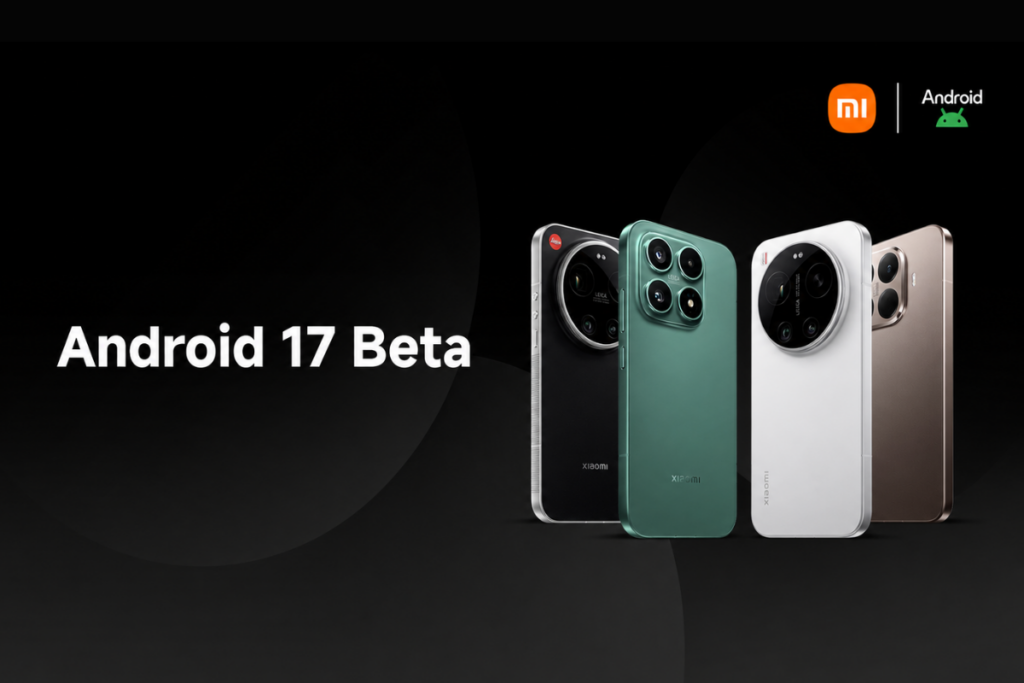
Xiaomi’s Android 17 Developer Preview program has just gone live, and it brings an unexpected upgrade to HyperOS 3.3. The company has restricted the beta program’s access to a limited number of high-end smartphones initially, with broader device support coming in the near future.
The Developer Preview program is currently available for four Xiaomi devices: Xiaomi 17, Xiaomi 17 Ultra, Xiaomi 15T Pro, and Leica Leitzphone powered by Xiaomi. If you’re rocking any of these devices, you can sign up for the testing program and get access to the upcoming features and upgrade well ahead of the public release. This release, however, signals a major shift in Xiaomi’s naming strategy for its HyperOS skin.
As spotted by Ximi Time, the Android 17 beta build for Xiaomi devices comes with HyperOS 3.3, skipping HyperOS 3.2 for some reason. This suggests Xiaomi won’t make the jump to HyperOS 4 but will pair HyperOS 3.3 with Android 17.
How to get Android 17 beta on your Xiaomi device
Remember that beta builds are prone to having bugs or unfinished features. Some apps may face compatibility issues. Therefore, it’s best to avoid such builds altogether or install them on a secondary device.
Before installing a beta build, it’s highly recommended to back up important data to cloud storage or copy it to a different device to be on the safe side.
Step 1: Ensure your phone is running the required firmware version.
Xiaomi 17: OS3.0.301.0.WPCMIXM
Xiaomi 17 Ultra: OS3.0.9.0.WPAMIXM
Leica Leitzphone powered by Xiaomi: OS3.0.9.0.WPAMIXM
Xiaomi 15T Pro: OS3.0.11.0.WOSMIXM
Step 2: Download the correct Android 17 beta build for your Xiaomi phone.
Step 3: Copy the downloaded ROM upgrade ZIP file to the internal storage (if it isn’t there already)
Step 4: Go to Settings > About phone > tap the Xiaomi HyperOS logo at the top of the page.
Step 5: Tap Xiaomi HyperOS at the top for 10 times > click the three-dots icon in the top-right corner > select Choose update package.
Step 6: Select the ROM upgrade file you downloaded in step 2 and install it.
This is a major upgrade, and so the installation time could be longer. It’s best to charge your device at least 40% before the installation. Also, ensure the device has at least 10GB of free space for a smoother installation and better performance.
If you face major issues or want to revert to a previous stable build for any reason, you can download the required firmware using the links given below and flash it on your phone the same way. However, this could result in data loss. So, back up your important data beforehand.
We’ll keep tracking the latest developments on Android 17 and post them in the Xiaomi section on this website. Remember to visit the page at least once in a while to get fresh details. Or, you can follow our Telegram channel to get instant updates.
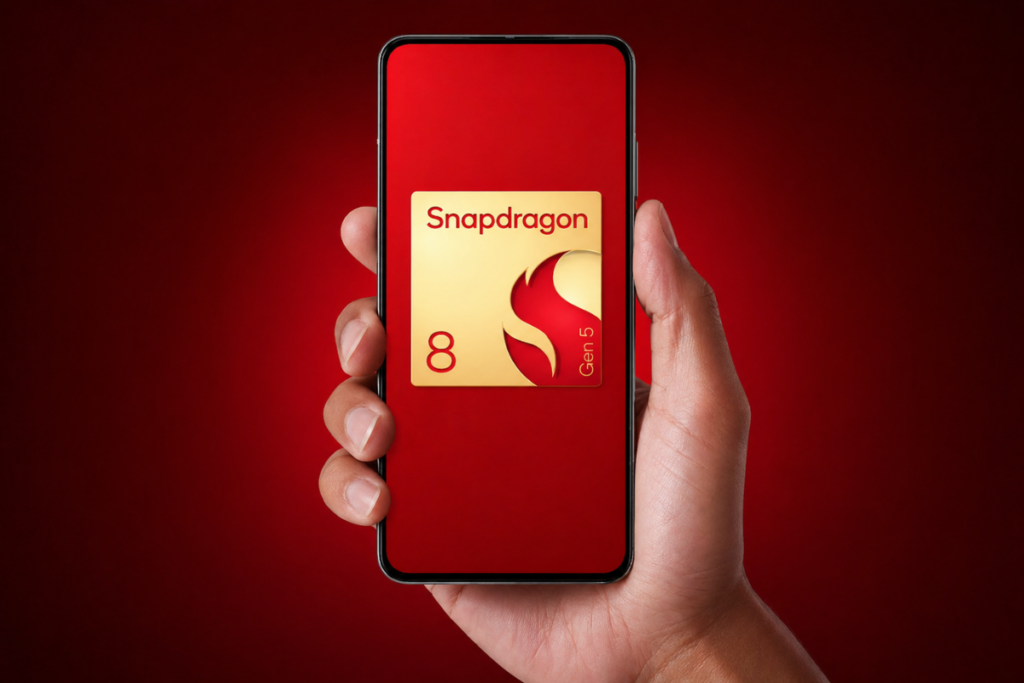
The Snapdragon 8 Gen 5 is positioned as a high-end smartphone chipset, offering flagship-level performance at a much lower price. It’s built using a newer architecture and packed with AI-driven enhancements, but let’s be honest – not every new chip translates into a worthwhile upgrade for the users.
If you’re already using a device powered by a Snapdragon 8-series chipset, the big question is whether the Snapdragon 8 Gen 5 is a meaningful upgrade or just another incremental spec bump? Because in 2026, raw performance alone isn’t enough. Users want real-world gains in AI capabilities, battery efficiency, and camera processing for an upgrade to justify.
Here, we’ll take a closer look at whether the Snapdragon 8 Gen 5 offers meaningful upgrades or if it’s better to hold onto your current device. Let’s break it down.
Snapdragon 8 Gen 5 benchmark scores look promising, but there’s a catch
The Snapdragon 8 Gen 5 puts solid gains on the table when compared to the Snapdragon 8 Gen 3, but it couldn’t outperform the Snapdragon 8 Elite. This essentially tells the correct positioning of the newer Snapdragon 8 Gen 5 – sitting between the other two.
To obtain benchmark results, we selected devices from a single brand to reduce software-related differences. We ran the tests on the OnePlus 15R (Snapdragon 8 Gen 5), the OnePlus 13 (Snapdragon 8 Elite), and the OnePlus 13R (Snapdragon 8 Gen 3).
In the Geekbench 6 CPU test, the Snapdragon 8 Gen 5 sits between the other two chips, with 3,026 points in single-core performance. In the multi-core test, however, the Snapdragon 8 Gen 5 bridges the gap with the Snapdragon 8 Elite, while the 8 Gen 3 lags much further behind.
SD 8 Gen 5
SD 8 Elite
SD 8 Gen 3
Single core
2,837
3,026
2,243
Multi core
9,352
9,306
6,591
We also tested the devices on the AnTuTu benchmark to get a clearer picture. In terms of total score, the Snapdragon 8 Gen 5 sits in the middle, again, with a total score of 2.96 million. The Snapdragon 8 Elite leads with 2.96 million points, while the Snapdragon 8 Gen 3 sits below the other two with 2.27 million points.
SD 8 Gen 5
SD 8 Elite
SD 8 Gen 3
AnTuTu score
2,961,236
2,994,563
2,274,520
CPU
914,878
862,692
607,409
GPU
974,402
1,095,049
796,782
Memory
382,729
393,623
353,279
UX
689,228
643,199
517,050
The breakdown of the AnTuTu score offers much better insights than a vague total score. In the CPU test, the Snapdragon 8 Gen 5 pulls off a 6% higher score than the Snapdragon 8 Elite, which widens to 50% when compared to the 8 Gen 3.
In the GPU test, the Snapdragon 8 Gen 5 gets about 12% lower score than the Snapdragon 8 Elite, but outperforms the Snapdragon 8 Gen 3 by 22%.
Performance upgrades
The Snapdragon 8 Gen 5 uses TSMC’s N3P (3nm) node, which yields slightly better performance and efficiency over the N3E (3nm) node used for the Snapdragon 8 Elite. The 8 Gen 3 chip uses an older N4P (4nm) node.
Except for the Snapdragon 8 Gen 3, the other two chips use custom-designed Oryon CPU cores, which deliver better performance over the ARM CPU cores in the 8 Gen 3. The 8 Gen 5 also benefits from newer-generation Oryon cores, but the higher clock speeds on the Snapdragon 8 Elite offer the chip an edge in CPU performance.
The Snapdragon 8 Elite also maintains an edge in gaming performance, thanks to a stronger peak graphics performance on the Snapdragon 8 Elite, while the 8 Gen 5’s Adreno 829 is a cut-down, more affordable GPU with modern gaming features.
The Elite chip is a better choice for max settings, ray tracing, and higher sustained frame rates. That said, the Snapdragon 8 Gen 5 still remains strong enough for demanding games and emulators except at the most extreme settings.
The AI gap between the Snapdragon 8 Gen 5 and Snapdragon 8 Elite is much smaller than the GPU gap, as both chips use a very similar Hexagon NPU setup, promising fast on-device AI and multimodal Gen AI support.
Camera upgrades
The camera upgrades are real and promising. It borrows the 20-bit AI ISP from the top-tier Snapdragon 8 Elite Gen 5 chipset, offering more headroom for HDR, denoising, and color processing compared to the 18-bit ISP on the Snapdragon 8 Elite and 8 Gen 3.
The rest of the camera specs match those of the Snapdragon 8 Elite, including support for up to 320MP single-camera capture, 4K/120fps video recording, and limitless real-time semantic segmentation.
Connectivity upgrades
The Snapdragon 8 Gen 5 features the same connectivity as the Snapdragon 8 Elite. Meaning, a peak speed of 10Gbps on a cellular connection and 5.8Gbps on a Wi-Fi connection. Both chips have the modern Bluetooth 6.0 connectivity.
In short, the Snapdragon 8 Gen 5 borrows the connectivity features from the Snapdragon 8 Elite, both of which are a step up over the 8 Gen 3.
Snapdragon 8 Gen 5: Should you upgrade or skip it?
Well, that depends. If you’re using a Snapdragon 8 Gen 3 or older chipset, upgrading to the Snapdragon 8 Gen 5 makes sense. You should expect at least 20% jump in the CPU and GPU performance. So, gaming would feel smoother, snappier, and more consistent. The new chip also offers better AI capabilities, a more powerful ISP, and modern connectivity features. So, there are improvements in almost every aspect, making it a true upgrade.
However, if you’re already using a Snapdragon 8 Elite or newer flagships, switching to Snapdragon 8 Gen 5 would feel like a downgrade. The Elite chip excels in raw performance, especially in CPU‑burst and sustained‑GPU workloads.
2 x 3.8 GHz — Oryon (3rd gen) 6 x 3.32 GHz — Oryon (3rd gen)
2 x 4.32 GHz — Oryon (2nd gen) 6 x 3.53 GHz — Oryon (2nd gen)
1 x 3.3 GHz — Cortex-X4 3 x 3.15 GHz — Cortex-A720 2 x 2.96 GHz — Cortex-A720 2 x 2.27 GHz — Cortex-A520
GPU
Adreno 829 ray tracing support Snapdragon Elite Gaming features
Adreno 830 ray tracing support Snapdragon Elite Gaming features
Adreno 750 ray tracing support Snapdragon Elite Gaming features
NPU
Qualcomm Hexagon NPU agentic AI support
Qualcomm Hexagon NPU
Qualcomm Hexagon NPU
Memory
LPDDR5x, up to 4.8 GHz
LPDDR5x, up to 5.3 GHz
LPDDR5x, up to 4.8 GHz
Storage
UFS 4.1
UFS 4.0
UFS 4.0
Camera
Qualcomm Spectra triple AI ISP (20-bit) up to 320MP single camera up to 108MP single camera with zero shutter lag up to 48MP triple cameras with zero shutter lag real-time semantic segmentation (limitless) 4K/120fps video recording 1080p/480fps slow-mo video recording
Qualcomm Spectra triple AI ISP (18-bit) up to 320MP single camera up to 108MP single camera with zero shutter lag up to 48MP triple cameras with zero shutter lag real-time semantic segmentation (limitless) 8K/30fps video recording 1080p/480fps slow-mo video recording
Qualcomm Spectra triple AI ISP (18-bit) up to 200MP single camera up to 108MP single camera with zero shutter lag up to 36MP triple cameras with zero shutter lag real-time semantic segmentation (up to 12 layers) 8K/30fps or 4K/120fps video recording 720p/960fps slow-mo video recording

 Login
Login