Login
Login
Prime Day gaming mouse deals round-up — up your game with a new mouse on sale
Prime Day is a great time to pick up new tech — but instead of dropping a ton on a RAM bundle, why not buy something a little more wallet-friendly, such as a new gaming mouse? This is a great time to pick up a new gaming mouse, as a lot of companies released new versions that were more like updates last year. You can now find several great gaming mice on sale — they may not be the absolute newest versions on the market, but they'll still get you that extra edge.
Razer DeathAdder V3 Pro

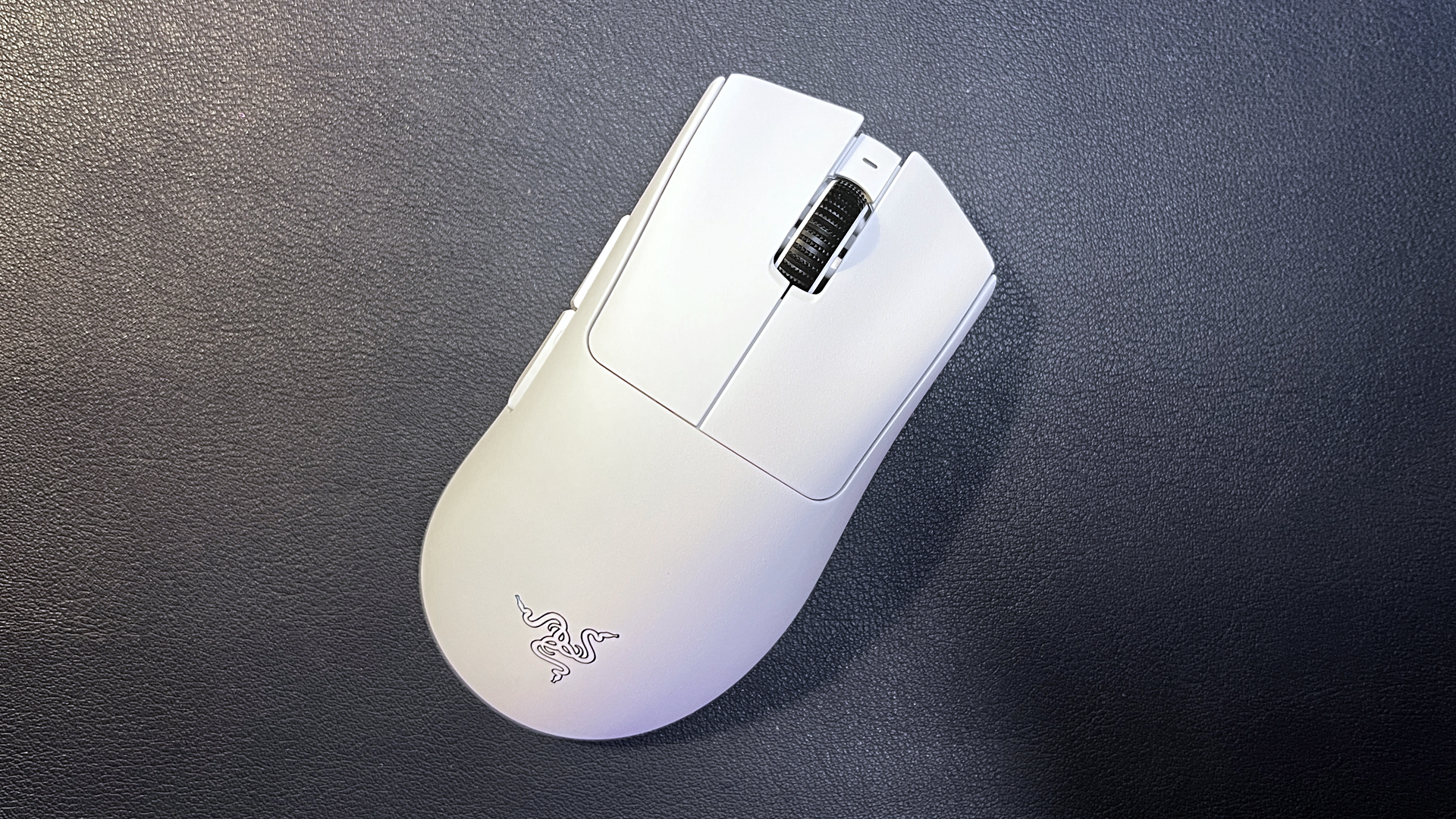
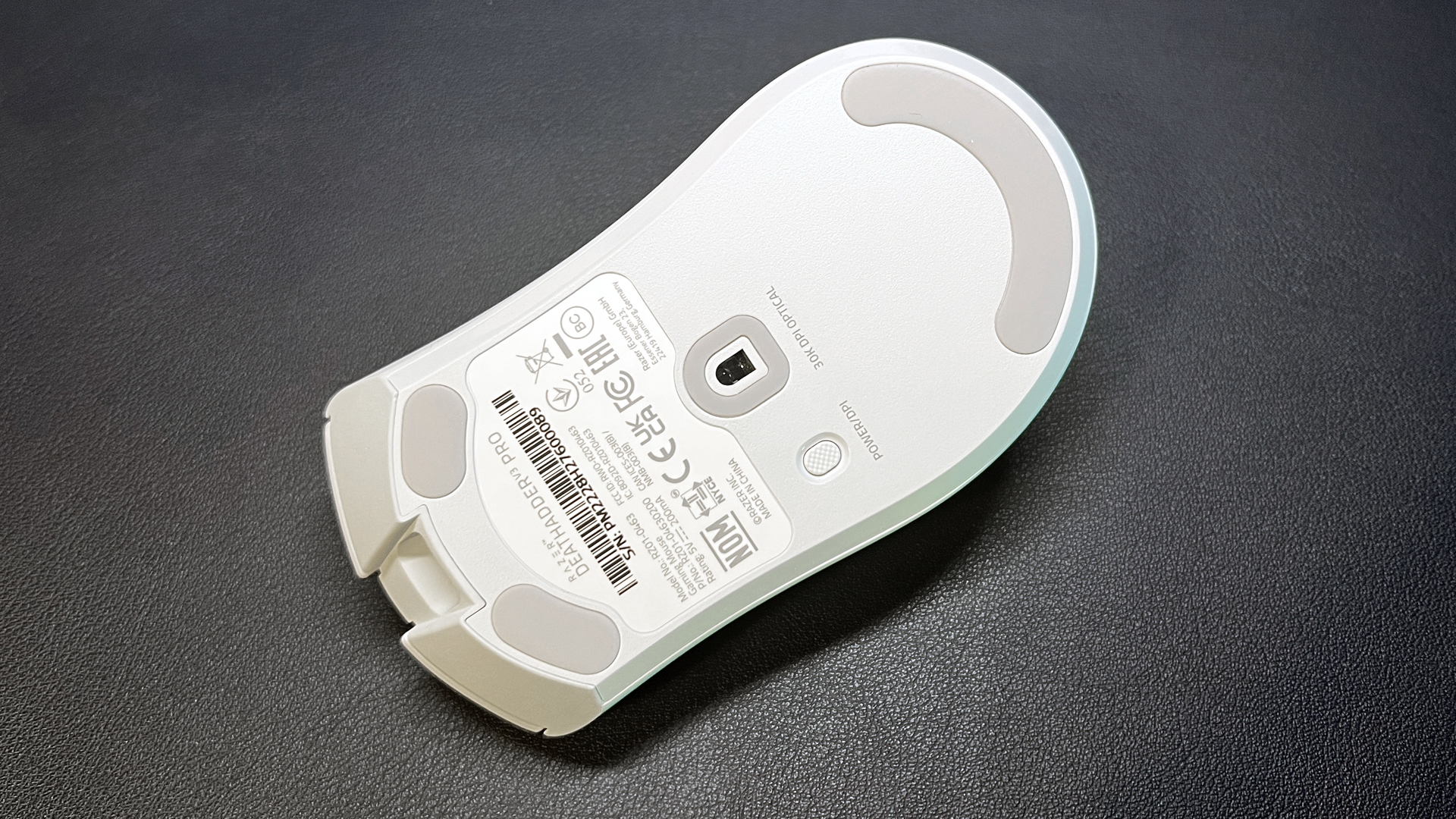


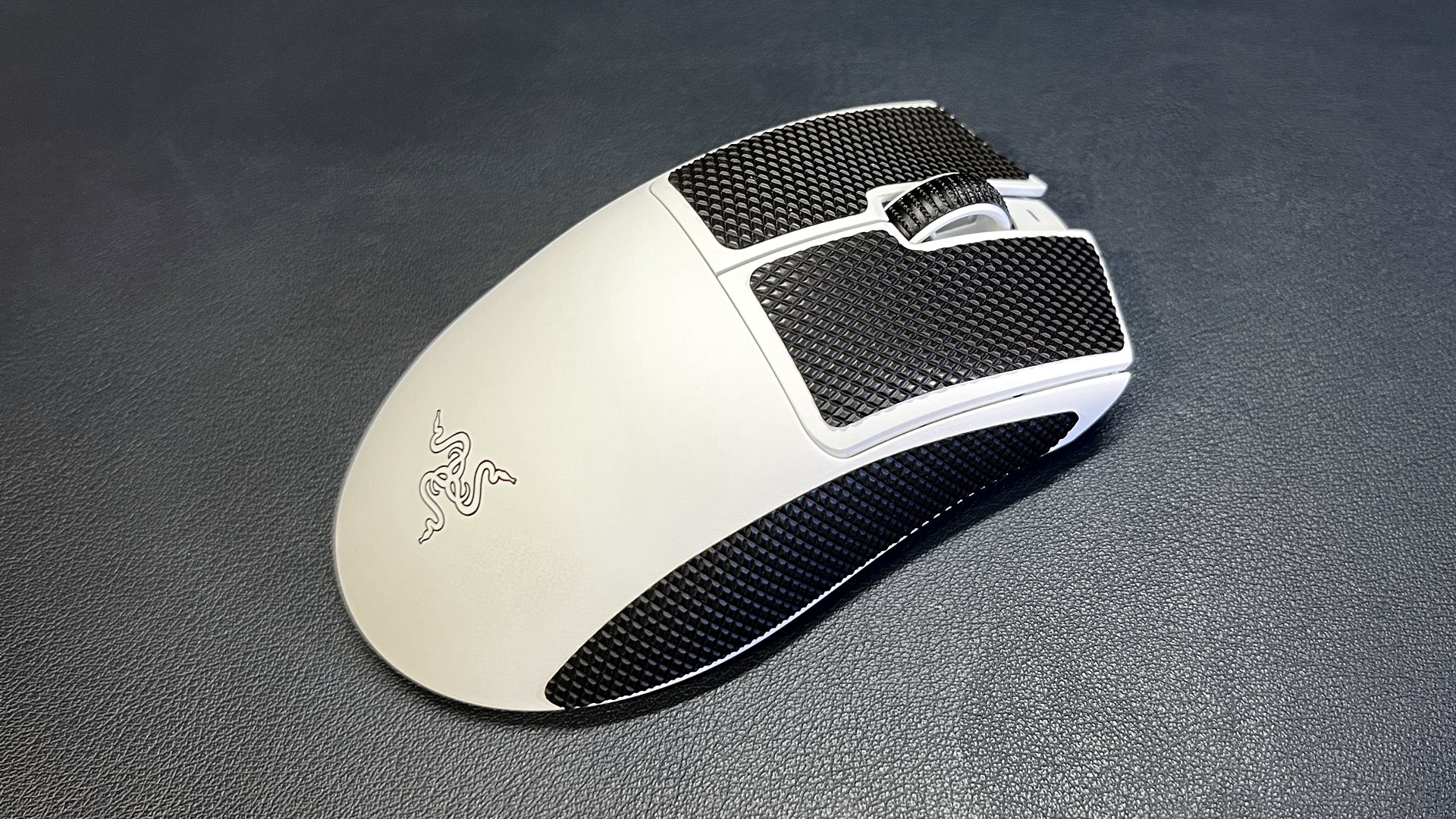
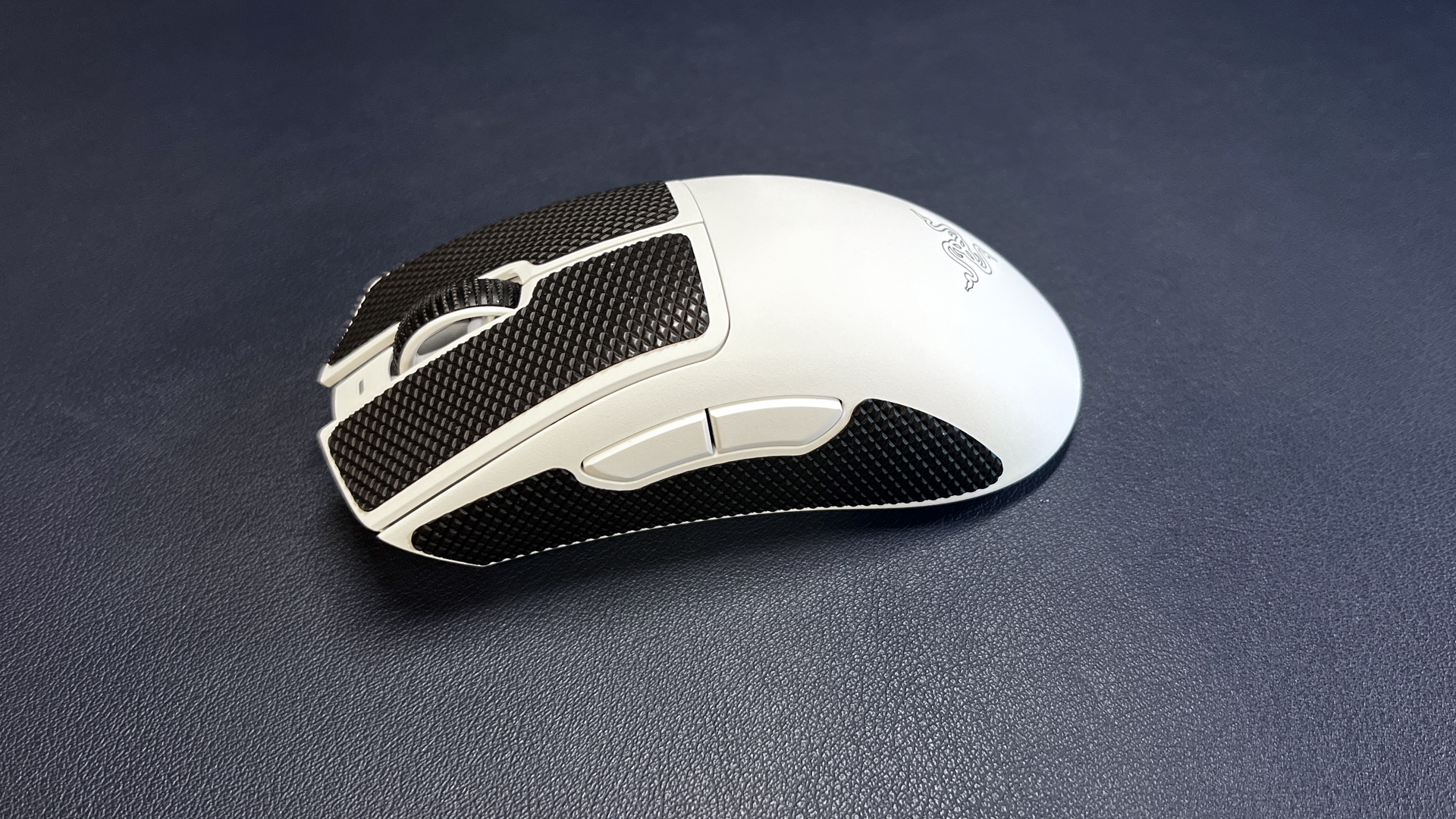
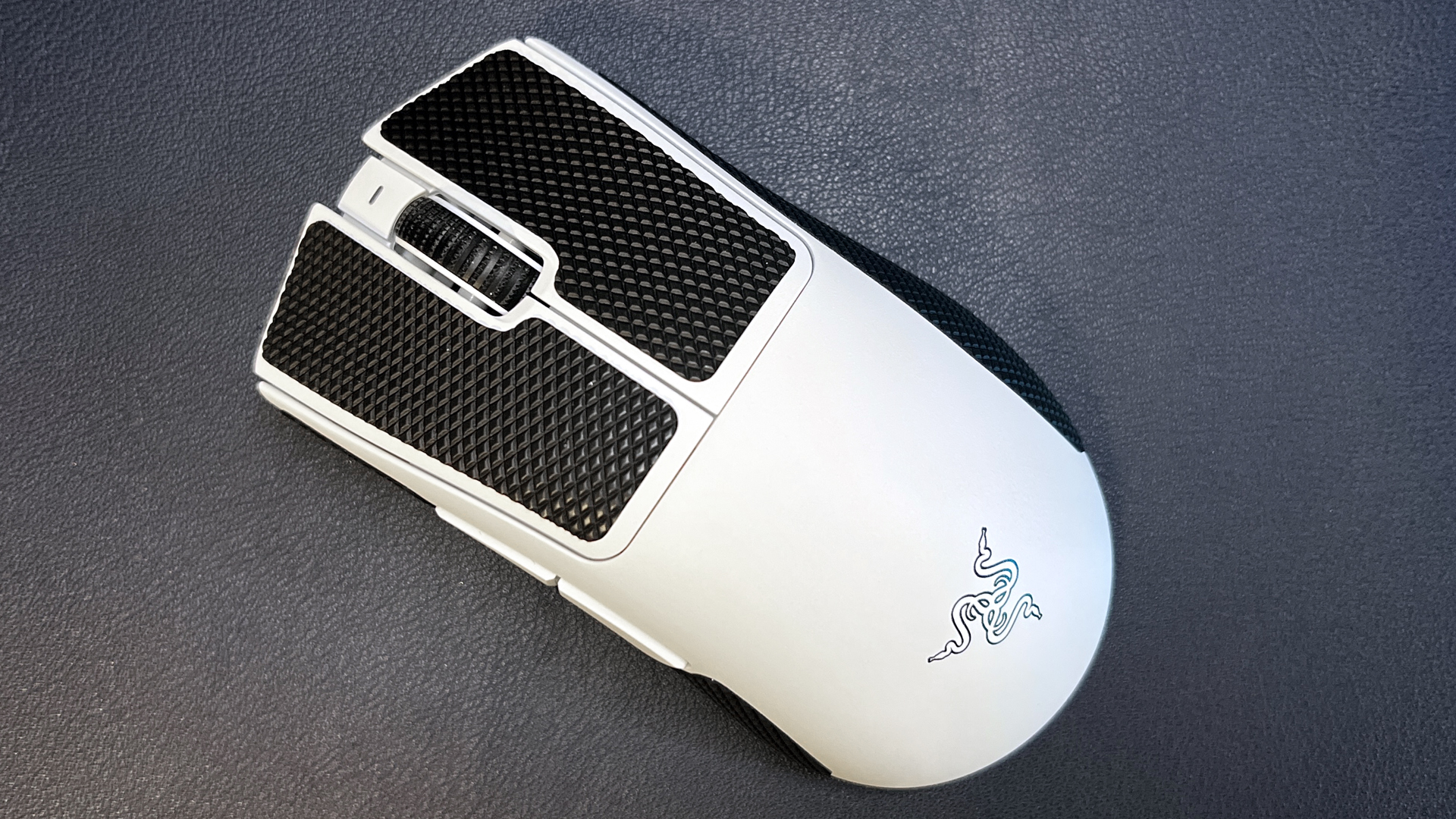
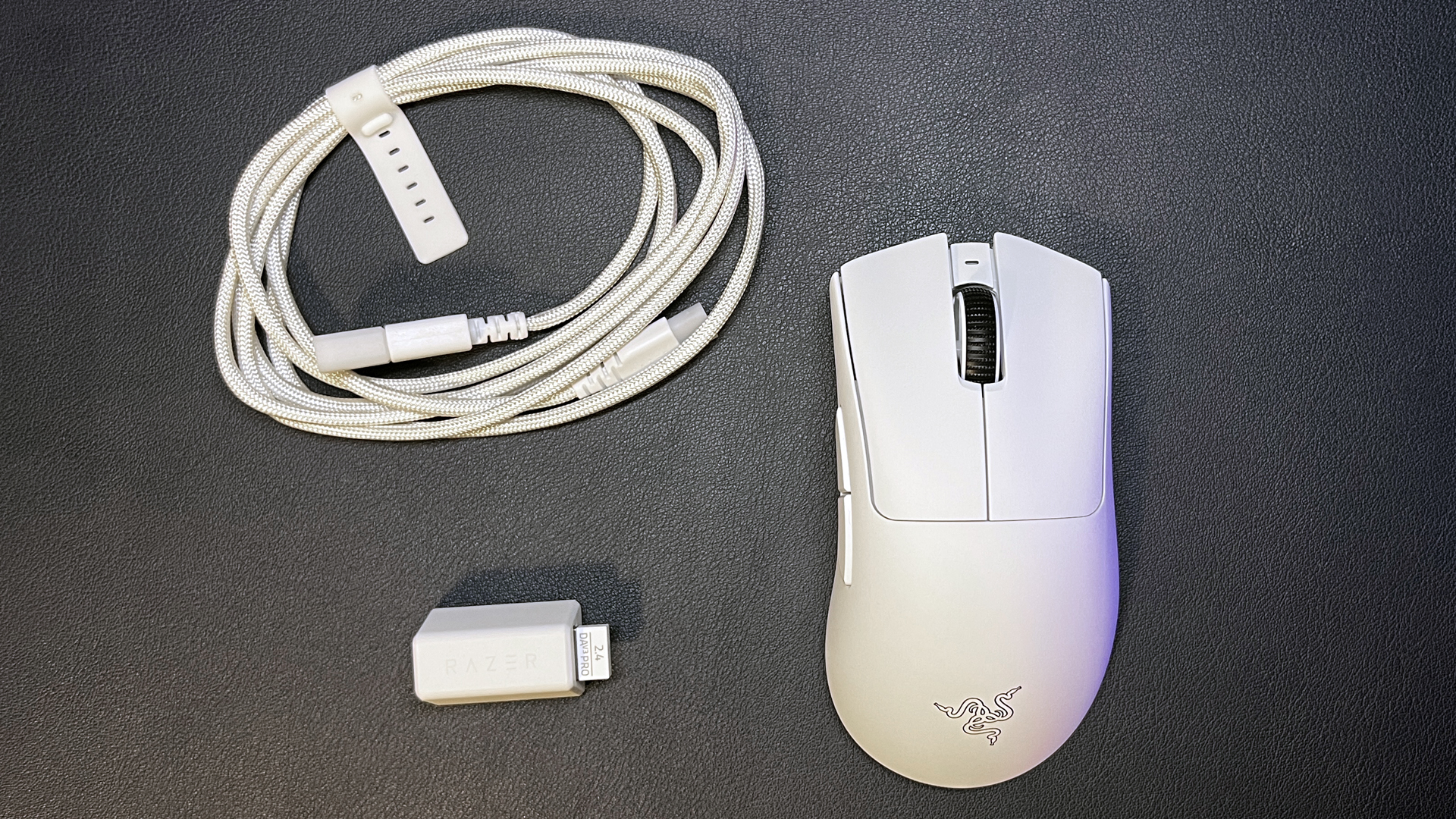
Razer recently launched its DeathAdder V4 Pro, which has the same shape and size as the DeathAdder V3 Pro, because the shape and size of the DeathAdder V3 Pro were basically perfect. This lightweight wireless gaming mouse weighs just 2.22 ounces (63g) and features five programmable buttons and up to 90 hours of battery life over 2.4GHz wireless (with a 1,000 Hz polling rate).
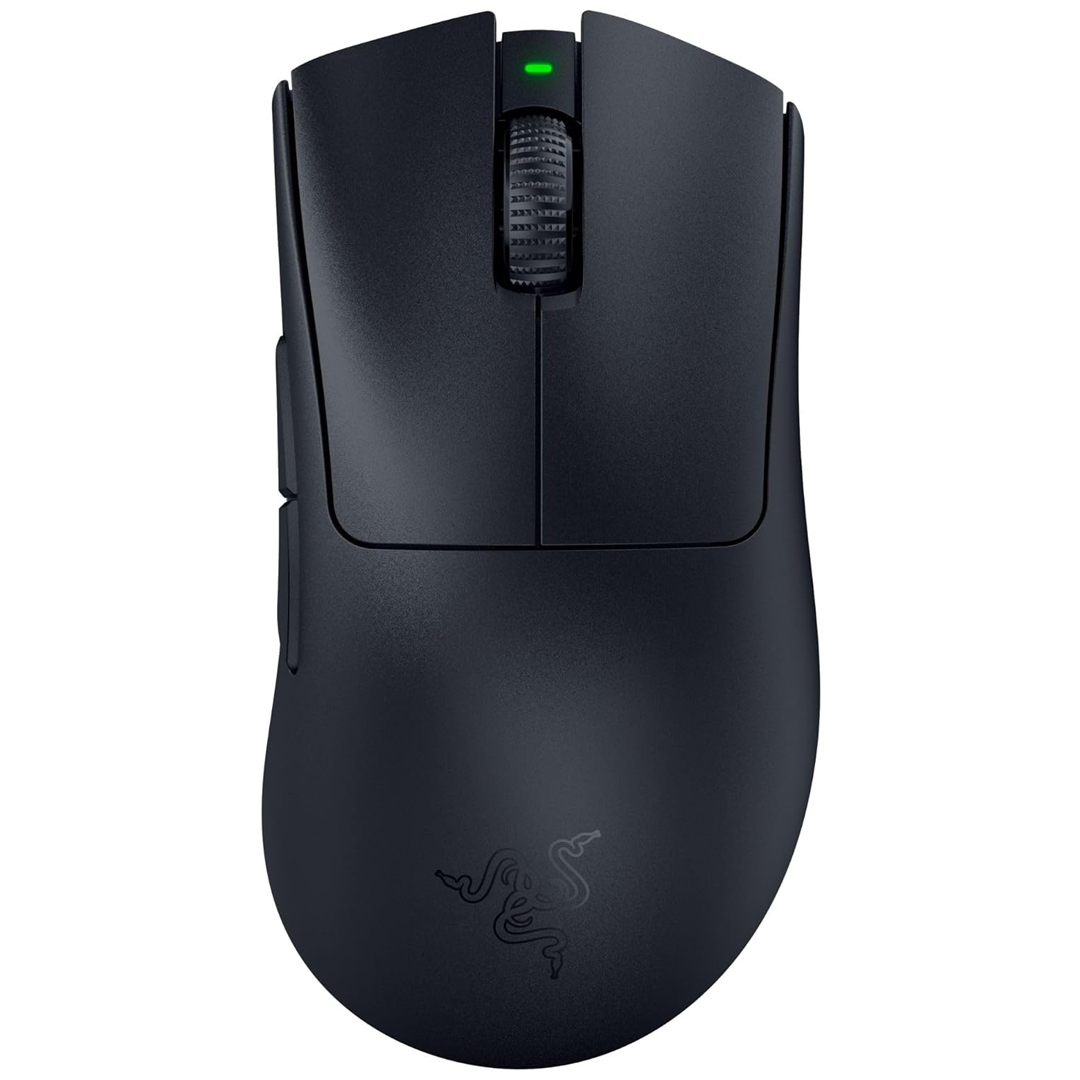
The DeathAdder V3 Pro is a lightweight wireless gaming mouse with a fantastic shape, Razer's Focus Pro 30K optical sensor, and up to 90 hours of battery life. It weighs just 63g and is perfect for a range of gamers. View Deal
It sports Razer's Focus Pro 30K optical sensor and works with Razer's HyperPolling Wireless Dongle (sold separately) to achieve a wireless polling rate of up to 8,000 Hz (at the expense of battery life, of course). The DeathAdder V4 Pro is also excellent, but the V3 Pro is still one of our favorites — and it's currently on sale for just $66.49 at Walmart, which is $83.50 off its MSRP of $149.99 and the lowest we've seen it at yet.
Read our full review of the DeathAdder V3 Pro here.
Razer Basilisk V3 Pro
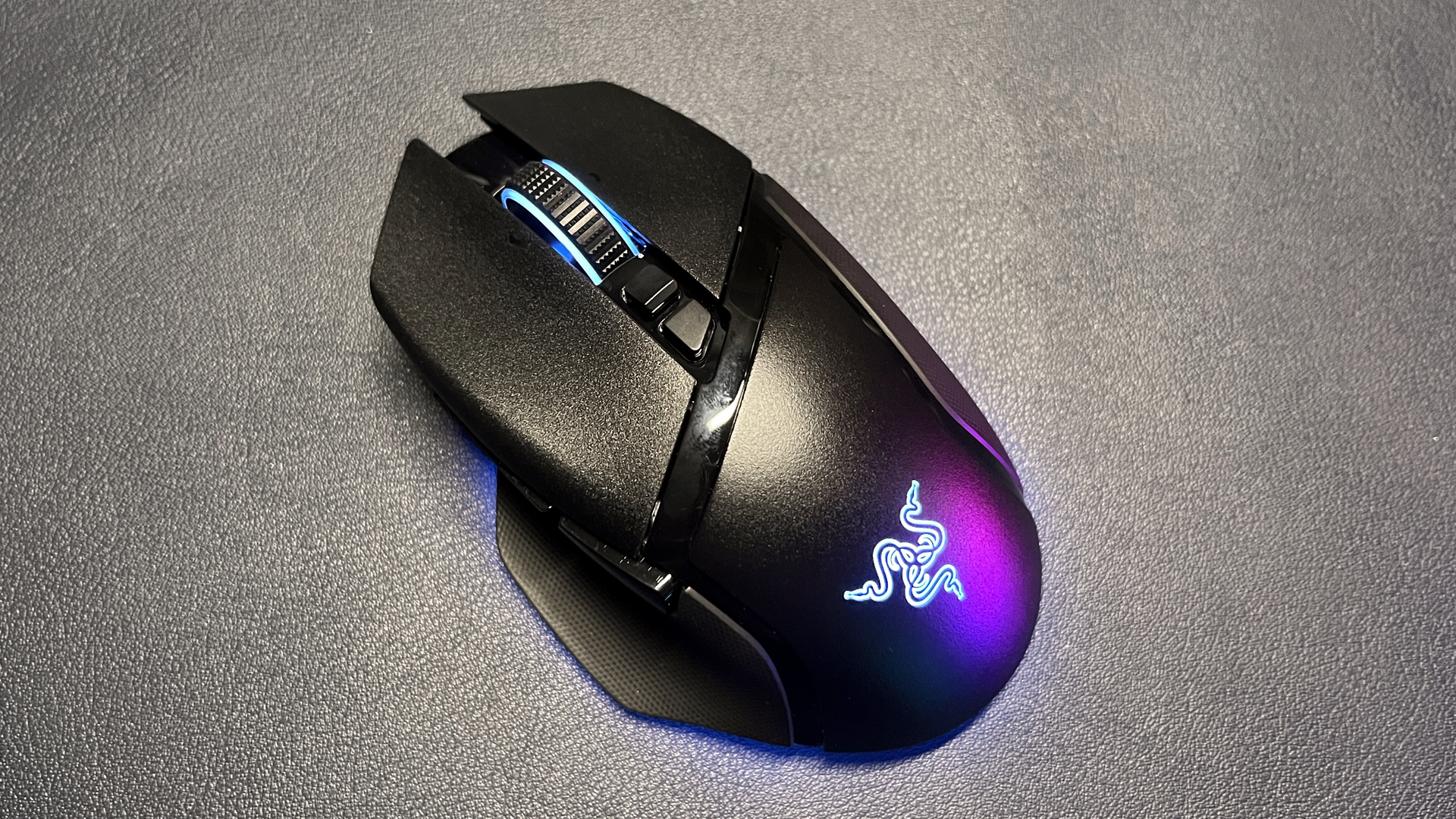

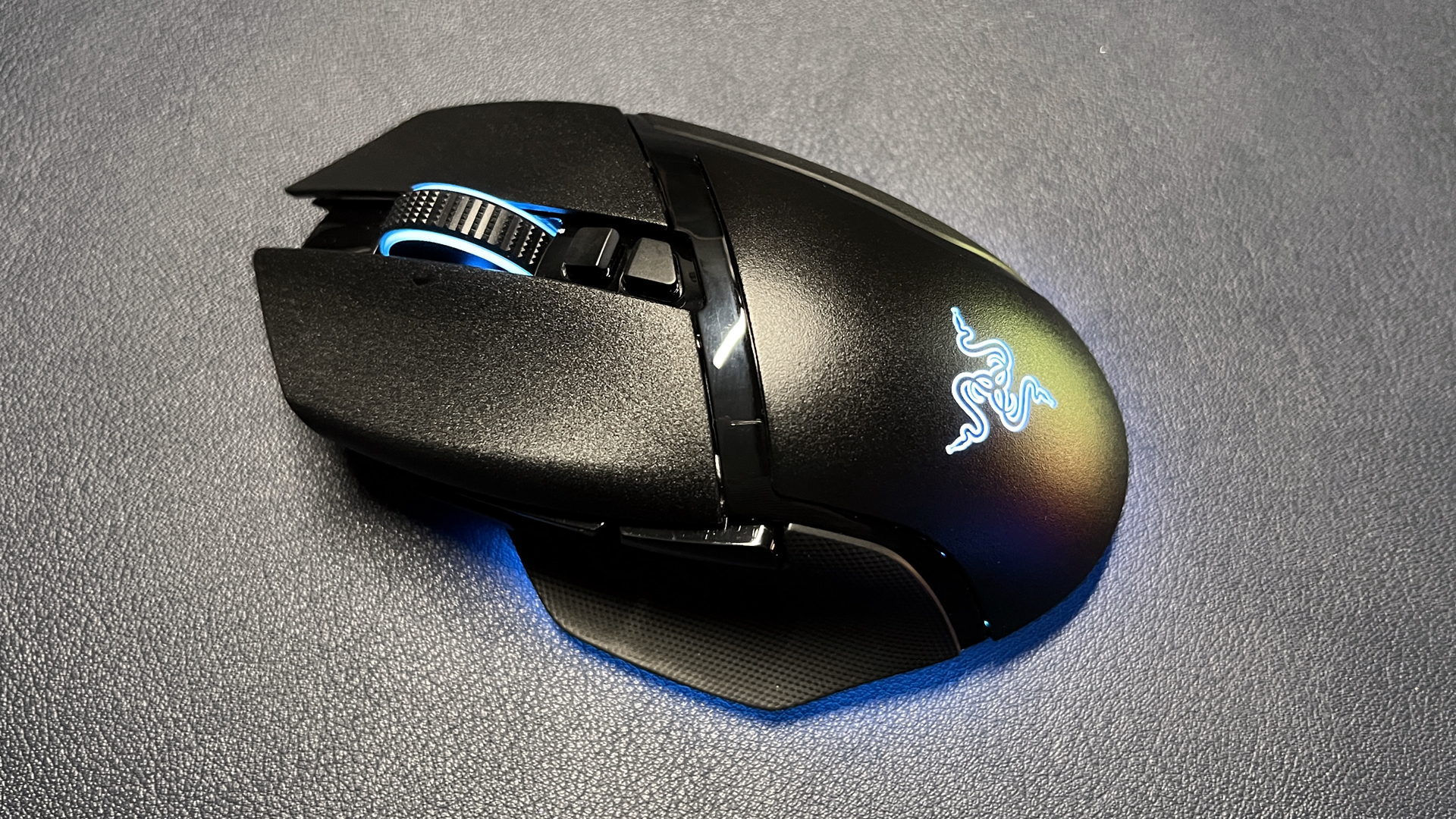
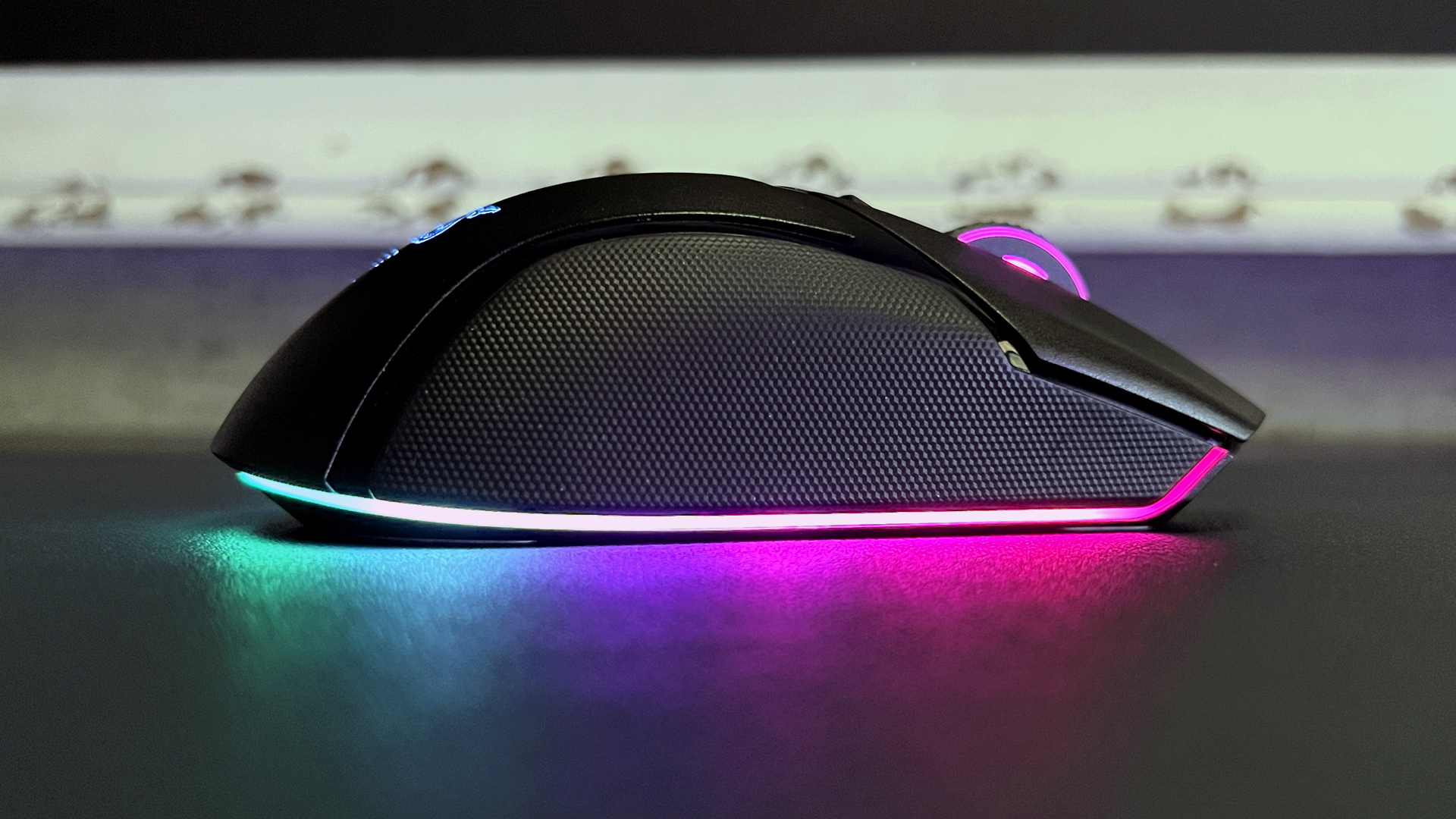
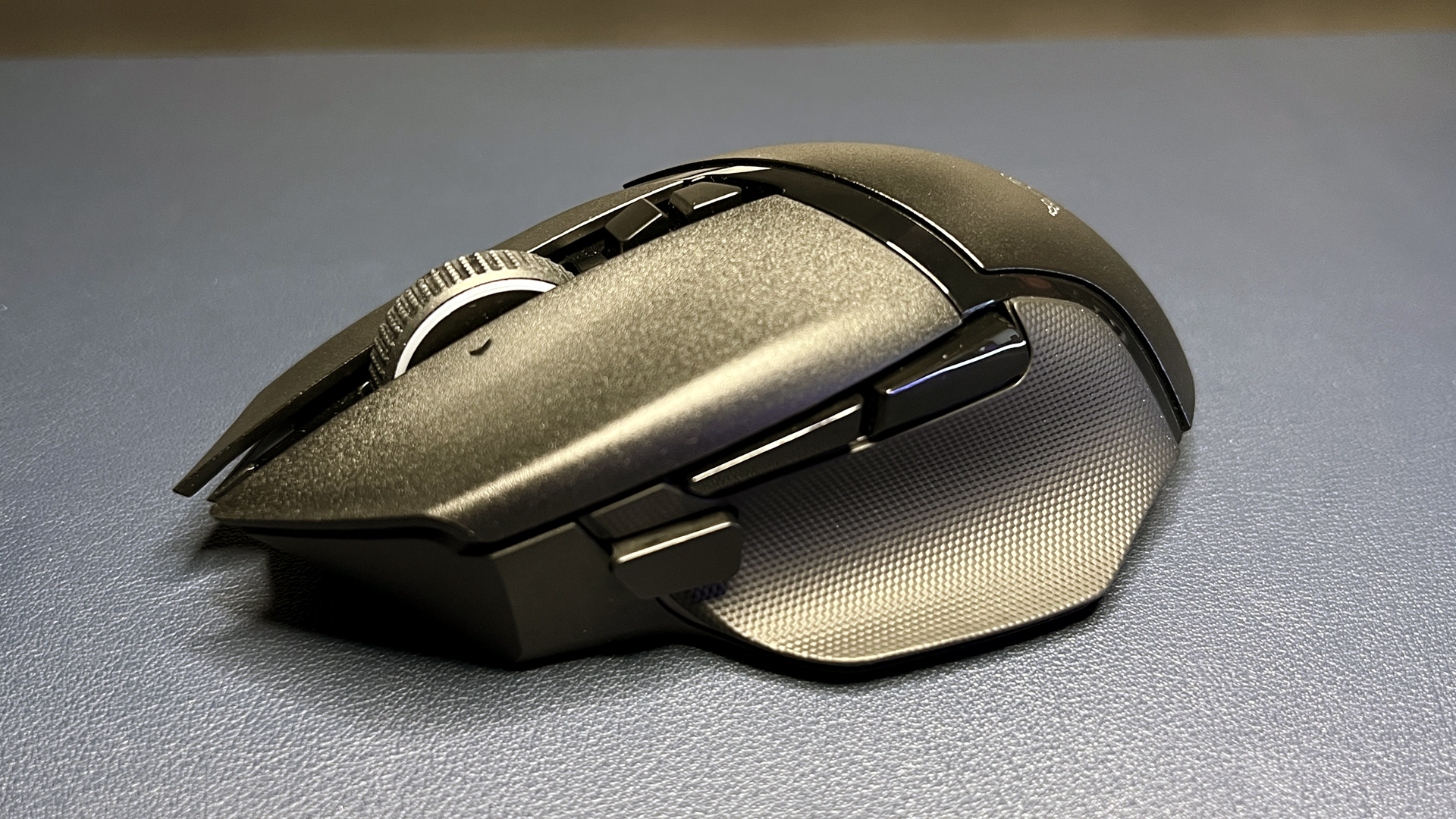
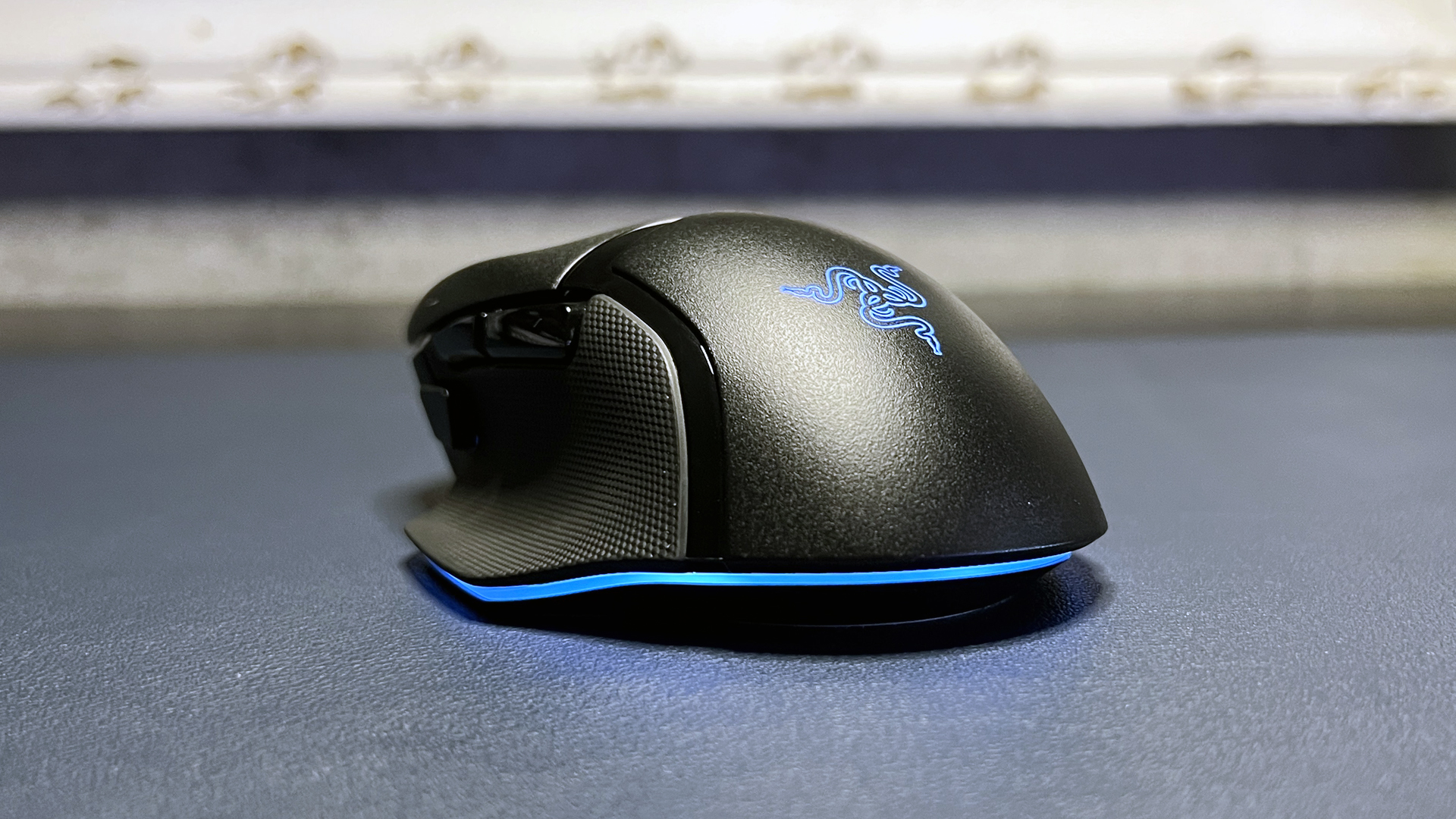
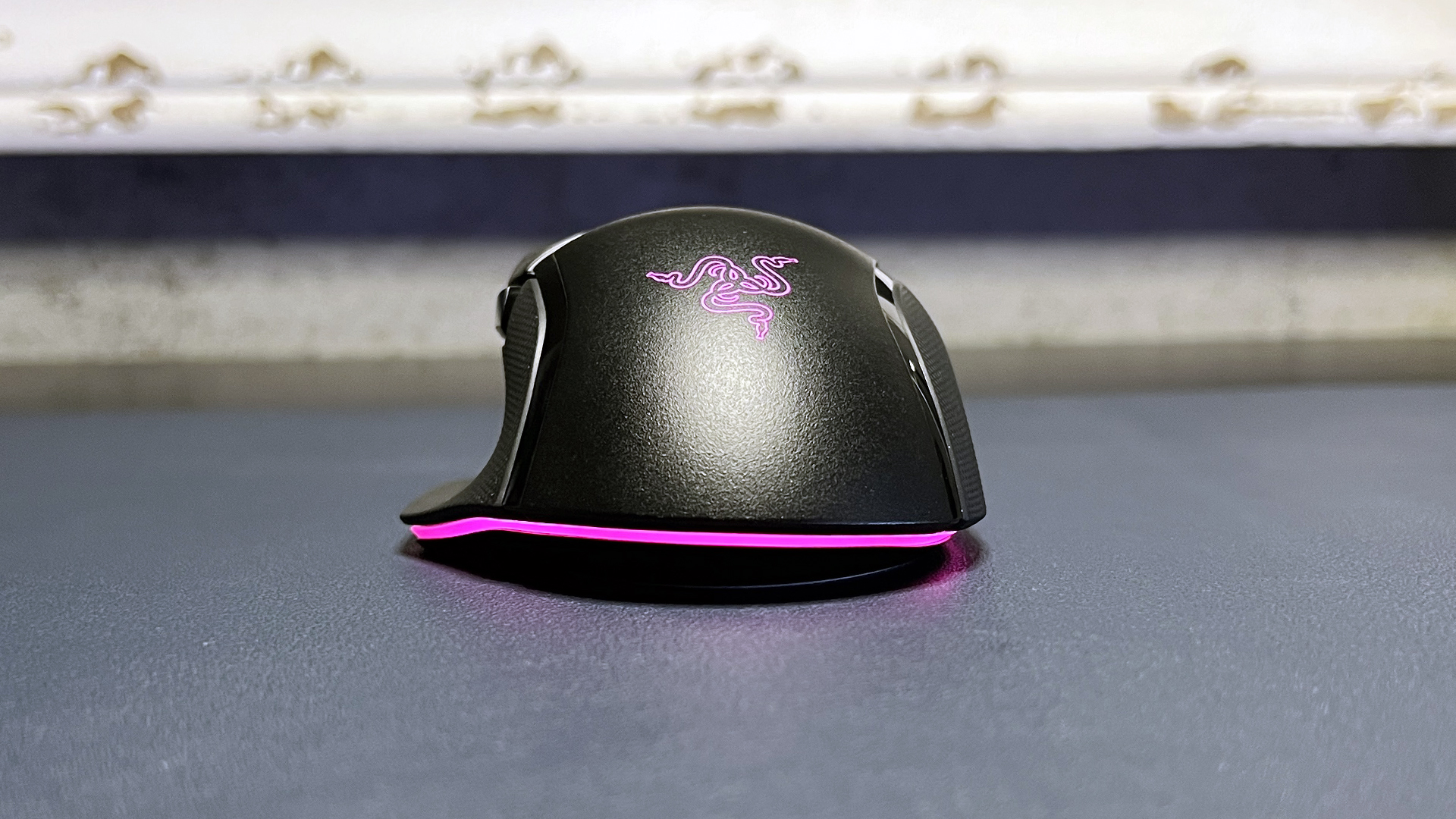
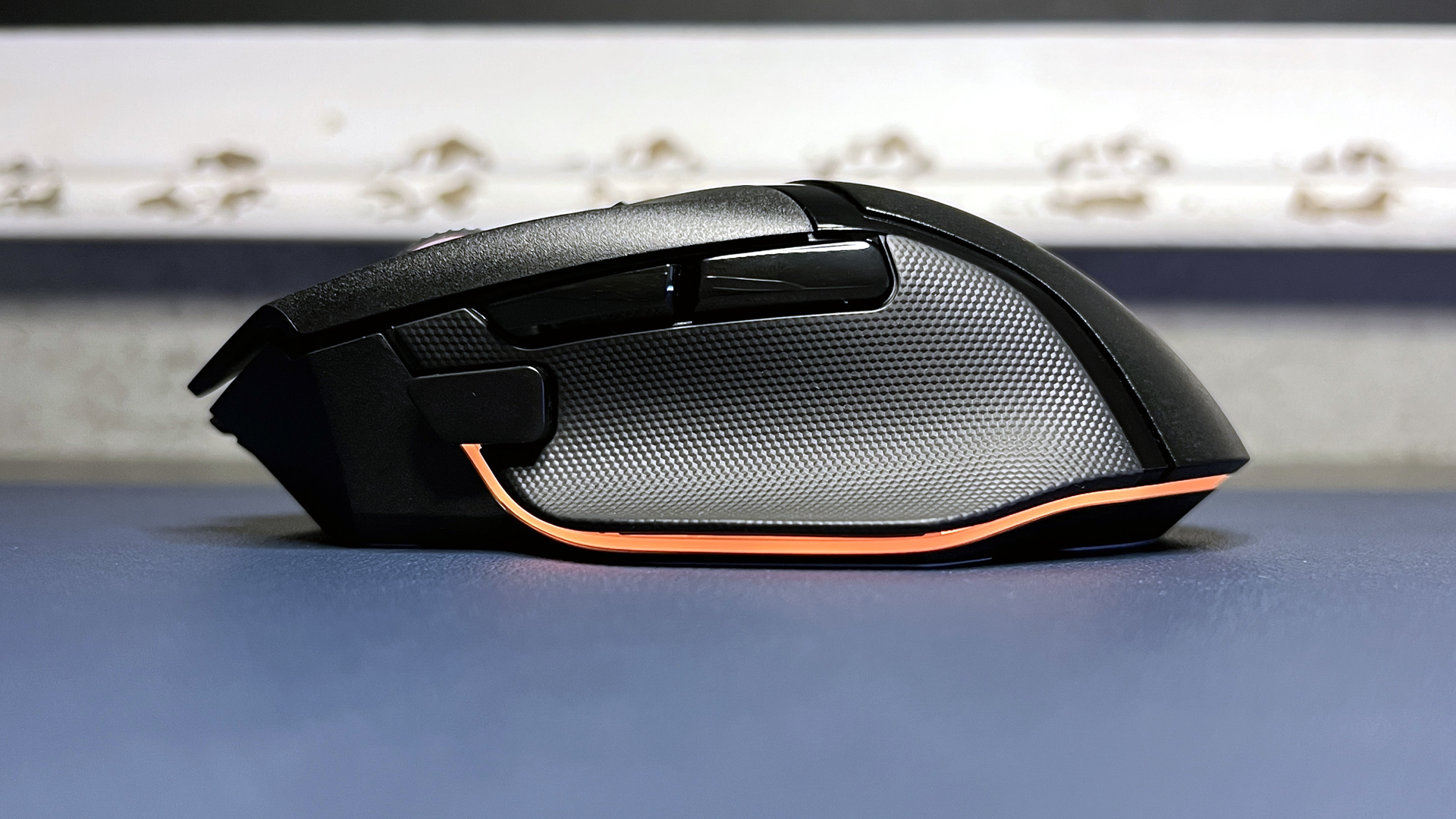
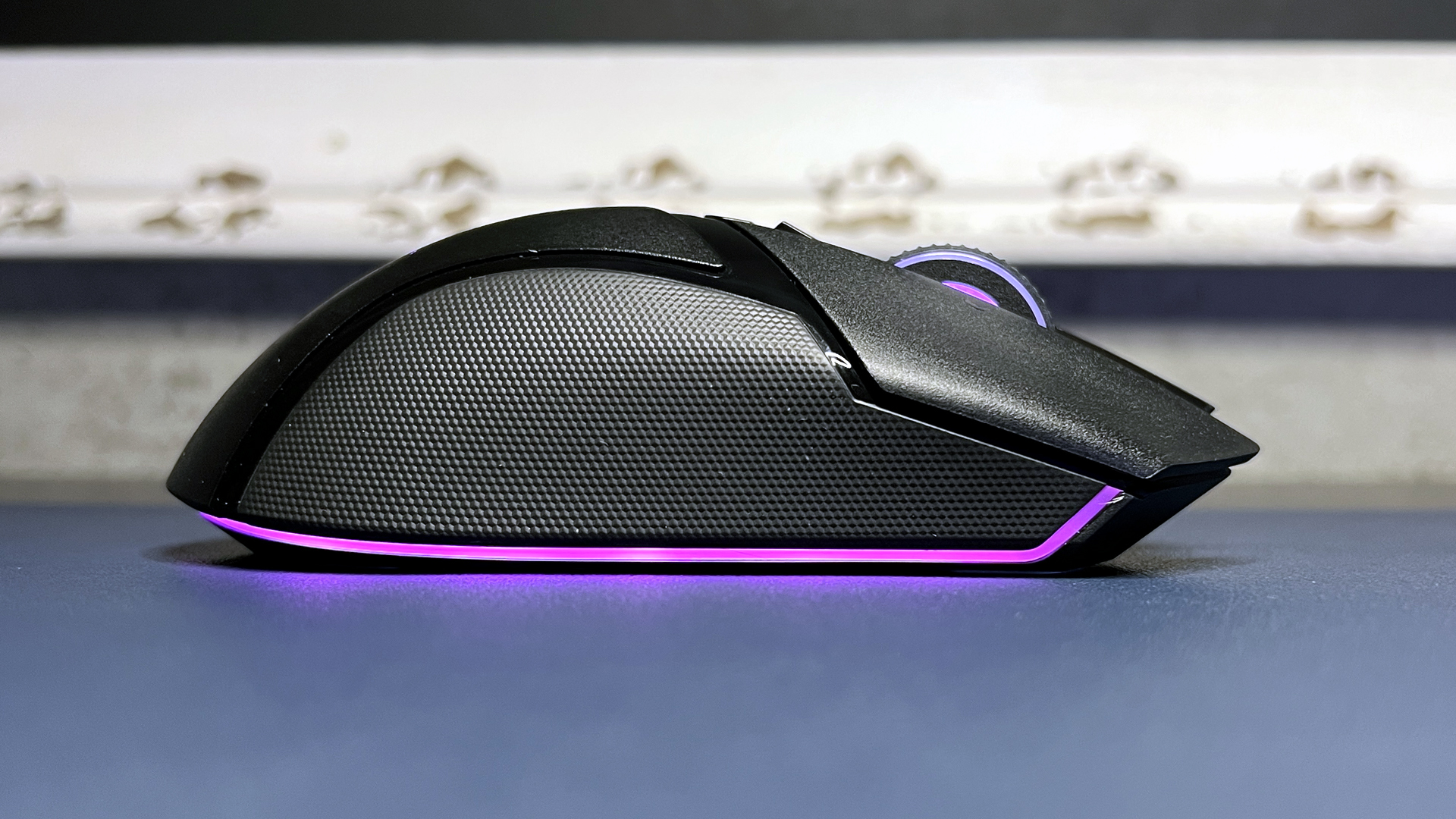
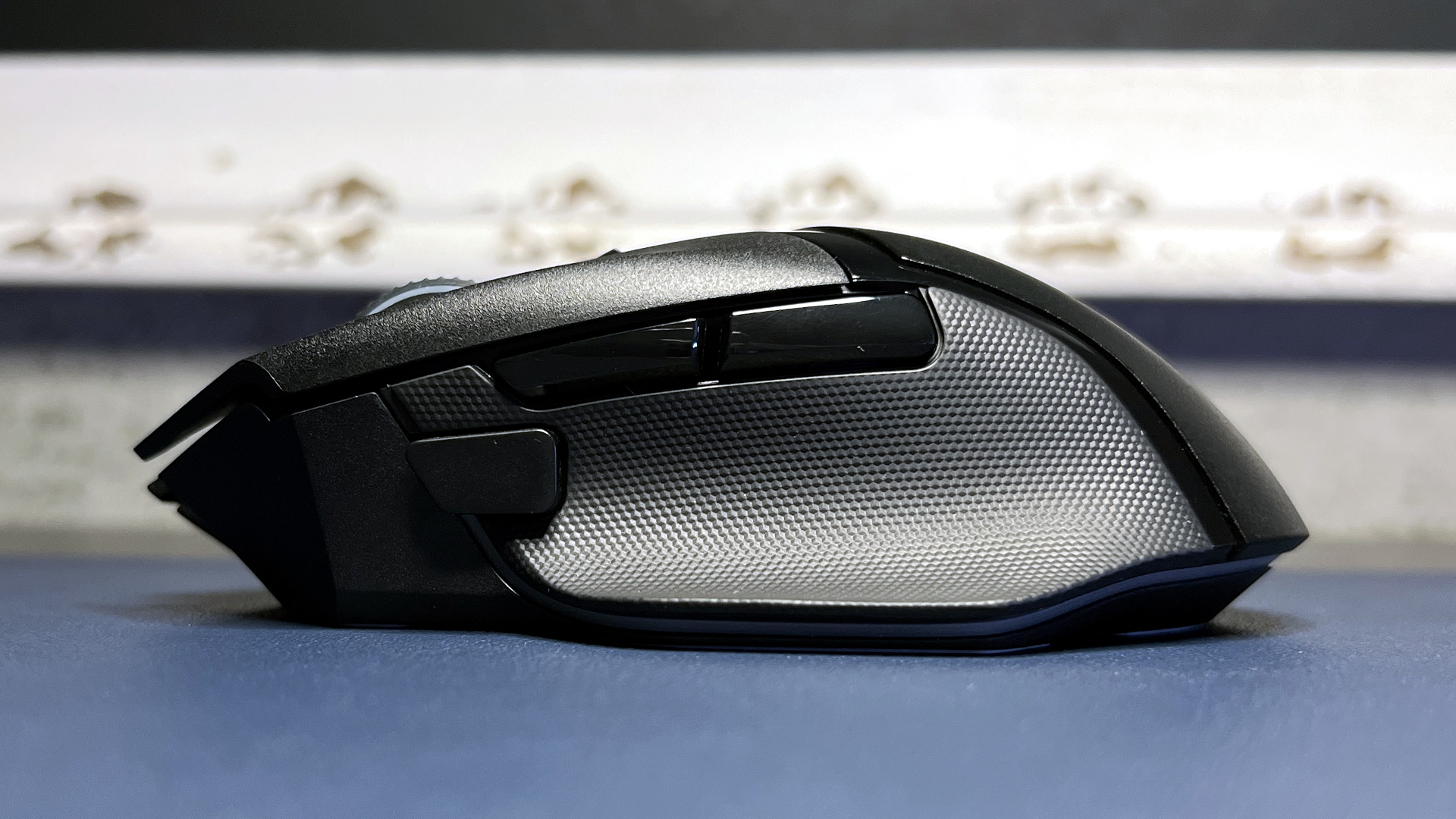
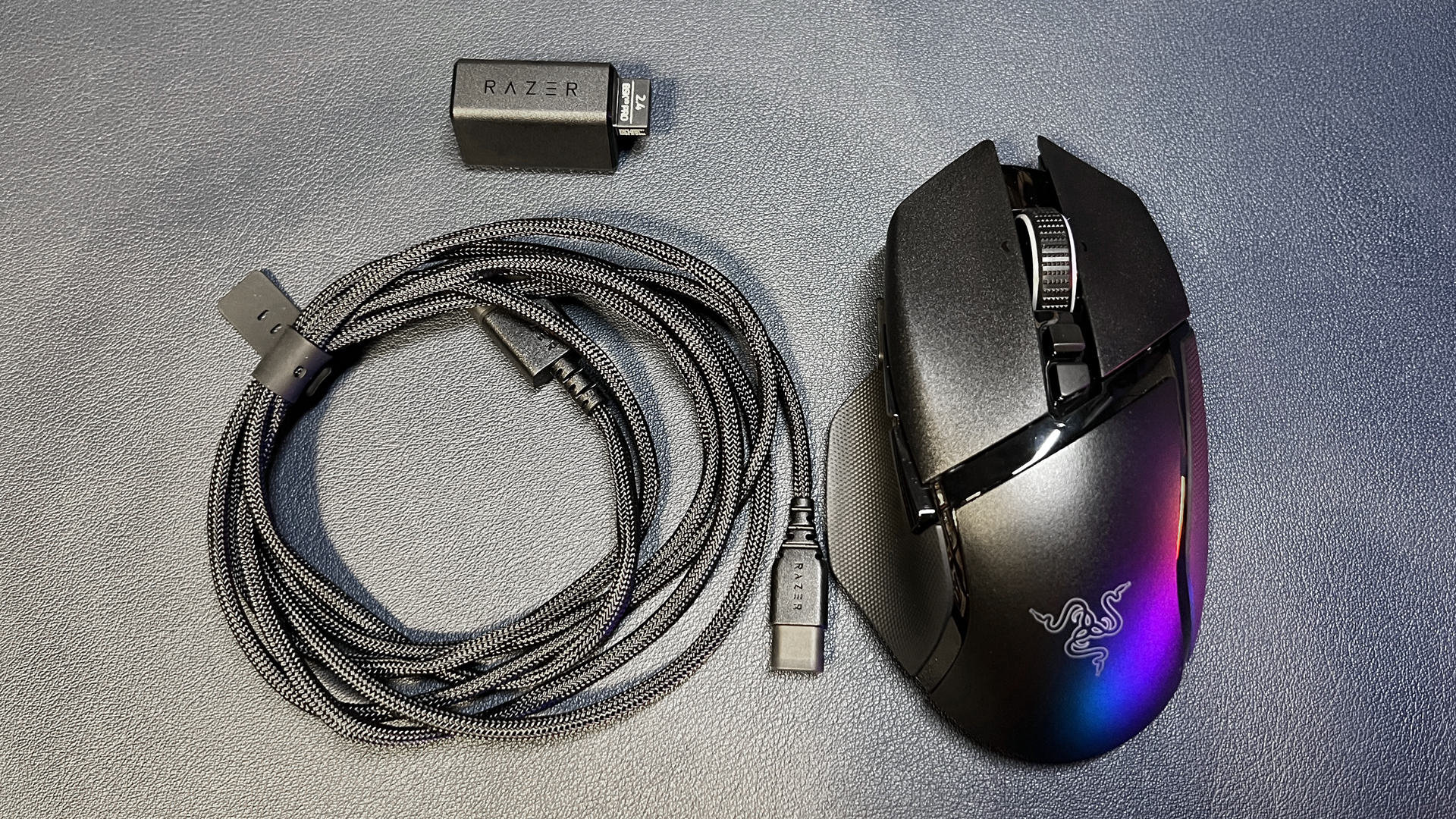
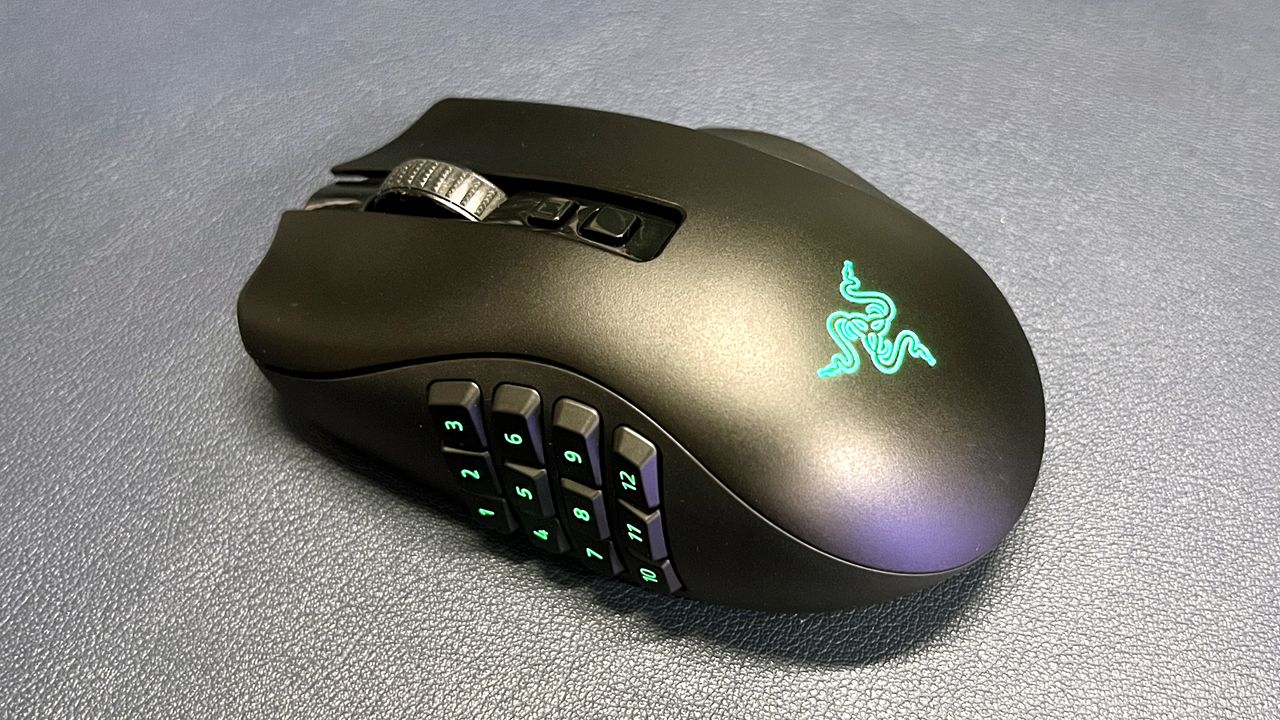
Another one of our favorite Razer gaming mice is also on sale: the Basilisk V3 Pro, which is part of Razer's flagship Basilisk lineup. The Basilisk V3 Pro isn't as performance-focused as the DeathAdder V3 Pro — this ergonomically-contoured wireless gaming mouse also features Razer's Focus Pro 30K optical sensor, which has a maximum sensitivity of 30,000 DPI and a maximum speed of 750 IPS, and can handle up to 70G's of force. It has 11 programmable buttons and 13 zones of bright, customizable RGB lighting, and it weighs 3.95 ounces (112g).
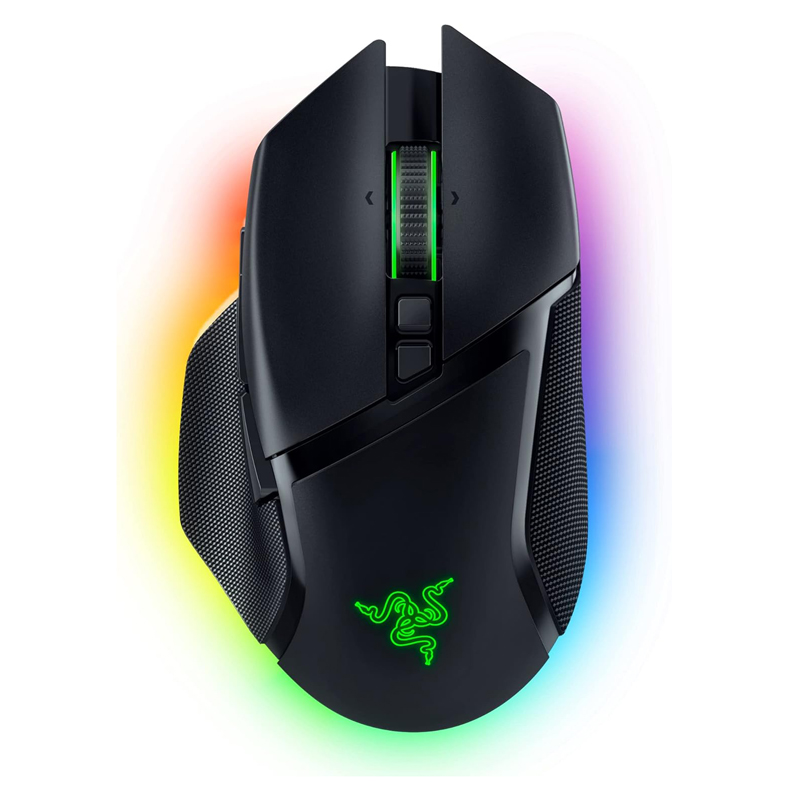
Razer's flagship wireless Basilisk V3 Pro features Razer's Focus Pro 30K optical sensor, Gen-3 optical mouse switches, and 13 zones of bright RGB underglow lighting. It gets up to 110 hours of battery life and is compatible with Razer's HyperPolling Wireless Dongle and Mouse Dock Pro.View Deal
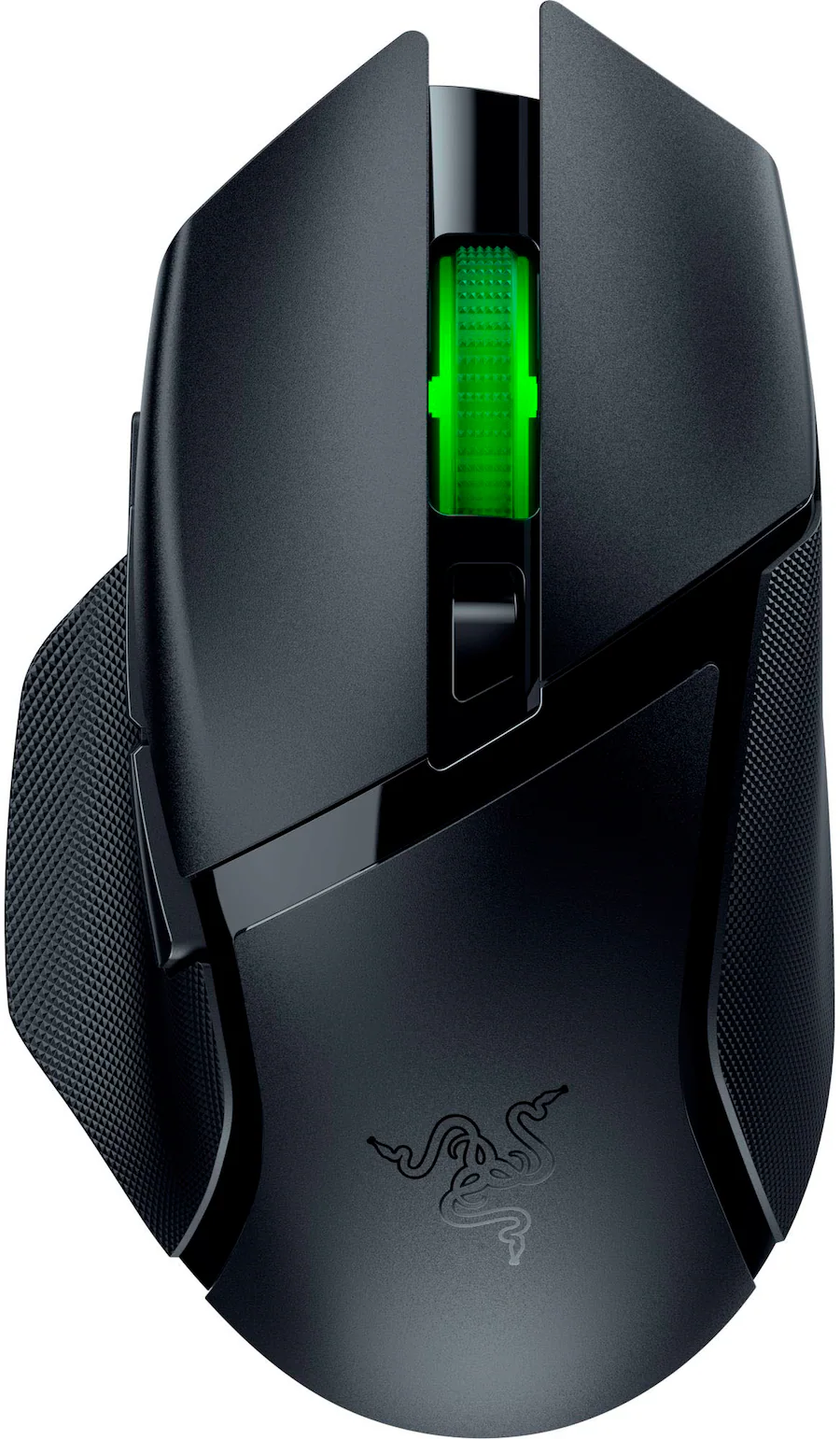
Razer's stripped down version of its Basilisk V3 Pro sports the Razer 5G 18K optical sensor, an ergonomic right-handed shape with 9 programmable buttons, and up to 285 hours o f battery life on a single AA battery. View Deal
Like the DeathAdder V3 Pro, this mouse also works with Razer's HyperPolling Wireless Dongle (sold separately) to get up to an 8,000 Hz wireless polling rate; it's also compatible with Razer's Mouse Dock Pro (sold separately), which integrates the HyperPolling Wireless Dongle and also allows for wireless charging (and also features 8 zones of customizable RGB lighting, because why not).
Read our full review of the Basilisk V3 Pro here.
And if you want the stripped-down version of the Basilisk V3 Pro, Razer's Basilisk V3 X HyperSpeed wireless gaming mouse is also on sale at Best Buy for $37.99 — $32 off its retail price of $69.99.
Logitech G Pro X Superlight 2


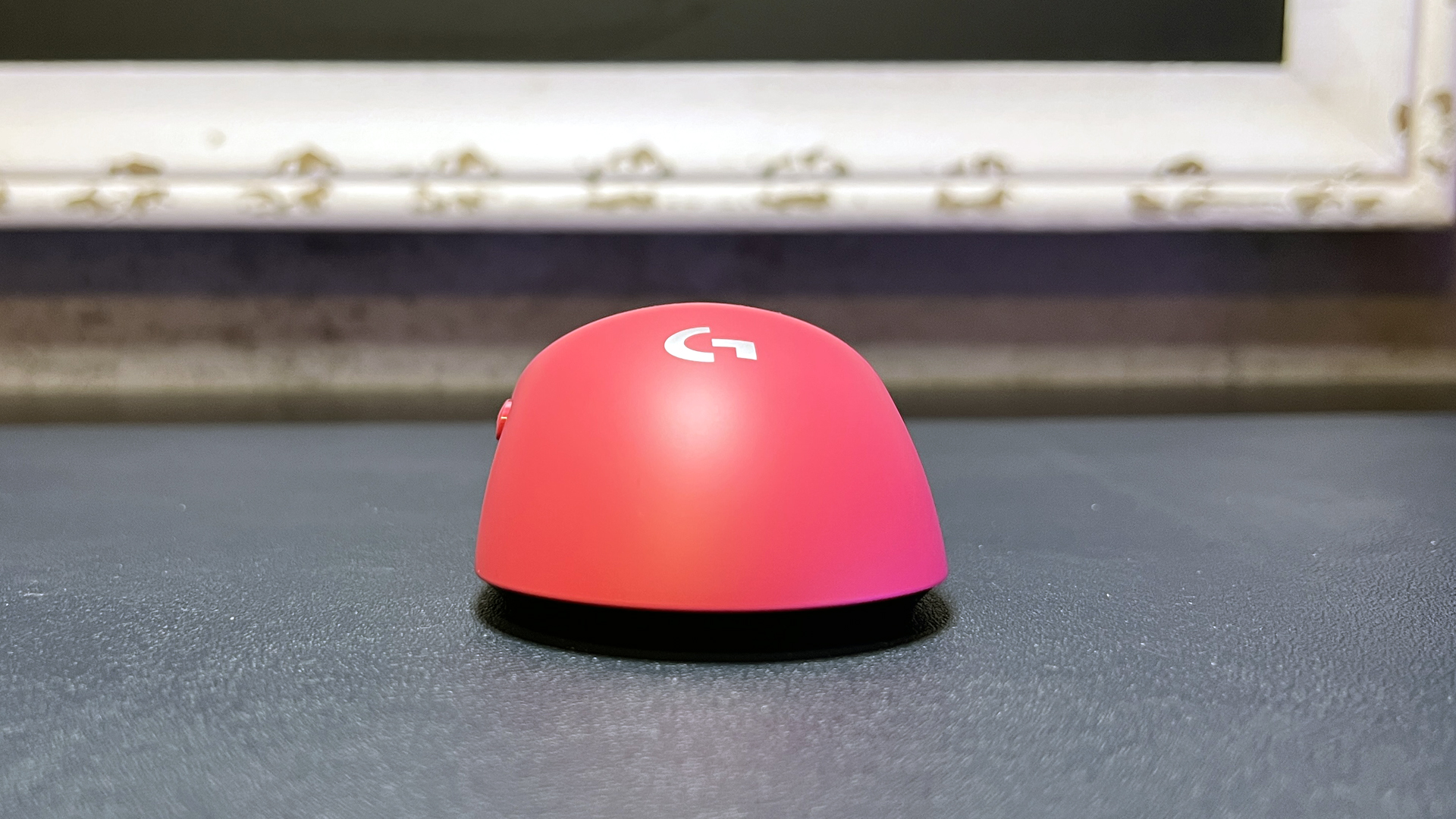

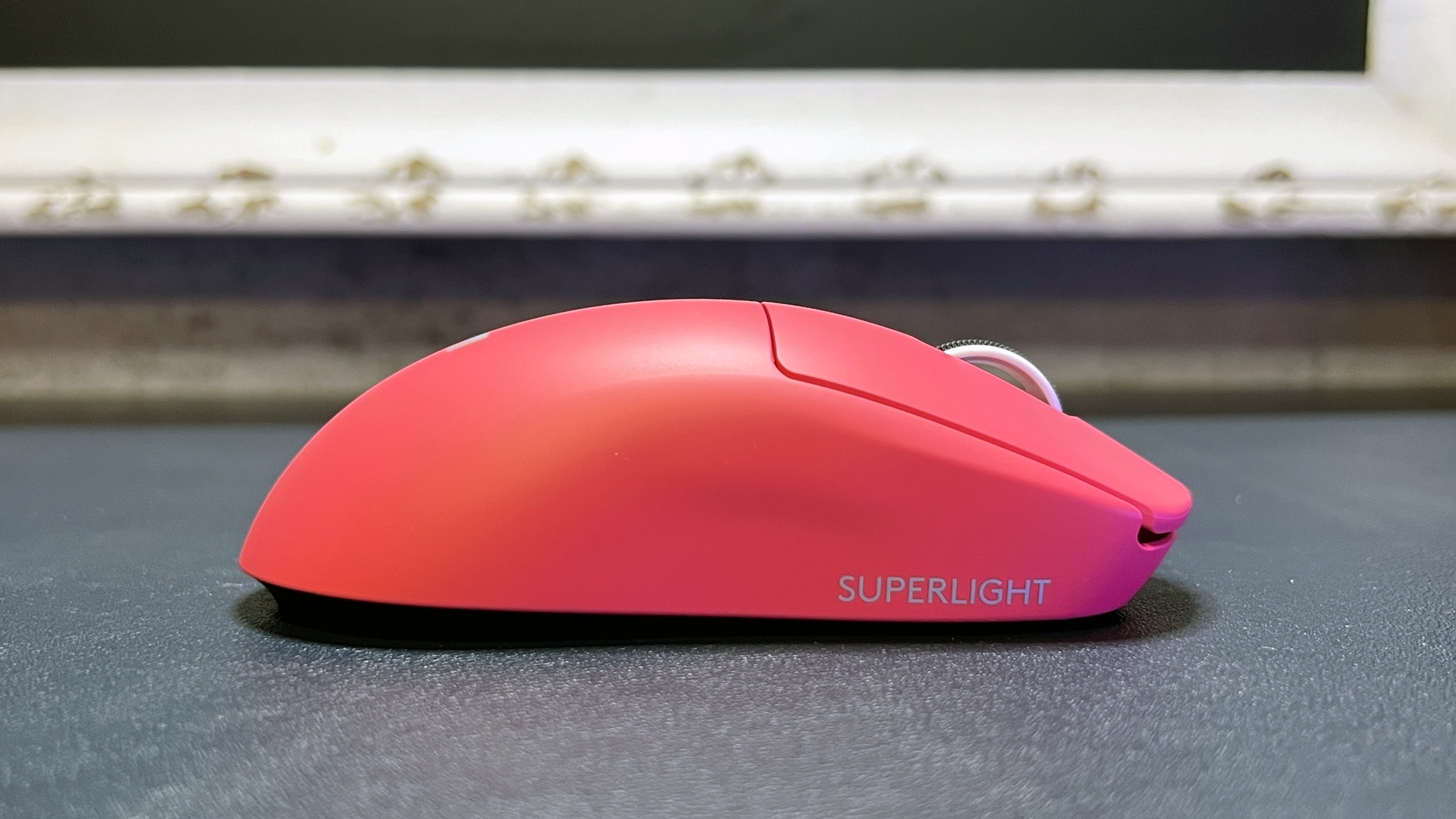
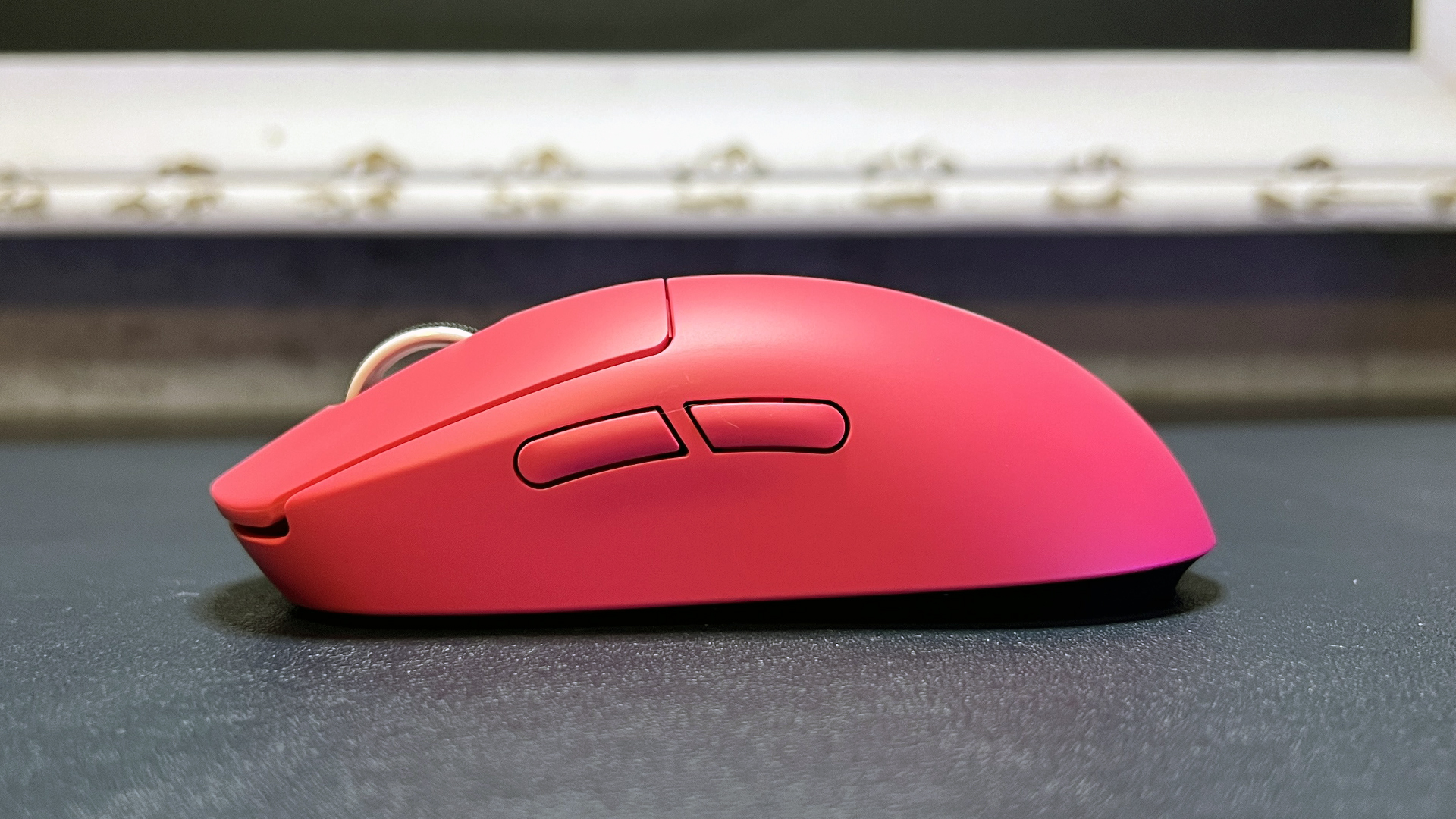


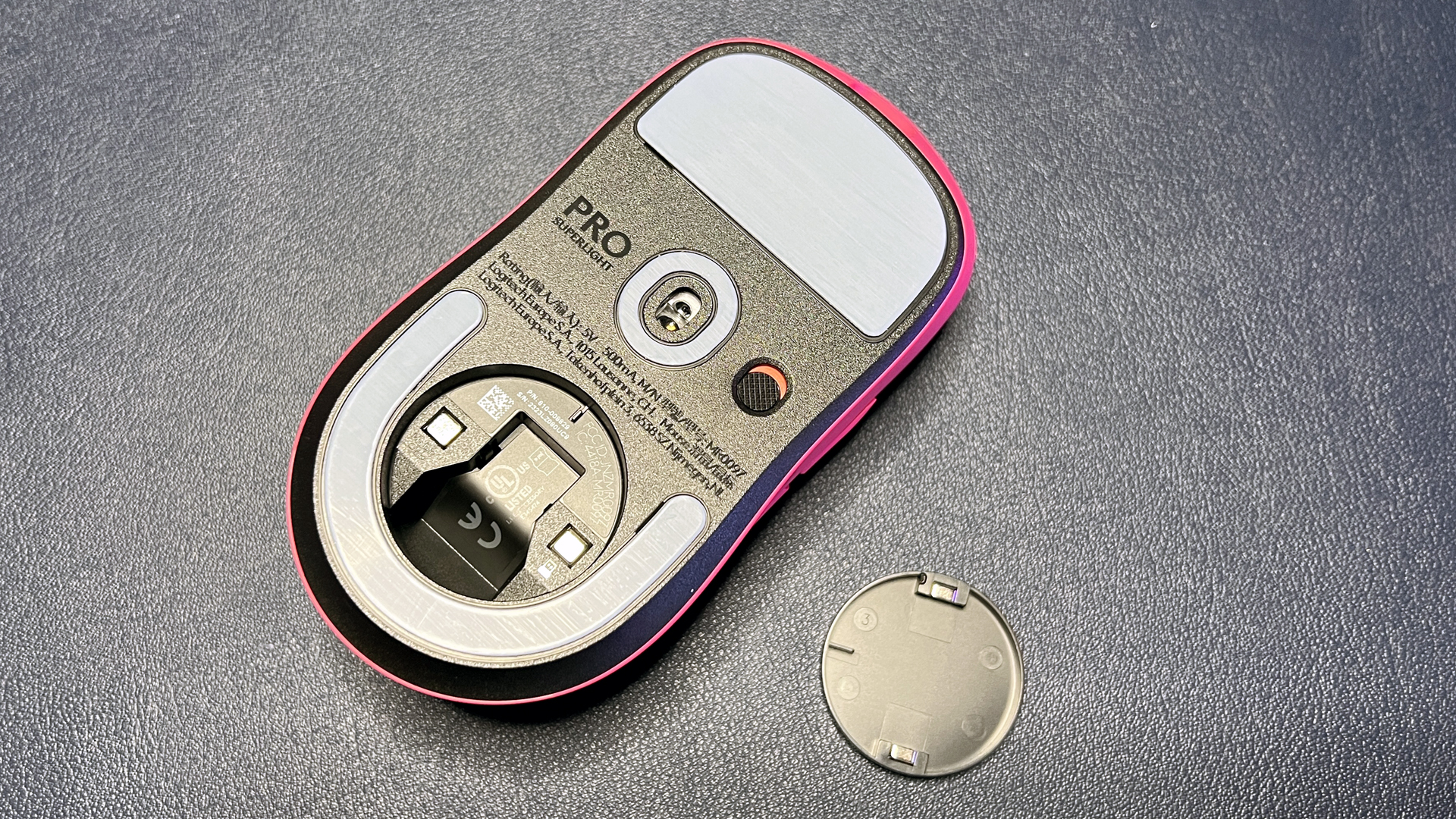
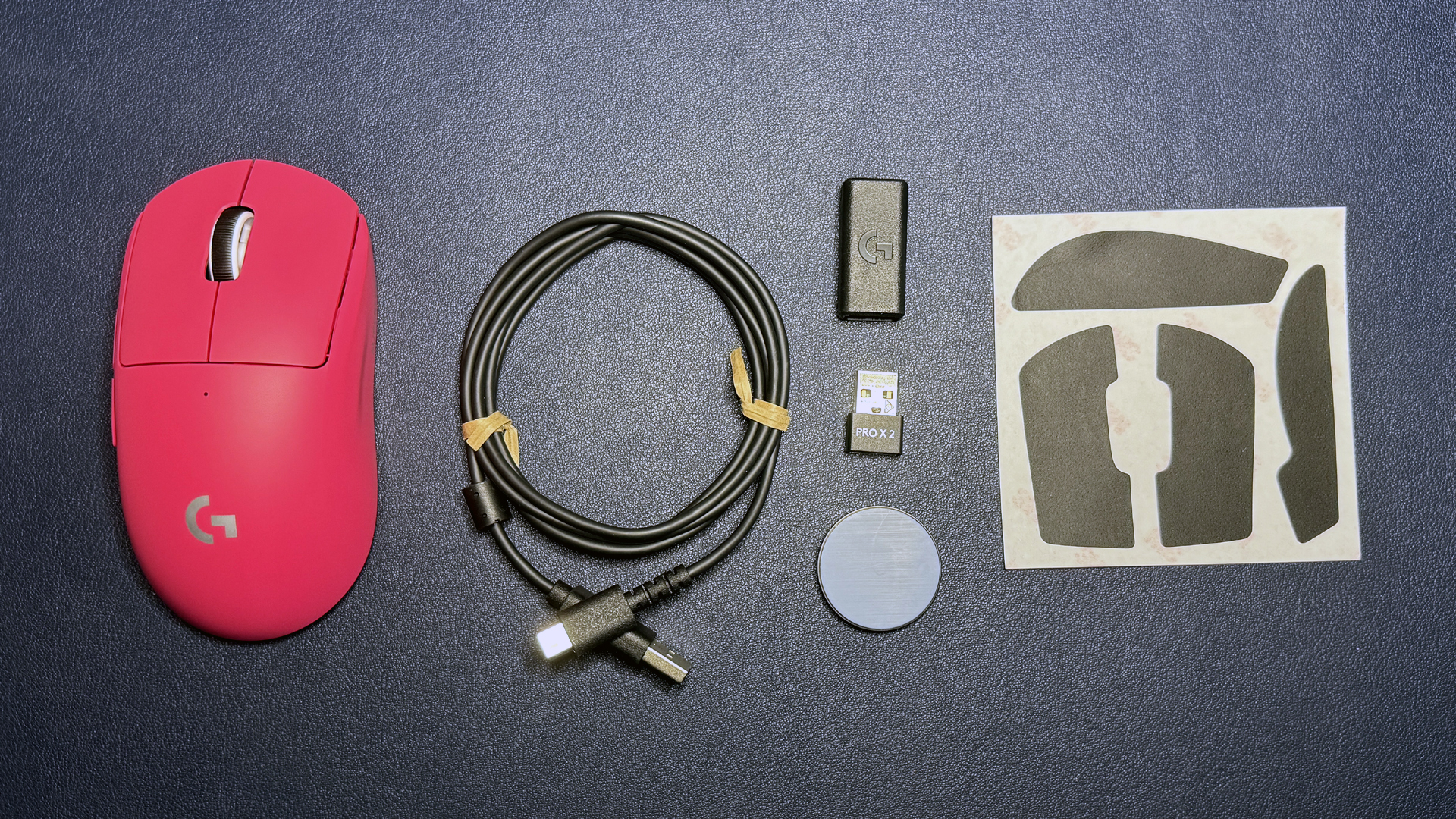
If you're looking for something ultra-light, well, it's in the name: the Logitech G Pro X Superlight 2 is a pseudo-ambidextrous ultra-lightweight mouse weighing just 2.12 ounces (60g) and designed for those who need speed above all else. It comes in three colors: black, white, and Logitech's bright magenta rose color (that I happen to love).
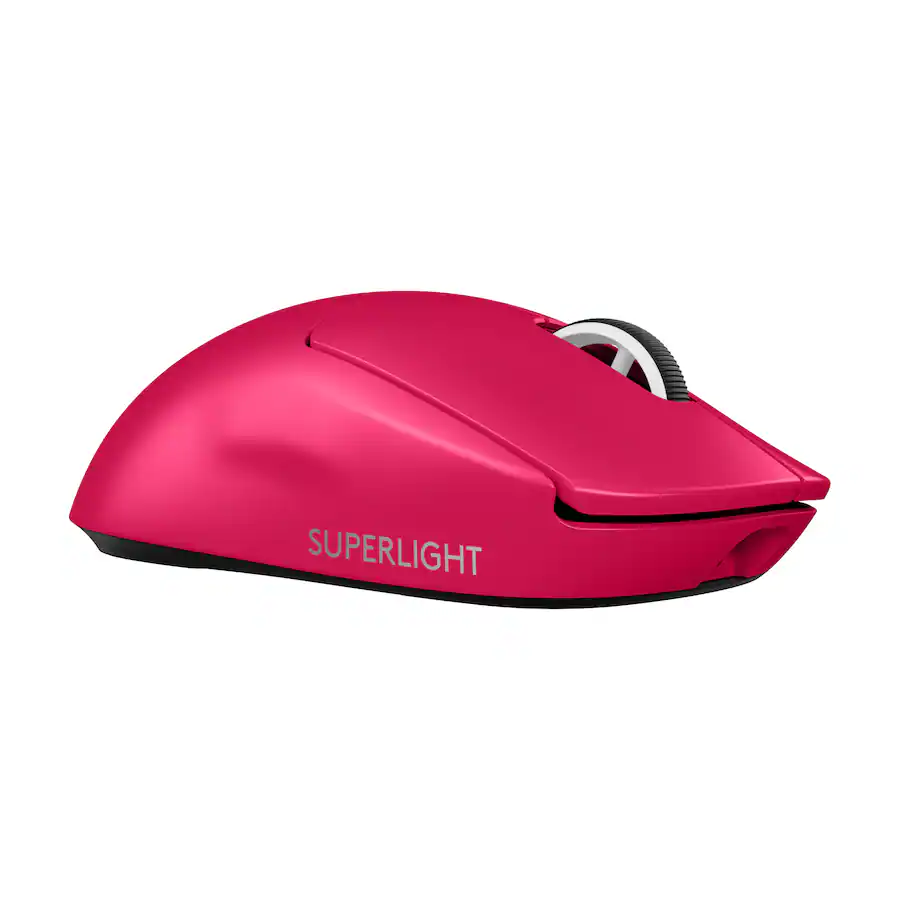
Logitech's ultralight 60g wireless mouse features a pseudo-ambidextrous symmetrical shape and sports the brand's Hero 2 optical sensor and Lightforce hybrid optical/mechanical switches. View Deal
The Pro X Superlight 2 has Logitech's Hero 2 optical sensor, which has a maximum sensitivity of 32,000 DPI and a maximum speed of 500 IPS, and can handle up to 40G's of force. It has five programmable buttons; its primary buttons feature Logitech's Lightforce hybrid optical/mechanical switches, which can actuate optically (for the lowest latency) and mechanically (for saving power).
Read our full review of the Pro X Superlight 2 here.
Corsair Scimitar Elite SE Wireless
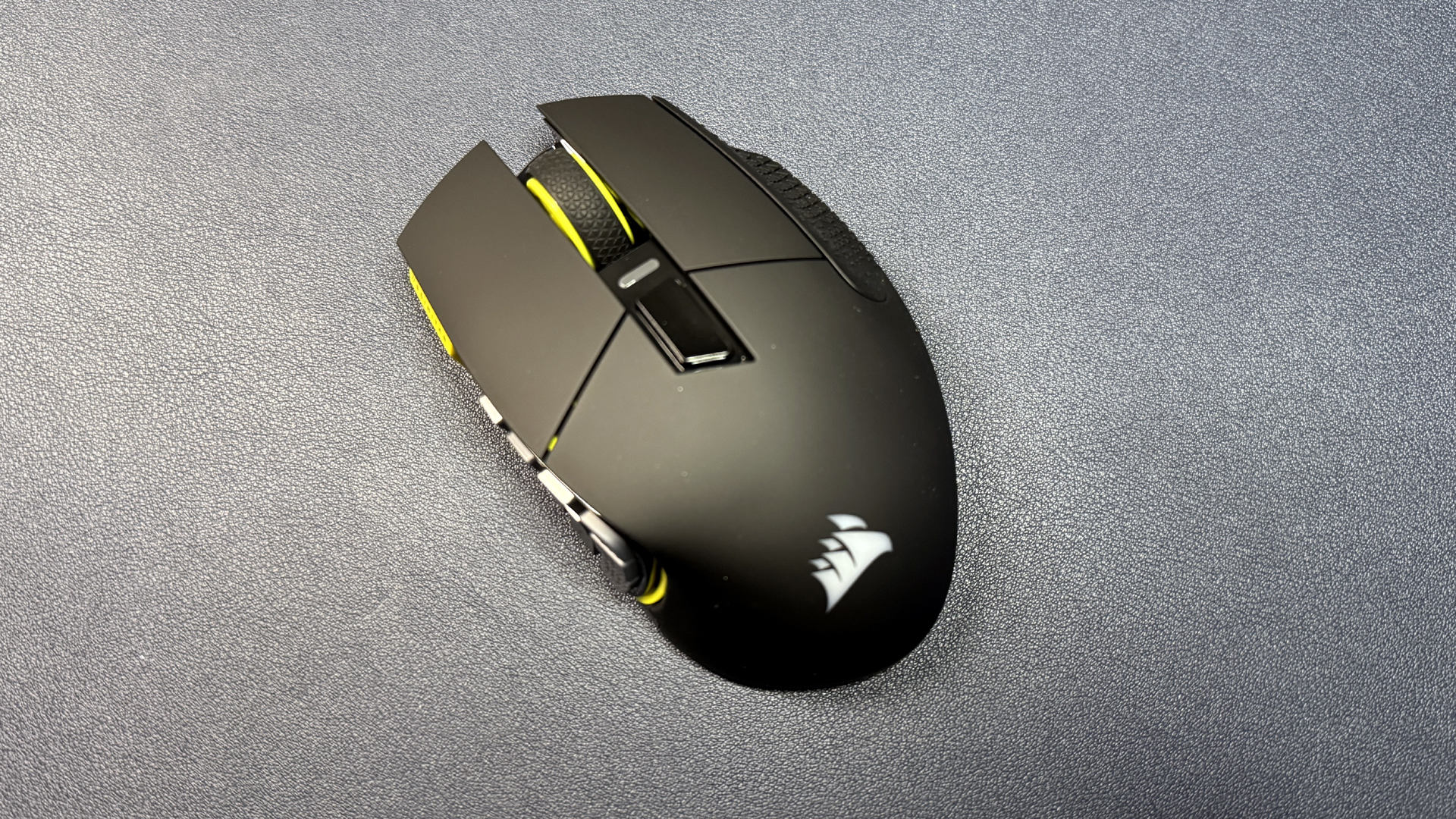
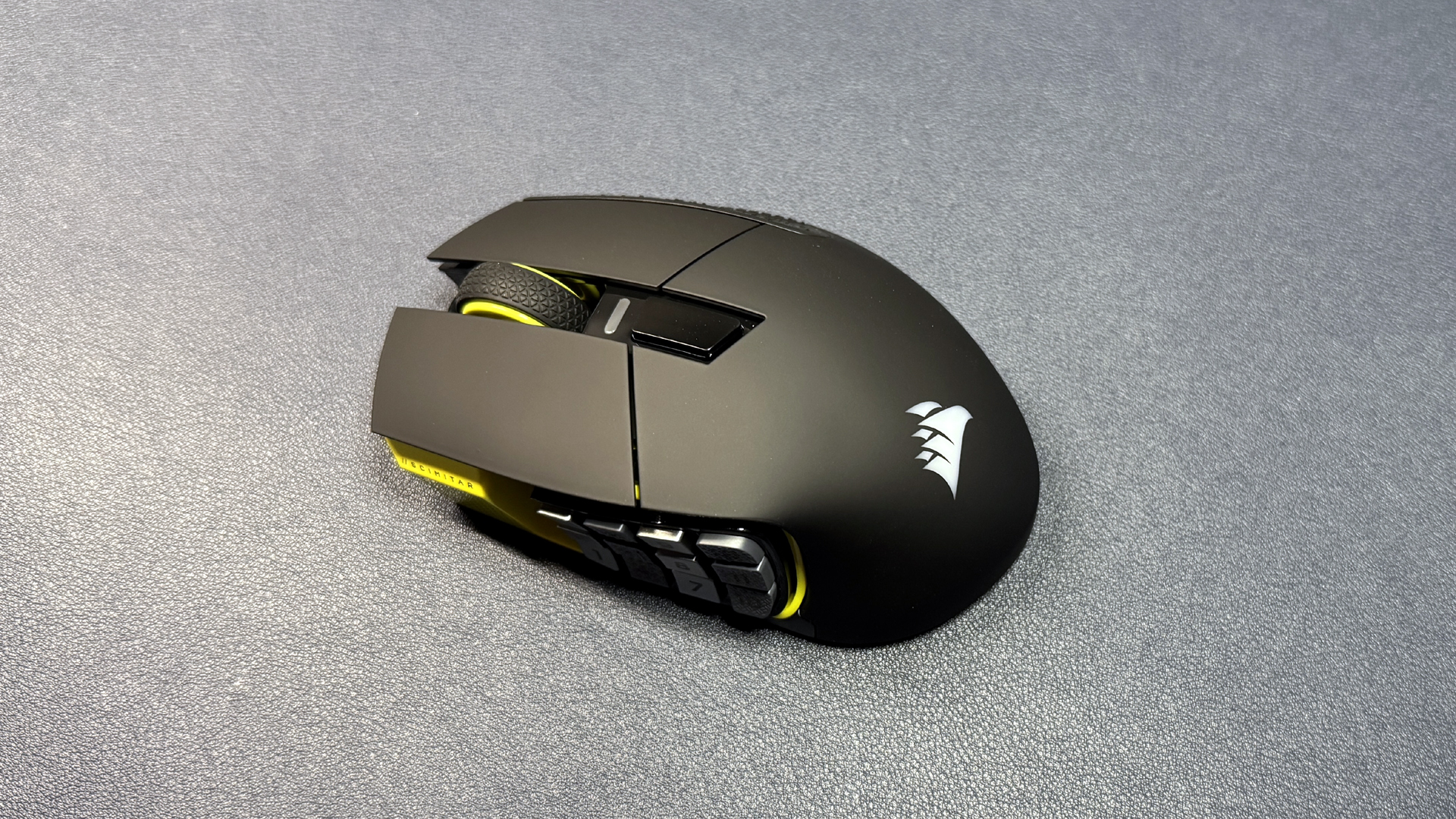
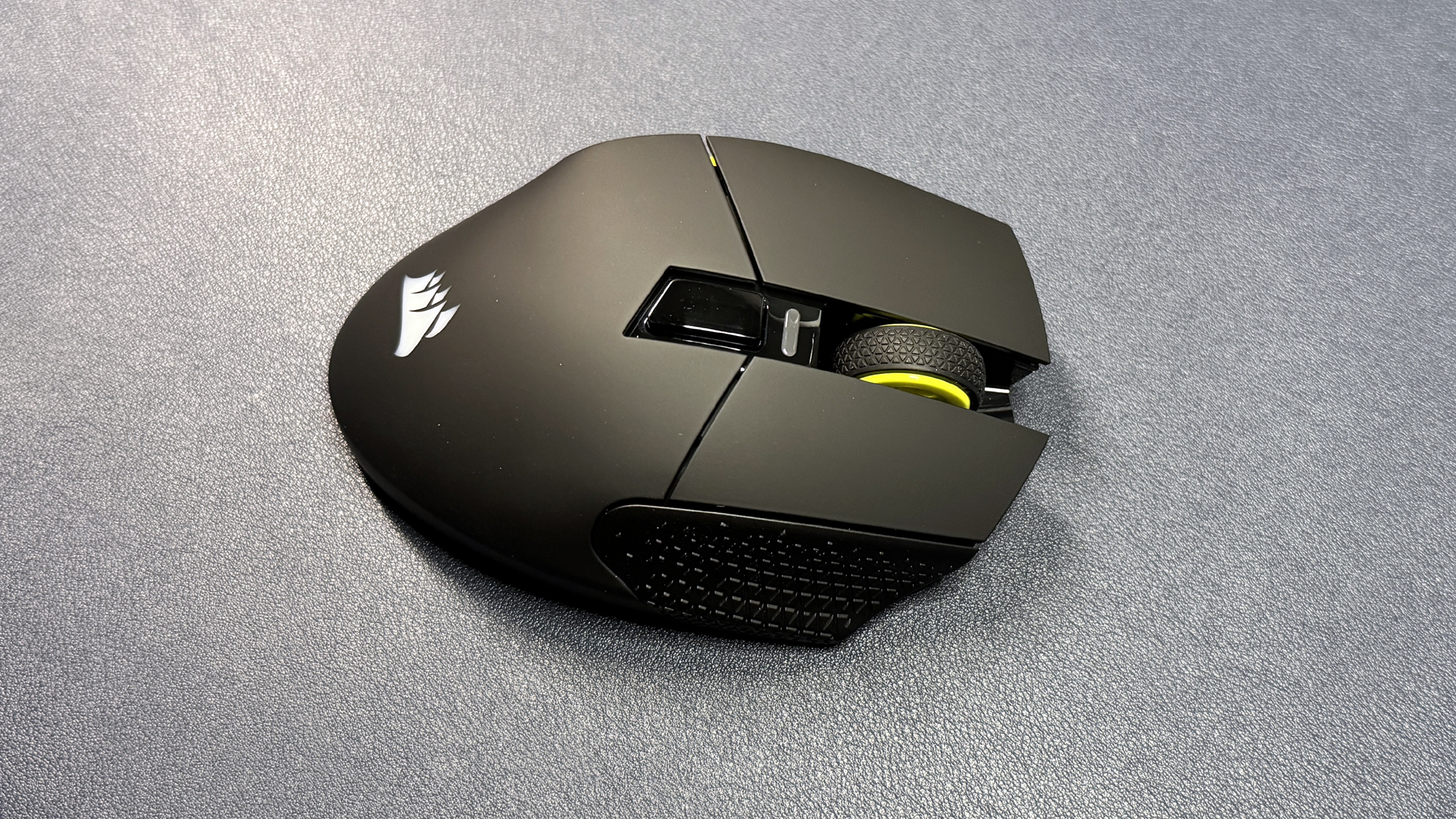
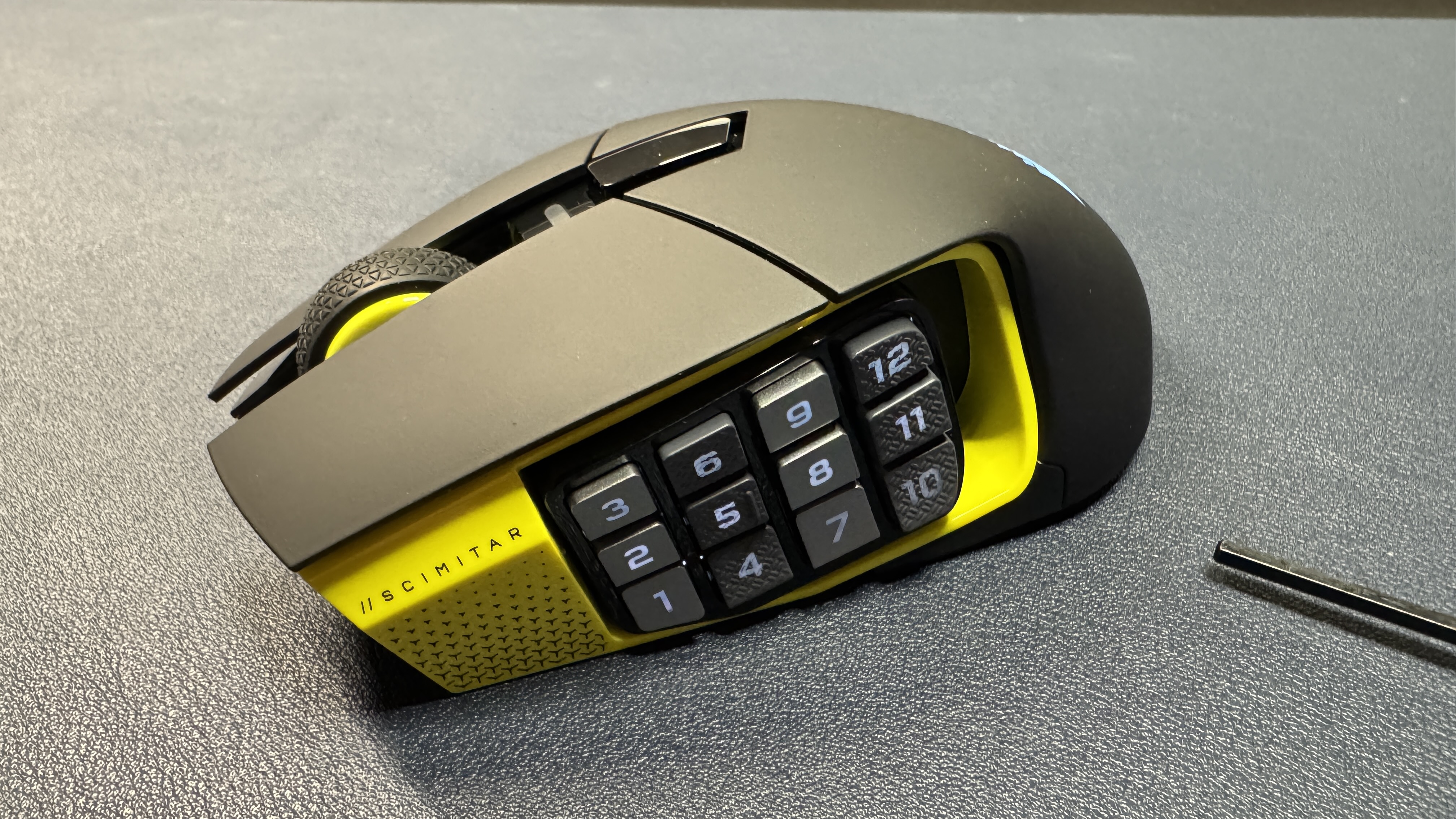
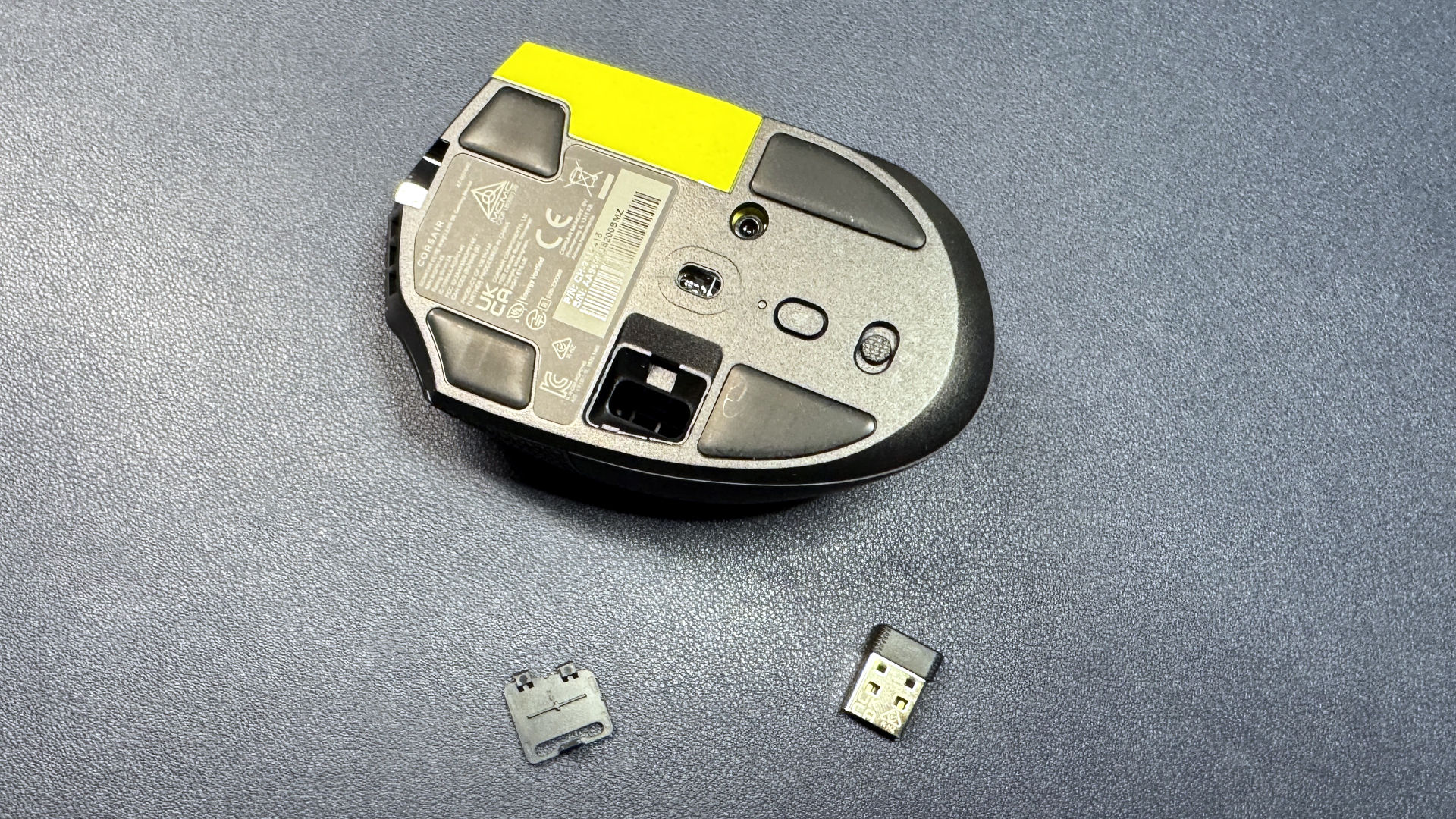
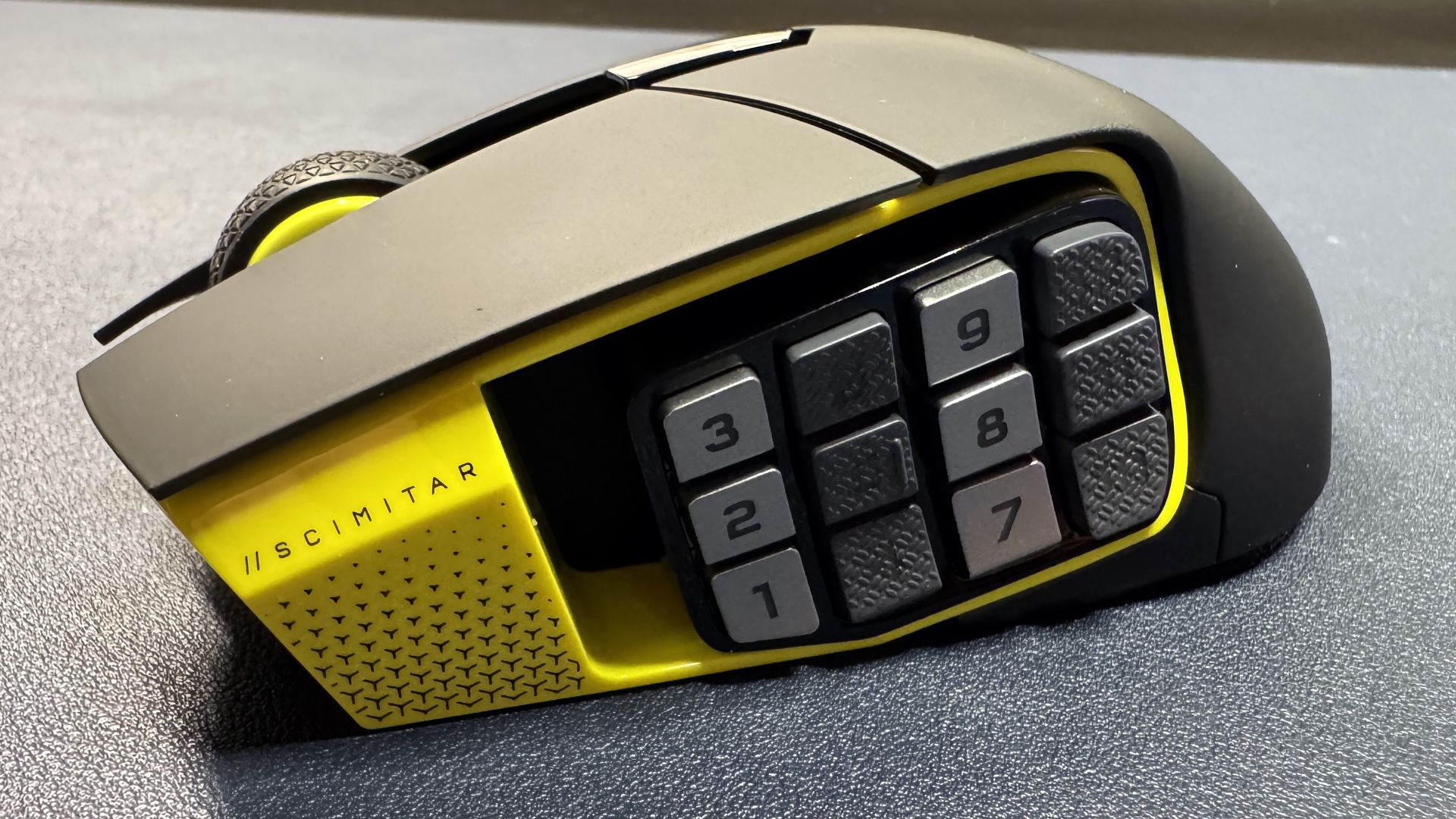
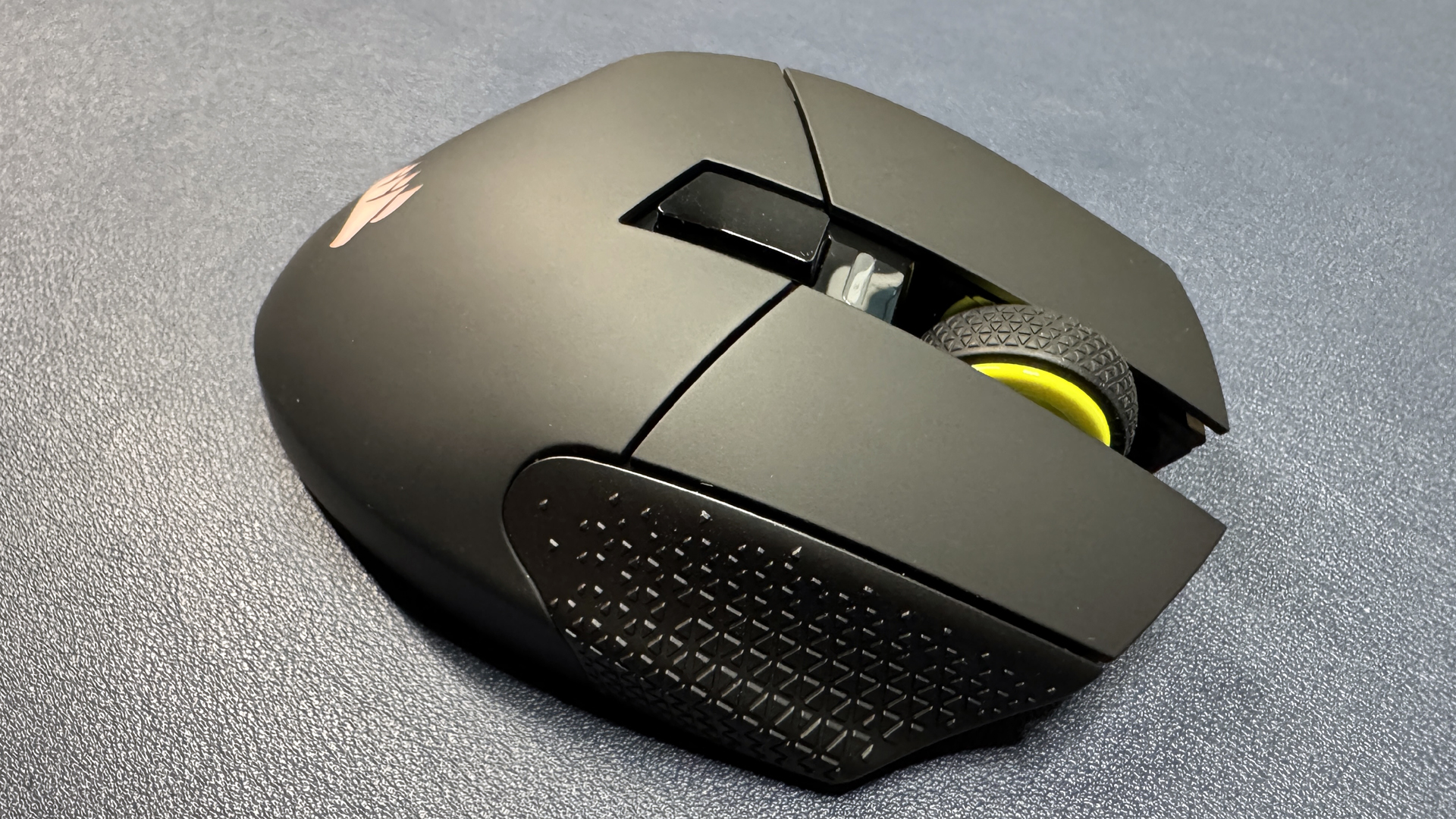
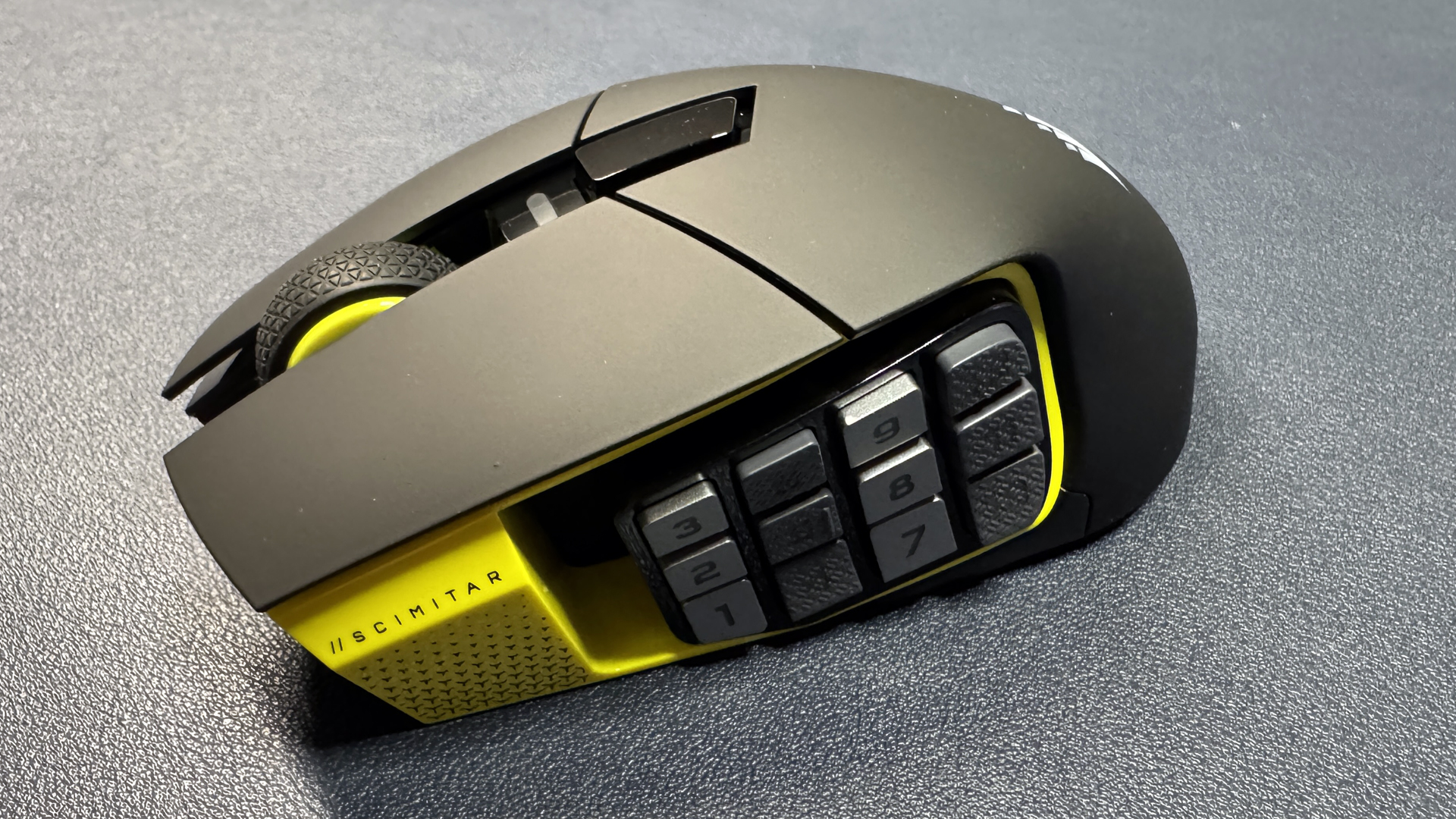
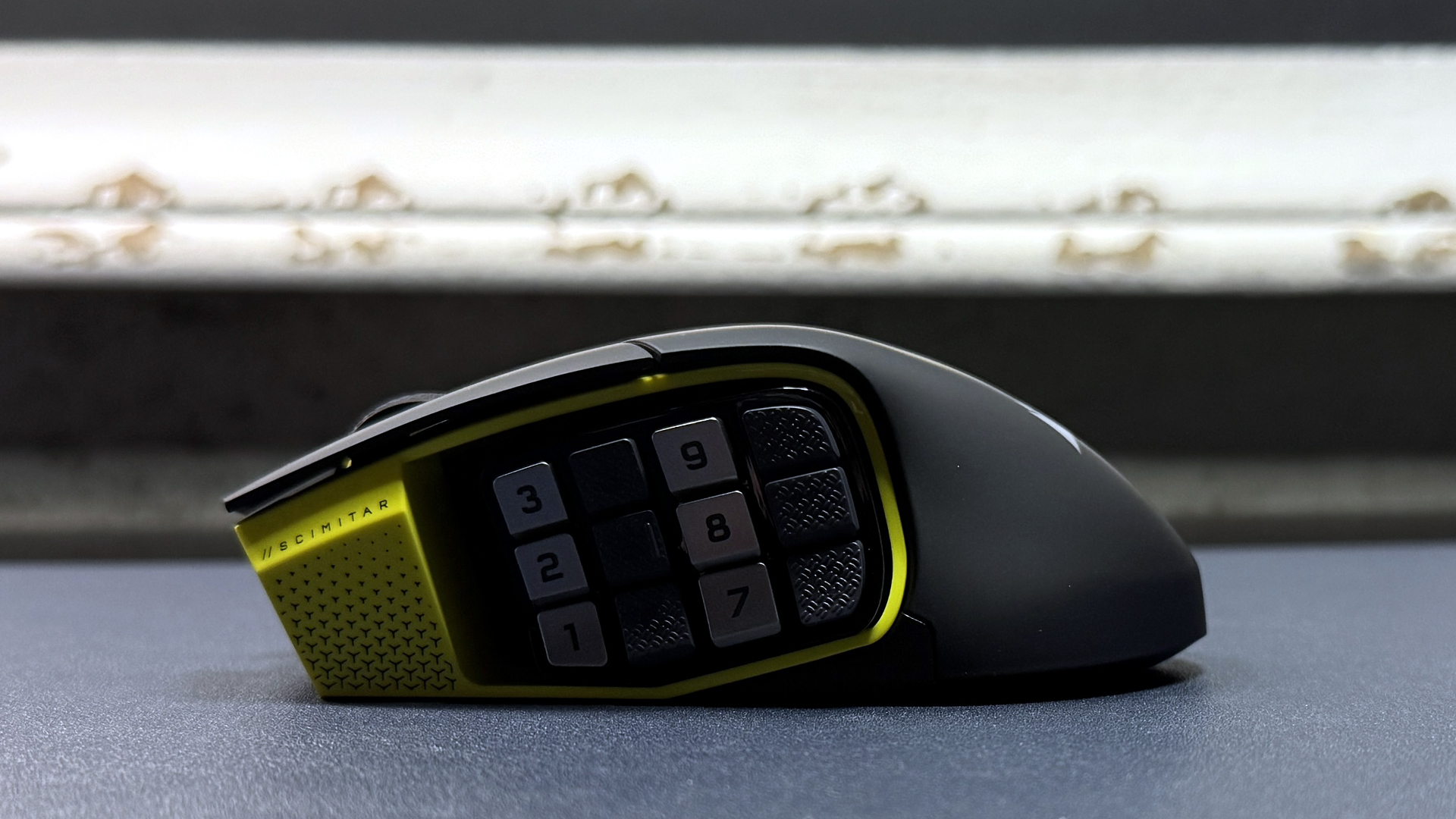

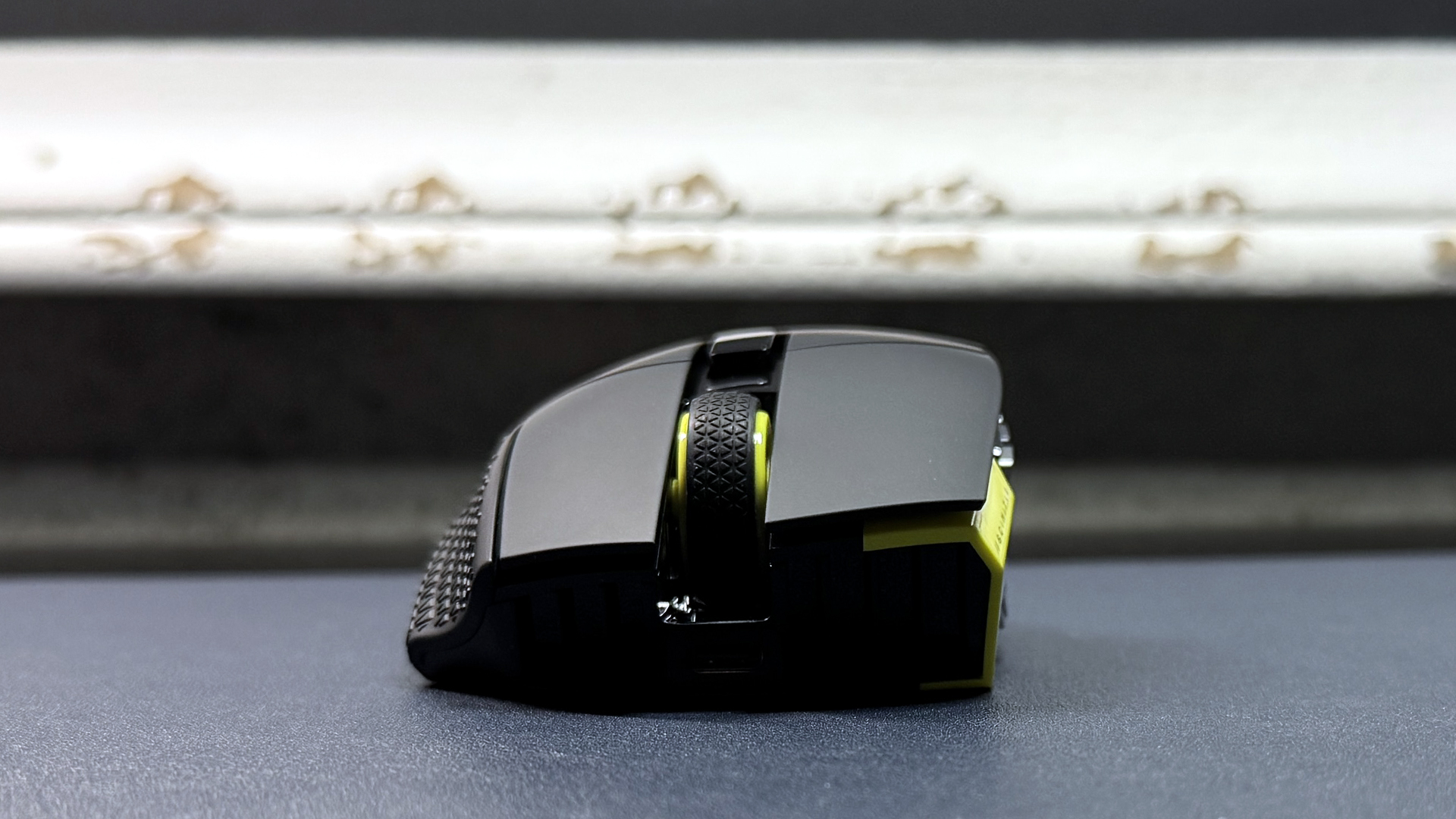
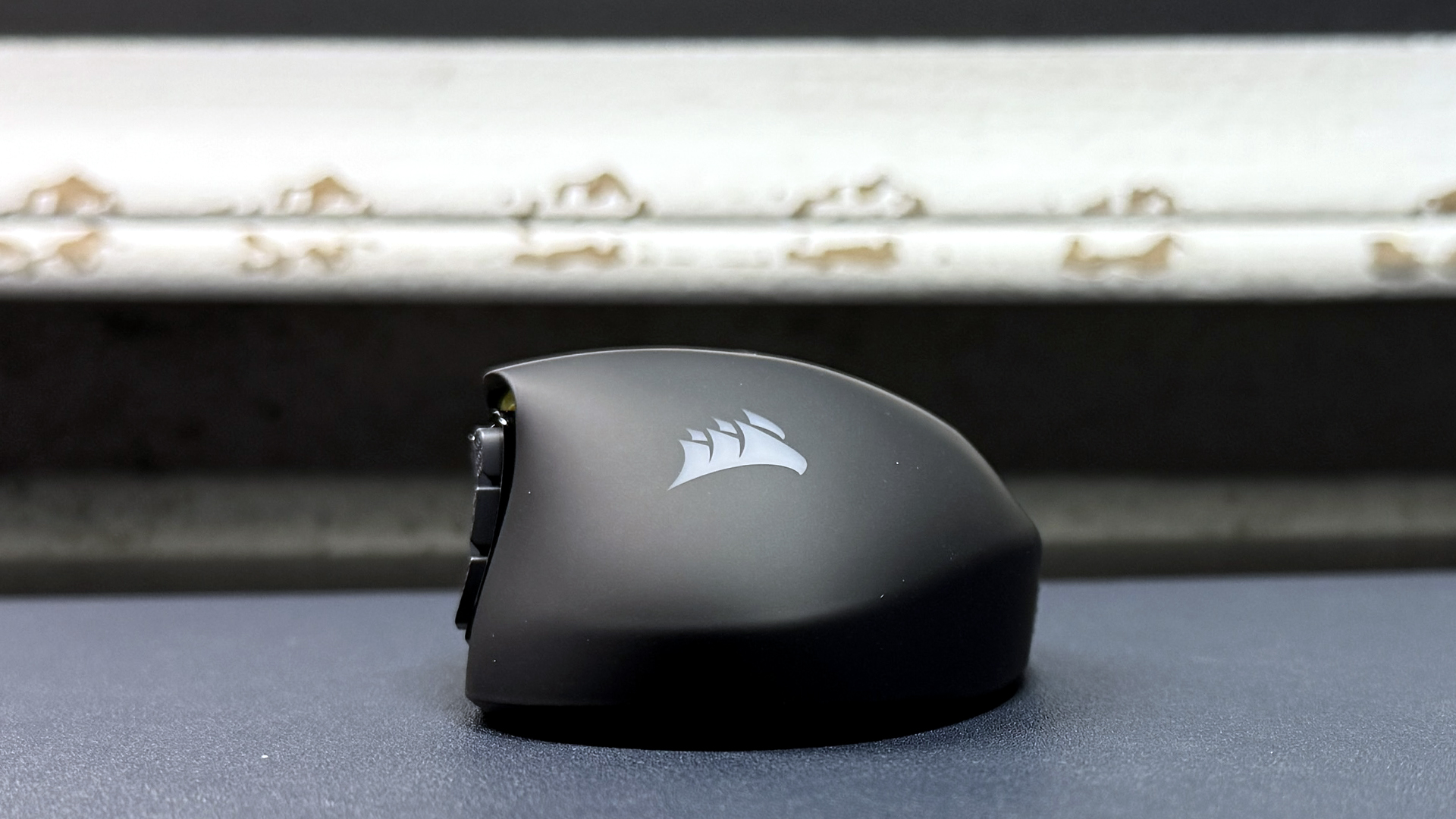
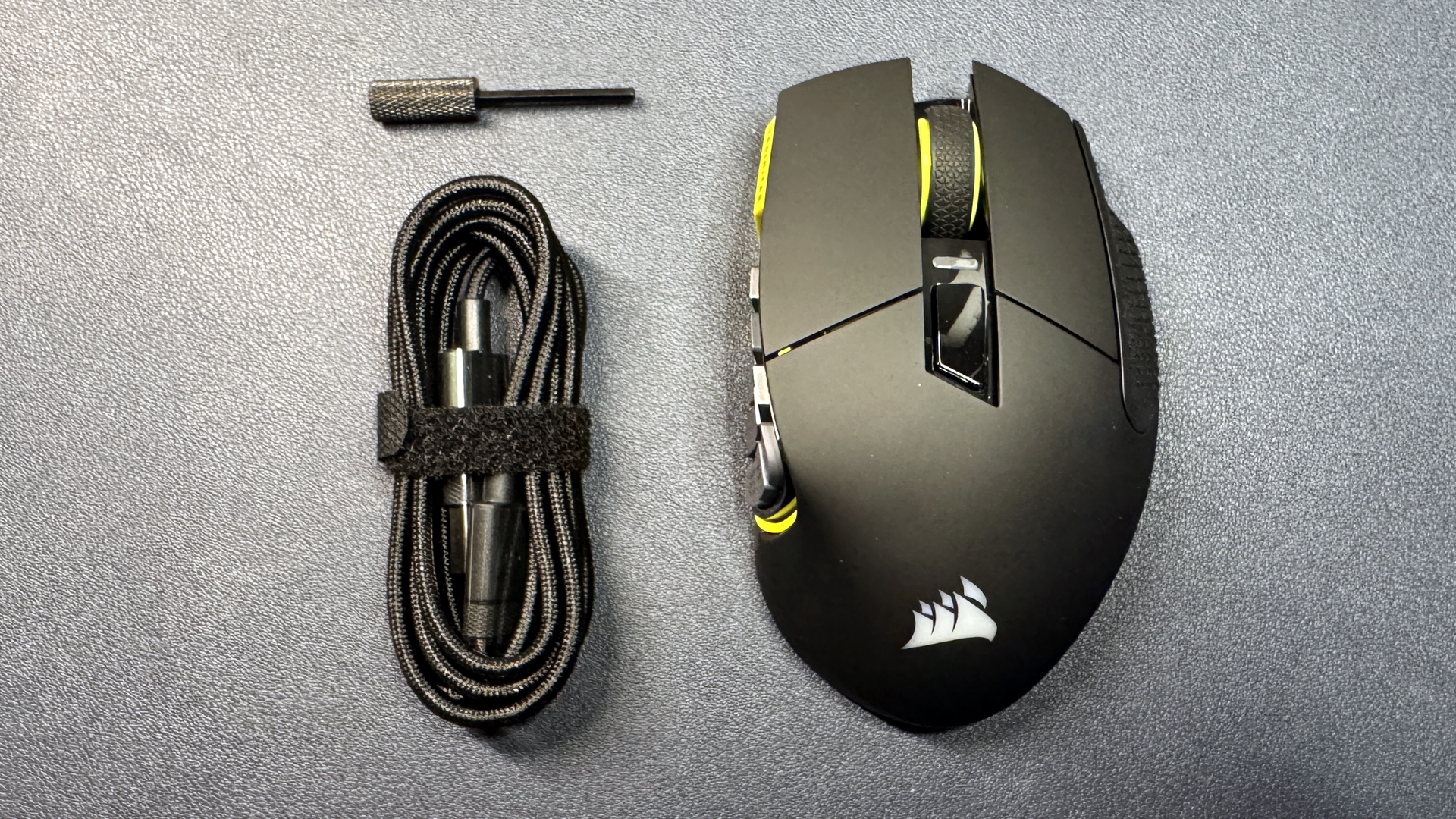
Maybe ultralight and stripped-down gaming mice aren't your thing. If you're looking for a mouse with all the buttons, Corsair's newest Scimitar Elite SE Wireless is a good option, and it's currently on sale for 50% off at Best Buy — you can pick it up for just $69.99, which is 50% off its original MSRP of $139.99. That's $5 cheaper than it was last Black Friday, too.
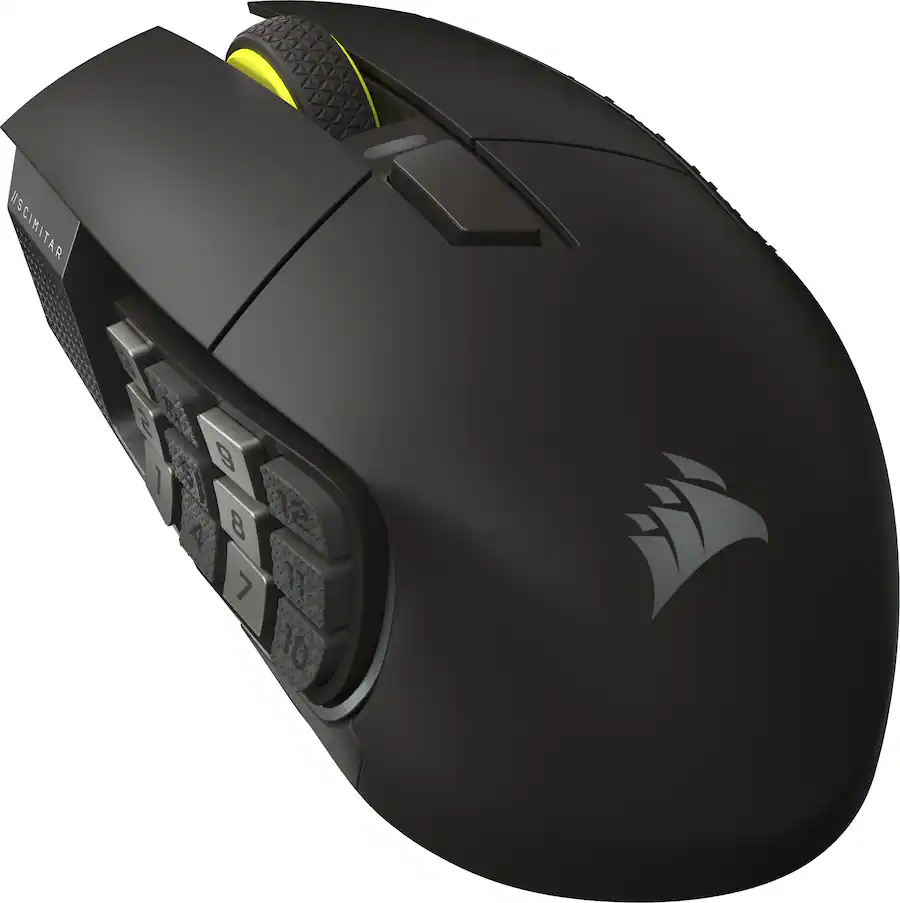
This MMO / MOBA-focused mouse features 16 programmable buttons, 12 of which are on its customizable, movable side panel. It also sports Corsair's Marksman S 33K optical sensor, which has a maximum sensitivity of 33,000 DPI and a maximum speed of 750 IPS, and can handle up to 50G's of force.View Deal
The Scimitar Elite SE Wireless features 16 programmable buttons, 12 of which are on its movable side panel — you can move the side panel forward or backward, depending on your hand size and what's most comfortable for you. It sports Corsair's Marksman S 33K optical sensor, which has a maximum sensitivity of 33,000 DPI and a maximum speed of 750 IPS, and can handle up to 50G's of force. It weighs 4.02 ounces (114g), but let's face it — if you're looking for a mouse with 16 programmable buttons, weight is not your top priority. The Scimitar Elite SE Wireless also features a pretty solid battery life of 150 hours over its 2.4GHz wireless connection, which means you'll only have to charge it every couple of weeks (and that's if you're a serious gamer).
Read our full review of the Scimitar Elite SE Wireless here.
HyperX Pulsefire Saga Pro
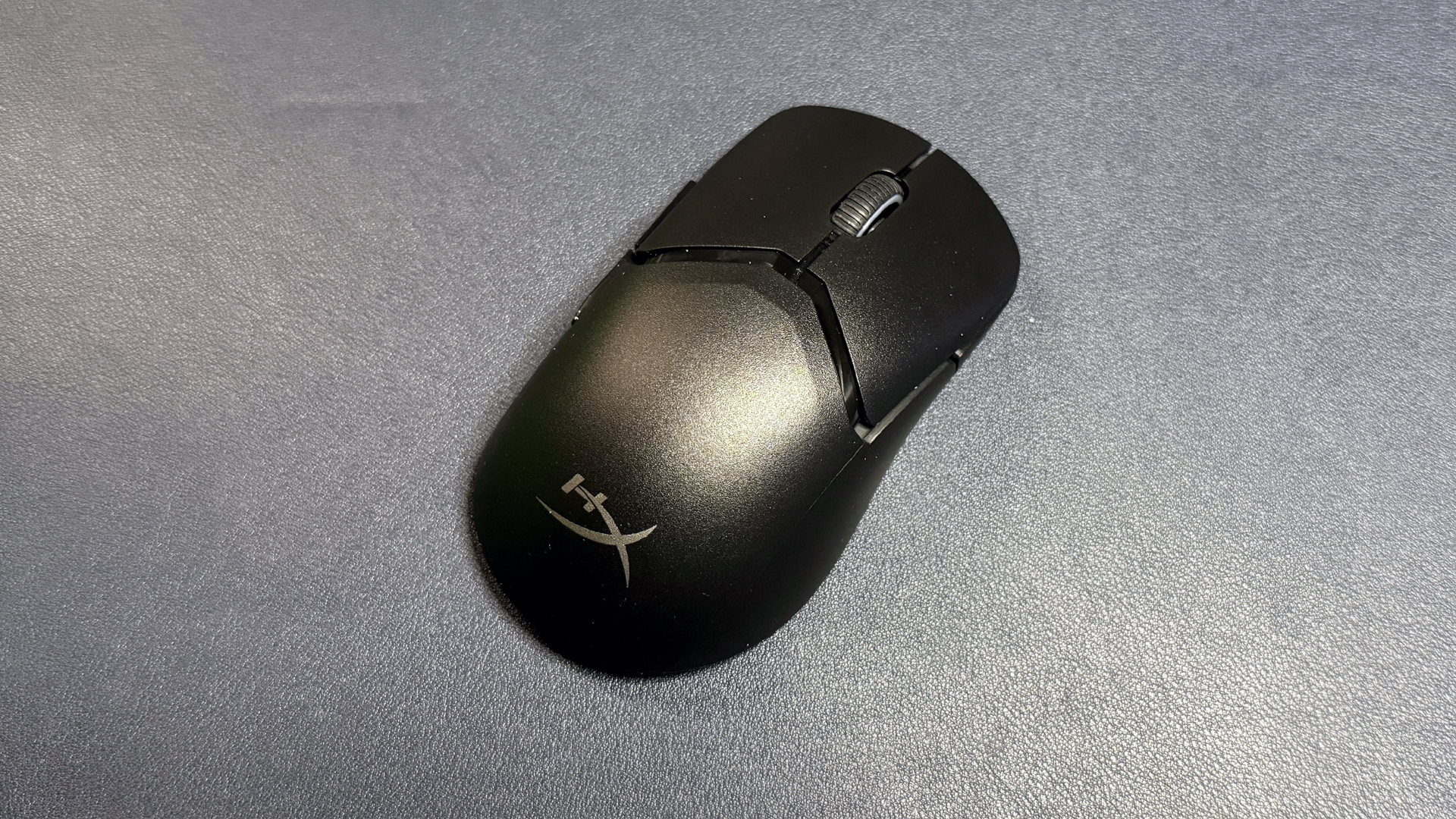
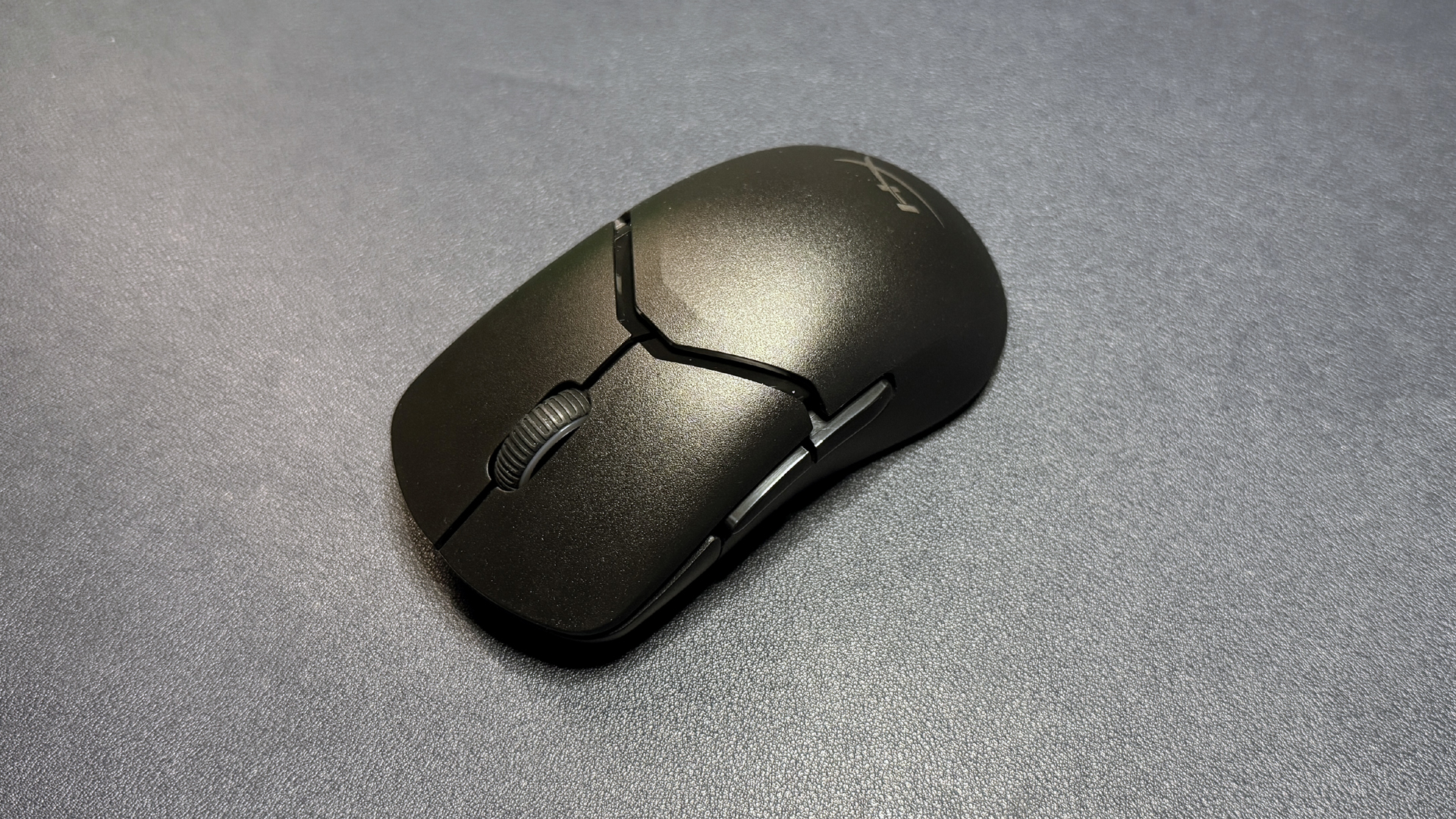
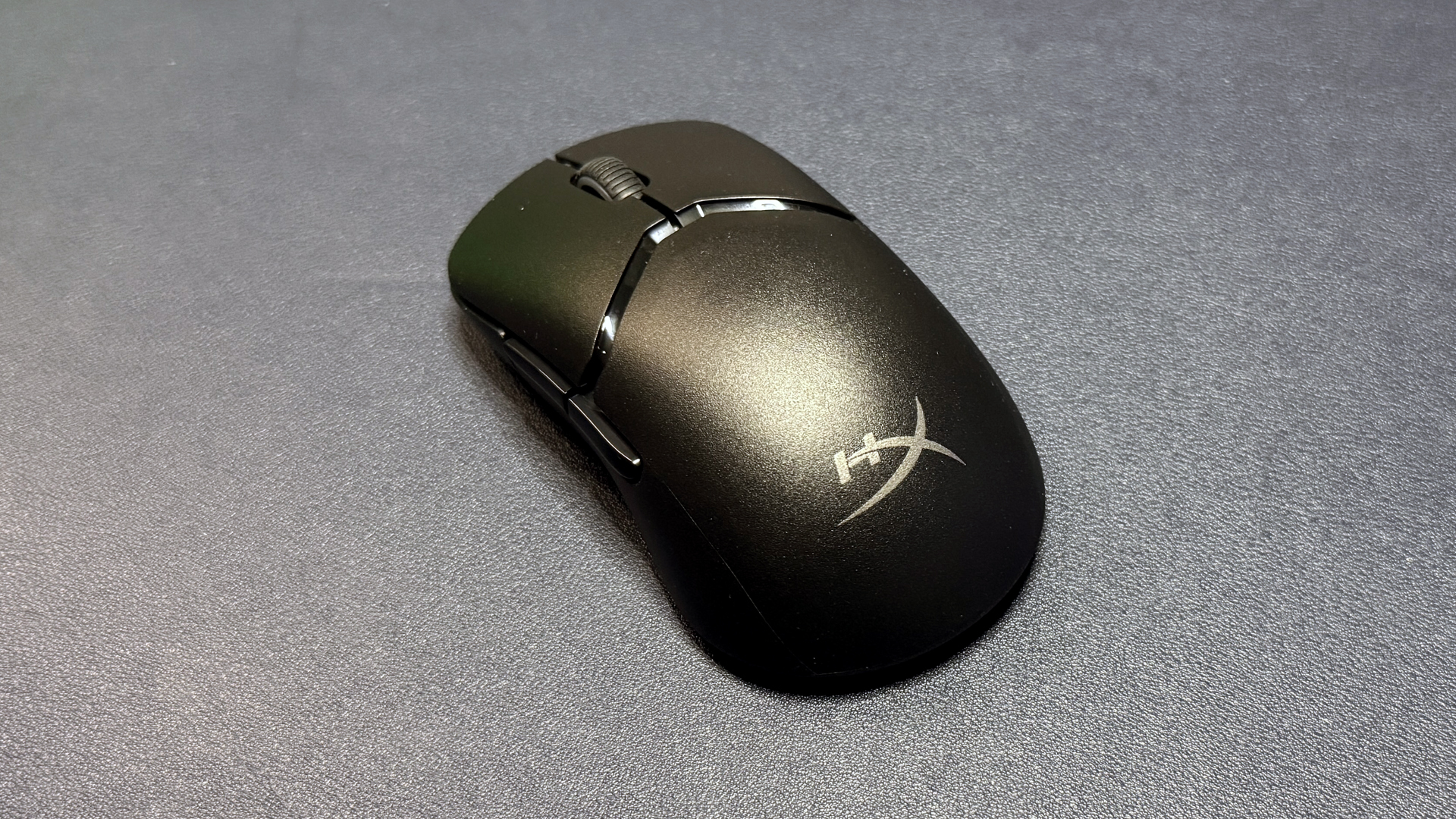
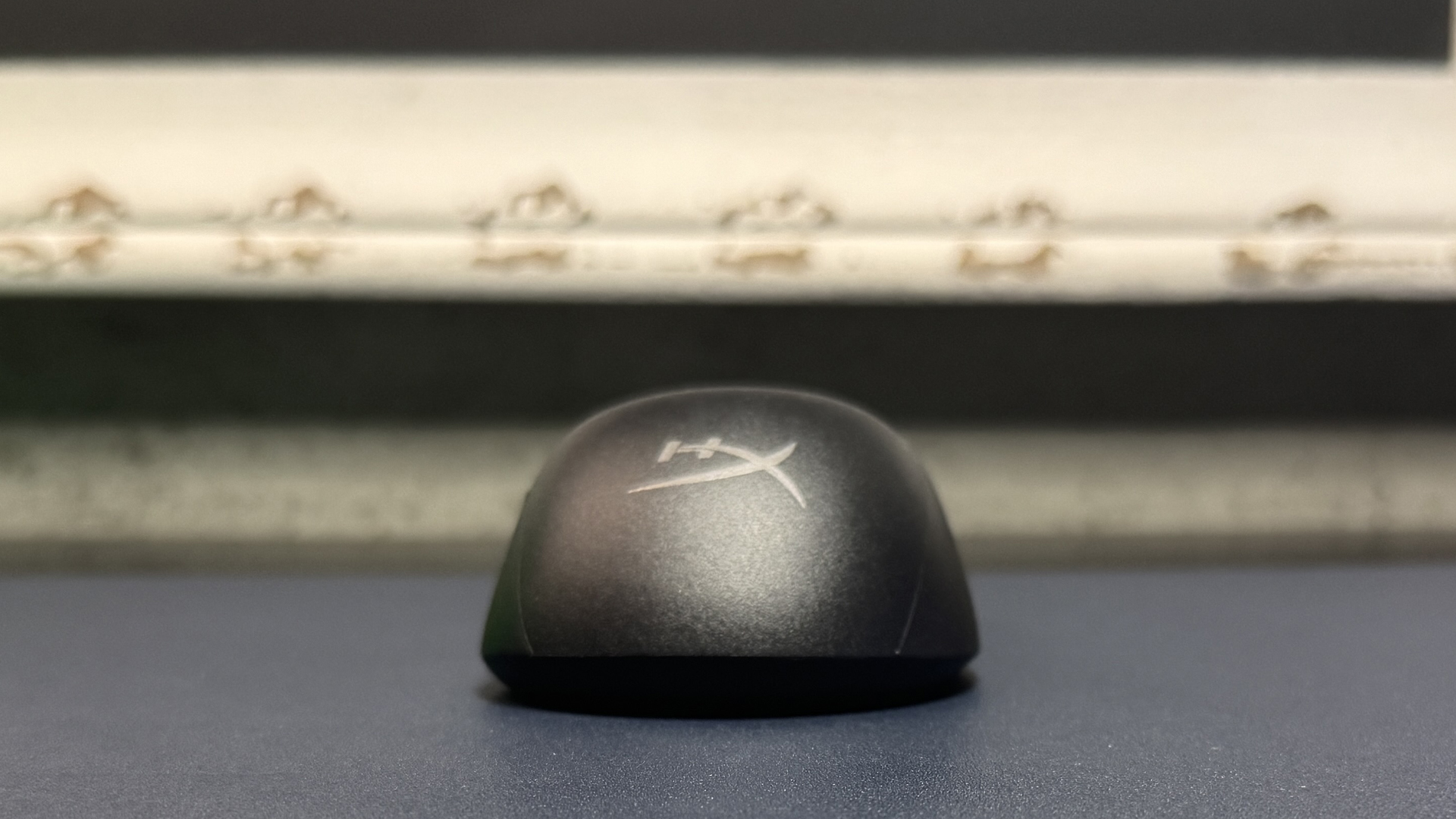


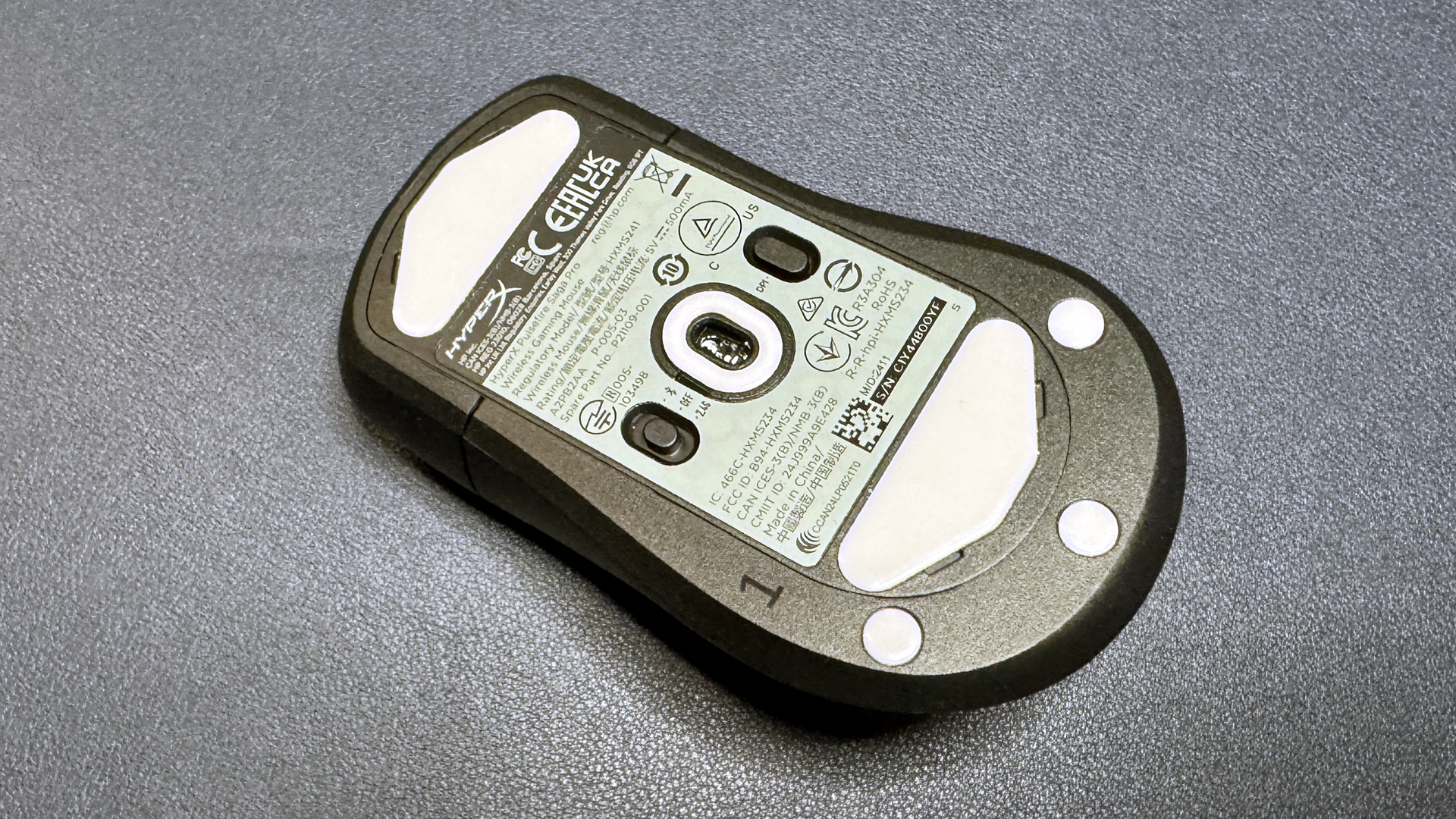
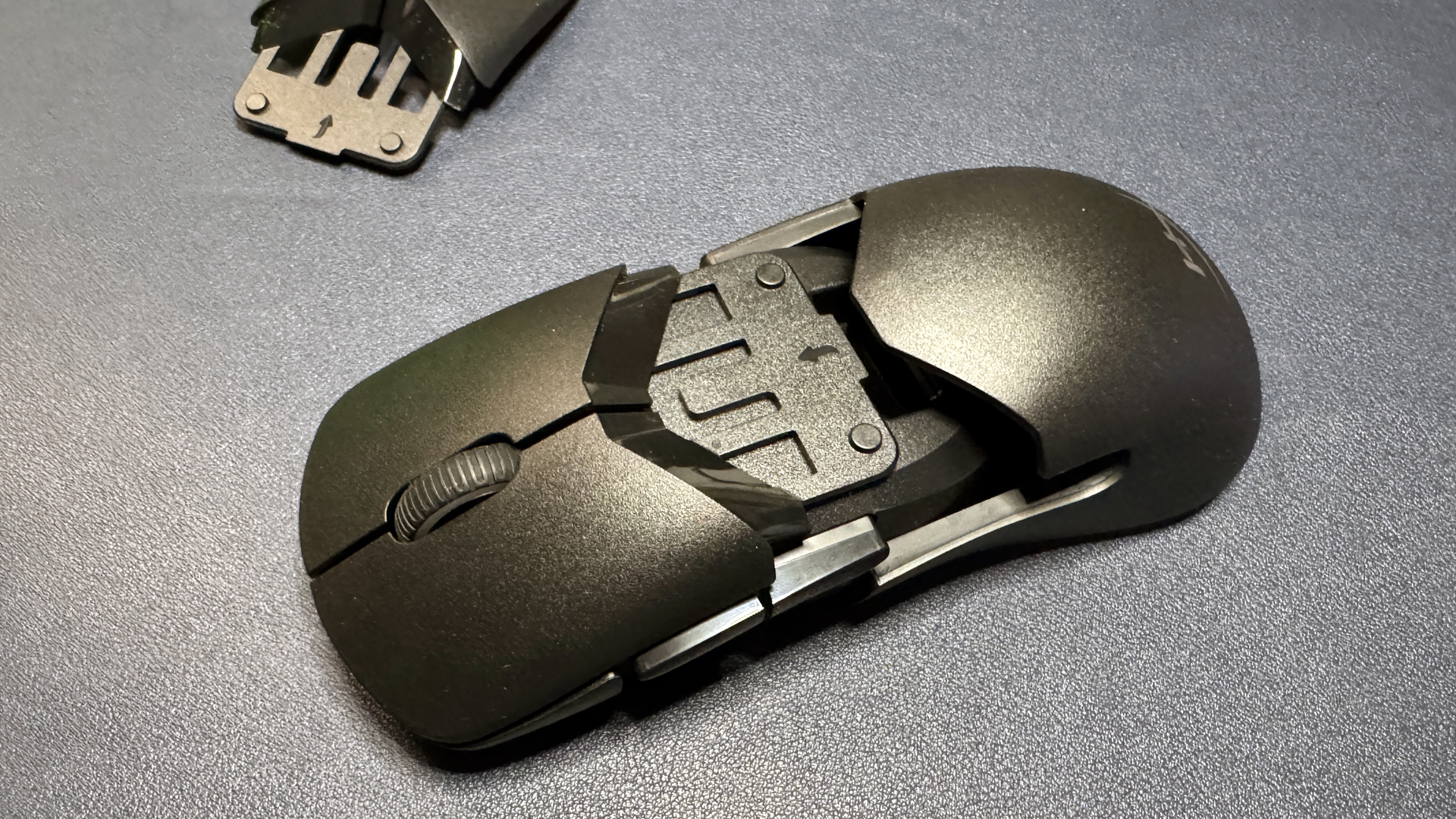

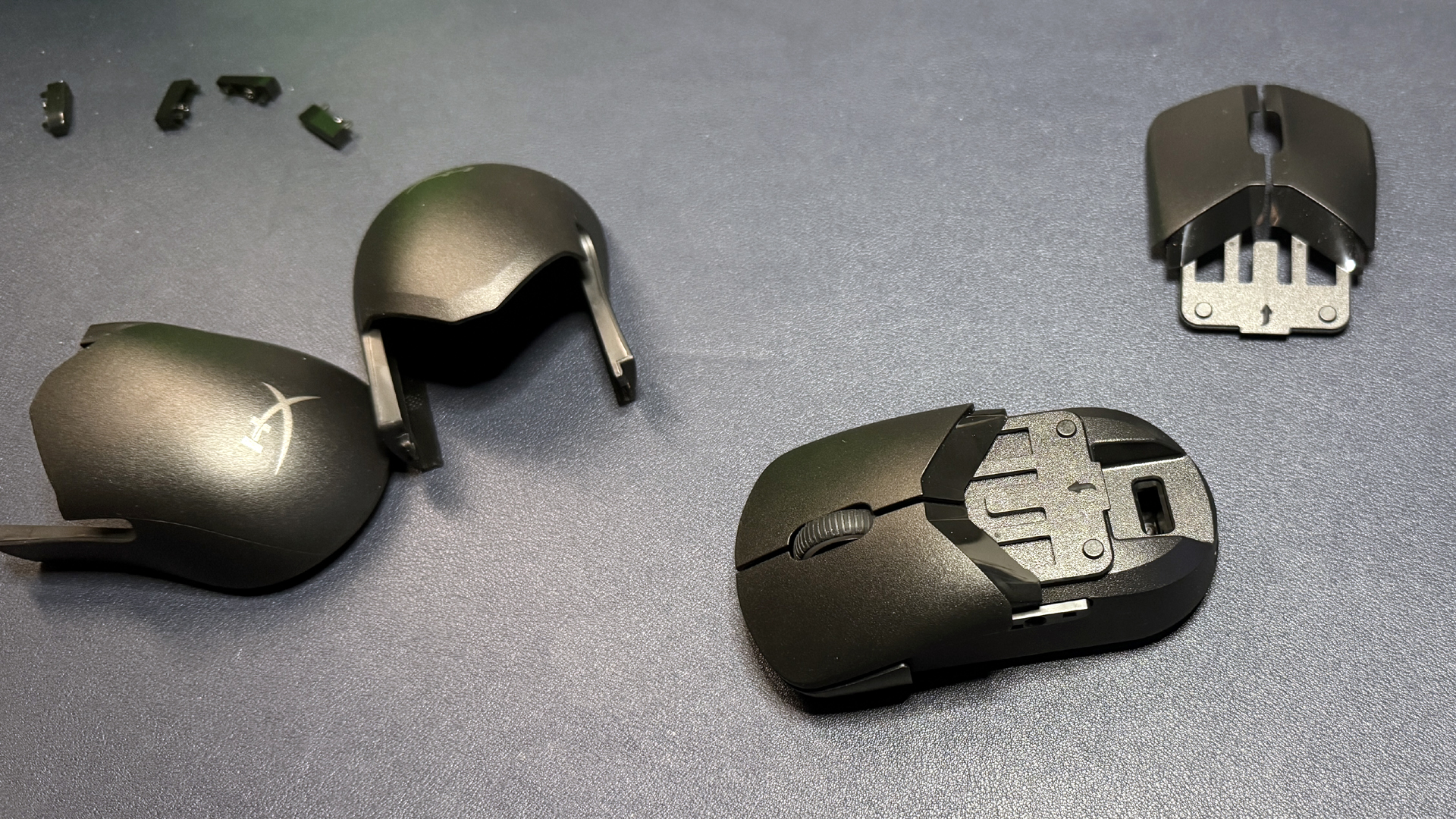
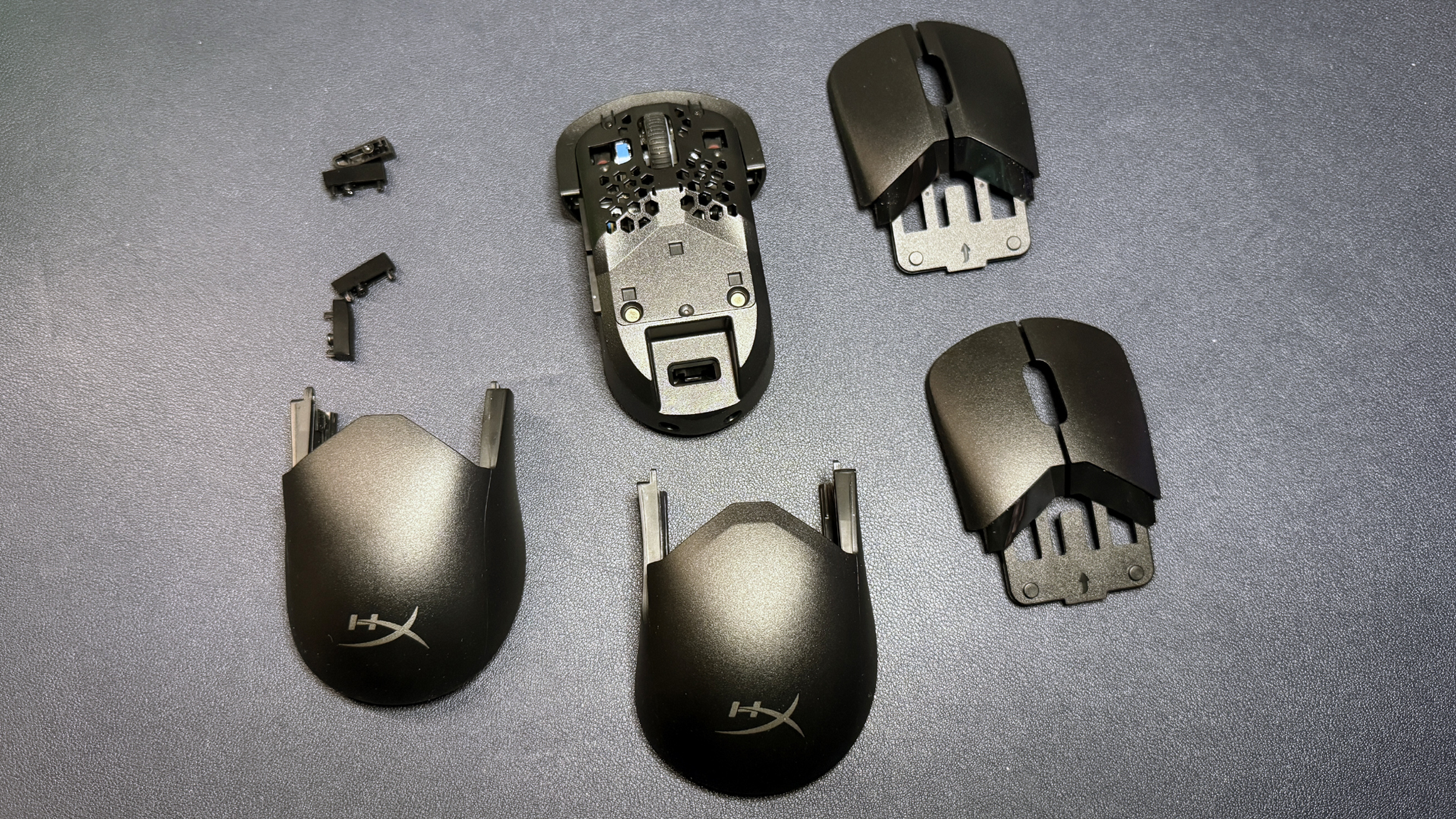
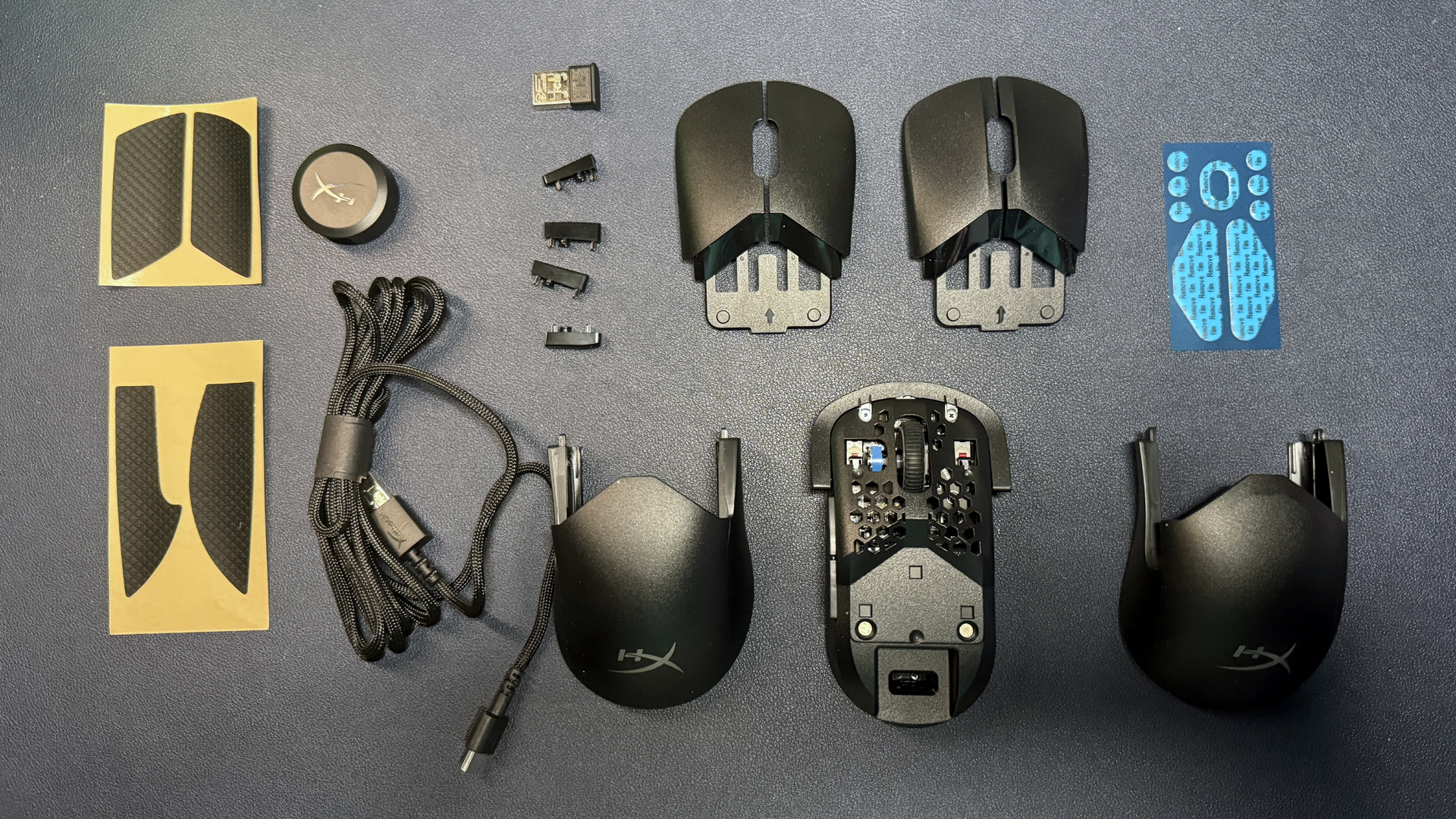
If you're looking for something modular, HyperX's Pulsefire Saga Pro is a wireless gaming mouse with just a couple of modular options (plus the ability to print your own pieces, coming soon). This lightweight gaming mouse also features five programmable buttons and up to a 4,000 Hz wireless polling rate, and it's currently on sale at HyperX for 79.99 — $40 off its MSRP of $119.99.
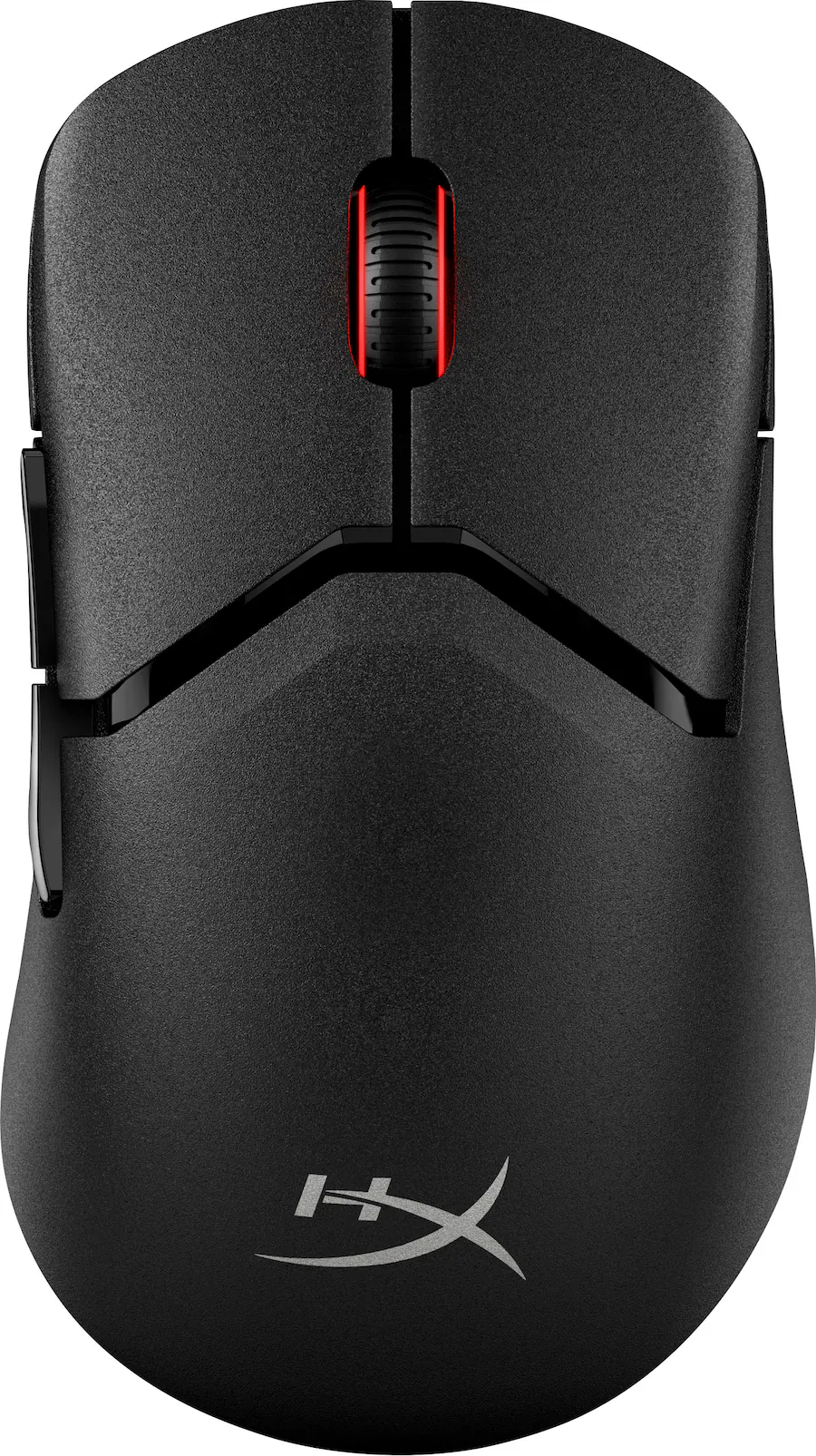
This ultra-lightweight wireless mouse is modular and comes with 2 humps, 2 sets of primary buttons, and 2 sets of side buttons. It features up to a 4,000 Hz wireless polling rate and HyperX's 26K sensor.View Deal
The Pulsefire Saga Pro sports HyperX's 26K sensor, which has a maximum sensitivity of 26,000 DPI and a maximum speed of 650 IPS, and can handle up to 50G's of force. This is the same sensor we've seen in HyperX's mice for a couple of years now — it's a solid sensor in terms of speed and accuracy, but it might not be for you if you're looking for the latest and greatest.
However, if you're just looking for lightweight modularity, the Pulsefire Saga Pro is where it's at: this mouse comes with two mouse humps, two sets of primary mouse buttons, and two sets of side buttons, and it implements its modularity well — everything fits together nicely and feels sturdy, and we had no issues with creaking or parts moving around in our testing. All configurations will give you a weight of 2.54 ounces (72g) — lightweight, but not quite as light as the Pathfinder.
Read our full review of the Pulsefire Saga Pro here.
More Tech Deals
Best gaming laptop deals | Best monitor deals | Best PC and laptop deals | Best SSD deals | Best CPU deals | Gaming Chair | Best hard drive deals | Best PC case deals | Best Dell and Alienware deals | Best 3D printer deals | Best PC peripherals deals | Best motherboard deals | Best CPU cooler deals | Best gaming chair deals