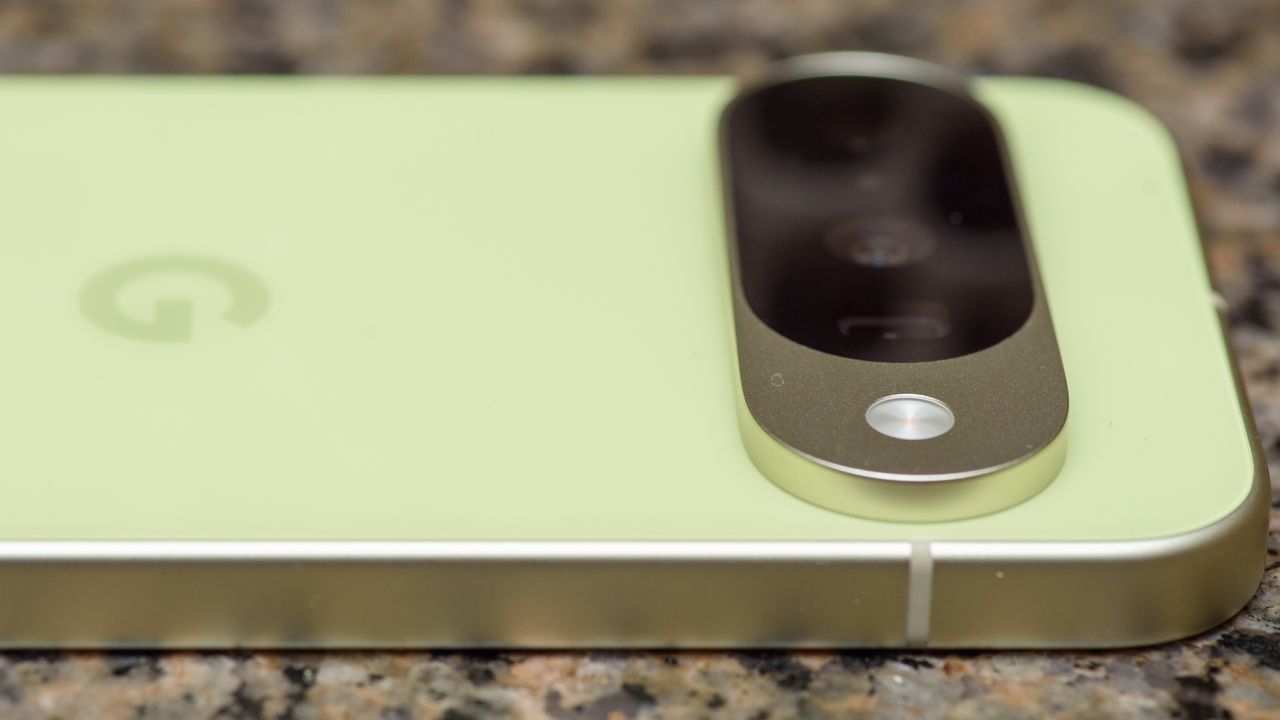
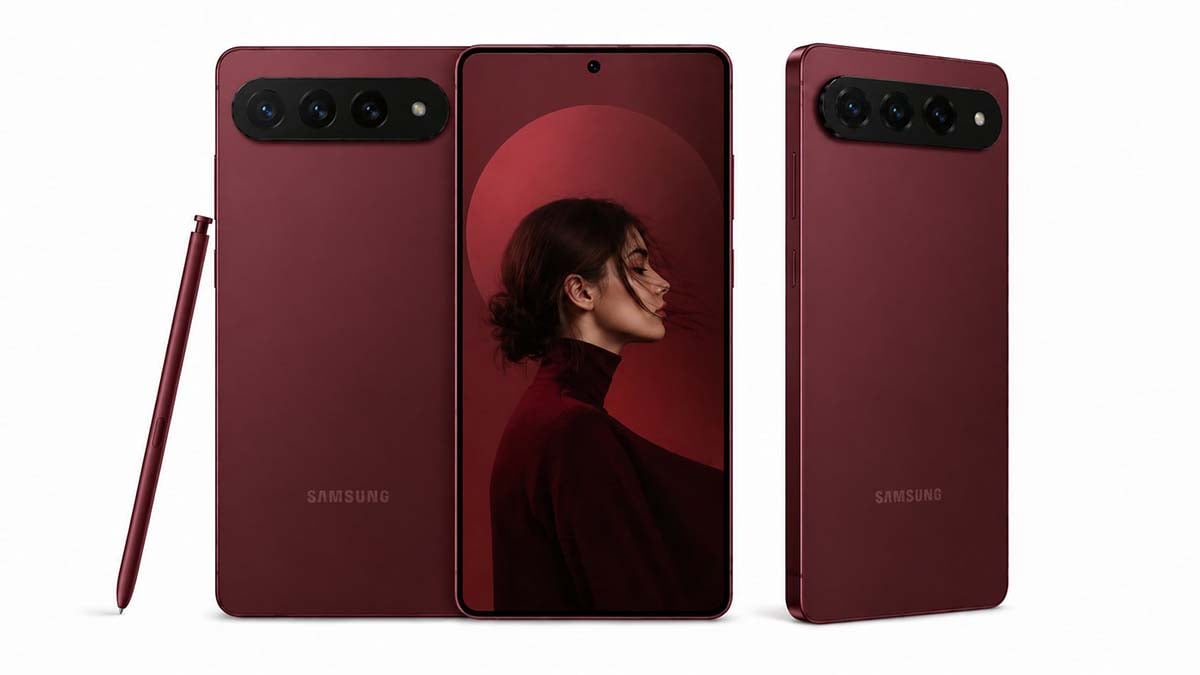
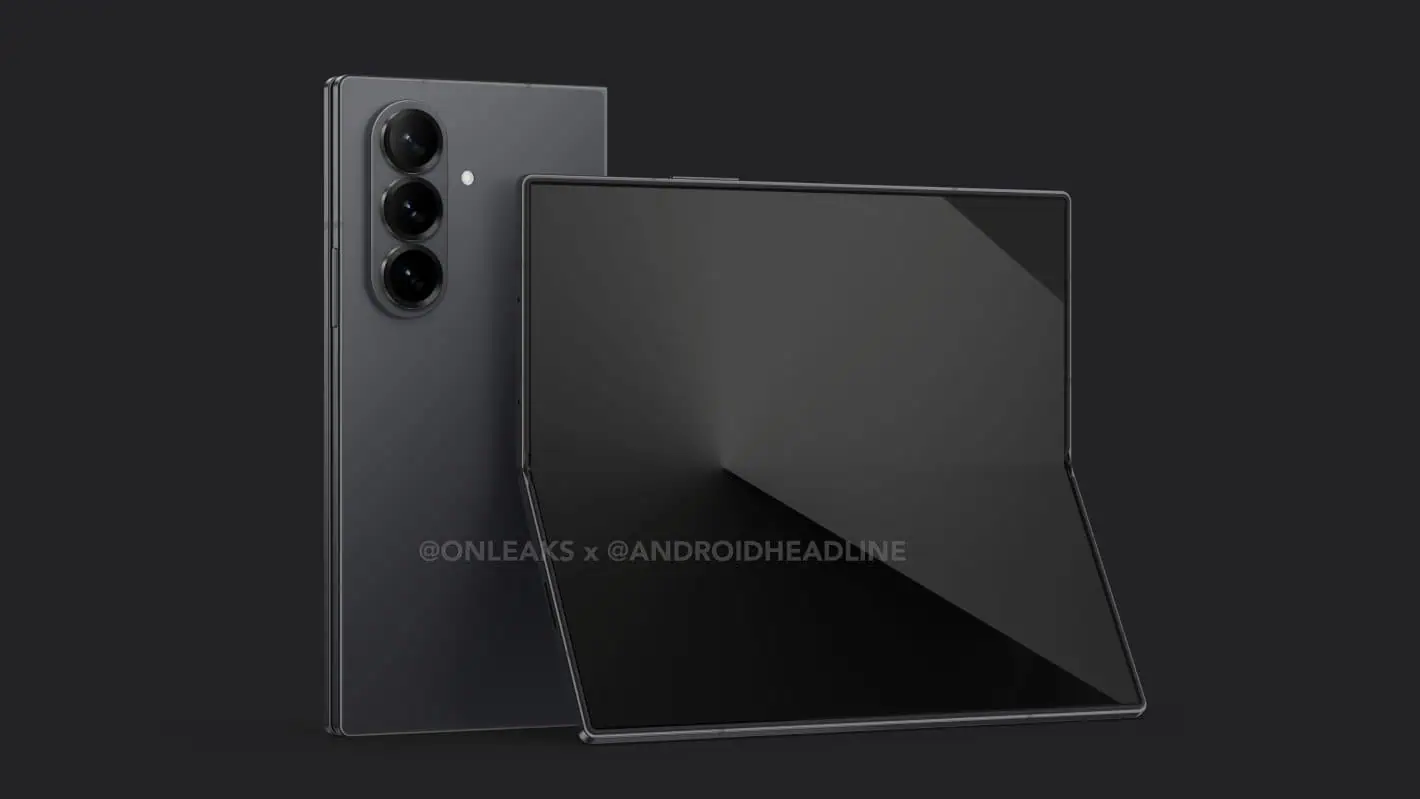
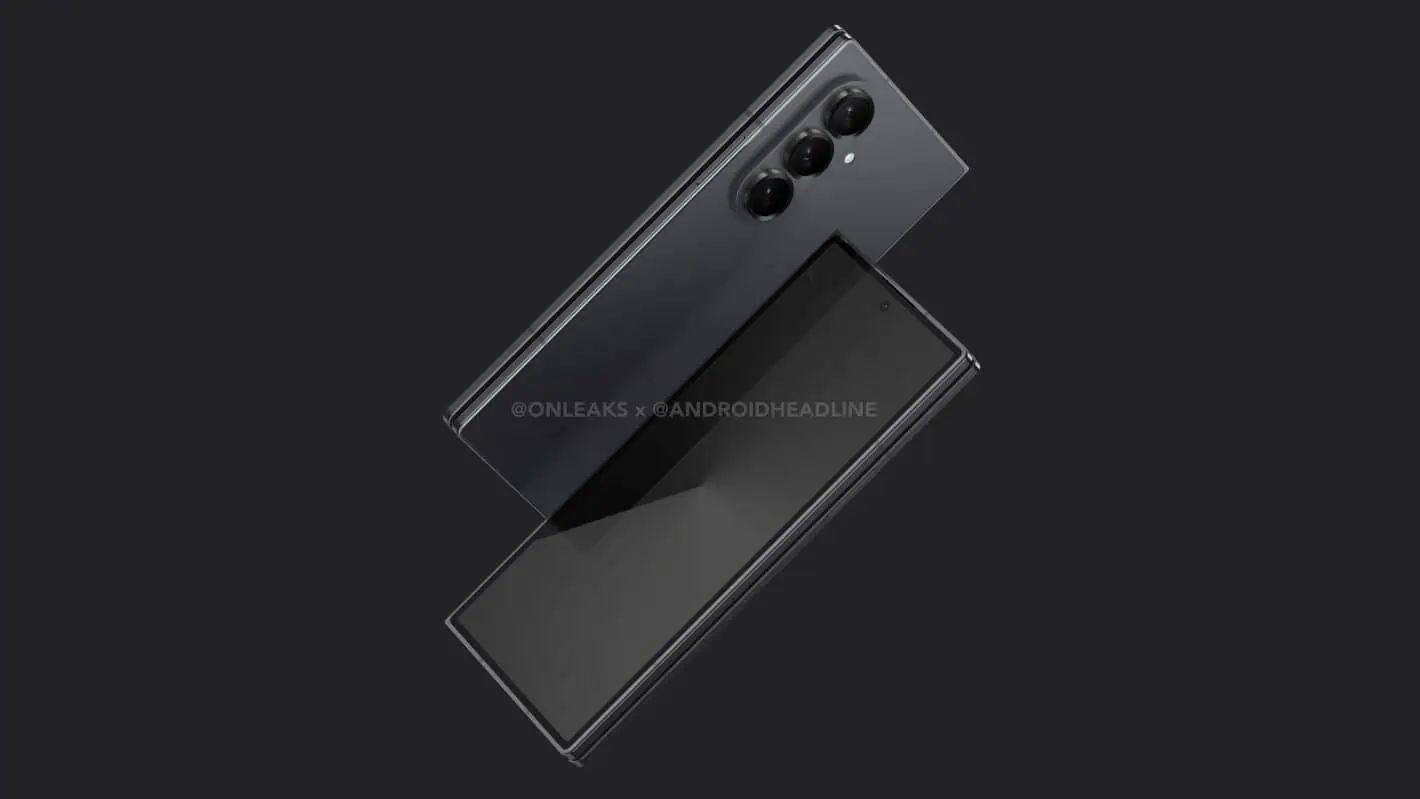
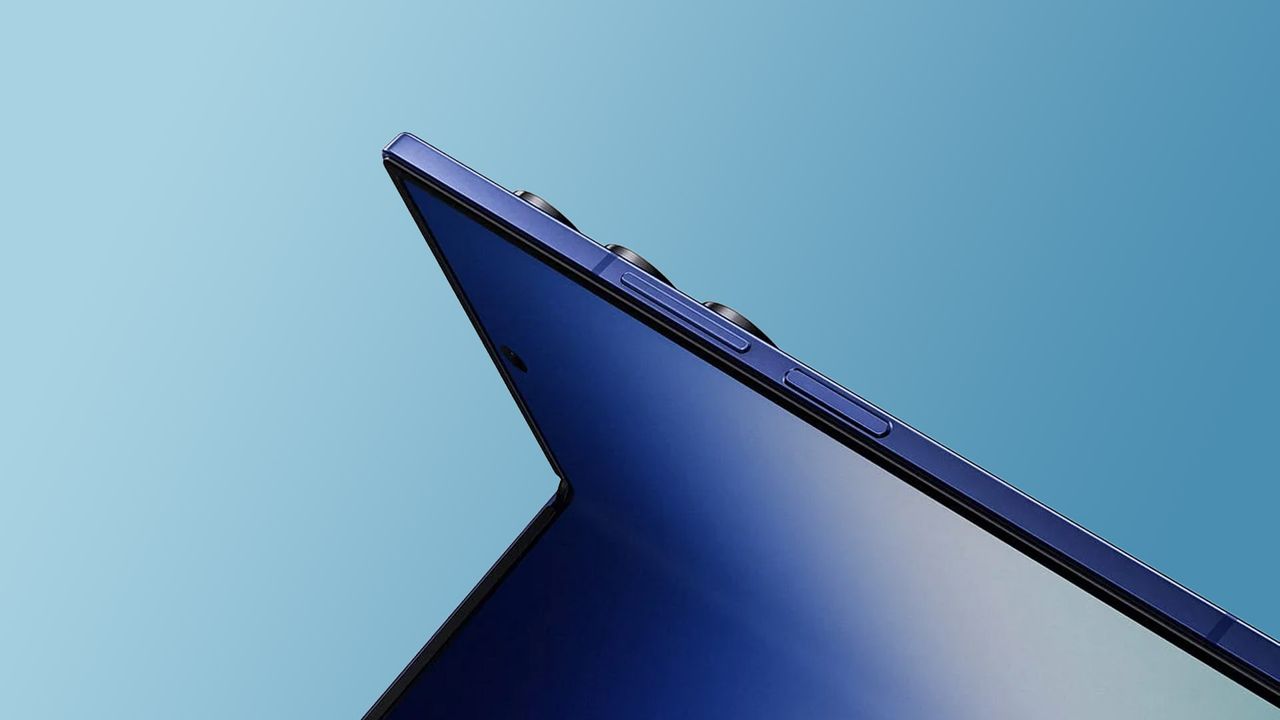
Samsung released a new teaser tied to the Galaxy Z Fold 8 (wide) phone along with a short film featuring BTS J-Hope. The new teasers follow the release of the Spider-Man trailer that exposed all three upcoming foldable phones.
Samsung gives Galaxy Z Fold 8 a retro twist in new teaser
Samsung has a new Reel on its Instagram account. The video shows off the upcoming Galaxy Z Fold 8 with retro-inspired gadget transformations. The motive is to reveal that the phone’s shape is familiar to the popular retro gear.
Starting with a handheld camera, the video displays a calculator, gaming console, and a cassette player. The footage ends with a tease of the device in hand, highlighting the advertising tag: “New shape. New joy.”
Samsung’s new Galaxy Z Fold 8 comes with a new shape that is more practical. The physical status of the device matches a passport. It’s easy to handle and more useful in everyday use, whether it is folded or unfolded.
J-Hope hyping the Galaxy Z Fold 8
The Korean tech giant is collaborating with J-Hope of BTS for Unpacked 2026. The company yesterday dropped a picture, teasing the device with the BTS member. The “New Hope Unfolds” clip has arrived, featuring J-Hope with a new foldable.
Samsung is set to unveil the Galaxy Z Fold 8 along with the Galaxy Z Flip 8 and Galaxy Z Fold 8 Ultra next week. The event is set to kickstart on July 22 in London, but you can also watch it online through a YouTube livestream.
Skullcandy launches Crusher 1080 ANC, new premium over-ears
They mark the debut of three Bose-made features in a non-Bose product
Just launched and available right now, for $280 / AU$399.99 (about £210)
It is as I foretold: after we saw Skullcandy teases about new headphones, the brand has unveiled exactly the pair of cans I predicted. Meet the Skullcandy Crusher 1080 ANC; they're the pair that skate legend (and brand ambassador) Tony Hawk is pointing at in the picture above — yes, it really is him.
These are, according to the brand, its "best-sounding product" (although interestingly, not the most expensive because Skullcandy's Aviator 900 cans are a little pricier) and in case you didn't know, a 1080 in skateboarding involves three complete skateboard and body rotations performed either frontside or backside.
As a new member of its Crusher line-up, part of the draw will be the adjustable bass (see the big dial on the ear cup), but there's a lot more to celebrate besides that.
You can buy the Crusher 1080 ANC right now; they cost $279.99 / AU$399.99 (about £210) so they're a little cheaper than the likes of the $449 / £449 / AU$699 Bose QuietComfort Ultra Headphones (Gen 2) which they borrow features from.
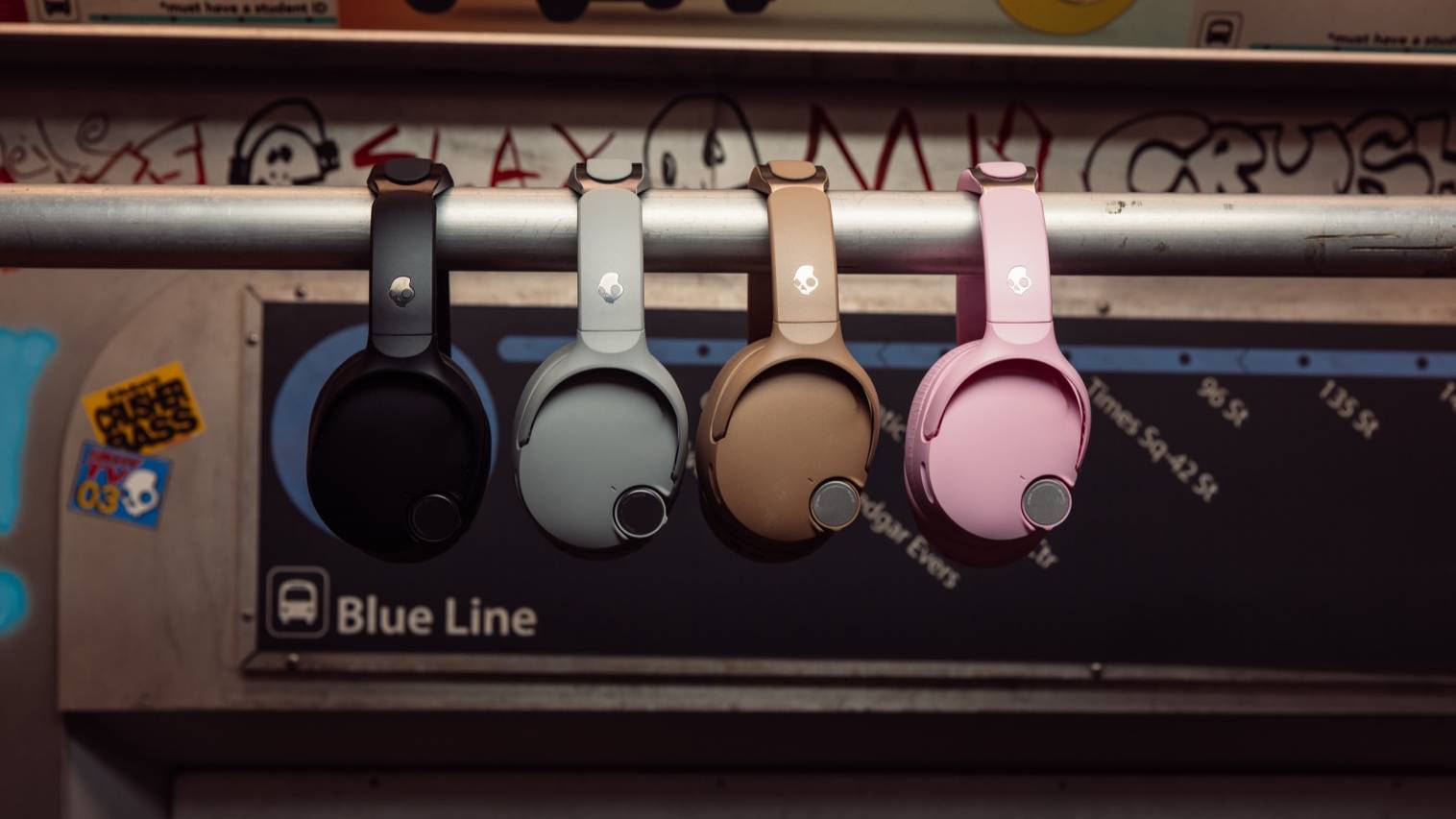
They come in black, gray, brown, and pink, as you can see modelled sans Tony Hawk below. I rate them in the following order: brown, pink, gray, black, though I'd love to see a camo or floral redesign as Skullcandy is wont to do.
Colors aren't why you'll buy the Crusher 1080 ANC, though. No, it'll be because they offer three new Sound by Bose features at a non-Bose price...
That which we call a Bose by any other name would smell as sweet
(Image credit: Skullcandy)
We've seen Skullcandy headphones with Bose features before, but the Crusher 1080 ANC are the first pair of cans not made by the brand which have three specific features. And these three features are a big selling point of the product.
The biggest will be Bose QuietControl ANC, which is a massive draw within Bose's own products (including the QuietComfort Ultra Earbuds 2nd Gen). The company's noise cancellation is best-in-class, and now that proprietary Bose technology is baked into Skullcandy's headphones too. To many, this could be a reason to buy the Crusher all on its own.
Bose's TrueSpatial audio with head-tracking (for surround sound profiles irrespective of source material) and WaveForm audio engine (for snappy digital signal processing) are also stepping foot off the Good Ship Bose for the first time with the 1080. These will be great little extras to refine and finesse what Skullcandy already offers.
And that's before we even mention the Sound by Bose tuning and SpeechClarity voice pickup, to improve the music you listen to and your call quality. The latter is new to Skullcandy, but we've seen the former on some earbuds like my beloved Method 360.
And what about the headphones themselves, beyond the Bose stuff? Skullcandy hasn't confirmed the drivers, but I'd guess they'll be 40mm and joined by woofer units.
The battery life is 60 hours with ANC off and 50 hours with it on, which is pretty impressive; there's a 5-band EQ and other features via the Skullcandy app (not Skull-IQ, which some of the firm's earbuds use). Pictures show a dial on the side of the headphones, amongst other physical controls; I'd wager this is a redesigned bass slider, and given how easy it is to miss this on my Crusher 540 Active, I appreciate the rethink.
Reading between the lines, and having tested the Method 540 earlier this year (a 540 is a one-and-a-half skateboard and body rotation performed either frontside or backside, which I cannot do), I get the impression that Skullcandy is undergoing a push to really level up.
The company doesn't seem to be abandoning the commitment to bass that's defined its products in the past (or its love of athletes as brand ambassadors), but seems to want to bring that into a better-rounded audio package with higher-fidelity music on offer. And if the Skullcandy Crusher 1080 ANC is the culmination of this process, I'm really intrigued to know how they sound.
For the longest time, I thought that, despite their annoyances, iPhones had something big over the best Android phones: PC connectivity. I'd always seen iPhone and Mac-owning friends quickly send files between the two, and assumed it was an Apple-exclusive feature.
As it turns out, this isn't true. Android users can use a Windows app that brings loads of really useful features — and it's really underutilized, which is why a tech journalist like me hadn't heard of it.
This software is called Phone Link, and we've got a guide on how to connect your Android phone to a Windows PC using Phone Link elsewhere on TechRadar. I downloaded it about a year ago, largely out of duty to test every tool, appliance, and gadget I could get my hands on. I was expecting it to last a weekend.
A year on, though, and Phone Link has become such a useful part of my workflow that I'd forgotten it's something not everyone's heard about. It's such a natural part of the way I use my phone and computer that I'd totally forgotten it was something I initially downloaded to test!
Well, no longer: TechRadar has let me wax lyrical about Phone Link, and I'm going to give the tool its time in the sun.
Sending photos from phone to PC
(Image credit: Future)
For the most part, whenever I want to connect my phone to my PC, it's to move pictures between the two devices.
As a smartphone journalist, you can understand that I'm sending snaps from my phone to my computer a lot. Sometimes it's camera samples from a mobile I'm testing that I want to upload for a review. Occasionally, I want to back up pictures I really like before I wipe a phone and send it back to the company.
The most frequent use case, though, is to transfer to my PC pictures I've taken on one phone, of another. I use smartphones to do review photography, and it's a great way to test out a phone I'm reviewing.
Before Phone Link, I'd have to use a USB cable to connect my phone to my computer — approving the connection on my Android's end, because they're always annoyingly suspicious — and drag and drop all the relevant pictures into a folder on my computer. It's not an especially onerous process — it's a lot quicker than when I used to use Google Drive to transfer pictures, for instance — but it takes a little while of fiddling with my phone and digging out a cable to work.
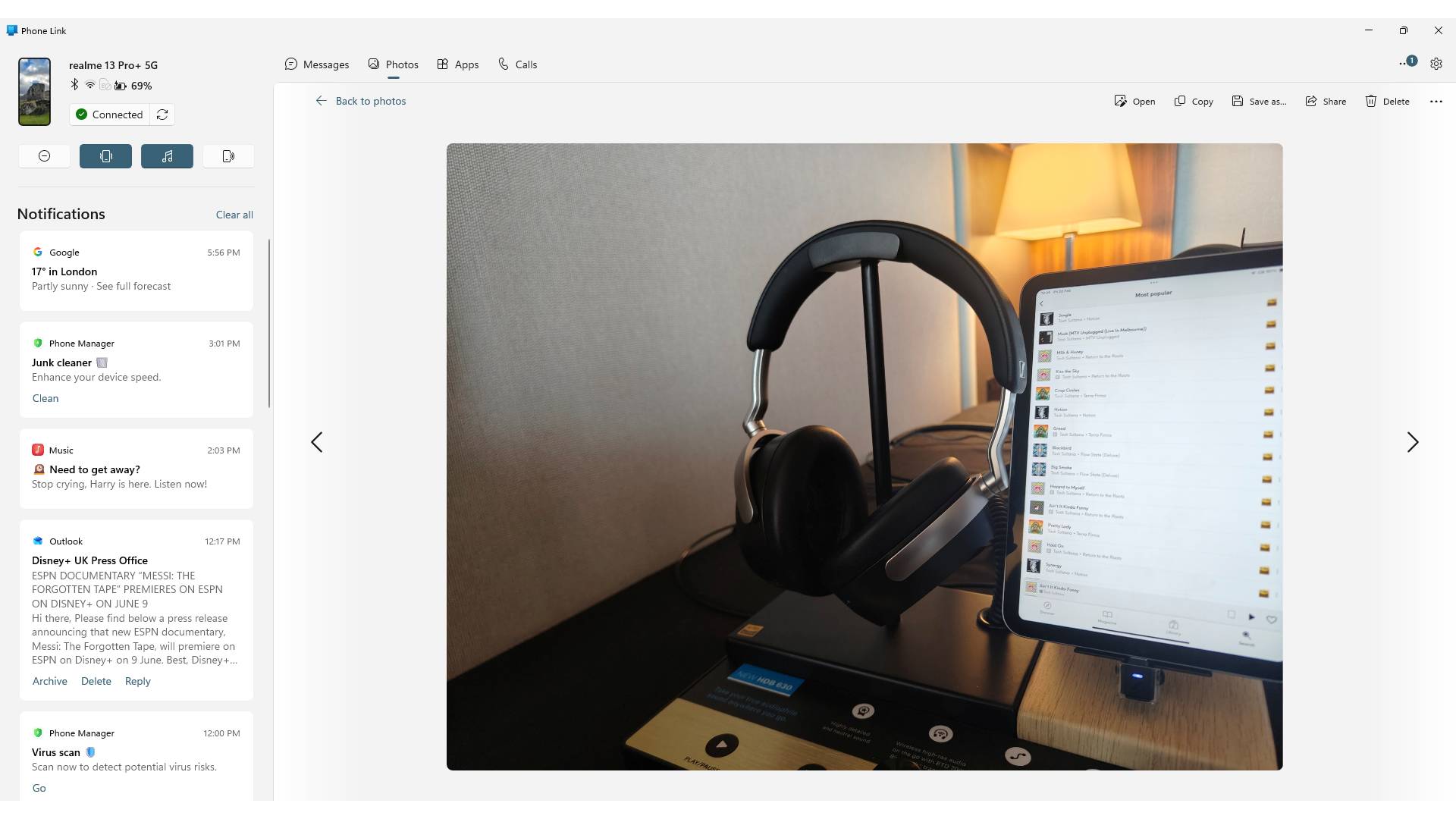
Not so with Phone Link. Its Photos tab shows a big old list of all the pictures you've taken recently, giving you options to save them to your PC, open them in an editing app, and share them with others.
These pictures appear as soon as you take them, as long as your phone is on the same Wi-Fi as your computer. I've become used to taking photos in one room of my home, and entering my office, to see them linked up on Phone Link, ready for an edit. When I've got PC notifications turned on, I can even hear the 'bong' of my computer telling me they've arrived.
Phone Link also lets you browse the contents of your mobile in the Files tab, where it appears in the Devices and drives list alongside any cloud or local drives you have. I don't use my phone to handle non-photo files, but it's a nice touch that'd be really useful if I were in another line of work.
Apps on my PC
(Image credit: Future)
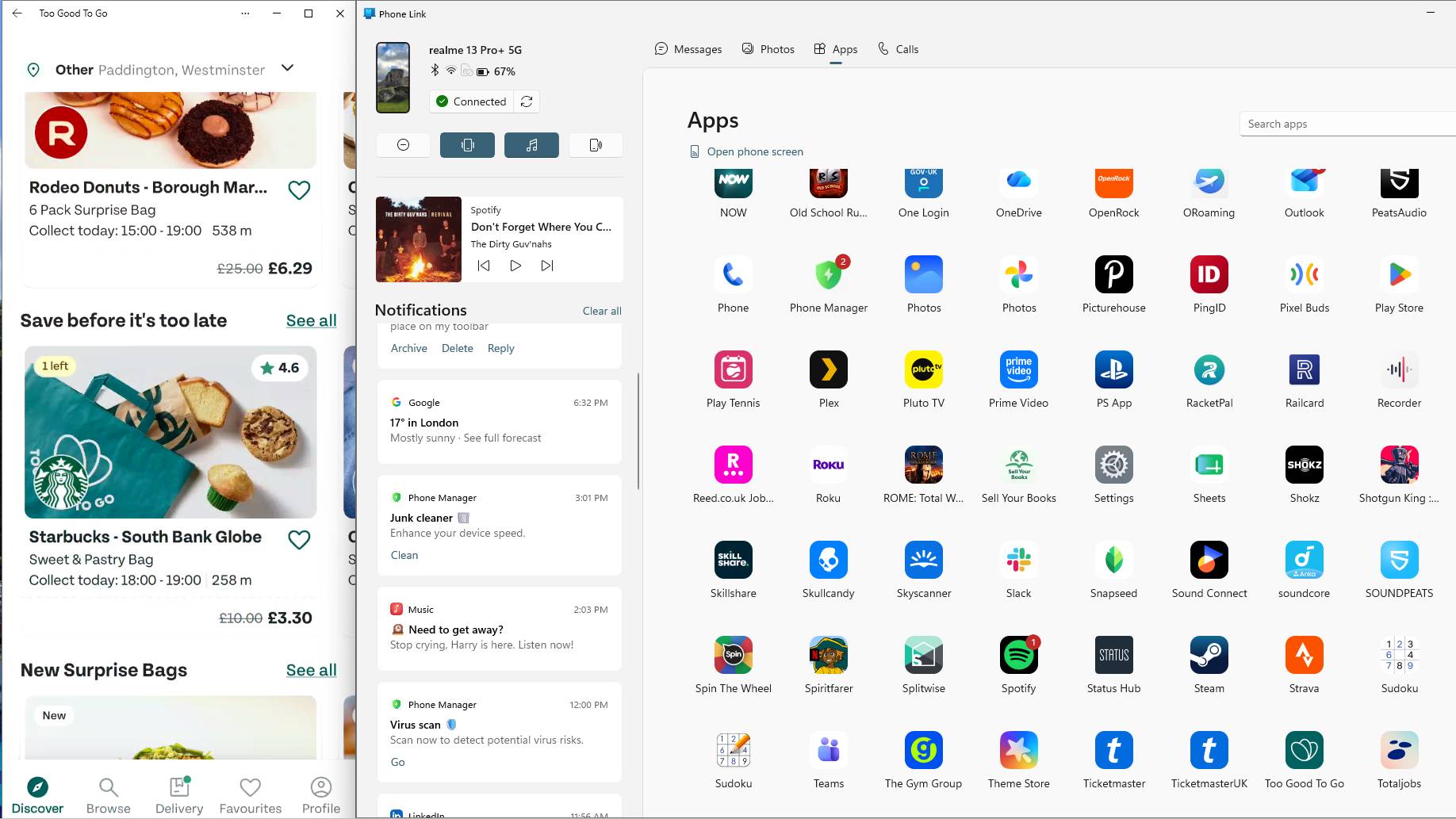
Ostensibly, one of the main uses for Phone Link is that it lets you open your smartphone apps on your computer. Its Apps page shows you a massive list of every one you have installed on your mobile, and clicking on it opens it in a window.
This doesn't override anything you have going on on your phone; if you're using it as a second screen to watch a YouTube video or act as a music player (one of many ways you can repurpose an old Android phone), the app will open in your PC window alone.
When I first started Phone Link, I tried using it for everything, but often bounced straight off. In many circumstances, using a smartphone is simply more intuitive than using a mouse and keyboard, given that phone apps are designed for thumbs. But over time, I've found a few uses of Phone Link's app windows that are genuinely handy.
As mentioned, one of those uses is as a music player. I can let Spotify hang around as a spare window, ready to skip tracks or change playlists when I want. It's also useful as a way to check apps that don't have PC equivalents, like Too Good To Go or Mubi Go, or ones that do have web functions but are easier on the phone, like my national health service's app.
There's one way that Phone Link saved me hours, though. When I used to work for a company that didn't let you use your work Gmail account on personal computers, Phone Link was my workaround to still see emails on my PC. This saved me ages each day; time that'd otherwise be taken up checking and replying to emails on my phone, or trying to get my decrepit work laptop to turn on.
Naturally, you can manage your calls and texts via Phone Link too. Personally, I don't think I've sent an SMS or made a non-WhatsApp voice call since the 2010s, but I'm sure there are some people who'd find this handy.
I also appreciate a notification list down the left side of Phone Link. This transforms it from being software solely for controlling your mobile to a veritable hub of information from your handset. I'll often keep it up on my second monitor; it makes good use of its space.
Controlling my phone from my computer
(Image credit: Future)
As mentioned, you can use your computer to control your mobile's apps via Phone Link, but you can also use it to change the actual settings of the device itself, which proves itself useful in an entirely different way.
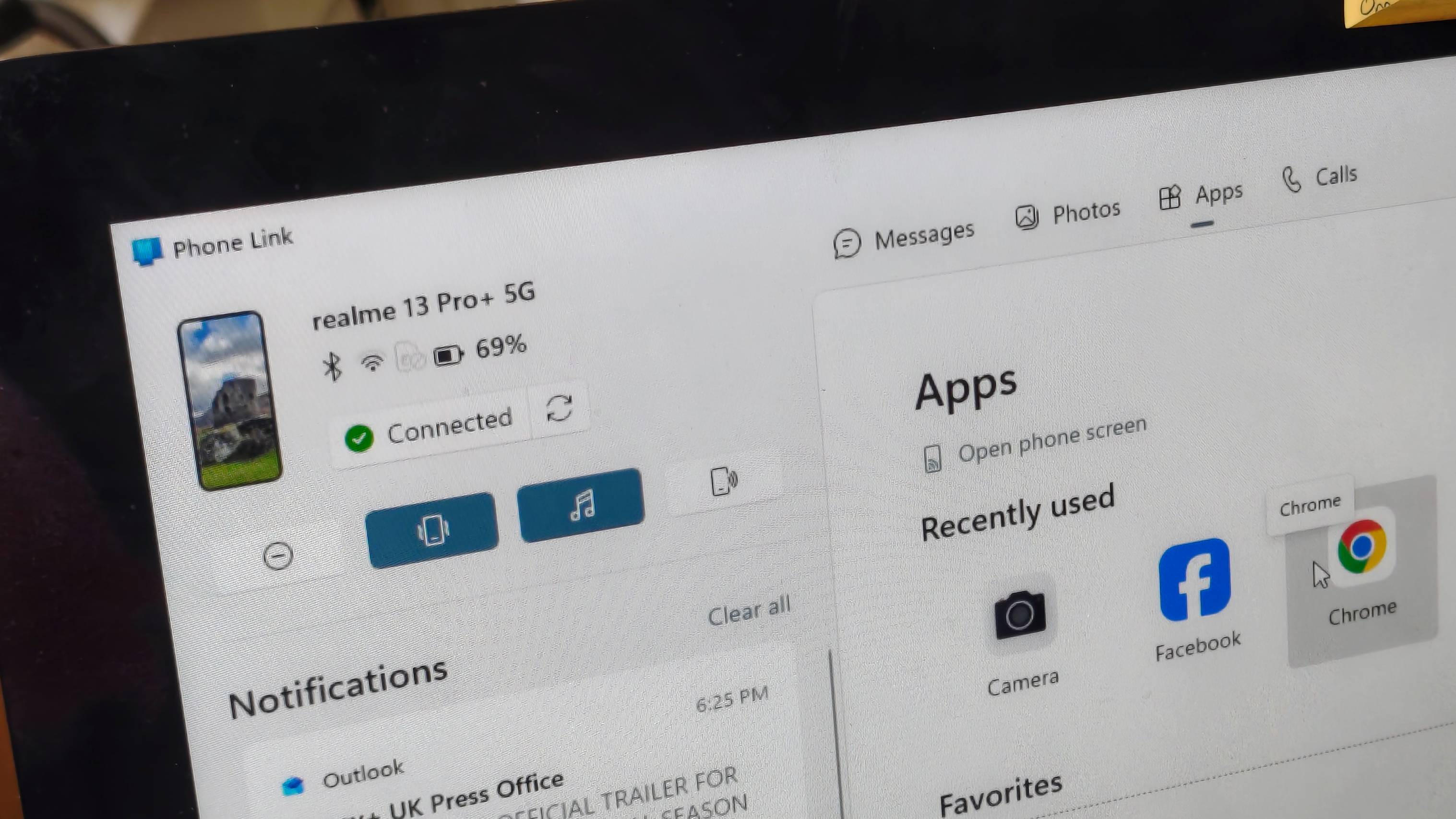
Phone Link lets you monitor your phone status; I can see how it's connected to other devices, what battery it's on, and whether it's currently paired with Phone Link or not. I can even see a little representation of what my wallpaper currently is. All useful to a small degree, but the charge is the only one of those that's seriously useful.
What's more important are the status controls. You can toggle between vibrate, sound, and silent, turn Do Not Disturb on and off, and turn on the media player.
From a cursory mention of the tools, these might not sound that important, but I've found them really useful in a pinch. I'm constantly forgetting to mute my phone before I go on a video meeting, and a quick click of the Do Not Disturb button means I'm not going to have unexpected calls.
As a lazy person, I also love the fact that you can use Phone Link to play a sound from your phone; I'm always doing this instead of spending five seconds actually looking.
My one gripe with Phone Link is that I still need my phone with me to use it. When you start using it each session, you're required to unlock your device and approve the connection. But this is a small price to pay for the transformational effect it's had on my workflow — and I hope that you, too, consider giving it a try.
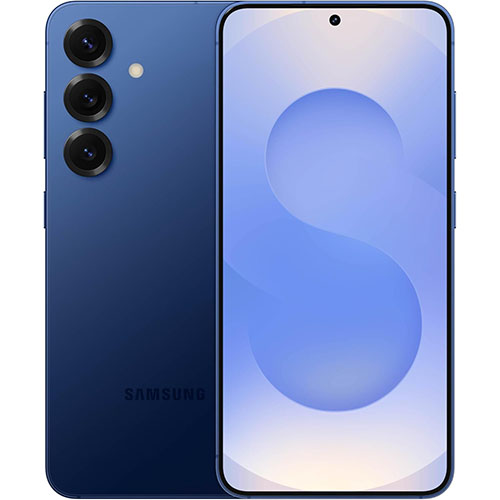
The prepaid carrier Mint Mobile has been making headlines recently with its huge discounts on the latest Android flagships. Last week, I was shouting out the carrier's $500 discount on the Samsung Galaxy S26 series, but I've just spotted another great option.
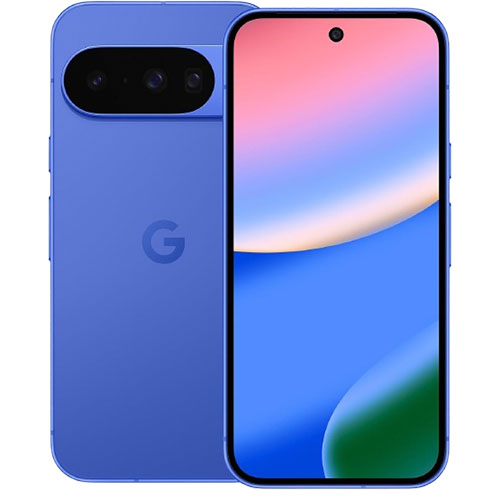
It's a record-breaking $650 upfront discount on the latest Google Pixel 10, which is just $150 at the carrier today without the need for trading in. While you'll still need a plan, Mint Mobile is also offering a full year of unlimited data for just $180. That means a device and plan for just $329 upfront.
Getting such a decent phone for so cheap isn't to be ignored, and these types of deals have been incredibly popular at Mint Mobile over the past few months. Just a few weeks ago, the Galaxy S26 series sold out at the carrier, so I wouldn't be surprised if this Pixel 10 series deal did too.
This particular deal is listed as exclusive to new customers, though, so you may be excluded if you already have a line with Mint Mobile. As always, these deals are very much aimed at people looking to bundle up one of the latest phones with a super-cheap plan that really undercuts the traditional big carriers.
Record-breaking Google Pixel 10 deal at Mint Mobile
Google Pixel 10: was $799 now $149, plus one year of unlimited data for $180 at Mint Mobile Mint Mobile's offered plenty of deals on the excellent Google Pixel 10 series recently, but none have come close to this week's record-beating discount. Right now, you can get a massive $650 off the device if you buy it upfront with a new plan. No trade-ins are needed at all here, and the carrier is also offering a full year of unlimited data for just $180 — that's just $15/mo on average.View Deal
While you can technically get the Pixel 10 alongside any plan at Mint Mobile, the carrier has every plan listed at $180, so it makes sense to go for the option that's usually the priciest. And, it's a good plan, too. You get unlimited talk, text, and 50GB of high-speed 5G data per month for one of the most competitive prices on the market.
Note, if you're just interested in the plan and not the phone, then Mint Mobile also has some great 'bring your own device' summer specials currently. I've listed those out, alongside today's deal on the Galaxy S26 series, just below.
Also available at Mint Mobile this week...
Samsung Galaxy S26 series: $500 off, plus up to $400 off with a trade-in at Mint Mobile Mint Mobile's latest deal on the Galaxy S26 series is one of the best I've ever seen from the well-known prepaid carrier. Not only can you get a record-breaking $500 upfront discount on a brand new device, but you'll also get a full year of unlimited data for just $180 — that's half price. On top of that, you can also trade in for an additional discount of up to $400 off, which is enough to cover the entire cost of the standard Galaxy S26.
Mint Mobile unlimited data plan: was $360 now $180 If you've been curious about trying Mint Mobile, then now's a great time to jump on board. The carrier has just brought back its best-ever deal on its already good-value unlimited plan. Right now, you can get a full year of service for just $180 upfront, which equates to half price and just $15/mo on average.View Deal
Google Pixel 11 modem situation has been quietly building for months, and now supply chain documents appear to have confirmed what the industry was already whispering: MediaTek is in, Samsung is out.
Every Pixel since Google launched its custom Tensor chips has run on Samsung’s Exynos modem. Even when Google moved Tensor G5 production to TSMC in 2025, it kept Samsung’s modem on board.
Google Pixel 11 phones use MediaTek 5G modem
MediaTek didn’t just edge out Samsung here. It beat Samsung and Qualcomm during Google’s evaluation process. The Pixel 11 reportedly spans four models, and MediaTek’s modem chips are going into all of them.
Following its entry into the Pixel 11, MediaTek is expected to maintain its steady partnership with Google while expanding its design-win share among other major US clients.
MediaTek cracked Apple’s supply chain in 2025 too, winning Apple Watch modem components. The company’s external modem business, long overshadowed by its integrated SoC work, is looking like a serious revenue arm.
Google didn’t just swap suppliers for cost reasons or experimental flair. Samsung was tested, evaluated, and passed over. Samsung’s Exynos modem division, already battered by its own SoC struggles, just lost one of its most visible Western customers.
Samsung has collaborated with BTJ J-Hope to give fans an early look at the Galaxy Z Fold 8. The company posted a new teaser on its official X handle, showcasing the upcoming foldable phone with a re-shaped design.
The teaser features J-Hope of BTS carrying the Samsung Galaxy Z Fold 8 foldable phone. The device hasn’t been completely revealed, but the folded width, volume rockers, and camera island were shown accurately.
Samsung’s post teases its Galaxy Unpacked event set for July 22, 2026, using the slogan “Your hope is ready. Tomorrow, a new hope unfolds” to highlight upcoming Galaxy AI features.
It seems Samsung has something baked in collaboration with J-Hope, which will be released tomorrow. It could be a confirmation of J-Hope’s presence during the Unpacked or the release of the melodious Over the Horizon 2026.
The July 22 livestream on samsung.com is set to reveal the Galaxy Z Fold 8, Z Flip 8, and new wearables featuring slimmer designs, improved batteries, and advanced AI capabilities.
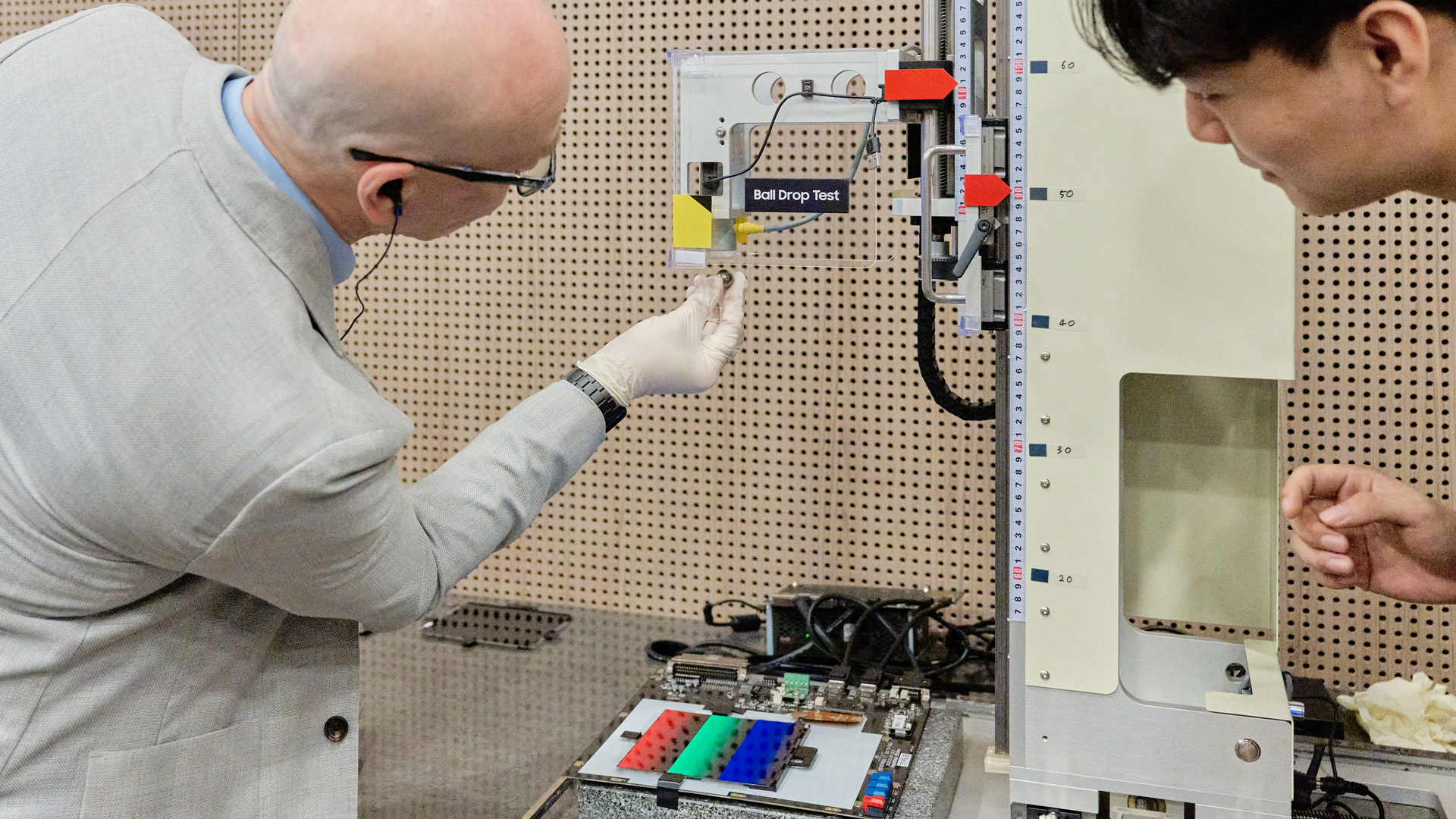
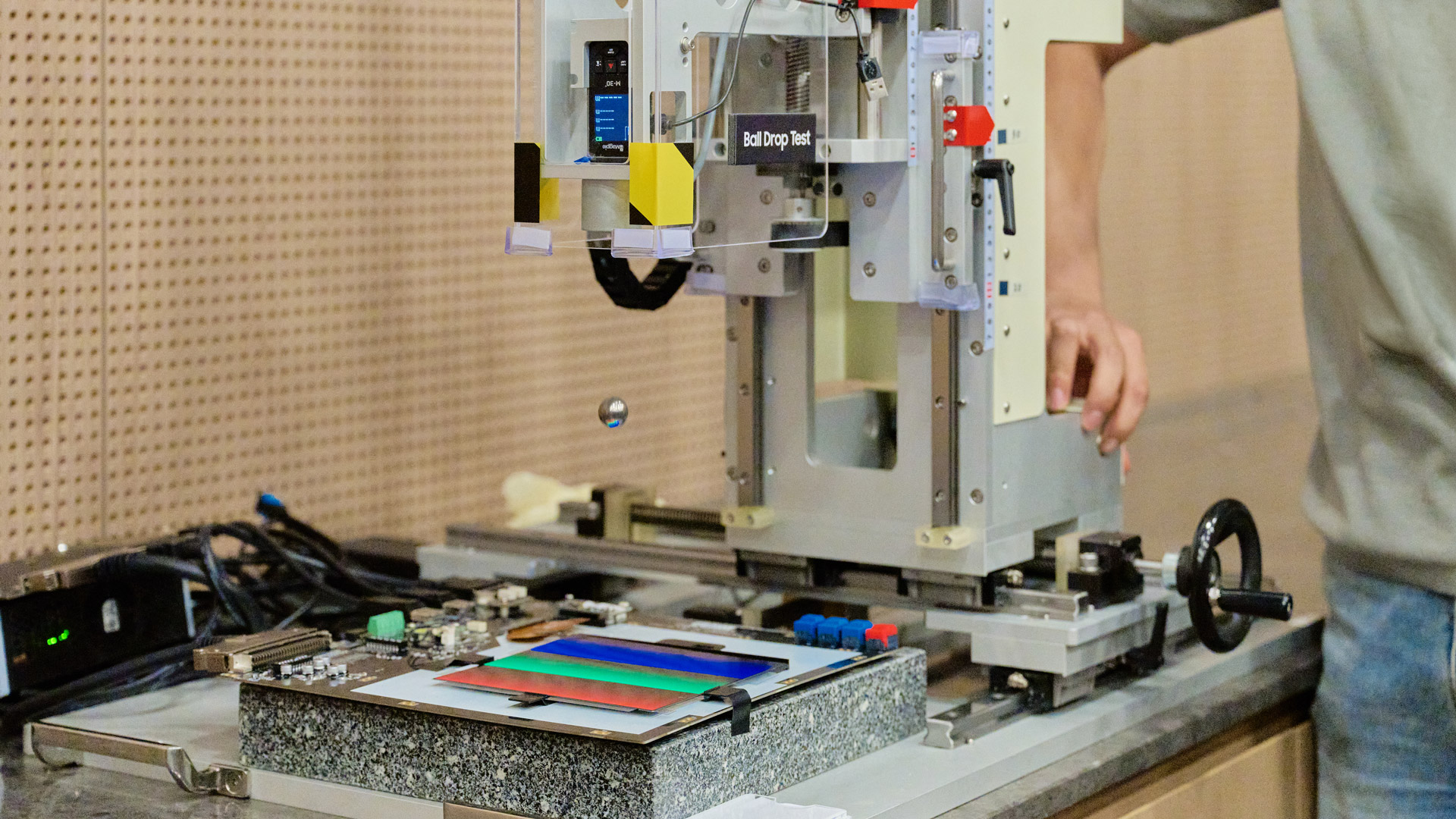
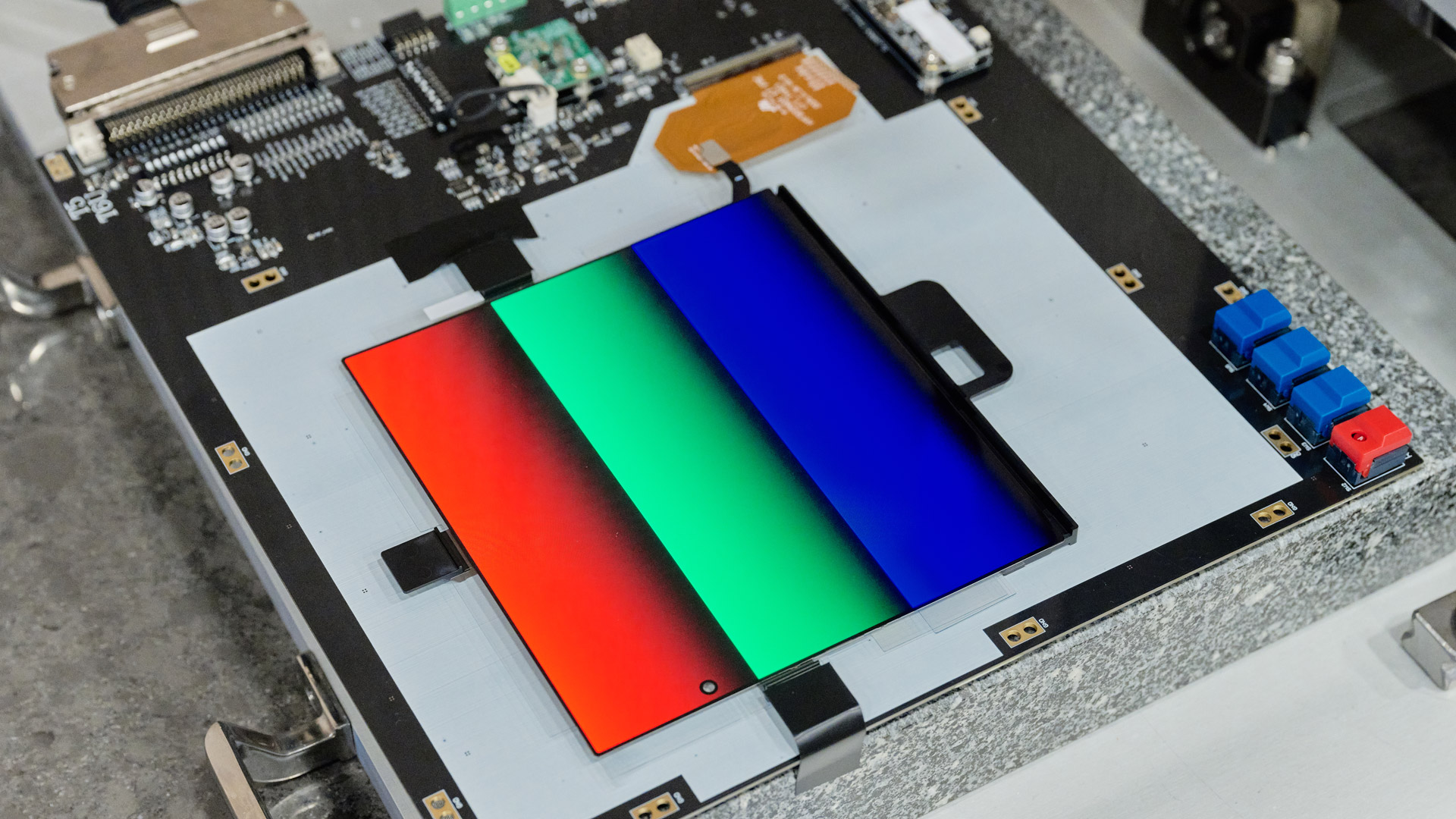
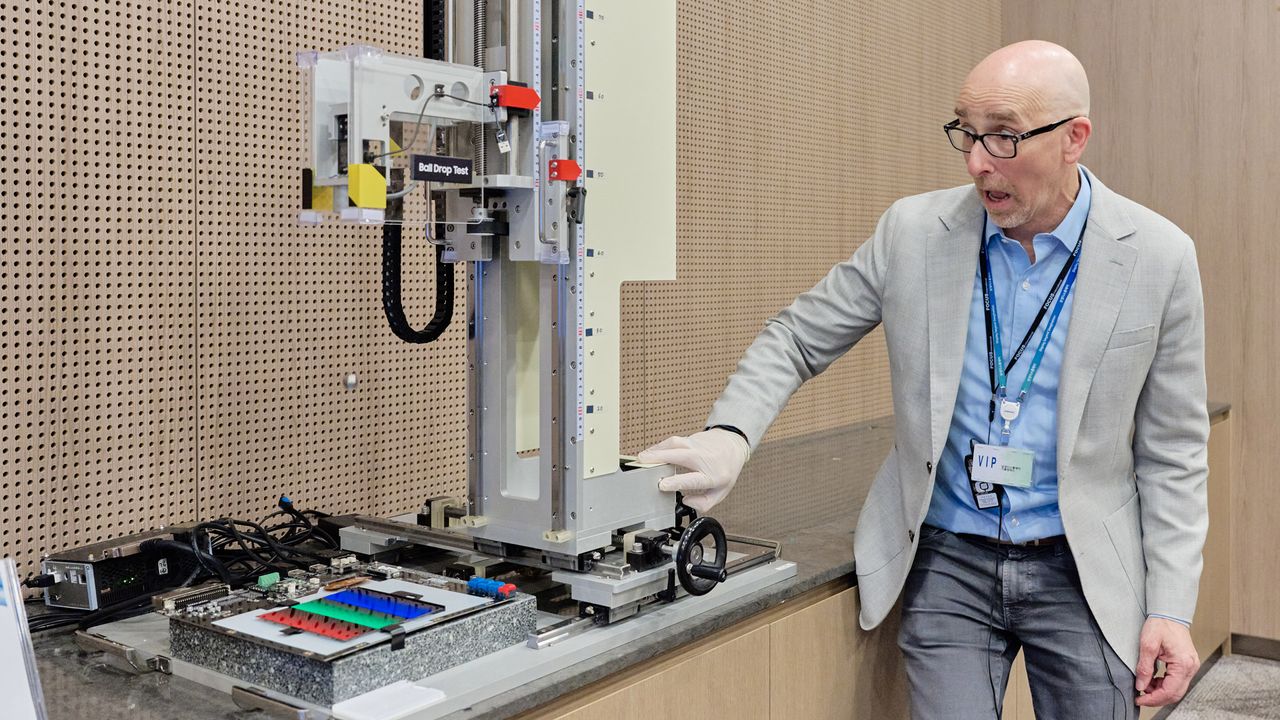
The metal ball dropped 40 centimeters onto a hair-thin flexible Samsung display with a resounding, cringeworthy clunk, but it did not break, and yet that wasn’t the most remarkable thing. It was that I was the one dropping the ball, using one of Samsung Display’s own pieces of testing equipment, and I was doing so inside Samsung Display headquarters, a place where no media has gone before.
I’d come to South Korea for a wide-ranging Samsung Electronics product briefing and tours of its massive Gumi Digital City Factory and this first-ever look inside Samsung Display. With Samsung Unpacked now just days away (July 22) and new foldables anticipated, the visit would prove more than illuminating.
They let me set and drop a steel ball onto a flexible display.FutureFutureFutureFutureFutureFuture
While obviously connected and working closely to deliver products like the Galaxy S26 Ultra and Galaxy Z Fold 7 and Z Flip 7 (and whatever comes next), they’re also separate, working in a partnership that also allows Samsung Display to supply displays to, for instance, Apple (more on those Apple folding phone rumors later).
Samsung Display is a display specialist operating in a vast and in some ways nondescript (and in other ways beautiful) factory that is just a stone’s throw away from its nearest competitor, LG Display, which works in South Korea with its partner LG Electronics in a similar fashion.
Most of Samsung Display's buildings are unattractive, brutalist monoliths, but the interiors feature some eye-popping examples of their work. Ironically, we were initially greeted by a conference-hall-sized display featuring our names, which Samsung Display did not build. But on an adjacent wall was an animated edifice of phones, tablets, TVs, and other screens that all tell the story of Samsung Display technology, one that has taken it from tiny feature-phone displays and tube TVs to the vast OLED panels and flexible displays featured in the latest foldables.
This massive display offered some cool 3D effects but was not built by Samsung Display.FutureDisplays on this wall shifted in and out for a truly mesmerizing visual experience.FutureScreen sizes ranged from phones to TVsFutureYes, Samsung Display made all these screens.FutureA little bit of screen history.Future
The ball-drop demo was part of a whistle-stop tour of Samsung Display's latest innovations and stress tests. I only dropped the 21.7-gram ball on the panel after watching a Samsung Display tech do it multiple times from a height of 30 centimeters on a 220lb machine that Samsung Display had moved into this small room just for this one demonstration.
However, Samsung seemed in the mood to open up, and we were soon visiting multiple rooms where Samsung Display puts panels through the wringer.
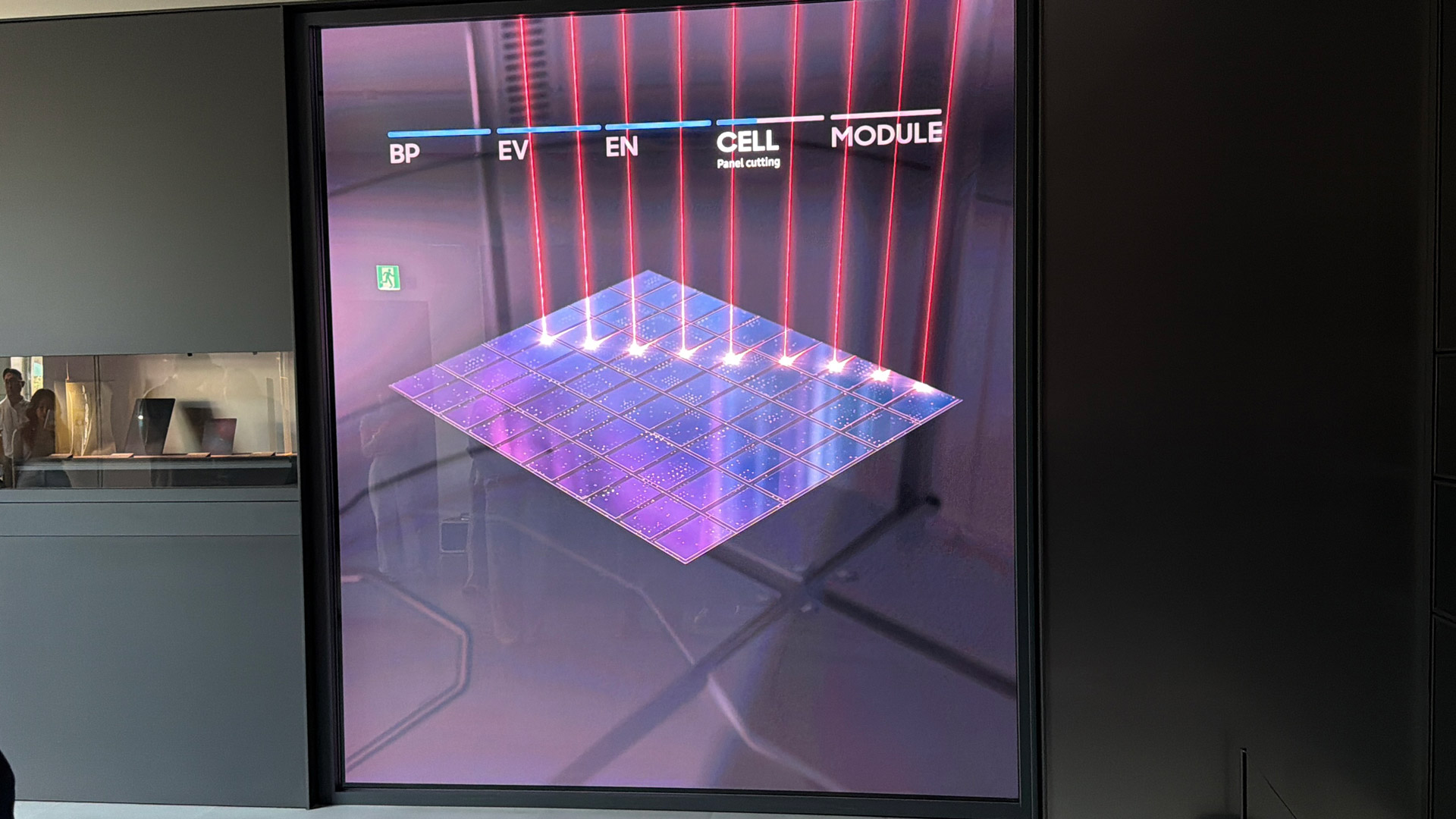
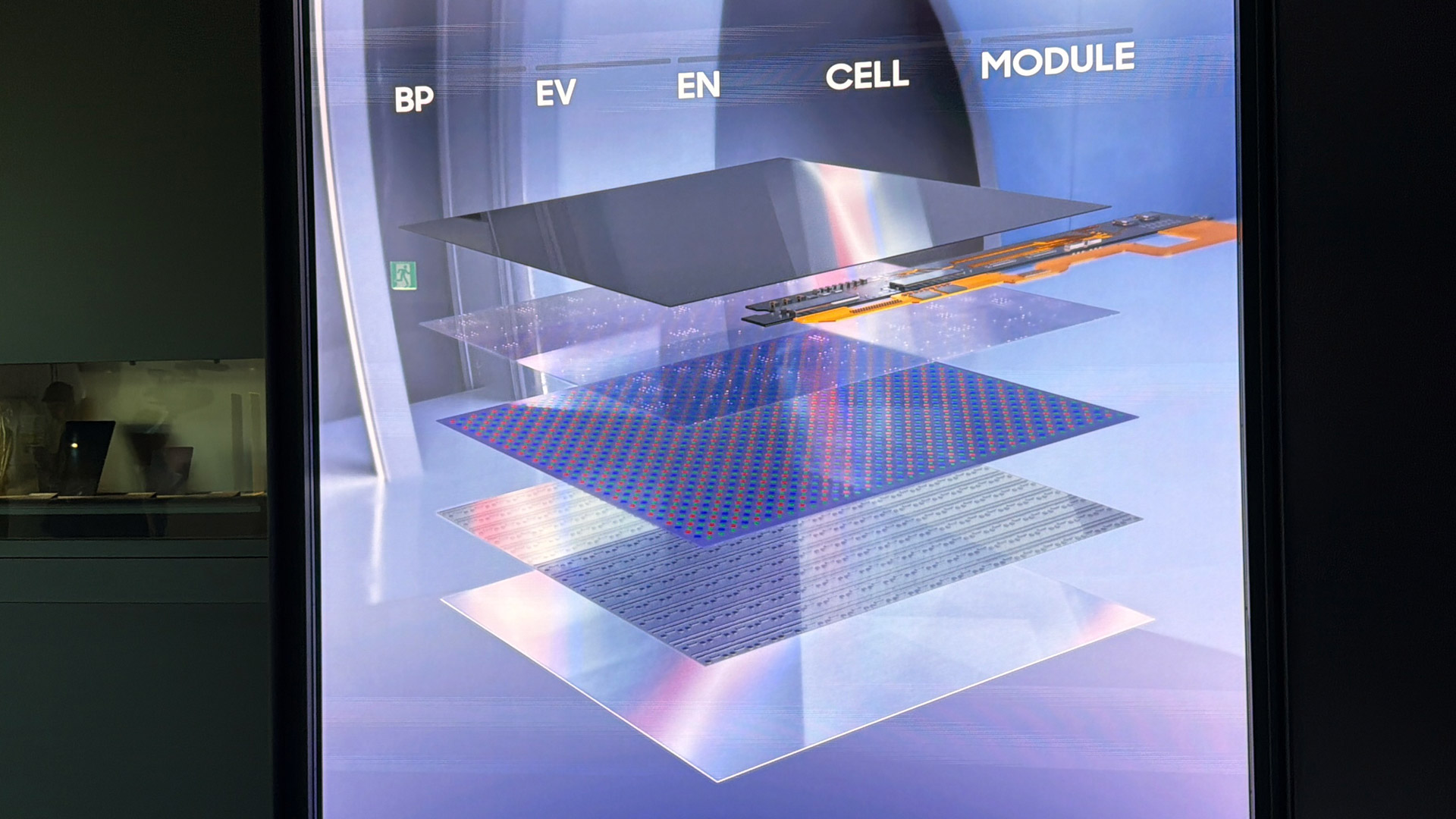
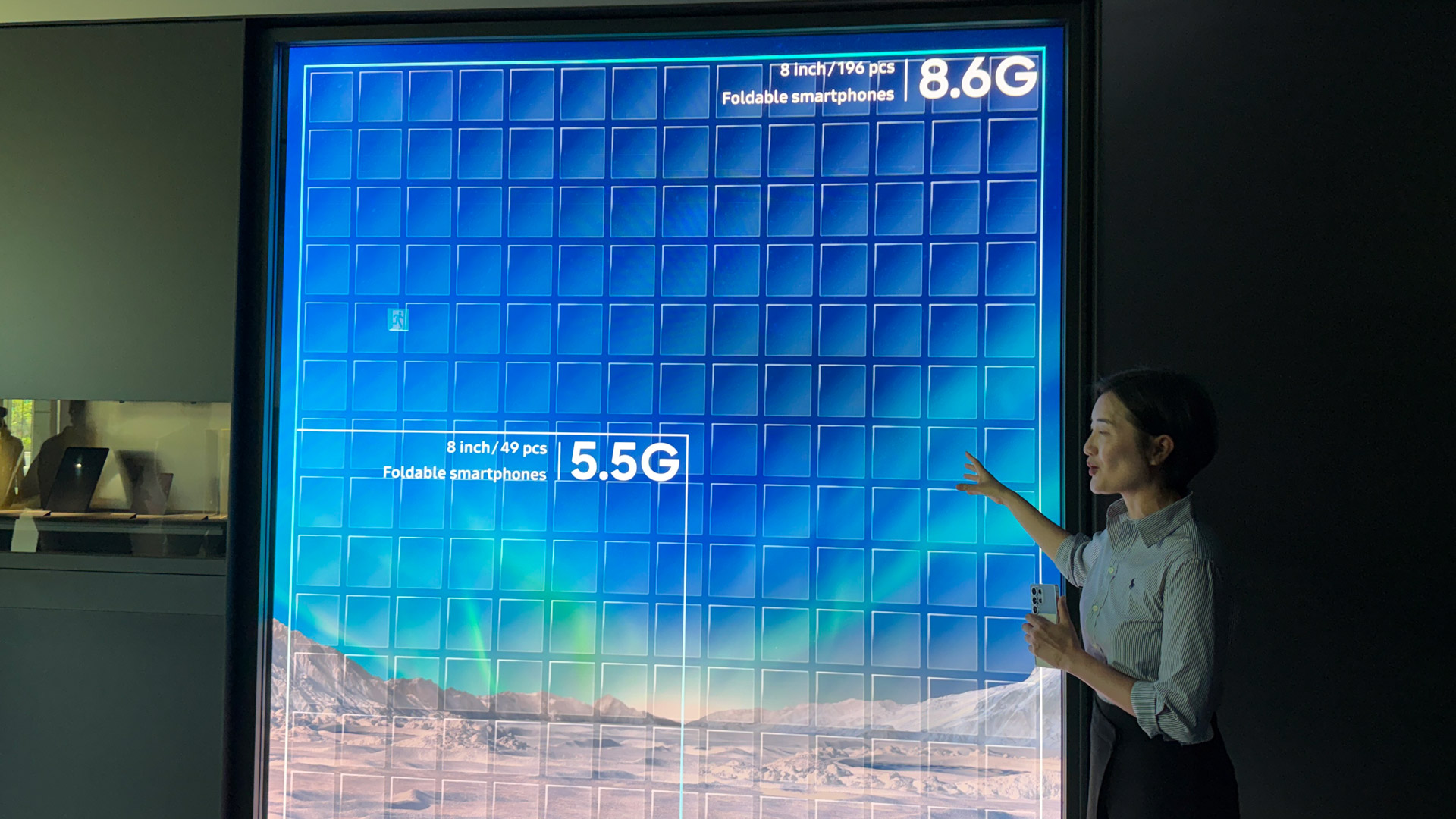
Ever wonder how Sasmung Display makes all those screens?FutureIt's all about layersFutureAnd building big OLED panels...FutureThat you can slice into many, many smaller screens.Future
Following our guides, we hopped on a special elevator and soon were standing outside a 24-hour lab that’s running tests even when Samsung employees are asleep. “Only authorized technicians get in,” our guide warned us before unlocking the door with her ID and ushering us inside.
Many of these tests Samsung Display runs are designed to test “how long can I use it?” So, there are the folding and unfolding tests to the tune of thousands of times a day, and stress tests that heat the panels up to 60 degrees Celsius or cool them to minus 20 degrees Celsius. Many of the large gray or beige metal boxes where the tests are performed are sealed, so technicians must track the tests via video feeds from internal cameras.
We got a close look at the display test labs, a place where no media has tread before.FutureFuture
But as I learned while touring other Samsung facilities, the company likes to automate these processes, so it’s often an unemotional computer that will recognize and report a failure.
Our next stop was another few levels down (B5, to be precise) where we saw image quality and reflection testing. The latter was interesting because, as is often the case, Samsung Display built a special rig, this one a barium sulfate-coated contraption to shine ultra-bright light on the panel and then use a spectrometer to read the light refracted back. For foldable displays, they even check how light bounces off the crease, which will, of course, affect visibility of the crease.
Samsung Display is also where they’re unsurprisingly pushing the boundaries of display technology. Company execs showed us a series of displays that, I think, speak to the future of many of our display-worthy electronics.
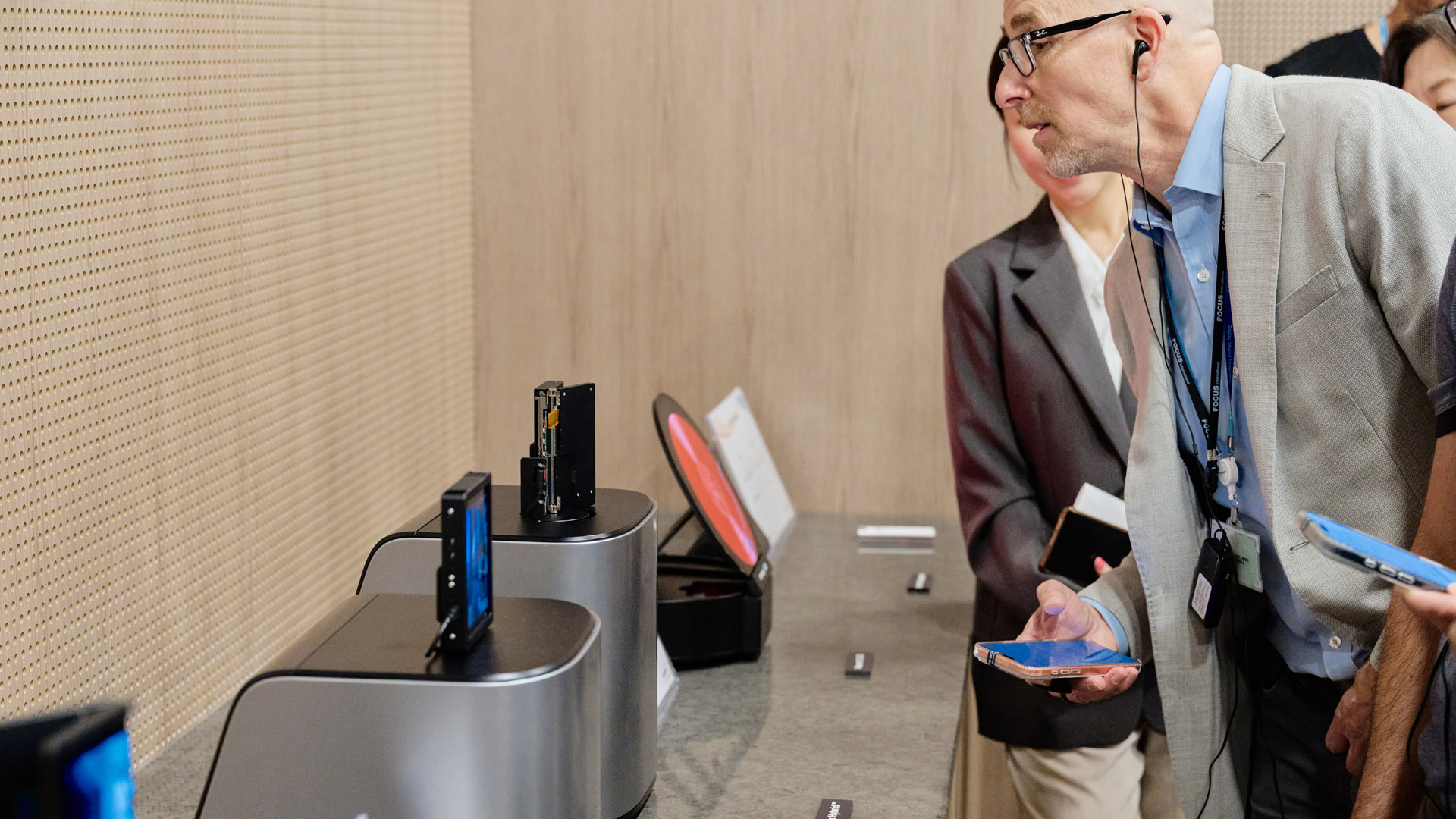
And we got an up-close look at some cool display concepts.FutureFuture
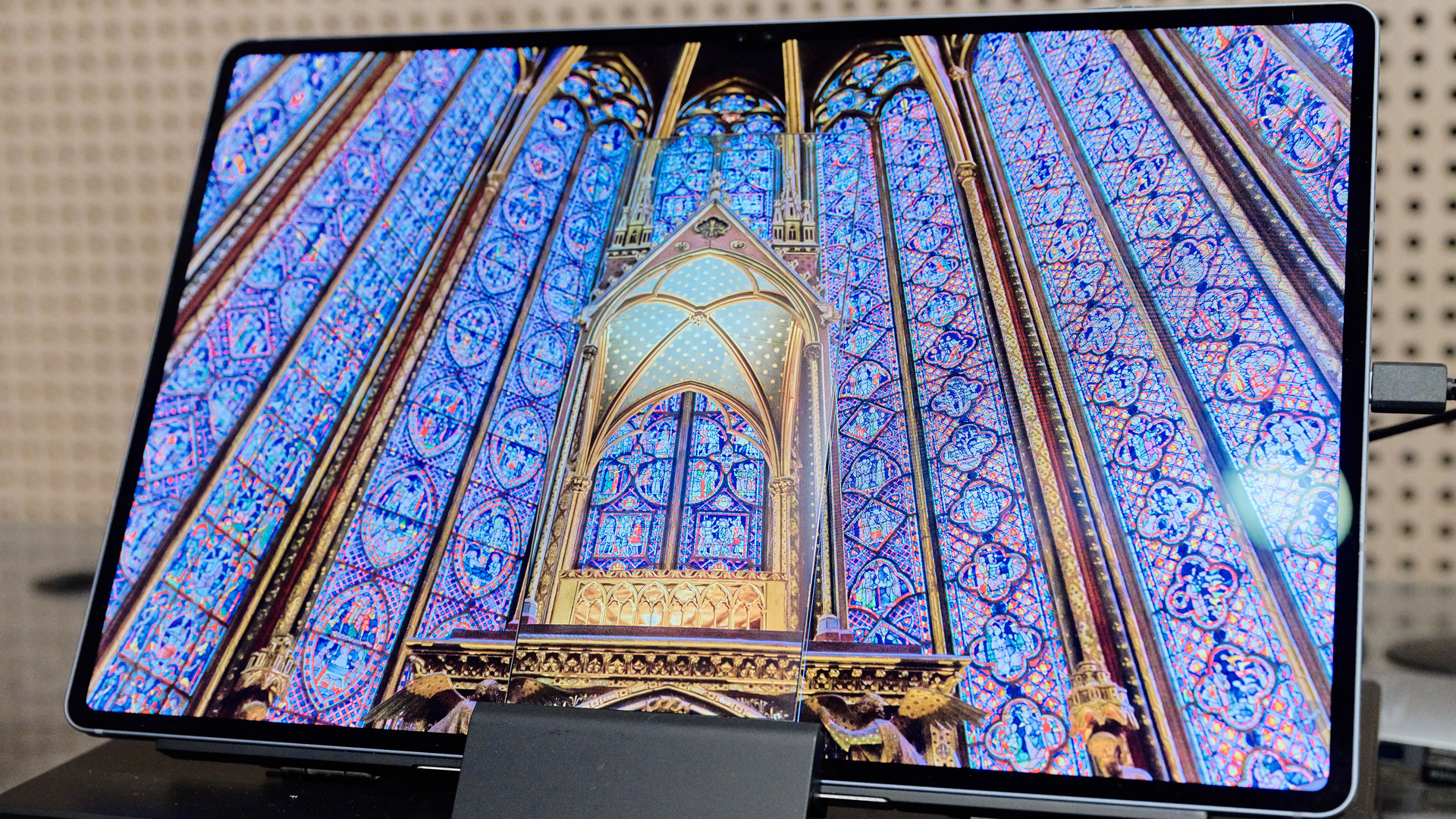
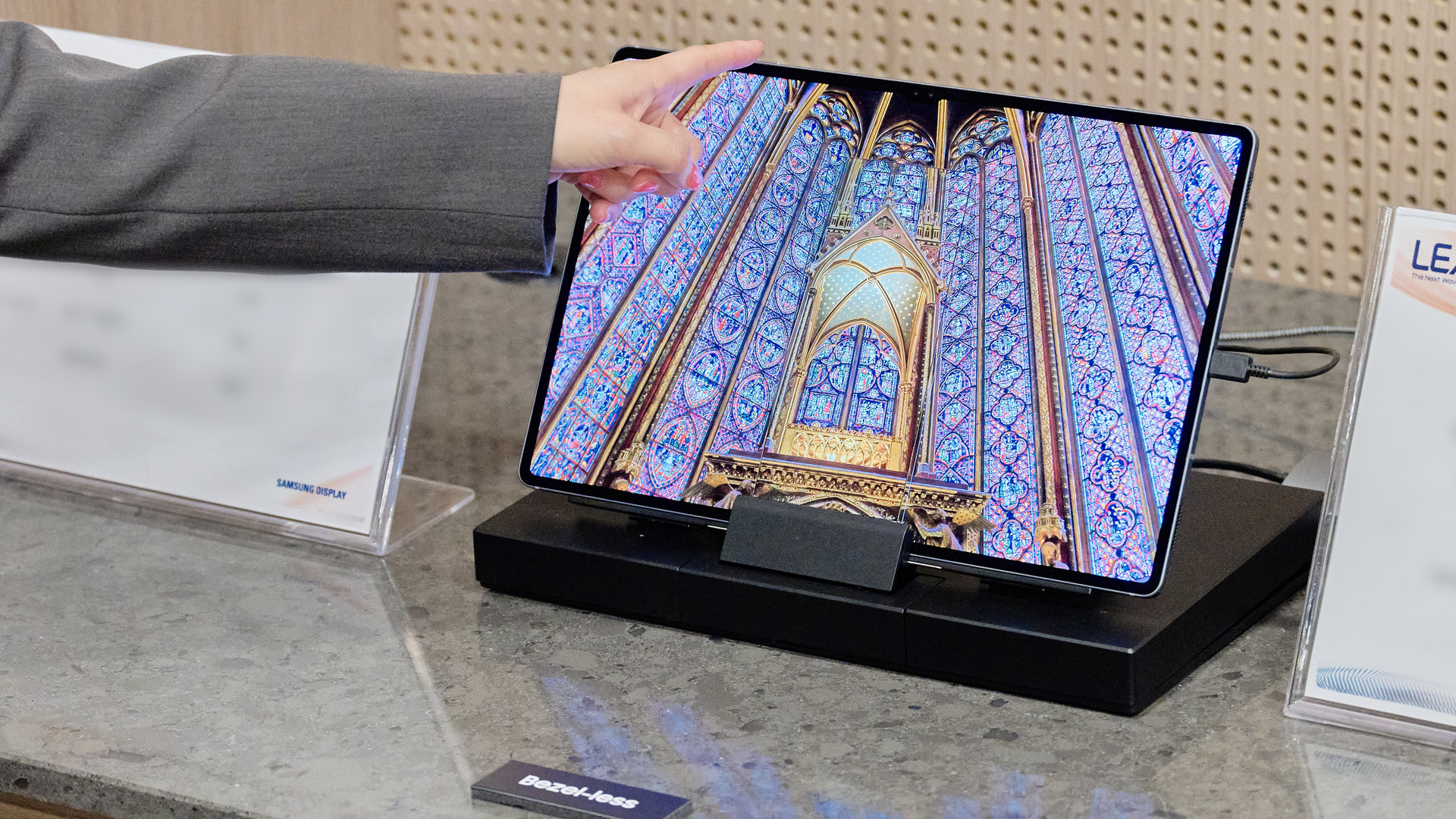
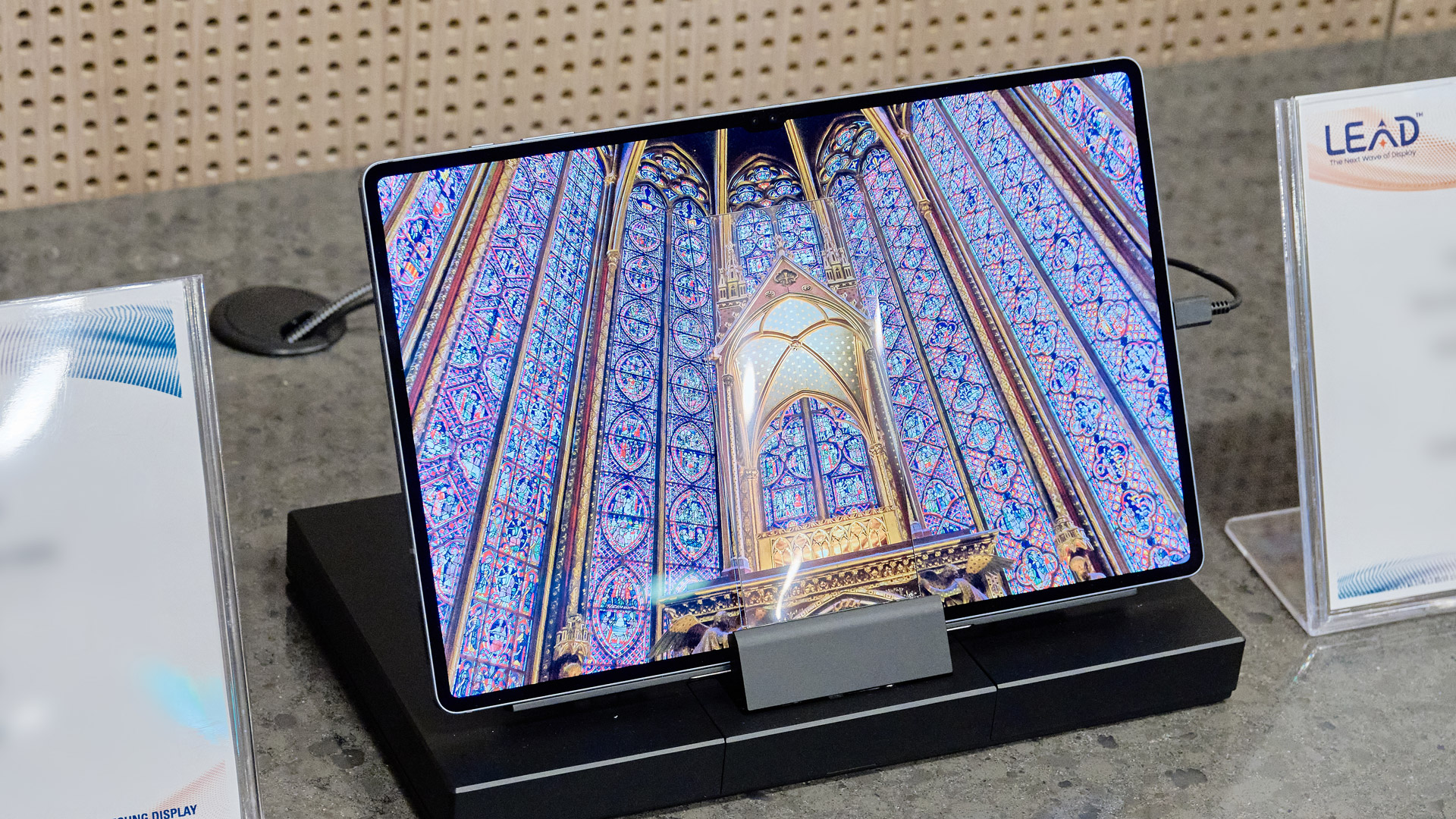
The first display, a visual trick of sorts, may have been my favorite. It looked like a small, bezel-less OLED screen showing off the inside of an ornate cathedral. However, when I got close and shifted my view to the left or right, I realized it was two displays sandwiched on top of each other; a small portion of the image was on the smaller display, and behind it was the complete image. Head-on, they seamlessly blend together.
How do you make two screens look like one? Essentially, remove the bezels.FutureFutureFutureFuture
This optical illusion only works because Samsung Display has figured out how to reduce its tolerances so much that the small gap necessary for electrodes and encapsulation is almost zero, meaning that the top display has no visible black border around it.
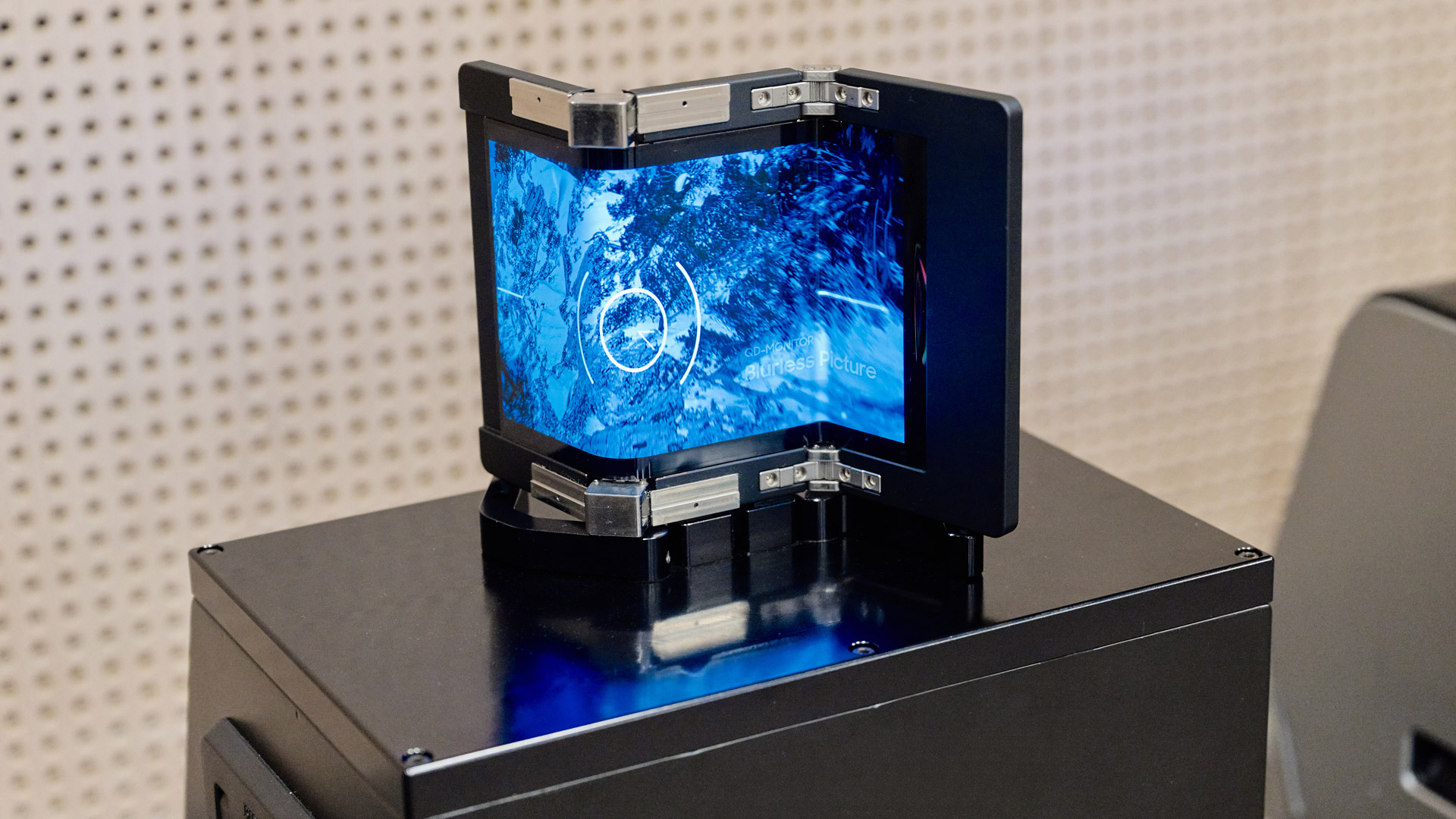
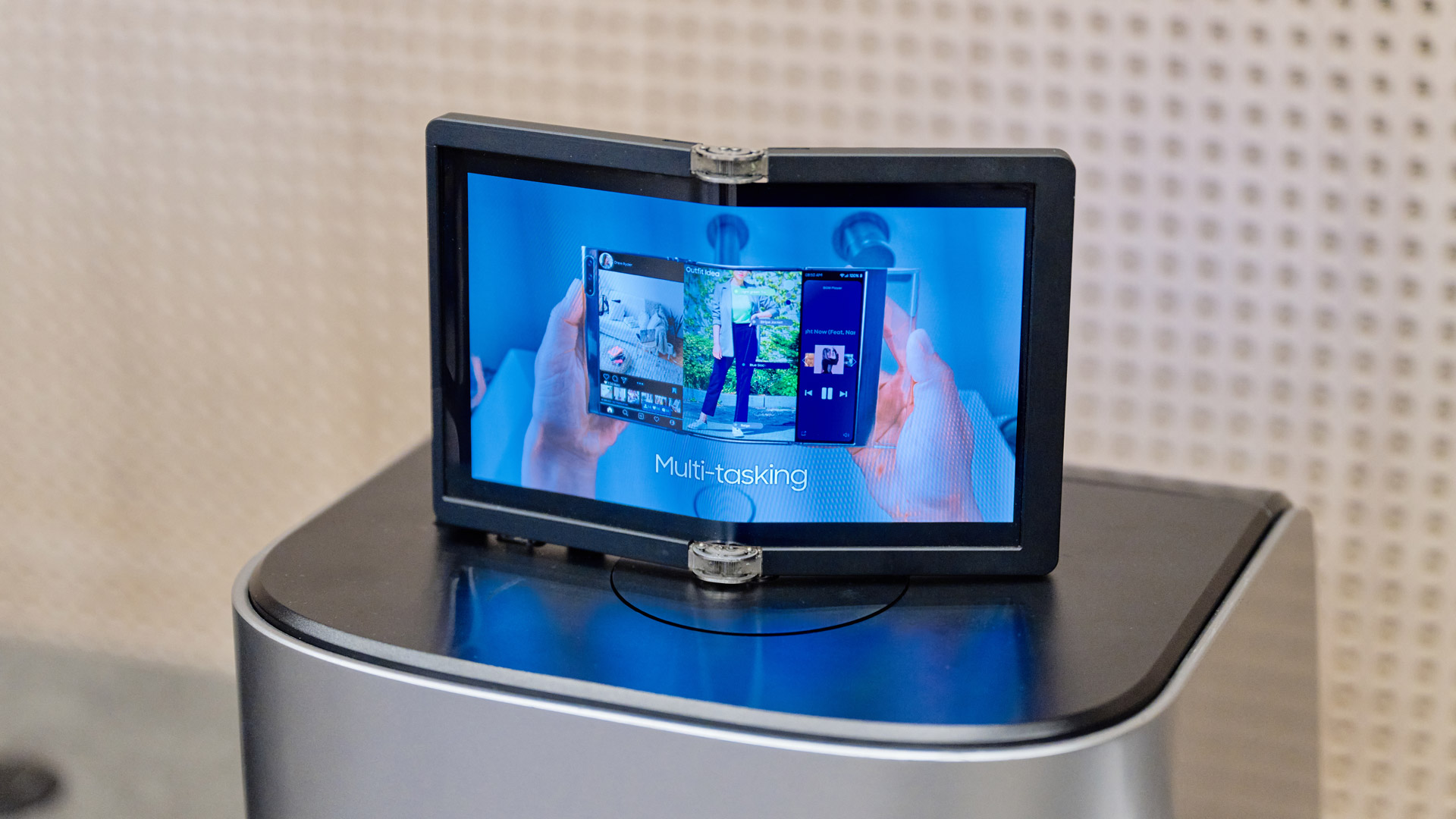
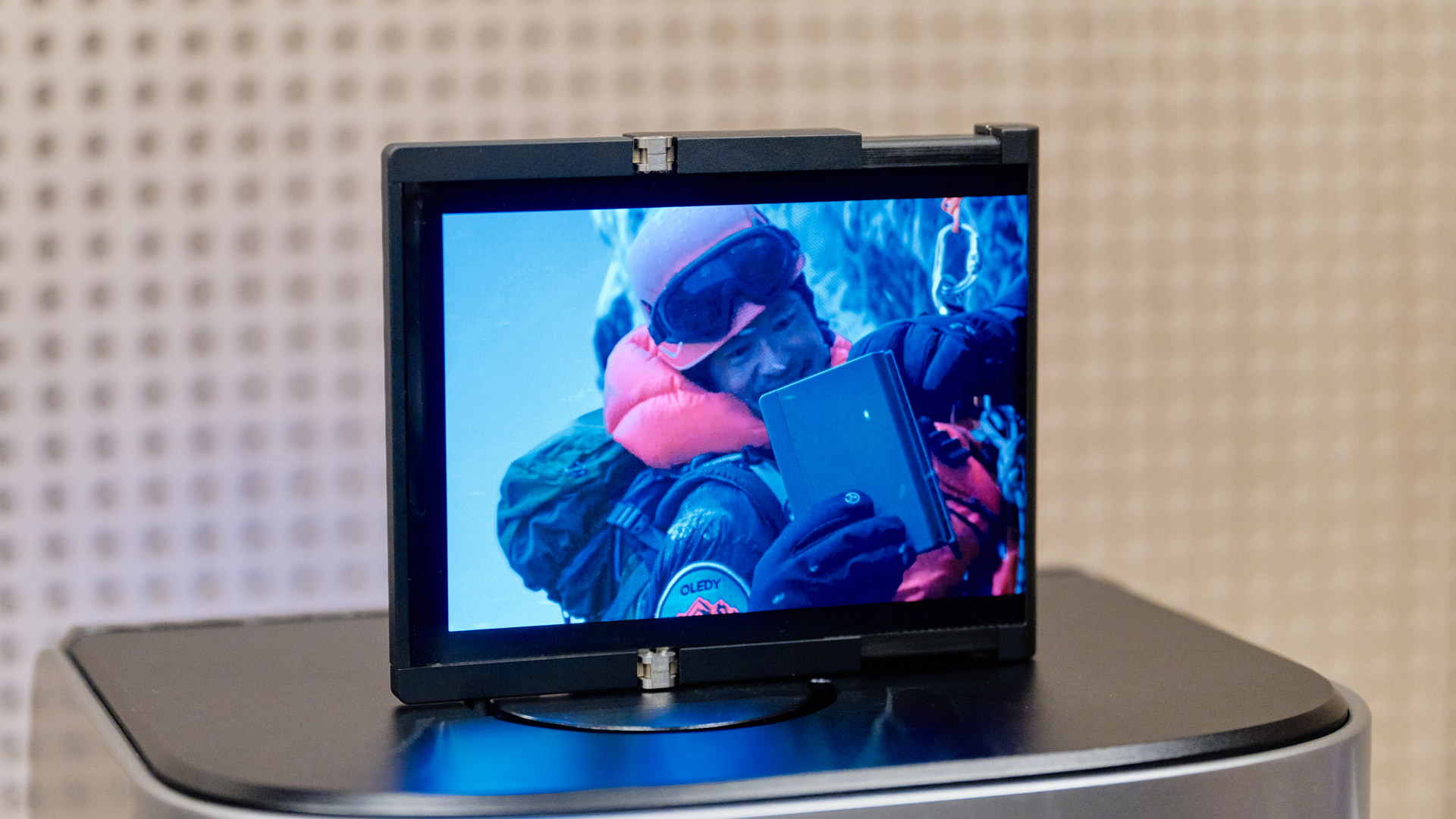
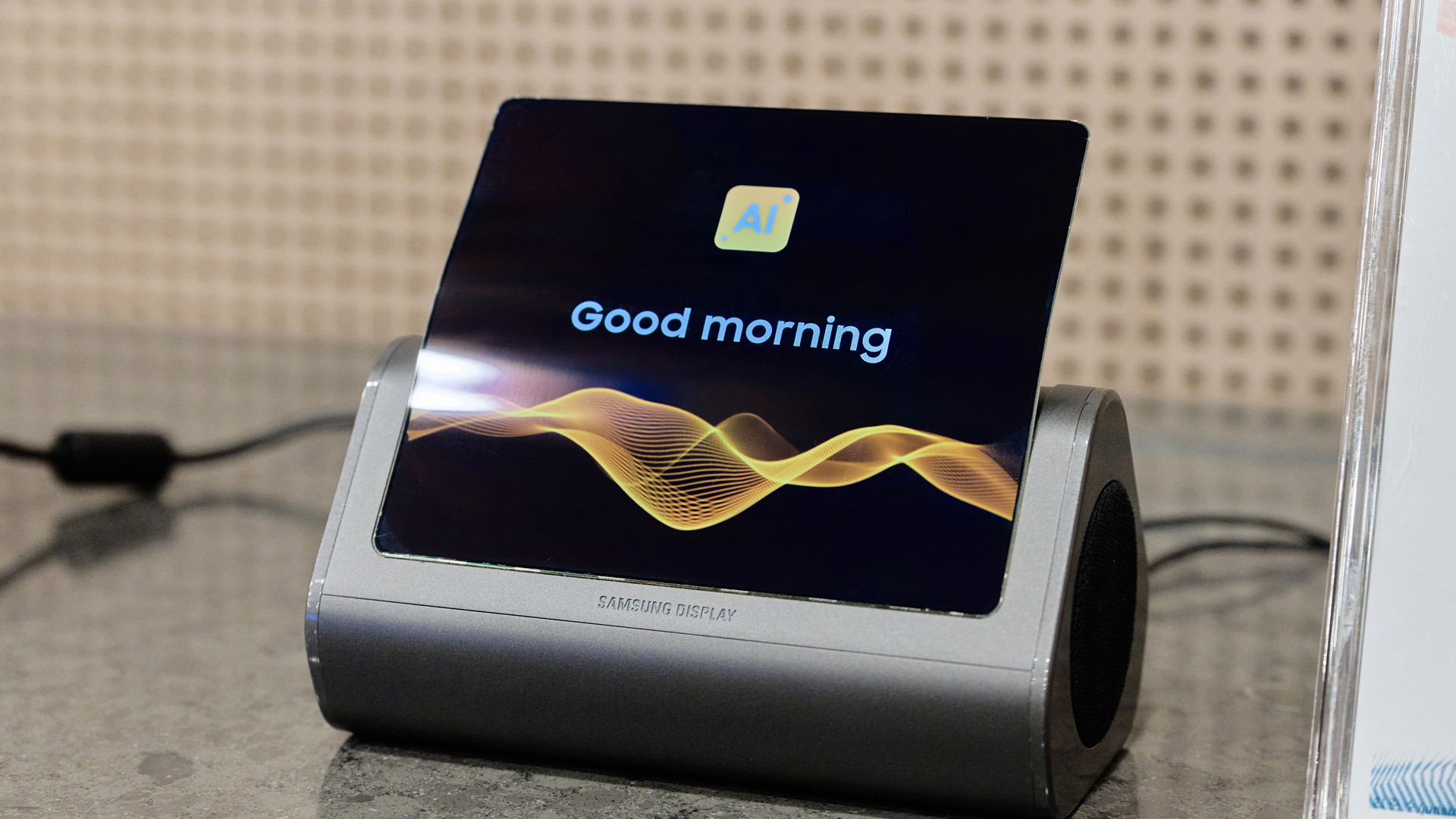
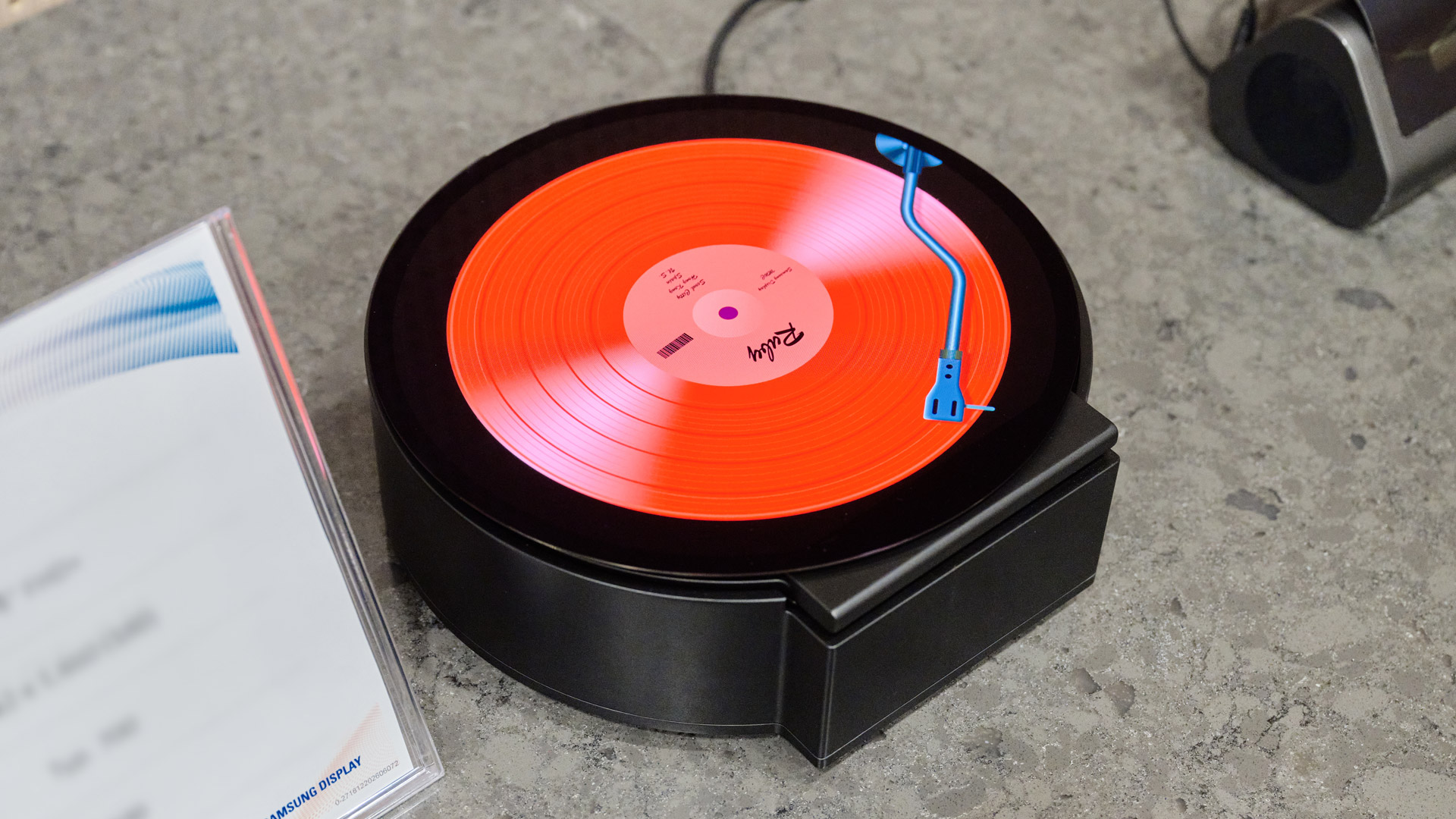
Samsung Display is bending, curving, stretching, shaping, and rolling OLEDS in all kinds of remarkable ways,FutureFutureMany of these concepts could make it to future devices.FutureA speaker with a flexible display? Why not?FutureOddly shaped OLEDS are alreayd appearing out in the wild.Future
The other 7.2-inch displays were of the flexible variety. We saw screens flex, we saw them roll away, but the most interesting was the hybrid: a foldable and rollable screen, something that’s never been tried before.
As for when these displays might come to consumer devices, that’s hard to say, but it does seem inevitable. After all, I first saw Samsung flexible displays more than a decade ago, and now they’re part of a growing legion of consumer-grade foldable phones.
Display executive perspective
Later, we moved to another part of the vast facility for a sit-down with Samsung Display executives
Byung Duk Yang, EVP at Core Component Technology Team, Samsung Electronics and Kyung-jin Yoo EVP & Head of Mobile Display Product Development Team, Samsung Display.
Unquestionably, the bleeding edge of the work they do continues to be the foldable phone partnership with Samsung Electronics, where these innovations presented a series of unusual challenges, many of which the firm has overcome over seven generations of foldable devices (and whatever we expect to come next week at Samsung Unpacked).
“The two companies are always thinking about how we can continue to improve the usability of the foldable,” said Byung Duk Yang.
Yang talked about how these flexible devices and their folding screens introduced diverse user paradigms. Some of the work they do is figuring out how to handle challenges like drops, pressure, and collisions with heavy objects.
But it sounds like it’s been rewarding work and the company is undoubtedly committed to the foldable space. “The future of the foldable device is very promising,” said Byung Duk Yang. But when we asked about how soon some of those fold and slide screens might be in our hands, Samsung Display execs cautioned us, “We have to consider the real-world usage pattern. The display might be ready, but we should consider many aspects of the usage.
The screen that welcomed us (Image credit: Future)
When we have confidence that we can deliver meaningful innovation to the user, then every other aspect of technology are ready, then we are going to list the product,” said Byung Duk Yang, who added that as an engineer, he knows they’re not ready.
We are exploring and we are thinking, when and how to implement the privacy display into foldable display.
When I asked, though, if there were any intrinsic barriers in folding displays to the introduction of the privacy display — a breakout feature for the Samsung Galaxy S26 Ultra — the answer surprised me.
Kyung-jin Yoo EVP & Head of Mobile Display Product Development Team, Samsung Display (Image credit: Future)
“We are exploring and we are thinking, when and how to implement the privacy display into foldable display. Because we know many people love the feature. We are thinking, considering,” smiled Yang.
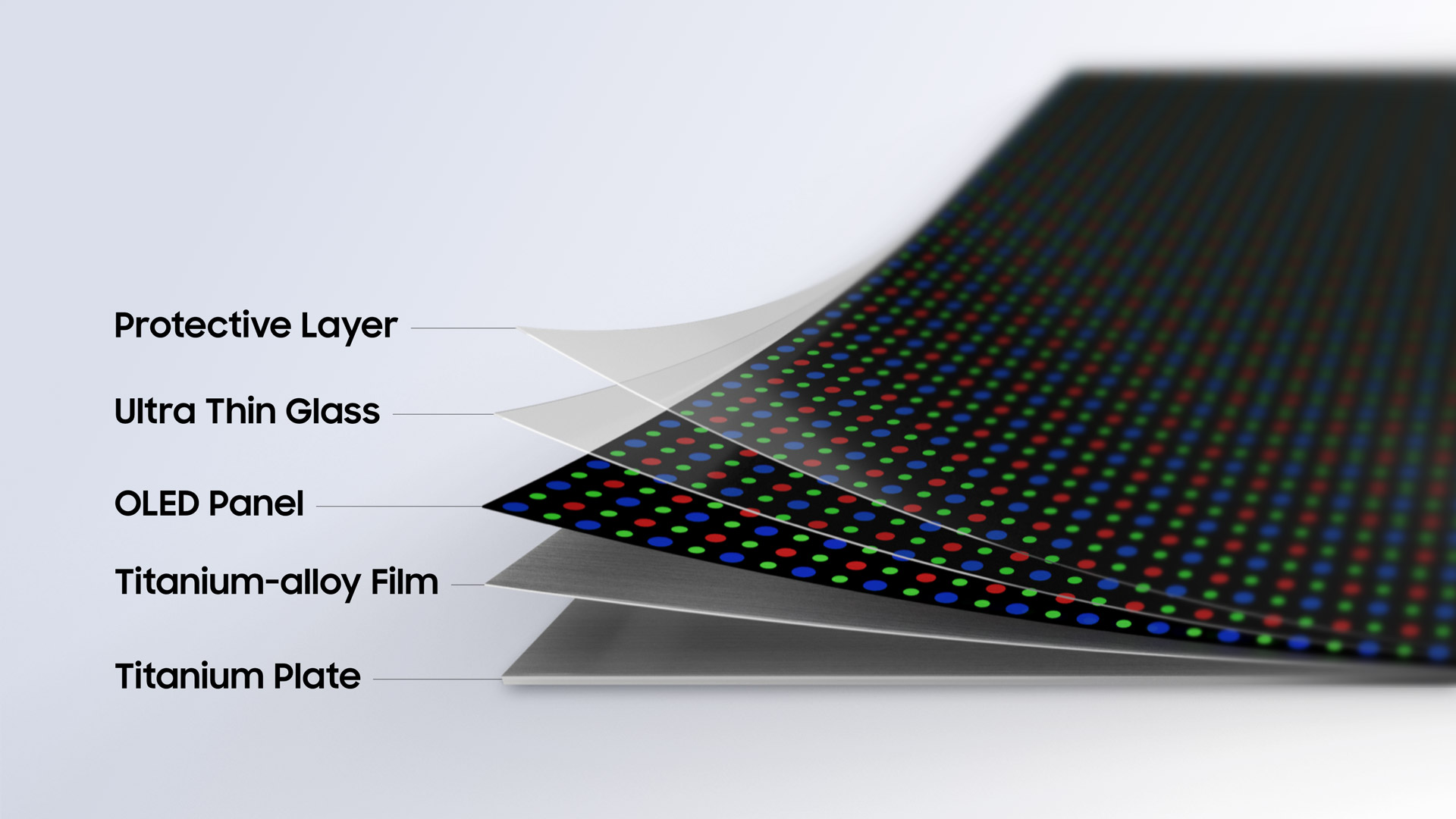
Speaking of innovation, the Samsung Display execs revealed that, with the upcoming new line of foldables, it's introducing a new material, or rather, doubling the use of a material generally associated with strength and not flexibility: Titanium.
All the layers in Samsung Display's Flex Titanium Technology for its folding devices. (Image credit: Samsung Display)
Samsung Displays described it as "Flex Titanium Technology," and what it means is that upcoming foldable Galaxy phones, which the company will reveal next week, will feature not one but two titanium layers.
One is an update to the relatively rigid one that's existed in previous Galaxy Fold models, with a new, special structure at the fold or crease to give flexibility and reduce crease visibility. The second, new, almost paper-like titanium alloy film replaces the polymer layer below the OLED in previous foldable devices and sits on top of the more rigid titanium plate. It's both thinner than that old polymer layer and, Samsung claims, more resilient.
"Polymer layers are good for flexibility but [we] want to minimize permanent deformation; titanium alloy has a much better quality to reduce permanent deformation,” they explained.
To help us visualize the new flexible display construction, Samsung Display brought out a bread-box-sized diorama, with each display layer hanging inside like a curtain. The new titanium polymer layer felt smooth, thin, light, and quite strong.
Naturally, we had to ask about Apple’s rumored foldable phone, which may be called the iPhone Ultra, and how Samsung Display might supply the screen. They wouldn’t comment on the rumors but did share, “I think it’s more than welcome because when the other competitors and other companies join the market, this market will be standard and the owners will increase….We really welcome the big competitor joining this market…
We mean it, we love other companies to join this market.”
If you look closely, you can see we are all making heart signs with our fingers. (Image credit: Future)
There is a recording light that turns on when the camera is active
The debate around smart glasses with cameras attached continues to rumble on — and apparently Meta still has plans for glasses that are constantly recording the world around them — and we now have a new pair of bone conduction headphones that lose the spectacles but keep the camera.
They're called the W&O X1 (via New Atlas), and of course they're packed with plenty of AI. This on-board assistant can help you navigate to locations, identify landmarks, look up facts and answers online, and even translate between languages. All this happens through voice control and spoken responses.
In order to provide some of that AI functionality, the W&O X1 headphones are fitted with a 4K video camera supplied by Samsung. It can take photos and videos with a tap or a voice command, which can then be saved and analyzed as needed — and in the interests of privacy, a small recording light shows when the camera is active.
The headphones can also double up as a miniature action camera, grabbing high-resolution video at 30 frames per second with a 130-degree wide angle view, with what looks like some impressive anti-shake technology built in too. Oh and did we mention they can play music and make phone calls too?
"Most headsets are made for listening," explains W&O in the product listing. " X1 is built for seeing, hearing, understanding, recording, translating, navigating, and staying connected in motion. It is a wearable AI system designed for the world outside the screen."
Privacy concerns
The X1 can give you directions while biking (Image credit: W&O)
The idea of wearable cameras is becoming even more popular now, with the growing capabilities of AI and the continued shrinking of the necessary components. There's something appealing about being able to capture memories instantly, without having to dig out a phone and find the camera app.
At the same time, there are real concerns when it comes to privacy. The smart glasses already on the market make it a little too easy to record surreptitiously, and a tiny camera attached to a pair of headphones is even harder to see. There's even now a BanRay movement calling for smart glasses to be banned from certain spaces.
To be fair to W&O, they seem to be targeting these headphones at cyclists, hikers, and other outdoor types, so it's more for solo photo and video recording. Still, together with other gadgets in the pipeline, it highlights a growing need for proper safeguards to be put around devices with tiny embedded cameras.
The W&O X1 have blasted through their $3,000 funding goal on Kickstarter many times over, and if you're interested in a pair you can put in a reservation for $139 (about £105 / AU$200) — with the usual Kickstarter caveat that crowdfunded hardware doesn't always end up reaching consumers.
There are some decent specs here: IP6X dust and water protection, a lightweight 48 gram build, support for Bluetooth and Wi-Fi, and 30 hours of music playback between charges thanks to an integrated 800 mAh battery.
A new Galaxy S27 Ultra leak suggests Samsung is not moving to the widely rumored horizontal rear camera layout, even if the phone ends up with one fewer camera. Instead, the company is reportedly evaluating multiple designs, with cost and manufacturing efficiency playing a bigger role than a dramatic visual overhaul.
According to the latest leak, the simple horizontal camera layout for the Galaxy S27 Ultra that has been making the rounds is “incorrect.” Internal design discussions haven’t moved in that direction, despite speculation suggesting otherwise.
Galaxy S27 Ultra may feature familiar camera design
Samsung is said to be evaluating several draft designs, none of which adopt the simplistic horizontal arrangement. Well, that doesn’t necessarily mean Samsung has finalized the design.
Rather than redesigning the camera housing simply because one lens may disappear, Samsung appears to be focusing on manufacturing costs and choosing the layout that makes the most sense from both a design and production standpoint.
This is a familiar approach for Samsung; the company has often preferred gradual industrial design refinements over annual cosmetic changes, especially for its Ultra models.
In the worst-case scenario, Samsung could simply make minor adjustments to the existing Galaxy S26 Ultra-style camera arrangement and ship the Galaxy S27 Ultra with fewer camera lenses instead of introducing an all-new design.
The Galaxy S27 Ultra is still many months away from launch, and Samsung could revise its plans before the design is finalized. For now, one of the biggest assumptions surrounding the phone’s appearance appears to have been challenged.
Heading off on a vacation? It's easy to forget about boring things like charging solutions, but when you're away from home, keeping your devices juiced up is both more important than usual, and more difficult than usual. I speak from experience — I've found myself in one too many foreign city after a long day of exploring, trying to memorize Google Maps directions to a hotel while my phone battery dwindles alarmingly into the red.
This year, though, I've decided to get myself prepared, and avoid all that stress by arming myself with the right travel gadgets. Luckily, at TechRadar our reviews team members have tested dozens of charging gadgets of all kinds, and below I've rounded up our top recommendations for travel.
I've included a mix of options here. There are plug-in charging stations that will let me juice up multiple gadgets at once if I end up in a hotel room with limited power outlets (or it's a foreign socket and I've only brought one plug adaptor). There are also plug-in or MagSafe power packs that I can keep in my bag for charging when out and about. I've also thrown in a couple more specialized options: a foldable pad that can juice up three different Apple devices at once, and a 6-port beast that can handle charging power-hungry laptops and tablets — ideal while working while on the go.
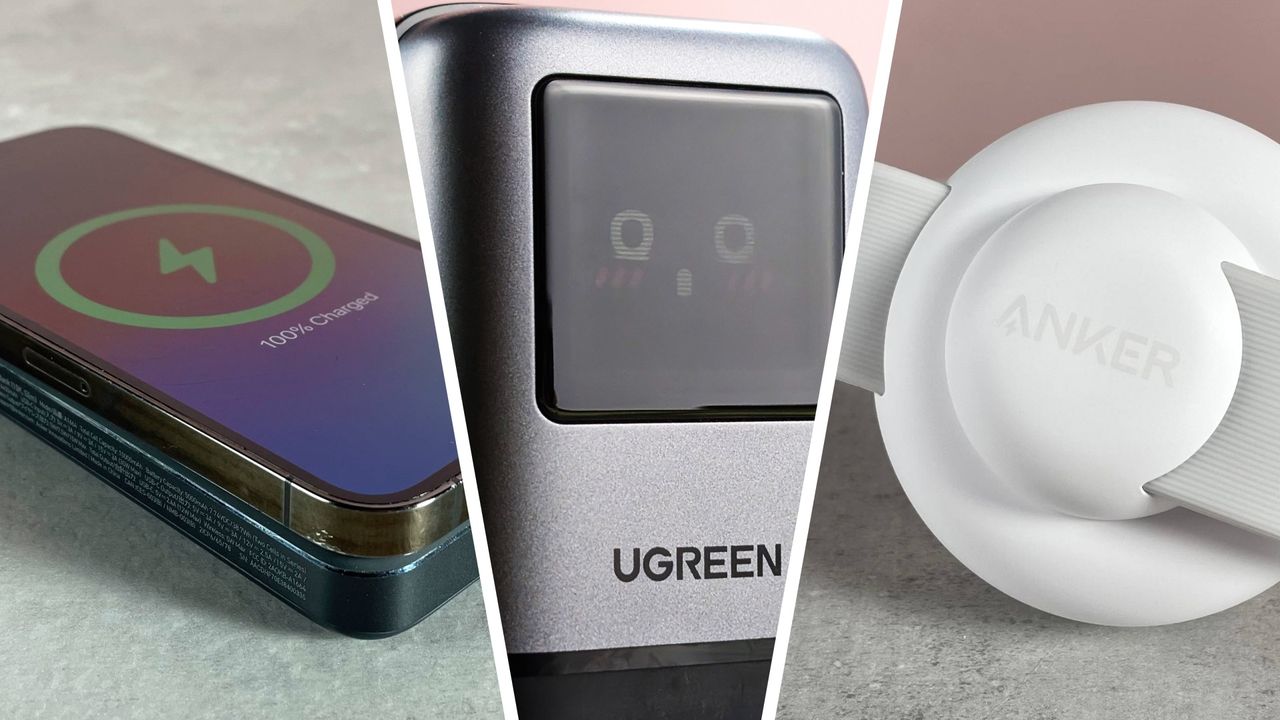
Why's it good for travel? This is our very favorite charger overall, and it's very well-suited for travel. Charging is super-speedy and there's a good number of ports (four in total) for juicing up multiple gadgets at once. The mini robot styling, complete with changing facial expressions, isn't strictly necessary, but who doesn't want a bit of extra friendly company when they're away from home?
MagFlow Magnetic Wireless Power Bank 10000mAh Qi2 25W
Why's it good for travel? We called this "the ultimate on-the-go charging solution". There's a wireless charging pad, a speedy USB-C port, and an integrated USB-C cable, and it's compact, high-quality and charges fast. If you can stretch to the higher price, it'd make a superb travel buddy.
Why's it good for travel? An integrated, retractible USB-C cable means you don't have to worry about remembering to bring an extra cable or remember where you've put it. It's a generous length, which is helpful if your power outlet isn't optimally placed. In our tests, charging was impressively speedy, too.
In-built cable doesn’t support Samsung Super Charge 2.0 45W
Non-foldable prongs on UK model
Anker
MagGo Wireless Charging Station (3-in-1 Foldable Pad)
Why's it good for travel? This palm-sized, fold-up, wireless charger is perfect for traveling Apple fans. It unfolds to offer up charging modules for an iPhone and AirPods, plus a certified Apple Watch fast-charging module. It also turns into a landscape stand for your iPhone.
Nano Power Bank 10K 45W Built-In Retractable USB-C Cable
Why's it good for travel? This compact power bank has an integrated, retractable charge cable — ultra-helpful if you're traveling about and don't want to have to remember a separate one — and a handy cord to clip on a backpack or belt loop.
Why's it good for travel? If you have a MagSafe device you want to keep powered up, this slimline Anker power bank is a great choice. It's well-built, the charging is speedy, and the grip is strong enough that you won't have to worry about it dropping off.
Why's it good for travel? It's overkill for casual travelers just looking to juice up their phone and earbuds, but if you're working on the go, this charge station is an excellent choice. It has the most power-out ports of any featured in this list (four USB-C ports and two more USB-A) and packs a hefty output of 200W, making it suitable for power-hungry devices like laptops.
Why's it good for travel? This Qi2 charger is light in weight, compact in size and has a reinforced power cable that won't mind being shoved into your luggage. The magnetic grip is secure and it's perfectly possible to keep using your phone while it's charging. If you just have one MagSafe device to charge, it's a great choice.
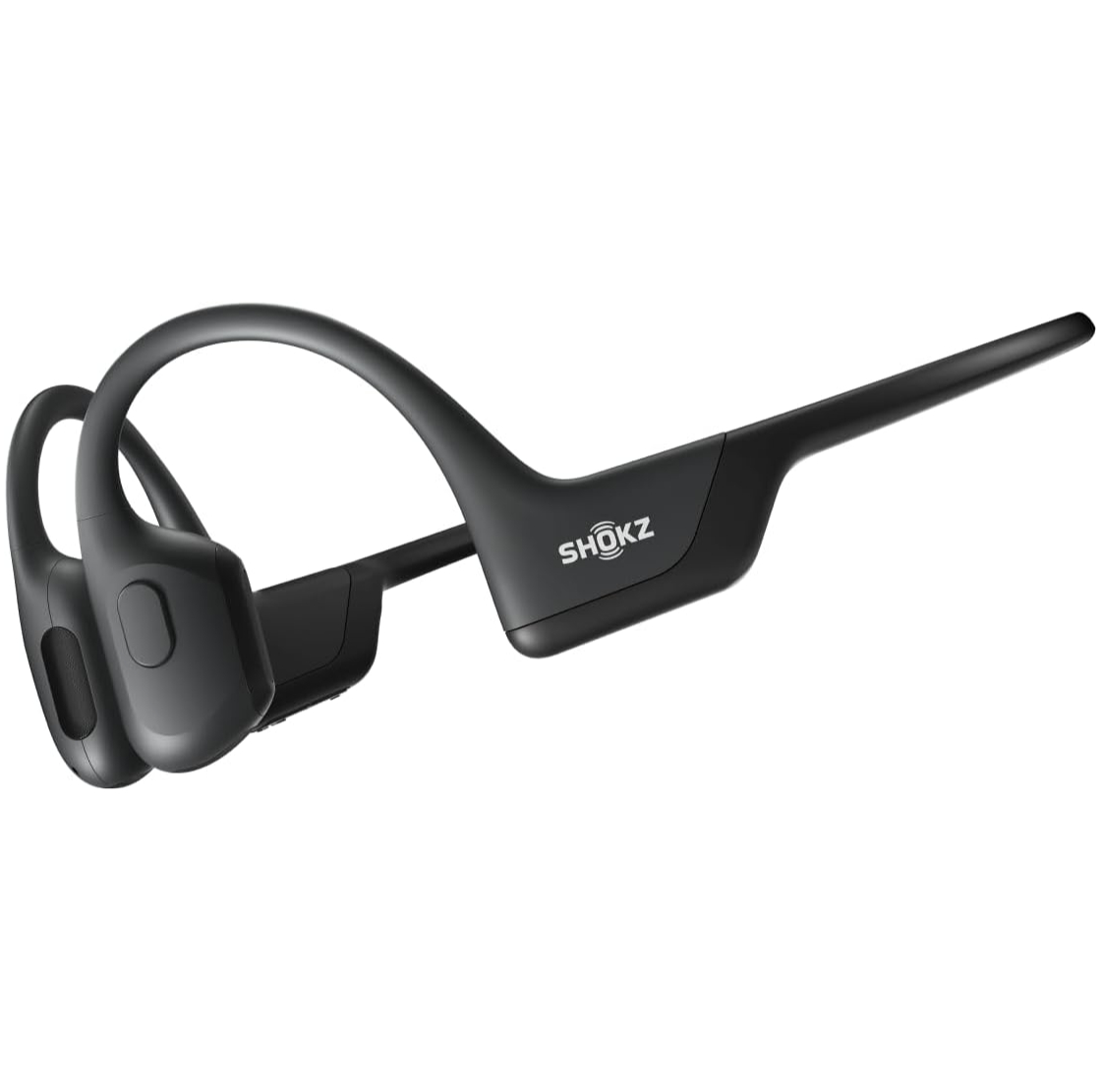
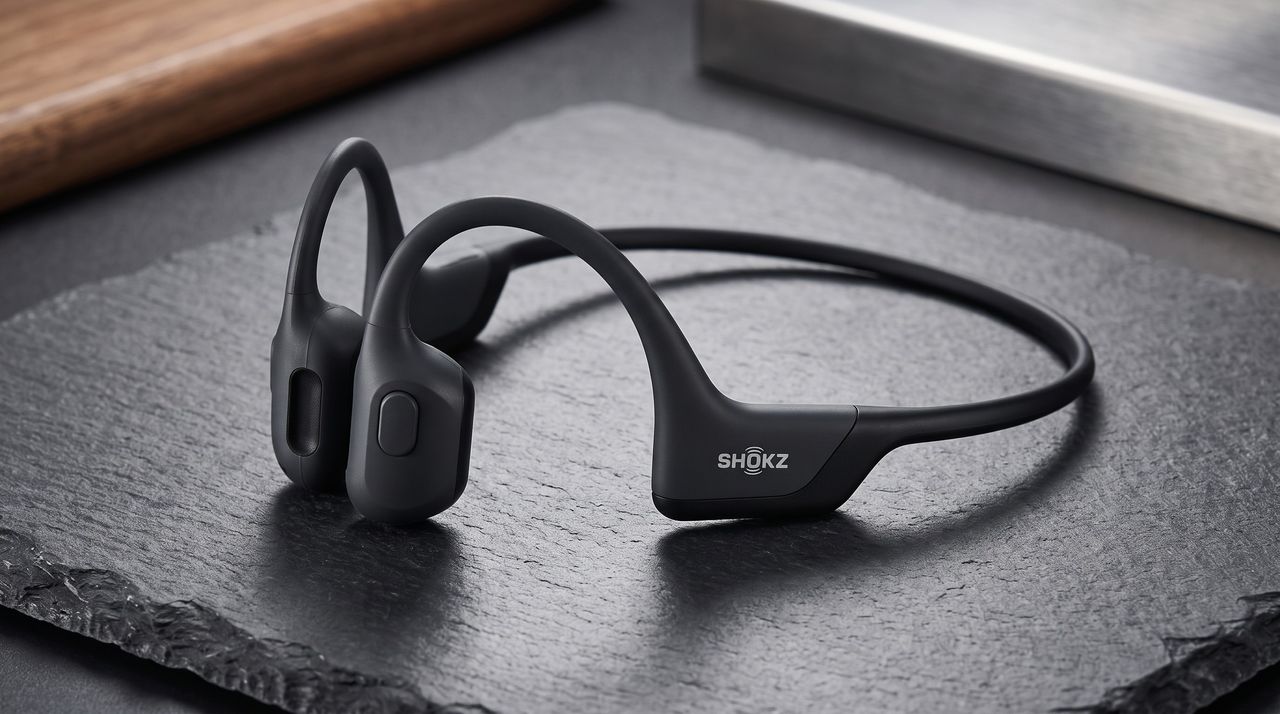
Shokz is a big name in running and fitness headphones. And if you've been intrigued by its bone conduction headphones but put off by the cost, there's now a chance to bag the Shokz OpenRun Pro at Amazon for $109.95 (was $124.95) — that's a record-low price.
Yes, these may be the older first-generation model, but they remain an excellent pair of headphones to this day. They boast excellent audio quality, a slim and comfortable design, and solid battery life of up to 10 hours.
While the OpenRun Pro 2 do offer better sound, a slightly larger battery, and more convenient charging options, I'd say these upgrades are not super-important to more casual users — and certainly aren't worth paying up to $70 more for.
Shokz OpenRun Pro — record-low price
If you've never tried bone conduction headphones before, maybe this record-low price for the Shokz OpenRun Pro is what finally encourages you to pick up a pair. This may be the older model, but you still get excellent audio quality, a comfortable and slim fit, and good battery life of up to 10 hours. If you're a runner or fitness enthusiast who wants to avoid in-ear options or be aware of your surroundings, these are a great budget buy.View Deal
When we originally reviewed the Shokz OpenRun Pro, we called them "the best bone conduction headphones you can buy.' New models have been released now that improve the unique tech and add quality-of-life features, such as USB-C charging and longer battery life, but these are still a good buy at this low price.
If you are set on the tech but would prefer a newer model, though, do check out our guide to all of the best bone conduction headphones for several other options from top brands including Shokz, H2O, and Nank.
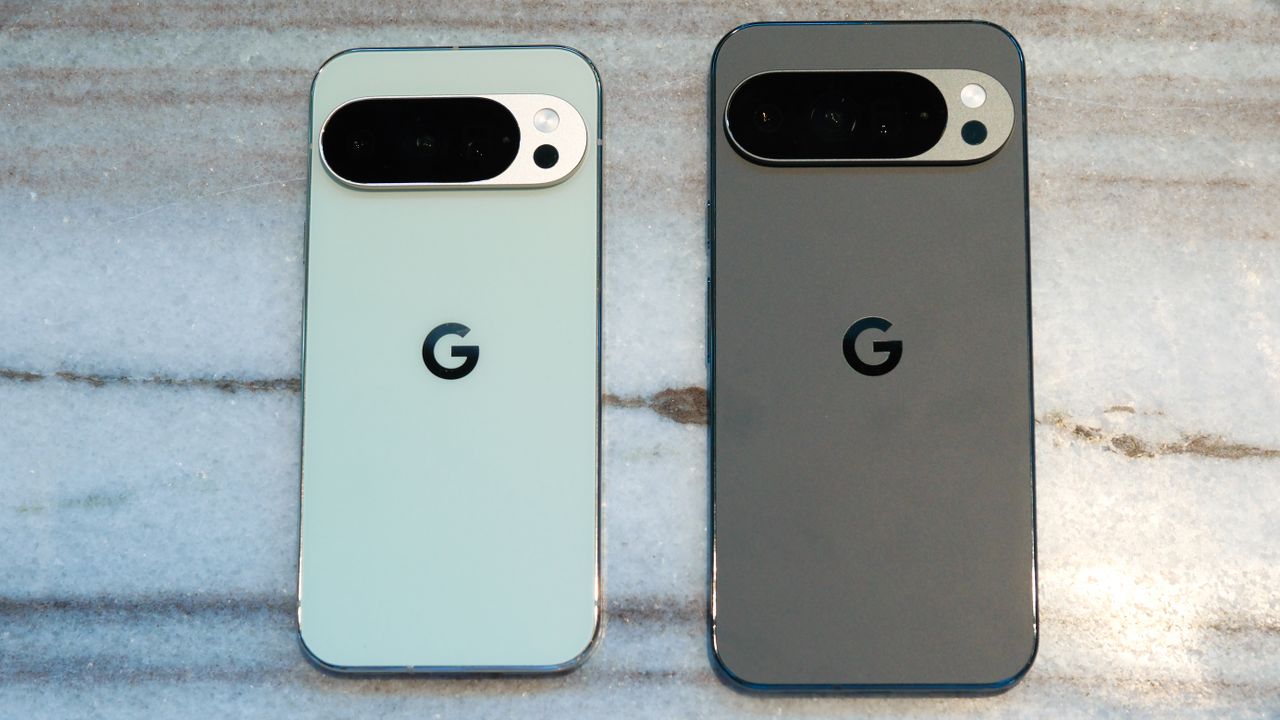
Early listings for the Pixel 11 series were spotted on Amazon
These include renders of the phones in various shades
Some of the listed specs would be a downgrade
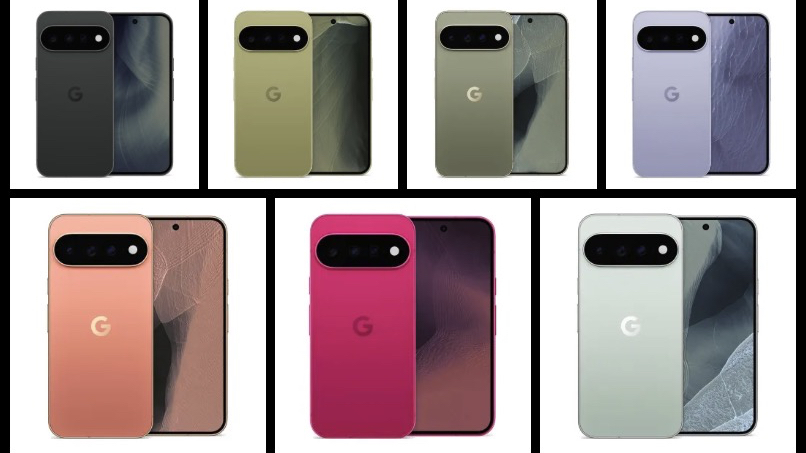
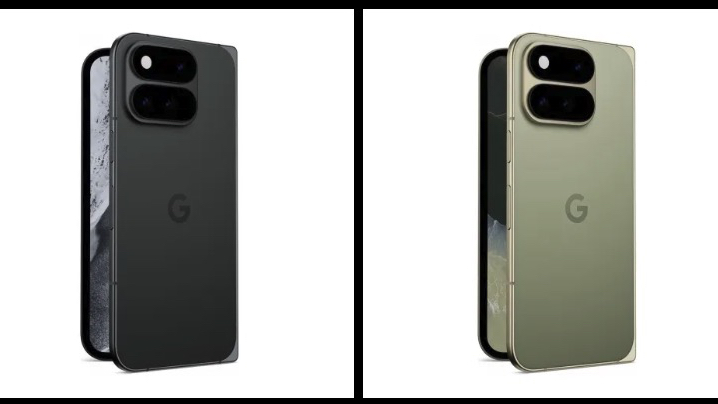
We’ve just seen perhaps the biggest Google Pixel 11 series leak yet, as listings for the Pixel 11, Pixel 11 Pro, Pixel 11 Pro XL, and Pixel 11 Pro Fold have all appeared on Amazon.
These were spotted by 9to5Google and — while they’ve now been removed — the site claims that they appear to be part of the ‘Google Store’ seller, which suggests they might be official listings, albeit a bit early.
In any case, you can see some images taken from the listings below, with the Pixel 11 itself being shown in Midnight (black), Fuchsia (pink), and Moss (green) shades. The Pro and Pro XL meanwhile appear in Dune (a pale pink), Sterling (a grayish lavender), Pine (green), and Light Fog (a pale blue), and the Pixel 11 Pro Fold is listed just in Midnight and Pine.
There’s a mix of bright and understated shades here, and reactions to the images — particularly the brighter ones — seems quite positive so far. Over on Reddit, comments include “those non-pro colors are incredible if true. That’s green and pink are just perfect,” “in pink omg,” and “Dune is pretty nice.”
That said, some reactions to the Pro shades are a bit less positive, including “Why can't the pro like get some fun colors too?,” and “imagine seeing the popularity of the bold orange iPhone Pro color and STILL choosing to offer the same boring muted colors for the Pro.”
Leaked images showing the Pixel 11 and Pixel 11 Pro9to5Google / AmazonLeaked images showing the Pixel 11 Pro Fold9to5Google / Amazon
And when it comes to the other details in these listings, reactions are more universally negative. According to the listings, the standard Pixel 11 will have a 6.3-inch 1080 x 2424 screen, a 4,985mAh battery, 256GB of storage, and 12GB of RAM for $899 (probably £899 / AU$1,149 based on Google Pixel 10 pricing in these regions).
That’s the same price as the 256GB Pixel 10 launched at, though that’s also available in a cheaper 128GB version, and it’s unclear whether there will be a 128GB model this time. The listed specs are also identical, except the battery which is 15mAh higher capacity this time.
Less RAM and smaller batteries
As for the Pixel 11 Pro, that’s listed with 12GB of RAM, down from 16GB in the Pixel 10 Pro, and 9to5Google also mentions a 5,115mAh battery in the Pixel 11 Pro XL (down from 5,200mAh in the Pixel 10 Pro XL), and a 4,750mAh one in the Pixel 11 Pro Fold (down from 5,015mAh in the Pixel 10 Pro Fold).
So these incomplete specs lists point to a mix of similar specs and downgrades, with Reddit responses including “people already thought the 10 Pro was a small upgrade,” and “iPhone 17 is such a better value.”
Still, while these early listings seem like they might be the real deal, there are some red flags, with 9to5Google highlighting that Android 16 is mentioned on them, when these phones are certain to run Android 17.
So there’s a chance these aren’t in fact official listings, and even if they are, that error means other details could be wrong too. We should find out for sure on August 12, as that’s when Google is unveiling these phones.
Kid-friendly tech company Pinwheel announced the launch of a new landline phone designed to let children stay connected without the distractions of a smartphone.
There has been a developer beta of iOS 27 for a while, but now it’s available in public beta, which both makes it slightly easier to get hold of and suggests it might be more stable than it was initially.
That said, this still isn’t finished software, so while stability may have improved, you’re still likely to encounter bugs and potentially unfinished features.
So this isn’t for everyone, and as a general rule we’d recommend running it only on a secondary handset. If in doubt, simply wait for the finished iOS 27 release, which we’re expecting in September.
But if you do have a spare phone lying around or want to take the jump with your main device, then the beta could be worth checking out, as it comes with loads of new and improved features — some of which we’ve looked at further down.
How to install the iOS 27 public beta on your iPhone
Before you start downloading and installing the iOS 27 public beta, make sure your iPhone is backed up, just to be on the safe side. We won’t detail that here because we’ve got a full guide covering how to back up your iPhone.
Once your data is safely backed up, the next step — if you haven’t run a beta before — is to sign up for Apple’s beta program. You can do this by heading to the Apple beta page and tapping ‘Sign up’, after which you’ll have to log into your Apple account to enroll. If you’re not sure whether you’ve already signed up for this or not, then instead press the ‘Sign in’ button on that page — if it doesn’t let you sign in, then sign up instead.
Once you’re registered, you can simply head to Settings > General > Software Update > Beta Updates on your phone, and tap ‘iOS 27 Public Beta’. There may be other betas listed too, but this is the one you want.
Then tap the back arrow at the top of the screen, and the page you were on before will now show the beta you selected, complete with notes on it and a download size. From there, just tap ‘Update Now’ to grab it, or ‘Update Overnight’ if you’d rather wait until you’re sleeping to put your phone temporarily out of action.
Then you just need to wait for it to install. Once it has, there’s plenty to check out, but below we’ve highlighted some of what you might want to try first.
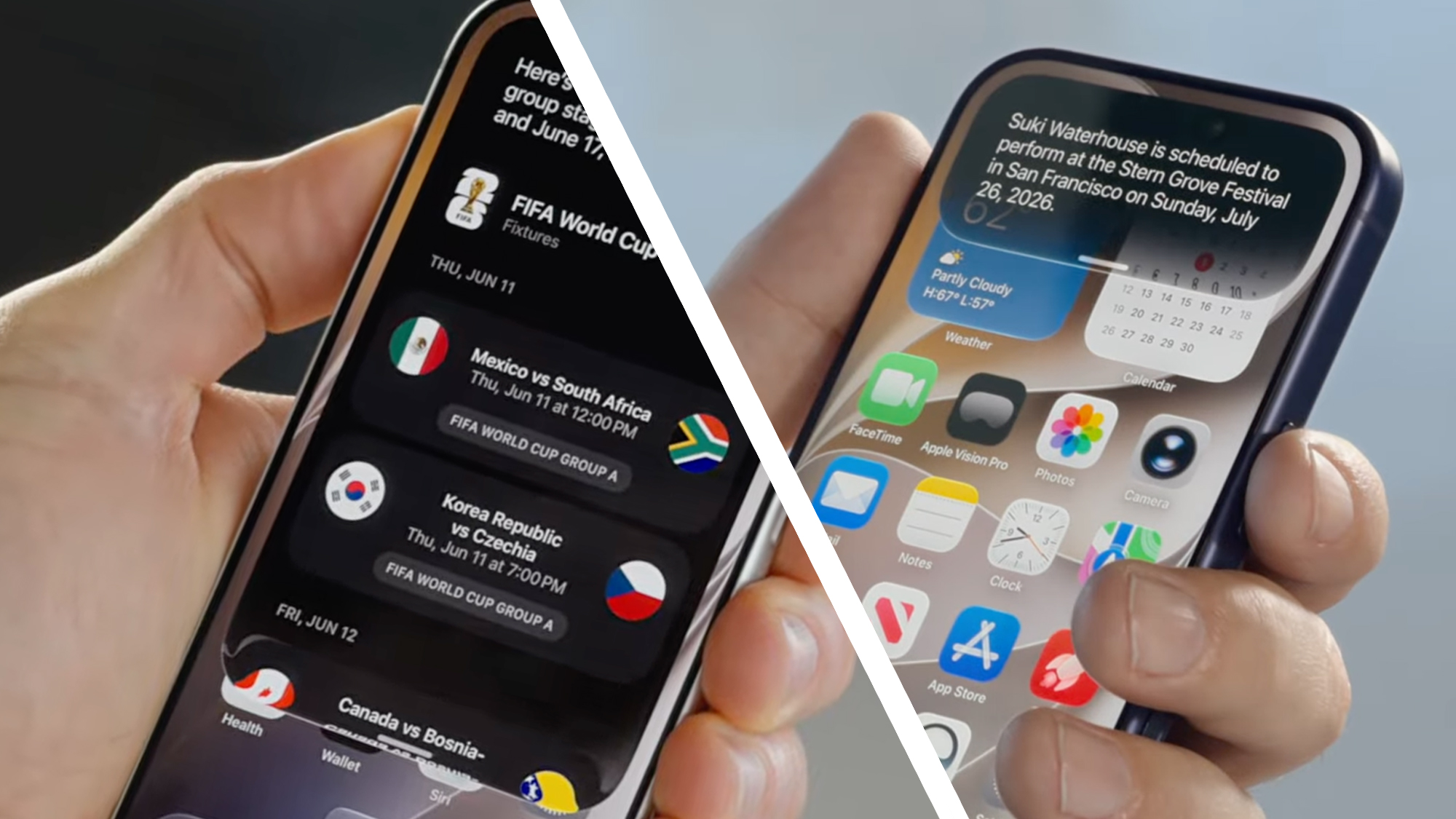
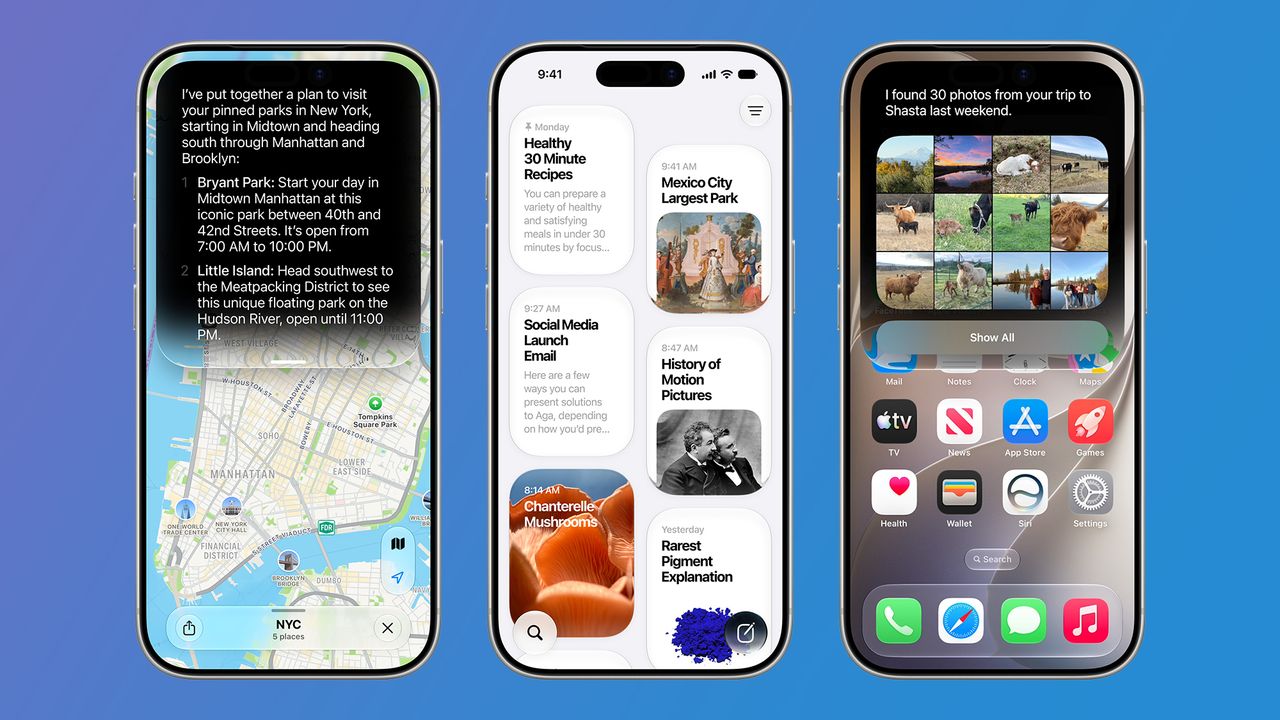
By far the biggest thing in iOS 27 is the long-awaited AI overhaul for Siri. There are many elements to this, but the main one is that Siri now works much like ChatGPT or other AI chatbots — you can have natural, back-and-forth conversations with it, and its responses aren’t just preset or based on basic web searches.
Siri can both search the web and interact with apps to get answers or carry out the tasks you need, and it now comes with a dedicated Siri app where you can find and pin previous conversations.
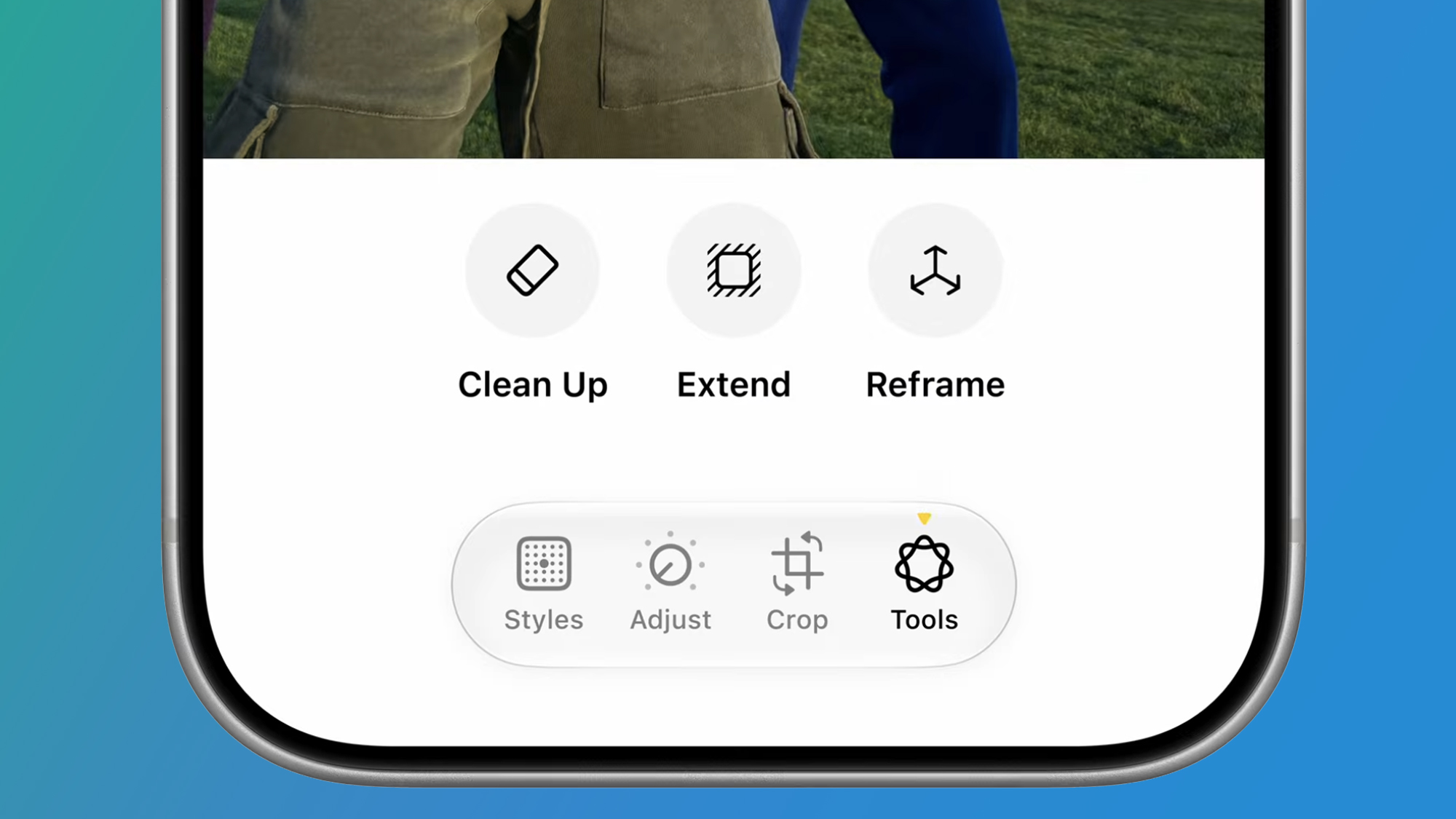
2. Improved photo editing
(Image credit: Apple)
Photo editing has also gotten a lot better with iOS 27, allowing you to do things like reframe or extend photos after they’ve been taken, and remove larger objects than previously.
It makes the photo editing tools far more powerful and brings them more in line with those available on Pixel and Samsung phones.
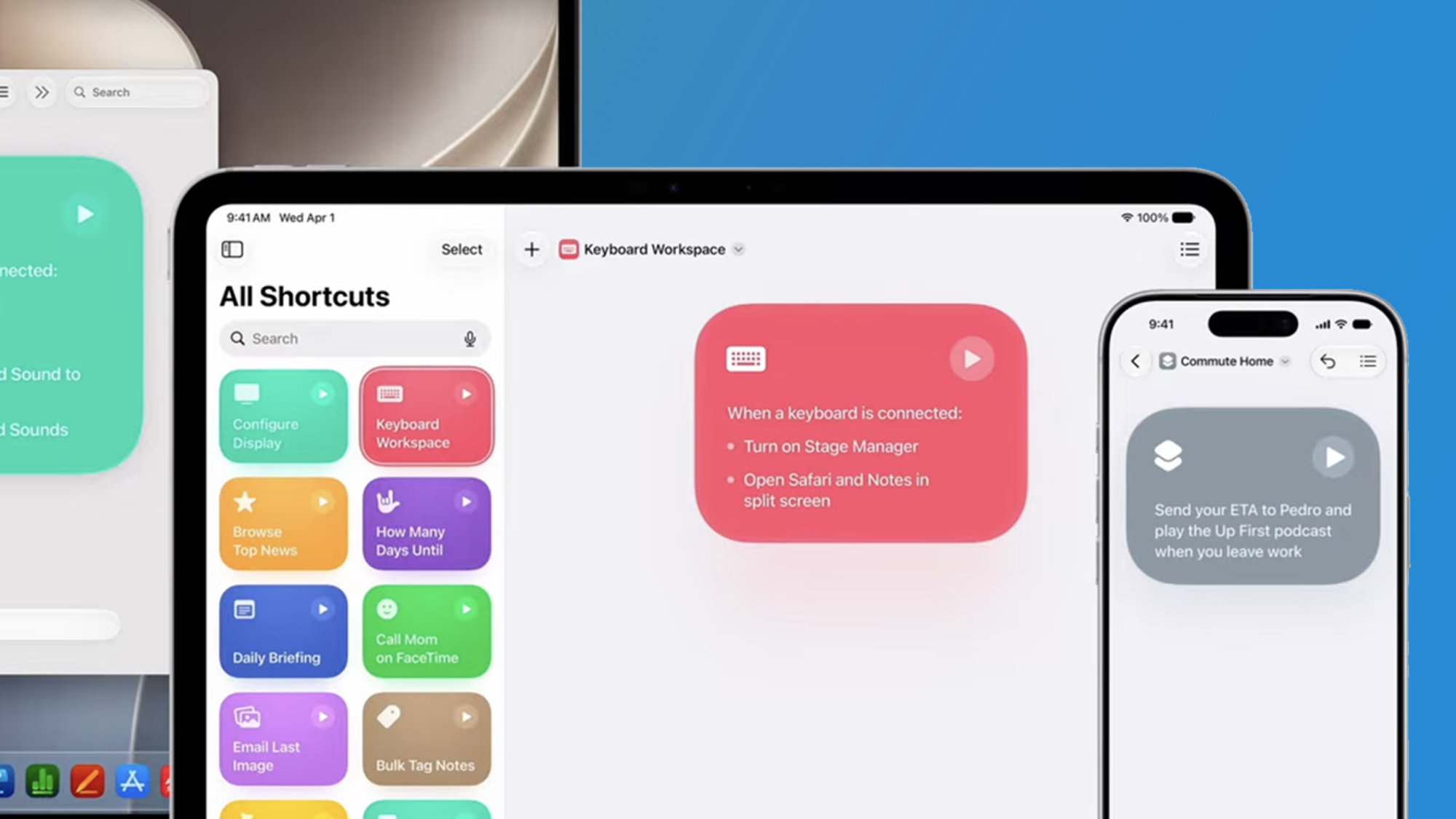
3. New ‘Describe a Shortcut’ tool
(Image credit: Apple)
Shortcuts has long been one of the most powerful apps that comes with your iPhone, but it can also feel a bit impenetrable. Now, though, it’s far simpler.
Rather than creating a shortcut or automation through various menus and complicated ‘if this then that’ rules, you can now simply use natural language to describe what you want.
So, for example, you could say “When I’m leaving work, message Pedro I’m on my way with my ETA,” and the app will automatically create an automation that does exactly this.
Having spent decades covering Apple, I understand and respect its efforts to maintain a shroud of secrecy over its product development. Reading this line in the blockbuster Apple vs OpenAI lawsuit, I can hear the voices of countless Apple execs and PR people who, rightly or not, feel deeply wronged by what it considered a trusted partner: "OpenAI’s nascent hardware business now rests on the shakiest of foundations, rotten to its core by its illegal reliance on misappropriated trade secrets."
Late last week, Apple filed a lawsuit against OpenAI and, more specifically, a pair of key employees who, over the last two years, left Apple to join OpenAI's hardware business. The massive filing, which calls for a jury trial, accuses the pair of corporate espionage, essentially stealing a raft of trade secrets to help bolster OpenAI's still unrealized efforts to build AI hardware (it's currently working with Jony Ive to build what may eventually become a wearable device).
I've spent some time poring over the documents and, to be honest, the accusations are stunning and, if true, seem unaccountably brazen for people who spent years with the Cupertino tech giant.
From the inside out
Tang Yew Tan, who currently serves as OpenAI's Chief Hardware Officer, was at Apple for a quarter of a century and, according to his own LinkedIn profile, "Oversaw the design and development of iPhone and Apple Watch Product Design, Interconnects Design, Acoustics and Materials technology centers."
Chang Liu (whose LinkedIn handle is "changliu-apple") spent almost a decade as an iPhone Electrical Engineer.
Apple's NDA's that they hand to journalists like me are almost legendary (the first time I signed one, I swear my hands were shaking). I can only imagine the intensity of the Intellectual property agreements (IPAs) Apple says it asks employees to sign from time to time. The language is probably appropriately terrifying; it's hard to conceive of how Liu and Tan could ignore them, and yet, according to the lawsuit, that's exactly what the pair did both during their waning days at Apple and in the time after when they joined OpenAI.
OpenAI's only public response so far has been from its Director of Strategic Communications Drew Pusateri, who said on X, "We have no interest in other companies' trade secrets. We remain focused on building innovative technology that empowers people everywhere."
The company's co-founder and CEO Sam Altman also only obliquely referenced it on X when someone accused him of being afraid of Apple. He wrote, "I am not afraid of Apple, but I have tremendous respect for them. s-tier company." ("S-Tier" basically means "elite").
i am not afraid of apple, but i have tremendous respect for them. s-tier company.July 11, 2026
I won't ask you to read the full document and instead have cherry-picked the most eye-watering accusations:
A potentially sneaky exit
When Liu left Apple, he allegedly took his work laptop with him. If you've ever worked in a corporate environment, you know this is a no-no. Most companies will pursue you to the ends of the earth to retrieve that hardware and whatever corporate access and secrets it contains.
It gets worse
Lui apparently didn't shelve the old (we assume) MacBook. Instead, he, according to Apple, exploited a network vulnerability and used the system to access Apple network folders. If true, that's an incredibly bold move. Surely Liu would've known how Apple's internal forensics could discover what was accessed by whom and when.
Boasting
While allegedly downloading Apple's proprietary files (details on unreleased products, presentations, tech data, specs, and more), Liu may have messaged someone through the Apple-issued laptop, celebrating how he was pulling the wool over Apple's eyes with "LOL" and "so funny". Again, was Liu the most careless corporate spy ever? Who would boast when they know Apple would eventually stumble on these details?
Coaching recruits
Apple claims Liu was actually recruiting Apple employees and coaching them on how to gather data before leaving the company. He may have told them how to email themselves files before exiting Apple.
Now, I understand how some of your, say, personal data, can end up intertwined with corporate data and you may want to hold onto some of that. On the other hand, if you didn't keep a firm line between work and personal files, that's on you.
A real betrayal
Tang Yew Tan spent 25 years with Apple, and what he's being accused of has surely enraged and disappointed Apple. "Mr. Tan has been methodically using Apple’s confidential information to benefit OpenAI," claims Apple.
Like Lui and other Apple recruits, Tan may have emailed himself proprietary Apple info.
Using Apple codenames
Apple claims Tan is asking Apple recruits about upcoming projects using code names only Apple employees would know.
We have their OK
This one is kind of mind-blowing. Apple alleges that OpenAI has used Apple info to get a partner to apply a "specific trade-secret metal finishing technique," because they convinced the partner Apple was OK with them doing so.
Carry out
This last one might be the boldest move of all. Apple alleges that OpenAI instructed potential Apple recruits to bring everything from CAD files to actual prototypes or parts to OpenAI interviews.
That's a particularly stunning accusation, and again, just seems so reckless. What kind of corporate spies operate with this level of impunity?
Naturally, OpenAI will, at some point, respond properly to this lawsuit, perhaps with one of their own. Apple could also eventually settle this suit out of court. They've done so before with similar cases, though I don't think they were quite at this level.
Can they come back from this?
Whatever happens with this case, it's hard to imagine the Apple / OpenAI relationship, which is already somewhat fraught, survives.
For now, you can explicitly choose to use ChatGPT to handle requests in the new Siri in iOS 27 dev beta, and it's a key part of Image Playground and Visual Intelligence. Apple could pull those options and lean harder into its Google Gemini foundation Model partnership while this case works its way through the courts.
I don't think that will materially impact your iPhone experience, but the loss of direct access to those hundreds of millions of iPhone customers could hurt OpenAI, a company that, as Apple acknowledges, is trying to build its own hardware business.
Plus, if OpenAI loses, it could see a lot of the in-house hardware innovation potentially tied to Apple's work blocked from ever reaching consumer hands.
And, obviously, it'll be hard for the partnership to come back from this passage in the suit:
"Apple lacks visibility into what’s been happening behind closed doors at OpenAI, where such misconduct is normalized and exemplified by leadership. This much is clear, however: at every level, from members of its Technical Staff to its Chief Hardware Officer, and in coordination with business partners, OpenAI has been stealing Apple’s trade secrets and confidential information."
We're just over half-way through the year, and of the 28 pairs of headphones we've had the pleasure of testing so far, there are a number of standout over-ears from both ends of the price spectrum. If you're looking for a new pair of cans, these are the models you should be checking out.
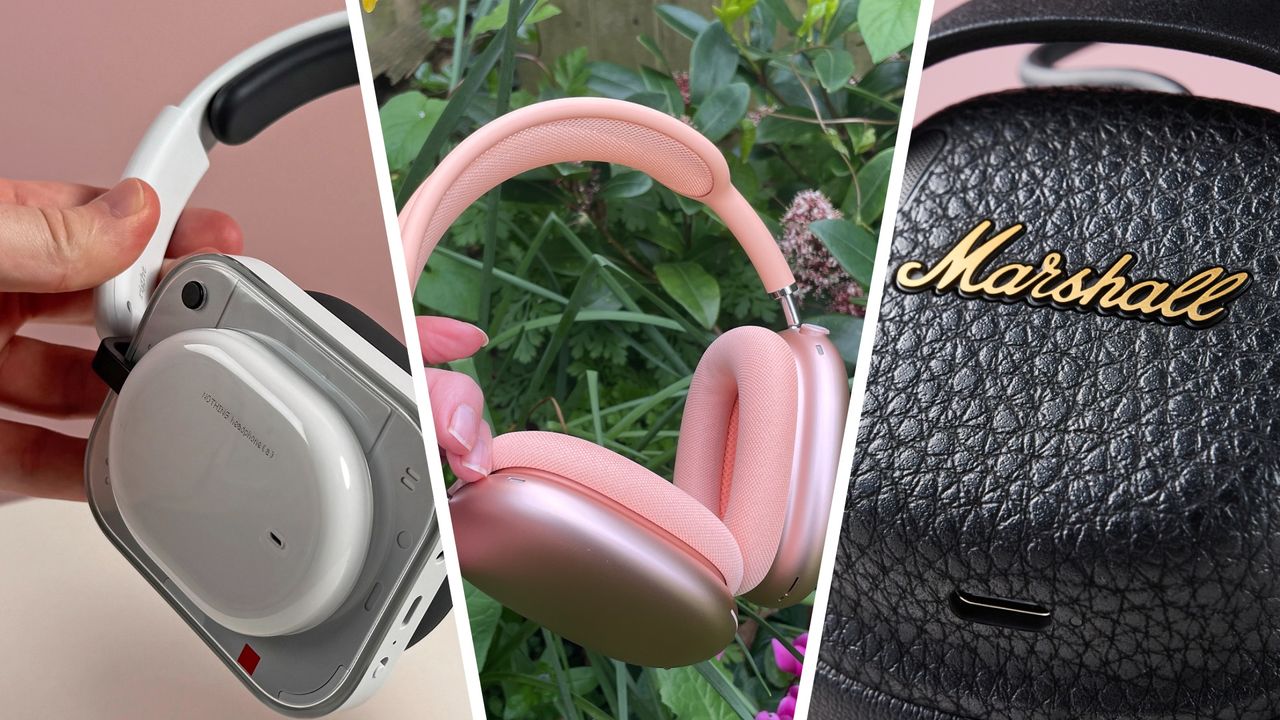
At the affordable end of things we have the Nothing Headphone (a), which manage to be both way better and much cheaper than their predecessors. We praised their "impactful and well-balanced sound, good active noise cancellation" and "excellent and truly useful app". A little pricier but still affordable are the retro-styled and ridiculously comfortable Marshall Milton ANC, and the clear-sounding JBL Live 780NC, with their never-ending battery life.
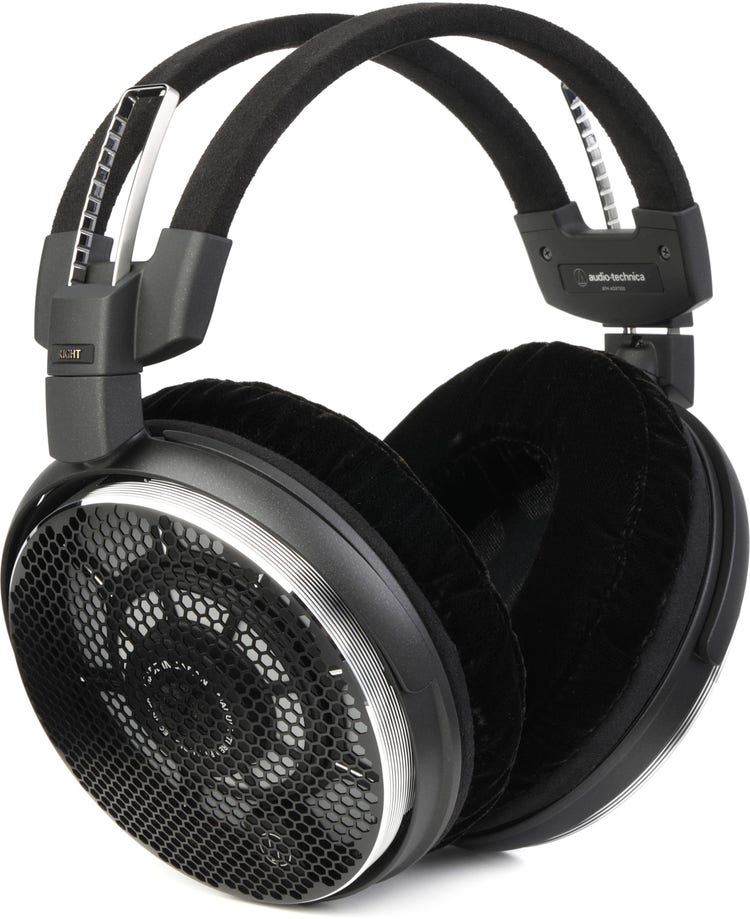
For true audiophiles with deep pockets, we've tested two blow-the-budget bangers. The Audio-Technica ATH-ADX7000 are the only pair of over-ears to earn a perfect five stars, with their "beautifully precise and engaging audio with exhilarating low-end performance" (here are all the five-star buys of the year so far, if you're interested). We were also blown away by the Grado Signature S750, a pair of handmade, open-back headphones that offer "an exceptional soundstage and excellent clarity", and sound "amazing" on well-produced music.
Scroll down for a comprehensive list of our top-rated over-ear headphones of the year so far — hit the 'View details' button for a summary of the main pros and cons of each one, plus a link to read the full review. Alternatively, head to our general best over-ear headphones list for a run-down of our favorite sets of all time.
Samsung may finally upgrade wireless charging on its next book-style foldables. According to leaker Lazuk (yeux1122), the Galaxy Z Fold 8 will support 20W wireless charging, marking the first increase since the Galaxy Z Fold 4, as recent Fold models have all been limited to 15W.
The modest speed bump could compensate for the rumored 4,800mAh battery, keeping charging times similar to the Z Fold 7. The Z Fold 8 Ultra may offer 20W or faster wireless charging, though its specifications remain unknown.
Published on: Jun 2
Samsung’s Galaxy Z Fold 8 Wide, launching without “Wide” tag, is rumored to be the lightest foldable, even ligher than its elder sibling and Chinese rival. After dummy units, a Samsung insider has now exclusively revealed the Wide Fold’s weight.
According to IceUniverse, the Galaxy Z Fold 8 is “confirmed” to be 201 grams, much lighter than the existing foldables. At its rumored weight, the wide-screen foldable would be 9 grams lighter than the Galaxy Z Fold 8 Ultra.
Oppo’s Find N6 foldable phone weighs 225 grams. It would feel like a heavy brick next to the Galaxy Z Fold 8 and even the Z Fold 8 Ultra. If the leaked data is accurate, Samsung has nailed one of the foldable’s biggest comprimises.
Additionally, the same source also revealed the battery capacity and charging speed of the device. The upcoming Galaxy Z Fold 8 Wide may come pack a 4,800mAh battery, which can be recharged using 45W wired charging.
Galaxy Z Fold 8 has reportedly adopted a wide-screen form factor. It features a design completely different than the previous foldables. Its screen is wider and height is smaller, similar to a passport-style form factor.
On the flip side, the Galaxy Z Fold 8 Ultra continues to maintain the design legacy. Its cover screen is comparatively narrower and taller. Unfolded it offers a bigger screen than the Wide model, but less practical than that.
Samsung may be using Snapdragon 8 Elite Gen 5 chip in the two foldable phones. Galaxy Z Flip 8 is also coming, which gives some chip portion to Exynos 2600. The Global reveal is widely rumored to take place on July 22 in London.
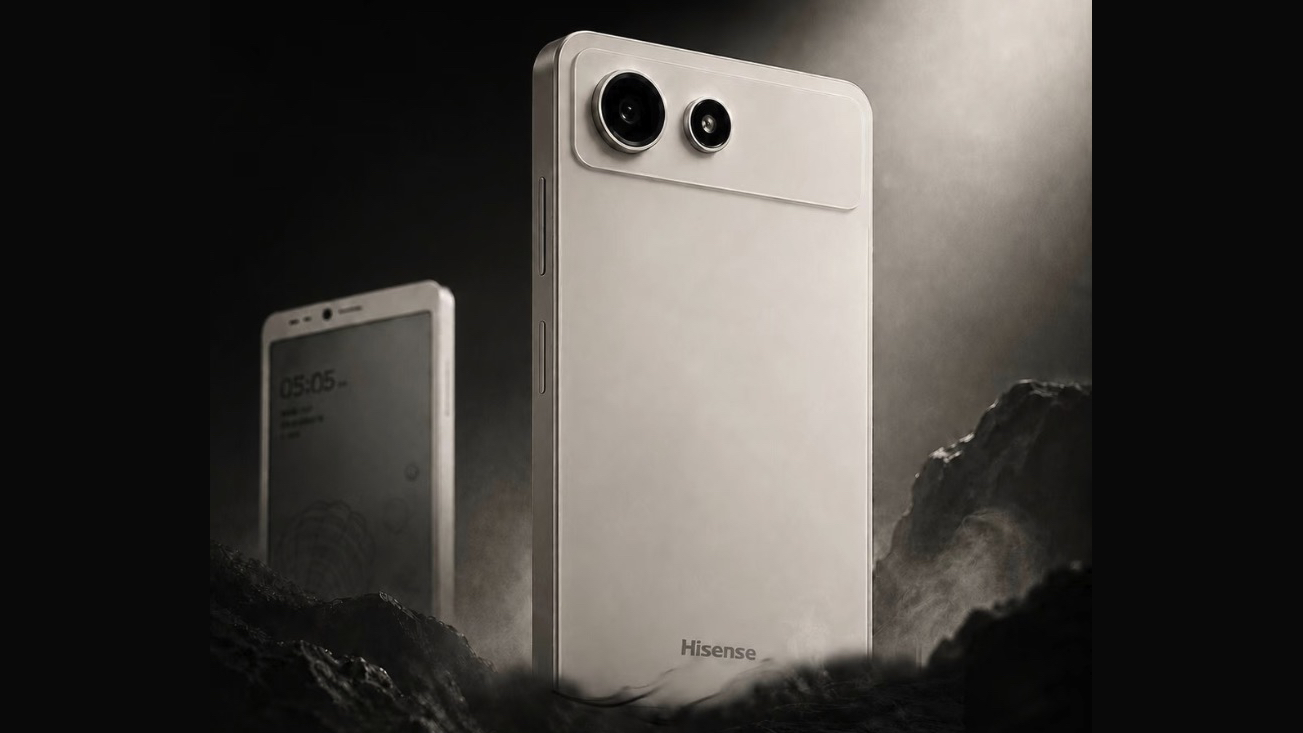
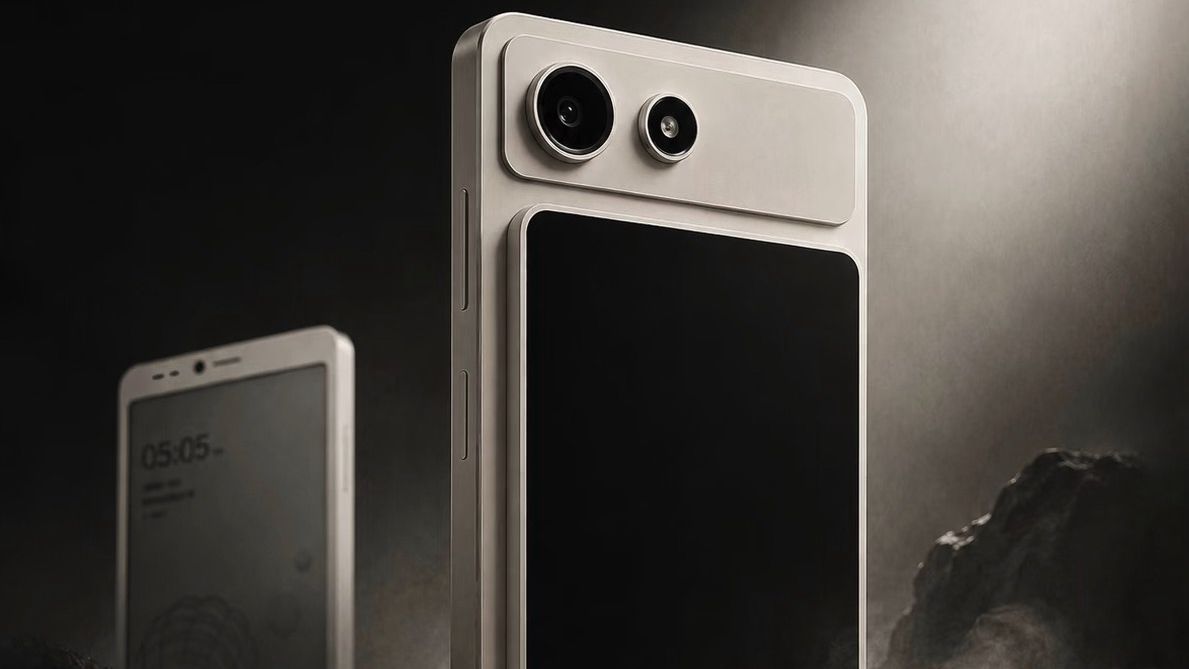
Hisense has announced a phone with a detachable rear screen
The front display is e-ink, and the rear one is LCD
Currently the phone has only been announced for China, so it might not be widely available
We don’t see much experimentation in smartphone design anymore, so I always applaud when companies try something new. That’s exactly what Hisense has done with its new A10 handset, as this has two screens — and one of them is detachable.
Specifically (via GoodEreader), this has a 6.13-inch monochrome e-paper display on the front (it isn't clear if this is officially an E Ink one), and a detachable color LCD screen on the back.
It runs Android 16, but most of the specs haven’t been revealed yet, other than it using an octa-core 4nm chipset, which according to leaker Experience More is a Snapdragon one. In any case, it being 4nm means this won’t be a high-end phone, but then high-end specs would arguably be wasted on an e-paper screen.
According to Experience More, the detachable LCD display will be sold separately. This makes sense, since not everyone will necessarily want two screens.
But it’s an interesting idea, potentially giving you the benefits of both e-paper and a conventional phone display — and since the second screen is detachable, you don’t have to add the bulk or fragility of the second screen when you don’t want to.
The Hisense A10 without its detachable screen (Image credit: Hisense)
The wrong way round
I can’t help but think that it would have made more sense to make the e-paper screen the detachable rear one. After all, for most people an e-paper display is more of a secondary device — one you might use to read a book or to conserve battery, but not for the majority of smartphone tasks.
There is a market for e-paper phones — those who desire simplicity or less eye strain are drawn to them for one, and they can help encourage people to use their phones less too, because there is more friction there than with an LCD or OLED display.
But they remain niche devices, and while the Hisense A10 in some ways gives you the best of both worlds, it could end up being even more niche, since it combines the niche of an e-paper screen with the niche of a dual-screen device.
So personally, I’d love to see this the other way around — giving buyers a conventional smartphone with the option of an e-paper attachment. But until a company gives us that, there’s always the Xteink X4 — a tiny ereader that can magnetically attach to the back of phones.
The trouble with this is that it doesn’t run Android or integrate with your phone’s apps, making it a bit more limited than a true dual-screen device would be. But it’s better than nothing.
As for the Hisense A10, that’s currently only announced for China, so you might have to import it.
Samsung’s next foldables are set to receive a long-awaited camera improvement. Supply chain sources have confirmed that the Galaxy Z Fold 8 and Galaxy Z Fold 8 Ultra will feature a 50MP ultrawide camera, replacing the 12MP sensor.
Industry sources (via ETNews) say Samsung has finalized a 50MP ultrawide camera for the Galaxy Z Fold 8 and Galaxy Z Fold 8 Ultra.
The upgrade brings Samsung’s premium foldable much closer to the camera hardware offered on the Galaxy S Ultra lineup, addressing one of the most common criticisms of the Fold series.
The previous Fold models, including last year’s Galaxy Z Fold 7, relied on a 12-megapixel ultrawide camera, making this one of the biggest camera upgrades the series has seen in years.
The report also states that long-time camera module suppliers MCNEX and Namuga continue to supply the ultrawide camera modules, suggesting Samsung achieved the upgrade without changing its existing supplier network.
Main and Telephoto cameras come from Samsung
The Galaxy Z Fold 8 is expected to retain the 200-megapixel primary camera alongside a 3x telephoto shooter. Samsung Electro-Mechanics and Samsung Electronics are said to supply the main camera, while Samsung Electro-Mechanics and Power Logics continue to provide the telephoto module.
This signals Samsung’s growing confidence that Fold buyers now expect fewer compromises beyond the folding display itself. Bringing flagship-grade imaging to the Fold lineup feels like the next logical step after the display segment.
If you’re wondering why Samsung repairs could become more expensive, the answer comes down to one thing: rising semiconductor prices. While repair fees have not been officially raised, consumers may eventually notice slightly higher service costs.
Samsung has reportedly increased the prices of repair parts supplied to its service network for the second time in 2026, reflecting higher memory and component prices fueled by the AI boom.
Samsung increases smartphone repair part prices
Korea’s Segye Biz reports that Samsung has increased the cost of repair parts supplied to Samsung Electronics Service earlier this month, marking its second increase this year after a similar revision in January.
The move comes as the semiconductor industry continues to grapple with soaring memory prices and higher raw material costs, both of which have been amplified by strong demand for AI hardware.
Material costs for the Mobile eXperience (MX) division, which covers Galaxy smartphones and tablets, increased by an average of 5 percent.
Digital Appliances (DA) division saw a larger average increase of 9 percent, covering components such as motors, compressors, panels, and other essential parts used in products like air conditioners and washing machines.
Meanwhile, Samsung’s Visual Display (VD) division, responsible for TVs, was reportedly left out of this round because its component costs remained broadly in line with competing brands.
Will Samsung repair costs increase for customers?
Repair part pricing is generally determined after comparing production costs with competitors. Samsung is believed to have adjusted its pricing to stay aligned with market trends after rival companies increased their own repair component costs.
Since materials account for roughly 80 to 90 percent of overall repair expenses, even a modest rise in component prices can eventually influence what customers pay for after-sales service.
The increase may not be dramatic, but it could become noticeable if semiconductor prices continue climbing through the rest of the year.
A video is going viral on the web, revealing the Galaxy Z Fold 8 Ultra display features early, but it appears to be untrue. The device shown in the video is apparently the Fold 7, but a leaker has just revealed two big display upgrades.
Tipster IceUniverse revealed the two most exciting display features of the Galaxy Z Fold 8 Ultra, which are “less visible crease” and “new anti-reflective film.”
Less-visible crease
Foldables feature a large display, which can be unfolded when needed. The middle portion gradually creates a wrinkle effect over time. At launch, the device shows a clean screen without any crease, but it doesn’t stay as it is.
The leaker reveals that the Galaxy Z Fold 8 Ultra has a less visible crease than the Galaxy Z Fold 7. It’s part of Samsung’s continuous efforts to elevate the display experience by enhancing the middle portion crease wrinkle effect.
Image – Galaxy Z Fold 7
Anti-reflective film
This is the biggest upgrade we heard so far. Galaxy Z Fold 8 Ultra might be equipped with a new anti-reflective inner display film. While everybody is expecting it on the cover display, Samsung may have planned something bigger.
Galaxy S24 Ultra debuted Gorilla Armor, which cuts reflection in direct sunlight. Galaxy S25 Ultra and S26 Ultra showed noticeable improvements with 2nd-gen Gorilla Armor.
Samsung appears to be using a similar solution on the Galaxy Z Fold 8 Ultra. If the leak is accurate, the next foldable phone will display crystal clear content on its main screen outdoors too.
Samsung officially scheduled the launch of its new foldable phones, but a new leak has just revealed the weight and thinnest point dimensions of the upcoming Galaxy Z Flip 8.
Leaker IceUniverse revealed that the Galaxy Z Flip 8 measures 6.1 mm and weighs 180 grams. At first glance, this leak looks to be contradicting the previous inputs, but it’s not the case.
Galaxy Z Flip 8 is expected to be 6.1 mm thick at its thinnest point. The effective thickness, including the camera bump, could take it to the 6.6 mm range when unfolded. Folding the device doubles the thickness to 13.2 mm.
Galaxy Z Flip 8 expected thickness and weight
6.1mm at thinnest point
6.6 mm when unfolded
13.2 mm when folded
Weight – 180 grams
For context, the Galaxy Z Flip 7 is 6.5 mm unfolded and 13.7 mm when folded. The upcoming Flip is merely 0.1 mm thicker than its predecessor. The difference is visible on paper, but won’t be noticeable in real-world usage.
Galaxy Unpacked 2026
Samsung will hold its Unpacked event on July 22 in London. The company is set to launch the Z Flip 8 and Z Fold 8 Ultra, with the Z Fold 8 coming as an iPhone Ultra alternative featuring a wide screen design and a more practical form factor.
The company has already started letting users reserve the next Galaxy. US residents must reserve the upcoming devices, even if they don’t plan to buy one. There are plenty of benefits for buyers, and one big benefit for everyone: a $500 giveaway.
Dumb Co sells flip phones that sync to your smartphone, bridging the infinite connectivity of the iPhone and the unrealistic limitations of an early 2000s relic.
Hoping to hear more about the Samsung Galaxy Z Fold 7? You’re in luck. We’re just a week away from Samsung’s official unveiling of its latest foldable, with Samsung’s latest foldable smartphone expected to steal the show during July’s expected Galaxy Unpacked event.
Although Samsung’s upcoming smartphone promises to be the thinnest Galaxy Fold ever, the rumors surrounding it are anything but.
If you’d prefer not to wait, there have been more than enough leaks about the Z Fold 7 to form an early impression of what to expect from next month’s reveal.
So, let’s dive into what we know so far about the Samsung Galaxy Z Fold 7, early.
Samsung Galaxy Z Fold 7: Release date and price rumors
Samsung hasn’t officially announced the Galaxy Z Fold 7 yet, but that doesn’t stop us from piecing together when it will, based on its usual routine for unveiling and releasing smartphones.
Samsung typically holds two Galaxy Unpacked events each year. The first of which takes place right at the start of the year, and will usually focus on its Galaxy S series smartphones. This year, it was the turn of the Samsung Galaxy S25.
The second of Samsung’s Galaxy Unpacked events takes place halfway through the year, and it’s here that we tend to see the company’s latest Galaxy Z Fold and Flip foldable phones.
Announcement date
Release date
Samsung Galaxy Z Fold
February 20, 2019
September 6, 2019
Samsung Galaxy Z Fold 2
August 5, 2020
September 18, 2020
Samsung Galaxy Z Fold 3
August 11, 2021
August 27, 2021
Samsung Galaxy Z Fold 4
August 10, 2022
August 26, 2022
Samsung Galaxy Z Fold 5
July 26, 2023
August 11, 2023
Samsung Galaxy Z Fold 6
July 10, 2024
July 24, 2024
Exactly when Samsung hosts these events can vary, but the second Galaxy Unpacked events of the last two years have both fallen within July. A Korean outlet, The JoongAng,claims the same will happen this year as well.
Samsung’s Galaxy Z series phones will typically go on sale within a few weeks of their announcement, meaning this year’s Galaxy Z Fold 7 could be available for purchase as early as Wednesday, July 25.
While the Z Fold 6 and Z Flip 6 both received a $100 price bump last year, the Galaxy Z Fold 7 and Flip 7 are said to remain at that price, with no further increases expected.
This means that the Samsung Galaxy Z Fold 7 will likely be available to buy starting at a still-mighty $1,899.
Samsung Galaxy Z Fold 7: Design and display rumors
From what we’ve heard so far, this year’s Galaxy Z Fold 7 will reportedly take inspiration from last year’s Galaxy Z Fold 6 special edition, a limited edition of the foldable sold only in Korea and China that was larger, faster, thinner, lighter, and offered better cooling, speakers, and an improved primary camera.
These changes, along with the phone's super-narrow bezels, could translate to the Galaxy Z Fold 7 receiving a bigger ~8.2-inch foldable display (previously 7.6 inches), a 6.5-inch cover screen (previously 6.3 inches), and adopting a form factor that’s only 8.9mm thick (4.5mm when open) — though some reports suggest the phone could be as little as 3.9mm in thickness while open, making it the thinnest Galaxy Fold to date.
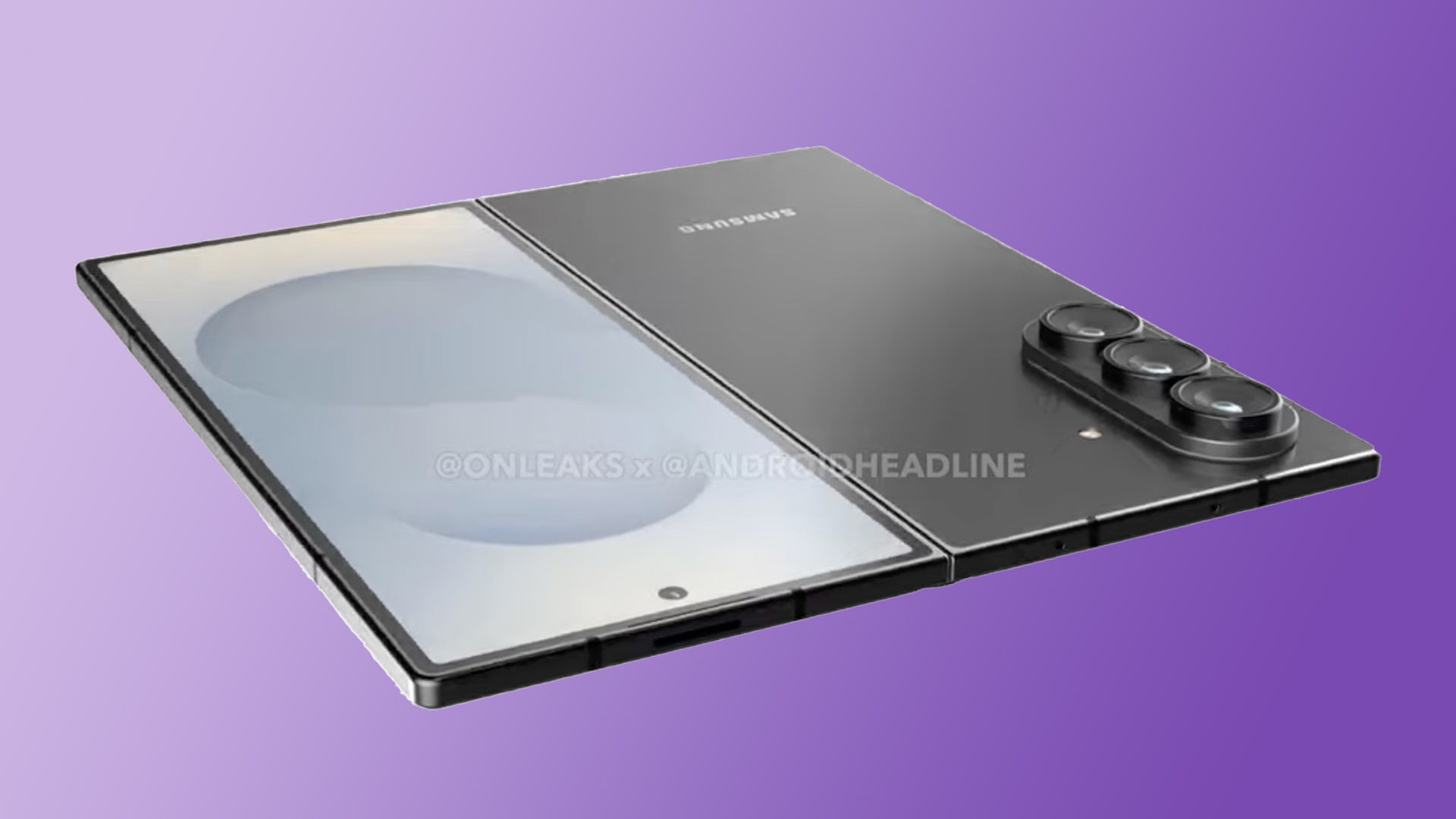
(Image credit: @OnLeaks / @AndroidHeadline)
It’s suggested that the rest of the Z Fold 7’s build will largely remain the same, meaning it will presumably offer the same layout as the Z Fold 6 while touting a similar Dynamic AMOLED 2X panel with a 120Hz refresh rate, rated at 2,600 nits of peak brightness.
Beyond raw specifications, Samsung’s display is also claimed to have a significantly less noticeable crease than other Galaxy Fold models, with Android Central reporting that the company showcased a creaseless panel at MWC 2025.
As for color choices, it appears the Z Fold 7 will be available in a few different shades. Android Central reported additional color leaks, including the sleek Blue Shadow, Jet Black, and Silver Shadow. But Samsung could save the more unique colors for its own storefront exclusive.
Samsung Galaxy Z Fold 7: Camera rumors
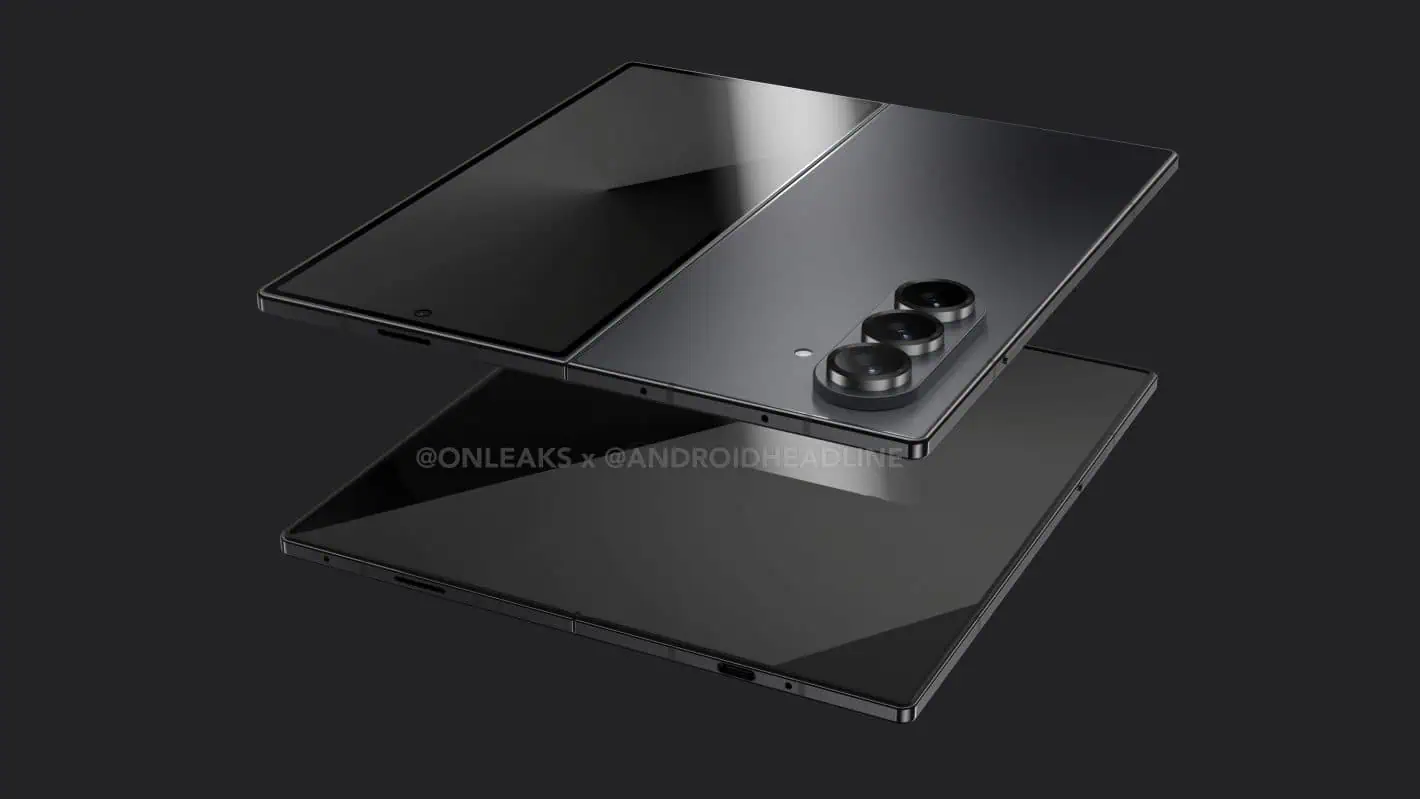
(Image credit: @OnLeaks / @AndroidHeadline)
Among the list of Galaxy Z Fold 6 special edition features that the Z Fold 7 is expected to inherit, a staggering 200MP upgrade to the typically 50MP main camera stands out the most.
It’s believed that the new Galaxy Fold will also feature the same 12MP ultrawide, 10MP telephoto (3x optical), 10MP front-facing selfie camera with a 100-degree wide-angle lens, and 4MP under-display selfie camera of last year’s model.
Samsung Galaxy Z Fold 7: Performance and battery rumors
There’s no need to speculate over whether or not the Galaxy Z Fold 7 will go with an Exynos or Qualcomm Snapdragon chip, as 91mobiles has already put that conversation to bed after uncovering an FCC certification confirming that the new Galaxy Fold will make use of the Qualcomm Snapdragon 8 Elite chipset (tailored for Galaxy devices) backed by up to 16GB of RAM and 1TB of storage.
The Snapdragon 8 Elite is a proven powerhouse, with Qualcomm exec Chris Patrick telling Tom’s Guide in October 2024 that the chip was “a desktop-class CPU [with] mobile-level power efficiency.”
That efficiency could make great use of the Galaxy Fold 7’s expected 4,400 mAh battery capacity, the same as previous models, utilizing 15W wireless charging and 25W of peak wired charging.
(Image credit: @OnLeaks / @AndroidHeadline)
What's next
With leaks relating to Samsung’s Galaxy Fold 7 appearing thick and fast ahead of July’s rumored Galaxy Unpacked event, expect more news to follow on this device in the coming days as we get closer to the official reveal.
These rumored changes to the Galaxy Z Fold 7 suggest a device even more premium, durable, and attractive than before. Samsung has confirmed in a May 2025 post that One UI 8 “will debut on Samsung’s newest foldables this summer,” making the Z Fold 7 one of the first devices to use the new customized Android 16 UI.
It’s also been suggested that owners of the Galaxy Z Fold 7 could get free access (for an unknown amount of time) to Google’s AI Pro subscription service (typically costing $19.99 per month).
For a full look at what the Z Fold 7 will be capable of, we’ll need to wait to hear it directly from Samsung during next week's Galaxy Unpacked event. But until then, there’s plenty of information here to digest, and the Galaxy Fold is looking stronger than ever based on these early reports.
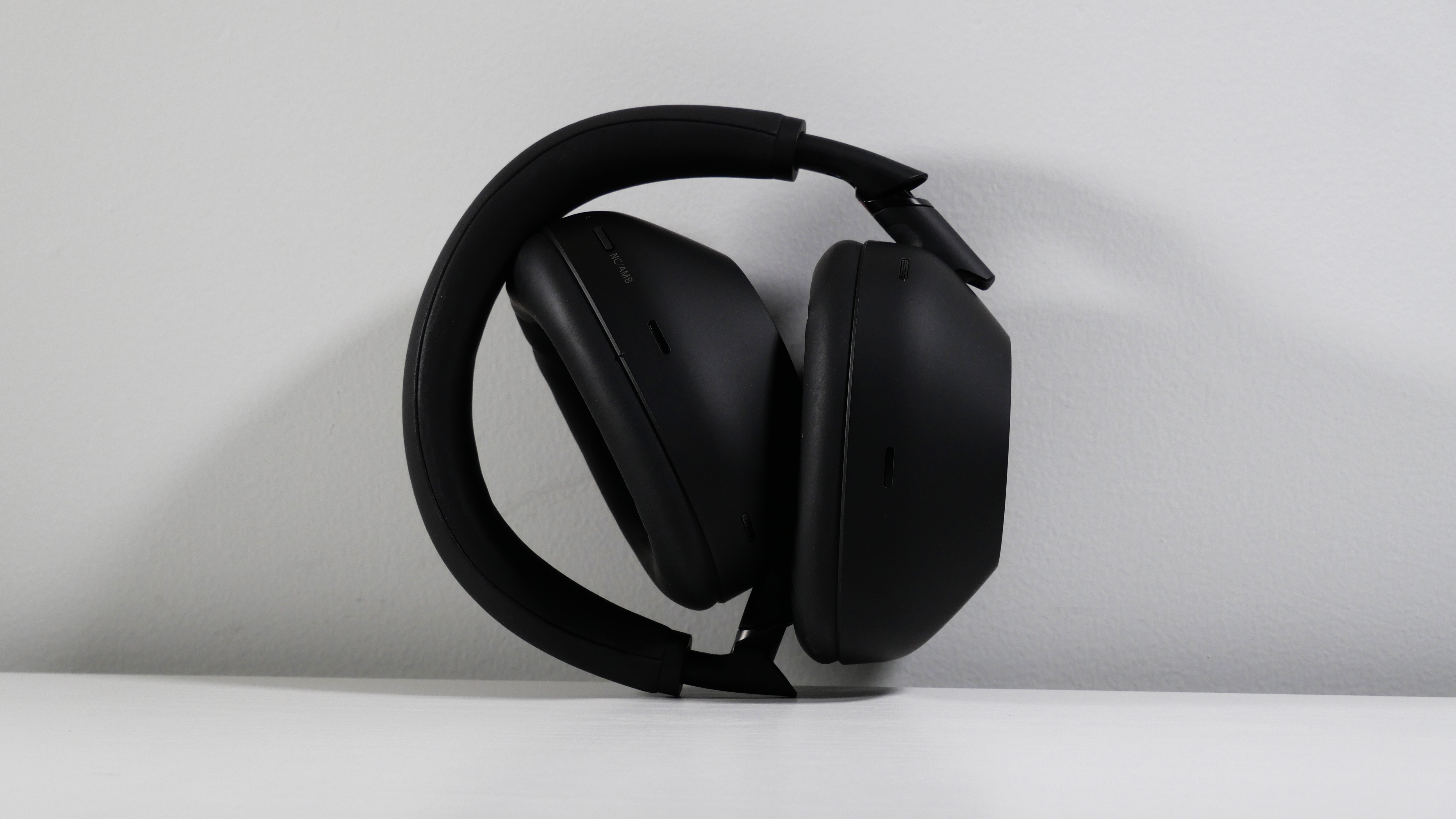
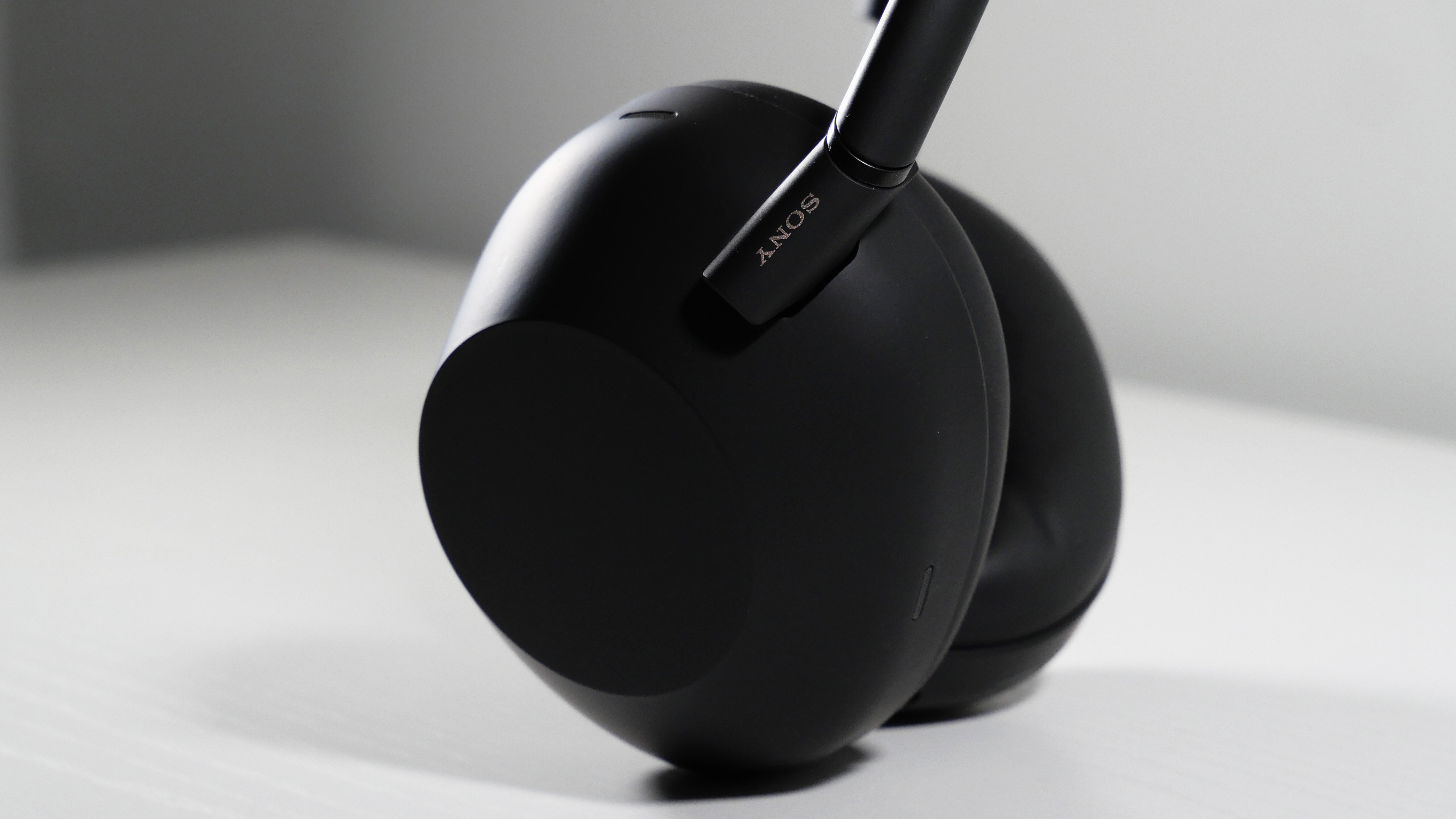
I have reviewed a horde of gaming headsets over the years, and yet no matter how good they were, I clung dearly to my Sony WH-1000XM3 for seven years (yes, they launched all the way back in 2018). To say my expectations for the Sony WH-1000XM6 were high is a criminal understatement.
The jump in audio quality I experienced with the Sony WH-1000XM6 reminded me of putting on a new pair of glasses for the first time — I could see (hear) everything. The XM6’s soundstage is grand and epic, the earcups are snug, the dual Bluetooth-connectivity is so convenient, and the battery life is long.
However, as much as I love the Sony WH-1000XM6, they aren't without some problems. The earcups are snug, which may be uncomfortable for some folks. If you’re app-averse for some reason, you need to download the phone app to disable ANC. I wish the Ambient mode took in more sound at higher volumes, and I would have liked the microphone to sound better, although it’s not terrible.
Yet, like Sony's other mythically excellent creation, Kratos with his Leviathan axe, my ears wield the Sony WH-1000XM6 as their daily weapon. I imagine the XM6 will be my companion for quite a long time, at least until it's dethroned by the XM9. There's no question that the XM6s are one of the best headphones out there, but are they good enough to drop $450? Let’s jump into that Yggdrasil rift together.
Sony WH-1000XM6: Price and value
(Image credit: Laptop Mag/Rami Tabari)
I reviewed the Black model of the Sony WH-1000XM6 headphones, but you can also get them in Midnight Blue or Platinum Silver, all of which cost the same $449. I’m partial to the Midnight Blue colorway — they are the only ones with actual color. The XM6s also come with a neat magnetic carrying case, which is a dark gray color and includes a 3.5mm headphone jack and a very short USB Type-A to Type-C cable. You can get the Sony WH-1000XM6 directly from Sony’s website, Best Buy, or Amazon.
The real question is: Are they worth it? Well, that depends on you. What I can say is that the pricing is competitive, especially when compared to the Bose QuietComfort Ultra headphones (also $449). And this is too much for you to spend on headphones, no matter how good they are; I completely understand. You can easily get the XM4 for $280 (at the time of writing).
If you really want the XM6 model and aren’t swimming in cash, I’d wait for a sale. But if you have the disposable income, they're worth it.
Sony WH-1000XM6: Design
(Image credit: Laptop Mag/Rami Tabari)
The Sony WH-1000XM6 looks like an alien carved them out of a block of obsidian…
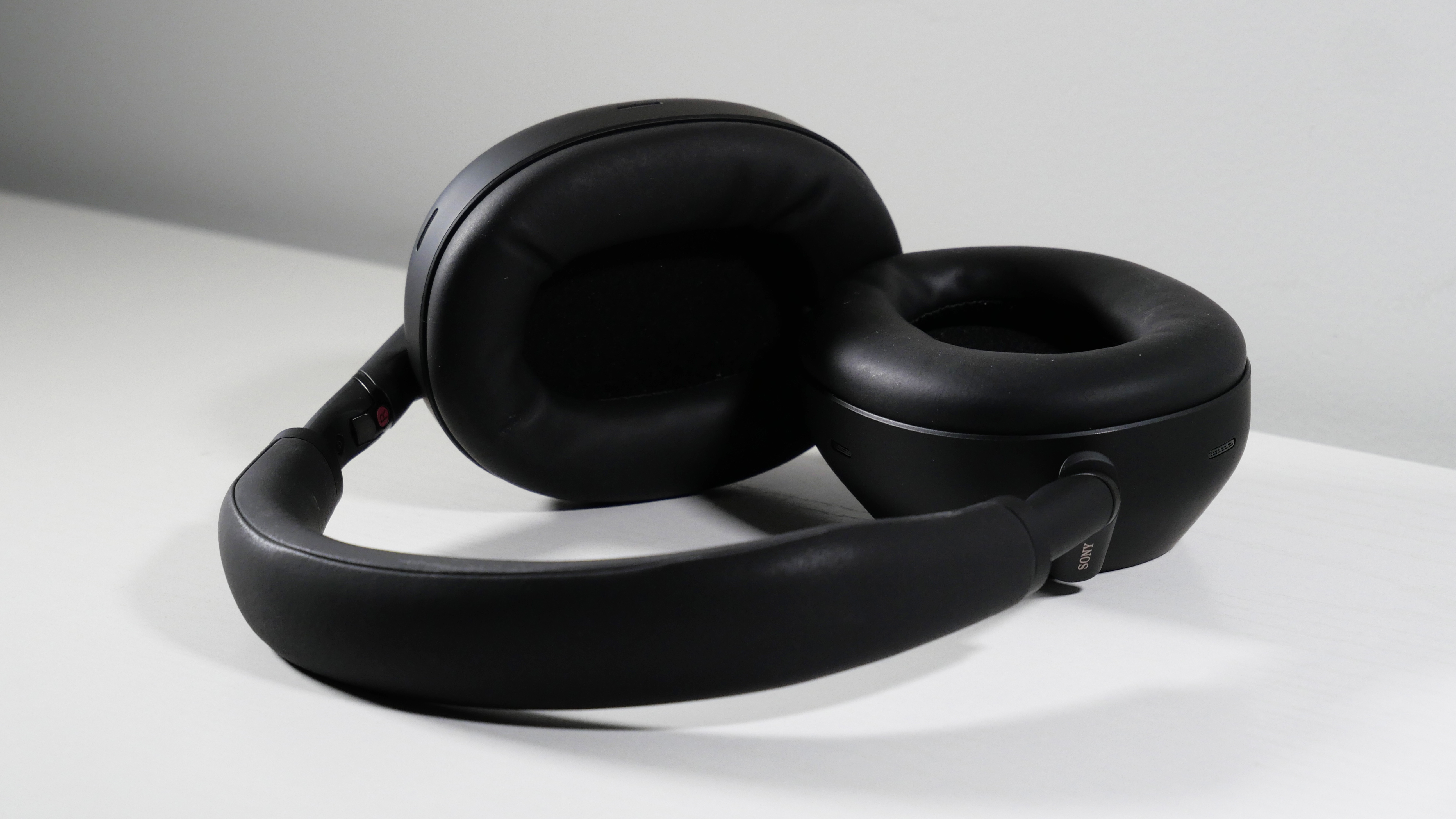
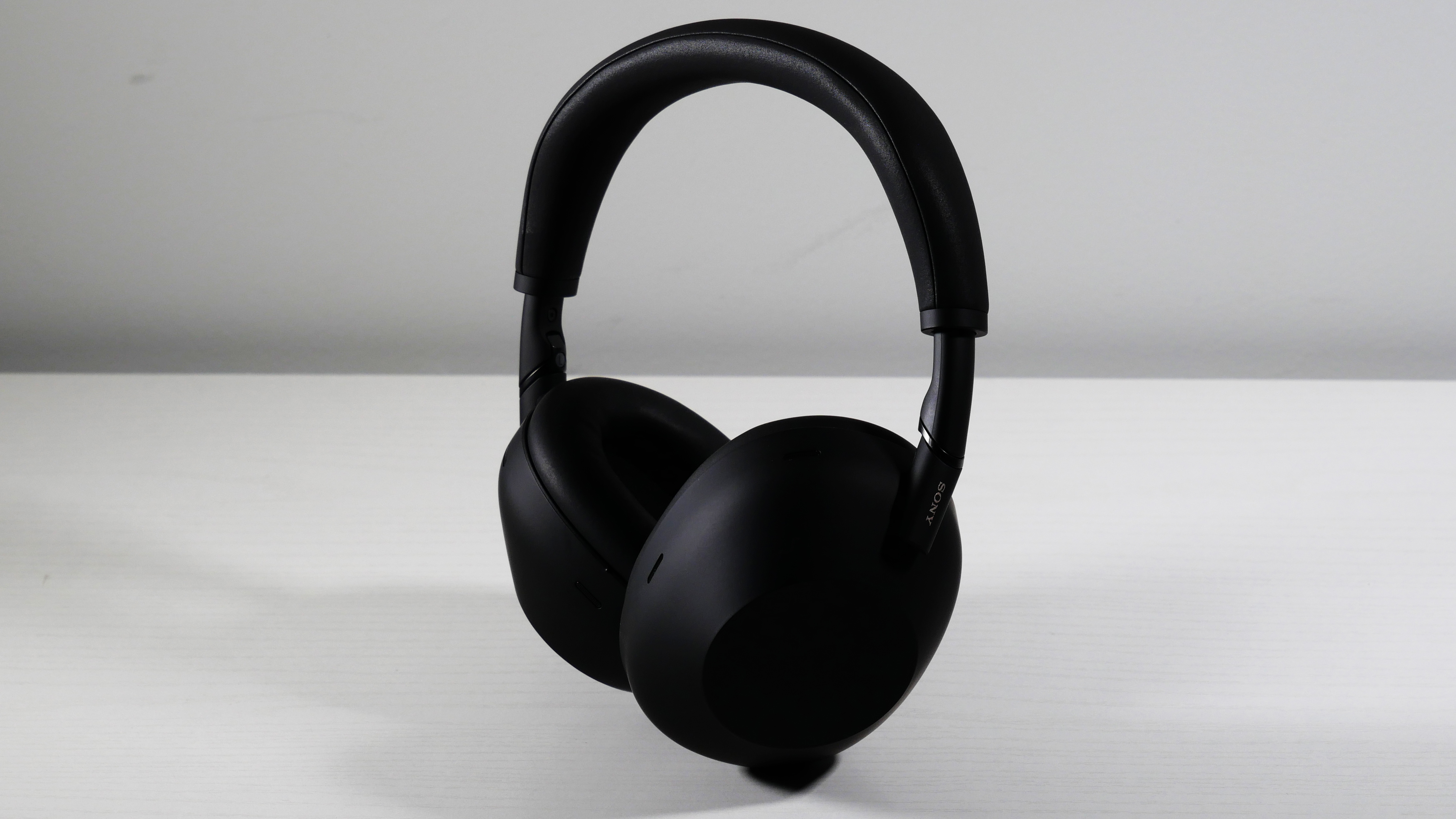
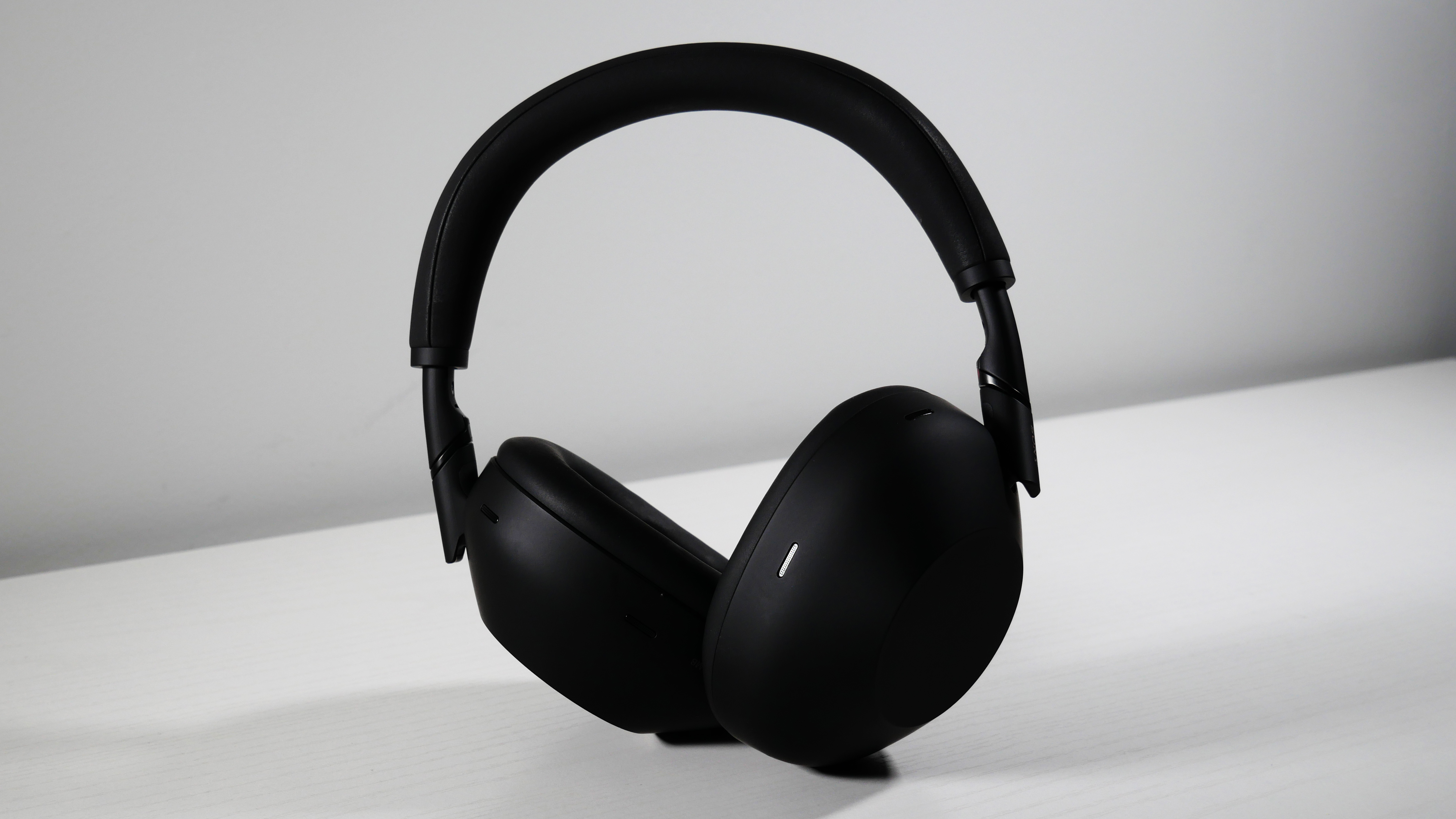
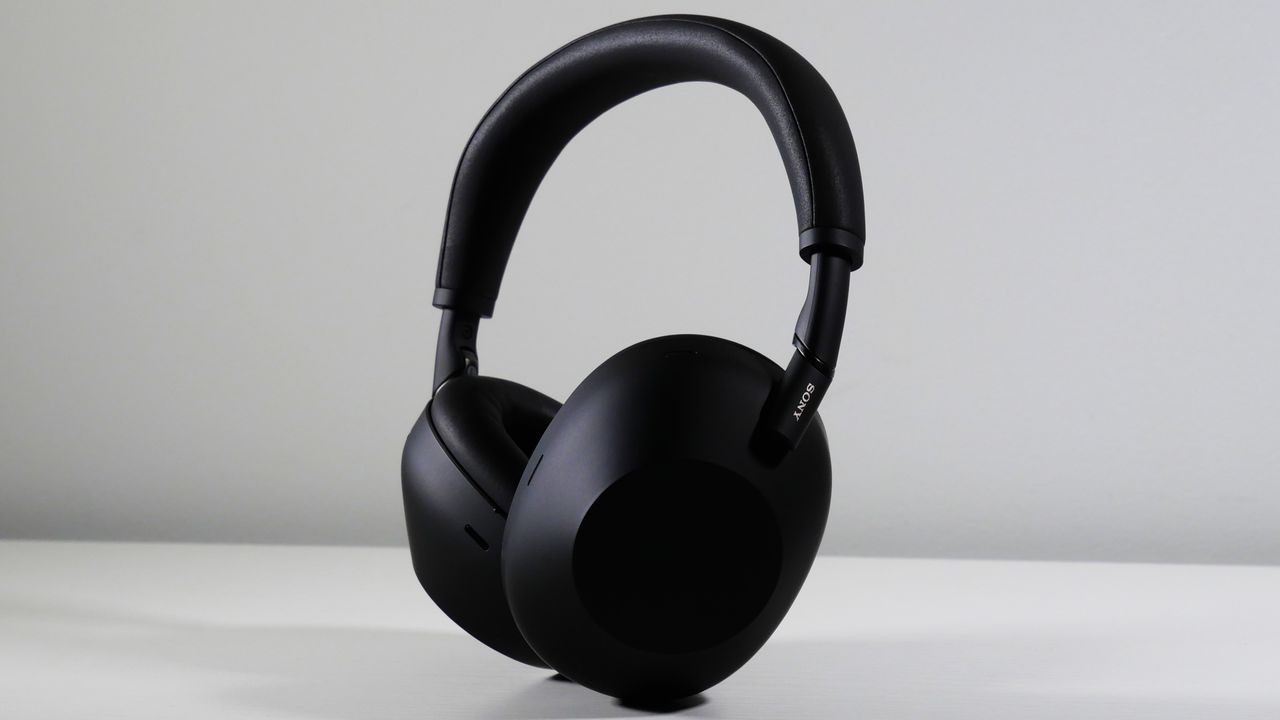
The Sony WH-1000XM6 looks like an alien carved them out of a block of obsidian… and then blasted them with soft paint. Sony took the revamped design language of the XM5 headphones and threw a couple of curves in there. The design isn’t drastically different, but just enough to take a slightly basic design and add a more premium flair.
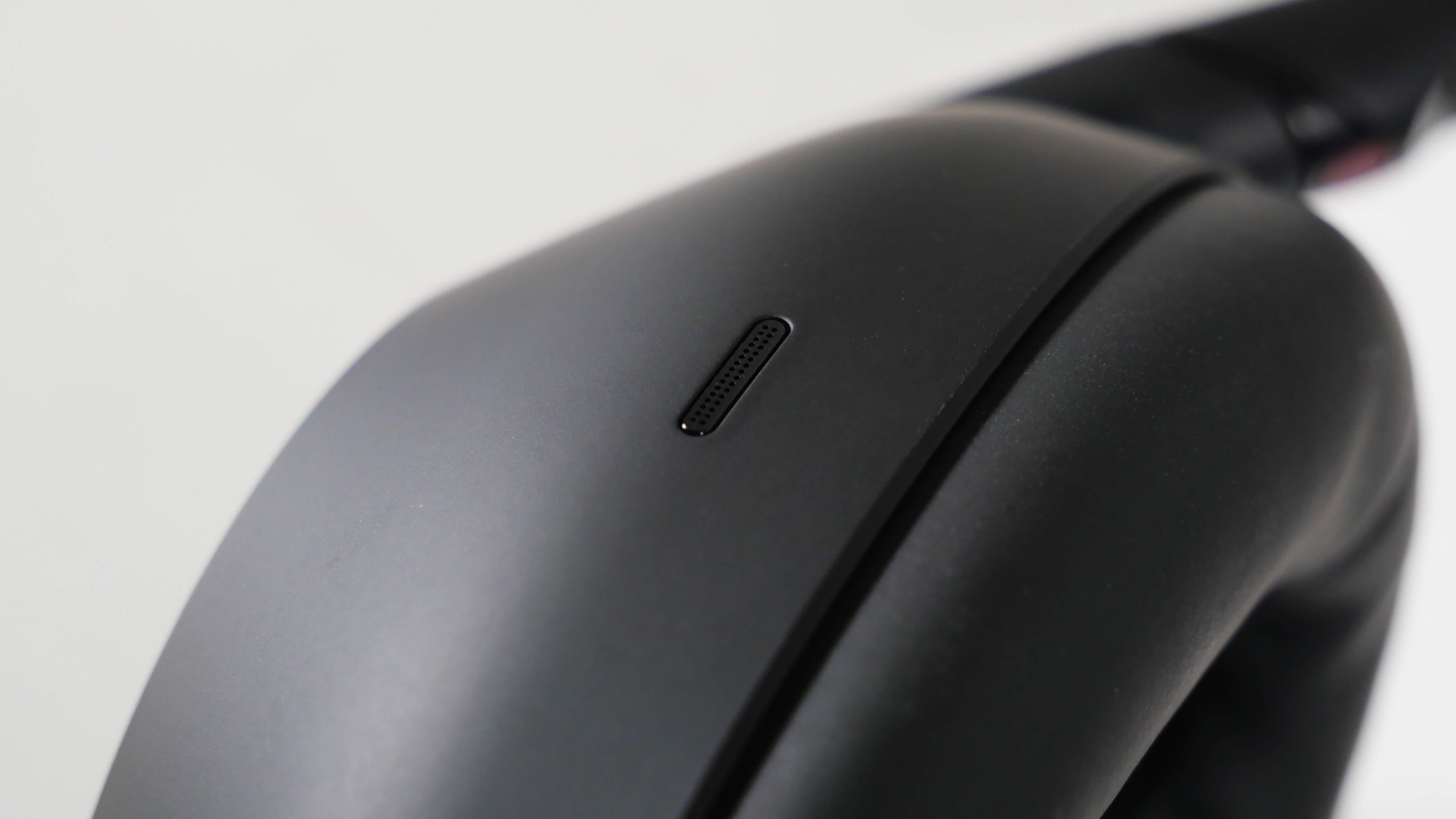
The cups feature an off-center circle that allows access to the touch controls, and they curve downward from there into an oblong shape. Around the edges of those cups are a slew of black microphone vents that blend in. The leatherette cups also feature a seamless transition, without the typical puffy protrusion on the outer layer.
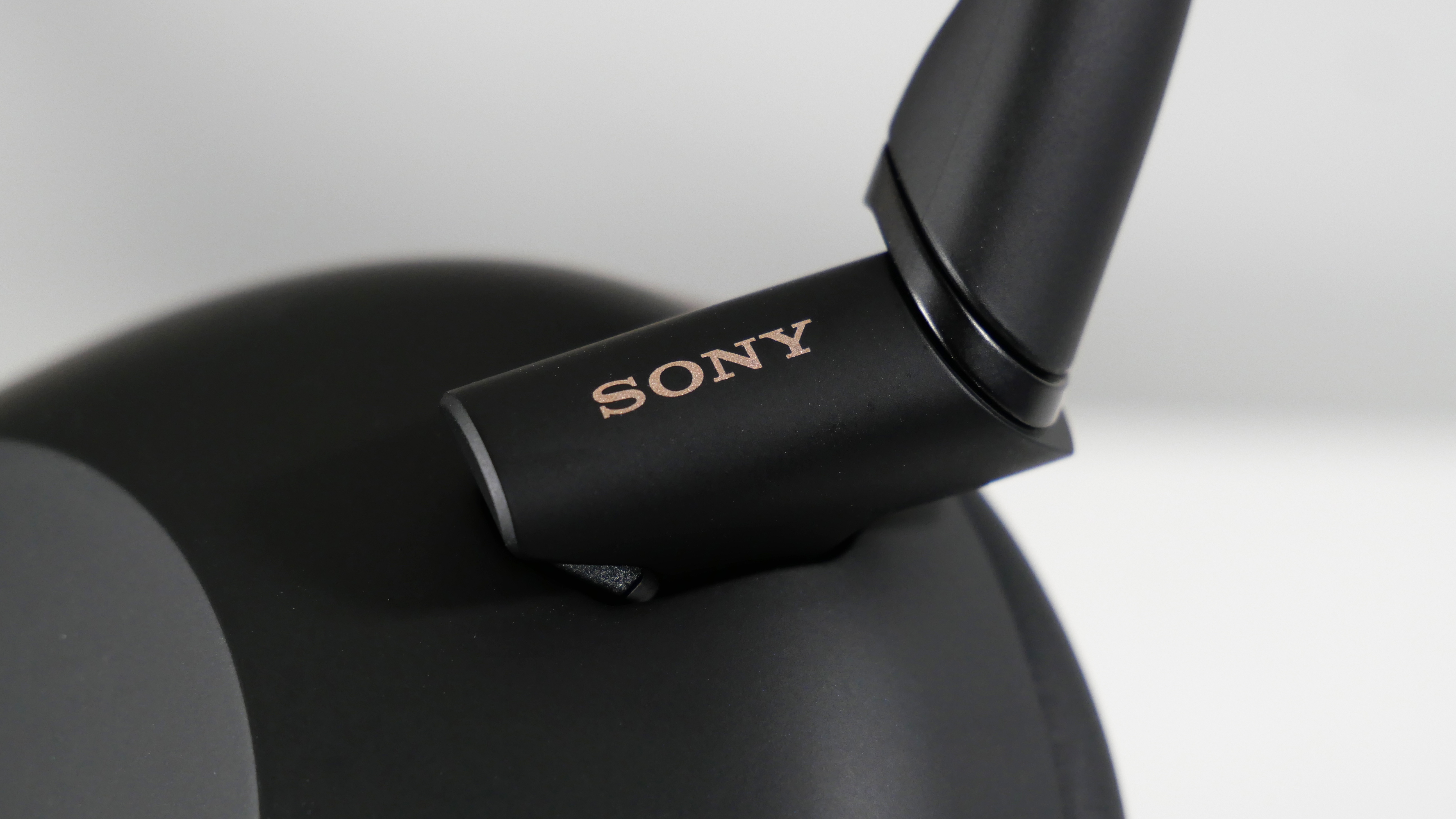
My favorite part of the design is the hinges, where the cups meet the headband. It’s a diagonally carved cylinder with the classic gold Sony logo painted on it. Company logos are hit or miss, but Sony is iconic for its stylish logo on vintage and now future tech. And between the hinge and the headband is another thinly carved piece, which adds to the flair. The headband itself starts thin and then expands slightly.
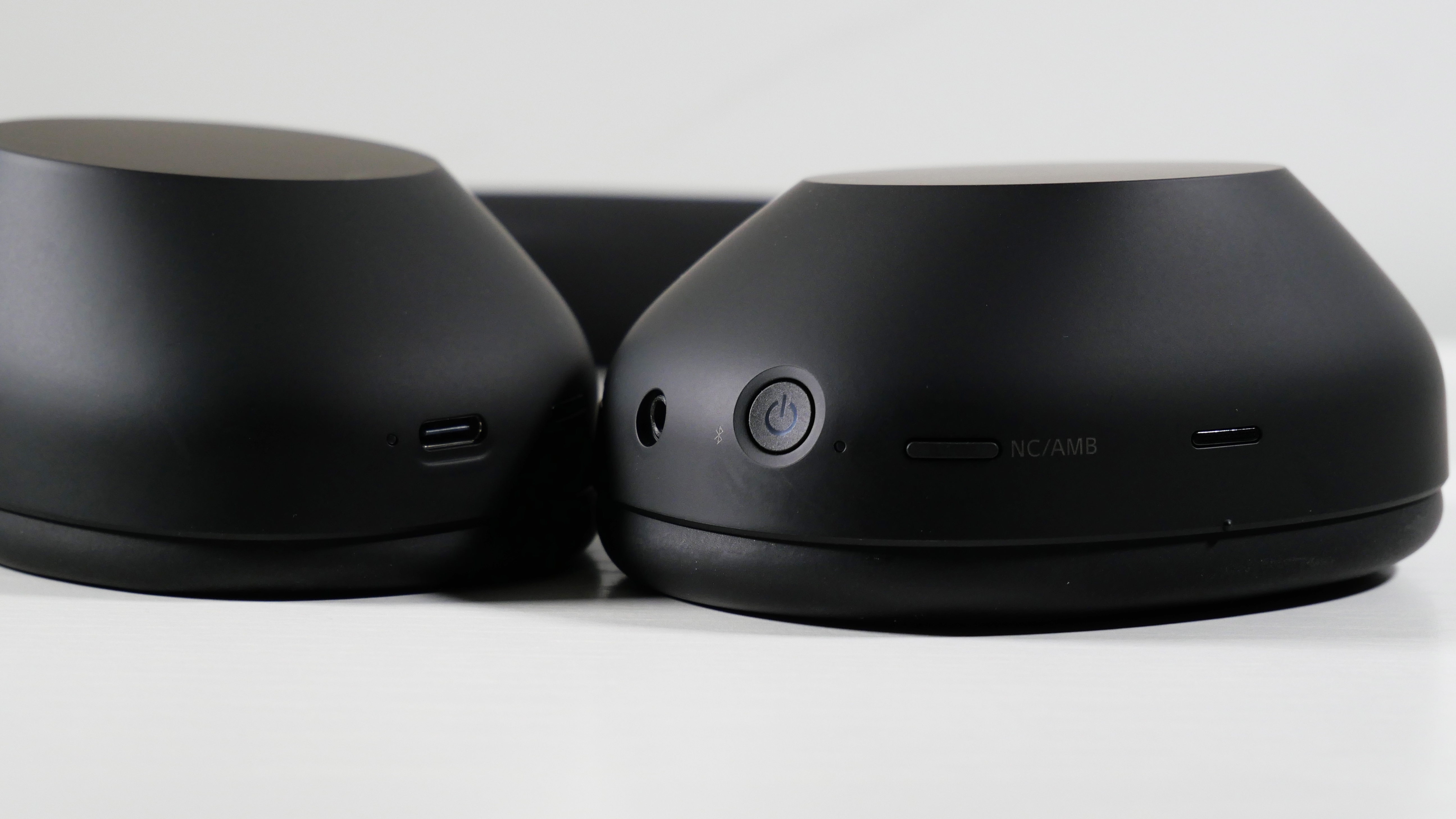
On the left cup, you’ll find the power button, headphone jack, and the ANC button, while the right features the Type-C charging port.
Out of the previous XM-series headphones, the XM6 offer the most modern and sleek design, making them worthy of their premium price (in this regard, at least).
Sony WH-1000XM6: Comfort
(Image credit: Laptop Mag/Rami Tabari)
Imagine a pillow with arms that could give you a little squeeze — that's the Sony WH-1000XM6.
Imagine a pillow with arms that could give you a little squeeze — that's the Sony WH-1000XM6. I like it, but they are pretty snug, so it might not be comfortable for some people.
The Sony WH-1000XM6 weigh 254 grams, which is unnoticeably heavier than their competitor, the Bose QuietComfort Ultra (252 grams).
From dusk till dawn, I played Elden Ring Nightreign. I'm not ashamed — those Nightlords needed to die. But after a short adjustment period from my looser XM3 headphones, the XM6 felt like the familiar yet satisfying pillow you'd flip over in the middle of the night. The cushions are soft yet firm. I still felt them squeeze my head, which may bother some folks, but I liked it because it offers some passive noise cancelling.
I didn’t even notice the headband until I paid attention to it. It’s soft and doesn’t crush my head like the earcups do, so I count that as a win.
Sony WH-1000XM6: Audio
(Image credit: Laptop Mag/Rami Tabari)
I jumped from the XM3 to the XM6, and the best way to describe the jump is like watching a flower finally bloom. The 30mm neodymium drivers delivered a wide, immersive soundstage that kept me engaged in all of the content I played.
I listened to all of Epic: The Musical on the Sony WH-1000XM6. In “Full Speed Ahead,” the XM6 captured the subtle rumbling drums that open the song, accompanied by solid bass, and it stood out among the following soft piano and warm strings.
I jumped to “Keep Your Friends Close,” which opens with a melodic string of wind instruments, and I noticed that there were many more distinct notes than usual, none of which detracted from the smooth vocals. Then I moved to the more sinister “Get in the Water,” and the XM6 did struggle a bit with the opening synths, but it captured the subtle horns and synths during the vocals, amplifying the suspense of the track.
My heart actually broke when listening to “Love in Paradise.”
One of the issues I’ve had with Epic: The Musical is that when the creator, Jorge Rivera-Herrans, discusses how he developed the motifs for each character, I never really noticed it because the vocals often overpower the instruments. However, with the XM6, I got to experience everything he talked about, and it made me appreciate the sound design that much more. My heart actually broke when listening to “Love in Paradise.” I never heard Polites’ voice during Odysseus’ final scream to Athena, where he says, “We can light up the world, here’s how to start.” (I’m not crying, you’re crying.)
Of course, I simply had to game with the XM6, so I decided to get bodied in Elden Ring Nightreign. I had previously played with the XM3, so the soundstage changed completely once again. It expanded noticeably. Similar to my issue with Epic, some boss music filters through my ears because they could not match the level of intensity you’ve got to lock in to win.
However, when facing off against The Shape of Night, the strings were empowering. Every slash and spell still sounded sharp and impactful against the weight of the strings, making for a truly epic fight (pun intended). I don't think I’ve ever been as locked into a boss fight’s sound design before, and I’m honestly sad that I haven’t played so many of my favorite games with the XM6. For Duchess' sake, I could even hear this boss’ sword grinding through the sand in the opening shot.
There’s an equalizer on the Sound Connect app. I enjoyed the default sound the most at first, but one of the coolest features is the Find Your Equalizer setting. This is something that more audio apps need. It asks you to play some content, and then, similar to when you’re at the eye doctor, you get to choose between a set of numbers to see (hear) which sounds better. I’ll admit, the implementation isn’t the best. I’d prefer it if it offered a repetitive example with only two choices at a time, but I think this feature is pretty vital for non-audiophiles.
I also tried different listening modes, like Background Music and Cinema. The former is what you’d expect, which is fine if that’s what you want. Meanwhile, Cinema captured a more 360-degree soundstage to increase immersion, but I didn’t really vibe with it. This more so stretched out the soundstage, which made everything sound a little messy and distant. I’ll say that it does kind of give off a movie-theater experience, but maybe not the one you’d want.
Sony WH-1000XM6: ANC
(Image credit: Laptop Mag/Rami Tabari)
The Sony WH-1000XM6 are outfitted with Sony’s latest HD Noise Canceling Processor QN3, which introduces 12 microphones to deliver improved noise canceling over the previous generation (with a measly 8 microphones — kidding).
With ANC enabled, my office got eerily quiet. The rumbling from the fan and the bass of my keyboard completely drowned out, but I could still hear the sharper sounds that they made — it doesn’t completely make your surroundings quiet. ANC is excellent for use during commutes. Traveling from New Jersey to NYC, I’m cursed with the annoyingly expensive NJ Transit, which features the loudest trains. However, with ANC on, I could fully focus on watching my favorite shows. I can still hear the train, but the sound is dramatically reduced and filters out to ambient background noise, equivalent to the fan in my room.
ANC is excellent for use during commutes.
Ambient mode allows for external sounds to pass through. This is great for when you're walking through a bustling city and trying to avoid an expedition to the beyond by car. However, at home, I found myself just removing one ear cup from my head instead of using Ambient mode. When listening to music or playing a game at 50%, I could not hear my child asking me to open her applesauce pouch until she yelled at me. I tinkered with the app a little bit, and there's no way to increase the ambient sound filtered in (because it was already at a max of 20 out of 20). You can enable voice passthrough to focus voices, which helps a little bit. There’s also an Auto Ambient Sound setting, which adjusts the sensitivity based on your surroundings, but that operates within the slider that you can already manually use. It could be useful, but not in this context for me.
Despite that, there's a feature called Speak-to-Chat, which can detect when you're speaking and dramatically reduces the volume of the content you're listening to, remaining active until it stops detecting your voice. However, this doesn't trigger when people are speaking to you. I tested this with my daughter, and it registered her voice only when I was a foot or two away from her. This is also available for any mode, which is a nice feature.
The biggest issue with the Sony WH-1000XM6’sANC is that I couldn't turn it off. There are two modes enabled out of the box: ANC and Ambient mode. There's no way to disable it. That's when I had to download the app, and sure enough, you can add a disable setting to that same ANC button. You don't just turn it off via the app; the headphones already have that setting programmed into the ANC button, but for some reason, you need to download the app just to enable the disable button.
Sony WH-1000XM6: Microphone
(Image credit: Laptop Mag/Rami Tabari)
Despite the absurd number of microphones packed into the Sony WH-1000XM6 (there are 12), the microphone quality is a certified “meh.”
The quality of my voice sounded slightly better than how I'd normally speak through my phone, and that's the nicest way I can paraphrase what my friends said when I joined a group Discord call. In other words, my voice sounded muffled but audible.
However, overall quality is not necessarily the point of the XM6’s microphone. Headphone mics aren't going to sound as good as a $550 Shure SM7dB. What the XM6 delivers on is noise-cancelling. Similar to ANC, this doesn’t completely cut out all the sounds around you, but it does significantly drown it out. While on said terrible train, I got on a call, and my friends could hear me clearly. I tested this at my desk too, and the microphone could still pick up me knocking on the desk, but again, it sounded muted.
Sony WH-1000XM6: Battery life
(Image credit: Laptop Mag/Rami Tabari)
I played Elden Ring Nightreign for several hours straight and the Sony WH-1000XM6 told me they had a 90% charge. Even if it was closer to 80%, that’s still pretty impressive. Sony claims that the XM6 can get up to 30 hours of battery life with ANC on and 40 hours with ANC off, and I’m inclined to believe that. (When communicating, you’ll get 24 hours with ANC on and 28 hours with ANC off.)
You can go at least a couple of days before you need to charge the Sony WH-1000XM6. And according to Sony, you can charge the headphones for 3 minutes and get 3 hours of playback (with an optional USB-PD compatible AC adapter). That’s pretty convenient for someone who constantly forgets to charge their headphones (it’s me, I’m the problem).
Sony WH-1000XM6: App and features
(Image credit: Laptop Mag/Rami Tabari)
Keep in mind that if you get the Sony WH-1000XM6, you’re practically forced to use the app, at least if you want any of the valuable functions (you know, like turning off ANC). Sony’s Sound Connect app features the aforementioned settings for the equalizer, listening mode, and ANC and Ambient modes. If you care about spatial sound, head tracking, and 360 reality audio, there are settings to set those up as well. You can also enable DSEE Extreme, which improves the sound of compressed audio files.
One of my favorite features is the dual Bluetooth connectivity, so I can connect to my PC to play games while also connected to my phone to take phone calls. The coolest part is that I can tinker with audio settings on my phone and get immediate changes to the content I’m listening to on my PC. (Do you realize how much of a pain it is to jump from a phone app back to your PC and be able to tell the difference between audio settings?). If you’re having some connectivity issues, you can prioritize your Bluetooth connection over the sound quality.
I can connect to my PC to play games while also connected to my phone to take phone calls.
In the System settings, you can enable voice assistants, add the Off setting to the ANC/AMB button, and assign shortcuts to the same button to pull up said voice assistants. There’s also a setting to enable head gestures, which I don’t think anyone is using (listen, my knees already ache, I’m not pulling a muscle to decline a call). You can also enable a microphone mute shortcut, which, again, why isn’t that enabled by default? Another cool feature is that the headphones will turn off after a certain amount of time if you’re not wearing them (I forget to turn my headphones off all the time).
Then there’s the touch controls, which I rarely use, but they’re convenient if you don’t have quick access to your device. If you’ve ever used a headphone with touch controls, the XM6 works generally the same. Tap twice to play/pause, swipe forward to skip, swipe backward to rewind, swipe up or down to raise or lower the volume, respectively. You can also swipe up or down and hold to continuously raise or lower the volume, which is great because I’d rather not have to swipe my headset over and over.
The Sony WH-1000XM6 comes with a one-year limited warranty.
Bottom line
I couldn’t help but be wowed by the XM6’s incredible range, sleek design, comfortable fit, and long battery life.
I’m quite critical about tech, especially when it costs an absurd amount of money. However, I couldn’t help but be wowed by the XM6’s incredible range, sleek design, comfortable fit, and long battery life.
No, they aren't perfect. The Ambient mode and microphone could be better. It’ll certainly deter folks who don’t like snug headphones. And I hate anything that forces you to download an app for the most basic functions. Not to mention, they cost over $400, which is enough to make most people carefully consider the purchase.
Yet, while the Sony WH-1000XM6 might cost a whopping $450, it offers an unbeatable immersion for my favorite content. There’s a reason why it’s a premium headphone, just like there’s a reason why Kratos prefers his Leviathan axe — it’s just better.
This deal sounds too good to be true — you can stop thinking about your phone bill until mid-2027, and you've got one of the best flagship Android phones with the Pixel 9 .
To put that in perspective, the Pixel 9 alone starts at $799 unlocked. For $80 less, you’re getting two full years of Mint’s unlimited talk, text, and high-speed 5G data — that’s typically a $720 value in service alone. It’s one of the best phone + plan bundles we’ve seen all year, saving you up to $800.
The Pixel 9 features a 6.3-inch OLED display, the Tensor G4 chip powering its Gemini AI features, and a dual rear camera setup with a 50MP main sensor and 48MP ultra-wide. You also get advanced Pixel software features, such as Magic Eraser, Live Translate, and Call Screen, along with the promise of 7 years of software and security updates.
And Mint Mobile is no slouch, either. It runs on T-Mobile’s fast and widespread 5G network, and your plan includes mobile hotspot support and free calling to Mexico and Canada.
Whether you’re due for a phone upgrade or just want to lock in two years of service, this deal is an absolute no-brainer. Not a Pixel fan? Head to the Mint Mobile deals page for similar savings on Samsung Galaxy S25 models. But don’t wait, this offer may not last long.
Today's best Google Pixel 9 deal
Overview: Save $800 in total! The Google Pixel 9 is the smallest of Google's flagship phones, but it's also the most affordable and most pocketable. Now, this Mint Mobile offer drops the phone to just $359 if you add two years of unlimited Mint Mobile service for just $360. That brings the total cost of the phone and service to $719, which is $80 less than you'll find the phone alone for through other retailers.
Features: 6.3-inch (1080 x 2424) OLED display with 120Hz refresh and up to 1800 nits brightness (2700 nits at peak), HDR support, Google Tensor G4 processor, Titan M2 co-processor, 12GB RAM, 128GB of storage (options up to 256GB), dual rear camera: 50MP wide lens with Super Res Zoom up to 8x, 48MP ultrawide lens, 10.5 MP front camera with autofocus, 4,700 mAh battery, fast wireless charging, battery share, IP68 dust and water resistance, Android 14
Reviews consensus: Tom's Guide reviewed the Google Pixel 9 and gave it 4 out of 5 stars in their review. The reviewer loved this phone's excellent camera performance, bright display, and above-average battery life.

 Login
Login