The HyperOS 3.3 testing phase may have come to an end, as Xiaomi has just begun a public rollout to select high-end phones, including the Xiaomi 17 series and Xiaomi 15T Pro, upgrading the OS to Android 17.
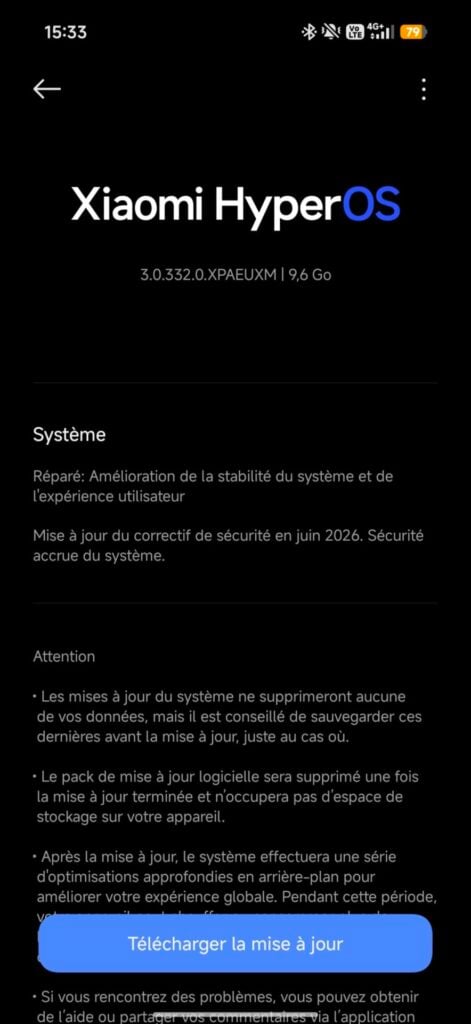
While it’s technically a major OS upgrade, you should not expect to see visual changes or new features, as we hinted in our past coverage. It lays the groundwork to support advanced features and upgrades coming with HyperOS 4 later this year. According to the changelog shared by Ximitime, HyperOS 3.3 update mainly focuses on improving system stability and adds the June 2026 security patch.
Device
Codename
Region
Build
Status
Size
Xiaomi 17 Ultra
Nezha
Global
OS3.0.332.0.XPAMIXM
Public release
9.5GB
Xiaomi 17 Ultra
Nezha
Europe
OS3.0.332.0.XPAEUXM
Public release
9.5GB
Xiaomi 17
Pudding
Global
OS3.0.332.0.XPCMIXM
Public release
7.5GB
Xiaomi 17
Pudding
Europe
OS3.0.331.0.XPCEUXM
Public release
7.5GB
Xiaomi 15T Pro
Klimt
Global
OS3.0.331.0.XOSMIXM
Mi Pilot release
7.5GB
Xiaomi is rolling out the HyperOS 3.3 update to the Xiaomi 17 and Xiaomi 17 Ultra in the Global and European regions. It’s being distributed as a public release, while the Xiaomi 15T Pro is receiving the update on the global variant via the Mi Pilot testing channel. That means only a limited number of Xiaomi 15T users will be able to upgrade to the latest build before the wider rollout begins.
Even though HyperOS 3.3 doesn’t introduce many new features or visual upgrades, the download size is massive. That’s because the update includes a new OS, Android 17, which is itself a large package, although major changes are expected to be introduced as part of HyperOS 4.
Xiaomi usually rolls out updates in batches, so it can take a few days for the update to appear on your device. To check for available updates, go to Settings > About phone and tap the HyperOS logo. For the Xiaomi 15T Pro users, the update may take a little longer, as it’s currently rolling out via the Mi Pilot channel.
The HyperOS 3.3 rollout has just begun, but Xiaomi is already preparing to release the most anticipated HyperOS 4. That would be a true major upgrade with major visual upgrades, new features, and enhancements across the system. Xiaomi is expected to release HyperOS 4 in August with the upcoming Xiaomi 18 series, and the rollout to older devices could begin in September.
We’ll keep you posted as we receive new details. You can visit the Xiaomi section regularly or join our Telegram channel to not miss out on the latest updates.
Nearly a month after the beta 3 release, Samsung has just dropped another beta for the Galaxy S26 series, moving a step closer to the stable release. The latest release focuses on resolving bugs and issues that were found in the previous build.
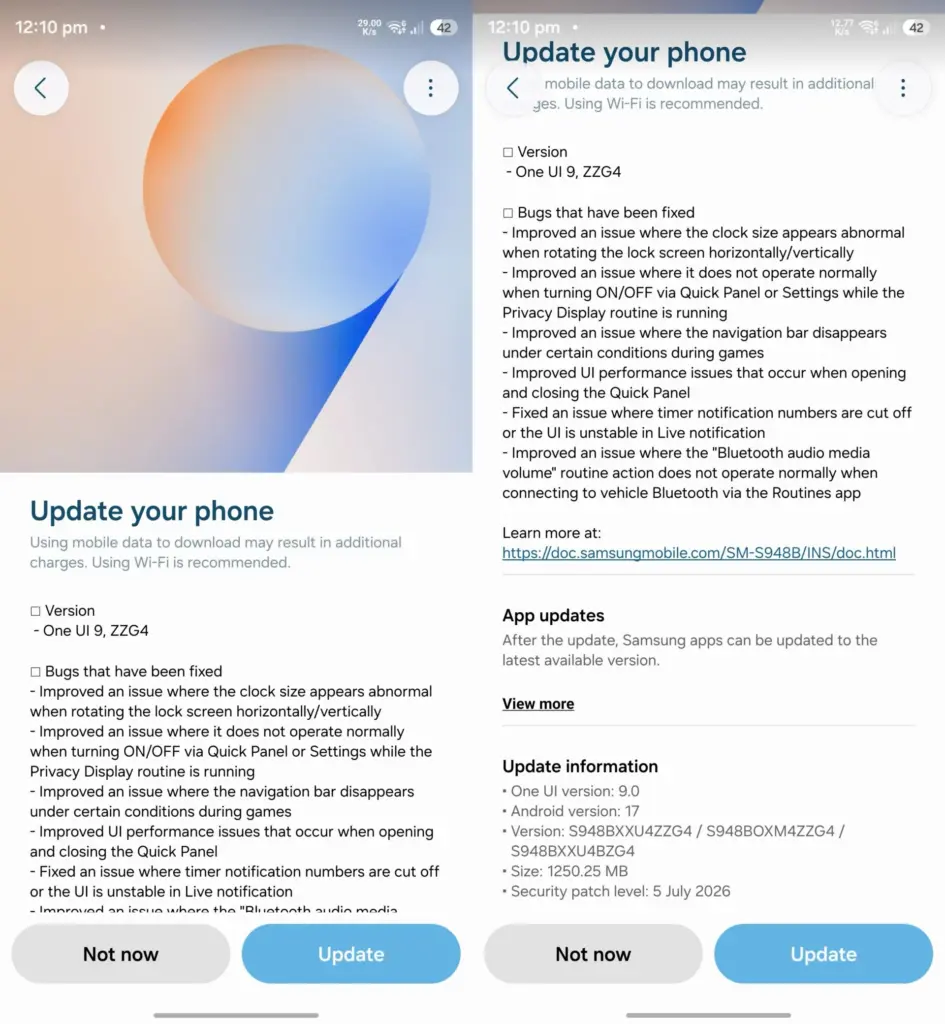
The One UI 9.0 Beta 4 update for the Galaxy S26 series initially went live in India, and then quickly expanded to more regions, including the UK, Poland, Germany, and Korea. Only the US remains to receive the beta update, and the rollout could begin at any moment.
The latest beta update can be identified by a firmware version ending with ZZG4. It has a download size of about 1.25GB. While the update primarily focuses on bug fixes, it also includes the July 2026 security patch, making the device more secure than before.
Read the complete changelog below for a detailed look at the changes.
Galaxy S26 One UI 9.0 Beta 4 changelog:
Improved an issue where the clock size appears abnormal when rotating the lock screen horizontally/vertically.
Improved an issue where it does not operate normally when turning ON/OFF via Quick Panel or Settings while the Privacy Display routine is running.
Improved an issue where the navigation bar disappears under certain conditions during games.
Improved Ul performance issues that occur when opening and closing the Quick Panel.
Fixed an issue where timer notification numbers are cut off or the Ul is unstable in Live notification.
Improved an issue where the “Bluetooth audio media volume” routine action does not operate normally when connecting to vehicle Bluetooth via the Routines app.
If you have a Galaxy S26 running One UI 9.0 beta, you should be able to upgrade to the latest beta by navigating to Settings > Software updates > Download and install. Once the update package is downloaded, tap the Install now button.
Samsung would probably release a few more beta updates before the stable build starts rolling out sometime later this year. The stable One UI 9.0 is confirmed to debut later this month on the upcoming Galaxy Z Fold 8 and Galaxy Z Flip 8. A few weeks after that, older Galaxy devices will begin to receive the update.
Remember to visit our Samsung section regularly for fresh details. Or, you can join our Telegram channel to receive instant notifications when we post new stories.
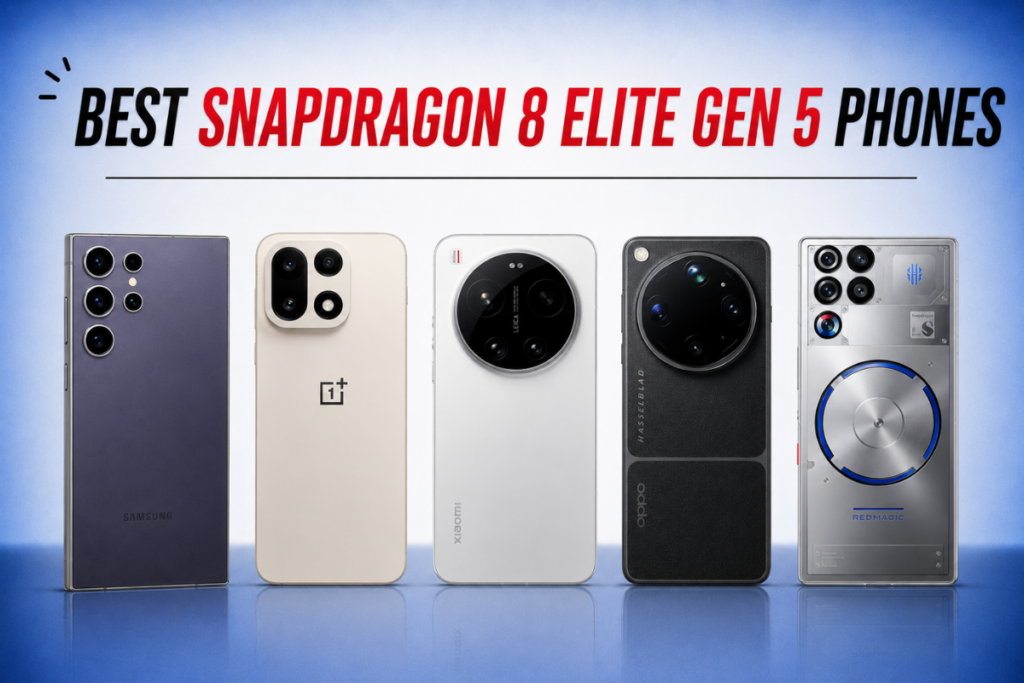
The Snapdragon 8 Elite Gen 5 is a no-brainer pick if you want the absolute best capabilities on your next upgrade. The processor delivers top-tier performance and power efficiency, smooth gameplay at extreme graphics settings, and excellent agentic AI capabilities. However, choosing the right smartphone can be challenging.
There are over a dozen Snapdragon 8 Elite Gen 5 phones out there (check the full list here), and going through each of them will likely cost you a few hours. So we did the hard work and narrowed the list down to five. Check them out below to find your next best upgrade.
5 Best Snapdragon 8 Elite Gen 5 phones to buy in July 2026
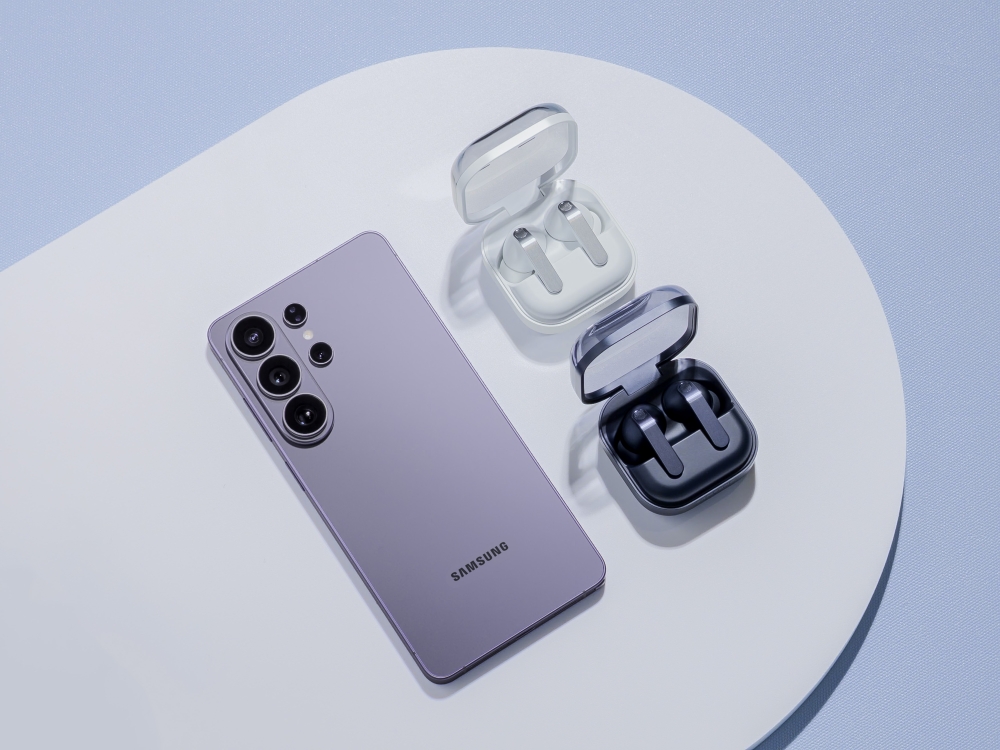
The Galaxy S26 Ultra is perhaps a suitable option for most people. It’s got a high-quality, bright AMOLED screen, a 5000mAh battery lasting over a day, and robust connectivity features. The device is powered by the Snapdragon 8 Elite Gen 5 for Galaxy, which runs at a higher speed than the regular version.
The quad-camera setup on the back takes excellent photos and videos, which includes a massive 200MP main camera, two telephoto sensors (one with 3x optical zoom, another with 5x optical zoom), and a 50MP ultrawide camera. There’s a 12MP front-facing camera. The S26 Ultra comes with the best software support for seven years you can get on an Android device.
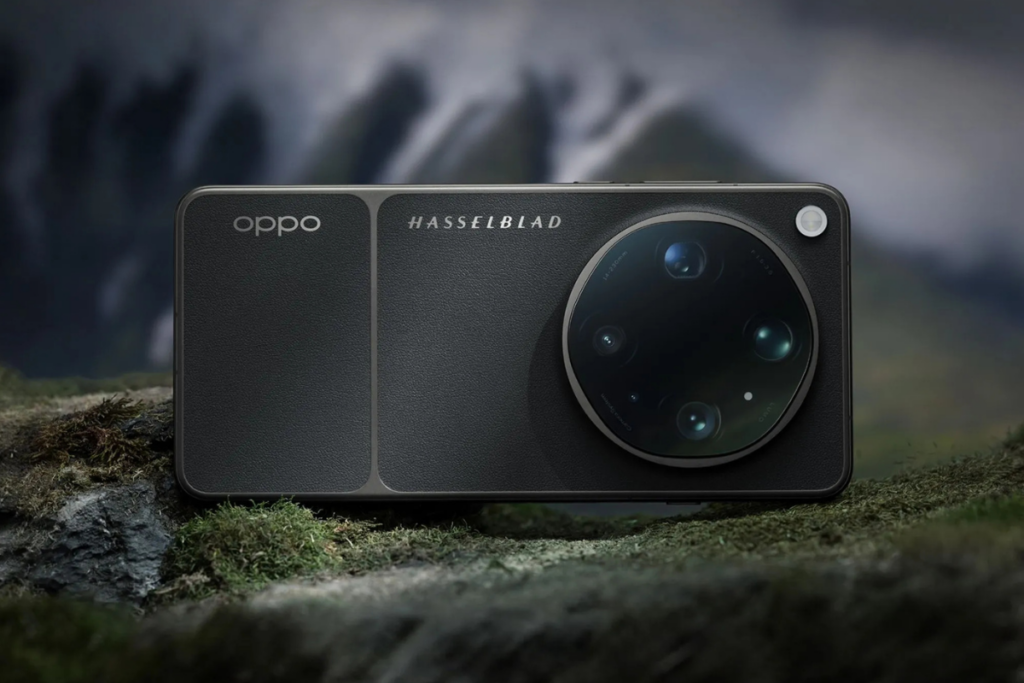
The Oppo Find X9 Ultra is a heavily spec-ed phone, featuring the powerful Snapdragon 8 Elite Gen 5 at its core. The AMOLED screen produces great colors and has excellent outdoor visibility. You may not have to charge it very often, as it packs a massive 7050mAh battery that can last up to two days on normal usage.
The Find X9 Ultra has one of the best cameras on any phone. The rear camera setup includes two massive 200MP sensors and two 50MP sensors, which take excellent photos and videos in any lighting conditions. The 50MP selfie camera also performs well.
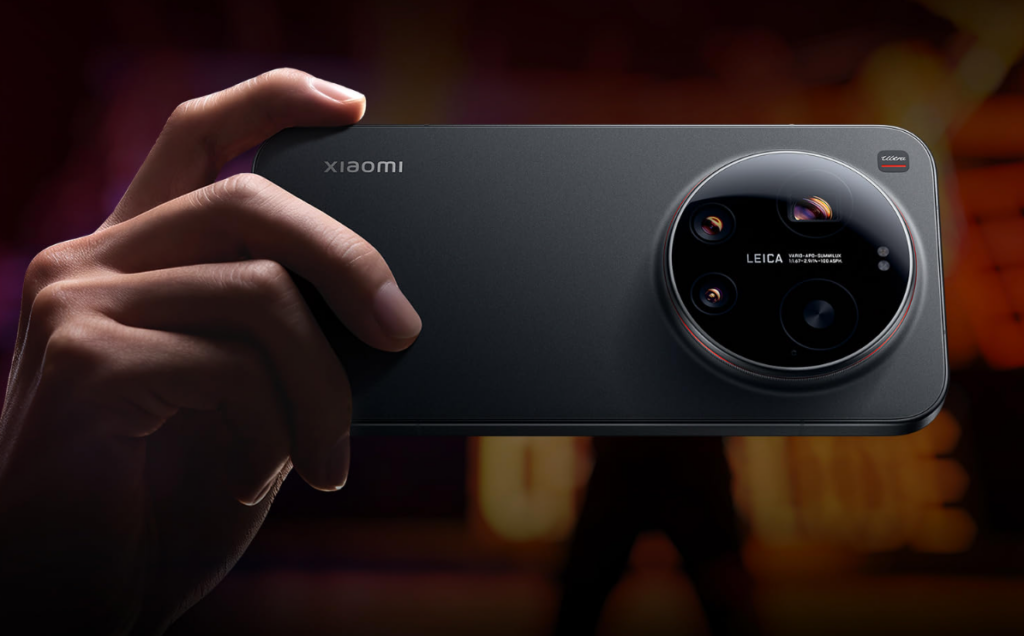
The Xiaomi 17 Ultra is also a top-tier smartphone, pushing the limits of its Ultra phones even higher. This one has a Snapdragon 8 Elite Gen 5 at its core and packs a 6000mAh battery that lasts more than a day on normal usage, with support for fast charging.
The Xiaomi phone features a high-end rear camera setup that takes photos and videos with great detail, accurate colors, and sharpness. It can record up to 8K videos, and the 50MP selfie camera supports up to 4K recording. With robust connectivity and high-quality sound, the Xiaomi 17 Ultra becomes an excellent high-end option for most people.
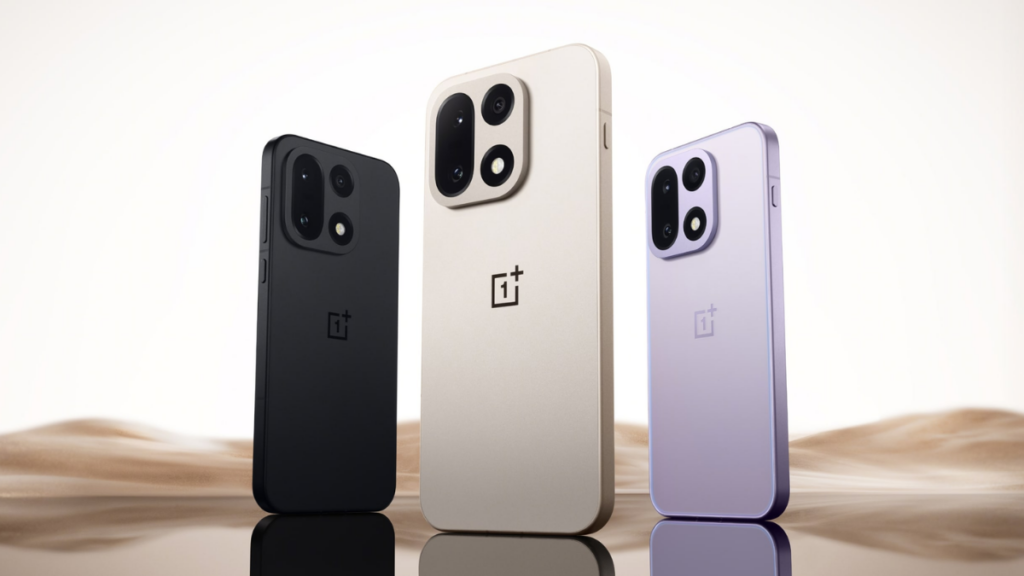
OnePlus 15 is one of the most affordable phones with a Snapdragon 8 Elite Gen 5 chip. It features a 6.78-inch LTPO AMOLED screen with a high refresh rate and Ultra HDR image support.
The smartphone is equipped with a high-end triple-camera setup, with all sensors featuring 50MP resolution. One of them is a wide sensor, one is a 3.5x periscope telephoto sensor, and one is an ultrawide unit. Plus, it has a 32MP selfie snapper.
The OnePlus 15 comfortably lasts more than a day and can stretch to an additional day with light usage. Plus, the charging speeds are fast enough to refill the battery in minutes.
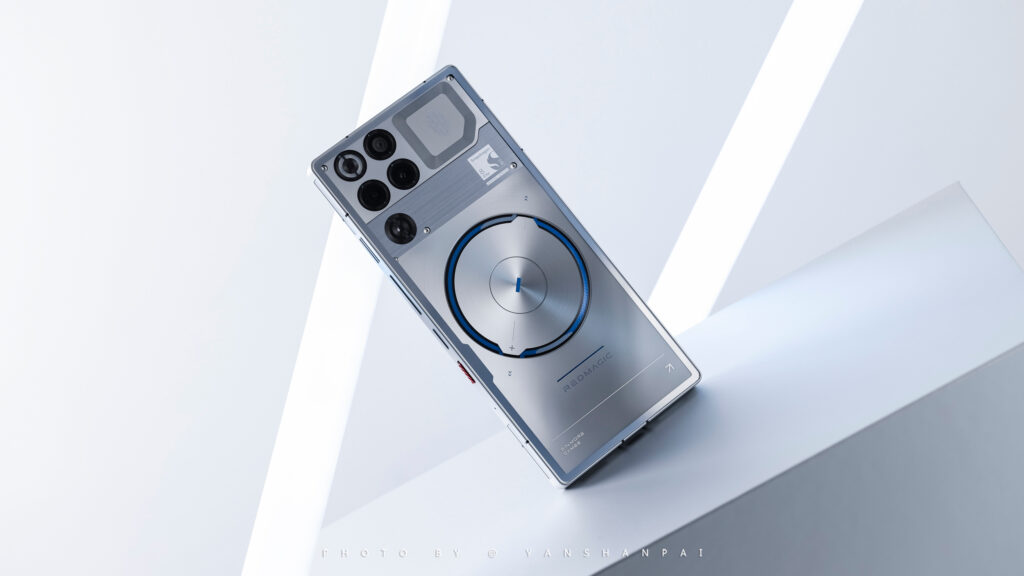
If gaming is your priority, the RedMagic 11S Pro delivers big. It comes with a modified Snapdragon 8 Elite Gen 5 Leading Version with higher clock speeds to unlock maximum performance. It also has a dedicated RedCore R4 Gaming chip that offloads secondary tasks such as audio processing and haptic vibration mapping, so the main Snapdragon processor can focus entirely on delivering maximum frame rates.
With maximum performance comes a great deal of heat, and to handle it, the phone has a built-in 24,000 RPM turbo fan, a liquid metal thermal interface, and a massive 13,116 sq. mm vapor chamber. It’s equipped with dual pressure-sensitive touchpads on the frame as capacitive bumpers.
The RedMagic 11S Pro has a high-resolution AMOLED screen with high refresh and touch sampling rates. The 16MP selfie camera is fitted under the screen to deliver the best gaming experience. You wouldn’t expect a flagship camera on a gaming phone, but the RedMagic 11S Pro still delivers good results where there’s enough light.
Nubia RedMagic 11S Pro specs:
Display
6.85″ AMOLED 1216 x 2688 pixels resolution 144Hz, 1800nits (HBM)
Processor
Qualcomm Snapdragon 8 Elite Gen 5 Leading Version (3 nm)

 Login
Login