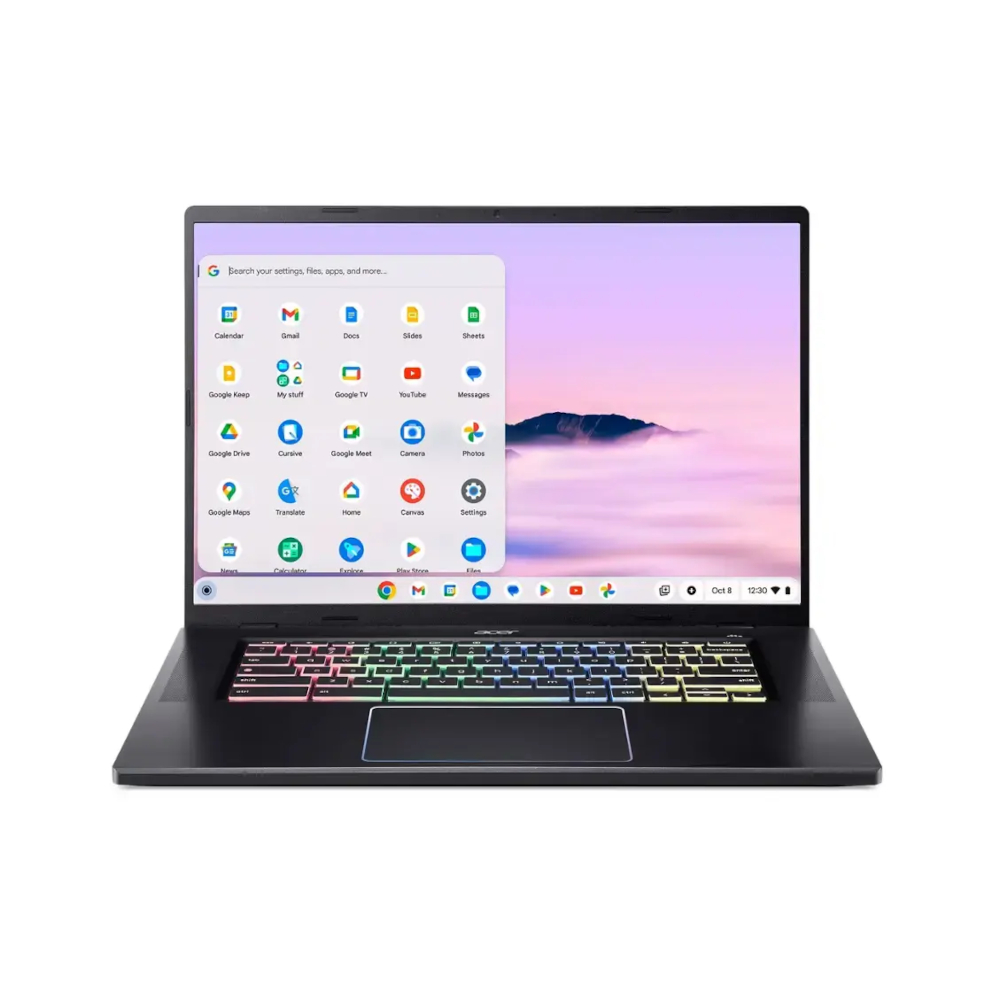
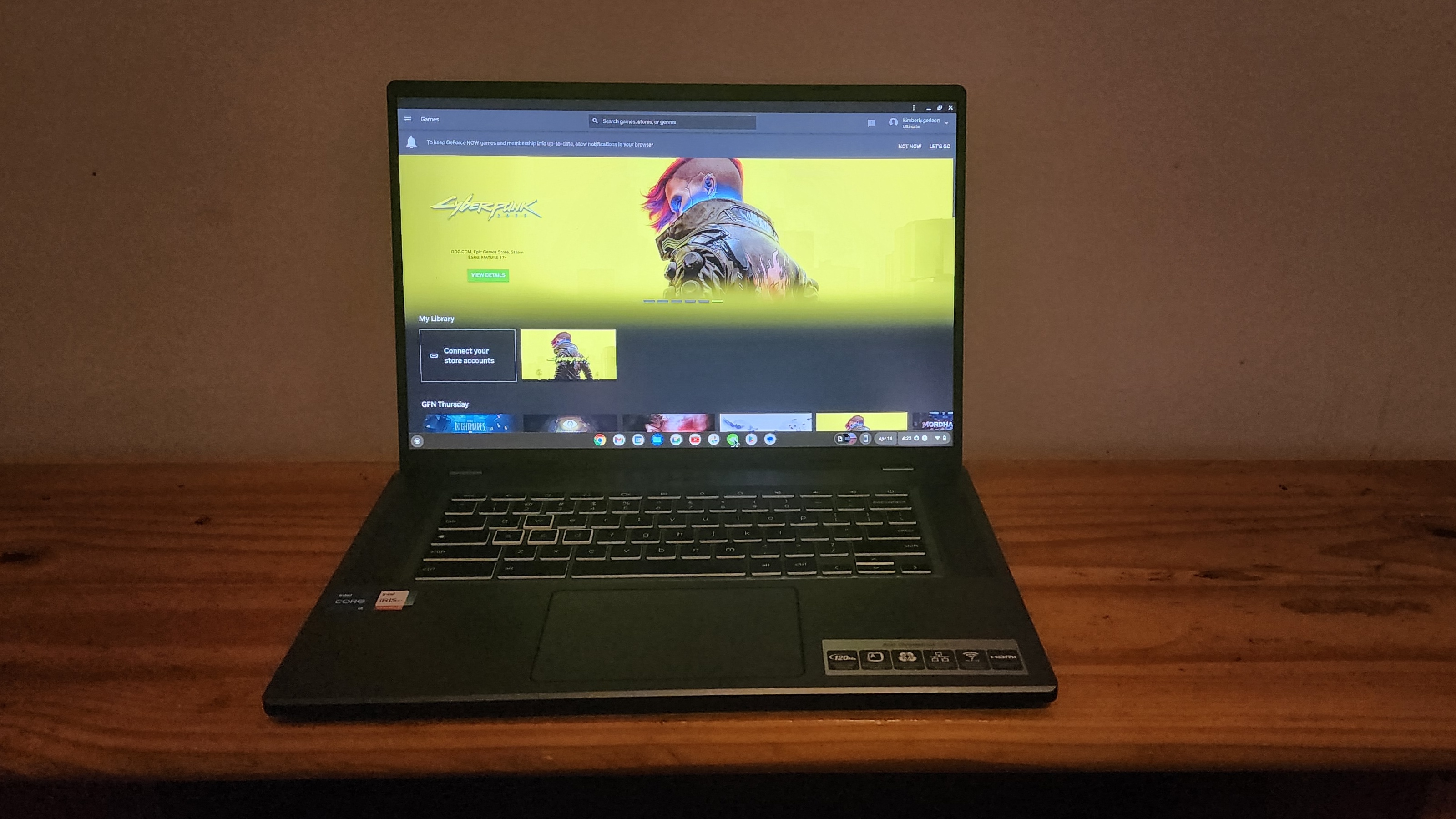
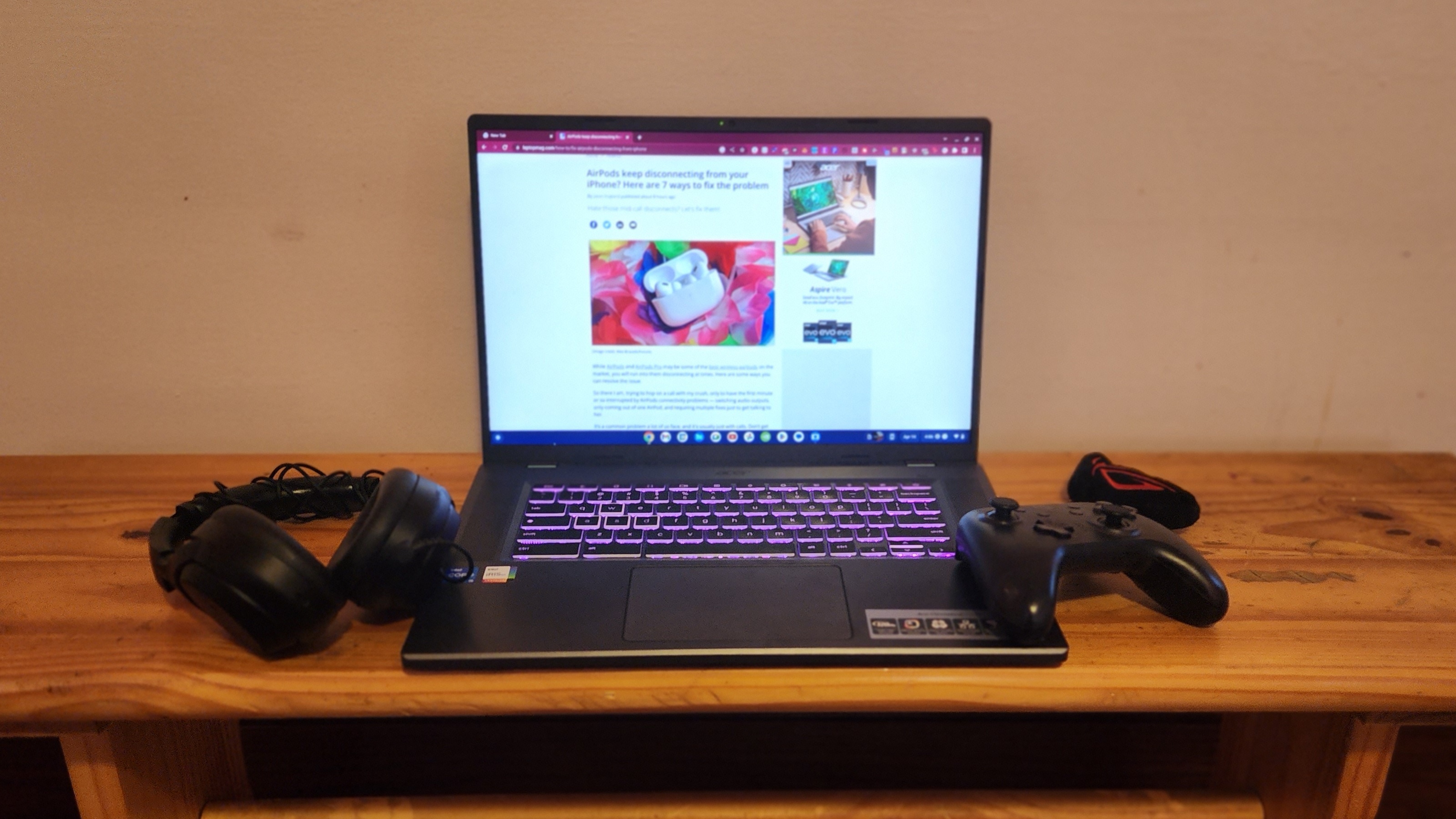
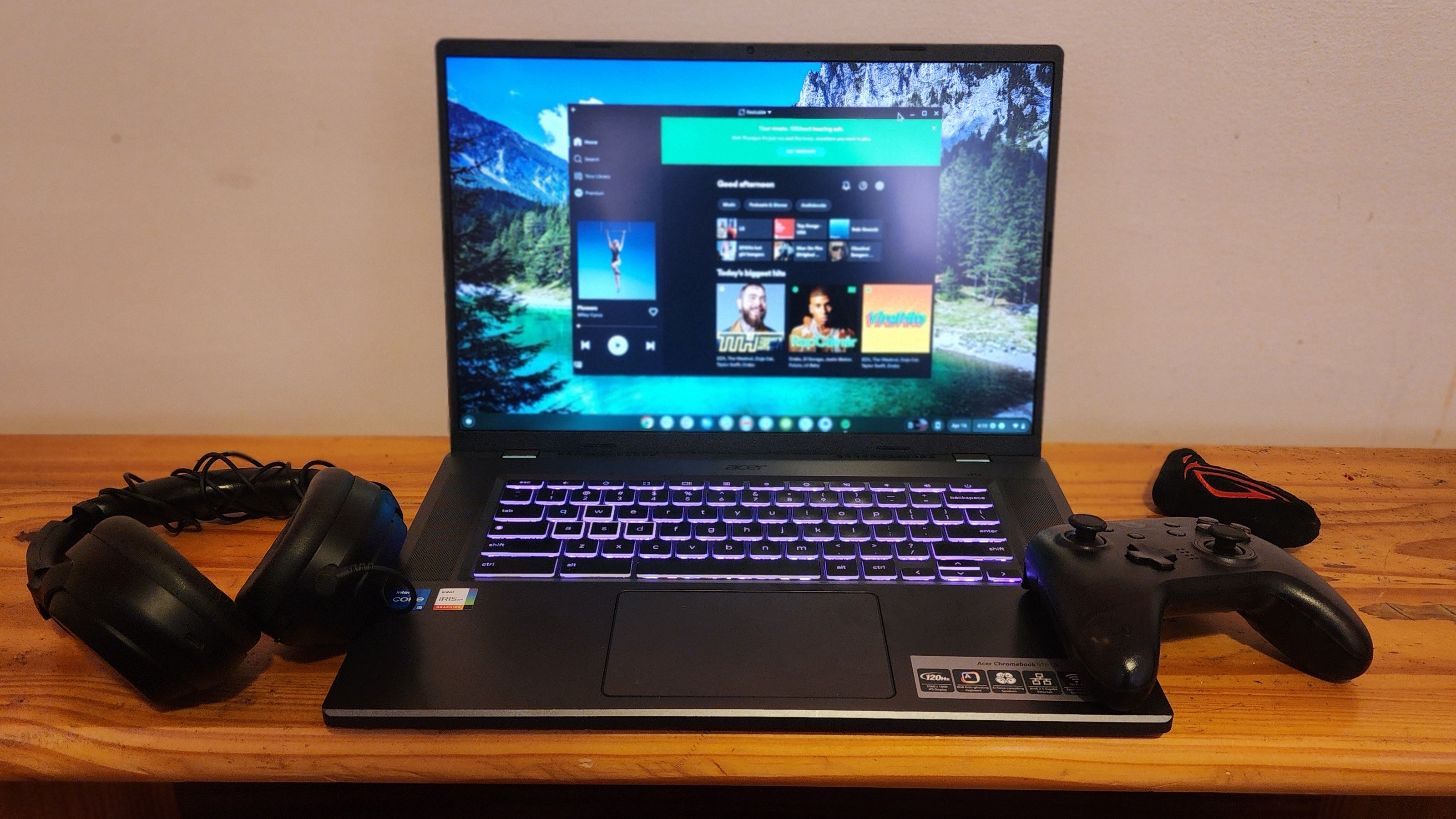
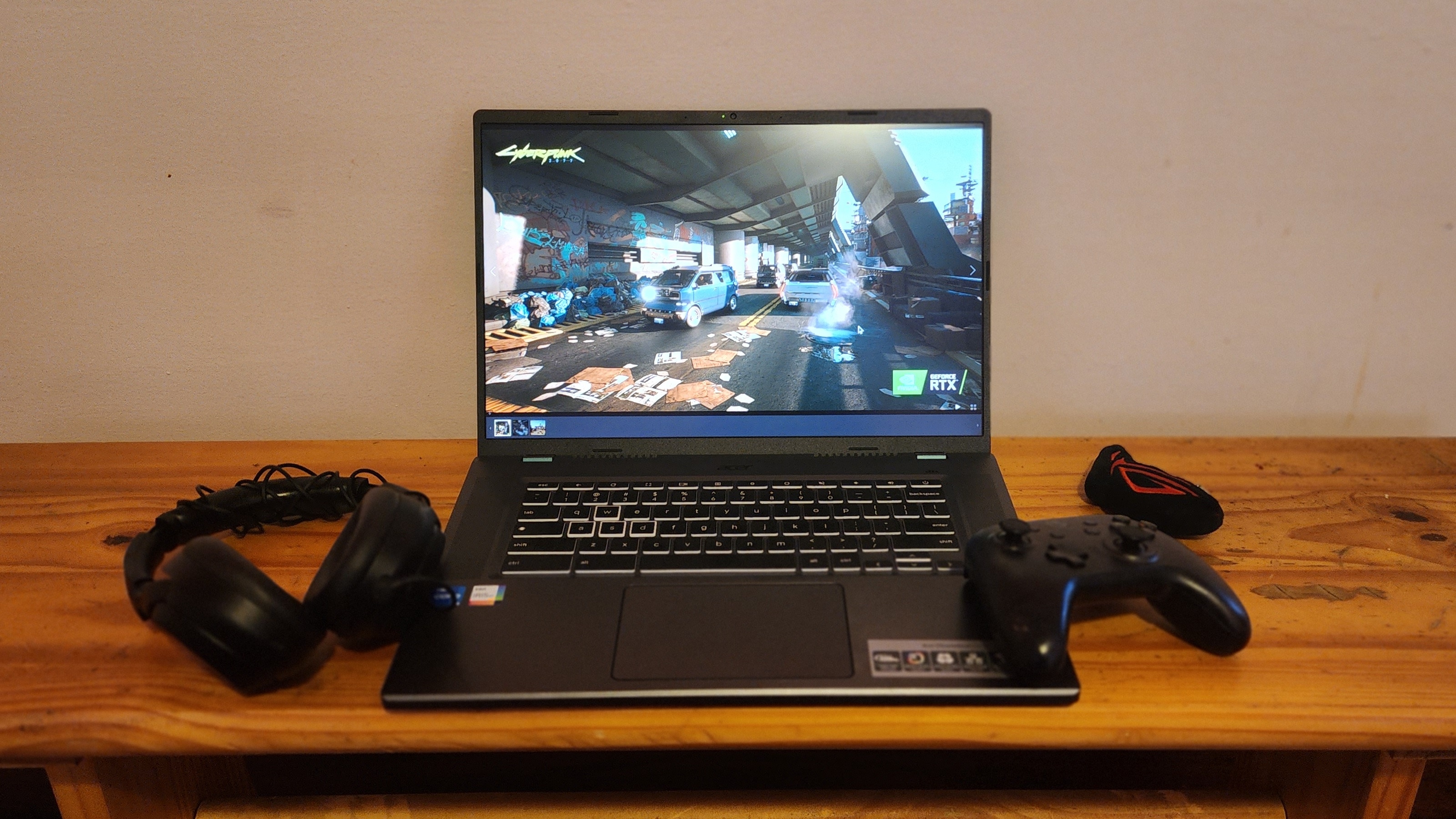
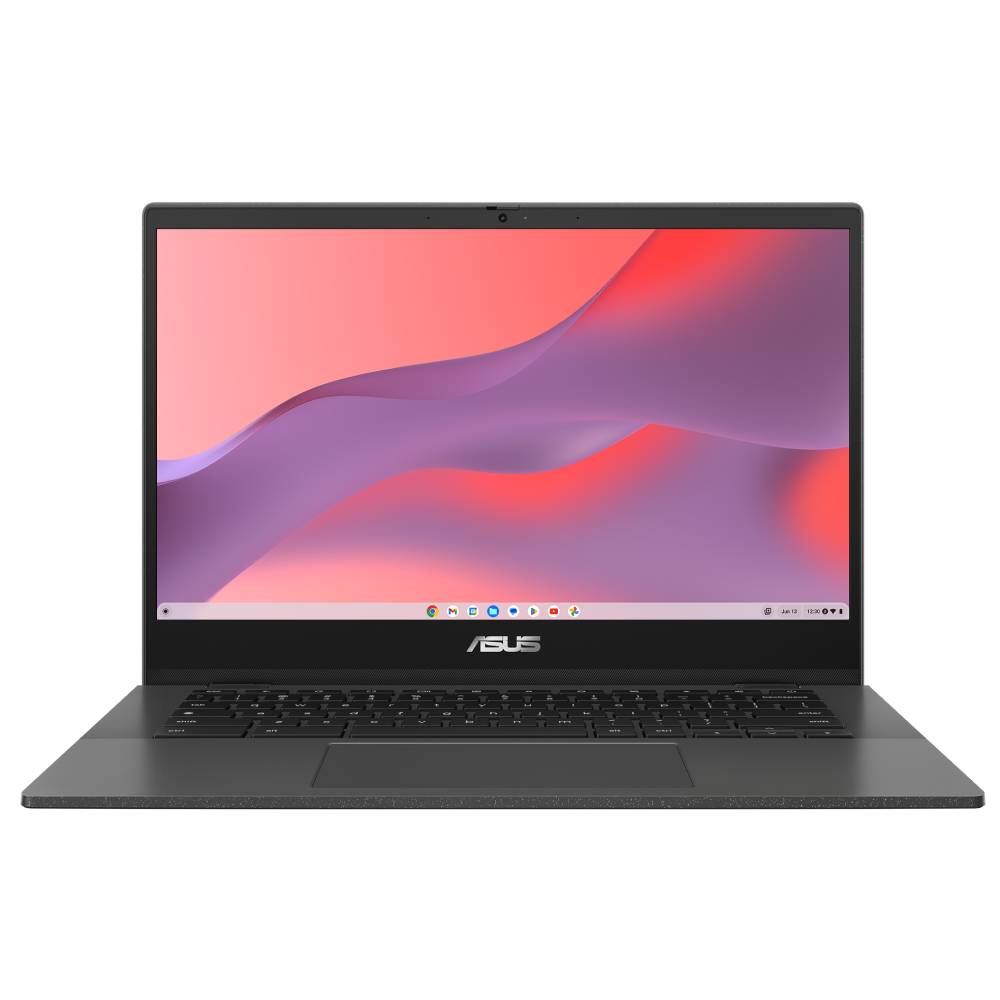
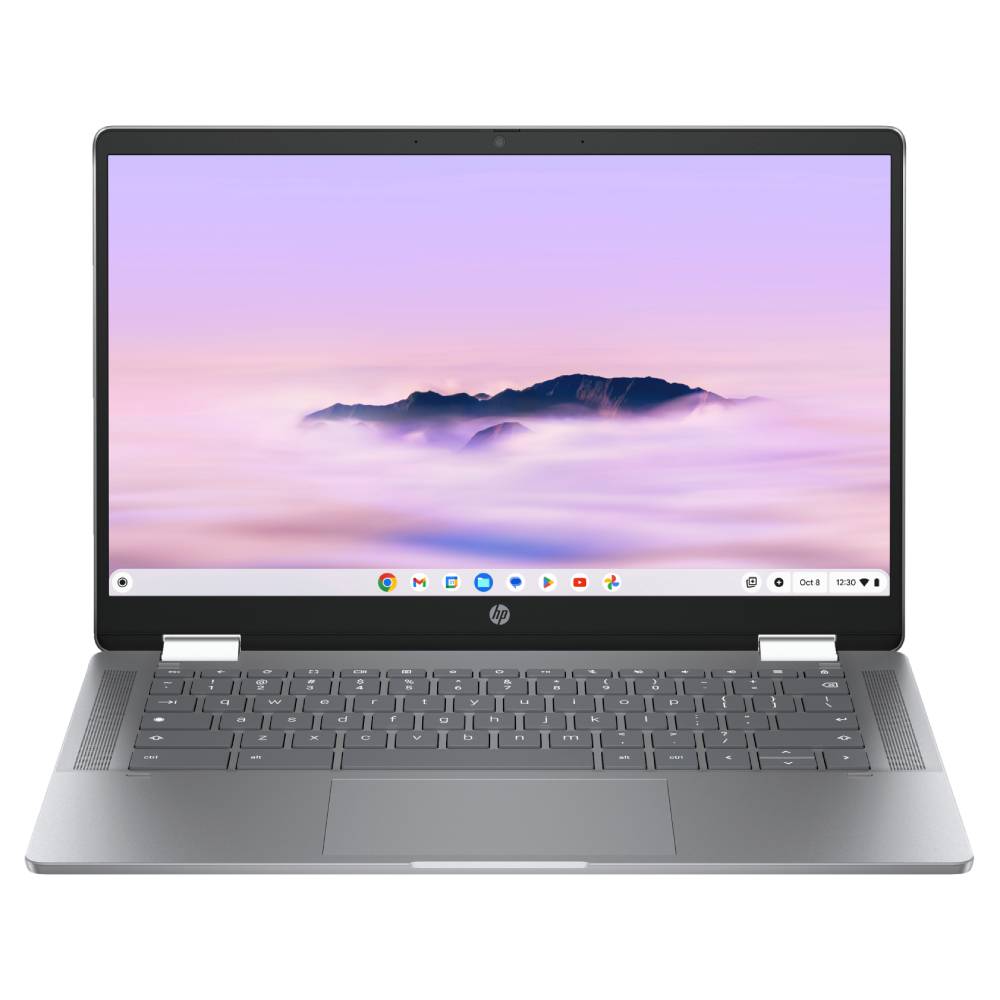
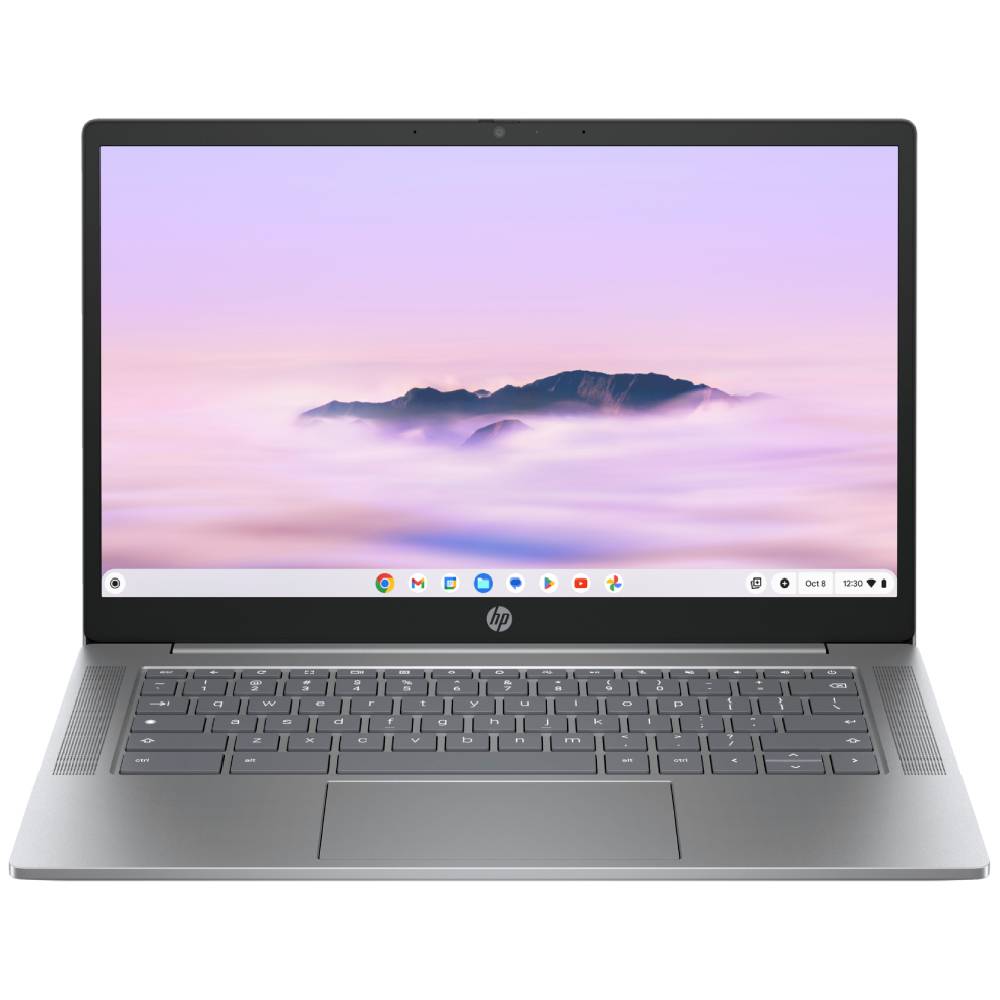
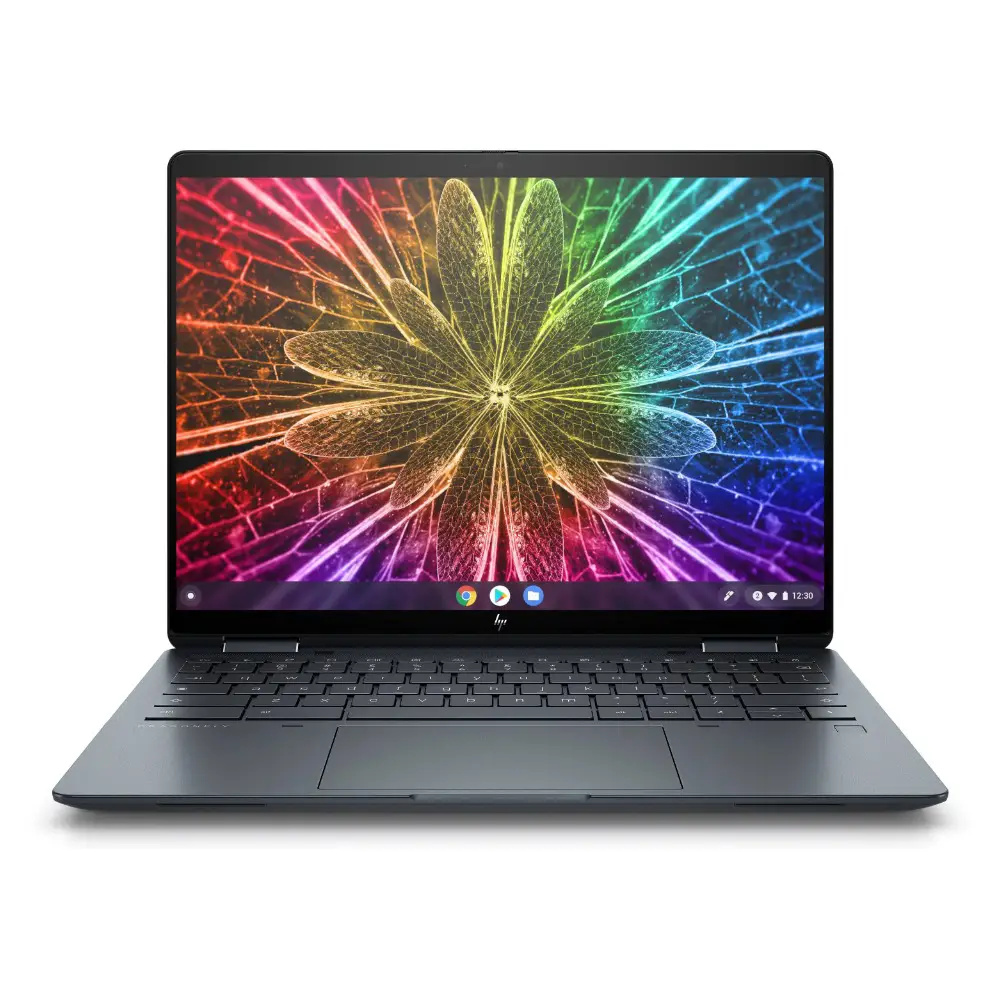
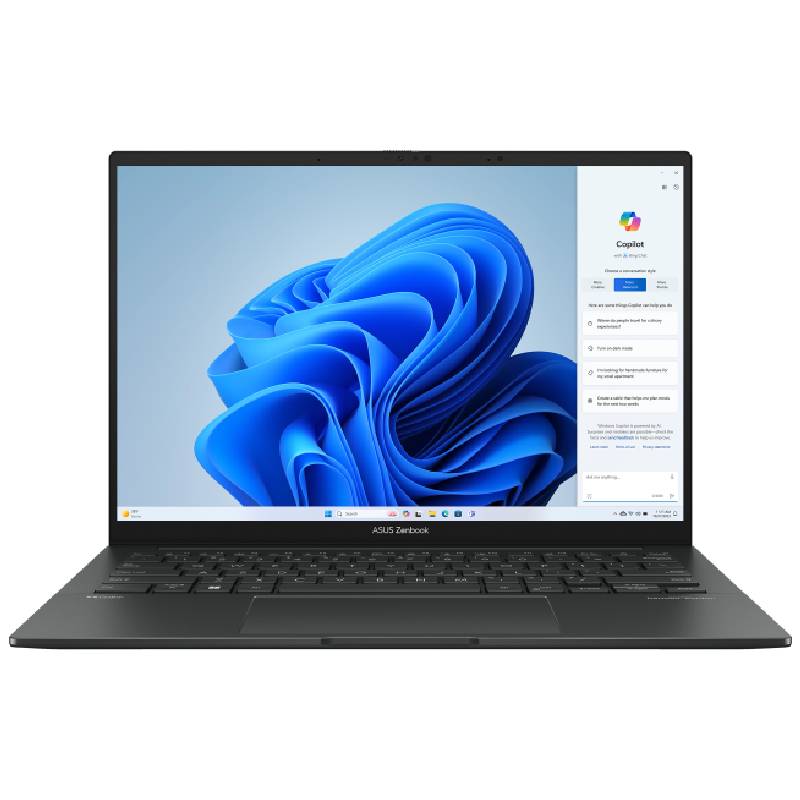
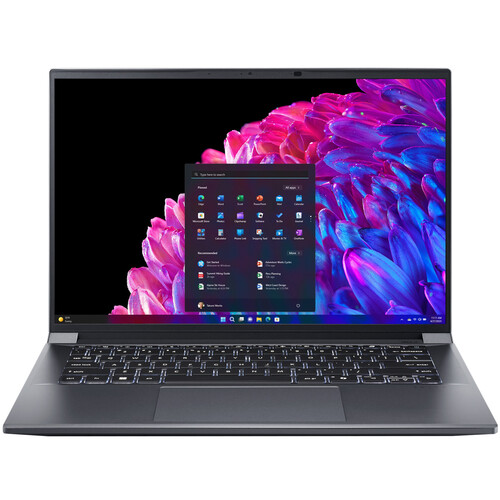
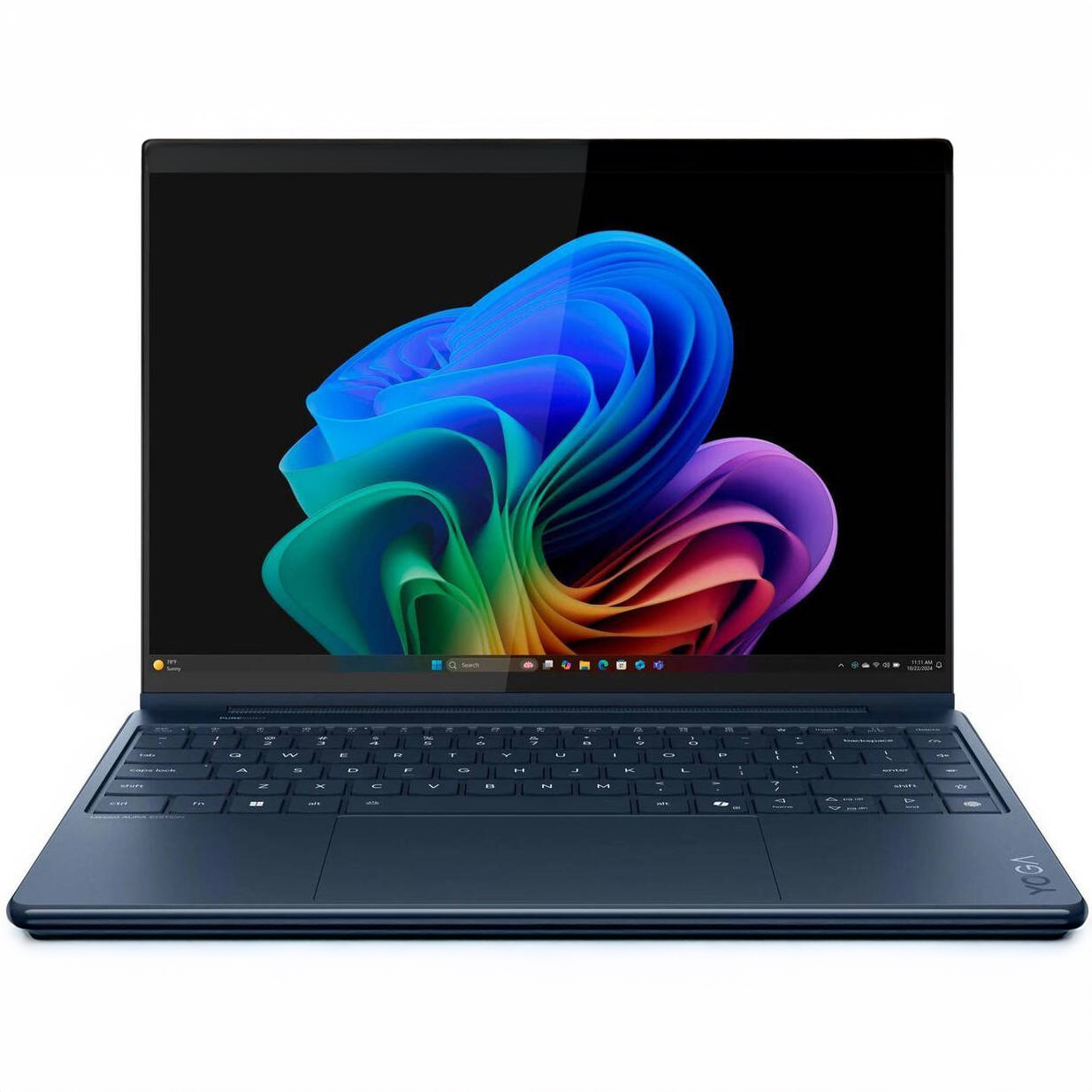
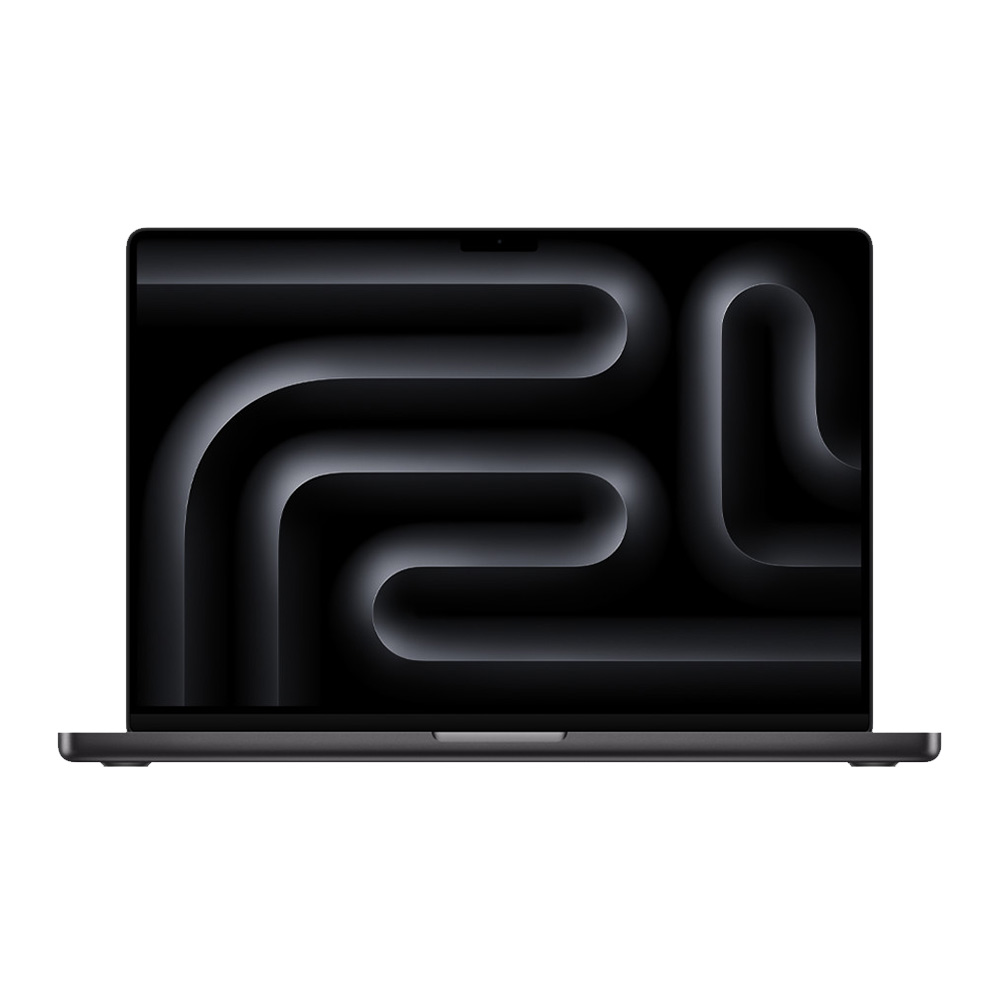
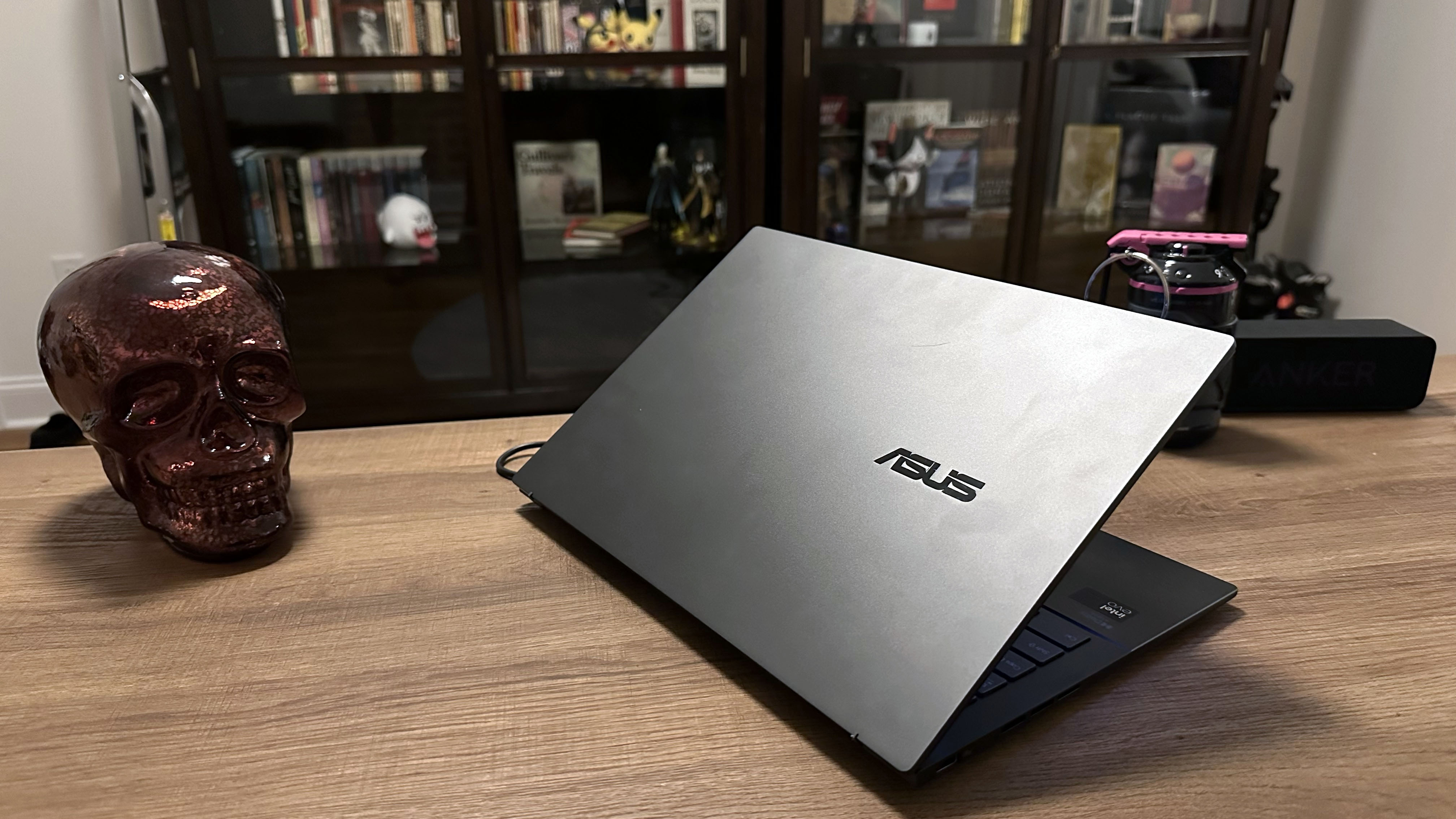
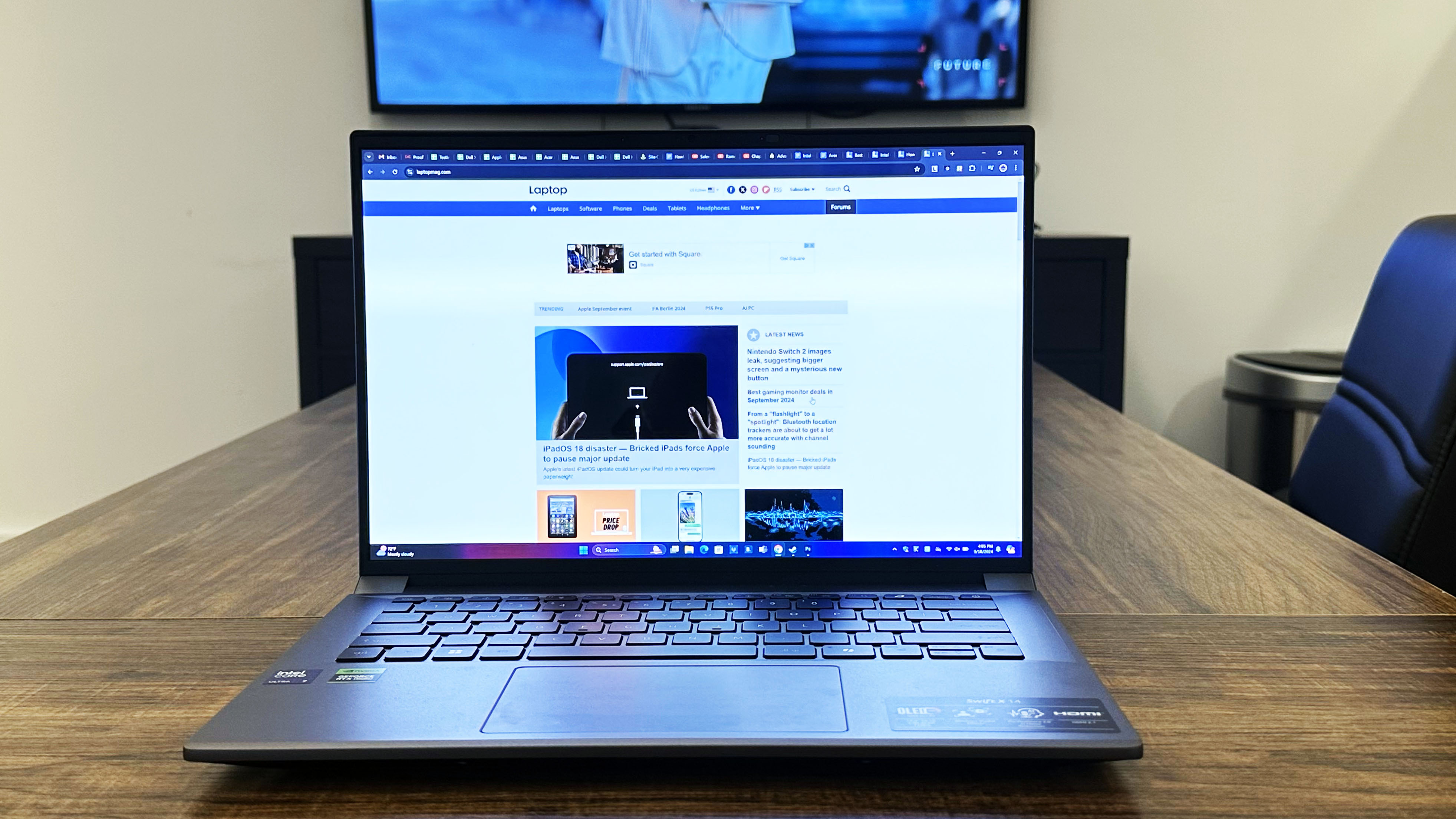
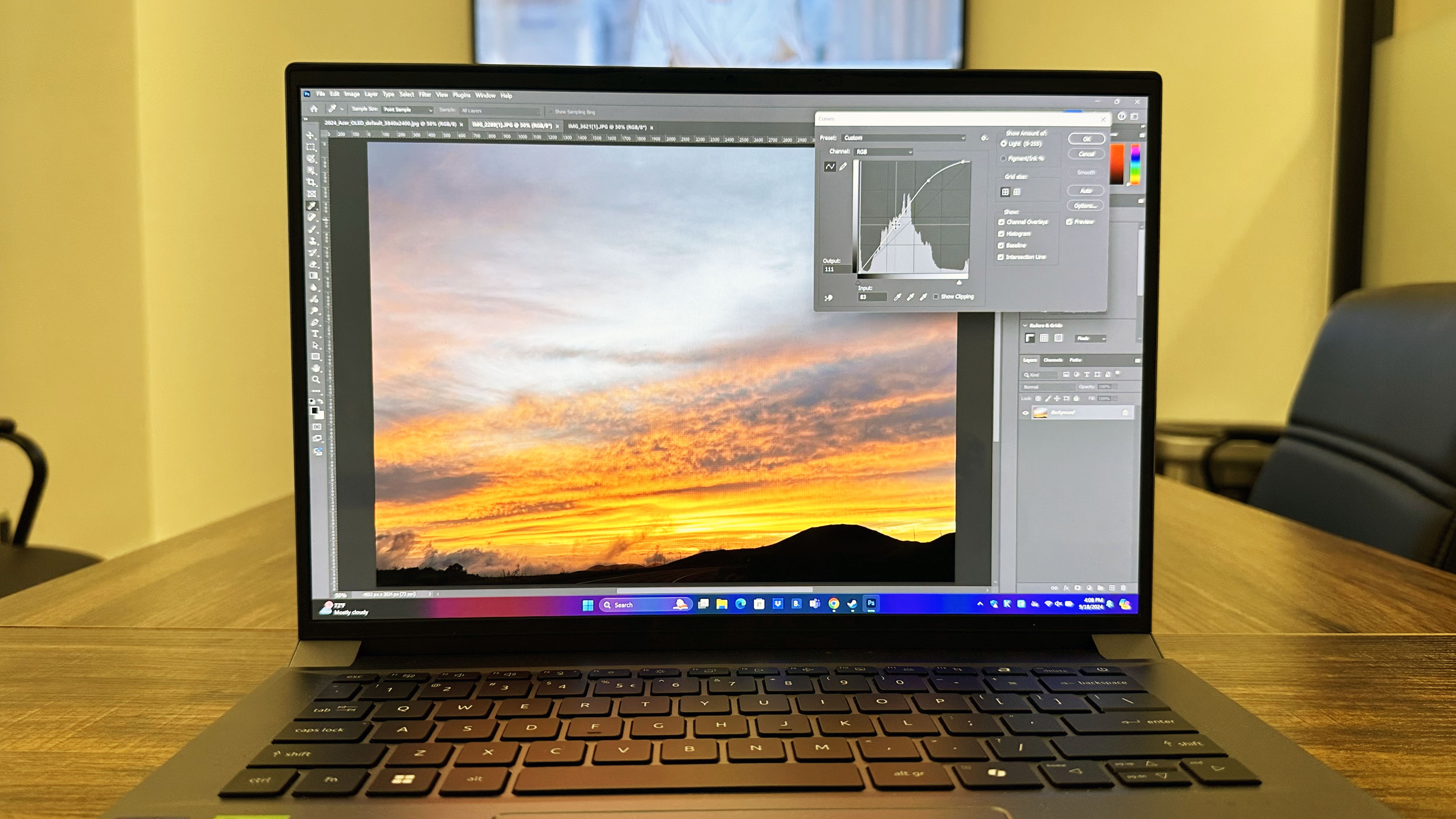
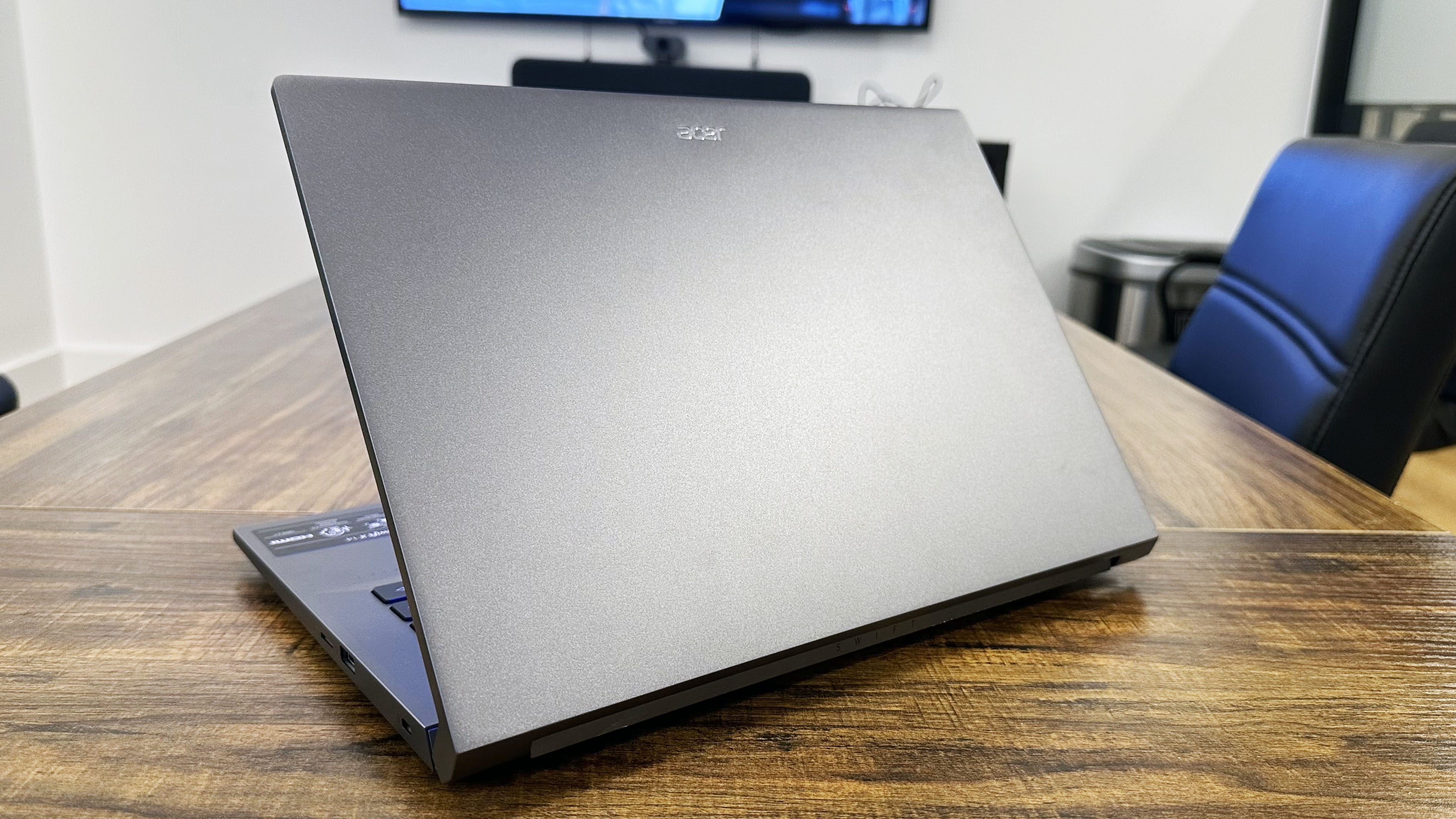
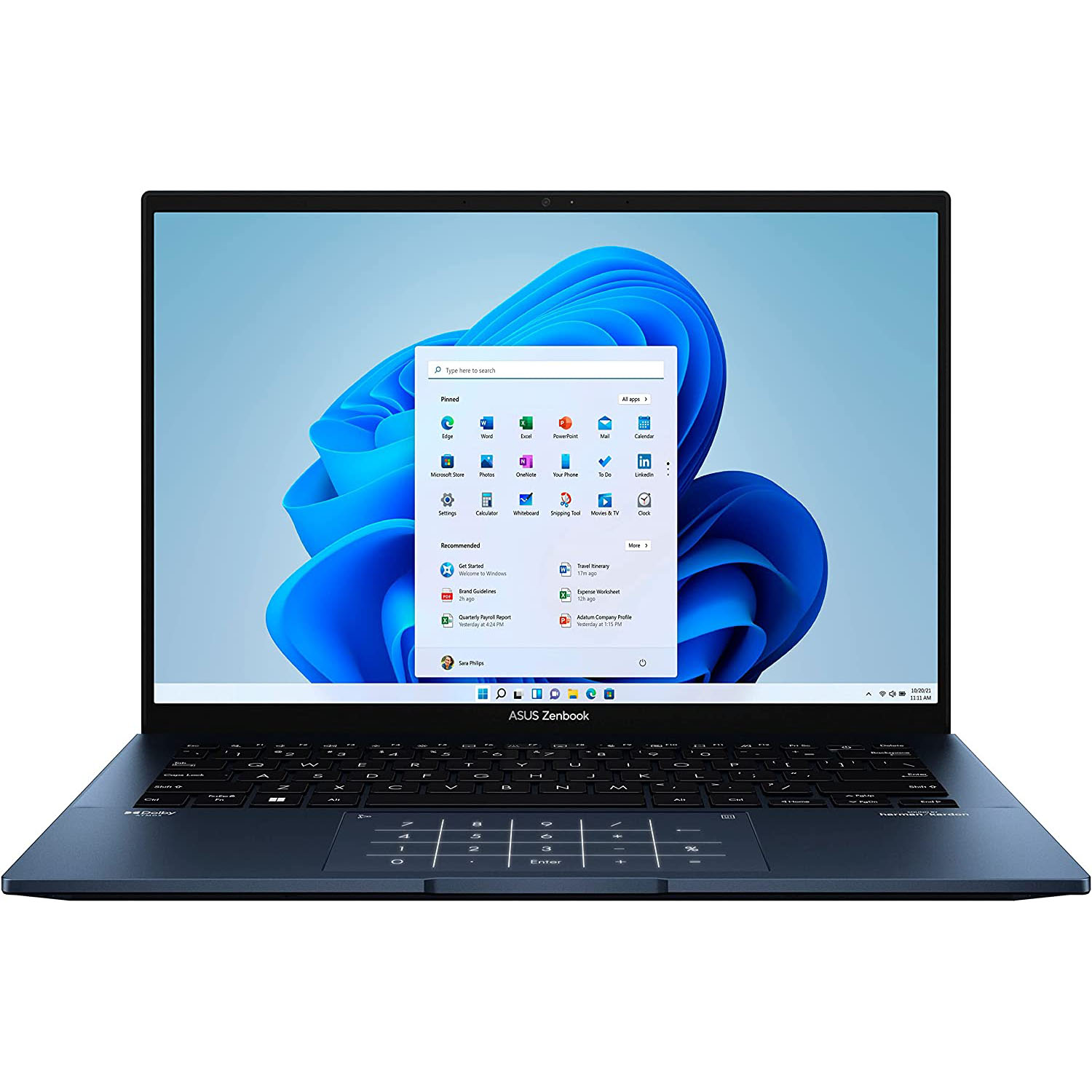
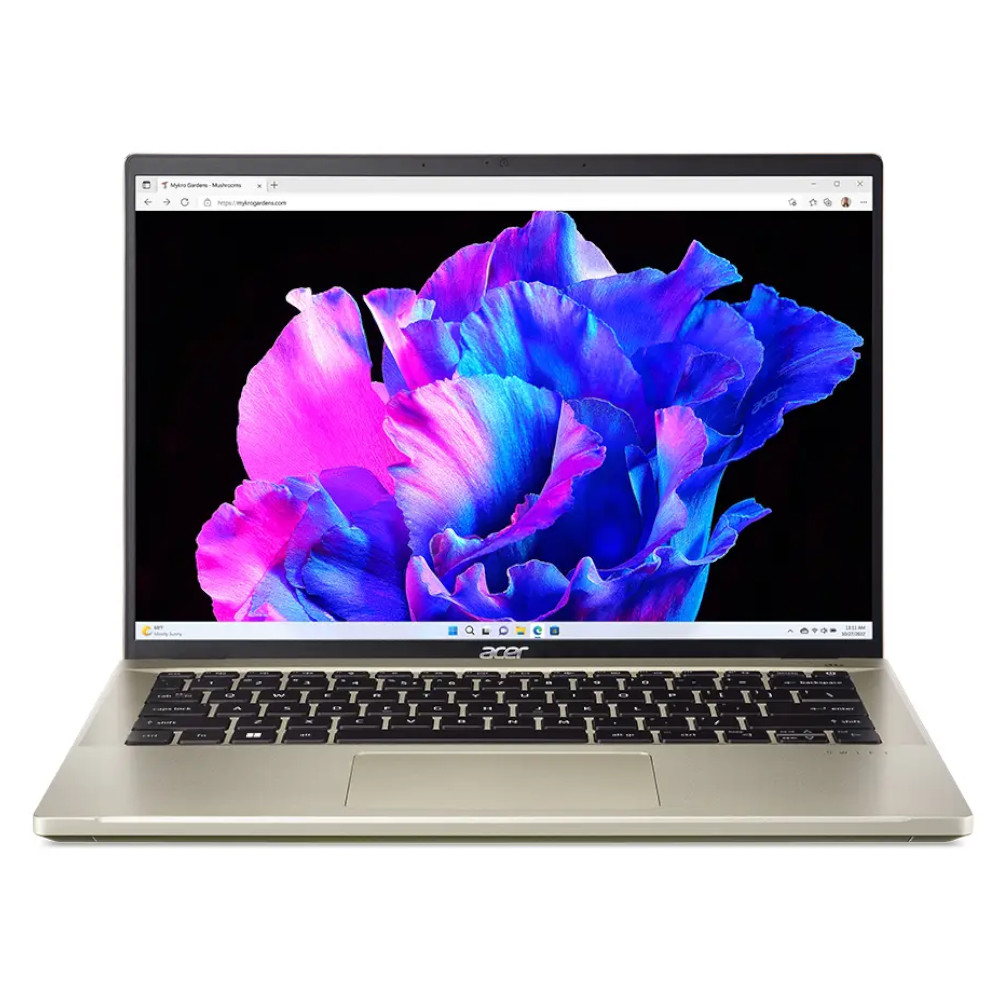
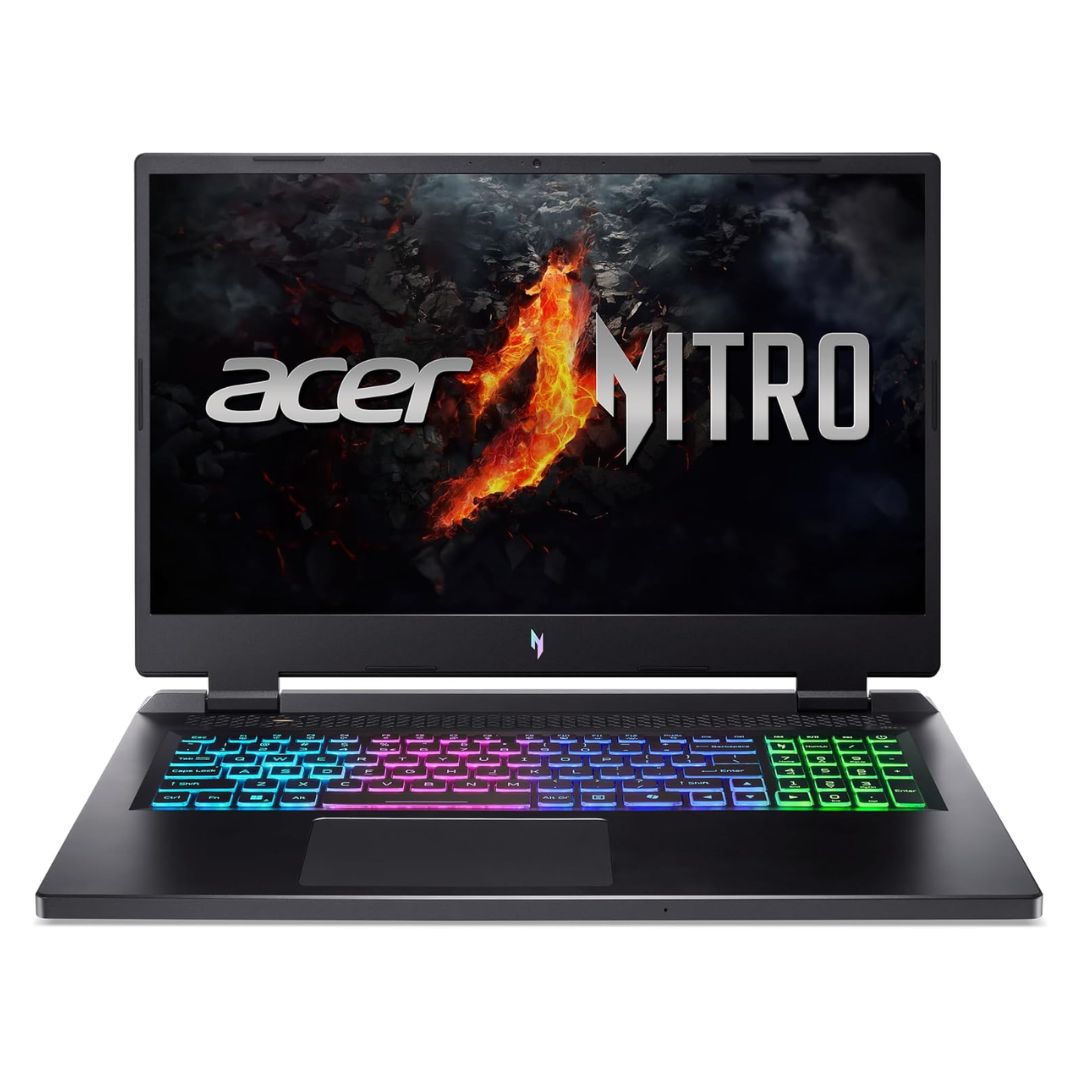
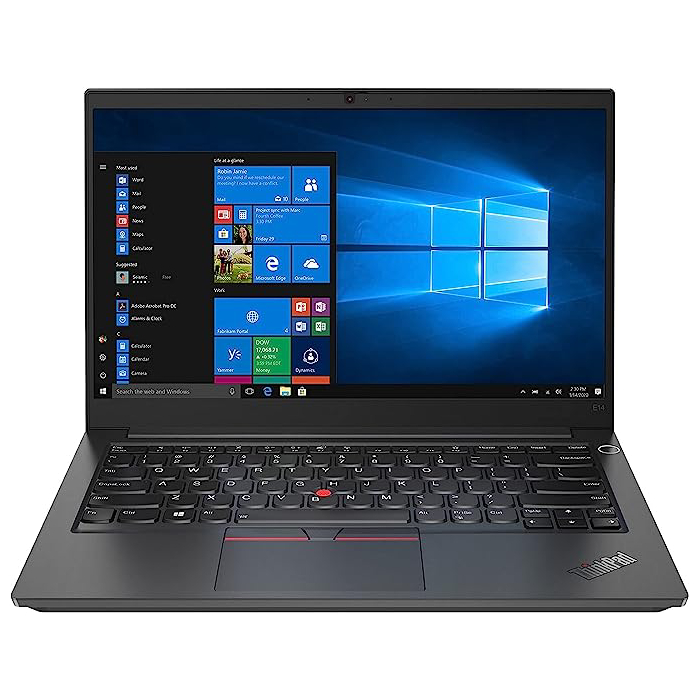
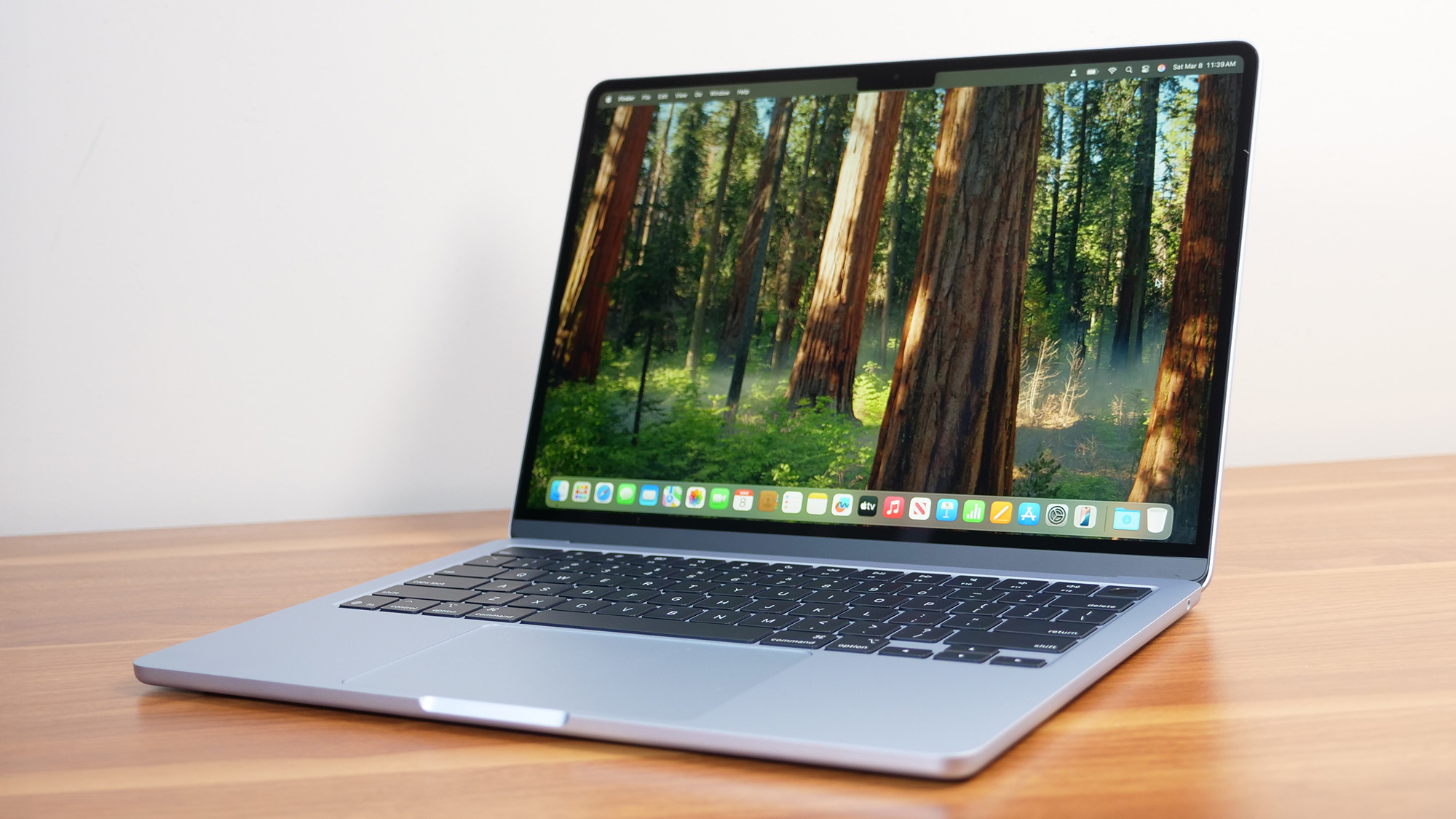
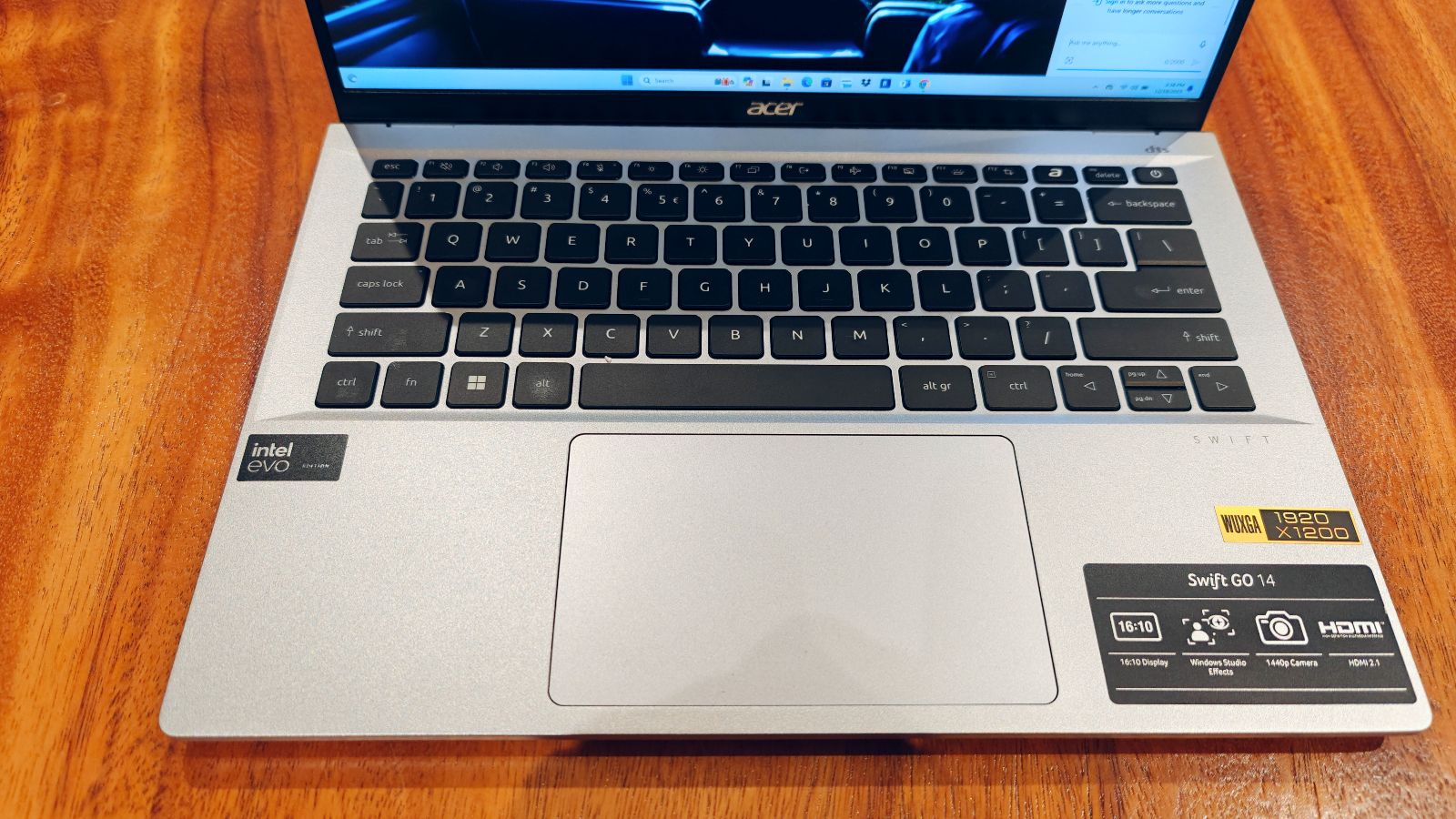
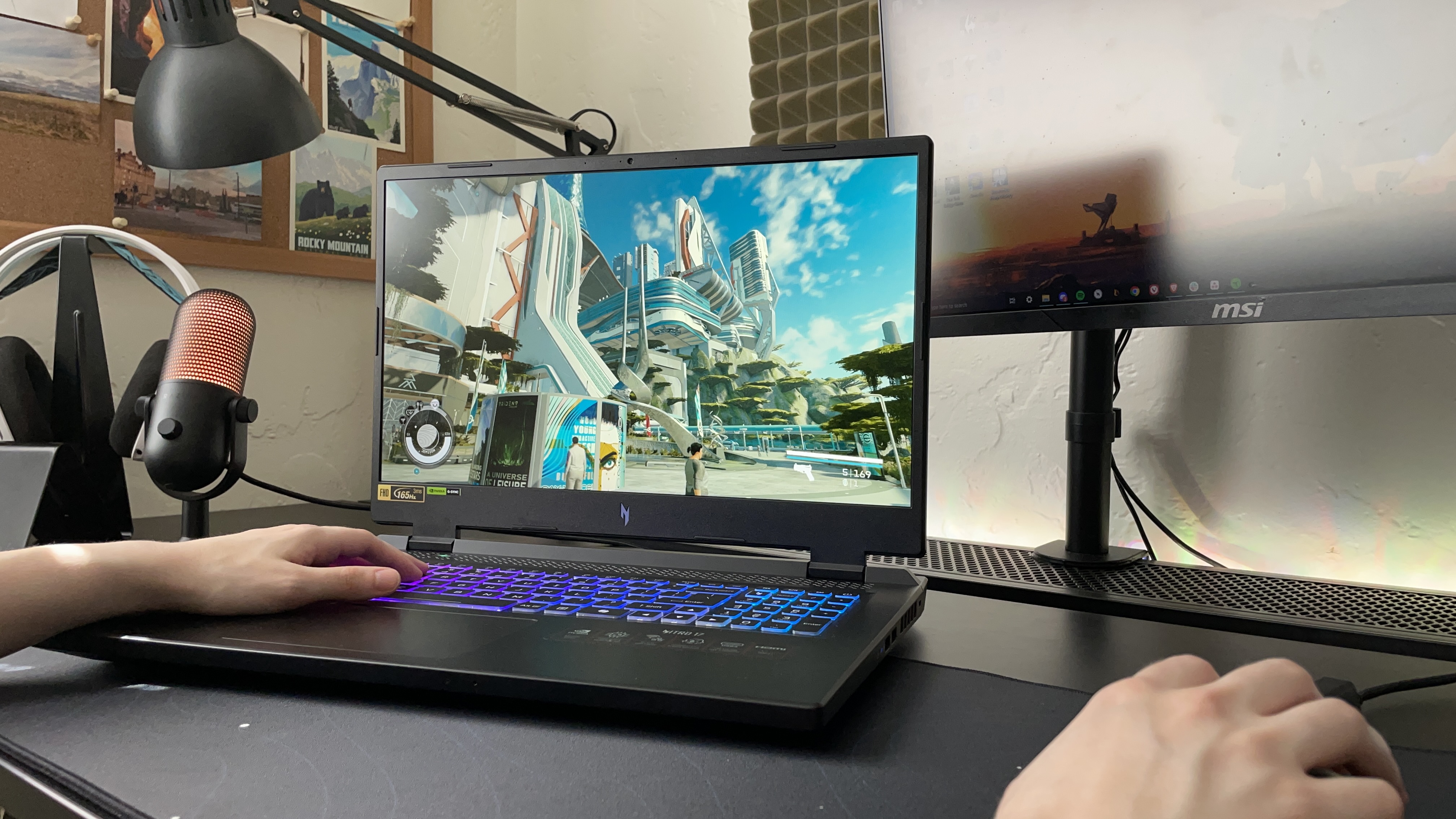
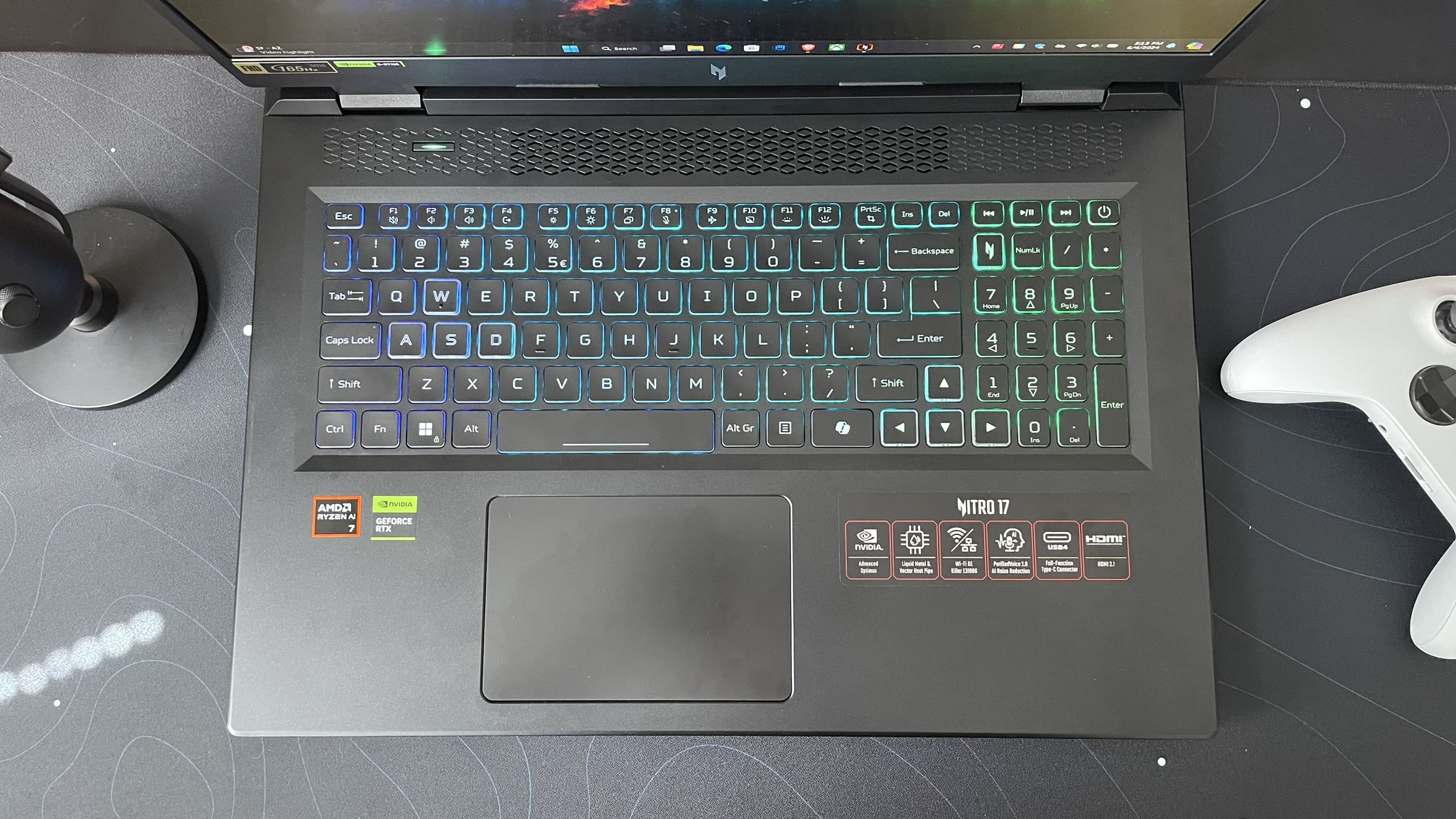
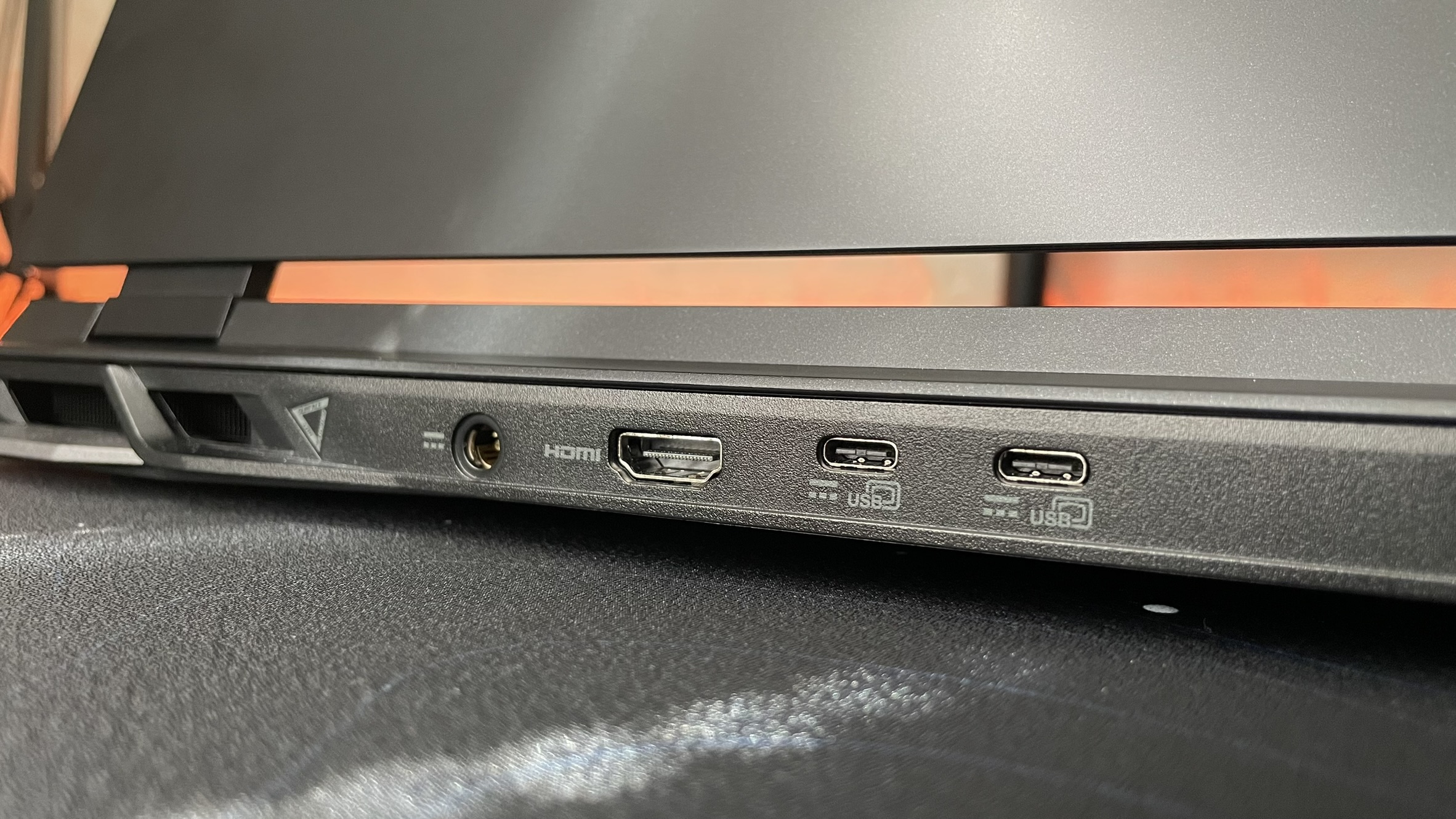
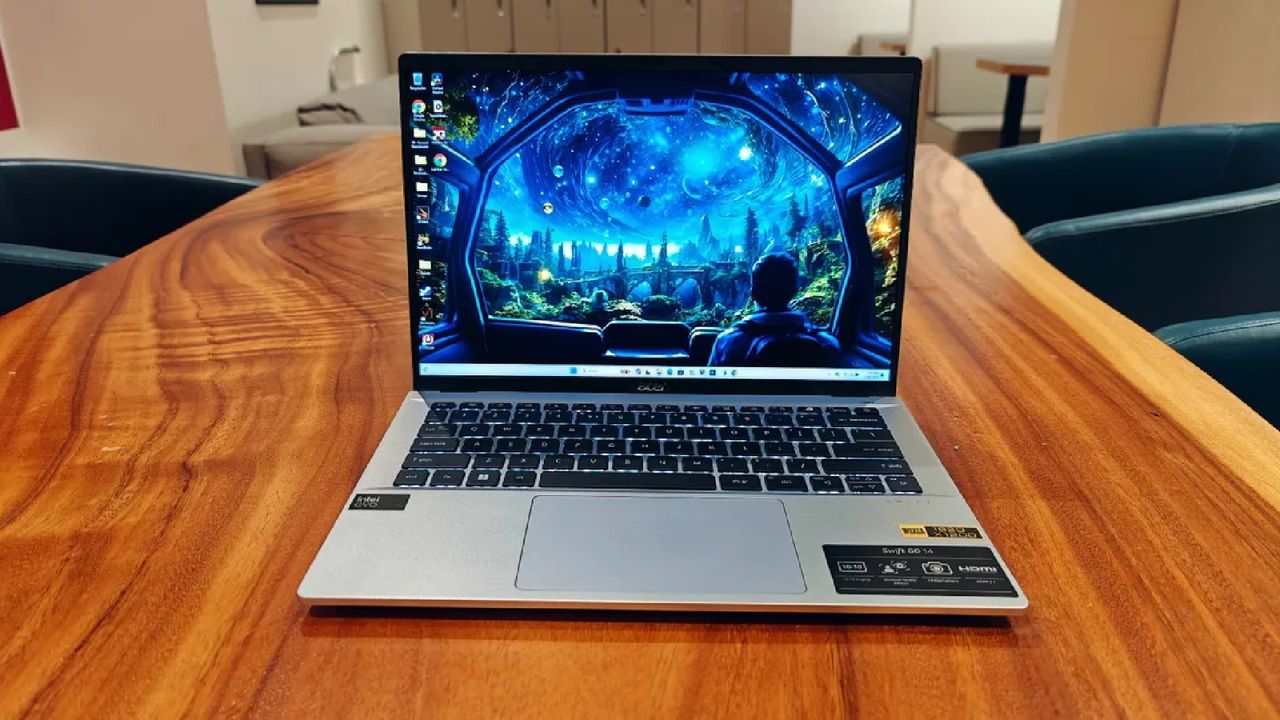
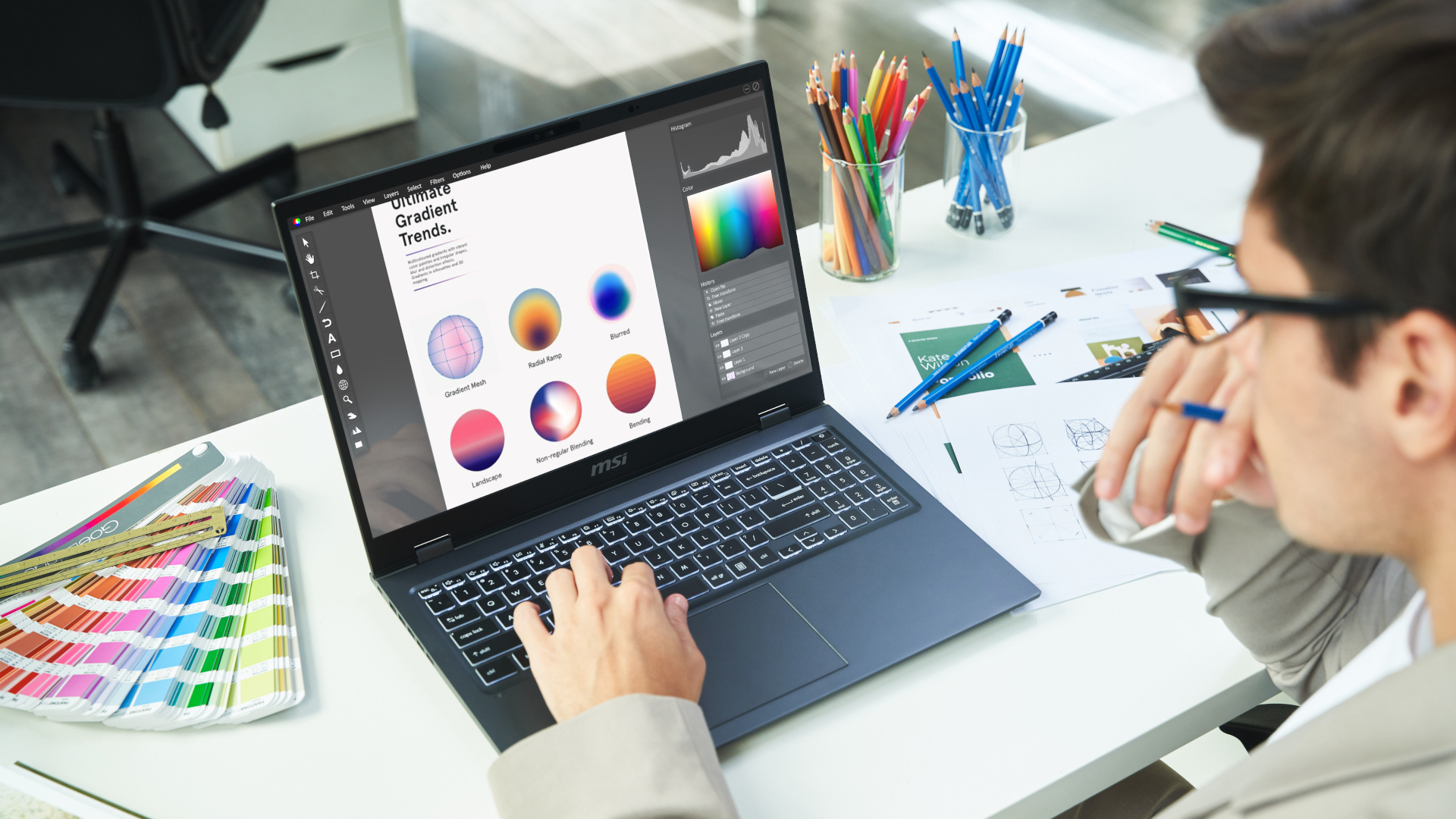
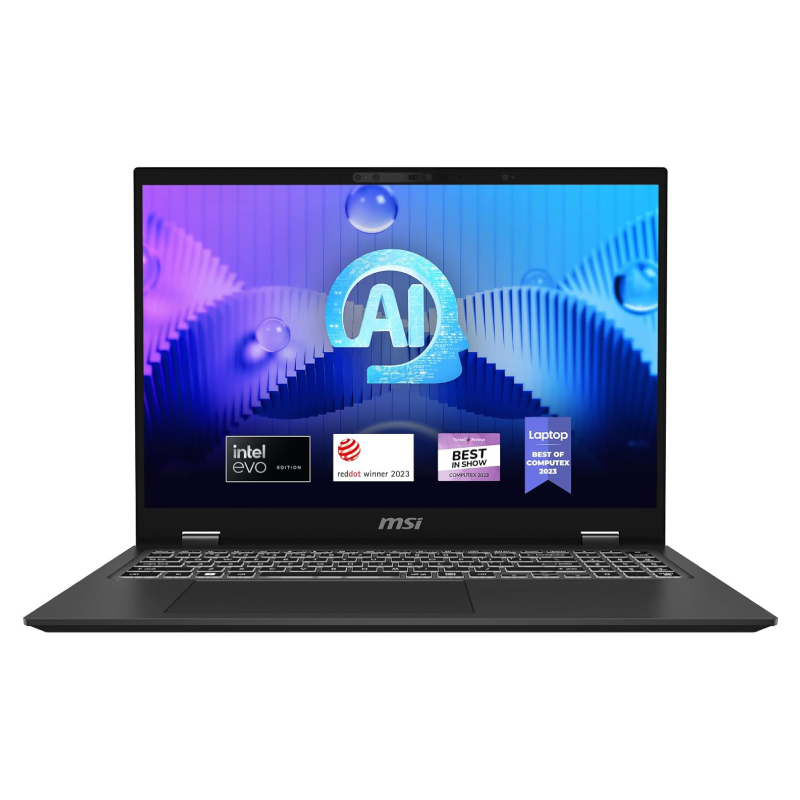
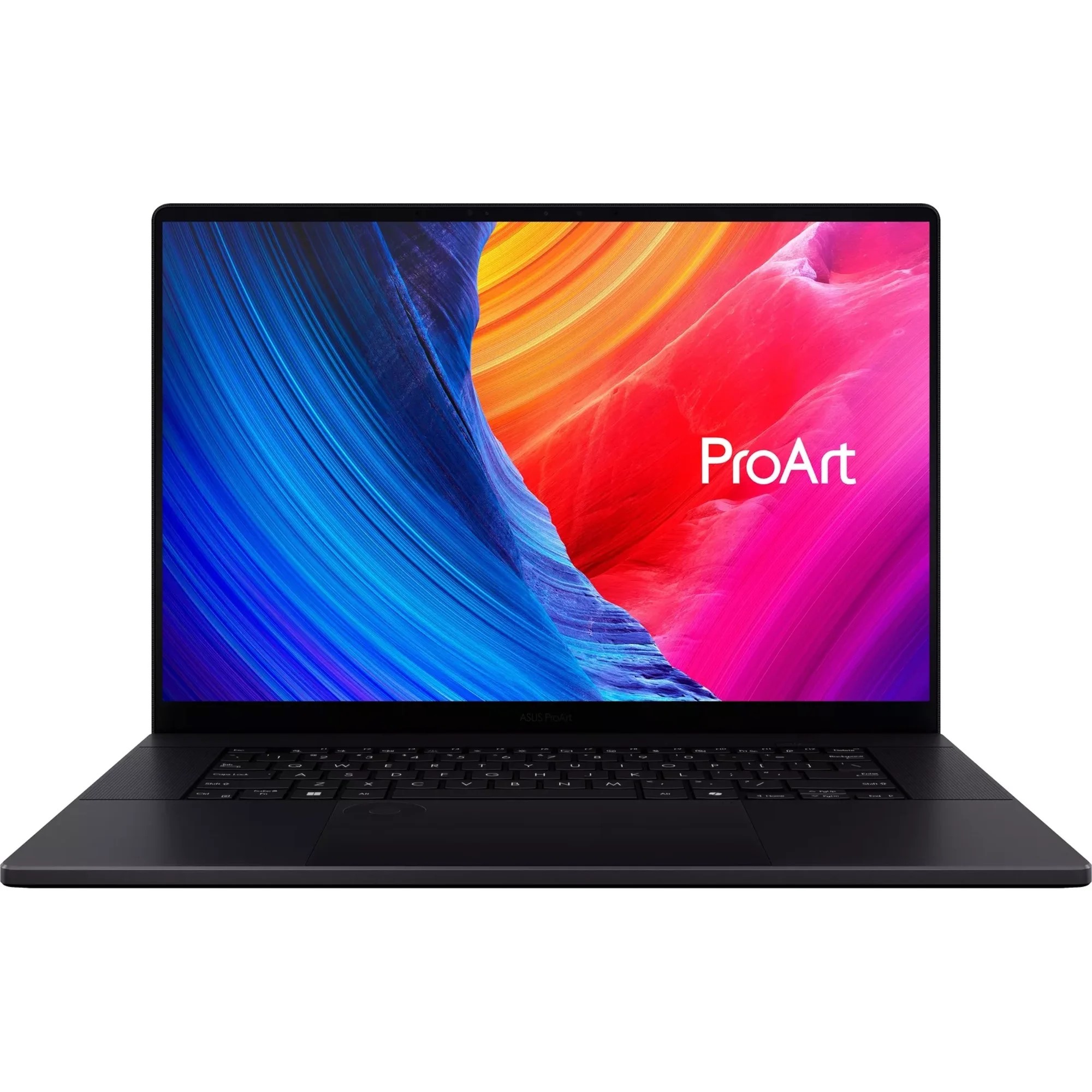
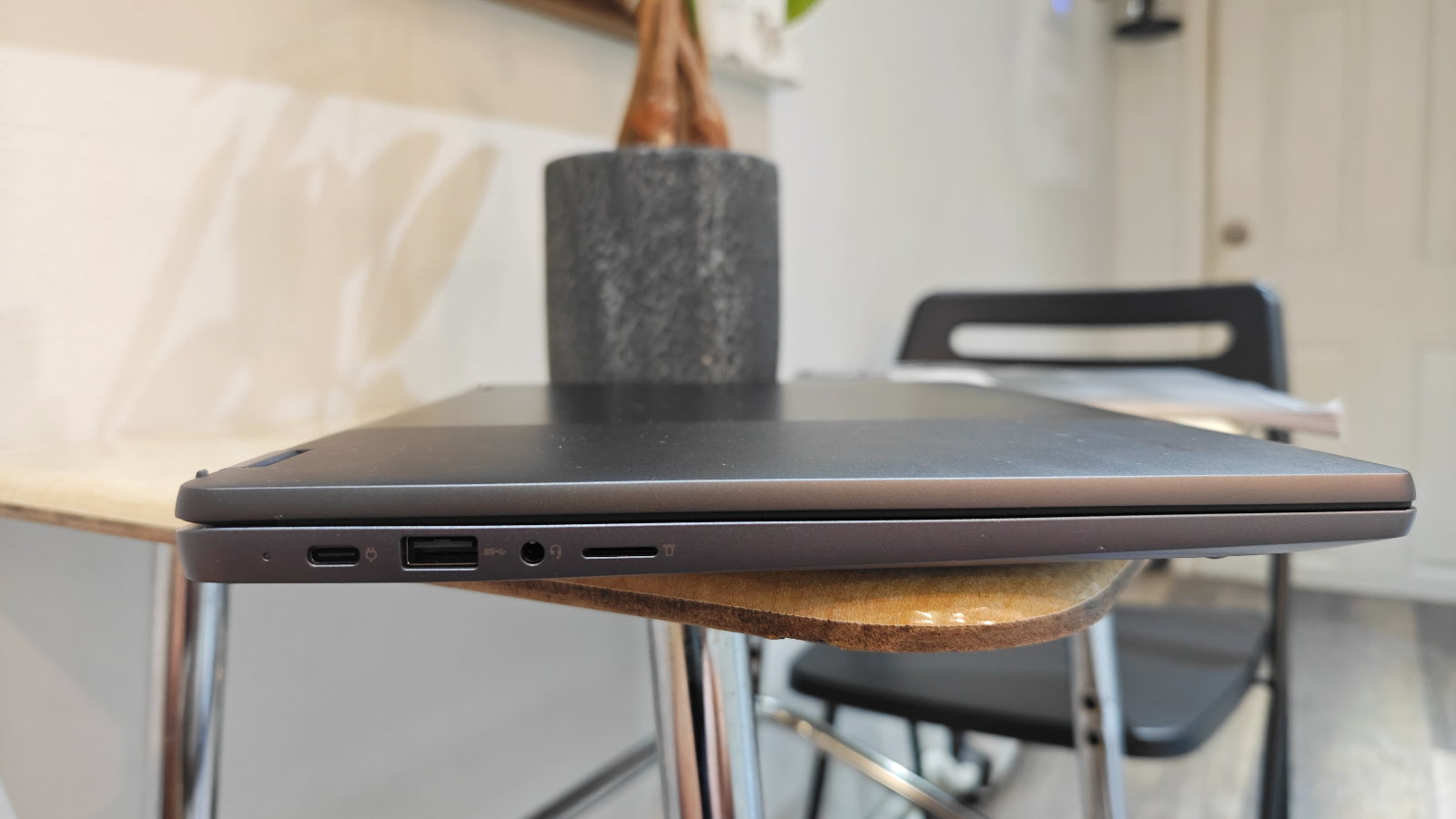
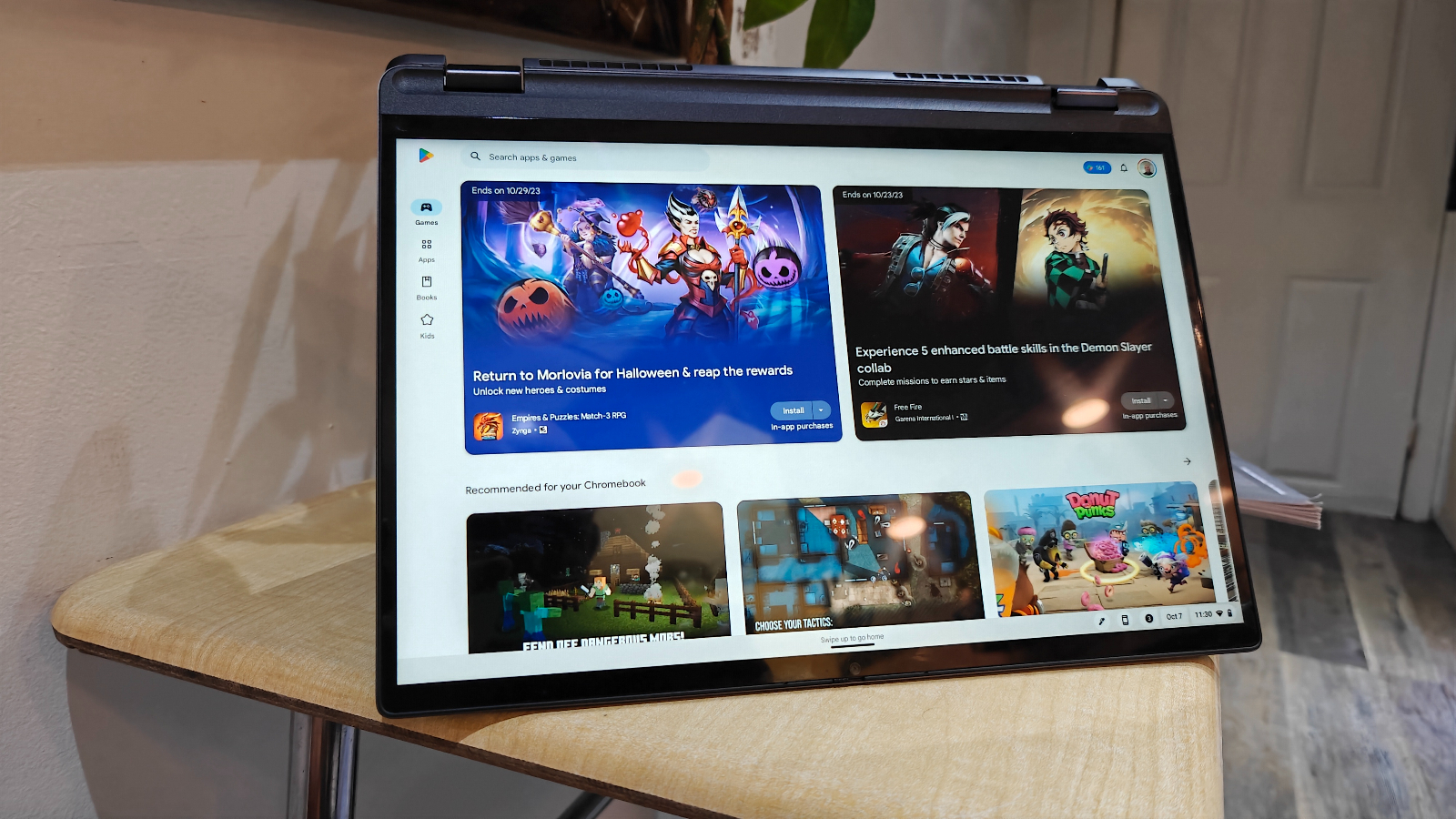
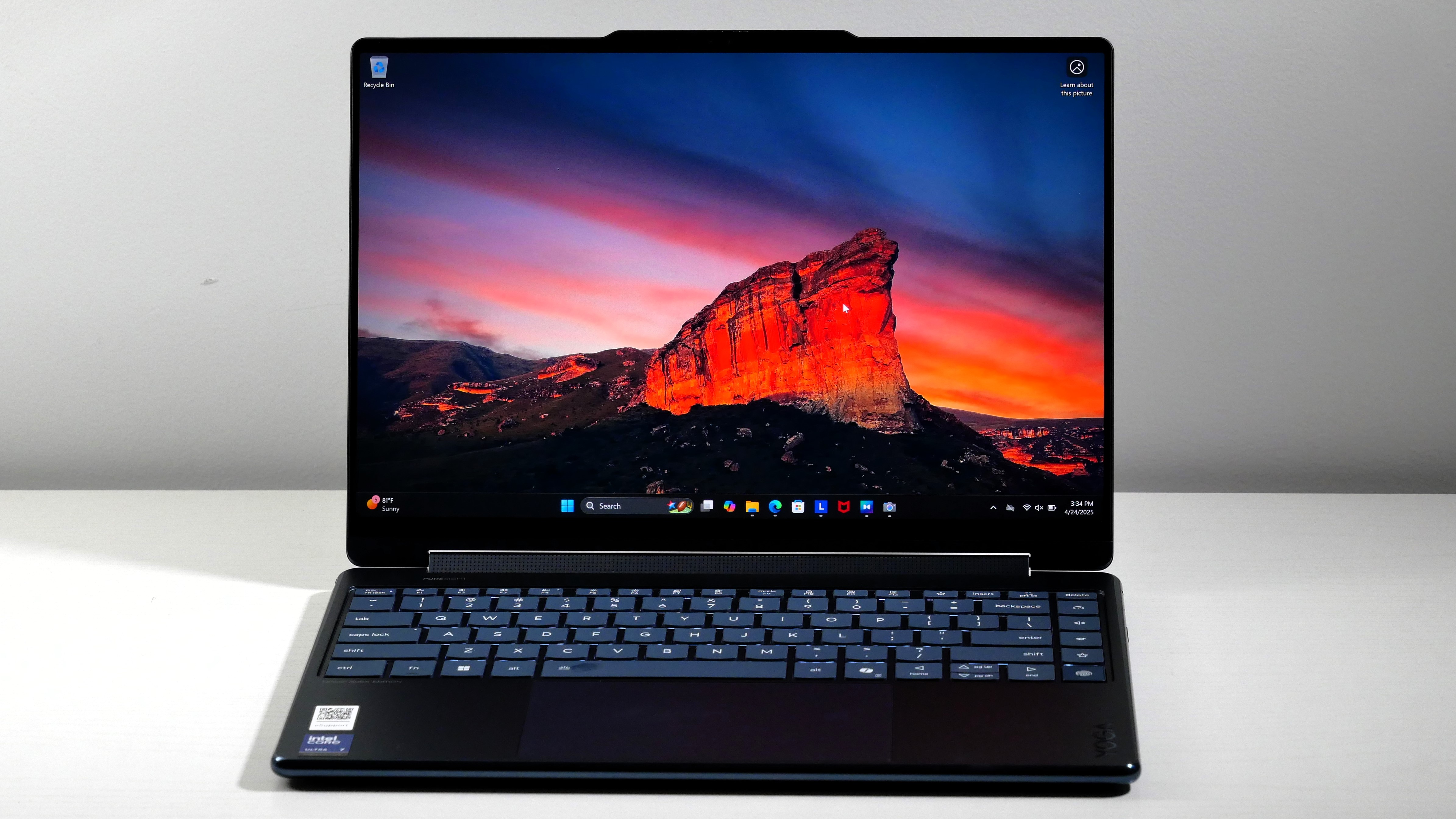
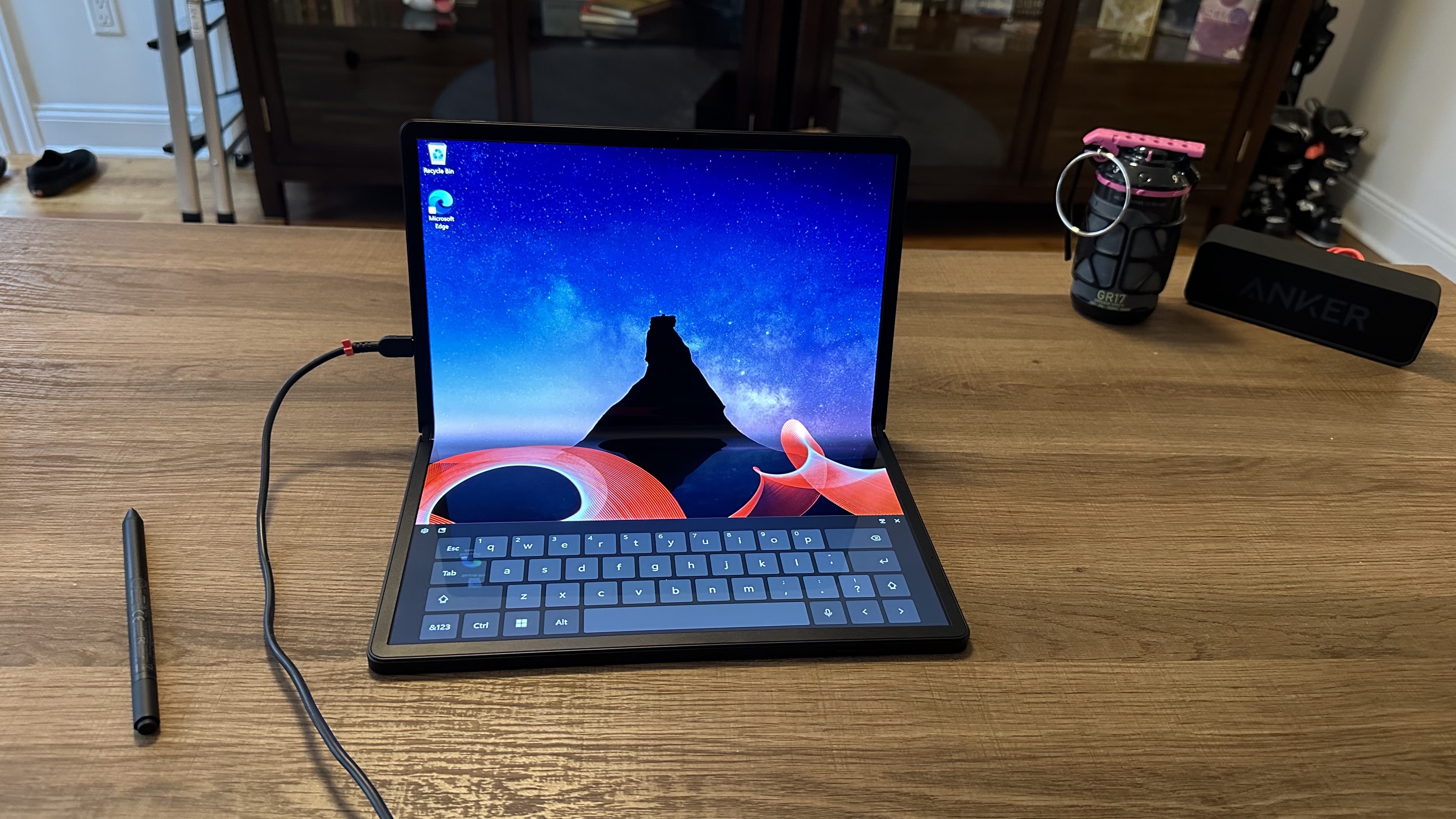
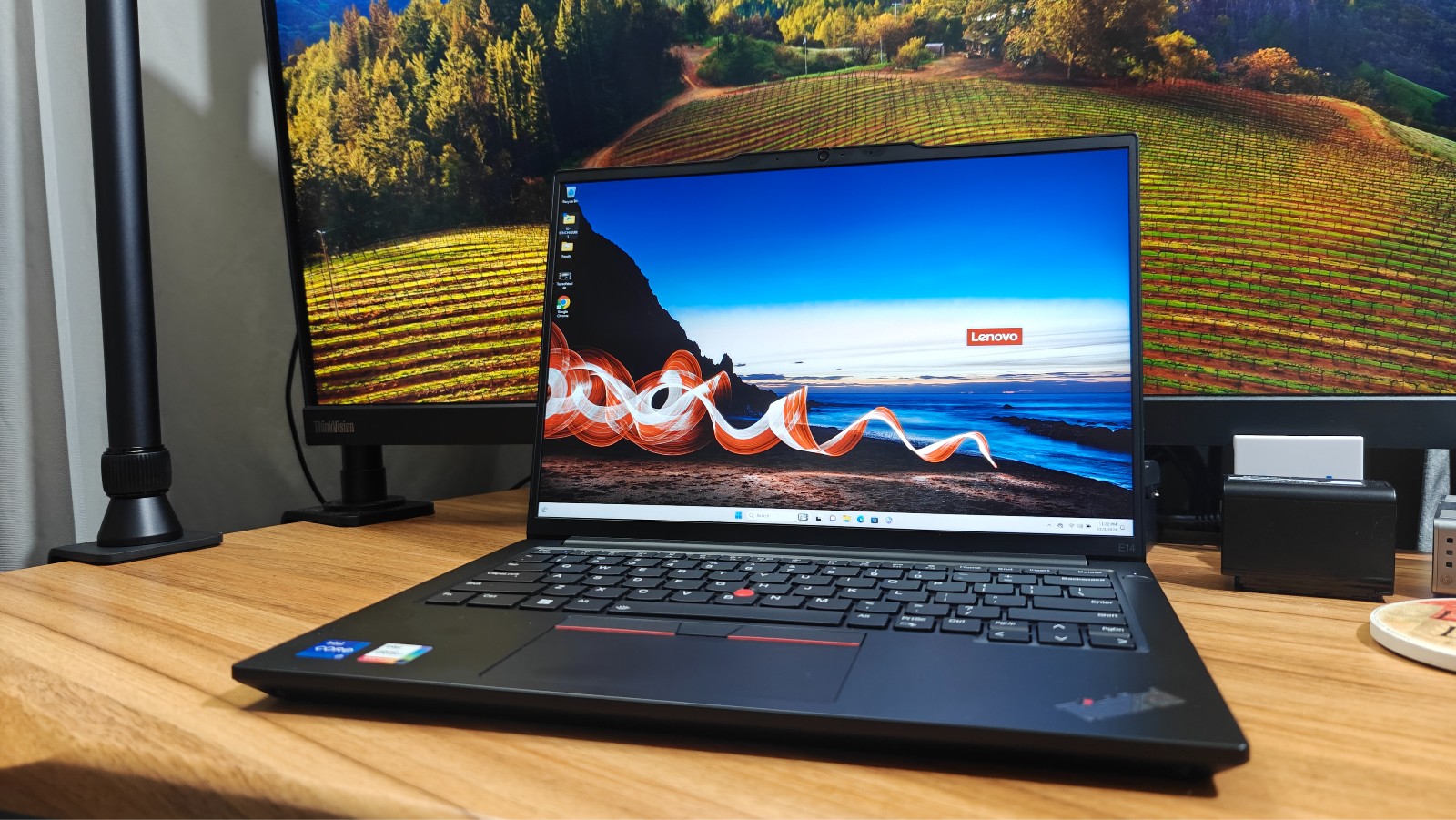
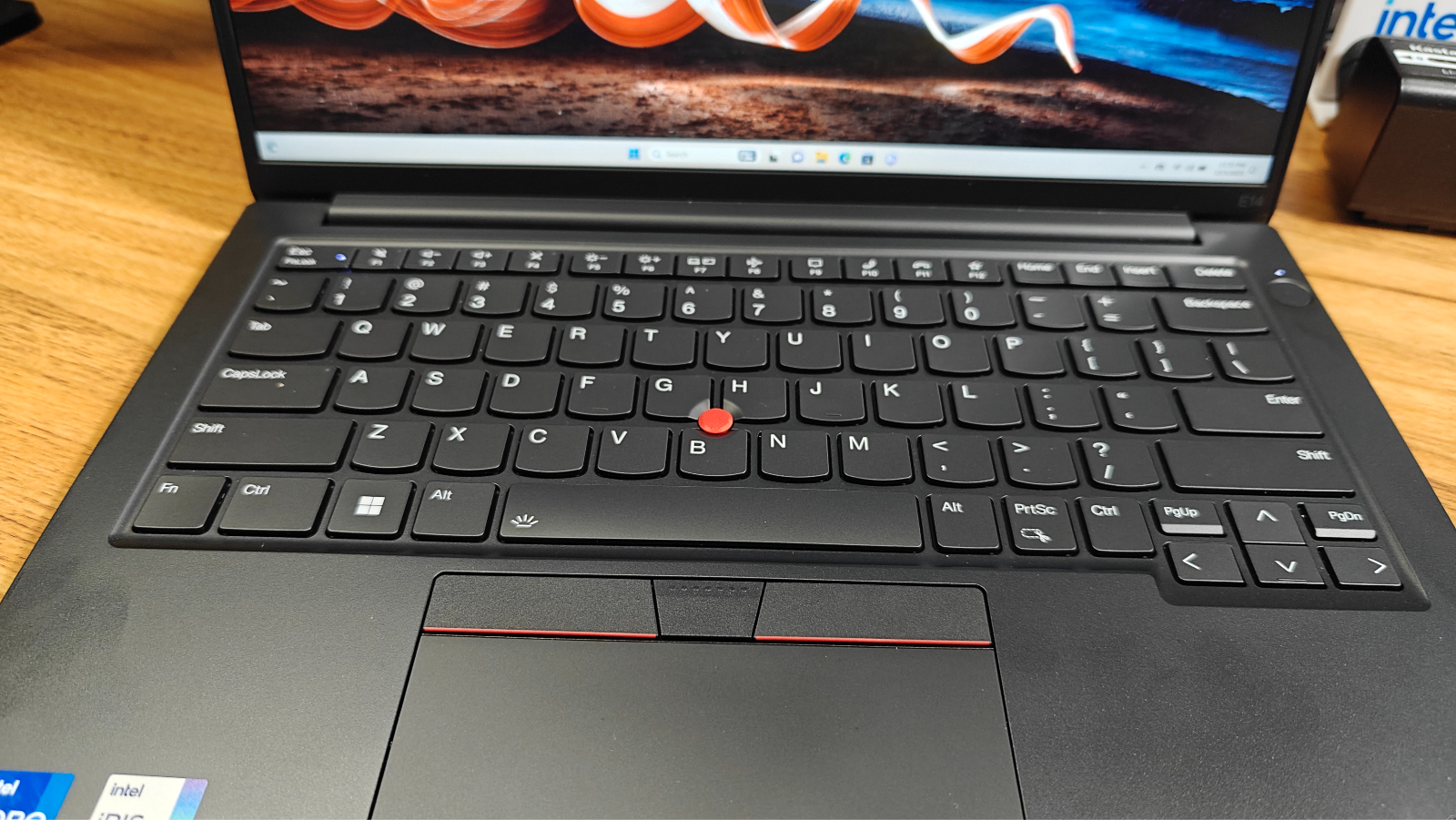
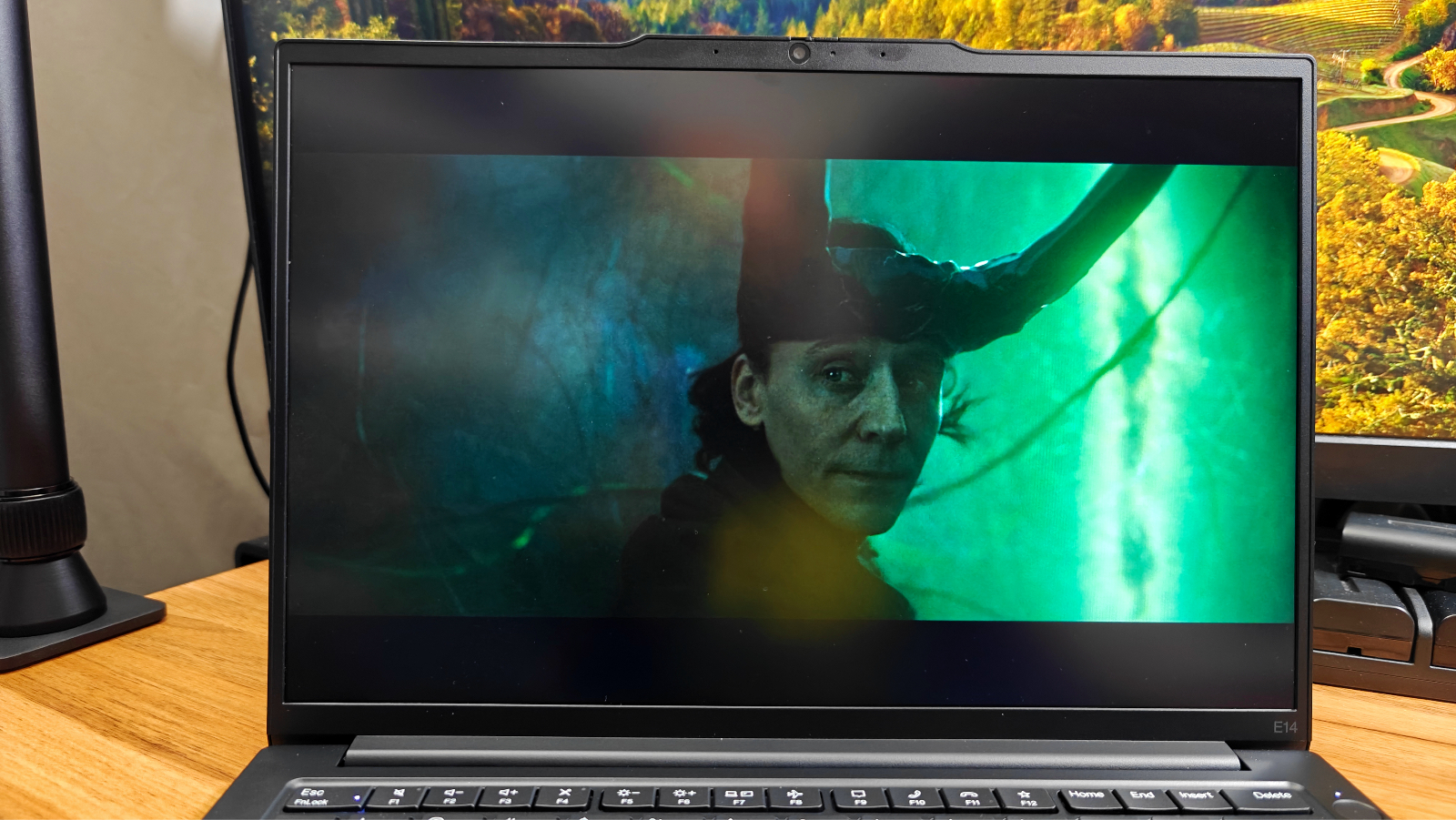
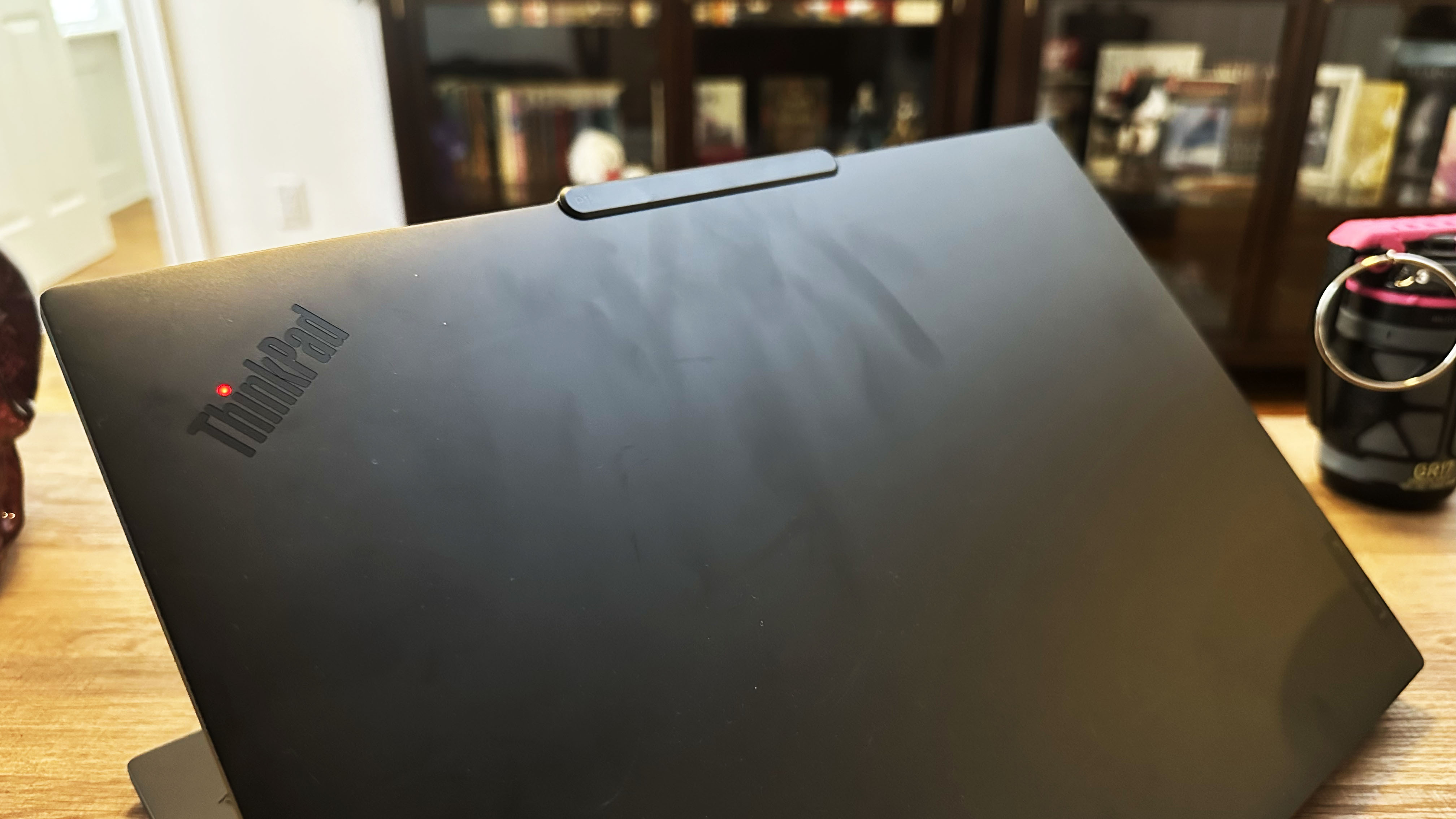
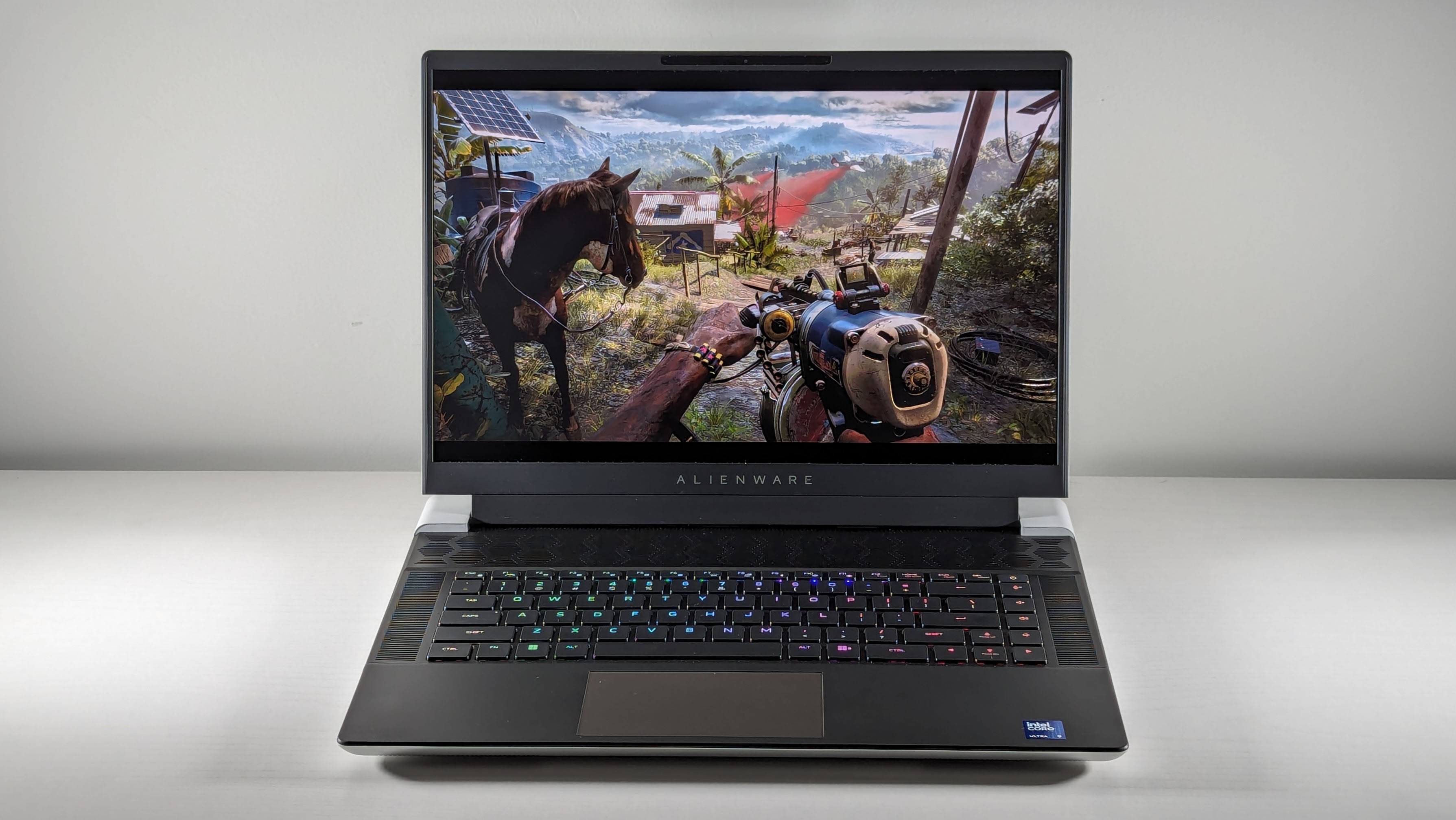
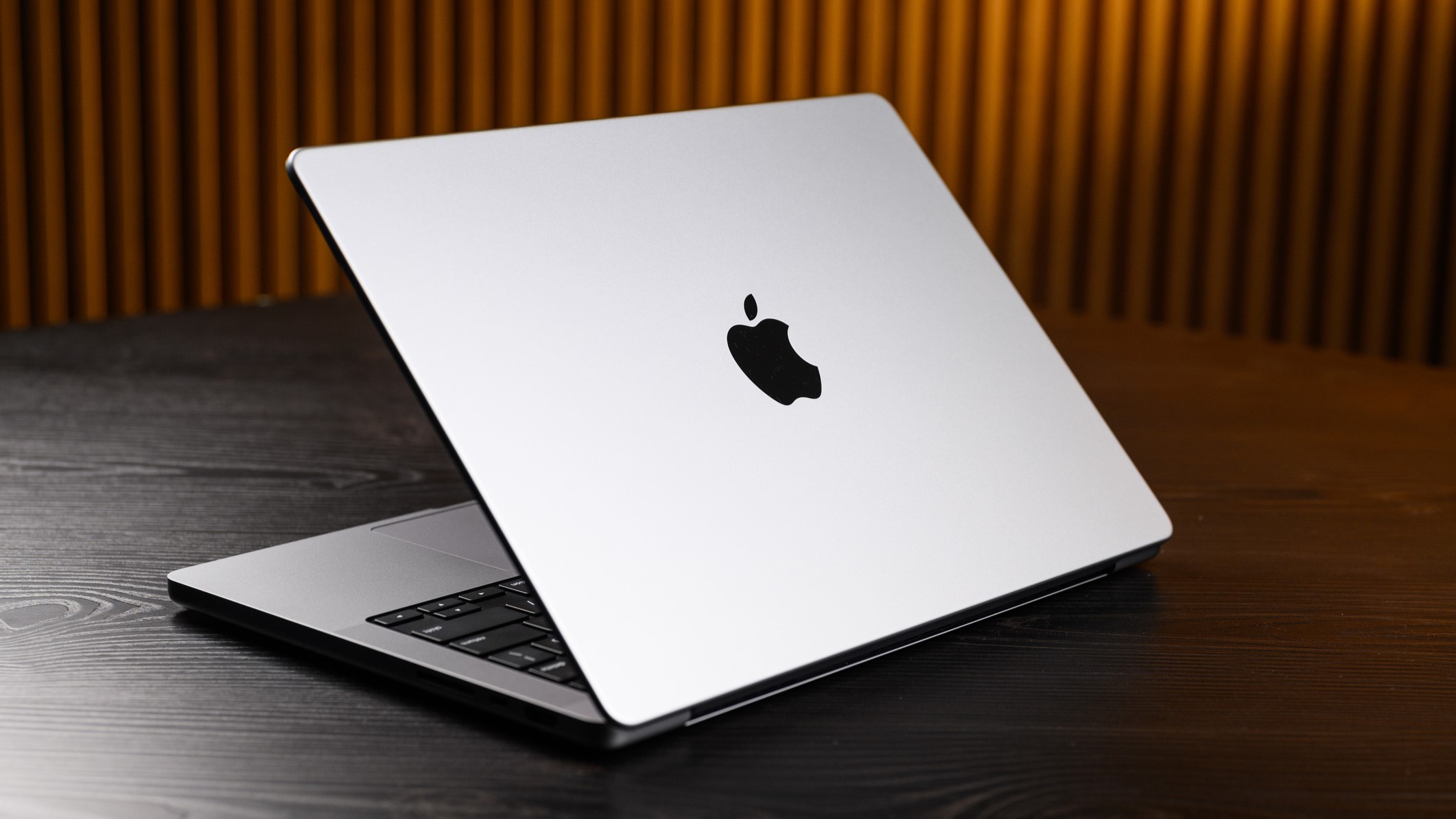
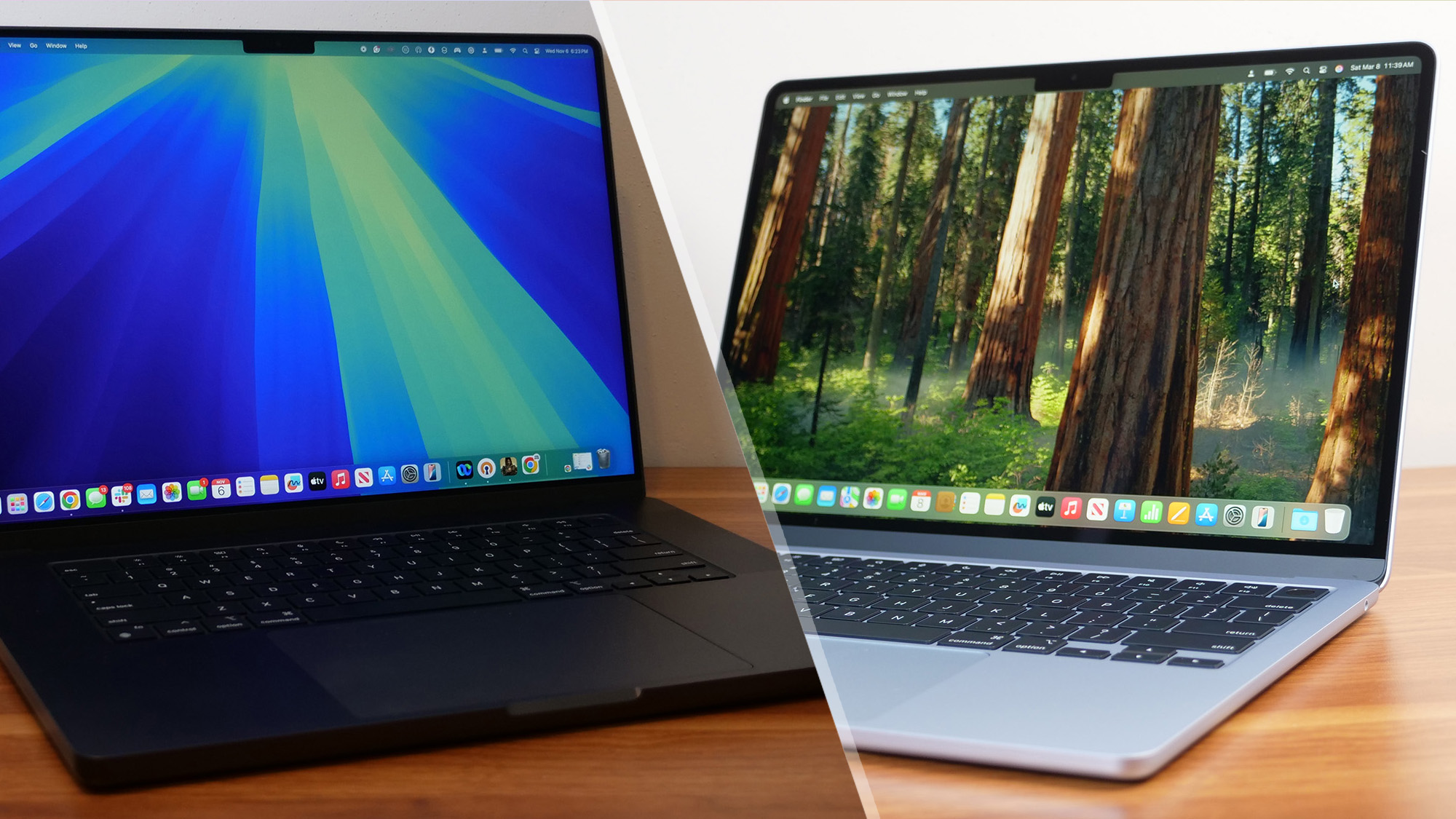
Searching for one of the best laptops under $500 can feel like a monumental task. Even the best budget models lack the flashier features of pricier machines, and it’s hard to know if you’re buying something that will last. But affordable laptops that nail the essentials — and even throw in a bonus feature or two — do exist.
Setting realistic expectations is crucial in this price range. If your needs are basic—web browsing, writing papers, streaming, or using productivity apps—there are solid sub-$500 laptops that can handle the job. These machines are great for students, kids, or anyone looking for a reliable secondary device without breaking the bank. While you’ll find Windows options here, the best Chromebooks often offer better value.
Naturally, some tradeoffs come with the lower cost. Don’t expect top-tier specs, high-end graphics, or premium materials. You should expect slower processors, limited storage, and decent displays. Still, the best budget models make smart compromises, and every laptop on our list has one standout feature: long battery life. If you know what you need, a budget laptop can absolutely be worth it.
This page is regularly updated with our latest reviews to reflect Laptop Mag’s top picks for 2025.
Click to view recent updates to this page
Update log
5/5/2025: Added FAQs, testing charts, and Acer Chromebook Spin 312. Updated "how to choose" section.
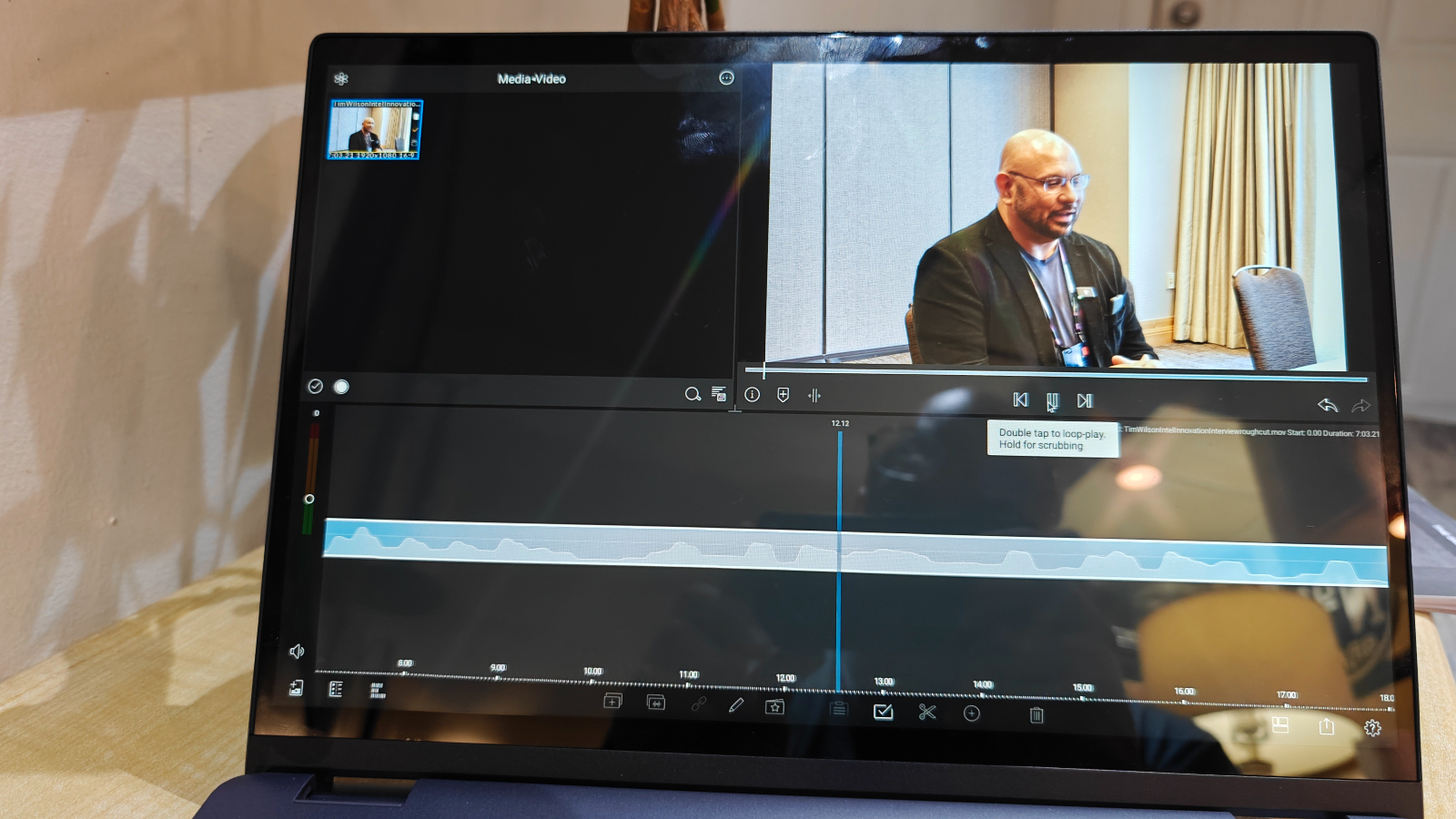
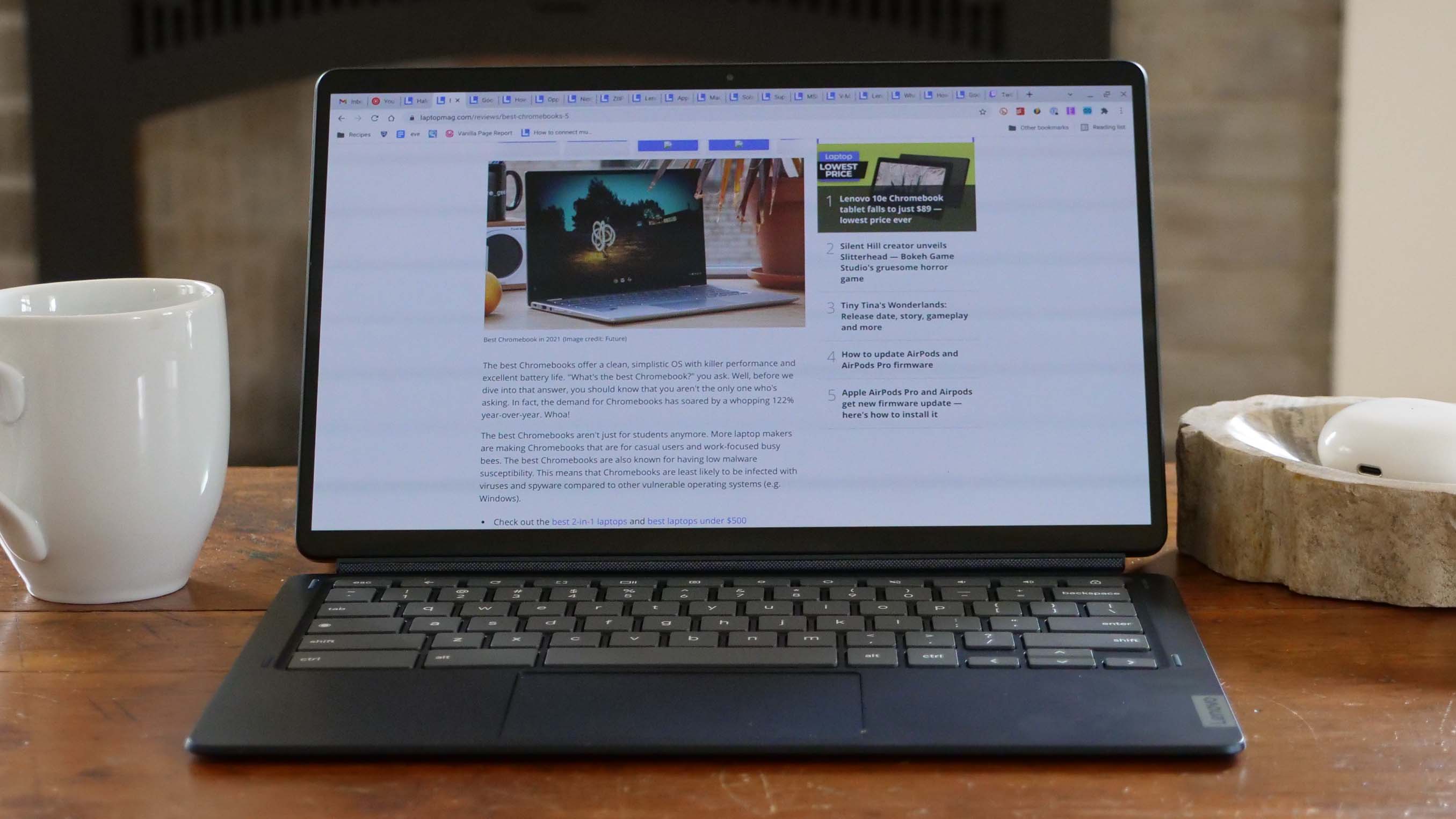
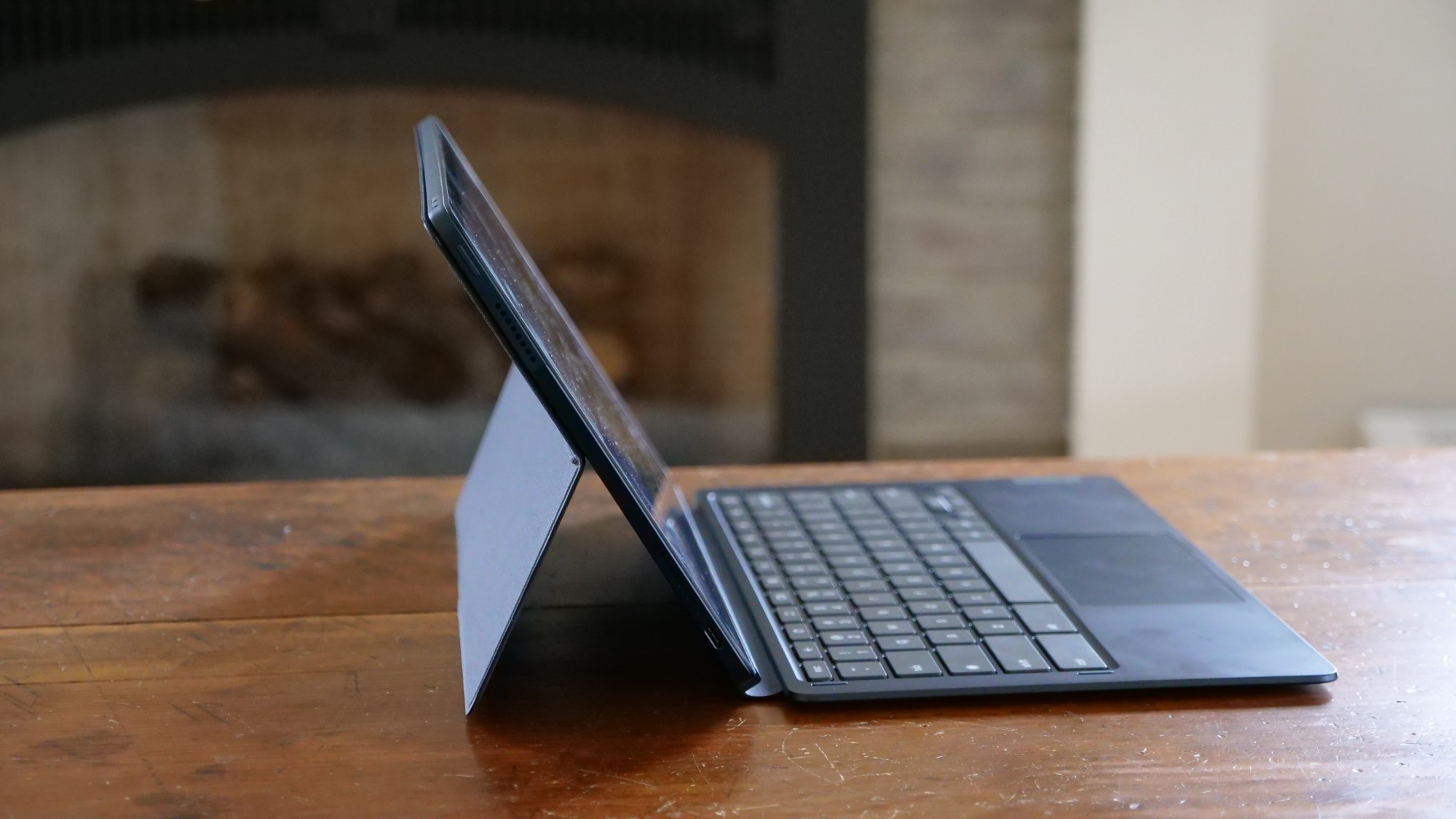
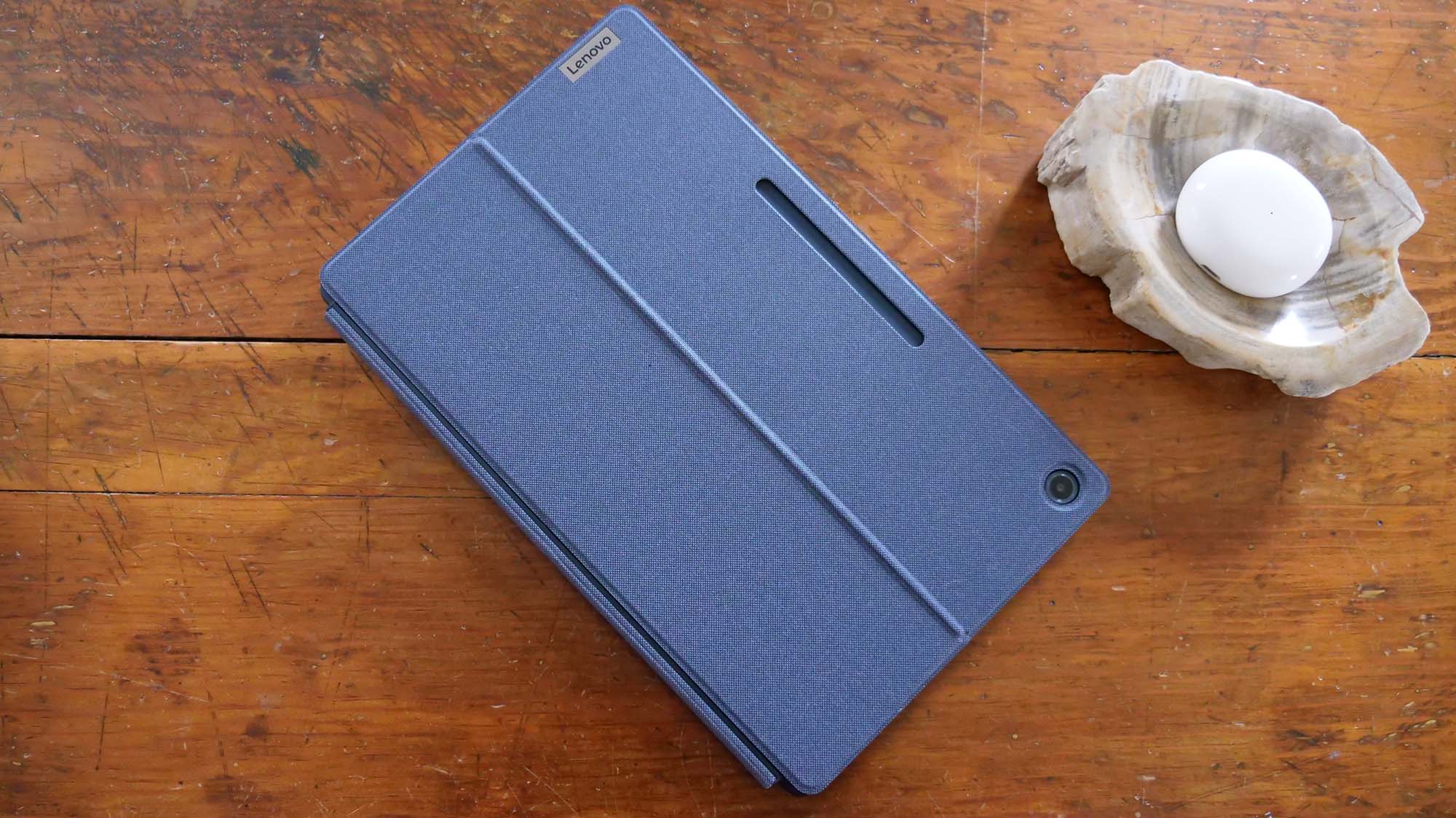
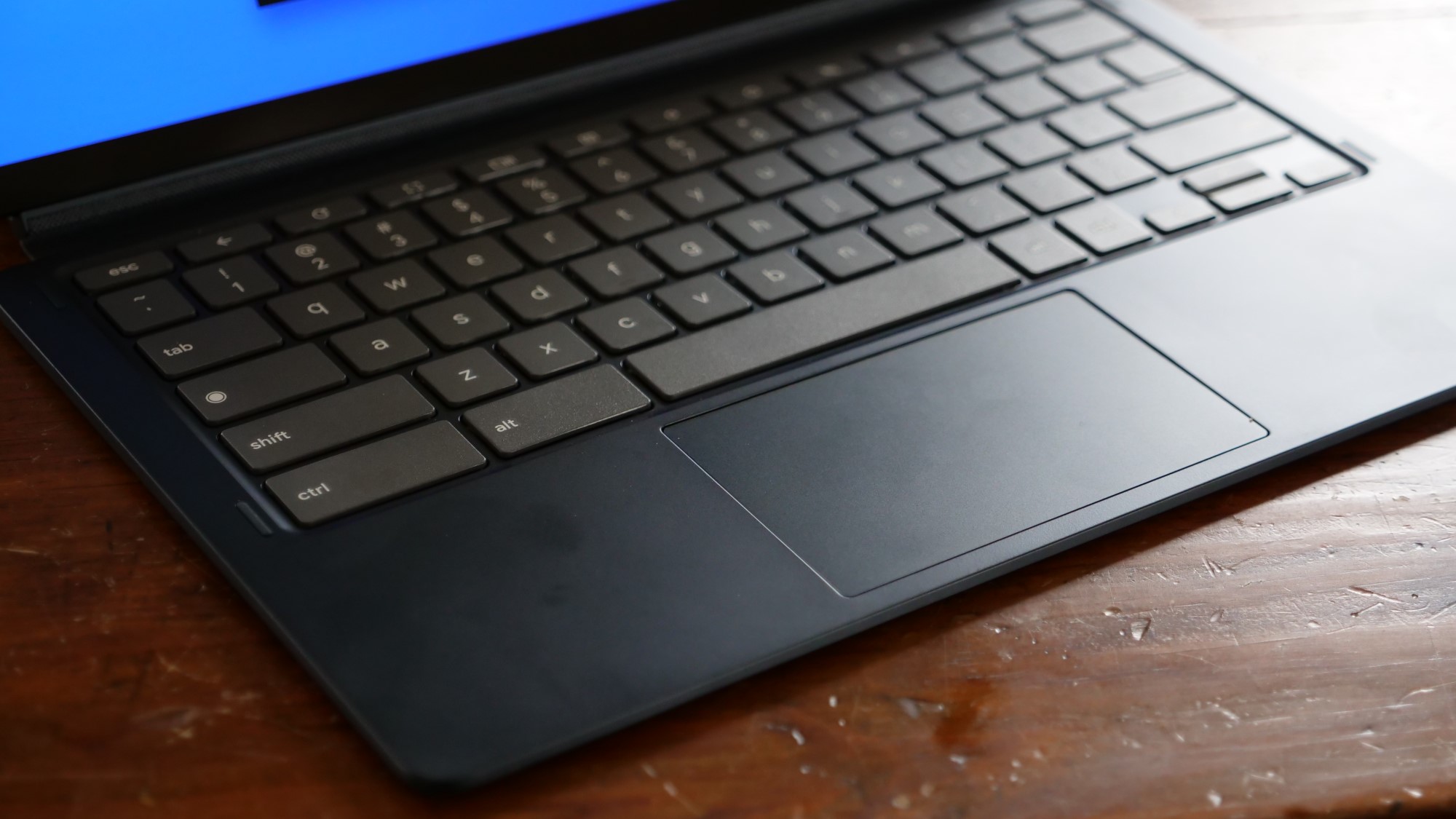
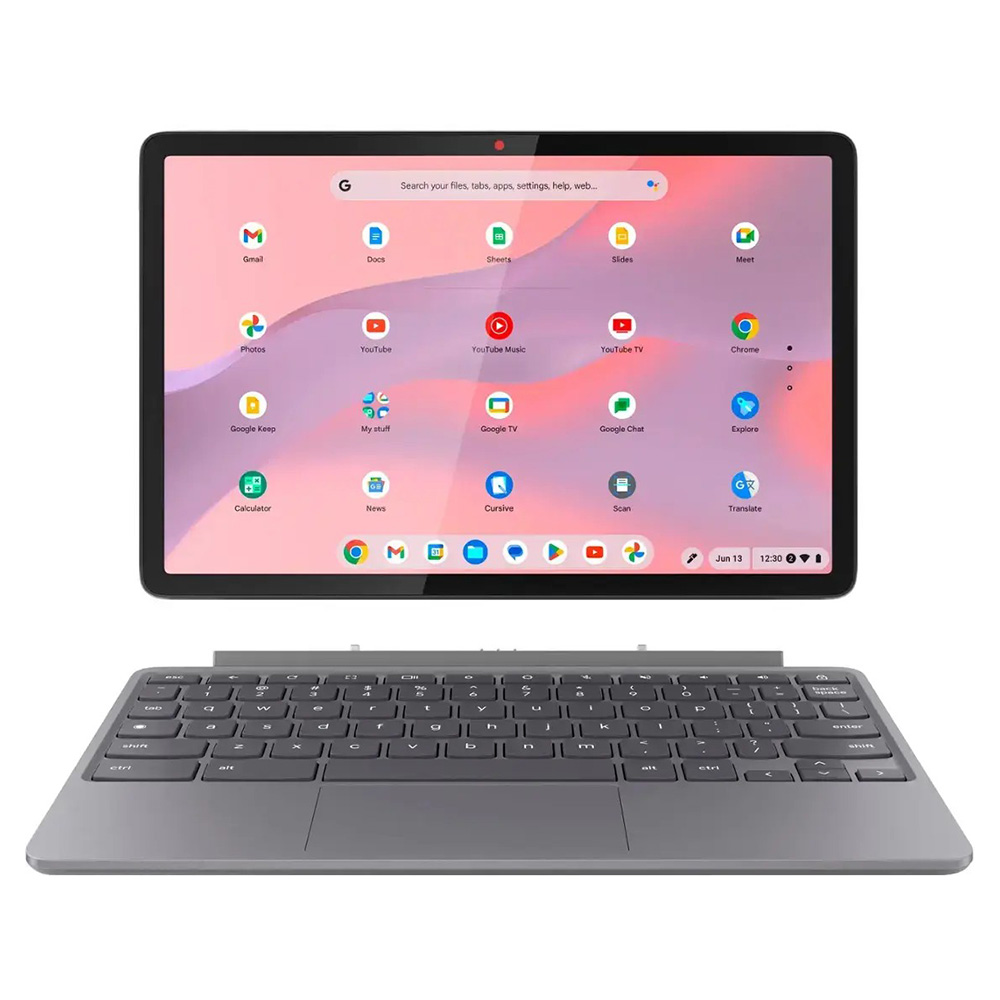
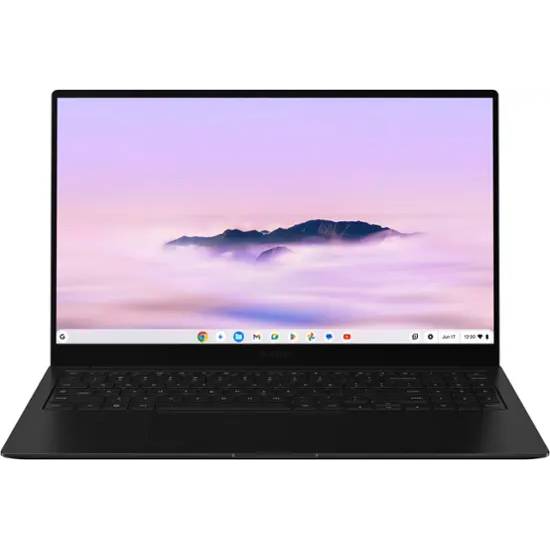
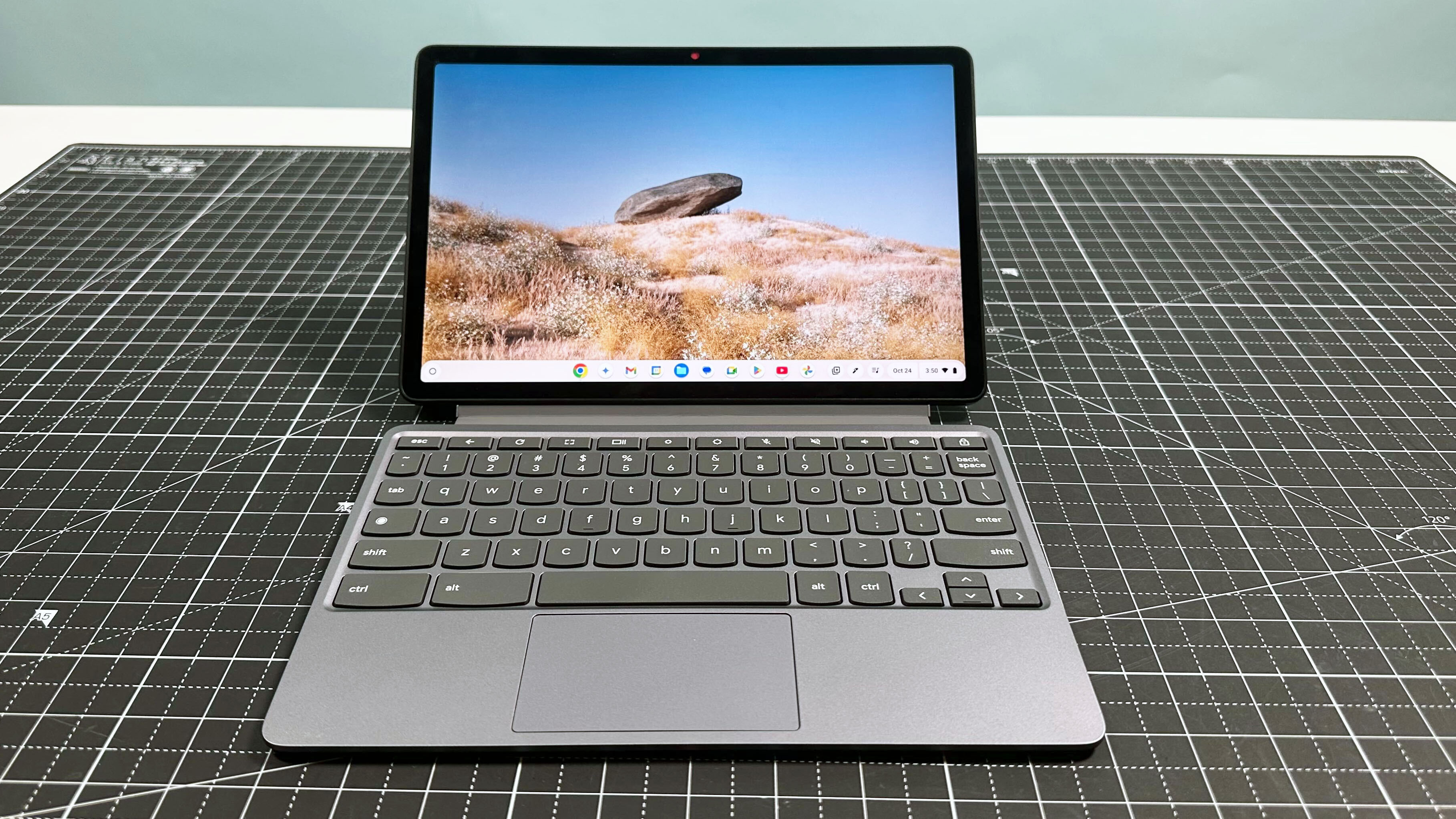
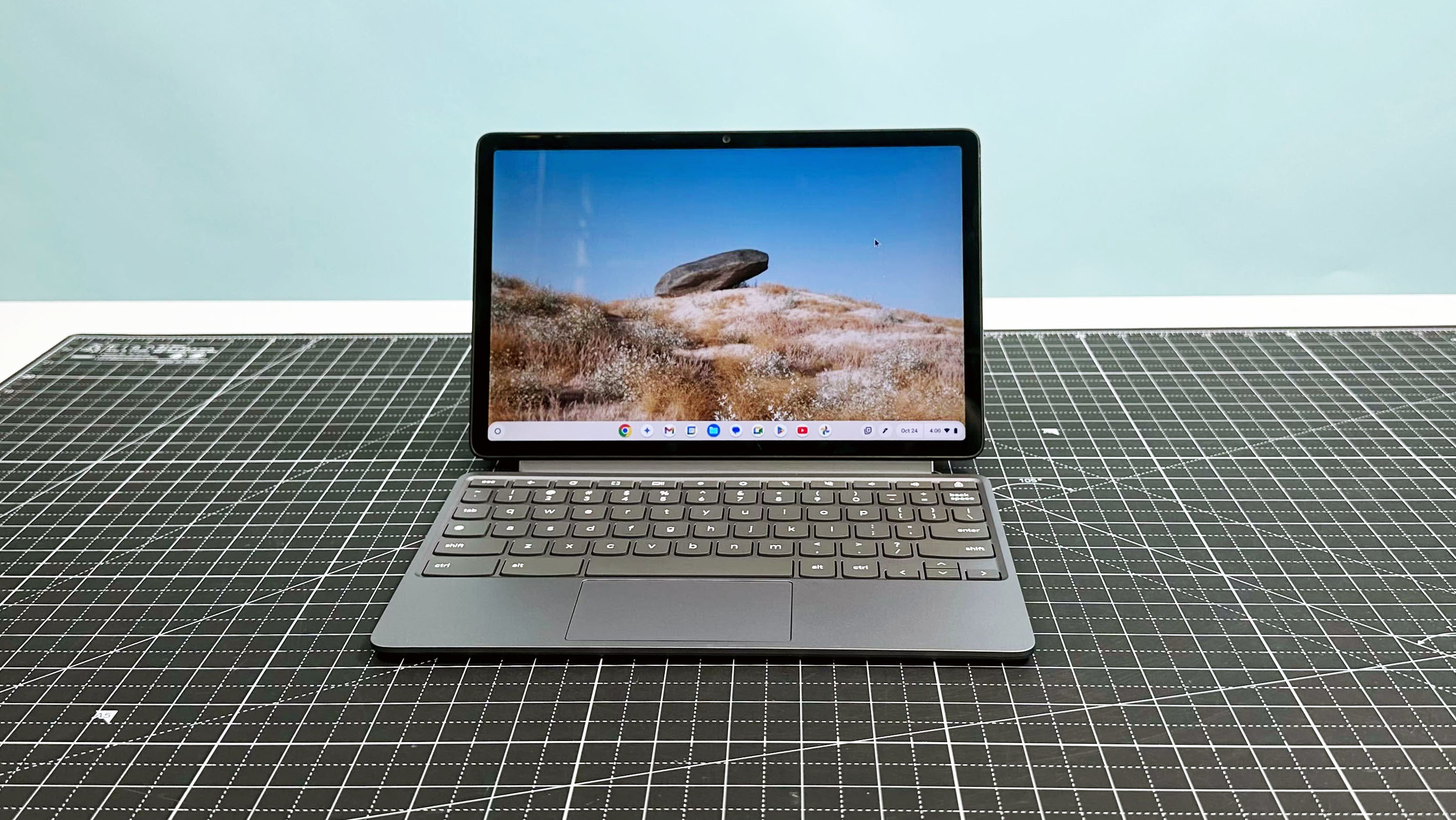
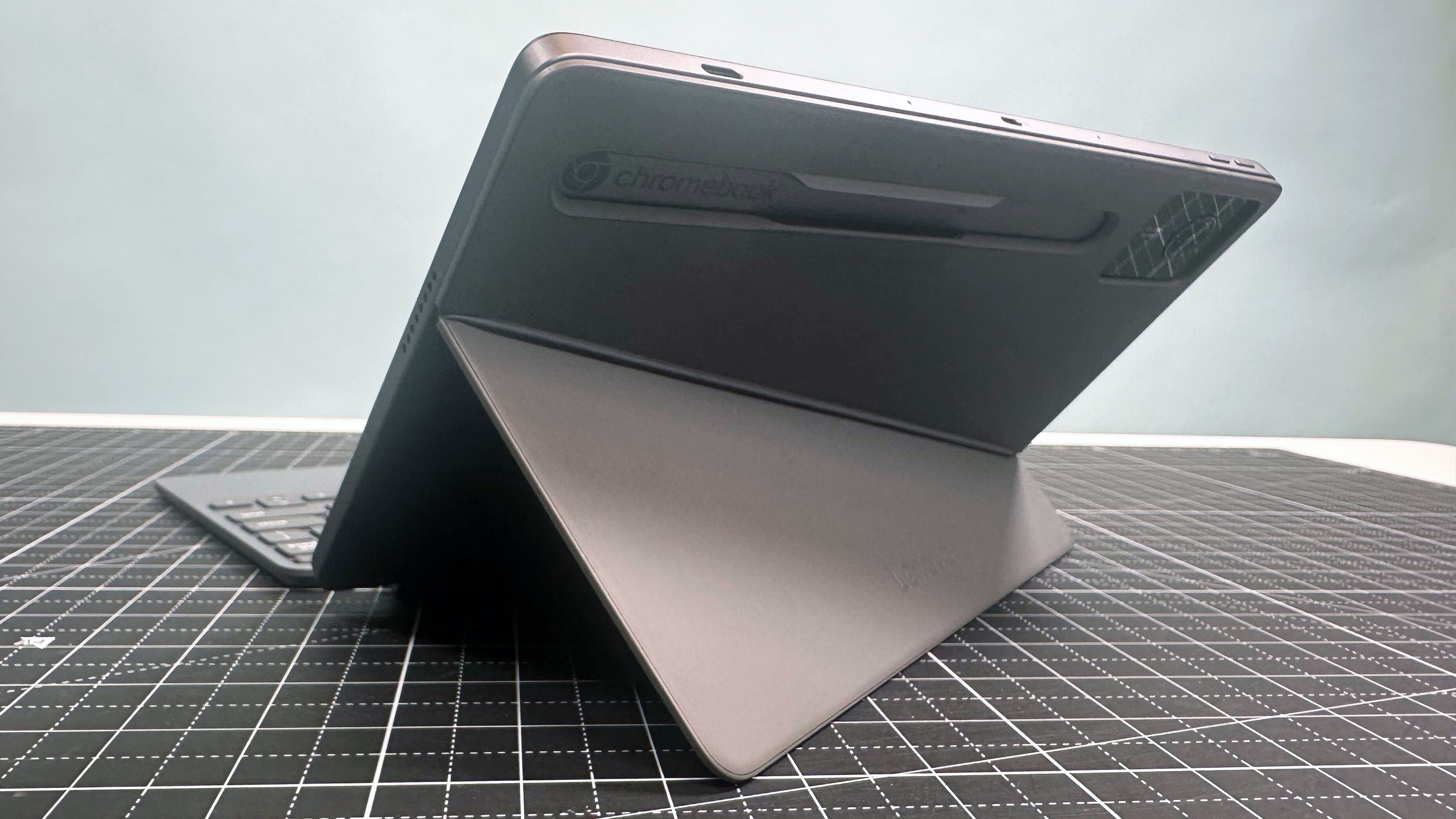
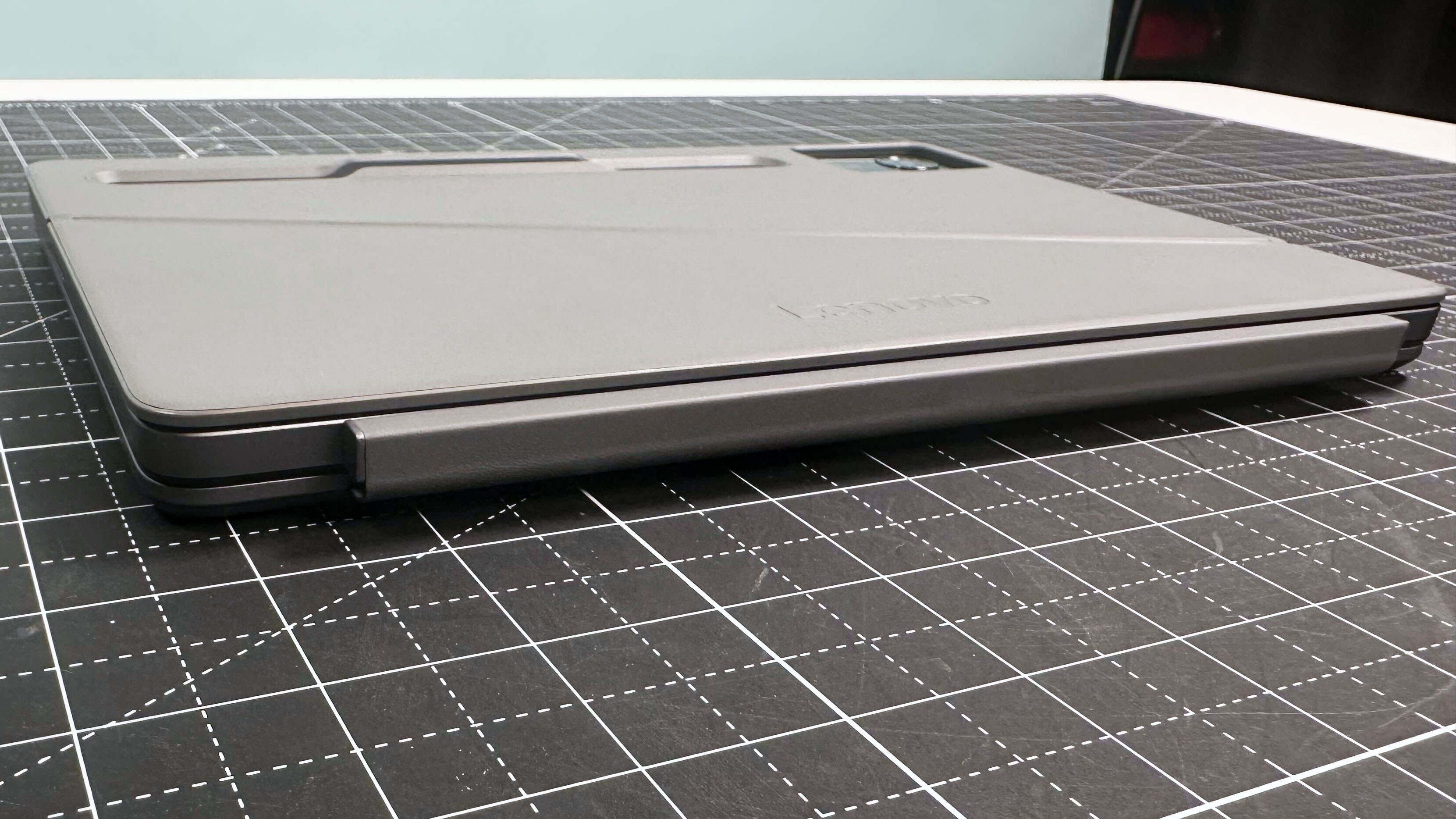
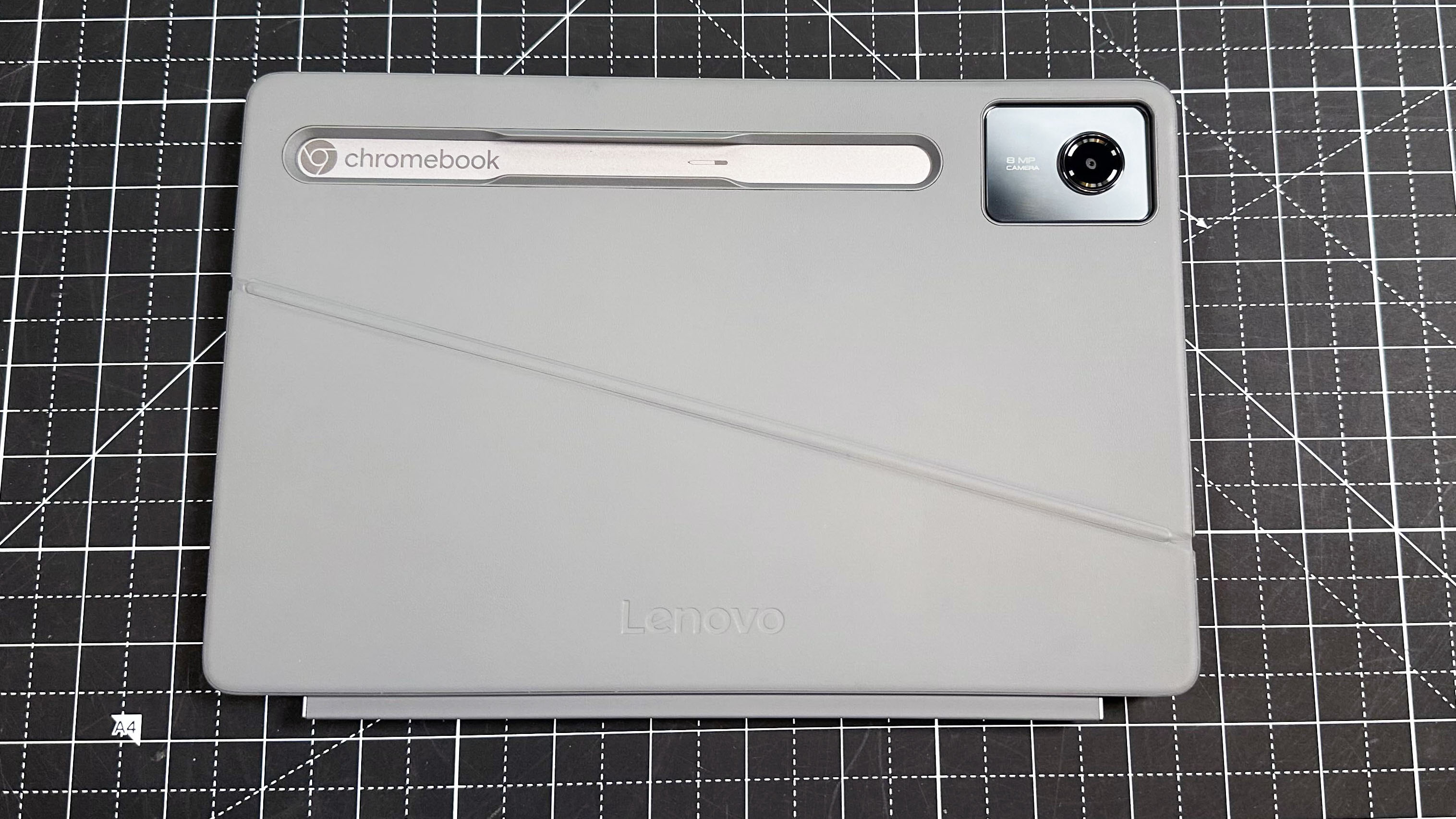
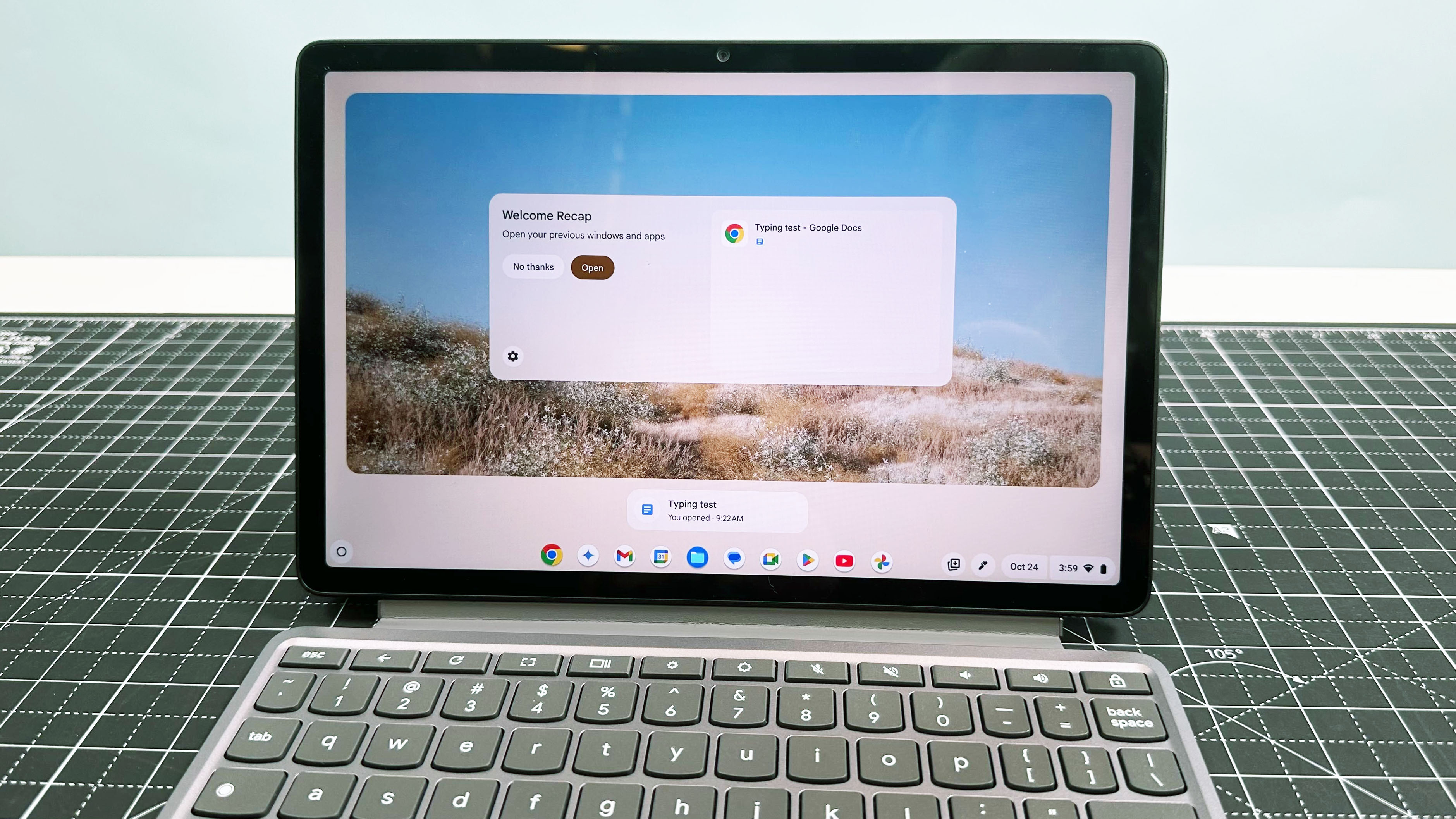
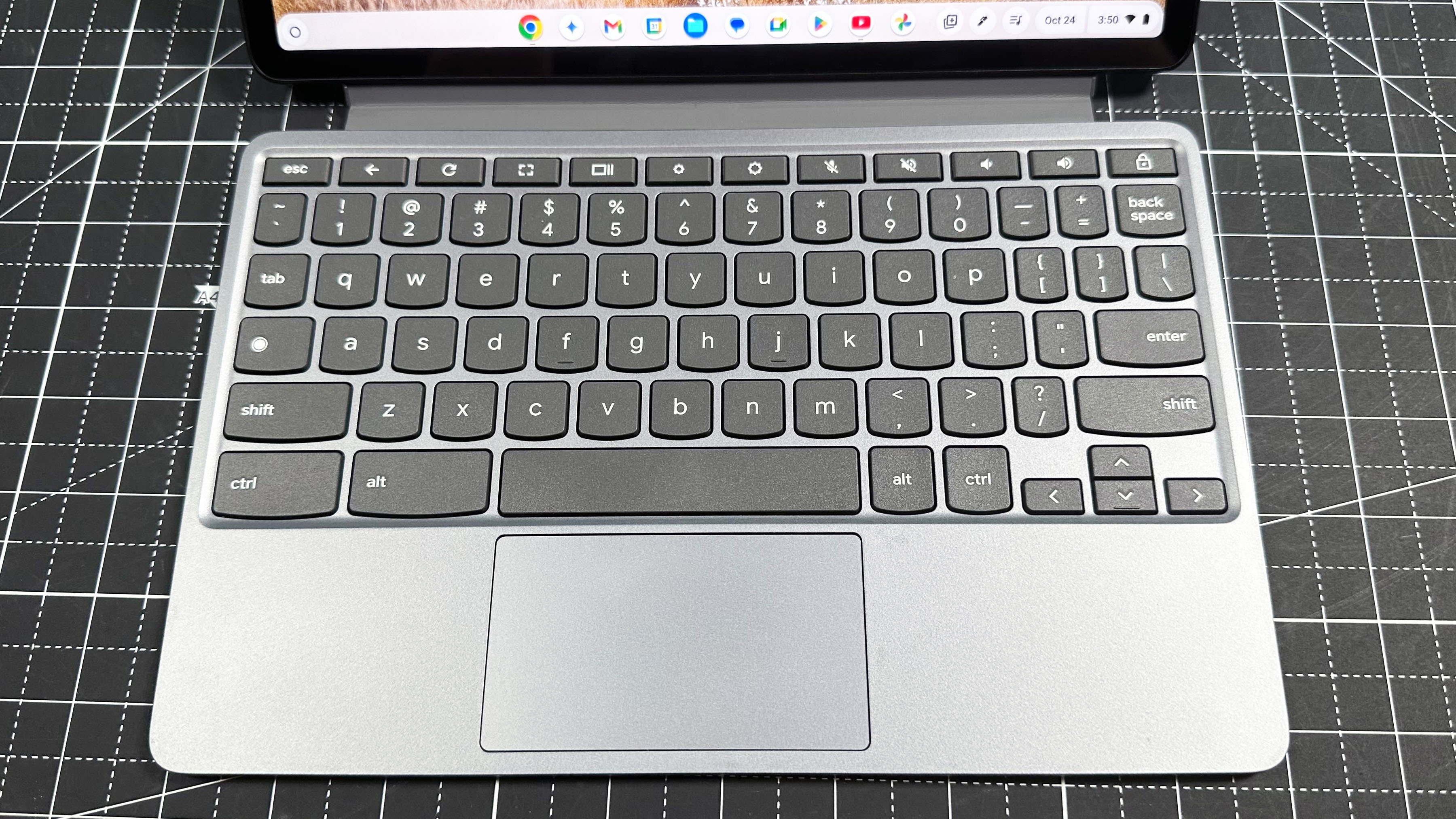
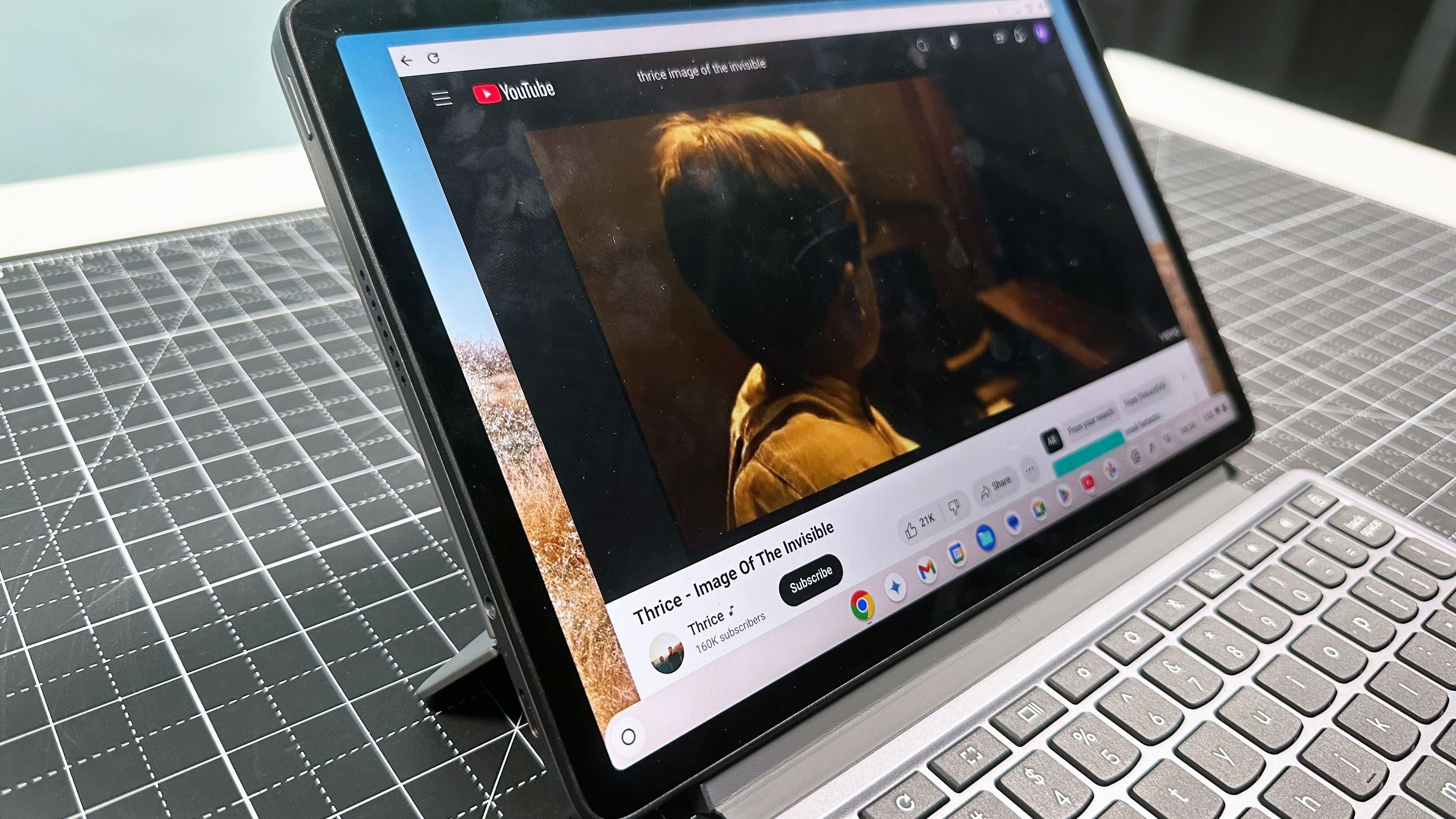
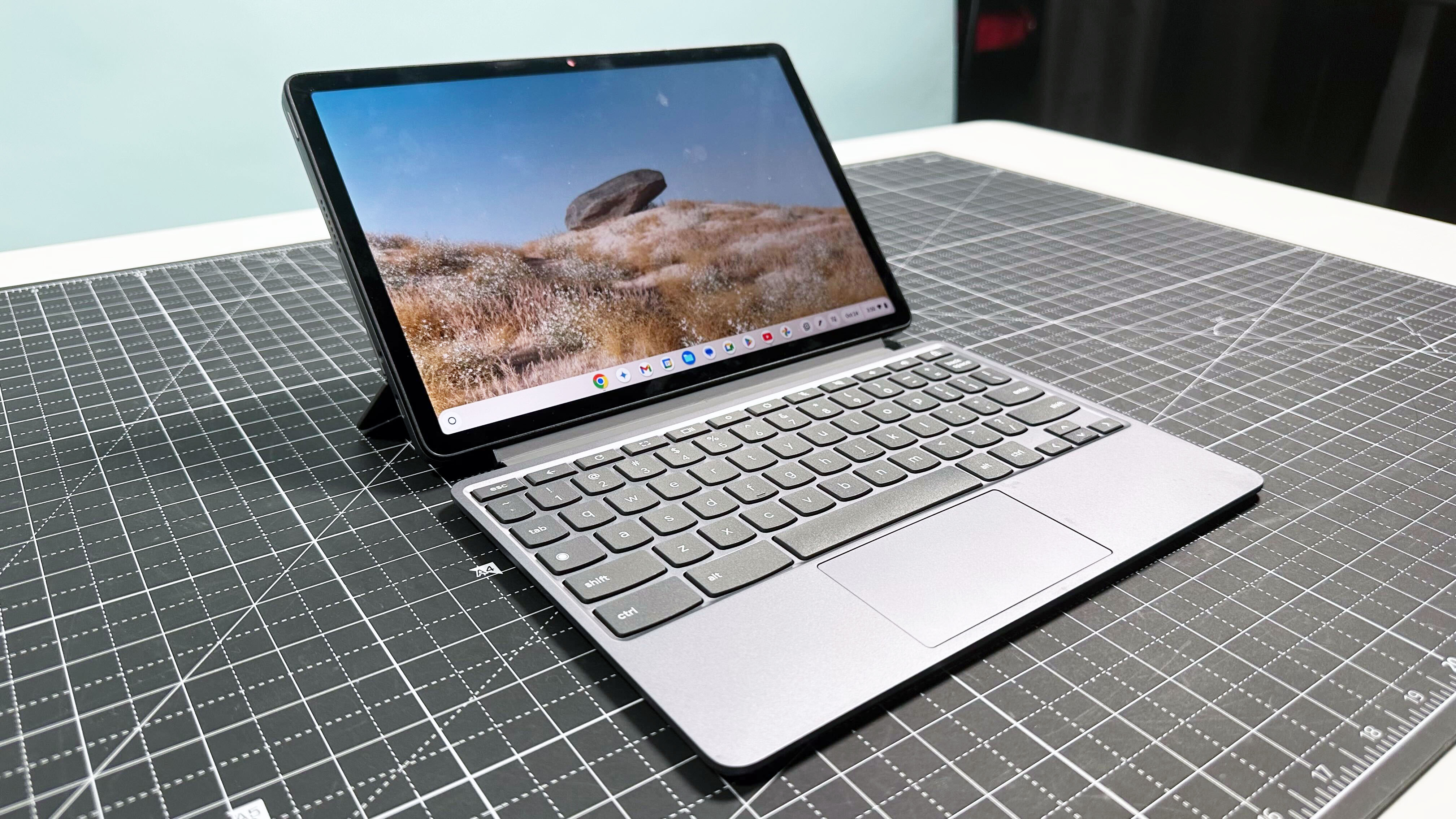
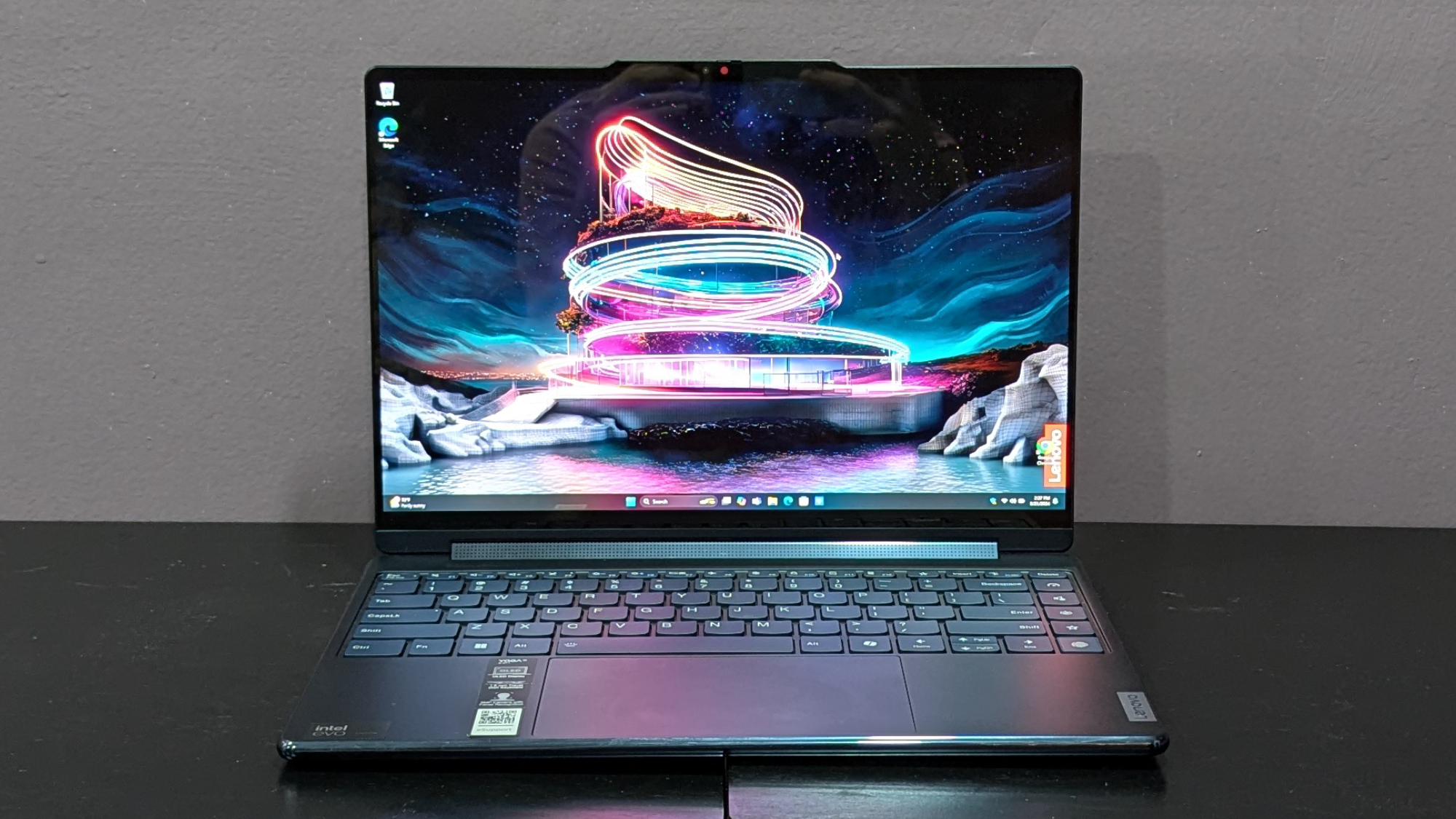
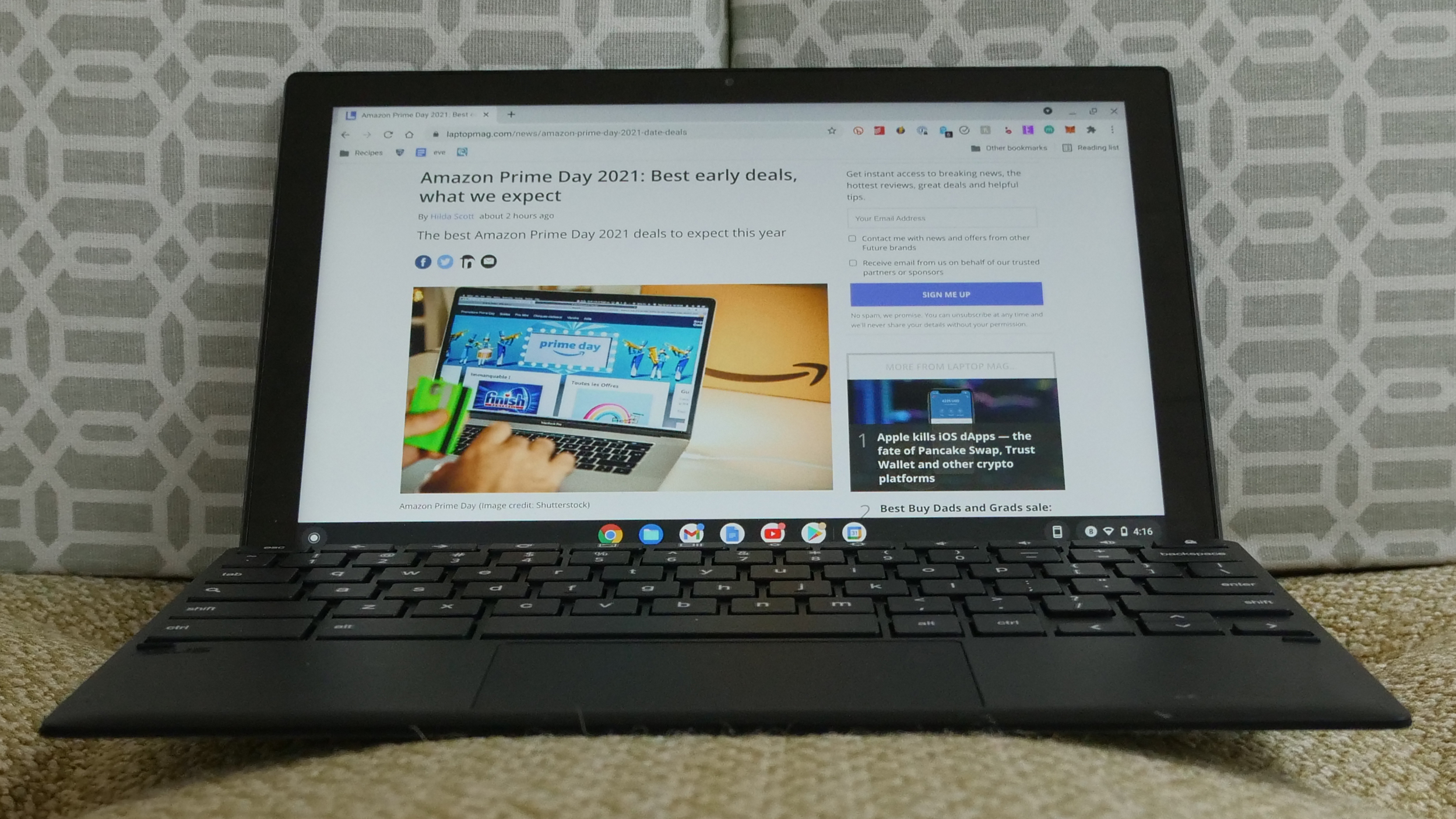
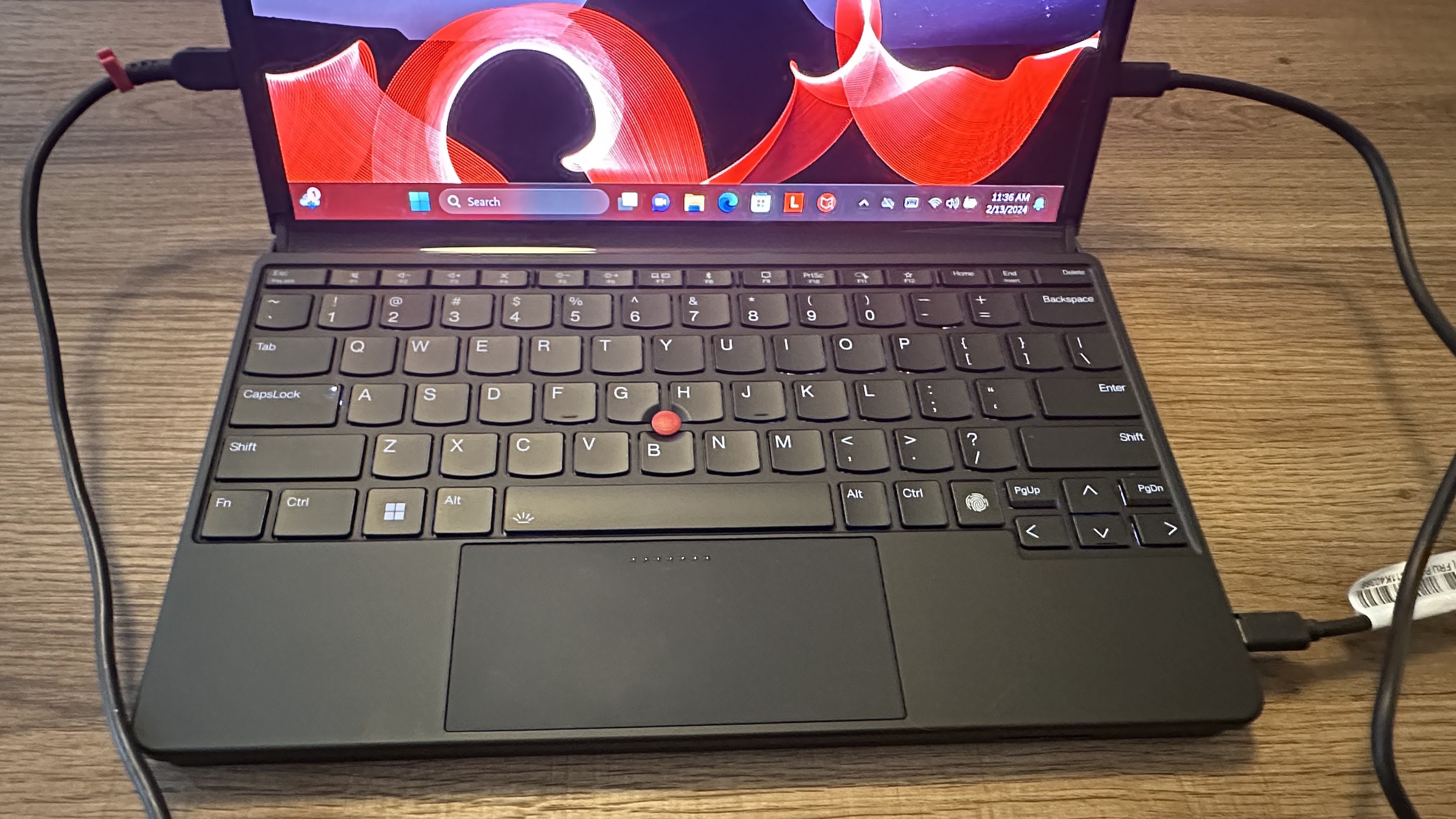
The Lenovo Duet 5 Chromebook’s OLED display and 13+ hours of battery life make it a near-perfect Chromebook. Since it's detachable, you can have a laptop and tablet experience.
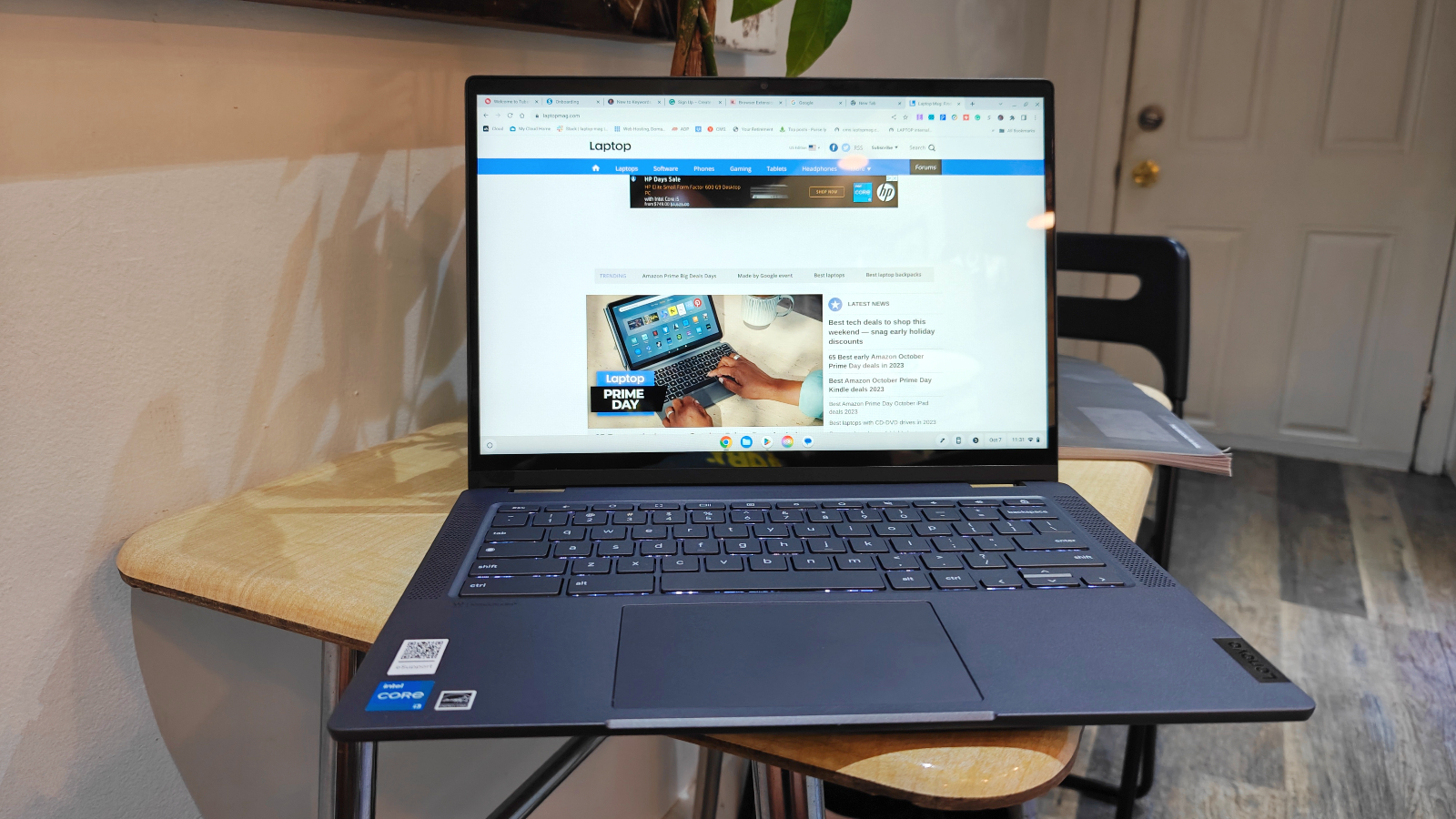
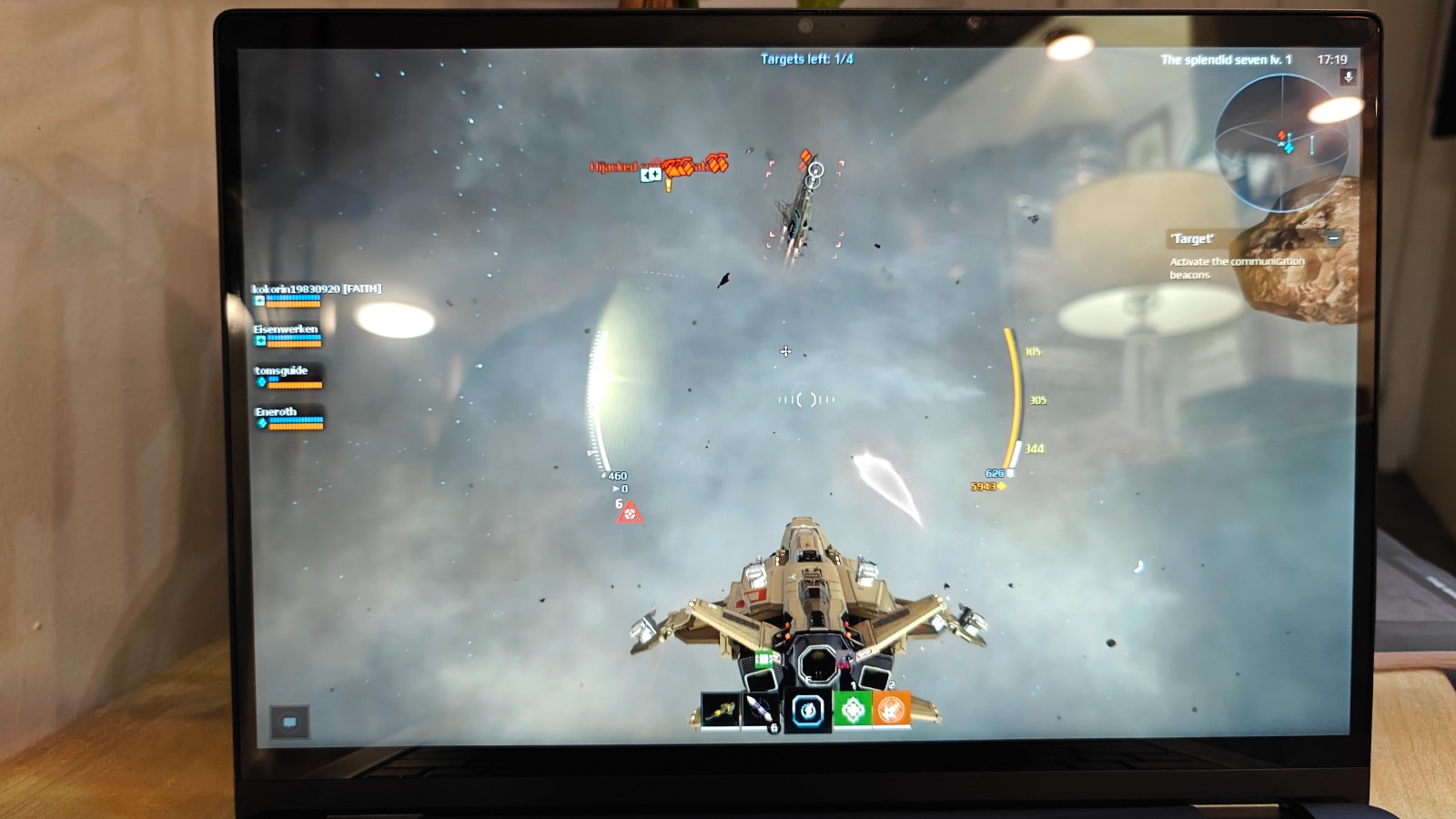
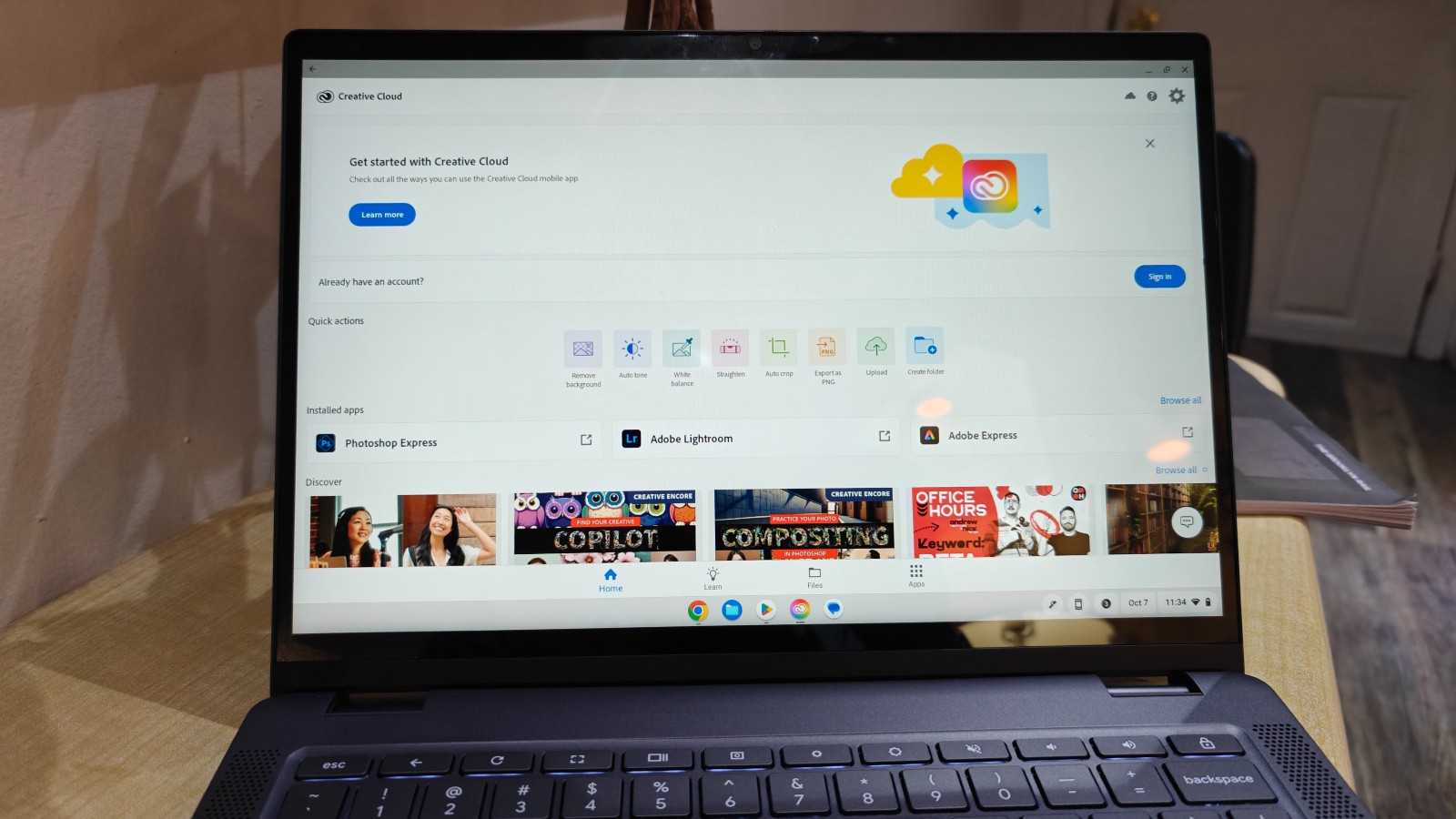
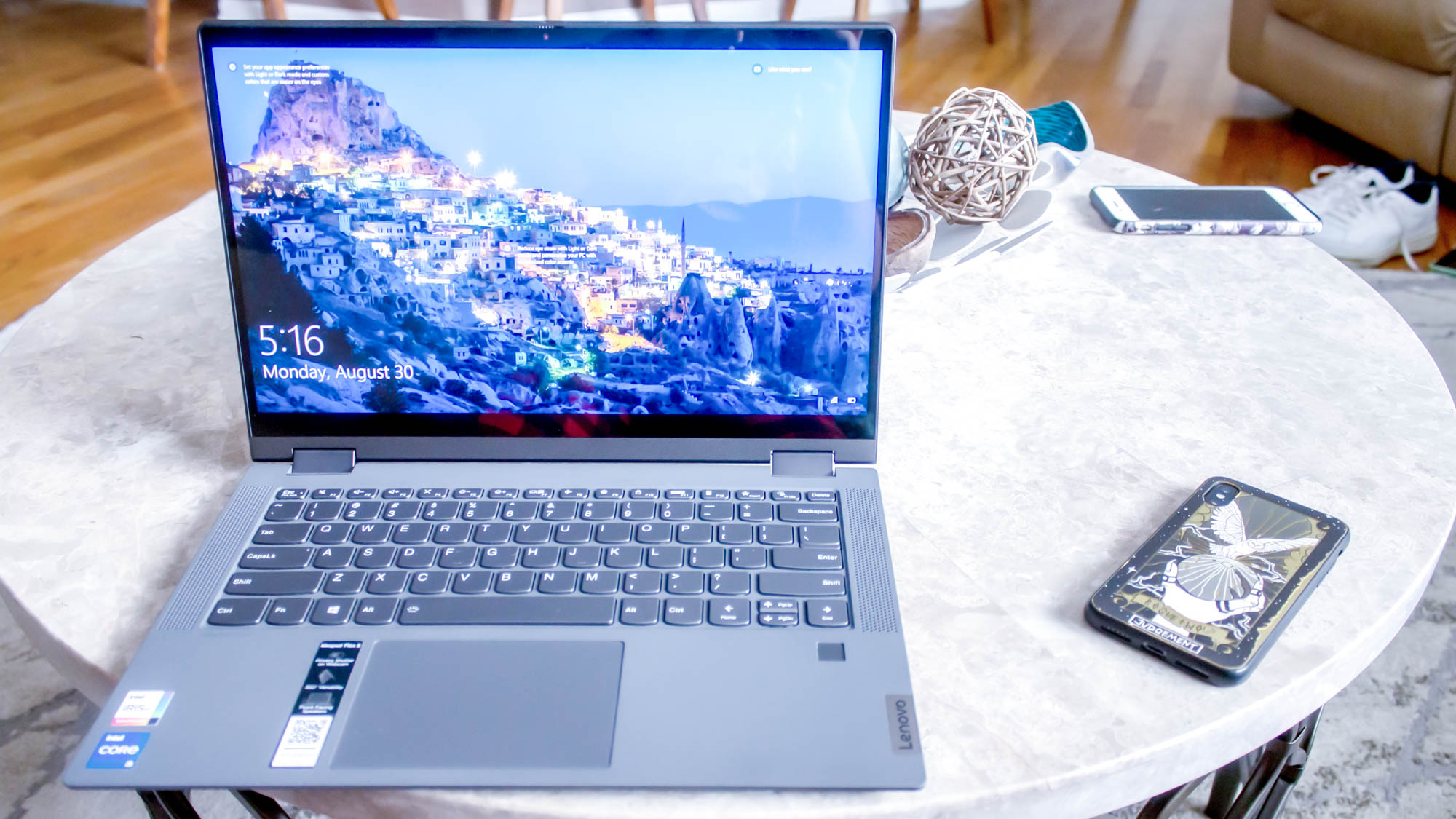
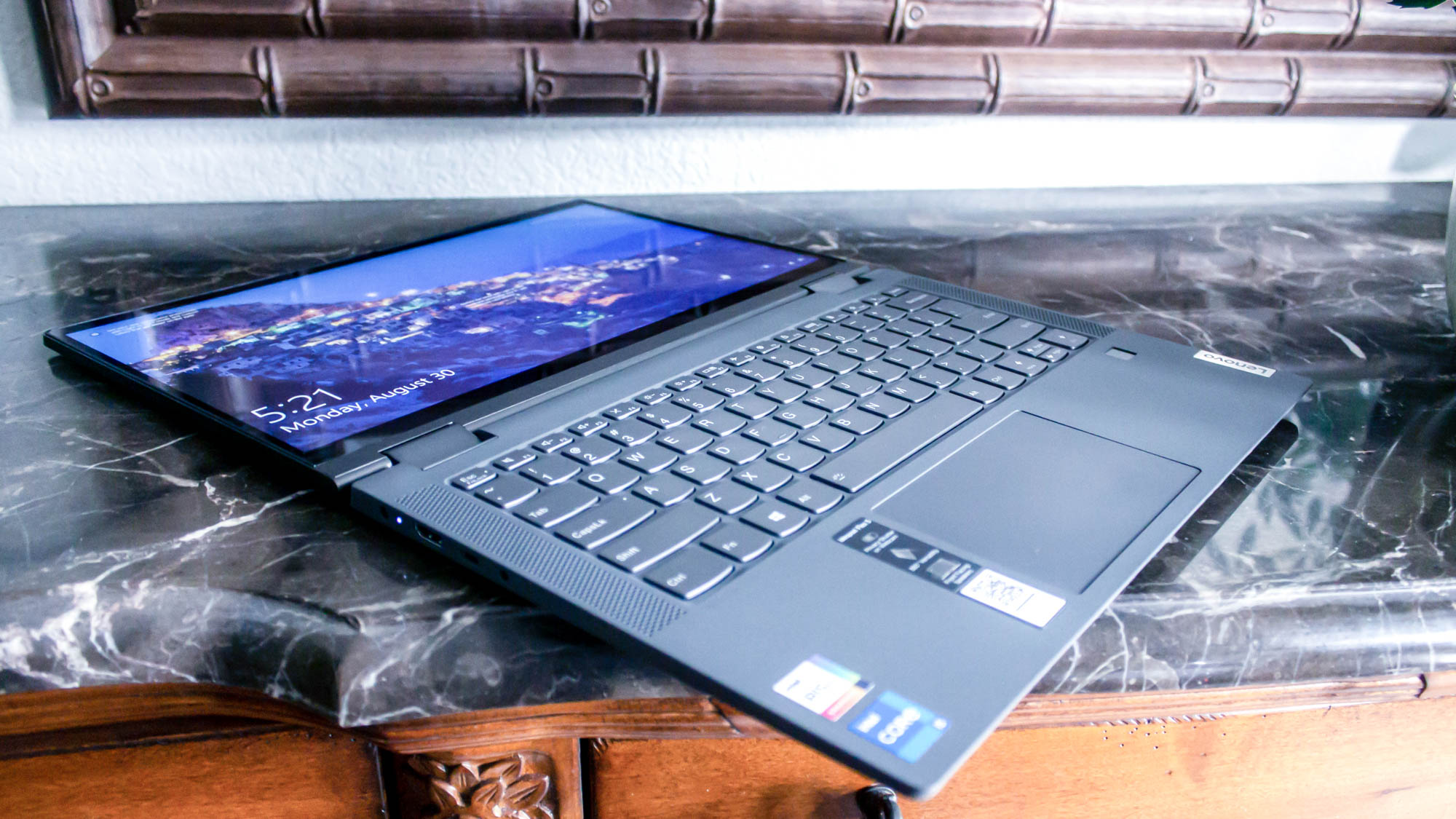
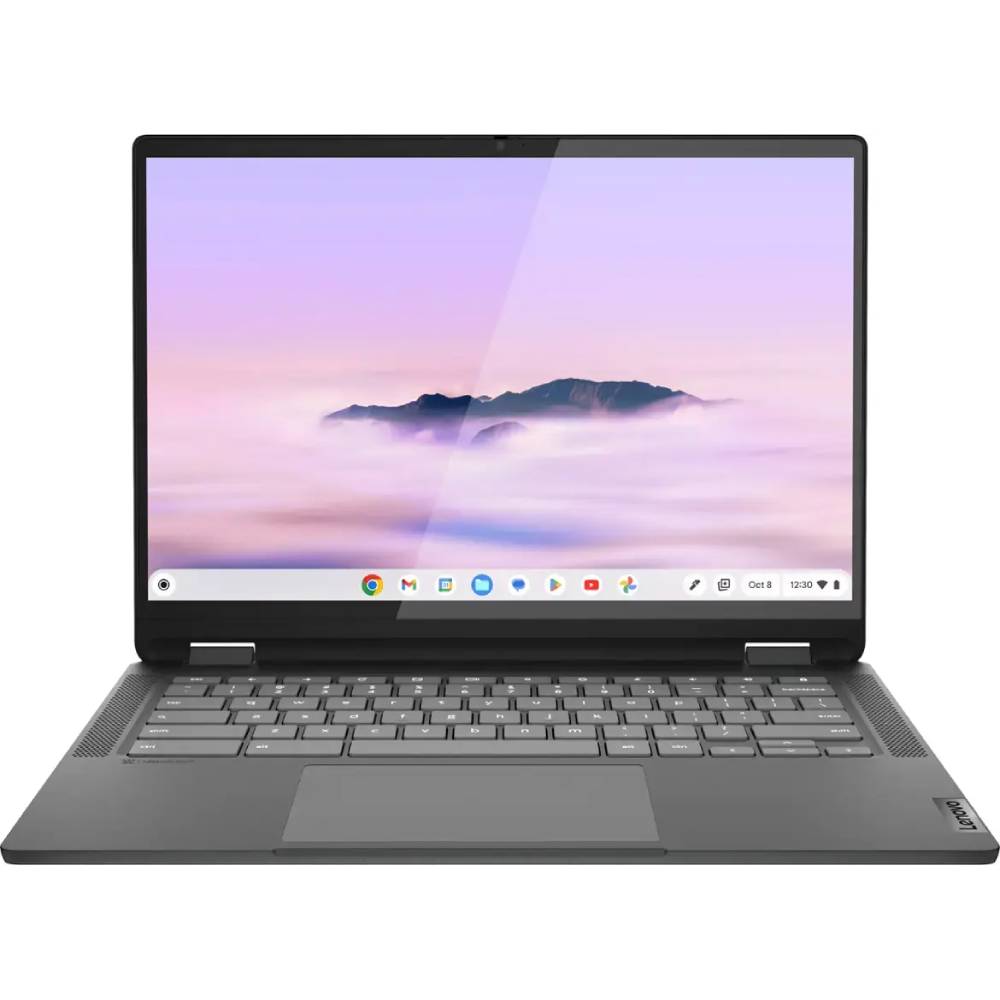
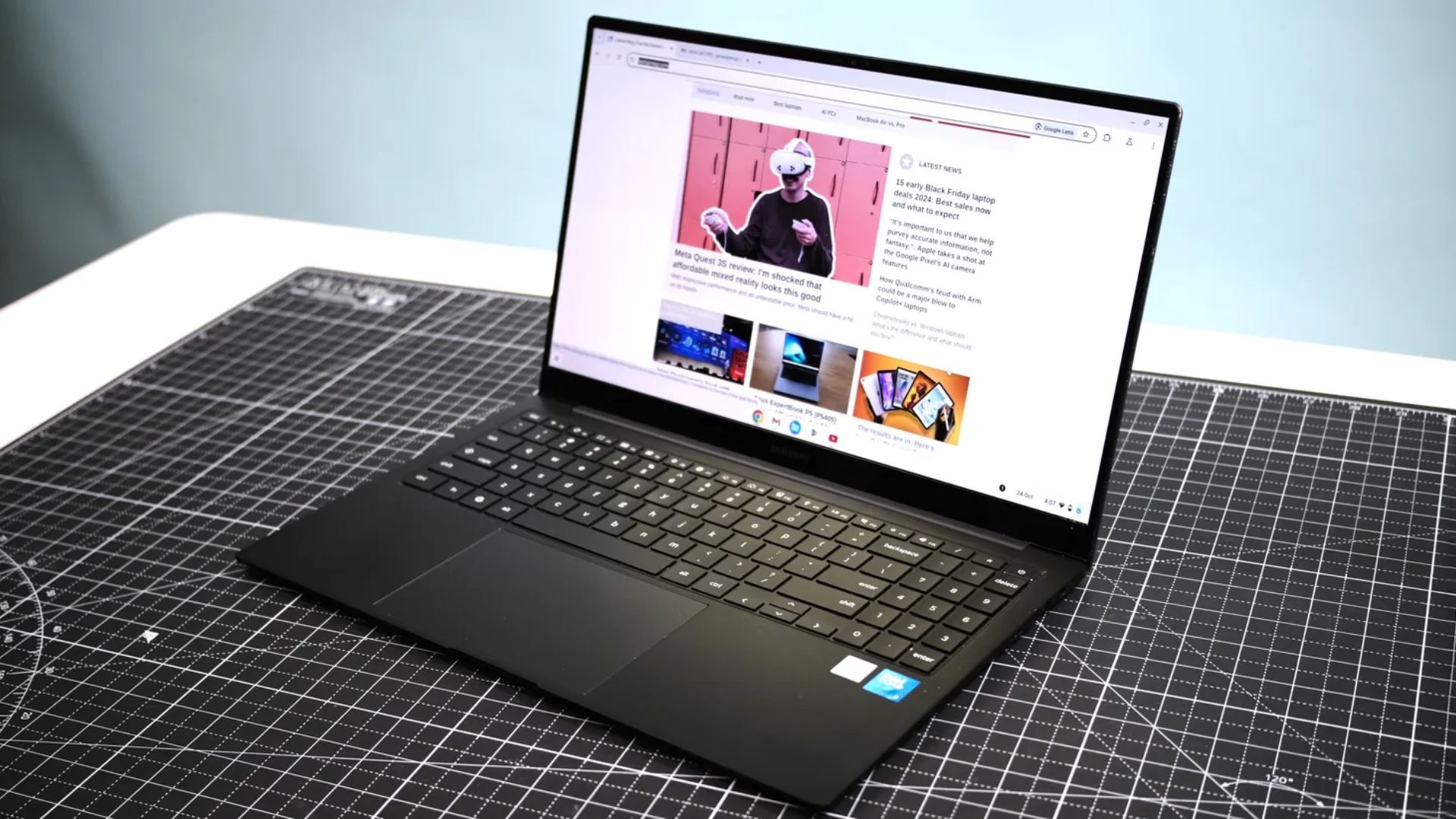
If you're looking for a modern laptop that won't break the bank, we cannot recommend the Lenovo IdeaPad Flex 5i Chromebook Plus enough. That's a mouthful, so I suggest it is a lot of work. But here it is, in all of its Intel Core i3 glory. Slap on 8GB of RAM and a 1080p display, and you have quite a decent laptop for just under $500.
While you might expect poor performance from a Chromebook, the IdeaPad Flex 5 averaged a Geekbench 6 multi-core score of 5,384, just above the 5,259 Chromebook average. It's also far above the performance of the Lenovo Duet 5 Chromebook's average of 1,727 and the Lenovo Flex 5 14 (Intel)'s average of 3,841.
To make that performance even more valuable, this is a Chromebook. That means you won't run into intensive tasks as often as you would with a Windows laptop. On top of that amazing AI-backed performance, it also offers close to 10 hours of battery life. That'll take you into overtime (paid, or else call me).
One of my favorite features about the IdeaPad Flex 5i is its design. You won’t get stuck with a clunky laptop that looks like it came straight out of battling Windows 95. If I didn’t know any better, I’d say this was a premium laptop by the looks of it. It comes in at 12.4 x 9.0 x 0.8 inches and 3.6 pounds. It’s not the lightest or the thinnest, but it makes up for it by being a sturdy shoulder to lean on.
Yeah, its 14-inch, 1080p display isn't colorful, but its 16:10 aspect ratio gives you more vertical space to work with.
The Lenovo Duet 5 Chromebook has been at the top of this list for years, and that's only recently changed because we want to make room for more up-to-date products. However, that doesn't change the fact that it is an absolute champion.
Regarding our synthetic benchmark tests, the Lenovo Duet 5 Chromebook has some of the most underwhelming performance on this list. The Duet 5 Chromebook's Geekbench 5 multi-core average of 1,727 is well below the Lenovo IdeaPad Flex 5 14 (Intel)'s 3,841 average. It is above the Acer Chromebook 317's 1,137, though both laptops fall below the Chromebook average of 2,253.
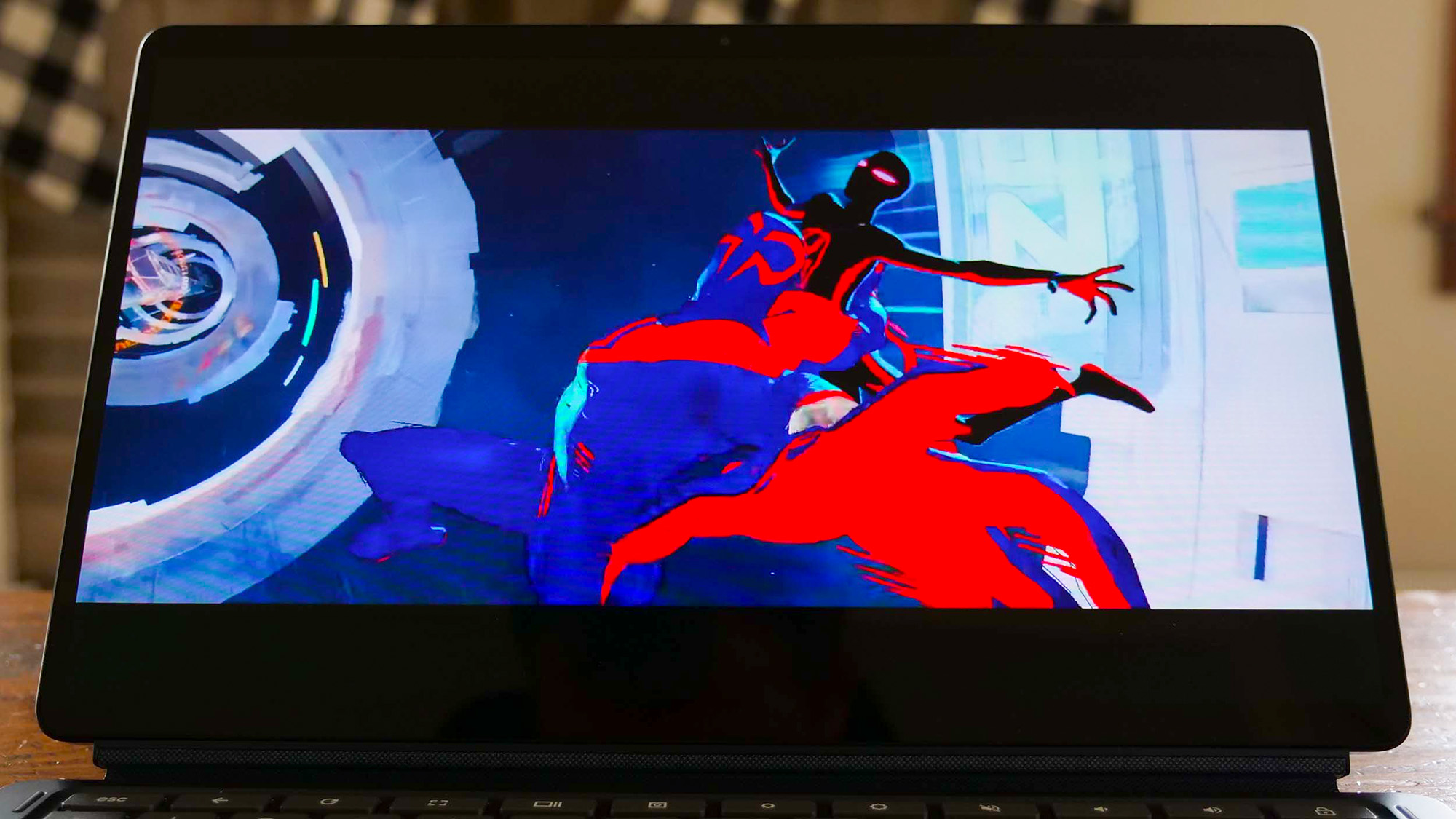
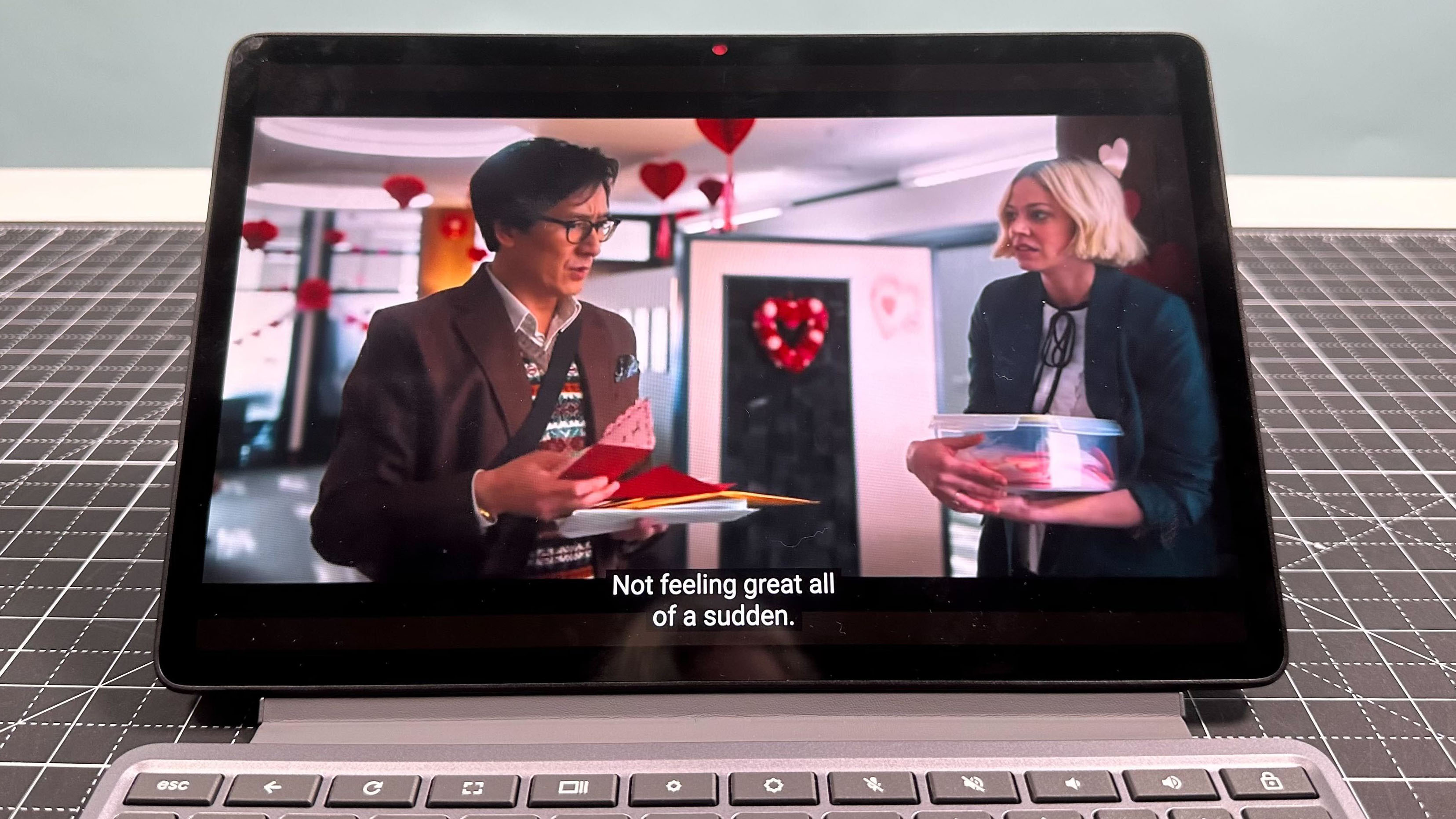
This baby is packed with a 13.3-inch, 1920 x 1080 OLED display. It reproduced 85.2 percent of the DCI-P3 color gamut and averaged 361 nits of brightness. Those numbers we’d see in premium laptops — and some of those more expensive items don’t get as bright or colorful. And an OLED panel is an impressive addition. You’d find those in gaming laptops, MacBook competitors, and big TVs.
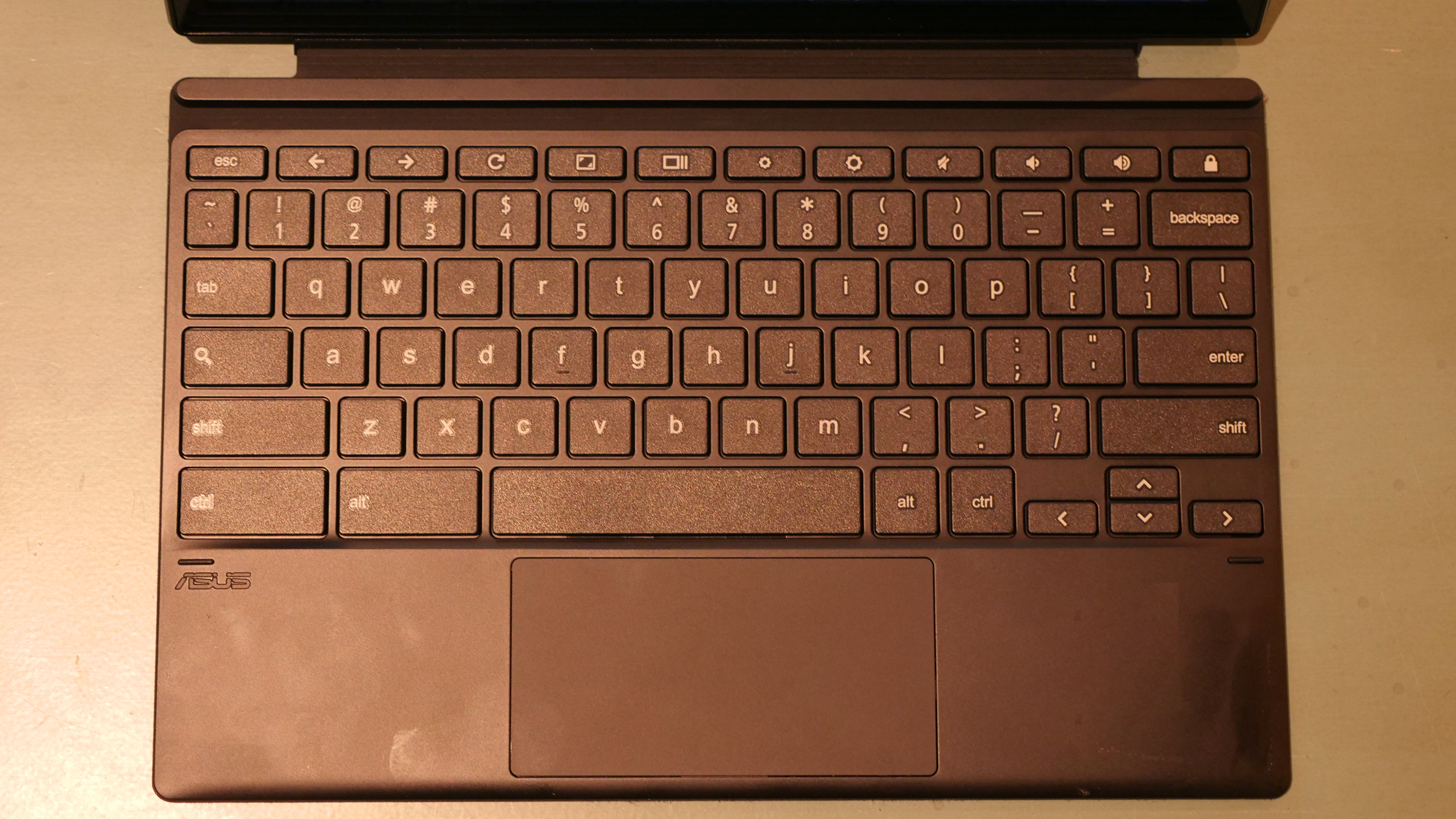
Speaking of dissing premium laptops, this detachable will also get you 13 hours and 31 minutes of battery life. That’s almost enough battery life to land on our laptops with the best battery life page. That alone is an excellent package for under $300. But there's more! This is a detachable 2-in-1, meaning it can go from a tablet to a full laptop. And unlike some pricier detachables, this machine includes the keyboard and cover (I wish that weren't boast-worthy, but it is).
The only downsides to this machine are its relatively weak performance and lack of a stylus. But for the price, it's pretty damn good.
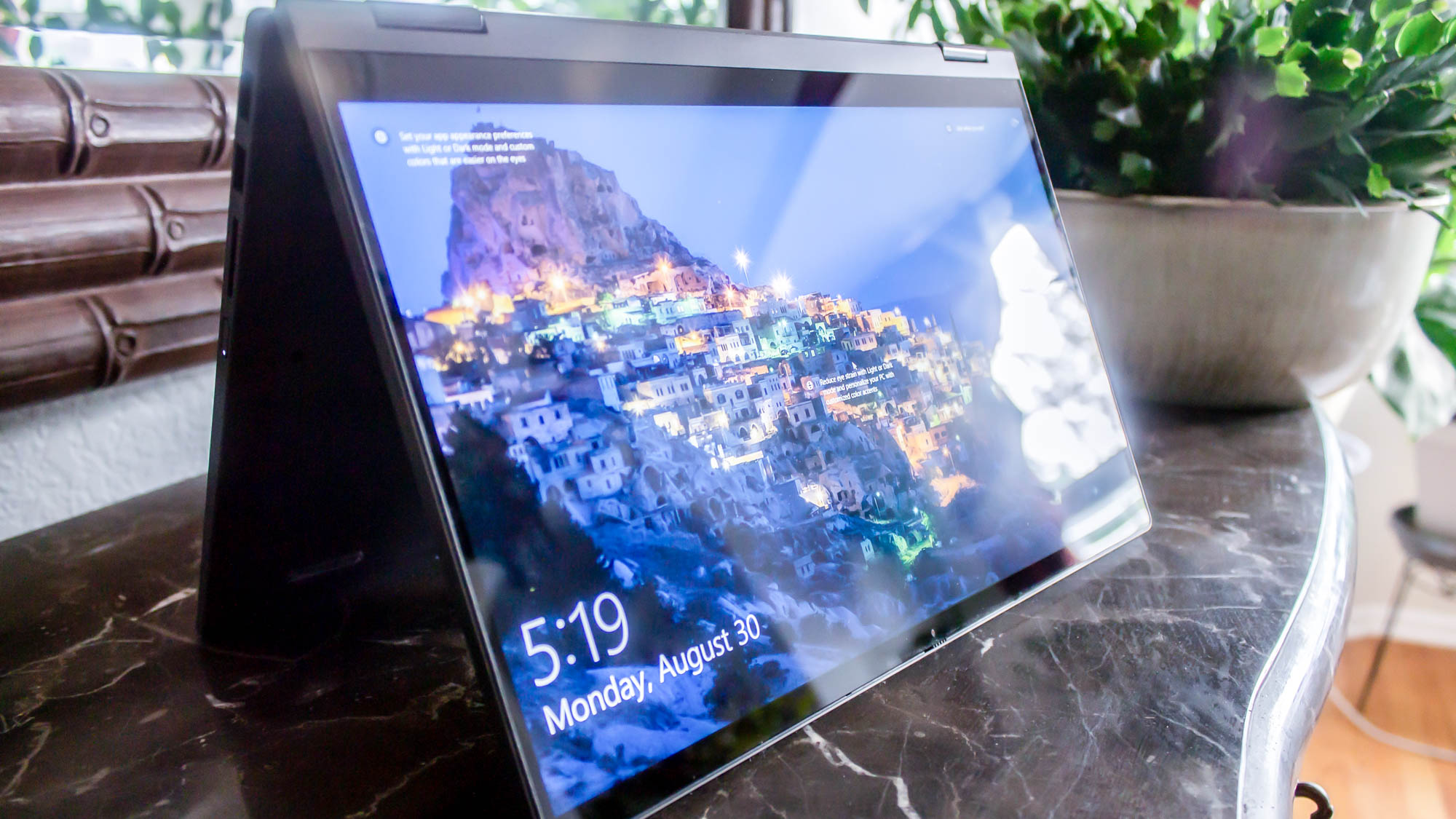
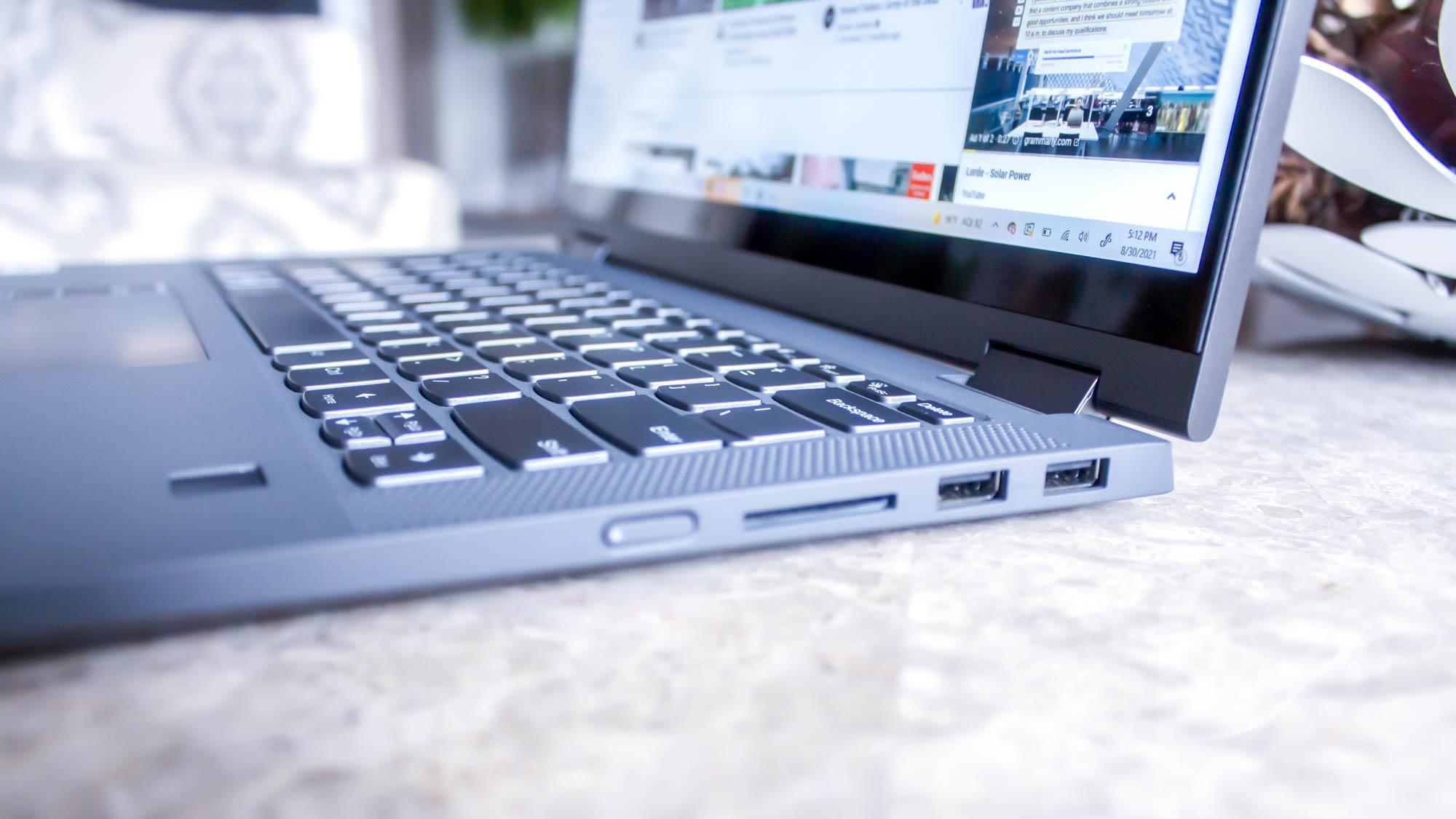
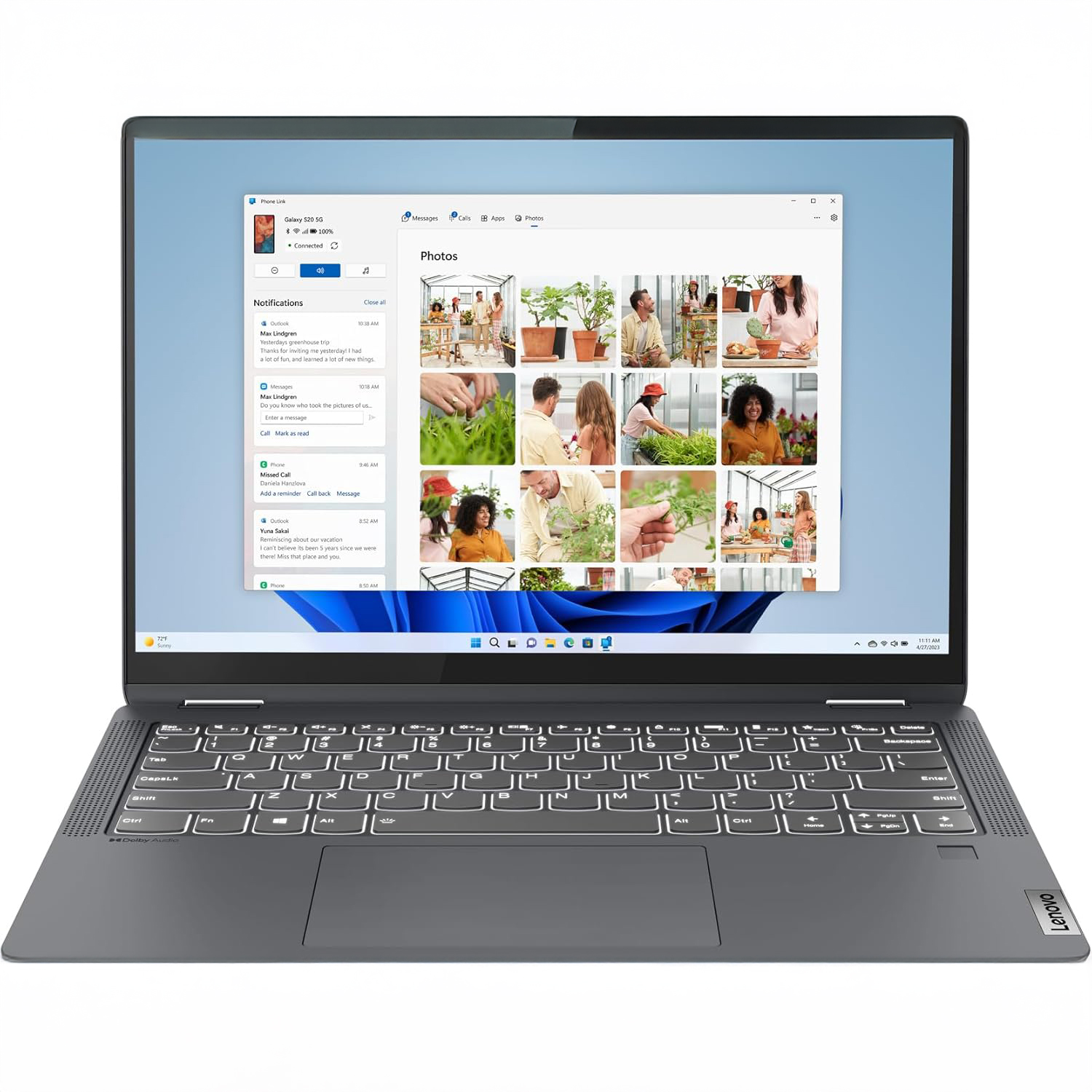
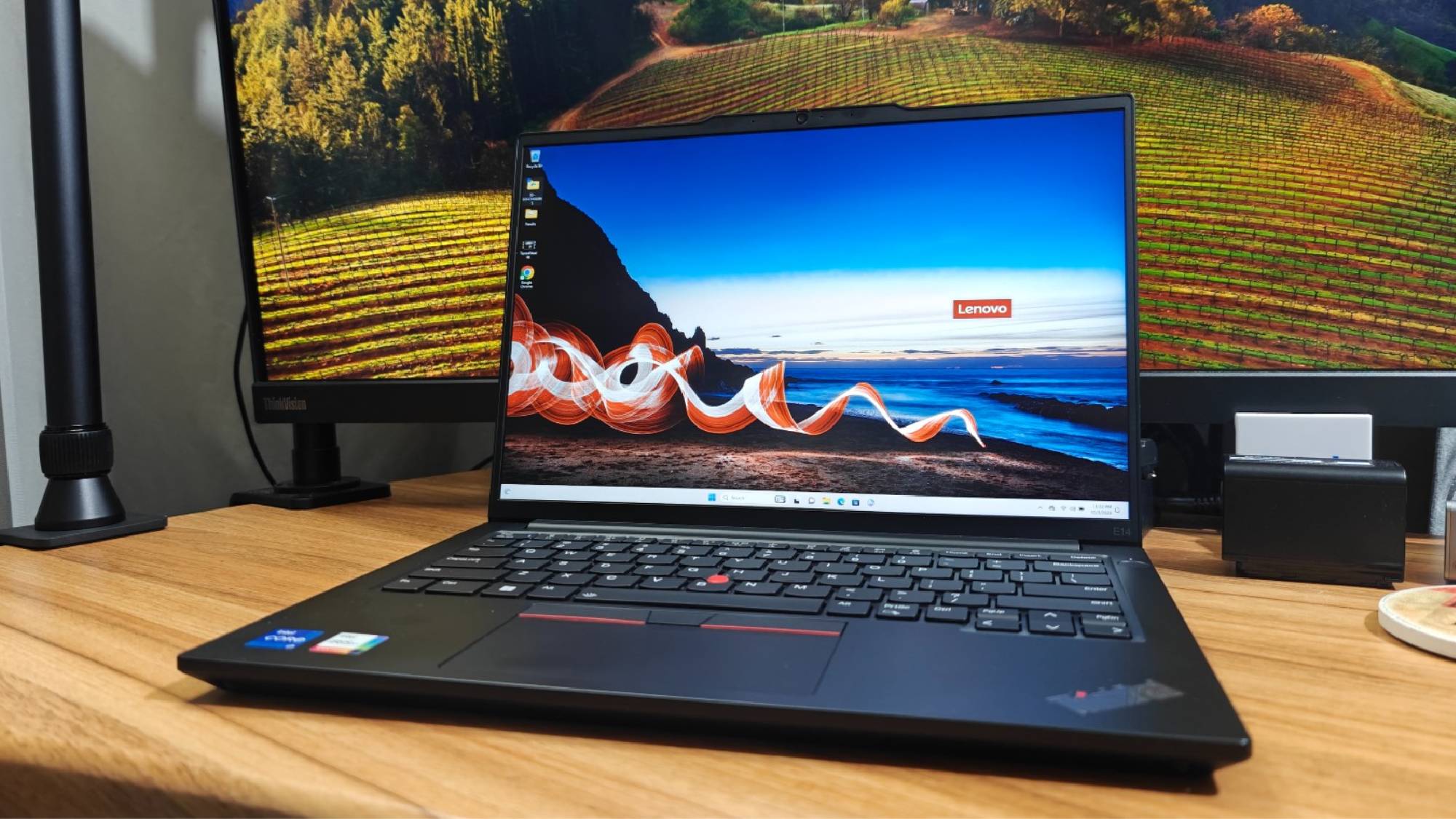
It's a challenge to find a Windows laptop for under $500 that won't be DOA when it gets to your doorstep. That's where the Lenovo IdeaPad Flex 5 14 (Intel) comes in. Another chunky name for another star on this list. It's got everything you need to make a laptop work at this price — strong performance, over 14 hours of battery life, and a comfortable keyboard. The battery life alone is enough to sell me on this machine, as we've seen plenty of budget and premium laptops die before they could get across the 8-hour mark.
The IdeaPad Flex 5 performed well in our lab, but it failed to blow us away. The Lenovo IdeaPad Flex 5 14 (Intel) averaged a score of 3,841 on Geekbench 5's multicore benchmark. This is above the Chromebook average of 2,253 and is also well ahead of the Lenovo Duet 5 Chromebook (1,727) and Acer Chromebook 713 (1,137). However, the Lenovo IdeaPad Flex 5i Chromebook Plus does have far snappier performance.
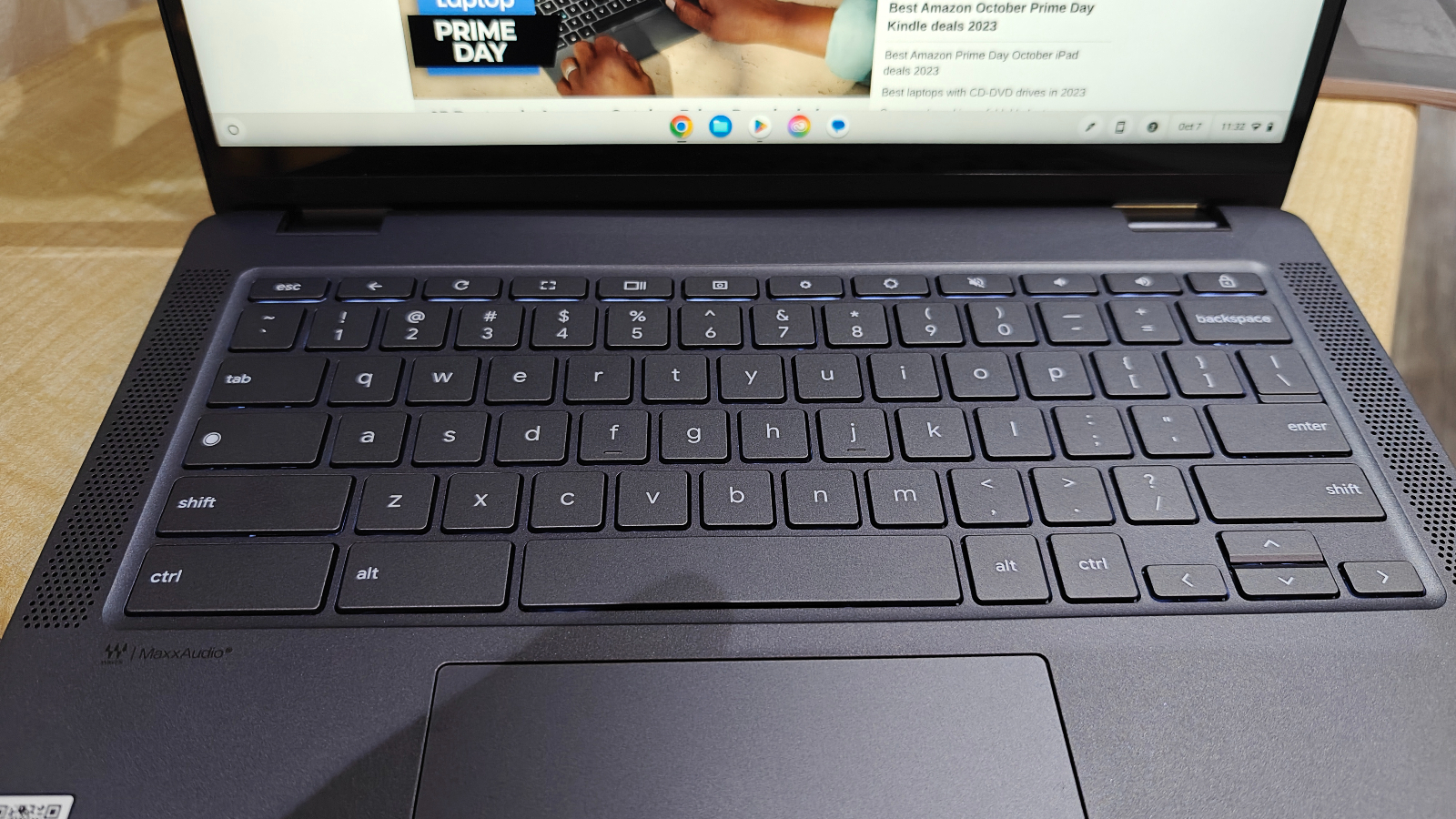
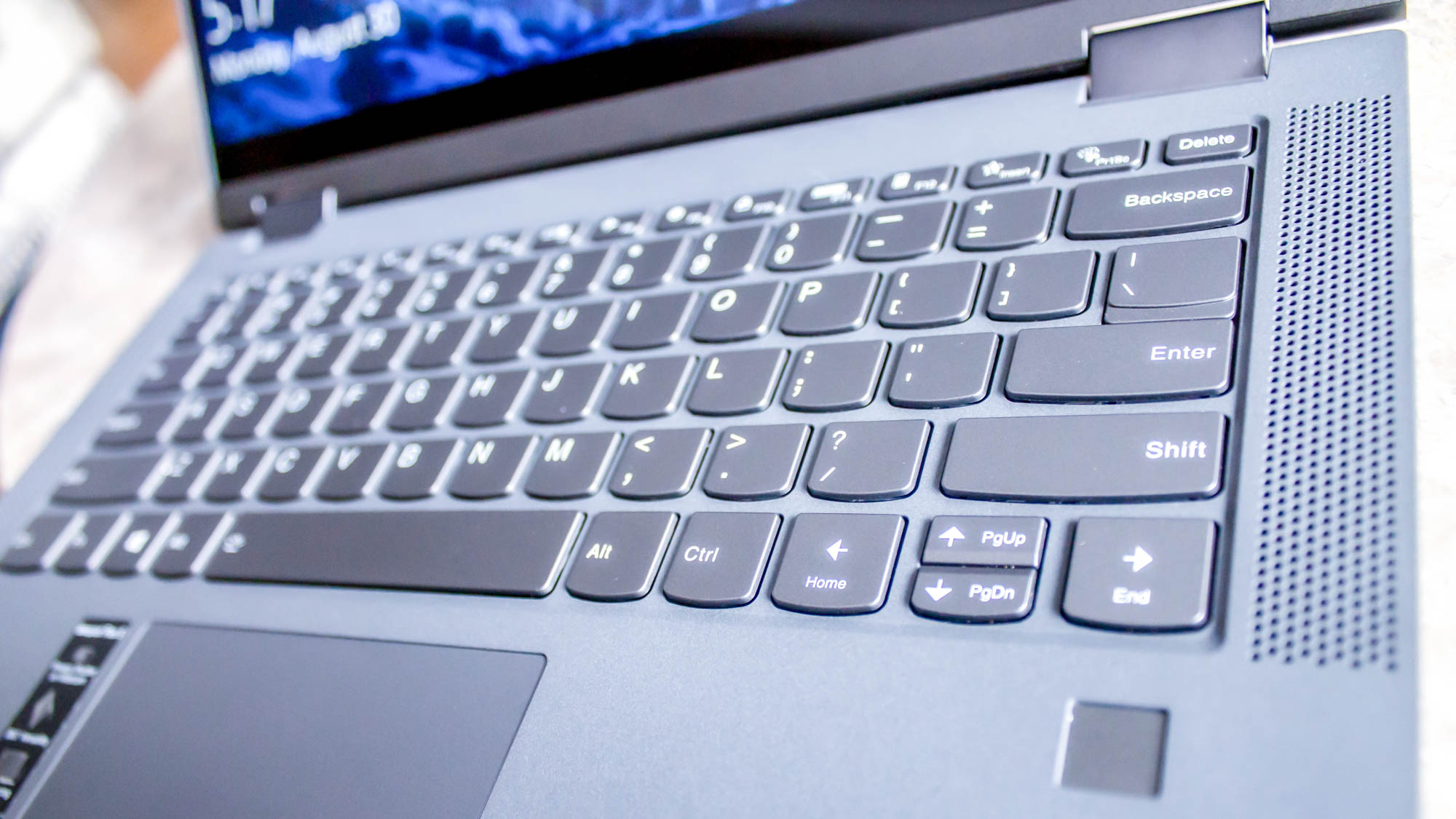
How was the keyboard so comfortable? Each stroke was met with a tactile click at the end, encouraging our fingers to tap dance across the deck at top speed. It was a little more shallow than we would’ve liked, but the typing experience was pleasant overall.
When we first reviewed the IdeaPad Flex 5 it hovered around $500-$650 depending on the configuration, but you can now find it for under $500 or even $400 for the base model, making it an even better value and easily the best Windows laptop under $500.
However, it might be more difficult to find the Intel version, but if you see the AMD Ryzen 3 model, it’ll likely offer the same benefits just with slightly different performance and battery life. Since we didn’t test it, we can’t say for sure.
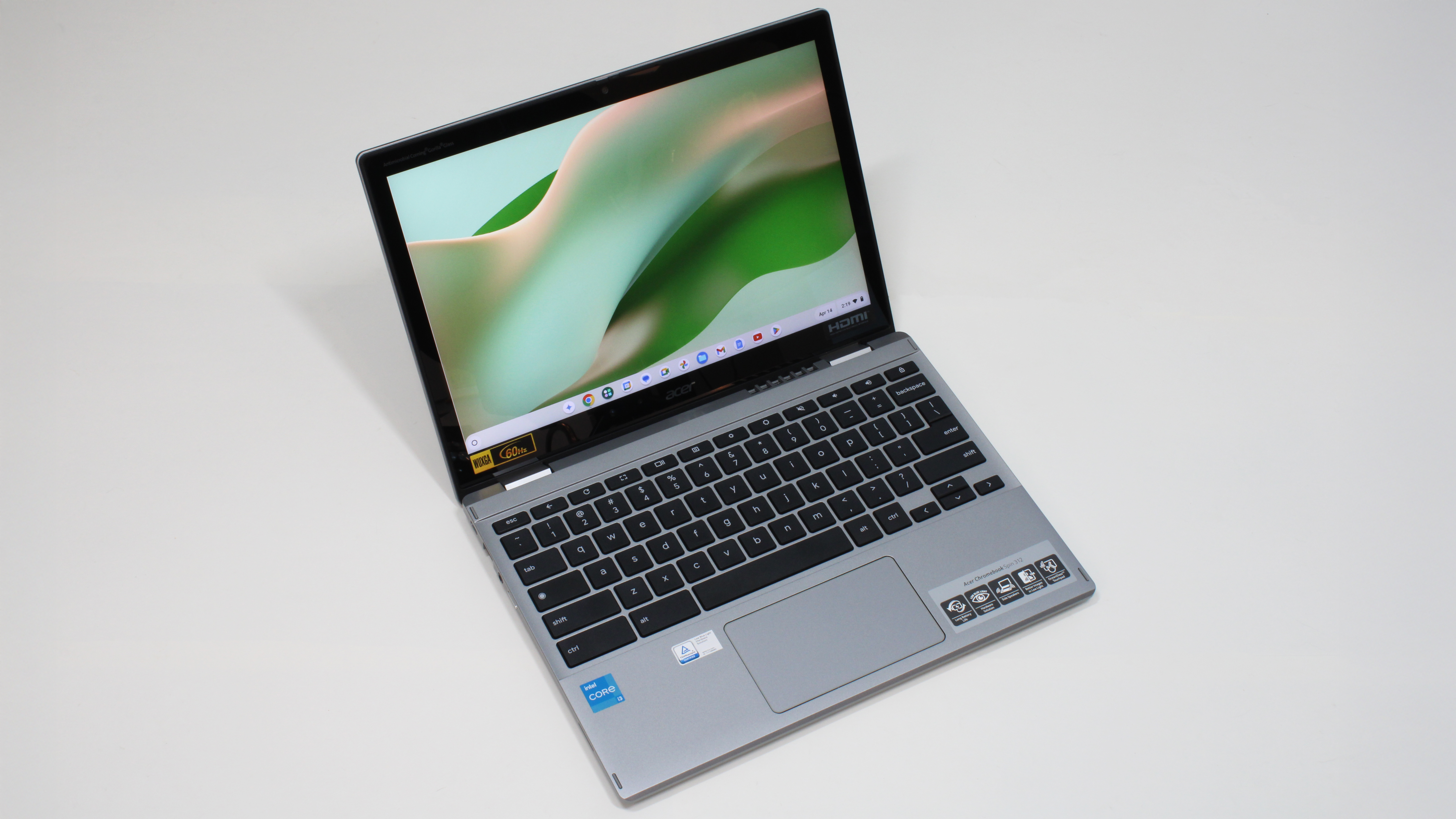
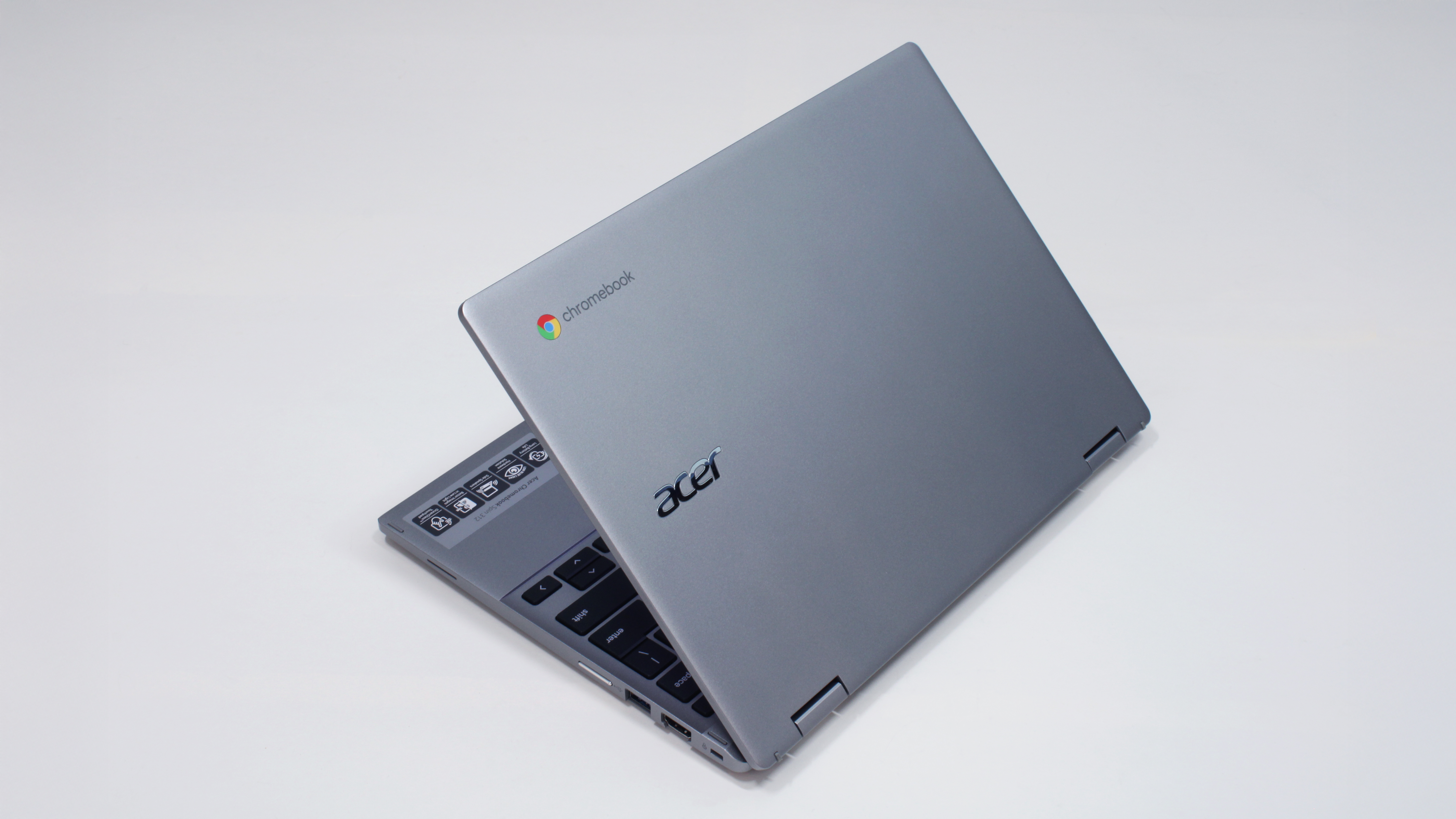
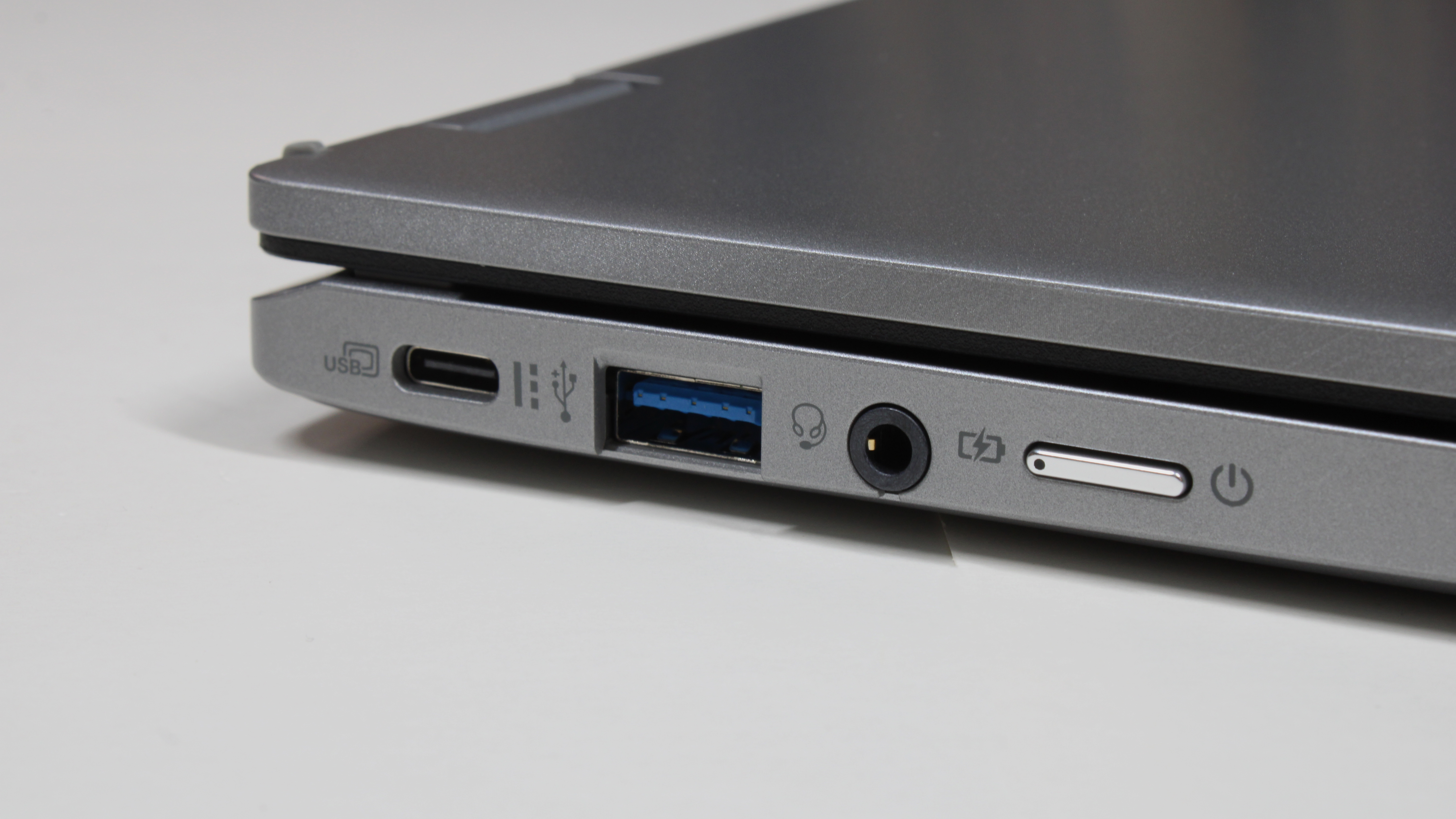
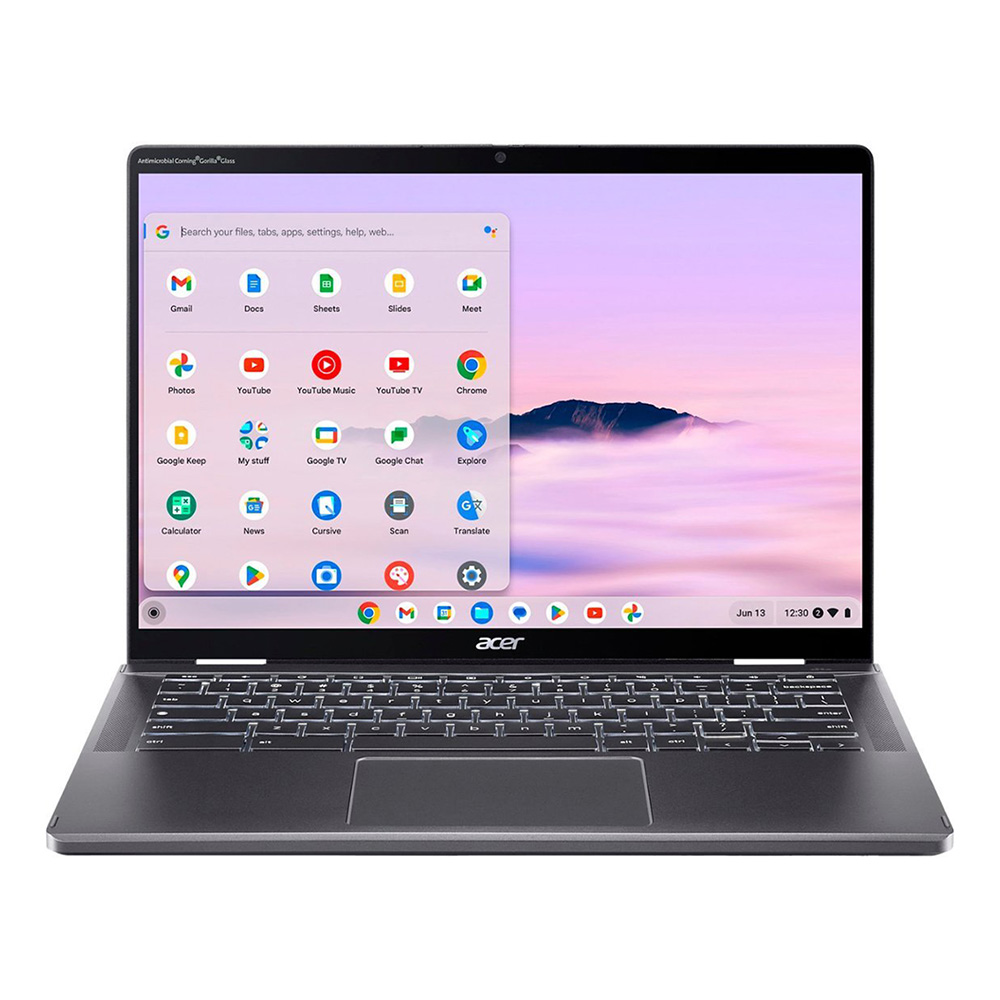
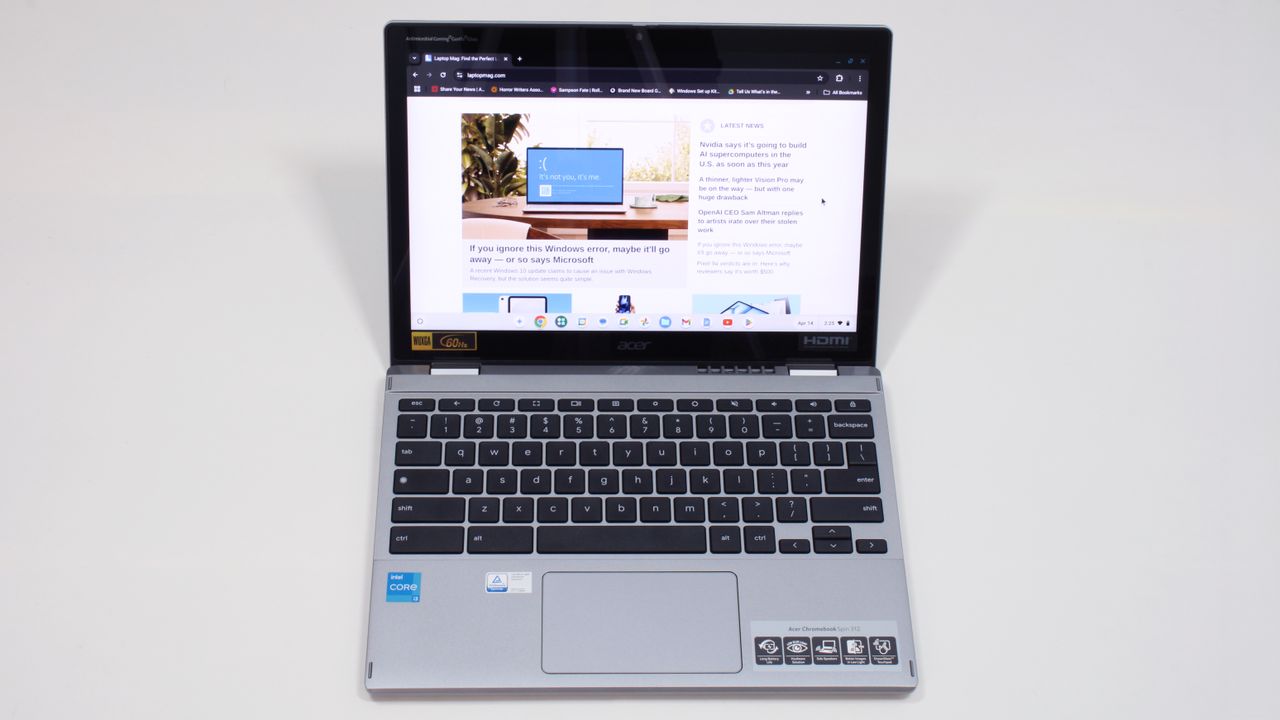
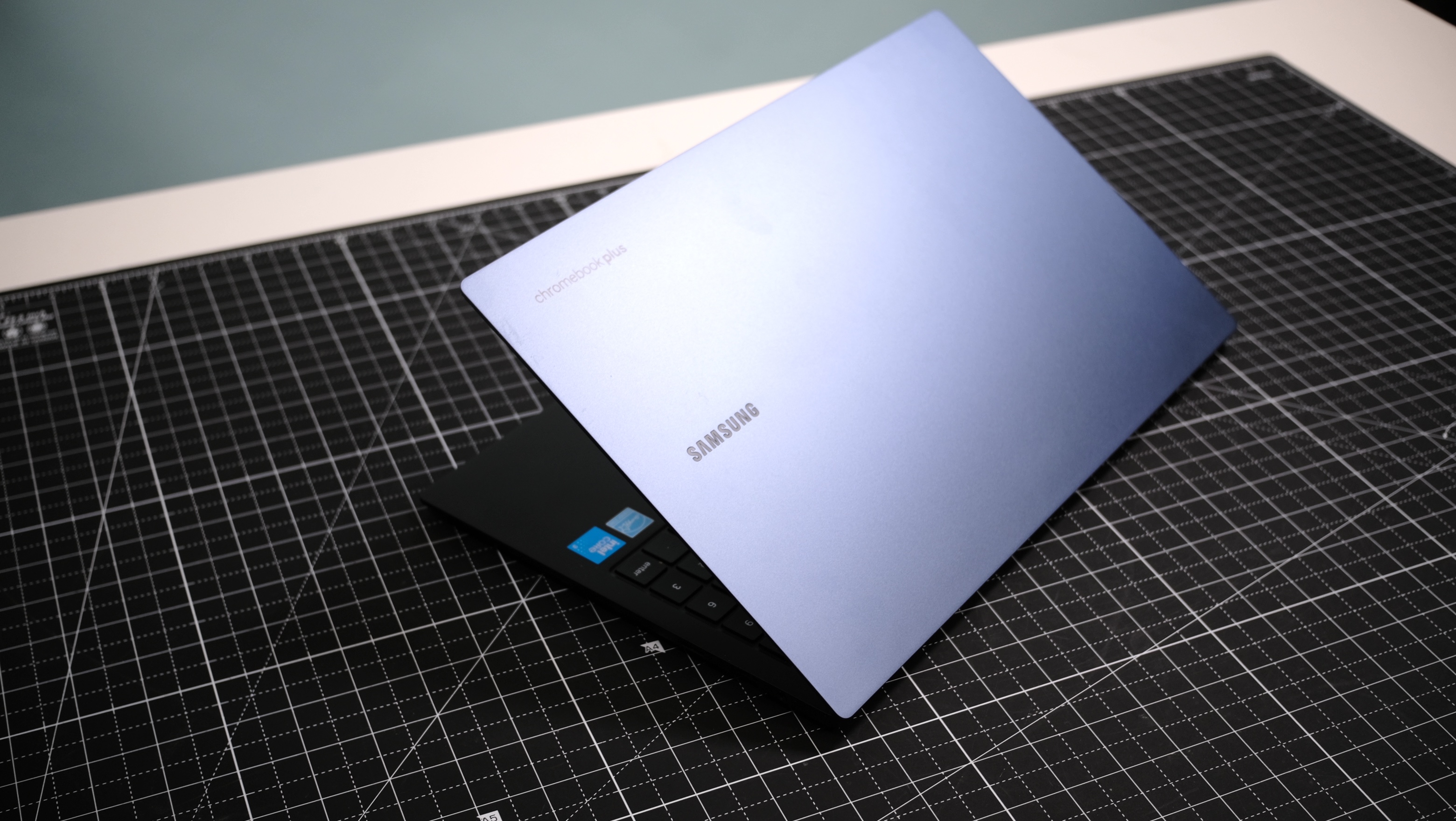
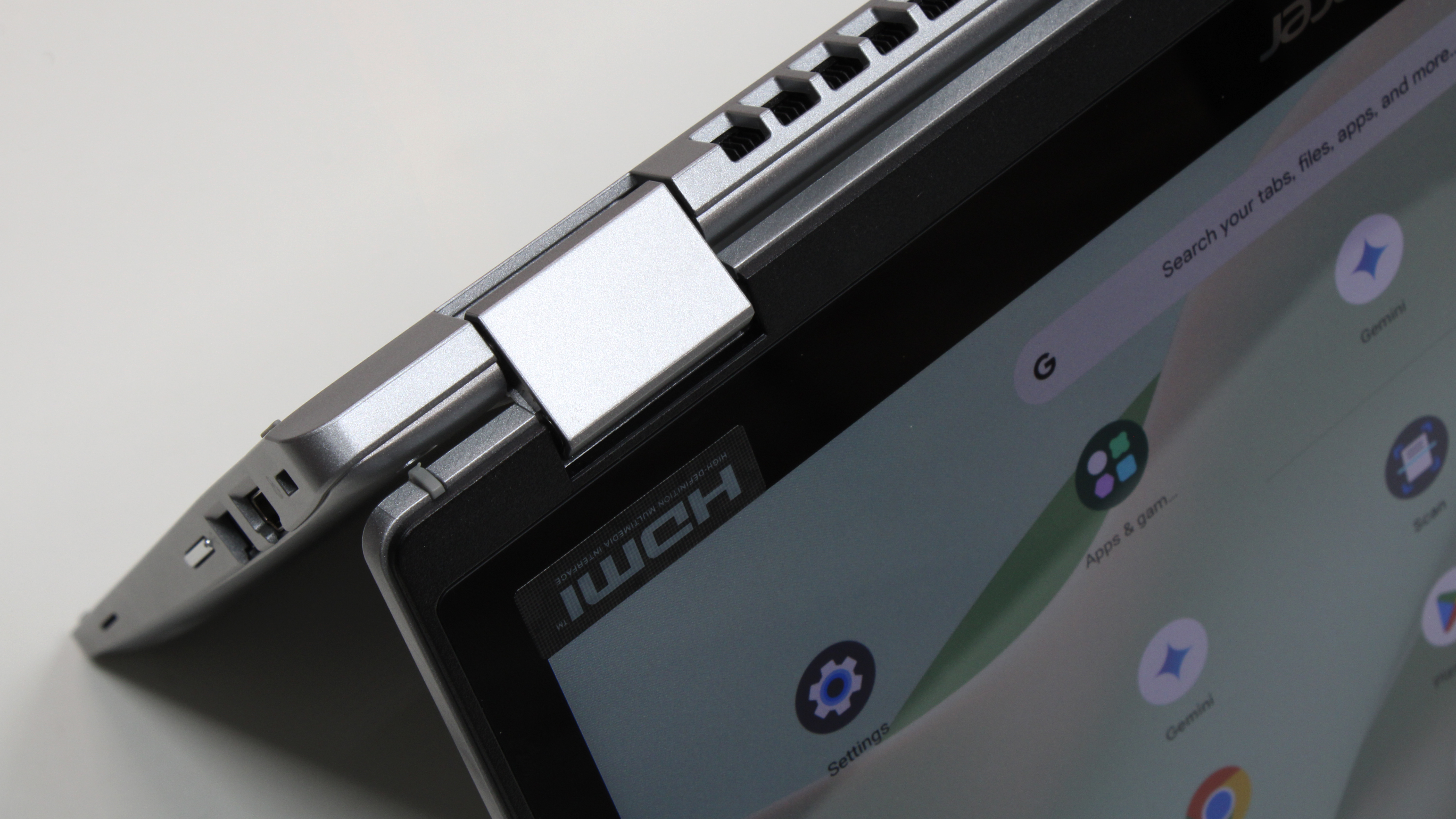
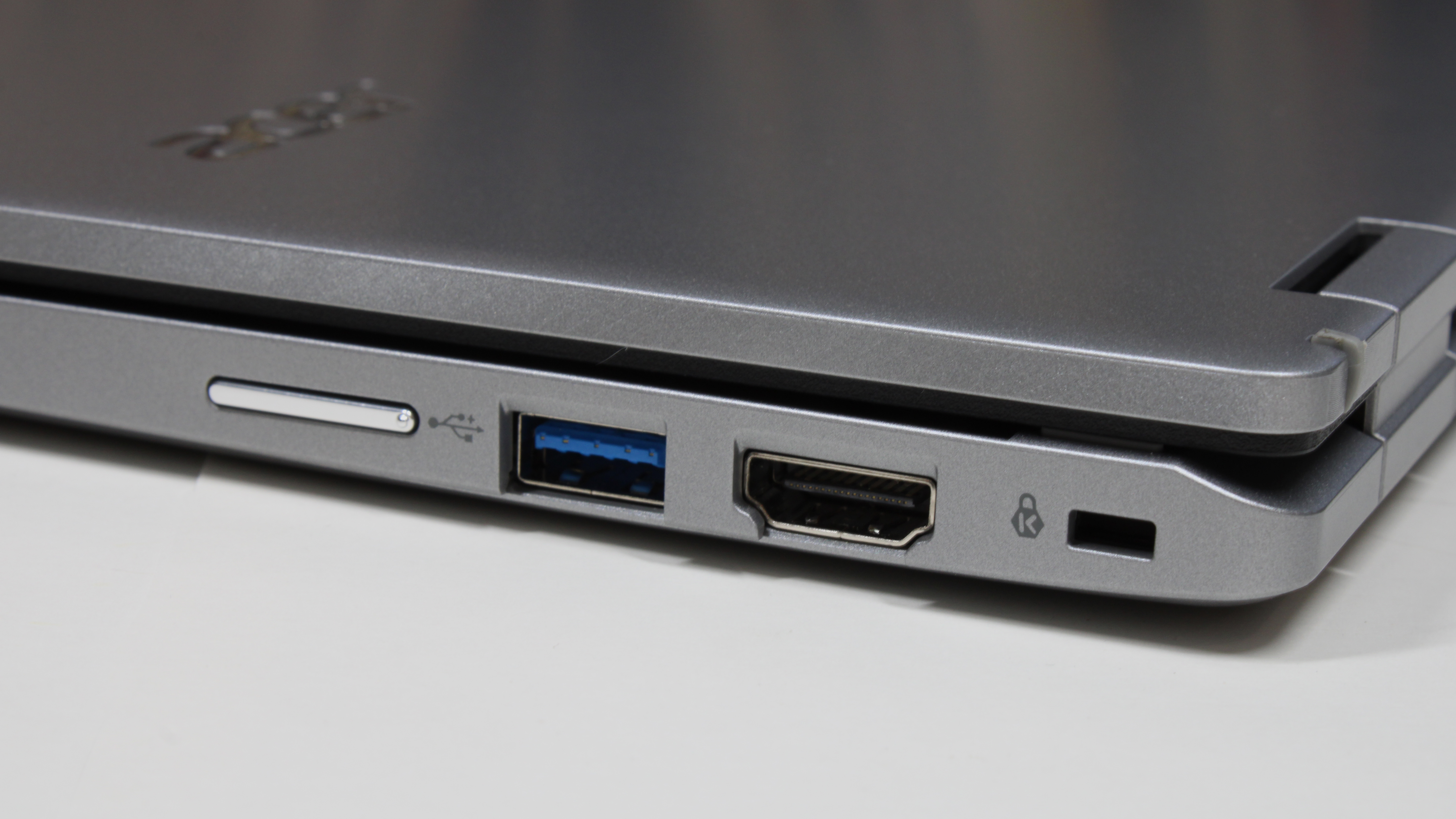
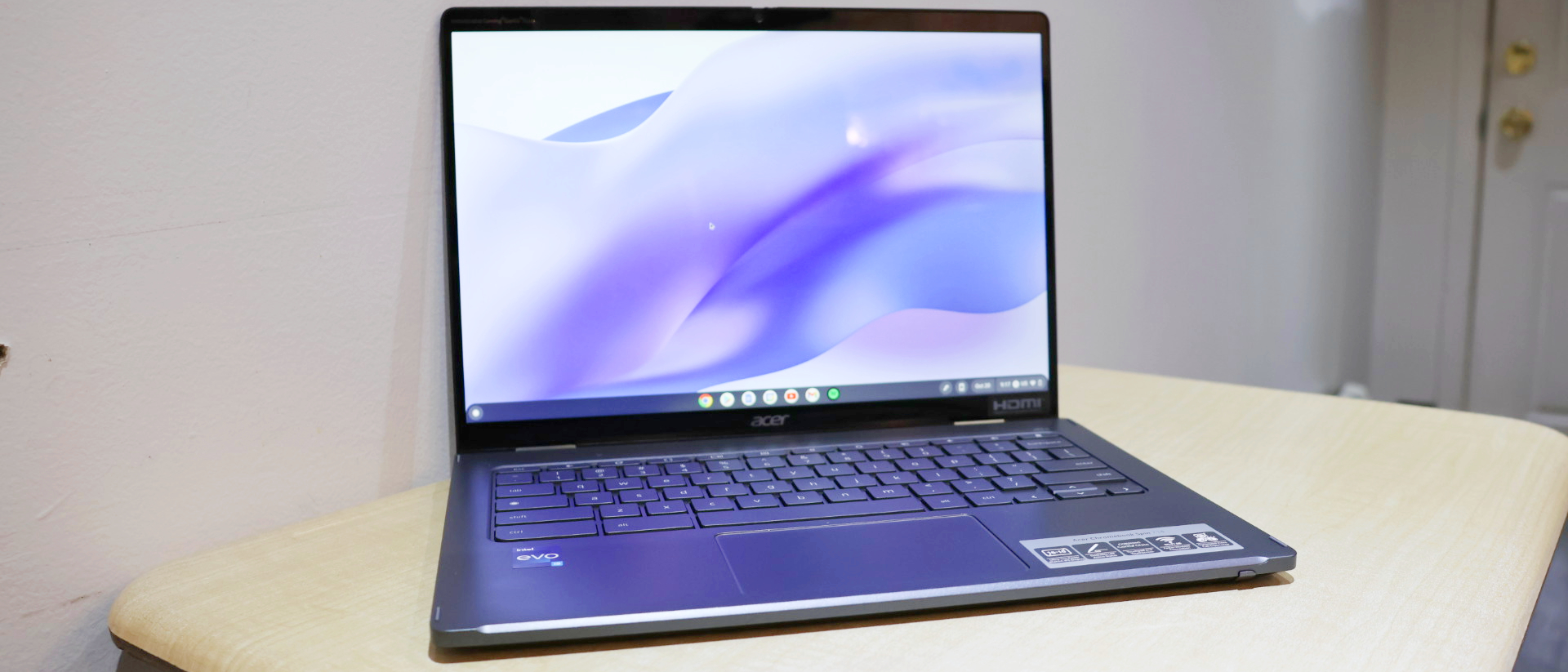
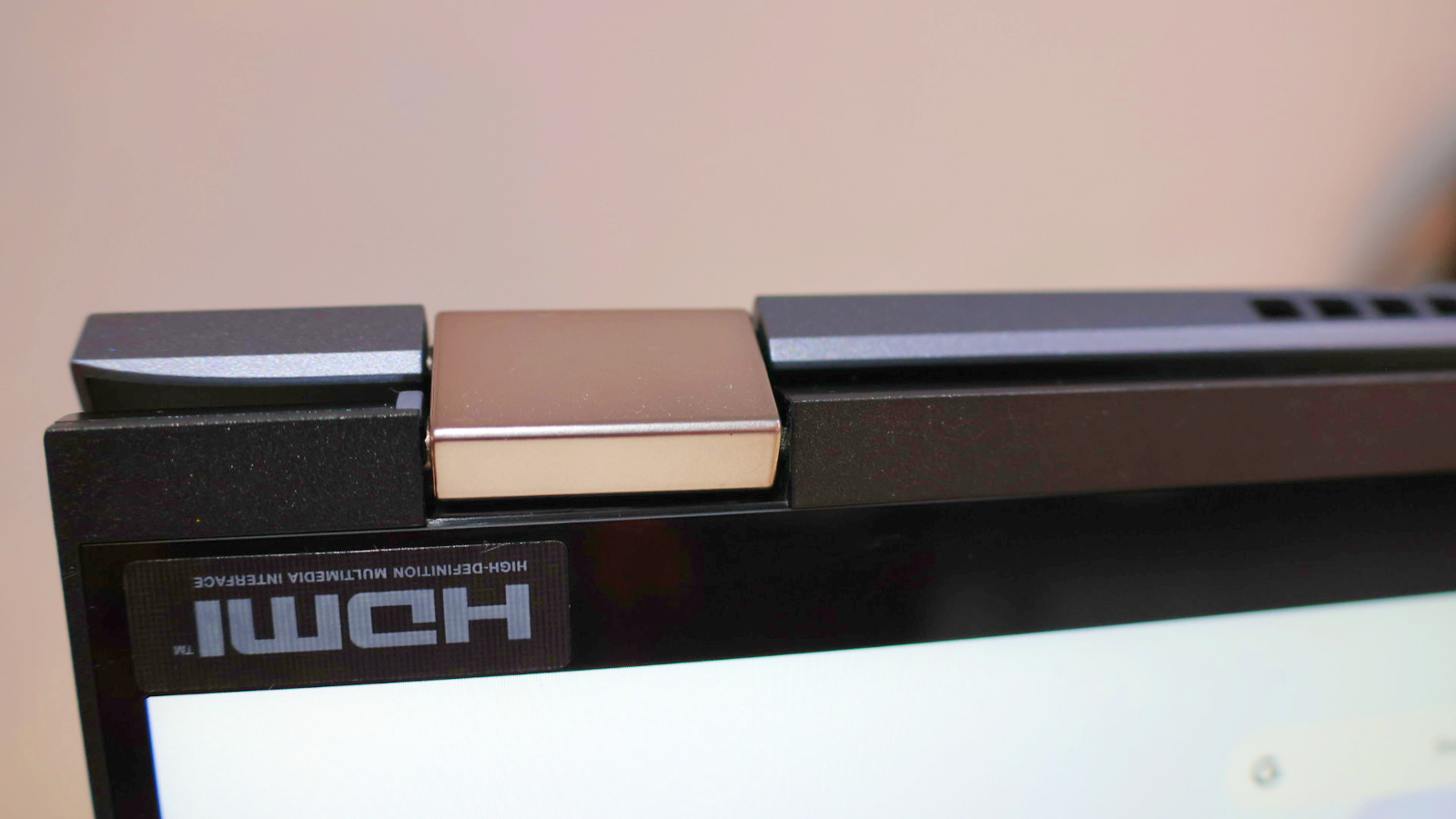
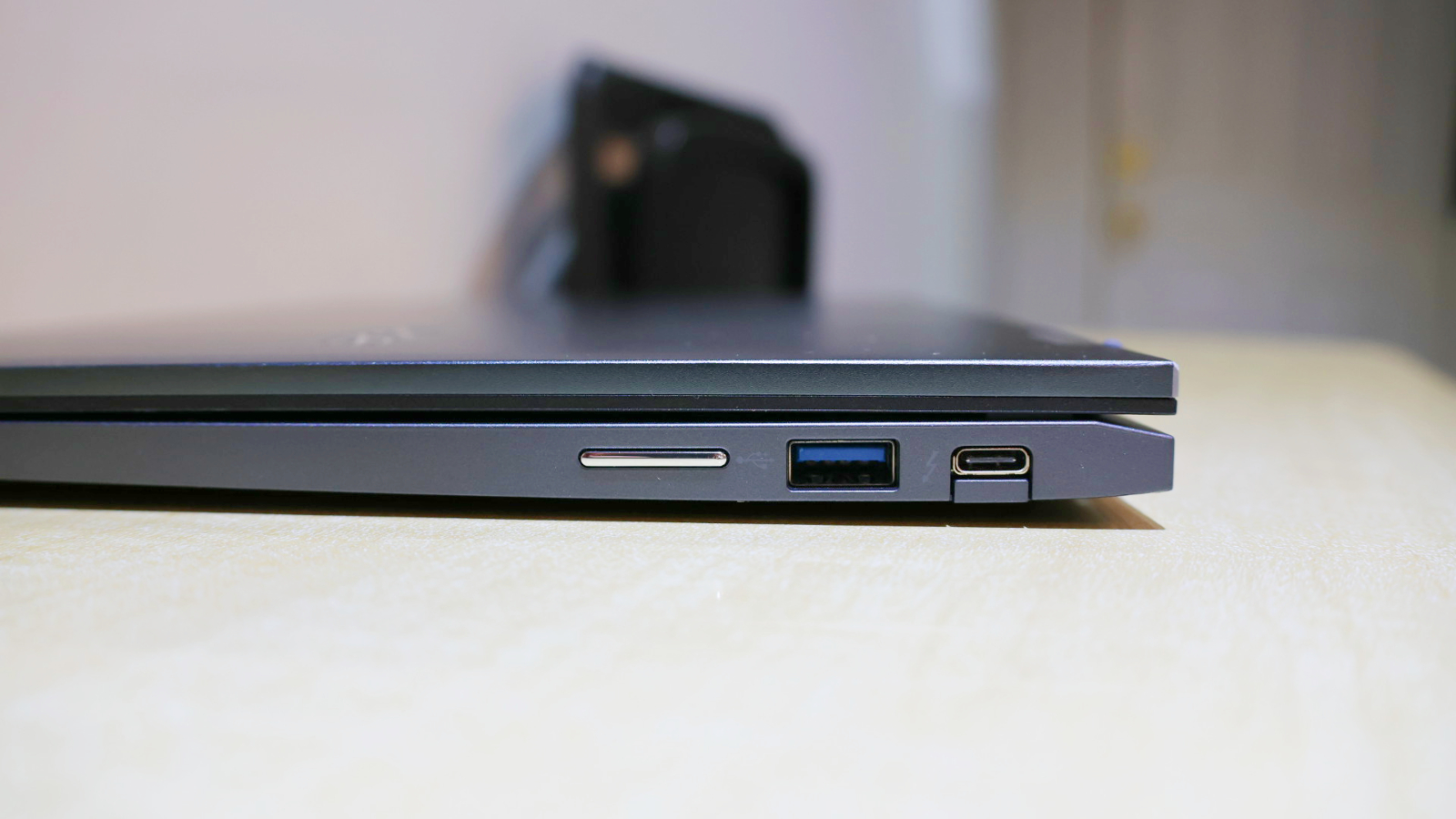
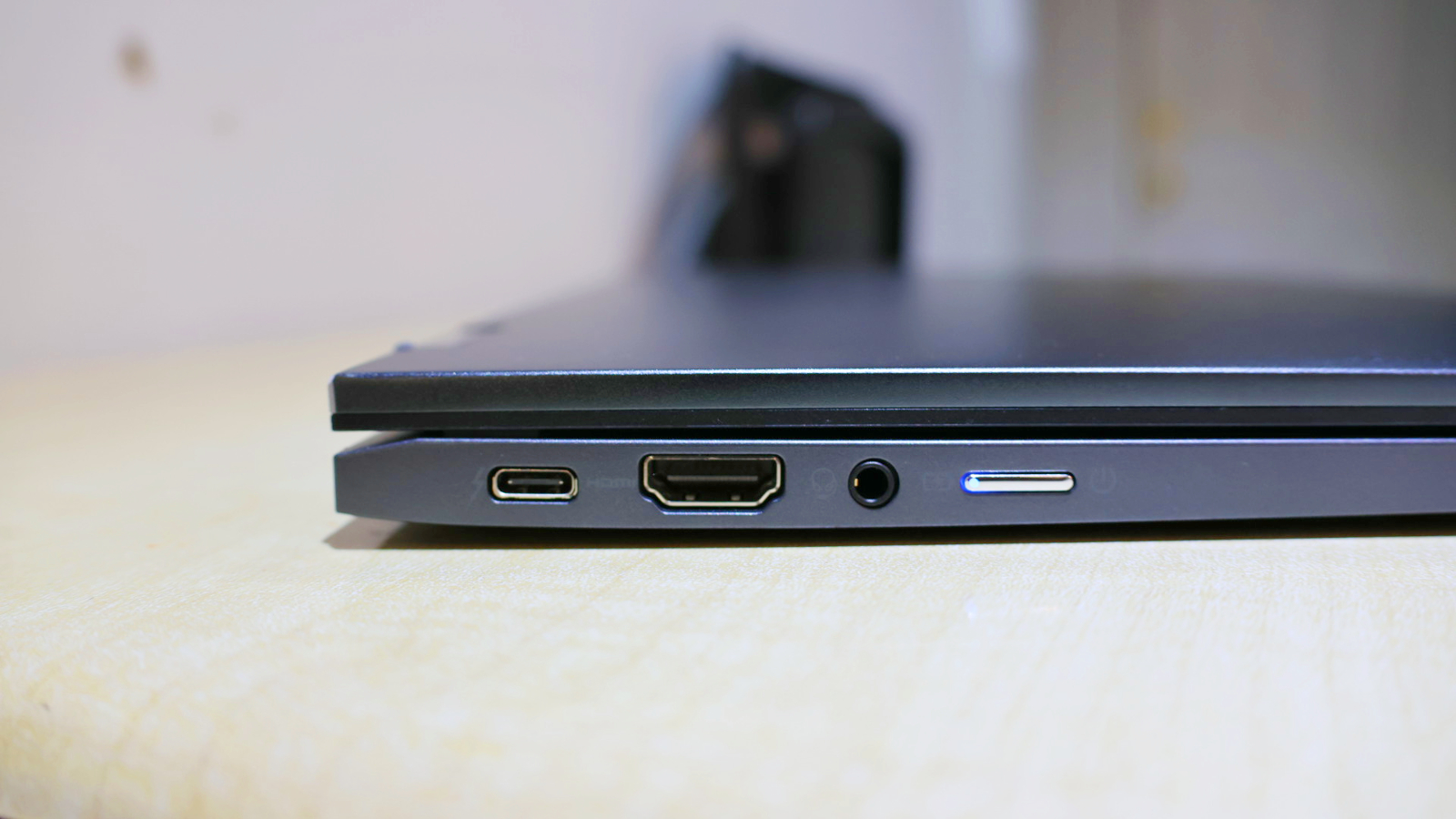
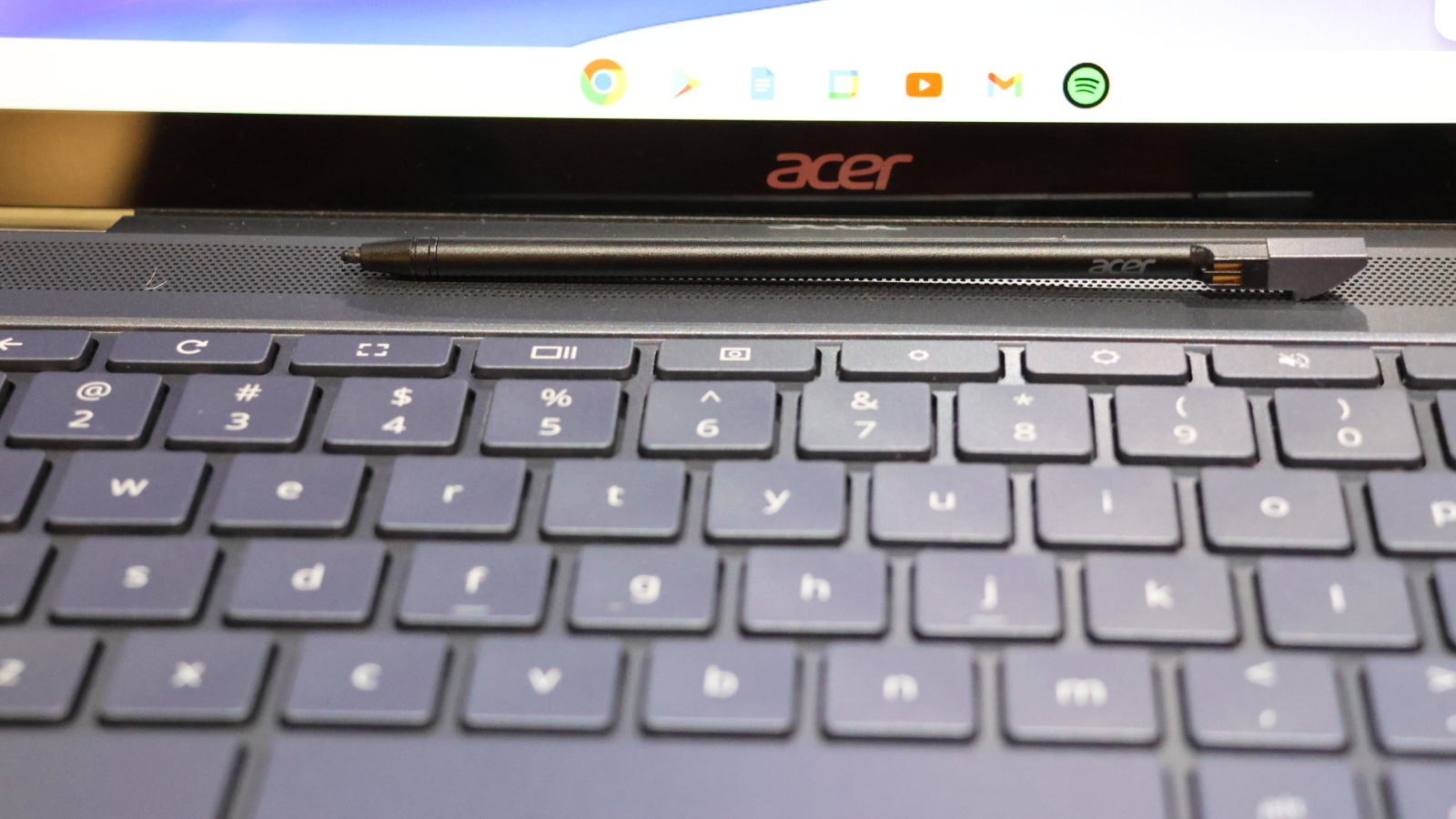
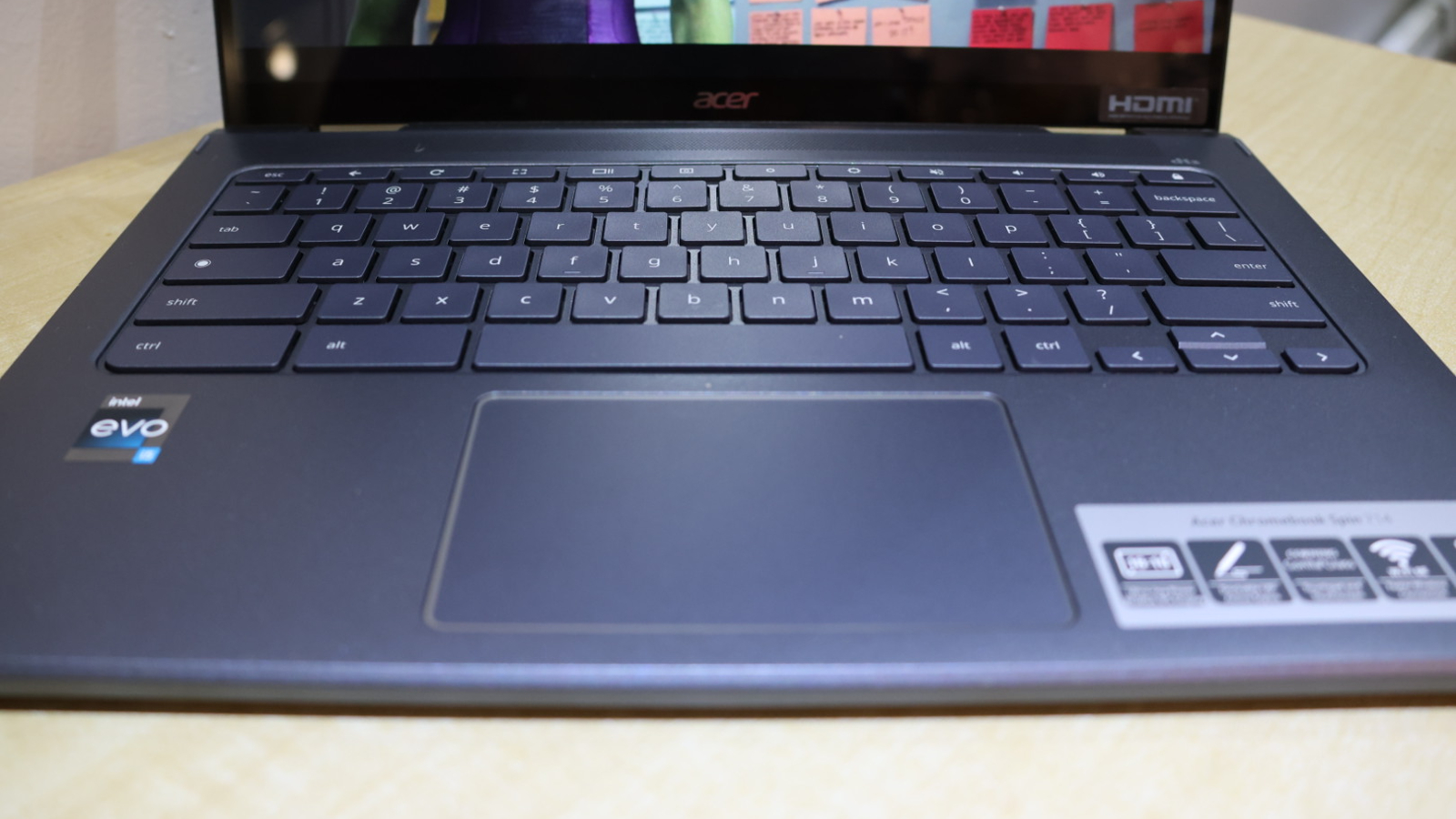
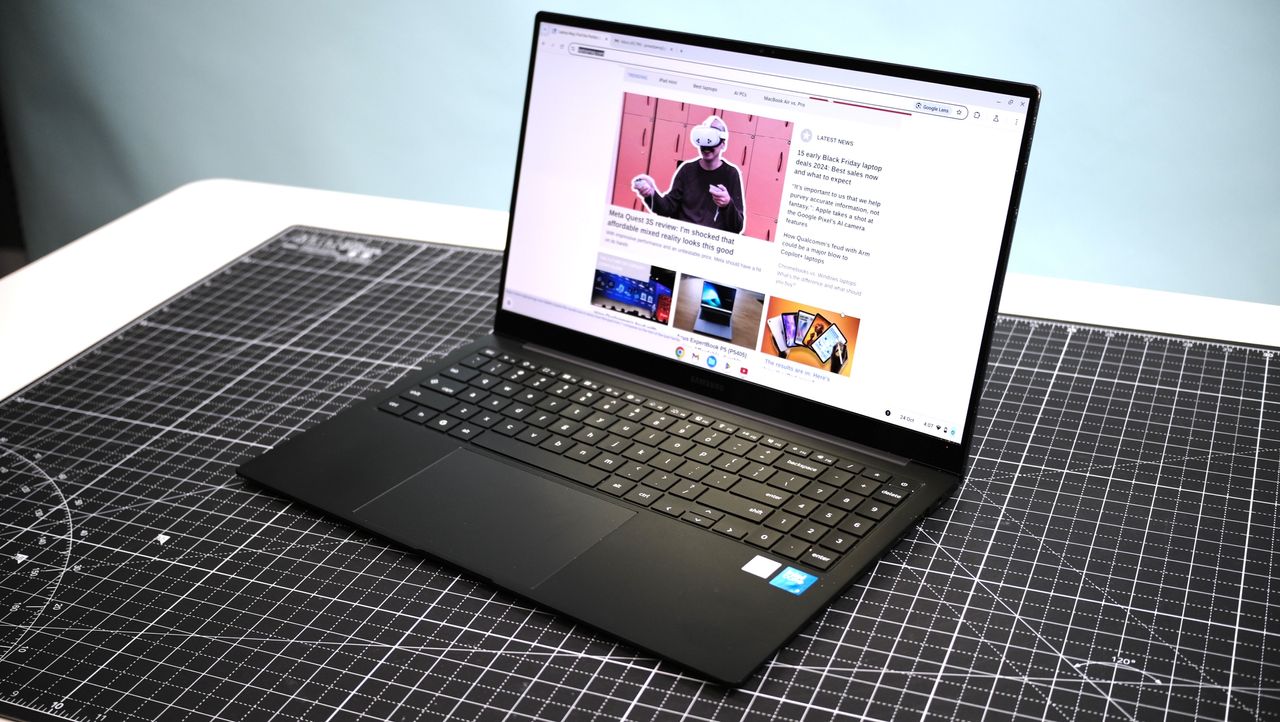
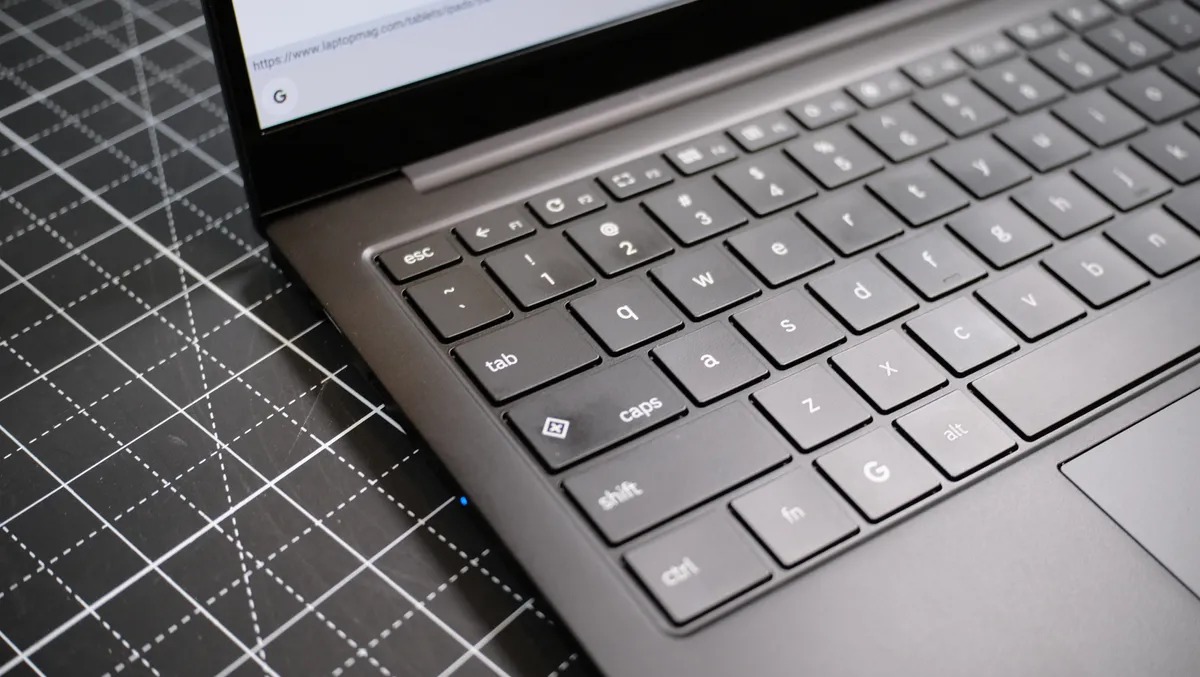
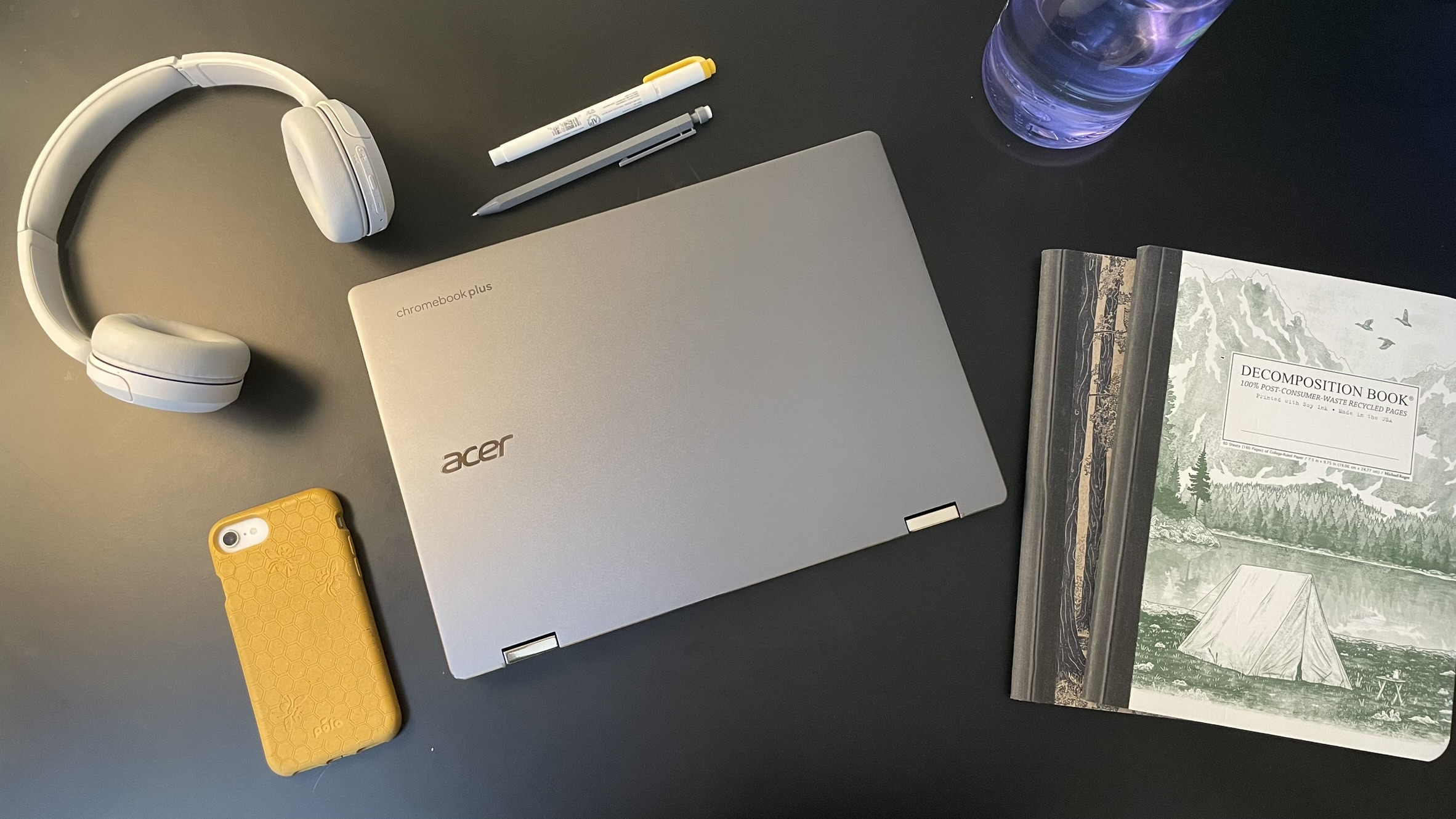
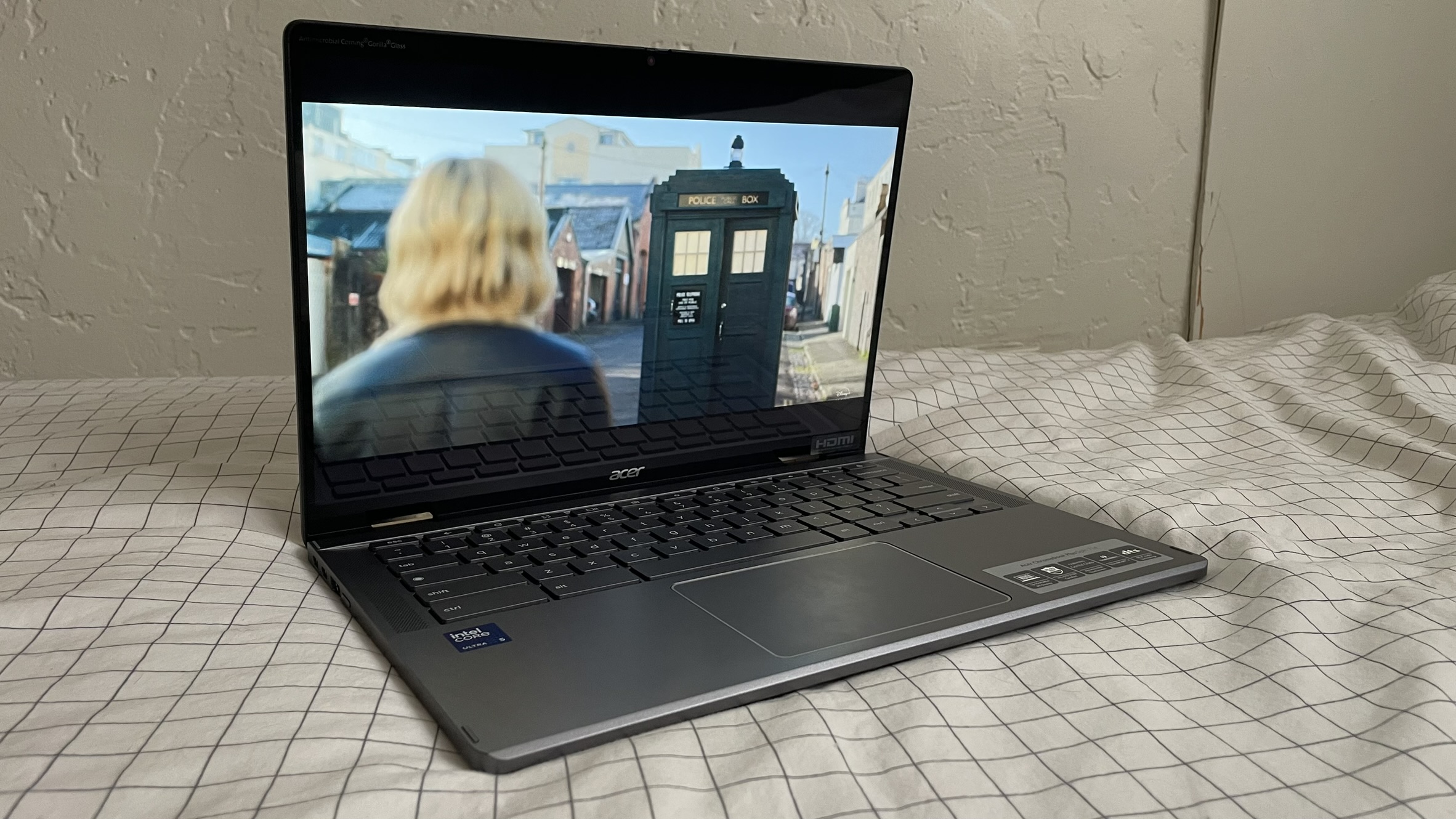
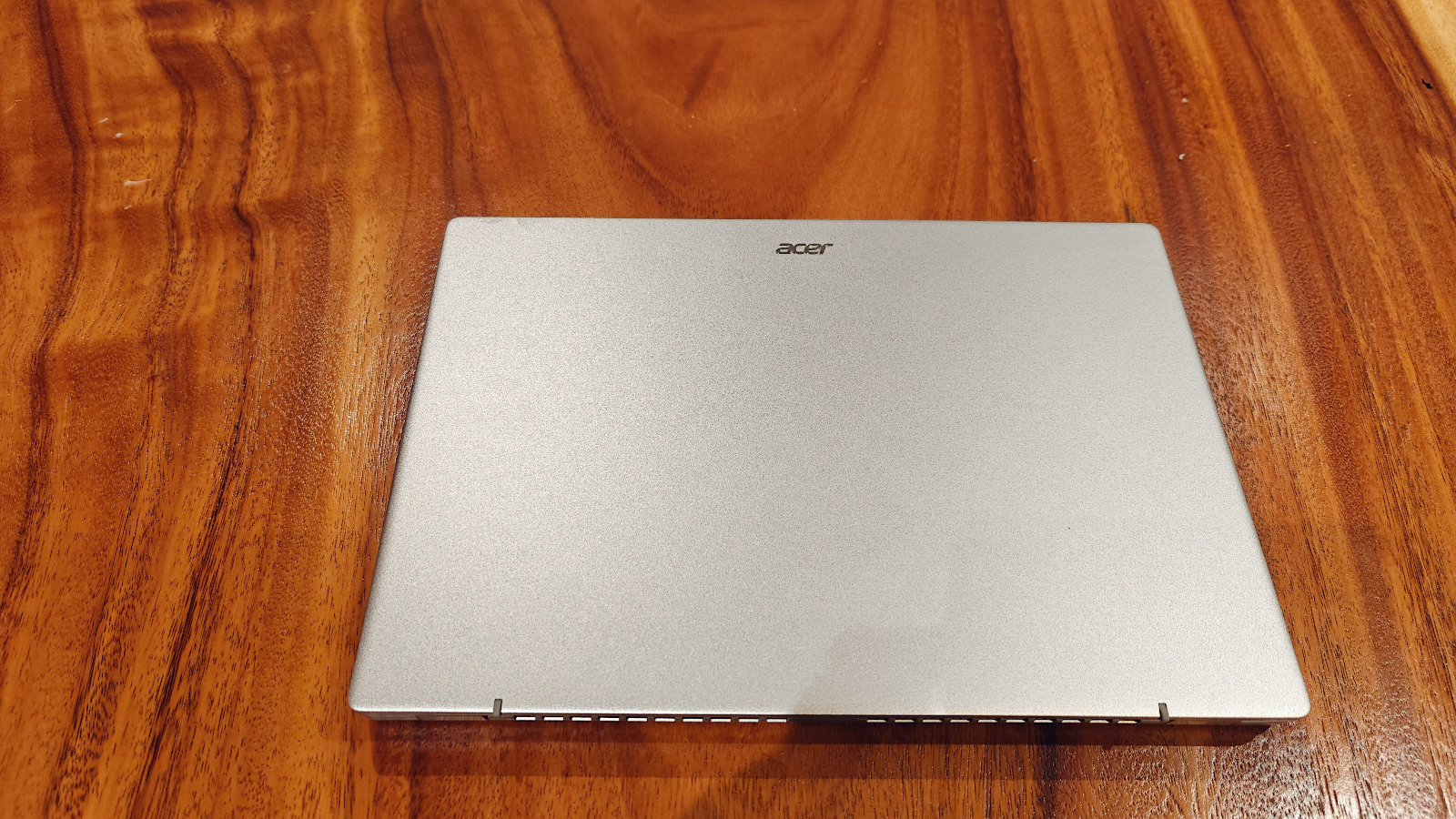
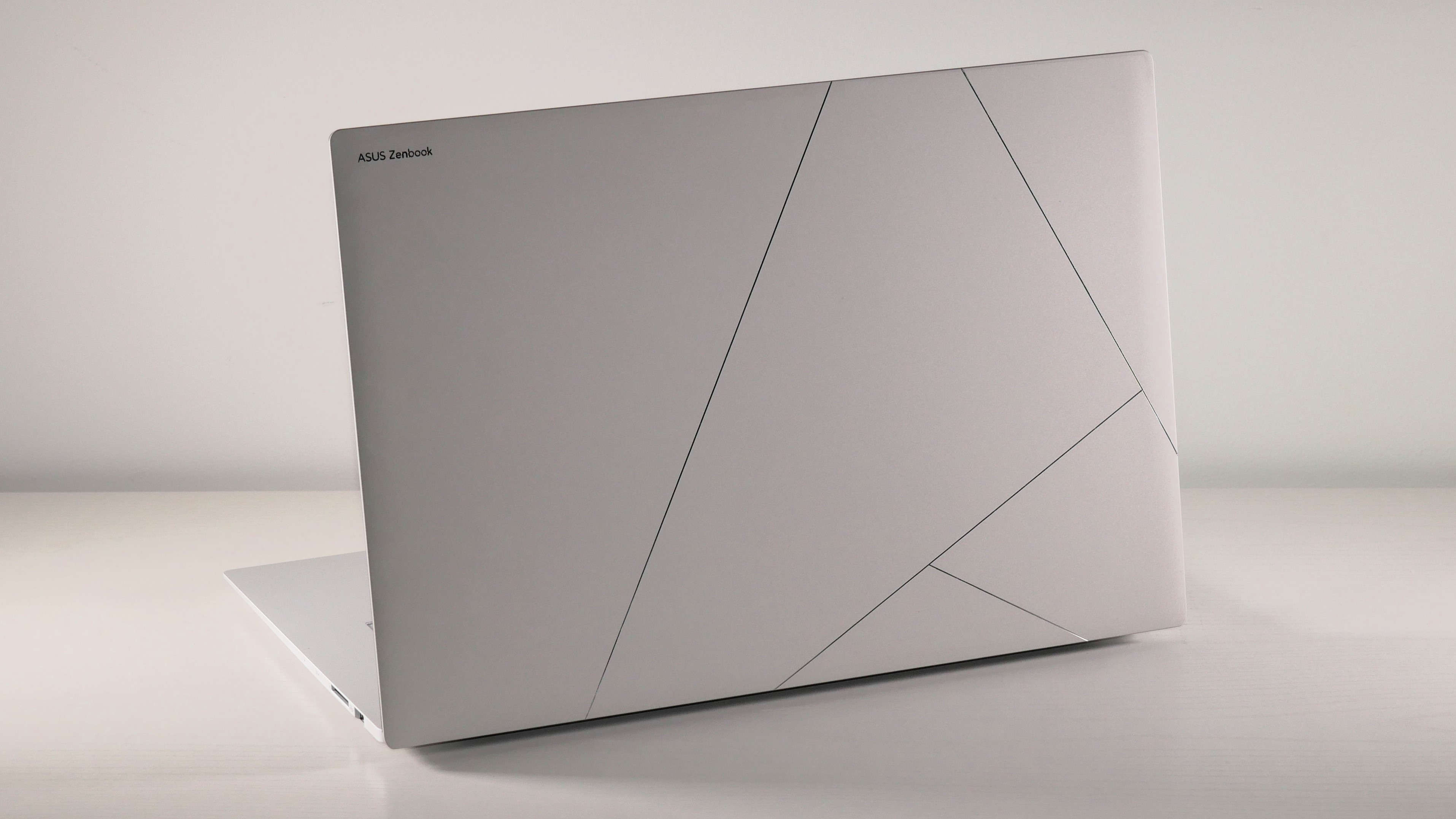
The best under $500 laptop for students is a Chromebook I wish every student at my school had access to: the Acer Chromebook Spin 312. It'd be a major upgrade from the pre-pandemic Dell's that fill the laptop charging cart in my classroom.
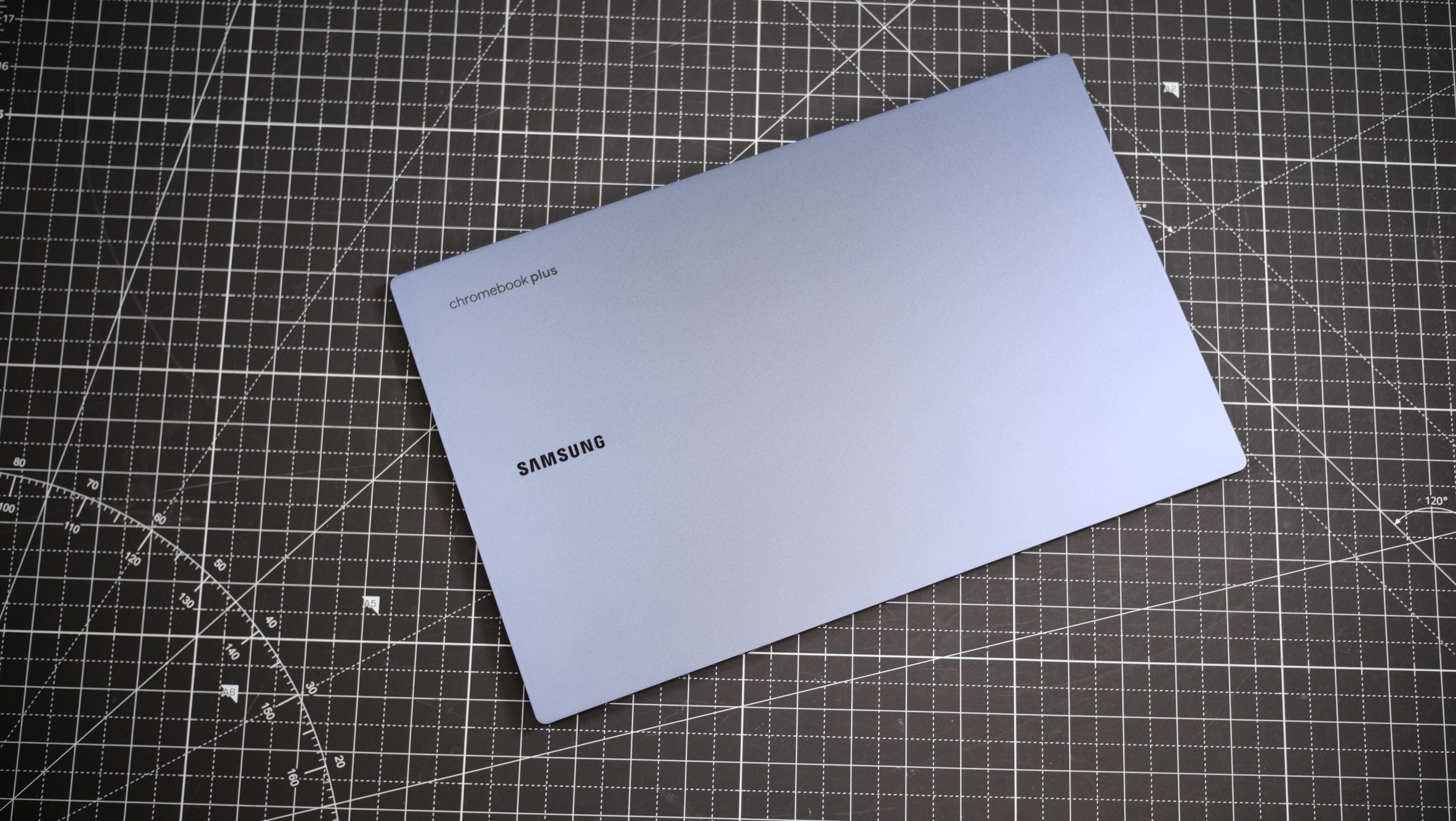
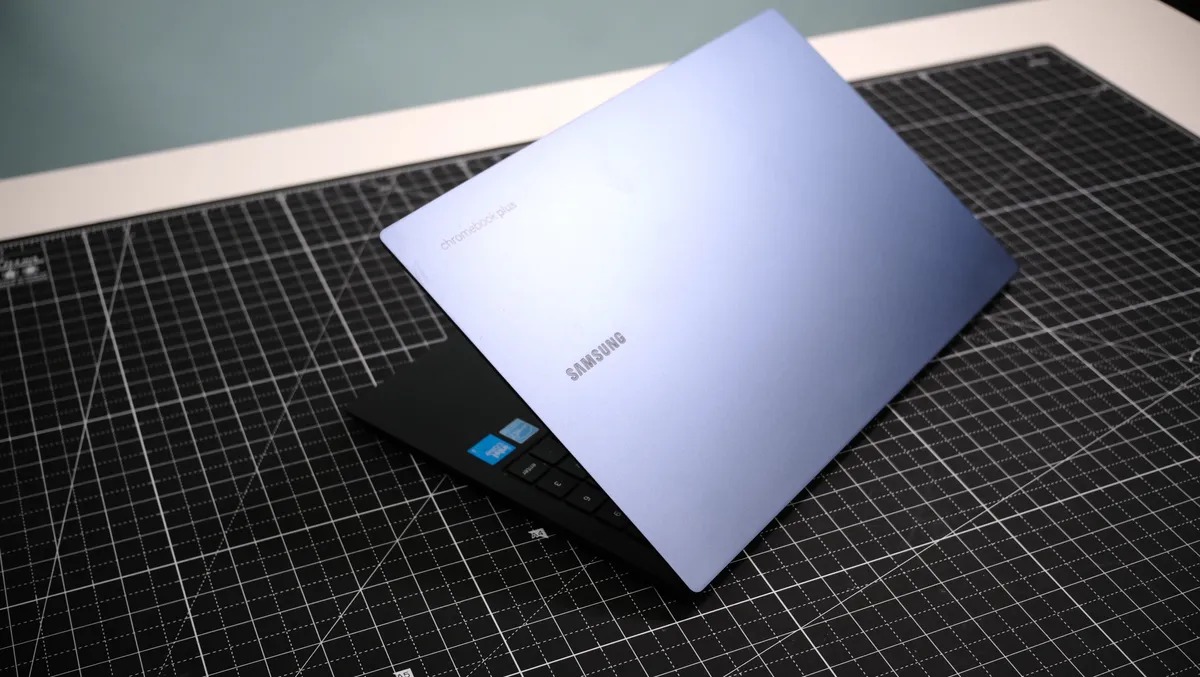
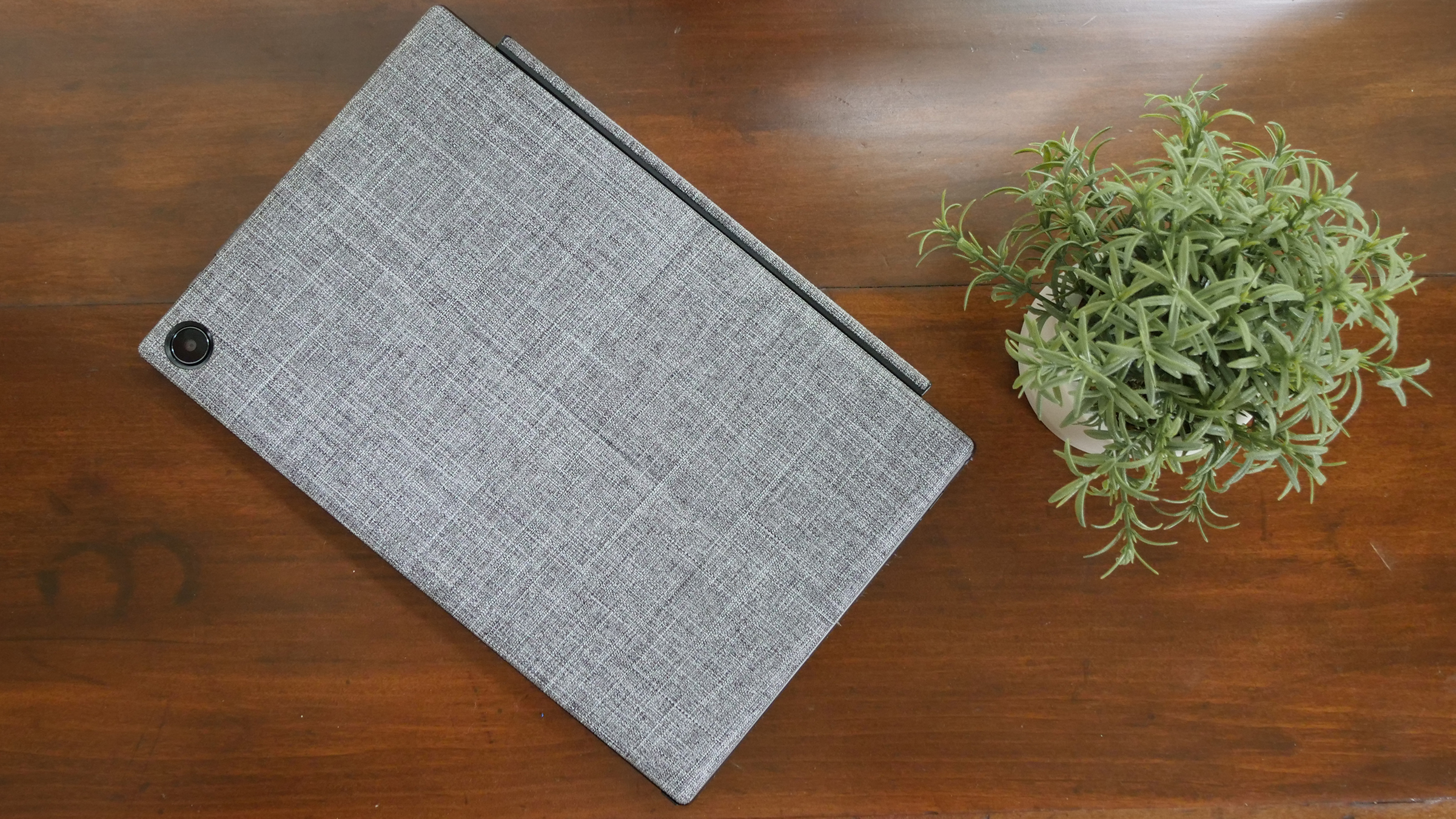
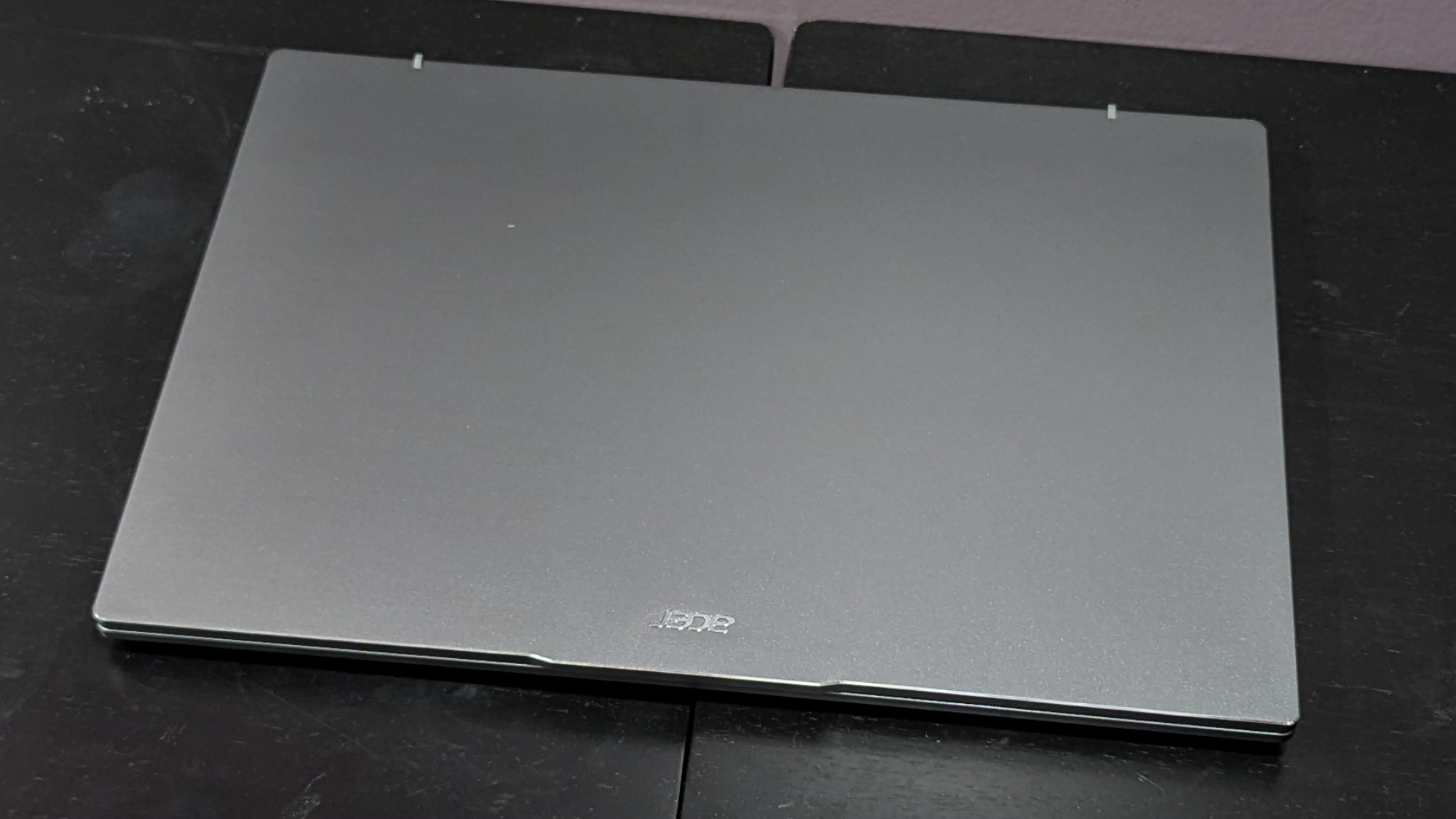
Its silver-coated chassis makes it look more expensive that it actually is. It's not the thinnest laptop we've ever reviewed, but it is one of the lightest at just under 3 pounds. (I wouldn't want to carry anything heavier between classes all day!) The battery can last up to 10 hours and 33 minutes fully charged, too.
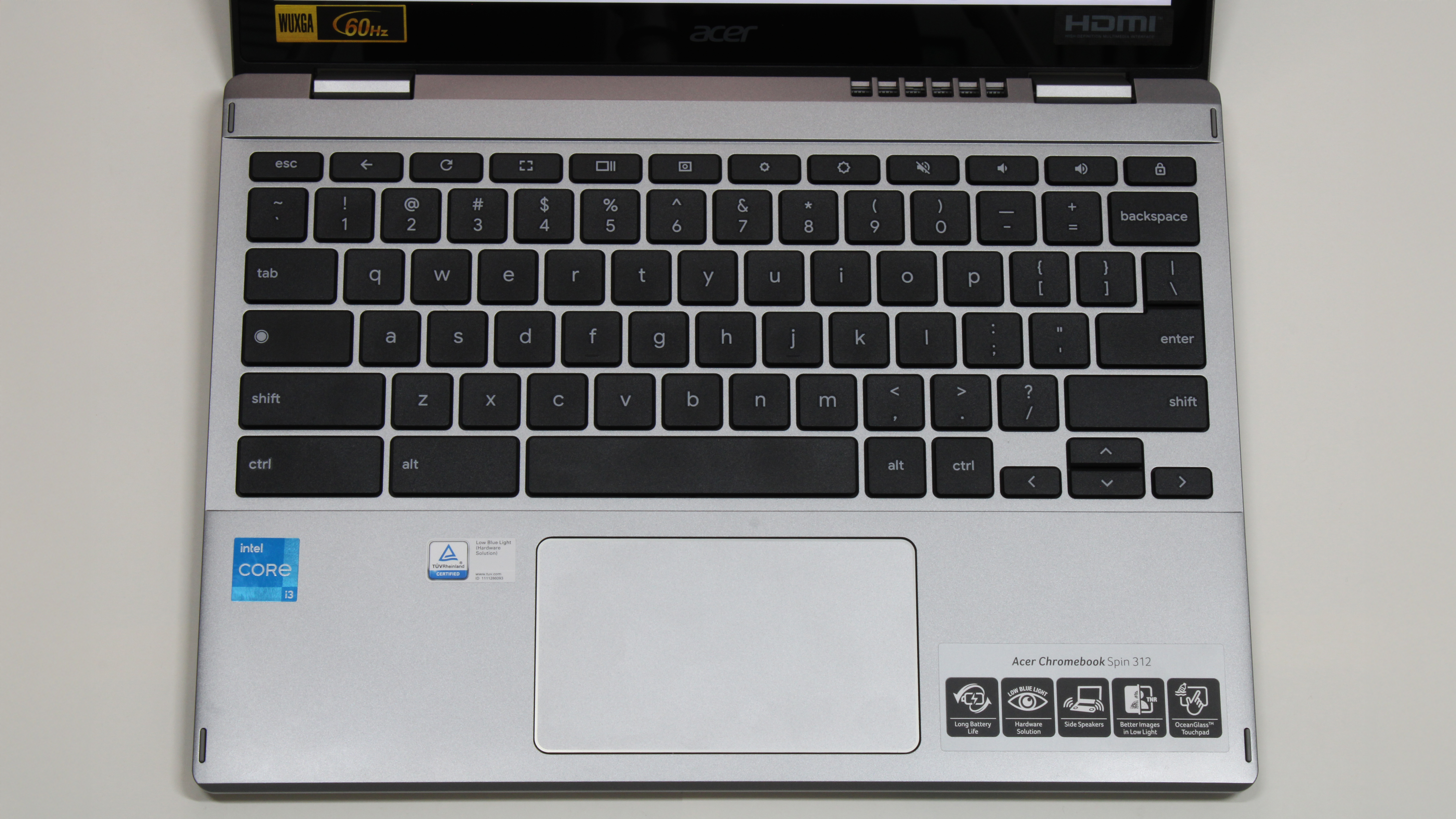
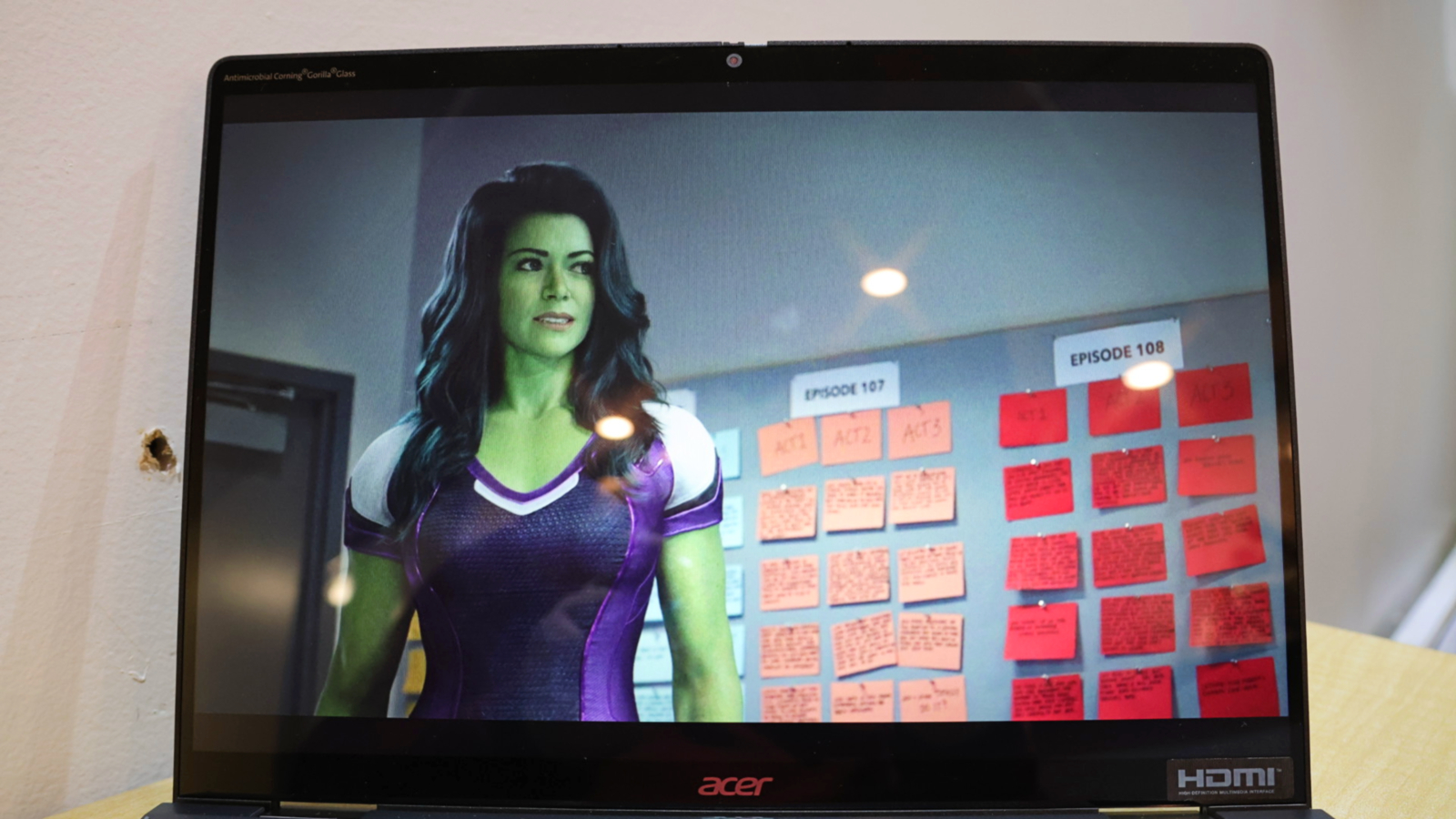
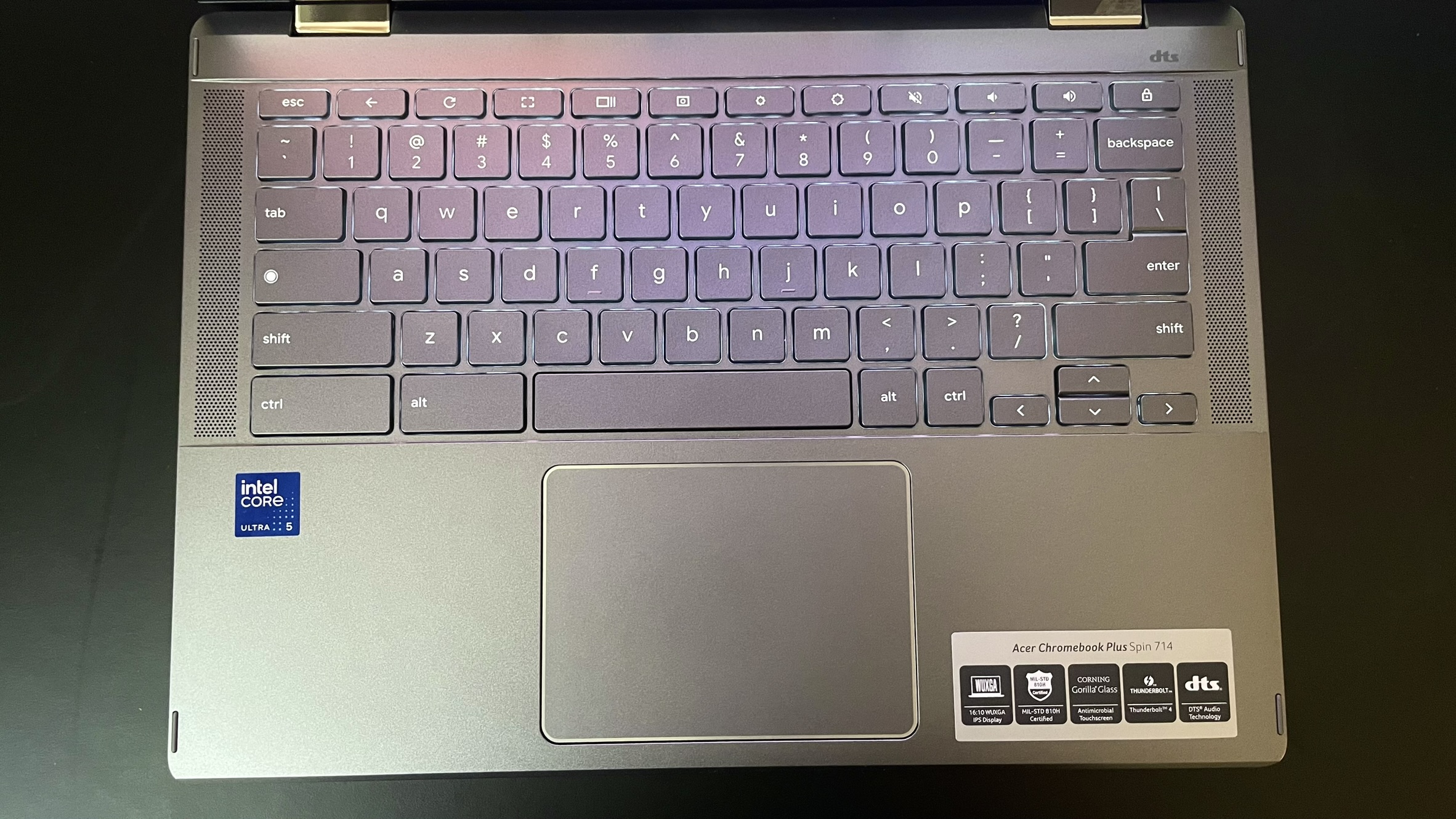
A couple small, unique features make this laptop standout; Acer's OceanGlass touchpad is the smoothest I’ve ever felt on a budget laptop — even compared to some expensive Windows laptops. The Corning Gorilla Glass coating on the Spin 312's 12.2-inch display makes colors appear more vivid than what the IPS panel can actually produce.
According to Laptop Mag's tests, it covers only 55% of the DCI-P3 color gamut. But the colors don't look desaturated, and the contrasts are more dramatic, compared to how they would look on an IPS panel with the same color coverage and no coating.
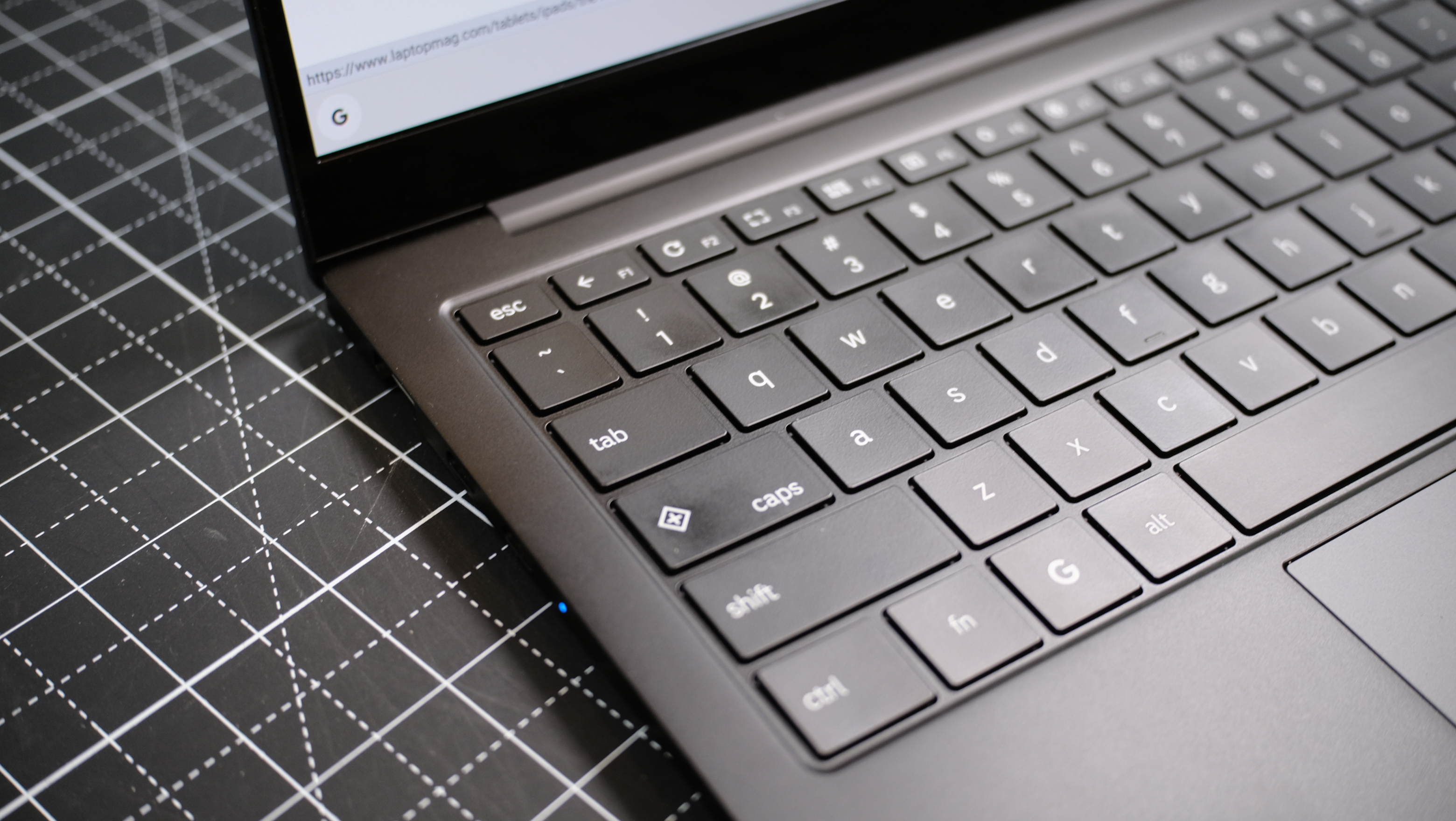
The keyboard isn't the worst I’ve ever tried, even if it does have a strange clicky-squishy feel that makes the thinness of the plastic keycaps really noticeable. But the Spin 312 is a 2-in-1 laptop, so if taking notes by hand is more your style you won't need to worry about that — not until its time to type that essay on George Orwell's 1984, at least.
Not every laptop can make the best laptops under $500 page; we review new laptops every week and over 100 laptops yearly. But here's a look at our most recently reviewed laptops that didn't make this page either due to a fault, price, battery life, display brightness, or something else.
Pros: Solid battery life; high-quality 5MP front-facing camera and 8MP rear camera; affordable price-point; ultra-light chassis; good performance for the price; slick stylus and gesture controls
Cons: Mushy keyboard on the attached folio; having 4GB memory does limit some applications
To make your shopping process a little easier, we put together some tried-and-true guidelines to help you choose the best laptop for under $500.
Budget: What you get for the money
You can find decent Windows laptops and great Chromebooks for under $500. But pay close attention to the specs — everything from internal hardware to keyboard quality. We thoroughly the good and bad of cheap laptops in our reviews, so you'll know what laptops offer more or less for their price.
If we haven't reviewed it, we recommend typing the laptop's name into your favorite search engine followed by "review." You should find what you need to make an informed decision.
Screen Size: 12 to 14 inches for portability
Screen size can tell you a lot about a laptop's overall portability. 12-, 13-, and 14-inch models are generally the lightest and thinnest, and most $500 and under laptops come in these sizes.
Form factor: Clamshell or convertible?
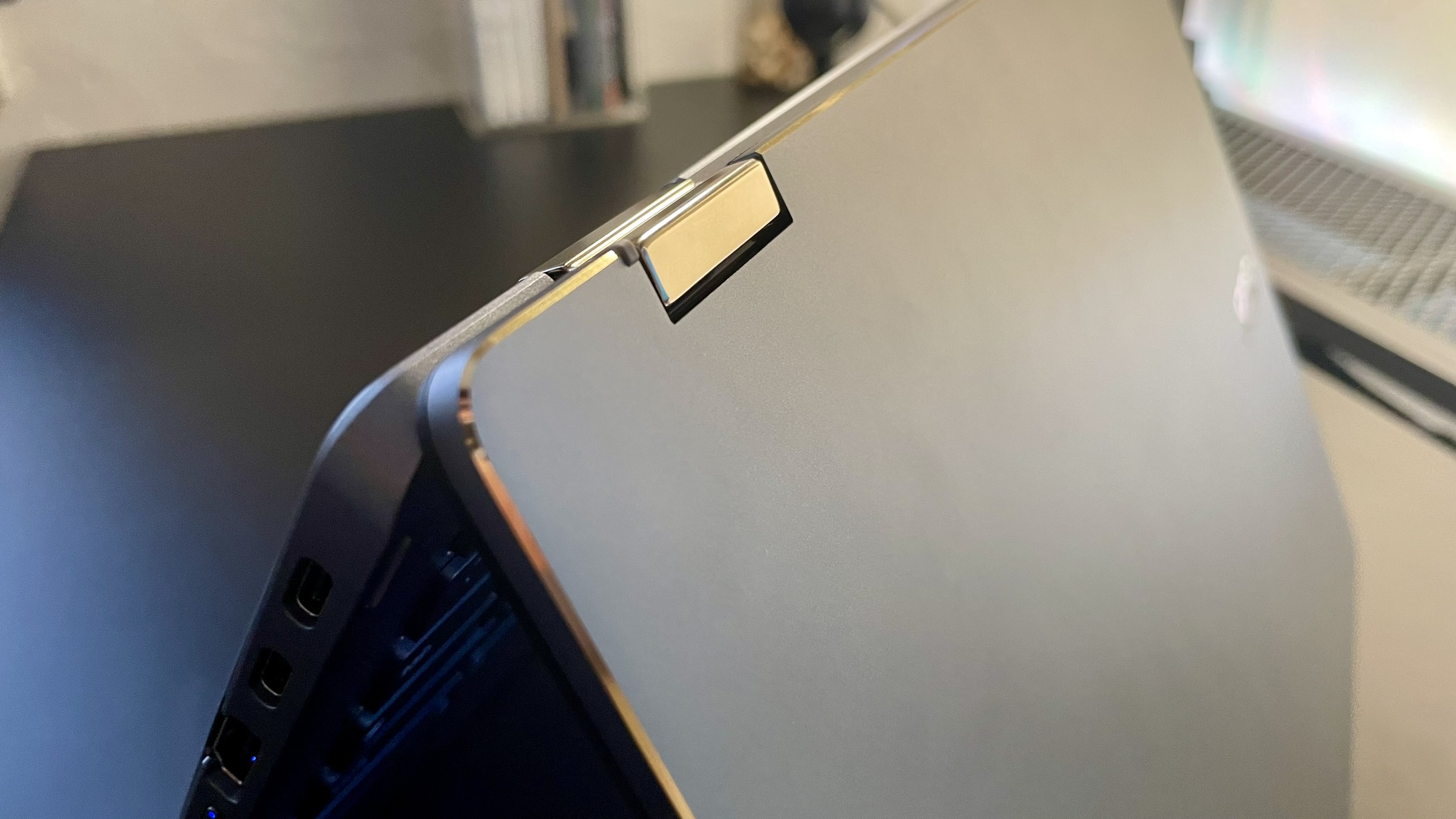
Clamshell (traditional) laptops often have better features for a lower price, but there are a decent number of convertible laptops with a 360-rotating display (2-in-1s) or detachable keyboard that are just as inexpensive. If you want to use your laptop as a notebook or drawing tablet, either of those forms could work for you!
Just keep in mind that a 2-in-1 in tablet mode will be thicker since the display folds back to meet the bottom of the keyboard — and that also means the keys face outward. Laptops with detachable keyboards don't suffer from the same awkwardness.
Battery Life: 10+ hours
Even a sub-$500 laptop should have enough battery life to last an entire workday before it needs a charge. We recommend buying one with at least 10 hours of battery life, according to our tests.
Specs: What's the best for $500 or less?
If you come across a cheap laptop with 16GB RAM, a 256GB storage drive, and an Intel 13th-gen processor or newer, then you might have found one of the few options out there with the best specs for the price.
What you'll come across more often are sub-$500 laptops with some combination of 8GB RAM, 128GB or less of storage space (the slower, eMMC kind), and a MediaTek Kompanio or Intel N-series processor. You'll get more mileage out of those specs with a Chromebook than with a Windows laptop, though.
FAQs
Q: Are budget laptops worth it?
A: If you don't use a laptop for anything more than checking email, watching videos, or doing homework in Google Docs, there's a good chance you'll be pleasantly surprised by the quality of today's cheap laptops. Some feature snappy processors, clicky keyboards, or colorful displays.
But as Laptop Mag reviews editor, Rami Tabari, points out, not all budget laptops are a great deal. Even on sale. It's crucial to keep the laptop's potential longevity in mind, especially when it comes to battery life.
Q: Are laptops getting cheaper?
A: There are lots of factors that ultimately determine laptop pricing (like tariffs), but the average price of a laptop has stayed relatively the same over the last several years while their overall quality has improved. If or when tariff hikes hit laptops, it's likely they'll be significantly more expensive — and it could become even harder to find a quality laptop under $500.
Q: When are laptops cheapest?
A: Black Friday and Cyber Monday are when you'll usually see the best deals on laptops, but many manufacturers and retailers have great deals throughout the year. (We keep track of the best laptop deals you can get right now, so check 'em out.)
How we test the best laptops under $500
(Image credit: Future)
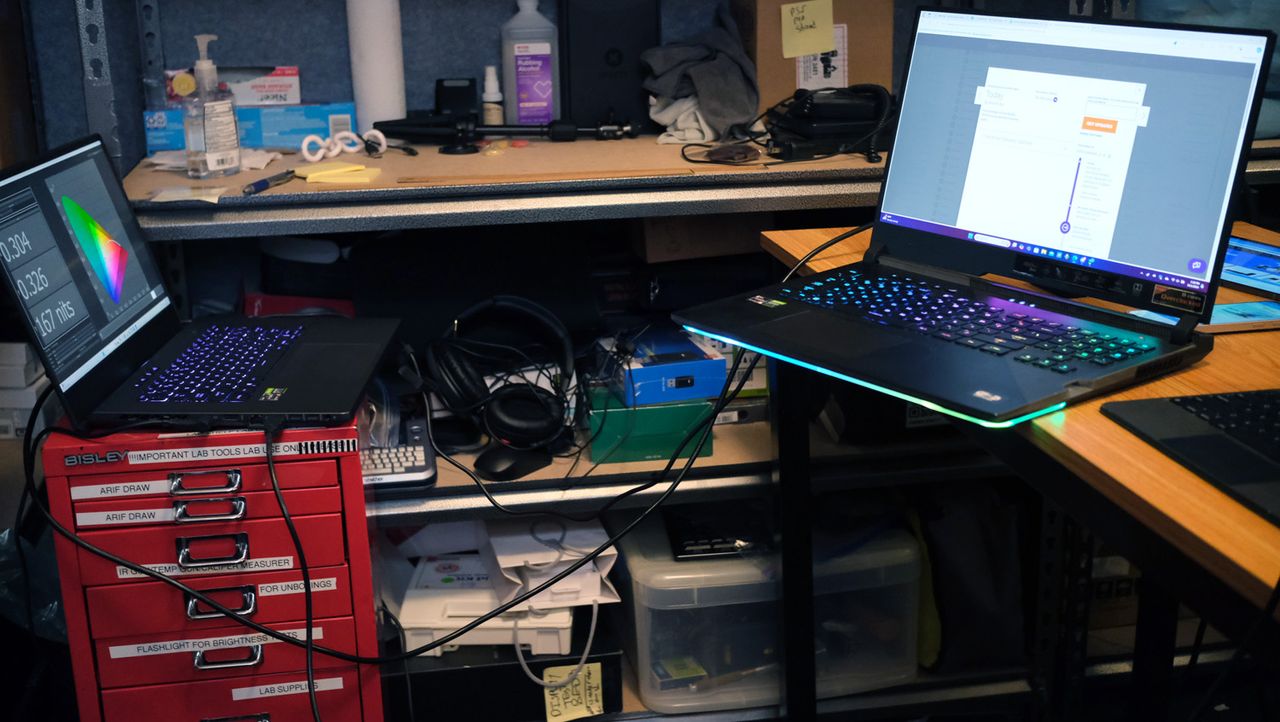
We put each laptop through extensive benchmark testing — both synthetic and real-world — before they end up in the hands of our reviewers. We evaluate each aspect of the laptop, including its performance, battery life, display, speakers, and heat management.
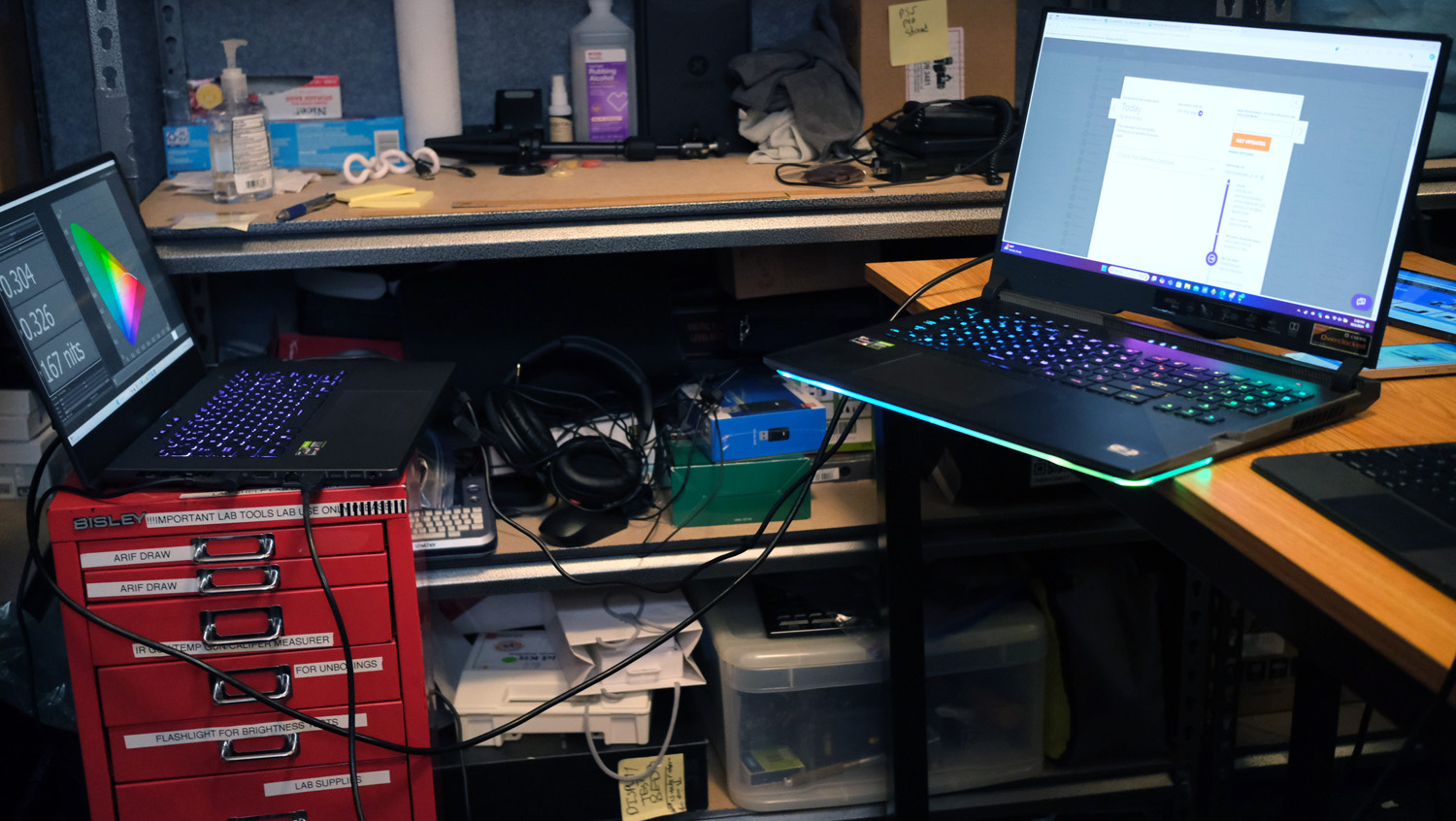
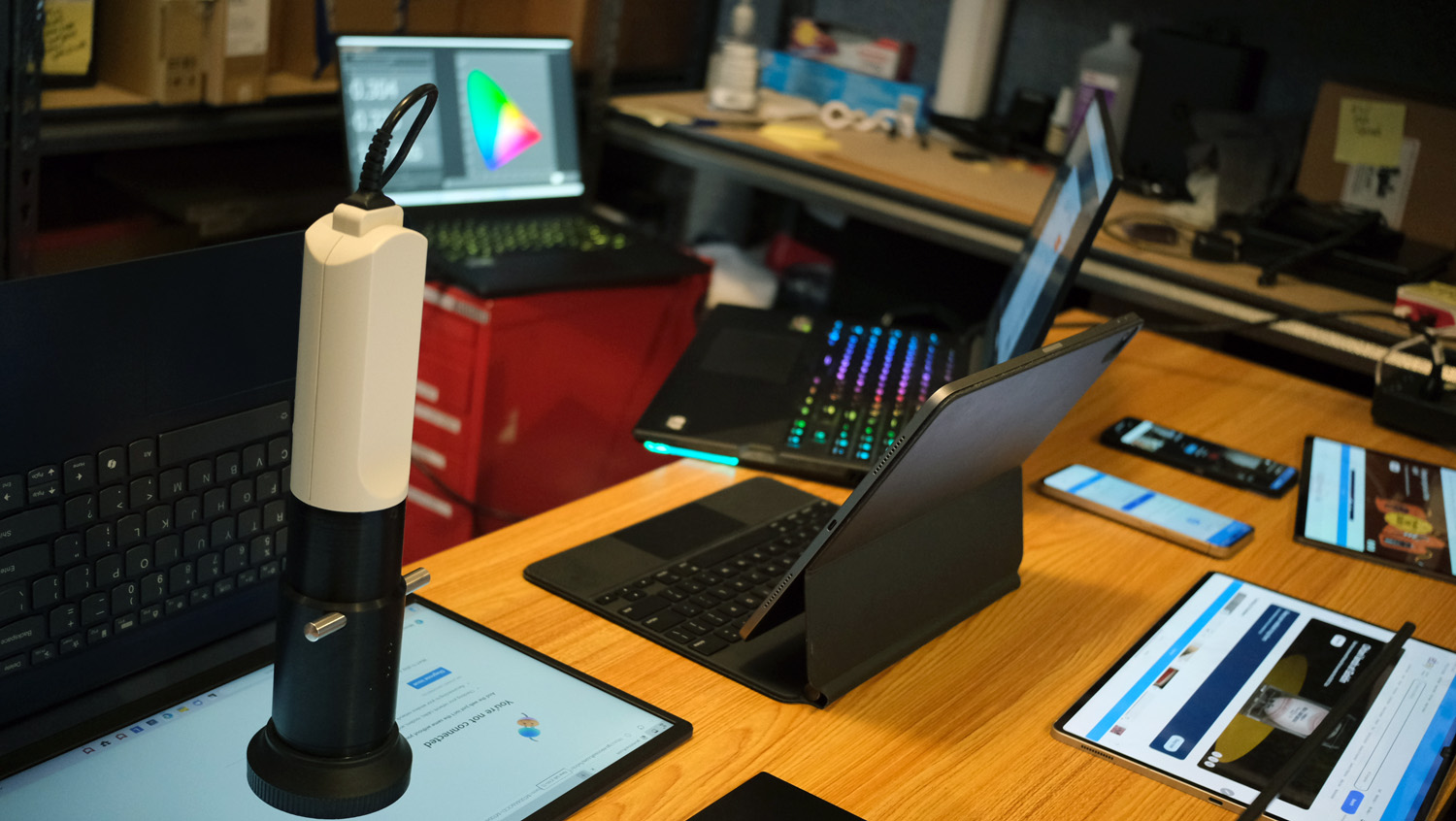
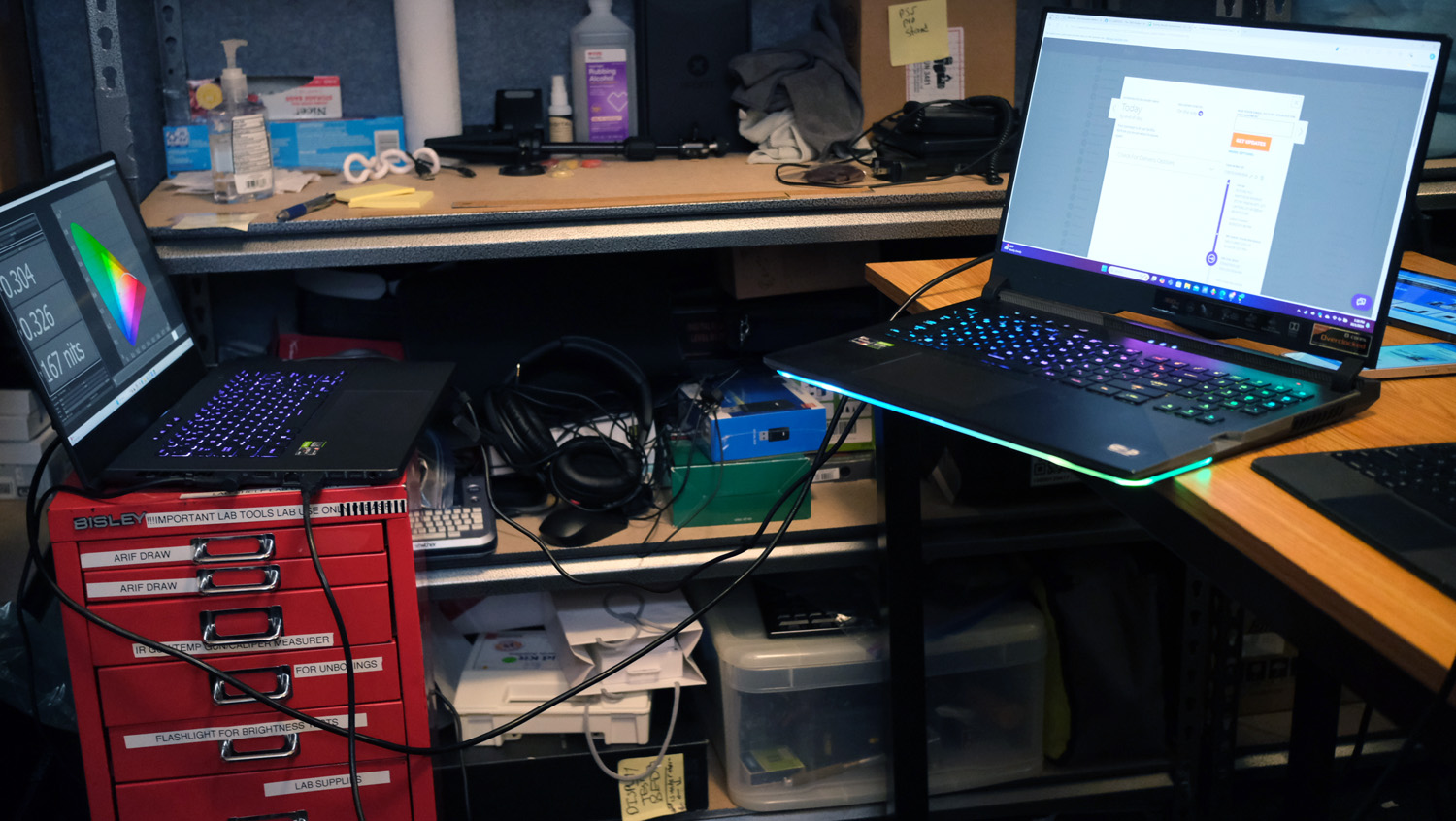
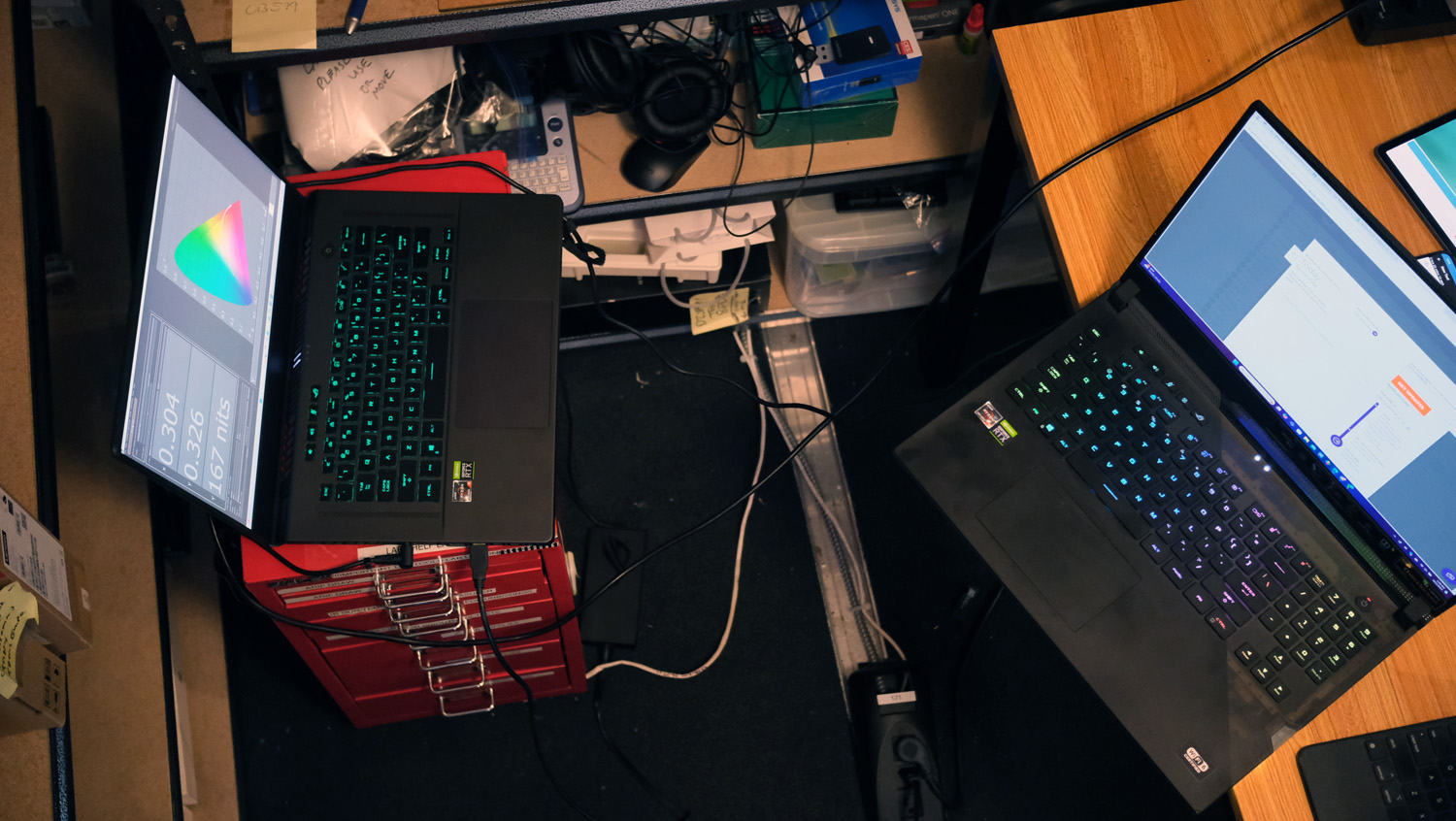
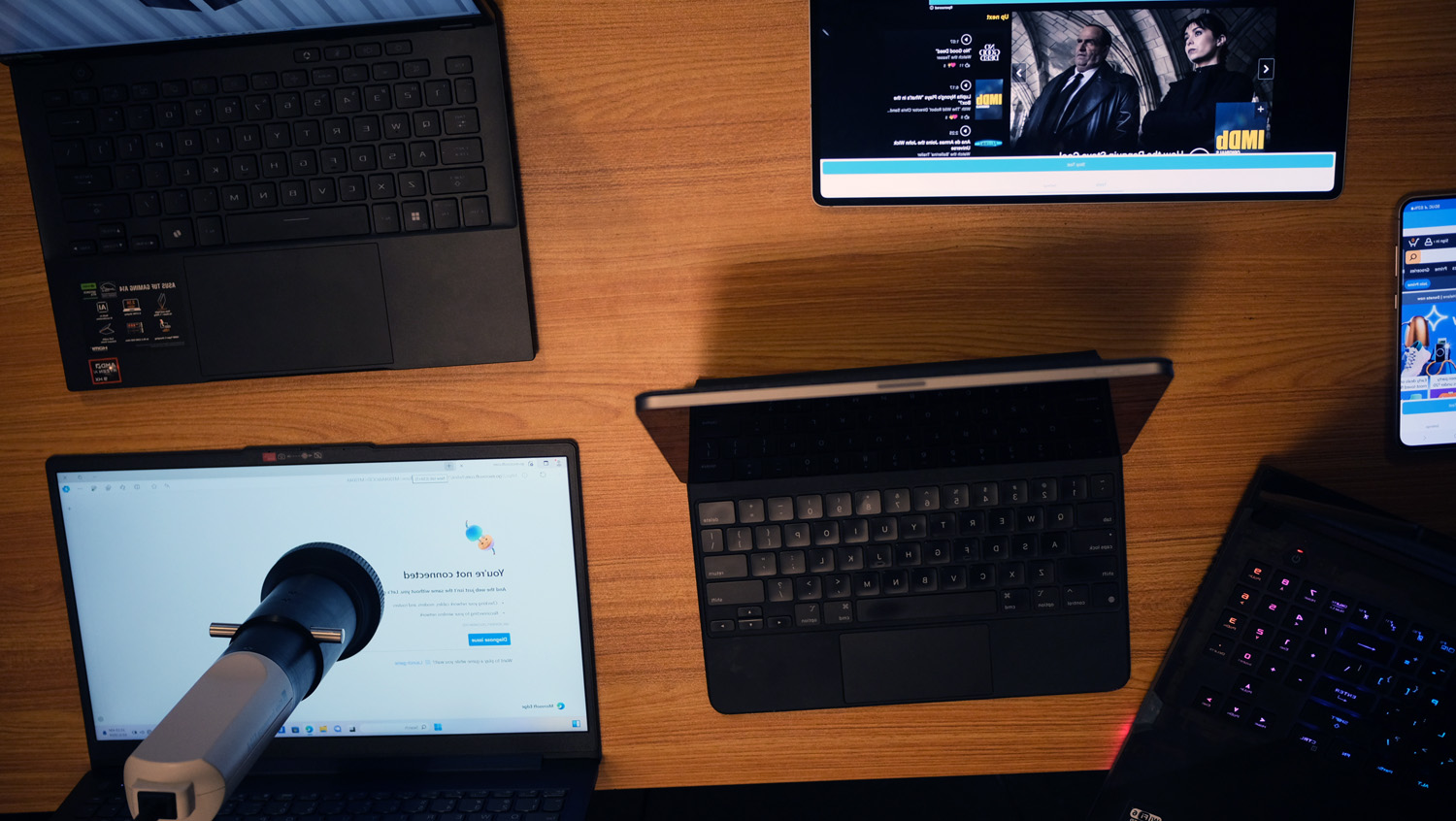
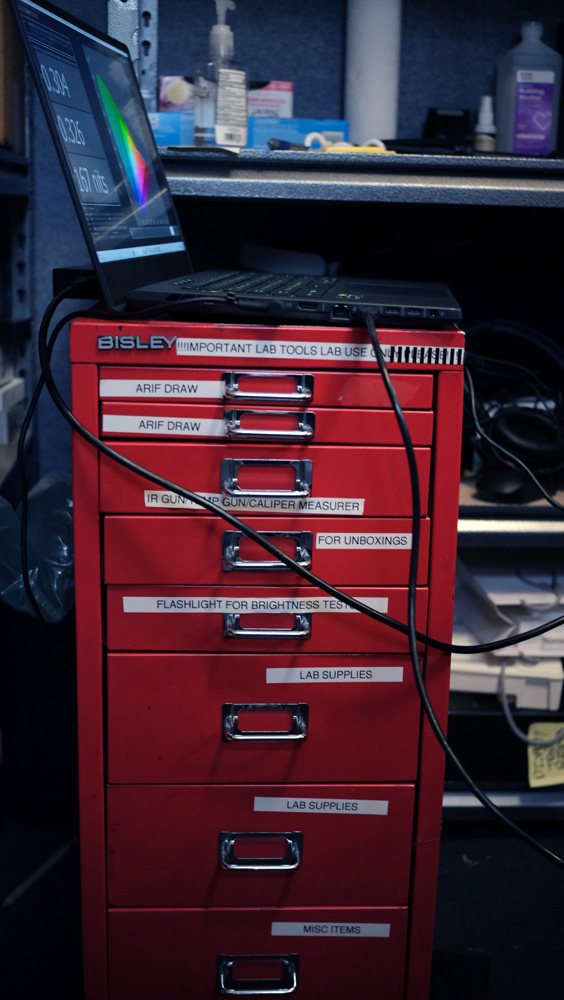
In our benchmark testing, we use a Klein K10 colorimeter to detect the brightness and DCI-P3 color gamut of the laptop's display. For performance testing, we run the laptop through a gauntlet of benchmarks, including Geekbench 5 and 6 and 3DMark professional graphics tests.
To determine real-world performance, we task the laptop to convert a 4K video to 1080p resolution and to duplicate a 4.97GB multimedia file. Our real-world graphics test is the Sid Meier's Civilization 6 Gathering Storm benchmark with medium settings at 1080p resolution.
We also run heat tests by playing a 15-minute full-screen video and measuring temperatures in different areas of the laptop. Last but not least, our battery test consists of continuous web surfing over Wi-Fi at 150 nits of brightness. For MacBooks and premium Windows 11 laptops, a runtime of over 9 hours is considered a good result, whereas gaming laptops and workstations that can stay powered for longer than 5 hours deserve praise.
After completing lab tests, each laptop heads to our expert reviewers for in-depth, hands-on evaluation. They spend several days using the laptop in their everyday workflows — writing, editing, video calling, streaming, and more — to get a feel for how it performs in the real world. This combination of technical analysis and lived-in experience helps us deliver a well-rounded, honest perspective on every laptop we review at Laptop Mag.
See this page on How We Test Laptops for more details on our benchmarking procedures.
Why trust Laptop Mag
Laptop Mag reviews over one hundred different laptops every year, from paperweight ultralights to everyday workhorses to lumbering gaming notebooks that scorch the frame rates of even the hottest AAA games. We're not just experts in the laptop field, as we go one step further by meticulously testing smartphones, tablets, headphones, PC accessories, software, and even the latest in gaming.
We are 100% independent and have decades of experience to help you buy with confidence. In fact, Laptop Mag has been testing and reviewing products for three decades, and we continue to deliver trustworthy reviews you can rely on.
Our experienced team of writers and editors scour the available information about the laptop and put it through its paces to determine which is best for you. But before they start, the testing team subjects each system to a rigorous regimen of synthetic and real-world tests to see how a system handles the type of work and games you’re most likely to throw at it.
Our editorial trustworthiness is enforced by one of the world's largest technology publishers, Future Publishing. As a company, we have unrivaled experience across every tech sector — and we're the group's specialist for all things mobile tech.
When I think of the best Dell laptops (and Dell in general), two memories come to mind: the "Dude, you're getting a Dell" commercial from the early 2000s, and my dad's first and only laptop — a 2012 Dell Inspiron.
My nostalgic feelings aside, Dell is a brand that sticks in many people's minds, particularly the iconic XPS series. The company has had a solid reputation since its first laptop was released in 1989, and you'll typically find a Dell among Laptop Mag's lists of best laptops, best budget laptops, best gaming laptops, and laptops with the best battery life. We've reviewed several of Dell's newest releases and expect to review more as 2025 marches on.
An important note: if you're considering buying a new 2025 Dell, I highly recommend reading my handy guide on how to find the right Dell laptop to understand the new product names. Dell laptops now have a naming convention closer to how Apple differentiates its MacBooks (XPS, Inspiron, Precision, and Latitude are no more, unfortunately), but my current recommendations still have those familiar, now-former names. It may also be a good time to find discounts on the old models among the best laptop deals.
Whether you've never owned a Dell or you've used Dell laptops for years and are ready to upgrade, this page is regularly updated with our latest reviews to reflect Laptop Mag’s top picks for 2025.
Click to view recent updates to this page.
Update Log
5/30/25: Updated introduction, "recently reviewed," and FAQ sections.
Dell's laptops don't get much more well-rounded than this. This one is speedy, thin and light, has a decent number of ports, long battery life, and it stays cool.
This last-gen laptop is no slouch. It has more than enough performance and battery life to get you through an entire day and evening's worth of work — for a couple hundred of dollars less than our top pick.
This is the most impressive budget gaming laptop we've tested in years. Stellar performance coupled a 240Hz display refresh rate — and who needs OLED when its IPS panel produces such remarkably bold colors?
Exceptional color accuracy alongside an equally exceptional wide color gamut. If battery life isn't your main concern, it's worth getting the XPS 13's OLED panel upgrade.
If battery life is your main concern, the Snapdragon XPS 13 has one of the longest-lasting in a laptop we've ever tested — longer than the MacBook Pro 16 M3 Max.
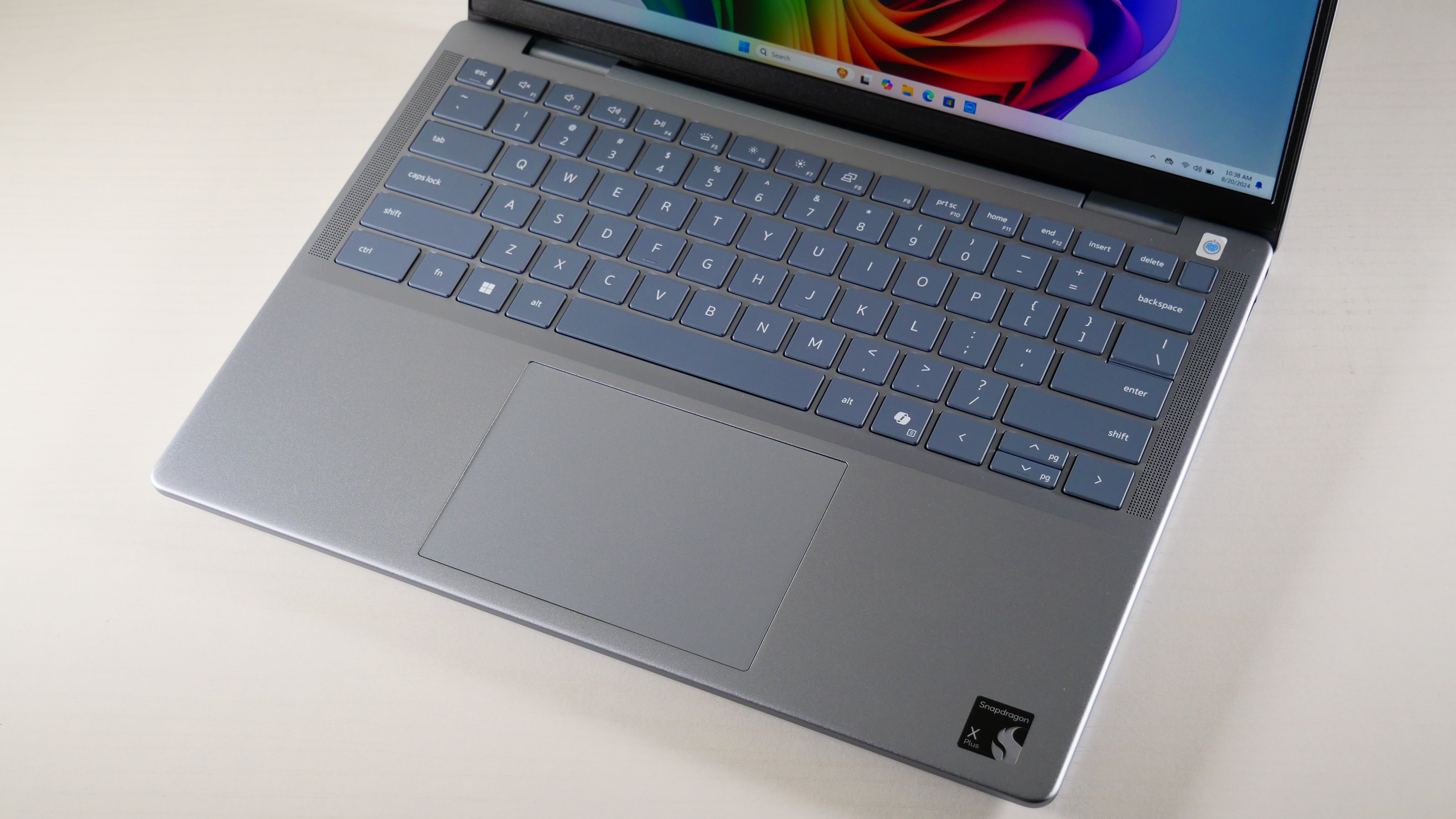
CPU: Snapdragon X Plus X1P-64-100 | GPU: Qualcomm Adreno | RAM: 16GB | Storage: 512GB SSD | Display: 14-inch, 2560 x 1600, 60Hz, touch | Dimensions: 12.36 x 8.81 x 0.58 ~ 0.67 inches | Weight: 3.17 pounds
Sharp, bright display
Strong performance
Incredible battery life
Decent webcam
Cool thermals
Poor gamut coverage
Middling graphics
Why is it our best pick for most people?
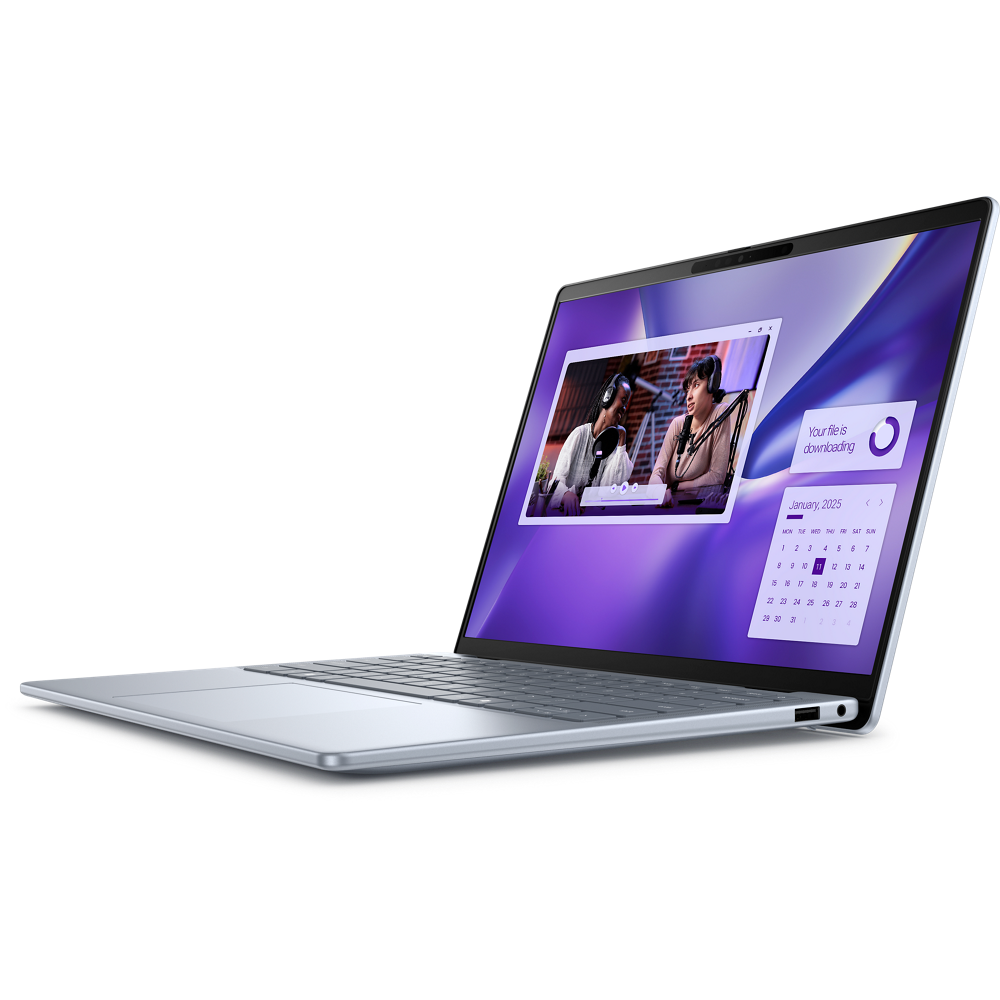
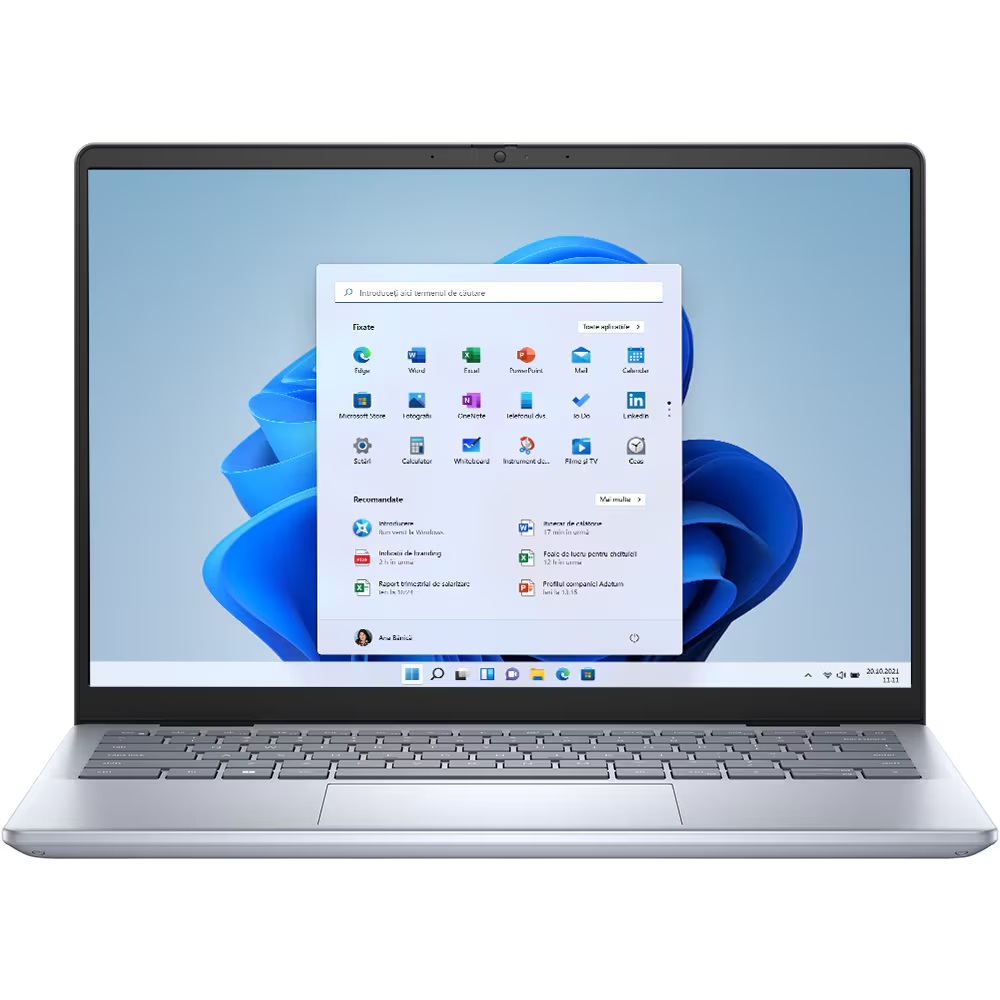
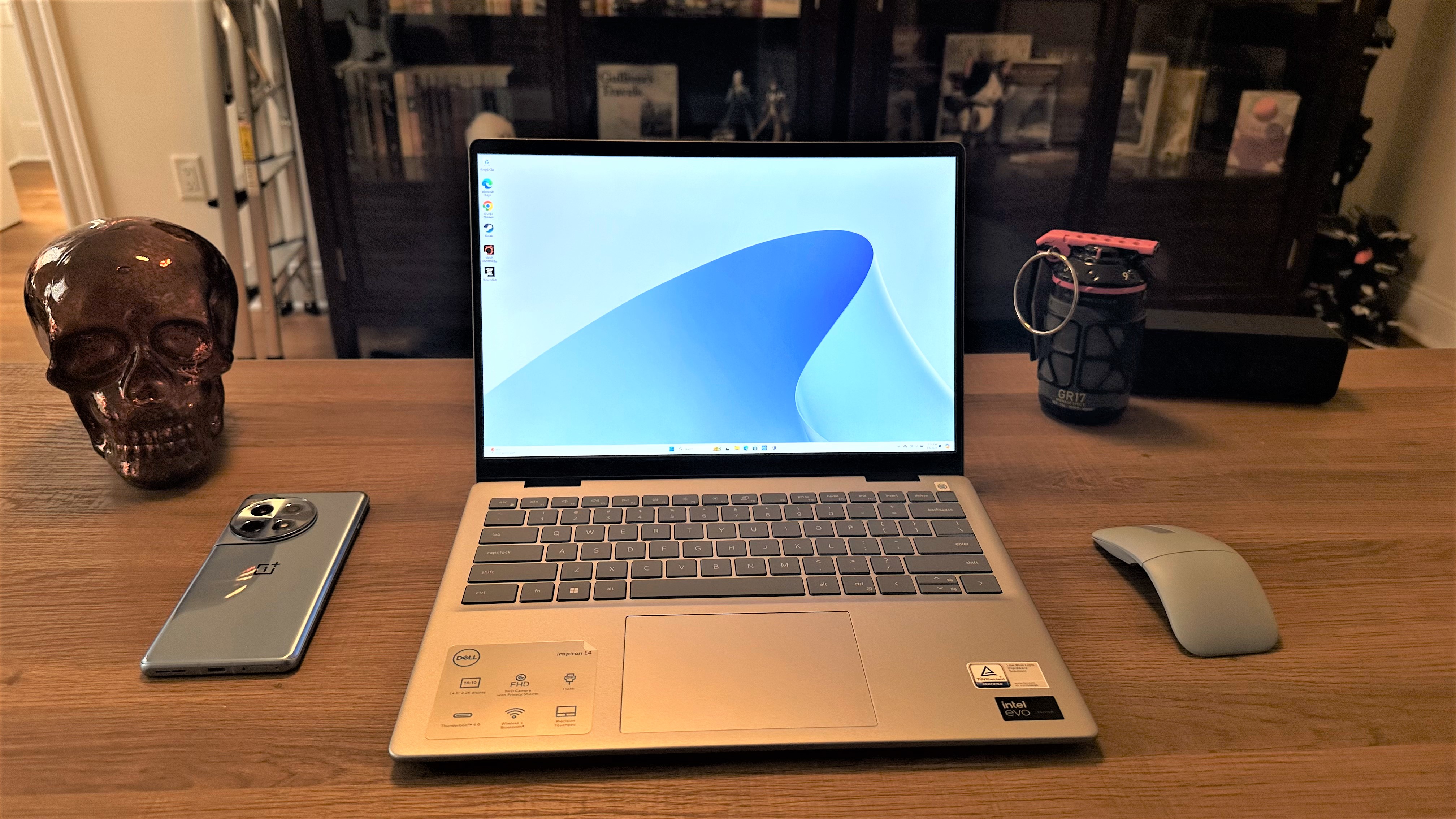
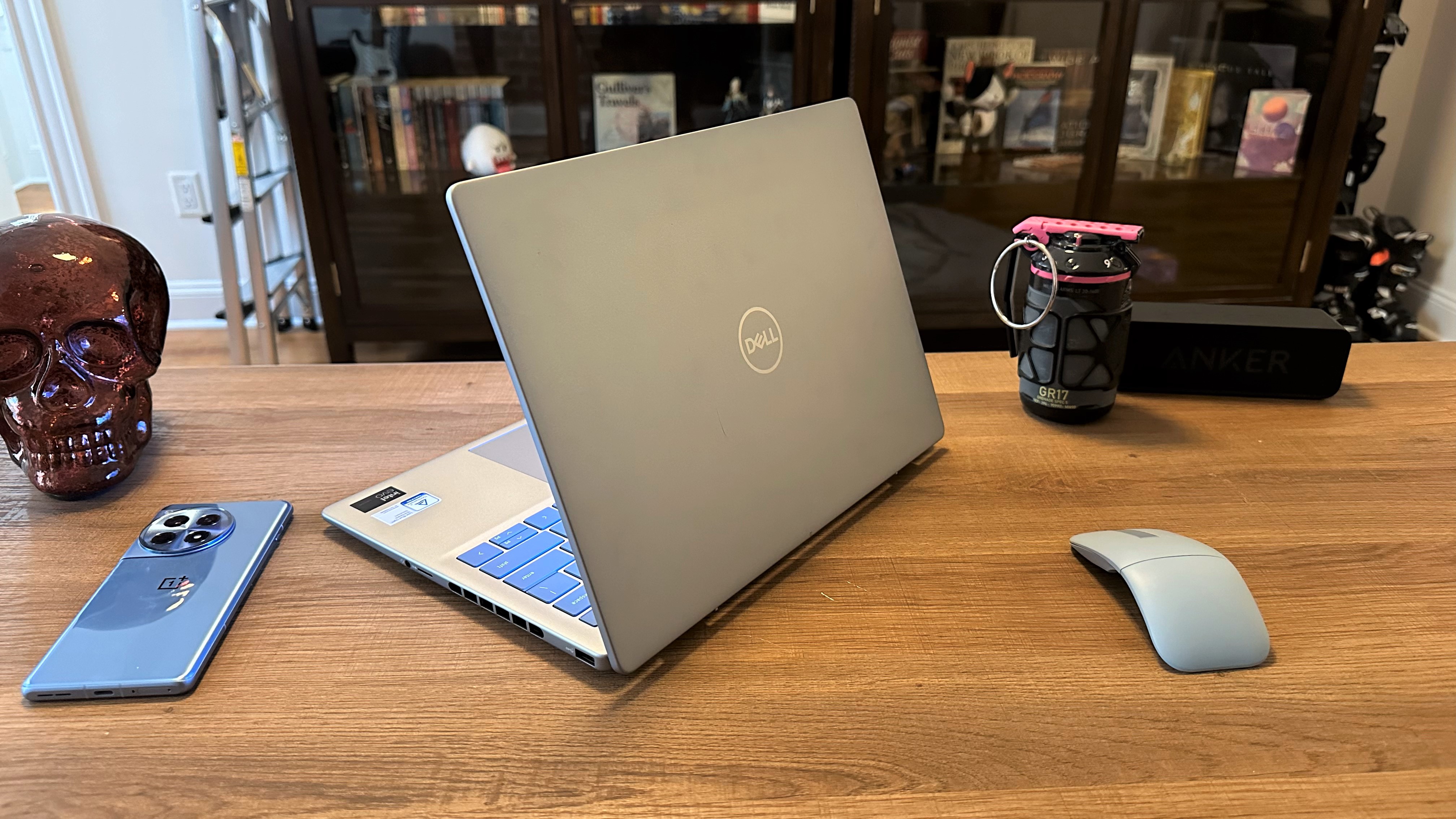
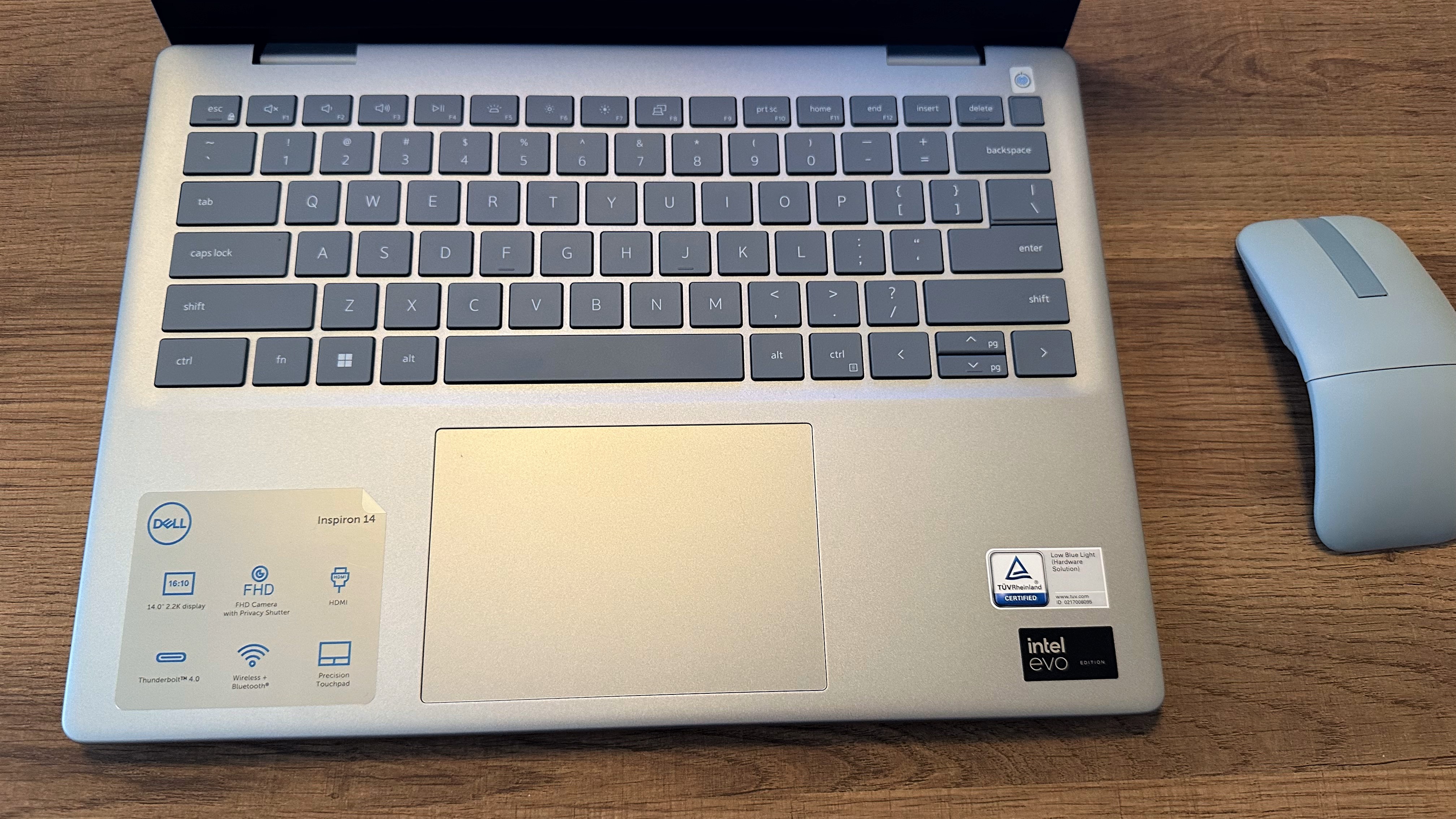
The Dell Inspiron 14 Plus (7441) nails the important stuff at an affordable price: performance, portability, and battery life.
Buy it if
✔️ You occasionally (or frequently) misplace your laptop charger. Or forget it at home. This laptop's 18-plus hours of battery life will spare you a frantic search for a wall outlet.
✔️ You want a laptop cool enough for your actual lap. Some thin and light laptops can turn into pint-sized heatwaves, but not this one. All its surfaces stay well below our 95 degree comfort threshold.
Don't buy it if
✖️ You use or a bunch of niche apps. This laptop runs Windows on ARM. It does have has pretty good emulation software, but it still may not run some apps reliably, or at all. Check if a native ARM4 version exists, first.
✖️ You want a display that can handle bold colors. Its DCI-P3 gamut coverage is almost 10% less than the average of all the premium laptops we've tested, which isn't totally wide enough to begin with.
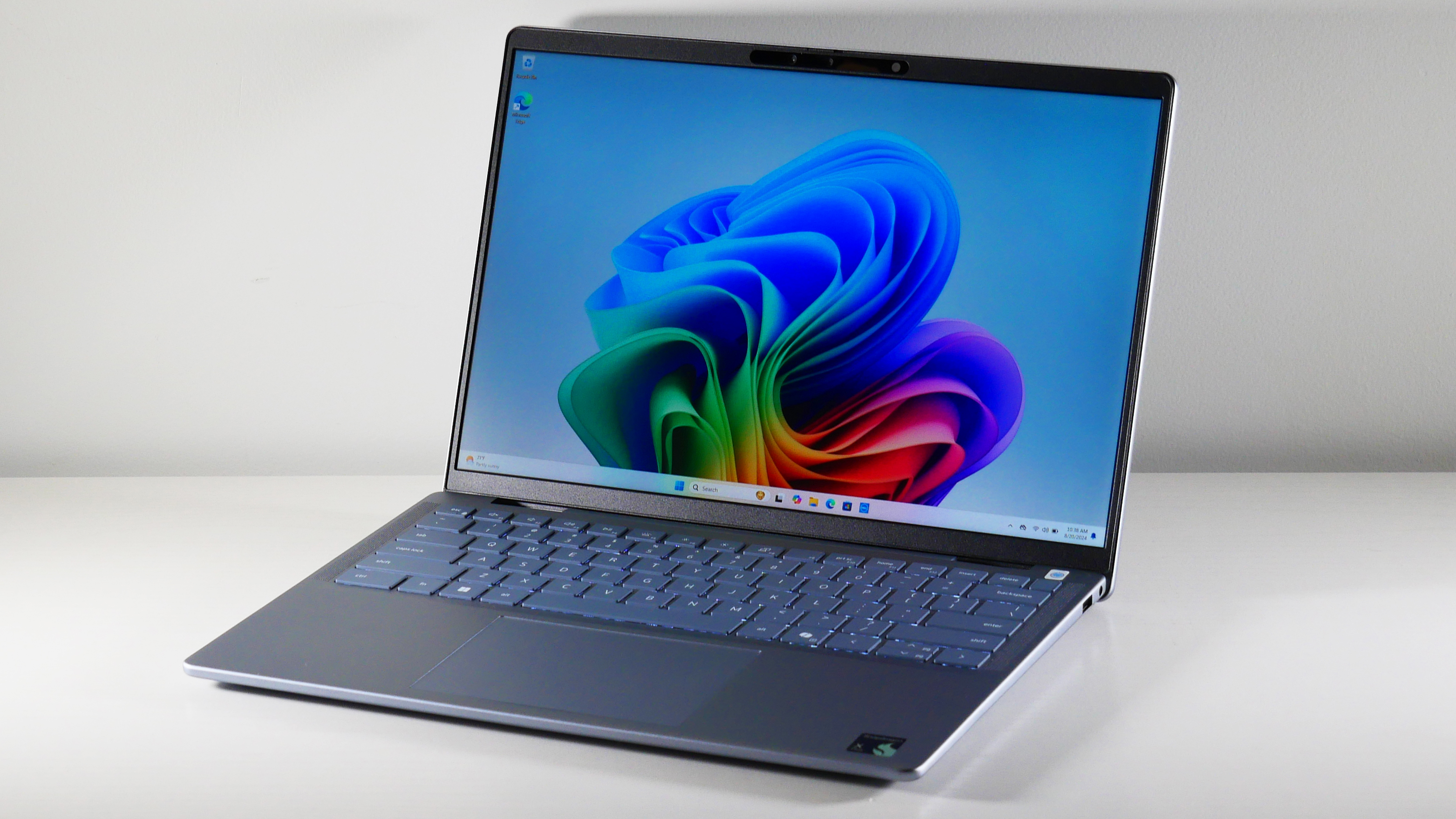
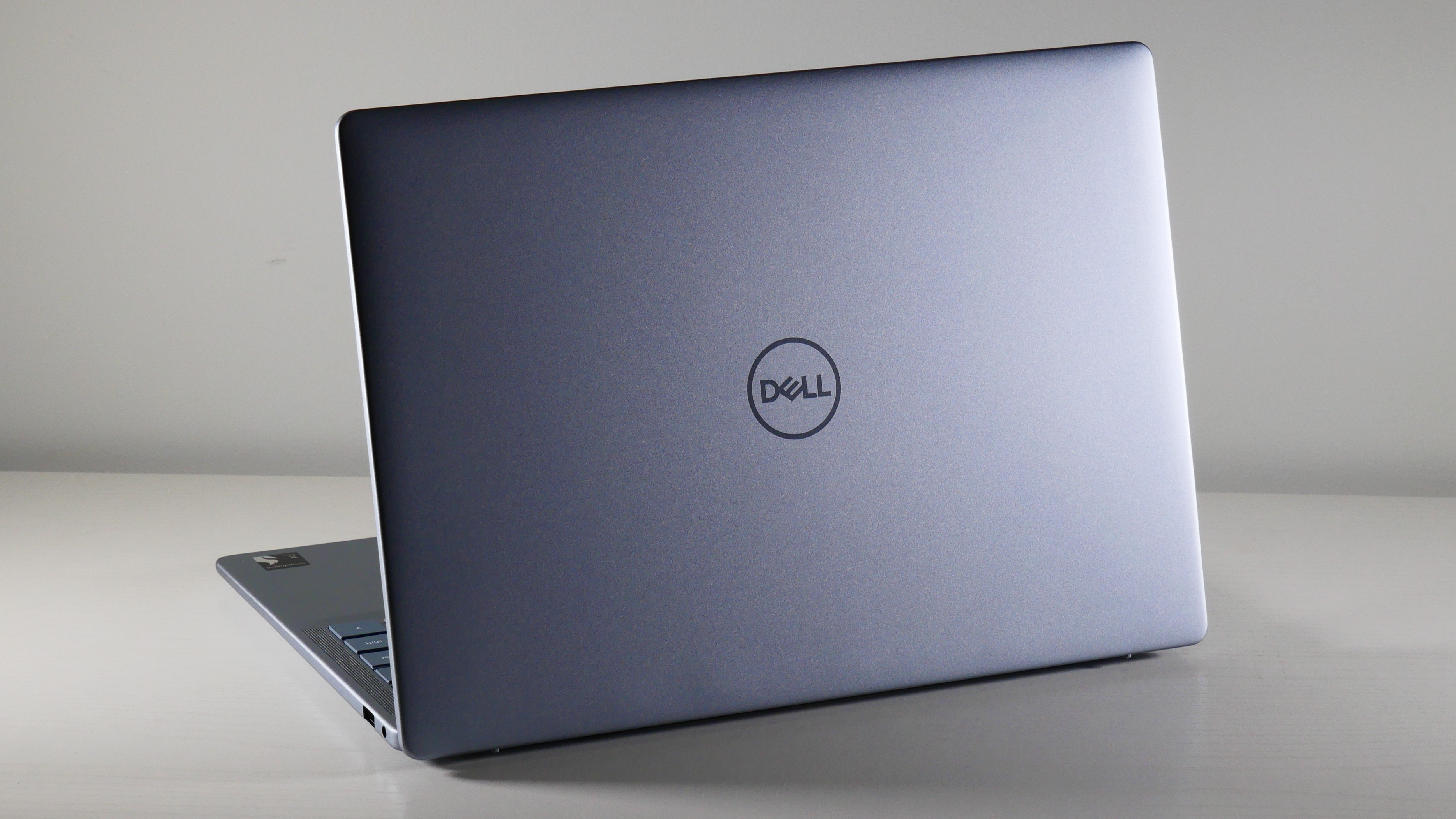
The Snapdragon-configured Dell Inspiron 14 Plus has many major qualities and features a modern laptop should have: incredible multitasking performance, seemingly endless battery life, a bright display — all packed into a reasonably light and thin chassis. It's a super-likable laptop.
The Inspiron's entry-level Snapdragon X Plus X1P-64-100 processor stands toe to toe (more like shin to knee, really) with higher-end chips from Intel and Apple of its generation. With a Geekbench 6 multicore benchmark score of 13,281, (22% faster than the average premium laptop score of 10,435) it did "well juggling a couple dozen Google Chrome tabs and a handful of YouTube videos," as Rami Tabari, Laptop Mag's editor, said in he review. He also recommends this laptop for remote workers.
It's also 9% faster than the MacBook Air M3 (12,087) and 5% faster than the Intel Core Ultra 7 155H (12,729) inside our pick for best budget Dell budget laptop — also an Inspiron 14 Plus!
The SSD is zippy, too. It can transfer a 25GB multimedia file at 1,510 megabytes per second, about 14% faster than the average laptop in its class (1,311 MBps.) It's 11% faster than the Asus Zenbook S14 (1,236 MBps) and 7% faster compared to one of its Snapdragon competitors, the Lenovo Yoga Slim 7x (1,416 MBps).
Battery life and heat management are equally impressive. In our battery rundown test, it lasted a substantial 18 hours and 20 minutes — well beyond the average 13 hours and 23 minutes. I'd be comfortable putting this laptop on my bare skin, too, as it doesn't exceed 88 degrees on the underside.
PlusItsIt's display doesn't produce miracles, though. Covering just 69.1% of the DCI-P3 color gamut, everything on the screen looks drained of color. Some of this laptop's rivals, like the Zenbook 14 and MacBook Air M3, fare much better, 79.8% and 77.8%, respectively — and they're still below the 84.7% average. However, the Inspiron 14 Plus' display can get really bright, up to 470 nits.
The Dell Inspiron 14 Plus (7440) has nearly everything we like about the Snapdragon version. You won't sacrifice much if you're looking to spend under $1,000.
Buy it if
✔️ You're after a great value. Even for a few hundred dollars less than its Snapdragon sibling, its multitasking performance is so negligible you most likely won't notice a difference. It battery life is still well over 10 hours, too.
✔️ You want decent graphics performance. Integrated graphics still aren't the best for heavy gaming, but this laptop can handle games like point-and-click adventures and older titles way better than the Snapdragon version.
Don't buy it if
✖️ You use your laptop on your lap more often than a desk. This Intel Inspiron's big downside is a toasty surface that gets much hotter than our 95-degree comfort threshold.
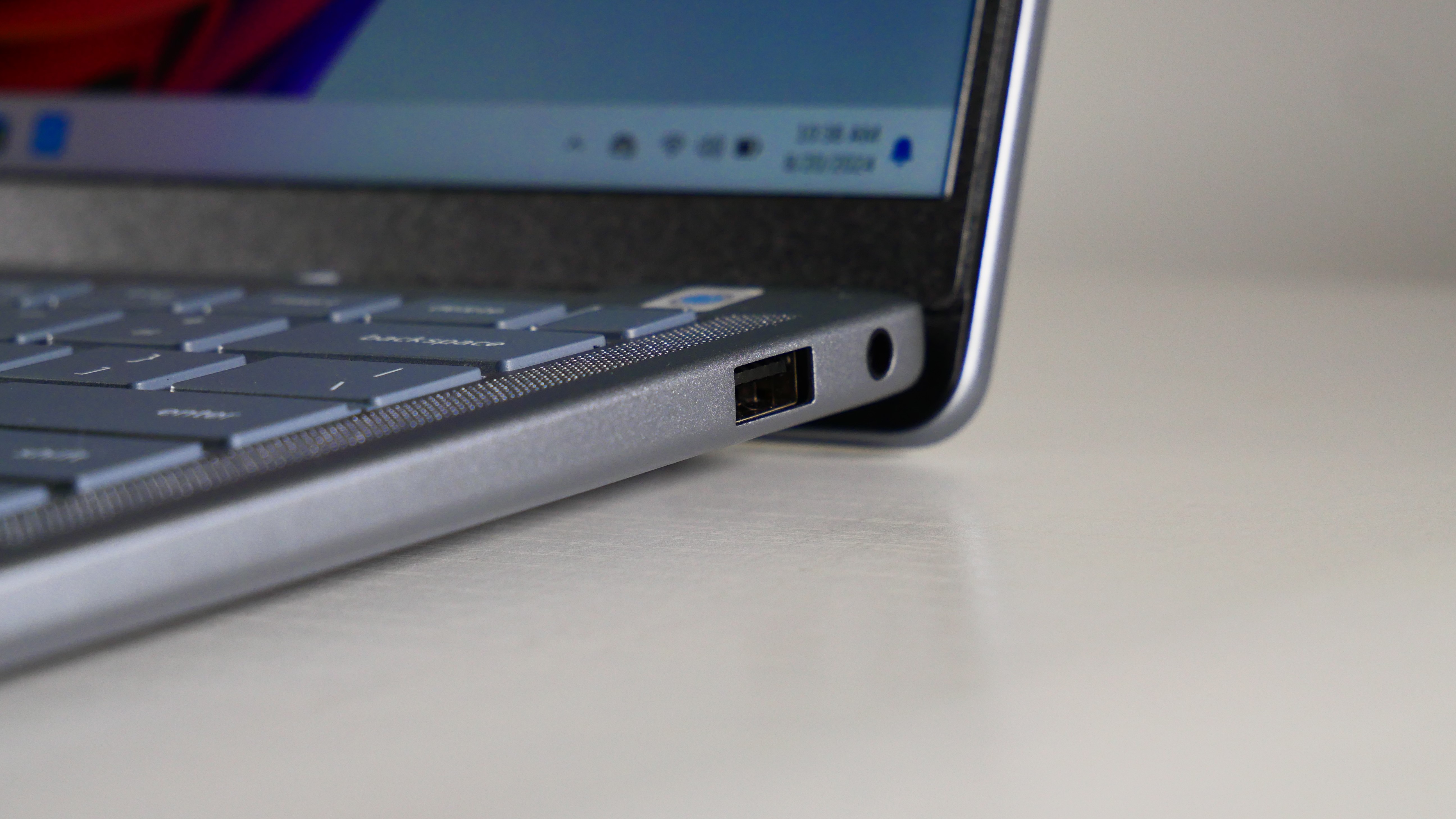
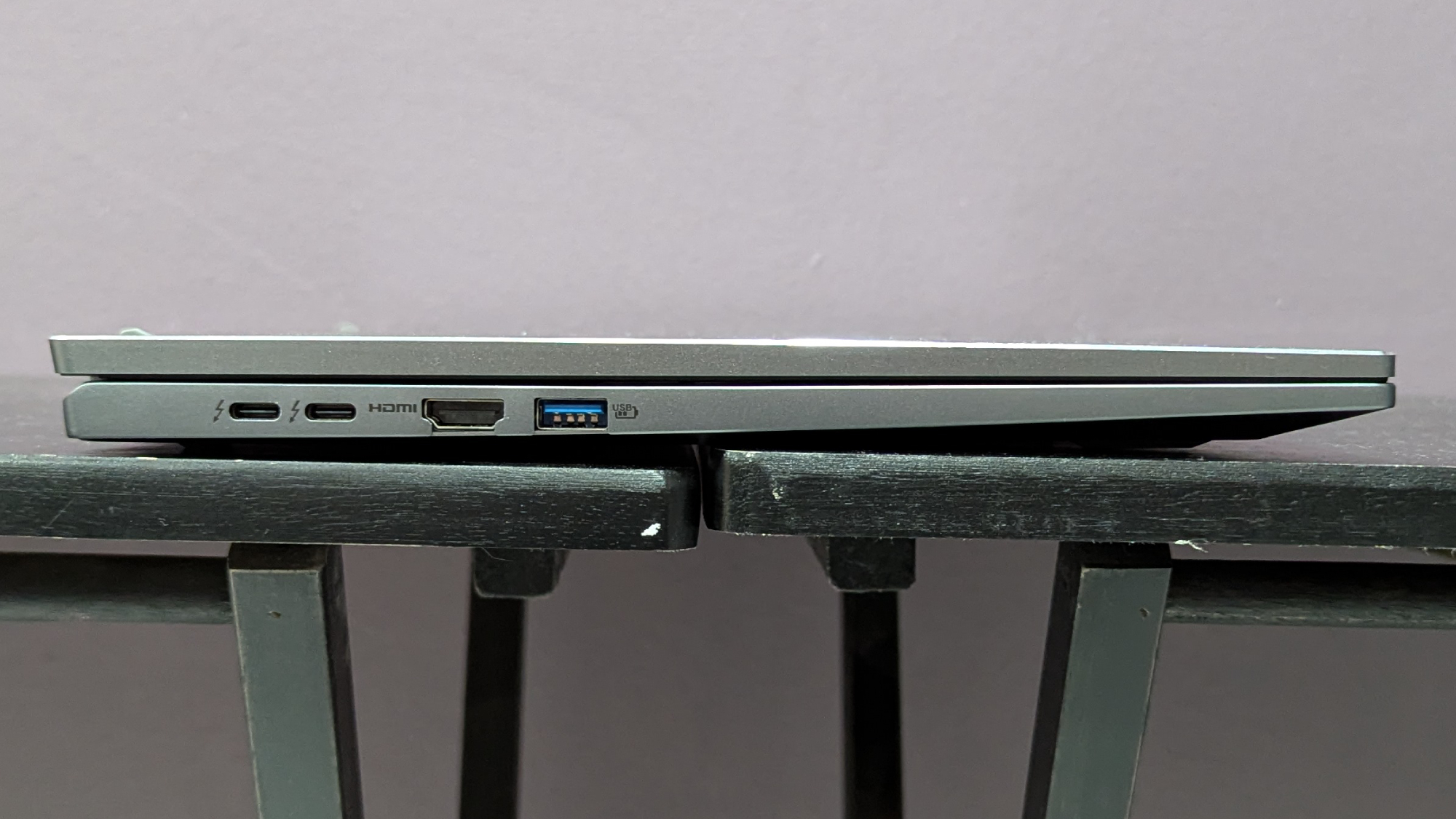
✖️ You need multiple USB-C ports. This laptop has only one, which is disappointing even for a budget laptop considering many modern wired laptop accessories have moved away from USB-A.
Even among laptops with Intel's new Lunar Lake chips, its last-gen chips are still nothing to brush off. This Dell Inspiron 14 Plus is a textbook example of why. It has just as much performance (especially for multitasking) and outstanding battery life, but its graphic capabilities are also far more powerful.
It scored 12,729 in the Geekbench 6 multicore benchmark, 9% faster than the average premium laptop (10,435). "The laptop easily kept up with my daily workload and task switching between email, text editing, and Photoshop," Laptop Mag's staff writer, Madeline Ricchiuto, wrote in her review. It's also 6% faster than the MacBook Pro M3 (11,968) and 3% faster than our favorite 2-in-1 laptop, the HP Spectre x360 14 (12,358), with the same chip.
When it comes to its graphics capabilities, this laptop also outshines its rivals, particularly the Snapdragon's Qualcomm Adreno iGPU. On Medium settings at 1080p, its Intel Arc integrated graphics averaged 34 frames per second in the Sid Meier’s Civilization VI: Gathering Storm benchmark. Our playability threshold is 30 fps, so it passed that — but the Snapdragon Inspiron 14 Plus mustered only 21 fps.
That difference is starker in 3DMark’s Fire Strike synthetic graphics benchmark: the Intel Inspiron scored 8082, where the Snapdragon Inspiron scored 5965 — a 27% difference.
This laptop doesn't get as much battery life compared to the Snapdragon Inspiron 14 Plus, but it still gets 15 hour and 6 minutes, a couple hours more than the average premium laptop. It does outlast both the Spectre (11:01) and the Asus Zenbook 14 OLED (15:52), and sneaks past the 15-inch MacBook Air M3 by 3 minutes, too.
Like the Snapdragon model, this laptop's display is dull, covering only 68.4% of the DCI-P3 color gamut. It doesn't get nearly as bright, either, topping out at 367 nits. However, that's on par or better than some of its other rivals, like the Spectre x360 14 (367 nits) and the Zenbook 14 OLED (339 nits).
The Inspiron 14 Plus' heat management isn't great, either, most likely because Intel mobile processors tend to run the hottest out of any Windows laptop chip — its surface warmed up to 108 degrees, well past our comfort threshold.
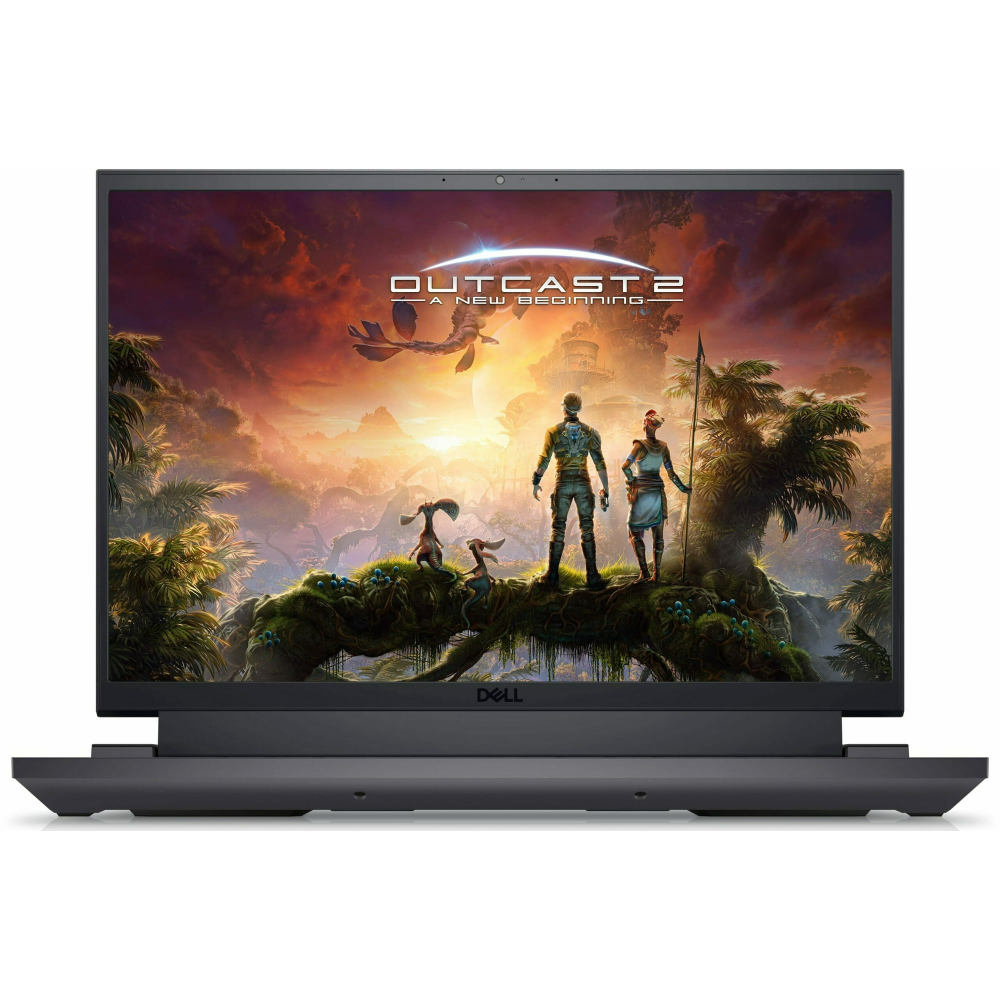
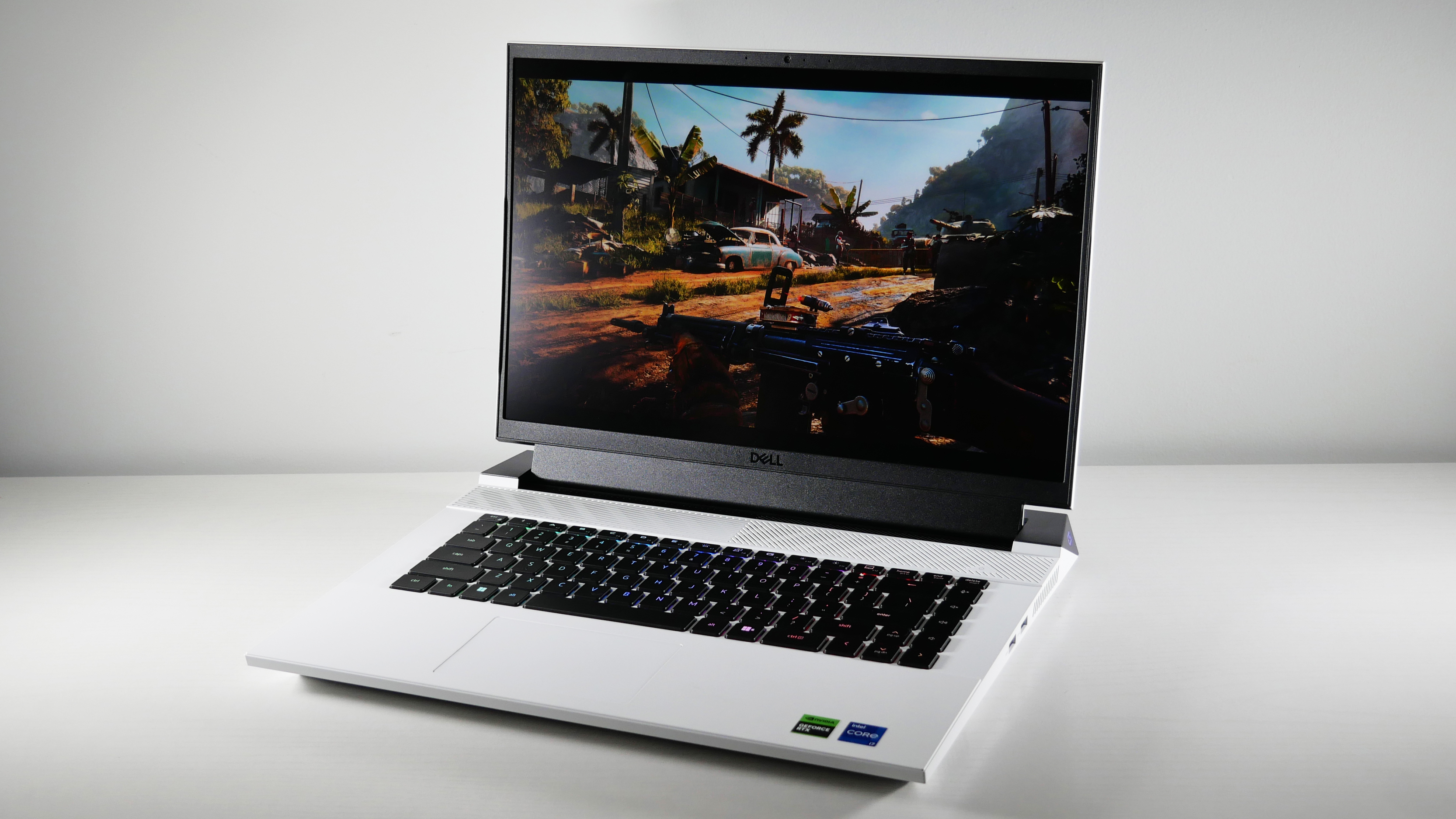
The Dell G16 is, simply put, the most impressive budget gaming laptop Laptop Mag has tested in years.
Buy it if
✔️ You want great performance. For under $1,000, you get a mid-tier RTX 4060, which can still run games at 60 fps (or higher) with the graphics settings maxed out.
✔️ You want higher-end features. Budget gaming laptops don't usually have a vivid display and a mechanical keyboard with RGB lighting— but this one does.
Don't buy it if
✖️ You want games to sound great. This laptop's speakers got the budget treatment, unfortunately. Any sound passing through them comes out hallow.
✖️ You want a comfortable trackpad. This one is tiny and using it doesn't feel so great, either — fair warning to anyone who wants a gaming laptop for productivity tasks.
Budget gaming laptops have been steadily disappearing from the laptop market over the last few years — so when one that packs a ton of performance and costs less than $1,000 falls into our hands, it's a great day at Laptop Mag. Like our editor, Rami Tabari, said in his review: "For its current price of $949, the Dell G16 (7630) is an absolute stunner."
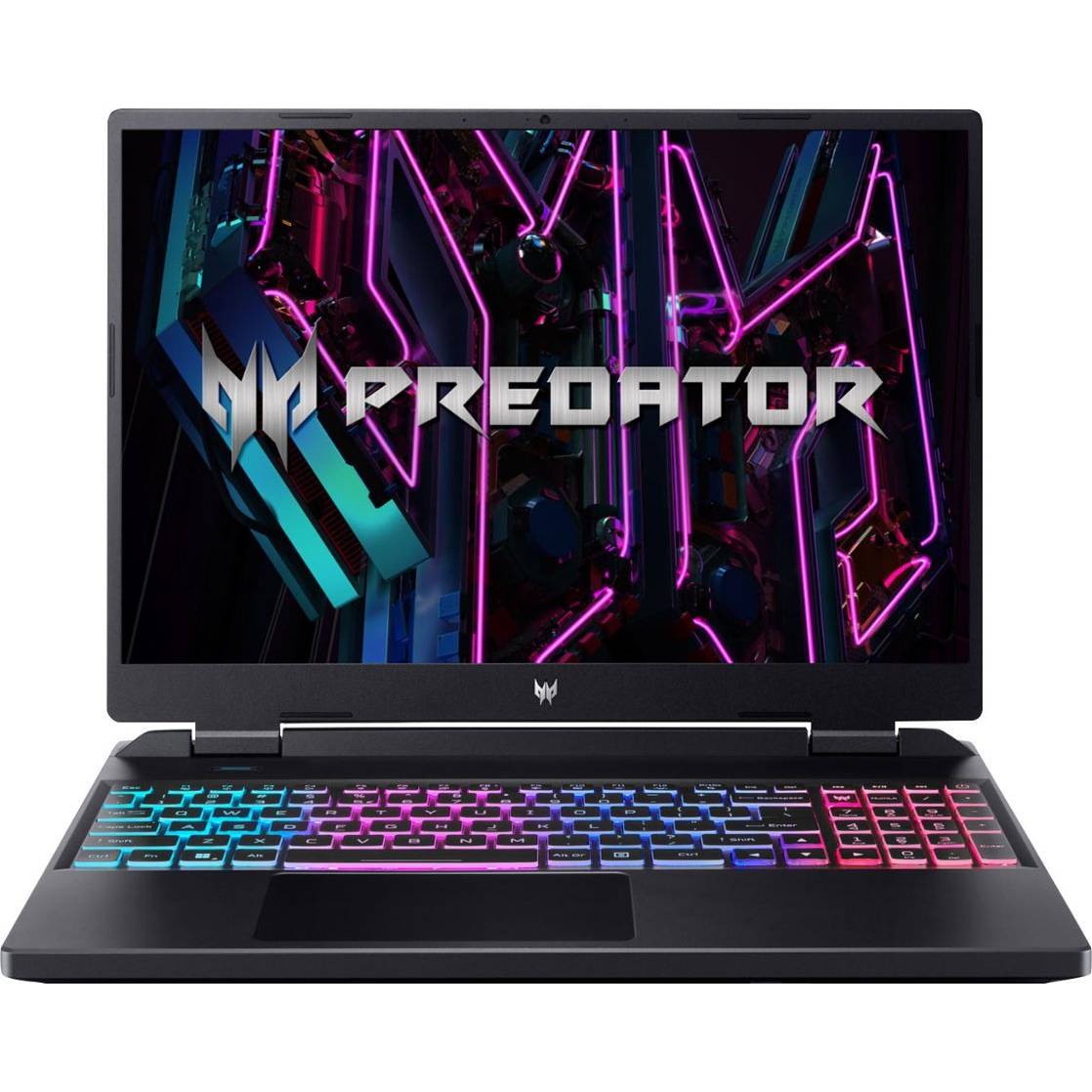
Graphically intensive games like Cyberpunk 2077 achieved 33 frames per second at 1080p on Ultra settings, slightly higher than the Asus TUF Gaming A14 (30 fps) and Acer Predator Helios Neo 16 (32 fps) with the same RTX 4060 graphics card. In Assassin’s Creed Mirage (Ultra, 1080p), the G16 did exceptionally well (88 fps), and remained on par with the A14 and Neo 16.
One feature that surprised us is the quality of its display. Its 2560 x 1600, 240Hz screen is a common feature in gaming laptops — but not the quality of the IPS panel itself. It covers a massive 114% of the DCI-P3 color gamut, soaring past the average budget gaming laptop (79.1%). Even the TUF Gaming A14 (81%) and Predator Helios Neo 16 (92%) fall far behind it.
Unfortunately, its display doesn't get all that bright. At a max 310 nits, its close to the overall average (317), but is much dimmer than the A14 (411 nits) and Neo 16 (370 nits).
But there is one more thing that the G16 has that its closest rivals don't: a Cherry MX tactile mechanical keyboard. Revered for their longevity, travel distance and actuation point, sound, and feel, these switches are more commonly found in desktop gaming keyboards —and there are gaming laptops twice the price of the G16 that don't have them!
Its battery life is decent, too. At 5 hours and 4 minutes, it outlasts the average budget gaming laptop and the Predator Helios Neo 16 by an hour It's no TUF Gaming A14 (10:04), but that laptop's battery life is an exception to the rule.
In that light, the gripes we have with this laptop seem relatively minor compared to the higher-end features it offers. If you already have a gaming headset you can easily avoid the speakers harsh, hallow sounds. And if you already have a gaming mouse, you'll never need to touch the tiny trackpad.
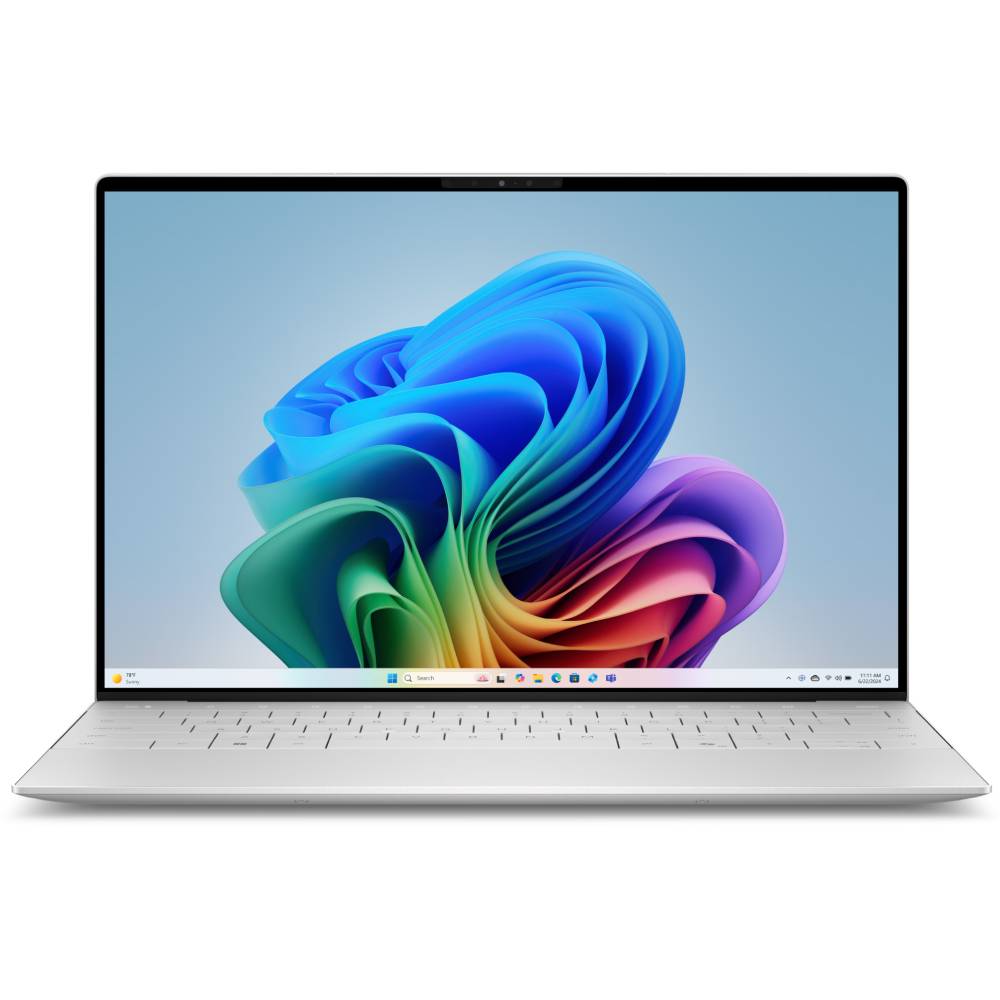
CPU: Intel Core Ultra 7 258V | GPU: Intel Arc | RAM: 32GB | Storage: 512GB | Display: 13.4-inch 60Hz 3K (2880 x 1800) Tandem OLED | Dimensions: 11.62 x 7.84 x 0.6 inches | Weight: 2.6 pounds
Solid performance
Impressive battery life
Vivid tandem OLED display option
Impactful speakers
Respectable graphics
Display could be brighter on both models
Poor color on non-OLED display
Cramped keyboard
Only two USB-C ports
Why is it our best display pick?
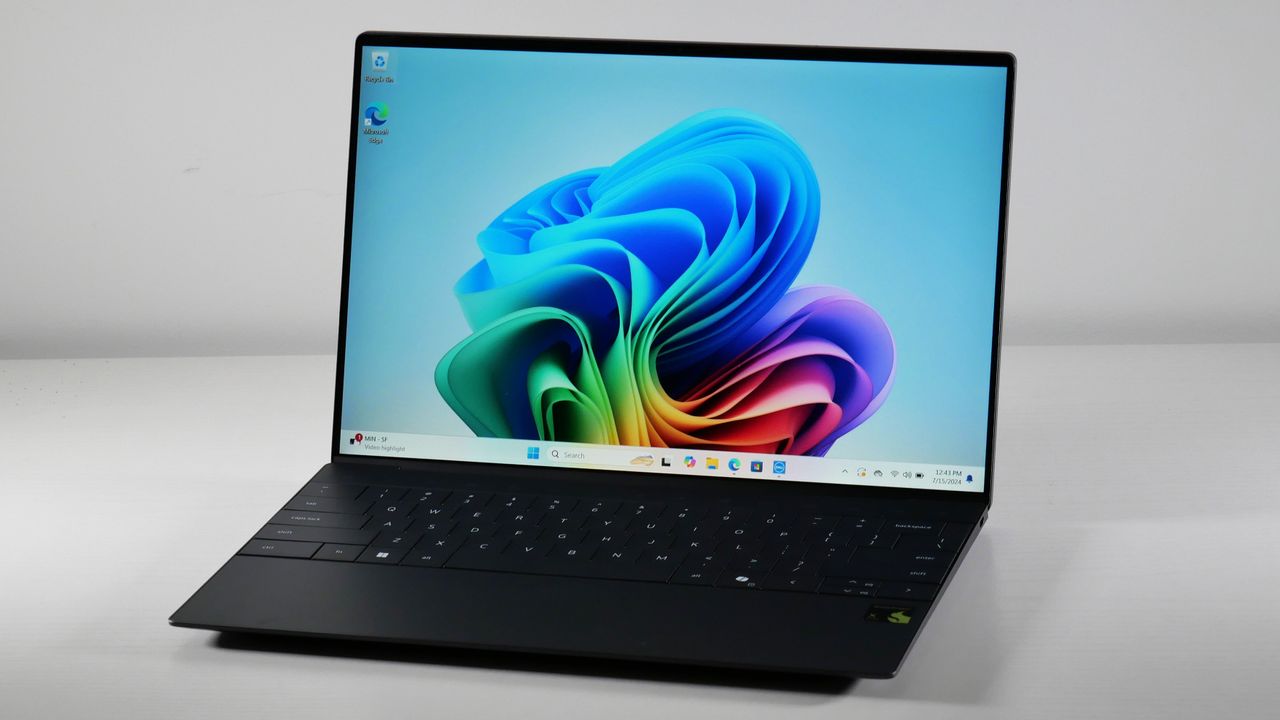
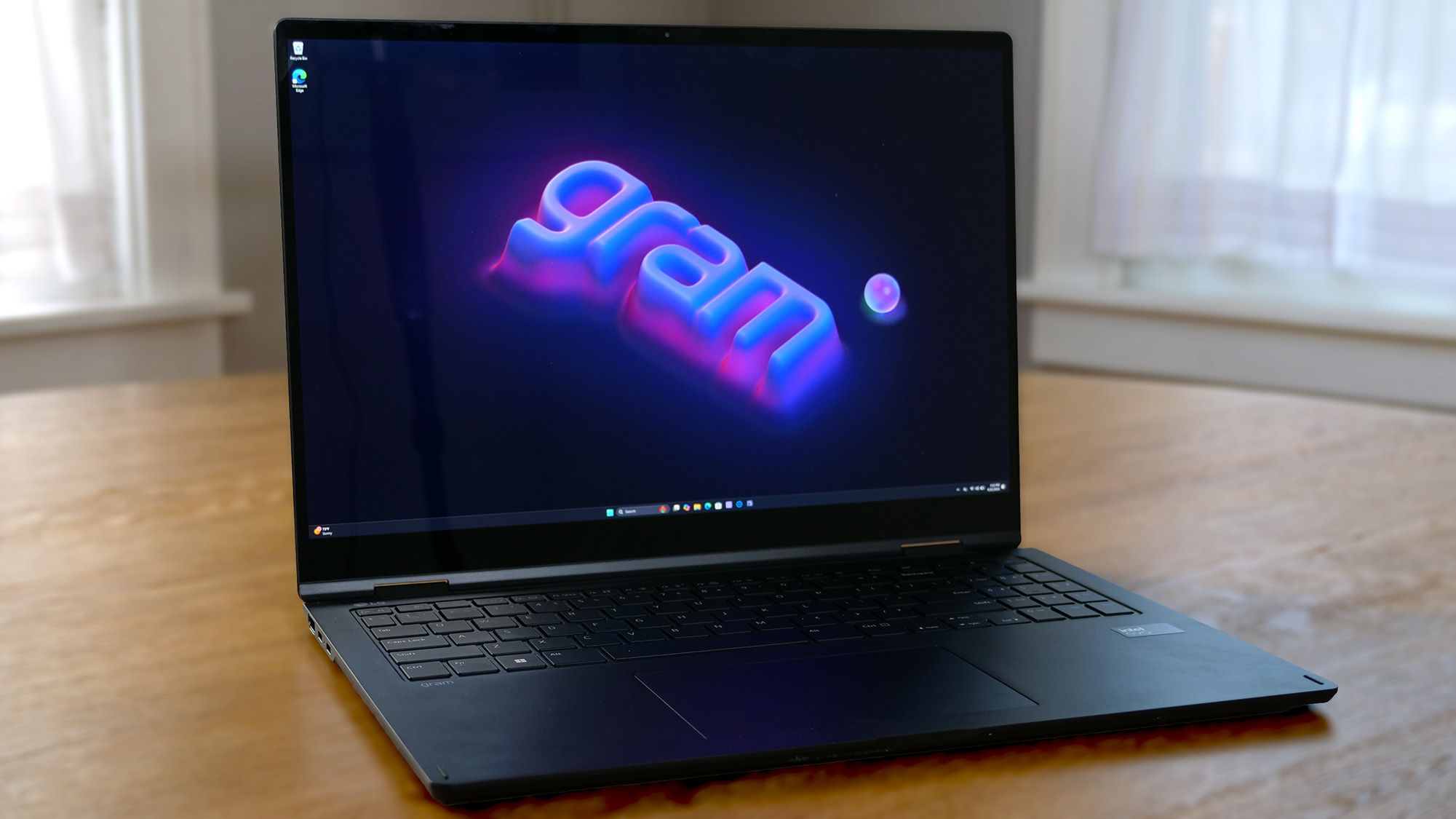
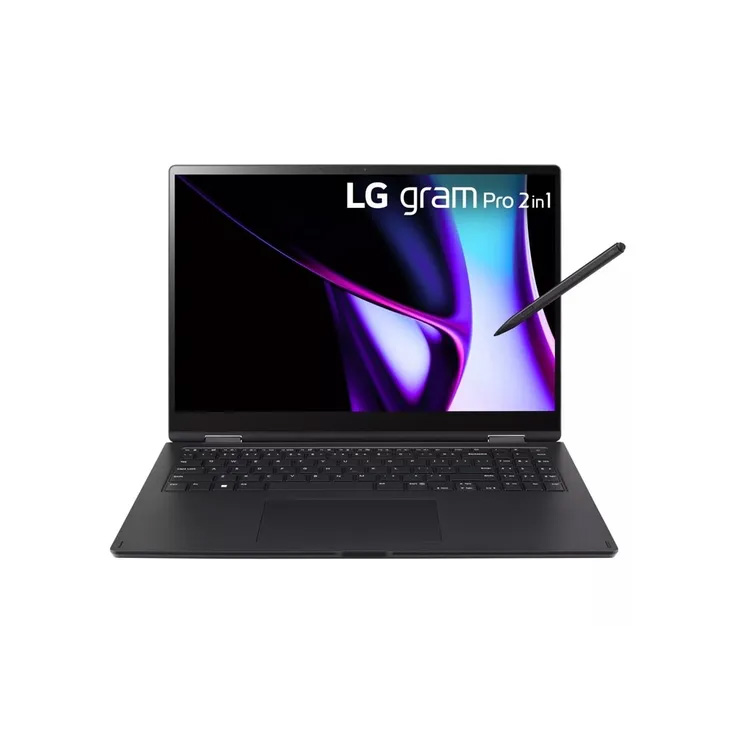
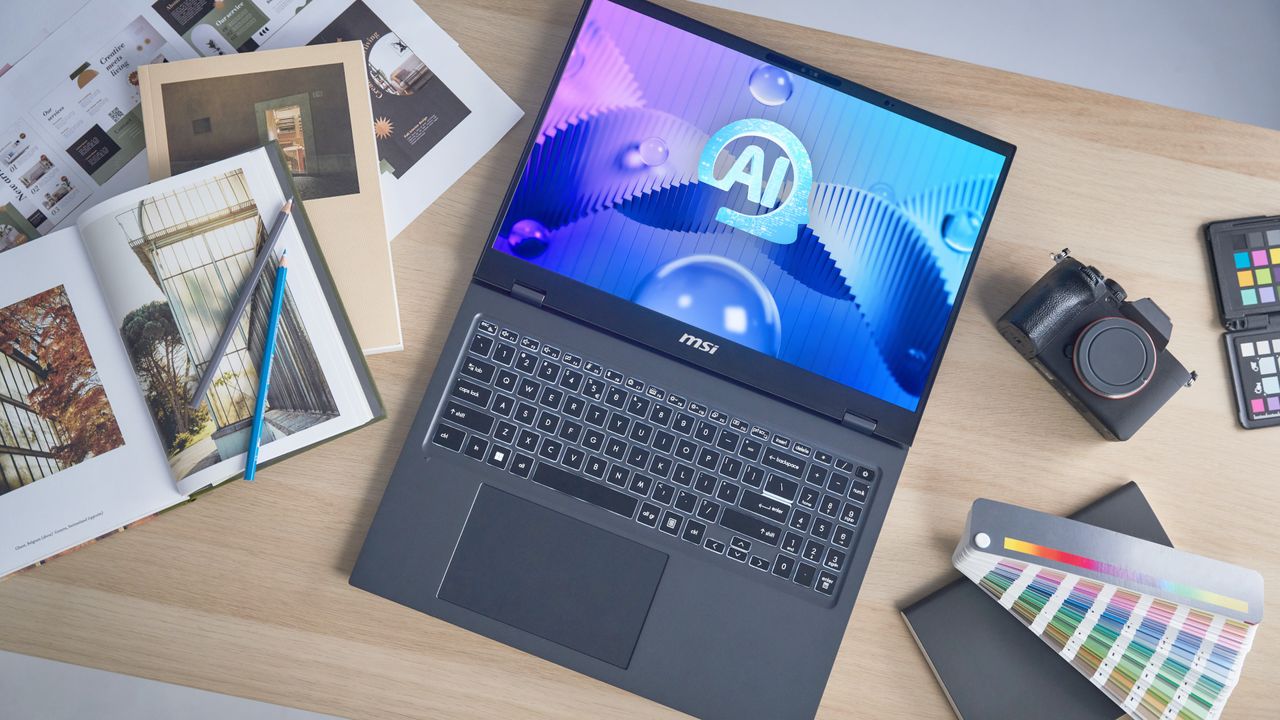
The Dell XPS 13 OLED has one of the widest color gamuts of out all the laptops we tested in 2024 — even wider the LG Gram Pro 16 2-in-1 and MSI Prestige 16 AI Evo.
Buy it if
✔️ IPS displays don't do it for you anymore. The OLED panel is optional on the XPS 13, but it covers a much greater color gamut than its IPS alternative.
✔️ You want a highly portable laptop. While this isn't the thinnest laptop we've ever tested, it's one of (if not the) lightest — under 3 pounds!
Don't buy it if
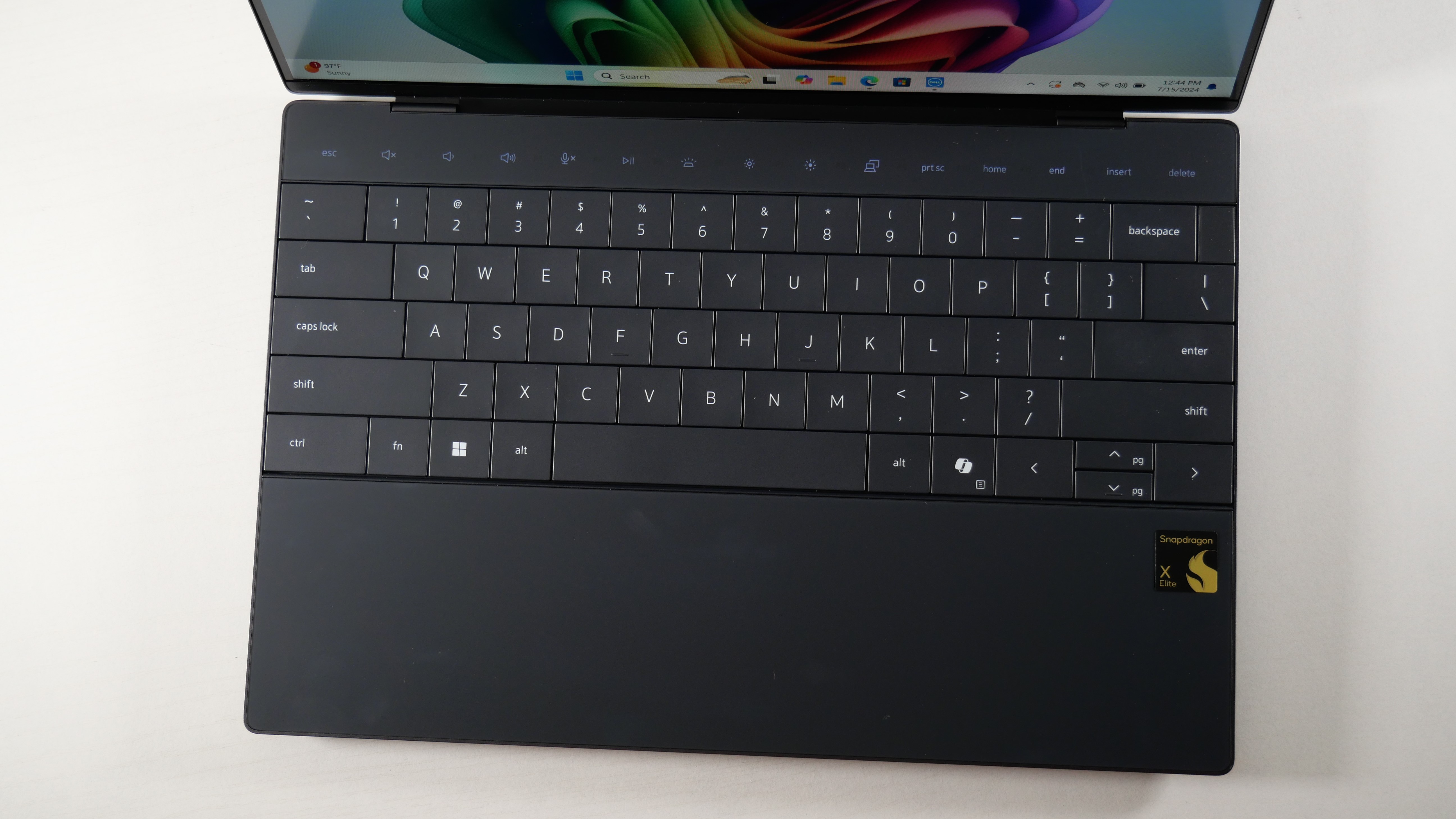
✖️ You need a roomy keyboard. It's no a surprise that 13-inch laptops like this one have compact keyboards, but the XPS 13's felt more cramped than most.
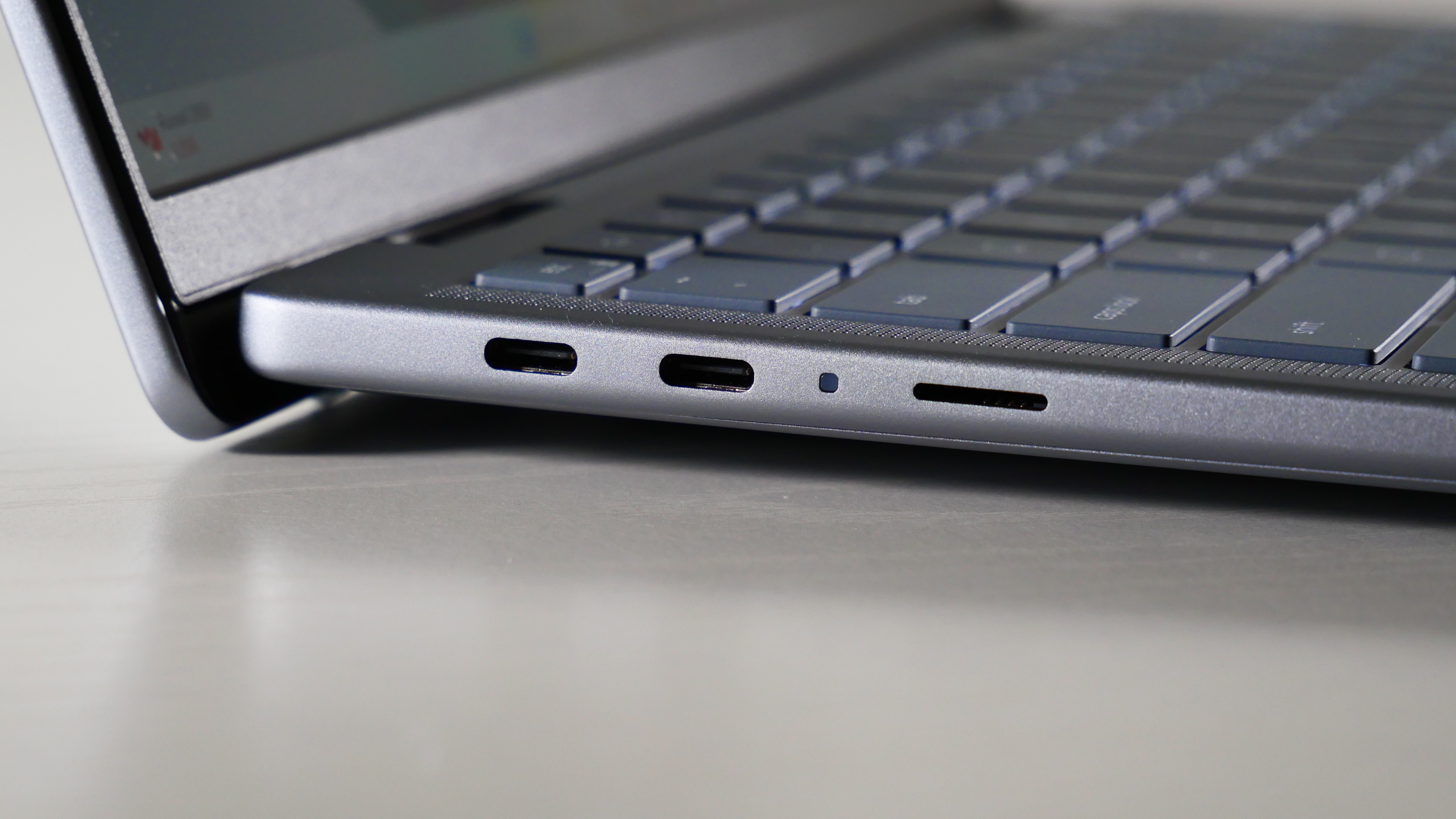
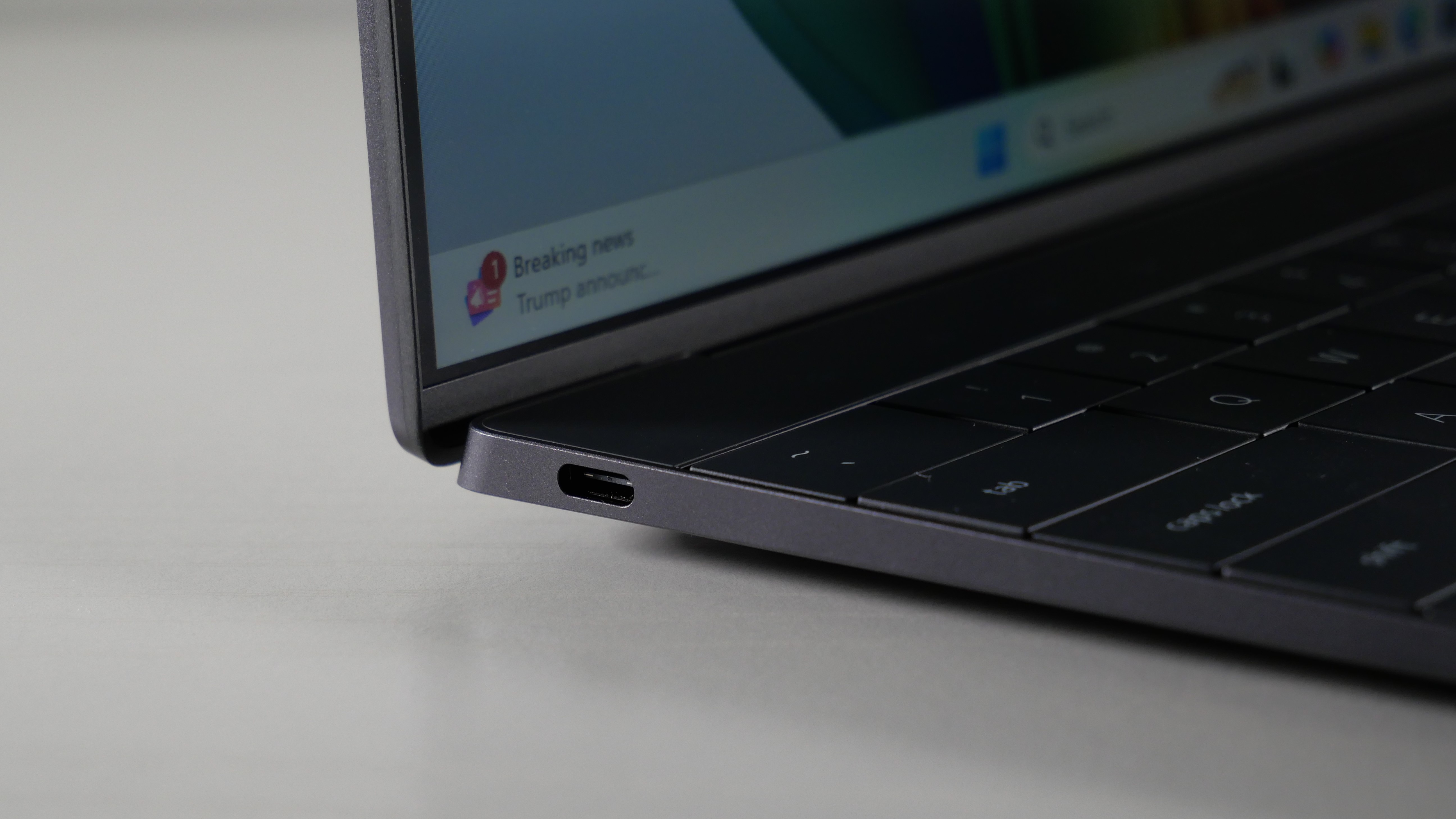
✖️ You need more ports. This laptop's sole two Thunderbolt 4 ports are enough to connect an external display and charge it at the same time. That's it.
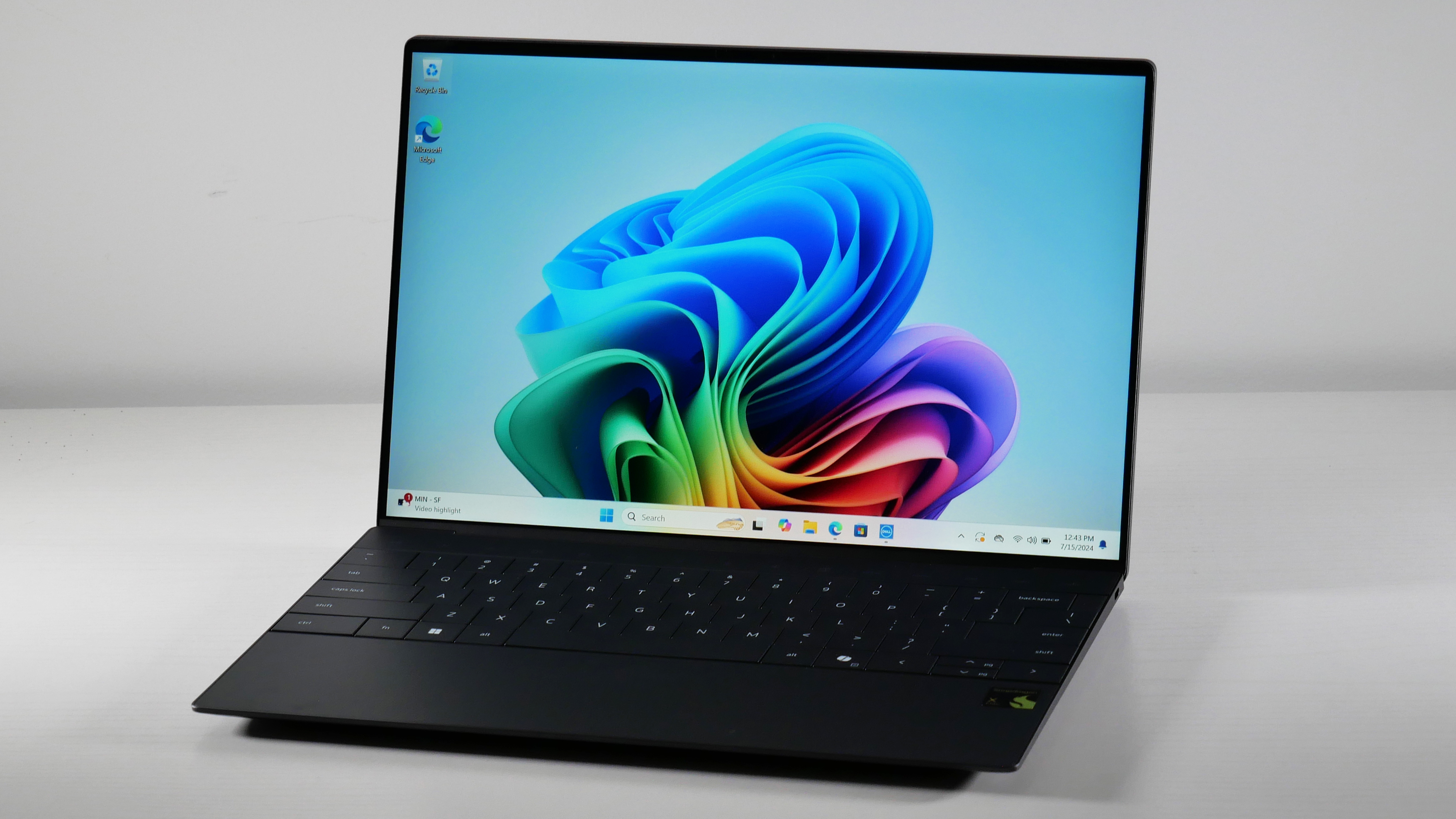
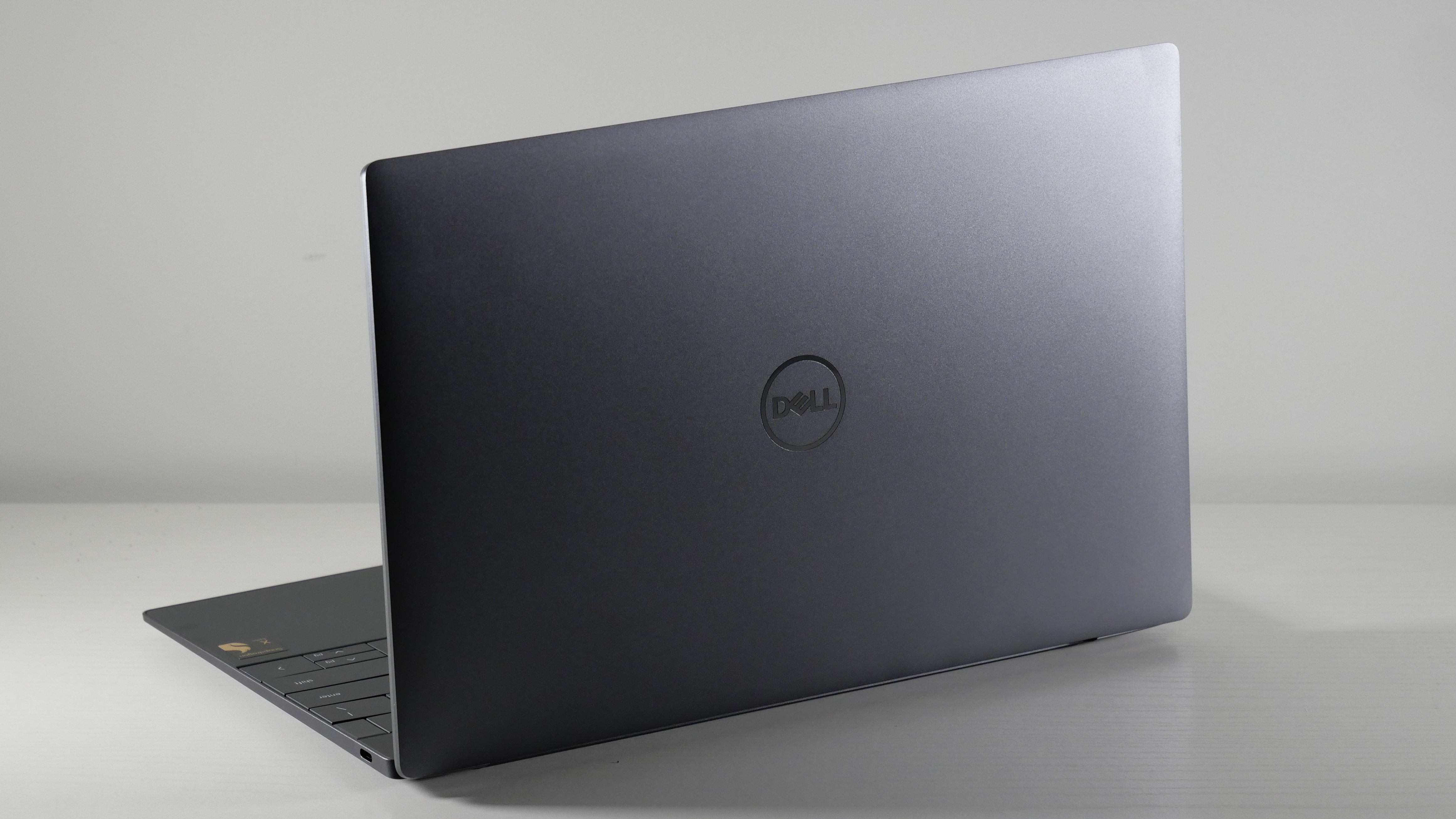
The Dell XPS 13 — a long-time Laptop Mag favorite. We've reviewed many configurations over the years, and each stood out for various reasons. Though I'd describe its new, minimalist design with a "touch bar" and "invisible" trackpad among reviewers as a love/hate relationship, we adore the OLED display on this iteration. There are plenty of other great things about the Dell XPS 13. From "solid performance and respectable integrated graphics to impressive battery life and impactful speakers," our staff writer, Madeline Ricchiuto, talks about this in her review.
We wouldn't recommend it for having the best display if it didn't stun us with a kaleidoscope of colors. The panel covers 144.60% of the DCI-P3 color gamut, way beyond this laptop's base, IPS panel (69.9%). Some of its closest competitors, like the 13-inch MacBook Air M3 (77.8%) and Asus Zenbook S 14 (82.0%), aren't on the same wavelength, either.
Though it was not the dimmest OLED display we've tested, we wish it was a bit brighter; an average peak brightness of 377 nits is enough to cut through most lighting glare, though not all of it. It's still brighter than its IPS counterpart (357 nits) and the Zenbook S 14 (342 nits), but the MacBook Air is the brightest out of all of them (476 nits).
Its chassis is as thin and light as ever, with the OLED model at 0.6 inches thick and weighing the same 2.6 pounds as the non-OLED. It's not as slim as the MacBook Air M3 (0.44 inches) or Asus Zenbook S 14 (0.47 ~ 0.51 inches), but it weighs the same amount.
One major sacrifice that comes with the XPS 13 OLED: its tandem display sucks up a lot of power, leaving the laptop with 8 hours and 40 minutes of battery life. That's 5 hours less than the average premium laptop (13:23), and way, way less than the non-OLED's outstanding 18 hours and 43 minutes.
At least you won't have to worry about this laptop's performance. In the Geekbench 6 single-core benchmark, it held its own (2,772) against the Snapdragon Dell XPS 13 (2,797) and Asus Zenbook S 14 (2,751). Paired with Intel's current-gen Arc integrated graphics, this laptop can function as a decent gaming laptop if you casually play games that don't push the graphics too hard.
In the Sid Mieier’s Civilization VI: Gathering Storm (1080p, Medium) benchmark, it averaged 53 fps — behind what the Asus Zenbook S 16 with an AMD Ryzen AI 9 chip can do (63 fps) but beyond the Snapdragon XPS 13 (22 fps), which didn't meet our minimum 30 fps playability threshold.
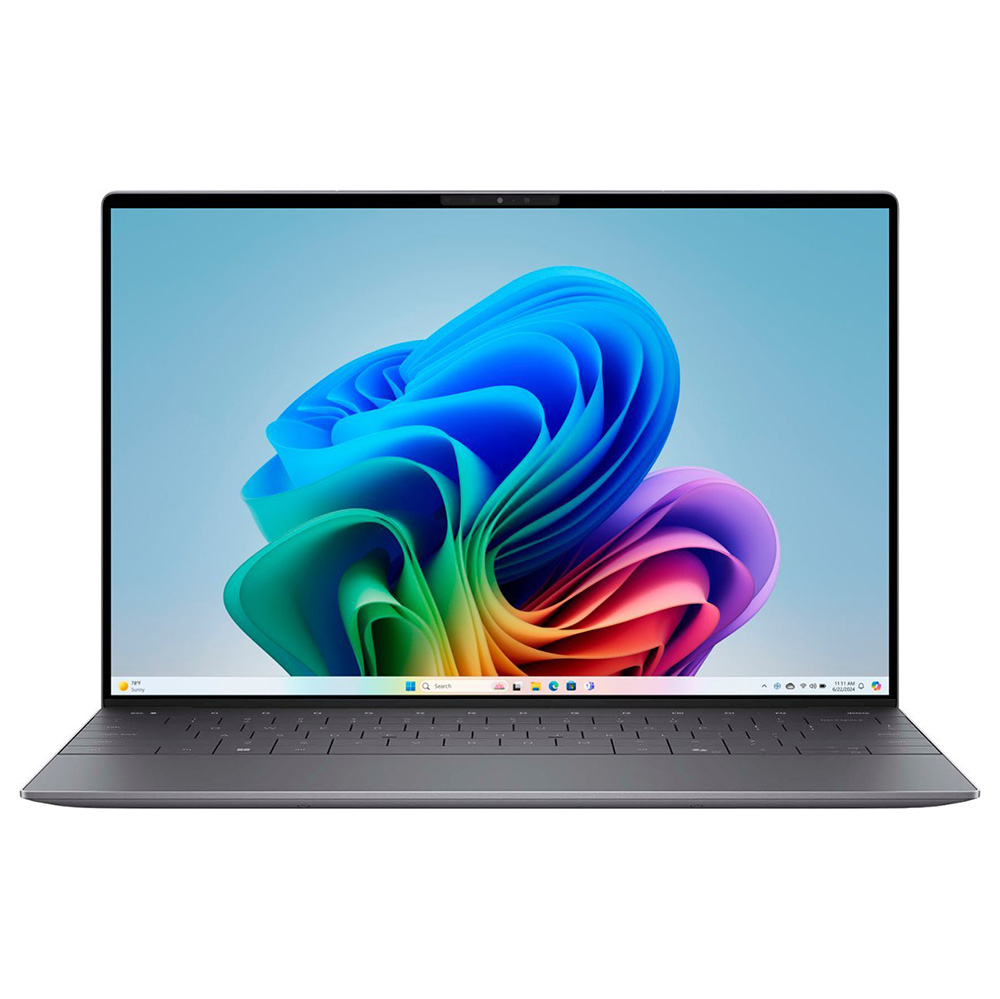
CPU: Snapdragon X Elite X1E-80-100 | GPU: Qualcomm Adreno | RAM: 16GB | Storage: 512GB SSD | Display: 13.4-inch, 1920 x 1200, 120Hz | Dimensions: 11.62 x 7.84 x 0.6 inches | Weight: 2.6 pounds
Svelte design
Bright display
Strong performance
Amazing battery life
Solid webcam
Only two ports
Poor color
Cramped keyboard
Middling graphics
Why is it our pick for best battery life?
The Dell XPS 13 (9345) gets 7 more hours of battery life compared to the average premium laptop — and it's the second-best we've ever tested across multiple brands, form factors, and categories.
Buy it if
✔️ You want as many hours of battery life as there are in a day. This laptop is 4 hours shy of the 24-hour mark, but if you charge it while you sleep for those 4 hours, it'll be like the battery never died in the first place!
✔️ You're a serious multitasker. This laptop's performance will handle the productivity software, music apps, streaming apps, and dozens of browsers tabs you leave open all day.
Don't buy it if
✖️ You don't want to buy a USB-C hub. Thin and light, 13-inch laptops aren't known for having tons of ports, this one included; there are only two USB-C connections.
✖️ You can cover the entire keyboard with both your hands. This keyboard feels cramped, so your large hands (if you have them) might also feel cramped after using it for a while.
Having endured years of bartering with college classmates and random coffee shop patrons for a seat next to a wall outlet, long battery life is one of my must-have features in a laptop. It could have a horrible display but over 15 hours of battery life, and I'll still look at it like, "Yeah, but that battery life!" That's the Dell XPS 13 (9345) in a nutshell.
It had phenomenal battery life before we updated the BIOS during our testing, increasing it from 19 hours and 1 minute to 20 hours and 51 minutes. That's way beyond the average premium laptop average (13:23) and the MacBook Air M3 (15:13), Asus Zenbook S14 (13:51), and HP Spectre x360 14 (11:01) with an Intel Core Ultra 7 155H chip.
That also puts this laptop in the same league as the MacBook Pro 16 M4 Pro (20:46) and Lenovo ThinkBook 16 Gen 7 (21:02) — and none of them are direct competitors!
As a heavy multitasker, performance also matters a lot to me. I need my laptop to handle dozens of open browser tabs while Slack and Discord run in the foreground and Spotify loops through my favorite songs. This laptop's Snapdragon X Elite X1E-80-100 processor has some of the best multicore processing power to handle all that.
In the Geekbench 6 overall performance benchmark it scored 14,635, making it 29% faster than the average premium laptop (10,492). It's also 8% faster than the MacBook Air M3 (12,087), 14% faster than the Zenbook S14 (11,157), and 6% faster than the Spectre x360 14 (12,358).
Remember what I said about a horrible display? This XPS 13s' is a let-down. It covers just 66.9% of the DCI-P3 color gamut, which is 20% lower than the average premium laptop (86.8%) — and duller than its MacBook Air M3 (77.8%), Zenbook S14 (82.0%), and Spectre x360 (85.8%) rivals.
When our editor, Rami Tabari, watched the Borderlands trailer during his testing process, he noticed the "entire horizon beyond the crew was washed out due to the terrible contrast" and "deep orange-colored canyons were reduced to a pale yellow devoid of life."
But at least the display is bright! Its max 456 nits comes close to the average premium laptop (467 nits), and it's just a tad dimmer than the MacBook Air M3 (476 nits). It literally outshines both the Zenbook S 14 (342 nits) and Spectre x360 (366 nits), too.
Dell Inspiron 14 Plus (Qualcomm Snapdragon X Plus)
Dell Inspiron 14 Plus (Intel Meteor Lake)
Dell G16 (7630)
Dell XPS 13 OLED (Intel Lunar Lake)
Dell XPS 13 (Qualcomm Snapdragon X Elite)
Geekbench 6 (Higher is better)
13,281
12,729
11,209
11,033
14,635
Handbrake time ((MM.SS), lower is better)
6.23
5.02
4.19
8.28
4.41
Battery life - Web surfing (HH.MM)
18.20
15.06
5.04
8.40
19.01
SSD transfer speeds (MBps, higher is better)
1510
1618.3
1719
1513
1342
DCI-P3 Color Gamut (Higher is better)
69.1
68.4
114
144.6
66.9
Display Brightness (Nits, higher is better)
470
367
310
377
456
Hottest temperature (95 degree comfort threshold)
100
108
107
100.4
120
Recently reviewed
Not every laptop can make the best Dell laptops page. (We wouldn't be doing you that much good if that were the case!) We review new laptops every week and over 100 laptops yearly, so here's a look at our most recently reviewed laptops that didn't make this page either due to a fault, battery life, performance, price, or something else.
In January of 2025, Dell announced name changes impacting its entire lineup. We've already reviewed several models with the new names (with more to come), so we put together a table to help anyone shopping for a new Dell laptop understand how the old model names translate to the new ones.
It's important to note that while the names are changing, the basic product lines remain the same, and in most cases, the designs are unchanged for 2025.
Dell 2025 Product Lineup Changes
Old name
New name
Tiers
Inspiron
Dell
Dell
Inspiron Plus
Dell
Dell Plus
XPS
Dell
Dell Premium
Latitude
Dell Pro
Dell Pro, Dell Pro Plus, Dell Pro Premium
Precision
Dell Pro Max
Dell Pro Max, Dell Pro Max Plus, Dell Pro Max Premium
The most affordable Dell laptops were the Inspiron and Inspiron Plus lines, starting for well under $1,000. In 2025, those will just be known as Dell and Dell Plus. If you are looking for an affordable laptop that can handle basic web browsing, productivity tasks, and entertainment, these laptops are typically a perfect fit.
The premium consumer laptop line was XPS, and it is now Dell Premium. These laptops go head-to-head with the best MacBooks and fall into similar pricing, starting just below $1,000 and ranging above $3,000 for the top configurations. These laptops are for people who want a more premium fit and finish to the laptop or those with more robust needs, whether that's more performance for massive multitasking or tasks like photo editing or video editing.
Those are Dell's consumer laptops. Now, we move into the business and workstation-class laptops, where things get a little more complicated with multiple tiers, but you also can see the benefit of Dell's new naming.
Dell's business laptops were known as Latitude. Starting at just above $500 and ranging up to around $2,500 for the top configurations, these catered to businesses of almost any size. Going forward, these are the Dell Pro models with three tiers: Dell Pro, Dell Pro Plus, and Dell Pro Premium. Performance and quality improve as you move up the line, so finding the best business laptop for you is just a matter of your budget.
Finally, we have the Dell Precision lineup, which are Dell's workstations, now known as Dell Pro Max. Again, there are three tiers to this lineup: Dell Pro Max, Dell Pro Max Plus, and Dell Pro Max Premium. Now, the names start to feel a little long, but it remains very simple to understand. You can spend as little as around $1,300 for the Dell Pro Max, and it scales up to $4,000 for a high-end Dell Pro Max Premium. The best workstations are designed for people with intensive performance needs, such as rendering 3D graphics, simulations, 4K or 8K video, etc.
FAQs
Q: Are Dell laptops good for gaming?
A: While Alienware is the dedicated gaming laptop brand that is a part of Dell, some Dell laptops cater to gamers. The Dell G16 (7630) is one of our selections for the best gaming laptops and the best cheap gaming laptops. If you are wondering if a specific Dell laptop is good for gaming, check out our review. We have a dedicated section on gaming in every review we publish.
Q: Do Dell laptops come with Microsoft Office?
A: No. You may receive a trial of Microsoft Office software through Microsoft 365, but the software is not free with a new Dell laptop.
Q: Are Dell laptops good for students?
A: It depends! Some Dell laptops are certainly candidates to be the best student laptops; it just depends on your course of study and budget. Most bachelor of arts students would likely be happy with an Inspiron or Inspiron Plus (Dell, Dell Plus) laptop. Students with more intensive needs, such as those in engineering, programming, or even film, should consider the XPS (Dell Premium) or even the Precision (Dell Pro Max).
Q: Where are Dell laptops are manufactured?
A: Dell manufactures its laptops in various cities across Europe, the Americas, and Asia-Pacific region. Its US-based facility is located in Austin, Texas, where the company was originally founded in 1984.
Its Shanghai, Shenzhen, and Chengdu (China) and Limerick, Ireland facilities are arguably the company's most important hubs for manufacturing and distributing laptops and other computing devices outside of the United States.
How we test laptops
FutureFutureFuture
We put each laptop through extensive benchmark testing — both synthetic and real-world — before they end up in the hands of our reviewers. We evaluate each aspect of the laptop, including its performance, battery life, display, speakers, and heat management.
In our benchmark testing, we use a Klein K10 colorimeter to detect the brightness and DCI-P3 color gamut of the laptop's display. For performance testing, we run the laptop through a gauntlet of benchmarks, including Geekbench 6 and 3DMark professional graphics tests.
To determine real-world performance, we convert a 4K video to 1080p resolution and duplicate a 25GB file. Our real-world graphics test is Cid Meier's Civilization V: Gathering Storm benchmark at 1080p resolution and Medium graphics. We also run heat tests by playing a 15-minute full-screen video and measuring temperatures in different areas of the laptop. For gaming laptops, we test Red Dead Redemption 2, Assassin's Creed Mirage, Shadow of the Tomb Raider, Borderlands 3, Far Cry 6, and others.
For our battery test, we continuously web surfing over WiFi at 150 nits of brightness. For Windows 11 laptops, a runtime of over 10 hours is considered a good result, whereas gaming laptops and workstations that can stay powered longer than 5 hours deserve praise.
Following these tests, the laptop is given to our expert reviewers for extensive hands-on testing. Our reviewers will spend days using the laptop as part of their typical workflow to get a sense of the real-world performance and live with the laptop to come away with a thorough understanding of the hardware and software experience. This blended lab testing and hands-on approach allows us to offer you a clear and comprehensive view of every laptop that comes through Laptop Mag.
See this page on How We Test Laptops for more details on our benchmarking procedures.
Why trust Laptop Mag
Laptop Mag reviews over a hundred different laptops every year, from paperweight ultralights to everyday workhorses to lumbering gaming notebooks that scorch the frame rates of even the hottest AAA games. We're not just experts in the laptop field, as we go one step further by meticulously testing smartphones, tablets, headphones, PC accessories, software, and even the latest in gaming.
We are 100% independent and have decades of experience to help you buy with confidence. In fact, Laptop Mag has been testing and reviewing products for three decades, and we continue to deliver trustworthy reviews you can rely on.
Our experienced team of writers and editors scour the available information about the laptop and put it through its paces to determine which is best for you. But before they start, the testing team subjects each system to a rigorous regimen of synthetic and real-world tests to see how a system handles the type of work and games you’re most likely to throw at it.
Our editorial trustworthiness is enforced by one of the world's largest technology publishers, Future Publishing. As a company, we have unrivaled experience across every tech sector — and we're the group's specialist for all things mobile tech.
Unless you plan on conducting all of your virtual meetings at arm's length or from the end of a selfie stick, an excellent webcam is a home office essential nowadays — and a must-have accessory for your setup if you plan to stream or create content online.
While practically every laptop offers a built-in webcam, OEMs rarely deliver an impressive camera as standard. Sure, the 16-inch MacBook Pro M4 Pro's 12MP Center Stage camera proves there are exceptions. However, generally speaking, your default webcam likely isn't cutting it.
If you're tired of falling back on your grainy, dimly lit, and low-resolution stock webcam, then it's time to invest in an external webcam to look and sound your best with sharper, richer audio and visual flair.
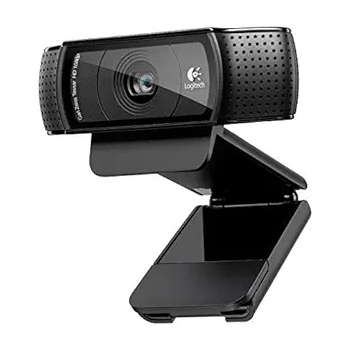
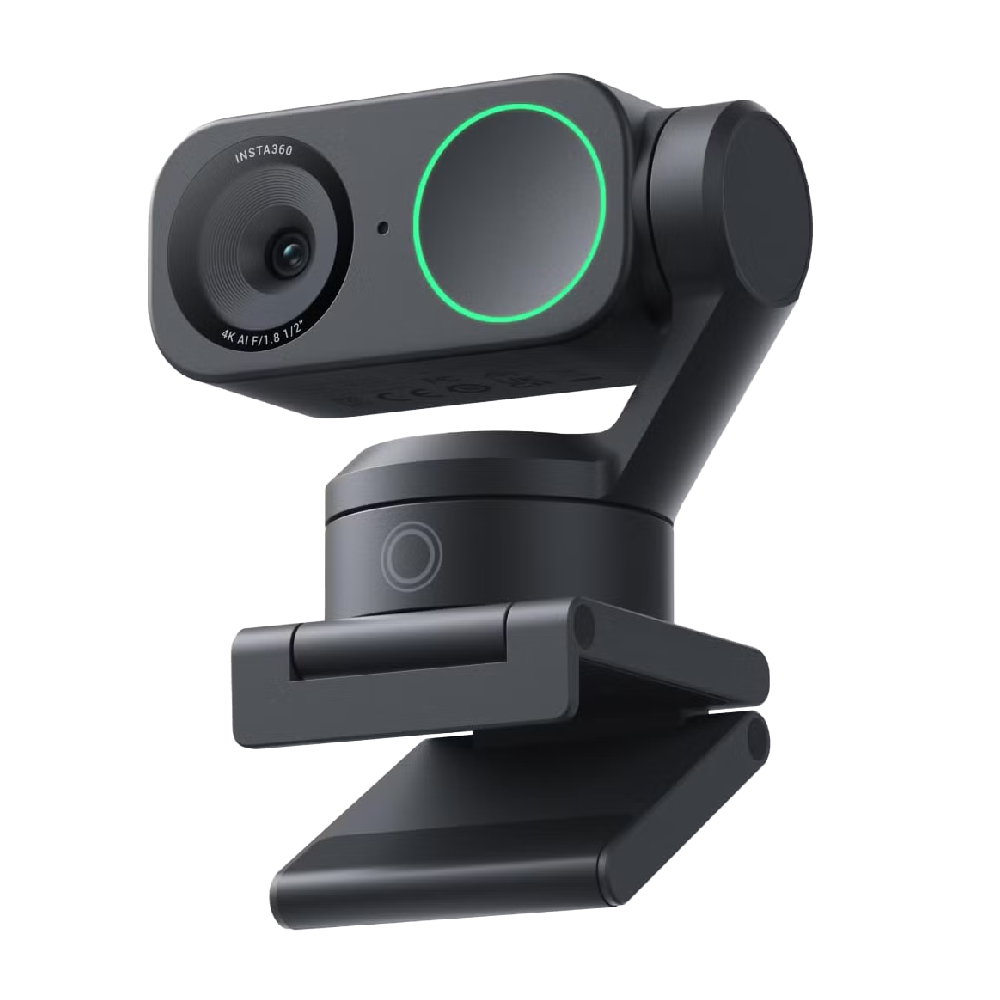
From an affordable all-rounder like the Logitech HD Webcam C920, perfect for meetings and video calls, to the advanced flexibility of the Insta360 Link 2, ideal for content creation or hosting presentations, our roundup of the best webcams offers some genuinely fantastic options for laptops and desktop computers alike.
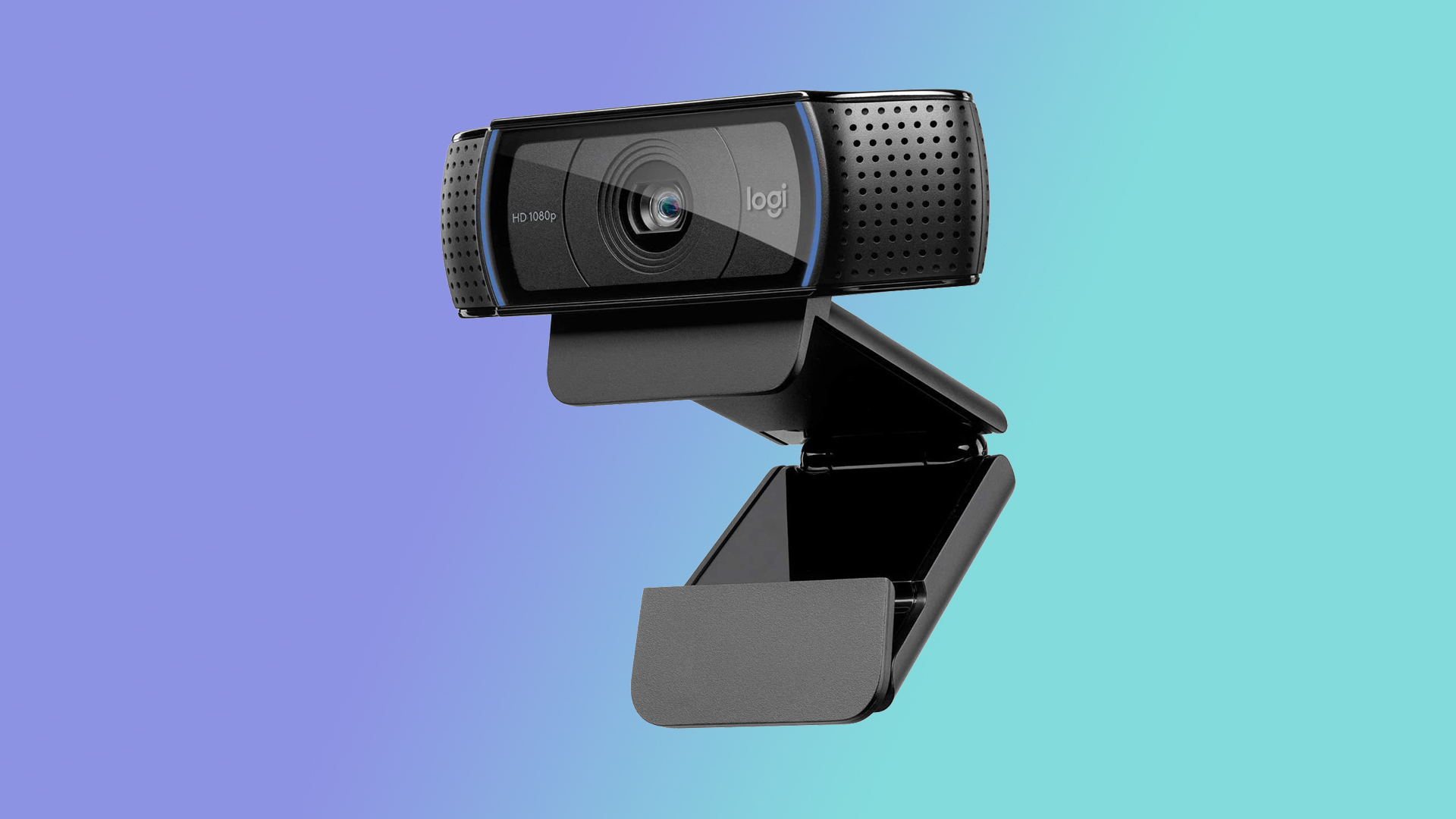
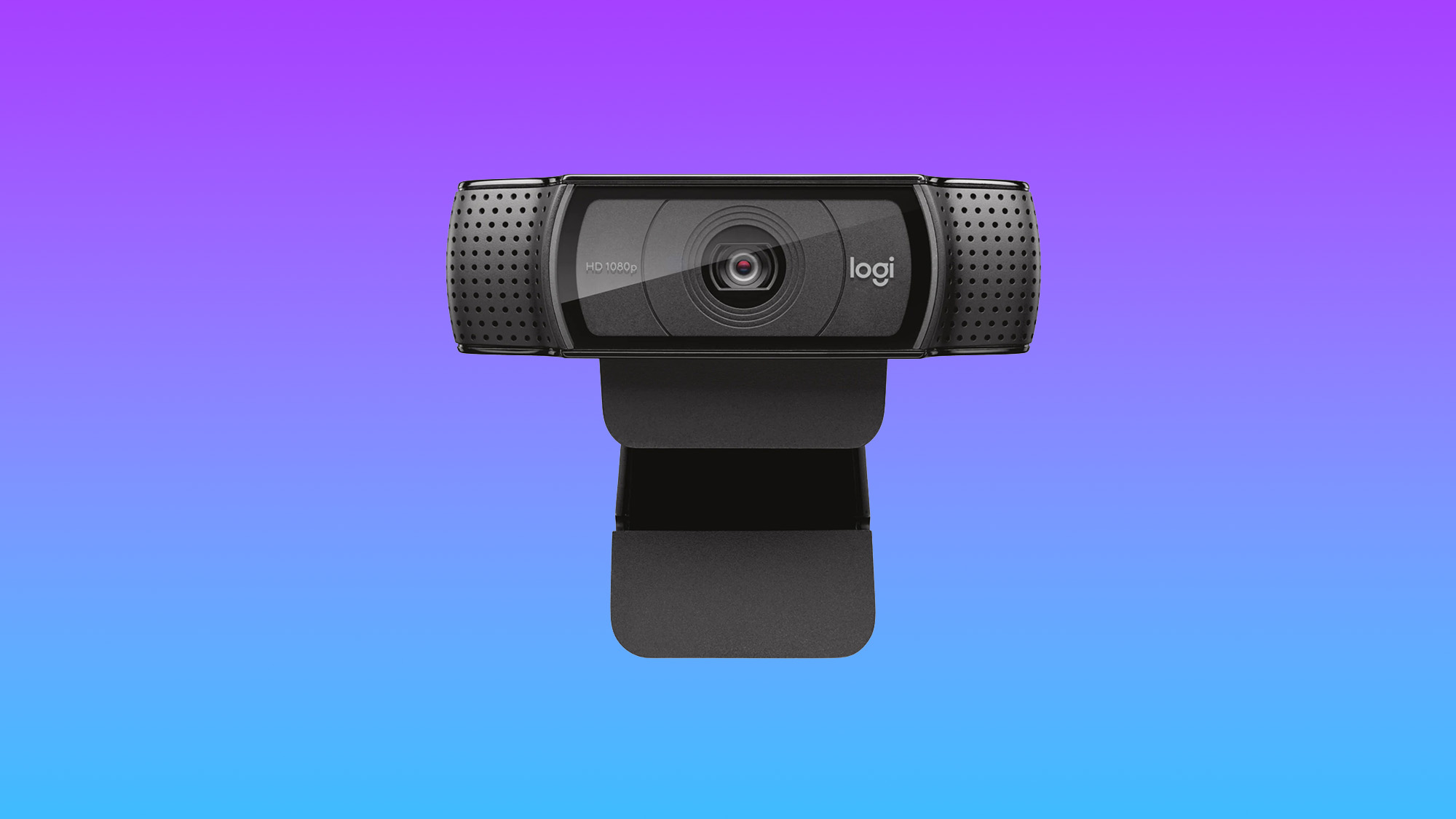
This is the best webcam out there for most people. The image quality blows away anything you'll get in a laptop, and it's available for well under $100. The Logitech HD Webcam C920 decimates the competition, and once you try it, it’s unlikely you’ll regret it.
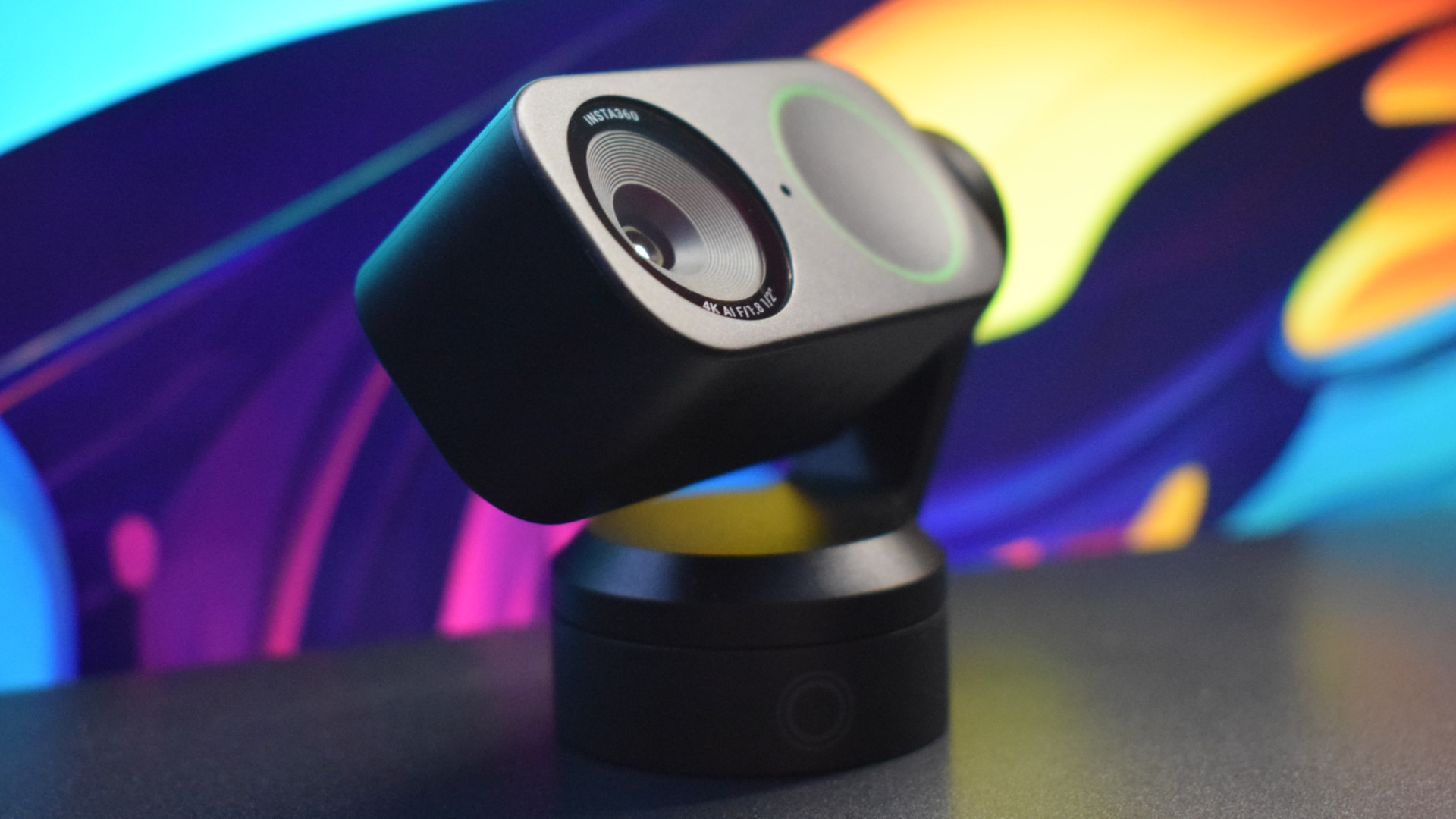
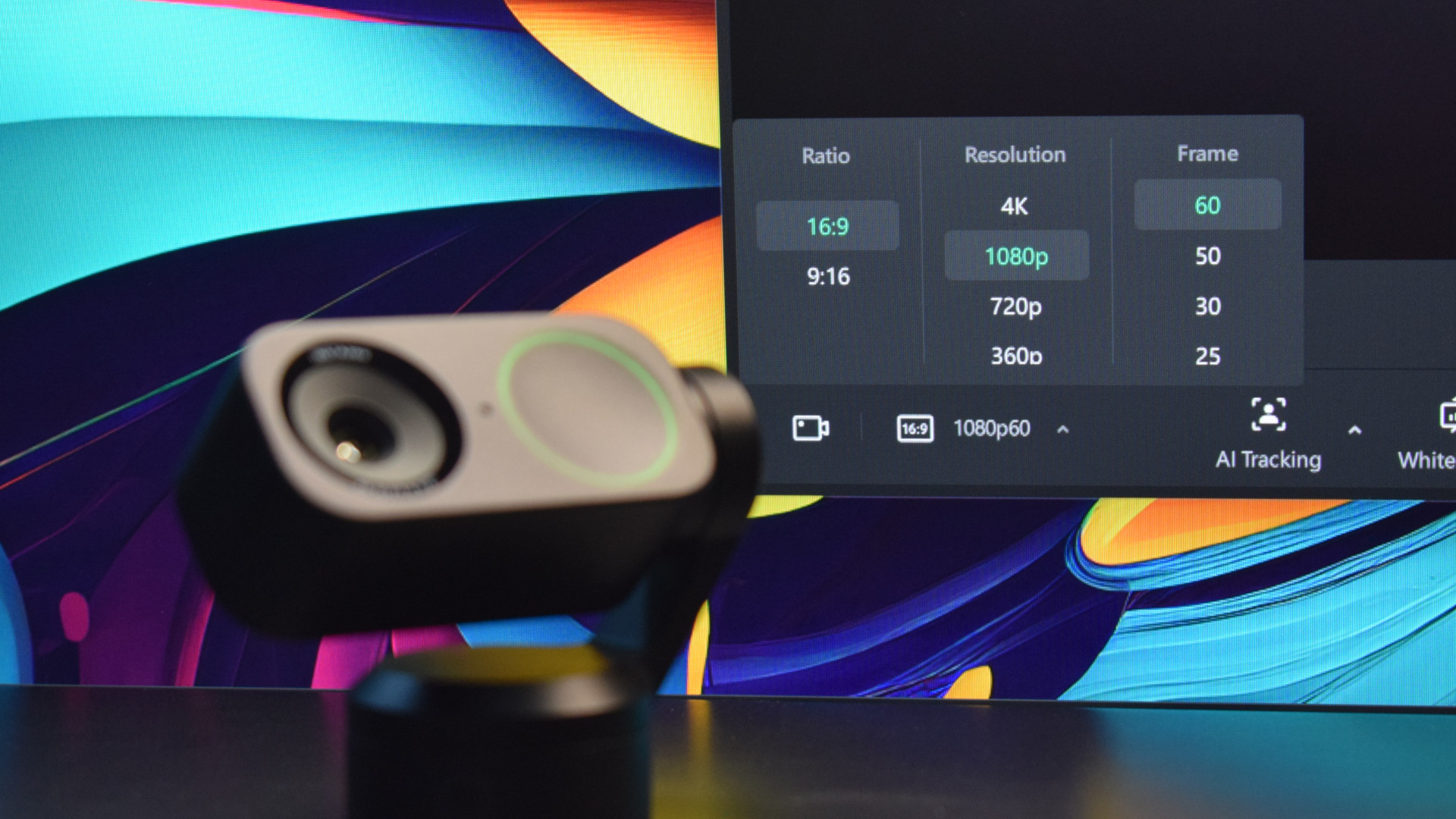
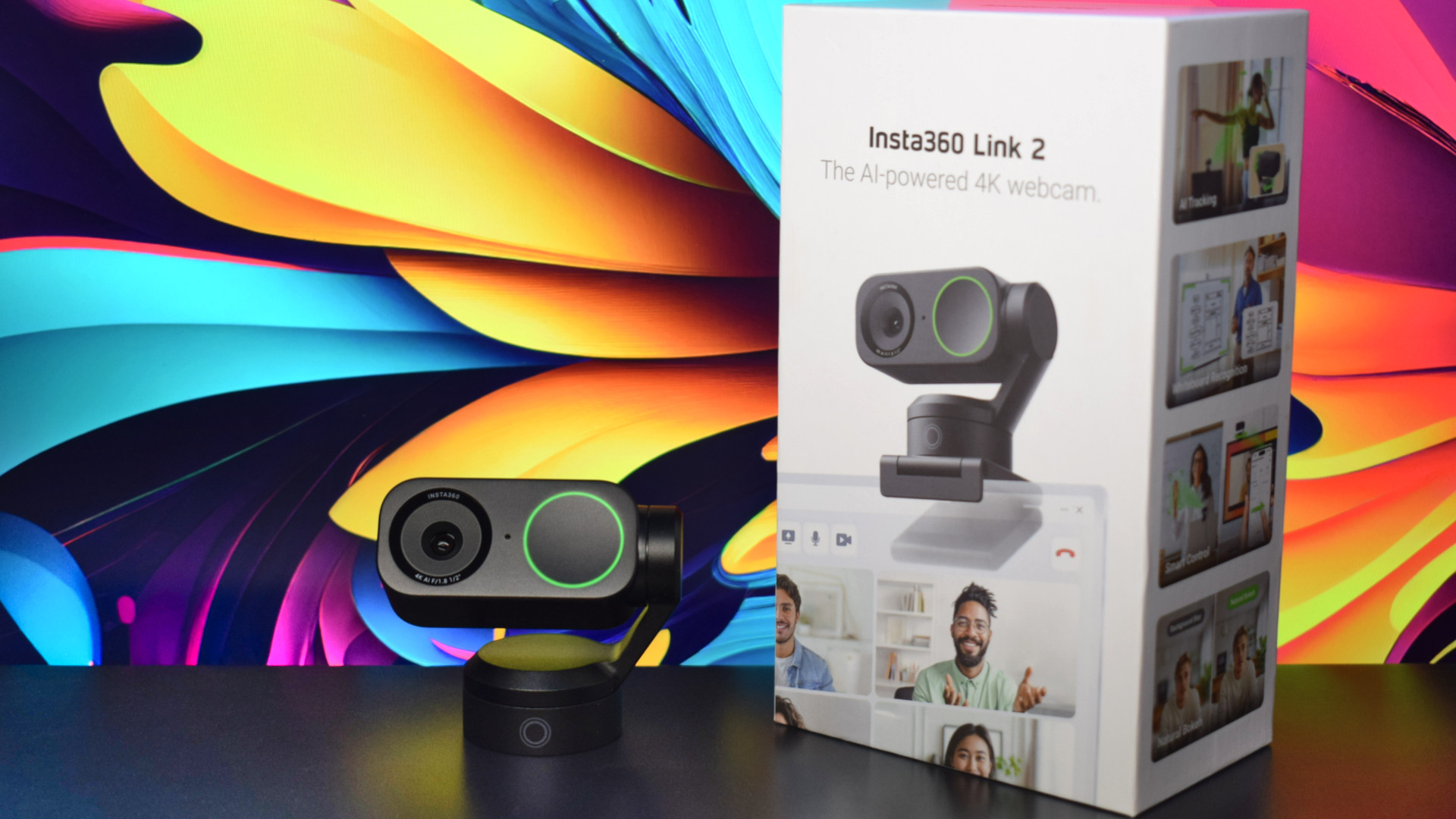
The Insta360 Link 2 offers 4K capture with robust software that features AI tracking to deliver production-level results with DSLR quality, ideal for content creation or presenting at a professional level.
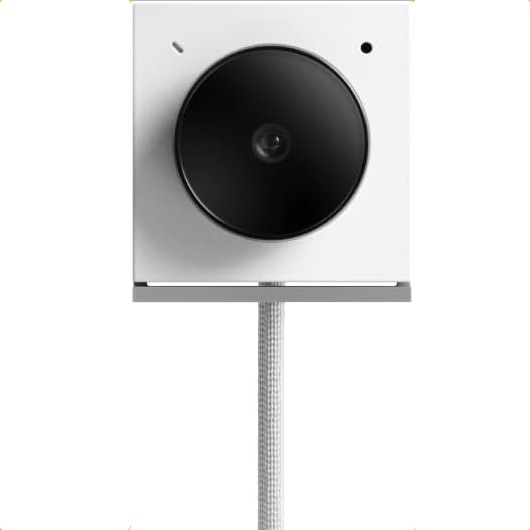
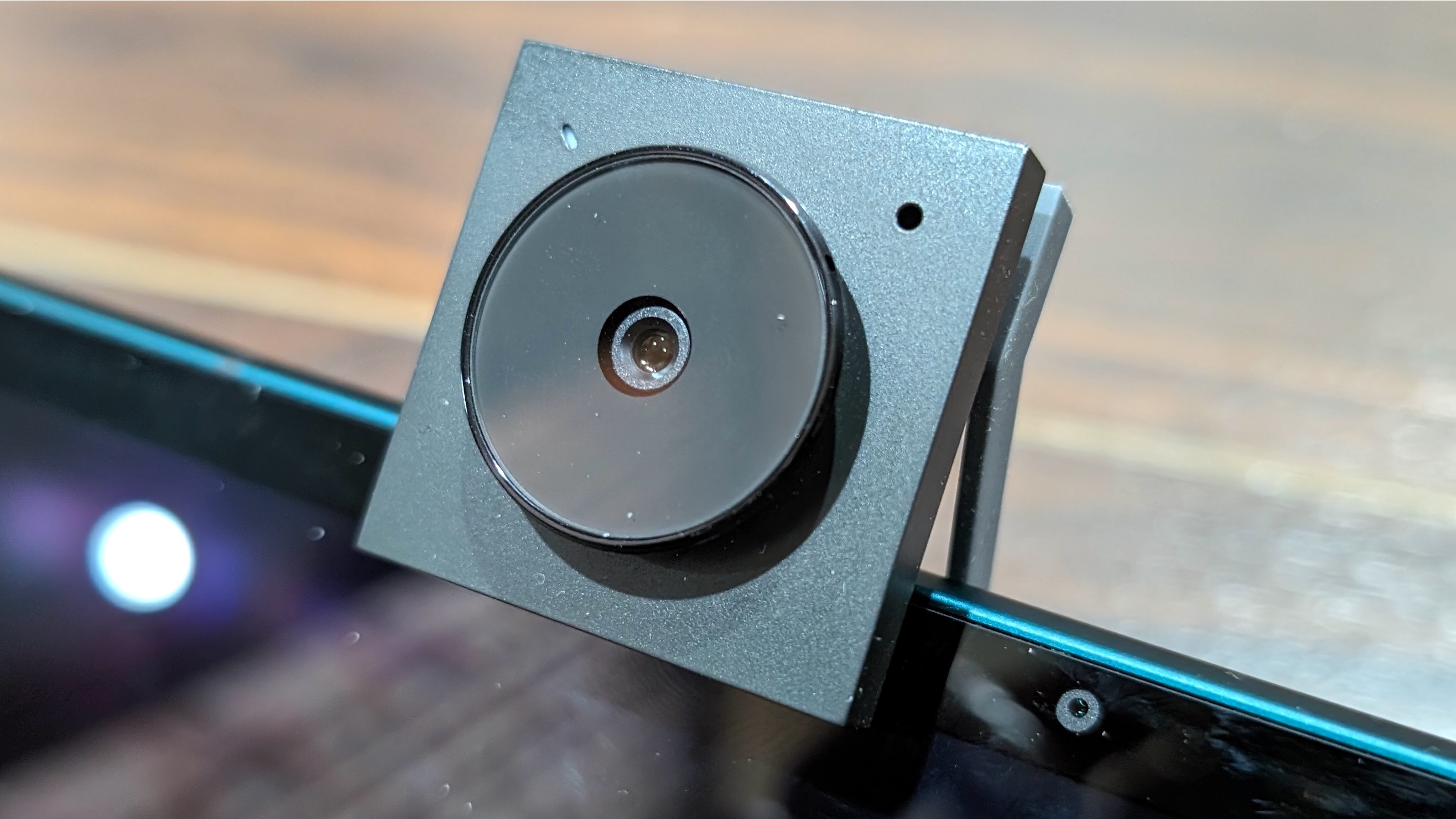
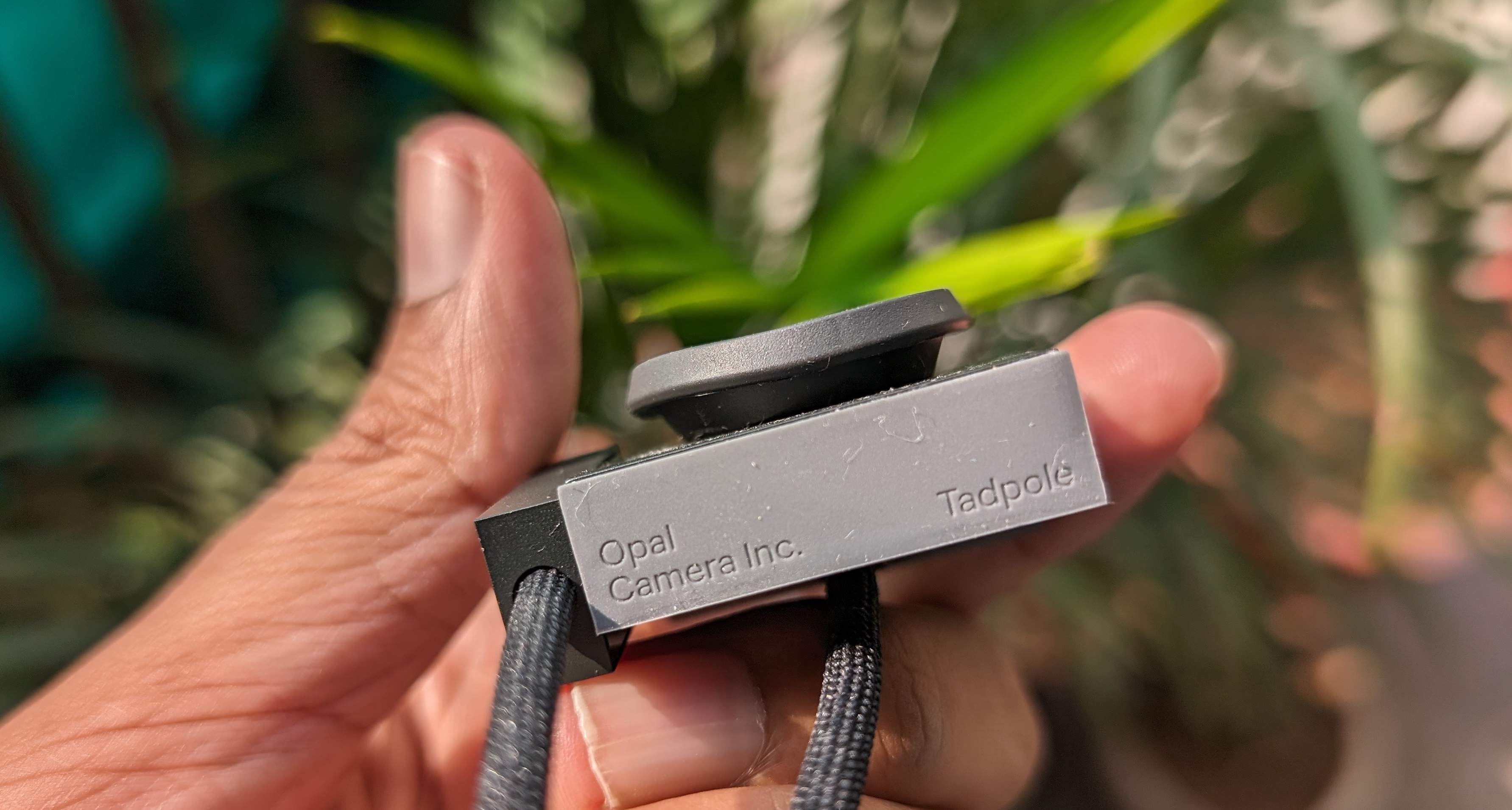
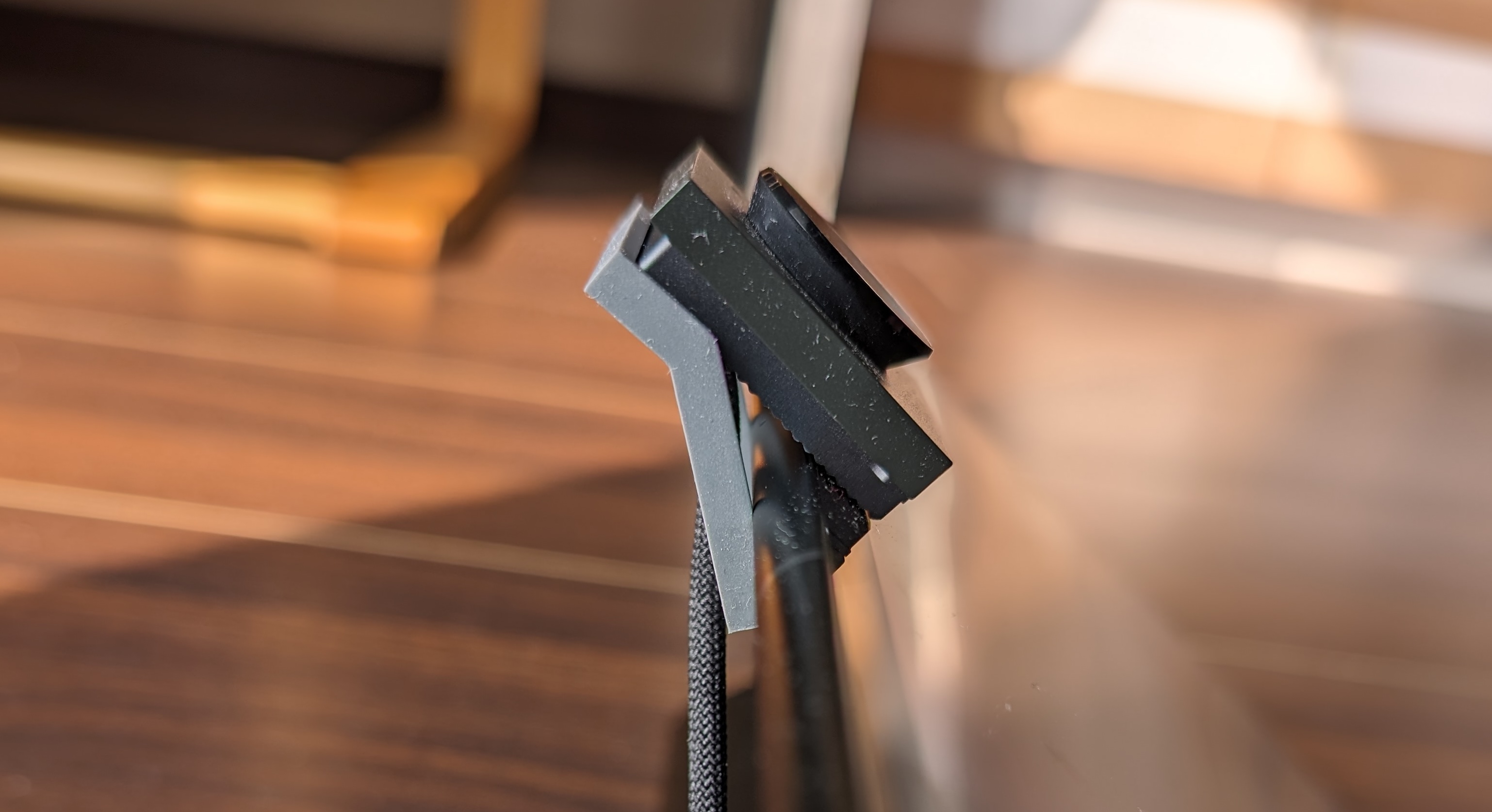
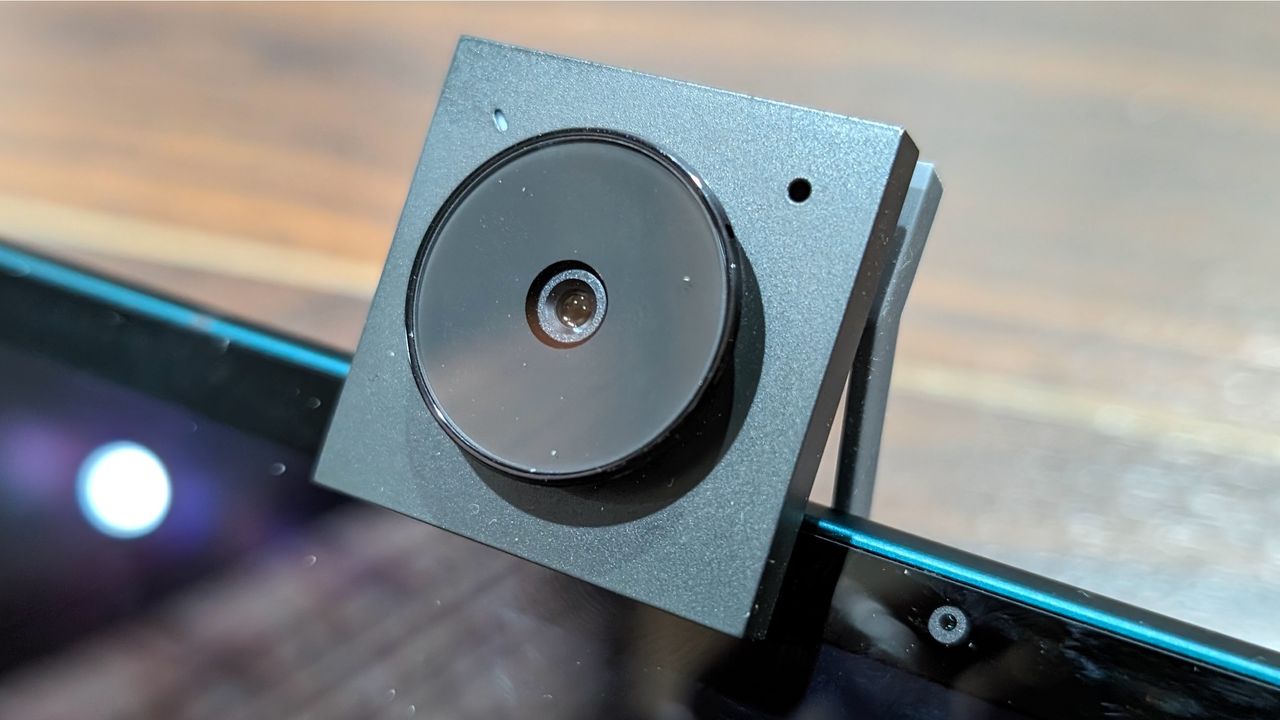
The Opal Tadpole is a diminutive webcam that provides stellar video quality when traveling. As we've noted before, laptop webcams are terrible, but most external webcams are too big to fit easily in your laptop bag. Enter the 4K clip-on Opal Tadpole.
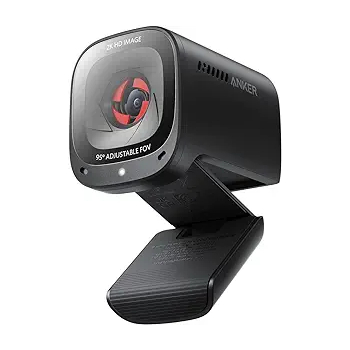
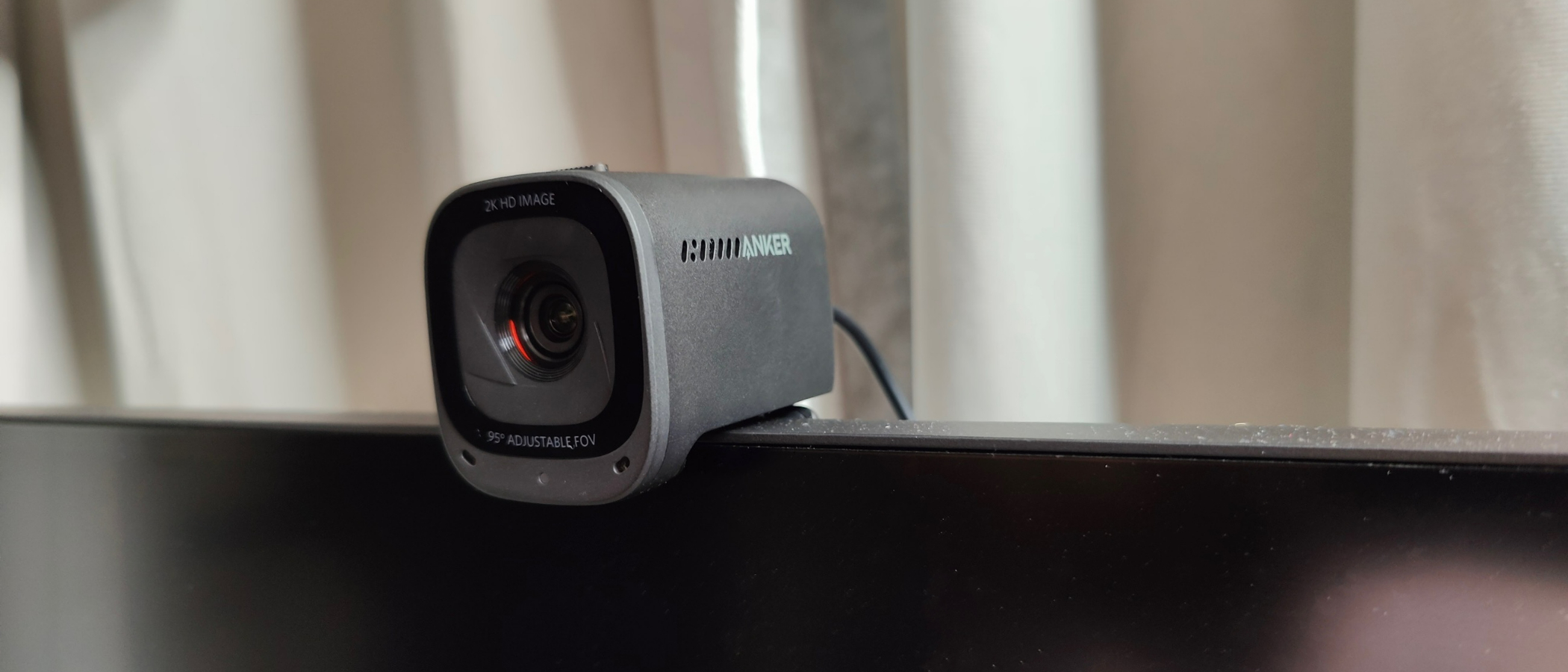
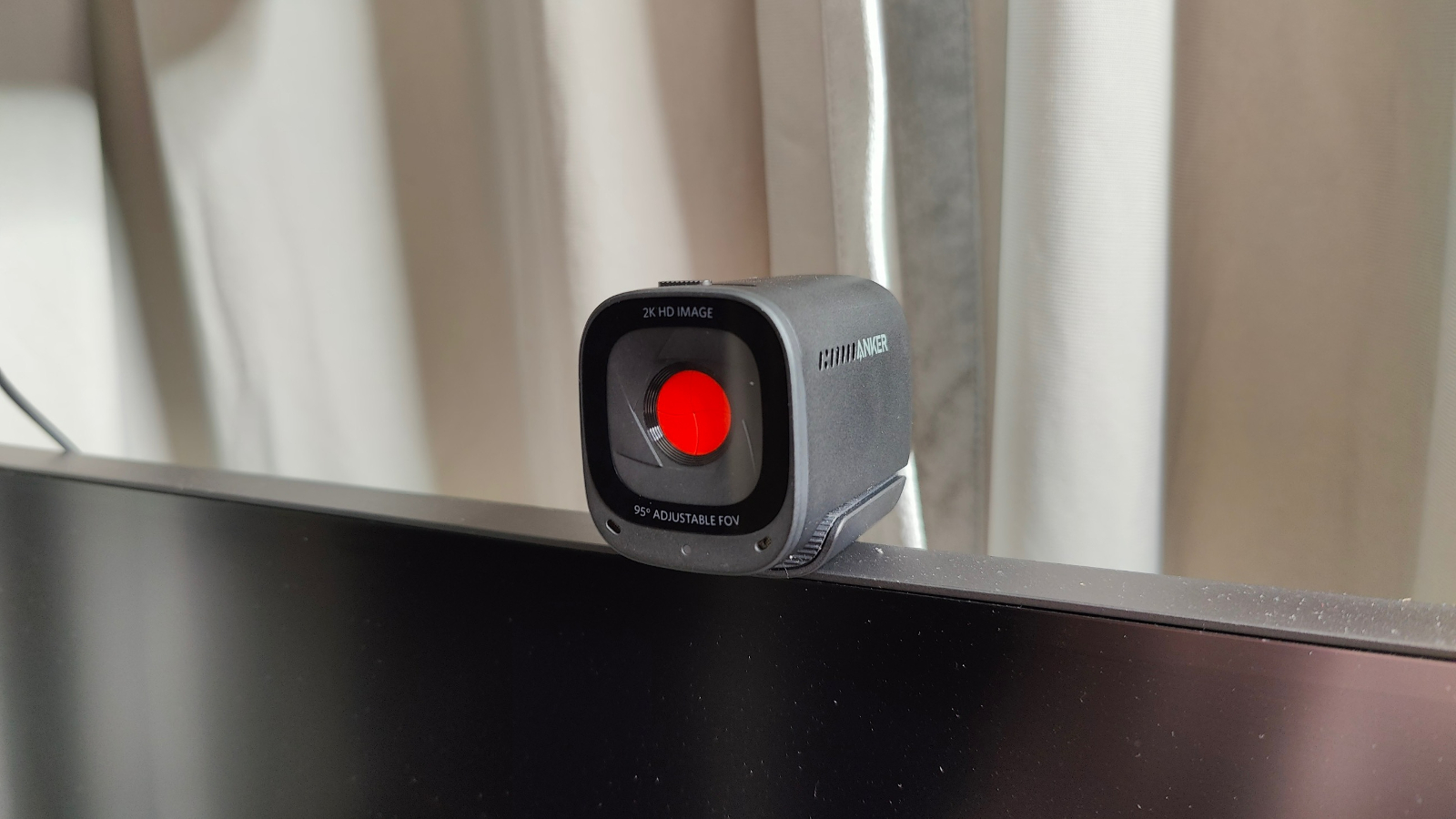
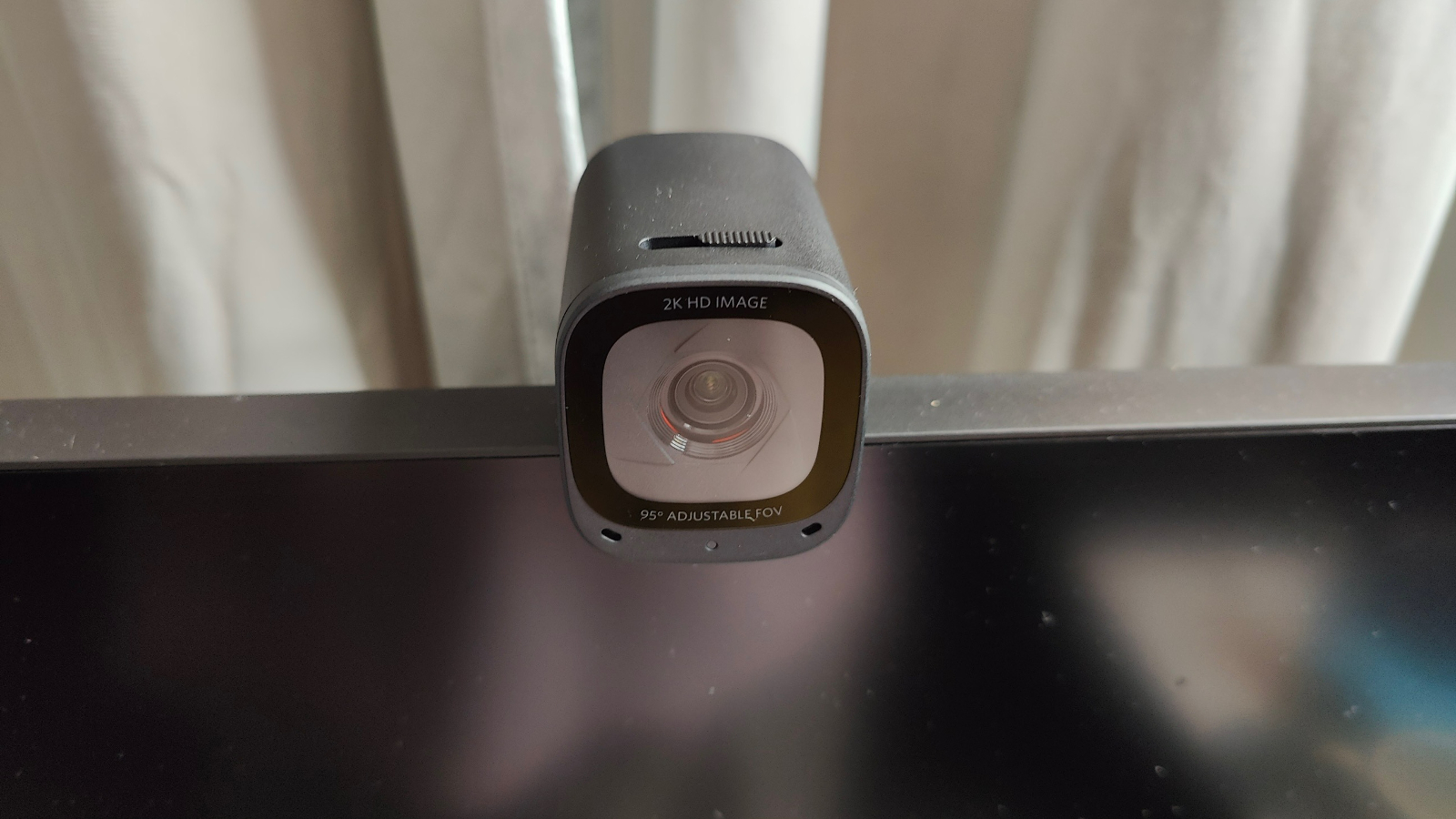
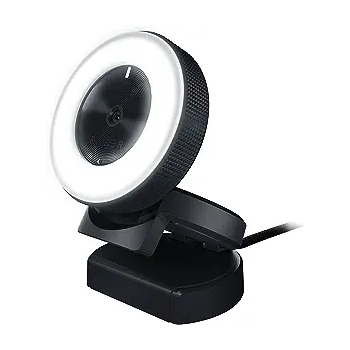
The Anker PowerConf C200 is a good value. It delivers high-quality imagery for a fraction of the cost of many other webcams and conference cams. Bonus: It comes with a physical shutter to keep the creeps out, which is great for home office users.
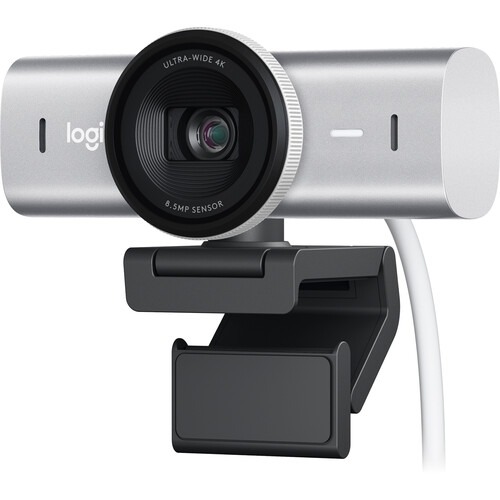
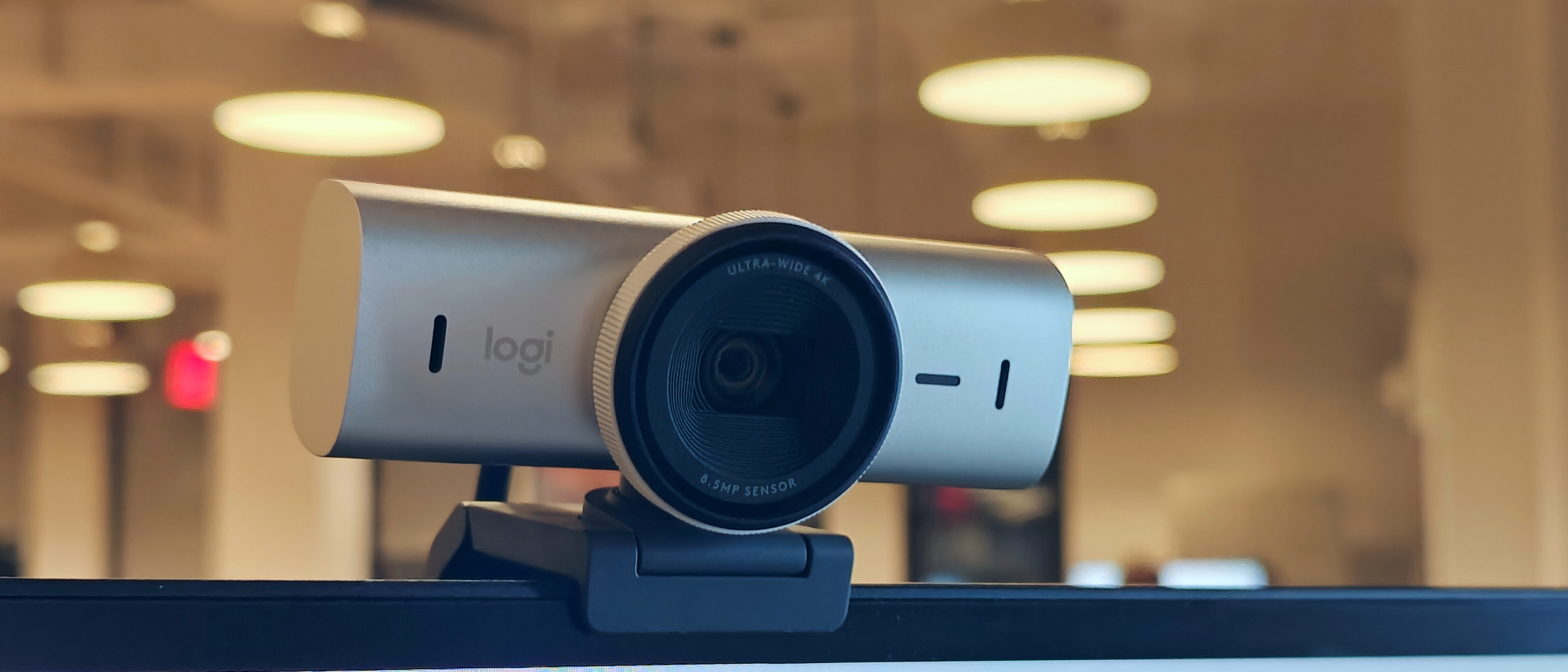
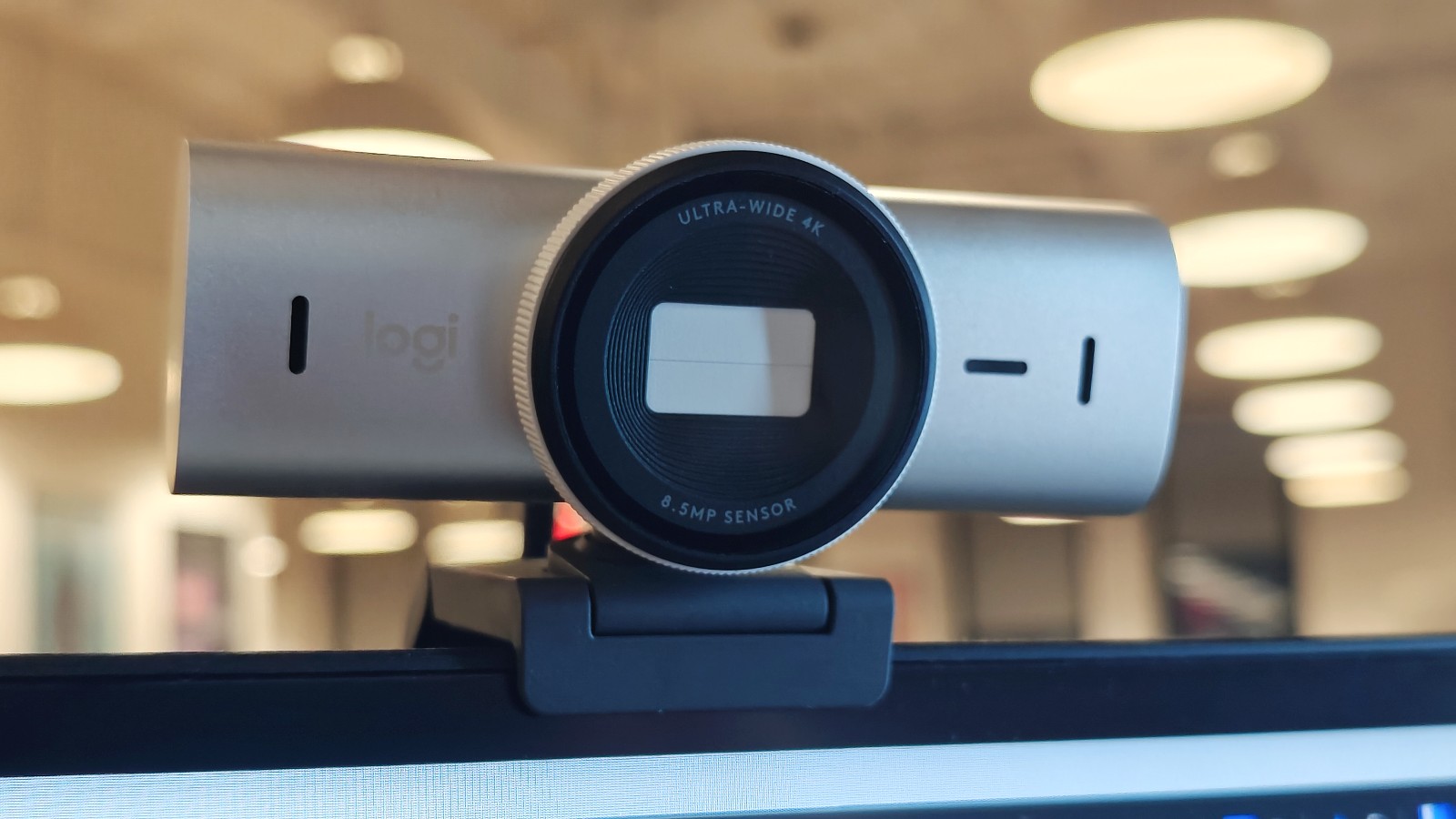
The Logitech MX Brio 4K webcam delivers sharp video and stills with vivid colors. Its large 8.5MP Sony STARVIS CMOS sensor ensures excellent image quality in any setting.
Resolution: 1920 x 1080 | Size: 1.14 x 3.70 x .94 | FPS: 30fps
Great video quality
Affordable
Wide angle lens
Underwhelming software
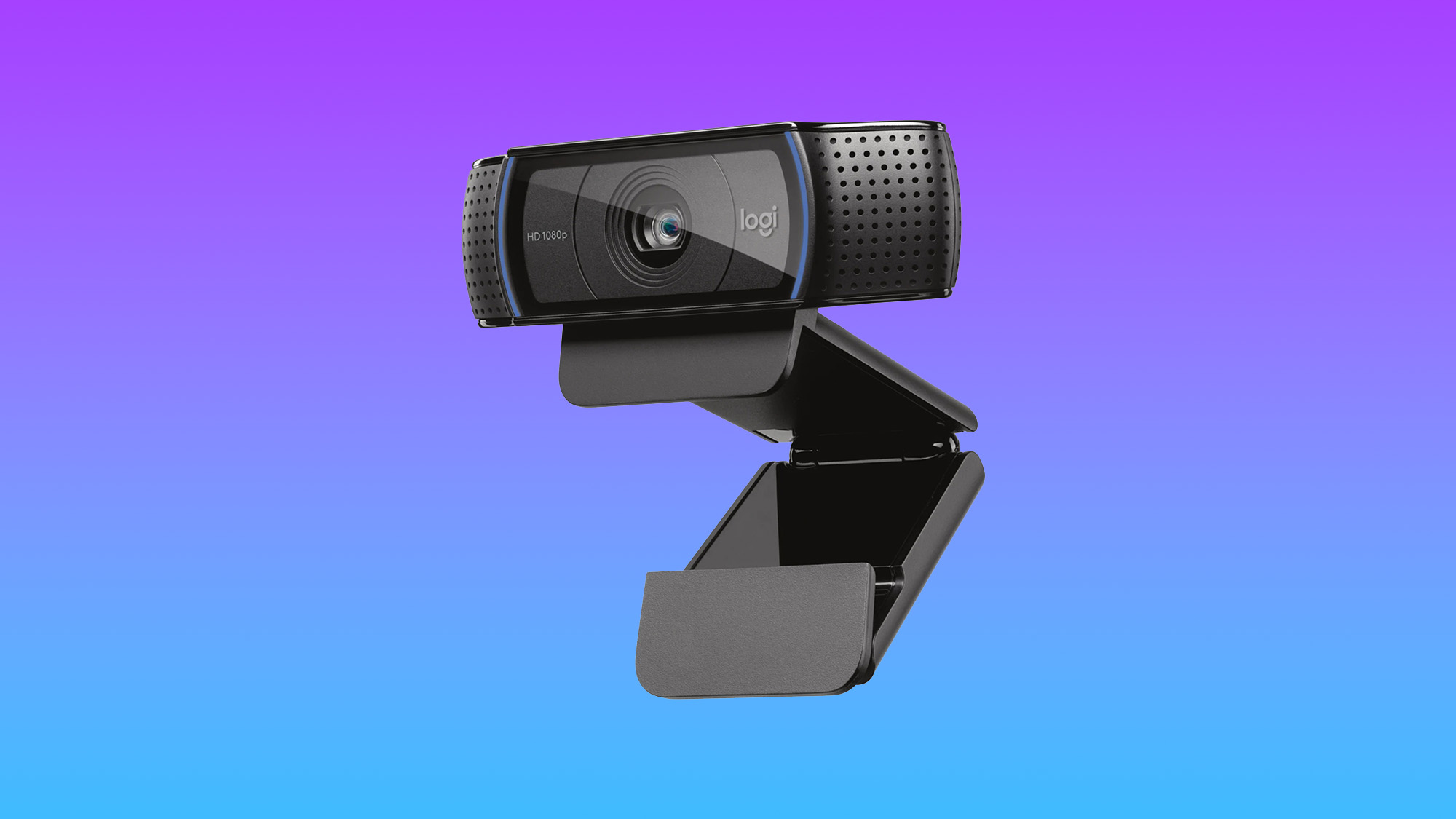
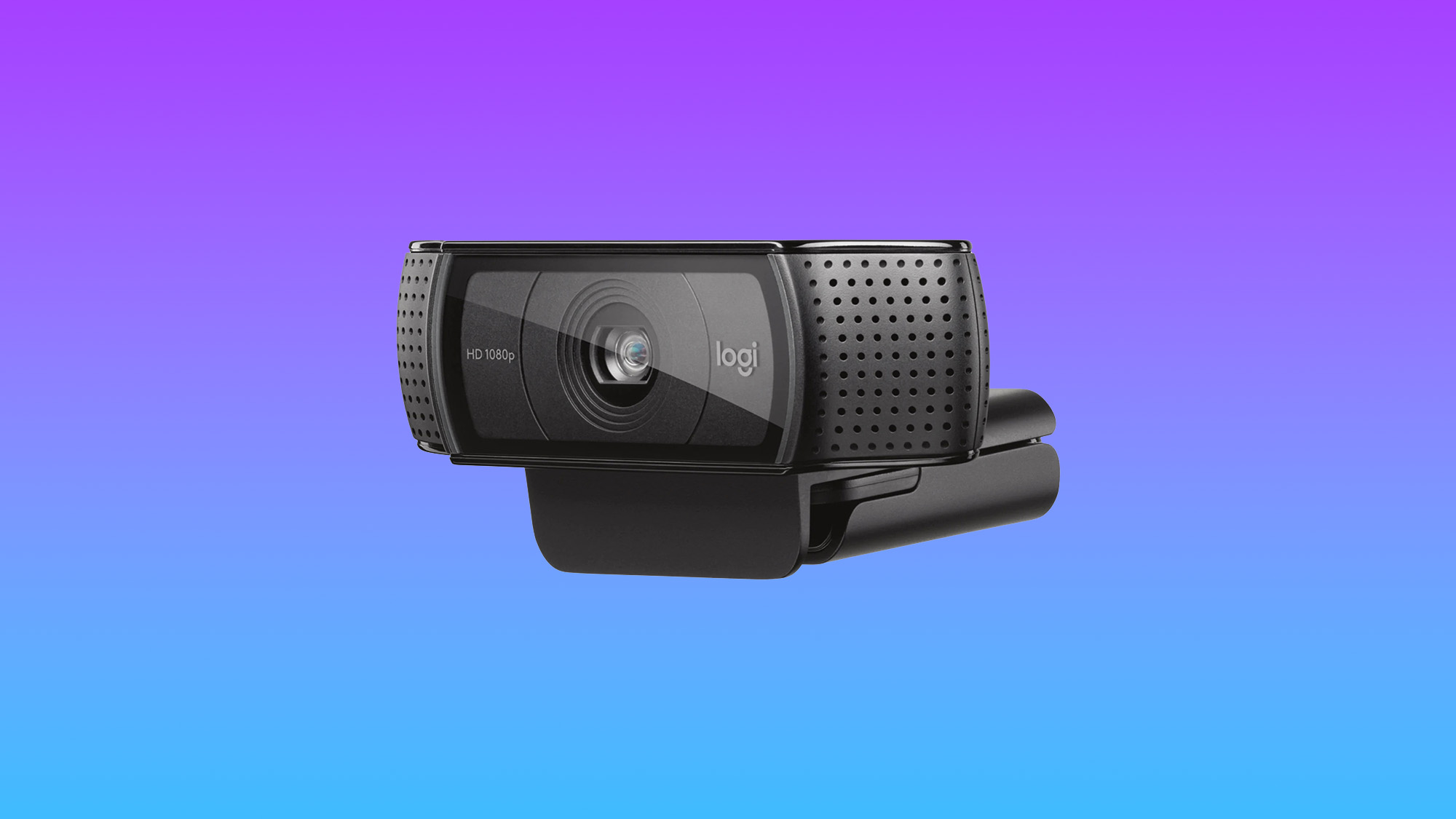
The $60 Logitech HD Webcam C920 was an easy favorite. Images we took with the 1080p camera were sharp, color-accurate, and crystal clear. The C920's 78-degree field of view could comfortably fit two people in the frame for a teleconference. The software with the C920 lets you implement filters, adjust the angle, use the webcam as a security camera, and take photos to save to your hard drive.
This is by far the best webcam out there, and there’s no way any reasonable person could return to the terrible webcams attached to a standard laptop. The Logitech HD Webcam C920 smashes the competition, and once you try it, you’ll unlikely regret it. Additionally, it’s excellent value. $60 for a webcam isn’t a steep price for a future of crisp and clear images.
DSLR-like image quality meets AI tracking for a production-worthy 4K webcam that oozes quality
Resolution: 3840 x 2160 | Size: 2.8 x 2.3 x 1.5 inches | FPS: 30fps at 4K, 60fps at 1080p
DSLR-like image and video quality
Excellent picture customization
Responsive and accurate AI tracking
Versatile design
Great low-light performance
Middling audio quality
While the webcam that tops our list is a great option suitable for everyday use, the Insta360 Link 2 goes above and beyond, cramming an impressive amount of features and configurability into its typical $199 price tag.
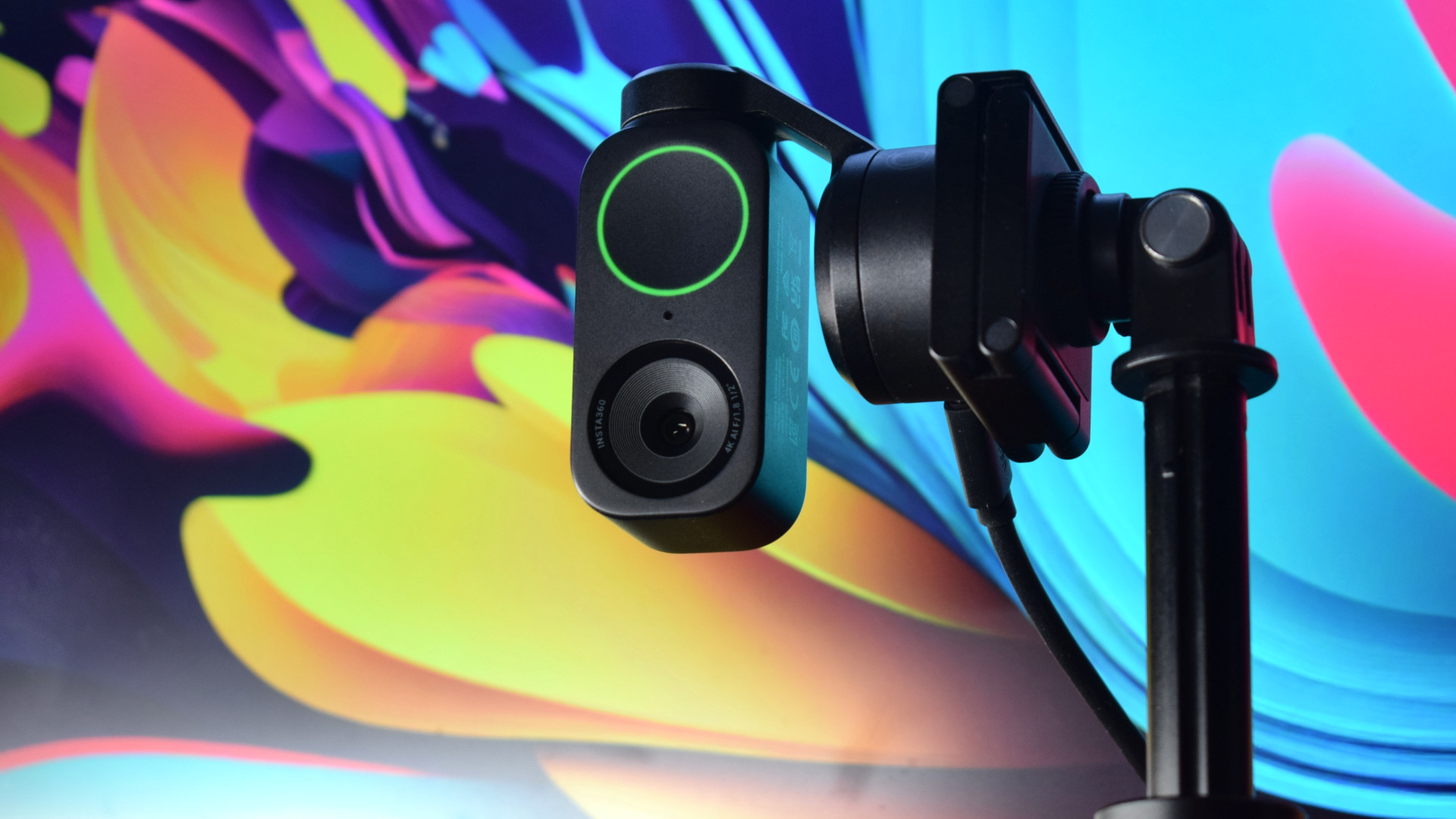
The most stand-out feature is the Link 2's unique dual-axis gimbal design, which allows the 4K webcam to turn and tilt, ensuring you're framed and in focus at all times with its AI tracking, even while moving.
It's ideal for content creation and presenting at a high standard, with the camera also able to snap focus and crop the image to capture whiteboards, or spin down to DeskView for more technical or hands-on demonstrations.
Thanks to an improved 1/2-inch sensor, the Link 2 works excellently in low-light conditions, but when paired with the right lighting setup, you'll capture richly detailed and crisp images that are comparable to DSLR alternatives.
Ultimate portability with excellent 4K image quality
Resolution: 3840 x 2160 | Size: 1.4 x 1.8 x 0.8 inches | FPS: 30fps at 4K
Tiny clip-on design
Sharp vivid image
Outstanding low-light and HDR quality
Plug-and-play on macOS or Windows
Full companion app is macOS only
Directional mic can be finicky
Sure, your laptop's webcam is probably terrible, most are, but are you going to bring a big external webcam with you everywhere? As a remote worker, I've faced this decision many times, and I virtually never take one with me and make do with subpar image quality. The Opal Tadpole webcam is finally the solution to this issue that so frequent travelers have been waiting for.
The Opal Tadpole will remind you of the old clip-on iPod Shuffle, and it is as dead simple to use as the Shuffle, too, with plug-and-play using the built-in USB-C cable. Opal Camera sells a $25 "yoyo" travel case that can fully secure the Tadpole, but its cable can also be used to loop it on your bag. It's so tiny you will never notice it in your bag, but you'll be thrilled you have it when you see the crisp, clear image on your video call instead of the noisy, garbled mess of your built-in webcam.
If you don't ever travel, then by all means, go with another option on this list, like the Insta360 Link webcam above. Thanks to a larger sensor, you'll get more features and a better overall image, but when it comes to a travel-friendly go-anywhere webcam with quality that will blow your laptop webcam away, the Opal Tadpole is it.
Resolution: 2560 x 1440 | Size : 2 x 1.6 x 2.2 | FPS: 60fps @ 2K
Good build quality
Outstanding 2K image quality
Fast autofocus
Excellent low-light performance
Noise-canceling can cause choppy digitized audio
Anker’s PowerConf C200 2k webcam is stylish, sturdy, and affordable ($69.99). It also has a physical shutter to keep the creeps out. What’s wonderfully disturbing about this Anker webcam is that it is on par with or superior to many of the far pricier webcams I have reviewed in the past two years.
The Anker PowerConf C200 is a bargain that delivers high-quality images and video for a fraction of the cost of many other webcams and conference cams. For $69.99, you get a webcam that provides crisp, color-accurate images in normal and low-light conditions with super-fast autofocus.
If image quality is your top priority then look no further
Resolution: 3840 x 2160 | Size: 1.7 x 3.9 x 1.4 inches | FPS: 30fps at 4K, 60fps at 1080p
Sharp video and stills with bright and vivid image quality
Privacy shutter on lens
Sturdy build quality
Excellent low-light performance with Smooth autofocus
Show Mode is a win
Solid mic, but could be better
If you're looking to prioritize a quality 4K image, the Logitech MX Brio 4K is the way to go. It'll cost you $200, but if you're willing to dish out the extra money, it's a level up from the more affordable options thanks to its 8.5MP Sony STARVIS CMOS sensor.
Not only will this yield a better image in good lighting, but if you don't always have perfect control of your lighting, it will hold up better than the competition in less-than-ideal lighting conditions.
While Logitech's AI tracking is not bad, we would still recommend something like the Insta360 Link 2 if tracking movement or more dynamic content is a high priority for you. The built-in mic could also be better, but it's a definite improvement over your laptop mic, and its 4K resolution offers incredibly sharp images that can track your face, body, whiteboards, and even your desk.
Not every webcam we review makes it to this list, but that's not to say they aren't worth looking into. While some of the following webcams may not be the best in their category, that's not to say they aren't fantastic options.
Regardless of the specs, the most important focus (pardon the pun) for a webcam is the crispness of its image and video quality. Combine this with the product's price, and you have an essential checklist of webcam priorities. However, there are a few other things to consider.
Perhaps you want your webcam to be as portable as possible. The Opal Tadpole would be a perfect choice for that purpose. If you need something high-end with excellent features like a noise-canceling microphone and AI Tracking, the Insta360 Link is a great pick.
Alternatively, you might desire cheap and high-quality, so the Logitech HD Webcam C920 (~$60) could be worth it for those needing a solid camera on a budget. Don't mind spending up? You can invest in a Logitech Brio 4K Pro Webcam for around $200. Although expensive, its incredible image quality could more than compensate for it if you're interested in professional streaming.
FAQs
What webcam features do you need to look for?
If you're using your webcam for video calls, virtual presentations, or live streams, the key features will be resolution and frame rate. The higher the resolution, the better the image quality. Regarding frame rate, while 60 fps is ideal at max resolution, a 30 fps 4K webcam is more than adequate for most video calls and streams.
If you use your webcam in dimly lit spaces or while moving around, you may want to look for advanced features like HDR and AI face tracking.
What webcams are best for streaming?
While many of the top Twitch and YouTube content creators use mirrorless cameras for their streams, any of our top Webcams will work fine for casual streams. Unless you plan to make your reaction feed the highlight of your stream, you just need a decent FHD (1920 x 1080p) webcam for most streaming purposes.
How to set up a webcam?
Every webcam is different, but generally speaking, you'll connect it to your laptop or desktop and then make sure your operating system recognizes it. You may need to update or download drivers or specialized software to get the most out of your webcam's range of features.
Why trust Laptop Mag?
Laptop Mag reviews over one hundred different laptops every year, from paperweight ultralights to everyday workhorses to lumbering gaming notebooks that scorch the frame rates of even the hottest AAA games. We're not just experts in the laptop field, as we go one step further by meticulously testing smartphones, tablets, headphones, webcams, PC accessories, software, and even the latest in gaming. And yes, webcams, too!
We are 100% independent and have decades of experience to help you buy with confidence. In fact, Laptop Mag has been testing and reviewing products for three decades, and we continue to deliver trustworthy reviews you can rely on.
Our experienced team of writers and editors scour the available information about the laptop and put it through its paces to determine which is best for you. But before they start, the testing team subjects each system to a rigorous regimen of synthetic and real-world tests to see how a system handles the type of work and games you’re most likely to throw at it.
Our editorial trustworthiness is enforced by one of the world's largest technology publishers, Future Publishing. As a company, we have unrivaled experience across every tech sector — and we're the group's specialist for all things mobile tech.
The best gaming laptops in 2025 usher in a new generation of GPUs, led by Nvidia’s GeForce RTX 50 series. While we haven’t tested every model yet, some early standouts with these powerful GPUs are starting to join our top picks — alongside excellent RTX 40 series laptops that still deliver incredible performance.
Every laptop on this list runs the latest AAA games like a dream. Your budget will determine just how good those games look, but I’ll help you find a machine that plays your favorites smoothly and reliably.
I’ve reviewed laptops for Laptop Mag for over seven years, including more than 90 gaming laptops. I can spot the pros and cons of a gaming rig within hours, and after a week of hands-on time, I can confidently tell you if I'd buy it myself.
Of course, my expertise is just one part of the process. To find the best laptops, we put each one through a gauntlet of performance, graphics, display, and battery life benchmarks. Some games are poorly optimized (looking at you, Monster Hunter Wilds), while others are just brutal (Cyberpunk 2077), but the best laptops survive both.
After testing, the laptops spend real time with our reviewers—gaming, working, and everything in between. Lab scores matter, but how a laptop feels in daily use is just as important. We evaluate everything from the thermals and keyboard to the software and webcam.
If you're shopping for the best gaming laptops in any category — budget, premium, or somewhere in between — this is the list to trust. If you're looking for the cheapest RTX 50-series gaming laptops, you won't have to wait long, since the RTX 5060 and RTX 5050 might be launching soon.
Click to view recent updates to this page.
Update Log
6/4/25: Added another entry: Alienware 16 Area-51 as the best looking gaming laptop.
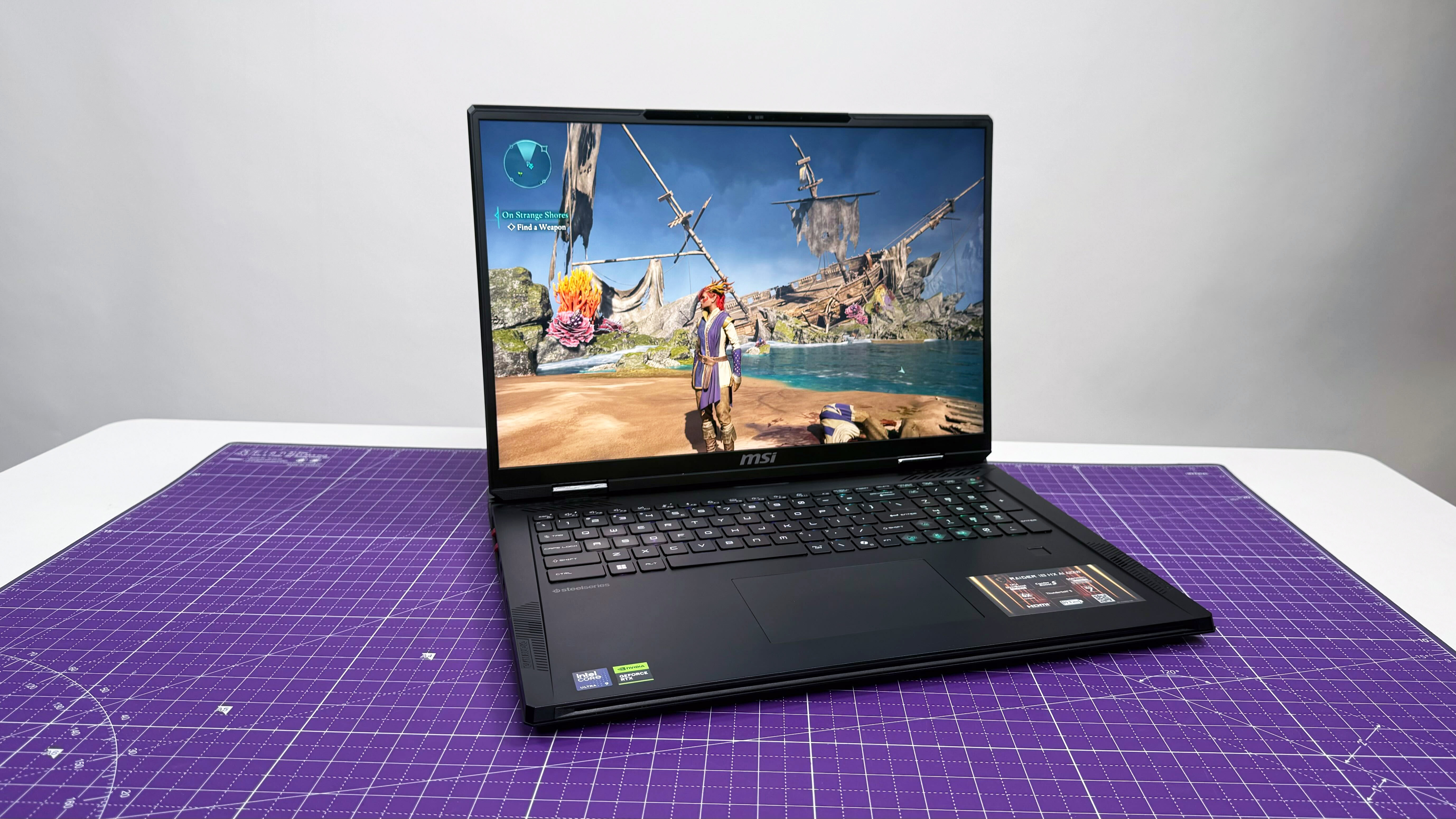
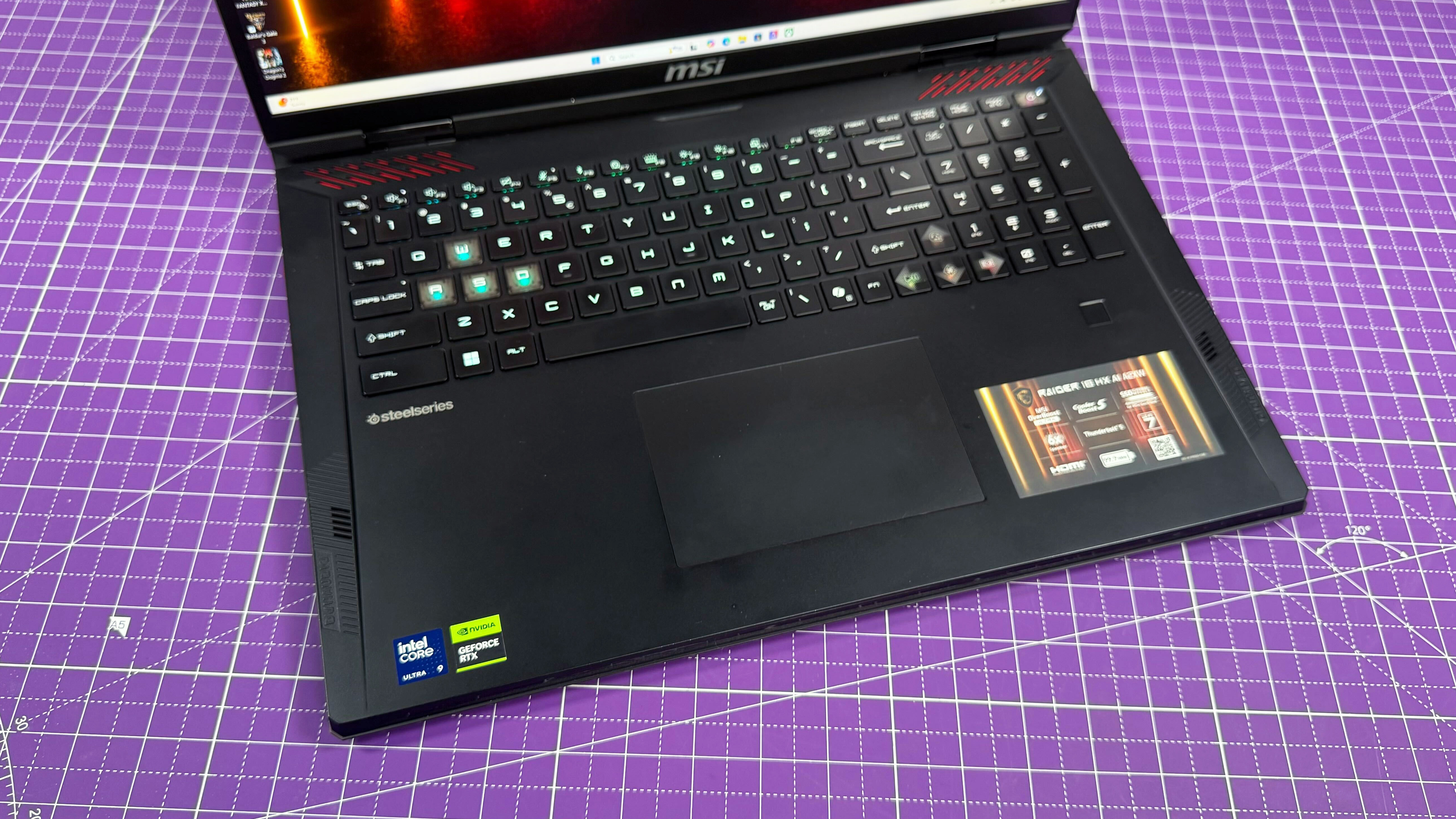
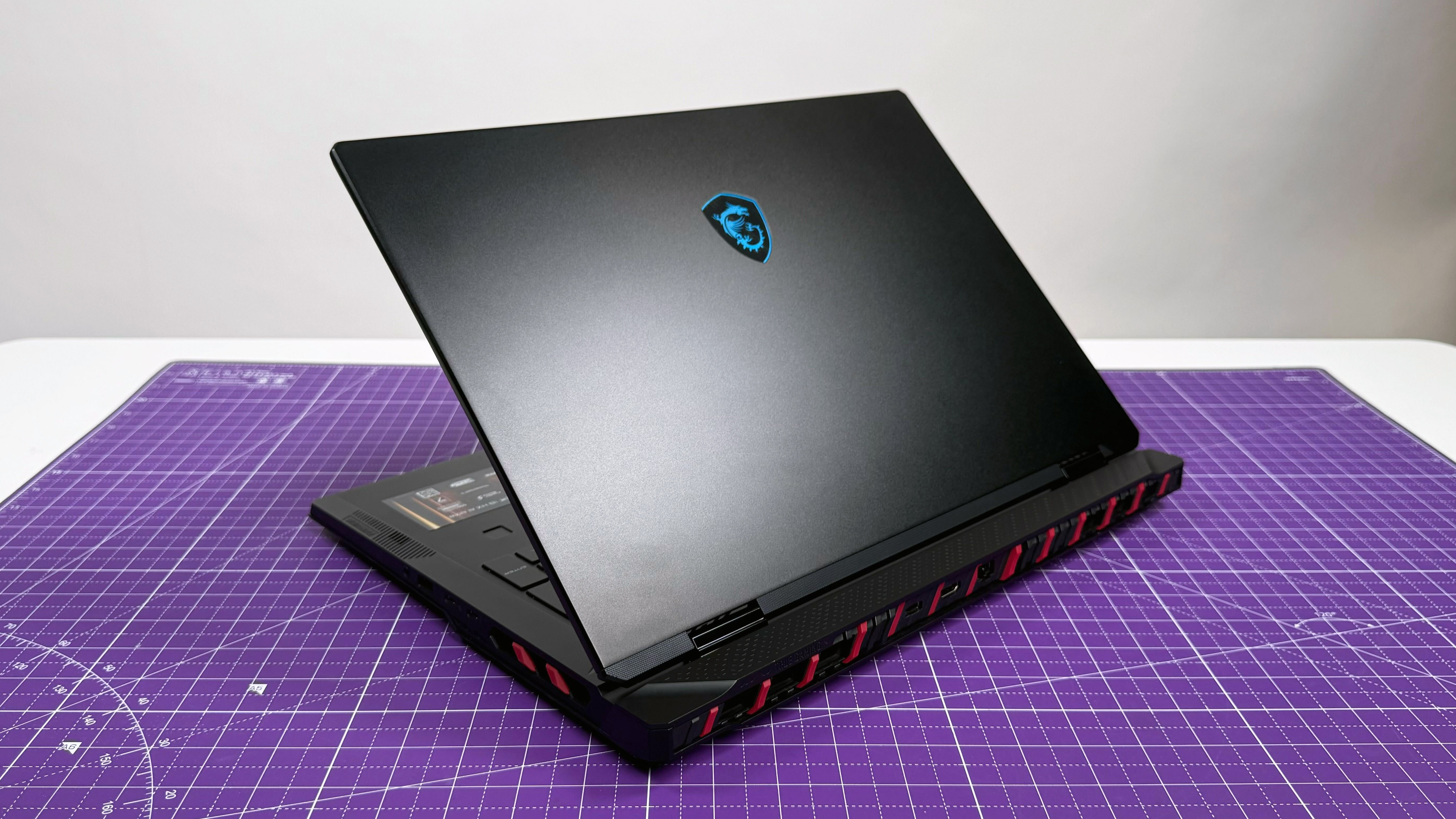
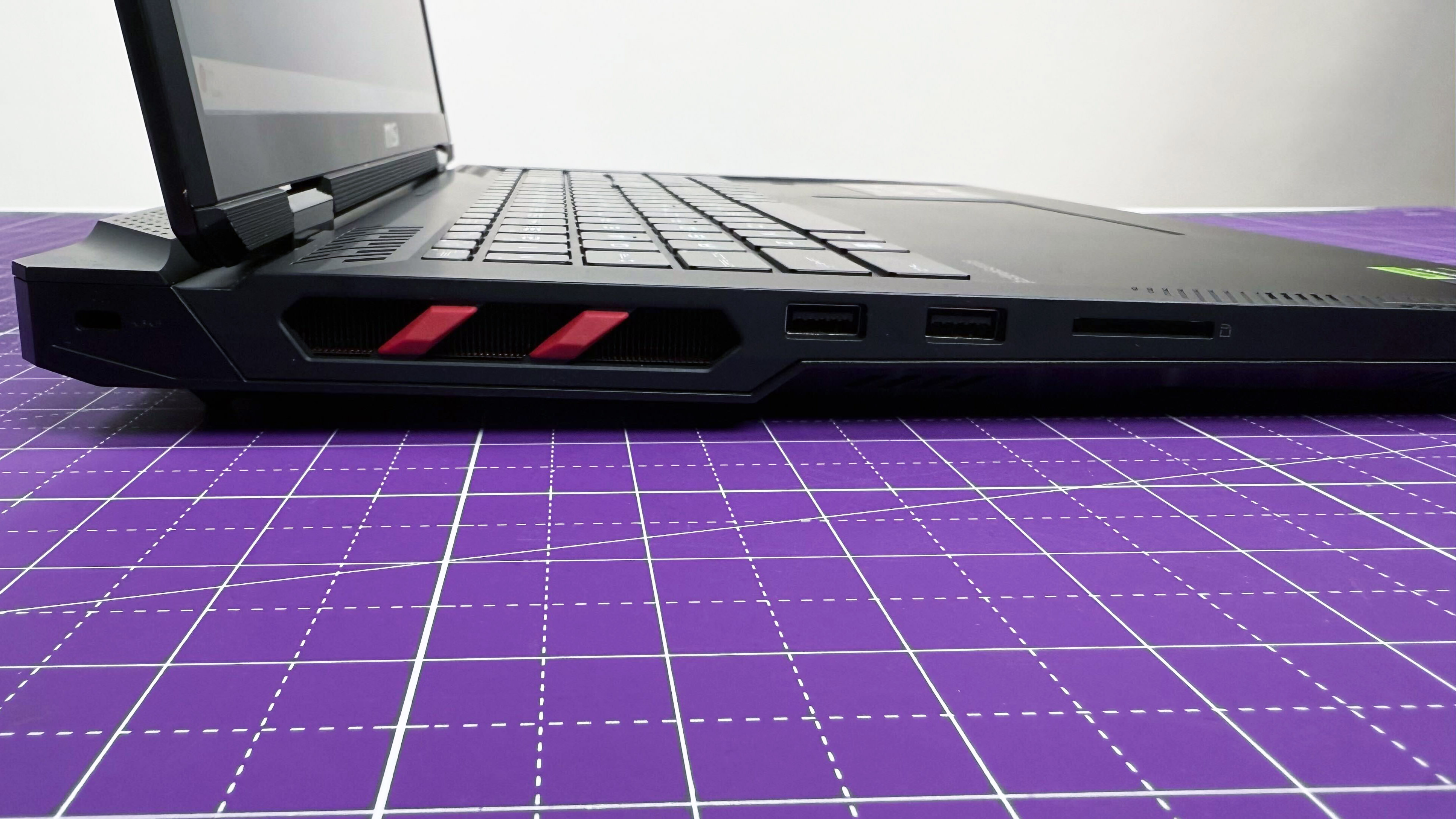
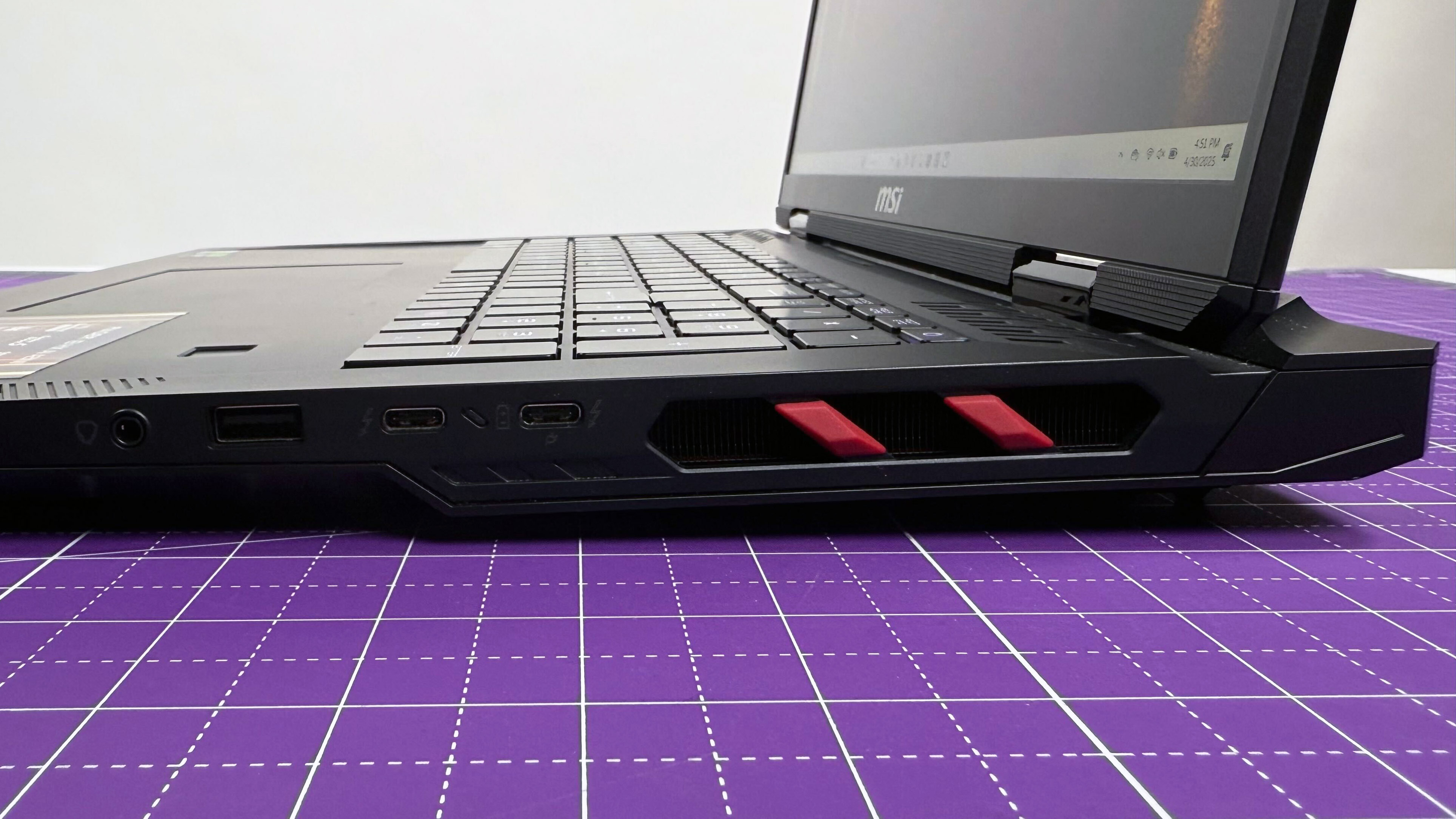
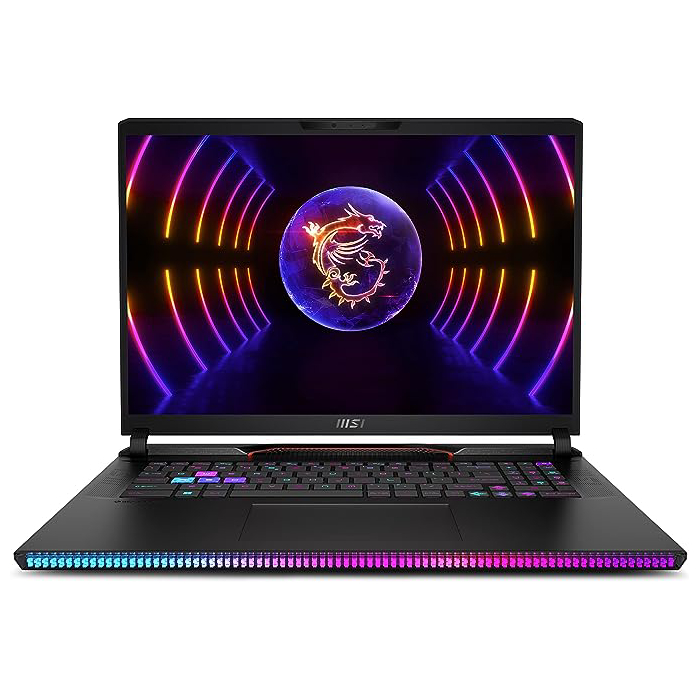
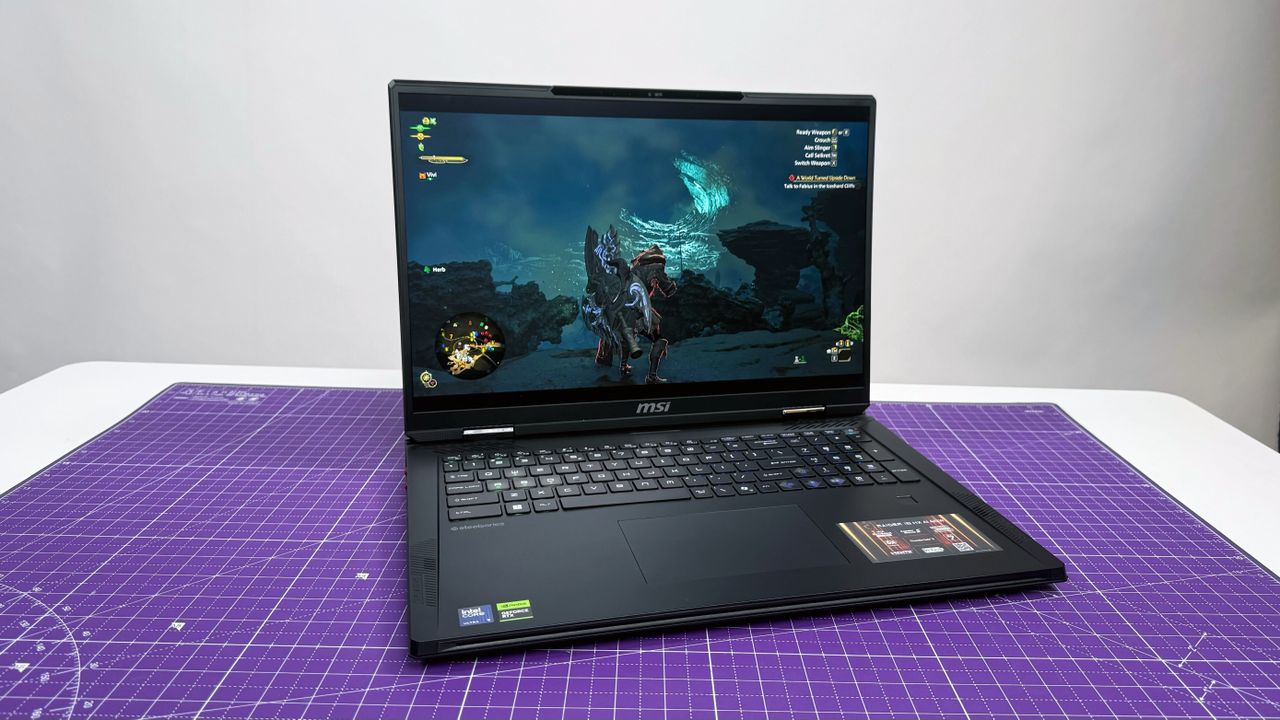
The MSI Raider 18 HX AI provides overwhelming power with its RTX 5080 graphics performance and stunning MiniLED display. This is easily the best gaming laptop for you (if you got the goods).
The Dell G16 (7630) is an absolute stunner with its premium features, like a colorful display and mechanical keyboard, priced at under $1,000. This is the best for the least.
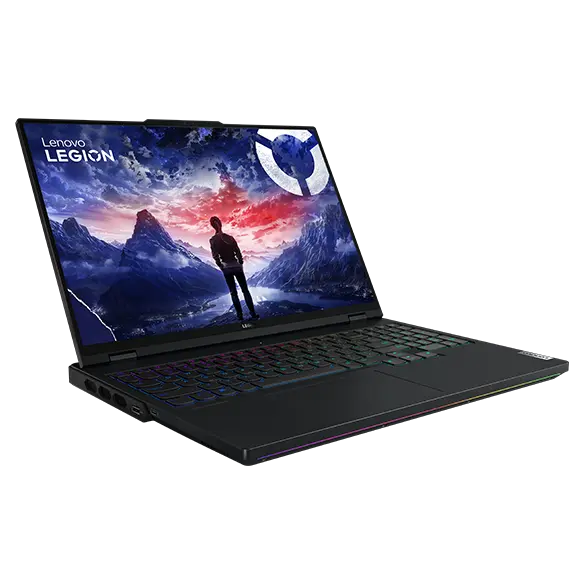
The Lenovo Legion Pro 7i strikes a balance between intense RTX 4080 graphics performance and relative affordability. And with few flaws, it makes for the best 40-series gaming laptop.
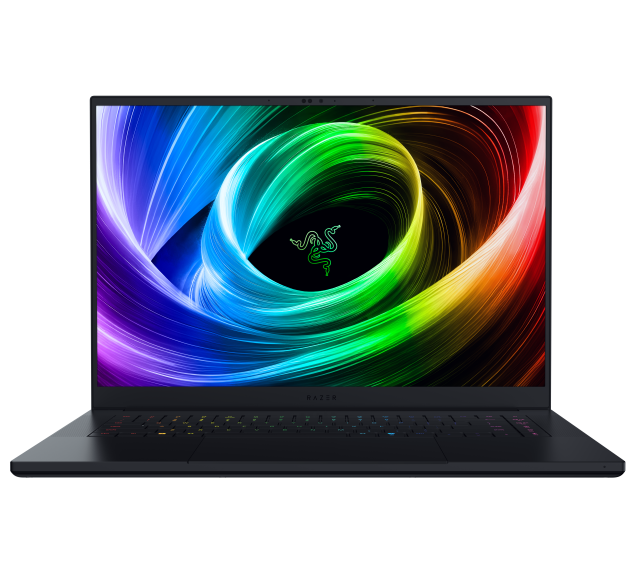
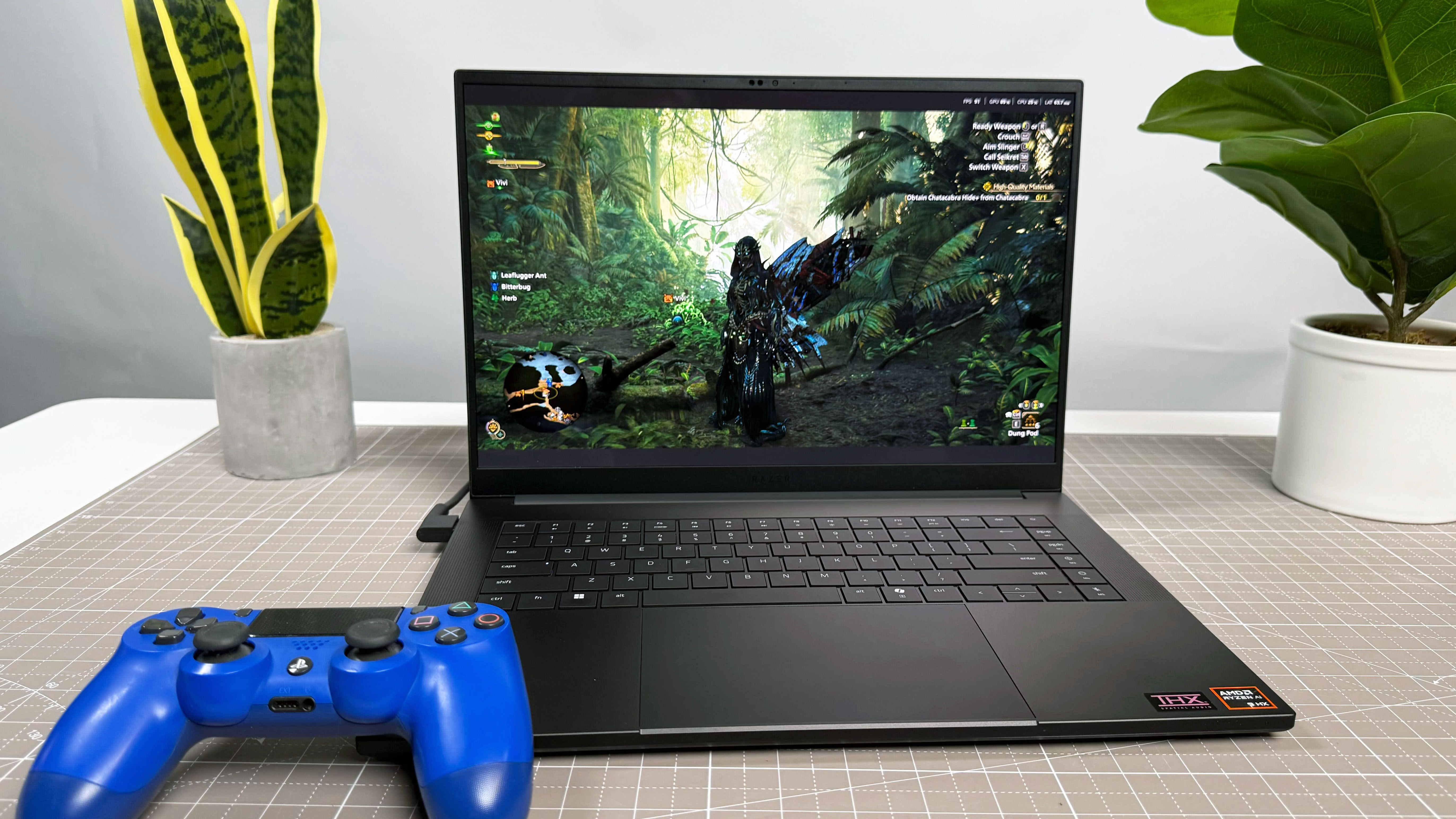
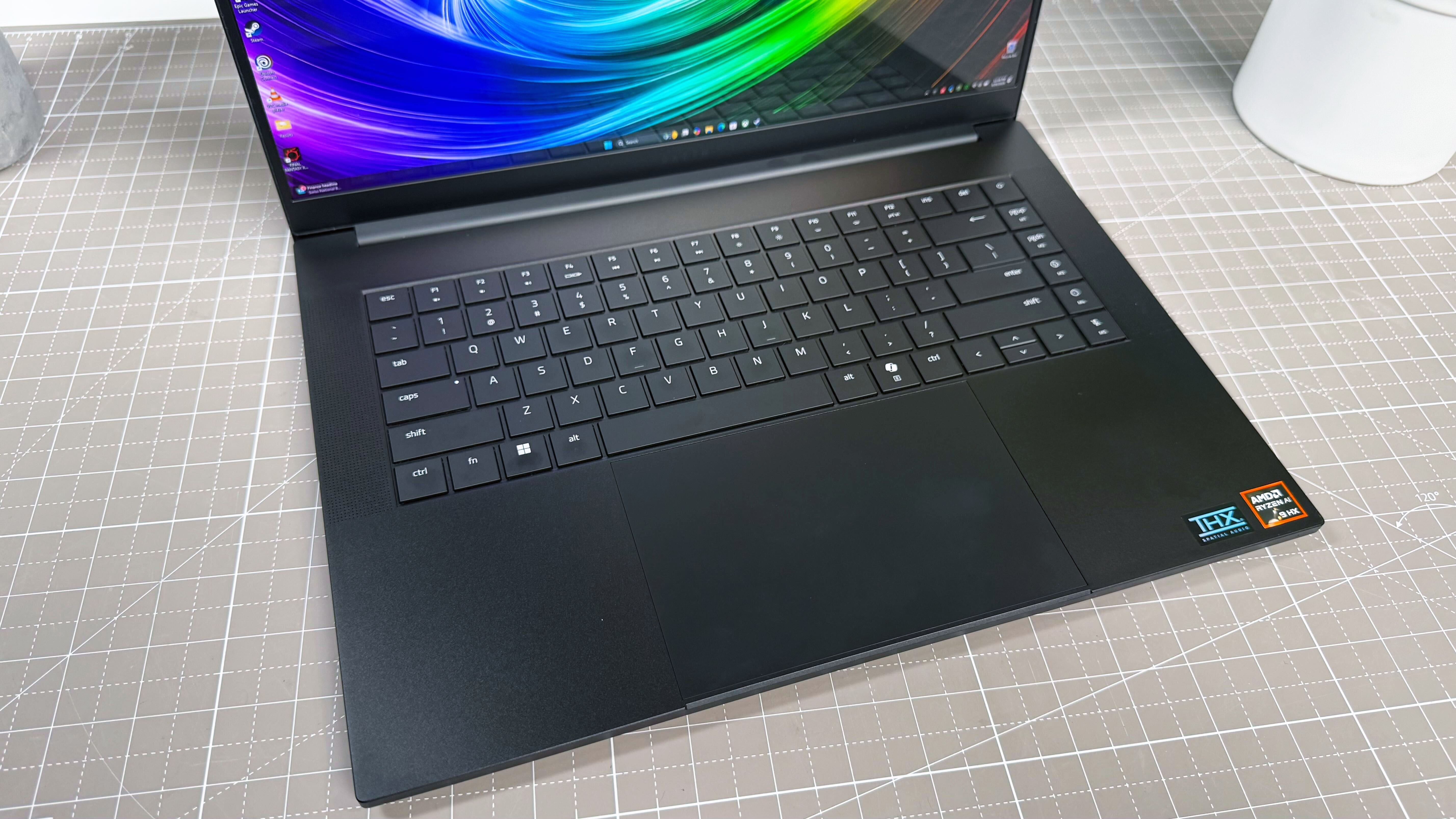
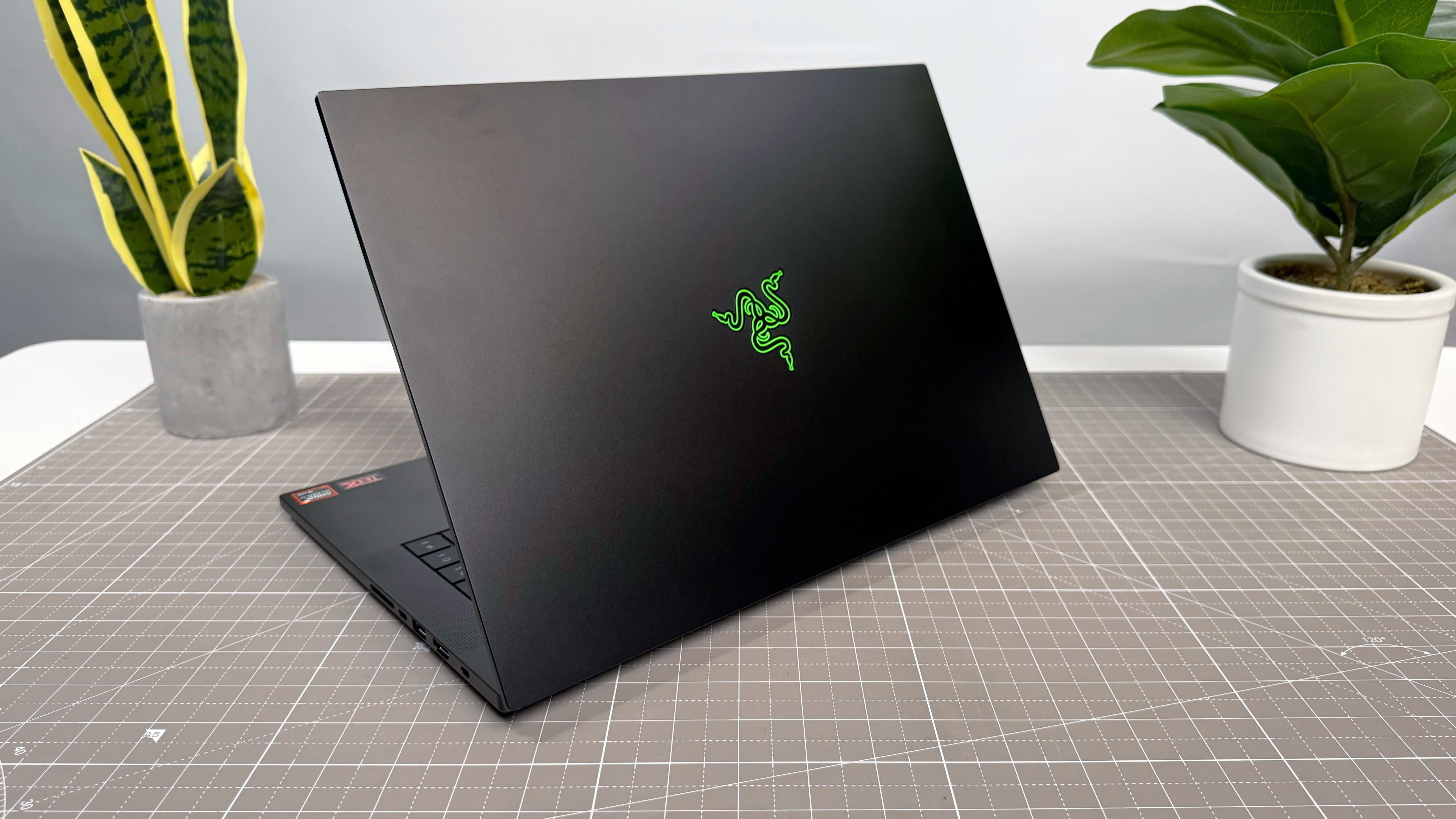
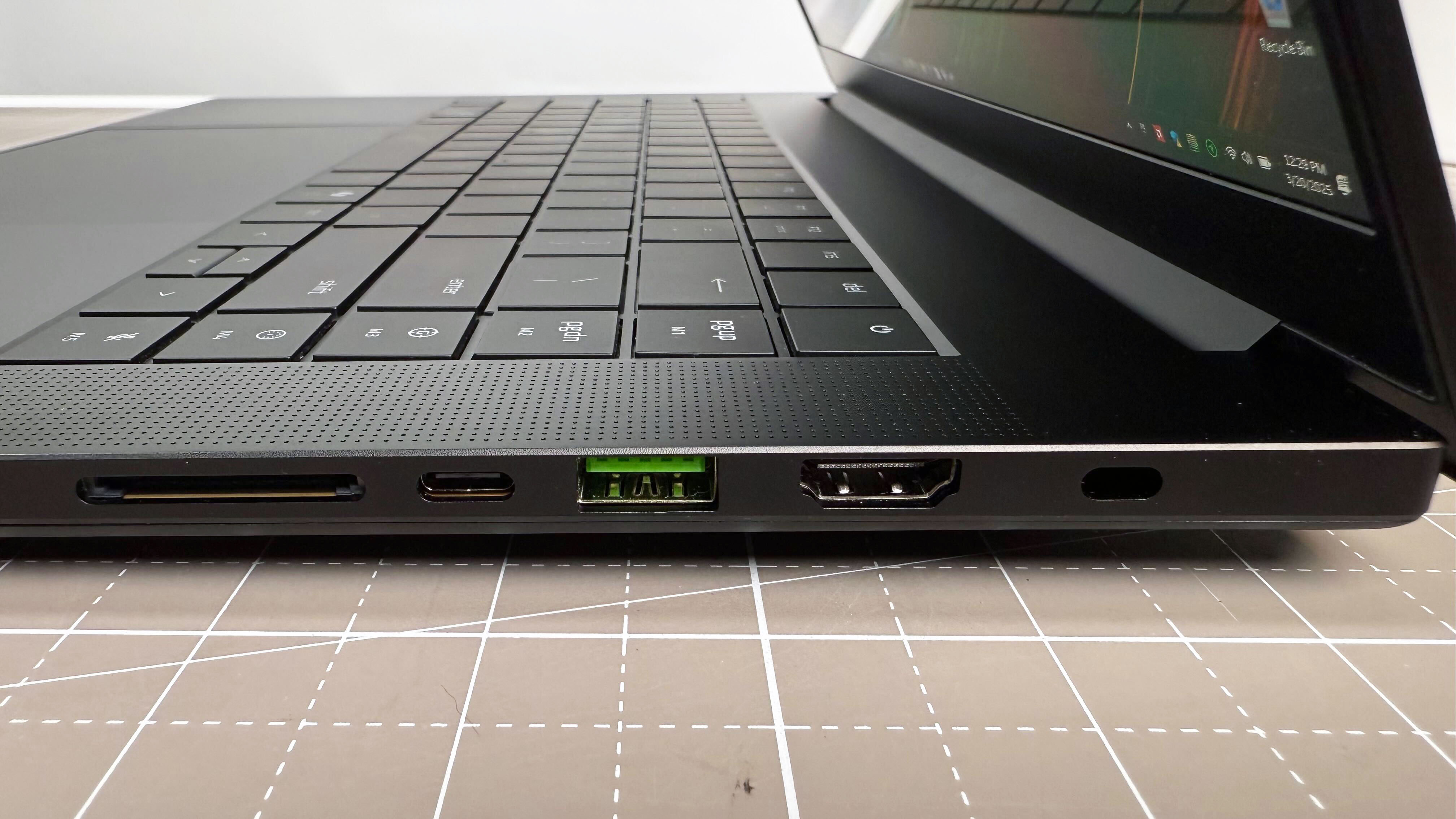
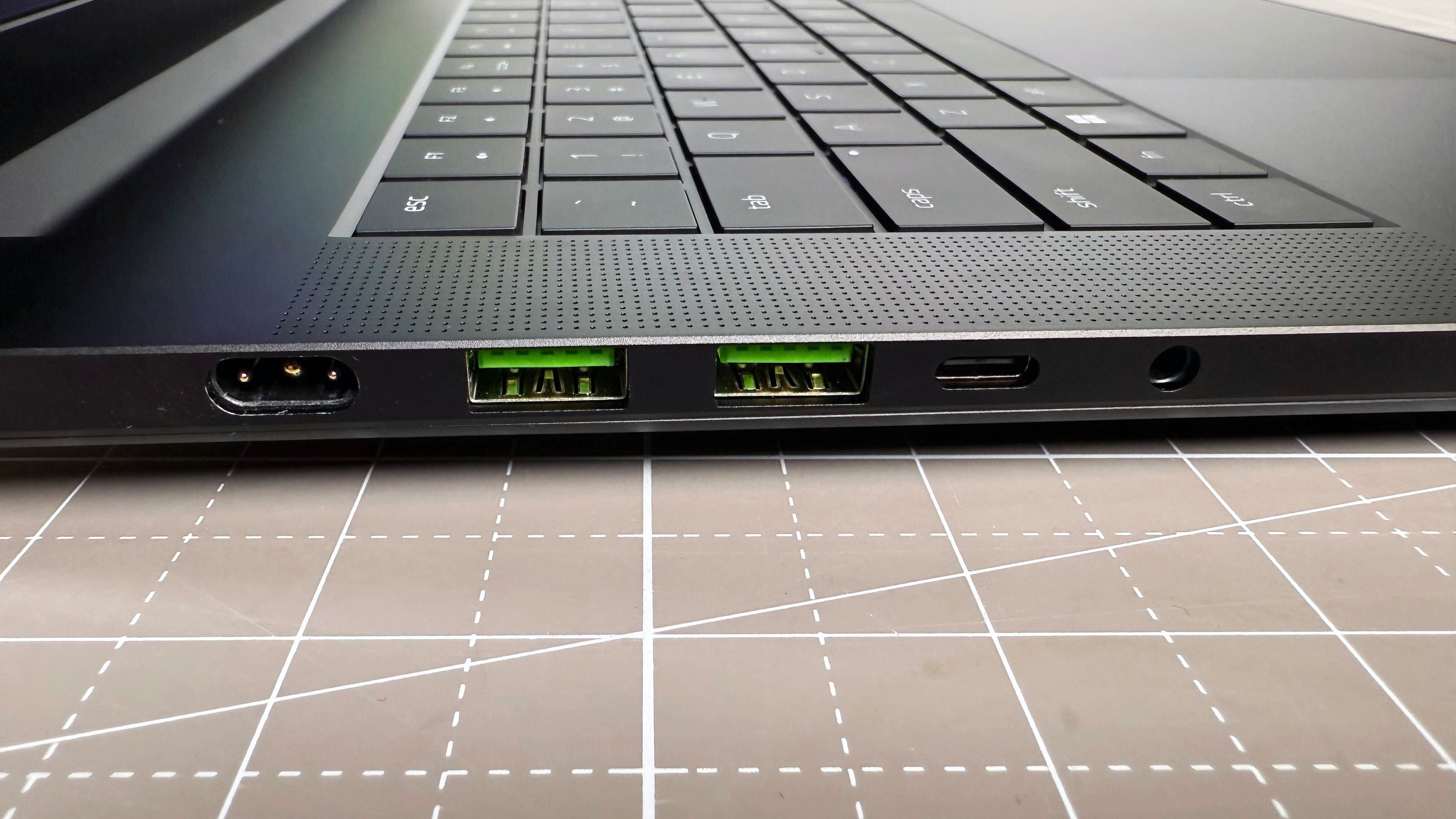
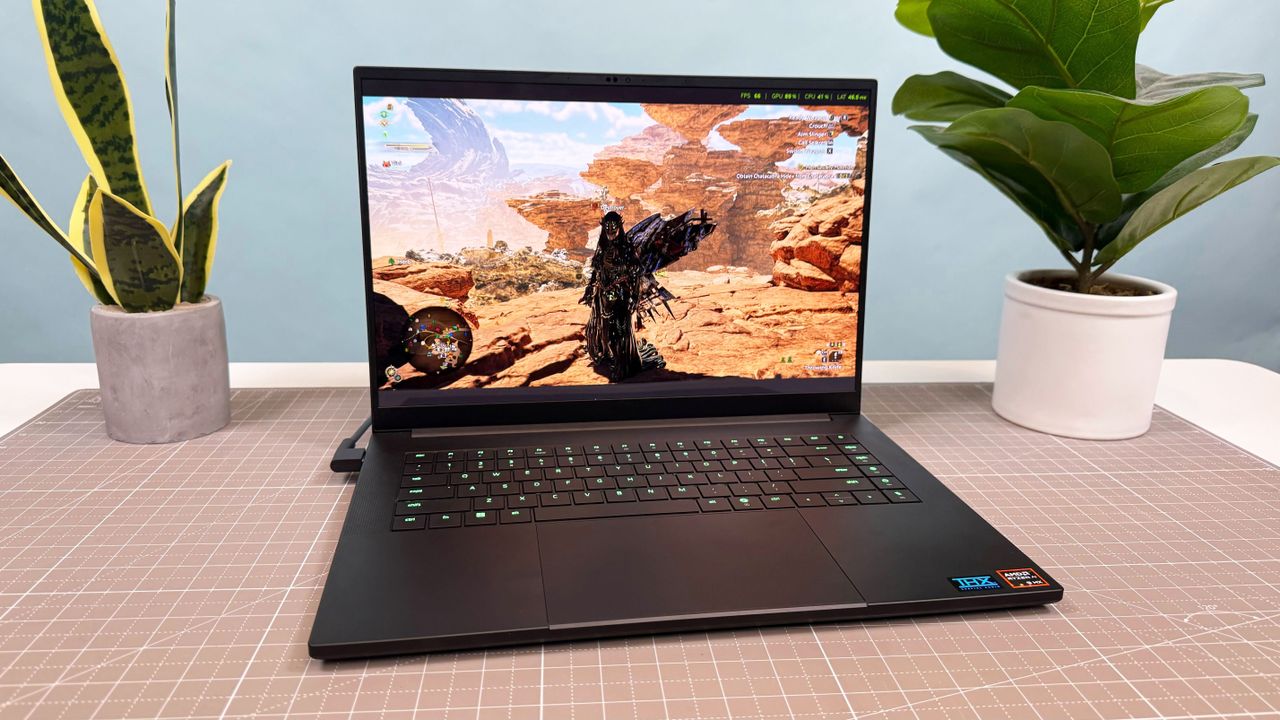
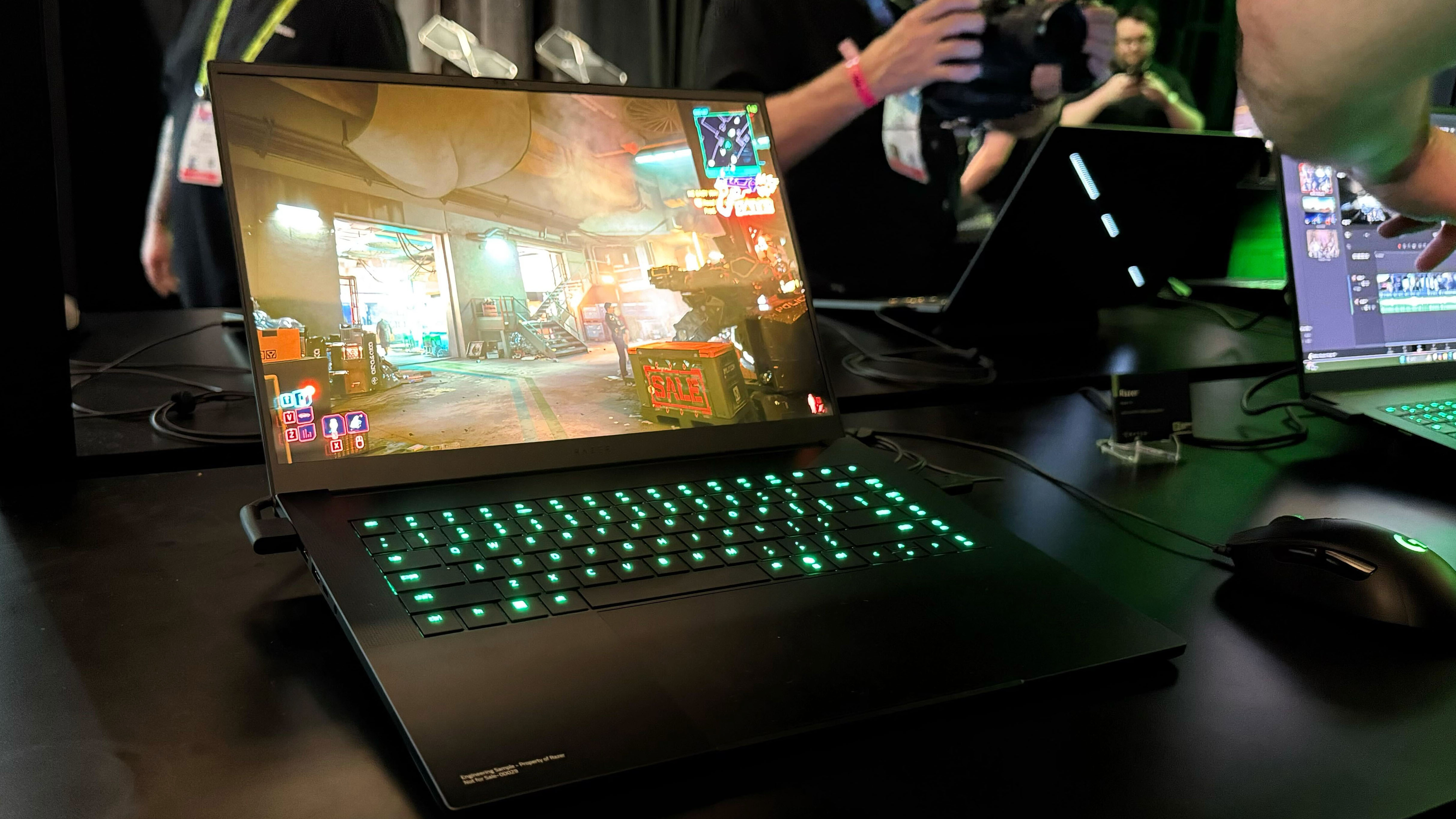
The Razer Blade 16 (2025) is stacked. It has a beautiful display and a bouncy keyboard, as well as a Ryzen AI 9 CPU and Nvidia 5090 GPU. It’s a beast of a machine that surprisingly sleek and thin.
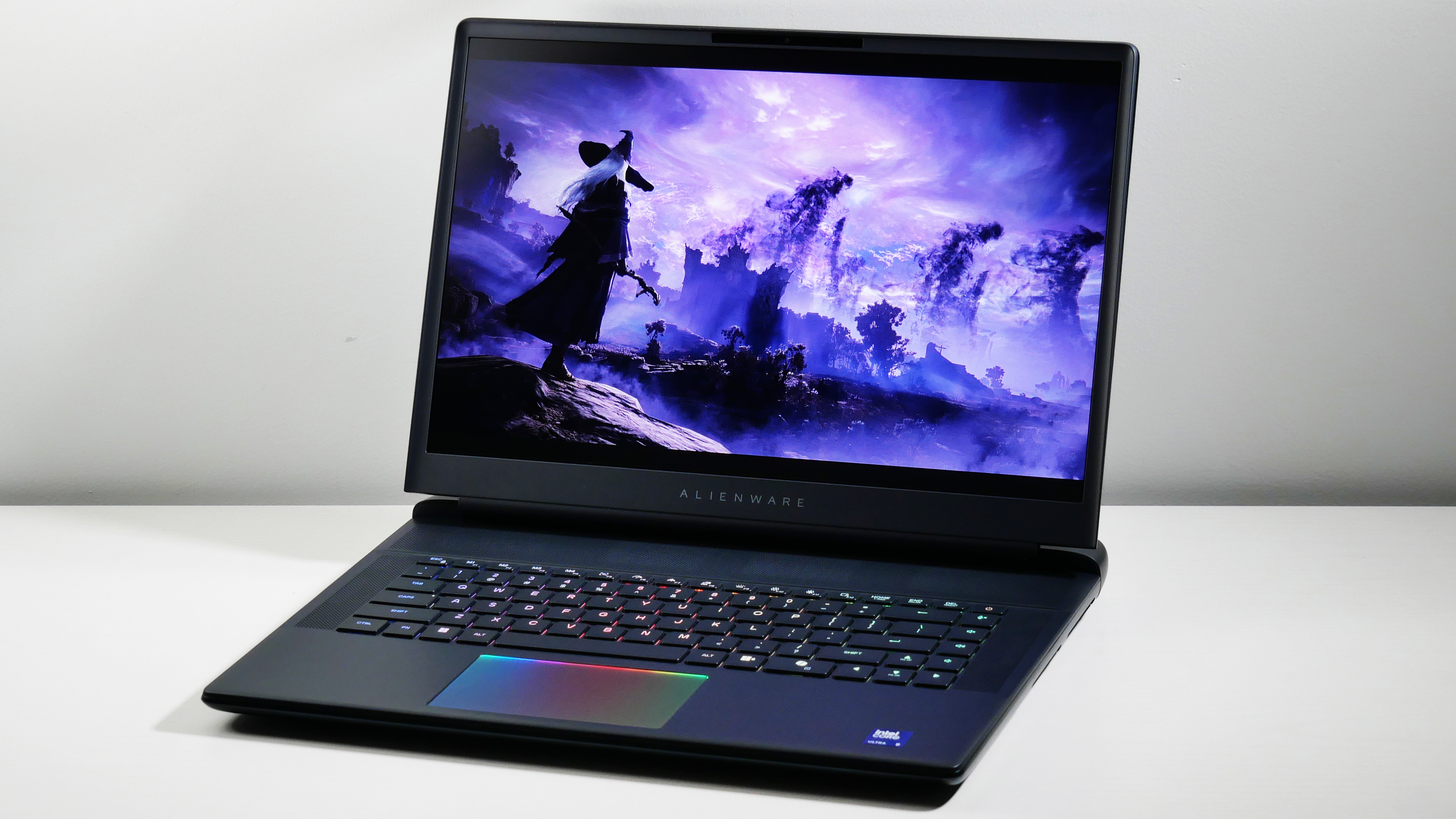
The Alienware 16 Area-51 is the most stylish gaming laptop out there, and that's not the only thing going for it. It's got a powerful RTX 5090 GPU and it's ready to pounce with its mechanical keyboard.
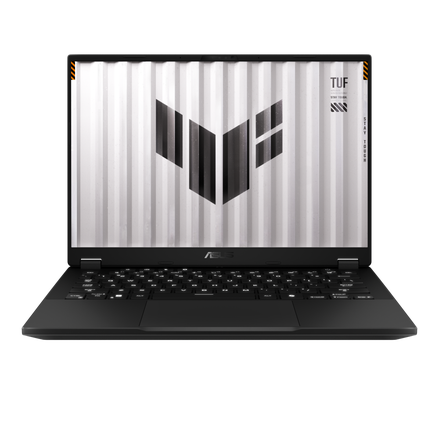
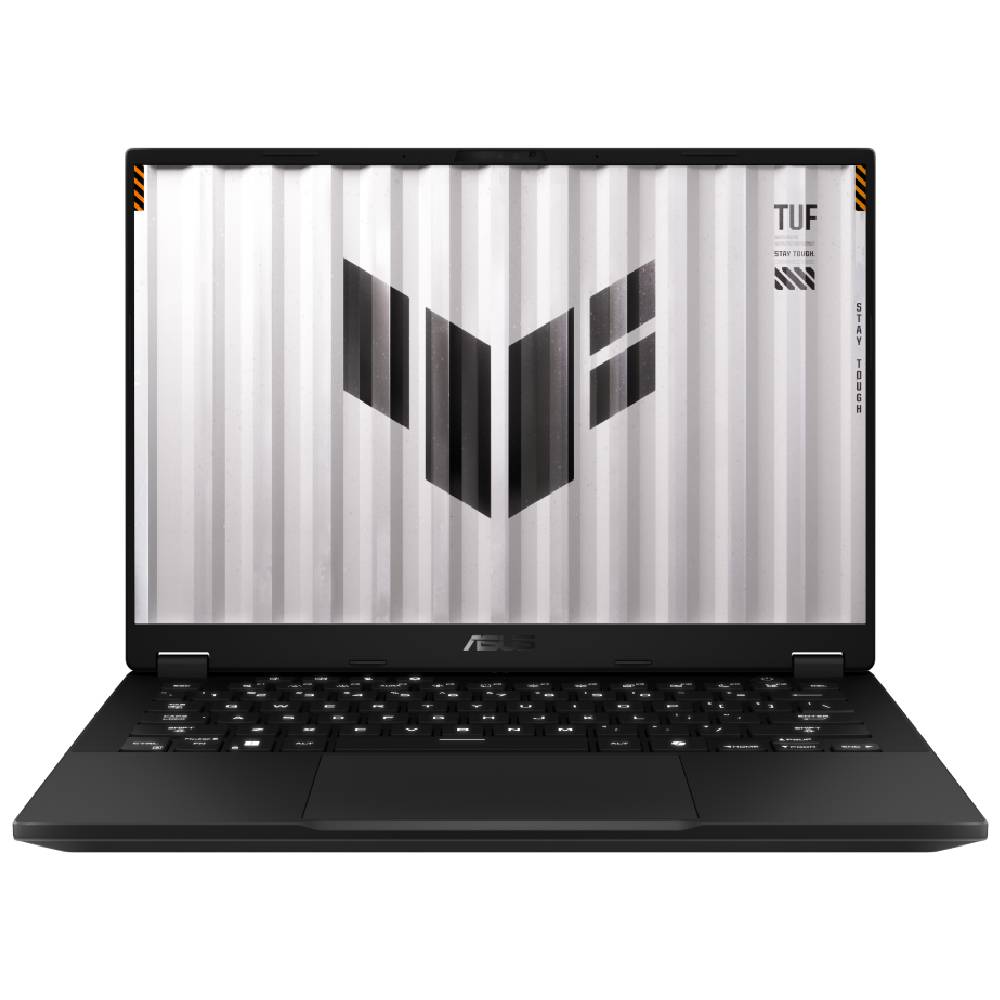
The Asus TUF Gaming A14 rocks the gaming industry with the longest lasting battery life we've tested in years. All that battery life does not come at the expense of power thanks to its RTX 4060 GPU.
Each gaming laptop on this list has been painstakingly tested and received the hands-on time necessary to review it. You can rest assured that any choice you make will equip you to run the games you love the most.
Best overall
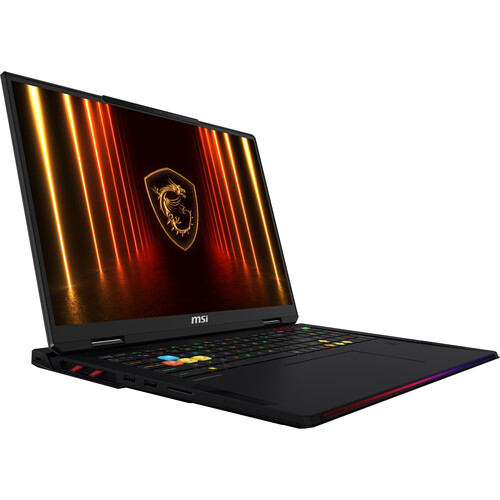
MSI Raider 18 HX AI gaming laptop open facing on a purple mat against a gray background.Future | Madeline RicchiutoThe MSI Raider 18 HX AI gaming laptop's keyboard from above, against a purple mat.Future | Madeline RicchiutoMSI Raider 18 HX AI gaming laptop facing away, on a purple mat against a gray background.Future | Madeline RicchiutoClose up of the left-side ports on the MSI Raider 18 HX AI gaming laptop on a purple mat against a gray background.Future | Madeline RicchiutoClose up of the right-side ports on the MSI Raider 18 HX AI gaming laptop on a purple mat against a gray background.Future | Madeline Ricchiuto
MSI Raider 18 HX AI is a force of nature. Yes, it's a hecka pricey, but its RTX 5080 power, MiniLED display, keyboard, and audio more than make up for it.
Buy it if
✔️ You want that raw power: Don't mess around with a big gaming laptop rocking an RTX 5080 GPU. This thing will tear through any game you throw at it.
✔️ You want the biggest and brightest display: Despite the name, we usually advise against putting a laptop, especially a gaming laptop, in your lap. However, the Legion 7i offers reliable thermals.
Don't buy it if
✖️ You aren't made of money: The Raider will raid your bank account before you can even say, "Please, don't, no, stop."
✖️ You need a long-lasting battery: If you're using this for anything other than gaming, forget about it. You won't get far on less than 3 hours of battery life.
Looking for the best? The MSI Raider 18 HX AI with an Nvidia GeForce RTX 5080 with 16GB VRAM is the answer. It not only supports epic performance but also a bright MiniLED display, a pleasant keyboard experience, and some bangin' audio.
Madeline Ricchiuto writes, "For a premium desktop replacement laptop like the Raider, the miniLED panel is more than just a utility feature; it’s a key selling point," in our review of the MSI Raider 18 HX AI.
Ready to watch an RTX 5080 do some work? Bouncing across rooftops in Assassin's Creed: Mirage (Ultra, 1080p), the Raider scored 153 fps, defeating the Razer Blade 16 (120 fps) and the Gigabyte Aorus Master 16 (145 fps). The Raider 18 spread chaos across Night City in Cyberpunk 2077 (Ultra, 1080p) at 64 fps, defeating the Aorus (62 fps) and falling shortly behind the Razer (66 fps).
Jumping in with an 18-inch, 4K, 120Hz, MiniLED display, the MSI Raider 18 HX AI covered 83.1% of the DCI-P3 color gamut and averaged 668 nits of brightness. That's some decent color and a hell of a lot of brightness. You'll have the best chance of survival when suffering poor lighting conditions in video games.
The full-size keyboard is bouncy. And thanks to the Raider's well-spaced keys on a large deck, typing is an overall pleasant experience. "Your fingers won’t bottom out while frantically typing directions in your raid chat."
It's no secret that gaming laptops get hot as the nine layers of hell (yes, this is a D&D reference). Despite its very loud fans, the Raider still outputs spicy levels of heat (so maybe avoid putting this in your lap).
Then there's the short battery life, coming in at a measly 2 hours and 33 minutes. Not to mention that the Raider costs more than most people's rent.
However, the MSI Raider 18 HX AI is a beast of a gaming laptop that shines in the era of Nvidia's new RTX 50-series GPUs.
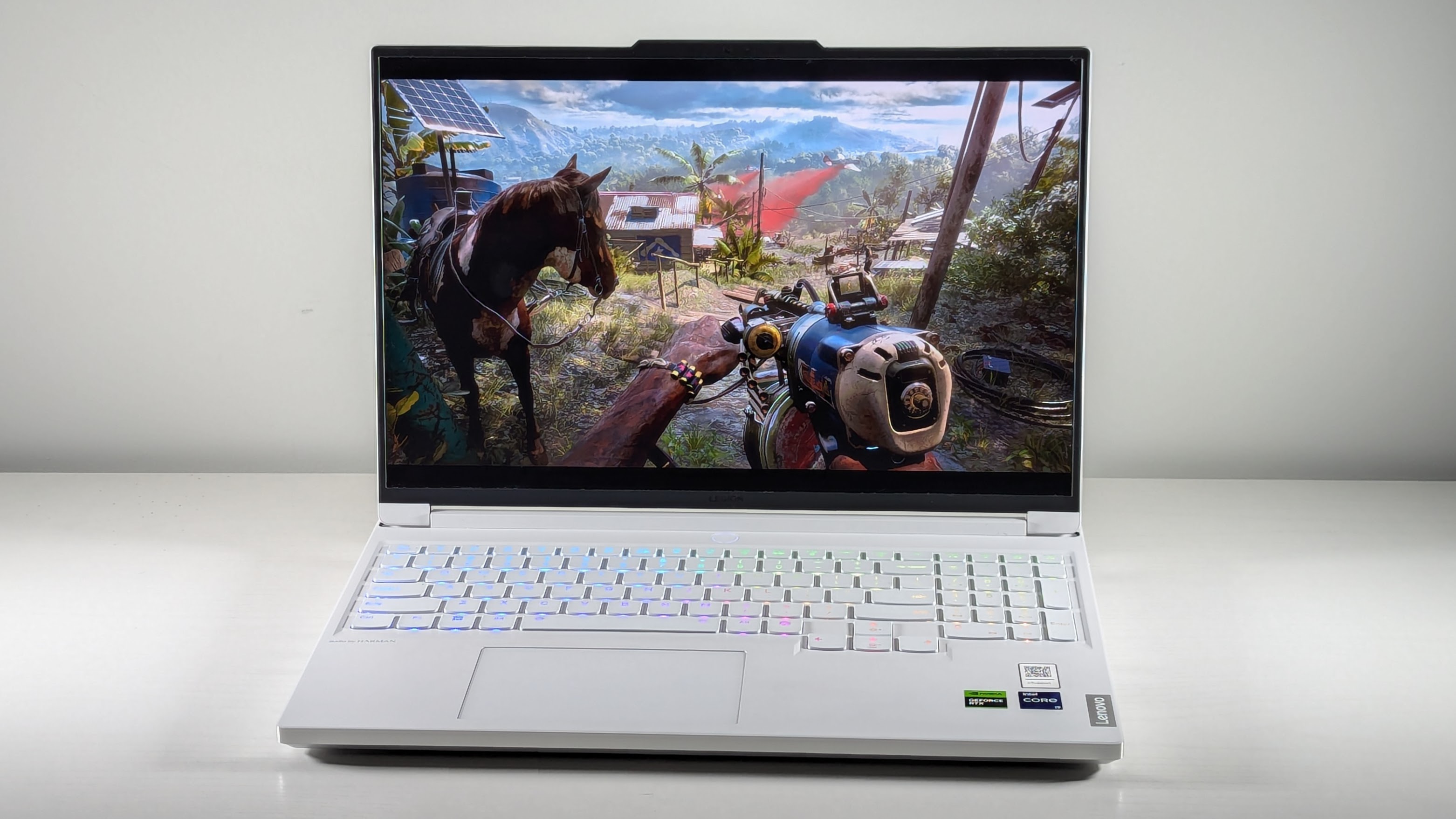
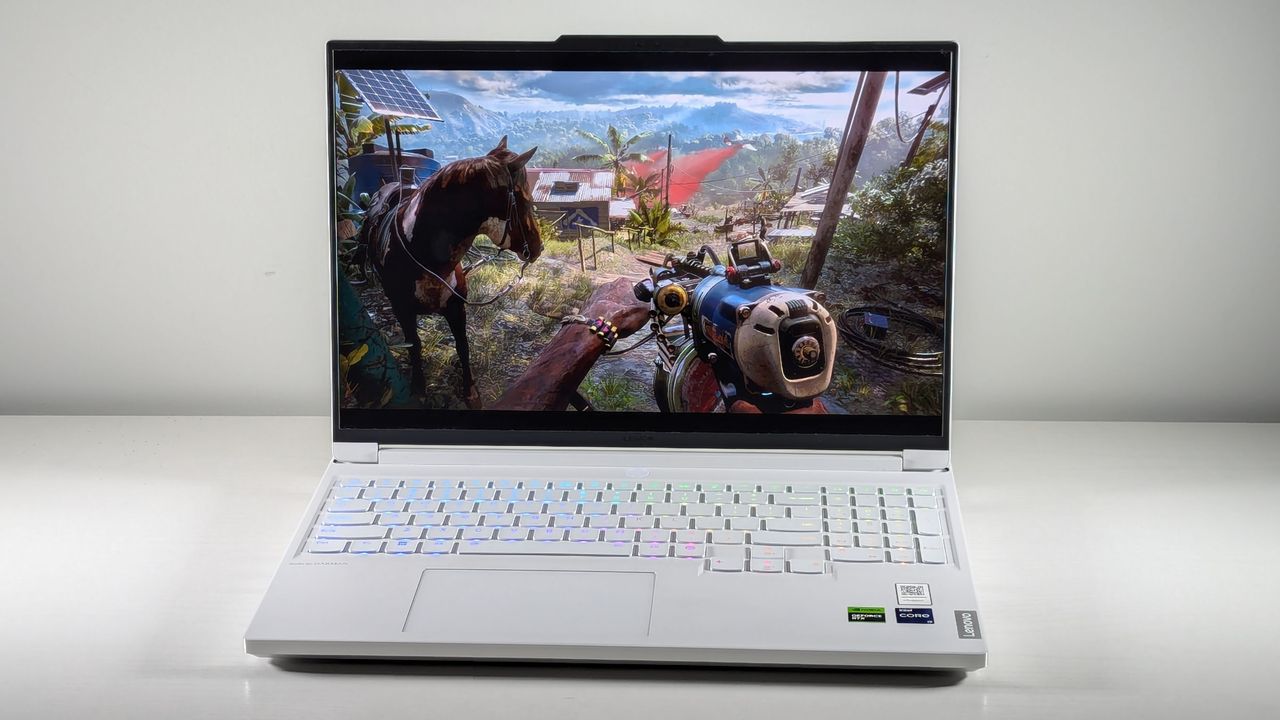
Dell G16 (7630) open on a white table at an angle with Far Cry 6 on screen.Future/Rami TabariDell G16 (7630) open on a white table, highlighting the RGB-lit keyboard against its white deck.Future/Rami TabariDell G16 (7630) open on a white table with its lid facing the camera. The lid is white, angled like a car hood, and features a Dell logo at the center.Future/Rami TabariDell G16 (7630) open on a white table, highlighting the ports on the left side, including Ethernet and headphone jack.Future/Rami TabariDell G16 (7630) open on a white table, highlighting the ports on the right side, including two USB Type-A.Future/Rami TabariDell G16 (7630) open on a white table, highlighting the ports on the back, including HDMI, USB Type-C, USB Type-A, and power jack.Future/Rami Tabari
Dell G16 (7630) is the only budget gaming laptop I've seen support a vivid display and a mechanical keyboard packaged under $1,000. On a budget? Buy this.
Buy it if
✔️ You want competitive performance on a budget: This sub-$1,000 doesn't stick you with a measly RTX 4050. You get the best on a budget: an RTX 4060 GPU, which can produce above 60 fps in select AAA games on Ultra settings.
✔️ You want premium features: I fell in love with the Dell G16 (7630) because of its vivid display and mechanical keyboard, which you couldn't find in any other budget gaming laptop.
Don't buy it if
✖️ You want strong speakers: Unfortunately, not everything gets a premium spin. These speakers are hollow and hard to listen to.
✖️ You want a comfortable touchpad experience: This touchpad is so small is might as well not exist (that's a joke, Dell). No but seriously, it's hard to use.
I haven't been able to champion a budget gaming laptop in quite some time. At the risk of sounding like an old man, they just don't make them the way they used to... until now. Let me introduce you to the Dell G16 (7630), a sub-$1,000 gaming laptop with $2K+ gaming features.
Rami Tabari writes, "If I wanted to jump into battle with my friends on a budget, this is the gaming laptop I’d take with me," in our review of the Dell G16 (7630).
The Dell G16 (7630)'s Nvidia GeForce RTX 4060 8GB GPU puts in the strong effort you'd expect. Navigating Night City in Cyberpunk 2077 (Ultra, 1080p) was a breeze, with the G16 averaging 33 fps. That surpassed the Asus TUF Gaming A14 (30 fps) and Acer Predator Helios Neo 16 (32 fps) while just coming short of the Lenovo Legion Pro 5 (37 fps), which is natural due to its RTX 4070 GPU. The G16 then took a leap of faith in Assassin’s Creed Mirage (Ultra, 1080p) at 88 fps, matching the Helios Neo 16 (88 fps) and sliding past the TUF Gaming A14 (87 fps), but lagged behind the Legion Pro 5 (103 fps).
One of the premium features I'd mentioned is its 16-inch, 2560 x 1600, 240Hz display. First, its specs are high-quality but so are its benchmarks. It covered a stunning 114% of the DCI-P3 color gamut. While it is dim, at 310 nits of brightness, that's a problem solved by turning off the lights (I apologize to your eyes in advance).
Then there's the keyboard. There are $2K+ premium gaming laptops that don't even support a keyboard this good, our best overall gaming laptop included. The Dell G16 (7630) features a Cherry MX tactile mechanical keyboard. You won't find these punchy, clicky keys in any other budget gaming laptop.
The battery life is even decent. The Dell G16 (7630) clocked in 5 hours and 4 minutes on the Laptop Mag battery test. It's no TUF Gaming A14 (10:04), but its battery life outlasts the average budget gaming laptop by a whole hour.
This budget gaming laptop does come with caveats. There's the hollow, harsh speakers, which basically force you to buy a discrete gaming headset. Then there's the tiny touchpad. I mean, any gamer was going to use a gaming mouse anyway, but it makes general use frustrating.
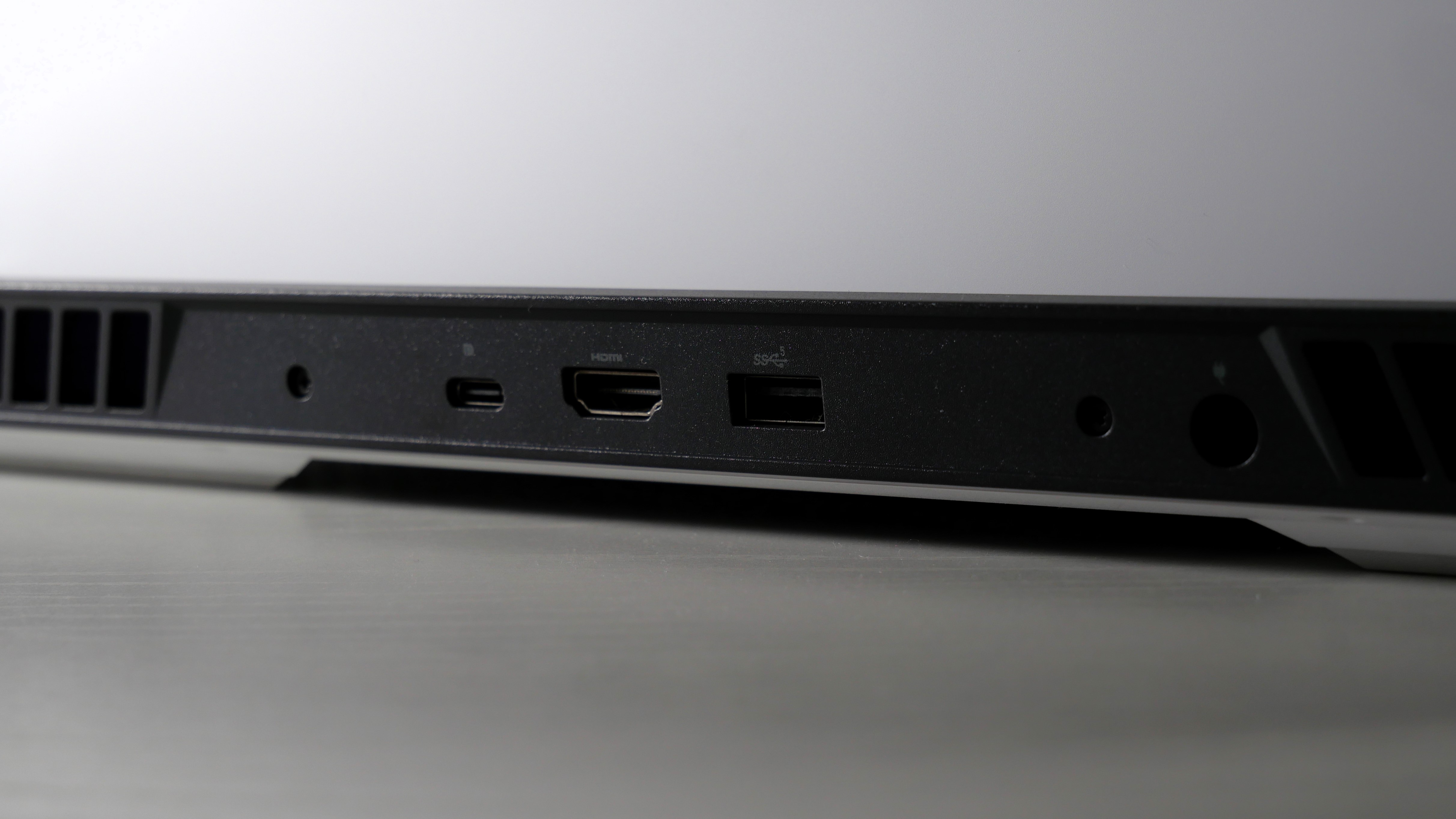
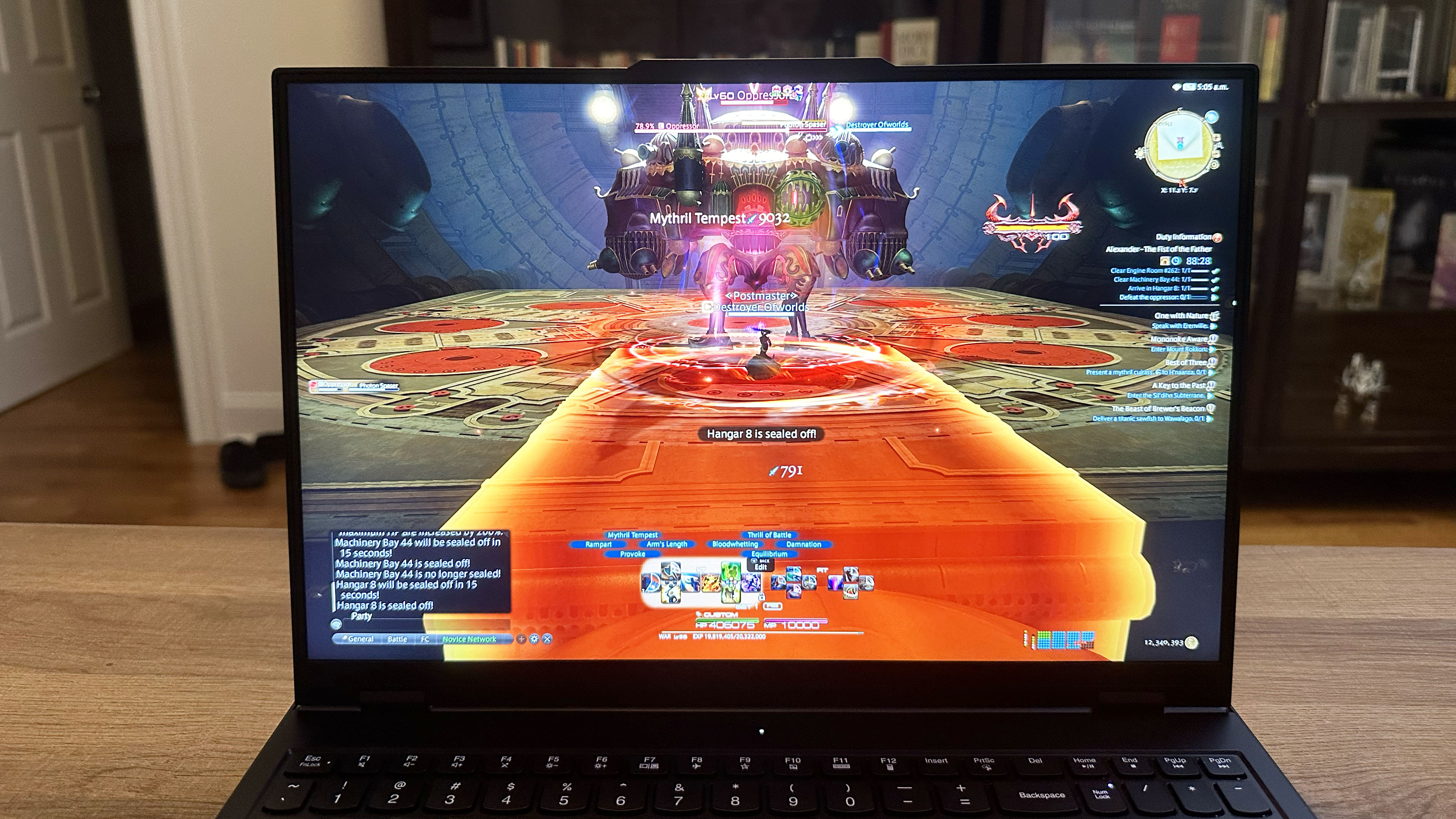
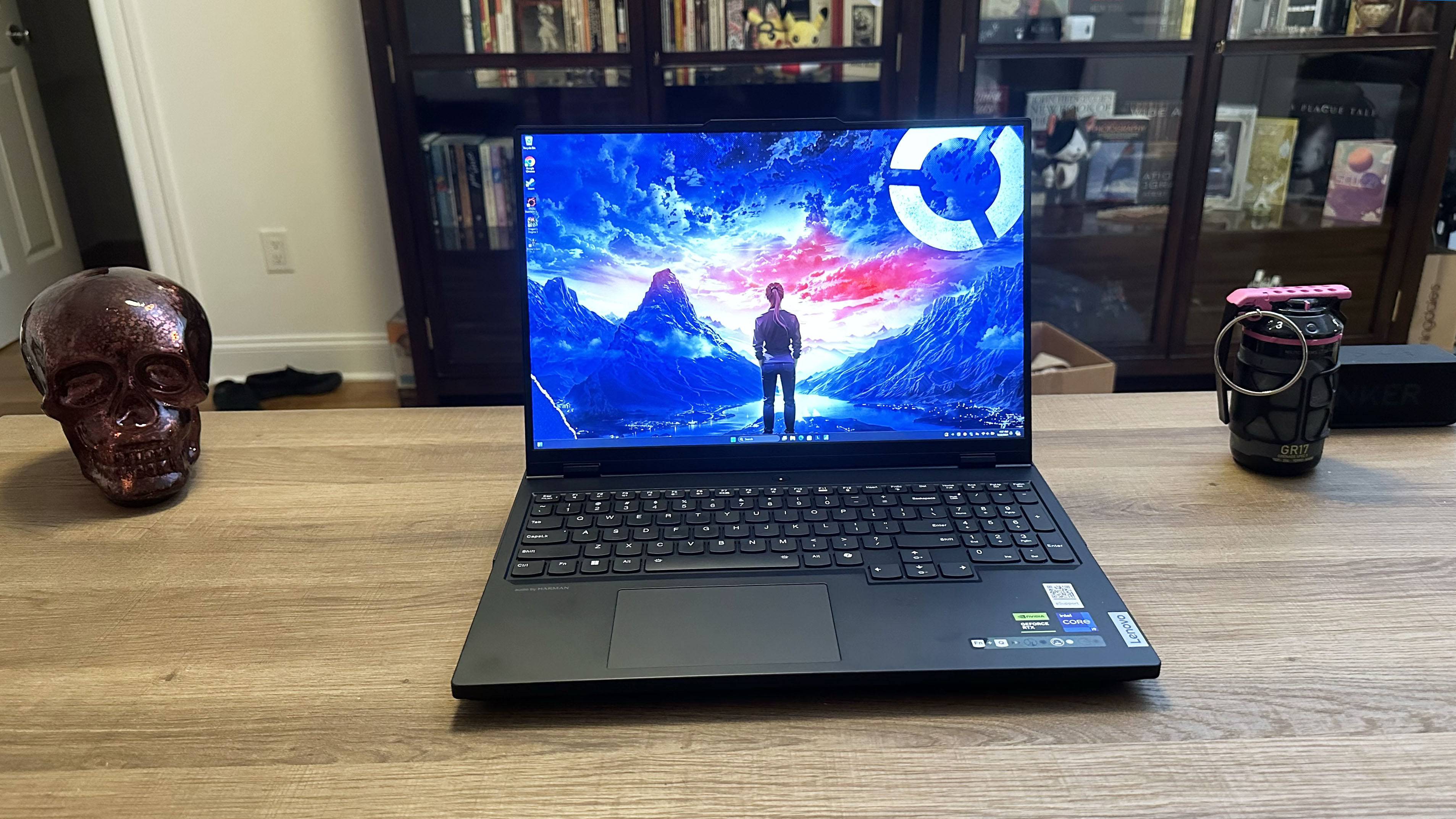
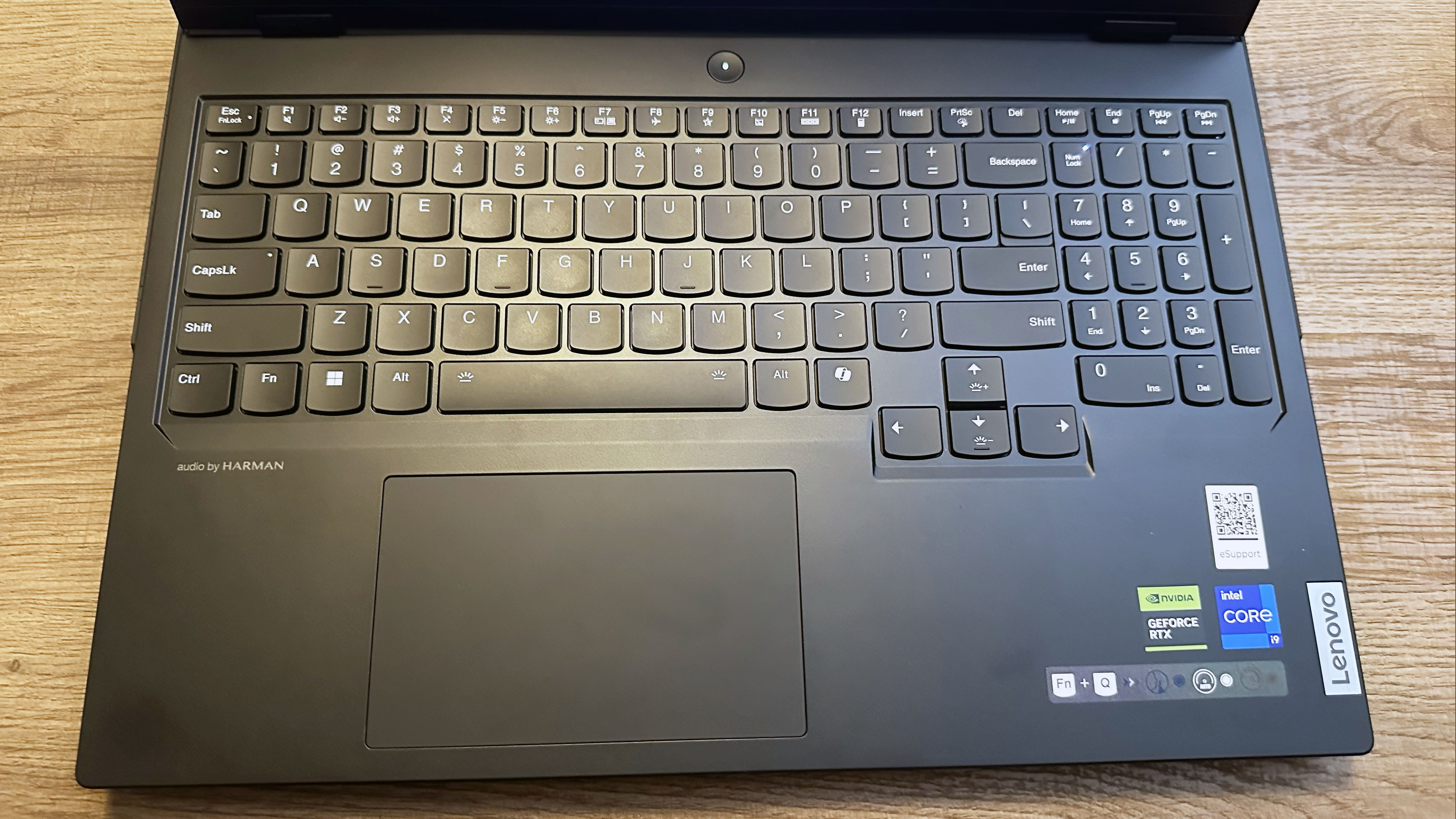
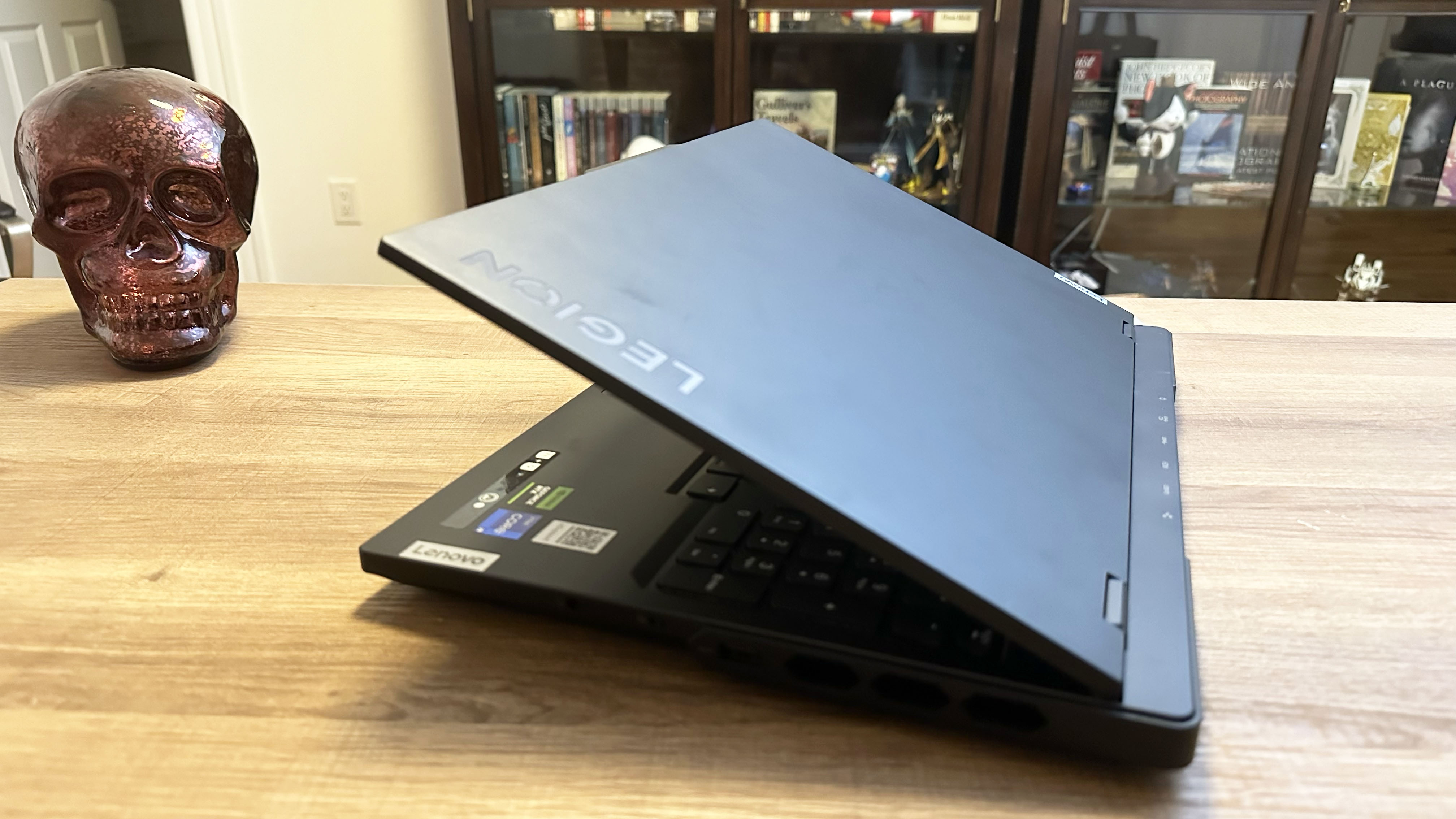
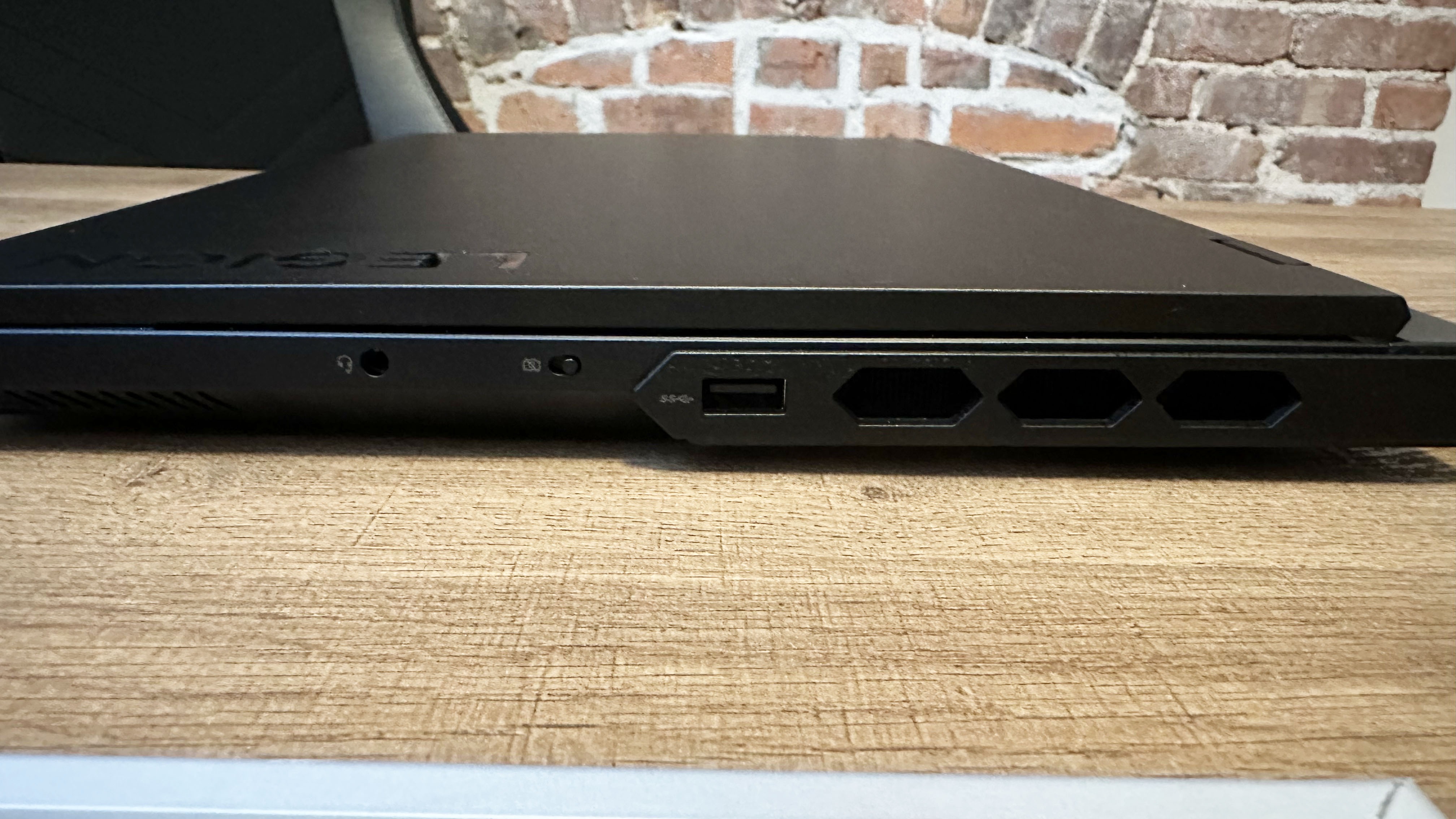
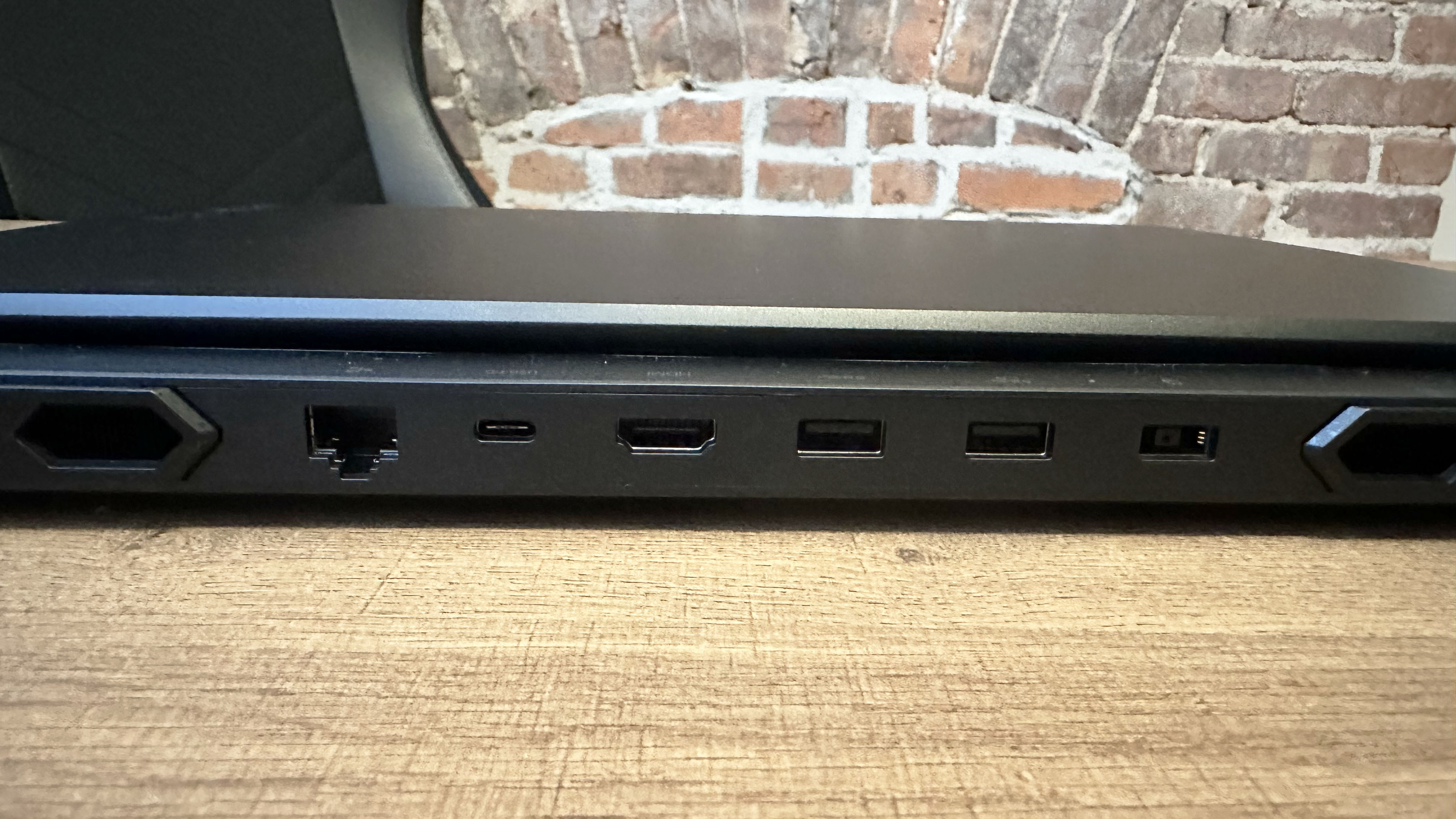
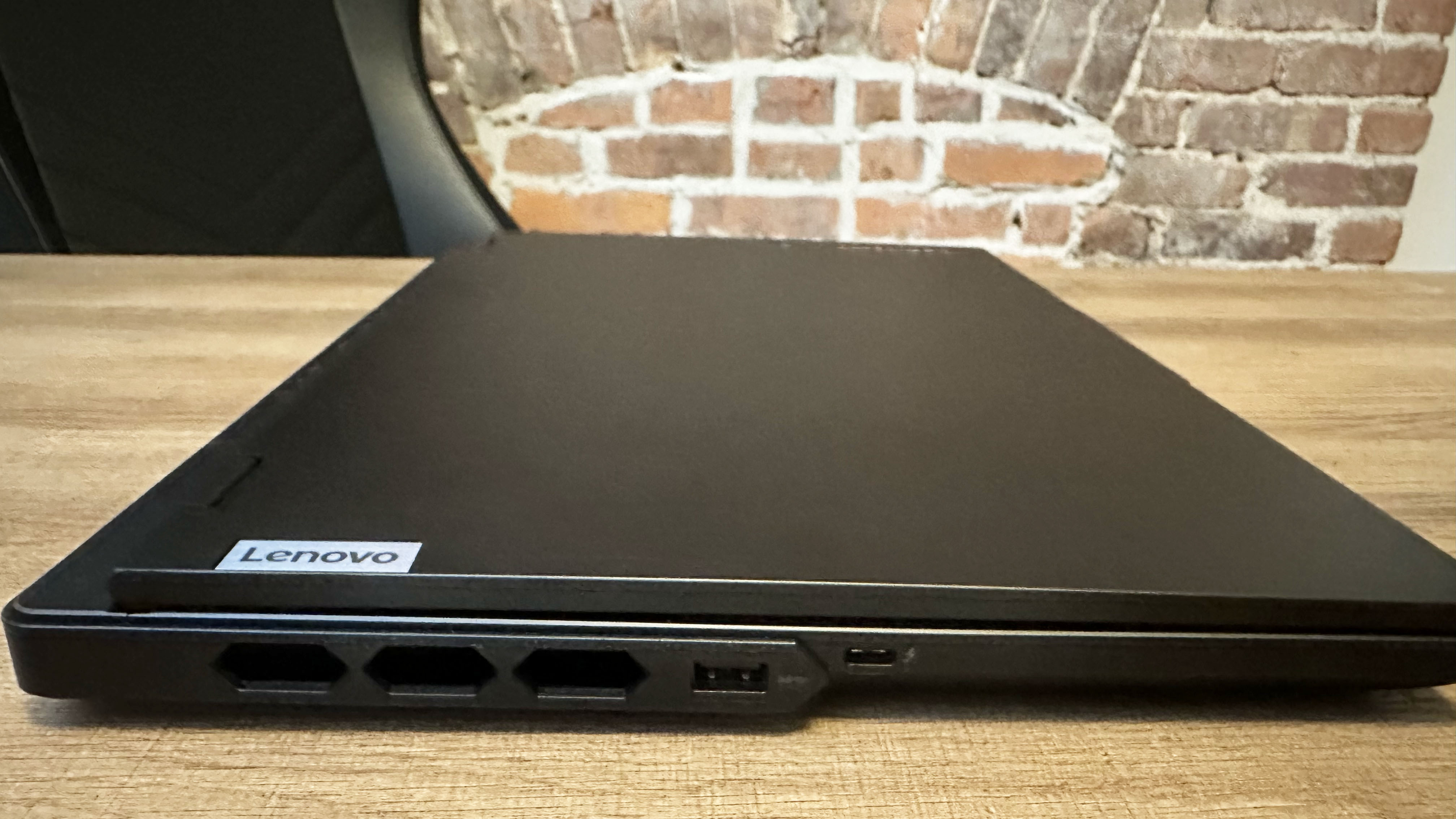
Lenovo Legion Pro 7i (Gen 9) open on a wooden table with Final Fantasy XIV on screen.FutureLenovo Legion Pro 7i (Gen 9) open on a wooden table with the desktop on screen. There is a fake skull on the left and grenade on the right of the laptop in the background.FutureLenovo Legion Pro 7i (Gen 9) open on a wooden table with a highlight on the keyboard.FutureLenovo Legion Pro 7i (Gen 9) partially open on a wood table, angled to highlight the Legion logo and thickness of the back.FutureLenovo Legion Pro 7i (Gen 9) closed on a wood table, highlight ports on the right, including USB Type-A, webcam kill switch, and headphone jack.FutureLenovo Legion Pro 7i (Gen 9) closed on a wood table, highlight ports on the back, including USB Type-A, HDMI, USB Type-C, Ethernet, and power jack.FutureLenovo Legion Pro 7i (Gen 9) closed on a wood table, highlight ports on the left, including USB Type-A and Thunderbolt 4.Future
Lenovo Legion Pro 7i (Gen 9) is an outstanding example of what it means to be a gaming laptop. It hits all the marks, including performance, display, keyboard, and audio. Want the best? This is it.
Buy it if
✔️ You want your gaming laptop to meet the golden standards: Not only does this offer excellent performance but also a vivid display, clicky keyboard, and loud audio. These are what make a good gaming laptop.
✔️ You want the best under $2,500: Listen, $2,500 isn't cheap. However, there are $5K gaming laptops out there. If you want the best overall gaming experience in a laptop, this is a great price to get it.
Don't buy it if
✖️ You want a 4K or OLED display: While this supports a vivid and bright display, the specs themselves are somewhat underwhelming. Without 4K or OLED, it's not as sharp or as bold as it could've been, respectively.
✖️ You want to travel with it: The two biggest cons that we hit this laptop with is its heavy weight and short battery life, making this a tough travel item.
The Lenovo Legion Pro 7i (Gen 9) ushered in the previous age of gaming laptops with its powerful Intel Core i9-14900HX processor and Nvidia GeForce RTX 4080 GPU with 12GB of VRAM. That performance isn't the only head-turning feature. Its vivid display, loud audio, and satisfying keyboard wrap this beauty in a bow.
Madeline Ricchiuto writes, "The Lenovo Legion Pro 7i is a gamer’s gaming laptop," in our review of the Lenovo Legion Pro 7i (Gen 9).
Let's start with performance. The Lenovo Legion Pro 7i averaged 105 frames per second on the Far Cry 6 (Ultra, 1080p) benchmark, keeping pace with the MSI Vector 16 HX (98 fps) while dominating the Alienware X16 R2 (88 fps) and its last-gen model (97 fps). The Legion and its competitors landed in similar positions on the Red Dead Redemption 2 (Medium, 1080p) benchmark, with the Pro 7i at 96 fps, the Vector 16 at 104 fps, the X16 R2 at 90 fps, and the Gen 8 at 69 fps.
Then there's the display. A gorgeous 16-inch, 2560 x 1600, 240Hz panel clocking in 108.7% of the DCI-P3 color gamut and 456 nits of brightness. Translation: it's vivid and vibrant enough to immerse you in your favorite games.
With widely spaced keys and an actuation force that feels crisp and springy, the Lenovo Legion Pro 7i's keyboard puts off the notion that you need a mechanical keyboard to get serious gaming done.
Same goes for sporting a gaming headset (outside of playing games online, of course), as the Legion Pro 7i supports the Harman Super Linear Speaker System. That equates to two woofers and two tweeters, which are supported by a smart amp. If you want big, immersive sound, this is it.
Unfortunately, the Lenovo Legion Pro 7i is on the heavier side for a gaming laptop. And the battery life falls short, at 4 hours and 29 minutes. Even for a gaming laptop, we expect more.
But overall, the Lenovo Legion Pro 7i is the champ of the RTX 40-series era.
Gameplay on the Razer Blade 16 (2025) with an Nvidia RTX 5090 Laptop GPU.Future | Madeline RicchiutoAngled shot of the keyboard deck of the Razer Blade 16 (2025) gaming laptop, on a white and beige desk against a gray backdrop.Future | Madeline RicchiutoRazer Blade 16 (2025) gaming laptop, facing away from the camera on a white and beige desk against a gray backdrop.Future | Madeline RicchiutoClose up of the right-side port array on the Razer Blade 16 (2025) gaming laptop, on a white and beige desk against a gray backdrop.Future | Madeline RicchiutoClose up of the left-side port array on the Razer Blade 16 (2025) gaming laptop, on a white and beige desk against a gray backdrop.Future | Madeline Ricchiuto
Over 7 hours of web surfing battery life and almost 2.5 hours of gaming battery life
Bouncy keyboard
Impactful audio
Upgrades get expensive
Why is it our top performance pick?
Razer Blade 16 (2025) doesn't bank on its RTX 5090 to do everything. It proves itself with a stunning OLED display packed in a thin-and-light chassis.
Buy it if
✔️ You want power and battery life: Even with an RTX 5090 stacked with 24GB of VRAM, the Razer Blade 16 still managed over 7 hours of battery life.
✔️ You want a display and audio to reflect performance: With an OLED display and bangin' audio, you are getting a proper multimedia experience in this ultraportable gaming laptop.
Don't buy it if
✖️ You can't dump $4,499: There's no denying that this laptop is expensive, but with a top-of-the-line new GPU in this form factor, it isn't shocking. Whether it's a deal-breaker is up to you.
✖️ Trading portability for performance: This thin-and-light gaming laptop does sacrifice some gaming performance to maintain its portability, so if you're particular about getting the best of the best, you may need to wait.
Razer is the Apple of gaming laptops, offering premium thin-and-light machines through its Razer Blade series, and the Razer Blade 16 now leads the charge with Nvidia's latest RTX 50-series GPUs. Spending over $4,000, even for a top-tier gaming laptop, is a tall order, but for that proverbial arm and a leg, you get an absolute powerhouse that shrugs off almost everything you can throw at it.
Madeline Ricchiuto writes, "The Blade 16 is a fantastic laptop, offering a gorgeous OLED display, impactful audio, over 7 hours of web surfing battery life, a bouncy keyboard, and plenty of ports while weighing just 4.6 pounds," in our review of the Razer Blade 16 (2025).
The Blade's Nvidia RTX 5090 with 24GB of VRAM cut through frame rates like a hot knife through butter, smoothly and immensely satisfying. It crushed most of its competitors in the battle for frame rates. On the Red Dead Redemption II benchmark, the Blade nailed 87 fps. With the RTX 4090 GPU, the previous Razer (61 fps) was no match. Meanwhile, the Alienware x16 R2's RTX 4080 GPU got only 44 fps.
The notebook breezed through our overall performance tests with its AMD Ryzen AI 9 HX 370 CPU and 32GB of RAM. Its 2TB SSD configuration posted a blistering 1,730 megabytes per second in our file transfer test. However, it gets so hot it may singe a finger.
It even supports strong battery life, surviving 7 hours and 22 minutes on our battery test. That's unprecedented for a gaming laptop with a max-tier GPU. It even survived 2 hours and 28 minutes on the PCMark 10 gaming test. Again, this may not be the longest battery life, but it's hella impressive and adds to its portability quality.
Are you ready to hear about this monster's gorgeous 16-inch, 2560 x 1600 OLED display clocked in at 240Hz? This baby has a decent 372 nits of brightness and covers an intense 144.6% of the DCI-P3 color gamut. You will experience a level of immersion to rival a mini-LED display (and I don't say that lightly).
There's not much we can do about the price or heat, but if you stay tuned to our best gaming laptop deals, you might see the Razer Blade for a discounted price (eventually).
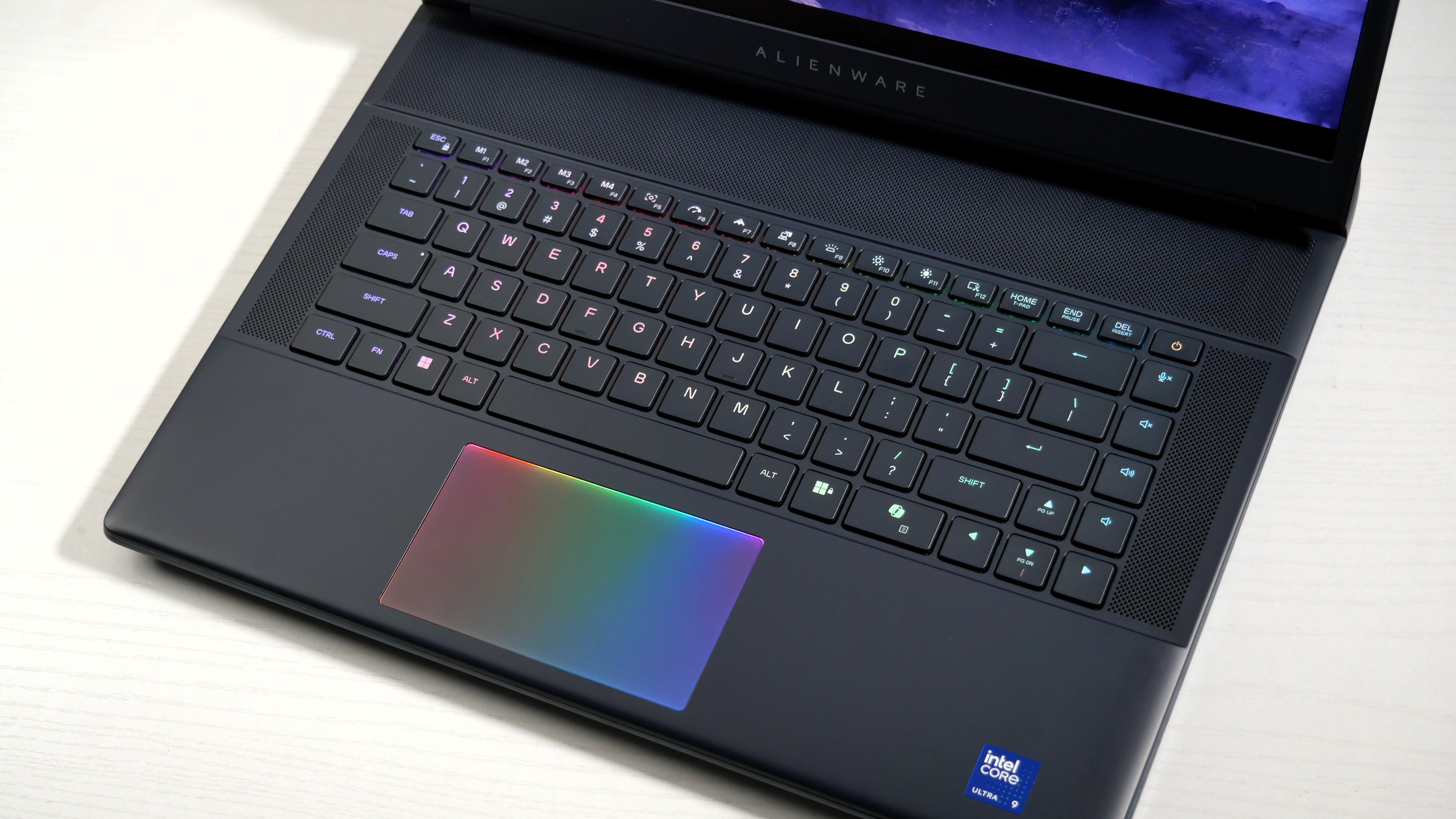
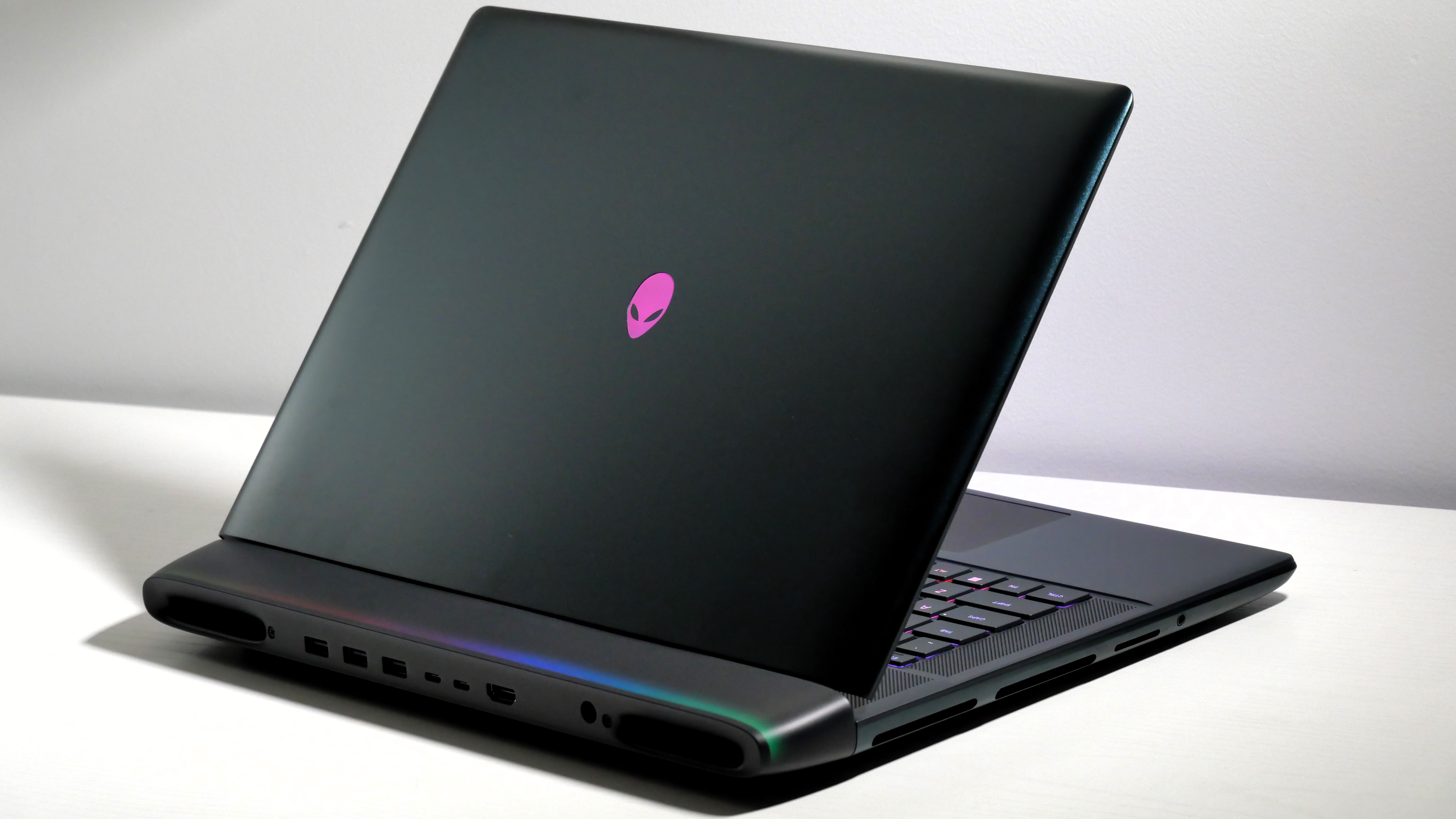
Alienware 16 Area-51 (RTX 5080) open at an angle on a white desk with Elden Ring Nightreign on screen.Laptop Mag/Rami TabariAlienware 16 Area-51 (RTX 5080) open on a desk, highlighting the RGB-lit keyboard and touchpad.Laptop Mag/Rami TabariAlienware 16 Area-51 (RTX 5080) open at an angle on a white desk, highlighting the keyboard, lid, and light bar on the hinge.Laptop Mag/Rami TabariAlienware 16 Area-51 (RTX 5080) open on a white desk, highlighting the ports on the left.Laptop Mag/Rami TabariAlienware 16 Area-51 (RTX 5080) open on a white desk, highlighting the ports on the back.Laptop Mag/Rami Tabari
Alienware 16 Area-51 isn't just a powerhouse, it's the best looking gaming laptop around thanks to its sci-fi-esque design and a lightbar that'll make you go "whoa."
Buy it if
✔️ You want the best looks: Yes, it offers killer performance, epic speakers, and a mechanical keyboard, but most importantly, it's pretty as hell.
✔️ You want awesome performance at a decent price: While the Area-51 isn't cheap, it's actually one of the more affordable power-hungry RTX 5080 gaming laptops.
Don't buy it if
✖️ You want an OLED display: The Area-51 does sport a super bright display, but it's no where near as colorful as an OLED display would be. So if you're looking for a fever dream of colors, this ain't it.
✖️ Trading performance for portability: Unlike our lightweight champ, this is one hell of a chunky baby, so if you're traveling with the Area-51, you might want to do some stretches first.
Alienware rocked some slick designs in the past, but the Alienware 16 Area-51 is on another level. It's also among the new wave of Alienware gaming laptops to feature the latest RTX 50-series GPU. And it's also much cheaper than the $4K+ competition we've seen pop up. You can get the Alienware 16 Area-51 for around $3K depending on the deal.
Rami Tabari writes, "This thing looks like it’s about to blast the thrusters and head to outer space."
The best part about its spaceship aesthetic is the light bar on the hinge. It straight up looks like an aurora borealis. The curves and vents give off the thrusters vibe. And there's RGB lighting practically everywhere, including the touchpad and fans. There's also a glass window on the underside where you can get a look at the internals. Will you be seeing it much? No. Is it cool? Yes. The only issue with the design is one that comes with its power, and that's a 7.13-pound chassis.
The Area-51 pops off with the new Nvidia GeForce RTX 5080 16GB GPU, sending even RTX 5090 gaming laptops quaking in their proverbial boots. It jumped to 149 fps in Assassin's Creed Mirage, flying past the HP Omen Max (137 fps, RTX 5090), Razer Blade 16 (120 fps, RTX 5090), and Aorus Master 16 (145 fps, RTX 5080). Then in scored 121 fps in Far Cry 6, surpassing the Omen (109 fps), Blade (97 fps), and Aorus (120 fps).
With an Intel Core Ultra 9 275HX processor and 32GB of RAM, the Alienware 16 Area-51 also dominated its competition in overall performance. It's the only gaming laptop that broke the 20K bracket in Geekbench 6. Not by much, as the Omen Max (19,822) was nipping at its heels. Its 1TB SSD did make it over a 1-GBps transfer speed, but it wasn't nearly as fast as the Blade (1,730 MBps).
Now, the Area-51's 16-inch, 2560 x 1600, 240Hz, LED display is super bright, at 516 nits, but it's no where near as colorful as an OLED display. For comparison, it covered 81.6% of the DCI-P3 color gamut, whereas the Razer Blade's OLED display covered 144.6%. That's nearly double.
Also, since this is such a monster, you're not getting the best battery life, as it scored only 4 hours and 10 minutes. Around 5 hours is about average for modern day gaming laptops, so we hoped for something a little better. But when gaming you can nearly squeeze in 2 hours of play time (1:50). Although, I don't see why you'd ever have this immovable object unplugged.
The Area-51 is a great price already, but you can stay tuned to our best gaming laptop deals to see if it gets a deeper sale.
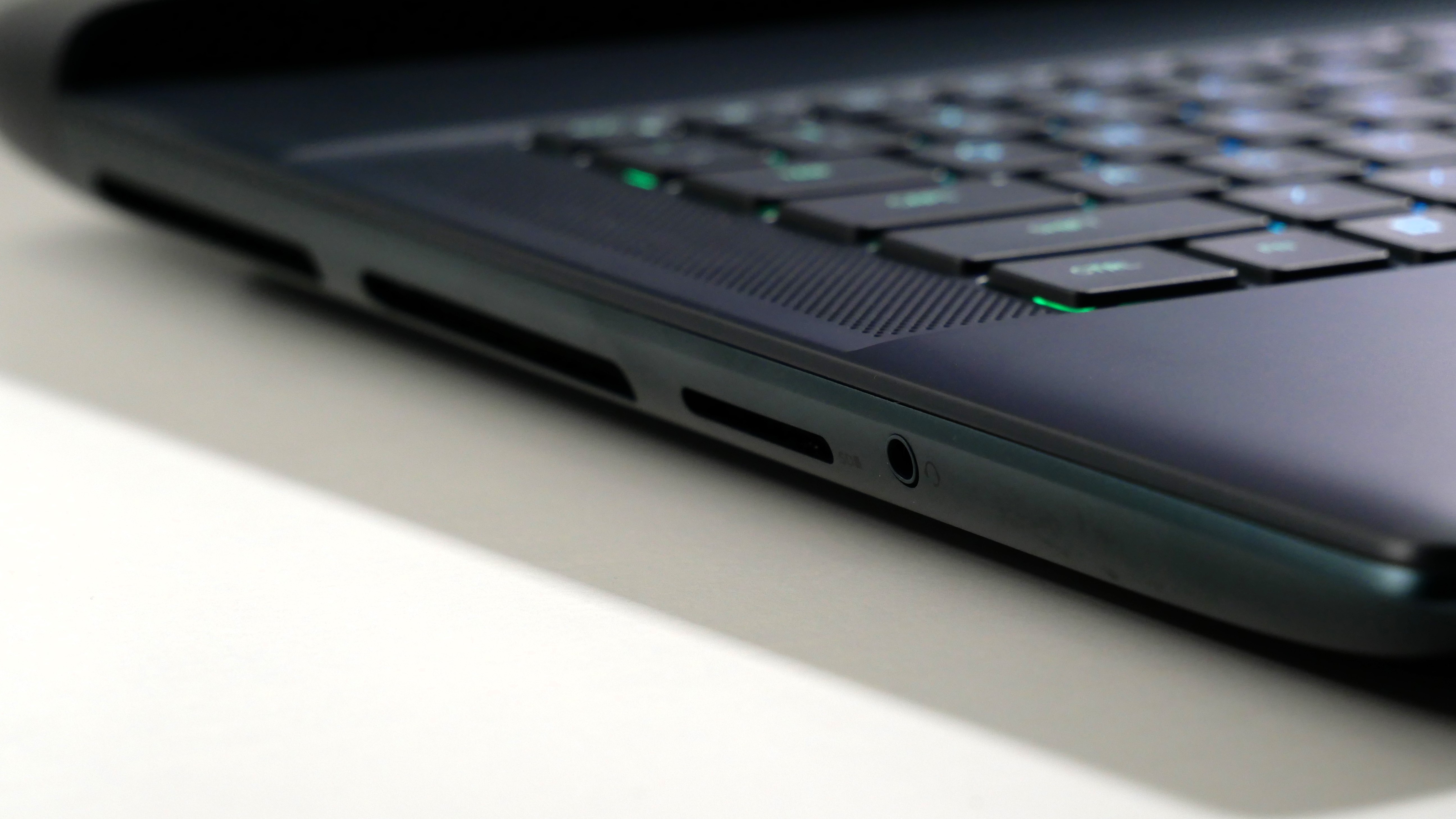
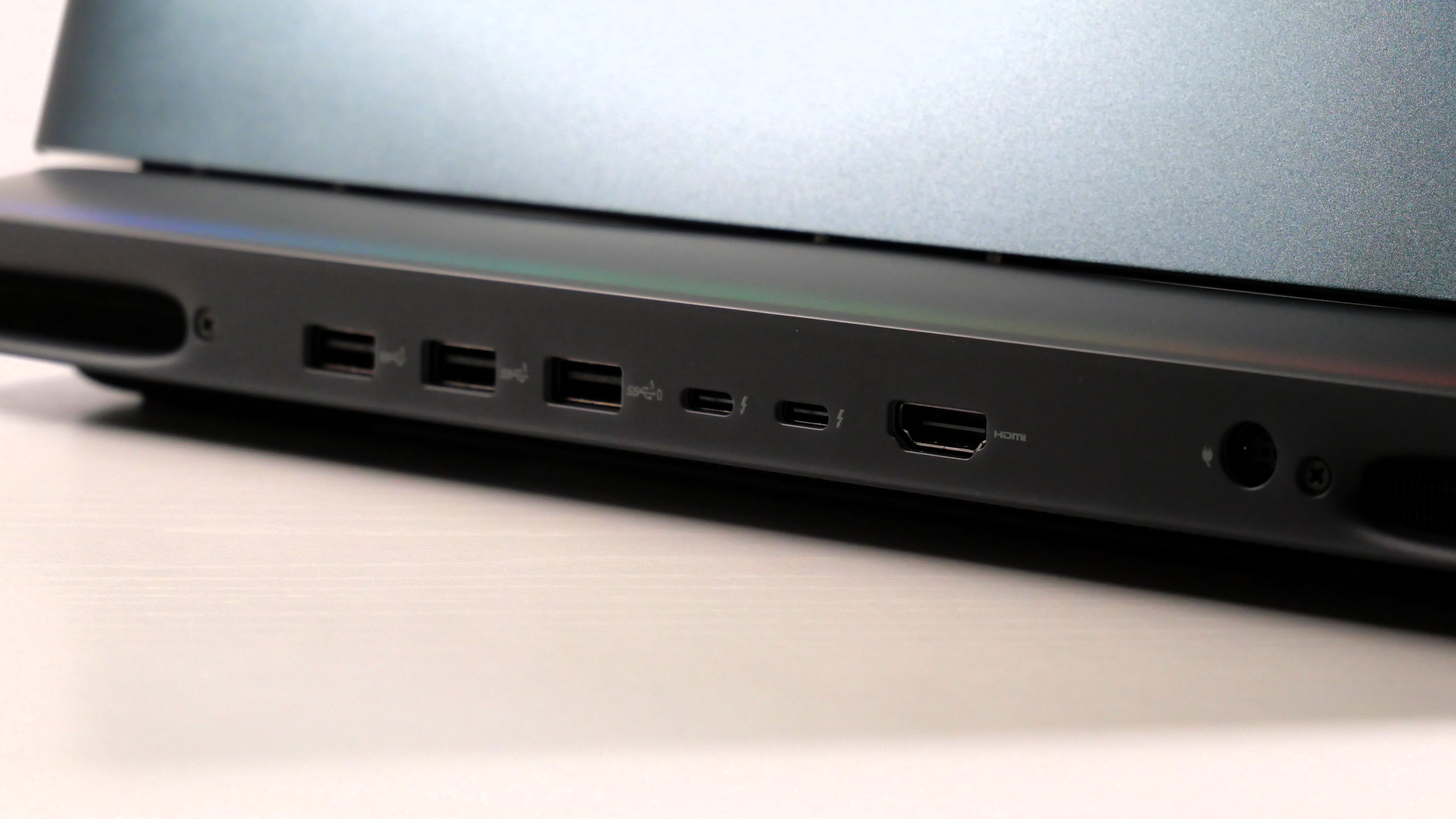
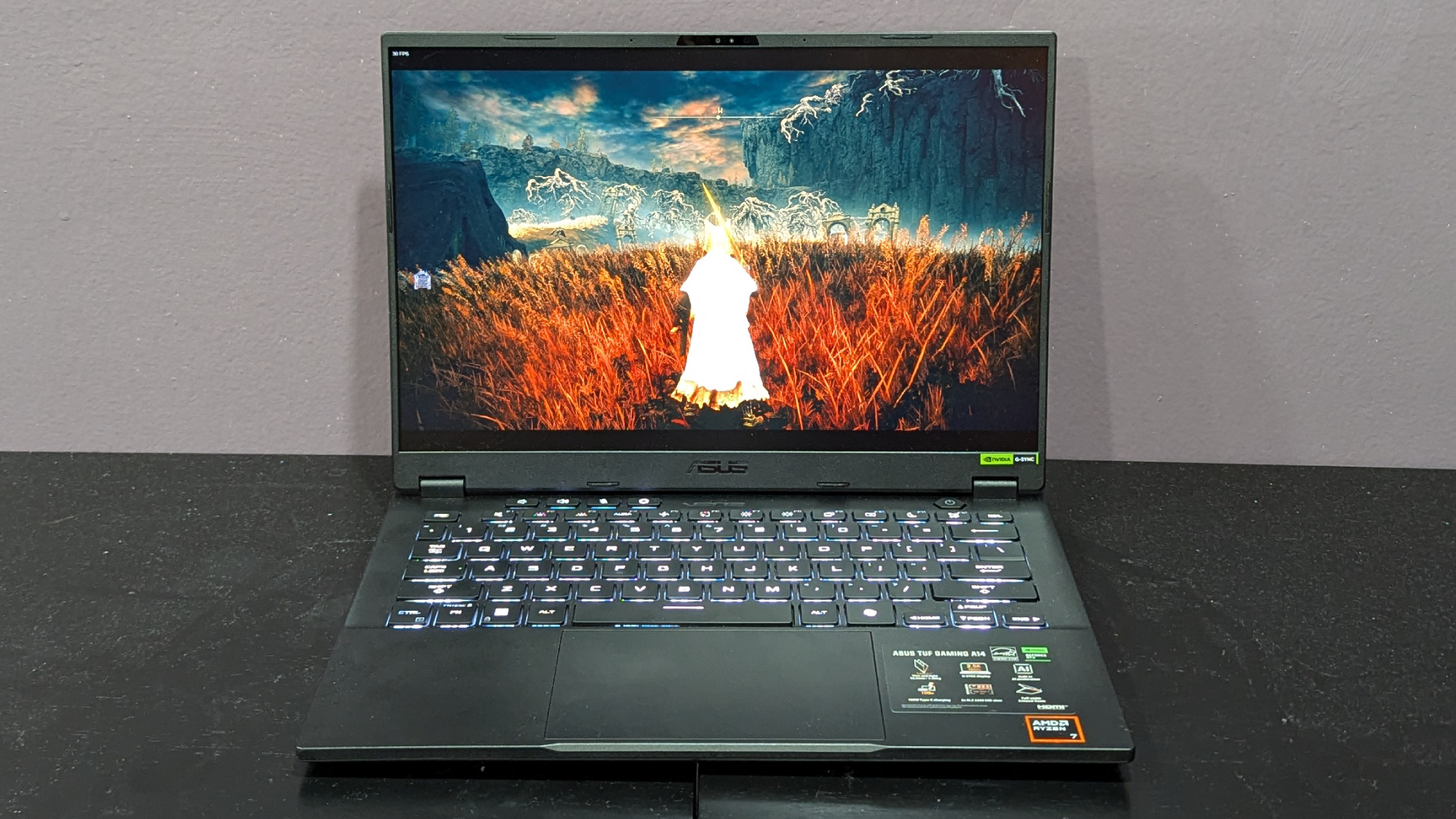
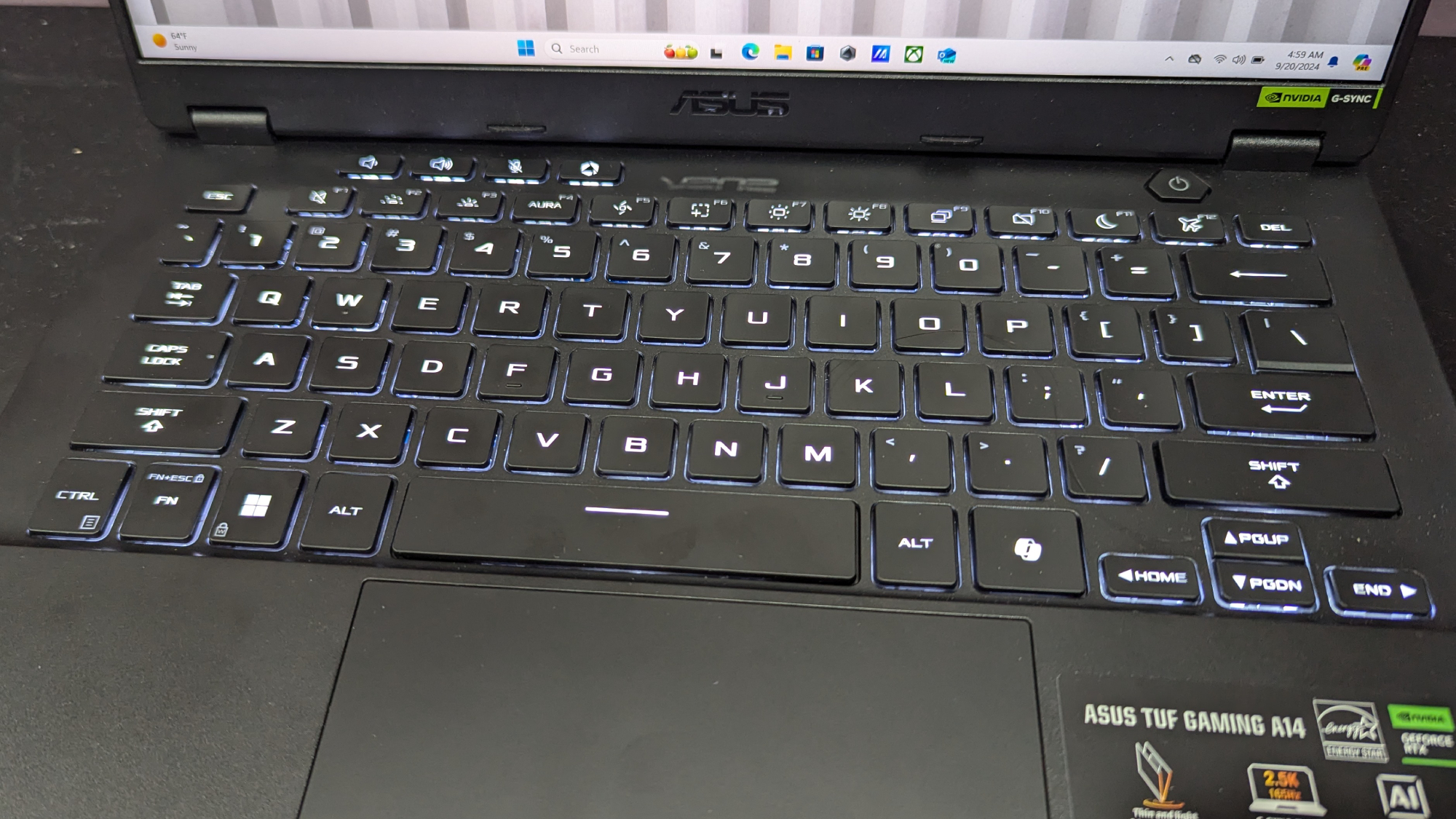
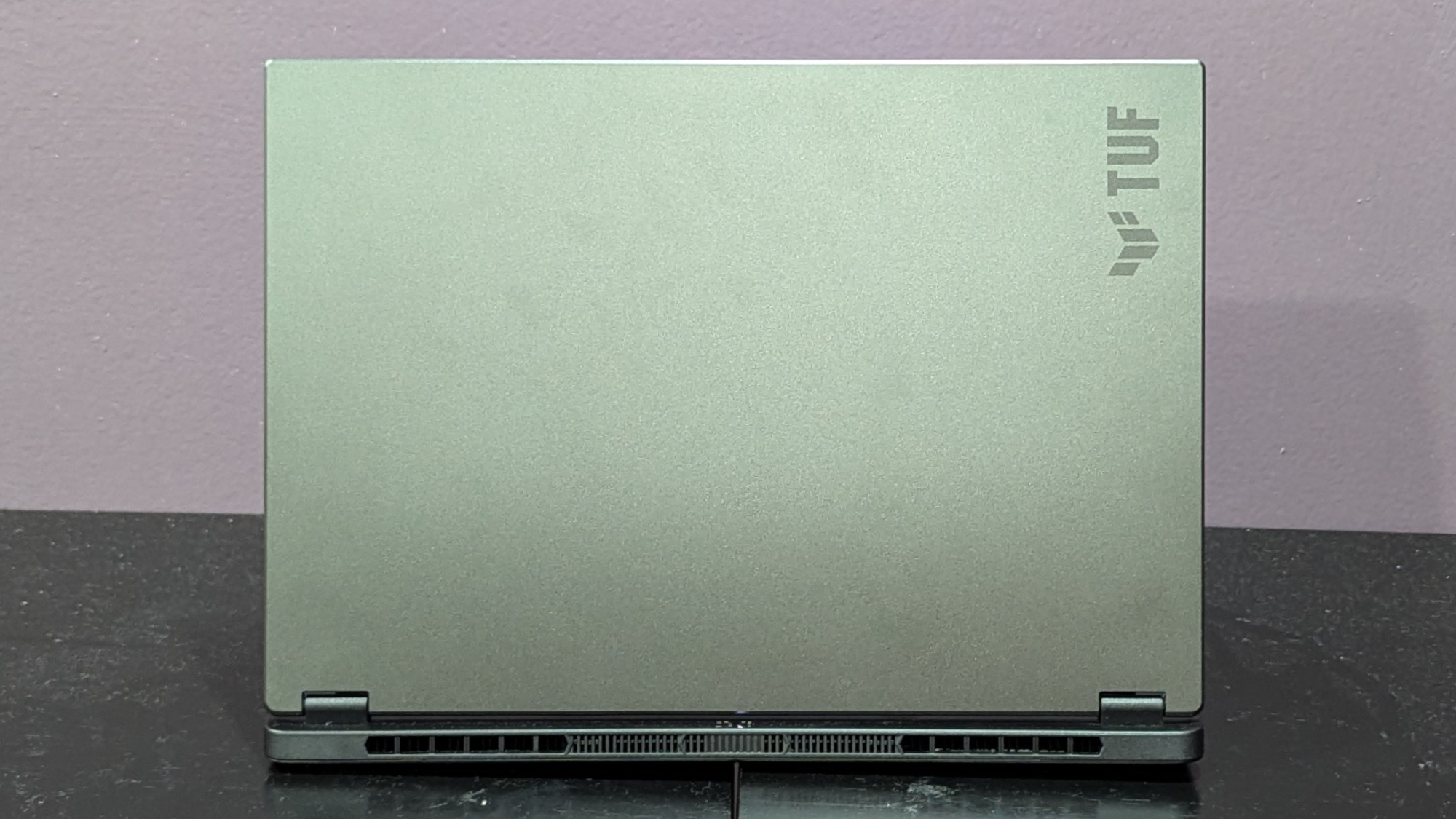
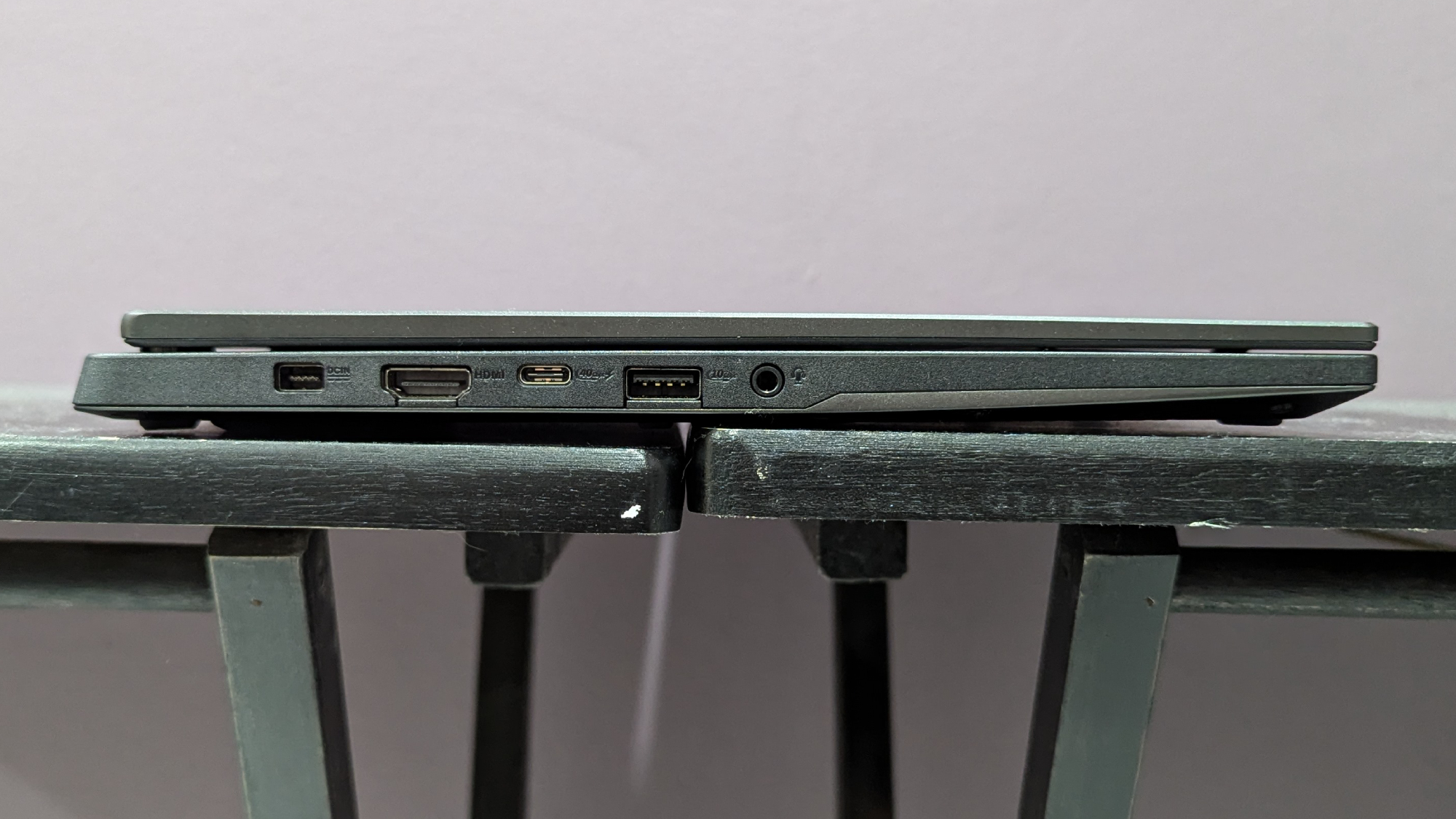
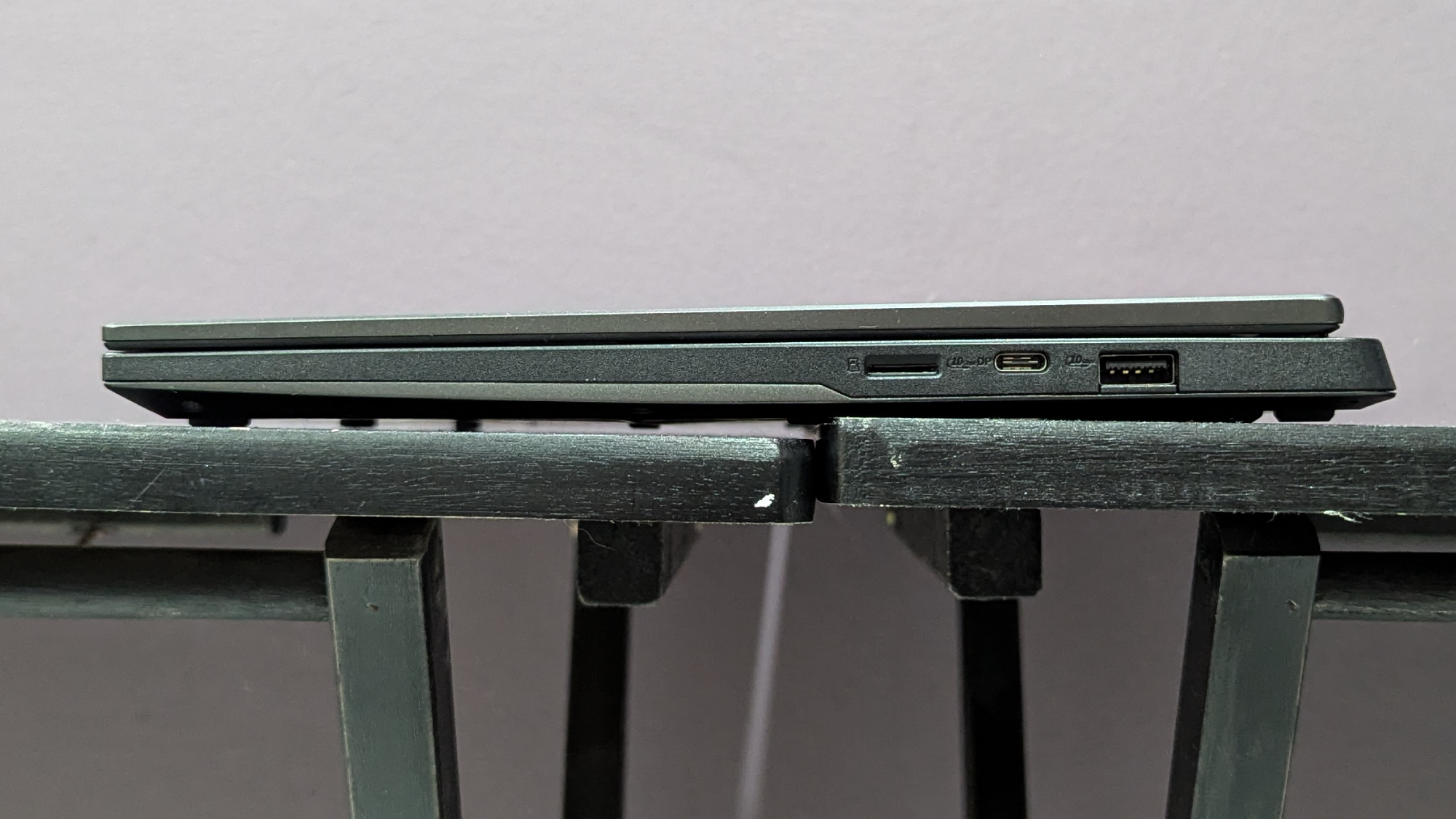
Asus TUF Gaming A14 open on a black desk showing a game on the display.Laptop Mag / Claire TabariClose-up of Asus TUF Gaming A14 keyboard and touchpad.Laptop Mag / Claire TabariAsus TUF Gaming A14 on a black desk showing the lid.Laptop Mag / Claire TabariSide view of the Asus TUF Gaming A14 on a black desk showing the ports on the left side.Laptop Mag / Claire TabariSide view of the Asus TUF Gaming A14 on a black desk showing the ports on the right side.Laptop Mag / Claire Tabari
Asus TUF Gaming A14 doesn't sacrifice its performance for the sake of battery life. It's a killer with its RTX 4060 GPU and bright display.
Buy it if
✔️ You want an affordable gaming laptop: This falls somewhere between budget and high mid-range. At under $1,500, it offers excellent features that premium gaming laptops don't have.
✔️ You want the longest battery life: You won't find a longer lasting gaming laptop than this. You can get work or school done within 10 hours and then plug-in this laptop at the end of the day to game.
Don't buy it if
✖️ You need excellent performance: An RTX 4060 can run AAA games without issue. Despite that, you won't get your fps into the triple digits at max settings.
✖️ You want a smooth touchpad experience: Yes, it's super portable, but if you're on the go you're going to use a touchpad. Unfortunately, this is too sluggish for my liking.
I haven't seen a gaming laptop with double-digit battery life in years. The Asus TUF Gaming A14 is rocking an Nvidia GeForce RTX 4060 and it still hit 10 hours and 4 minutes on our battery test. The average time for gaming laptops is still around 5 hours, much to my own disappointment. However, with the TUF Gaming A14, you can go about your day normally until you get a break to plug in and game.
Claire Tabari writes, "The TUF Gaming A14 is a sturdy, lightweight miracle designed to withstand accidental drops and extreme conditions," in our review of the Asus TUF Gaming A14.
Loaded up with AMD Ryzen 7 8845HS and Nvidia GeForce RTX 4060 GPU, the Asus TUF Gaming A14 tore through our benchmarks. It clocked in most titles at or over 60 fps, like Assassin's Creed Mirage (87 fps), Far Cry 6 (77 fps), and Red Dead Redemption 2 (61 fps). And despite how chunky Cyberpunk 2077 can be, it managed 30 fps, achieving the minimum for playability.
Again, shockingly, its display didn't hinder its battery life. Its 14-inch, 2560 x 1600, IPS, 165Hz panel performed quite well for the price, covering 82% of the DCI-P3 color gamut and averaging 411 nits of brightness. (I don't want to hear excuses again, manufacturers). With an RTX 4060 GPU, you can still experience immersive play thanks to this stunning display.
All that battery and performance is packed into a light and thin chassis. I'd argue the numbers were wrong if we didn't review it ourselves. The TUF A14 measures 3.2 pounds and 12.24 x 8.94 x 0.67~0.78 inches. Between its size and battery life, it makes for the optimal gaming laptop to be used on the go.
Despite that, we recommend using a gaming mouse most of the time, as the touchpad experience was less than ideal. It's The sluggish, offering too much resistance when in use.
Regardless, the Asus TUF Gaming A14 the champion of battery life in gaming laptops. We even included it in our laptops with best battery life ranking. And if you're wondering what the best gaming laptop for coding/programing would be, this is likely it due to its long battery life. It would also be the best gaming laptop for work for the same reason.
Assassin's Creed Mirage benchmark (Higher is better)
153
88
123
120
149
87
Red Dead Redemption 2 benchmark (Higher is better)
117
64
96
87
117
61
SSD Transfer rate (Higher is better, MBps)
2,252
1,719
2,025
1,730
1,149
1,339
Battery life - Web surfing (HH.MM)
2.33
5.04
4.29
7.22
4.1
10.04
Battery life - Gaming (HH.MM)
1.46
1.06
0.51
2.28
1.5
1.06
DCI-P3 Color Gamut (Higher is better)
83.1
114
108.7
144.6
81.6
82
Display Brightness (Nits)
668
310
456
372
516
411
Hottest temperature (Lower is better, 95 degree comfort threshold)
115
107
106.7
125.8
118.7
104
Recently reviewed
We deliberately make our best gaming laptops list short so you don't suffer from indecision. However, if you like having all of your options open to you, we have quite a few gaming laptops that we've also tested. Get ready to go swimming.
These can range from excellent to subpar, but each has its own pros and cons. Here's our list.
When shopping for a gaming laptop, there's a lot to consider. We wrote a detailed piece about the nine most important factors for buying a gaming laptop. But to simplify the process of choosing a system, here are seven key points to keep in mind.
Budget: How we split cost categories
Money is getting tight. There was a time when you could find a good gaming laptop for under $1,000, but those are few and far between. If you're looking for a quality gaming laptop and are trying to budget yourself, try aiming for at least $1,300. If you have a larger budget, you can push for a more powerful mainstream gaming laptop, which is often priced between $1,500 and $2,000.
Premium systems typically cost more than $2,000 and come stacked with many high-powered goodies such as high-powered specs and tricked-out software. Remember that the bigger the GPU, the bigger the gaps in price points. So, list the games you play and start checking the PC requirements. Almost any gaming laptop with a 40-series GPU can play an indie game, but if you're dabbling in AAA titles, you have to decide which settings you're comfortable playing on.
Screen Size: 14 and 16 inches are the go-to
You'll rarely find a 13-inch gaming laptop nowadays, and 15.6-inch laptops have taken a backseat to the hyped-up 14-inch and 16-inch laptops. Those 17-inch gaming laptops also feel like a thing of the past. Well, now we have 18-inch gaming laptops. Yeah, they're beasts, but what all these sizes have in common is that they're getting more compact.
If you're looking for a gaming laptop to take on the go and even use as a school or work laptop, 14-inch gaming laptops are the perfect fit. Smaller gaming laptops also tend to have longer battery life as well. 16-inch gaming laptops are more manageable in size than 17 or 18-inch machines without sacrificing any power. But if you're looking for true desktop replacements, you'll probably want to go all out with a larger size. They tend to be the most powerful but require you to always be near an outlet.
Regarding gaming laptop displays, you want to balance frame rates and aesthetics. And if you're planning to get a truly mobile system, battery life also deserves consideration. A 1080p resolution is the bare minimum you'll find, which isn't great unless you're trading resolution for a high refresh rate. Panel makers now serve up screens with a 360Hz refresh rate and a three-millisecond response time. But I don't count out 4K screens yet, as many laptops with 4K displays are clocked at 120Hz. Remember that laptops with lower resolutions tend to have longer battery life overall.
Are you looking for a sweet spot between the two? More and more gaming laptops are shipping with 1440p displays, which provide high refresh rates and a sharp panel. This strikes an outstanding balance between the two without charging a premium price.
Refresh rate: 120Hz is a minimum
Depending on the kind of games you're playing, particularly first-person shooters and MOBAs, you'll take anything that enhances accuracy. Surprisingly, the higher a display's refresh rate is, the more accurate your shot becomes. We've experienced this firsthand during many demos. At this point, 60Hz is unacceptable for a gaming laptop, so we recommend investing in a panel with at least a 120Hz refresh rate.
You also have to balance graphics performance with resolution and refresh rate. Sometimes, a laptop is paired with a low-performing GPU and a high resolution and refresh rate. The math doesn't add up. If your gaming laptop cannot take advantage of the sharp screen or high refresh rate, then what's the point? Make sure you check the benchmarks.
Intel or AMD?
A couple of years ago, the answer to this question would have been undoubtedly Intel. However, AMD has made a furious comeback with its new Ryzen CPUs, which deliver outstanding overall performance and battery life. Thanks to the new Ryzen chips architecture, they're super power efficient without sacrificing productivity. The Ryzen 8000 series CPUs have consistently impressed with its performance versus battery life.
Not to be outdone, Intel's latest Lunar Lake and Arrow Lake chips are nothing to sneeze at. These powerful chips are catching up with AMD in their battery life game.
Gaming laptops have been balancing performance with battery life, changing the use case for these rigs for the better.
Battery Life: At least 5.5 hours
Unless it's plugged in, a gaming laptop's battery life tends to be very short, especially when gaming. However, the battery life of gaming laptops has increased over the years. So much so that anything under 5.5 hours is considered below average. We've reviewed several gaming laptops that last a whole workday and jump into the double digits. With results like that, we expect gaming laptops will match their non-gaming counterparts sooner rather than later. Our most recent power-efficient gaming laptop is right on this page (Asus TUF Gaming A14), lasting over 10 hours.
Specs: 1080p / Core i5 / 16GB are a minimum
You can spend a lot of time delving into specs, but here are the key components. If you want decent mainstream performance, go for a Core i5 CPU, 16GB of RAM, a 512GB SSD, and a 1080p screen.
FAQs
Do I really need an RTX 4070 / RTX 4080 / RTX 4090?
That entirely depends on what you're looking to get out of a gaming laptop. If you just want to game, period, then you can get away with an RTX 4060 gaming laptop. It's a powerful GPU, and thanks to its 8GB of VRAM, there's no AAA game you cannot play on the lowest settings. But as you may have seen with our testing, an RTX 4060 can get you 60+ fps in select AAA games on Ultra, 1080p settings.
Now, the good and bad of gaming laptops nowadays is that they don't often feature 1080p displays anymore, so you're never really making full use of those panels. Meanwhile, an RTX 4070 could carry you to reliable frame rates at higher resolutions. It can also make use of high refresh rates and low resolutions.
Then there's the RTX 4080 and RTX 4090 GPUs, which elevate both aspects to their extremes. If you want to game in 4K at Ultra settings at high fps, these are the GPUs you need.
Should I get an RTX 50-series gaming laptop instead?
Great question! Yes and no. If you want the latest and greatest in tech, and want to experience all those slick new DLSS 4 features, then RTX 50-series gaming laptops are right for you.
Yes, RTX 50-series gaming laptops are stronger and better than some of the laptops currently on this list thanks to DLSS 4. However, the laptops on this list will eventually drop in price because of their siblings jumping into existence. These gaming laptops are amazing, so if you want to save money and get an excellent rig, be on the lookout for those best gaming laptop deals.
Gaming laptop vs. desktop
I wrote a whole article about the gaming laptop vs. gaming PC debate, which will give you a more in-depth explanation. However, in brief, it entirely depends on your circumstances.
Gaming desktops are cheaper and more powerful, while gaming laptops are more portable and offer everything you need in one clean package.
I prefer a gaming desktop experience, but that's because I have a dedicated desk and I am not traveling anywhere. However, it is nice to cuddle up in my bed with a gaming laptop at two in the morning.
Can I use a gaming laptop for school or work?
A gaming laptop can definitely work for school, the option we recommend in our best student laptops guide is the Asus TUF Gaming A14, which is the best battery life pick on this page. It lasted over 10 hours in our testing, an important feature for most students and the Achilles' heel for most gaming laptops. It's also not too heavy at 3.2 pounds, so you won't regret hauling it around campus if you're in college.
Whether a gaming laptop is right for your work is going to depend on a lot of factors. In all likelihood, it will be able to handle whatever your workload might be, but whether it is the right look for your work could differ. The Asus TUF Gaming A14 is again a potential candidate for the reasons above that make it a good student pick. Additionally, once you remove the stickers and turn off the RGB lighting on the keyboard, it's a fairly minimalist design that doesn't scream gaming laptop as you set it down at a meeting room table. However, depending on whether you regularly meet with clients or are in a very professional work setting, one of the best business laptops may be the better choice.
How we test gaming laptops
When we bring a laptop into our lab, we aim to see how it would work if you brought it into your home or office. While we use industry-standard benchmarks such as Geekbench and 3DMark, we focus heavily on real-world tests that we have developed in-house.
To test endurance, the Laptop Mag Battery test surfs the web at 150 nits of brightness until the system runs out of juice. We use a giant spreadsheet macro that matches 65,000 names with their addresses to judge pure processing power, a video transcoder that converts a 4K video to 1080p, and the Geekbench 5/6 synthetic test.
We ramp up our 3DMark testing to also include Fire Strike Ultra and Time Spy Extreme, which determine how well the laptop copes with DX11 and DX12 4K graphics workloads. If the laptop is equipped with a graphics card that supports DirectX ray-tracing, we also use the 2560 x 1440 Port Royal test. (We don’t bother with Night Raid here—who cares about integrated graphics on a gaming laptop?) For the best-equipped laptops on the market, we may also run Speed Way, which plies the deepest and most demanding features of DX12 Ultimate.
We run all of the gaming benchmarks in full-screen mode with vertical sync disabled, always at least at 1920 x 1080 (1080p) resolution, as well as the laptop's native resolution. Games include: Red Dead Redemption 2, Assassin's Creed Mirage, Shadow of the Tomb Raider, Borderlands 3, Far Cry 6, and more.
When we're testing gaming laptops with the same GPU, sometimes there are only a handful of frames that decide a victory. Now, we're not saying you should pick your gaming laptop based on a couple of fps. However, there are some gaming laptops with the same GPU that perform much worse than others, so be sure to see our testing.
We use a colorimeter to measure screen brightness and color gamut, while other instruments help us determine a laptop's key travel and ambient heat.
Following these tests, the laptop is given to our expert reviewers for extensive hands-on testing. Our reviewers will spend days using the laptop as part of their typical workflow to get a sense of the real-world performance and live with the laptop to come away with a thorough understanding of the hardware and software experience. This blended lab testing and hands-on approach allows us to offer you a clear and comprehensive view of every laptop that comes through Laptop Mag.
See this page on How We Test Laptops for more details on our benchmarking procedures.
Why Trust Laptop Mag
Laptop Mag has been testing and reviewing laptops for over two decades. We test over 150 different models per year, subjecting each system to a series of rigorous benchmarks that provides a complete picture of performance, battery life and usability.
Our expert reviewers also use each product to see how it looks and feels in everyday situations. Because we see so many different notebooks, we can compare each to its direct competitors and give you an idea of how it stacks up to the average laptop in its price band.
The best laptops with CD-DVD drives — it's one of the hottest search topics around. While I'm exaggerating a bit there, it's true that many people just like you are searching for these laptops in 2025. Unfortunately, there are no brand-new mainstream laptops with CD-DVD drives, but I have scoured the internet to find the best options available for you to purchase today, and I have one alternative suggestion for you as well.
I highly recommend checking out the best external DVD drives rather than purchasing a laptop with a built-in drive. If you need a new laptop, buy one of the best laptops and pair it with an external drive instead.
Yes, I know it's convenient to have a built-in CD-DVD drive — especially if you want to access medical scans or physical media that isn't available digitally. However, these laptops are far older than we typically recommend, and you are giving up considerable performance and battery life, to name just a couple of critical features.
They are tough to find, but if you must have a laptop with a built-in CD-DVD drive, I'm here to help you. Here are the best laptops with CD-DVD drives available today.
The Dell Inspiron 15 5000 features a disk drive, a wide variety of ports, 1TB of storage, and options for either an Intel Core i5 or Intel Core i7 processor, all for under $500, making it one of the best laptops with a built-in disk drive.
This 15-inch Lenovo sports an Intel Core i5-7200U CPU, 8GB of RAM, and a 256GB SSD. You can find it as low as $200, making it a solid budget alternative to our top pick.
The rock-solid HP ZBook 17 G5 features military-grade durability and an Intel Xeon processor. That's plenty of power even for an older machine, making this a good pick for power users who need a built-in disk drive.
The Dell Inspiron 15 5000 offers the best balance of specs and price you can find on a laptop with a CD/DVD drive. You may have to hunt for it, but if you are determined to track down a laptop with a built-in disk drive, this one will be the best value for your money. You can find it as low as $300 with an Intel Core i5 CPU, 8GB of RAM, and 1TB of storage. There is also a version with an Intel Core i7 CPU for around $500.
This laptop isn't without its flaws, though, especially compared to newer laptops. The 1TB of storage is on an HDD, which is a much slower type of storage than the SSDs modern laptops use. There is a version available with an SSD, but it only includes 256GB of storage, much less than most modern mainstream laptops. Additionally, the Core i5 or Core i7 processors available for this laptop may have once been fairly powerful but now pale in comparison to more recent chips.
So, you will be sacrificing processing power and speed, but if a built-in disk drive is a must-have, start your search with the Dell Inspiron 15 5000.
If you're looking for a decent laptop with a CD drive that won't break the bank, the Lenovo ThinkPad E570 is an excellent choice. One of the best qualities of this laptop is that it's equipped with a wide variety of ports for all your peripheral needs.
It includes an Intel Core i3 CPU, 8GB of RAM, and 240GB of storage. It's important to note that these specs are far lower than what you would get on a modern laptop. While you can find this laptop for around $300, you'll be compromising power and storage. The Lenovo ThinkPad E570 will likely only be able to run basic, lightweight applications and won't have much space for storing files and photos due to its limited specs.
Of course, those drawbacks could be worth it for some users. With the Lenovo ThinkPad E570, you'll have a comfortable keyboard, a decent variety of ports, and a CD-DVD drive (that's rare today) — all for a low price.
HP knows that sometimes professionals need optical drives, too, so it still offers the premium-grade ZBook 17 G5.
The ZBook 17 G5 isn't just a plain old laptop with a CD-DVD drive, either: it's got a Blu-ray CD-DVD drive, even rarer than regular optical drives. This system also features military-grade durability and the blistering speed of an Intel Xeon processor. It includes 16GB of RAM and a 512GB SSD, offering much faster storage than the HDDs more often seen in laptops with CD/DVD drives.
Be warned, though, this 17-inch laptop weighs a hefty 7.05 pounds, so it might not be ideal for carrying around on a daily basis. It is also quite pricey given the aging specs it includes. You can find it for around $1000 to $1200. You can get a much more powerful laptop for that price today. However, the HP ZBook 17 G5 is still an option if a built-in optical drive is a must-have.
Q: Do they still make laptops with built-in CD/DVD drives? A: No, there are no traditional consumer laptops still in production with built-in CD/DVD drives in 2025.
Q: Should I buy a laptop with a built-in CD/DVD drive or an external drive? A: At Laptop Mag, we want to ensure you get the best laptop possible for your money. That's why, in this case, we highly recommend you choose a laptop from our guide to the best laptops of the year, along with one of the best external CD/DVD drives, instead of one of the older laptops above.
While there are still a few laptops with built-in disk drives available, unless there is a highly specific reason that you require the CD/DVD drive to be built-in, these laptops include outdated specs that make them a poor overall value.
Choosing a modern laptop will maximize the value of your money since it will continue to function well for much longer than these outdated laptops with built-in disk drives. An external drive can even give you better image quality from your DVDs and Blu-Ray disks compared to the drives found in these older laptops!
If portability is a concern, there are external disk drives that are slim and lightweight enough to bring along to work with ease. Here are a few top-rated external disk drives to consider from our best external CD/DVD drives page.
Do you need an external DVD drive to access all desktop platforms? Check out the ASUS ZenDrive U9M. It's a fantastic option for accessing physical media on laptops without in-built DVD drives.
Power through DVD reading and data burning with the OWC Mercury Pro, a speed demon of the physical medium. It offers impressive performance in a sleek and stylish chassis and even supports Blu-Ray disks.
Want a DVD drive to match your premium Apple products? Check out the Apple USB SuperDrive, which offers spritely performance and works perfectly with macOS. It also looks good thanks to a polished aluminum chassis.
Laptop Mag reviews over one hundred different laptops every year, from paperweight ultralights to everyday workhorses to lumbering gaming notebooks that scorch the frame rates of even the hottest AAA games. We're not just experts in the laptop field, as we go one step further by meticulously testing smartphones, tablets, headphones, PC accessories, software, and even the latest in gaming.
We are 100 percent independent and have decades of experience to help you buy with confidence. In fact, Laptop Mag has been testing and reviewing products for three decades and continues to deliver trustworthy reviews you can rely on.
Our experienced team of writers and editors scour the available information about the laptop and put it through its paces to determine which is best for you. But before they start, the testing team subjects each system to a rigorous regimen of synthetic and real-world tests to see how a system handles the type of work and games you’re most likely to throw at it.
One of the world's largest technology publishers, Future Publishing, enforces our editorial trustworthiness. As a company, we have unrivaled experience across every tech sector — and we're the group's specialist for all things mobile tech.
The best Chromebooks in 2025 are far more capable laptops than the basic machines that debuted in June of 2011. They started as simple, cheap laptops focusing on security and ease of use, but many have become some of the best laptops to buy. Competitively priced compared to the best Windows laptops and best MacBooks, it's now easy to find a Chromebook with an elegant, thin, and lightweight design and features like OLED displays.
Chromebooks boast a simple, user-friendly interface that integrates with the Google ecosystem, making them a solid choice for many people. Google announced the Chromebook Plus line in October 2023, which offers increased CPU performance from more powerful Intel chips from Intel's 13th Generation up through the Intel Core 100 series.
They also include several of Google's AI features, as well as the new Gemini AI assistant. Chromebook Plus devices receive additional features and access to the Advanced version of Gemini.
Whether you're looking for a budget-friendly Chromebook, a powerful Plus Series model, or even a Chromebook for gaming, we've got you covered. Keep reading to find the best Chromebook for you.
This page is regularly updated with our latest reviews to reflect Laptop Mag’s top picks for 2025.
Click to view recent updates to this page.
Update Log
6/17/25: Added Acer Chromebook Spin 312 as best student Chromebook. Updated the following sections: recently reviewed, benchmark comparisons, intro, FAQs, and how to choose.
The Quick List
Best overall
1. Samsung Galaxy Chromebook Plus
Best Chromebook overall
With an Intel Core 3 100U processor, the Samsung Galaxy Chromebook Plus boasts solid performance, all-day battery life, and a bright, big AMOLED screen. All for just $699.
It's not often one of the best laptops for students comes with a solid combination of performance, battery life, portability, and a vivid display for under $500.
The Lenovo Chromebook Duet 11 Gen 9 features a MediaTek Kompanio 838 processor, solid battery life, dependable performance, and smooth touch controls at an affordable price.
The Acer Chromebook Plus Spin 714 features an Intel Core Ultra 5 115U processor and offers powerful performance, but its keyboard is one of the best we've seen on a Chromebook.
This is one of the best gaming laptops running ChromeOS. With an Intel Core i5-1240P CPU, Intel Iris Xe integrated graphics, a 16-inch 120Hz display, and a slick RGB keyboard, this Chromebook was made with Nvidia GeForce Now in mind.
The Samsung Galaxy Chromebook Plus is a premium Chromebook with a solid combination of power, battery efficiency, and it comes with a large AMOLED display.
Buy it if
✔️You need a Chromebook that can last for more than a full day of work or school: The Samsung Galaxy Chromebook Plus lasted for 11 hours and 30 minutes on our battery test, making it the longest-lasting Chromebook on this list. So if you need a Chromebook that can last a full day on a single charge, this is the one to choose.
✖️ You need a budget Chromebook: While the Galaxy Chromebook Plus retails for $649, which is far from the most expensive on this list if you need to stay within a small budget, there are definitely better bargains to make.
✖️ You need a super portable Chromebook: The Galaxy Chromebook Plus is very light and very thin, but it can be a struggle to fit this 15.6-inch laptop into every bag. The Lenovo Chromebook Duet 11 Gen 9 may be the better choice if portability is your biggest concern.
The Samsung Galaxy Chromebook Plus is a premium Chromebook Plus built with Google's Gemini AI in mind. With an Intel Core 3 100U 14th gen processor, Intel integrated graphics, 8GB of memory, 256GB of SSD storage, and a 15.6-inch FHD AMOLED display, the Galaxy Chromebook Plus has plenty to recommend.
James Pero writes in our review, "While Samsung's Galaxy Chromebook Plus isn't the first premium Chromebook, it's probably the best."
While not the most powerful Chromebook ever, the Galaxy Book still has enough computing power to get the most out of the ChromeOS suite and Google Gemini AI. The Intel Core 3 100U CPU on the Galaxy Book can get more raw CPU power than most Chrome apps will ever need.
The gorgeous 15.6-inch AMOLED display is another high point for the Galaxy Chromebook. Measuring 108.5% on the DCI-P3 color gamut, the Galaxy Chromebook has a nicer display than some premium Windows laptops. With 377 nits of average peak brightness, you don't have to worry about screen glare on the glossy AMOLED panel, either.
The Galaxy Chromebook Plus also offers full-day battery life, lasting 11 hours and 12 minutes on the Laptop Mag web surfing battery test.
While $699 is a bit pricey for a Chromebook, the Galaxy Chromebook Plus earns its premium rating thanks to an unbeatable combination of performance, battery life, display quality, and portability.
The Acer Chromebook Spin 312 offers a better display, trackpad, and battery life than most Chromebooks — some budget Windows laptops, too — for under $500 in an awesomely portable form factor.
Buy it if
✔️ You need a simple laptop for simple tasks. If your studies solely consist of reading and writing (and saving everything in the cloud), there’s no reason to spend more money on a laptop whether or not you’re on a budget.
✔️ You prefer writing instead of typing notes. As long as you have a compatible stylus, this 2-in-1 touchscreen Chromebook can be both your laptop and notebook.
Don't buy it if
✖️ You need a larger screen. If you’re concerned about your eyesight or regularly use the magnifying tool, this Chromebook's 12.2-inch display might not serve you well in the long-run.
✖️ The majority of your classwork is writing essays. This Chromebook's plastic keys feel thinner and feel softer to press compared to competing devices.
The Acer Chromebook Spin 312 is a stand-out example of how much Chromebooks have improved in the last several years. From its design and portability to over 10 hours of battery life, it might be hard to believe this one costs just $450 — but it does, making this device one of the most well-rounded, budget-friendly Chromebooks for students.
With a silver colorway, a black keyboard, and a lightweight chassis, it also resembles a Windows laptop, but with a far better trackpad compared to most. It's the smoothest I’ve ever felt on a budget laptop. Its keyboard quality is slightly reminiscent of yesteryear's Chromebooks, with a clicky-squishy feel that highlights the thinness of the plastic keycaps. "It's a bit like gently pressing into Jello," as I wrote in my review, but it’s not the worst keyboard I’ve ever tried.
The IPS display produces vivid and clear images, likely due to its Corning Gorilla Glass coating, despite the low color gamut coverage Laptop Mag’s tests revealed. However, you'll definitely need to watch horror movies in the dark (as they are meant to be watched). The coating makes the IPS display more reflective than average, and the Spin 312’s max display brightness of 277 nits isn’t always enough to prevent bright ambient lighting from completely washing out dimly lit scenes.
For students who like or want to experiment with ChromeOS, its ample 128GB of storage space is enough to run Linux and then some. However, this laptop comes with only 8GB of RAM. That’s fine for a light workload (a dozen or fewer open browser tabs and one or two applications), but a minimum of 16GB is ideal for any laptop, especially if you are a heavy multitasker.
High-quality 5MP front-facing camera and 8MP rear camera
Affordable price-point
Ultra-light chassis
Good performance for the price
Slick stylus and gesture controls
Mushy keyboard on the attached folio
Having 4GB memory does limit some applications
Why is it our best pick for kids?
The Lenovo Chromebook Duet 11 Gen 9 is a light, affordable Chromebook with enough power and battery life to make it the ideal companion for keeping your kids entertained wherever they go.
Buy it if
✔️You want a light, affordable ChromeOS tablet: With the Folio case included in the base $359 price and solid performance, the Chromebook Duet 11 Gen 9 is a great option for kids.
✔️You need a tablet that can do more than just stream video: While Amazon's Fire Tablets make great options for kids' entertainment systems, sometimes they just don't have enough power. But the MediaTek Kompanio 838 processor in the Duet 11 has more than enough juice for almost everything.
Don't buy it if
✖️You need to multitask like a professional: While plenty of users can get away with just 4GB of memory on a ChromeOS tablet, if you're going to be using this for work you may run into some bottlenecks due to the low RAM allowance.
✖️You need a high-quality keyboard: While the included folio case is thin and light, the attached keyboard is mushy and soft, making for an unsatisfying typing experience. If you'll spend most of your time with a Chromebook typing, we recommend the Acer Chromebook Plus Spin 714 instead.
The Lenovo Chromebook Duet 11 Gen 9 offers high portability, solid battery life, slick stylus controls, an ultralight chassis, high-quality 5MP and 8MP cameras, and dependable performance all at an incredibly affordable price point. The Chromebook Duet 11 features a MediaTek Kompanio 838 processor, 4GB of memory, 128GB of SSD storage, and a 10.9-inch WUXGA (1920 x 1200) IPS touchscreen display.
"Chromebooks haven’t ever been my favorite laptops or tablets, as I’m exactly the type of person who needs the full application support of a Windows or macOS system. However, the Lenovo Chromebook Duet 11 Gen 9 may have changed my mind," Madeline Ricchiuto wrote in her review.
Because it features a lower-spec, MediaTek Kompanio processor, the Chromebook Duet lags behind other Chromebooks on CPU performance. However, it's a well-optimized machine that can keep up with multiple Chrome apps running at once.
The Chromebook Duet 11 Gen 9 does have a quality display, covering 83% of the DCI-P3 color gamut. And the panel is bright, measuring 402 nits of average peak brightness.
The Duet 11 is a small tablet Chromebook, which makes its battery life even more impressive. The Duet 11 lasted 9 hours and 48 minutes on the Laptop Mag web surfing battery test.
Because of its affordable $359 starting price and solid touchscreen controls, the Chromebook Duet 11 Gen 9 is a fantastic option if you need a tablet for your kids. It offers enough performance to run multiple applications and has the battery life to keep up with a busy schedule of school and playtime.
The Acer Chromebook Plus Spin 714 is an AI-powered Chromebook with solid performance and a bright, colorful display. But the typing experience on the Spin 714 is what truly blew us away.
Buy it if
✔️You want one of the most powerful Chromebooks for better AI performance. To get the most out of Google's One AI plan, the Spin 714 has a powerful Intel Core Ultra 5 processor under the hood and won't slow you down while using Gemini for text or image generation.
✔️You need a Chromebook with a great keyboard. Not all Chromebooks have good keyboards. Many have soft, mushy key activations that just feel bad under your fingers. But the Chromebook Plus Spin 714 has a crisp, satisfying key feel.
Don't buy it if
✖️You need to stay under a tight budget. While Chromebooks are generally cheaper than Windows or Mac laptops, the Chromebook Plus series can get a little pricey. When not on sale, the Acer Chromebook Plus Spin 714 starts at $749, which can be pricey for a Chromebook.
✖️ You want a Chromebook designed for gaming. While it is part of the Chromebook Plus platform, the Spin 714 isn't optimized for Cloud gaming and suffers in comparison to the Acer Chromebook 516 GE, which was built with Nvidia GeForce Now in mind.
The Acer Chromebook Plus Spin 714 is one of the more powerful Chromebooks on this list, featuring an Intel Core Ultra 5 115U processor, 8GB of memory, a 256GB SSD, and a 14-inch WUXGA (1,920 x 1,200) IPS display. However, the true star of this laptop is the keyboard, with a satisfying and smooth typing experience.
Stevie Bonifield noted in our review, "The Acer Chromebook Plus Spin 714 keyboard is very satisfying to type on, but it has its quirks... The typing experience on the Spin 714 is smooth and comfortable. On the Monkeytype typing test, I scored 92 wpm with 97 percent accuracy, higher than my desktop average of 84 wpm and 94.35 accuracy."
The Intel Core Ultra 5 115U processor on the Spin 714 offers strong performance, making the Spin 714 one of the most powerful Chromebooks. The 14-inch IPS display is also on the nicer side, measuring 78.7% for DCI-P3 color gamut coverage with an average peak brightness of 355 nits.
The Spin 714 is no slouch for longevity either, offering all-day battery life. The Acer Chromebook Plus Spin 714 lasted 9 hours and 30 minutes on the Laptop Mag web surfing battery test.
Combined with the slick display and satisfying keyboard, the Spin 714 is nearly the whole package.
The Acer Chromebook 516 GE remains the only Chromebook dedicated to gaming enthusiasts, with RGB lighting on the keyboard and a sleek black Gaming laptop-style chassis with additional ports. If you want to game on any Chromebook, this is your best bet.
Buy it if
✔️ You want the best gaming experience on a Chromebook. The Acer Chromebook 516 GE comes with more ports than you'll usually see on a Chromebook, so you can attach all of your gaming accessories and also opt for a hard-wired Ethernet connection so your game stream doesn't drop due to Wi-Fi shenanigans. You can run Nvidia GeForce Now on any Chromebook, but the 516 GE has all the additional bells and whistles to make it the best choice for gaming.
✔️You want a gaming laptop, but can't afford the steep price tag. While a dedicated gaming laptop with a discrete GPU will always have better gaming performance than a Chromebook streaming Nvidia GeForce Now, you can get a close approximation with the Acer Chromebook 516 GE without spending gaming-laptop money.
Don't buy it if
✖️ You need battery life that will last for a full, intense day. If you need a Chromebook with more than 7 and a half hours of battery life for pulling an all-nighter, the Chromebook 516 GE is not the ideal option. The Samsung Galaxy Chromebook Plus offers a better balance of performance, battery life, and CPU power.
✖️You want to play games from the Google Play Store. the Acer Chromebook 516 GE doesn't have a touchscreen, so playing games from the Google Play Store can be difficult. This is particularly true of games that don't have gamepad support.
Gamers might scoff at Chromebooks, but for cloud gaming services like GeForce Now, the Acer Chromebook 516 GE can offer decent gaming performance and gaming style at a much lower price than your average gaming laptop.
The Acer Chromebook 516 GE features a powerful Intel Core i5-1240P processor, Intel Iris Xe graphics, 8GB of RAM, a 256GB SSD, and a 16-inch 120Hz WQXGA (2560 x 1600) IPS display. So it can handle gaming and schoolwork without blowing your budget.
With an Intel Core i5 12th gen processor, the Chromebook 516 GE offers plenty of powerful performance to handle your day-to-day needs. Even with 8GB of RAM, "You shouldn’t find yourself dealing with any frustrating slowdowns — even if you drown it in tabs," as Kimberly Gedeon wrote in our review. But if you can afford to upgrade to the 16GB model, we recommend it.
The Chromebook 516 GE's 16-inch display is a solid choice, and measures 75.8% of the DCI-P3 color gamut, which is better than some Chromebooks on this list. It also hits a respectable 346 nits of average peak brightness to cut through glare so you don't need to worry about missing a shot in your next FPS match due to screen glare.
The one drawback to this gaming Chromebook is its battery life, as the Chromebook 516 GE lasted just 7 hours and 40 minutes on the Laptop Mag battery test.
While you can technically use cloud gaming services on any laptop or Chromebook, the Acer Chromebook 516 GE offers a 120Hz display for those who pay for the most expensive GeForce Now membership tier. So, it remains our best choice for gaming on a Chromebook.
We review dozens of laptops and Chromebooks annually, and while some simply don't have what it takes to make our buying guides, they're still strong options that came up short for one reason or another. Here are some of our most recently reviewed laptops that didn't make the cut for "Best Chromebooks", but could still be solid machines.
Finding the perfect Chromebook isn't a one-size-fits-all situation. Students, businesses, and schools all have different needs.
Students
For students who rely heavily on Google Docs, Sheets, and Slides, prioritizing a Chromebook with a long-lasting battery and a comfortable keyboard is crucial.
If you're a student who wants a gaming laptop that can also function as a great laptop for class (without spending a ton of money) there Chromebooks specfically designed for gaming in the cloud.
Professionals or businesses
Professionals or businesses seeking Chromebooks for their employees should focus on models with strong performance and features that make managing them easier, ensuring a smooth workflow.
Security is also important — Enterprise-edition Chromebooks have extra IT deployment features like real-time threat and data protection, endpoint security, and support integration with 3rd-party software like CrowdStrike.
Schools
If you're a school looking to equip students with Chromebooks, durability, affordability, and features that support a dynamic classroom environment should be top priorities.
You won't have to buy a bunch of expensive, business-focused Chromebooks to get the security you need, either. Education Chromebooks also support many of the same security features as business Chromebooks (via Google Workspace for Education), and won't display ads in core services like Drive, Classroom and Gmail.
FAQs
Q: Who are Chromebooks for?
A: Overall, the best way to tell if someone will enjoy owning a Chromebook is if you know they already spend most of their time in the Chrome browser. Those users will take to the notebook naturally.
If you're buying this Chromebook for someone else, you should take a few moments to consider how they're going to use the device. Chromebooks are especially good for younger students, as they are easy to use and are fairly secure. It's also quite easy to update your Chromebook manually, assuming you don't want to enable automatic updates.
Q: How well does a Chromebook perform?
A: Chromebooks are lightweight devices, meaning it doesn't take a lot of CPU performance to run ChromeOS. So, Chromebooks often feature lower-spec processors. Many perform better at lower specs than low-budget Windows laptops, too.
They also generally have less storage space, since many ChromeOS applications run in the cloud. This means more free space for your laptop and speedier performance.
If you don't need the full Windows or macOS experience to run all your favorite applications, there's no reason not to opt for a Chromebook.
Q: How are Chromebooks for offline use?
A: Chromebooks are designed to rely heavily on the Internet, which means that many apps simply won't work if you're out of Wi-Fi range. But there are more than 200 Chrome apps that can work without internet connectivity, including Gmail, Google Drive, and tons of Android apps like PlayerFM and Here WeGo.
Q: Can I use Android apps?
A: Yes! Most modern Chromebooks now have access to the Play Store. (If you're unsure if your Chromebook supports Android apps, check out this list.)
However, there are some caveats: many Android apps run via an emulator and may or may not run well. Also, not all apps are optimized for a larger screen (they were built for mobile-first), so you might encounter some scaling issues, especially with mobile games. (Check out our guide to the best Chromebook games for specific gaming app recommendations.)
There are often formatting issues when importing third-party documents into Drive, too. Fortunately, Google Drive allows you to save documents in Microsoft formats, so you'll still be able to share files with non-Chromebook users through Microsoft Word or other programs — though it may be best to stick with the Office Android apps or Office Online if you're bringing a lot of files over to your Chromebook.
Q: Do Chromebooks have good battery life?
A: Chromebooks are known for their impressive battery life. Our in-house Laptop Mag web surfing battery test shows that most Chromebooks can last an average of 10 hours on a single charge. This means you can comfortably power through a workday or school day without hunting for an outlet. This makes Chromebooks a great choice for those long stretches in class or meetings.
Q: Are Chromebooks secure?
A: Chromebooks are a great fit for businesses and institutions prioritizing security because their design makes them more resistant to malware, offering built-in protection for employees and students. Some Chromebooks go the extra mile with biometric authentication features like fingerprint scanners, adding another layer of security for sensitive data.
For businesses, the added security and IT deployment features of Chrome Enterprise can make Chromebooks a solid choice for kitting out an office. While enhanced features do require a subscription, Chrome Enterprise is available for free, which can make it a good solution for small businesses.
Q: Can you game on a Chromebook?
A: Chromebooks have access to Steam and can stream games from services like Nvidia GeForce Now. ChromeOS also works with some Android apps, but not every Android game will be available on a Chromebook. But for a game streaming device, Chromebooks work well as an affordable gaming option.
A: Similar to business notebooks made to survive drops and other minor disasters, Chromebooks are built to withstand falls, scrapes, and similar punishment.
We put the durability of top Chromebooks to the test by dropping 11 different models from heights of 2.5 feet and 4 feet, then scoring them on a scale of 0 to 10 based on how much damage was sustained. You can read our full report here.
How we test the best Chromebooks
(Image credit: Future)
We benchmark Chromebooks as thoroughly as we do any laptop, using synthetic and real-world benchmarks before they end up in the hands of our reviewers. We evaluate each aspect of the Chromebook, including its performance, battery life, display, speakers, keyboard, and heat management.
We rely on tests like Geekbench 6, JetStream 2, WebXPRT 4, and CrXPRT 2 to determine a Chromebook's CPU and web performance. We also test Chromebook displays using a Klein K10-A colorimeter to detect the brightness and DCI-P3 color gamut coverage.
We test heat management by playing a 15-minute full-screen video and measuring temperatures in different areas of the laptop. Last but not least, our battery test consists of continuous web surfing over Wi-Fi at 150 nits of brightness. For premium MacBooks and Windows 11 laptops, a runtime of over 10 hours is considered a good result whereas dedicated workstations that can stay powered for longer than 5 hours deserve praise.
For more information on our testing process, check out our How We Test Laptops page for all the nitty-gritty details.
Why Trust Laptop Mag
Laptop Mag reviews over one hundred different laptops every year, from paperweight ultralights to everyday workhorses to lumbering gaming notebooks that scorch the frame rates of even the hottest AAA games. We're not just experts in the laptop field, as we go one step further by meticulously testing smartphones, tablets, headphones, PC accessories, software, and even the latest in gaming.
We are 100% independent and have decades of experience to help you buy with confidence. In fact, Laptop Mag has been testing and reviewing products for three decades, and we continue to deliver trustworthy reviews you can rely on.
Our experienced team of writers and editors scour the available information about the laptop and put it through its paces to determine which is best for you. But before they start, the testing team subjects each system to a rigorous regimen of synthetic and real-world tests to see how a system handles the type of work and games you’re most likely to throw at it.
Our editorial trustworthiness is enforced by one of the world's largest technology publishers, Future Publishing. As a company, we have unrivaled experience across every tech sector — and we're the group's specialist for all things mobile tech.
A lot of what makes the best laptops for Adobe Photoshop also makes the best laptops for video editing: a well-balanced combination of performance, battery life, and a bright and vivid display. Whether you're just learning the ins and outs of editing photos or can wield the lasso tool like a scalpel in the hand of a surgeon, there's no shortage of great options, whatever your skill level.
Laptops with Nvidia's RTX 50-series GPUs are now available for creators with demanding Photoshop needs, as well as all Intel's Core Ultra 200-series and AMD's Max Pro series of processors. Professional editors can benefit from the added performance of a discrete graphics card by enabling Photoshop's hardware acceleration features, which helps power through demanding tasks faster.
A high-resolution OLED display is also something to consider. You'll not only get to enjoy the rich hues and deep contrasts OLEDs are famous for, but some of them also have wide color gamut coverage — wide enough to find colors in between colors.
For beginners or anyone looking to save money, any laptop with last-gen hardware will still provide more than performance to move Photoshop edits along quickly. Even ones without a discrete graphics card. Check out our best laptop deals for the best discounts at various price points.
This page is regularly updated with our latest reviews to reflect Laptop Mag’s top picks for 2025.
Click to view recent updates to this page.
Update Log
6/6/25: Updated intro, benchmark comparisons, recently reviewed, and FAQs; added the HP ZBook Ultra 14 G1a as the best workstation and the Lenovo Yoga 9i 2-in-1 Aura Edition as the best 2-in-1.
The Lenovo Yoga Pro 9i 16 Gen 9 features a stunning 16-inch display, an Intel Core Ultra 9 185H processor, and Nvidia GeForce RTX 4050 GPU. It’s got the display and the power to tackle any Photoshop task with ease.
The Asus Zenbook 14 OLED (Q425) is one of our favorite budget laptops for a reason. Packaging a powerful Intel Core Ultra 7 155H processor, solid integrated graphics, 16 GB of RAM, and a 1TB SSD, it can easily tackle all your Photoshop needs.
The Acer Swift X 14 (2024) offers powerful graphics and performance with an Intel Core Ultra 7 155H and Nvidia RTX 4070 combination, plus a stunning CineCrystal OLED display panel.
The best OLED touch display we've tested in a convertible laptop, hands down. Photographers prefer to work with the widest color space possible should appreciate the coverage on this beauty.
The MacBook Pro 16-inch with the M4 Pro chipset is powerful enough to handle any Photoshop tasks you may need and features an astoundingly bright Liquid Retina display to make your photos look better than ever.
If your budget knows no limits, this is one of the most powerful and portable workstation laptops you can buy right now. Along with a vivid display and bangin' speaker system, it's well-suited for layer-heavy Photoshop projects and more!
CPU: Intel Core Ultra 9 185 H | GPU: Intel Arc integrated graphics | RAM: 32GB | Storage: 1TB SSD | Display: 16-inch (3200 x 2000) 165Hz touch | Size: 14.28 x 9.98 x 0.71 inches | Weight: 4.7 pounds
Beautiful display
Bouncy keyboard
Strong overall performance
Discrete graphics
Decent battery life
Can’t configure RTX 4060 with Intel Core Ultra 7
Touchpad too resistant
Awful audio
Why is it our top pick?
The Lenovo Yoga Pro 9i 16 Gen 9 is a nearly perfect laptop for content creators thanks to its gorgeous display, strong performance, powerful discrete graphics, and respectable battery life. It also houses a nice bouncy keyboard and is only held back by its minimal configuration options and dismal audio.
Buy it if
✔️ You want the power of discrete Nvidia RTX graphics. Combined with an Intel Core Ultra 9 185H processor, the Nvidia RTX 4050 GPU under the hood of the Yoga Pro 9i 16 Gen 9 delivers impressive content creation performance for intricate photo filters, 3D effects, and powerful AI features.
✔️ You want one of the most gorgeous OLED panels we've seen. The Lenovo Yoga Pro 9i's OLED display panel is stunning, covering an impressive 105.7% of the DCI-P3 color gamut.
Don't buy it if
✖️ You want to use it for video editing. The Yoga Pro 9i 16 Gen 9 has a fantastic display, but the audio is sub-par. You could opt for a set of studio headphones, but if you're making videos for YouTube or social media, you want to know how your video sounds on a laptop or phone speaker. And in that case, the Yoga Pro 9i will only do you a disservice.
✖️You need a budget-friendly laptop. While the Yoga Pro 9i offers incredible value for the money, it isn't cheap. If you're on a tight budget, we'd recommend one of the more economical choices on this list.
There's little not to love about the Lenovo Yoga Pro 9i 16 Gen 9. It features a gorgeous display, powerful processor, solid discrete graphics, and enough memory and storage for creators of all skill levels. It even comes with decent battery life and a comfortable, bouncy keyboard.
Rami Tabari said in our review, "I love a display with a little kick. The Lenovo Yoga Pro 9i’s 16-inch, 3200 x 2000, 165Hz panel is gorgeous. It’s reasonably bright and offers a vivid wave of color."
The Yoga Pro 9i covers 105.7% of the DCI-P3 color gamut, which is well above the premium laptop average (91.2%). Its display is far better than similar laptops like the HP Spectre x360 16 (87.1%), Dell XPS 14 OLED (79.9%), and Apple MacBook Air (77.8%).
The Yoga Pro's powerful combination of an Intel Core Ultra 9 185H processor and Nvidia GeForce RTX 4050 graphics card provide enough power for even the most demanding projects. The Yoga Pro 9i also lasted a respectable 9 hours and 51 minutes on the Laptop Mag battery test, which is far more than many similarly packaged laptops.
The Yoga Pro 9i 16 Gen 9 base model costs just $1,482 for an Intel Core Ultra 7 155H processor, 16GB of RAM, and a 512GB SSD. The fully specced $2,043 version provides an Intel Core Ultra 9 185H processor with an RTX 4060 GPU and a 16-inch, 3.2K, Mini-LED display. Our preferred middle-of-the-road spec costs just $1,784.
The Asus Zenbook 14 OLED (Q425M) combines a powerful Intel Core Ultra 100H series processor, powerful Intel Arc integrated graphics, 8-16GB of DDR5 memory, and up to 1TB of storage with a gorgeous 14-inch FHD OLED touchscreen. The starting configuration costs just $799.
Buy it if
✔️ You want the best value of performance, crisp OLED visuals, and wallet-friendly price point. Not only is the starting configuration just $799, the upgraded spec is just $1,049, and the Zenbook 14 OLED (Q425M) is frequently discounted in sales. And with an Intel Core Ultra 100H series processor and crisp 14-inch FHD OLED touchscreen, who can argue with that price tag?
✔️ You prefer long battery life over pure GPU power. The Zenbook 14 OLED lasted nearly 16 hours on our battery test, which is enough to work untethered for an entire da,y even with high-intensity programs like Photoshop open in the background.
Don't buy it if
✖️You need powerful 3D rendering capabilities. The Zenbook 14 OLED only has an integrated Intel Arc GPU, so while it can handle basic Photoshop tasks like object selection and adjusting brightness and color levels, it will be a bit slow with 3D rendering. If you need a lot of 3D effects, we recommend opting for a laptop with a discrete GPU.
✖️You need a high panel brightness to work outdoors. The Zenbook 14's OLED panel is more than enough to handle most indoor glare, but its 339 nits of full-panel brightness just won't cut it if you need to work outside under the bright sun. If that's the case, we recommend a non-OLED display if high brightness is necessary for your workflow.
The Asus Zenbook 14 OLED (Q425) is a laptop that can do just about anything. It continuously amazes us how budget-friendly this absolute powerhouse is. With its power performance, solid graphics, and almost 16 hours of battery life, we have good reason to love the Zenbook 14 OLED as much as we do.
In my review, I note that "the display panel on the Zenbook 14 OLED (Q425M) looks incredible. The new trailer for Chris Pine's The Poolman showed crisp, vibrant colors, particularly in the scenes shot outdoors in LA during what appears to be a Lunar New Year celebration."
Starting at just $799, this laptop has a powerful Intel Core Ultra 5 135H processor with 8GB of DDR5 memory, 512GB of SSD storage, and a 14-inch FHD OLED panel. But if you can flex your budget just a bit more to the higher-end spec, at just $1,049, you get an Intel Core Ultra 7 155H processor with 16GB of DDR5 memory and 1TB of SSD storage.
The Zenbook 14 OLED's display could be brighter and more vibrant, but with a DCI-P3 rating of 79.8%, it is comparable to most other laptops in its category, such as the Apple MacBook Air 13 M3 (77.8%) and the Asus Zenbook 14 OLED UX3405M (81.7%).
But the Zenbook 14 OLED is more than its display panel. Surviving a shocking 15 hours and 52 minutes on the Laptop Mag battery test, it is one of the longest-lasting Intel laptops we've seen this year. Considering how budget-friendly this laptop is and how well it handles Photoshop, you can't go wrong with it.
Powerful RTX 4070 graphics for gaming and content creation
Crisp, satisfying keyboard
Light and thin chassis for a laptop with a discrete GPU
Decent battery life
Display could be brighter
Why is it our best under $1,500 pick?
The Acer Swift X 14 (2024) starts at just $1,099, though we recommend going at least for the $1,299 spec as it gets you an Intel Core Ultra 7 155H processor and Nvidia RTX 4050 discrete graphics card. However, the ultimate selling point of the Swift X 14 is its 14-inch CineCrystal OLED display panel.
Buy it if
✔️ You want powerful, reliable performance on a budget. The Swift X 14's mid-range configuration is an incredible value for the power of an Intel Core Ultra 7 155H processor, Nvidia RTX 4050 GPU, and 14-inch CineCrystal OLED display. While you can upgrade it to our top-line configuration for $1,699, you don't need the extra power for most Photoshop tasks.
✔️ You need a laptop with a discrete GPU that won't break your back, carting it around. Weighing an astonishingly light 2.6 pounds, the Swift X 14 is incredibly portable, and its 14-inch chassis will fit in most laptop bags or backpacks. So, you don't have to worry about wrecking your posture if you take the Swift X 14 on a plane or to a work event.
Don't buy it if
✖️You need a laptop that can go a whole day away from an outlet. If your work frequently takes you away from power outlets, the Swift X 14 may not be the ideal content creation laptop. While its 7.5 hours of battery life is impressive considering the discrete Nvidia RTX GPU it houses, the Swift X 14's battery won't last an entire workday if you've got power-hog applications like Photoshop open all day.
✖️You need a more powerful GPU than an RTX 4070. The Swift X 14 can be configured with an RTX 4050 to an RTX 4070, but if you need a workstation-level GPU for your content, it's best to opt for a dedicated workstation laptop as the configurations of the Swift X 14 top out with the RTX 4070.
The Acer Swift X 14 is a powerful, budget-friendly option for Photoshop users who need more 3D rendering capacity. The base model starts at just $1,099. The mid-range model combines a powerful Intel Core Ultra 7 155H processor with a workhorse Nvidia RTX 4050 GPU, plus 16 GB of RAM and a 512GB SSD. It retails for just $1,299. This mid-range model offers similar performance at a lower cost without sacrificing the display.
In my review, I observe that "the glossy CineCrystal OLED display on the Acer Swift X 14 looks fantastic to the human eye. The colors are bright and vivid, though the display panel does suffer from glare, especially with overhead office lighting."
However, if you'd like more memory, storage, and a more powerful GPU, our preferred Swift X 14 configuration is available for just $1,699. It includes an Nvidia RTX 4070, 32GB of RAM, and 1TB of storage.
Acer rates the CineCrystal display on the Swift X 14 to 100% coverage on the DCI-P3 format. Our lab display test measures OLED panels a bit differently, so our testing indicated that the Swift X 14 covered 79.6% of the DCI-P3 color gamut. The Apple MacBook Pro 16 M4 Pro (81.4%) and HP Spectre x360 14 (85.8%) outperformed the Swift X 14 in our lab testing, but the Swift X 14's display looked incredible to the eye. In addition, the Swift X 14 offers a powerful Nvidia RTX 4050 to 4070 GPU, making it a better fit for more in-depth Photoshop work.
Based on the Laptop Mag battery test, the Swift X 14 with an RTX 4070 GPU can last for 7 hours and 33 minutes while surfing the web at 150 nits of brightness. While that isn't the best battery life for a laptop on this list, it's not bad for a laptop packing a discrete GPU and OLED display panel.
The Lenovo Yoga 9i 2-in-1 Aura Edition's OLED display makes colors pop. The speakers can handle a heavy bass line. The keyboard is one of the best we've ever tried. Its battery lasts over 12 hours — it's nearly perfect.
Buy it if
✔️ You won't take anything less than a fantastic, portable cinema experience. This laptop has one of the most colorful displays we've ever seen in a laptop — and boomy, center-firing speakers built into the display hinge.
✔️ You're not just a photographer; you're also a digital artist. This device is both a laptop and a tablet, and it's one of the lightest 2-in-1s we've recently tested.
Don't buy it if
✖️ You want the longest battery life possible. Lasting nearly 13 hours on a single charge is obviously more than the 11-hour minimum we recommend — but if you don't need a 2-in-1, there are other laptops on this with longer battery lives.
✖️ You don't need mind-blowing color coverage. OLED displays as incredible as this one are one of a few features that can drive up the cost of a laptop. If you don't need it, there are other 2-in-1s with screen that are still vibrant (and larger) that cost hundreds of dollars less.
Like some of the other Laptop Mag writers, I'm picky when it comes to convertible laptops — so it's a great day when a highly-rated review of one comes across my desk, and I get to give it a buying guide superlative. The Lenovo Yoga 9i 2-in-1 Aura Edition is without a doubt a laptop that deserves to be on this list.
This laptop's headlining feature is the display, a 14-inch OLED that's "far superior and even more colorful than most premium laptops overall," as Laptop Mag reviews editor Rami Tabari notes in his review. Covering 149.2% of the DCI-P3 color gamut, it produces vivid and richly saturated, drool-worthy colors. The display averages a maximum of 421 nits of brightness, higher than you'd see on many competing OLED laptops —all major reasons why this Yoga 9i 2-in-1 is also our current pick for the best touchscreen laptop with an OLED display.
When it comes to performance, this laptop takes a leisurely approach to finishing demanding tasks. Compared to the other laptops on this list, it was the slowest to convert a 4K video file to 1080p. Photoshop users may experience some lag when batch-processing dozens of images with numerous layers or working with filters and brush tools.
But if you're not a graphic designer or photographer who uses a lot of advanced features in Photoshop, the Yoga 9i 2-in-1 has a lot of other things going for it: a stellar and responsive keyboard; speakers that can actually handle a baseline; nearly 13 hours of battery life; and it weighs just under 3 pounds. (Other 2-in-1s are much more brick-like.) Also, I would feel comfortable putting it on my bare lap. At its hottest point, this laptop didn't reach 88.3 degrees, well below our 95-degree comfort threshold.
The best combination of performance and battery life
CPU: Apple M4 Pro (14-core) | GPU: Apple M4 Pro (20-core) | RAM: 48GB | Storage: 2TB SSD | Display: 16.2-inch (3456 x 2234) 120Hz Liquid Retina XDR | Size: 14 x 9.77 x 0.66 inches | Weight: 4.7 pounds
Almost 21 hours of battery life
Unmatched performance
Crystal clear webcam
Astoundingly bright display
Robust stereo sound
No Face ID
Awkward vent placement
Upgrades get expensive
Why is it our best MacBook pick?
The Apple MacBook Pro 16 M4 Pro is the latest iteration of Apple's MacBook Pro lineup. While it comes with a steep price tag, you get incredible performance, unbelievable battery life, and an astoundingly bright Liquid Retina XDR display.
Buy it if
✔️ You want one of the most powerful laptops we've ever tested. The MacBook Pro 16 M4 Pro has so much raw power that it nearly doubles the premium laptop average for pure CPU performance and is one of the highest-scoring laptops we've seen.
✔️ You need a laptop that can last almost a full day without an outlet. While I doubt anyone will be working 20-hour days, just in case you do, the MacBook Pro 16 M4 has incredible battery life. In our web surfing battery test, the Mac lasted almost 21 hours, which was significantly longer than Apple claimed.
Don't buy it if
✖️You need to remain on a tight budget. Like all MacBooks, the MacBook Pro 16 (M4 Pro, 2024) costs about as much as a month's rent in New York City. If you need a more budget-friendly option with serious power, we've got a few solid options on this list that cost significantly less.
✖️You aren't a fan of macOS. This is a caveat with every MacBook, but if you don't like macOS, it's better to opt for a Windows laptop rather than install Windows on your Mac. Partitioning your hard drive or dual-booting your system can get you some extra Windows compatibility, but it will slow down the MacBook and make the M-series chipset less effective.
For Apple users and design enthusiasts, the 2024 MacBook Pro 16-inch with M4 Pro CPU reigns supreme for photo editing. While pricey (starting at $2,499), it offers powerful performance and a seamless experience within the Apple ecosystem. Opting for a 1TB SSD and 32GB RAM configuration delivers ample storage and smooth Photoshop performance, making it a compelling choice for creative professionals though upgrading the memory and storage capacity can get pricey.
Reviewer Sean Riley observes, "The 16-inch MacBook Pro M4 Pro is more laptop than most people need, but that likely won't stop you from wanting one, and after a week with it, I can't blame you."
With any configuration of the M4 chip, you’ll get a brilliant 14-core Apple M4 Pro CPU, a 20-core Apple GPU with a 16-core Neural Engine, and a gorgeous 16.2-inch 3456 x 2234 Liquid Retina XDR display. Our lab benchmarking rated the 16-inch Liquid Retina panel as covering 81.4% of the DCI-P3 color gamut, which is high for laptops on this list. The MacBook Pro also scored well on the brightness test, with an average of 565 nits, much brighter than the category average of 391.
The 16-inch MacBook Pro (2024) is a smart choice for Photoshop because of its beautiful, bright display and powerfully smooth internal specs. However, there’s another crucial spec to consider: battery life. MacBooks are known for having excellent battery life, which is a fantastic feature for those wanting to use Photoshop on the go. The 16-inch MacBook Pro lasted an amazing 20 hours and 46 minutes on the Laptop Mag battery test, significantly longer than its workstation laptop competitors.
CPU: AMD Ryzen AI Max+ Pro 395 | GPU: AMD Radeon 8060S integrated graphics | RAM: 128GB | Storage: 2TB SSD | Display: 14-inch (2880 x 1800) OLED touch | Size: 12.29 x 8.45 x 0.71 inches | Weight: 3.4 pounds
Fantastic general performance
Solid Radeon 8060s graphics power
Vivid display
Powerful audio
Light and portable
Plenty of ports
Base configuration starts at $2,599
Battery life could be better
Grainy webcam
Why is it our top workstation pick?
The HP ZBook Ultra 14 G1a is a feat of engineering: solid processing and integrated graphics performance, a dazzling display, robust audio, and plenty of ports all packed into machine that could be easily mistaken for a productivity laptop. It's the next-best thing to a MacBook Pro if you're looking for a Windows workstation
Buy it if
✔️ You take your work laptop home every night. Many workstation laptops are still more of a desktop replacement than a portable machine. Not this one. It weighs just over 3 pounds, even the fully-loaded model we reviewed.
✔️ Photoshop isn't the only editing program you use. Zippy performance, a brilliant OLED display, and speakers that don't lose their clarity max volume make this laptop an excellent choice for professional video editors or 3D animators.
Don't buy it if
✖️ You don't have deep pockets. The cheapest model costs $2,600 and can quickly get more expensive from there. If you've only just started learning the basics of Photoshop, you'll be wasting money by not using this laptop to its full capabilities.
✖️ Anything less than 10 hours of battery life won't cut it. This laptop last almost 7 hours before it need another charge. While that's typical of workstation laptops, there are creator-focused laptops that can last a few hours longer and still have good performance.
At CES 2025, we were so blown away by the HP ZBook Ultra 14 G1a that we gave it our best laptop award — and after reviewing it, we're still blown away by it. At 0.71-inches thick and weighing 3.4 pounds, it could easily be mistaken for a productivity laptop. However, with the driving force of an AMD Ryzen AI Max+ Pro 395 chip, it's anything but.
The great news for Windows users is that it comes "very close to eclipsing the MacBook Pro" in terms of portability and raw CPU power, as Laptop Mag staff writer Madeline Ricchiuto candidly mentions in her review. In some of our real-world testing, it's evenly matched; the ZBook converted a 4K video to 1080p 4 seconds faster than the MacBook Pro 16 M4 Pro in our Handbrake transcoding test.
It's OLED display comes in an extremely close second to the Lenovo Yoga 9i 2-in-1 Aura Edition, covering 139% of the DCI-P3 color gamut. (Many OLED laptop displays don't break 100%!) Its max brightness in on par with other competitors, maxing out at an average 368 nits — but if you're searching for the perfect shade of Pantone-like purple, this could be the workstation you've been looking for.
Being as powerful as they are, Windows workstations usually come with a battery life caveat, and with a run time of 6 hours and 46 minutes, this ZBook is no exception. To be fair, that's typical for a workstation, but it's a key area where this laptop doesn't eclipse the MacBook Pro, as well as other creator-focused laptops like the Asus ProArt PX13.
Ultimately, the ZBook's price tag is where most potential buyers could draw the line. The model we reviewed costs an enormous $4,049, but the base configuration starts at a substantial $2,599. If you're not loyal to a specific operating system, that amount of money can get you a MacBook Pro M4 Pro with better battery life — but it's hard to ignore that the HP ZBook Ultra 14 G1a is a marvelous laptop for any creative work.
We review more than 100 laptops annually, and while some simply don't have what it takes to make our buying guides, others are still strong options that came up short for one reason or another. Here are some of our most recently reviewed laptops that didn't make the cut for "Best laptops for Photoshop" but could still be solid machines for your photo editing needs.
Pros: Powerful Nvidia RTX Ada Generation graphics; strong general performance; bright, vivid display; high audio fidelity with impactful volume; many configuration options; plenty of ports
Cons: Expensive; battery life could be betterets hot under pressure
Pros: Strong all-around performance; vivid OLED display; over 7 hours of web surfing battery life and almost 2.5 hours of gaming battery life; bouncy keyboard; impactful audio; superb build quality; plenty of ports; just 4.6 pounds
Cons: Upgrades get expensive; gets very hot under pressure; game performance is good but could be better
Pros: Bright and vivid touchscreen AMOLED display; over 12 hours of battery life; light for a 16-inch laptop; durable aluminum chassis; galaxy AI and Copilot+ AI features
Cons: Multitasking performance can’t match top competitors; limited key travel can impact typing; disappointing webcam, lacks facial recognition
CPU: You want a high-performance processor like an Intel Core Ultra 7 or 9, an AMD Ryzen 7 or 9, or an Apple M4 chipset to handle complex filters, large photo files, and multiple project layers.
GPU: For heavy-duty tasks like intricate filters, 3D effects, or AI generation, you may want to consider a laptop with a discrete graphics card like an Nvidia RTX or AMD Radeon RX card.
RAM: You need at least 16GB of memory, but depending on your budget, Photoshop users will certainly benefit from 32 or 64GB of RAM. I'd stress the latter in particular isn't something you need to consider unless money is no object or you are doing this professionally and every second counts.
Storage: 512 GB is the minimum I'd consider if I'm doing a lot of photo work, though splurging for 1TB or more is a good idea. Unlike the CPU, GPU, and RAM, you can always turn to external storage, so if your budget requires you to save somewhere, this is the place to do it. However, I'd still stress that you want 512GB at a minimum to handle at least one project at a time without turning to an external drive.
Display: You want to be picky about the display since photo editing is a visual medium. You'll want a crisp, high-resolution panel in the QHD to 4K range with accurate color reproduction. For the best combination of brightness and vibrancy, we recommend opting for an IPS, OLED, or Apple Liquid Retina XDR display to ensure a high level of color fidelity.
If you're looking to set up a full photo studio workstation and didn't select a laptop with the best display, you could also upgrade with one of our picks for the best monitors or best portable monitors for on-the-go editing.
FAQs
Q: What minimum specs do I need for Photoshop?
A: Lower than you might think! As of October 2024, the minimum system requirements for Adobe Photoshop running on Windows 11 are: an Intel or AMD processor with AVX2 and SSE 4.2 or higher support, or a WinARM processor; 8GB of RAM; 256GB total SSD storage space; and a graphics card that's newer than 7 years with at least 1.5GB of video RAM, and supports DirectX 12; and a 1080p monitor.
All that applies if you have a Mac, except the graphics card, but you'll want to make sure you have macOS v12 or higher.
If you a faster laptop to run Photoshop, we recommend at least: an Intel 13th-gen Core i7 processor or newer, an AMD Ryzen 7 7000 series or newer, or Apple Silicon M2 or newer; at least 16GB of RAM; 512GB or more of total SSD storage space (PCIe Gen 4 or newer); an Nvidia RTX 2050 or newer graphics card with at least 4GB of VRAM; and a 1080p display or higher.
Mac users should be running macOS Sonoma or newer.
Q: Is a laptop that's good for Photoshop also good for video editing?
A: Most laptops that are good for Photoshop will also work for video editing, but you'll also want to be aware of the audio quality of a laptop when choosing a video editing machine. So not all the laptops on this list will be ideal for editing video or audio files.
Video editing can often demand more RAM and GPU resources than photo editing, so you may want to opt for a laptop with a discrete GPU if video editing is going to be a large part of your workflow.
Q: Why don't we recommend a Qualcomm Snapdragon X Elite laptop for Photoshop?
Currently, only Adobe Photoshop and Adobe Photoshop Lightroom can run natively on Snapdragon X Elite laptops. This might not be an issue if you only use Photoshop, but if you also use Adobe Premiere Pro, InDesign, or Illustrator, those can only run via emulation.
It's a similar concept to running a virtual version of Windows 95 on a Windows 11 PC, but the computer will use more resources running both the emulator and program at the same time, which could slow down various editing tasks. If you don't have enough available RAM or video RAM, the entire program could crash.
How We Test Laptops for Photoshop
FutureFutureFuture
Every laptop we test undergoes countless lab tests before a review goes live. We look at how a laptop performs in terms of CPU and GPU-intensive tasks, battery life, speakers, heat management, and display. While each laptop on this list has gone through every test we could run on it; there are a few specific test results we paid close attention to when choosing the best laptops for Photoshop.
When you work with Photoshop, it’s important that the colors you’re working with will translate to other screens when your file is shared. To detect a laptop’s display brightness and DCI-P3 color gamut, we use a Klein K-10A colorimeter, Klein ChromaSurf, and DisplayCal to calculate a laptop's average brightness and color gamut volume. We also pay attention to each laptop’s Delta-E score, showing how accurate a display’s colors are.
Additionally, performance is important in a laptop running Adobe Photoshop. The Geekbench CPU benchmark tests a laptop’s overall performance. To test a laptop’s GPU, the 3DMark benchmarks determine how well a laptop can run graphic-intensive applications. Discrete graphics are ideal when selecting a laptop for Photoshop, but not essential, so you might forgo a discrete GPU for a more budget-friendly laptop.
Why Trust Laptop Mag
Laptop Mag reviews over a hundred different laptops every year, from paperweight ultralights to everyday workhorses to lumbering gaming notebooks that scorch the frame rates of even the hottest AAA games. We're not just experts in the laptop field, as we go one step further by meticulously testing smartphones, tablets, headphones, PC accessories, software, and even the latest in gaming.
We are 100% independent and have decades of experience to help you buy with confidence. In fact, Laptop Mag has been testing and reviewing products for three decades, and we continue to deliver trustworthy reviews you can rely on.
Our experienced team of writers and editors scour the available information about the laptop and put it through its paces to determine which is best for you. But before they start, the testing team subjects each system to a rigorous regimen of synthetic and real-world tests to see how a system handles the type of work and games you’re most likely to throw at it.
Our editorial trustworthiness is enforced by one of the world's largest technology publishers, Future Publishing. As a company, we have unrivaled experience across every tech sector — and we're the group's specialist for all things mobile tech.
The laptops with the best battery life often have other stellar features to write home about, from shining displays to satisfying keyboards and incredible performance.
No matter what laptop you opt for, there are plenty of ways to get the most out of your laptop's battery between charges. The speed at which it drains varies from laptop to laptop and user to user. If you're just web browsing, you'll get longer battery life. You'll see that percentage drop faster if you're video-editing or gaming. You can dim your screen, turn on battery-saver mode, or upgrade to a laptop with better battery life.
The Laptop Mag Battery Test 2.0 runs down our laptop review units with continuous web surfing over Wi-Fi at 150 nits (roughly 50% brightness). Our test is more realistic than the usual video rundown test companies like to use as a reference. For transparency, our tests may not align with your typical daily experience.
While your daily use may look different than our lab battery rundown routine, our tests have been consistent across each review, which means the following laptops have notched the best battery life of all the machines we've tested so far.
Click to view recent updates to this page
Update log
5/5/2025: Added MacBook Air 13-inch M4 and updated FAQs.
Faster and more powerful, Apple has once again lived up to its hype and created a system that outpaces everything else on the market with the MacBook Pro 16.
The Lenovo ThinkPad T14s features the longest lasting battery that we've ever tested. Not only is it long lasting but it also features strong performance in a super lightweight package.
The MacBook Air 13-inch M4 keeps all the classic design elements we loved from its predecessor, but boosts performance and battery life while lowering the price.
The Lenovo ThinkPad P1 Gen 7 is a true champ when it comes to business and workstation-level performance. It costs a pretty penny, so remember to buy it at the right time, but the power-to-battery life ratio is wild.
The Asus TUF Gaming A14 features the longest lasting battery life we've tested in years. It not only lasts a long time but it's also affordable and a strong performer.
20:46 — Professionals and creatives are graced by the king of performance
CPU: Apple M4 Pro (14-core) | GPU: Apple M4 Pro (20-core) | RAM: 48GB | Storage: 2TB | Display: 16.2-inch, 3456 x 2234, 120Hz, Liquid Retina XDR | Weight: 4.7 pounds
Almost 21 hours of battery life
Unmatched performance
Crystal clear webcam
Astoundingly bright display
Robust stereo sound
No Face ID
Why is it our top pick?
The MacBook Pro 16-inch is the longest-lasting high-performing laptop that you can buy right now. Not only is it blazingly fast but it also offers a bright colorful display and clicky keyboard.
Buy it if
✔️ You want the best performance-to-battery life ratio: With Apple's M4 Pro, the MacBook Pro 16 delivers break-neck speeds and maintains a battery life of over 20 hours. You won't find anything else like it.
✔️ You want a stunning display: You'll likely be doing something with all that power, so it's only natural you have a gorgeous display to support you. Whether you're gaming or creating, this panel will lure you in.
Don't buy it if
✖️ You need Windows apps: Unfortunately, many gamers and creatives will be disappointed if they come to the MacBook for certain games and apps. Your favorite programs might not be here.
✖️ You're on a budget: You can buy a number of MacBook Pros, but this specific model is among the most expensive. To get the best performance-to-battery life ratio, you need the M4 Max. And for that, you need a big wallet.
Even with the latest 16-inch Apple MacBook Pro rocking the company's second most powerful CPU, the M4 Pro, the laptop blew us away with close to 21 hours of battery life. It just goes to show that high performance and a sharp display don't have to impact battery life the way that laptop makers like to use as an excuse. Battery life isn't the only remarkable thing about this laptop. That high performance wasn't a joke — it beat out all other MacBooks and every competitor we threw at it.
Reviewer Sean Riley observes, "If you're a power user, a content creator, or simply someone who never wants to see their laptop balk at any task, the Macbook Pro M4 Pro should at least be on your shortlist."
The M4 Pro destroyed the Geekbench 6 overall performance test with a score of 22,822. What does that number mean? Consider that the average premium laptop scores 10,492. That means the 16-inch Apple MacBook Pro offers over double the performance of any premium laptop on the market.
One of the things we love the most about the MacBook Pro (16-inch, M4 Pro) is that 3456 x 2234 Liquid Retina XDR display. It's stunning, gorgeous, vivid, vibrant — throw all the adjectives at it, and most will stick to the wall. The display covered 81.4% of the DCI-P3 color gamut on our tests and averaged 565 nits of brightness. You'll be able to see your screen even if you use this laptop outdoors.
After disappointing years with MacBook keyboards, we're back to large, bouncy keys with firm feedback. What about the audio? The MacBook reproduced incredible highs, mids, and lows with six speakers and force-cancelling woofers.
But let's not get it twisted: This machine is expensive. We're talking about $2,499 starting and $3,499 as reviewed. You must ask yourself, how much do you need that shiny new 20-core GPU? If you're a creator, it's a question worth asking.
The Asus Zenbook 14 OLED offers a long battery life, sure, but it is also one of the great budget laptops you can buy thanks to its incredible performance for the price.
Buy it if
✔️ You want outstanding performance for cheap: With an Intel Core Ultra 7 155H processor, the Zenbook 14 powers through its competitors for a low price. Getting a top-notch CPU in the triple digits is a great score.
✔️ You want a smooth keyboard experience. Thanks to its comfortable switches and minor key travel, the Zenbook 14 produces an excellent click ratio that will keep your fingers happy for hours.
Don't buy it if
✖️ You need a bright display: While you do get an OLED display, it's not exceptionally bright. If you work in bright settings, you won't get the best out of this laptop.
✖️ You need a high performer: Although the laptop offers superb performance for the price, it does not provide the best performance. If you're a creator or gamer, this is not the laptop for you.
The Asus Zenbook 14 OLED (Q425M) is a killer laptop with incredible battery life that offers itself up for an affordable price. The Zenbook 14 banged out a stunning 15 hours and 52 minutes on the Laptop Mag battery test. Asus has been killing it with its laptops lately, and this is a perfect example of that. Battery life isn't the only thing this machine has going on.
In our review of the Asus Zenbook 14 OLED (Q425 M), Reviewer Madeline Ricchiuto notes, "The Zenbook 14 OLED boasts a Jasper Gray finish with a shiny Asus logo on the cover, for proper minimalist elegance."
Sporting Intel's latest Core Ultra 7 155H, the Asus Zenbook 14 has the power to get you through a modest number of tasks. We threw a couple dozen Chrome tabs, spreadsheets, and Photoshop editing sessions. The Zenbook 14 didn’t so much as flinch.
One of the biggest highlights of this affordable laptop is its 14-inch, 1080p OLED display. Covering 79.8% of the DCI-P3 color gamut and clocking in 339 nits of brightness, the Zenbook 14 will be there for you at the end of the day when you want to stream your favorite shows on a gorgeous window.
Meanwhile, the Zenbook 14’s comfortable keyboard will ensure you don't get exhausted throughout your day. Typing across the keyboard felt great, thanks to the 1.4mm key travel, which provided a pleasant click-to-pressure ratio.
Warning: Its quality audio will have you headbanging subconsciously. Packed with Harman Kardon and Dolby Atmos-certified super-linear speakers, the Zenbook 14 captures quality mids and highs with a wide bass.
The device is also incredibly portable. At 0.59 inches, it’s not the lightest machine on this list, but it’s remarkably thin. You might be able to fit it into a medium-sized purse. Another neat feature is its webcam privacy shutter. We don’t see that on many laptops at this price point, so it’s a nice bonus.
The Lenovo ThinkPad T14s Gen 6 is in fact the longest lasting laptop we've tested. Between that and its powerful performance packed into a lightweight chassis, the ThinkPad is an excellent choice.
Buy it if
✔️ You want the best no matter what: This is the laptop with the longest battery life. It doesn't get better than this, so if you want the best, the ThinkPad T14s is here.
✔️ You want the perfect ultraportable device: You've got plenty of travel time with its battery life, but at just 2.72 pounds, the ThinkPad T14s is easily portable and won't take much room in your bag, at 12.35 inches long.
Don't buy it if
✖️ You need a colorful display: The ThinkPad T14s is plenty bright, so you don't have to worry about your office lights causing a glare. However, it's not very colorful, so post-work entertainment viewing won't look great.
✖️ You need decent graphics: The Qualcomm Snapdragon X Elite gained a poor rep for its iGPU, and our numbers support that, so we don't recommend this for artists or video editors.
The era of AI PCs has already reached a precipice, and the Lenovo ThinkPad T14s Gen 6 leads the charge with a whopping 21 hours and 3 minutes of battery life. That's partly thanks to the Snapdragon X Elite XIE-78-100 chipset, but Lenovo didn't let Qualcomm do all the heavy lifting. The company offers several long-lasting laptops. But what makes the ThinkPad T14s so special?
In their review, Stevie Bonifield writes, "I was surprised when I picked it up for the first time. It weighs just 2.72 pounds, making it effortless to carry around this laptop in the office, on your commute, or on long treks through the airport."
Regarding performance, the ThinkPad T14s scored 14,486 on the Geekbench 6.3 overall performance test. It wiped the floor with the MacBook Air’s M3 (12,087), and the Intel Core Ultra 7 155H in the Zenbook 14 (12,707) and Spectre x360 (12,358). It performed just as well on the HandBrake test, transcoding a 4K video to 1080p in just 5 minutes and 34 seconds, crushing the MacBook Air (6:32), Zenbook 14 (6:36), and Spectre x360 (7:30).
The ThinkPad T14s’ 14-inch, 1920 x 1200 display is plenty bright. It won't miss a beat in settings with intense lighting, as the XPS averaged 452 nits of brightness. It outshines the Zenbook 14 (339 nits) and Spectre x360 (366 nits) but can't quite beat the MacBook Air (476 nits).
One of the ThinkPad T14s' alluring factors is its weight, comparable to the current MacBook Air. At 2.72 pounds and 12.35 x 8.64 x 0.67 inches, the ThinkPad T14s is just 0.2 pounds heavier than the MacBook Air, which weighs 2.7 pounds.
Now, not everything is sunshine and rainbows in paradise. The ThinkPad T14s laptop has a design that, while classic, might also feel dated. It also has poor graphics performance and a low color gamut (70.7% DCI-P3). But if you aren't a creative professional and don't need an eye-meltingly colorful display, the ThinkPad T14s is an excellent choice.
15:30 — Apple's lowest price for MacBooks still makes an excellent machine
CPU: Apple M4 (10-core) | GPU: Apple M4 (10-core) | RAM: 16 GB | Storage: 512GB SSD | Display: 13.6-inch, 2560 x 1664, 60Hz, Liquid Retina | Weight: 2.7 pounds
Affordably priced
Excellent performance
Over 15 hours of battery life
Bright Liquid Retina display
Fast and comfortable typing experience
Unmatched webcam
Limited ports
Upgrades can get expensive
Is the cheapest MacBook good?
The Apple MacBook Air 13 M4 delivers incredible performance for its price. Pepper in its lengthy battery life, bright display, and comfortable keyboard, and this budget-friendly laptop offers a stellar Mac experience.
Buy it if
✔️ You want the best battery life to price ratio: Sure, other laptops have longer battery life, but none are quite as great a value as the MacBook Air. It feels premium, lasts over 15 hours, and starts at only $999 — and that’s before any discounts that frequently pop up.
✔️ You like to move around with your laptop: The MacBook Air is, well, practically light as air. At just 2.7 pounds and 0.44 inches thick, this laptop is the perfect travel-friendly companion.
Don't buy it if
✖️ A color-rich or smooth display is a must for you: The MacBook Air’s display is plenty bright, but it’s not super vibrant. Additionally, it’s stuck with a dated 60Hz refresh rate.
✖️ You need more than two USB-C ports: The MacBook Air is significantly lacking in port variety, with only two USB-C ports and an audio jack. Luckily, you can add a USB-C hub for extra ports if you so desire.
The latest 13-inch MacBook Air iteration, fueled by Apple’s M4 silicon, is the best value we’ve seen in recent years. Apple dropped its starting price $100 compared to its M3-powered and M2-powered predecessors, so you can get this long-lasting, well-performing beauty for as little as $999.
On our battery life test, the Air M4 lasted a jaw-dropping 15 hours and 30 minutes. With a $999 starting price, a full workday of 8 hours worth of battery life would have been impressive. For Apple to deliver a laptop with battery life this great and not compromise on performance, we’re very happy campers.
The Air M4 is able to tackle a typical daily workload with ease. We tested its real-world performance by opening three windows with six tabs each, three of which were running 1080p YouTube videos, and it didn’t stutter.
Looking at more streamlined benchmarks, the Air M4 earned a Geekbench 6 multi-core score of 14,849 and transcoded a 4K video to 1080p in just 5 minutes and 40 seconds. Despite these wonderful performance results and its fanless design, the Air M4 managed to stay cool. At its hottest point, it only reached 85.2 degrees Fahrenheit, well below our comfort threshold of 95 degrees.
Apple packs this incredible battery life and performance into a travel-friendly design that’s both thin and lightweight. The Air M4 measures 12 x 8.5 x 0.4 inches and weighs just 2.7 pounds, making it the perfect companion for flights or coffee shop work dates.
Reviewer Sean Riley notes, “Apple hit the sweet spot with this laptop, delivering an affordable option that should check all the boxes for a swath of users.”
That doesn’t mean the Air M4 is without flaws, but its lack of ports and dated 60Hz display are easy to overlook when you get so many great features for a low price. Plus, you can add one of the best USB-C hubs to add more port variety and the display is still plenty bright and sharp, outweighing its less-than-optimal refresh rate.
The Lenovo ThinkPad P1 Gen 7 is an overall excellent business notebook. Great battery life is just a part of it; when we think about its intense workstation-level power, it's easily top.
Buy it if
✔️ You need a high-performer for 3D design, video editing, etc.: You won't find a better workstation with professional graphics, especially with its battery life and relatively affordable price.
✔️ You want that legendary ThinkPad keyboard experience: Crisp, clicky, bouncy. That's really all you need to know about this excellent keyboard.
Don't buy it if
✖️ You need a vibrant display: This is important for users that are focused on visual editing. It's not vibrant enough to combat bright spaces and it's not vivid enough to fulfill the DCI-P3 color gamut.
✖️ You want an affordable business notebook: Business laptops tend to be pricey, but the ThinkPad P1 is even more so because of its workstation-level performance.
Lenovo's ThinkPads are the few brands that excel at being business laptops — but the Lenovo ThinkPad P1 Gen 7 is also great for high-performers focusing on graphics-intensive projects, such as video or photo-editing. Despite being an absolute powerhouse, the ThinkPad P1 lasted 17 hours and 23 minutes on a single charge.
Madeline Ricchiuto observes, "The keyboard has a nice mid-activation point with a decent bit of bounce to it, making for a satisfying typing experience."
Unfortunately, business laptops and those that double as workstations want more money than they have any logical reason to ask for. That's because laptop manufacturers want companies to buy in bulk and not ask questions. But finding the ThinkPad P1 on sale is a killer opportunity to get an excellent laptop with high performance and tough security.
Speaking of performance, the ThinkPad P1's Intel Core Ultra 7 165H transcoded a 4K video to 1080p in just 4 minutes and 22 seconds. It patiently waited at the finished line for the HP ZBook Studio 16 G10 (4:37) and HP ZBook Fury 16 G9 (4:29) to get across. Although, it could quite beat the ThinkPad P16 Gen 1 (3:44).
For a laptop with so much power, the ThinkPad P1 supports a thin and light design, coming in at 4.3 pounds and 13.95 x 9.49 x 0.67 inches. However, it also features a plethora of ports, including 1 x USB Type-A (5Gbps), 1 x USB Type-C (10Gbps), 2 x Thunderbolt 4 Type-C (40Gbps, DP Alt mode 2.1), 1 x HDMI 2.1 (up to 4K @ 60Hz), 1 x SD card reader (SD Express 7.0), and 1 x 3.5mm audio combo jack.
A business laptop is going to stand on business. You get all those neat security features, including a fingerprint reader, an IR webcam with facial recognition, a webcam privacy shutter, and a Discrete TPM security chip.
The caveat is that the display isn't as vibrant as we'd like. And the webcam produces lifeless and grainy images.
The Asus TUF Gaming A14 is not only a leader in battery life for gaming laptops but it also offers excellent performance for the price.
Buy it if
✔️ You want an affordable gaming laptop: It's unfortunate, but some gaming laptops with an RTX 4060 charge above $1,500. That's too much. This one is under $1,500 and it offers excellent features that premium laptops don't have.
✔️ You want a vivid display: While the TUF Gaming A14's display isn't perfect, it's brighter and more colorful than what some premium gaming laptops offer. This is a great choice.
Don't buy it if
️ You need excellent performance: The TUF Gaming A14 can handle AAA games without sweat. However, it won't get your fps into the triple digits at max settings.
✖️ You want a smooth touchpad experience. I am super picky about my touchpads because they are the main point of interaction with a laptop. Unless you use a gaming mouse consistently, you may not get this.
The Asus TUF Gaming A14 is the first gaming laptop in recent history to break into the double digits regarding battery life. Despite featuring an Nvidia GeForce RTX 4060, the TUF A14 hit 10 hours and 4 minutes on our battery test. For context, the average gaming laptop lasts around 5 hours. This is currently the best gaming laptop for battery life. Most folks can get through a whole workday before you plug it in. Naturally, battery life isn't the only feature we loved.
Reviewer Claire Tabari writes, "Elden Ring is gorgeous, but thanks to the TUF Gaming A14’s panel being appropriately colorful and bright, this world is vivid and beguiling."
With the mighty AMD Ryzen 7 8845HS and Nvidia GeForce RTX 4060 GPU, the Asus TUF Gaming A14 cleaned house on our benchmarks. Assassin's Creed Mirage? 87 fps. Far Cry 6? 77 fps. Red Dead Redemption 2? 61 fps. It played most major titles at above 60 fps, which is excellent. It even managed to run Cyberpunk 2077 at a solid 30 fps.
For a gaming laptop that is this affordable, we were stunned by how well its 14-inch, 2560 x 1600, IPS, 165Hz display performed. It silences manufacturers' excuses about price versus quality. Its panel produced 411 nits of brightness and covered 82% of the DCI-P3 color gamut. That's enough to play your favorite games and enjoy a vivid experience.
Despite being a powerful gaming notebook with a big battery, the TUF A14 comes up light and thin, measuring 3.2 pounds and 12.24 x 8.94 x 0.67~0.78 inches. Long lasting and super portable? That's a recipe for success.
Unfortunately, if you're picky about their touchpad experience, we recommend steering clear. The trackpad is sluggish, offering too much resistance when in use.
Despite that, the Asus TUF Gaming A14 is a true champ of battery life and affordability.
Not every laptop can earn the title of a laptop with the best battery life, we wouldn't be doing you that much good if that were the case. We review new laptops every week and over 100 laptops yearly, so here's a look at our most recently reviewed laptops that didn't make this page either due to a fault or simply because it doesn't have as much battery life as the laptops that did land a spot here.
Pros: Solid battery life; high-quality 5MP front-facing camera and 8MP rear camera; affordable price-point; ultra-light chassis; good performance for the price; slick stylus and gesture controls
Cons: Mushy keyboard on the attached folio; having 4GB memory does limit some applications
Why doesn't my laptop battery last as long as your test?
The Laptop Mag battery test won't account for the way you use your laptop. It continuously surfs the web over Wi-Fi at 150 nits of brightness (that's less than 50% brightness on most laptops).
If you do anything else, your battery life will vary. Gaming or juggling a triple-digit number of tabs will most certainly decrease your battery life. Turning down the brightness or even turning on battery saver mode will greatly increase your laptop's battery life.
How do I check the battery life of my laptop?
As your laptop ages, its battery health will naturally deteriorate, meaning it's not able to hold a charge as well. Luckily, there are ways you can check on your laptop battery’s health over time and regularly assess how it’s doing.
Whether your laptop runs on Windows, macOS, or ChromeOS, we’ve got you covered with how to check its battery life:
All batteries deteriorate over time, but slowing that process down is crucial to keeping those excellent scores where they are. To maintain good battery life health, keep these tips in mind.
How to preserve your laptop battery:
Don't let it charge above 100%
Don't let your battery completely die
Avoid extreme temperatures
Use the included charger
How we test laptops with the best battery life
We put each laptop through extensive benchmark testing — both synthetic and real-world — before they end up in the hands of our reviewers. We evaluate each aspect of the computer, including its performance, battery life, display, speakers, and heat management.
Battery life is critical for the average worker or student or frequent traveler. And especially so for gamers, as there aren't many gaming laptops out there that'll get you at least 8 hours of longevity.
To test endurance, the Laptop Mag Battery test surfs the web at 150 nits of brightness until the system runs out of juice. Before we do this, however, we run through a checklist. We set the screen to 150 nits of brightness (as determined using ChromaSurf) to have an even basis for comparison regardless of laptop manufacturer and display panel technology. We uninstall antivirus software. We shut down any programs running in the background. We deactivate Battery Saver mode, Bluetooth, and GPS/location services. We turn off keyboard backlighting and any gaming-specific features. We adjust Windows power settings so the screen stays on for the full duration of the test and battery life is maximized as much as possible. Finally, we run the test three times.
We judge processing power using the Geekbench 5/6 overall performance test and video transcoder software that converts a 4K video to 1080p. To determine the transfer rate, we copy 25GB of multimedia files for storage speed.
We use a colorimeter to measure screen brightness and color gamut, while other instruments help us determine a laptop's key travel and ambient heat. For more details on our benchmarking procedures, see this page on How We Test Laptops.
Why trust Laptop Mag
Laptop Mag reviews over one hundred different laptops every year, from paperweight ultralights to everyday workhorses to lumbering gaming notebooks that scorch the frame rates of even the hottest AAA games. We're not just experts in laptops; we go one step further by meticulously testing smartphones, tablets, headphones, PC accessories, software, and even the latest gaming technology.
We are 100% independent and have decades of experience to help you buy with confidence. In fact, Laptop Mag has been testing and reviewing products for three decades, and we continue to deliver trustworthy reviews you can rely on.
Our experienced team of writers and editors scour the available information about the laptop and put it through its paces to determine which is best for you. But before they start, the testing team subjects each system to a rigorous regimen of synthetic and real-world tests to see how a system handles the type of work and games you’re most likely to throw at it.
Our editorial trustworthiness is enforced by one of the world's largest technology publishers, Future Publishing. As a company, we have unrivaled experience across every tech sector — and we're the group's specialist for all things mobile tech.
Forget the myth that stellar laptops require exorbitant prices. I can find a fantastic laptop under $1,000 that doesn't sacrifice performance, battery life, or durability. In fact, some of these laptops also rank among the best laptops we’ve tested overall.
With modern processors, many of which are AI-powered, these sub-$1,000 laptops are well-rounded machines that offer great performance, solid battery life, and durable build quality. You don't have to sacrifice screen brightness or performance for battery life.
That said, there are multiple ways to narrow down your search and find the best laptop under $1,000 for your specific needs.
If you’re looking for the most affordable option and primarily use the web, consider one of the best Chromebooks or the best laptops under $500. If you want the best performance possible for gaming on your laptop, you may need to accept a lower-quality display. Alternatively, consider upping your budget slightly and take a look at the best gaming laptops under $1,500.
Whether you’re searching for a budget-friendly laptop that’ll last all day without charging, seamlessly handle your tendency to leave multiple tabs open, or help you unwind with AAA games in the evening, we’ve got you covered.
After thousands of hours testing and reviewing laptops this year, here are the best laptops under $1,000 in 2025.
Click to view recent updates to this page
Update log
6/16/2025: Moved the Acer Swift Go 14 from Best Overall to Best Windows; added the Apple MacBook Air 13-inch M4 as the Best Overall pick; added the Acer Nitro 17 as the Best Gaming pick; added the Samsung Galaxy Chromebook Plus as the Best Chromebook pick; removed the Asus Zenbook 14 OLED (Q425M) as the Best Student pick
The Apple MacBook Air 13-inch M4 is truly an exceptional value. It’s priced lower than its predecessor, yet packs boosted performance, stellar battery life, and the same great display, keyboard, and speakers.
The Acer Nitro 17 proves you don’t have to sacrifice performance for affordability. This laptop delivers impressively smooth gaming performance on a huge 17.3-inch display at a budget-friendly price.
Samsung’s Galaxy Chromebook Plus is thin and lightweight, boasts a bright 15.6-inch AMOLED display, and delivers surprisingly solid performance and battery life results for a Chromebook.
Do you need a reliable business laptop? The Lenovo ThinkPad E14 Gen 5 is the perfect option. Its Core i7 internals can keep most multitasking productivity running smoothly. This machine offers a beautiful display packed with a sleek design.
After rigorous testing, we've compiled a list of the best laptops under $1,000. Our mini-reviews are linked to more extensive reviews, but you should get all of the information you need right here.
Yes, you can get a MacBook under $1,000, and it's great
CPU: Apple M4 (10-core) | GPU: Apple M4 (10-core) | RAM: 16GB | Storage: 512GB SSD | Display: 13.6-inch, 2560 x 1664, 60Hz, Liquid Retina LCD | Weight: 2.7 pounds
Affordably priced
Excellent performance
Over 15 hours of battery life
Bright Liquid Retina display
Fast and comfortable typing experience
Unmatched webcam
Limited ports
Upgrades can get expensive
Why is it our top pick?
The Apple MacBook Air 13-inch M4 dips back to its old starting price of $999, making it one of the best value laptops you can find right now, with fantastic performance, long battery life, and great built-in features.
Buy it if
✔️ You want the best experience $1,000 will get you: At just under $1,000 full price, the M4-powered MacBook Air is an amazing value. It’ll last nearly two full work days without needing a charge, promises great performance, and offers a lovely keyboard, display, and webcam.
✔️ You need your laptop to be travel-friendly: There’s a reason Apple labels this laptop as the MacBook Air. It’s incredibly light at 2.7 pounds and doesn’t take up much space with its 13.6-inch display.
Don't buy it if
✖️ You want specific built-in ports: In order to keep this laptop light and affordable, it has limited ports. There are two Thunderbolt 4 (USB-C) ports, an audio jack, and the MagSafe 3 charging port.
✖️ You’re not a fan of the Apple ecosystem: This may go without saying, but if you know you don’t like Apple products, you probably won’t like this laptop, no matter how many objectively great features it has.
Apple’s MacBook Air 13-inch M4 is more powerful and long-lasting than its predecessor, and yet it’s $100 cheaper. The latest M4-powered MacBook Air starts at just $999, and for that incredible price, you get a thin, lightweight laptop with fantastic performance, a gorgeous display, and over 15 hours of battery life.
Sean Riley writes, “Apple's MacBook Air 13-inch M4 is not a perfect laptop, but at its new starting price of $999, it is the perfect laptop for many people.”
Despite its affordable starting price (which often dips below $900 during sales), the MacBook Air 13 M4 is no slacker when it comes to performance. This laptop delivered a Geekbench 6 score of 14,849, which is a higher score than many of its more expensive competitors churned out. If your productive work days are full of so many Chrome tabs you lose count, this laptop can handle it with no issues and still manage to keep things cool.
What makes the MacBook Air M4 one of the best laptops in general, not just one of the best laptops under $1,000, is that it doesn’t ignore the finer details. Yes, this laptop offers incredible performance and battery life wrapped up in an easily portable chassis, but it also features an unmatched webcam, a bright, sharp display, decent speakers, and a lovely keyboard.
Touching on the display a bit more, it’s impressive to see a display on a sub-$1,000 laptop as premium as this one. This laptop features a 13.6-inch, 2560 x 1664 Liquid Retina LCD display that averaged 463 nits brightness in testing. It also covered 79.3% of the DCI-P3 color gamut, on par with other laptops in its category.
For all these reasons and then some, we’d recommend the MacBook Air 13 M4 to anyone sticking to a strict budget of $1,000 or less. The only downside worth mentioning is the laptop’s limited ports, but that can easily be fixed by adding one of the best USB-C hubs to your setup.
The Acer Swift Go 14 (2024) offers a great set of specs for the price, delivering excellent performance, a bright display, and a sleek design that make it an easy recommendation for Windows users.
Buy it if
✔️ You want a powerful Windows laptop: Just because it’s under $1,000 doesn’t mean it can’t also pack a punch. This laptop delivered an impressive Geekbench 6 performance score, and stood up to real-world tests incredibly well.
✔️ You’re a port fiend: The Acer Swift Go 14 has a wonderful array of ports, with two Thunderbolt 4 (USB-C) ports, a USB-A port, and an HDMI 2.1 port on the left and a USB-A port, an audio jack, and a microSD card slot on the right.
Don't buy it if
✖️ You’re looking for fantastic battery life: This laptop’s battery life of 8 hours and 25 minutes isn’t necessarily bad, but we’ve seen other Windows laptops recently boast over 15 to 16 hours of battery life.
✖️ You don’t want to use an external mouse: The Acer Swift Go 14 has a great keyboard, but its trackpad is sluggish and difficult to use. So if you don’t want to use a wired or wireless mouse with this laptop, maybe avoid it.
Acer's Swift Go 14 ushers in a new era with impressive AI capabilities. Gone are the days of lackluster integrated graphics — the Swift Go's Arc GPU tackles most tasks effortlessly while its NPU optimizes performance for a seamless user experience.
The GPU and NPU power results in smooth 4K video editing, even unplugged, making it a compelling alternative to the pricier MacBook Air M2. Even in our lab, the Acer Swift Go 14 achieved a multi-core average of 11,815 on the Geekbench 5.5 overall performance test. That put the Macbook Air M2 and Macbook Pro 13 M2 to shame, with the M2's score being 8,919.
The Swift Go 14 improved over last year’s entry, netting an additional 2 hours of battery life for 9 hours and 50 minutes. It’s not the best, but it lasts a whole work or school day. Its 14-inch, WUXGA (1920 x 1200) resolution touch display is no joke. It covered 79.1 percent of the DCI-P3 color gamut and averaged 374 nits of brightness. That’s vibrant as hell for a laptop at this price.
You may or may not know this, but laptop webcams suck. Not this one, though. The Swift Go 14’s QHD (2560 x 1440) webcam is excellent. You get improved image quality thanks to the high resolution and Acer’s included AI tools.
All that is packed into a sturdy aluminum build, which weighs 2.9 pounds and measures 12.32 x 8.58 x 0.68 inches. Budget laptops can get a little chunky, so it’s refreshing to see a machine that looks good and is highly portable.
With its powerful performance, ample storage, affordability, and top-notch webcam, the Swift Go 14 emerges as a serious contender for budget-conscious students, creators, and professionals on the move.
The Acer Nitro 17 is a budget-friendly powerhouse with fantastic overall performance and gaming performance, a huge 17.3-inch display with a 165Hz refresh rate, and a great set of speakers.
Buy it if
✔️ You want a smooth gaming experience: The best reason to buy the Acer Nitro 17 is if you want a powerful gaming experience that’s also affordable. It’s equipped with a great CPU and GPU and plenty of RAM and storage.
✔️ You want great built-in audio: Laptop speakers generally aren’t great, but this laptop’s speakers sound fantastic, so if you don’t want to use headphones while you play games, the Acer Nitro 17 is a smart pick.
Don't buy it if
✖️ You need a laptop that’ll last away from an outlet: Gaming laptops simply don’t have great battery life because of their powerful internals. This laptop only lasted 7 hours and 22 minutes on our web-surfing battery life test.
✖️ You want an easily portable laptop: By definition, all laptops are technically portable. But with this laptop’s 17.3-inch display and 6.8-pound weight, it’s not the best travel companion.
The Acer Nitro 17 is a wildly impressive gaming laptop at its price. With smooth gaming performance powered by a Nvidia RTX 4060 GPU, excellent overall performance thanks to an AMD Ryzen 7 CPU, a large and good-looking display, great audio quality, and a comfortable, RGB backlit keyboard, you’d expect this portable gaming machine to be much more expensive.
Stevie Bonifield writes, “for those who only want a desktop or a laptop for gaming, the Nitro 17 is a fantastic option and it may even be a worthy replacement for older or underpowered desktop gaming PCs.” This hefty gaming laptop may not necessarily have the most powerful specs and it may not be able to run your favorite AAA games at max settings, but for the price, the Nitro 17 can’t be beat.
Looking at overall performance first, the Nitro 17 earned a Geekbench 6 multi-core score of 12,358 and managed to transfer 25GB of files at 1,844 Mbps. When tackling daily tasks like web browsing and word processing, the laptop breezed through. At its hottest point under pressure, the max temperature reached on the laptop was only 91.5 degrees, below our comfort threshold of 95 degrees.
On the 3DMark FireStrike benchmark, the Acer Nitro 17 notched a score of 24,422. Then, in our Borderlands 3 benchmark at 1080p, the laptop averaged 84 frames per second. When playing less graphically intensive games, like Starfield and Roboquest, the Nitro 17 sailed on smoothly with no lag, glitches, or freezing.
With such excellent performance, the Nitro 17 does falter in the battery life category. On our web-surfing battery life test, this laptop only lasted 7 hours and 22 minutes, which is pretty decent for a gaming laptop, but not on par with non-gaming Windows laptops. Plus, its internals make the overall rig quite heavy at 6.8 pounds.
If you plan to have the Nitro 17 plugged in at all times in a fairly permanent spot in your home, then you won’t even have to worry about its poor battery life and hefty form factor.
The Samsung Galaxy Chromebook Plus offers solid performance, decent battery life, and that sought-after thin, lightweight form factor. Plus, it has a gorgeous 15.6-inch AMOLED display that you usually won’t find in Chromebooks.
Buy it if
✔️ You want a stunning display: If you plan to watch a lot of content on your laptop, you’ll love the Galaxy Chromebook Plus’ bright, vivid 15.6-inch, 1920 x 1080 AMOLED display.
✔️ You’re looking for an all-day battery life: Chromebooks aren’t known for having the best battery life, but this laptop lasted an impressive 11 hours and 12 minutes on our web-surfing battery life test.
Don't buy it if
✖️ You don't like ChromeOS: This laptop has a lot of positive features, but it does run ChromeOS. If you need specific Windows apps or programs that don't mesh well with ChromeOS, this laptop may not be the best fit.
✖️ You want a laptop with a more portable 13- or 14-inch display: This laptop is incredibly light at 2.5 pounds, but it does have a 15.6-inch display. You can find something smaller (and likely lighter) if that’s an important factor for you.
You can find cheaper Chromebooks out there, but you won’t find any that are quite as great a value as the Samsung Galaxy Chromebook Plus. Many Chromebooks offer dull displays, middling performance, and poor battery life, but the Galaxy Chromebook Plus is a breath of fresh air, with a stellar, large display, impressive tab-hoarding capabilities, and a battery that lasted over 11 hours.
Perhaps the Galaxy Chromebook Plus’ most impressive feature is its display, which isn’t surprising seeing as it’s made by Samsung. James Pero says this laptop’s 15.6-inch, 1920 x 1080 AMOLED display is “fairly dynamic and plenty bright, especially if you're using it for what most people might use a Chromebook for — general web browsing and YouTube viewing or maybe the occasional movie.” It’s also worth noting this laptop covers a whopping 108.5% of the DCI-P3 color gamut.
Moving on to performance, the Galaxy Chromebook Plus earned a multi-core score of 6,016 on the Geekbench 6 benchmark, which is about half of what we typically see from a non-Chromebook laptop. With about a dozen tabs open, including YouTube, this laptop performed well, with no lag and fast page-loading times.
This laptop also has a surprisingly wide array of ports for how thin and lightweight it is. On the left side, there are two USB-C ports and an HDMI port. On the right, you’ll find a USB-A port, a microSD card slot, and an audio jack.
Despite this laptop’s larger-than-average, AMOLED display and great performance results, it lasted quite a while on our web-surfing battery life test. It’s not uncommon to see Chromebooks die before hitting the 10-hour mark, but the Galaxy Chromebook Plus lasted 11 hours and 12 minutes.
Fine performance smoothly handling diverse workflows
Bright display with solid saturated colors
Good audio
Good webcam
Under 8-hour battery life
Why is it our top pick?
The Lenovo ThinkPad E14 Gen 5 is an ideal pick for business users because it’s easy to travel with, offers great performance, and features a lovely keyboard with the famous TrackPoint dot.
Buy it if
✔️ You’re looking for a travel-friendly laptop: With a 14-inch display, a low 3.3-pound weight, and a durable design, the ThinkPad E14 is a great choice to bring on flights or on multi-day road trips.
✔️ You’d like great features in addition to performance: While this laptop’s shining feature may be its performance-to-price ratio, it also features a bright display, decent audio, and a good webcam.
Don't buy it if
✖️ You want a laptop with exceptional battery life: This laptop lasted only 7 hours and 48 minutes on our battery life test. If you need more juice than that, opt for a different laptop.
✖️ You plan on using your laptop to play games or edit videos: The ThinkPad E14 is great for everyday productivity tasks, but it doesn’t have the graphics prowess to handle anything more than cloud games on a good day.
With people returning to the office and traveling for work, the Lenovo ThinkPad E14 Gen 5 is perfectly positioned to take center stage in this new hybrid work landscape.
This portable workhorse is an ideal travel companion thanks to its MIL-STD 810H certification, which proved that it can withstand the average drops and tumbles on top of extreme temperatures, dust, shocks, and more. Its IR camera, webcam shutter, and fingerprint sensor make it less susceptible to security breaches.
On the performance side, the ThinkPad E14 is packing an Intel Core i7-1355U processor, which scored 8,000 on the Geekbench 6 overall performance test, beating the average laptop in its category at the time of the review. Its 512GB SSD is also quite speedy, clocking in at 1,258 megabytes per second.
I love it when a display brightens my day — the ThinkPad’s 14-inch, WUXGA (1920 x 1200) resolution touch display averaged 366 nits of brightness. However, there are a few clouds in the forecast, as the panel covered a measly 46.3 percent of the DCI-P3 color gamut. That means the display is half as colorful as the average laptop in its category.
If you’re familiar with the ThinkPad brand, you’d know how famously comfortable its keyboards are. The ThinkPad E14 is no different, boasting a super responsive keyboard with excellent bounce. The spacing between the keys is great, and the pointing stick users will be satisfied knowing this machine has the nub.
However, a big drawback for business users is its battery life. The ThinkPad E14 lasted only 7 hours and 48 minutes on a single charge. That almost completes a workday but won’t get you over the finish line. As long as you’re okay with reaching for a charger at the end of the day, the Lenovo ThinkPad E14 Gen 5 is a great business laptop.
There's a lot to consider when shopping for one of the best laptops under $1,000. Here's a good breakdown of how to find the best laptop for you.
What's your budget?
Sure, you can find some diamond-in-the-rough Windows laptops and Chromebooks among the best laptops under $500, but you may have to deal with a low-performing CPU or a poor multitasker. If you're a light laptop user, those will be OK, but if you need something more powerful, aim higher — the base model for some of the best mainstream laptops start between $800-$1,000, so you'll make some trade-offs, but there are outstanding options for most people in this range.
Do you want a 2-in-1 or a clamshell?
If you enjoy the awesomeness of converting your laptop into a tablet, the best 2-in-1 laptops are a good choice. Just keep in mind that a traditional laptop usually has a lower price and stronger-performing features.
How much battery life do you need?
If you're on the go, you'll need to snag a laptop that lasts more than 11 hours. But if you're a homebody or tied to your desk all day, perhaps you can sacrifice some battery life and save money. Check out our laptops with the best battery life list if this is your top priority.
What specs do you need?
If you want decent performance, aim for a Core Ultra 5, AMD Ryzen 5, Apple M4, or Qualcomm Snapdragon Elite CPU. For memory and storage, aim for 16GB of RAM and a 256GB SSD. As far as display, don't get anything less than a 1080p screen—your eyes will thank you later.
Gamers and content creators will likely want a laptop with discrete graphics, but you'll likely be looking for a previous-generation GPU to stay under $1,000; otherwise, consider increasing your budget and look to our best gaming laptops under $1,500.
How we test the best laptops under $1,000
We put each laptop through extensive benchmark testing—both synthetic and real-world—before we send it to our reviewers. We evaluate each aspect of the laptop, including its performance, battery life, display, speakers, and heat management.
In our benchmark testing, we use a Klein K10 colorimeter to detect the laptop's display's brightness and DCI-P3 color gamut. For performance testing, we run the laptop through a gauntlet of benchmarks, including Geekbench 5 and 6 and 3DMark professional graphics tests.
To determine real-world performance, we task the laptop with converting a 4K video to 1080p resolution and duplicate a 4.97GB multimedia file. Our real-world graphics test is Sid Meier's Civilization 6 Gathering Storm benchmark with medium settings at 1080p resolution.
We also run heat tests by playing a 15-minute full-screen video and measuring temperatures in different areas of the laptop. Last but not least, our battery test consists of continuous web surfing over Wi-Fi at 150 nits of brightness. For MacBooks and premium Windows 11 laptops, a runtime of over nine hours is considered a good result, whereas gaming laptops and workstations that can stay powered for more than five hours deserve praise.
We complement our lab tests with a full week of hands-on use, giving our reviewers time to evaluate how each laptop performs in real-world scenarios. Over that week, they critique everything from the durability of the materials to the responsiveness of the keyboard and touchpad.
See this page on How We Test Laptops for more details on our benchmarking procedures.
Why Trust Laptop Mag
Laptop Mag reviews over one hundred different laptops every year, from paperweight ultralights to everyday workhorses to lumbering gaming notebooks that scorch the frame rates of even the hottest AAA games. We're not just experts in the laptop field, as we go one step further by meticulously testing smartphones, tablets, headphones, PC accessories, software, and even the latest in gaming.
We are 100 percent independent and have decades of experience to help you buy with confidence. In fact, Laptop Mag has been testing and reviewing products for three decades and continues to deliver trustworthy reviews you can rely on.
Our experienced team of writers and editors scour the available information about the laptop and put it through its paces to determine which is best for you. But before they start, the testing team subjects each system to a rigorous regimen of synthetic and real-world tests to see how a system handles the type of work and games you’re most likely to throw at it.
One of the world's largest technology publishers, Future Publishing, enforces our editorial trustworthiness. As a company, we have unrivaled experience across every tech sector — and we're the group's specialist for all things mobile tech.
The best 4K laptops are designed with graphic designers, video editors, animators, and sticklers for color accuracy in mind. Laptop Mag spends hundreds of hours testing and reviewing 4K laptops that can produce the accurate and rich color palettes you crave.
These laptops have four times the number of pixels as a laptop with a 1080p (FHD) display, so they're much better at capturing the finer details of an image, making it appear clearer and more dramatic. The best 4K displays also have great color accuracy.
We measure the display's color reproduction along the DCI-P3 color gamut, the color space used in professional digital cinema. It's 25% wider than the more common sRGB color space, capturing more color variations. As a general guideline, almost anything on a 4K laptop display will appear colorful and vibrant if it covers at least 85% of the DCI-P3 gamut.
Many displays with 4K resolution also feature OLED technology, which delivers rich contrast and vivid colors. After reviewing my first 4K OLED laptop, I immediately added "4K OLED display" to my list of must-haves. My Lenovo Yoga 9i is still going strong with a beautiful 4K display.
This page is constantly updated based on our latest reviews to reflect Laptop Mag's current picks for the best 4K laptops in 2025.
Click to view recent updates to this page
Update log
6/3/2025: Swapped the MSI Titan 18 HX for the MSI Raider 18 HX AI and updated benchmark comparisons accordingly; updated FAQ section
The Quick List
Best Overall
1. MSI Prestige 16 AI Evo
Best overall
This all-around powerhouse comes equipped with an Intel Core Ultra 7 155H, 32GB of RAM, a 1TB SSD, a 16-inch 4K OLED display — and it gets over 13 hours of battery life.
Stacked with an RTX 5080 GPU, a 2nd-gen Intel Core Ultra processor, 64GB of RAM, and 4TB of SSD storage, this powerhouse is a dream for gaming enthusiasts.
For engineers, data analysts, and 3D designers or animators, this laptop features an Nvidia RTX 3000 Ada Generation graphics card for more stable workloads rather than blazing-speed (although it's still fast).
This laptop has a incredibly color-accurate display and is the most portable option on this list — a great option for visual artists who need to work while traveling.
Apple's latest MacBook Pro is a fantastic combination of performance and long battery life alongside a bright and vivid display. It's the best "do-it-all" laptop for the Mac-devout.
Along with a glorious 4K OLED display, MSI's Prestige 16 AI Evo has a fantastic balance of performance, battery life, and portability.
Buy it if
✔️ You're looking for a great value. Even for an "older" machine what it offers is still impressive, even up against newer laptops.
✔️ You want avibrant, OLED display. The Prestige's display is one of its best features. With a wide color gamut and a native 4K resolution, virtually anything you toss on its screen looks fantastic.
Don't buy it if
✖️ You want a faster processor. The Prestige's performance is well beyond the speed of a tortoise, but it does have a last-gen chip. There are newer laptops that exceed what this one can do.
✖️ You want extremely long battery life. This laptop surpasses 13 hours but it's becoming more common to find laptops that last between 15 and 20 hours on battery power.
This is the best laptop with a 4K display: period. It's performance hasn't lost its luster, even compared to Intel's new Lunar Lake chips. It still has one of the most color-rich and sharpest 4K OLED displays we've ever tested. Its battery life still fares well against its rivals. It's still one of the lightest 16-inch laptops we've tested in the last year — and I've seen it go for a couple hundred dollars less than when it originally released.
And it's still a MacBook (M2 and M3) challenger "PC laptop enthusiasts have longed for," as Mark Anthony Ramirez wrote is his review for Laptop Mag.
Performance-wise, this laptop still earns high marks for its multicore performance. In our Geekbench 6 test, the Prestige 16 AI Evo scored 13,310, higher than the mainstream laptop average of 10,435. Even with a last-gen chip, its Intel Core Ultra 7 155H has much faster multicore performance than Intel's current-gen laptop chips, Lunar Lake. The Core Ultra 7 258V in the Acer Swift 14 AI (11,009) I recently reviewed is 18% slower by comparison. (Ouch!)
The Prestige 16 AI Evo's 4K OLED display produces sharp, vibrant images and deep, inky black contrasts. It's no wonder the display is one of the best you'll find in a laptop. Is covers 137.9% of the DCI-P3 color gamut, well beyond the average mainstream laptop (81.5%).
It gets great battery life, too: 13 hours and 4 minutes, about 2 hours longer than the average mainstream laptop. It's not the longest we've tested, but its battery lasts longer than other thin and light 16-inch laptops.
The MSI Raider 18 HX AI packs some of the best internals you can get right now. While it’s a pricey upfront investment, you’ll have current-gen specs that’ll last you multiple years.
Buy it if
✔️ You want a desktop replacement: Whether you’re looking to play games from your hotel room or set up a mobile office in multiple spots in your home, this behemoth won’t leave you guessing whether you should’ve gotten a tower instead.
✔️ You adore playing AAA games: With a 4K display and internals that can keep up, your gaming experience on this laptop will be beautiful. As a bonus, any other tasks you need to complete, like video editing or downloading massive files, will be super speedy.
Don't buy it if
✖️ You want a portable laptop: Gaming laptops have countless amazing features, but being travel-friendly isn’t one of them. This big boy weighs a whopping 7.8 pounds. Plus, it won’t last very long away from an outlet.
✖️ You need a laptop for basic productivity tasks: If you just need to access the internet for the majority of your daily tasks, this laptop is overkill. Save yourself some money and opt for a less powerful, much lighter laptop that can still easily tackle your everyday tasks.
A laptop that fits the requirements needed for smooth AAA gaming performance and has a gorgeous 4K display, unfortunately, isn’t going to be cheap. But once you experience this laptop’s sharp resolution and buttery smooth performance, you’ll realize that the MSI Raider 18 HX AI is basically a god-like, portable desktop tower.
With a mini-LED panel, this laptop’s display was able to reach an impressive average of 668 nits brightness, much higher than the average gaming laptop. This exceptional brightness, mixed with decent DCI-P3 color gamut coverage and crisp 4K resolution, delivered a display that didn’t disappoint. Laptop Mag’s Madeline Ricchiuto describes the corals in Avowed as “simply stunning in how bright and crisply detailed they appeared” on this laptop’s display.
Backing up those gorgeous visuals with smooth performance is what really makes the Raider 18 HX AI a favorite of ours. Equipped with an Intel Core Ultra 9 285HX processor, an Nvidia RTX 5080 GPU, and a whopping 64GB of RAM, this laptop had no problems delivering impressive performance results on all the benchmarks we threw at it.
On the Geekbench 6 overall performance test, the Raider 18 HX AI earned a score of 21,851, wildly outpacing its competitors. In our Handbrake video transcoding test, this laptop took a mere 2 minutes and 7 seconds to transcode a 4K video to 1080p.
With visuals that make your heart sing and performance results that leave your jaw on the floor, MSI’s Raider 18 HX AI understandably has lackluster battery life and gets pretty hot during use. This laptop lasted only 2 hours and 33 minutes on our web surfing battery life test and reached 104.3 degrees Fahrenheit at its hottest point. When gaming, the hottest point jumps even higher to 115.3 degrees Fahrenheit. That said if you plan to have this laptop plugged in and on a desk at all times, you may not even notice its two biggest faults.
CPU: AMD Ryzen AI 9 HX 370 | GPU: Nvidia GeForce RTX 4070 | RAM: 32GB | Storage: 2TB | Display: 16-inch (3840 x 2400) OLED touch | Size: 14 x 9.7 x 0.6 inches | Weight: 4 pounds
Stellar graphics performance
Top-firing speakers
Great touchpad and keyboard
Competitive AI performance
Display could be brighter
Below-average battery life
Why is it our best creator pick?
The Asus ProArt P16 offers nearly everything you'd expect out of a MacBook Pro — for $1,000 less.
Buy it if
✔️ You have the need for speed. Between multitasking, rendering, transcoding, and everything else, this laptop won't choke on your workflow.
✔️ You need color. Lots of colors. This laptop covers a large portion of the DCI-P3 color gamut, making is a good choice for video or photo editors.
Don't buy it if
✖️ The apps you need are only on macOS. Used to working in Final Cut Pro? Sorry, there isn't Windows version for that.
✖️ You refuse to sacrifice battery life. The Asus ProArt P16 is a great laptop, but with under 10 hours of battery life, it's one major area where it cannot compete with the MacBook Pro.
For the editor, graphic designer, or photographer who is loyal to Windows, the "Asus ProArt P16 is a stellar example of what a creator laptop should be," as our reviewer, Stevie Bonifield said. It's a powerful and reliable laptop with a beautiful design that's just as easy on your eyes as it is your wallet — and you don't have to pay MacBook Pro prices to get it.
While I'd normally recommend a laptop with a wider color gamut for creatives, the ProArt P16 covers enough of the DCI-P3 gamut (85.5%) to be serviceable for most people. Even the most die-hard film enthusiasts. The display also reaches a maximum brightness of 356 nits, which isn't awful, but it does mean your environment can't have too much light. Otherwise, the OLED display could reflect too much glare and you won't get to see all the rich, sharp detail it produces.
The ProArt's AMD Ryzen AI 9 HX 370, 32GB of RAM, and Nvidia RTX 4070 powers it to a Geekbench 6 multicore score of 15,286, way beyond the average premium laptop. That stellar performance also played out in Laptop Mag's Handbreak benchmark, transcoding a 4K video to 1080p in 3 minutes and 15 seconds, much faster than the average premium laptop (7:58).
Those specs run games pretty well, too. No Man's Sky ran a smooth and consistent 30 fps without sacrificing much visual fidelity, and the laptop's top-firing speakers made all its sound effects and music sound full and rich.
The ProArt P16's biggest let down is its 9 hours and 32 minutes of battery life. While charging your laptop every night before bed is not a big deal, other laptops in its class are much more competitive in that area.
The HP ZBook Studio 16 G10 comes packed with powerful hardware and great features, making it an ideal pick for anyone who makes a living working with data or visual art.
Buy it if
✔️ You're primarily a visual artist. 3D animation, film editing, game design — whatever you do professionally, this laptop's display has the color gamut coverage to help manifest your imagination.
✔️ Your work has to be error-free. Its RTX 3000 Ada GPU was designed for workstations, with an emphasis on stability — important for data scientists as well as creatives!
Don't buy it if
✖️ There's no room in your budget. Even if you get the $3,200 base model, you'd be sacrificing some of the things that make a workstation a workstation: lots of RAM and lots of storage.
✖️ You also want a gaming laptop. Its graphics card is extremely powerful, but it's specfically designed to run programs, not games. You'll likely experience lower frame rates compared to a GPU made with gaming in mind.
For anyone looking for a powerful rig that can quickly and flawlessly mock up blueprints in AutoCAD or create 3D models, the HP ZBook Studio 16 G11 is more than capable. It’s decked out with a great display, speedy processor, discrete GPU, and multiple RAM and storage combinations to fit your unique needs.
This laptop’s 16.2-inch display is bright, offers a high refresh rate, and most importantly, delivers stellar color accuracy. Whether you’re editing videos or working on a work presentation, the display renders a sharp, accurate picture that’s hard to beat. In our testing, it covers 113% of the DCI-P3 color gamut, reaches up to 398 nits of brightness, and scores a great Delta-E color accuracy score of 0.26.
In addition to its vibrant 4K display, the ZBook Studio 16 G11 comes with specs ready to tackle the toughest workload. Laptop Mag’s Madeline Ricchiuto said in her review, “There was practically nothing I could throw at the Studio that it couldn’t handle, between editing my latest travel photos and blazing through video editing.”
The only performance-related concern to be aware of is how hot it can get, reaching temps up to 107.9 degrees Fahrenheit, but if you plan to set up this workstation on a desk, it shouldn’t be that big of an issue. Other than that, expect stellar performance, with a Geekbench 6 multi-core score of 13,754 and its ability to convert a 4K video file to 1080p in just 3 minutes and 50 seconds.
It’s also worth noting that, while this laptop is quite the workhorse, it’s not a travel-friendly companion. It lasted a mere 4 hours and 43 minutes on our battery life test, so don’t expect to stray far from an outlet while you’re working.
The Lenovo Yoga 9i 2-in-1 has the best 4K display in lightweight, 14-inch chassis, making it a great option for students studying digital art or frequent travelers.
Buy it if
✔️ You prefer small laptops. This one weighs just under 3 pounds, and it's 0.6 inches thick. Its 14-inch display is large enough to keep text from appearing microscopic, too.
✔️ You're a digital artist. This laptop is a 2-in-1, so there's no need to have a separate drawing tablet. You can edit photos in Photoshop, and then flip the lid over to sketch a new dress design.
Don't buy it if
✖️ You need something more powerful. While this laptop is good for lightweight to moderate workloads, it lacks the chops to processing demanding tasks as quickly as a gaming laptop or workstation.
✖️ You need over 8 hours of battery life. This one doesn't even make it to 8 hours. Womp-womp.
For the budget-minded artist in need of both a 4K laptop and drawing tablet, there's the Lenovo Yoga 9i 2-in-1. It's the most portable option on this list that features a display with a kaleidoscopic range of colors, too, making it a great choice for students and frequent travelers alike.
Our reviewer, Claire Tabari, was "speechless" when she watched the Gladiator II trailer, from the first moment a "flickering torch paints Paul Mescal’s face in a warm glow" to the "contrast from the darkest corners" of the dungeon. It's no wonder everything looked fantastic; the OLED display covers 136% of the DCI-P3 color gamut, which is much higher than the average premium 4K laptop.
The Yoga 9i 2-in-1 is potent enough to handle more than drawing and sketching. Its Intel Ultra 7 155H processor with integrated Arc graphics and 32GB of RAM provide enough performance for light to moderate video editing or 3D modeling. Its speakers make everything sound loud and clear, too, especially music, balancing the vocals and instruments without washing one or the other out.
This laptop would have been near-perfect if it wasn't for its awful battery life: 7 hours and 24 minutes. (In her review, Claire noted the previous Yoga 9i 2-in-1 model lasted 10 hours longer than this latest one.) Not only is that shorter than the average workday, but also laptop batteries lose their ability to hold a charge over time — depending on how often and how much you charge it.
CPU: Apple M4 Pro (14-core) | GPU: Apple M4 Pro (20-core) | RAM: 48GB | Storage: 2TB | Display: 16.2-inch (3456 x 2234) 120Hz Liquid Retina XDR | Size: 14 x 9.8 x 0.7 inches | Weight: 4.7 pounds
Almost 21 hours of battery life
Unmatched performance
Crystal clear webcam
Astoundingly bright display
Robust stereo sound
No Face ID
Awkward vent placement
Upgrades get expensive
Why is it our best almost 4K laptop pick?
Apple's MacBook Pro 16 M4 Pro is awicked-fast performer with phenomenal battery life and other wonderful features: an incredibly bright display, a fantastic keyboard and trackpad, robust sound, and one of the best webcams we've ever seen in a laptop.
Buy it if
✔️ You need a personal machine that can double as a workstation. Web browsing, video calls, photo and video editing, and even gaming — if you need a single device that can do all those things quickly and reliably, this laptop has you covered.
✔️ You want the best battery life. At nearly 21 hours, there are few laptops that can run that long — especially 16-inch laptops.
Don't buy it if
✖️ You need better color accuracy. 81.4% is fine, but if you don't need a MacBook there are Windows laptops on this list with better DCI-P3 coverage.
✖️ It's too much laptop for your needs. It's a tremendous machine, but if you're not studying film editing or are not a professional graphic designer, you'll be spending more on a laptop than you need to.
Laptop Mag's managing editor, Sean Riley, described this laptop best in his review: "It's almost simultaneously the most powerful premium laptop we've reviewed while also offering the second-longest battery of any laptop we've tested." For anyone (especially creatives) who needs a personal machine that can also handle heavy video and 3D rendering workloads, or analyze massive databases, the MacBook Pro 16 M4 Pro is a stellar option.
Our benchmark numbers mostly speak for themselves. With 20 hours and 46 minutes of battery life, it lasts 7 hours longer than the average premium laptop. It also outshines its main competitors in the Geekbench 6 multicore benchmark with a score of 22,822 — that's over 100% more than the average premium laptop (10,492). Compared to the M3 Max (21,182), that's an 8% speed increase; remember that the 16-inch Max configurations start at $3,499.
While its display gets close to a 4K resolution (3456 x 2234), it isn't technically one — but it's too good of a display in too good of a laptop to leave off this list. Its Mini-LED panel hits an SDR brightness of 565 nits, which is much higher than the average OLED display with an actual 4K resolution. Its peak HDR brightness is 1,116 nits, and even with a DCI-P3 color accuracy of just over 81%, the display still produces vivid colors in exquisite detail.
Everything else about this MacBook Pro is just as good or better than previous generations. It's still expensive, but it's our best "almost 4K laptop" pick for a reason.
We test a lot of laptops here at Laptop Mag, and it's simply not possible for every laptop to earn a spot on this list. Here are a few laptops we've reviewed recently that didn't make the cut in this post, either because it lacks a 4K display or it pales in comparison to the six laptops we deemed the best 4K laptops.
Choosing the best 4K laptop for you ultimately goes beyond the display, but it's the best place to start if you know you need a high-resolution screen.
Aspect ratio
The two most common aspect ratios you'll find on a 4K laptop are 16:9 and 16:10. While the latter provides more vertical space for reading documents and other general productivity tasks, 16:9 is the gold standard for television, film, and gaming. If you need a 4K laptop for video editing, creating cutscenes for video games, or similar, then you'll most likely use that ration by default.
Color accuracy
If your flair for color pallets is on par with Wes Anderson, color accuracy is probably a crucial feature you need in a 4K laptop — especially if you need to work with a wide gamut, like DCI-P3, the standard for digital cinema. Most visual artists might be able to get away with a display that covers 85% of that gamut, but that's as low as we generally recommend. Professionals should, ideally, go for a laptop that covers around 100%.
Brightness
Screen brightness can vary wildly from laptop to laptop, as we've seen in our testing. 350 max nits of brightness is generally a good level for working in well-lit or darker environments, but you may need something brighter based on your personal situation.
OLED vs. IPS
The max nits of brightness also depends on the display panel in a laptop. IPS (and Mini-LED) panels can get a lot brighter than OLED panels, sometimes by hundreds of nits — which makes them better at combating lighting glare and can make colors appear more vibrant (especially if they don't have a wide color gamut).
But if your visual style leans toward shadows or moody, dramatic lighting, OLED panels have a better contrast ratio. Black spaces on an IPS panel usually have a grey fuzz over them, while black spaces on an OLED panel look like an endless abyss.
Hardware
If you make 16-bit games, edit videos or photos as a hobby, then you could get away with a laptop without a separate graphics card and 16-32GB of RAM. But if heavy workloads come with your profession, then you'll need something much more powerful with a lot more RAM.
FAQs
Q: Is 4K the same as UHD?
A: 4K is technically a professional digital cinema standard (4096 x 2160 pixels) but it's used interchangeably with consumer products like laptops — confusing, I know!
When we're talking about a laptop display, 4K is synonymous with Ultra High Definition (UHD). Like 4K, UHD has the same 16:9 ratio but it has fewer horizontal pixels, making it a 3840 x 2160 resolution.
Q: What about a 3840 x 2400 resolution?
A: That means it has a display ratio of 16:10 (more vertical pixels), but you can still call it UHD or 4K.
Q: What's the difference between OLED and Mini-LED?
A: The main difference between these display panels is how they emit light. OLED panels can light up and dim individual pixels, which is why they are generally known for their color accuracy (and deep, inky blacks).
A Mini-LED panel uses a backlight with thousands of tiny LED bulbs. Unlike OLED, they light up and dim in zones rather than pixel-by-pixel but this allows Mini-LED panels to get much brighter than OLED.
Q: Who should buy a 4K laptop?
While everyone can appreciate the clarity of a beautiful 4K display, there are a few groups of people who would benefit more than most by having a laptop display with 4K resolution. If you’re a content creator, do a lot of photo- or video-editing in your daily work, use CAD software, or simply enjoy consuming video content in 4K, it’s worth the premium to pay for the extra pixels.
If all you plan to do on your laptop is browse the web, manage emails, and other simple tasks, you won’t benefit as much from splurging on a 4K display, but that doesn’t mean you won’t benefit at all. A lot of 4K displays feature OLED panels, which will help colors come through brighter and blacks come through richer.
Q: What laptop resolutions exist between 1080p and 4K?
There are multiple laptop resolutions between 1080p and 4K, as the specific amount of pixels also depends on the laptop’s screen size and aspect ratio. However, there are a few resolutions that stand out as popular options between 1080p and 4K.
Slightly above 1080p, which is generally 1920 x 1080 pixels, there’s WUXGA resolution, which is 1920 x 1200. The big difference between these two is that 1080p screens have an aspect ratio of 16:9, while the aspect ratio for WUXGA screens is 16:10.
Then, there’s QHD resolution, which is 2560 x 1440 pixels with an aspect ratio of 16:9 and sometimes referred to as 2K resolution as well. The 16:10 alternative to this resolution is 2560 x 1600 pixels.
Finally, we’ve got QHD+ resolution, which is sometimes also referred to as WQXGA+ resolution or 3K resolution, and features 3200 x 1800 pixels with a 16:9 aspect ratio. The 16:10 alternative here is 3200 x 2000 pixels.
Q: Do 4K laptops typically have bad battery life?
A: Generally, a 4K display will drain a laptop’s battery faster than a 1920 x 1080-pixel display simply because it requires more power to operate with more pixels. It’s more common for a 4K display to have an OLED panel as well, which can be an even bigger battery drain.
However, as tech improves, we’re starting to see 4K laptops with decent battery life. The MSI Prestige 16 AI Evo and the Apple MacBook Pro 16 M4 Pro, both of which landed a spot on this list, lasted for 13 hours and 4 minutes and 20 hours and 46 minutes, respectively.
How we test 4K laptops
(Image credit: Future)
We put each laptop through extensive benchmark testing—both synthetic and real-world—before we send it to our reviewers. We evaluate each aspect of the laptop, including its performance, battery life, display, speakers, and heat management.
In our benchmark testing, we use a Klein K10 colorimeter to detect the laptop's display's brightness and DCI-P3 color gamut. For performance testing, we run the computer through a gauntlet of benchmarks, including Geekbench 6 and 3DMark professional graphics tests.
To determine real-world performance, we task the laptop to convert a 4K video to 1080p resolution and duplicate a 425GB multimedia file. Our real-world graphics test is Sid Meier's Civilization 6 Gathering Storm benchmark with medium settings at 1080p resolution. For gaming laptops, we test Red Dead Redemption 2, Assassin's Creed Mirage, Shadow of the Tomb Raider, Borderlands 3, Far Cry 6, and others.
We also run heat tests by playing a 15-minute full-screen video and measuring temperatures in different areas of the laptop. Last but not least, our battery test consists of continuous web surfing over Wi-Fi at 150 nits of brightness. For MacBooks and premium Windows 11 laptops, a runtime of over nine hours is considered a good result, whereas gaming laptops and workstations that can stay powered longer than five hours deserve praise.
After completing the lab tests, each laptop is handed off to our expert reviewers for in-depth, hands-on evaluation. They integrate the device into their daily workflows, using it extensively to assess real-world performance and develop a thorough understanding of both the hardware and software experience. By combining rigorous lab analysis with practical, everyday use, we deliver a clear and comprehensive perspective on every laptop we review at Laptop Mag.
See this page on How We Test Laptops for more details on our benchmarking procedures.
Laptop Mag reviews over a hundred laptops yearly, from paperweight ultralights to everyday workhorses to lumbering gaming notebooks that scorch the frame rates of even the hottest AAA games. We're not just experts in the laptop field, as we go one step further by meticulously testing smartphones, tablets, headphones, PC accessories, software, and even the latest in gaming.
We are 100% independent and have decades of experience to help you buy with confidence. In fact, Laptop Mag has been testing and reviewing products for three decades and continues to deliver trustworthy reviews you can rely on.
Our experienced team of writers and editors scour the available information about the laptop and put it through its paces to determine which is best for you. But before they start, the testing team subjects each system to a rigorous regimen of synthetic and real-world tests to see how a system handles the type of work and games you’re most likely to throw at it.
One of the world's largest technology publishers, Future Publishing, enforces our editorial trustworthiness. As a company, we have unrivaled experience across every tech sector — and we're the group's specialist for all things mobile tech.
If your workflow requires you to edit 4K videos, run complex simulations, or render 3D graphics, you'll need one of the best workstation laptops. These machines are built to handle almost anything you can throw at them while maintaining a laptop form factor.
While some creatives can get away with using one of the best gaming laptops instead, most creative professionals accept no substitutions. The laptops on this list feature workstation-optimized Nvidia RTX A-series or Ada Generation GPUs and powerful CPUs like the Intel Core Ultra 9, AMD Ryzen 9, or Apple M series processors for demanding creative applications like Adobe Premiere Pro, Blender, or DaVinci Resolve.
Most professionals who need workstations require quality visuals, so these laptops also feature stunning, highly color-accurate displays. But be prepared to pay extra for all that power and color fidelity. While we have a few budget-friendly choices on this list, the more powerful professional-grade workstations don't come cheap.
My current top pick is the Lenovo ThinkPad P1 Gen 7, which offers robust performance, a long-lasting battery, and a relatively affordable price. Depending on your budget, macOS fans may consider the 16-inch MacBook Pro M4 Pro or MacBook Air M4. You'll also find these among our best laptops overall and if you're looking to save some money, we're always tracking the best laptop deals for you.
At Laptop Mag, we review over a hundred laptops yearly, rigorously testing processing power, graphics, and display quality. The workstations on this list combine top-tier displays with powerful CPU and GPU combos for the most demanding users.
The Lenovo ThinkPad P1 Gen 7 boasts a powerful Intel Core Ultra 7 165H processor, Nvidia RTX 1000 Ada Generation GPU, 32GB of RAM, and 1TB of SSD storage for well-optimized workstation performance and incredibly long-lasting battery life in a thin and light design.
The Apple MacBook Air 13 (M4, 2025) is not traditionally a workstation, but it is a surprisingly powerful little creator laptop featuring an Apple M4 CPU, M4 GPU, 16GB of RAM, and up to 2TB of SSD storage. The MacBook Air M4 boasts outstanding battery life, excellent performance, and a bright Liquid Retina display.
The Asus ProArt PX13 is a powerful AI PC for creators with an AMD Ryzen AI 9 HX 370 processor, Nvidia RTX 4050 GPU, 32GB of memory, and 1TB of SSD storage. The ProArt PX13 features impressive all-around performance, a slick 2-in-1 design, and a unique DialPad touchpad for better creative control.
The Apple MacBook Pro 16 (M4 Pro, 2024) features an Apple M4 Pro 14-core processor, M4 Pro 20-core GPU, 48GB of memory, and 2TB of SSD storage. This Apple powerhouse boasts almost 21 hours of battery life, unmatched performance, and an astoundingly bright Liquid Retina XDR display.
The HP ZBook Studio 16 G11 is a workstation's workstation. Featuring a powerful Intel Core Ultra 9 185H vPro processor, Nvidia RTX 3000 Ada Generation GPU, 64GB of memory, and 1TB of SSD storage, this laptop can do it all. It also offers a stunningly vivid IPS display, loud onboard speakers, and a thin and light design.
CPU: Intel Core Ultra 7 165H | GPU: Nvidia RTX 1000 Ada Generation | RAM: 32GB | Storage: 1TB SSD | Display: 16-inch, 1920 x 1200, IPS | Size: 13.95 x 9.49 x 0.67 inches | Weight: 4.3 pounds
Powerful, well-optimized performance
Incredible battery life
Modern thin and light design
Plenty of ports
Crisp, satisfying keyboard feel
Impressively loud, quality audio
Display could be more vibrant
Slightly grainy webcam
Why is it our best workstation pick?
The Lenovo ThinkPad P1 Gen 7 houses an Intel Core Ultra 7 165H and Nvidia RTX 1000 Ada Generation GPU. This workstation offers incredible performance for high-intensity tasks across a wide spectrum of applications, including video editing and 3D rendering. It also offers incredible battery life, making it a solid pick for the best workstation for most people.
Buy it if
✔️You want a workstation with plenty of configuration options and plenty of ports: Lenovo does offer plenty of configuration options beyond what we've been able to review, allowing you to get the ultimate workstation. The ThinkPad features USB Type-A, USB Type-C, and HDMI ports, plus an SD card reader and 3.5mm audio jack so it's also got plenty of connectivity for all of your work peripherals.
✔️You need a workstation that can function on battery power: The ThinkPad P1 Gen 7 lasted for over 17 hours on the Laptop Mag web surfing battery test. While it will go through its battery power much faster running high-intensity workloads, it will be able to function on battery power much better than most workstations on this list.
Don't buy it if
✖️You need a resolution higher than 4K: Lenovo does have a 4K OLED display panel option on the ThinkPad P1 Gen 7, though that is the top-end display configuration. So if you want a 5K display to edit your 4K video on native resolution, the ThinkPad is perhaps not the ideal contender. However, you can hook it up to a 5K monitor for editing as a way to still make it work.
✖️You need a high-quality webcam: The ThinkPad P1 Gen 7 doesn't have many weak points, but the webcam is somewhat grainy and distorted. So if you'll be using your workstation to handle a lot of video meetings, this is perhaps not the best choice.
The Lenovo ThinkPad P1 Gen 7 may not have the most powerful CPU on this list, but its Intel Core Ultra 7 165H and Nvidia RTX 1000 Ada Generation GPU offer incredible workstation performance regardless. The ThinkPad P1 Gen 7 offers impressive performance without being prohibitively expensive, which makes it an easy choice for our top pick for most users.
Madeline Ricchiuto writes in our review, "While it may not be the most powerful workstation we’ve ever seen here at Laptop Mag, the Lenovo ThinkPad P1 Gen 7 has enough power and performance to handle photo and video editing, 3D rendering, or heavy data analysis you’d want out of a workstation machine."
As far as performance, the ThinkPad P1 Gen 7 has a Geekbench 6 multicore average of 12,974, a file transfer rate of 2,071 MBps, and can compress a 4K video to a 1080p 30fps format in just 4 minutes and 22 seconds. While its performance isn't quite up to par with workstation powerhouses like the HP ZBook Studio 16 G10 or Apple MacBook Pro 16 (M4 Pro, 2024), it is far more capable with high-performance tasks compared to more budget-friendly options like the Apple MacBook Air 13 (M3, 2024) or Asus ProArt PX13.
The ThinkPad's weakest point is its display, which covered a respectable 78.6% of the DCI-P3 color gamut with an average brightness of 386 nits. Neither score is bad, but they could always be better.
Additionally, the ThinkPad P1 Gen 7 lasted 17 hours and 23 minutes on the Laptop Mag web surfing battery test, which is far better than most workstations.
This workstation is a little pricey as the starting configuration is priced at $3,369, but it is often available at a discount, giving you an even better value for the money. This is the workstation we would recommend for most users, as it has the performance, display quality, and battery life to withstand most high-intensity tasks.
CPU: Apple M4 (10-core) | GPU: Apple M4 (10-core) | RAM: 16GB | Storage: 512GB SSD | Display: 13.6-inch, 2560 x 1664, Liquid Retina | Size: 12 x 8.46 x 0.44 inches | Weight: 2.7 pounds
Affordably priced
Excellent performance
Over 15 hours of battery life
Bright Liquid Retina display
Fast and comfortable typing experience
Unmatched webcam
Limited ports
Upgrades can get expensive
Why is it our best pick under $1000?
The Apple MacBook Air 13 (M4, 2024) is a tiny, portable powerhouse with more than enough performance and visual fidelity to match the needs of most creatives. Particularly for those who can get away without a more powerful workstation-class discrete GPU. Starting at just $999, the M4 MacBook Air 13 is cheaper and better than its M3 predecessor.
Buy it if
✔️You want the best combination of power, battery life, and budget: The MacBook Air 13 can run high-intensity programs like Adobe Premiere Pro or Blender, even on battery power. And with the starting configuration coming in at just $999 full price, this is the best value choice for content creation.
✔️You need a creator laptop that's easy to carry: The Apple MacBook Air 13 (M4, 2025) is just 0.44 inches thick and weighs 2.7 pounds. As a 13-inch laptop, it fits into just about any backpack or bag, making it the most portable laptop on this list.
Don't buy it if
✖️You need a more powerful workstation GPU: The base M4 GPU is a powerful 10-core graphics chip, but for in-depth 3D rendering, video editing, or some data computations you'll need the power of a discrete workstation GPU. In that case, you'd be better off with one of our other workstation picks like the ThinkPad P1 Gen 7, HP ZBook Studio, or MacBook Pro instead.
✖️You need a full version of Windows OS: While you can partition the hard drive of any MacBook or dual-boot to install Windows, you can run into compatibility issues. Additionally, Windows installations on Macs tend to slow down the M-series chipset.
The Apple MacBook Air 13 (M4, 2025) is a pint-sized powerhouse that can keep up with hard-hitting creative applications like Adobe Premiere Pro and Blender. The M4 model of the MacBook Air is cheaper than its M3 predecessor, with pricing starting at $999, with Education pricing and sales dropping it even further below the $1,000 mark.
Sean Riley writes in our review, "The MacBook Air 13-inch M4 feels like the return of the original M1 Air. It's an undeniable value that will give you years of excellent performance, even if you pick up the base model."
In terms of performance, the MacBook Air 13 M4 competes against more powerful workstations like the Lenovo ThinkPad P1 Gen 7 or Asus ProArt PX13. On the Geekbench 6 CPU benchmark, the MacBook Air 13 M4 averaged a multicore score of 14,849. On our video encoding test, the MacBook Air converted a 4K video to a 1080p 30fps format in 5 minutes and 57 seconds.
The MacBook Air houses a 13-inch Liquid Retina display panel, which covers 79.6% of the DCI-P3 color gamut with an impressive average brightness of 463 nits.
Additionally, the MacBook Air 13 (M3) lasted 15 hours and 24 minutes on the Laptop Mag battery test, which is more than enough to get you through the day on a single charge.
The only things holding this laptop back from perfection are a lack of ports and expensive upgrades.
CPU: AMD Ryzen AI 9 HX 370 | GPU: Nvidia RTX 4050 | RAM: 32GB | Storage: 1TB SSD | Display: 13-inch, 2880 x 1800, touchscreen | Size: 11.74 x 8.26 x 0.62 inches | Weight: 3.04 pounds
Impressive performance across the board
Strong gaming performance
2-in-1 design with a unique touchpad
Battery life could be better
Bottom-firing speakers (easily muffled)
Why is it our best pick under $2000?
The Asus ProArt PX13 retails for $1,699 making it a solid choice for a creator who needs a new budget-conscious laptop. It boasts an AMD Ryzen AI 9 HX 370 CPU and Nvidia RTX 4050 GPU for a solidly powerful combination.
Buy it if
✔️You want a powerful content creation laptop with a discrete GPU while still maintaining a budget: The Asus ProArt PX13 houses a discrete gaming GPU, though the Nvidia RTX 4050 can function as a workstation GPU with Nvidia's studio drivers. While not as powerful as a workstation-class graphics card, it's more than enough for most work, and won't put you over the $2,000 threshold.
✔️You need the advantage of a full Windows operating system: With an AMD Ryzen AI 9 processor under the hood, the Asus ProArt PX13 offers a full Windows 11 experience, with full application support so you can run every program you need for your workflow.
Don't buy it if
✖️You want the best combination of power and price: The Asus ProArt PX13 is a solid combination of power and price-point, but it isn't the most budget-conscious workstation on this list. The MacBook Air is a better bargain by far.
✖️You need all-day battery life: The Asus ProArt PX13 lasted for 9 hours and 49 minutes on the Laptop Mag web surfing battery test, but it will be far less efficient when running high-intensity programs. You would be better served by the Apple MacBook Air, MacBook Pro, or Lenovo ThinkPad P1 Gen 7 if you need an all-day battery life.
The Asus ProArt PX13 is a stylish 2-in-1 creator laptop with impressive performance courtesy of its Ryzen AI 9 HX 370 CPU and Nvidia RTX 4050 GPU. With a starting price of $1,699, this AI PC workstation offers an incredible bargain of performance and price, all without giving up a Windows operating system.
Stevie Bonifield writes in our review, "The Asus ProArt PX13 is a top choice for creators looking for a compact laptop that can easily get the most out of demanding apps like Adobe Photoshop and Premiere Pro."
The Asus ProArt PX13 actually outperformed the Lenovo ThinkPad P1 Gen 7 and Apple MacBook Air 13 (M3, 2024) in pure CPU performance, with a Geekbench 6 multicore average of 15,203. It also sped through our 4K video encoding task, completing the 1080p 30fps format compression in just 3 minutes and 36 seconds.
The ProArt PX13 has a vivid and bright display, covering 80% of the DCI-P3 color gamut with an average brightness of 350 nits.
As far as battery life is concerned, the ProArt PX13 is on the lower end, surviving 9 hours and 49 minutes on the Laptop Mag battery test. This is actually pretty good for a workstation laptop with a discrete GPU, but not enough to close the gap with the ThinkPad for the title of best overall. However, it is a fantastic little workstation at a very affordable price.
CPU: Apple M4 Pro (14-core) | GPU: Apple M4 Pro (20-core) | RAM: 48GB | Storage: 2TB SSD | Display:: 16.2-inch, 120Hz, 3456 x 2234, Liquid Retina XDR | Size: 14 x 9.77 x 0.66 inches | Weight: 4.7 pounds
Almost 21 hours of battery life
Unmatched performance
Crystal clear webcam
Astoundingly bright display
Robust stereo sound
No Face ID
Awkward vent placement
Upgrades get expensive
Why is it our best pick battery life pick?
The Apple MacBook Pro 16 M4 Pro houses the new, powerful M4 Pro chipset, giving you incredible performance, unbelievable battery life, and an astoundingly bright Liquid Retina XDR display. You can also opt for the even stronger M4 Max CPU and GPU combo, for even more horsepower to tackle the most demanding programs.
Buy it if
✔️You want one of the most powerful, long-lasting laptops we've ever tested: The MacBook Pro 16 M4 Pro is one of the highest-scoring laptops we've seen. And it won't cost you much in battery efficiency as the MacBook Pro 16 lasted almost 21 hours on the Laptop Mag battery test.
✔️You want a laptop with incredible screen brightness: The mini-LED Liquid Retina XDR panel on the MacBook Pro 16 achieves an average peak brightness of 565 nits for SDR content. The brightness is further ramped up when viewing HDR content with a peak brightness hitting over 1,100 nits in our testing lab.
Don't buy it if
✖️You need to remain on a tight budget: Like all MacBooks, the MacBook Pro 16 (M4 Pro, 2024) comes with a premium price tag. If you need a more budget-friendly option with serious power, we've got a few solid options on this list that cost significantly less.
✖️You aren't a fan of macOS: This is a caveat with every MacBook, but if you don't like macOS, or you need full Windows support, it's better to opt for a Windows laptop rather than install Windows on your Mac. Partitioning your hard drive or dual-booting your system can get you some extra Windows compatibility, but it will slow down the MacBook and make the M-series chipset less effective.
The MacBook Pro 16 (M4 Pro, 2024) is one of the most powerful workstation laptops we've ever tested at Laptop Mag, with unmatched performance, an astoundingly bright display, and almost 21 hours of battery life. With an M4 Pro 14-core CPU and M4 Pro 20-core GPU, we couldn't find a task this MacBook couldn't handle.
Sean Riley writes in our review, "It's almost simultaneously the most powerful premium laptop we've reviewed while also offering the second-longest battery of any laptop we've tested."
The M4 Pro chip outperformed even the M3 Max chip from last year's MacBook Pro 16, with a Geekbench 6 multicore average of 22,822. It absolutely crushed our Handbrake video encoding test, compressing a 4K video to 1080p 30fps format in just 2 minutes and 38 seconds.
The MacBook Pro 16 (M4 Pro, 2024) has a 16-inch Liquid Retina XDR display, which covers a solid 81.4% of the DCI-P3 color gamut and hits an average peak brightness of 565 nits.
Lastly, the MacBook Pro 16 lasted 20 hours and 46 minutes on the Laptop Mag web surfing battery test, the second longest we've seen yet.
If you need a MacBook that can do anything, the MacBook Pro 16 is the way to go. It has a high starting price, but if you've got the money to drop at least $2,499 on a laptop, it's absolutely worth it.
The HP ZBook Studio 16 G11 has more power under the hood than just about anyone would ever need and you can configure it to your exact specifications. So if you need to do heavy video editing, intense design work, or serious data compilations and you have the budget to afford it? The ZBook Studio has everything you need. And, its portable enough to join you in the field.
Buy it if
✔️You need a workstation that can do it all: With multiple configuration options, the HP ZBook Studio 16 is just about as powerful as you need. And being a Windows machine, it's got support for all the design programs you might need, from the full Adobe suite to DaVinci Resolve to CAD.
✔️You need the workstation with the best display: The HP ZBook Studio is engineered for artists, and its 4K display covered an impressive 113.6% of the DCI-P3 color gamut in our lab tests. The ZBook's display is also bright enough to cut throug glare at 398 nits of average peak brightness.
Don't buy it if
✖️You need plenty of battery life: Because it boasts a powerful Nvidia RTX 3000 Ada Generation GPU, our ZBook Studio review unit lasted just 4 hours and 43 minutes on our web surfing battery test. While that isn't terrible for a laptop with a powerful discrete GPU, it won't get you through a workday. If you need both raw power and battery efficiency, the MacBook Pro is the better choice.
✖️You don't have a laptop fund of at least $4K: Even the lower-end configuration options of the HP ZBook Studio 16 G11 are expensive. Sure, HP often runs the ZBook on a discount, but you'll still need a deep wallet to afford this one. It is a beast of a machine for someone who needs laptop flexibility with desktop-class performance and doesn't need to worry about a budget.
The HP ZBook Studio 16 G11 packages an Intel Core Ultra 9 185H vPro processor, Nvidia RTX 3000 Ada Generation GPU, 64GB of memory, and 1TB of SSD storage into a workstation that knows few limits. Its sticker price is similarly sky-high, with its starting configuration costing $3,559. Our fully-stocked review unit costs an astronomical $7,283 at full price.
Madeline Ricchiuto writes in our review, "There was practically nothing I could throw at the Studio that it couldn’t handle, between editing my latest travel photos and blazing through video editing. There wasn’t a number of Chrome tabs or Photoshop tasks that would cause the ZBook to falter."
The ZBook's performance is top-of-the-line for an Intel Core Ultra processor, with a Geekbench 6 multicore average of 13,754 and a Handbrake video encode time of just 3 minutes and 50 seconds for a 4K video compression. It also boasts a transfer rate of 1,401 MBps.
The real star of the ZBook Studio is its gorgeous DreamColor display, which covers 113.6% of the DCI-P3 color gamut with an average peak brightness of 398 nits that will cut through even the worst office glare.
Of course, all of that power comes at a price, so the ZBook Studio lasted just 4 hours and 43 minutes on the Laptop Mag battery test. Considering the specs, this isn't bad battery life for such a powerful and thin workstation.
We review dozens of laptops annually, and while some simply don't have what it takes to make our buying guides, they are still strong options that came up short for one reason or another. Here are some of our most recently reviewed laptops that didn't make the cut for "Best workstation laptops", but could still be solid machines for your creative workflow.
Pros: Bright and vivid touchscreen AMOLED display; over 12 hours of battery life; light for a 16-inch laptop; durable aluminum chassis; Galaxy AI and Copilot+ AI features.
Cons: Multitasking performance can’t match top competitors; limited key travel can impact typing; disappointing webcam, lacks facial recognition.
Pros: Swift, reliable performance; powerful RTX 4070 graphics for gaming and content creation; crisp, satisfying keyboard; light and thin chassis for a laptop with a discrete GPU; decent battery life.
Cons: Display doesn't meet 100% DCI-P3 claim; display could be brighter.
There are different budget classes for workstations, and our recommendations above try to reflect that, but there's no question that this is one category where the assumption is that you almost need the best of the best across the board. Here's a look at the hardware specs we recommend for the best workstation laptops in 2025.
CPU: Top of the line is the order of the day when it comes to selecting a CPU for your mobile workstation. In 2025, that will be an Intel Core Ultra 9, Intel Xeon, AMD Ryzen AI 9 300 series, or, if you go the MacBook route, an Apple M4 Max.
GPU: True workstations in 2025 will usually feature an Nvidia RTX 4000 or 5000 Ada Laptop GPU. These GPUs are specifically designed to handle sustained intensive tasks that are expected in a workstation.
RAM: 32GB is the bare minimum any workstation laptop buyer should consider, and most will benefit from at least 64GB for the kind of heavy tasks expected. This isn't the place to save money; you'll create a bottleneck for the rest of the performance in your laptop if you don't have enough RAM. If you can afford it and the laptop offers it, go higher, particularly if the laptop uses soldered RAM that cannot be upgraded later.
Storage: The size of your storage needs will vary depending on precisely what task you are undertaking, 512GB is probably the minimum anyone with workstation-class needs should consider, but the real key is speed. You'll want an NVMe PCIe 4.0 SSD as opposed to SATA for the fastest speeds. Not all NVMe PCIe 4.0 SSDs are created equal, though; check our reviews and buying guides for the SSD speeds in our testing through our SSD transfer speed test or the BlackMagic Write and Read benchmarks.
Can I use a gaming laptop instead of a workstation?
If you need to do light photo and video editing, a powerful CPU with an integrated GPU can handle most programs. If you need to get into more in-depth AI-generated editing or data computations then you'll want a discrete GPU. Gaming class graphics cards can handle most of these tasks pretty well, allowing you to use a gaming laptop as a workstation.
This can help you save some money, as workstation laptops, however, there are cases where you won't be able to use a gaming laptop, like editing 4-8K video, intensive 3D rendering, or complex data computations. Of course, you don't want to use a creator laptop for intense gaming either. Workstation GPUs and gaming GPUs may pack a lot of power, but the optimization differences between the two GPU classes mean that any intensive workstation tasks won't run well on a gaming machine and vice versa.
Why are workstation laptops so expensive?
Workstation laptops are expensive because they pack some of the most powerful processors, like the Intel Core Ultra 9, Intel Xeon, AMD Ryzen 9, or Apple M series chipsets which come at a high cost. Workstations also come with powerful workstation GPUs which don't retail cheaply either.
Workstations also often come with enterprise business pricing, so they're often sold for less than their "list" price when design firms purchase them in bulk as part of an IT fleet. Workstations can also see hefty discounts throughout the year as components age and new laptops are announced.
Why don't we recommend a Qualcomm Snapdragon X Elite laptop as a workstation?
While BlackMagic's DaVinci Resolve and Adobe Photoshop and Lightroom run natively on Qualcomm processors, other applications like Adobe Premire Pro and Illustrator will only run through emulation. That can be a lot slower than the native versions of the application and other software is incompatible with Windows on Arm, which can cause issues with team collaboration for designers and scientists.
There are also plenty of STEM and design applications that just don't run on Snapdragon laptops at all, even through emulation.
Qualcomm's Snapdragon X platform also lacks support for discrete GPUs and the integrated Adreno graphics tile just can't compete with the recent iGPU advances by Apple, AMD, and Intel.
This could change as the Snapdragon platform enters its second generation and onward, but for now, the lack of native application support and lack of discrete GPU options keep the Snapdragon X series from making it in the "Workstation" class.
We put each laptop through extensive benchmark testing — both synthetic and real-world — before they end up in the hands of our reviewers. We evaluate each aspect of the laptop, including its performance, battery life, display, speakers, and heat management.
In our benchmark testing, we use a Klein K10-A colorimeter to detect the brightness and DCI-P3 color gamut of the laptop's display. For performance testing, we run the laptop through a gauntlet of benchmarks, including Geekbench 6 and 3DMark professional graphics tests. With workstation laptops, we also run the machines through several SpecWorkstation and PugetBench Adobe tests.
To determine real-world performance, we task the laptop to convert a 4K video to 1080p resolution and to duplicate a 25GB multimedia file. Our real-world graphics test is Sid Meier's Civilization VI: Gathering Storm benchmark with medium settings at 1080p resolution.
We also run heat tests by playing a 15-minute full-screen video and measuring temperatures in different areas of the laptop. Last but not least, our battery test consists of continuous web surfing over Wi-Fi at 150 nits of brightness. For premium MacBooks and Windows 11 laptops, a runtime of over 10 hours is considered a good result, whereas dedicated workstations that can stay powered for longer than 5 hours deserve praise.
To truly understand a laptop, we combine technical tests with extensive user experience assessments. Following lab evaluations, our expert reviewers live with the laptop, integrating it into their daily workflows. This allows them to provide you with a comprehensive understanding of both the hardware capabilities and the overall software experience, giving you the full picture.
Laptop Mag reviews over a hundred different laptops every year, from paperweight ultralights to everyday workhorses to lumbering gaming notebooks that scorch the frame rates of even the hottest AAA games. We're not just experts in the laptop field, as we go one step further by meticulously testing smartphones, tablets, headphones, PC accessories, software, and even the latest in gaming.
We are 100% independent and have decades of experience to help you buy with confidence. In fact, Laptop Mag has been testing and reviewing products for three decades, and we continue to deliver trustworthy reviews you can rely on.
Our experienced team of writers and editors scour the available information about the laptop and put it through its paces to determine which is best for you. But before they start, the testing team subjects each system to a rigorous regimen of synthetic and real-world tests to see how a system handles the type of work and games you’re most likely to throw at it.
Our editorial trustworthiness is enforced by one of the world's largest technology publishers, Future Publishing. As a company, we have unrivaled experience across every tech sector — and we're the group's specialist for all things mobile tech.
The best 14-inch laptops hit the sweet spot between a 13-inch laptop's portability and a 15-inch laptop's performance. I've seen this size's popularity rise since I started reviewing laptops in 2018, and that balance is one of a few reasons why it's become my favorite form factor.
If you're like me and travel a lot for work, having a small and light enough laptop to take with you everywhere is important. The repetition of adding weight around your shoulders and back multiple times a day — every day — can strain your muscles over time. A 14-inch laptop doesn't sacrifice too much screen space, either, keeping everything large enough to read and your eyeballs off your list of "body parts that hurt." (Hopefully!)
Performance and battery life are just as important as portability. A 14-inch laptop should be able to handle complicated spreadsheets, dozens of browser tabs, streaming music, and other resource-heavy tasks at the same time without dramatically draining the battery. A few hours of remaining battery life at the end of an 8-hour workday is ideal.
For the best overall battery life, performance, and build quality, check out the Apple MacBook Pro 14 M4. On a budget? The $700 Acer Aspire 14 AI has plenty of performance and battery life to handle your digital clutter. If you need more screen space but don't want to sacrifice portability, the dual-screen Asus Zenbook Duo could be the laptop you've been looking for.
This page is constantly updated based on our latest reviews to reflect Laptop Mag's current picks for the best 14-inch laptops in 2025.
Apple's best keeps getting better. The MacBook Pro 14 M4 is hands down the best 14-inch option available right now, especially if you're not tied to the Windows platform.
This $700 laptop may look basic, but its durability, performance, comfortable keyboard and outstanding battery life makes it feel anything but. It's a steal of a deal.
This 2nd-gen dual screen now comes with a faster processor along with the same gorgeous design and vivid OLED panels. It's a near-ideal laptop for serious multitaskers who need a portable device.
Nothing's perfect, but some things get pretty close, like the HP Spectre x360 14. Its sleek design, stunning 2.8K OLED display, and superb battery life are hard to rival.
The Asus ExpertBook P5's springy keyboard, slew of ports, bright display, and long battery life help keep deadlines in check — and its price won't set off red flags on your next expense report.
CPU: Apple M4 (10-core) | GPU: Apple M4 (10-core) | RAM: 16GB to 32GB | Storage: 512GB to 2TB | Display: 14.2-inch (3024 x 1964) 120Hz Liquid Retina XDR | Size: 12.3 x 8.7 x 0.61 inches | Weight: 3.4 pounds
Over 18 hours of battery life
Outstanding performance
Brilliantly bright display
Unmatched build quality
Incredible stereo audio
No Face ID
Awkward vent placement
Why is it our top pick?
The Apple MacBook Pro 14 M4 lets you have your cake and eat it too. It has exceptional performance, stellar graphics capabilities, fantastic power efficiency, and has one of the longest-lasting batteries in a laptop we've reviewed in recent years.
Buy it if
✔️ You want a lighting fast, multipurpose laptop. Web browsing, video calls, photo and video editing, and even gaming — if you need a single device that can do all those things quickly and reliably, this laptop has you covered.
✔️ You want seemingly endless battery life. The MacBook Pro M4 lasted over 18 hours in our battery test. If you like leaving your charging cable at home (or constantly forget it), you won't have to worry about this laptop dying in the middle of a presentation or lecture. (Taking notes by hand — the horror!)
Don't buy it if
✖️ Your face is your laptop password. Unlike the iPhone, the MacBook Pro M4 doesn't have FaceID. If you prefer or rely on facial recognition to log into your laptop, you won't be able to do that here.
✖️ You're on a tight budget. The configuration we reviewed costs nearly $2,000. There Windows on ARM alternatives that cost half as much (or less) that offer equally-stellar performance and battery life.
As Laptop Mag managing editor, Sean Riley, said in his review, the MacBook Pro 14 M4 is a "5-star laptop that goes above and beyond in so many categories that it almost seems unfair to the competition." It sets the bar high for other 14-inch laptops — especially now that the $1,599 base model comes with 16GB of RAM. (Finally!)
The latest MacBook Pro still has its iconic design, keyboard, and plus-sized trackpad (if it's not broken, why fix it?), in addition to powerful speakers, a fantastic high-resolution webcam, and a stunning 14-inch Liquid Retina XDR display.
But Apple's M4 chip makes this laptop nothing short of incredible. Its consistent, breakneck performance handles a wide variety of tasks, from productivity to creativity — and even a little gaming, too.
On the Geekbench 6 overall performance test, the MacBook Pro 14 M4 churned out a staggering score of 15,114, making it 21% faster than its M3 predecessor. In our real-world video transcoding test, it converted a 4K video to 1080p in 4 minutes, a whole minute faster than the M3.
As an anecdotal testament to this laptop's speed, my fiancé recently upgraded from an M2-series MacBook to an M4 and he was so blown away by the processing performance he kept opening and closing programs because he was amazed laptop opened them that fast. There was that much of a noticeable difference between his old MacBook and his new M4.
The battery life on this thing is unreal, too. On the Laptop Mag battery test, which involves continuous web surfing at 150 nits, it lasted 18 hours and 32 minutes before dying. This is phenomenal, making it one of the longest-lasting laptops we've reviewed in years.
Its display doesn't cover as much of the DCI-P3 color gamut as other laptops we've tested (80.2%), especially OLED, but it still produces beautiful, vibrant colors and sharp images. The upside to Apple's mini-LED panel is that the display gets remarkably bright — an average SDR brightness of 556 nits and a peak HDR brightness of 1,096 nits.
But if you prefer to keep the brightness down to conserve battery power or because you have sensitive eyes, Apple offers an optional nano-texture display for an extra $150. It made a meaningful difference in reducing glare during our testing.
The Acer Aspire 14 AI price tag is almost unbelievable for what it offers: swift processing and SSD performance, long battery life, a great keyboard, lots of ports, and even good speakers. It stays cool enough to use in your lap, too.
Buy it if
✔️ You don't want to spend a fortune for the basics. It has a speedy processor, over 14-hours of battery life, and a clicky keyboard for well under $1,000.
✔️ You want a thin and light laptop that stays cool. This one strikes a balance between processing speed and being comfortable enough to put in your lap.
Don't buy it if
✖️ You want a bright screen. This laptop's panel doesn't reach 300 nits of max brightness, making it far less suitable for working in bright environments. It's too dim.
✖️ You want a vibrant screen. The color depth on this one is dreadful. Not even the most eye-popping neon colors can shine through without being noticeably desaturated.
Laptops like the Acer Aspire 14 AI are a big reason why budget devices catch my eye more often these days. For $700, this one has a long list of great features that are par for the course on more expensive laptops but have recently become more common on sub-$1,000 machines.
The Aspire 14 AI's processing performance is more than enough for everyday multitasking, near-equivalent to some of its pricier rivals. Its SSD transfer speed is also about 75% faster than typical budget laptops, 1,746 MBps verses 1,000 MBps. Its battery keeps it running for over 14 hours, the keyboard is bouncy and responsive, and there's a great variety of ports that you'd be lucky to see on a more expensive laptop. Even the Aspire 14 AI's speakers produce decently clear and loud sound.
But even though budget laptops' overall quality has improved over the years, they still come with one big drawback. If it's not a small amount of RAM or storage space, it's usually a dim, lifeless display. The Aspire 14 AI's caveat is the latter. Laptop Mag's Claire Tabari called it "dreadful" in her review, dim and lackluster.
Its panel brightness reaches only 284 max nits, below our recommended 300 nits, and its color gamut coverage is akin to a box of Crayola basics: 44% of DCI-P3 and 63% of sRGB. On average, most laptops we review cover 75-85% of DCI-P3 and 100% of sRGB.
By comparison, the Qualcomm-based Acer Swift 14 AI (our previous best budget pick) has a better display and battery life, but it's more expensive — and though plenty of popular programs and apps run natively on Windows on ARM, compatibility on the Intel-based Aspire 14 AI isn't a concern, making it a more compelling option (or automatic choice) to some.
The Asus Zenbook Duo offers what larger laptops cannot: more screen space without sacrificing portability. Its form factor is a great substitute for a dual-screen desktop set-up — and it comes with a full-sized detachable keyboard for the days you need a clamshell laptop.
Buy it if
✔️ You want portable dual-screens. Whether upright or flipped on its side, this laptop offers more workflow versatility than a standard clamshell.
✔️ You want a space-saving, multi-monitor setup. With HDMI and DisplayPort support, this laptop can power a desktop monitor and function as two separate screens. No USB hub needed!
Don't buy it if
✖️ You need long battery life. Dual screen laptops will drain power faster than a clamshell or 2-in-1, but the new Zenbook Duo lasts only 8.5 hours — 2 hours less than last year's model — with only one screen on.
✖️ You want something thinner and lighter. While still weighing under 4 pounds, this laptop's form factor does make it the heaviest (and thickest) laptop on this laptop.
The new Asus Zenbook Duo may just be a generational refresh, but the seemingly small changes make a huge difference. With a starting price of $100 more compared to the inaugural model, this dual screen laptop now comes with a faster processor, double the RAM, and higher-resolution OLED displays with a 120Hz refresh rate.
Configured with an Intel Core Ultra 9 285H, it's about 25% faster than the Intel Core Ultra 7 155H in last year's model we reviewed. (Cutting the amount of time it took to convert a 4K video to 1080p in half!) Its SSD transfer rate is 35% faster, 1825 MBps compared to 1349 MBps. There's not a huge difference between the models' display brightness or color gamut coverage, but the new Zenbook Duo's are more color accurate.
The biggest drawback to this laptop is its battery life: 8.5 hours with one screen turned on. With both screens turned on, that number dropped to just over 6 hours — well under our recommended 9 hour minimum.
Shorter battery life is expected with a dual screen laptop. But this latest Zenbok Duo comes with a more powerful processor and higher resolution OLED displays compared to last year's model. As Laptop Mag's Claire Tabari noted in her review, both of those things combined need more power to run. "With the second display active, the Zenbook Duo 2025 lasts 6 hours and 5 minutes, versus last year's 8 hours and 22 minutes." Not great!
However, if you see yourself using this laptop primarily as part of your desktop setup, that shouldn't be something you'd need to worry about as long as you had the laptop plugged in at all times. And you're a sucker for vivid OLED panels, the Duo's should hold your gaze.
The Asus Zenbook S 14 has an incredible amount of power inside its equally incredible thin and light chassis. The entire device weighs just 2.6 pounds and is only 0.47 inches thick at its thinnest point. It's also one of the fastest laptops we've recently tested, gets nearly 14 hours of battery life, and has a stunning OLED display.
Buy it if
✔️ You regularly watch movies or stream video on a laptop. Its OLED display produces stunning, vivid colors with great accuracy and clarity. It also has surprisingly good speakers for such a thin laptop. It didn't struggle to produce a good bassline.
✔️ You bring your laptop everywhere you go. It weighs next to nothing and barely takes up space in a bag. You shouldn't have to worry about straining a muscle carrying it around.
Don't by it if
✖️ You like tactile keyboards. Its chiclet-style keys have 1.1mm of travel, and a lack of physical feedback made typing feel mushy.
✖️ You need PC games to hit at least 60 frames per second. Even with a new Intel Core Ultra 200V series chip its Arc iGPU averaged 48 fps across the games we tested at Medium graphics on 1080p. This laptop fared the worst in Shadow of the Tomb Raider at just 19 fps.
Laptop Mag's Madeline Ricchiuto sums up the Asus Zenbook S 14 nicely in her review: "This is an impressive launch laptop for Intel Lunar Lake and a win for Asus." Nearly everything about it — its design, portability, performance, battery life, and OLED screen — makes it the best-balanced, thin and light laptop in its class.
On the Geekbench 6 cross-platform CPU benchmark, the Zenbook S 14's Core Ultra 7 258V (Intel's new Lunar Lake chip) is evenly matched in single-core performance with the the Asus Zenbook S 16's AMD Ryzen AI 9 chip, 2,751 to 2,765, respectively — that's about a 0.5% difference, so feel free to load the Zenbook S 14 up to its gills (or grills) with browser tabs and simultaneously running apps. It'll handle that just fine.
Unfortunately, the Zenbook S 14 couldn't best the MacBook Pro 14 M3 (3,163) as it's about 14% slower in single-core. But it's evenly matched with the Dell XPS 13's Snapdragon X Elite chip (2,797, so about a 1% difference), and it's 11.5% faster than last-gen's Asus Zenbook 14 OLED with an Intel Core Ultra 7 155H (2,435).
This laptop's story is flipped when it comes to multicore performance, though. Against the MacBook Pro 14 M3, it scored 11,157 to 11,968, or about 7% slower — but it trails behind the Asus Zenbook S 16 (13,282, or 16%), Dell XPS 13 (14,635 or 24%), and Asus Zenbook 14 OLED (12,707 or 13%). That's disappointing to see, especially compared to Intel's last-gen Meteor Lake chip.
But the Zenbook S 14 makes up for that with its quick SSD, taking just 17.8 seconds to complete our 25GB File Copy test at a transfer rate of 1,513 MBps. That's three to four seconds faster than the XPS 13 and Zenbook 14 OLED, and almost 12 seconds faster than the Zenbook S 16.
It's OLED display and battery life are this laptop's most impressive features. The glossy, 3K display produces rich and accurate colors. Its peak brightness (342 nits), though dimmer than some of its competitors, is still bright enough to ward off the harsh glare of fluorescent office lighting. The 3K display also helps conserves power, while still looking as crisp and clear as 4K; the Zenbook S 14 lasted just under 14 hours in our web surfing battery test.
While that's not as long as some of its competitors, it's impressive how Asus fit a large, 72Wh battery inside the laptop's incredibly thin chassis. That definitely has a hand in powering this laptop past the 10-hour mark.
The HP Spectre x360 14 is a marvelous 2-in-1 laptop. It looks beautiful, has pleasantly tactile keys, great speakers, battery life, performance, OLED display — it ticks nearly all the need, want, and nice-to-have checkboxes.
Buy it if
✔️ You have the money. Seems obvious, sure, but it's uncommon to see a convertible laptop have this many fantastic features. Where other brands sacrifice audio or display quality, or even performance, the Spectre x360 14 has nearly everything an ideal laptop should have.
✔️ You regularly use laptops in your actual lap. It stays pleasantly cool, rarely exceeding our 95-degree threshold. The warmest bit was one spot on the underside, but the keyboard doesn't exceed 94 degrees.
Don't buy it if
✖️ You need a lot of ports. It has one USB-A port, two USB-C ports, and a power port. That's it.
✖️ You need a good drawing tablet. While 2-in-1s are, of course, designed to be tablets as well as laptops, the display color accuracy on the Spectre x360 14 isn't the best. It covers only 85.8% of the DCI-P3 color gamut, which is well below what the average premium laptop offers.
Once in a while, we're blessed by the emergence of a 2-in-1 that crushes expectations in every conceivable manner. In this case, the HP Spectre x360 14 is not only the ultimate 14-inch 2-in-1 laptop, but it's the best of the year, period. "It's a star, and a hell of a one at that," as Laptop Mag editor, Rami Tabari, called it in his review.
This is thanks to the culmination of phenomenal battery life, a stunning OLED display, powerful speakers, a sleek design, and solid performance, thanks to the Intel Ultra 7 155H and a satisfying keyboard.
On the Laptop Mag battery test, which involves continuous web surfing over wifi at 150 nits, we saw the Spectre x360 last 11 hours before running out of juice. For context, our previous best 2-in-1, the Lenovo Yoga 9i (Gen 8), lasted 10 hours and 10 minutes before dying.
Thanks to the power of OLED, you don't have much to worry about if you're a fan of a solid-looking display. It features a 2,880 x 1,800-pixel resolution touchscreen with OLED technology, meaning blacks are far deeper and inkier.
On the colorimeter, the HP Spectre x360 covered 86% of the DCI-P3 color gamut, which is solid but not the best compared to competing laptops like the Lenovo Yoga 9i (136%). However, anything with an 80% or higher DCI-P3 coverage is usually more than enough to enjoy a nice and vivid panel and OLED historically performs lower on DCI-P3 testing. Its brightness of 366 nits isn't super high, but that's unsurprising, considering OLED panels are typically a tad dimmer.
Of course, its Intel Ultra 7 155H performance delivers excellent scores and real-world speeds. On the Geekbench 6.1 overall performance test, the Spectre x360 managed a multi-core score of 12,358. That's stellar and absolutely crushes previous-generation chips, even pulling ahead of the MacBook M3 (11,968).
The Asus ExpertBook P5 has all the essentials (and a little more) that make a great business laptop: extra long battery life, more than enough performance to handle complicated spreadsheets, and a plethora of ports. It offers all that at an affordable price, too.
Buy if it
✔️ You need a lot of ports. Need to connect to an external display? There's an HDMI port for that. Use wired headphones? There's a port for that. Use peripheralswith either a USB-A or USB-C connections? This laptop has both.
✔️ Regularly work in productivity apps. This laptop easily runs dozens of open browsers tabs, local software, and streaming music or video at the same time. It also has a fast SSD and exceeded what the average laptop in its class is capable of during our 25GB file transfer test. (1,783.9 MBps to 1,431.71 MBps, respectively.)
Don't buy it if
✖️ You don't like the design. Some people (like me) put aesthetics high up on their list of laptop must-haves. This laptop looks pretty basic, really leaning into its business side with a simple, all gray chassis. Its only distinguishing mark is the “Asus ExpertBook” logo on the lid, which also looks basic.
✖️ You love using trackpads. Sure, this one has a smooth surface and registered gestures accurately, but actually clicking it feels soft, not crisp or clacky. If you're all about tactile feedback, you might be disappointed by this trackpad.
The Asus ExpertBook P5 has all the essentials of a business laptop and then some: a fast Intel Core Ultra 7 258V processor, well-spaced and comfortable keyboard, battery life, a 144Hz display, tons of RAM, tons of ports, and even surprisingly good speakers. Its looks are nothing to gawk at but it provides so much at such a great value, it doesn't matter that it lacks panache.
If your day-to-day business tasks mostly comprise of working on the web or using local productivity apps, the Asus ExpertBook P5 is a multitasking champ. It can handle dozens of open Chrome tabs with spreadsheets, music, video, emails and more all at once.
It bore similar multicore results to the Asus Zenbook S 14 in our Geekbench 6 overall performance test, falling behind its main competitors like the MacBook Air M3 and HP EliteBook Ultra, by about 7% to 12%, but this shouldn't be an issue as long as you are not looking for a dedicated photo or video editing machine. (We have other recommendations for that.) Still, the ExpertBook P5 surpasses the average premium laptop by about 9%, 11,259 to 10,308, respectively.
While the ExpertBook P5 performance and battery life is comparable to the Asus Zenbook S 14, it shines in two crucial areas for any business laptop: the webcam and thermals. In a well-lit environment its color accuracy is on-point, whether what's on screen in is the foreground or background.
The ExpertBook P5 also effectively manages the heat it puts out. Our managing editor, Sean Riley, said it's "one of the coolest laptops" he's ever encountered when he reviewed it. All but one spot on the laptop stayed well below Laptop Mag's 95-degree threshold — and the spot that didn't only spiked to 95.4 degrees. The HP Elite x360 1040 G11, by comparison, reached 103.1 degrees on the underside. The Zenbook S 14 and Zenbook S 16 reached 97.7 and 105.5, respectively — and the Dell XPS 13 reached an alarming 120.
Asus TUF Gaming A14 is an excellent, highly portable machine with the best battery life we've seen in a gaming laptop in the last few years. It looks sleek, refined, and its RTX 4060 exceeds way past 60 frames per second in most games we tested. It offers all that at a reasonable price, too.
Buy if it
✔️ You want a thin and light laptop that's also a great gaming PC. Not only do games look fantastic on this laptop's IPS display, they perform great, too. Out of all the games we tested, which included Red Dead Redemption 2, Assassin’s Creed Mirage, and Far Cry 6, this gaming laptop averaged 63 frames per second on Medium graphics at 1080p.
✔️ You want the battery to last more than five hours. Gaming laptops are notorious for having short battery life, but this one has double the life of most of them — ten hours compared to an average of five!
Don't buy it if
✖️ You love to max out the graphics — at the display's native resolution. Nvidia's DLSS and Frame Generation will help a bit, but they can only do so much on a RTX 4060. Especially in a demanding game like Cyberpunk 2077, which averaged just 30 fps in our tests.
✖️ You like gaming with laptops on your lap. The TUF Gaming A14 gets way too hot for that! The underside reached 116 degrees during our testing. Just don't do it.
The Asus TUF Gaming A14 is a 14-inch gaming laptop done right: respectable gaming performance in a thin and light chassis, a brighter and more colorful screen than the average IPS display, and a battery life that makes other gaming laptops weep. The 14-inch ROG Zephyrus may be a long-standing gamer favorite, but the TUF Gaming A14 offers much of the same experience at a more affordable price.
This gaming laptop is ideal for anyone who can still enjoy a game even if its graphics aren't cranked to the max — though the RTX 4060 will still net you higher framerates with Nvidia's DLSS and Frame Generation technology enabled. Without either of those enabled, the TUF Gaming A14 still pulls higher frame rates than last year's ROG Zephyrus G14 and keeps up with some of its similarly-configured competitors.
In Far Cry 6 at 1080p the TUF Gaming A14 averaged 77 frames per second, where the Zephyrus G14 averaged 69 fps and the Acer Predator Helios Neo 16 averaged 82 fps. The TUF Gaming A14 fared better in Assassin’s Creed Mirage, averaging 87 fps, equivalent to the Predator Helios Neo 16 and 10 frames ahead of the Zephyrus G14. It's a similar story with more graphically intensive games like Red Dead Redemption 2 and Cyberpunk 2077.
While an IPS panel can't match the vibrancy of OLED, the TUF Gaming A14 has one of the more color accurate and brighter ISP displays out there. It showcases the moody and colorful landscapes from games like Elden Ring: Shadow of the Erdtree well, and its max brightness (411 nits) ensures characters are still visible even in the darkest of movie scenes.
Gaming laptops generally aren't known for having long battery lives, but the TUF Gaming A14 shatters that stereotype. Where the average gaming laptop lasts around five hours (and some can't even last that long), this one gets twice the amount of battery power: 10 hours! It even ousts Acer's Predator Helios Neo 14, its closest competitor, by a hour and 15 minutes.
To quote our reviewer, Claire Tabari, this the "longest lasting gaming laptop we've seen in over four years." The last time we saw this much battery life in a gaming laptop was when we reviewed the 2020 Asus ROG Zephyrus G14 (11 hours and 32 minutes).
Not every laptop can make the best 14-inch laptop page. (We wouldn't be doing you that much good if that were the case!) We review new laptops every week and over 100 laptops yearly, so here's a look at our most recently reviewed laptops that didn't make this page either due to a fault, display size, form factor, or something else.
14-inch laptops cover many different laptop categories, including gaming, productivity, business, and more. As you've honed in on a specific size, presumably that's a major factor in your choice, and we've broken down the size and weight of every pick on this list in a handy table in our best 14-inch laptop FAQs below. However, here are some other general factors to consider.
Budget: What you get for your money
You can find a good 14-inch laptop for under $1,000, but you'll spend between $1,200 and $2,000 for most laptops on this list. While the starting prices for these laptops will all fall in that range, if you have more robust needs that require higher-end CPU, RAM, or storage configurations, you could end up above $2,000.
Design: 2-in-1 or Clamshell?
The 14-inch size is well-represented among the best 2-in-1 laptops as it's again a nice balance of screen real estate while maintaining portability. The screens on these laptops either bend back 360 degrees or detach so you can use them as tablets. If you like the idea of using your laptop in slate mode for drawing or note-taking, a 2-in-1 could be for you. However, you can often get better features or a lower price with a traditional clamshell-style laptop.
Battery Life: 11+ Hours for portability
Again, I expect that you value portability if you choose a 14-inch laptop, so if you are toting your laptop and using it out and about regularly, battery life matters. Even within your home or office, having plenty of juice enables you to work at the couch or at the conference table without being chained to the nearest outlet. We recommend getting a laptop that lasted over 11 hours on the Laptop Mag Battery Test for the best portability. The laptops with the best battery life can endure anywhere between 10 and 21 hours. Just set your expectations based on the category, even the best gaming laptops are toward the bottom of that scale, while the best MacBooks and best business laptops tend to come in toward the top.
FAQs
Q: What are the typical 14-inch laptop dimensions and weight?
A: In general, the best 14-inch laptops weigh under 4 pounds and are less than an inch thick, so they're easier to carry around compared to their larger counterparts. Here's how our current favorites compare to one another:
Laptop
Dimensions (Inches)
Weight (Pounds)
Apple MacBook Pro 14 M4
12.3 x 8.7 x 0.61
3.4
Acer Aspire 14 AI
12.56 x 8.86 x 0.46 ~ 0.67
3.2
Asus Zenbook Duo
12.3 x 8.6 x 0.6 ~ 0.8
3.8
Asus Zenbook S 14
12.22 x 8.45 x 0.47 ~ 0.51
2.6
HP Spectre x360 14
12.4 x 8.7 x 0.7
3.2
Asus ExpertBook P5
12.3 x 8.8 x 0.59
2.8
Asus TUF Gaming A14
12.24 x 8.94 x 0.67 ~ 0.78
3.2
Q: Should I choose a 14-inch vs. 15.6-inch laptop?
A: What do you value more: screen space or portability? 14-inch laptops are generally lighter and thinner than 15.6-inch laptops, so they will be easier to carry around. If you need more screen space, you'll have to sacrifice that. But since 15.6-inch laptops have a larger footprint, you might end up with more ports or longer battery life.
Q: Are 14-inch laptops good for gaming?
A: If portability is more important to you than screen space, absolutely! This is one of the main reasons I consider the Asus TUF Gaming A14 the best 14-inch gaming laptop. It's affordable and it has the battery life of a productivity laptop, too. Keep in mind that gaming laptops of this size are considered "entry-level," so you'll find the more powerful hardware in devices that are thicker and heavier.
Q: What's a good laptop bag for a 14-inch laptop?
A: One that is durable, long-lasting, and within your budget. (If you're like me, one that fits your personal style, too.) Laptop Mag has its own picks of best laptop bags, so check it out if you're not sure where to start.
Q: Will my stylus work with one of these laptops?
A. That depends! Not all touchscreens have stylus support. The ones that do might not support the same type of pens. We recommend checking the manufacture's website of both the laptop and stylus to be absolutely sure.
This will help you determine what pen protocols the stylus and laptop support. The two main ones are Microsoft Pen Protocol (MPP) and Wacom AES. They're not intercompatible, but some pens support both, while others only support one.
How we test laptops
FutureFutureFutureFuture
We put each laptop through extensive benchmark testing—both synthetic and real-world—before we send it to our reviewers. We evaluate each aspect of the laptop, including its performance, battery life, display, speakers, and heat management.
In our benchmark testing, we use a Klein K10 colorimeter to detect the laptop display's brightness and DCI-P3 color gamut. For performance testing, we run the computer through a gauntlet of benchmarks, including Geekbench 6 and 3DMark professional graphics tests.
To determine real-world performance, we task the laptop to convert a 4K video to 1080p resolution and duplicate a 4.97GB multimedia file. Our real-world graphics test is Sid Meier's Civilization 6 Gathering Storm benchmark with medium settings at 1080p resolution. For gaming laptops, we test Red Dead Redemption 2, Assassin's Creed Mirage, Shadow of the Tomb Raider, Borderlands 3, Far Cry 6, and others.
We also run heat tests by playing a 15-minute full-screen video and measuring temperatures in different areas of the laptop. Last but not least, our battery test consists of continuous web surfing over Wi-Fi at 150 nits of brightness. For MacBooks and premium Windows 11 laptops, a runtime of over nine hours is considered a good result, whereas gaming laptops and workstations that can stay powered longer than five hours deserve praise.
Once a laptop is through our initial lab tests, our expert reviewers take over, using it extensively in their daily work for approximately a week. This hands-on, real-world approach, coupled with our lab data, enables Laptop to deliver a detailed and accurate review of every laptop.
See this page on How We Test Laptops for more details on our benchmarking procedures.
Why Trust Laptop Mag
Laptop Mag reviews over a hundred laptops yearly, from paperweight ultralights to everyday workhorses to lumbering gaming notebooks that scorch the frame rates of even the hottest AAA games. We're not just experts in the laptop field, as we go one step further by meticulously testing smartphones, tablets, headphones, PC accessories, software, and even the latest in gaming.
We are 100% independent and have decades of experience to help you buy with confidence. In fact, Laptop Mag has been testing and reviewing products for three decades and continues to deliver trustworthy reviews you can rely on.
Our experienced team of writers and editors scour the available information about the laptop and put it through its paces to determine which is best for you. But before they start, the testing team subjects each system to a rigorous regimen of synthetic and real-world tests to see how a system handles the type of work and games you’re most likely to throw at it.
One of the world's largest technology publishers, Future Publishing, enforces our editorial trustworthiness. As a company, we have unrivaled experience across every tech sector — and we're the group's specialist for all things mobile tech.
If you look up the definition of "innovation," you might find Asus mentioned somewhere in there — that's what you'll find in the best Asus laptops.
Asus has been around since 1989, two years older than Laptop Mag, so the brand has accumulated a massive portfolio of laptops. With so many models to choose from, it can be hard to narrow it down to the best Asus laptop for you, specifically. But worry not; after reviewing dozens of laptops professionally for the last five years, I can help guide you to the perfect pick.
That's not to say every laptop Asus launches is a hit. There are plenty of Asus laptops that have only earned 3 or 3.5 out of 5 stars from us in a review. But for the most part, you can count on Asus to deliver well-constructed, high-quality laptops that'll last for years and come equipped with great quality-of-life features. And you can also depend on Asus for the occasional wildcard laptop with a bold new design or feature you never knew you needed.
Read on for a closer look at our top picks for the best Asus laptops in 2025, based on our testing and reviews.
Click to view recent updates to this page
Update log
5/16/2025: Added Asus Vivobook 16 Flip (TP3607) as the best 2-in-1 option and updated benchmark comparisons.
The Asus Zenbook 14 OLED is a dream laptop for Asus lovers. Featuring a gorgeous OLED display, a powerful Intel Core Ultra 7 processor, and almost 16 hours of battery life!
The Asus Chromebook Detachable CM3 can survive for nearly 12 hours on a single charge. It's also a 2-in-1, which means that it can transform into several different positions with that beautiful 10.5-inch, 1900 x 1200-pixel touchscreen.
The Asus ROG Zephyrus G16 is an impressive piece of gaming tech that won't break the bank. Its colorful 16-inch OLED display shines alongside its powerful RTX 4070 GPU. You don't want to miss a sale on this absolute beaut.
The Asus ExpertBook P5 (P5405) is a beautiful business notebook with incredibly long battery life and great warranty support all for an affordable price. It even packs a bright display and strong productivity performance.
Matching the MacBook Pro 14’s utilitarian design and performance is no easy feat. Still, the Asus ProArt P16 makes it look effortless. However, battery life is a little short.
The Asus Vivobook 16 Flip (TP3607) is quite the convertible beauty, with a gorgeous 16-inch, OLED display, great battery life, and powerful performance, thanks to its Intel Core Ultra 7 processor and 32GB of RAM.
The Asus Zenbook 14 OLED (Q425M) is the perfect balance between quality and affordability, making it an excellent choice for most people. Thanks to its performance, display, and battery life, it shines.
Buy it if
✔️ You want a great package for a low price: With its Intel Core Ultra 7 processor and its 1080p OLED display, you're getting an excellent mix of specs all for under $1,000.
✔️ You want long battery life: This is the longest-lasting laptop on this list, coming in at 15 hours and 52 minutes. And at this price, you can't get anything better.
Don't buy it if
✖️ You need the best performance: Yes, the Intel Core Ultra 7 processor can do a lot for the price, but not everything. And with an integrated graphics card, this isn't playing AAA games on high settings anytime soon.
✖️ You'll use it in bright environments: Unfortunately, between the glossy panel and the low level of nits, you'll experience a lot of glare when looking at the display. So if you work in bright environments, maybe skip this one.
I do not often get to crown a laptop that starts at under $1,000 as the best for a whole brand's page. That's right. The Asus Zenbook 14 OLED (Q425M) is a killer laptop with incredible battery life at a surprisingly affordable price. It's our best for students' laptops on our best laptops page, and it even made its mark on the laptops with the best battery life page for its incredible 15 hours and 52 minutes of battery life.
Madeline Ricchiuto writes, "The bonus to all of that battery is the laptop’s snappy performance, quality audio, comfortable keyboard, and stunning OLED display panel," in our review of the Asus Zenbook 14 OLED (Q425M).
Despite its price, the Zenbook 14 is equipped with Intel's latest Core Ultra 7 155H, which offers enough power to handle a modest number of tasks. A Photoshop editing session combined with a couple dozen Chrome tabs and spreadsheets wasn't enough to slow it down.
It's not just performance and battery that takes this machine to the top. I love OLED displays, and my favorite part about the Zenbook 14 is its 14-inch, 1080p OLED display. This baby covers 79.8 percent of the DCI-P3 color gamut, averaging 339 nits of brightness. That means the Zenbook 14 will be there for you at the end of the day when you want to stream your favorite shows on a gorgeous window.
That battery will get you through work or school, but what about the keyboard? Thanks to their pleasant click-to-pressure ratio, these 1.4mm deep keys will carry you throughout the day. Take comfort in the comfort that this keyboard graces your fingertips with.
Then we've got the bumpin' Harman Kardon and Dolby Atmos-certified super-linear speakers that had us headbanging subconsciously. The Zenbook 14 captured quality mids and highs along with a wide bass.
The device is also remarkably thin, sliding in at 0.59 inches. Slot this into a medium-sized purse, and you're good to go. You can't forget about the webcam privacy shutter, which is an excellent feature in this day and age.
The Asus Chromebook Detachable CM3 is reliable, versatile, and most importantly, affordable. Long battery life and a colorful display also take it a long way.
Buy it if
✔️ You want to spend as little as possible for a quality product: The Asus Chromebook Detachable CM3 is cheap, but that's not a bad thing. It supports a long battery life, a colorful display, and a durable design.
✔️ You want a versatile device: You want a laptop? You got it. You want a tablet? There ya go? You want to draw? Here's a stylus. This Chromebook has it all and for a low price.
Don't buy it if
✖️ You need strong performance: One of the caveats of cheap tech is that they're typically low performers. Compared with most laptops and smartphones, this Chromebook falls dead last.
✖️ You need Windows apps: One of the reasons why this works well despite its low performance is ChromeOS. However, you might need access to specific Windows apps, and this will not provide.
The Asus Chromebook Detachable CM3 is not only the best Asus Chromebook, it's one of our favorite Chrome OS devices we've ever tested. Yes, it’s a bit on the older side, but it’s incredibly versatile thanks to its laptop-to-tablet nature, built-in stylus, and long battery life.
Sean Riley writes, "While Chromebooks can start to feel like an endless sea of nondescript budget laptops, the Detachable CM3 feels like a rogue wave of clever ideas," in our review of the Asus Chromebook Detachable CM3.
It lasted 11 hours and 41 minutes on the Laptop Mag battery test. That’s enough time to outlast the average work or school day. You can even get some overtime or a head start on homework. Its weight and size make it much more portable, at 2 pounds (with keyboard and case) and 12.7 x 8.9 x 0.68 inches, respectively.
Speaking of its design — you can’t get more versatile than a durable 2-in-1 detachable. What makes it durable? It meets U.S. MIL-STD810H standards for bumps, shocks, and temperature changes. Otherwise, its design lets you use it as a laptop or tablet, and its cover lets you stand it vertically. And unlike some premium products, this Chromebook sports a built-in stylus, so you don’t have to pay extra.
Then we’ve got the 10.5-inch, 1900 x 1200 touchscreen display, which wowed us with its color and brightness. The Asus Chromebook Detachable CM3 covered 93.6 percent of the DCI-P3 color gamut and averaged 386 nits of brightness, which is more impressive than some premium laptops we test.
Unfortunately, the MediaTek MTK 8183 processor, 4GB of RAM, and 64GB of eMMC storage don't deliver much performance. However, if you buy it directly from Asus, you can get it for cheap. Please don’t purchase this device for anything over its launch price, which started at $329.
Overall, the CM3 is a fantastic device for kids, students, or anyone who needs a rugged, portable device for a budget-friendly price.
The Asus ROG Zephyrus G16 is the greatest all-around gaming laptop that you can get from Asus right now, and it keeps you ahead of the game with AI performance.
Buy it if
✔️ You want a great gaming performance with a gorgeous display: A problem with some gaming laptops is that you don't ever get powerful performance paired with a display that can keep up with the visuals. You don't have to worry here.
✔️ You want a long-lasting gaming laptop: This is quite the rare feature, and it's one of the reasons why we highly regard the Asus ROG Zephyrus G16. Over 9 hours of battery life in a gaming laptop is no joke.
Don't buy it if
✖️ You need a gaming laptop right this second: Do not buy this gaming laptop unless it is on sale. It's not worth the specs if you're buying over $2,000. It is a great machine, but you need to wait for a sale.
✖️ You have large hands: Despite being a 16-inch gaming laptop, the keyboard is quite cramped, so you might feel a bit uncomfortable if you don't have small hands.
The Asus ROG Zephyrus G16 may not come cheap, but it's worth the price of admission for the powerful new AMD Ryzen AI 9 HX 370 processor and its Nvidia GeForce RTX 4070 8GB GPU. So not only can you play the heck out of your favorite games but you can also dip your toes into the latest AI craze.
Rami Tabari writes, "There’s something about the gunmetal aluminum chassis that looks more svelte than the PC copycats trying to look like a MacBook," in our review of the Asus ROG Zephyrus G16.
This monster of gaming laptops crushed our benchmarks. For the most part, it maintained a good lead on its Intel counterpart (Intel Core Ultra 9 185H). The Zephyrus G16 sped through on the Assassin's Creed Mirage benchmark with a scorching 94 fps, sliding past the Intel Zephyrus (84 fps). It reached 104 and 35 fps on Shadow of the Tomb Raider and Cyberpunk 2077, respectively, destroying the Intel Zephyrus' scores of 94 fps and 30 fps, respectively.
Meanwhile, the new AMD Ryzen AI 9 HX 370 scored 15,408 on the Geekbench 6.3 overall performance test, which smoked the average premium gaming laptop at the time (10,857). Our video transcoding test was no match, as the Zephyrus completed it in just 3 minutes and 12 seconds, which flies over the Alienware m16 R2 (3:46) and Intel Zephyrus (4:06). However, the Zephyrus' 1TB SSD is a little on the slow side (1,233 MBps).
The chassis is stylish and reminds me of my favorite sci-fi films. But that's not the only shiny thing. The 16-inch, 2560 x 1600, 240Hz OLED display is rocking 82.1% of the DCI-P3 color gamut and 388 nits of brightness. Between its sharp visuals and smooth panel, you're getting a great package.
And with AMD's latest CPU, there are some other epic gains (by gains, I do mean battery life). The Zephyrus G16 lasted 9 hours and 14 minutes on the Laptop Mag battery test, which is 2-3x as long as we typically see a gaming laptop last in our testing.
However, it's not without some sacrifices. I thought the keyboard was a bit cramped, so this may work best for those with small hands.
Despite that, the Asus ROG Zephyrus G16 is a great gaming laptop.
The Asus ExpertBook P5 (P5405) is a master-class in what a business laptop should be. The price is one of the most eye-catching features, but what it provides for that price is even moreso.
Buy it if
✔️ You want a business laptop that's secure and affordable: The Asus ExpertBook P5 (P5405) offers all of the great features of a business laptop, including a long warranty period, MIL-SPEC durability, and security features like biometric login and more.
✔️ You need a wide array of ports: You get everything you need with two Thunderbolt 4 ports, an HDMI 2.1 port, two USB 3.2 Gen 2 Type-A ports, a 3.5mm headphone/mic jack, and a Kensington Nano Security Slot.
Don't buy it if
✖️ You need a colorful display for video or photo editing: While the ExpertBook P5 features a bright display, the color simply won't cut it for most graphic design professionals.
✖️ You're primarily a touchpad user: If you prefer a touchpad over a discrete touchpad... First, why? Second, maybe don't grab this laptop. The touchpad is mushy.
If you're looking for the best Asus business laptop — nay, one of the best business laptops, period — then you're going to want the Asus ExpertBook P5 (P5405). Its price and quality professional features set it apart.
Sean Riley writes, "The pricing on the ExpertBook P5 almost feels like a tax loophole, but I won’t tell if you won’t," in our review of the Asus ExpertBook P5 (P5405).
For context, that price starts at $1,099 at the time of writing. Now, most business laptops can skyrocket above $2,000. That's at least partly because they're marketed toward large companies with large bank accounts. The Asus ExpertBook P5 is a laptop for the people, small business owners who want an excellent laptop without wrecking their quarterly budget.
The Asus ExpertBook P5 even comes with a three-year limited warranty and one year of Accidental Damage Protection. We never see that in a consumer laptop. Even business laptops usually force you to pay extra for that kind of protection.
Packing into its sleek, modern design is a bright 14-inch, 2560 x 1600, 144Hz display, which is not something you'd find in the typical business notebook. It clocked in 77.3% of the DCI-P3 color gamut and averaged 465 nits of brightness. That means it's a bit dull in color but bright enough to take outside with you.
Ready for the performance? The Intel Core Ultra 7 258V processor comes in with a score of 11,259 on the Geekbench 6.3 overall performance test. Now that is a bit slower than the MacBook Air 13 (12,087, Apple M3) and the HP Elite x360 1040 G11 (12,857, Intel Core Ultra 7 165H), but it crushed the premium laptop average of 10,308.
We were pleasantly surprised with the keyboard as well. It featured 1.5mm key travel and well-spaced Chiclet-style keys, which let our fingers to fly across the keyboard with ease.
And if you want something long-lasting, the Asus ExpertBook P5 is the perfect laptop for you. The ExpertBook P5 lasted 14 hours and 22 minutes on the Laptop Mag battery test. That's nearly two full workdays. Play your cards right and you won't need to freak out if you forget your laptop charger at home.
Apart from the somewhat dull display, the touchpad click is mushy, so I would recommend using a discrete mouse.
The Asus ProArt P16 offers all the power and glory of the MacBook Pro except at $1,000 cheaper. Its competitive AI performance also gives it a serious advantage.
Buy it if
✔️ You want the best performance: With the latest AMD Ryzen AI 9 HX 370 and Nvidia GeForce RTX 4070 8GB GPU, you're getting an absolute monster in terms of performance. You even get new AI capabilities.
✔️ You need a colorful display: If you're a professional working in a video or photo-editing field, you'll benefit greatly from this laptop's 16-inch, 4K, OLED display due to its wide color range.
Don't buy it if
✖️ You need macOS apps: One thing that Windows laptops cannot compete with Apple on is macOS. You simply won't have access to certain apps you may need.
✖️ You need long battery life: Another place that the ProArt P16 falters against the MacBook Pro is on battery life. It's roughly 10 hours shorter on battery life. That's a gap simply unacceptable for some people.
Are you looking for a MacBook Pro equivalent for Windows that you don’t need to pay $3K+ to get? That’s why the Asus ProArt P16 is here. Starting under $1,999, you get quality performance, a colorful display, and strong speakers that a content creator could only dream of.
In our review of the Asus ProArt P16, Stevie Bonifield writes, "The Asus ProArt P16 is a superb creator laptop, boasting top graphics and AI performance, stellar audio, and a stylish design. "
Asus stacked the ProArt P16 with an AMD Ryzen AI 9 HX 370 CPU, 32GB of RAM, a 2TB SSD, and an Nvidia GeForce RTX 4070 GPU with 8GB of VRAM. The ProArt P16 scored 15,286 on the Geekbench 6.3 overall performance test and 24,284 on the 3DMark Fire Strike synthetic graphics test, which crushed the average laptop in its category.
Let’s move on to that beautiful 16-inch, 3840 x 2400, OLED display. The ProArt P16 reproduced 85.5% of the DCI-P3 color gamut and averaged 356 nits of brightness. That’s nearly on par with a MacBook Pro. The one advantage that the ProArt P16 has is its OLED panel, which presents deeper blacks and bolder colors.
For a beast of a machine, it’s relatively lightweight and slim as well. It weighs 4.08 pounds and measures 13.97 x 9.72 x 0.59 inches. And packed within that chassis are a pair of top-firing speakers, which showcase very discerning, clear audio with depth.
However, the only place where the MacBook Pro 14 dominates the ProArt P16 is in battery life. The ProArt P16 lasted only 9 hours and 32 minutes on our battery test. It can get you through the workday, but you’ll have to plug it in as soon as you get home.
Despite that, the Asus ProArt P16 is an excellent option. If you’re doing serious video editing, you’ll likely be plugged in to take full advantage of the GPU.
Smooth iGPU gaming (with Medium settings at 1080p)
Powerful audio in tent mode
Mushy keyboard
Webcam colors are a bit distorted
Why is it our top 2-in-1 pick?
The Asus Vivobook 16 Flip (TP3607) is the 2-in-1 laptop of your dreams, whether you plan to draw in tablet mode, binge-watch your favorite show in tent mode, or work away in traditional laptop mode.
Buy it if
✔️ You can’t decide between a new laptop or tablet: The Vivobook 16 Flip makes it so you don’t have to pick one or the other. You’ll get a laptop and a tablet that both feature a gorgeous 16-inch, OLED display and powerful performance.
✔️ All-day+ battery life is important to you: This laptop lasted a whopping 13 hours and 47 minutes on our battery life test, so if you want to be able to stray from an outlet for long periods of time, this laptop won’t disappoint.
Don't buy it if
✖️ You’re a keyboard aficionado: If a top-notch, satisfyingly clacky keyboard is a must-have for you, this slightly mushy keyboard may leave you wanting.
✖️ You need a great built-in webcam: This laptop has a lot of stellar features, but a great webcam isn’t one of them. It’s a little grainy, and colors are a bit distorted.
The Asus Vivobook 16 Flip (TP3607) is easy to recommend as the best 2-in-1 laptop from Asus because it’s our top pick as the best 2-in-1 across all laptop brands. Sure, it may have a slightly mushy keyboard and a dull webcam, but those are the only two negatives about it. In all other ways, this convertible laptop radiates star quality.
In our review of the Vivobook 16 Flip (TP3607), Madeline Ricchiuto writes, “The Asus Vivobook 16 Flip stands out in this challenging landscape thanks to solid performance and power efficiency from its Intel Core Ultra 7 258V Lunar Lake chipset, a stunning OLED display, smooth iGPU gaming performance, access to advanced Copilot+ AI features, and an oversized touchpad.”
Put simply, this laptop has a lot of favorable features.
This 2-in-1 laptop delivered a solid Geekbench 6 score of 10,987, seamlessly handled multiple tabs during a real-world usage test, and managed to stay at a cool and comfortable 85.8 degrees under pressure.
In addition to its reliable performance, the Vivobook 16 Flip (TP3607) scored extremely well on the Laptop Mag battery life test. It lasted a whopping 13 hours and 47 minutes, which is more than enough to tackle a full workday and then relax with a TV show or a casual game at night before needing to worry about plugging it in.
If you max out the brightness on this laptop’s gorgeous 16-inch, 2880 x 1800, OLED display, you may find the battery drains a bit faster. But in exchange for seeing the “vibrant colors” and “lush, infinite contrast ratio,” we fully understand wanting to take in this display in all its stunning glory at max brightness.
With its larger 16-inch screen, this laptop isn’t the lightest 2-in-1 option you’ll find. It weighs 3.9 pounds, which honestly won’t feel like much more than some of the 2- and 3-pound convertible options with 14-inch displays. And if you plan to stream a lot of content on your 2-in-1 laptop in tablet or tent mode, you’ll be thankful for the extra screen real estate.
Unless you are going into graphic design, then the best Asus laptop for students is the one at the very top: Asus Zenbook 14 OLED. It offers everything you could possibly need: a great display, comfortable keyboard, and long battery life.
However, if you are going into graphic design (or you want to get some gaming in), you'll want to check out either the Asus ProArt P16 or the Asus ROG Zephyrus G16. Get whichever is more affordable (hint: wait for a sale).
Are Asus laptops good for gaming?
Yes! Asus gaming laptops are my favorite. In fact, I've been obsessing over the Asus Zephyrus G14 for years now.
But not all Asus laptops are good for gaming. And not all Asus gaming laptops are the best. Same logic goes for any brand with any type of product. See our reviews above. Our current favorite is the Asus ROG Zephyrus G16.
Do Asus laptops last long?
Not all laptops are created equal, but there are plenty of reliable Asus laptops, and many of them are on this page. I recently recommended the Asus Zenbook 14 OLED (Q425M) a close friend, and he confirmed that it's a really good laptop, "reliable" even.
Which Asus laptop is best for coding and/or programming?
For coding or programming purposes, it’s going to be more important to have a solid CPU and plenty of RAM, though adding a discrete GPU to the mix certainly won’t hurt performance (you will sacrifice battery life, though).
Among the best laptops for computer science students, we named the Asus TUF Gaming A14 as a great pick with a discrete GPU and the Asus Zenbook 14 OLED (Q425M) as a more affordable option.
How to choose the best Asus laptop for you
Do your intensive daily workloads require more RAM than the average Joe? Are you a video editor who needs extra storage? Are you a gamer who wants a powerful GPU? Sorting through the best Asus laptops to fit your lifestyle is tricky.
To simplify your shopping process, we put together some tried-and-true guidelines to help you find the best laptop for your specific needs.
Budget: What you get for the money.
A solid mainstream laptop from Asus will usually cost more than $800, and premium Asus laptops start at over $1,000. The best gaming laptops can cost $2.000 and up, but options like the Asus TUF Gaming A14 land on the more affordable side, earning a spot among the best gaming laptops under $1,500.
The CPU and GPU are among the most significant factors in the cost of any laptop, so don't pay for a premium gaming laptop from Asus if you're a casual gamer who prefers retro titles or spend up for an Asus ProArt content creator laptop with a 40 series GPU if you are going to be browsing the web and doing productivity tasks.
List the apps you use or games you want to play and start checking the PC requirements. You can likely take on anything non-graphic-intensive with a Core i7 or higher for traditional machines. In terms of gaming laptops, almost any with a 40-series GPU can play an indie game, but if you're dabbling in AAA titles, you have to decide which settings you're comfortable playing on and scale up to an RTX 4070 or higher as needed. RTX 50 series laptops are expected in late March or April, but you'll pay a premium to be among the first.
Screen Size: 12 to 14 inches for portability
Knowing a laptop's screen size tells you a lot about its portability overall. If you want to use your computer on your lap or carry it around a lot, go for one with a 12, 13, or 14-inch display. Asus does a great job of keeping laptops in these sizes thin and light regardless of the category.
If you want to use the computer on tables and desks and won't carry it around much, a 15-inch model may give you more value. Some gaming rigs, media machines, and workstations even have 17 or 18-inch screens, but steer clear of those if you need to tote this laptop in your bag daily.
Do you want a 2-in-1 or a clamshell?
Asus has some of the best 2-in-1 laptops with screens that either bend back 360 degrees or detach so you can use them as tablets. If you like using your laptop in slate mode for drawing, media consumption, or just standing it up, a 2-in-1 could be for you. However, you can often get better features or a lower price by going with a traditional clamshell-style laptop.
How much battery life do you need?
If you're on the go, you'll need to make sure you snag a laptop that lasts more than 10 hours. But if you're a homebody or tied to your desk all day, perhaps you can sacrifice some battery life and save money. If battery life is your top priority, check out our laptops with the best battery life list, which includes a couple of options from Asus.
Specs: 1080p / Core i5 (Ultra 5) / 256GB / 8GB are a good baseline
You can spend a lot of time delving into specs on Asus laptops, but here are the key components. If you just want good mainstream performance, go for a Core i5 (Ultra 5) CPU, 8GB of RAM, a 256GB SSD, and a 1080p screen. If it's within your budget, consider upgrading to 16GB of RAM, particularly if you like to multitask.
How We Test the Best Asus Laptops
FutureFutureFutureFuture
We put each laptop through extensive benchmark testing—both synthetic and real-world—before we send it to our reviewers. We evaluate each aspect of the laptop, including its performance, battery life, display, speakers, and heat management.
Now, Asus laptops are interesting because we're not only looking for the best but also the most innovative. We do that because Asus is leading in terms of innovation. That's why we also have the best MacBook Pro alternative (because Asus can do it better). No one test is explicitly more important than the other, however.
In our benchmark testing, we use a Klein K10 colorimeter to detect the laptop's display's brightness and sRGB color gamut. For performance testing, we run the laptop through a gauntlet of benchmarks, including Geekbench 5 and 6 and 3DMark professional graphics tests.
To determine real-world performance, we task the laptop with converting a 4K video to 1080p resolution and duplicate a 25GB multimedia file. Our real-world graphics test is Sid Meier's Civilization VI: Gathering Storm benchmark with medium settings at 1080p resolution.
We also run heat tests by playing a 15-minute full-screen video and measuring temperatures in different areas of the laptop. Last but not least, our battery test consists of continuous web surfing over Wi-Fi at 150 nits of brightness. For MacBooks and premium Windows 11 laptops, a runtime of over 9 hours is considered a good result, whereas gaming laptops and workstations that can stay powered longer than 5 hours deserve praise.
Following these tests, the laptop is given to our expert reviewers for extensive hands-on testing. Our reviewers will spend days using the laptop as part of their typical workflow to get a sense of the real-world performance and live with the laptop to come away with a thorough understanding of the hardware and software experience. This blended lab testing and hands-on approach allows us to offer you a clear and comprehensive view of every laptop that comes through Laptop Mag.
See this page on How We Test Laptops for more details on our benchmarking procedures.
Why Trust Laptop Mag
Laptop Mag reviews over one hundred different laptops every year, from paperweight ultralights to everyday workhorses to lumbering gaming notebooks that scorch the frame rates of even the hottest AAA games. We're not just experts in the laptop field, as we go one step further by meticulously testing smartphones, tablets, headphones, PC accessories, software, and even the latest in gaming.
We are 100 percent independent and have decades of experience to help you buy with confidence. In fact, Laptop Mag has been testing and reviewing products for three decades and continues to deliver trustworthy reviews you can rely on.
Our experienced team of writers and editors scour the available information about the laptop and put it through its paces to determine which is best for you. But before they start, the testing team subjects each system to a rigorous regimen of synthetic and real-world tests to see how a system handles the type of work and games you’re most likely to throw at it.
Future Publishing, one of the world's largest technology publishers, enforces our editorial trustworthiness. As a company, we have unrivaled experience across every tech sector — and we're the group's specialist for all things mobile tech.
The best video editing laptops have at least two of the three must-have features: performance, battery life, and a bright and vivid display. These are important for any of the best laptops, but even more so for visual creatives. These are also often some of the best laptops for college, especially for majors working in media.
The better your laptop's performance, the less time you'll have to wait for it to finish transcoding a video file or render a 3D animation. Video editing laptops without discrete graphics cards are usually cheaper than those with them, which means they rely on their processor to do all those things.
Having enough RAM is especially important in this case. 16GB sounds like it could be enough until you try pre-rendering footage in the background while you're editing and cause the whole program to freeze. (I learned this the hard way.)
Display color and accuracy are also important for video editing. This is why Laptop Mag measures the DCI-P3 gamut coverage of every laptop we test. DCI-P3 is the color space used in professional digital cinema, capturing about 25% more color variations than the standard SRGB. As a general guideline, the best laptops for video editing should cover at least 85% of the DCI-P3 color gamut.
This page is regularly updated with our latest reviews to reflect Laptop Mag’s top picks for 2025.
For the video editor who demands a touchscreen, this versatile laptop offers a wonderful combination of performance, battery life, and a color-accurate display with a incredibly wide color gamut — all in a teeny, tiny chassis.
If you're looking for a video editing laptop that can also serve as a gaming PC (or desktop replacement), this one offers stellar performance and an OLED display that could make a kaleidoscope jealous.
The rendering performance of a discrete graphics card at a sub-MacBook Pro price, powered by an AMD Ryzen AI 9 HX 370 processor, an Nvidia RTX 4070 — loaded with RAM and storage space.
With a discrete graphics card specfically designed for professional video editors — and an amazing 17 hours of battery life — this workstation is a gem of a laptop.
CPU: Apple M4 Pro (14-core) | GPU: Apple M4 Pro (20-core) | RAM: 48GB | Storage: 2TB SSD | Display: 16.2-inch (3456 x 2234) 120Hz Liquid Retina XDR | Size: 14 x 9.77 x 0.66 inches | Weight: 4.7 pounds
Almost 21 hours of battery life
Unmatched performance
Crystal clear webcam
Astoundingly bright display
Robust stereo sound
No Face ID
Awkward vent placement
Upgrades get expensive
Why is it our best overall pick?
The AppleMacBook Pro 16 M4 Pro is an improvement over the M3 Max, our previous best overall pick, in nearly every way — at a less expensive price.
Buy it if
✔️ You skipped the M3 MacBook generation. The performance increase alone will feel like you're in a roller coaster shooting out of a loading bay.
✔️ You want discrete GPU power without the separate card. And to spare yourself the usual noise and heat that comes with those kinds of video editing laptops.
Don't buy it if
✖️ You already have an M3 Max. It's not worth spending thousands of dollars on a new laptop for a minor performance or battery life increase.
✖️ You don't need all the power it offers. Again, not worth spending thousands of dollars on a MacBook Pro if you occasionally edit videos.
If you're a professional video editor in need of a new laptop that can breeze through heavy video and 3D rendering workloads, we recommend the newest 16-inch Apple MacBook Pro with an M4 Pro processor.
Laptop Mag's managing editor, Sean Riley, describes it best in his review: "It's almost simultaneously the most powerful premium laptop we've reviewed while also offering the second-longest battery of any laptop we've tested." Our benchmark numbers mostly speak for themselves.
With 20 hours and 46 minutes of battery life, it lasts 7 hours longer than the average premium laptop and its main competitors, the Lenovo Yoga Pro 9i 16 Gen 9 and Asus ProArt PX16 (2024), between 10 and 11 hours, respectively. It also outlasts the MacBook Pro M3 Max by nearly 3 hours.
It outshines them all in the Geekbench 6 multicore benchmark, scoring 22,822. That's 47% faster than the Yoga Pro (12,141), 32% faster than the ProArt PX16 (15,286), and over 100% more than the average premium laptop (10,492). Compared to the M3 Max (21,182), that's an 8% speed increase; remember that the 16-inch Max configurations start at $3,499.
If you happen to be upgrading from an M2 Max, you might need help picking your jaw up off the floor: the M4 Pro was 45% faster in Laptop Mag's tests by comparison. My fiancé recently traded in his M2 Max for an M4 Pro, and while he didn't convey his excitement in words he did make happy grunting noises.
Everything else about this MacBook Pro is just as good or better than previous generations. It's still expensive, but it's our best overall pick for a reason.
CPU: Apple M4 (10-core) | GPU: Apple M4 (10-core) | RAM: 16GB | Storage: 512GB SSD | Display: 15.3-inch (2880 x 1864) Liquid Retina | Size: 13.4 x 9.35 x 0.45 inches | Weight: 3.3 pounds
$100 cheaper than its predecessor
Strong performance
Over 15 hours of battery life
Bright Liquid Retina display
Class-leading webcam
Limited ports
Upgrades can get expensive
Why is it our best budget pick?
The Apple MacBook Air 15 M4 is thin, light, powerful, and has a long-lasting battery. It has nearly everything a video editor (or student) on a budget needs in a laptop.
Buy it if
✔️ You're looking to cut costs. Without sacrificing too much performance, battery life, or other things that make a Mac laptop great.
✔️ You want an easy-to-carry laptop. This one weighs just over 3 pounds and is under a half-inch thick. Check and check!
Don't buy it if
✖️ You don't want to spend a lot of money on upgrades. Apple dropped the starting price of the Air M4, but adding more RAM or increasing the storage size is still as expensive as ever.
✖️ You need larger or more colorful display. The Air's color accuracy isn't as good as its Pro sibling, and if you know you want a 16-inch screen, its 15.3-inch display might be too small for your work.
15-inch laptops are increasingly rare these days, but as Laptop Mag managing editor Sean Riley writes in his review, the new Apple MacBook Air 15 M4 "deserves to be in the conversation." He gave it 4.5 stars for a good reason! It offers many of the same benefits for video editors as the pricier Pro M4, and its performance and battery life are still unparalleled compared to many of its budget competitors.
Its CPU multicore performance is nearly 38% faster than the 15-inch Air M3, according to our testing. In our real-world video transcoding test, the Air M4 converted a 4K video to 1080p in just under 5 minutes — 2 minutes faster than the Air M3.
The Air M4's display isn't the most vibrant or color-accurate screen you can get, but it covers a larger portion of the DCI-P3 color gamut compared to last year's Air M3 (83.5% versus 77.8%). For video editors on a budget who want the largest laptop display possible, that's less of a compromise between the Air M4 and 14-inch M4 Pro — and you still get Apple's True Tone technology, which adjusts how colors are displayed depending on the lighting.
It's max brightness is 476 nits, just like last year's model, and it's battery still lasts 15 hours, too. The Air M4's other features have mostly stayed the same or improved, which is especially great considering Apple dropped the 15-inch Air M4's starting price by $100.
If you currently have an Air M2, you're in the best position to get the most out of your money by upgrading.
CPU: Qualcomm Snapdragon X Elite X1E-78-100 | GPU: Qualcomm Adreno | RAM: 16GB | Storage: 512GB SSD | Display: 14.5-inch (2994 x 1840) OLED touch | Size: 12.8 x 8.8 x 0.51 inches | Weight: 2.8 pounds
Impressive battery life
Fantastic keyboard
Sharp OLED display
Strong multi-core performance
Mediocre gaming performance
No USB Type-A ports
Reflective display
Why is it our best touchscreen pick?
The Lenovo Yoga Slim 7x's bright, OLED display covers an overly generous portion of the DCI-P3 color gamut. It also gets fantastic performance and battery life, yet stays cool to the touch.
Buy it if
✔️ You want the full package in a slim package. This laptop delivers a stellar all-around experience — performance, battery life, an incredible OLED display — in a tiny 2.8-pound, 0.51 inches-thick chassis.
✔️ You are on a budget. The Yoga Slim 7x offers the main features of a great video editing laptop without the high price.
Don't buy it if
✖️ Windows on ARM doesn't support your editing software. While this is less of an issue now than when this laptop was first released, it's still best to check for native ARM64 versions or that the x86 version can run fine via emulation.
✖️ You need more storage space, and you're not interested in buying an external drive. This laptop'sSSD capacity is smaller than we recommend (even for hobbyists), and maxes out at 1TB.
For a touchscreen laptop, the Lenovo Yoga Slim 7x has all the makings of a great video editing machine. Laptop Mag's reviewer, Stevie Bonifield, writes that it "balances price and performance with a stylish design and strong battery life," on top of a sharp OLED display that produces vivid colors and inky blacks.
This laptop's DCI-P3 color gamut coverage is one of the widest Laptop Mag has seen in the last year: 155%. The display also gets bright, hitting a max of 464 nits in SDR and 785 nits in HDR. 431 nits is also the average SDR brightness for a premium laptop, so the Yoga Slim 7x is right on the money here.
It's essential for any creativity laptop to have fast multicore performance, as many creativity programs make full use of all the CPU's cores simultaneously. The Yoga Slim 7x has speed in spades. With a Snapdragon X Elite processor, it cranked out a benchmark score of 13,750 in Geekbench 6, making it faster than many similar-priced laptops.
That doesn't directly translate to some real-world video workloads, however, the Yoga Slim 7x was still able to transcode a 4K video to 1080p in just over 5 minutes. That's still faster than what Laptop Mag has seen from some competing laptops with an Intel Core Ultra 7 155H.
The Yoga Slim 7x has two potential downsides as a video editing laptop: app compatibility and its reflective OLED display. You might need to max out the display brightness to get rid of any lighting glare (which, of course, will shorten the battery life; the brighter the display, the more power it needs).
Also, make sure your favorite editing app has a native ARM64 version since this laptop runs Windows on ARM. For most people, this shouldn't be an issue as popular programs like Premiere Pro, After Effects, Blender, and DaVinci Resolve are compatible. But it's always good to double-check!
Why is it our best gaming laptop for video editing?
The HP Omen Max 16's OLED display makes its competitors' look drab by comparison. Its thermal management is also excellent, keeping the chassis 10-20 degrees cooler than the competition — even while gaming.
Buy it if
✔️ You want one of the best OLED displays. Inspired by Wes Anderson's color pallets, or Blade Runner 2045's enticing neon? This OLED panel is one of the most vibrant we've ever tested — gaming laptop or not — for video editors.
✔️ Overall performance is non-negotiable. It surpassed its main competitors when we tested its multicore performance. Its gaming and video processing power are nothing to huff at, either.
Don't buy it if
✖️ You need long battery life. Gaming laptops this powerful usually have short battery lives, and the Omen Max 16 is no exception. A maximum runtime of just over 3 hours puts this laptop squarely in the "desktop replacement" category.
✖️ You're on a budget. The top-of-the-line model we reviewed costs an exorbitant $4,299. If you're mainly after the OLED display, a base model with an Intel Core Ultra 7 and RTX 5070 Ti will save you thousands of dollars.
Strong all-round performance, a splashy OLED display, and keys that are responsive and satisfying to press can make most gaming laptops enticing options for video editors. The HP Omen Max 16 has a tantalizing combination of all three, and it handles heat way better than many of the best gaming laptops.
Most gaming laptops crank up the frame rates at the expense of pushing surface temps past our 95-degree comfort threshold, but the Omen Max 16 stays 10-20 degrees cooler by comparison whether its being used for gaming or streaming videos.
It's not the fastest gaming laptop by frame rates alone, but it generated almost or just as many frames as its competitors. As our tests showed, the Omen Max 16 handles games like Far Cry 6 and Shadow of the Tomb Raider better than some rival gaming laptops, but performed worse with games like Cyberpunk 2077 and Black Myth: Wukong.
That give-and-take performance showed up in our Handbrake test, too. This laptop took 2 minutes and 54 seconds to transcode a 4K video to 1080p, which is fast compared to a lot of other gaming laptops we've tested — but still about 20-35 seconds slower than its fiercest rivals.
But when it comes to many video editors' need for color, contrast, and clarity, we have yet to test another gaming laptop that can hold a diode to the Omen's OLED display.
Laptop Mag editor, Rami Tabari, said he couldn't remember the last time he's seen a display this "drop-dead gorgeous" after reviewing the Omen Max 16. It's a "fever dream of colors and infinite contrast," decimating its competition with a DCI-P3 color gamut coverage of 141.4%. Compared to the other laptops on this list, it only falls behind the Lenovo Yoga Slim 7x — and that's not even a gaming laptop! Though with a max brightness of 363 nits, dimly lit scenes can be easily washed out by strong ambient lighting (a common issue for OLED displays).
The Asus ProArt P16 offers nearly everything you'd expect out of a MacBook Pro — for a lot less.
Buy it if
✔️ You want a discrete GPU. Between multitasking, rendering, transcoding, and everything else you needed done yesterday, this laptop's graphics card will help speed up your workflow.
✔️ You work with a wide color spectrum. This laptop covers a large portion of the DCI-P3 color gamut, making is a good choice for video editors.
Don't buy it if
✖️ The apps you need are only on macOS. Used to working in Final Cut Pro? Sorry, there isn't Windows version for that.
✖️ Long battery life is a necessity. With under 10 hours of battery life, this one major area where the Asus ProArt P16 falls behind many of its competitors.
For the video editor loyal to Windows, "The Asus ProArt P16 is a stellar example of what a creator laptop should be: powerful, reliable, and stylish," as our reviewer Stevie Bonifield writes. You don't have to pay MacBook Pro prices to get superb performance in a thin and light chassis with a beautiful design that's just as easy on your eyes as it is on your wallet.
While I'd normally recommend a laptop with a wider color gamut for video editors, the ProArt P16 covers a high enough percentage of the DCI-P3 (85.5%). But if you're looking at this laptop for graphic design, that should be less of a concern since you're likely working with the AdobeRGB or sRGB color gamut.
Just as important as color accuracy is performance; this laptop's AMDRyzenAI 9 HX 370 processor, 32GB of RAM, and Nvidia RTX 4070 graphics card powers it to a Geekbench 6 multicore score of 15,286, way beyond the average premium laptop. Commonly used graphic design programs like Adobe Illustrator load in a snap, and the ProArt P16 has the right amount of RAM and CPU cores to prevent the system from getting too bogged down with all the processes Photoshop runs in the background.
That stellar performance played out in Laptop Mag's Handbrake benchmark, transcoding a 4K video to 1080p in 3 minutes and 15 seconds, much faster than the average premium laptop (7:58).
Its battery life is a letdown, though. Expect up to 9 hours and 32 minutes if you use this laptop for web browsing, with the display brightness set to 150 nits. If you're manipulating images with dozens of vector masks at full brightness (356 nits), the battery will drain much faster. Just something to be mindful of if your workspace doesn't have a nearby outlet.
The Lenovo ThinkPad P1 Gen 7 boasts an Ada Generation Nvidia RTX 1000 processor for professionals looking for stability and reliability. That along with long battery life in a portable design, you might forget this is a workstation instead of an average laptop.
Buy it if
✔️ Your setup has a lot of accessories. This laptop has ports-a-plenty for that: USB Type-A, USB Type-C, HDMI, an SD card reader, and 3.5mm audio.
✔️ You need long battery life. This laptop lasted over 17 hours in our web surfing battery test — and while that number will be less if you're running power-intensive tasks, it'll still get longer battery life than the average workstation.
Don't buy it if
✖️ You need a higher display resolution. You can upgrade this configuration with an optional 4K OLED panel, but that's adding on to the price tag of an already expensive laptop.
✖️ You need a more vibrant or brighter display. It covers an average portion of the DCI-P3 color gamut, and its peak brightness doesn't break 400 nits — both significantly less than some of it competitors.
For the video editor who is extra cautious about maintaining the integrity of their files' data, the Lenovo ThinkPad P1 Gen 7 is aimed directly at that kind of professional use. "While it may not be the most powerful workstation we’ve ever seen here at Laptop Mag," our staff writer Madeline Ricchiuto writes, it has enough "performance to handle photo and video editing, 3D rendering, or heavy data analysis you’d want out of a workstation machine." It isn't impractically expensive, either (at least when it's on sale).
With a Geekbench 6 multicore benchmark average of 12,974, it's outpaced by the Apple MacBook Pro 16 M4 Pro — and even some less expensive competitors like the Asus ProArt P16 (15,286, or 16%).
However, it did transcode a 4K video 1080p in a swift 4 minutes and 21 seconds in our Handbrake benchmark test, faster than some of its competitors. Keep in mind this laptop is designed for stable and reliable workloads — slower performance is the norm when you compare this kind of workstation to any laptop with a discrete gaming graphics card, like the ProArt P16.
I don't know about you, but I'd be willing to sacrifice a little performance for this ThinkPad's battery life: an outstanding 17 hours and 23 minutes. That's as long or longer than some productivity laptops and definitely much longer than the average workstation's 5 or 6 hours!
We do wish this laptop had a better display for its price. The $4,584 configuration we reviewed is outfitted with only a 1920 X 1200 IPS panel, covering just 78.6% of the DCI-P3 color gamut. Its max brightness is 386 nits — bright enough for an IPS display to ward off glare, though not the brightest out of all the laptops on this list.
Not every laptop can make the best video editing laptops page. (We wouldn't be doing you that much good if that were the case!) We review new laptops every week and over 100 laptops yearly, so here's a look at our most recently reviewed laptops that didn't make this page either due to a fault, battery life, performance, or something else.
Pros: Strong all-around performance; vivid OLED display; over 7 hours of web surfing battery life and almost 2.5 hours of gaming battery life; bouncy keyboard; impactful audio; superb build quality; plenty of ports; just 4.6 pounds
Cons: Upgrades get expensive; gets very hot under pressure; game performance is good but could be better
Pros: Bright and vivid touchscreen AMOLED display; over 12 hours of battery life; light for a 16-inch laptop; durable aluminum chassis; galaxy AI and Copilot+ AI features
Cons: Multitasking performance can’t match top competitors; limited key travel can impact typing; disappointing webcam, lacks facial recognition
The best video editing laptop for one person probably won't be the same as the next. Everyone has different budgets and different projects; editing short, ASMR videos in 1080p isn't the same as editing a full-length feature film in 4K. If you know what you want to do with a video editing laptop, that will help narrow down your choices.
Price
If you're a hobbyist, you can most likely get away with any laptop released in the last year or two for under $1,500. If you're a professional editor who needs a top-of-the-line laptop, it's even more important to have a budget in mind as these laptops can easily exceed $3,000. (We've seen them go as high as $8,000!)
Performance
In general, video editing leans heavily on the processor, so look for something with an Apple M3 Max or M4 (Pro or Max), AMD Ryzen AI 9, Intel Core Ultra, or Qualcomm Snapdragon X Elite chip. If you need to step back a generation for the sake of affordability, that's fine too, though it may increase how long it takes to render or transcode your videos.
Graphics
If you need speed, look for a video editing laptop with a discrete graphics card (usually an Nvidia GeForce RTX 40-series, RTX A-series, or RTX Ada Generation). A lot of intensive video-editing tasks can be processed by the GPU instead of the CPU, which can save you a lot of time.
RAM and Storage
But whether a hobbyist or professional, do not skimp on RAM! 16GB is the absolute floor for hobbyists and 24GB for professionals, though we recommend at least 32GB for the latter.
You'll also want enough storage space for all your videos and editing programs, at least 1TB to 2TB. Not all of the best video editing laptops are configurable with more than 2TB of storage space, though, and if they are their price usually goes up drastically; an external SSD is a great, cost-saving option to get around that. (Or if you're feeling spicy, build your own cloud storage.)
FAQs
Q: Are gaming laptops good for video editing?
A: Yes! Any laptop with a discrete graphics card lets you take advantage of Hardware Acceleration, a common feature in popular image and video editing programs. Instead of relying on the CPU and RAM to do all the work, Hardware Acceleration uses the GPU to perform the same tasks much faster.
Gaming laptops' GPUs also work with Nvidia Studio Drivers, which provide more stability and reliability for content creation. Workstations usually come with Nvidia's RTX A-series or Ada Generation graphics cards, which are designed specfically for professional workstations and have better data integrity and stability. (They're more expensive, too!)
Q: Do I need a GPU for video editing?
A: Not necessarily! You can do encoding, transcoding, and other common video editing tasks with just the processor and its integrated graphics. Qualcomm's Snapdragon X Elite chips are particularly great at this; they're built on ARM architecture, like Apple's M-series, which generally process tasks more efficiently.
Most of today's integrated graphics (Intel Arc, AMD Radeon, and Apple's M-series) are powerful enough to cut down on the time it takes to run all sorts of video editing-related tasks — not as much as a discrete GPU, but usually a couple of minutes. MacBooks' integrated graphics are especially great for video editing, which is a big part of why there are two of 'em on our list.
Q: What GPU should I get?
A: It depends! If you want high frame rates and stunning graphics, then an RTX 5080 or RTX 5090 are your best bet. Those graphics cards make the most out of high refresh rates and OLED displays. If you are willing to compromise on one or the other, look for gaming laptops with an RTX 5070, or RTX 4090 or lower.
Nvidia's DLSS Multi Frame Generation is only supported on 50-series cards, but all other DLSS technologies are accessible on both the RTX 50-and 40-series.
Q: How much RAM do I need for video editing?
A: It depends! With a discrete GPU (which has its own on-board video RAM) and Hardware Acceleration, you can get away with at least 16GB if you're not working on anything resource-intensive. But if you edit videos for a living, we recommend a minimum of 24GB — though if you have the budget for 32GB or more, that would be ideal.
If the video editing laptop you have your eye on has unified memory (RAM that is built into the CPU itself), you probably want to configure it with at least 32GB of RAM. The RAM in these laptops is shared between the CPU and integrated graphics; if you don't have enough total RAM, then the integrated graphics might not have enough resources to render large video or 3D files.
Q: Does Windows have video editing software?
A: You can download Clipchamp from the Microsoft store for free. It's designed for basic video editing, so it lacks many features of 3rd-party, professional software like Adobe Premiere Pro or DaVinci Resolve.
Access to Clipchamp's more "advanced" features, like 4K resolution video exports and content backup costs $11.99 per month.
How we test video editing laptops
FutureFutureFuture
The best laptops for video editing are the ultimate high-performance laptops. We put each one through extensive benchmark testing — both synthetic and real-world — before they end up in the hands of our reviewers. We evaluate each aspect of the laptop, including its performance, battery life, display, speakers, and heat management.
In our benchmark testing, we use a Klein K10 colorimeter to detect the brightness and DCI-P3 color gamut of the laptop's display. For performance testing, we run the laptop through a gauntlet of benchmarks, including Geekbench 6, PugetBench for Adobe applications, and 3DMark professional graphics tests.
To determine real-world performance, we convert a 4K video to 1080p resolution and duplicate a 25GB file. Our real-world graphics test is Sid Meier's Civilization V: Gathering Storm benchmark at 1080p resolution and Medium graphics. We also run heat tests by playing a 15-minute full-screen video and measuring temperatures in different areas of the laptop.
For our battery test, we continuously web surfing over WiFi at 150 nits of brightness. For MacBooks and premium Windows 11 laptops, anything over 10 hours is a good result, whereas gaming laptops and workstations that can stay powered longer than 5 hours deserve praise.
Beyond the lab, our expert reviewers put laptops through their paces in real-world scenarios. By using the devices for their daily work, they gain a deep understanding of their performance and usability. This practical, hands-on approach, combined with lab testing, is how Laptop Mag delivers thorough and insightful reviews.
See this page on How We Test Laptops for more details on our benchmarking procedures.
Why trust Laptop Mag
Laptop Mag reviews over a hundred different laptops every year, from paperweight ultralights to everyday workhorses to lumbering gaming notebooks that scorch the frame rates of even the hottest AAA games. We're not just experts in the laptop field, as we go one step further by meticulously testing smartphones, tablets, headphones, PC accessories, software, and even the latest in gaming.
We are 100% independent and have decades of experience to help you buy with confidence. In fact, Laptop Mag has been testing and reviewing products for three decades, and we continue to deliver trustworthy reviews you can rely on.
Our experienced team of writers and editors scour the available information about the laptop and put it through its paces to determine which is best for you. But before they start, the testing team subjects each system to a rigorous regimen of synthetic and real-world tests to see how a system handles the type of work and games you’re most likely to throw at it.
Our editorial trustworthiness is enforced by one of the world's largest technology publishers, Future Publishing. As a company, we have unrivaled experience across every tech sector — and we're the group's specialist for all things mobile tech.
A lot of what makes the best laptops for graphic design is similar to the best laptops for Photoshop, but the two most important are blazing performance and and a display that can produce a seemingly endless expanse of colors. These features are crucial when you are, say, designing marketing materials for Academy Award-nominated films like my fiancé used to do — sometimes as the awards aired on live TV.
If one of them won, he'd have to open the correct Photoshop file, edit and arrange the text, convert the file, and send it to the marketing firm so they could post it to social media before the award winner finished their 45-second speech. A slow processor would have been disastrous to that entire process.
But so would have a dull, lifeless display. The colors of those marketing materials often matched the overall color pallet used in the films themselves, so his job also relied on having a display with great color coverage and overall brightness.
Depending on where you spend the most time designing, a laptop with a shorter than average battery life might not be a dealbreaker; some of the best workstations and the best laptops for video editing also make fabulous graphic design machines. But unless you're desk-bound, ideally look for something that lasts at least 11 hours.
This page is regularly updated with our latest reviews to reflect Laptop Mag’s top picks for 2025.
Click to view recent updates to this page.
Update Log
6/10/25: Added Apple MacBook Air 15 M4 as best budget option, Asus ProArt PX13 as best 2-in-1; updated the following sections: recently reviewed, FAQs, intro, and how to choose a graphic design laptop.
The Quick List
Best Overall
1. Apple MacBook Pro 16 M4 Pro
The best overall
MacBook Pros are the gold standard for graphic designers. With the best balance of stunning graphics, incredible performance, and seemingly endless battery life, the latest MacBook Pro 16 has raised that standard even higher.
If you turn your art into vectors, this thin and light convertible laptop offers the convivence of a drawing tablet without sacrificing the performance of a great graphic design laptop.
CPU: Apple M4 Pro (14-core) | GPU: Apple M4 Pro (20-core) | RAM: 48GB | Storage: 2TB | Display: 16.2-inch (3456 x 2234) 120Hz Liquid Renita XDR | Size: 14 x 9.77 x 0.66 inches | Weight: 4.7 pounds
Almost 21 hours of battery life
Unmatched performance
Crystal clear webcam
Astoundingly bright display
Robust stereo sound
No Face ID
Awkward vent placement
Upgrades get expensive
Why is it our best overall pick?
The Apple MacBook Pro 16 M4 Pro has wicked-fast performance, phenomenal battery life, an incredibly bright display, fantastic keyboard and trackpad, robust sound, and one of the best webcams we've ever seen in a laptop.
Buy it if
✔️ You want a light, portable workstation. It's the best around for graphic design, but it's also a quick, reliable laptop for web browsing, video calls, photo and video editing, and even gaming. (With nearly 21 hours of battery life!)
✔️ You want discrete GPU power without the separate card. And to spare yourself the usual noise and heat that comes with those kinds of laptops.
Don't buy it if
✖️ You don't need all the power it offers. It's not worth spending thousands of dollars on a MacBook Pro if you're not a graphic designer.
✖️ You already have an M3 Max. It's not worth spending thousands of dollars on a new laptop for a minor performance or battery life increase.
If you're a professional graphic designer who needs a new laptop that won't bottleneck the second you add one too many layers to your latest Photoshop project, we recommend the newest 16-inch Apple MacBook Pro with an M4 Pro processor.
Laptop Mag's managing editor, Sean Riley, describes it best in his review: "It's almost simultaneously the most powerful premium laptop we've reviewed while also offering the second-longest battery of any laptop we've tested." Our benchmark numbers mostly speak for themselves.
With 20 hours and 46 minutes of battery life, it lasts 7 hours longer than the average premium laptop. It also outshines them all in the Geekbench 6 multicore benchmark with a score of 22,822 — over a 100% speed increase compared to the average premium laptop (10,492).
I realize numbers alone might not be convincing enough, so I asked a professional graphic designer (my fiancé) with over a decade of experience creating company logos, website wireframes, and user interfaces for video games how he felt about his new MacBook Pro 16 M4 Pro. He didn't convey his excitement in words at first. He made happy grunting noises and told me it's the best laptop he's owned during his career. (If you are also upgrading from an M2 Max, you might need help picking your jaw up off the floor like he did.)
Everything else about this MacBook Pro is just as good or better than previous generations. It's still expensive, but it's our best overall pick for a reason.
CPU: Apple M4 (10-core) | GPU: Apple M4 (10-core) | RAM: 16GB | Storage: 512GB SSD | Display: 15.3-inch (2880 x 1864) Liquid Retina LCD | Size: 13.4 x 9.35 x 0.45 inches | Weight: 3.5 pounds
$100 cheaper than its predecessor
Strong performance
Over 15 hours of battery life
Bright Liquid Retina display
Class-leading webcam
Limited ports
Upgrades can get expensive
Why is it our best budget pick?
The Apple MacBook Air 15 M4 is thin, light, powerful, and has a long-lasting battery. It has nearly everything a graphic designer on a budget (or design student) needs in a laptop.
Buy it if
✔️ You want a better sound system. The 15-inch air has six speakers and force-cancelling woofers compared to the 13-inch's four speakers (no woofers). Music and other audio will sound closer in quality to the MacBook Pro.
✔️ You want an easy-to-carry laptop. This one weighs just over 3 pounds and is under a half-inch thick. Check and check!
Don't buy it if
✖️ You don't want to spend a lot of money on upgrades. Adding more RAM or increasing the storage size is still as expensive as ever, despite Apple dropping the starting price of the Air M4.
✖️ You need larger or more color-accurate display. The Air's color accuracy isn't as good as the Pro, and if you know you want a 16-inch screen, its 15.3-inch display might be too small for your work.
15-inch laptops are increasingly rare these days, but as Laptop Mag managing editor Sean Riley writes in his review, the new Apple MacBook Air 15 M4 "deserves to be in the conversation." He gave it 4.5 stars for a good reason! It offers many of the same benefits for graphic designers as the pricier Pro M4, and its performance and battery life remain unparalleled among many of its budget competitors.
Its CPU multicore performance is nearly 38% faster than the 15-inch Air M3, according to our testing. In our real-world video transcoding test, the Air M4 converted a 4K video to 1080p in just under 5 minutes — 2 minutes faster than the Air M3.
The Air M4's display isn't the most vibrant or color-accurate screen you can get, but it covers a larger portion of the DCI-P3 color gamut compared to last year's Air M3 (83.5% versus 77.8%). For graphic designers on a budget who want the largest laptop display possible, that's less of a compromise between the Air M4 and 14-inch M4 Pro — and you still get Apple's True Tone technology, which adjusts how colors are displayed depending on the lighting.
Its max brightness is 476 nits, just like last year's model, and its battery still lasts 15 hours, too. The Air M4's other features have remained mostly the same or improved, which is especially notable considering Apple dropped the 15-inch Air M4's starting price by $100.
If you currently have an Air M2 or earlier, you're in the best position to get the most out of your money by upgrading.
CPU: AMD Ryzen AI 9 HX 370 | GPU: Nvidia RTX 4070 | RAM: 32GB | Storage: 2TB SSD | Display: 16-inch (3840 x 2400) touch OLED | Size: 13.97 x 9.72 x 0.59 inches | Weight: 4.08 pounds
Stellar graphics performance
Top-firing speakers
Great touchpad and keyboard
Competitive AI performance
Display could be brighter
Below-average battery life
Why is it our best Windows pick?
The Asus ProArt P16 is $1,000 less than the MacBook Pro but still has the same performance and display quality you'd expect out of one.
Buy it if
✔️ You need a fast laptop. Between multitasking, rendering, transcoding, and everything else you needed done yesterday, this laptop won't hinder your workflow.
✔️ You need more colors than than a Crayola box. This laptop covers a large portion of the DCI-P3 color gamut, making is a good choice for video or photo editors.
Don't buy it if
✖️ You're unwilling to compromise on battery life. The Asus ProArt P16 is a great laptop, but with under 10 hours of battery life, it's one major area where it cannot compete with the MacBook Pro.
✖️ The apps you want to use are only on macOS. If you already use Adobe software, this isn't something you have to worry about, but if you use something like Sketch you're out of luck.
If you're more comfortable using Windows, the Asus ProArt P16 is a "stellar example of what a creator laptop should be: powerful, reliable, and stylish," as our reviewer, Stevie Bonifield, said. You don't have to pay MacBook Pro prices to get suburb performance in a thin and light chassis with a beautiful design that's just as easy on your eyes as it is on your wallet.
While I'd normally recommend a laptop with a wider color gamut for graphic designers, the ProArt P16 covers a high enough percentage of the DCI-P3 (85.5%). If you want this laptop for professional video editing that could be more of a concern, where the AdobeRGB color gamut is more useful for graphic designers.
Just as important as color accuracy is performance; this laptop's AMD Ryzen AI 9 HX 370 processor, 32GB of RAM, and Nvidia RTX 4070 graphics card powers it to a Geekbench 6 multicore score of 15,286, way beyond the average premium laptop. Commonly used graphic design programs like Adobe Illustrator load in a snap, and the ProArt P16 has the right amount of RAM and CPU cores to prevent the system from getting too bogged down with all the processes Photoshop runs in the background.
That stellar performance played out in Laptop Mag's Handbrake benchmark, transcoding a 4K video to 1080p in 3 minutes and 15 seconds, much faster than the average premium laptop (7:58). (Yes, the ProArt P16 also makes a fantastic video editing laptop.)
Its battery life is a letdown, though. Expect up to 9 hours and 32 minutes if you use this laptop for web browsing, with the display brightness set to 150 nits. If you're manipulating images with dozens of vector masks at full brightness (356 nits), the battery will drain much faster. Just something to be mindful of if your workspace doesn't have a nearby outlet.
CPU: AMD Ryzen AI 9 HX 370 | GPU: Nvidia GeForce RTX 4050 | RAM: 32GB | Storage: 1TB SSD | Display: 13.3-inch (2880 x 1800) OLED touch | Size: 11.74 x 8.26 x 0.62 inches | Weight: 3.04 pounds
Impressive performance across the board
Strong gaming performance
2-in-1 design with a unique touchpad
Battery life could be better
Bottom-firing speakers (easily muffled)
Why is it our best 2-in-1 pick?
The Asus ProArt PX13 is a compact 2-in-1 laptop with excellent portability and versatility. Configured with a discrete graphics card, designers can take advantage of any hardware acceleration features their program might offer if they need a speed boost.
Buy it if
✔️ You want a compact, portable laptop. 2-in-1s tend to be on the bulky-side, but not this one. At 0.62 inches thick and weighing 3 pounds, the ProArt PX13 is anything but cumbersome, even as a drawing tablet.
✔️ You like to customize keybindings. The special dial embedded in the touchpad functions as both a precision control wheel inside design programs, as well as a function wheel for Windows as a whole (adjusting volume, screen brightness, etc.).
Don't buy it if
✖️ You need extra wide color coverage. This laptop's display covers 80% of the DCI-P3 color gamut, which is lower than the ideal minimum, especially for professional graphic designers. However, it's worth noting that OLED displays typically underperform on this test.
✖️ You need more than 10 hours of battery life. The PX13 fell shy of that in our web browsing tests. We normally recommend you buy a laptop that can last at least 11 hours on a single charge, especially if you're using programs that quickly drain the battery.
If you start your design process with hand-drawn sketches on a tablet but are tired of importing them to a separate device, the Asus ProArt PX13 is "a top choice for creators looking for a compact laptop," as Laptop Mag contributing writer Stevie Bonifield, sums up nicely.
This laptop's 13.3-inch display offers almost the same amount of space as a standard-sized piece of paper, so it keeps a good balance between portability and having enough room to draw. It weighs 3 pounds, which is heavier than the average 100-page sketchbook, of course, but that's incredibly lightweight for a laptop — especially a 2-in-1.
If you draw directly inside a graphic design program, you won't have to worry about your lines lagging behind your stylus. The ProArt Px13 performed exceptionally well in our PugetBench Photoshop and HandBreak video transcoding tests, meeting or exceeding what its competitors are capable of achieving. Coupled with a discrete RTX 4050 graphics card and 32GB of RAM, you likely won't have to manually adjust the memory allocation to your graphic design program.
Graphic designers who work with the DCI-P3 color gamut might find the display's coverage on the low side with 80% of that color space in our testing. While this is below the recommended 85% minimum, it's important to note that OLED displays typically underperform on this test, so the true number is almost certainly above 85%.
What might be a concern for anyone considering this laptop is its battery life: 9 hours and 49 minutes. That's not terrible for a creator laptop, but it's less than the 11-hour minimum we recommend.
CPU: Intel Core i9-14900HX | GPU: Nvidia RTX 4080 | RAM: 32GB | Storage: 1TB SSD | Display: 16-inch (2560 x 1600) 240Hz IPS with anti-glare | Size: 14.3 x 10.32 x 1.01 inches | Weight: 5.76 pounds
Powerful performance
Stunningly vivid display
Smooth graphics
Loud audio
Satisfying keyboard
Worse battery life than the previous generation
Heavier than previous generation
Why is it our best gaming pick?
The Lenovo Legion Pro 7i strikes a great balance between performance and affordability, but it also has a stunning display for graphic design work.
Buy it if
✔️ You want a stellar gaming laptop, too. It hits all the gold standards of a gaming laptop in performance, price, and features.
✔️ You're willing to throw down some serious cash, but not too much. With awesome specs and features in a package that costs less than $2,500, this laptop is an excellent value for what it offers.
Don't buy it if
✖️ You want something thin and light. This gaming laptop is neither of those things. It's much more of a desktop replacement.
✖️ You want a high-resolution, OLED display. While it has a great display for a gaming laptop, it's not as sharp or as bold as it could be for some graphic design work.
If your graphic design work takes you into the realm of video game UI (like my fiancé's did for a period of time), you most likely will need a gaming laptop — one with "powerful performance, smooth graphics," and a "stunning display," as our staff writer, Madeline Ricchiuto said in her review of the Legion Pro 7i Gen 9.
Those are its stand-out features, especially at a price compared to some competing gaming laptops that are less powerful. For under $2,500 (on sale), you get an Intel Core i9-14900HX processor and an Nvidia GeForce RTX 4080 GPU with 12GB of VRAM. Combined with 32GB of system memory, this laptop spiked into the high-90s and low-100s in our gaming benchmarks.
Its display is also suitable for UI design work, averaging 108.7% of the DCI-P3 color gamut — way beyond what most graphic designers probably would need. It also gets super bright, averaging 456 max nits in Laptop Mag's testing. It does only have a 1600p native resolution, but that may or may not be a deal breaker based on the kind of work you primarily do on your laptop.
Just keep in mind that if you go with this laptop, it's chunky, 1.01 inches thick, and weighs 5.7 pounds — definitely a desktop replacement. You can technically carry it around if you want to, but after a week (at most) of doing that, I can imagine the process becoming a hassle.
Not every laptop can make our best laptops for graphic design page. (We wouldn't be doing you that much good if that were the case!) We review new laptops every week and over 100 laptops yearly, so here's a look at our most recently reviewed laptops that didn't make this page either due to a fault, battery life, performance, or something else.
Pros: Strong all-around performance; vivid OLED display; over 7 hours of web surfing battery life and almost 2.5 hours of gaming battery life; bouncy keyboard; impactful audio; superb build quality; plenty of ports; just 4.6 pounds
Cons: Upgrades get expensive; gets very hot under pressure; game performance is good but could be better
Pros: Bright and vivid touchscreen AMOLED display; over 12 hours of battery life; light for a 16-inch laptop; durable aluminum chassis; galaxy AI and Copilot+ AI features
Cons: Multitasking performance can’t match top competitors; limited key travel can impact typing; disappointing webcam, lacks facial recognition
CPU: The faster your processor, the faster certain features will work in programs like Illustrator and Photoshop. (Not to mention opening the program itself!) Look for a laptop with either an Intel Core Ultra 200 series, AMD Ryzen AI 300 series, or Apple M4 CPU if you want your workflow to move as efficiently as possible.
GPU: If you work primarily work with static graphics, you might be able to do your work just fine on a laptop with integrated graphics. But if you work with motion graphics or UI, you might use a lot of intricate filters, 3D effects, generative AI, or similar resource-heavy tools.
For those of you in the latter camp, we recommend a laptop with either an RTX 40- or 50-series discrete graphics card — especially if you want to take advantage of any hardware acceleration features that your graphic design program offers.
RAM: If you're looking at a laptop with a discrete GPU, it should also have a bare minimum of 16GB. Though in our experience, 32GB (or more) is the ideal for professionals. It ensures the program won't lag if certain features like drawing and editing in real-time or animated zoom are active.
Storage: Our recommended minimum is 512GB, though if you regularly work with massive vector or other types of files, definitely go for at least 1TB.
Display: Most laptops span 95% or higher of the sRGB or AdobeRGB color gamut, but if DCI-P3 is more important to you, look for a display with at least 85% coverage. Color accuracy is also important; a laptop with a display Delta E (dE) level of 2 or less produces the most true-to-life colors.
Portability: Not all great graphic design laptops are thin and light. If you're constantly working between your home, the office, planes, or trains, look for a laptop that weighs 3 pounds or less and is around half an inch in height. Those will be less of a hassle to put in and remove from your bag several times a day.
FAQs
Q: Are gaming laptops good for graphic design?
A: Yes! Any laptop with a discrete graphics card lets you take advantage of Hardware Acceleration, a common feature in popular image and video editing programs. Instead of relying on the CPU and RAM to do all the work, Hardware Acceleration uses the GPU to perform the same tasks much faster.
Gaming laptops' GPUs also work with Nvidia Studio Drivers, which provide more stability and reliability for content creation. Workstations usually come with Nvidia's RTX A-series or Ada Generation graphics cards, which are designed specfically for professional workstations and have better data integrity and stability. (They're more expensive, too!)
Q: What GPU should I get for graphic design?
A: It depends! If you want high frame rates and stunning graphics, then an RTX 5080 or RTX 5090 are your best bet. Those graphics cards make the most out of high refresh rates and OLED displays. If you are willing to compromise on one or the other, look for gaming laptops with an RTX 5070, or RTX 4090 or lower.
Nvidia's DLSS Multi Frame Generation is only supported on 50-series cards, but all other DLSS technologies are accessible on both the RTX 50-and 40-series.
Q: Do I need a discrete GPU for graphic design?
A. Not necessarily! In general, graphic design leans heavily on the processor, so regardless if you get a MacBook, Windows, or Windows on ARM laptop, you'll be in fine shape.
MacBooks have been the de-facto graphic design machine for a long time. (My fiancé, who is a professional graphic designer, won't use any thing else.) But Qualcomm's Snapdragon X Elite chips can process the same, common design tasks just as efficiently.
Q: How much RAM do I need for graphic design?
A: It depends! With a discrete GPU (which has its own on-board video RAM) and Hardware Acceleration, you can get away with at least 16GB if you're not working on anything resource-intensive. But if you're a professional graphic designer, we recommend a minimum of 24GB — though if you have the budget for 32GB or more, that would be ideal.
If the graphic design laptop you have your eye on has unified memory (RAM that is built into the CPU itself), you probably want to configure it with at least 32GB of RAM. The RAM in these laptops is shared between the CPU and integrated graphics; if you don't have enough total RAM, then the integrated graphics might not have enough resources to load or convert large design files.
Q: Is a laptop that's good for graphic design also good for video editing?
A: Most laptops that are good for graphic design will also work for video editing, but you'll also want to be aware of the audio quality of a laptop when choosing a video editing machine. So not all the laptops on this list will be ideal for editing video or audio files.
Video editing can often demand more RAM and GPU resources than photo editing, so you may want to opt for a laptop with a discrete GPU if video editing is going to be a large part of your workflow.
Q: Why don't we recommend a Qualcomm Snapdragon X Elite laptop for graphic design?
Currently, only Adobe Photoshop and Adobe Photoshop Lightroom can run natively on Snapdragon X Elite laptops. This might not be an issue if you only use Photoshop, but if you also use Adobe InDesign or Illustrator, those can only run via emulation.
It's a similar concept to running a virtual version of Windows 95 on a Windows 11 PC, but the computer will use more resources running both the emulator and program at the same time, which could slow down various editing tasks. If you don't have enough available RAM or video RAM, the entire program could crash.
How we test graphic design laptops
(Image credit: Future)
We put each laptop through extensive benchmark testing — both synthetic and real-world — before they end up in the hands of our reviewers. We evaluate every aspect of the laptop, but to find the best laptops for graphic design, we pay extra close attention to performance, graphics, and the display.
Performance testing includes Geekbench 6, which evaluates the laptop’s ability to handle a variety of different tasks and continue running smoothly. For laptops with discrete graphics cards, we use the 3DMark Fire Strike benchmark, and for integrated graphics we use 3DMark Night Raid.
To determine real-world performance, we convert a 4K video to 1080p resolution and duplicate a 25GB file. For gaming performance on integrated graphics, we use Cid Meier's Civilization V: Gathering Storm benchmark at 1080p resolution and Medium graphics.
For discrete graphics, we run benchmarks in Red Dead Redemption 2, Assassin's Creed Mirage, Shadow of the Tomb Raider, Borderlands 3, Far Cry 6 (and more) in full-screen mode with vertical sync disabled at 1080p and the laptop's native resolution.
We use a Klein K10 colorimeter in our display testing to measure overall brightness, as determine the DCI-P3 and AdobeRGB color gamut color accuracy.
For our battery test, we continuously web surfing over WiFi at 150 nits of brightness. For MacBooks and premium Windows 11 laptops, a runtime of over 10 hours is considered a good result, whereas gaming laptops and workstations that can stay powered longer than 5 hours deserve praise.
We also run heat tests by playing a 15-minute full-screen video (or playing a video game) and measuring temperatures in different areas of the laptop.
We complement these tests with extensive hands-on testing from our reviewers, who critique everything from the laptop's materials to the feel of its touchpad.
See this page on How We Test Laptops for more details on our benchmarking procedures.
Why trust Laptop Mag
Laptop Mag reviews over a hundred different laptops every year, from paperweight ultralights to everyday workhorses to lumbering gaming notebooks that scorch the frame rates of even the hottest AAA games. We're not just experts in the laptop field, as we go one step further by meticulously testing smartphones, tablets, headphones, PC accessories, software, and even the latest in gaming.
We are 100% independent and have decades of experience to help you buy with confidence. In fact, Laptop Mag has been testing and reviewing products for three decades, and we continue to deliver trustworthy reviews you can rely on.
Our experienced team of writers and editors scour the available information about the laptop and put it through its paces to determine which is best for you. But before they start, the testing team subjects each system to a rigorous regimen of synthetic and real-world tests to see how a system handles the type of work and games you’re most likely to throw at it.
Our editorial trustworthiness is enforced by one of the world's largest technology publishers, Future Publishing. As a company, we have unrivaled experience across every tech sector — and we're the group's specialist for all things mobile tech.
If you want a great business laptop, the best ThinkPads should be at the top of your list.
These aren't just some of the best business laptops; they're some of the best laptops, period. While the designs aren't always the most flashy or exciting, you can get some incredible performance out of these durable workhorse laptops.
Business-forward performance and long-lasting battery life are generally the biggest selling points of ThinkPads, but the ThinkPads we selected for this list are also built for a life lived beyond the cubicle walls. When the clock strikes five, you can take in your favorite TV show on a gorgeous display or even relax with a game, depending on which ThinkPad configuration you go with.
There are dozens of ThinkPads you can choose from, but you don't want to waste your money on a subpar model when there are a few shining stars well worth considering. And if these ThinkPads are out of your budget, check out our best laptop deals for discounts on ThinkPads and dozens of other laptops.
After hundreds of hours of testing, these are our top picks for the best ThinkPads of 2025.
Click to view recent updates to this page
Update log
6/6/2025: Moved the Lenovo ThinkPad T14S Gen 6 to a new 'Best Battery Life' category; added Lenovo ThinkPad X9-15 Aura Edition as the new 'Best Overall' pick; updated benchmark comparisons accordingly
The Lenovo ThinkPad X9-15 Gen 1 Aura Edition is the ideal business laptop for most people, thanks to its long battery life, sleek and portable design, and great overall performance.
The ThinkPad P1 Gen 7 delivers the performance power users need in a surprisingly lightweight design. Plus, it boasts impressive battery life at over 17 hours!
The Lenovo ThinkPad X1 Fold 16 is the top foldable ThinkPad, featuring a gorgeous 16.3-inch folding OLED display and competitive productivity performance.
The Lenovo ThinkPad T14s Gen 6 offers the best battery life of any ThinkPad we've tested so far, lasting just over 21 hours on our in-house rundown. It also offers great performance and portability.
The Lenovo ThinkPad X9-15 Gen 1 Aura Edition is a well-rounded laptop with stellar battery life, a sleek and portable design, and great overall performance.
Buy it if
✔️ Portability is at the top of your list: At just three pounds, this laptop is definitely a travel-friendly companion. Plus, it lasted over 16 hours on our battery life test.
✔️ You want great built-in features: This ThinkPad has a gorgeous OLED display, a touchpad with great haptics, and a bangin’ set of speakers.
Don't buy it if
✖️ You’re searching for top-notch performance: While this laptop is a decent performer, it doesn’t necessarily offer the best performance value compared to the competition.
✖️ You type a lot: The ThinkPad X9-15 Aura Edition has an okay keyboard. They’re fairly bouncy, but also kind of mushy. If a lot of your daily work consists of typing and you’re picky, skip this laptop.
The Lenovo ThinkPad X9-15 Aura Edition stands out as the best ThinkPad for most people, with a battery that won’t quit, a sleek aluminum chassis and lightweight design, and Aura Edition features that come in handy for those using their laptop for business.
In our battery life test, this ThinkPad survived for 16 hours and 24 minutes, meaning you might not have to worry about charging for two full workdays. Pair that impressive battery life with the X9-15’s three-pound weight and relatively small form factor, and you’ve got an ideal travel-friendly companion.
The ThinkPad X9-15 also promises fantastic built-in features that we typically don’t see in business laptops. Laptop Mag’s Rami Tabari adored this laptop’s rich, colorful OLED touchscreen display, sang praises for its “bangin’ audio” from bottom-firing speakers, and had fun playing around with the haptic touchpad. The only feature that’s slightly lacking is the keyboard, which also lacks the classic TrackPoint dot in the center.
While we wished this laptop offered better performance for its price, the X9-15 Aura Edition certainly doesn’t deliver bad performance results in any way. It earned a Geekbench 6 score of 11,156, didn’t falter one bit during real-world browsing and multitasking stress tests, and managed to stay fairly cool, with its hottest point at only 92.9 degrees Fahrenheit (our comfort threshold is 95 degrees).
This Aura Edition laptop allows you to utilize Smart Modes, like Attention Mode to minimize distractions while working and Collaboration Mode to instantly get your laptop ready for video calls. Then, Smart Share makes it easy to share photos between your phone and your laptop. With these features and all the other things that make the ThinkPad X9-15 great, this is the ThinkPad we’d recommend to most people.
CPU: Intel Core Ultra 7 165H | GPU: Nvidia RTX 1000 Ada Generation | RAM: 32GB | Storage: 1TB | Display: 16-inch, 1920 x 1200, 60Hz, IPS | Size: 14 x 9.5 x 0.7 inches | Weight: 4.3 pounds
Powerful, well-optimized performance
Incredible battery life
Modern thin and light design
Plenty of ports
Crisp, satisfying keyboard feel
Impressively loud, quality audio
Display could be more vibrant
Slightly grainy webcam
Why is this our top pick?
The ThinkPad P1 Gen 7 is a phenomenal workstation, delivering some of the best performance you can buy. It pairs a dedicated graphics card with a large display and strong battery life, too.
Buy it if
✔️ You want a roomy 16-inch display: The ThinkPad P1 Gen 7 has a spacious 16-inch display that's perfect for multi-tasking or analyzing spreadsheets, designing content, or editing photos.
✔️ You want top-tier business laptop performance: As a workstation, the ThinkPad P1 Gen 7 delivers some of the strongest performance you can find in a business laptop.
Don't buy it if
✖️Portability is your top priority: The ThinkPad P1 Gen 7 has a large display, which has its benefits but also means it's not as portable as smaller ThinkPads.
The ThinkPad P1 Gen 7 is a powerhouse business laptop that seriously delivers on pro-level performance. It has the specs and performance needed for resource-intensive tasks in fields like 3D design, video editing, and data analysis. While it doesn't come cheap, it's tough to beat if you're looking for the most powerful ThinkPad.
The ThinkPad P1 Gen 7 kept up well in our benchmark tests with an especially high SSD transfer speed, impressive graphics performance, and a fantastic battery life of 17 hours and 23 minutes.
That's especially noteworthy considering workstation laptops tend to struggle with battery life, often lasting less than 8 hours per charge. So, the ThinkPad P1 Gen 7 is an especially good fit for power users who commute or travel often and rely on strong battery life. The ThinkPad P1 Gen 7 is also more portable than many other workstations. It weights just 4.3 pounds, while many similar laptops weigh over 5 pounds.
The only area where the ThinkPad P1 Gen 7 really lags is display quality. The display is perfectly fine for everyday work tasks, but is noticeably less vibrant and color-accurate than most other workstations.
CPU: Intel Core i7-1260U | GPU: Intel Iris Xe Graphics | RAM: 32GB RAM | Storage: 1TB | Display: 16.3-inch folding, 2560 x 2024, 60Hz, HDR OLED, touch | Size: 10.9 x 6.9 x 0.7 (folded); 10.9 x 13.6 x 0.3 (unfolded) | Weight: 2.9 lbs (system only), 4.3lbs (with keyboard and stand)
Quality performance
Excellent battery life
Clear sound system
Satisfying keyboard
A little pricey
Why is this our top pick?
The ThinkPad X1 Fold is the most flexible business laptop around. Its unique convertible design offers the best versatility of any ThinkPad, making it a great choice if you want to swap between desktop, tablet, and laptop modes.
Buy it if
✔️ You want a flexible 2-in-1 business laptop: The biggest advantage of the ThinkPad X1 Fold is its unique, versatile 2-in-1 design, which is perfect for anyone who wants a laptop that's flexible for working in different spaces and configurations.
Don't buy it if
✖️Affordability is your top concern: While the ThinkPad X1 Fold features a unique design, it doesn't come cheap. If you're on a budget, it might not be the best fit.
The Lenovo ThinkPad X1 Fold is a rarity among laptops, and while its unique foldable design might become commonplace with time, it's unlikely you'll find a better one on the market right now. "What is a foldable laptop," you ask? It acts as a standard laptop in its base mode, but you can detach the magnetic keyboard, unfold the display, and pop out the stand to create an easy-to-use, on-the-go desktop (or a massive tablet)
If you're thinking, "I don't need that," then a different ThinkPad on this list will be better suited for your tastes. If the idea of a foldable laptop excites you, we highly recommend considering the X1 Fold. The model we reviewed comes built with an Intel Core i7-1260U, 32GB of RAM, 1TB of SSD storage, and a 16.3-inch OLED display at 2560 x 2024-pixel resolution. It's shockingly thin and light, coming in at just 2.9 pounds in tablet mode and 4.3 pounds with the keyboard and stand attached.
However, while we love its all-in-one use case, it's important to remember that Lenovo made a few sacrifices in its design, likely to accommodate the novelty of a foldable foundation. Its Intel Core i7-1260U processor is a couple of generations old now, and we wouldn't recommend it over other products on any other laptop.
But it still performed decently on the Geekbench 6 overall performance test, with its multi-core score of 7,953 offering enough juice to perform moderate workloads. If you view this as more of a tablet that can double as a laptop, that's outstanding performance. It's still worth remembering that other laptops are faster, though.
Its battery life is less than we'd like, coming in at 8 hours and 44 minutes in laptop mode and 7 hours and 22 minutes in tablet mode. If you can look past these flaws, it's an excellent foldable laptop and perhaps the best today.
Recording-breaking battery life in an ultra-portable design
CPU: Qualcomm Snapdragon X Elite X1E-78-100 | GPU: Qualcomm Adreno integrated graphics | RAM: 32GB | Storage: 1TB SSD | Display: 14-inch, 1920 x 1200, 60Hz, IPS | Size: 12.4 x 8.6 x 0.7 inches | Weight: 2.7 pounds
Record-breaking battery life
Strong overall performance
Surprisingly lightweight
Outdated design
Lackluster display
Mediocre graphics performance
Why is this our top pick?
The ThinkPad T14s Gen 6 delivers record-breaking battery life that lets you confidently travel without a charger for just over 21 hours.
Buy it if
✔️ You want best-in-class battery life: The ThinkPad T14s Gen 6 currently holds Laptop Mag's record for best battery life at over 21 hours.
✔️ You value portability: The ThinkPad T14s Gen 6 is conveniently compact and lightweight, making it a great choice for commuters or anyone who travels frequently.
Don't buy it if
✖️ You want a large display: The ThinkPad T14s Gen 6 is highly portable, but that also means it has a small 14-inch display.
✖️ You want a laptop for gaming: Like most ThinkPads, the T14s Gen 6 is not designed for gaming and relies on integrated graphics.
The ThinkPad T14s Gen 6 is an all-star business laptop that goes above and beyond in the ways that matter most: battery life and portability.
This lightweight ThinkPad lasted a record-breaking 21 hours and 3 minutes in our battery life test, longer than any other laptop Laptop Mag has tested (at the time of writing). That's more than enough to get you through two full workdays. If you travel often, you won't have to worry about the ThinkPad T14s Gen 6 dying on you.
The ThinkPad's lightweight also makes it fantastic for traveling and commuting. It's 14-inch display means it's compact enough to easily fit in almost any laptop bag and it weighs just 2.72 pounds so you'll barely notice it's there.
While the ThinkPad T14s Gen 6 falls short on graphics and gaming performance, it showed strong overall performance in our benchmark tests. The Qualcomm Snapdragon X Elite X1E-78-100 processor kept up well across the board. It's worth noting, though, that since Snapdragon-powered laptops are still relatively new, there may be some apps that aren't natively supported on them yet. So, it's a good idea to double-check that all of your must-have apps are compatible before buying.
Not every laptop can make the best Lenovo ThinkPads page; we wouldn't be doing you that much good if that were the case. We review new laptops every week and over 100 laptops yearly. Here's a look at the other ThinkPads we've recently reviewed that didn't quite make the cut.
Pros: Incredibly lightweight; display is bright and vivid; comfortable keyboard; chassis stays cool under pressure; responsive and easy-to-use TrackPoint
Cons: Subpar multi-core performance; battery life could be longer; tinny audio; chassis is a fingerprint magnet; grainy webcam
All of the ThinkPads on this list are great laptops, but if you're still trying to narrow down your search, there are few factors to consider to help pinpoint the best business laptop for you.
Budget: What you get for your money
Since ThinkPads are business laptops, pricing for them can be a bit higher than usual since they're intended for bulk enterprise purchases. You can buy individual laptops, too, of course, but expect to pay a bit more than usual. Top-tier business laptops, ThinkPads included, can easily cost over $2,000. You can keep an eye on our best laptop deals to look for discounts and save some money.
Design: 2-in-1 or Clamshell?
Most ThinkPad laptops feature a traditional clamshell design, meaning the display doesn't flip around or fold to go into tablet mode. If that's a must-have feature for you, the ThinkPad X1 Fold is likely the best choice from our top picks since it has the most versatile, flexible hybrid design. You can also visit our guide to the best 2-in-1 laptops for more alternatives.
Battery Life: 12+ Hours for portability
Battery life is one of the most important traits for any great business laptop. You don't want to be worried about your laptop dying while you're commuting or traveling. Luckily, ThinkPads can seriously deliver in this department. At minimum, look for at least 12 hours of battery life. If it's a top priority for you, go with the ThinkPad T14s Gen 6, which lasted a whopping 21 hours in our battery life benchmark test.
CPU/GPU: Business-forward performance
Generally, most ThinkPads will come with integrated graphics, so don't expect to play any AAA games natively or tackle intensive video-editing tasks on your ThinkPad.
The more important performance-related spec to pay attention to is the CPU. Most ThinkPads are powered by Intel processors, though you can find modern options with a Qualcomm Snapdragon X Elite processor as well. For solid performance, make sure the ThinkPad you're looking to buy typically has a Geekbench 6 score of at least 10,000. The higher, the better.
RAM and Storage: More is more
For many people, 16GB of RAM is plenty for a business laptop, even if you're the type to open up countless tabs and forget about them. However, if you want to future-proof your laptop or want extra assurance that you won't experience lag while multitasking, opt for 32GB of RAM.
The same goes for storage. With so many documents stored in a cloud solution, the base 512GB of storage that comes with most ThinkPads is likely enough for most people. If you want to stretch that further, go with 1TB of SSD storage instead.
Display: Sharp enough to get by
As business laptops, ThinkPads aren't necessarily known for having the sharpest, most colorful displays. That said, modern ThinkPads are starting to feature OLED displays that are significantly richer and more vibrant than their IPS predecessors.
If you plan to stream content, play games, or work with color-specific tasks, it's worth springing for a higher-res OLED display. For everyone else, I'd recommend not settling for anything less than 1080p resolution and a 60Hz refresh rate.
ThinkPad FAQs
Q: Why should you buy a Lenovo ThinkPad laptop? A: Lenovo laptops are consistently among our best laptops rankings due to their strong performance, good battery life, and overall quality. ThinkPads, in particular, shine among our best business laptops due to their enhanced durability and security standards. They can make good laptops for almost anyone, but they're often the cream of the crop for business users, especially if portability and battery life are top priorities.
Q: Lenovo ThinkPad vs ThinkBook: What's the difference? A: Lenovo's ThinkPad and ThinkBook laptops sound alike, so they're easily confused. They're similar, but ThinkPads are generally more powerful and premium, while ThinkBooks are more affordable. Both can make good business laptops, but if you want the best performance possible, you would probably be better off with one of the best ThinkPads rather than a ThinkBook.
Q: How long do Lenovo ThinkPad laptops last? A: How long a Lenovo ThinkPad lasts depends on various factors, such as daily usage intensity, durability, and an individual user's needs. In general, it's a good idea to replace your laptop every 5 years or so. A good laptop can last 7 years or more, but if you are a power user, you may need to replace your ThinkPad more often to ensure you have the latest hardware for running resource-intensive apps, in addition to battery life dropping over the life of any lithium-ion powered device.
Q: Can a Lenovo ThinkPad run games? A: ThinkPads can typically run casual and lightweight games, but they're not gaming laptops. Most rely on integrated graphics, so they can't deliver the gaming performance you'd get from a laptop specifically designed for gaming. Some more high-end ThinkPads include dedicated GPUs, which offer better gaming performance, but if gaming is your top priority, you would be better served with one of the best gaming laptops.
Q: Who makes ThinkPads? A: Lenovo. The iconic ThinkPad brand started in 1992 under IBM, but the company's entire PC division was purchased by Lenovo in 2005, and 20 years later, it remains one of the most recognizable and consistently excellent laptop brands under Lenovo's stewardship.
How we test the best ThinkPads
In order to make our best ThinkPads list, each laptop needs to score at least 4 out of 5 stars on our reviews and deliver on the factors consumers care about most. When it comes to ThinkPads, business users' needs are a top consideration.
On top of our thorough lab testing, our expert reviewers also test each product to see how it looks, feels, and performs in everyday situations. Because we see so many different notebooks, we can compare each to its direct competitors and give you an idea of what to expect and which models deliver the best value and experience for your money.
When we bring a laptop into our lab, our goal is to see how it would work if you brought it into your home or office. While we use a number of industry-standard benchmarks, such as Geekbench and 3DMark, we focus heavily on real-world tests that we have developed in-house.
To test endurance, the Laptop Mag battery test surfs the web at 150 nits of brightness until the system runs out of juice. To judge pure processing power, we use a giant spreadsheet macro that matches 65,000 names with their addresses, a video transcoder that converts a 4K video to 1080p, and the Geekbench 5 synthetic test. We measure graphics prowess with both 3DMark Ice Storm / Fire Strike and a series of games, like Assassin's Creed: Valhalla, Metro: Exodus, Grand Theft Auto V, and Red Dead Redemption, just to name a few.
We use a colorimeter to measure screen brightness and color gamut, while other instruments help us determine a laptop's key travel and ambient heat. See this page on how we test laptops for more details on our benchmarking procedures.
Following these tests, the laptop is given to our expert reviewers for extensive hands-on testing. Our reviewers will spend days using the laptop as part of their typical workflow to get a sense of the real-world performance and live with the laptop to come away with a thorough understanding of the hardware and software experience. This blended lab testing and hands-on approach allows us to offer you a clear and comprehensive view of every laptop that comes through Laptop Mag.
Why Trust Laptop Mag
Laptop Mag reviews over one hundred different laptops every year, from paperweight ultralights to everyday workhorses to lumbering gaming notebooks that scorch the frame rates of even the hottest AAA games. We're not just experts in the laptop field, as we go one step further by meticulously testing smartphones, tablets, headphones, PC accessories, software, and even the latest in gaming.
We are 100% independent and have decades of experience to help you buy with confidence. In fact, Laptop Mag has been testing and reviewing products for three decades and continues to deliver trustworthy reviews you can rely on.
Our experienced team of writers and editors scour the available information about the laptop and put it through its paces to determine which is best for you. But before they start, the testing team subjects each system to a rigorous regimen of synthetic and real-world tests to see how a system handles the type of work and games you’re most likely to throw at it.
One of the world's largest technology publishers, Future Publishing, enforces our editorial trustworthiness. As a company, we have unrivaled experience across every tech sector — and we're the group's specialist for all things mobile tech.
Nothing is more cutting-edge in 2025 than the best AI PCs from Qualcomm, Intel, AMD, and Apple. Picking a new laptop is already tough, let alone when you want the latest and greatest technology, so I'm here to help you navigate these stormy seas.
I'll be your AI laptop deep-dive instructor as we find the best AI PC for you. As Laptop Mag's resident hardware enthusiast, I've lived and breathed AI PCs for over a year. I've spent hours going over AI PC performance and efficiency benchmarks, and I've reviewed over 30 AI PCs personally, while the Laptop team has reviewed over 100 laptops in this emergent category in our never-ending quest to find the best laptops.
We've seen all of this generation's AI processors from Qualcomm, Intel, AMD, and Apple, so this list presents the best of the best when it comes to AI-powered laptops with options to suit any need. Even if AI isn't part of your daily life today, it would be a mistake to ignore it as you buy a new laptop in 2025 as AI is more prevalent than ever.
If you want to jump straight to our top choices, our pick for the best AI PC overall is the Asus Zenbook S 14 UX5406, which pairs a stunning OLED display with outstanding performance and efficiency thanks to the Intel Core Ultra Series 200V chipset inside. If battery life is your priority, the Lenovo ThinkPad T14s Gen 6 is your pick, with over 21 hours on our test. And for Apple enthusiasts, the MacBook Air 13 (M4, 2025) is the way to go for the best combination of value, performance, and longevity.
That's just entering into the shallows of our top picks; here's my promised deep dive into the best AI PCs in 2025.
The Quick List
Here's a quick rundown of our top picks for the best AI PC laptops. You can also follow the links to the full review to learn more about any of the computers on this list.
The Asus Zenbook S 14 UX5406 is a standout among the wave of AI PCs in 2024. It not only delivers the solid performance and battery life that are hallmarks of the early AI PCs, but it sports a gorgeous OLED display.
The Lenovo ThinkPad T14s Gen 6 has nearly endless battery life, lasting over 21 hours on our battery test. Plus, with the Snapdragon X Elite processor, this ThinkPad features strong performance and a thin design, in addition to its astounding battery life.
The Acer Aspire 14 AI is a powerful AI PC with an Intel Core Ultra 5 226V processor with powerful Intel Arc 130V graphics and a 40 TOPS Intel AI Boost NPU. And it's our best budget-friendly option at just $699.
The MSI Summit 13 AI+ Evo brings Intel's powerful AI chipset to the business world in a slick 2-in-1 convertible. The Summit offers all of the Copilot+ AI PC features, fantastic battery life, and smooth performance.
If you'd prefer an AMD-powered AI PC laptop, the Zenbook S16 features the latest Ryzen AI 9 HX 370 processor, which delivers powerful performance and long battery life.
The Apple MacBook Air 13 M4 features a larger 38 TOPS NPU, excellent performance, over 15 hours of battery life, and it's more affordable than ever. And with Apple Intelligence features, the MacBook Air certainly scratches that AI PC itch.
Asus Zenbook S 14 (UX5406) is a powerful, portable AI PC laptop that offers a solid balance of performance and battery life, with upgraded memory and storage and a vivid OLED display. The Zenbook S line also has an eye-catching modern design that gives it a real premium feel.
Buy it if
✔️You want Intel's best AI PC processor yet: While it may not have record-setting performance, the Zenbook S 14's Intel Core Ultra 7 258V processor offers a fantastic balance of performance to efficiency so you'll be able to run multiple programs with no bottlenecks and still get a full day of battery life.
✔️ You want a gorgeous 14-inch display for your next Netflix binge: The Zenbook S 14 features an impressively clear and colorful 3K OLED display panel. Watching tense drama like the Small Things Like These trailer, the Zenbook portrayed the combination of tense introspection and religious trauma the trailer deserves.
Don't buy it if
✖️You need a satisfying keyboard experience: typing on the Zenbook S 14's chiclet-style keyboard offers a soft, mushy feel with limited tactile feedback and minimal key travel. It won't make your typing worse, but if you need a satisfying typing experience, the Zenbook S 14 is not for you.
✖️You want the best AI PC for battery life: The Zenbook S 14 gets nearly 14 hours of battery life, but some AI PCs on this list offer nearly a full day of battery. While the 13:51 battery life of the Zenbook will get most people through a day, if you want the very best battery life, the Dell XPS 13 further down this list is the better choice.
The Asus Zenbook S 14 (UX5406) rocketed to the top to become our favorite AI PC laptop. This laptop is one of the first to feature an Intel Core Ultra 200V series processor and at just $1,499, you get a fantastic balance of performance, full-day battery life, a stunning 14-inch OLED display, plus enhanced storage and memory. So you can keep open your 57 'emotional support' Chrome tabs while still streaming music and running ChatGPT or Stable Diffusion.
In our review, Madeline Ricchiuto writes, "From its stunning design to its vivid OLED display panel, there’s plenty to appreciate about the Asus Zenbook S 14."
The Asus Zenbook S 14 lasted 13 hours and 51 minutes on our battery life test, so you should have no trouble leaving your charge cable at home while you head to work or to class. The Zenbook also features a scratch-resistant Ceraluminum ultralight chassis and Asus' quality customer support so you don't need to worry about any tech-related meltdowns.
The Zenbook S 14's 3K (2,880 x 1,800) OLED display is vividly colorful, capturing 82% of the DCI-P3 color gamut. at 342 nits of brightness, it can contend with most screen glare.
If you need to save money, Some of the Qualcomm Snapdragon X Copilot+ PCs are a bit cheaper. The Lenovo Yoga Slim 7x is one of our favorites of the Copilot+ lineup and starts at just $1,199, while the Microsoft Surface Laptop 7th Edition starts at just $999 and features the same Copilot+ AI features as the Yoga Slim 7x. If you prefer an AI PC with a larger screen, the Samsung Galaxy Book 4 Ultra has a stunning 16-inch AMOLED display. The Galaxy Book 4 Ultra also offers excellent battery life and the powerhouse combo of an Intel Core Ultra 9 185H processor and Nvidia RTX 4070 GPU.
Lenovo ThinkPad T14s lasted an astounding 21 hours and 3 minutes on the Laptop Mag battery test, which is the longest-lasting consumer laptop that we've tested. AI PC laptops often offer better battery life, but the ThinkPad takes that to the extreme with a nearly limitless battery.
Buy it if
✔️You want best-in-class battery life: The Lenovo ThinkPad T14s Gen 6 offers plenty of quality performance, but you cannot argue with the 21:03 battery life. This actually outperforms all of Apple's M4 MacBooks so far, including the MacBook Pro 16 (M4 Pro, 2024), which lasted an impressive 20:46.
✔️You want a laptop that blends in at work: While the ThinkPad design is never exciting, it does a great job of disappearing into the background at work. So, if you want your AI PC to parade as a generic business laptop while refusing to compromise on battery or performance, the ThinkPad T14s Gen 6 is the ideal choice compared to the HP EliteBook Ultra or Asus ExpertBook P5.
Don't buy it if
✖️You need solid GPU power: If you plan to use your AI PC for GPU-heavy LLM workloads or for some casual graphic design, this is perhaps not the best choice. While the Qualcomm Snapdragon X Elite chipset offers great CPU power and battery life, the integrated Adreno graphics card falls flat compared to its AMD, Apple, and Intel competitors. For highly GPU-intensive work we'd recommend an AI PC with a dedicated graphics card like the Maingear ML-16 or for more general GPU workloads, we'd recommend the Asus Zenbook S14 (UX5406) or the Apple MacBook Air 13 M3 which have surprisingly powerful iGPUs.
✖️You want a vivid display for viewing your favorite content: The ThinkPad T14s has a dull FHD+ display panel measuring 70.7% of the DCI-P3 color gamut, nearly 20% lower than the premium laptop average.
One of the most highly anticipated features of the Copilot+ AI PC platform was the extended battery life offered by AI optimization combined with Qualcomm's ARM-based Snapdragon X Elite chip, and the Lenovo ThinkPad T14s Gen 6 has more than delivered on that promise.
In our review, Stevie Bonifield writes, "Battery life is one area where the Lenovo ThinkPad T14s Gen 6 really shines. It lasted 21 hours and 3 minutes in our battery test, longer than any of its rivals — longer than any laptop we’ve ever tested."
But the ThinkPad T14s offers more than just incredible battery life, as it combines power efficiency with strong CPU performance thanks to its Qualcomm Snapdragon X Elite (XIE-78-100) chipset and surprisingly light 2.72-pound chassis.
In fact, the ThinkPad T14s has more powerful multi-core performance than some of our favorite laptops, like the MacBook Air 13 M3 and Asus Zenbook 14 OLED (Q425M). On the Geekbench 6 CPU benchmark, the ThinkPad scored an average of 14,486 compared to the MacBook Air's 12,807 or the Zenbook 14's 12,358. The T14s also has better battery life than both, making it the best choice for power and longevity.
So what are the downsides? The ThinkPad T14s suffers from a tired design, sub-par graphics rendering, and an inaccurately calibrated display, which hold it back from taking the top spot in this category. But if you don't plan to use your AI PC for a lot of photo or video work, the ThinkPad T14s more than makes up for its shortcomings in terms of battery life and performance. In fact, with this ThinkPad, you can even dare to leave your charger at home.
Acer Aspire 14 AI is one of those rare AI PCs that costs under $700. The starting $699 configuration offers a powerful Intel Core Ultra 5 226V processor with slick Intel Arc 130V graphics, a 40 TOPS Intel AI Boost NPU, 16GB of RAM, a 1TB SSD, and a 14-inch IPS touchscreen. So it's a lot of powerful hardware at a price that won't break your budget.
Buy it if
✔️You want a powerful, budget-friendly AI PC laptop: The Acer Aspire 14 AI is a powerful, Intel Core Ultra 5 226V-powered Copilot+ AI PC. And it costs just $699.
✔️You want a budget-friendly AI PC with good battery life: While the Aspire 14 AI doesn't have the longest battery life of any laptop we've ever tested, it does get you over 14 hours of battery life for under $700.
Don't buy it if
✖️You want the best on-device AI: While the Acer Aspire 14 AI does meet the Microsoft Copilot+ 40 TOPS requirement, if you plan to run a lot of local LLM models on your AI PC, you'd be better off with a laptop that features a more powerful NPU like a Ryzen AI 300 series or Intel Core Ultra 7 200V series chipset.
✖️You need an AI PC with a great display: One of the only weak points of the Aspire 14 AI is its dim, lifeless display. Measuring just 44% of the DCI-P3 color gamut, anyone who needs a highly accurate laptop display should opt for one of the other AI PCs on this list.
AI PCs offer good power efficiency, strong performance, and lightweight designs, even on budget-friendly systems. The Acer Aspire 14 AI benefits from an Intel Core Ultra 5 226V processor with powerful Intel Arc 130V graphics and a 40 TOPS Intel AI Boost NPU all integrated into the chipset. It also features 16GB of unified memory on-package, a 2TB SSD, and a 14-inch 1920 x 1200 display. Plus, it lasted over 14 hours on the Laptop Mag web surfing battery test and weighs just 3.2 pounds. And you get all that for just $699.
Claire Tabari writes in our review of the Acer Aspire 14 AI, "The Acer Aspire 14 AI shines as a budget laptop, hitting an affordable price point for solid Lunar Lake processing speeds, excellent battery life, a satisfying keyboard, and a sturdy chassis."
Our testing revealed that the Aspire 14 AI "delivered a Geekbench 6 score of 10,043, which is fantastic for a budget laptop." The Aspire 14 also features a swift 1TB SSD, with a transfer rate of 1,746 megabytes per second.
While the Acer Aspire 14 AI's 14 hour and 15 minute battery life average is far from the most impressive on this list, it easily competes with our top AI PC pick overall, the Asus Zenbook S 14 (13:51), however, it is almost an hour behind our top Apple pick, the MacBook Air 13 M3 (15:13).
The Acer Aspire 14 AI does have a powerful second-gen Intel AI Boost NPU which offers 40 TOPS of performance. This means it is part of Microsoft's Copilot+ program and gets access to advanced AI features like Live Captions and studio camera effects.
MSI Summit 13 AI+ Evo offers excellent battery life, solid performance, a bright and colorful display, and a satisfying keyboard. It is a quality 2-in-1 laptop that can become your best business companion, and it even comes with the MSI Pen 2 stylus included.
Buy it if
✔️You need a work laptop that can last longer than a full day: Intel's Core Ultra 200V Lunar Lake series offers great battery life, and the MSI Summit 13 AI+ Evo is one of the best we've seen. The Summit survived almost 17 hours on our rigorous battery test, so you know it will get you through an entire work day, plus overtime, without needing a charge.
✔️You need a portable, 2-in-1 with full application support: Unlike its Snapdragon-powered competition, the Summit 13 AI+ Evo has full Windows x86 app support, so any applications you might need will be available on the Summit.
Don't buy it if
✖️ You need groundbreaking performance for your workload: Intel's Core Ultra 200V chipset is designed for battery life and AI power. So it's got great efficiency and a robust NPU, but that does come at a tradeoff to raw computing power. If you need a beast of a work machine, you may be better off choosing one of our other best business laptops instead.
✖️You need a robust audio system for frequent video calls: One of the few flaws of the Summit 13 is its audio. MSI has packed a ton of features into the Summit 13's tiny chassis, and the audio fell by the wayside. So, if you need to take a lot of video calls, you'll need to rely on a quality headset with the Summit or opt for a different AI business laptop.
Not everyone wants a 2-in-1 laptop, but the convertible form of the MSI Summit 13 AI+ Evo makes it a handy, versatile tool. The Summit also features a Microsoft discrete trusted platform module (TPM) 2.0 and Microsoft Pluton security. So its versatile and secure.
Madeline Ricchiuto writes in our review of the MSI Summit 13 AI+ Evo, "There are plenty of reasons to recommend the Summit 13 AI+ Evo. It offers almost 17 hours of battery life, dependable performance, a bright display, a satisfying keyboard, sturdy hinges, and it comes with 2TB of storage space and a stylus for just $1,599."
MSI has also put the Summit's durability to the test through the MIL-STD-810H durability testing. The Summit 13 AI+ Evo can survive high altitudes, extreme temperatures, and exposure to dust and humidity. Making it the perfect companion for your pitch meeting in the middle of the Sahara Desert.
Like the other Copilot+ laptops, the MSI Summit 13 has full-day battery life, solid performance, and a bright, vibrant display. Even if security is not your top priority, you're still getting a solid laptop that lasted 16 hours and 52 minutes on our battery test. On our other lab benchmark tests, the Summit was competitive with the likes of the Asus ExpertBook P5 and HP EliteBook Ultra G1q, with a Geekbench 6 score of 10,895 compared to the ExperBook's 11,259 and the EliteBook's 12,717.
While you could use one of the other Copilot+ or AI PC laptops, like the Lenovo Yoga Slim 7x or Dell XPS 13 (9350), as a business laptop, MSI offers additional security and durability features alongside a stellar all-around laptop experience.
With a starting price of just $1,499, most other business laptops can't compete.
Asus Zenbook S 16 (UM5606) offers the best of AMD's new Ryzen AI 9 series with excellent performance, long battery life, and solid graphics. Like the Zenbook S 14, it has a stunning unique design that won't look like every other laptop.
Buy it if
✔️You want powerful performance with solid graphics: The Asus Zenbook S 16's Ryzen AI 9 HX 370 processor and integrated Radeon 890M graphics chip offer some of the most impressive all-around performance in a premium laptop.
✔️You want the most powerful NPU on the market: While the Qualcomm Snapdragon X and Intel Core Ultra 200V processors have NPUs capable of providing 45 TOPS or more of AI performance, the AMD Ryzen AI 9 HX processor on the Asus Zenbook S 16 offers 50 TOPS of NPU power which is the most powerful neural engine available this generation.
Don't buy it if
✖️You need record-breaking battery life: The Asus Zenbook S 16 has enough battery life to last the average work day, surviving for 11 hours and 35 minutes on our battery test. But most other premium AI PC laptops offer far better power efficiency and longer battery life.
✖️You want a satisfying keyboard and touchpad: Much like the Asus Zenbook S 14, the Zenbook S 16 suffers from a mushy keyboard with short key travel. So if you need a laptop with a satisfying bounce and tactile activation, this is probably not the laptop for you.
This AI powerhouse isn't part of the Copilot+ PC program, but with an AMD Ryzen AI 9 HX 370 processor, it more than meets the requirements for NPU performance with 50 TOPS of AI processing power. So, if you want a top-of-the-line AI PC and Qualcomm's ARM chip won't work for you, the Asus Zenbook S16 is your best pick.
Rami Tabari writes in our review, "The Asus Zenbook S16 UM5606 has the makings of a great laptop, from its incredible performance and graphics to its long battery life and stellar design."
Of course, the Zenbook does have a few drawbacks, like an unsatisfying keyboard and slower SSD, but it makes up for those shortcomings by surviving an impressive 11 hours and 35 minutes on our battery test. And it starts at just $1,399.
The Zenbook S16 scored above most of its competition on Geekbench 6, with a multicore average of 13,282. That outpaces even the MacBook Air 15 M3's 12,052 average and the Intel Core Ultra-powered Asus Zenbook 14 OLED (Q425M), which scored an average of 12,717.
So, if you need a powerful AI PC that runs Windows 11 without needing software emulation, the Zenbook S16 is the most affordable, powerful option.
MacBook fans should opt for this Apple AI PC instead.
CPU: Apple M4 | GPU: Apple M4 GPU | NPU: Apple M4 Neural Engine | RAM: 16 GB | Storage: 512GB SSD | Display: 13.6-inch, 2560 X 1664, Liquid Retina LCD | Size: 12 x 8.46 x 0.44 inches | Weight: 2.7 pounds
Outstanding battery life
Strong performance
Bright Liquid Retina display
Comfortable keyboard
Improved SSD speeds
Limited ports
Display not as colorful as competitors
Why is it our top Apple pick?
Apple MacBook Air 13 M4 offers a balance of powerful performance, battery life, and affordability, making it the most attractive laptop in Apple's lineup. It also offers a comfortable keyboard, a bright Liquid Retina display, and an unmatched webcam.
Buy it if
✔️You want the benefits of an NPU without giving up macOS: Apple is still rolling out all of the Apple Intelligence features, but the ones already out perform best on the new M4 generation Macs. The MacBook Air M4 also benefits from the increased power and efficiency of the neural engine, negating any need to switch to Windows.
✔️You want an Apple laptop that's wallet-friendly: The MacBook Air 13 is Apple's most affordable laptop, but you aren't sacrificing much in the way of performance, usability, or design. It's a highly portable laptop with power to rival the base-level MacBook Pro. And it's significantly cheaper.
Don't buy it if
✖️You want an Apple laptop that can do everything: If you need to run intensive video and photo editing software or if you want to game on your Mac, then the MacBook Pro with a more powerful M4 GPU is a far better choice.
✖️You need more than just two ports: Unlike the Dell XPS 13, you do get a separate MagSafe 3 charge port in addition to the two USB-C ports, but if you have plenty of accessories or need an integrated SD Card reader, it may be best to opt for the MacBook Pro 14 M4.
We rarely give out 5-star ratings here at Laptop Mag, and the Apple MacBook Air 13 M4 is one of the chosen few. Starting at just $999, with education pricing dropping it to $899, the new 13-inch Air is a laptop we can recommend for just about any purpose. It's affordable, especially by Apple standards, and it features an excellent keyboard, fantastic performance, and outstanding endurance, which makes it a great laptop for just about anyone's needs.
In our review, Sean Riley writes, "The MacBook Air 13-inch M4 feels like the return of the original M1 Air. It's an undeniable value that will give you years of excellent performance, even if you pick up the base model."
With macOS 18, the M4 chips have access to Apple Intelligence, making the MacBook Air 13 M4 one of the most affordable AI PCs on the market, with features similar to those found in Microsoft's Copilot+ PC system, like image and text generation, email summaries, and in-call recording and summaries.
Outside of the fancy new AI features coming to Macs this fall, the MacBook Air M4 boasts the same kind of all-day battery life as the other AI PCs on this list, lasting 15 hours and 42 minutes in our battery life test.
The MacBook Air is more than competitive with other AI PCs when it comes to performance, scoring a Geekbench 6 multicore average of 14,849 which outperforms the Lenovo Yoga Slim 7x (13,750) and Asus Zenbook 14 OLED (12,908).
Of course, you could choose the MacBook Pro 14 M4 instead. Thanks to its fan-cooled design and larger battery, it has better performance and longer battery life, but it has a much higher starting price: $1,599.
So, if you want to stick with macOS and get the best Apple Intelligence features at an affordable price, the MacBook Air M4 is the way to go.
We run all of our AI PCs through a series of AI-focused benchmarks, including the Geekbench ML and Geekbench AI test suites. However, because of how fast AI and machine learning is evolving, these benchmarks are often difficult to compare between versions.
Geekbench ML does not test the NPU at all, while Geekbench AI will test the NPU using the best AI inference software for that chipset, so it can be difficult to compare NPU results between chipmakers.
Though AI PCs are all identifiable by their integrated NPUs, AI workloads run off all three hardware accelerators, so we try to benchmark the CPU, GPU, and NPU in AI tests rather than just focus on the NPU alone.
But if you're curious as to how our best AI PCs stack up in the AI benchmarking stakes, here's a comprehensive chart of our testing data.
Click to view benchmark data
Asus Zenbook S 14
Lenovo ThinkPad T14s Gen 6
Acer Aspire 14 AI
MSI Summit 13 AI+ Evo
Asus Zenbook S 16
Apple MacBook Air 13 (M4)
Geekbench ML: ONNX/CPU (Higher is better)
2,963
3,313
3,377
Geekbench ML: ONNX/GPU (Higher is better)
2,328
6,180
6,075
Geekbench AI 1.0: ONNX/CPU - Single precision (Higher is better)
2,194
Geekbench AI 1.0: ONNX/CPU - Qualtized (Higher is better)
3,764
Geekbench AI 1.0: ONNX/DirectML/GPU - Single precision (Higher is better)
6,190
Geekbench AI 1.0: ONNX/DirectML/GPU - Qualtized (Higher is better)
4,306
Geekbench AI 1.0: OpenVINO/NPU - Single precision (Higher is better)
18,619
Geekbench AI 1.0: OpenVINO/NPU - Quantized (Higher is better)
25,356
Geekbench AI 1.2: ONNX/CPU - Single precision (Higher is better)
2,249
2,451
Geekbench AI 1.2: ONNX/CPU - Quantized (Higher is better)
4,301
4,837
Geekbench AI 1.2: ONNX/DirectML/GPU - Single precision (Higher is better)
6,409
7,809
Geekbench AI 1.2: ONNX/DirectML/GPU - Quantized (Higher is better)
4,175
5,208
Geekbench AI 1.2: OpenVINO/ NPU - Single precision (Higher is better)
2,633
3,015
Geekbench AI 1.2: OpenVINO/ NPU - Quantized (Higher is better)
22,445
25,268
Geekbench AI 1.2: CoreML/CPU - Single Precision (Higher is better)
4,711
Geekbench AI 1.2: CoreML/CPU - Quantized (Higher is better)
6,280
Geekbench AI 1.2: CoreML/GPU - Single Precision (Higher is better)
7,904
Geekbench 1.2: CoreML/GPU - Quantized (Higher is better)
8,890
Geekbench 1.2: CoreML/NPU - Single Precision (Higher is better)
4,716
Geekbench 1.2: CoreML/NPU - Quantized (Higher is better)
50,889
Recent reviews
We review dozens of laptops annually, and while some simply don't have what it takes to make our buying guides, others are still strong options that came up short for one reason or another. Here are some of our most recently reviewed laptops that didn't make the cut, which for this page could simply mean they aren't classified as "AI PCs."
Pros: Strong all-around performance; vivid OLED display; over 7 hours of web surfing battery life and almost 2.5 hours of gaming battery life; bouncy keyboard; impactful audio; superb build quality; plenty of ports; just 4.6 pounds
Cons: Upgrades get expensive; gets very hot under pressure; game performance is good but could be better
Pros: Bright and vivid touchscreen AMOLED display; over 12 hours of battery life; light for a 16-inch laptop; durable aluminum chassis; Galaxy AI and Copilot+ AI features.
Cons: Multitasking performance can’t match top competitors; limited key travel can impact typing; disappointing webcam, lacks facial recognition.
There are several factors you should consider before buying an AI PC.
The benefits of AI laptops are multifaceted, but portability and battery life are some of the more tangible benefits of buying a laptop with a neural processing unit NPU. Courtesy of AI optimization, these laptops are more efficient than their non-AI counterparts, which helps shave off some weight with thinner, smaller batteries that can still last all day on a charge. Most AI PCs we've seen have lasted for more than 10 hours on our battery test, and many of the AI laptops we've reviewed and recommend go well beyond that, some even eclipsing 20 hours of battery life.
On-device AI is another key benefit of the AI PC platform, though we are still in the early days of generative AI, so those features will be upgraded and added as Microsoft, Apple, Intel, AMD, and Qualcomm flesh out their AI platforms. But at a minimum, all of the AI PCs have a dedicated NPU and can tackle on-device AI tasks like AI image and AI text generation. While some have more powerful NPUs than others, all of these AI PCs can run your favorite large language model.
Regarding minimum specs, we recommend a Qualcomm Snapdragon X Plus, AMD Ryzen 8000 series, Intel Core Ultra 100 series, or Apple M2. You'll also want to go for at least 16GB of RAM and a 512GB SSD minimum for extra memory and storage for your AI tasks.
Other deciding factors that can make your AI PC life even more successful are the same as most other laptops, including a comfortable keyboard, a sensitive touchpad, and a bright, vivid display. So you can enjoy your laptop for more than just its generative AI capabilities.
While there are many definitions for what counts as an AI PC, the one commonality between all laptops and desktops marked as "AI PCs" is the presence of a neural processing unit (NPU) machine learning core.
AI workloads will often use the CPU, GPU, and NPU of a machine, with certain tasks favoring one hardware accelerator over another. But to get the most use out of on-device AI, you'll want a computer with a strong chipset that has CPU, GPU, and NPU cores.
What does an AI PC do?
AI PCs are specialized laptops built to run AI workloads. They also offer great battery life and general performance. All laptops will be AI PCs at some point in the future, but for now, they're a bit more of a niche category. Essentially, any computer with an NPU machine learning processor is an AI PC.
You can use an AI PC to run on-device AI models like GPT-4 or Stable Diffusion. AI PCs can generate AI text and AI images and provide live AI translations or better video filters for your next Zoom meeting. One of the key differentiators is that these tasks are handled, at least in large part, by the NPU, which helps free up the CPU and GPU for other tasks.
You can also use an AI laptop for typical computing tasks like browsing the web, playing games, editing photos and videos, or productivity tasks if this is a work laptop. They're a versatile category of powerful, efficient laptops that fill various needs.
What specs do I need for a good AI PC?
While you can run generative AI programs like GPT-4, Stable Diffusion, or Dall-E on older processors, you'll want to opt for a newer, high-end CPU, GPU, and NPU combination if you plan to do a lot of on-device AI.
Different AI programs run through different hardware accelerators, so you'll want to have all-around powerful hardware.
An AMD Ryzen AI 300 processor gets you the most powerful NPU and a solid CPU and integrated GPU. Qualcomm Snapdragon X Series processors offer the best combination of powerful NPU and CPU performance with top-end battery life. The Intel Core Ultra 200V "Lunar Lake" series gives you a strong NPU with solid CPU and GPU performance for additional AI support and great battery life. The Apple MacBook Air M3 gives you access to the Apple Intelligence AI software suite, alongside Apple's fantastic build quality, performance, and battery life at an affordable price. The M4 is better optimized for AI workloads and will be the superior choice once the M4 chipset hits the MacBook Air line.
If you're using mostly cloud-based AI software, you can use a processor with a less powerful NPU because the cloud server will run the AI model for most of your AI usage. However, in that case, you'll still want a laptop with a decent processor and at least 16GB of RAM to get a timely response.
Do I need a Copilot+ PC to have a good AI PC?
While having a powerful NPU rated to at least 40 TOPS (trillions of operations per second) can make certain AI programs run more smoothly, the requirement for at least 40 TOPS of NPU performance was based on Microsoft Recall. That particular segment of Microsoft's Copilot+ AI suite hasn't fully launched yet, but it is available in Preview Mode for Windows Insiders.
AI PCs can do more than just Microsoft Copilot+. Many other AI workloads, including webcam background blur, AI audio effects, and generative AI can be handled by smaller NPUs or can be run through the CPU or GPU instead of the NPU. So you can still get a quality AI PC experience with a lower-spec NPU than you'll find on Copilot+ PCs.
But if you want an NPU that can last for the next few generations of AI and you want access to every AI feature, you'll want to opt for a Copilot+ PC.
Of course, if you're going to be getting into heavy on-device AI that requires high graphics demands, getting a laptop with an Nvidia RTX 40-series or RTX 50-series GPU wouldn't be a bad idea.
We put each laptop we review through extensive benchmark testing using synthetic and real-world tests before it goes to our reviewers. Our reviewers evaluate each aspect of the laptop, including its performance, battery life, display, speakers, and heat management.
In our benchmark testing, we use a Klein K10 colorimeter to detect the brightness and the sRGB and DCI-P3 color gamut of the laptop's display. For performance testing, we run the laptop through a gauntlet of benchmarks, including Geekbench 6 and 3DMark professional graphics tests. A Geekbench 6 multicore score of 10,000 or higher is needed for AI workloads. While AI PC laptops don't need to be great at gaming, a higher score on 3DMark benchmarks can indicate good image generation capabilities.
With AI PC laptops, we also use machine learning benchmark tests like Geekbench ML, Geekbench AI, UL Procyon Computer Vision, and UL Procyon Image Generation. These tests use real AI workloads and models to test a laptop's AI performance capabilities. Most of these tests can target CPU and GPU performance on AI workloads, but as NPUs are the defining factor of AI PCs, we tend to focus on NPU performance for these benchmarks.
To determine real-world performance, we task the laptop with compressing a 4K video to 1080p resolution and duplicating a 25 GB multimedia file. Our real-world graphics test is the Sid Meier's Civilization VI: Gathering Storm benchmark with medium settings at 1080p and native resolution. On gaming laptops, we run additional benchmarks, including Shadow of the Tomb Raider, Cyberpunk 2077, and Assassin's Creed: Mirage.
We also test the laptop's cooling capabilities by playing a 15-minute 4K video and measuring temperatures in different areas of the laptop, such as the keyboard, touchpad, and underside, to determine whether it is too hot to be safely used on your lap or if it should be relegated to a desktop.
Last but not least, our battery test consists of continuous web surfing over Wi-Fi at 150 nits of brightness. For MacBooks and premium Windows 10 or Windows 11 laptops, a runtime of over 9 hours is considered a good result, whereas gaming laptops and workstations that can stay powered longer than 5 hours deserve praise. We expect over 10 hours of battery life with AI PCs, though many AI PC laptops get around 14 hours of battery life.
Following these tests, the laptop is given to our expert reviewers for extensive hands-on testing. Our reviewers will spend days using the laptop as part of their typical workflow to get a sense of the real-world performance and live with the laptop to come away with a thorough understanding of the hardware and software experience. This blended lab testing and hands-on approach allows us to offer you a clear and comprehensive view of every laptop that comes through Laptop Mag.
Laptop Mag reviews over a hundred laptops yearly, from paperweight ultralights to everyday workhorses to lumbering gaming notebooks that scorch the frame rates of even the hottest AAA games. We're not just experts in the laptop field, as we go one step further by meticulously testing smartphones, tablets, headphones, PC accessories, software, and even the latest in gaming.
We are 100 percent independent and have decades of experience to help you buy with confidence. Laptop Mag has been testing and reviewing products for three decades and continues to deliver trustworthy reviews you can rely on.
Our experienced team of writers and editors scour the available information about the laptop and put it through its paces to determine which is best for you. But before they start, the testing team subjects each system to a rigorous regimen of synthetic and real-world tests to see how a system handles the type of work and games you’re most likely to throw at it.
Future Publishing, one of the world's largest technology publishers, enforces our editorial trustworthiness. As a company, we have unrivaled experience across every tech sector — and we're the group's specialist for all things mobile tech.
The best touchscreen laptops cover a wide spectrum of performance powerhouses, budget-minded stalwarts, entertainment wonders, and versatile 2-in-1s. Toss in a long battery life, and it's no wonder they're a great value for anyone who likes navigating with a screen instead of a touchpad — and you'll often find them among Laptop Mag's best 2-in-1 laptops and best laptops overall, too.
Our new favorite touchscreen laptop is the 2-in-1 Asus Vivobook 16 Flip. With commendable speed, battery life, and a vibrant 16-inch OLED panel, it's a strong value. If you need something cheaper, the Dell Inspiron 14 Plus offers incredible multitasking performance and over 18 hours of battery life for under $1,000. If you want the best, thinnest, and lightest touchscreen laptop available, check out the Asus Zenbook S 14.
If you're not sure you'll need a touchscreen, check out our best laptops page, which includes non-touch models. If you are looking for a touchscreen to do specific creative work, the best laptops for Photoshop or the best laptops for graphic design include touchscreen laptops geared for those specific tasks. If you want to save money, our curated selection of the best laptop deals is an excellent, up-to-date resource.
This page is constantly updated based on our latest reviews to reflect Laptop Mag's current picks for the best touchscreen laptops in 2025.
The Inspiron 14 Plus makes up for its lackluster display with a speedy, Snapdrgon X Plus processor — and it has one of the longest battery lives we've ever seen in a Windows laptop.
One of the most popular Chromebooks now comes with a free trial of Gemini Advanced, which includes access to Google's enhanced AI model and 2TB of cloud storage.
This Lenovo Yoga display's color accuracy is outer worldly. Images are sharp, vivid, and perfectly saturated. Its over 400-nit peak brightness helps ward off distracting glare, too.
Mic quality, a good 1080p webcam, and portability make the Lenovo ThinkBook 13x G4 a great choice for anyone who needs a work computer, especially if you travel frequently. It won't scald your lap, either.
Smooth iGPU gaming (with Medium settings at 1080p)
Powerful audio in tent mode
Mushy keyboard
Webcam colors are a bit distorted
Why is it our best overall pick?
The Asus Vivobook 16 Flip is a near ideal 2-in-1 laptop that features a striking OLED display, a fast and efficient performance, and even surprisingly good gaming performance.
Buy it if
✔️ You want performance that doesn't sacrifice battery life. Up to14 hours of without a charge sounds like a browser tab-hoarder's dream.
✔️ You want a display that could put a kaleidoscope to shame. This laptop's OLED display offers excellent DCI-P3 gamut coverage, which produces a vibrant array of colors and excellent contrasts.
Don't buy it if
✖️ You want a thinner or lighter laptop —a drawback of many 2-in-1s. This one is 0.69 inches at its thickest point and weighs nearly 4 pounds.
✖️ You like springy and clacky keys. This laptop's membrane key switches might feel too mushy, especially you regularly use a mechanical keyboard.
2-in-1 laptops are designed for a wide range of situations, and as Laptop Mag staff writer Madeline Ricchiuto mentions in her review of the Asus Vivobook 16 Flip, we "tend to be picky about our 2-in-1s." But the Flip offers a “compelling combination” of solid performance, power efficiency, a stunning OLED display, and smooth iGPU gaming performance — making it the best touchscreen laptop on the market.
Its speedy Intel Core Ultra 7 258V processor and 32GB of RAM offer ample multitasking power, but the laptop's battery life doesn't suffer for all the performance it cranks out. In our battery rundown test, it surfed the web for nearly 14 hours before it needed a charge — 3 hours longer than our previous pick, the HP Spectre x360 16. And in our Handbrake transcoding test, it converted a 4K video to 1080p in under 8 minutes. That's not the fastest we've ever seen, but for a 2-in-1 laptop that's not primarily designed to be a video editing or graphic design laptop, that's good!
The Flip doesn't have the brightest OLED display Laptop Mag has ever tested,but a max of 356 nits of brightness is enough to ward off most glare. (Try to angle the screen away from any harsh overhead lighting, though.) A good thing, too, since the display produces incredibly vibrant colors and deep contrasts. It covers 84.4% of the DCI-P3 color gamut, which is much more than most competing laptops.
Another of the Asus Vivobook 16 Flip's great features: gaming. Its integrated graphics make most games playable (at least 30 fps) on Medium graphics at 1080p — even Baldur’s Gate III.
CPU: Snapdragon X Plus X1P-64-100 | GPU: Qualcomm Adreno | RAM: 16GB | Storage: 512GB SSD | Display: 14-inch (2560 x 1600) 60Hz IPS touch | Size: 12.36 x 8.81 x 0.58~0.67 inches | Weight: 3.17 pounds
Sharp, bright display
Strong performance
Incredible battery life
Decent webcam
Cool thermals
Poor gamut coverage
Middling graphics
Why is it our best budget pick?
The Dell Inspiron 14 Plus (7441) nails the important stuff — performance, portability, and battery life — at an affordable price. It also has just enough ports if you want to hook up an external monitor or directly transfer photos from your camera or phone.
Buy if it
✔️ You occasionally (or frequently) forget your laptop charger at home. This laptop, and its 18 hours and 20 minutes of battery life, will save your day.
✔️ You want a laptop cool enough to use in your actual lap. It's a sweet treat to come one that doesn't feel like a pint-sized heatwave, and this one didn't exceed 88 degrees on the underside. That's well below our 95 degree threshold — and the average human body temperature.
Don't buy it if
✖️ You use or a bunch of niche apps. Snapdragon laptops run Windows on ARM, and while this version has pretty good emulation software this time around, it may not run some apps reliably, or at all. Check if a native ARM4 version exists, first.
✖️ You want a display with bright, accurate colors. Our tests showed this laptop's gamut coverage is almost 10% less than the average of all the premium laptops we've tested, which isn't totally wide enough to begin with — only about 88.7%.
The Dell Inspiron 14 Plus (7441) is part of the first wave of Copilot+ PCs to feature a Qualcomm Snapdragon X processor — and for a budget touchscreen laptop we've seen go on sale for less than $1,000, it's impressive: great performance, great heat management, excellent battery life, and even a solid webcam. Laptop Mag's editor, Rami Tabari, sums it up best in his review: "If your focus is affordability and incredible battery life, the Dell Inspiron 14 Plus is the one to buy."
It has one of the slower Snapdragon X processors, but it sure doesn't feel like it. This laptop flew past the average premium machine in our Geekbench 6.3 overall performance test, 13,281 to 9,726, respectively. It also has one of the longest battery lives we've seen in any laptop: 18 hours and 20 minutes, which blows past the average premium laptop by almost seven hours.
There's more: it has a surprisingly good 1080p webcam that clearly captures fine details like strands of hair, and the contrast doesn't blow out when there's too much light. You can safely keep this Inspiron on your laptop, too, whether you're writing a paper for a history class or streaming the latest gaming news on YouTube.
But here's the sacrifice: this laptop's display color. It's dull, covering only 69.1% of the DCI-P3 color gamut. (The average premium laptop covers 88.7%.) Brightness is its redeeming quality: a max of 470 nits.
The Acer Chromebook Plus Spin 714 is stylish, comfortable, and comes with a powerful, Intel Core Ultra processor. It's also a 2-in-1 laptop, a bonus for anyone who loves to write by hand.
Buy it if
✔️ You want a Chromebook with a great keyboard. This one has a comfortable layout and pleasantly tactile keys — a far cry from most Chromebooks' mushy keyboards.
✔️ You want to try Google's AI features. This laptop comes with a free, 1-year subscription to Gemini Advanced that includes 2TB of cloud storage.
Don't buy it if
✖️ You need a responsive touchpad. From finger touch to on-screen action, the one in this Chromebook lagged a bit every now and then.
✖️ You need double-digit battery life. This Chromebook gets just over 9.5 hours, which is still on the short-side compared to some other Chromebooks and some Windows laptops.
I definitely agree with our reviewer, Stevie Bonifield, in that the Acer Chromebook Plus Spin 714 is "ideal for students or professionals who mainly work through web browsing."
Typing with its keyboard feels comfortable and crisp. Movie dialogue comes through its speakers loud and clear. It can transform into a tablet, which makes it easier to use certain Google Docs features like handwritten annotations. And as an added bonus, buyers get a free, 1-year subscription (normally $20 per month) to Gemini Advanced, Google's suite of AI tools like Deep Research.
Its Intel Core Ultra processor handles multiple open Chrome tabs, video streaming, and other basic tasks with legerity. In the Geekbench overall performance test, the Spin performed admirably with a score of 6,335, making it 8% faster than the average Chromebook (5,246) and in-line with our real-world experience.
While we wish its battery life was longer, it can still last through a typical day at work or school — but that's dependent on how bright you set the display and how often you'd use this Chromebook throughout the day.
For our battery run down test, we set the display to 150 nits of brightness and have the laptop continuously cycle through a series of web pages until the battery runs out of power. The Spin made it 9 hours and 30 minutes before powering down.
If you have the display set to its maximum brightness of 355 nits, that number can be shorter. Still, that number is higher than some Chromebooks we've tested in the past.
The Lenovo Yoga 9i 2-in-1 Aura Edition's finely calibrated, color-accurate display presents images with the right amount of saturation and contrast. It's also one of the lightest convertible laptops you can get right now.
Buy it if
✔️ You frequently watch movies on a laptop. With great color accuracy covering over 100% of the DCI-P3 gamut, its OLED display makes everything appear perfectly saturated. The display is super bright, too, over 400 max nits.
✔️ You want convertible laptop that won't break your back. This one is on the lighter and thinner side: 2.9 pounds and 0.65 inches thick, which is pretty good for a 2-in-1.
Don't buy it if
✖️ You want better processing performance at a lower price. This laptop's CPU isn't prohibitively slower than the competition, but its higher price tag is worth noting.
✖️ You need a 16-inch display. This laptop is only available in one configuration — with a 14-inch screen.
The Lenovo Yoga 9i 2-in-1 Aura Edition is another convertible laptop that passed the Laptop Mag "taste-test." Our reviews editor, Rami Tabari, called it a "great all-in-one package" that's like having an LG OLED TV in your lap. Featuring an alluring OLED display, boomin' audio, a clicky keyboard, and long battery life packed into a lightweight chassis, it has almost everything an ideal laptop should have.
It's our best OLED pick for a reason: the incredibly color-accurate display. The Yoga 9i 2-in-1 Aura Edition covers an outstanding 149.2% of the DCI-P3 color gamut and had Tabari "drooling over the colors." (I would too.) With over 400 nits of max brightness to push through harsh glare, it's not only great for watching movies, but also for video editing, graphic design, and drawing.
However, its processing performance makes it a better portable movie theater than a device for editing them (at least professionally). The Intel Core Ultra 7 258V isn't a slow-poke, but some of this laptop's biggest competitors offer comparable features with faster performance at a lower price.
The Yoga 9i 2-in-1 Aura Edition falls behind in raw multicore performance by as little as 1% or as much as 29%. However, when it comes to real-world tasks like video transcoding, this laptop fares better. In our Handbrake test, it took almost 6 and-a-half minutes to convert a 4K video to 1080p.
If you want to use it as a drawing tablet, this laptop is thankfully cool enough to put in your lap. Its hottest point, between the G and H keys, didn't exceed 88.3 degrees during testing — well below our 95-degree comfort threshold.
The Asus Zenbook S 14 is one of the thinnest, lightest, and fastest laptops we've recently tested. It's only 0.47 inches thick at its thinnest point and weighs a next-to-nothing 2.6 pounds. It also has a stunning OLED display and gets nearly 14 hours of battery life.
Buy it if
✔️ Your laptop goes everywhere with you. It barely takes up space in a bag, and it weighs about as much as the average hardcover book. You shouldn't have to worry about straining a muscle carrying it around.
✔️ You want a clamshell laptop. The Asus Zenbook S 14 has the most performance and battery life packed into a traditional form factor. We've seen it go on sale for under $1,000, too, cheaper than the average 2-in-1.
Don't buy it if
✖️ Mushy keys give you the heebie-jeebies. The Zenbook S 14's keys are shallow, with just 1.1mm of travel, and lack tactile feedback. The springy kind. Not the finger-in-applesauce-kind.
✖️ You won't play PC games under 60 frames per second. Even with a new Intel Core Ultra 200V series chip its Arc iGPU averaged 48 fps across the games we tested at Medium graphics on 1080p. This laptop fared the worst in Shadow of the Tomb Raider at just 19 fps.
As Laptop Mag's Madeline Ricchiuto said in her review of the Asus Zenbook S 14: "This is an impressive launch laptop for Intel Lunar Lake and a win for Asus." Nearly everything about it — its design, portability, performance, battery life, and OLED screen — makes it the best-balanced, thin and light laptop in its class.
It's OLED display and battery life are this laptop's most impressive features. The glossy, 3K display produces rich and accurate colors. Its peak brightness (342 nits), though dimmer than some of its competitors, is still bright enough to ward off the harsh glare of fluorescent office lighting. The 3K display also helps conserves power, while still looking as crisp and clear as 4K; the Zenbook S 14 lasted just under 14 hours in our web surfing battery test.
While that's not as long as some of its competitors, it's impressive how Asus fit a large, 72Wh battery inside the laptop's incredibly thin chassis. That definitely has a hand in powering this laptop past the 10-hour mark.
It handles dozens of open browser tabs and simultaneously running apps without a hitch, too. On the Geekbench 6 cross-platform CPU benchmark, it's evenly matched in single-core performance with the the Asus Zenbook S 16 (AMD Ryzen AI), 2,751 to 2,765, respectively. Just a 0.5% difference.
Multicore performance is a different story, though. It trails behind the Asus Zenbook S 16 (13,282) by 16% and the Asus Zenbook 14 OLED (12,707) by 13%. That's disappointing to see, especially compared to Intel's last-gen Meteor Lake chip.
But the Zenbook S 14 makes up for that with its quick SSD, taking just 17.8 seconds to complete our 25GB File Copy test at a transfer rate of 1,513 MBps.
The Lenovo ThinkBook 13x G4 is a well-rounded laptop with some surprisingly good features. It has more than enough power to handle multiple productivity tasks at once, a solid webcam for work meetings, and a comfortable keyboard .
Buy it if
✔️ You need a work laptop for writing reports, emails, or data entry. This laptop is exceedingly efficient with office administration tasks. It's a piece of cake for it to run multiple productivity apps at the same time.
✔️ You listen to music while you work. Remote workers are most likely in a better position to reap the benefits of this laptop's great speakers. But if you can listen to music in your office, everything comes through crisp and clear, even without maxing out the volume.
Don't buy it if
✖️ You work long hours away from a desk. The battery might last from sun up to sun down but it will need another charge to keep up with your late nights.
✖️ You do any kind of creative work. This laptop has neither the performance or a vivid enough OLED screen for serious video editing or digital artwork.
A good business laptop should have a powerful CPU, a snappy keyboard, and an office-appropriate chassis. But a great one does all that and more, like the Lenovo ThinkBook 13x G4. Our reviewer, Stevie Bonifield, writes that it has "surprising strengths" for a business laptop, including "seriously impressive speakers." It's the kind of laptop that can be an "an around-the-clock companion."
At 0.5 inches thick and 2.7 pounds, this ThinkBook is as thin and as light as other laptops on this list. It's easy to travel with, whether flying to a conference or walking down the hall to the conference room (or, for you remote workers, to your favorite coffee shop). Its two-toned, silver-gray chassis is business-appropriate without being business-boring. It also has a snappy keyboard with a decent amount of tactile feedback, yet it stays pretty quiet. (I've tested a lot of Lenovo laptops over the years, and I like their keyboard for the same reasons.)
Stevie praises how well Billie Eilish’s “Ocean Eyes” sounded through the ThinkBook's speakers; the bass was smooth, balanced with the highs in a way that created a surround-sound effect.
While this laptop's CPU isn't the most performative compared to some of its closest competition, it still handles numerous open browser tabs with two or three apps open at once just fine. Geekbench 6 benchmark tests revealed a multicore score of 11,058, which is lower than some of its director competitors. But most people will not notice a difference in basic productivity tasks.
Unlike CPU performance, though, battery life is definitely more noticeable, and we wish this laptop lasted longer than 8 hours and 39 minutes. By comparison, every laptop on this list has much more battery life, between two hours and ten hours more.
But if your job doesn't constantly keep you glued to your laptop, or you rarely ever work away from a desk (maybe you're a teacher!), its lower-than-average battery life shouldn't be a huge concern.
Not every laptop can make the best touchscreen laptop page. (You'd be scrolling for days if we included them all!) We review new laptops every week and over 100 laptops yearly, so here's a look at our most recently reviewed laptops that didn't make this page either due to a fault, price, battery life, display brightness, or something else.
Pros: Powerful Nvidia RTX Ada Generation graphics; strong general performance; bright, vivid display; high audio fidelity with impactful volume; many configuration options; plenty of ports
Cons: Expensive; battery life could be better; gets hot under pressure
Pros: Bright and vivid touchscreen AMOLED display; over 12 hours of battery life; light for a 16-inch laptop; durable aluminum chassis; galaxy AI and Copilot+ AI features
Cons: Multitasking performance can’t match top competitors; limited key travel can impact typing; disappointing webcam, lacks facial recognition
Whether you're looking for a clamshell or a 2-in-1, there are a few key things to keep in mind before you buy a touchscreen laptop.
Display: You need something bright and sharp
Touchscreen laptops aren't exclusively reserved for artists and designers but many use them. (Some even come with a stylus.) If you're looking for your next digital sketchbook or canvas, you absolutely need a display that can accommodate your creative endeavors. If it's too dim or can't accurately present color, you most likely will be disappointed.
OLED displays generally produce the richest colors with the widest color gamuts, but there are also good IPS displays out there. 80% coverage of the DCI-P3 color gamut should be your minimum if you're an artist, but you'll be better off the closer you get to 100% (or higher in some cases).
We also recommend getting a laptop with a high resolution display since they present sharper images. If you're an artist or designer who creates highly detailed work, a 2K display or higher will let you get into the nitty gritty.
Design: Sturdy portability is a necessity
Flexibility is vital, especially for 2-in-1 laptops. Not only do its hinges need to support up to 360-degree angles, but trying to draw or tapping on a screen that constantly bounces becomes a headache real quick. Creaky hinges and a lid that feels like it'll snap off every time you lift it are an absolute no.
The best touchscreen laptops support themselves in any position and require conscious force to open and close the lid. Laptops with an aluminum chassis are usually the sturdiest, but you'll want to read our reviews and see which ones feel the best in practice.
We also recommend getting a light laptop, anything around four pounds. Depending on the size, some can be a little heavier or lighter, though.
Battery life: The longer the better
Battery life is another key component of any good laptop. If you travel a lot, walk back and forth across campus multiple times a day, or draw in the park against your favorite tree for hours on end, don't count on there being an outlet! Consider a laptop with at least ten hours of battery life, which should get you through most days.
FAQs
Q: Is there an Apple touchscreen laptop?
A: No, currently, no Apple touchscreen laptop is produced by the company. The closest you can get in 2025 is purchasing an iPad Pro 13-inch M4 with an Apple Magic for iPad Pro 13-inch. This combination gives you a powerful detachable 2-in-1 laptop experience, but the big trade-off is that you are running iPadOS rather than macOS. Depending on your usage and software needs, that may be a dealbreaker for you.
A: While touchscreen gaming laptops are uncommon, they do exist. The best touchscreen laptop for gaming in 2025 is the Asus ROG Flow Z13 (2025). This detachable 2-in-1 gaming laptop offers a bright and vivid touchscreen display and remarkable performance.
For gamers, the biggest caveat with this laptop is that it only includes integrated graphics, and while our reviewer says they are, "The most powerful integrated graphics I've ever tested," they still can't compare to a dedicated high-end GPU. Asus does have a solution for that, you need to purchase the Asus ROG XG Mobile, an external GPU that plugs into the Z Flow 13 via Thunderbolt 5 and supercharges it with up to an RTX 5090 laptop GPU.
Q: I already have a stylus; will it work with one of these laptops?
A. That depends! Not all touchscreens have stylus support. The ones that do might not support the same type of pens. We recommend checking the manufacturer's website of both the laptop and stylus to be absolutely sure.
This will help you determine what pen protocols the stylus and laptop support. The two main ones are Microsoft Pen Protocol (MPP) and Wacom AES. They're not intercompatible, but some pens support both, while others only support one.
How we test touchscreen laptops
(Image credit: Future)
We put each touchscreen laptop through extensive benchmark testing—both synthetic and real-world—before we send it to our reviewers. We evaluate each aspect of the laptop, including its performance, battery life, display, speakers, and heat management.
For synthetic performance, we run each laptop through a gauntlet of benchmarks, including Geekbench 6 and 3DMark professional graphics tests. On Chromebooks, we also use Geekbench 6 in addition to JetStream 2, WebXPRT 4, and CrXPRT 2 to determine their CPU and web performance.
To measure real-world performance on laptops, we: convert a 4K video to 1080p resolution; duplicate a 25GB multimedia file; and run the Sid Meier's Civilization 6 Gathering Storm benchmark with medium settings at 1080p resolution to test graphics.
On both laptops and Chromebooks, we use a Klein K10 colorimeter to measure display brightness and DCI-P3 color gamut. To measure heat output, we play a 15-minute, full-screen video and then measure the surface temperature of different areas on the laptop.
For battery tests, we set the display to 150 nits of brightness and then the laptop navigates a controlled group of web pages with text, images, and videos.
Once a laptop is through our initial lab tests, our expert reviewers take over, using it extensively in their daily work for approximately a week. This hands-on, real-world approach, coupled with our lab data, enables Laptop to deliver a detailed and accurate review of every laptop.
See this page on How We Test Laptops for more details on our benchmarking procedures.
Why Trust Laptop Mag
Laptop Mag reviews over one hundred different laptops yearly, from paperweight ultralights to everyday workhorses to lumbering gaming notebooks that scorch the frame rates of even the hottest AAA games. We're not just experts in the laptop field, as we go one step further by meticulously testing smartphones, tablets, headphones, PC accessories, software, and even the latest in gaming.
We are 100 percent independent and have decades of experience to help you buy with confidence. In fact, Laptop Mag has been testing and reviewing products for three decades and continues to deliver trustworthy reviews you can rely on.
Our experienced team of writers and editors scour the available information about the laptop and put it through its paces to determine which is best for you. But before they start, the testing team subjects each system to a rigorous regimen of synthetic and real-world tests to see how a system handles the type of work and games you’re most likely to throw at it.
One of the world's largest technology publishers, Future Publishing, enforces our editorial trustworthiness. As a company, we have unrivaled experience across every tech sector — and we're the group's specialist for all things mobile tech.
Your laptop or desktop might be holding your setup back — but you don't necessarily need a new machine. If you're drowning in cables, running out of ports, or feeling cramped on a 13-inch screen, one of the best docking stations could transform your setup overnight.
Before you start upgrading to one of the best laptops for more ports or screen space, there’s another option. If your setup is bogged down by too many cables and not enough ports, or your laptop’s humble 13-inch display isn't enough to contain your workload, you might not need a new machine — you might just need a docking station.
One of the best docking stations will give you access to more ports (with greater variety), solid passthrough charging for your device, and support for multiple external monitors.
Pairing a laptop with the right dock lets you expand your setup in ways that rival even the best desktops. You get to keep the portability and go-anywhere potential of your laptop, while still enjoying the full workstation experience at home or at the office.
If you recently invested in a powerful gaming laptop with Thunderbolt 5 or a high-end content creation machine like the MacBook Pro 16 M4, 2025 will be an exciting year. The latest Thunderbolt 5 docking stations are rolling out with faster charging, higher data rates, and better support for external monitors.
In the meantime, our roundup of the best Thunderbolt 4 and USB-C docking stations already offers fantastic options. These products can radically improve your setup, big or small, and unlock the full potential of your device. The real question is, which dock should you buy?
I've personally reviewed over 20 laptop docking stations for Laptop Mag in the last two years — and tested many more — making sure they deliver on manufacturer promises and real-world performance.
This buying guide highlights the best docking stations I've tested so far, across a range of categories, from speedy Thunderbolt 4 docks to affordable picks that don't skimp on features or performance. We also include a ranking of the best USB-C cables and accessories.
Do you need help or further information before you decide which dock is right for you? Our handy FAQs section answers many common questions buyers have when making a purchasing decision.
With that in mind, let's dive into our selection of the best laptop docking stations in 2025.
1. Plugable Thunderbolt 4 & USB4 Quad Display Docking Station
Plugable's Thunderbolt 4 and USB4 docking station is the top pick for our best docking stations list, featuring a bevy of ports, power, and top-flight performance right across the board for the most complete experience around.
90W of Power Delivery, a variety of ports, excellent cable management, and a 12W Qi wireless charging cradle for your smartphone. Dell's Dual Charge Dock is an impressive port expansion solution that offers so much more for less.
The Logi Dock, Logitech's all-in-one audio, conferencing, and port expansion solution, is one of a kind. It blends a docking station with a sound bar to make for one of—if not the—best USB-C docking stations around.
The CalDigit Thunderbolt Station 4 is amazing for Thunderbolt PCs and Apple Silicon MacBooks alike. It offers incredible charging options and 18 additional ports to bolster your setup's effectiveness and potential.
Anker's all-in-one docking station acts as a discrete, single-monitor ergonomic stand while supplying a decent selection of speedy ports and plenty of power — including a wireless charging station for your phone.
A powerful Thunderbolt 4 port with RGB lighting that nails the gamer aesthetic while providing excellent video output with speedy 144Hz and 240Hz refresh rates for FHD and QHD external displays.
The Satechi Dual Dock Stand is part docking station, part ergonomic laptop riser, and part external SSD enclosure. It is an incredible docking station and MacBook companion.
Covers all the bases on ports, hits a homerun on power and performance.
Quad display support (4K @ 60Hz)
Thunderbolt 4 (40Gbps) speeds
Up to 98W Power Delivery
Fantastic port variety, supply, and charge
Premium, sturdy build
Travels when laid flat
Front-facing host port
Demonic MicroSD card reader
Why is it our top pick?
Plugable's TBT4-UDZ docking station can be universally applied to practically any computing setup with only positive results to follow. As port expansions go, this dock offers a wealth of variety with its additional ports and cutting-edge speeds that result in super-fast data streams, crisp and smooth 4K pictures across up to four external displays, a reliable source of power with up to 98W of charge on tap, and excellent cable management (as long as you don't mind front-facing host ports).
Buy it if
✔️ You're looking to maximize your productivity with multiple displays: With four display ports available to users, the TBT4-UDZ offers up the potential for you to immerse yourself in up to four additional external displays beyond that of your laptop's screen.
✔️ You need access to more legacy ports: Most modern laptops limit your port selection to a handful of USB-C ports. This is great for keeping these devices slim and trim, but awful for those requiring access to legacy ports like USB Type-A for their peripherals and accessories, the TBT4-UDZ offers six of these legacy ports in total.
Don't buy it if
✖️ You're looking for multiple Thunderbolt 4 ports: While the TBT4-UDZ offers many ports, only the host port (the port you'll connect your laptop or PC to) is Thunderbolt 4 compliant. If you want to go all in on Thunderbolt 4 ports, check out the CalDigit Thunderbolt Station 4 or Razer Thunderbolt 4 Dock Chroma, also featured in this list.
✖️ You want a portable dock: You can toss Plugable's dock into a backpack and be on your way, but it's doubtful that you'll want to. If you're looking for something more travel-friendly, you'll have a much better time with the Monoprice 13-in-1 Dual-HDMI + DP MST Dock mentioned later on this page or one of the picks from our best USB Type-C hubs roundup.
There are very few things I could fault Plugable's TBT4-UDZ docking station on, but, in contrast, the list of platitudes I could give it is almost as long as this product's official name: the Plugable Thunderbolt 4 & USB4 Quad Display Docking Station—a name that leaves very little to the imagination yet proudly displays its stronger features from the get-go.
I loved using Plugable's Thunderbolt 4 and USB4 docking station, and I was particularly impressed by its overall versatility. Its awesome array of 16 ports sports variety in spades, with a mix of display options and a welcoming blend of modern and legacy ports. Where the TBT4-UDZ lacks variety is in the performance of each one of those ports, with top-tier speeds pouring out of every input.
As the dock's name implies, the TBT4-UDZ packs super-fast Thunderbolt 4 and USB4 ports, allowing data transfer rates of up to 40Gbps to and from compatible machines. Speeds like this are the death knell of sluggish progress bars as you transfer large files back and forth, making it an excellent option for those who deal in video or creative content or for those who use external storage.
Plugable's dock also incorporates a 2.5Gbps Ethernet port for ultra-fast and solidly reliable data speeds over an RJ45 connection. This stand-out feature is otherwise rare in most of the docks on this list, which are limited to 1Gbps. This ensures your host machine will be given the maximum opportunity to make the most of your internet connection or LAN.
Whether stood or laid flat, I effortlessly incorporated this dock into a number of different setups, which provided me with plenty of room for expansion. With dozens of ports at my mercy, I could manage a plethora of peripherals and a genuine arsenal of accessories.
I was also greatly impressed by the dock's support for external monitors. It offers connections to handle up to four external displays (2 x HDMI and 2 x DisplayPort) at resolutions up to 4K and refresh rates of 60Hz.
While my typical day-to-day setup doesn't require anywhere near that amount of displays to hand, there are absolutely folks out there who need every last inch of screen space possible when it comes to juggling huge amounts of information spread across multiple spreadsheets or multitasking across several apps without needing to switch between open windows to do so. The experience was flawless, and a genuine eye-opener into the productivity boosts available as you expand your virtual workspace.
Plugable's docking station is a 15-port masterpiece: a premium product that delivers a premium experience without cranking the price up to eye-watering levels. Alongside the CalDigit Thunderbolt Station 4 mentioned elsewhere in this list, it's one of my favorite docking stations of our selection, and it often finds its way back into my setup when I'm not making space for whichever dock is next up for review.
An affordable port solution with plenty of charge for laptops and smartphones
Small footprint
Varied port selection
12W Qi wireless charging
90W of Power Delivery
Great cable management
Tethered USB-C host cable
No SD/microSD card reader
Why is it our top budget pick?
When it comes to what's on offer for the price you pay, Dell's Dual Charge Dock is a stand-out product that offers excellent host charging paired with a wireless charging dock alongside a solid selection of ports.
Buy it if
✔️ You want a dock that charges your laptop and smartphone: The Dell Dual Charge Dock's unique selling point is its 12W Qi wireless charging cradle which is excellent for keeping your smartphone, earbuds, or other compatible devices topped up throughout the day alongside your laptop.
✔️ You're want a reliable, dependable budget buy: Dell's docking stations are some of the best around, from performance to build quality. The Dual Charge Dock is no exception, offering solid speeds, port selection, and features at a price south of $100.
Don't buy it if
✖️ You need a lot of ports: The size of Dell's Dual Charge Dock is its undoing when it comes to its number of ports. While Dell does a great job of fitting as many in as possible, this dock won't run a larger setup without some congestion issues.
✖️ SD / micro SD cards are essential to you: Continuing on from our last point, the size of the Dual Charge Dock also means that it doesn't feature an SD or even a micro SD card reader.
It's hard to deny the impact that a docking station can make on your setup, but it's easy to talk yourself out of it if you're buying on a budget that can't stretch to some of the more expensive models out there.
However, not everybody needs to buy big in order to get the most bang for their buck. If you're looking for a dock to manage a more modest setup, then the Dell Dual Charge Dock will not only serve you well, but also provide an excellent 12W Qi wireless charging cradle in the process.
When I reviewed the Dell Dual Charge Dock at the end of 2023, I was amazed at how effortlessly it found a home on my desk and at how quickly it because a vital piece of equipment for keeping my smartphone topped up throughout the day at the same time as my laptop with its 90W of Power Delivery.
While Dell's docking station might be small, its potential for managing your setup and keeping a host of devices powered is anything but. This 8 port expansion offers mostly legacy USB Type-A ports (though video outputs, ethernet, and a USB Type-C port also feature), which are ideal for managing wired/wireless mice or keyboards an a host of other common peripherals. It can also manage up to two external displays with its HDMI 2.1 and DisplayPort 1.4 video outputs.
Even though it's small, the Dell Dual Charge Dock offers some impressive cable management to boot, ensuring that you can have a busy workspace that remains clear and clutter free.
It's sub-$100 price is a rarity for docking stations with this level of function and quality behind them, and while it's by no means a perfect product, it does so much right that it becomes difficult to hold its lack of an SD/micro SD card reader against it, or even that it features a tethered host cable.
The Dell Dual Charge Dock is impressive value for money, refusing to leave you feeling short changed for picking up an affordable option. It's not just a dock, its the point of power for your setup, and it can also double up as a handy display stand for other devices while on charge, too.
If the Dell Dual Charge Dock's asking price is still too rich for your blood, don't fret! I'd recommend checking out our selection of the best USB Type-C hubs instead for a look at some smaller and more affordable options.
50% docking station, 50% sound bar, 100% worthy of a place on your desk.
Impressive 55mm neodymium speakers
DisplayPort and HDMI support (4K HDR @ 60Hz)
100W of Power Delivery to host
Bluetooth 5.1 support
Incredible look and design
Beamforming mic array can sound tinny
No Thunderbolt support
Why is it our top premium pick?
The Logitech Logi Dock isn't just a fantastic docking station; it's also a quality conferencing tool with a built-in beam-forming mic array and a fantastic small-scale soundbar that can elevate everything from the audio of video calls to your favorite tracks on Spotify. Its small footprint is appreciated once you realize this one device does the job of three, bringing solid value to its premium price.
Buy it if
✔️ You want a dock that does it all: The Logi Dock's aspirations stretch far beyond providing you with more ports. It pulls triple duty as a micro soundbar and conferencing tool. It's fantastic for work or entertainment and can quickly cement itself as an essential element of your setup.
✔️ You don't have a lot of space to work with: One of the key benefits of the Logi Dock is how much it can do with such a small footprint. If you're working at a smaller desk, the Logi Dock's many uses can cut the fat on your setup and leave you with one device to take over much of your computing needs simultaneously.
Don't buy it if
✖️ You need to control more than two external displays: Logitech's dock seems to have been designed to handle small to mid-sized setups primarily. As such, if you're looking to manage a larger setup then you could run into issues while being hampered by its port selection, particularly if you need to host more than two external displays at any one time.
✖️ You need a lot of legacy ports: The Logi Dock comes with three USB Type-C ports you can make use of, but only two legacy USB Type-A ports. If you're a heavy peripheral user and these ports are in high demand, Logitech's dock may leave you high and dry.
Logitech's Logi Dock is the docking station so good that they almost named it twice. It's no easy task for a docking station to generate excitement. Hardware like this is designed to be functional, and its design and additional features are often seen as an aftersight.
However, Logitech has seemingly pulled off the impossible with the Logi Dock, creating a device that is stunning to have featured in your setup and serves many purposes along the way.
Not only is Logitech's offering a fantastic premium product, but it excels in connectivity: It uniquely offers Bluetooth 5.1 pairing of up to 7 additional devices beyond its eight-port expansion. Of those ports, three are USB Type-C, two are USB Type-A, and the remaining two are HDMI and DisplayPort outputs that support resolutions up to 4K with HDR and a 60Hz refresh rate.
You may notice that none of the ports mentioned were Thunderbolt 4 or USB4 compatible, which, I can't lie, would have really pushed the Logi Dock to all-new heights. However, it would likely have pushed its cost in a similar direction, and the Logi Dock already has a premium price tag.
Far be it from me to turn my nose up to a solid USB Type-C dock, though. Especially when there's so much more on offer here than a simple case of port expansion. This dock is also outfitted with custom 55mm neodymium drivers, making it a stereo soundbar with no right sounding as impressive as it does for being part of a docking station setup.
But that's the trick Logitech has pulled here. The Logi Dock isn't just a docking station; it's also a fully-fledged conferencing tool with a built-in noise and echo-canceling beam-forming mic array, simplifying your setup for both work and entertainment. It's a little bit of everything, and it does it all impressively well, but it does come with a challenging price tag.
This kind of multi-functionality is hard to come by regarding docking stations, but it's one of the things I enjoy coming across most. Docking stations can get a little dry and bland sometimes, and there's nothing wrong with that. They are, after all, meant to blend into the background and quietly manage your setup from the shadows. However, when manufacturers think outside the box and combine their docks with other accessories or peripherals, they address one of a dock's primary tasks, which is often overlooked: Cable management.
Cable management isn't exactly at the top of the list of things reviewers take a docking station to task for, but I'm not like most reviewers. I believe that the hardware responsible for managing your connections should do a decent job of keeping things neat and tidy as it does so. It reflects the thought that went into the dock itself, after all.
I'm also a firm believer that there's no better cable management than being able to replace the need for specific cables to be there in the first place. The Logitech Logi Dock is a docking station first and a mic and speaker bar second, eliminating the need for separate devices cluttering your setup.
Earns each of its platitudes with ample ports and speedy performance.
18-in-1 hub
Fast Thunderbolt 4 ports
98W of host charging
2.5 Gigabit Ethernet
Performance comes at a premium
No HDMI
What is a Thunderbolt 4 dock?
Thunderbolt 4 docks offer all of USB-C docking stations' connectivity and power capabilities, with all the added benefits of the Thunderbolt standard, like faster data transfer speeds of 40Gbps. Thunderbolt docks are the more powerful devices and, in turn, more expensive. However, they experience fewer bottlenecking issues due to the increased bandwidth available, making them the ideal option when performance is paramount.
Buy it if
✔️ You want a high-performance dock: When you need a docking station capable of ultimate performance, the CalDigit TS4 is absolutely deserving of a spot on your shortlist. Its 18 ports include two 40Gbps Thunderbolt 4 ports, a 2.5Gbps Ethernet port, and a myriad of high-spec USB ports to boot.
✔️ You want to charge your phone or tablet, too: Thanks to a front-facing 20W USB Type-C port, the TS4 can also charge your phone or tablet or connect to a charger to power your smartwatch or any other device of your choosing.
Don't buy it if
✖️ You don't want to spend much money: There's no other way to cut it; the CalDigit Thunderbolt Station 4 is expensive. Suppose you're working within a budget, even if that budget is considerable. In that case, the TS4 is a grand investment — especially when more basic Thunderbolt 4 docks are available for less, like the Plugable Thunderbolt 4 and USB4 HDMI Docking Station (TBT4-UDX1).
✖️ You don't require many Thunderbolt connections: If you're a video editor, software developer, or other creative professional, having access to a full suite of accessories and peripherals working at top speed is a fantastic boon. However, for most people, this dock's performance is akin to getting behind the wheel of a Bugatti and never needing to move beyond first gear.
Whether you own a Thunderbolt 4 computer, USB4 Chromebook, or Apple Silicon MacBook, the CalDigit Thunderbolt Station 4 is a fantastic solution for your workstation needs—especially if those needs require you to have access to some of the fastest data transfer rates until Thunderbolt 5 docks begin making an appearance.
However, its power does lead to a considerable drawback: its price. The TS4 is one of the more expensive options on this list, and considering the already high price of docking stations, that's saying something. Performance is what you're paying for here, and you'll get it in spades, along with plenty of ports and a considerable power supply.
The TS4 offers an incredible 18 additional ports (17 after the host port is connected), including an SD and microSD card reader, two Thunderbolt 4 ports, and a myriad of audio and USB Type-A/Type-C ports.
It's port expansion heaven, which sounds so dull it could make trainspotting look like Monday Night Football, though I promise you that's far more exciting than I made it sound.
Throw a dart at this dock, and you're likely to hit a port offering impressively fast speeds. This makes it the perfect option for professional power users who need a full array of accessories to maximize their productivity and performance.
That productivity can be further enhanced with support for up to two external displays. A DisplayPort 1.4 connection will allow for an external display with up to 8K resolution, or it can work in tandem with a USB-C DP port to power two displays with 4K resolutions at a refresh rate of 60Hz. You can even drive an external display for your Chromebook if it has a USB4 connection.
Better still, the TS4 is a veritable desktop power station, offering 98W of host charge and a number of powered ports to keep your peripherals and sidekick devices juiced up throughout the day. Included among that number is a USB Type-C port that offers 20W of Power Delivery alone, ideal for keeping your smartphone or tablet topped up throughout the day.
The CalDigit Thunderbolt Station 4 isn't the latest Thunderbolt dock to release, but no matter how many more I've come across, I always return to the TS4 as my favorite.
Based on performance alone, it's one of the best options. Still, factor in its tiny footprint, vertical/horizontal positioning, excellent cable management, and wealth of power for your host machine and other devices, and you have a brilliant docking station — one well worth its place on this list.
An all-in-one dock that's out-standing for smaller setups.
Ergonomic monitor stand
Speedy USB ports
Incredible cable management
Sleek, modern design
Built-in wireless charging
More ports would be nice
Only one video out
What is a USB-C dock?
USB-C docks are the base-level standard for most modern docking stations, having since replaced the previous USB-A format. While not as fast as Thunderbolt 3/4 or USB4 docks, USB-C docks still offer decent speeds and are fully compatible with Thunderbolt and USB4 ports (though limited to a maximum transfer rate of 20Gbps).
Buy it if
✔️ You want to make the most of a smaller desk: The Anker 675 USB-C Docking Station is an all-in-one solution for smaller desks. It offers an ergonomic stand ideal for monitors up to 24 inches in size, speedy ports with excellent cable management options, and a storage nook for your most used tech.
✔️ You want to charge your phone or tablet, too: The shelf features a wireless charging pad that allows you to charge any compatible smartphone or tablet with ease.
Don't buy it if
✖️ You use more than one monitor: Anker's docking station offers a single video output designed to manage a monitor sat on its aircraft-grade aluminum shelf. If you plan to use more than one monitor, this dock may leave your additional displays high and dry.
✖️ You need a lot of ports: The Anker 675 has a solid variety of ports on tap, but the number of each isn't all that high. If you're a peripheral power user or have a fairly expansive desk setup, you might find docks like the CalDigit Thunderbolt Station 4 more accommodating.
The Anker 675 USB-C Docking Station is a sleek and deceptively crafty device that effortlessly blends into your setup by posing as a modern monitor stand. However, it's also an exceptional docking station, pulling double duties as an excellent port expansion and charging solution that offers top-tier cable management.
Anker's dock has been one of my favorites to review this year, as I'm always impressed when a docking station goes the extra mile to cover as much ground as possible. Multipurpose docking stations like the Anker 675 allow you to make the most of smaller desks or more confined work areas by taking on multiple roles within your setup.
With this dock in place, not only did I not need a separate monitor stand to ensure my screen was positioned correctly, but I also didn't need to worry about finding a place to charge my smartphone either, thanks to a built-in Qi-certified 10W wireless charging panel embedded into the aircraft-grade aluminum shelf.
However, while I personally use a monitor arm for my display, I still found great use for the Anker 675 to neatly house my most used accessories and peripherals—keeping my desk and work area looking immaculate in the process. Aiding that further is the Anker 675's incredible cable management system, which includes an underside cable caddy to keep wires tucked neatly out of sight.
If you're a power user and want multiple displays simultaneously, then Anker's dock might not be everything you're hoping for. This dock only supports one external display, but it does so at 4K resolutions and 60Hz. The Anker 675's sturdy frame is great for monitors up to 24 inches, but it can support whichever size display you prefer as long as it doesn't exceed the aluminum frame's 22-pound weight limit.
While each of the Anker 675's available ports is speedy (with plenty of them also offering decent charging options beyond the 100W of Power Delivery to the host machine), they are limited in number. This is another reason this dock would be excellent for smaller setups.
However, there's still plenty of space to connect a mouse and keyboard, with ports left over for additional peripherals. There's even a built-in SD/microSD card reader so you can quickly access flash memory if your laptop doesn't offer a reader of its own.
It might not be the most powerful dock available, with no Thunderbolt 4 support. But Anker's dock is definitely among the most useful, going above and beyond to manage your setup and ensure that every bit of space you have is made good use of.
Gaming docks aren't actually a docking station category, but some docks—which offer plenty of ports for peripherals or accessories and excellent monitor support for speedier refresh rates—will lend themselves pretty well to managing a gaming setup. Check out our article "Do you need a docking station for gaming?" for more information.
Buy it if
✔️ You're looking for speedy refresh rates in external displays: At 4K resolutions, Razer's dock will deliver refresh rates to two external monitors at 60Hz. However, the lower the resolution of your monitors the faster that refresh rate climbs, capping out at 240Hz for FHD (1080p) monitors.
✔️ You love the gamer aesthetic: With its RGB underglow, the Razer Thunderbolt 4 Dock Chroma is an ideal piece of hardware to find a home in any aspiring battlestation.
Don't buy it if
✖️ You run a larger setup/battlestation: Razer's dock turns the flair up to 11, but its port count can't quite make it that far. With three speedy Thunderbolt 4 ports and a trio of legacy USB, this dock will struggle with larger setups, but suit those with a small to mid-sized setup perfectly.
✖️ You want an all-in-one charging solution: The Chroma has plenty to offer, but its 90W of Power Delivery will struggle to keep even the least demanding gaming laptops charged under load. This isn't Razer's fault, it's more a limitation of the technology behind current Thunderbolt connections, but it will mean you'll need to rely on your laptop's proprietary charger to keep things topped up still.
Despite the Razer branding, this Thunderbolt 4 dock isn't marketed as a gaming docking station, but its gamer aesthetic and high-performance ports and video output make it an ideal option for those looking to level-up their setup or battlestation.
The Thunderbolt 4 Dock Chroma oozes Razer's modern gamer chic with its monolithic aluminum chassis. However, while strikingly modern and sleek, this is a Razer product, and no Razer product is quite complete without a peppering of RGB lighting. For the Chroma, this means rich underglow lighting from a 12-zone RGB strip that traces the base of the dock along the sides and front.
This striking feature makes the Razer Thunderbolt 4 Dock Chroma look absolutely stunning against the typically hum-drum appearance of its contemporaries, and can be customized to show various colors in a range of patterns—the Razer Synapse app even allows for advanced customization that can color match to certain areas of your screen, adding a small but noticeable level of ambient lighting to your setup.
It's not all about this dock's looks. Razer's Thunderbolt 4 Dock Chroma is also an incredibly speedy Thunderbolt docking station that offers three additional downstream Thunderbolt 4 ports that provide power, fantastic data transfer rates of up to 40Gbps, and excellent video output options.
There's no HDMI or DisplayPort outputs on Razer's dock, meaning if you're not using a USB Type-C or Thunderbolt monitor then you'll need to pick up an adapter to link up an external display. However, the dock's speedy Thunderbolt 4 ports also offer impressive bandwidth that can provide high resolution support and super fast refresh rates to up to two monitors at once.
If you're running at 4K resolutions, then Razer's dock will provide refresh rates of up to 60Hz. Razer's dock can also deliver refresh rates of up to 144Hz or 240Hz for monitors with QHD or FHD resolutions, respectively. This makes it a fantastic option for gamers who want all the benefits of an excellent Thunderbolt 4 dock, without sacrificing on buttery smooth game-friendly performance.
The major downside of Razer's Thunderbolt 4 dock is its 90W of Power Delivery. It falls far short of keeping even a modest gaming laptop fully charged under load, and will force you to keep using your proprietary charger if you want to avoid cutting your play time short.
While this likely isn't too much of a hassle, as most gaming laptops will take up semi-permanent positions at a desk for most, it can be frustrating to know that this dock's charging potential, which is a big factor in its $299 (at the time of reviewing) price tag, is something you won't be able to make regular use of.
A zero footprint dock that excellently doubles as an ergonomic laptop stand and SSD enclosure.
Built-in SSD enclosure
Decent selection of ports
Much-needed heat vents
75W Power Delivery to host
Improves laptop ergonomics
Strictly MacBook-first design
No card readers
Requires two left-side USB-C ports
Do all docks work with MacBooks?
While all of the docks on this list will work with MacBooks, the Satechi Dual Dock Stand is a docking station specifically designed for MacBooks. As such, we've listed this MacBook dock individually to highlight its MacBook-first design and focus.
Buy it if
✔️ You want a minimal setup: The Satechi Dual Dock Stand is a zero-footprint device that takes its place underneath your MacBook, mostly out of sight. If you're looking for a neat and minimal look for your setup or are working at a smaller desk, then this dock's footprint will be ideal for you.
✔️ You want an all-in-one docking station: This dock does it all. Not only does it offer valuable port expansion, but it also elevates your MacBook to improve ergonomics and the overall typing experience, and it includes an SSD compartment to bolster your storage.
Don't buy it if
✖️ You have other uses for your Thunderbolt ports: Satechi's dock requires the use of two USB Type-C ports on the left hand side of your device. This will consume your Thunderbolt ports entirely, and it won't return a Thunderbolt port to you in its port selection.
✖️ You make frequent use of SD/Micro SD cards: While the Dual Dock Stand offers a solid selection of ports, it's notably lacking any SD or Micro SD slots. If you're a content creator, video editor, or photographer and make use of these mediums often, you'll need to make use of an adapter to access your media.
Let me tell you about Satechi's Dual Dock Stand—a device that performs triple duty as a docking station, ergonomic laptop stand, and external SSD enclosure. As mentioned earlier, I'm a big proponent of multi-purpose devices like this. I firmly believe that an excellent all-in-one solution is far easier to manage than three separate devices.
Decked out in Space Metal Grey, Satechi's dock is the ideal MacBook companion visually and a vital accessory for functionality. It offers everything you'd need from a workstation set up with a zero-footprint design that fits snugly under your MacBook, greatly expanding your device's potential and comfort without becoming a distraction.
The Dual Dock Stand's built-in SSD enclosure isn't just ideal for augmenting the storage of your MacBook. Thanks to this dock's lightweight build, tethered host cables, and portability, it can also act as an external SSD, helping to transfer data between devices quickly.
The charge offered by Satechi's dock isn't as high as that of other entrants to this list, offering just 75W of charge to the host machine. However, with Apple's latest MacBooks taking advantage of the impressively efficient Apple Silicon chipsets (M1 > M3), this is enough power to keep most MacBooks topped up easily across your standard working day.
However, there are trade-offs to be made. Satechi's dock is a bit of a port hog for one. It'll require both of your left-hand Thunderbolt ports to run at its fullest potential. This means that if you want to take full advantage of the speeds offered by that standard, you won't be able to do so while the dock is connected.
Of the nine ports it offers in return, none allow you to take full advantage of the host machine's Thunderbolt-capable speeds. You'll be limited to speeds you'd find with any other USB Type-C hub or dock, which could be a deal breaker for power users looking to maximize their productivity and take full advantage of the bandwidth available on their host machine.
If that's a deal breaker for you, I would advise seeking a dedicated Thunderbolt 4 dock like the CalDigit Thunderbolt Station 4 mentioned earlier in this list.
Many docking stations will work with a MacBook, and if you're interested in seeing which are the best for the Apple ecosystem specifically, check out our selection of the best docking stations for MacBooks. All the previously mentioned docks on this list also work with MacBooks. It's just that this dock is specifically designed to work primarily with Apple's laptops.
Not every docking station we review makes it to this list, but that's not to say they aren't worth an honorable mention at the very least. While some of the following docking stations may not be the best laptop docking stations in their category, that's not to say they aren't some fantastic options regardless.
Why isn't it on this list? The Satechi Thunderbolt 4 Multimedia Pro Dock is incredibly similar to our top docking station pick in terms of performance, ports, and power. It also adds several minor tweaks that just make the experience a little smoother, but they come at the expense of a higher price tag.
Pros: Great speeds; Quad-display support; 96W of Power Delivery; Vertical or horizontal placement; 15-in-1 port solution
Why isn't it on this list? Dell's Thunderbolt Dock is a very impressive option when it comes to port expansion, but it'll only work at its best when paired with a Dell laptop — which is why it tops our best docking stations for Dell XPS laptops list, instead.
Pros: Great power delivery; varied and fast ports; solid selection of video outputs; modular design for easy upgrades
Cons: 130W charge limited to Dell devices; No SD/micro SD card reader; tethered host cable
Why isn't it on this list? Plugable's TBT4 & USB4 HDMI Docking Station is worthy of a place on most best docking station lists. However, with stiff competition in the Thunderbolt 4 category, it falls ever so slightly short of our featured CalDigit TS4 Station pick — that said, it's cheaper than CalDigit's dock and remains a fantastic option.
Pros: Versatile display outputs; 100W Power Delivery; 20W USB-C charging; Sleek and chic design; Good port selection
Why isn't it on this list? Plugable's UD-4VPD is a fantastic docking station for those who want large resolutions and fast frames rates with top notch port speeds, but its limited port selection holds it back from other USB4/Thunderbolt 4 options like the CalDigit TS4 on this list.
Pros: Dual 4K/120Hz monitor support; 100W of Power Delivery; 2.5Ghz Ethernet; USB4 (40Gbps) speeds; Premium, high-quality build
Why isn't it on this list? If you're looking for a docking station that can do something other docks can't by linking up to modern consoles or other HDMI devices to make the most of a limited amount of displays, then the BenQ beCreatus Hybrid Docking Station should be your go-to dock.
Q: What is a laptop docking station? A: Docking stations are primarily hardware port extensions for your PC or laptop. Their core feature is to grant access to more ports with a wider port type selection. This gives you more options for maximizing your machine's productivity, efficiency, and potential by making more peripherals and accessories available at any one time.
In addition to this, most modern docking stations allow you to manage a number of external displays to expand your screen space with ease. They can also supply your laptop (and often accessories, too) with a steady stream of power. This means you can sidestep the use of your laptop's proprietary charger and, highlighting a dock's impressive cable management potential, cut down on the amount of wires in use.
However, some docks offer additional features like doubling as an ergonomic laptop stand, improving audio potential with built-in speakers, or subtly taking its place on your desk while acting as a monitor stand.
Q: Do I need a docking station? A: We can't say for certain that you "need" a docking station, but we can say that most people looking to build a computing setup around a laptop probably should have a docking station.
Considering the number of available ports on modern laptops and their lack of legacy USB I/O, it's likely that you will eventually come unstuck when relying solely on your laptop to manage a host of peripherals, accessories, and external displays.
A docking station manages all of that for you, greatly increasing the number of ports you can use and the variety of ports you have to hand. Not only this, they can help you manage external monitors to great effect, catering to additional screen real estate for productivity, and higher refresh rates for gaming.
Q: Why are docking stations so expensive? A: While a docking station might not look deserving of its price tag from the outside, the inside can house as many chips as the laptop it's connecting to.
Docking stations are incredibly complex hardware that needs to manage several streams of traffic simultaneously, including data, video, and often audio, while supplying a steady stream of power to the host machine and any connected peripherals.
As such, higher-quality docking stations can quickly increase prices. However, that increased asking price will often translate into expanded performance, more ports, and better support for faster, higher-resolution external displays.
Q: Can I use a docking station with my MacBook? A: Absolutely! We looked specifically at the best MacBook docking stations, but each dock listed on this page should work fine with Apple devices. However, it's worth noting that due to limitations with earlier Apple M-Series chipsets, the number of external displays you can use will vary. This shifted with the Apple M4 laptops, so the current best MacBooks all support at least two external displays.
Q: Can I use a docking station with my gaming laptop? A: You can use a docking station with your gaming laptop. However, while you'll still be able to use the expanded port options for peripherals or external hard drives, you'll likely encounter an issue with power delivery.
Most current docking stations charge the host machine with up to 100W. While this is fine for most mainstream laptop models, your gaming laptop is likely to require a little more juice to power itself as it performs more strenuous gaming-related tasks.
Future devices that use Thunderbolt 5 or USB4 2.0 as a standard will be much more accommodating to gaming laptops thanks to an expanded Power Delivery range of up to 240W.
Until then, you're likely to get the best experience by using your gaming laptop's proprietary charger for power needs and using a docking station for its expanded port selection.
Q: Which types of docking stations are the fastest? A: Presently, Thunderbolt 3/4 and USB4 (40Gbps) docking stations are the best pick if you want the fastest data transfer speeds and best overall performance.
In the future, these docks will likely be overtaken by Thunderbolt 5 and USB4 2.0 docking stations, which may offer speeds of 80Gbps and improved power delivery of up to 240W.
Q: What are the differences between a Thunderbolt/USB4 docking station and a USB-C docking station? A: One of the key differences between these types of docking stations is data transfer speed. Thunderbolt 4 docking stations have access to transfer speeds of 40Gbps, double that of the fastest standard USB-C port speeds. USB4 docks can achieve similar speed levels but can be capped at 20Gbps, so check its specifications before buying.
These expanded speeds are great for faster, snappier, and more responsive connections and reduce the risk of a performance bottleneck. While USB-C docks can offer a similar number of high-spec ports to a Thunderbolt dock, the increased bandwidth of a Thunderbolt connection allows for more of those ports to work near their maximum potential simultaneously.
Q: How many external monitors can I connect to a docking station? A: Currently, docking stations typically support up to four external displays.
Q: Do all laptops support external displays through docking stations? A: No, not every laptop can support external displays. If you own a laptop with a Thunderbolt port, connecting a docking station to that port will allow you to extend your screen without issues.
However, if your laptop doesn't use a Thunderbolt connection, you must ensure that your USB-C port supports DisplayPort over USB-C (DisplayPort Alt Mode).
Q: How do I know if my laptop supports DisplayPort over USB-C (DisplayPort Alt Mode)? A: Typically, you can tell if your laptop supports DisplayPort over USB-C by looking at the symbol next to the port. If you spot the DisplayPort logo (a letter ‘D’ overlaid with the letter ‘P’), you should have no issues extending your display.
(Image credit: Laptop Mag / Rael Hornby)
If you don't see the DisplayPort logo next to your USB-C port but notice a lightning bolt symbol instead, this means that this is a Thunderbolt port. Once again, Thunderbolt ports like this should have no issues supporting external displays.
If you can't see any symbols or logos next to your laptop's ports, check the manual or documentation that came with it for information on port specifications.
Every item we review at Laptop Mag is subject to a variety of synthetic and real-life tests to ensure the product operates as claimed and meets the needs and wants of our readers. Docking stations are not different, though there's more involved in our testing process than simply running through a checklist of a manufacturer's claims.
When it comes to docks, we judge a product's performance based on five metrics: power, ports, performance, presentation, and price.
Firstly, we ensure that a docking station delivers the expected charge by connecting it to various laptops (with increasing power demands) and observing how well they maintain their charge throughout a working day. We also use USB power meters to measure the wattage of the charge heading to the host machine.
Secondly, we use the dock's ports to accommodate peripherals, monitors, and accessories across various setups to test how the number of available ports fares depending on the use case. This helps us to determine a dock's ideal use case, with port number and variety all playing a role in determining how it can best be used.
We then test each of these ports, ensuring they perform to the standards claimed by the manufacturer. This can involve transferring files back and forth to and from an external SSD onto the host machine and connecting multiple monitors to the dock's video outputs to ensure there is no noticeable lag or visual hiccups.
Then, we consider how well the dock handles cable management, a key but often overlooked feature. This also takes into account port placement and the dock's overall design and layout.
Finally, we use these metrics to judge the value of each dock against its MSRP to ensure it's a worthy investment. Docking stations are notoriously expensive pieces of hardware to invest in, so we want to ensure that every docking station we recommend delivers the quality that its price tag might suggest.
With this in mind, we score each dock using a 5-star rating, and we select the best docks within certain categories to appear on this page.
Laptop Mag reviews over one hundred different laptops every year, from paperweight ultralights to everyday workhorses to lumbering gaming notebooks that scorch the frame rates of even the hottest AAA games. We're not just experts in the laptop field, as we go one step further by meticulously testing smartphones, tablets, headphones, PC accessories, software, and even the latest peripherals and titles in gaming.
We are 100% independent and have decades of experience to help you buy with confidence. In fact, Laptop Mag has been testing and reviewing products for three decades and continues to deliver trustworthy reviews you can rely on.
Our experienced writers and editors scour information about the laptop and put it through its paces to determine which is best for you. But before they start, the testing team subjects each system to a rigorous regimen of synthetic and real-world tests to see how a system handles the type of work and games you’re most likely to throw at it.
One of the world's largest technology publishers, Future Publishing, enforces our editorial trustworthiness. As a company, we have unrivaled experience across every tech sector — and we're the group's specialist for all things mobile tech.
The best HP laptops are competitive in every category. They are some of the best laptops overall, so making a well-informed decision can feel like an arduous task — especially if you have a strict budget. I'm here to help you narrow down your list of potentials, and if you don't want to rip your hair out by the time you get to the end of my six recommendations, I'll take that as a compliment!
One of the things we highlight in many of our HP laptop reviews are their splashy, OLED displays. Whether it's high-end workstation, business, or productivity-focused 2-in-1s, the displays generally produce rich, saturated color and inky blacks, and have an average max brightness of 350-360 nits.
The keyboard tends to be another thing we really like about HP laptops. The large keys feel clicky and snapback responsively, and they're spaced apart at just the right distance for most people to type comfortably.
Great performance is the most common factor across the majority of them, though. We've reviewed HP laptops with entry-level to high-end chips from AMD, Intel, and Qualcomm and have walked away delighted at how well the majority of them handled a variety of tasks.
But if nothing here catches your eye (or the price isn't right), don't fret! We have more HP laptop reviews on the way. This page is regularly updated with our latest reviews to reflect Laptop Mag’s top picks for 2025.
Click to view recent updates to this page.
Update Log
6/12/25: Added the HP ZBook Studio 16 G11 as best workstation laptop and the HP Omen Max 16 as best gaming laptop; updated the following sections: intro, benchmarks, recently reviewed.
The Spectre x360 14 is still the best HP laptop you can buy for its versatility and performance. It's a jack-of-all-trades without the workstation pricing.
This deceptively thin and lightweight workstation is a souped-up machine. Its Ada Generation GPU offers the balance of stability and performance for tasks like 3D rendering, and its vivid display and resonant audio make it a great laptop for video editing, too.
Between its phenomenal OLED display, all-around performance, heat management and elegant, but quietly intimidating design, the Omen Max 16 has what most expect from a gaming laptop — and yet it still feels cutting-edge.
The HP Spectre x360 14 (2024) is a 2-in-1 laptop packed with versatility. Its fast processor makes it a fabulous multitasking buddy. Its OLED display makes the colors of your favorite shows pop. Its speakers can immerse you in your favorite song. And if you feel like drawing, grab your stylus and flip the lid back — you now have a tablet.
Buy it if
✔️ You like subtly beautiful laptop designs. The Spectre has rounded edges, a dual-hinged display, large keys, and a deep blue colored chassis. It's neither ostentatious or bland.
✔️ You know quality doesn't come cheap. But every penny you spend on this laptop's performance, battery life, vibrant display, great speakers, and good looks will be well-spent.
Don't buy it if
✖️You need something with perfect color accuracy. While perfectly fine for the average user, its display doesn't cover the full DCI-P3 gamut. This could create issues for artists, designers, video editors, and anyone else who routinely works with that color space.
✖️ You don't want to buy a docking station. Besides a power port, this laptop has only one USB-A port and two USB-C ports.
The HP Spectre x360 14 (2024) is still one of Laptop Mag's most highly regarded HP laptops, and for good reason: it's near-perfect. Even for a last-gen laptop, it still offers the most consistent balance between performance, battery life, design, audio, keyboard clickiness, a 4K webcam, and a gorgeous display.
HP built the 2024 Spectre x360 14 with a powerful Intel Core Ultra 7 155H processor, 32GB of RAM, 2TB of SSD storage, a 2.8K OLED touchscreen, and 11 hours of battery life packed into a 14-inch chassis. That's incredible on its own, but it's staggering that it's only $1,858 — and we've seen it go on sale for hundreds of dollars less.
On the Geekbench 6.1 overall performance test, its 12,358 multicore score was far above the average premium laptop's (8,443). Its SSD speeds are also decent, transferring 25GB of data at 1,362 megabytes per second, which is close to the average (1,378 MBps).
The Spectre doesn't have the brightest or most colorful touchscreen, though. Its display reaches 366 nits of brightness, lower than the average touchscreen (431 nits). It also covers 85.8% of the DCI-P3 color gamut, below the average premium laptop (98.5%).
However, its OLED panel still filled the Road House (2024) trailer with "expected vibrance," reviewer Rami Tabari writes in his review.
The HP Envy x360 2-in-1 offers a lot for an "old" laptop: fast multitasking performance, a bright and vivid OLED display, a great keyboard, and a clear webcam.
Buy it if
✔️ You spend a lot of time on video calls. This laptop's 1440p webcam captures colors accurately and makes everything look clear and crisp. You probably won't need to spend extra money on an external webcam.
✔️ You do a lot of typing. This clicky, comfortable keyboard is designed for near-constant use. It's a treat for your fingers.
Don't buy it if
✖️ You hate using external mice. The laptop's trackpad is sluggish, and its surface isn't smooth either.
✖️ You lack easy access to a wall outlet. While its battery life isn't terribly short, it's not exactly long, either; 9 hours might be enough for a full day of work and a movie or two, or it might not.
Even with the tradeoffs that generally accompany a budget laptop (especially one released two years ago), the Envy x360's quality and reliability are not diminished. With multiple configurations starting way below $1,000, it is a sleek, dependable all-rounder accessible to a broader range of budgets.
The Envy x360's AMD Ryzen 7000-series processor delivers solid performance and great efficiency. Backed by 16GB of RAM and 1TB of storage, its strengths lie in multitasking and typical daily use — don't expect its integrated graphics to do any heavy lifting.
What makes the Envy x360 more of a steal than a bargain is its impressive 15-inch OLED display. It crushed Laptop Mag's display tests, reproducing 128.1% of the DCI-P3 color gamut and sailing past the category average of just 85.5%!
However, that vivid OLED panel does have one downside: it impacts the Envy's battery life, which measured just 9 hours and 17 minutes in our tests. Our reviewer, Claire Tabari, wasn't impressed with the trackpad, but neither "ruin the laptop." The HP Envy x360 is still a great pick.
CPU: Qualcomm Snapdragon X Elite XIE-78-100 | GPU: Qualcomm Adreno integrated graphics | RAM: 16GB | Storage: 512GB SSD | Display: 14-inch (2240 x 1400) 60Hz IPS anti-glare | Size: 12.31 x 8.79 x 0.44 inches | Weight: 2.9 pounds
Impressive battery life
Quality performance
Bright, vibrant display
Comparatively poor graphics performance
Not all software runs natively on Arm
Why is it our best business pick?
The HP EliteBook Ultra G1q comes stacked with performance and battery life, two of the most important things for a business-centric laptop. But its vibrant display, sleek design, and small footprint help it climb higher up the ladder.
Buy if it
✔️ You travel a lot for work. At 0.44 inches thick and 2.9 pounds, this laptop is easy to carry, and it should also make taking it out of your bag at a TSA checkpoint less of a headache.
✔️ You need a laptop with a long battery life. This laptop can handle 16 hours of web surfing before it needs to be charged.
Don't buy it if
✖️ You need stellar integrated graphics. Qualcomm's Snapdragon chips are vastly outmatched by their rivals in this area. And while those can handle casual gaming well, these generally can't.
✖️ You're concerned about app compatibility. While many common apps and programs have native Arm 64 support, if you're using a bespoke program for work, like Prophet 21, you're better off with an Intel-configured laptop.
If the EliteBook Ultra, HP's first Copilot+ PC for business, can't win you over with its speedy performance, vibrant display, sizeable trackpad, and executive-chic style, its impressive 16-hour battery life might.
Powered by Qualcomm's impressive Snapdragon X Elite processor, the EliteBook is equipped to tackle a wide range of computing tasks, including demanding AI-based functions — which may mean little to your workflow today but could extend this laptop's longevity by a couple of years as more AI features get added to PCs.
Even a year after its release, the EliteBook Ultra is still one of the most power-efficient laptops you can buy, largely due to the Snapdragon chip's Arm architecture. Its battery life beats most of the laptops we've tested in the last year — even the MacBook Air M4.
However, while software compatibility for Windows on Arm has improved, it still isn't as robust as the x86 version on Intel and AMD-based laptops. Popular programs like Adobe Premiere Pro and Audacity still lack native support on the EliteBook Ultra and other laptops like it.
But as long as you know the programs you need are compatible with Windows on Arm, the EliteBook Ultra truly is a fantastic laptop with plenty to offer. Security, speed, style, and superior battery life seal the deal on this hard-working machine. As Laptop Mag reviewer Madeline Ricchiuto writes, "HP has made a fantastic case for why Windows on Arm systems are ideal for business professionals."
The HP Omnibook Ultra Flip 14 goes above and beyond the essentials for students. It features a sharp OLED display, a great built-in webcam and microphone, and its integrated GPU handles most games surprisingly well.
Buy it if
✔️ Most of your classes are remote. With a webcam and microphone as good as the ones on this laptop, you probably don't need to invest in something else to participate in class discussions.
✔️ You need a clicky, comfortable keyboard. If you're a college student (especially an English major), chances are you'll write several papers a semester. You'll need a good, reliable keyboard for all the hours you'll spend typing.
Don't buy it if
✖️ You're a multitasking machine. If you routinely keep many apps and dozens of browser tabs open while trying to create 3D graphics, you might find the processor lacks enough multicore power to run it all smoothly.
✖️ All your peripherals are USB-A. You may need to spend more money than you originally planned on adapters or a docking station or buy new wireless peripherals.
A great laptop can make juggling a full load of classes a little easier for students. With its good performance, long battery life, bright and vivid display — and a built-in webcam and microphone that won't make you look or sound like you're using a computer from the early 2000s — the Omnibook Ultra Flip 14 is the best HP laptop for the job.
The highlight of this laptop is its display. Reaching an average max brightness of 359 nits and covering 84.3% of the DCI-P3 color gamut, it has the specs most students, regardless of major, will need to finish their coursework and enjoy watching their favorite show in their dorm room after a long day. Our reviewer, Stevie Bonifield, notes that the colorful graphics in Donut Country looked great and that the display "kept up well with the rapid pace of combat in Death’s Door."
The Omnibook's webcam and microphone are well-suited for online classes. The webcam accurately captures colors and details, displaying them in a naturally lit room. The microphone captures voices with clarity, even amid background noise.
As I've mentioned in other buying guides and reviews, this laptop's Intel Core Ultra 7 258V processor has slower multicore performance than other laptops with competing chips. This isn't necessarily a deal-breaker, but if you need a laptop that can run or process intensive tasks (like video editing or 3D modeling) as fast as possible, this laptop might be too slow for your needs. However, it can handle visual novels and point-and-click games well!
CPU: Intel Core Ultra 9 185H vPro | GPU: Nvidia RTX 3000 Ada Generation | RAM: 64GB | Storage: 1TB SSD | Display: 16-inch (3840 x 2400) HP DreamColor | Size: 14.02 x 9.54 x .076 inches | Weight: 4.1 pounds
Powerful Nvidia RTX Ada Generation graphics
Strong general performance
Bright, vivid display
High audio fidelity with impactful volume
Many configuration options
Plenty of ports
Expensive
Battery life could be better
Gets hot under pressure
Why is it our best workstation pick?
The HP ZBook Studio 16 G11 has more than enough performance for heavy video editing, intense design work, or serious data compilations. Along with many other great features, this is an excellent pick for video editors and civil engineers alike.
Buy it if
✔️ You're looking for an impressive, colorful 4K display. Our tests showed this one covers over 100% of the DCI-P3 color gamut, so it's easy to recommend for all sorts of professional, visual artists.
✔️ You need speed and stability. This laptop's RTX 3000 Ada GPU offers both to data scientists, creatives, and other professionals who can't risk their files becoming corrupted.
Don't buy it if
✖️ You also want a gaming laptop. Its graphics card is extremely powerful, but it's specfically designed to run programs, not games. You'll likely experience lower frame rates compared to a GPU made with gaming in mind.
✖️ It's outside your budget, but you can't skimp on performance. Even if you get the $3,200 base model, you'd be sacrificing some of the things that make a workstation a workstation: lots of RAM and lots of storage.
A great display, a speedy processor, and a discrete GPU designed to correct memory errors make the HP ZBook Studio 16 G11 an incredibly capable workstation. There are a variety of ways you can configure it with RAM and storage, so whether you need to render floorplans in AutoCAD or 3D animations in Blender, you'll most likely be able to fine-tune it to your unique needs.
As Laptop Mag’s Madeline Ricchiuto noted in her review, there was practically nothing she could "throw at the Studio that it couldn’t handle.” With a with a Geekbench 6 multi-core score of 13,754 and its ability to convert a 4K video file to 1080p in just 3 minutes and 50 seconds, the performance speaks for itself.
Its 16.2-inch display is bright, offers a high refresh rate, and delivers stellar color accuracy. Our testing showed it covers 113% of the DCI-P3 color gamut, reaches up to 398 nits of brightness, and scores a great Delta-E color accuracy score of 0.26. Whether you’re editing videos or working on a work presentation, the display renders a sharp, accurate picture that’s hard to beat.
One thing Ricchiuto wishes the ZBook Studio handled better is its thermals. Its outer chassis can get very hot and hit a high of 107.9 degrees Fahrenheit during our testing. But if you plan to set up this workstation on a desk, it shouldn’t be that big of an issue.
It’s also worth noting that its battery life doesn't last long, 4 hours and 43 minutes according to our tests. (Don’t stray too far from an outlet.)
The HP Omen Max 16 excels in two areas where many gaming laptops don't: display vibrance and heat management. Its OLED panel has one of the widest color gamuts we've ever tested, and its chassis stays 10-20 degrees cooler than the competition — even while gaming.
Buy it if
✔️ You want a laptop with great overall performance. This one surpassed its main competitors when we tested its multicore performance. Its gaming and video processing power are nothing to huff at, either.
✔️ You have a sharp eye for color. From the enticing neon of Cyberpunk 2077 to the spectacular, forest scenery of Red Dead Dead Redemption 2, this laptop's OLED panel can make almost anything look more true to life, even if the world is fictional.
Don't buy it if
✖️ This laptop costs more than you monthly rent. The top-of-the-line model we reviewed costs an exorbitant $4,299. If you're mainly after the OLED display, a base model with an Intel Core Ultra 7 and RTX 5070 Ti will save you thousands of dollars.
✖️ You're not looking for a desktop replacement. Gaming laptops this powerful usually have short battery lives, and with all the performance the Omen Max 16 offers, its 3-hour battery life is no surprise.
The HP Omen Max 16 has a tantalizing combination of strong, all-round performance, a splashy OLED display, and keys that are responsive and satisfying to press. It also handles heat way better than many of the best gaming laptops.
It's not the fastest gaming laptop by frame rates alone, but it generated almost or just as many frames as its competitors. As our tests showed, the Omen Max 16 handles games like Far Cry 6 and Shadow of the Tomb Raider better than some rival gaming laptops, but performed worse with games like Cyberpunk 2077 and Black Myth: Wukong.
Its give-and-take performance showed up in our Handbrake test, too, taking 2 minutes and 54 seconds to transcode a 4K video to 1080p. That's about 20-35 seconds slower than its fiercest rivals but still faster than a lot of other gaming laptops we've tested
The plus-side of a little less speed usually means a gaming laptop generates less heat — and Omen Max 16 has better thermal management than most. It stays 10-20 degrees cooler than its competition.
However, we have yet to test another gaming laptop with an OLED display as drop-dead gorgeous as this one. Laptop Mag editor, Rami Tabari, called it a "fever dream of colors and infinite contrast" in his review, and with a DCI-P3 color gamut coverage of 141.4%, no wonder it decimates its competition. Though with a max brightness of 363 nits, dimly lit scenes can be easily washed out by strong ambient lighting (a common issue for OLED displays).
Not every laptop we review makes it into our top selection for buying guides. However, that doesn't mean they aren't worth taking a look at. Below are some of our most recently reviewed HP laptops, if what you find on this list isn't to your taste, be sure to check them out instead.
As one of the top laptop brands, HP has a laptop for every occasion, from premium business laptops to budget-friendly Chromebooks. But if you only recently noticed that some HP models didn't get an update this year, you're not imaging things.
In May 2024, HP announced it was resurrecting its Omni brand to replace several longstanding naming conventions across its laptop, all-in-one desktop, and traditional desktop product lines to make it easier for people to figure out what will suit their needs the best. But since the company is still in the process of phasing those names out, its laptop lineup is (temporarily) more crowded and convoluted. So, here's a handy guide to what's what.
Omni: HP's consumer devices are now united under a single name, replacing the Spectre, Envy, Pavilion, and Laptop naming conventions.
Elite- and Pro-: HP will continue using theses names for its business laptops and desktops, but the Dragonfly name is gone. The more expensive, Elite devices are geared toward large businesses, while the the more budget-friendly Pro is for small- to medium-sized business.
-Book, -Studio, and -Desk: The "Book" suffix denotes laptops, "Studio" denotes all-in-one desktops, and "Desk" denotes traditional desktops.
"Ultra": If "Ultra" is part of the model name, then that laptop is likely the highest-end, most premium consumer or business laptop HP offers — similar to the Spectre consumer series or Dragonfly business series with OLED displays, high-end processors, a thin and lightweight design, or other top-of-the-line features.
"Fold" and "Flip": Dual screen laptops will have "Fold" in their name, while 2-in-1 laptops will have "Flip."
Numbers: 3, 5, 7, and X (consumer), 2, 4, 6, 8, X (business) :HP's new numbering system tells you a bit about the overall performance and features, whether it's a budget-friendly laptop for watching movies and checking emails, or an expensive laptop that can run demanding design programs.
On the consumer laptop-side, the old and new naming conventions don't exactly match up 1-to-1, but they're not too far off. An OmniBook 3 is most like HP's consumer Laptop line — fancier-sounding but still a generic laptop for everyday tasks; an OmniBook 5 is closer to a Pavilion, a mid-range laptop that looks nicer, and has more features and better performance; an OmniBook 7 should be the Envy of your friends who don't have a laptop with an attractive design, vibrant display, and quality audio.
An OmniBook X should be similar in overall quality to the "Ultra," but more affordable.
ZBook: It seems like HP is keeping the ZBook moniker for its workstation laptops, but it's unlikely it will keep "Studio" in the name based on its new naming structure.
Everything else stays the same
Victus: HP's budget gaming laptops that strike a balance between performance and value.
Omen: HP's high-end gaming brand has a bit more pizazz and graphics power than some competitors. It delivers a decent gaming experience for (relatively) reasonable prices.
Chromebooks: Ranging from $300-600, the HP Chromebook line offers Google's Chrome OS in several well-made laptops.
Fortis: Sub-$200 Chromebooks for students.
FAQs
Q: Why should I buy an HP laptop?
A: HP is a well-known computer brand with a longstanding reputation for making quality (and sometimes pricey) laptops. The company's first laptop, the 110 Portable, was well-received by many reviewers at the time, and its laptops continue to earn positive reviews today.
Laptop Mag has given top-marks to many HP laptops we've tested and reviewed, but in the past year alone we've been consistently impressed by the quality of their keyboards and displays, battery lives, and overall performance. We currently recommend several as some of the best laptops for photo or video editing, gaming, notetaking and more, and have done the same for other categories in the past.
We've had mixed experiences with HP customer support, though, so keep that in mind.
Q: What are HP laptops best for?
A: That depends entirely on what kind of laptop you're looking for. HP's catalog of laptops is vast and varied. There are devices that suit everything from business to productivity and even gaming.
What's most important about HP laptops is knowing which one will best serve your needs. If you're looking into one that's a couple years old, I recommend checking out our article: Which HP laptop is right for you? Why to buy the Spectre, Envy, ZBook, or Omen for a more detailed look. Or, incase you missed it, scroll back up to the previous section to learn more about HP's Omni brand revival.
Q: I already have a stylus; will it work with one of these laptops with a touchscreen?
A. That depends! Not all touchscreens have stylus support. The ones that do might not support the same type of pens. To be sure, we recommend checking the manufacturer's website for both the laptop and the stylus.
This will help you determine what pen protocols the stylus and laptop support. The two main ones are Microsoft Pen Protocol (MPP) and Wacom AES. They're not mutually compatible, but some pens support both, while others only support one.
How we test HP laptops
(Image credit: Future)
We put each laptop through extensive benchmark testing — both synthetic and real-world — before they end up in the hands of our reviewers. We evaluate each aspect of the laptop, including its performance, battery life, display, speakers, and heat management.
In our benchmark testing, we use a Klein K10 colorimeter to detect the brightness and DCI-P3 color gamut of the laptop's display. For performance testing, we run the laptop through a gauntlet of benchmarks, including Geekbench 6, PugetBench for Adobe applications, and 3DMark professional graphics tests.
To determine real-world performance, we convert a 4K video to 1080p resolution and duplicate a 25GB file. Our real-world graphics test is Cid Meier's Civilization V: Gathering Storm benchmark at 1080p resolution and Medium graphics. We also run heat tests by playing a 15-minute full-screen video and measuring temperatures in different areas of the laptop.
For our battery test, we continuously web-surfed over WiFi at 150 nits of brightness. MacBooks and premium Windows 11 laptops that last more than 10 hours are good, whereas gaming laptops and workstations that can stay powered longer than 5 hours deserve praise.
We complement these tests with extensive hands-on testing from our reviewers, who critique everything from the laptop's materials to the feel of its touchpad.
See this page on How We Test Laptops for more details on our benchmarking procedures.
Why trust Laptop Mag?
Laptop Mag reviews over a hundred different laptops every year, from paperweight ultralights to everyday workhorses to lumbering gaming notebooks that scorch the frame rates of even the hottest AAA games. We're not just experts in the laptop field; we go one step further by meticulously testing smartphones, tablets, headphones, PC accessories, software, and even the latest gaming technology.
We are 100% independent and have decades of experience to help you buy with confidence. In fact, Laptop Mag has been testing and reviewing products for three decades, and we continue to deliver trustworthy reviews you can rely on.
Our experienced team of writers and editors scour the available information about the laptop and put it through its paces to determine which is best for you. But before they start, the testing team subjects each system to a rigorous regimen of synthetic and real-world tests to see how a system handles the type of work and games you’re most likely to throw at it.
Our editorial trustworthiness is enforced by one of the world's largest technology publishers, Future Publishing. As a company, we have unrivaled experience across every tech sector — and we're the group's specialist for all things mobile tech.
Laptop Mag started in 1991 as the Laptop Buyers' Guide and Handbook to review and recommend the best laptops. Thirty-four years later, helping readers find the best laptop remains our top priority. As managing editor of Laptop, I'm involved in every one of the 100+ laptop reviews we publish each year.
I spend thousands of hours annually researching and reviewing laptops. Whatever type of laptop you need, I have a recommendation ready.
The summer is a relatively quiet period for new laptop launches, making it a great time to buy a new laptop, as almost everything announced at CES and Computex has been released, and we have a clear picture of how the latest chips from Intel, AMD, Qualcomm, and Apple perform.
If you're not sure where to start, check out our guide on how to choose the right laptop. After that, tap the "Back to the top" link to explore our latest expert picks with confidence. Looking for a great deal? Prime Day is nearly here, and we'll keep you updated on all the best Prime Day laptop deals through Amazon's July sales event.
This page is constantly updated to reflect Laptop Mag’s latest reviews and selections for the best laptops of 2025.
Click to view recent updates to this page.
Update log
June 9, 2025: Updated introduction, replaced best gaming laptop, updated recently reviewed laptops, and new FAQ updates.
Thin, light, powerful, long-lasting, and cheaper than last year
CPU: Apple M4 | GPU: Apple M4 GPU | RAM: 16 GB | Storage: 512GB SSD | Display: 13.6-inch, 1664p | Size: 12 x 8.5 x 0.44 inches | Weight: 2.7 pounds
Affordably priced
Excellent performance
Almost 16 hours of battery life
Bright Liquid Retina display
Fast and comfortable typing experience
Unmatched webcam
Limited ports
Upgrades can get expensive
Apple’s smallest laptop still weighs just 2.7 pounds while packing the more powerful M4 chip in 2025, bringing another leap in performance and better battery life. Did I mention it also got a $100 price cut? This is the best laptop for most people in 2025.
The MacBook Air's 13.6-inch display remains one of the brightest in a consumer laptop in 2025, and True Tone ensures color accuracy. The only knocks against the Air's display are its 60Hz refresh rate and the fact that it isn't as vibrant as OLED competitors. These aren't problems, but they are things you would notice if looking at it side-by-side with another laptop.
Apple didn't touch the design this year, which is a good thing for the Air M4, which remains one of the thinnest laptops at 0.44 inches. That level of portability is great, but it's the fact that it delivers nearly class-leading performance at that size that's even more impressive.
Looking at the benchmarks, the MacBook Air M4 scored 14,849 on Geekbench 6, well above the category average. Our Handbrake video transcoding test took 5 minutes and 40 seconds to transcode a 4K video to 1080p. This area seemed vulnerable for the Air M3 last year, but this leap puts it near the top again.
Apple's SSD performance is again outstanding, with a BlackMagic Write speed of 3,456.2 MBps and a Read speed of 3,018.4 MBps.
Thin, light, and powerful sounds like a recipe for battery woes, but the MacBook Air M4 lasted an average of 15 hours and 42 minutes in our Laptop Mag battery test.
Apple's new Center Stage 12MP webcam is another significant hardware upgrade this year, which now matches the MacBook Pro models. It's one of the best webcams in any laptop that I've tested.
The lack of ports may remain a concern for some people, with just a pair of Thunderbolt 4/USB-C ports, but at least MagSafe 3 keeps both ports free while charging.
Returning to the pricing, the MacBook Air 13-inch M4 now starts at $999, returning to that price point for the first time since the MacBook Air M1 in 2020. That's all the more notable since Apple upgraded the base RAM to 16GB on all MacBooks on October 30, 2024, which used to be a $200 add-on that we recommended to most people.
Need more screen real estate? Look no further than the 15-inch MacBook Air M4. It mirrors all of the strengths of its smaller sibling but with a larger 15.3-inch display.
One other important change this year, Apple didn't keep the previous MacBook Air around as it had since the introduction of the M2 Air in 2022, so if you are wondering about the MacBook Air M4 vs. M3, it's not a decision you will likely need to make as supplies of the latter should dry up soon.
Acer's Swift Go 14 is the easy choice for the best budget laptop. Starting at $749, the Go 14 isn't the cheapest laptop, but its value is incredible. We reviewed the slightly upgraded $999 configuration, but you will often find it for less than $700 today. The main trade-off is moving from an Intel Core Ultra 7 155H to a Core Ultra 5 125H, so if you stick to productivity work, browsing, and other general computing, it will be a negligible difference if you find a great deal on the Ultra 5 125H model.
The design remains the same at either price, with the Go 14 coming in at just 2.9 pounds. The metallic all-aluminum chassis gives off a faint sparkle that looks and feels far more premium than its price. Popping it open, the contrasting black chiclet-style backlit keyboard looks and feels excellent. Acer also gives you ports aplenty on this portable laptop with two Thunderbolt 4 ports, two USB Type-A ports, an HDMI port, a microSD card slot, a 3.5mm audio jack, and a Kensington lock slot.
The display lands just below the mainstream average for color at 79.1 percent of the DCI-P3 color gamut (85.2 percent is average), but it beats the category average in brightness at 374 nits (354 is average). Again, factoring in the price, these are strong results. You could also opt for the 2.8K display configuration if you value a sharper image.
Performance with our review model was everything we've come to expect from the latest Intel Core Ultra. Our Geekbench 6.2 overall performance test scored 12,434, overtaking more expensive options like the MacBook Air M3 (12,087). It also scorched the competition for our Handbrake video encoding test at 5 minutes and 18 seconds, almost four full minutes under the category average (9:07), again besting the MacBook Air M3 (7:54).
So what are the drawbacks? The battery life isn't bad, at 9 hours and 50 minutes in our testing, but it is well below top options like the MacBook Air M3 (15:21) or the Asus Zenbook 14 OLED (15:52). If you frequently travel or otherwise have difficulty plugging in, this could impact your decision. The built-in speakers are also less than stellar, so plan on some wireless headphones or earbuds.
However, these are minor concerns for most users, so if you are looking for the best laptop value, look no further than the Acer Swift Go 14.
Asus has been on a roll with the Zenbook 14 OLED line for a few years, and this Zenbook is yet another significant leap forward.
This is partly due to its Intel Core Ultra chipset inside, which puts the Zenbook 14 OLED on par with any productivity and light content creation laptops on the market. It also absolutely blew the roof off our battery life test, with 15 hours and 52 minutes in our test.
Divining into some of the specifics on performance, it overtook the 13-inch MacBook Air M3 in multi-core Geekbench 6.2 (12,707 vs. 12,087). That wasn't its only win against the much-vaunted MacBook. The Zenbook also beat it in our Handbrake 1.6 test by converting a 4K video to 1080p in 6:36, over a minute faster than the Air M3's 7:54.
The OLED display looks excellent in person, but the benchmarking put it in the middle of the road when it comes to the DCI-P3 color gamut at 79.8 percent. That's below the mainstream average of 85.2 percent and just slightly ahead of the MacBook Air M3 (77.8 percent). It is extremely color accurate with a Delta-E of 0.21, which is relevant for content creators. Display brightness is a weak point against its competition at 339 nits, which is not a terrible result, but it's something we want to see Asus address for the next model.
The Zenbook weighs 3 pounds, which is not exactly ultralight, but not something that will weigh you down too much going from class to class or while commuting. Overall, the Zenbook 14 OLED ticks almost every box we like to see in a student laptop while going above and beyond with its performance and battery life.
This laptop should comfortably hold up through four years of college or for a high school student preparing to head to college in the next year or two.
Thin, light, and powerful with an extra dash of AI prowess
CPU: Intel Core Ultra 7 258V | GPU: Intel Arc integrated graphics 140V | NPU: Intel AI Boost | RAM: 32GB | Storage: 1TB SSD | Display: 14-inch 120Hz 3K (2,880 x 1,800) OLED touchscreen with 0.2ms response time | Size: 12.22 x 8.45 x 0.47 ~ 0.51 inches | Weight: 2.6 pounds
Responsive performance
Nearly 14 hours of battery life
Vivid display
Sleek, portable design
Powerful audio
Fast SSD
Shallow, mushy chiclet keyboard
Grainy webcam
The Asus Zenbook S 14 (UX5406) is currently our pick for the best AI PC laptop, but it deserves more praise than that. It features the new Intel Core Ultra 200V series processor, and even at its full price of $1,499, you are getting a compelling balance of performance, almost 14 hours of battery life, a stunning 14-inch OLED display, plus 32GB of RAM and 1TB of storage. Run whatever AI, productivity, or creative software you want, and the Zenbook S14 should remain a multi-tasking machine on the go.
In our review, staff writer Madeline Ricchiuto said, "From its stunning design to its vivid OLED display panel, there’s plenty to appreciate about the Asus Zenbook S 14."
In our Laptop Mag battery test, the Asus Zenbook S 14 lasted 13 hours and 51 minutes, which should let you leave the charger at home even for your worst day of work, school, or play. Speaking of on-the-go advantages, the Zenbook's scratch-resistant Ceraluminum ultralight chassis should keep it looking brand new even if you tote it everywhere with you.
If you care about your laptop's visuals, the Zenbook S 14's 3K (2,880 x 1,800) OLED display will leave you very happy. It is vividly colorful, capturing 82% of the DCI-P3 color gamut, which is an excellent result for the typically low-scoring OLED, and at 342 nits of brightness, it will hold up well in brightly lit environments.
Unlike many ultraportables, the Zenbook S 14 doesn't skimp on the port selection, with a pair of Thunderbolt 4 USB-C ports, a USB 3.2 Gen 2 Type-A port, an HDMI 2.1 port, and a 3.5mm headphone/mic jack. That should cover most people's needs and throws down the gauntlet for ultrabooks that went USB-C/Thunderbolt-only.
If you have greater performance needs, then something like the MacBook Air 13 M3 may be the answer at a similar size and weight, or if you are looking for a business-focused ultraportable, the Asus ExpertBook P5 is a strong choice. However, for a solid blend of performance, battery life, and price in a compact package, the Zenbook S 14 is a standout pick.
CPU: Apple M4 Pro/M4 Max | GPU: Apple M4 Pro/M4 Max | RAM: 16GB/32GB/64GB/96GB/128GB | Storage: 512GB/1TB/2TB/4TB/8TB | Display: 16.2-inch Liquid Retina XDR display (3024 x 1964 pixels) | Size: 14 x 9.8 x 0.7 inches | Weight: 4.7 pounds
Almost 21 hours of battery life
Unmatched performance
Crystal clear webcam
Astoundingly bright display
Robust stereo sound
No Face ID
Awkward vent placement
Upgrades get expensive
Our mid-tier configuration of the 16-inch MacBook Pro M4 Pro delivered performance and battery life results beyond the 16-inch MacBook Pro M3 Max, offering 7 percent better overall performance and almost three extra hours of battery life! All of that in a configuration that, with matching storage, would cost $900 less.
Our $3,499 review configuration of the MacBook Pro 16 M4 Pro featured the base 14-core CPU and 20-core GPU, paired with 48GB of RAM and a 2TB SSD, but you can max those out with the M4 Max at up to a 16-core CPU, a 40-core GPU, up to 128GB of RAM and an 8TB SSD. Maxing out all of the options would put you at $7,349, so you'll want to consider your upgrades wisely.
In almost every performance metric, the MacBook Pro 16 M4 Pro is at the top of the charts. Its Geekbench 6 score of 22,822 is more than double the premium laptop average. Turning to our Handbrake test, which has the laptop transcode a 4K video to 1080p, the MacBook Pro finished in 2 minutes and 38 seconds. That's more than twice as fast as the premium laptop average and over 30 seconds faster than the creator-focused Asus ProArt PX 16 2024. If you do creative work professionally and value your time, the MacBook Pro M4 Pro or M4 Max is the way to go.
Battery life remains the most mystifying trick that this powerhouse of a laptop has up its sleeve. Achieving 20 hours and 46 minutes in the Laptop Mag battery test, that's over 7 hours longer than the premium laptop average and more than double its Windows content creation rivals like the Lenovo Yoga Pro 9i 16 Gen 9 (9:51) or the Asus ProArt PX16 2024 (9:32). If you need are regularly working away from an outlet, this should make for an easy choice.
Is there any reason to avoid the 16-inch MacBook Pro M4 Pro or M4 Max? Price and macOS are the two big reasons. The M4 Pro configurations start at $2,499, and the M4 Max configurations start at $3,499. That's at the upper end of premium for anything other than a workstation or gaming laptop, but considering the performance, efficiency, and build quality, it's not outlandish.
As for macOS, it's a smooth and well-supported operating system, but if you need Windows-only apps or your work just doesn't support macOS, you'll either is a great operating system, but if you have Windows-only apps that you need to use or you're business doesn't support macOS, it could be a dealbreaker.
Finally, Apple continues to improve its gaming support, but it remains distantly behind Windows for gamers. As long as none of these concerns spoil things for you, the 16-inch MacBook Pro M4 Pro or M4 Max is in a class by itself for a mainstream high-performance laptop.
MSI Raider 18 HX AI gaming laptop open facing on a purple mat against a gray background.Future | Madeline RicchiutoThe MSI Raider 18 HX AI gaming laptop's keyboard from above, against a purple mat.Future | Madeline RicchiutoMSI Raider 18 HX AI gaming laptop facing away, on a purple mat against a gray background.Future | Madeline RicchiutoClose up of the left-side ports on the MSI Raider 18 HX AI gaming laptop on a purple mat against a gray background.Future | Madeline RicchiutoClose up of the right-side ports on the MSI Raider 18 HX AI gaming laptop on a purple mat against a gray background.Future | Madeline Ricchiuto
If you want the absolute best, prepare to pay for it — because the MSI Raider 18 HX AI doesn’t mess around. Packed with an Nvidia GeForce RTX 5080 with 16GB of VRAM, this oversized gaming rig is built for dominance, not portability.
In our review, Madeline Ricchiuto writes: “For a premium desktop replacement laptop like the Raider, the miniLED panel is more than just a utility feature; it’s a key selling point.” And she’s right. The 18-inch 4K MiniLED display delivers impressive color (83.1% DCI-P3) and brightness (668 nits), giving you the visibility you need when sneaking through dimly lit alleyways — or just trying not to get sniped in Warzone.
Performance? Off the charts. The Raider hit 153 fps in Assassin’s Creed: Mirage (Ultra, 1080p), outperforming both the Razer Blade 16 (120 fps) and Gigabyte Aorus Master 16 (145 fps). Even in Cyberpunk 2077, one of the most punishing games around, the Raider held strong at 64 fps, just behind the Blade (66 fps) and ahead of the Aorus (62 fps).
You’re also getting a full-size keyboard with great spacing and comfortable travel. Whether you're typing raid callouts, spamming hotkeys, or writing a term paper, the Raider’s keys won’t let you down.
But there are trade-offs. The fans are loud, the chassis gets hot, and the battery life barely scrapes past 2.5 hours. Oh, and it costs more than most people’s monthly rent.
Still, if you're chasing top-of-the-line gaming performance and want a laptop that doubles as a desktop slayer, the MSI Raider 18 HX AI is the machine to beat.
Smooth iGPU gaming (with Medium settings at 1080p)
Powerful audio in tent mode
Mushy keyboard
Webcam colors are a bit distorted
Asus may not be the first name you think of in 2-in-1 laptops, but the best Asus laptops have been knocking it out of the park for the last couple of years, so it's no surprise the company delivered a standout 2-in-1 in the Vivobook 16 Flip.
The 16 Flip features strong overall performance from its Intel Core Ultra 7 258V processor with Intel Arc 140V integrated graphics, notably performing better on battery power than previous generations. It's not going to replace one of the best gaming laptops, but the iGPU impresses with enough power for gaming at 1080p on medium settings.
If watching content is one of your goals with the Flip 16, our reviewer Madeline Ricchiuto writes that "The Vivobook sports a glossy 16-inch, 2880 x 1800, 120Hz OLED touchscreen panel, which presents that lush, infinite contrast ratio." And if you aren't wearing headphones, the audio is outstanding in tent mode, which is ideal for watching videos.
Typically, you want a 2-in-1 for flexibility on the go, and the Flip 16 is well-suited to that. The one knock against it might be the 3.9-pound weight, but you could drop to the smaller Vivobook 14 Flip to get that down to 3.46 pounds.
Battery life is another concern for totable notebooks, but with 13 hours and 47 minutes in our Laptop Mag battery test, the 16 Flip should last through your toughest days.
So what are the concerns? Our reviewer finds the keyboard "membrane feels mush, and there's no satisfying click activation." While she adjusted, if an outstanding keyboard experience is a high priority for you, consider one of the best laptops for writers. She's also unimpressed by the distorted webcam colors, but one of the best webcams solves that problem.
This is an outstanding 2-in-1 laptop at an affordable price, which is why it earned 4.5 stars and our coveted Editor’s Choice award.
The Samsung Galaxy Chromebook Plus gives you a premium laptop experience at a more affordable price than a comparable Windows laptop. It features better specs than the typical Chromebook with an Intel Core 3 100U 14th gen processor, Intel integrated graphics, 8GB of memory, 256GB of SSD storage, and a 15.6-inch FHD AMOLED display.
In our review, James Pero said, "While Samsung's Galaxy Chromebook Plus isn't the first premium Chromebook, it's probably the best."
The Galaxy Book boasts enough computing power to get the most out of ChromeOS and Google Gemini AI, without unnecessarily weighing the laptop down or adding to its cost. You can run Android apps or juggle Chrome tabs without any slowdowns.
As expected from a Samsung device, the display is one of the highlights, with a 15.6-inch AMOLED that puts most other Chromebooks to shame. Measuring 108.5% on the DCI-P3 color gamut, the Galaxy Chromebook Plus outperforms many Windows laptops and MacBooks. Brightness again dramatically outperforms its category at 377 nits of average peak brightness, enough to overpower lighting in most environments.
Lasting 11 hours and 12 minutes on the Laptop Mag web surfing battery test, the Galaxy Chromebook Plus isn't among our longest-lasting laptops, but it beats most modern Chromebooks and is enough for all-day usage.
The $699 price may feel expensive for a Chromebook, but this is superior hardware to the typical Chromebook and still more affordable than a comparable Windows laptop. If you want an affordable and easy-to-use laptop, a Chromebook is an excellent choice, and Samsung gives you the best Chromebook experience possible at a slight premium.
CPU: Qualcomm Snapdragon X Elite X1E-80-100 | GPU: Qualcomm Adreno | RAM: 16GB | Storage: 512GB | Display: 13.4-inches, 1920 x 1200, 120Hz | Size: 11.62 x 7.84 x 0.6 inches | Weight: 2.6 pounds
Svelte design
Bright display
Strong performance
Amazing battery life
Solid webcam
Only two ports
Poor color
Cramped keyboard
The Dell XPS 13 9345 is a Copilot+ PC powered by Qualcomm's Snapdragon X Elite chipset. This gives you access to various AI-fueled Windows features that promise to enhance work and play on your laptop. Even if you aren't sold on the AI revolution just yet, this laptop serves up a potent combination of features.
The battery life is the undeniable star of this show, coming in at 19 hours and 1 minute and an even more astounding 20 hours and 51 minutes after we installed the BIOS 1.7.0 update. The average premium laptop lasts 11 hours and 13 minutes in this test. If you are a student or a frequent traveler who needs to stay powered up on the go, the Dell XPS 13 9345 is unmatched.
Lest you think that battery life comes from a power-sipping processor, the Snapdragon X Elite also delivers an incredible 14,635 multi-core score in the Geekbench 6.3 overall performance test. That obliterates the premium laptop average of 8,927 and its nearest competitors like the MacBook Air M3 (12,087) or Zenbook 14 (12,707).
It's not the perfect laptop, though. Two ports will leave some users running for a docking station or USB-C hub. At just 66.9% of the DCI-P3 color gamut, the display is rather dull, and our reviewer found the keyboard to be cramped.
While the Dell XPS 13 9345 remains the longest-lasting laptop we recommend to most people, if you are in the market for a business laptop, the Lenovo ThinkPad T14S Gen 6 did outlast it at 21 hours and 3 minutes. Prefer macOS? The 14-inch MacBook Pro M4 delivered an impressive 18 hours and 32 minutes.
The Asus ExpertBook P5 is a near-perfect business laptop that covers the needs of 99% of business users at an affordable price. The feature list includes a fast and efficient new Intel Core Ultra 7 258V processor, over 14 hours of battery life, a 144Hz display, all the RAM a multi-tasker could need, and enough ports for you to skip the USB-C hub or docking station.
In our review of the ExpertBook P5 (P5405), our managing editor, Sean Riley, said: "The 144Hz refresh rate is the most eye-catching spec...if you spend all day on your laptop, it is easier on your eyes as it reduces the almost imperceptible flicker of your laptop display." Combine this with the 465 nit of brightness, and you have one of the most formidable business laptop displays around.
The new Intel processor and ample RAM make the Asus ExpertBook P5 a productivity workhorse if you use a typical combination of office apps and browser-based tasks. If you need more robust performance for photo or video work, 3D rendering, on-device LLMs, or similar tasks, you may want to consider an affordable workstation like the Lenovo ThinkPad P1 Gen 7 or one of the best laptops for Photoshop.
To put the ExpertBook P5's performance in perspective, it scored 11,259 in the Geekbench 6 overall performance test performed by our lab. That's roughly 9% higher than the average premium laptop's score of 10,308 but 7-12% behind some of its competitors like the Asus Zenbook S 14, MacBook Air M3, and HP EliteBook Ultra. That's close enough that performance alone shouldn't tip you to them over the ExpertBook P5.
Another highlight of the ExpertBook P5 is the webcam. If you are regularly on video calls, you'll appreciate its color accuracy and sharp focus. No more toting around one of the best webcams in your bag.
The ExpertBook P5 also has excellent thermal management, so it won't scorch you if you need to work on your laptop or a plane. After playing back a video for 15 minutes, the hottest temperature recorded on it was 95.4 degrees Fahrenheit. The HP Elite x360 1040 G11, by comparison, reached 103.1 degrees on the underside. The Zenbook S 14 and Zenbook S 16 reached 97.7 and 105.5, respectively, and the Dell XPS 13 reached an alarming 120.
We review new laptops every week, but we don't make the best laptop selections lightly, so there aren't weekly changes to our picks. Here's a look at our recently reviewed laptops that didn't make the cut for this page, some were still excellent, while others missed the mark completely.
Two people standing over a tablet and laptop in the Laptop Mag testing lab.FutureLaptop Mag testing lab is shown with two laptops hooked up to testing apparatus.FutureLaptop Mag lab showing a brightness testing running on a laptop.FutureOne person leans over a desk, another sits beside, while they both look at a desk with several laptops on top.FutureLaptop Mag testing lab, highlighting four laptops, one tablet, and one smartphone taking a variety tests.Future
Over the course of a year, we review over 100 laptops, covering every price point and use case. Whether you’re looking for a productivity workhorse, a badass gaming system, or a multimedia machine to kick back and watch a movie or two, we can help you find your ideal match.
To make our best laptops of 2026 list, the system needs to score at least 4 out of 5 stars on our reviews and deliver on the things shoppers care about most. Our evaluations focus on design and comfort, display quality, the keyboard and touchpad, performance, battery life, and value.
Our expert reviewers also test each product to see how it looks, feels, and performs in everyday situations. Because we see so many different notebooks, we can compare each to its direct competitors and give you an idea of how it compares to the average laptop in its price band.
When we bring a laptop into our laboratory, we aim to see how it would work if you brought it into your home or office. While we use industry-standard benchmarks such as Geekbench and 3DMark, we focus heavily on real-world tests that we have developed in-house.
To test endurance, the Laptop Mag Battery test surfs the web at 150 nits of brightness until the system runs out of juice. We use a giant spreadsheet macro that matches 65,000 names with their addresses to judge pure processing power, the Handbrake video transcoder converts a 4K video to 1080p, and the Geekbench 6 synthetic test. We measure graphics prowess with both 3DMark Ice Storm / Fire Strike and a series of games, including Assassin's Creed: Mirage, Shadow of the Tomb Raider, and Red Dead Redemption 2, just to name a few.
We use a colorimeter to measure screen brightness and color gamut, while other instruments help us determine a laptop's key travel and ambient heat. For more details on our benchmarking procedures, see this page on how we test laptops.
Following these tests, the laptop is given to our expert reviewers for extensive hands-on testing. Our reviewers will spend days using the laptop as part of their typical workflow to get a sense of the real-world performance and live with the laptop to come away with a thorough understanding of the hardware and software experience. This blended lab testing and hands-on approach allows us to offer you a clear and comprehensive view of every laptop that comes through Laptop Mag.
A: This will vary depending on whether you prioritize the latest hardware or the best value when you are buying a laptop.
If it's the former, you will want to buy a laptop sometime between late January and early June. New laptop chips are typically announced at CES in Las Vegas in early January, and these models usually ship by early June.
For anyone more focused on value, picking up a new laptop sometime in July through December is the better bet. This is when some of the biggest deals events of the year happen, with Amazon Prime Day in July and October, and then Black Friday in November, leading directly into end-of-year sales.
While these are good general rules, there are always exceptions. The new MacBooks typically arrive in March and November every year, while mid-year refreshes to various laptops happen in the second half of the year as well.
We also track the best laptop deals all year long, and while those major sales events offer the widest range of discounts, there are plenty of smaller sales throughout the year. These can offer individual deals that are as good or better than what we see during the bigger events.
Q: What are the best laptop brands in 2025?
A: This question comes up regularly, but there isn't an easy answer that will be universally applicable to every laptop from any manufacturer. Most major laptop brands offer a broad spectrum of laptops that range from affordable to premium, with the latter expectedly offering superior build quality, components, and often more limited bloatware. I would generally recommend that you stick to consulting individual reviews rather than trying to view a brand as entirely safe or entirely bad. Our lab testers and reviewers will find flaws in a laptop if they exist, and a great laptop can come from any brand.
When it comes to tech support, viewed as a combination of both support and warranty coverage, we do have stronger opinions. Based on our most recent Tech Support Showdown special report, Apple, Razer, and Lenovo stand out as among the best. Acer, Asus, Dell, and Microsoft are a step below that top group but still excellent. Samsung and HP represent the next tier, missing a few of the extras available to the top groups, while MSI falls to the bottom of our list.
Q: Is an AI laptop worth it in 2025?
A: Following the explosion of generative AI, including chatbots like ChatGPT, AI PCs are sweeping the industry along with new chips geared toward AI like Qualcomm's Snapdragon X Elite, Intel's Lunar Lake, Apple's M4, and AMD's Ryzen AI 300-series. AI may soon supercharge your computing experience, but today, Laptop Mag hasn't found many game-changing AI features, even with Microsoft's Copilot+ PC push. But we are seeing groundbreaking improvements in performance and efficiency thanks to these new chips. So we wouldn't direct you to purchase a laptop specifically because it is an AI PC, but some of the latest AI PCs are the best laptops overall.
Q: Should I get a MacBook, Windows laptop, or Chromebook?
A: This is a good early question to decide on when identifying the best laptop for you and it largely depends on your needs, budget, and what kind of experience you are looking for overall.
MacBooks are known for premium build quality, long battery life, and solid performance. The current MacBook lineup uses Apple's M4 chip, but there are variations to consider when looking at the MacBook Air vs. MacBook Pro. If you're heavily invested in the Apple ecosystem already (iPhone, iPad, AirPods, etc.), that may tip you to one of the best MacBooks, as Apple offers excellent integration between them. Price or software are the factors that may drive you away from the MacBooks, as they start at $999, and not all Windows software and games are available on MacOS.
Windows laptops cover the full gamut of laptops available in 2025 — starting with budget models for under $500 and ranging up to gaming laptops or workstations for $4,000 or even more. The vast majority of the best laptops live somewhere in between, but this shows the versatility available on the Windows side. If you have specific software needs that are only available on Windows, whether that's games or enterprise software, that may be the decision maker. Finally, in 2025, there's no denying that Windows has the edge regarding AI integrations with Copilot+ PCs and other AI laptops.
Chromebooks are usually the most affordable option available, and while their capabilities have grown in recent years, they remain the ideal choice if you are doing basic tasks like browsing, streaming, or simple productivity work (Google Docs, Sheets, etc.). If you need a simple and affordable laptop that won't cause you headaches with troubleshooting, the best Chromebooks are an excellent option.
When shopping for a laptop, there's a lot to consider. To help you choose a system, we've included our up-to-date list of favorite notebooks above, along with five points to remember.
Budget: What you get for the money.
You can find good cheap Windows laptops and high-quality Chromebooks for under $500. However, better mainstream laptops usually cost over $700, and premium Ultrabooks are over $1,000. The best gaming laptops can cost $2,000 and up, but you can play the latest titles at decent frame rates on gaming laptops under $1,500.
Screen Size: 13 to 14 inches for portability
Knowing a laptop's screen size tells you a lot about its overall portability. If you want to carry it regularly, go for one with a 13 or 14-inch display. If it won't leave your desk too often, a 15- or 16-inch model gives you more screen real estate while remaining portable. Some gaming rigs, media machines, and workstations even have 17- or 18-inch screens, but consider how often you'll want to tote around these often 7+ pound laptops.
2-in-1 or clamshell?
More and more of today's laptops are 2-in-1s with screens that either bend back 360 degrees or detach so you can use them as tablets. If you like the idea of using your laptop in slate mode for drawing, media consumption, or just standing up, a 2-in-1 could be for you. However, like an Ultrabook or any thin-and-light laptop, you can often get better features or a lower price by going with a traditional clamshell-style laptop, so consider your priorities.
Battery life: 11+ hours for portability
Battery life matters unless you only plan to use your laptop on your desk. Even within the home or office, having plenty of juice enables you to work or play more freely, whether going to the couch or the conference table.
The last year has been a game-changer for laptop battery life with new chips extending battery life hours beyond what we were accustomed to. We recommend getting a laptop that lasts at least 10 hours on the Laptop Mag Battery Test. If you are a frequent traveler or a student regularly working away from an outlet, look for over 12 hours; there are plenty of options. The longest-lasting laptops endure for over 19 hours.
Specs: 1080p / 16GB RAM / 256GB SSD are minimums
You can spend hours digging into specs, but here are the key components to consider. With few exceptions, do not buy a laptop with less than 16GB of RAM, a 256GB SSD, and a 1080p screen. While some of the best Chromebooks or best laptops under $500 may justify dropping below these minimums, in general, you will expand your laptop's usable life and guarantee a more enjoyable user experience by sticking to these guidelines.
Screen Resolution: Don't settle for anything less than a 1920 x 1080 (aka 1080p or full HD) resolution. If you're a content creator, you'll want to look into at least a 2K resolution panel or even a 4k laptop. Gamers should pay attention to the refresh and response rate. We recommend 144Hz and 3-millisecond, respectively.
CPU: An Intel Core Ultra 5 provides good mainstream performance. Get a Core Ultra 7 or 9 for gaming or high-end productivity tasks such as video editing and 3D modeling. AMD is enjoying a renaissance with its Ryzen line of processors. Ryzen 200 series doesn't focus on AI performance, while the Ryzen AI 300 covers high-end performance and AI needs. And, of course, we can't forget Apple, with its M-series chips, including the current Apple M4 based on ARM architecture, which has taken the industry by storm. Speaking of ARM-based chips, Qualcomm is the newest player in the laptop chip market, and its Snapdragon X Elite and X Plus chips are strong contenders as well.
RAM: 16GB is the right choice for most users as it will ensure better performance over your laptop's life. Professional power users, content creators, and gamers will look for 32GB and beyond, but that is overkill for most people. While we would not recommend 4GB systems in general, if it is a secondary laptop that will see use predominantly for light web browsing and steaming, it will suffice.
Storage: 256 GB of internal storage is probably enough unless you're a gamer, content creator, or power user. On budget laptops, look out for eMMC memory; while still flash memory, it is much slower than an SSD.
Graphics Chip: Gamers and creative professionals should get one of the latest Nvidia GeForce RTX 40 series or AMD Radeon 7000 series GPUs. Laptops with the latest Nvidia GeForce RTX 50 series just started shipping in March with many more expected in April and May, so wait for those if the latest and greatest are critical to you. Everyone else will be happy with the CPU's built-in integrated graphics (iGPUs), which have improved considerably in recent years.
Laptop Mag reviews over a hundred laptops yearly, from paperweight ultralights to everyday workhorses to lumbering gaming notebooks that scorch the frame rates of even the hottest AAA games. We're not just experts in the laptop field, as we go one step further by meticulously testing smartphones, tablets, headphones, PC accessories, software, and even the latest in gaming.
We are 100% independent and have decades of experience to help you buy with confidence. In fact, Laptop Mag has been testing and reviewing products for three decades and continues to deliver trustworthy reviews you can rely on.
Our experienced team of writers and editors scour the available information about the laptop and put it through its paces to determine which is best for you. But before they start, the testing team subjects each system to a rigorous regimen of synthetic and real-world tests to see how a system handles the type of work and games you’re most likely to throw at it.
One of the world's largest technology publishers, Future Publishing, enforces our editorial trustworthiness. As a company, we have unrivaled experience across every tech sector — and we're the group's specialist for all things mobile tech.
The best 2-in-1 laptops in 2025 offer a versatile experience: They can flip between a traditional laptop layout, a tablet, and anything in between using a 360-degree hinge. For those who constantly change their environments, this form factor is perfect.
After over five years of reviewing laptops, I've tested my fair share of 2-in-1 laptops, so I know what boxes a laptop needs to tick to earn a spot as one of the best. Plus, I have a personal love for convertible laptops. My first work laptop was the convertible Lenovo Flex 5, and the Lenovo Yoga 9i has been my daily driver for the last three years.
If you've decided a 2-in-1 laptop is the best option for you, you're likely looking for a laptop that can move with you throughout the day. Use it in traditional laptop mode to get your work done, flip it into tablet mode for drawing or graphic design tasks, and tent mode is perfect to end the night watching your favorite TV show or movie.
Every convertible laptop I've picked for this list is well-constructed, with sturdy hinges that'll stand up to daily rotation. Beyond great build quality, the best 2-in-1 laptops feature a battery that'll last all day, solid multi-tasking performance, and a gorgeous display. These 2-in-1 laptops are among the best laptops, period.
No matter what you're searching for in a 2-in-1 laptop, we have an option that'll fit the bill.
Click to view recent updates to this page
Update log
5/22/2025: Swapped the Lenovo Yoga 9i 2-in-1 Aura Edition in for the Lenovo Yoga Book 9i as the best graphic design option and updated benchmark comparisons.
The Asus Vivobook 16 Flip (TP3607) is quite the 2-in-1 gem, decked out with an Intel Core Ultra 7 258V processor, 32GB of RAM, and a gorgeous 16-inch, 2880 x 1800 OLED display. Plus, it has great battery life, powerful audio in tent mode, and gaming capabilities that may shock you.
Looking for a 2-in-1 that doesn’t break the bank? The Lenovo IdeaPad Flex 5i Chromebook Plus may be what you’re looking for. It's a Chromebook with decent performance and a battery life that'll last a whole work or school day. Add its great keyboard and it's a great choice for the price.
The Lenovo Yoga 9i 2-in-1 Aura Edition is a visual stunner, with a gorgeous OLED display that covers a whopping 149.2% of the DCI-P3 color gamut. For graphic design users, this display can’t be beat. Team it up with the laptop’s excellent hinge speakers, a clicky keyboard, and decent performance, and you’ve got a well-rounded machine.
Looking for a foldable laptop? You've found the perfect choice with the Lenovo ThinkPad X1 Fold 16. With its sturdy chassis, 16.3-inch folding HDR OLED display at 2560 x 2024-pixel resolution, and solid performance, it's probably the best foldable laptop you can buy today.
The LG Gram Pro 16 2-in-1 is the lightest 16-inch 2-in-1 in the world. It's not only incredibly portable but it also features a gorgeous display, almost 11 hours of battery life, and strong performance.
The MSI Summit 13 AI+ Evo A2VM is the perfect laptop for business users, channeling nearly 17 hours of battery life in a machine lighter than three pounds, all with an excellent, sturdy 2-in-1 design that will not disappoint.
Smooth iGPU gaming (with Medium settings at 1080p)
Powerful audio in tent mode
Mushy keyboard
Webcam colors are a bit distorted
Why is it our top pick?
The Asus Vivobook 16 Flip is the 2-in-1 laptop we’d recommend to most people, simply because it’s priced well for what it delivers, which includes impressive performance, a full work day’s worth of battery life and then some, and a truly gorgeous OLED display.
Buy it if
✔️ You want stellar performance paired with excellent battery life: With a Geekbench 6 score of 10,987 and a battery that lasts nearly 14 hours, this convertible laptop is a powerful companion.
✔️ You love a snazzy display: This laptop’s 16-inch, 2880 x 1800, OLED display is a treat for the eyes, with “lush, infinite contrast” and “vibrant colors.” Whether you’re simply browsing the web or streaming your latest obsession, this display won’t disappoint.
Don't buy it if
✖️ You’re a keyboard enthusiast: In our review, we described this membrane keyboard as “mushy.” If a satisfyingly clicky typing experience is important to you, opt for a different 2-in-1.
✖️ Portability is a top priority for you: At 3.9 pounds, this laptop certainly isn’t heavy, but it’s not the lightest 2-in-1 laptop out there. So if you need the most lightweight travel laptop you can find, this might not be the best fit for you.
The Asus Vivobook 16 Flip is a “compelling combination” of specs and features, according to Laptop Mag’s Madeline Ricchiuto, making it our favorite 2-in-1 laptop to recommend for most people.
Inside, you’ll find an Intel Core Ultra 7 258V processor leading the pack, accompanied by 32GB of RAM, 1TB of SSD storage, and integrated Intel Arc 140V graphics. For supporting multiple RAM-hungry browser tabs and even Photoshop and low-intensity games, this configuration is more than equipped.
For concrete proof of this convertible laptop’s performance abilities, let’s take a look at a few benchmarks. In our testing, the Vivobook 16 Flip delivered a great Geekbench 6 multi-core score of 10,987, completed the Handbrake conversion test in 7 minutes and 41 seconds, and maxed out at 85.8 degrees Fahrenheit, well below our comfort threshold of 95 degrees.
Despite impressive performance, this laptop promises healthy battery life. In our battery test, which involves continuous web surfing at 150 nits brightness, the Vivobook 16 Flip lasted a whopping 13 hours and 47 minutes, winning out easily over our previous overall pick: the HP Spectre x360 16 (11.07). That’s more than enough for a full work day, followed by a few hours of streaming or internet shopping.
And of course, for a 2-in-1 laptop, a stunning display is paramount — and this laptop doesn’t disappoint. The Vivobook 16 Flip sports a 16-inch, 2880 x 1800, OLED display with a smooth 120Hz refresh rate. Whether you’re drawing, watching a TV show, or organizing your calendar, this laptop’s display will deliver vibrant colors and rich contrast.
As a bonus, you can even get some solid gaming performance out of this laptop. In our review, it handled Baldur’s Gate III at Medium, 1080p settings incredibly well, with stable frame rates and lush visuals. It’s not going to earn a spot as one of the best gaming laptops any time soon, but it’s an impressive feat for a convertible laptop.
The Lenovo IdeaPad Flex 5i Chromebook Plus fits everything it can for the price it offers. You likely won't find a better 2-in-1 laptop under $500. The performance and design take it make it more than "cheap."
Buy it if
✔️ You want to spend as little as you need for the most you can get: With an Intel Core i3-1315U, the Chromebook forgoes the rather poor performing processors that you'd get stuck with at this price point for something with a bit more kick.
✔️ You want an elegant design: Affordable doesn't mean cheap. The IdeaPad Flex 5i looks pretty slick with its blue aluminum hood. And it's rather compact, at 0.8 inches thin and 3.6 pounds.
Don't buy it if
✖️ You want a bright, colorful display: This is one of the biggest sacrifices you'll need to make for a budget laptop. I wouldn't watch your favorite content on this thing. Your phone likely has a better display.
✖️ You powerful performance: Yes, the IdeaPad Flex 5i offers decent performance, but that's relative to the price. You won't be video-editing or photo-editing on this thing without a little slowdown.
The Lenovo IdeaPad Flex 5i Chromebook Plus is a 2-in-1 Chromebook that'll save you a little more than a shiny penny and still provide a solid overall experience. It's packed with an Intel Core i3-1315U processor, 8GB of RAM, 128GB of eMMC storage, and a 14-inch, 1920 x 1080 touchscreen display.
Mark Anthony Ramirez said, "The Lenovo IdeaPad Flex 5i takes full advantage of Google's AI-infused Chrome OS and delivers potent performance that will impress you," in our review of the Lenovo IdeaPad Flex 5i Chromebook Plus.
For its performance, we tested it against the Geekbench 6 overall performance test where the IdeaPad Flex 5i scored 5,384, sliding past the 5,259 Chromebook average at the time. That's decent enough to get you through most less-taxing tasks. And thanks to the Chromebook's relatively light operating system, it won't suffer the same slowdowns as a Windows laptop.
The IdeaPad Flex 5i is also quite portable, measuring 12.4 x 9.0 x 0.8 inches and weighing 3.57 pounds. It lands somewhere between the Acer Chromebook Spin 714 (3.02 pounds) and the Acer Chromebook Plus 515 (3.7 pounds). It also looks nice, featuring an aluminum storm grey colored lid — that's not common for a cheap laptop.
Adding to that portability is its battery life. It lasted 9 hours and 43 minutes on the Laptop Mag battery test, which consists of continuous web surfing over Wi-Fi at 150 nits. It's a bit shorter than the Chromebook average at the time (9:50). However, you'll get more than a workday or school day's worth of life out of this laptop. Close to 10 hours is still solid, especially for a laptop this affothat is rdable.
Unfortunately, you'll need to sacrifice the display. The Flex 5i's 14-inch, 1080p display covered a dismal 46.5% of the DCI-P3 color gamut and produced only 306 nits of brightness. This isn't too far from what we expect from a laptop at this price point. Still, both scores landed well below the Chromebook average at the time.
Despite that, the Lenovo IdeaPad Flex 5i Chromebook Plus is an excellent 2-in-1 laptop if you are on a budget.
The Lenovo Yoga 9i 2-in-1 Aura Edition boasts a color-rich, bright OLED display that simply makes graphic design tasks a breeze. Plus, its other premium features add even more value.
Buy it if
✔️ You don’t want to sacrifice battery life for a high-quality display: The Yoga 9i has a colorful display with stellar DCI-P3 color gamut coverage and max brightness, and yet it still has great battery life. It lasted almost 13 hours in our battery life test.
✔️ You want audio quality that matches the stunning display: Finding a laptop with a great display is already a tough enough feat, but finding one with fantastic speakers to match? That’s damn near impossible, but the Yoga 9i manages to do it.
Don't buy it if
✖️ Top-notch performance is a must for you: The Yoga 9i is impressive in multiple ways, but a bit lacking in the performance department. Its Geekbench 6 score of 11,059 is still great for simple daily tasks, but it pales against competitors.
✖️ You’re picky about ports: This laptop has a decent array of ports, including three USB-C ports, one USB-A port, and an audio jack. However, if you’re looking for an HDMI port, an SD card reader, or another USB-A port, you’re out of luck.
With its gorgeous OLED display, good performance, and a plethora of other premium features, the Lenovo Yoga 9i 2-in-1 Aura Edition is one of the best laptops for graphic design you’ll find with a nifty convertible form factor. Though it's not a cheap 2-in-1 rig at $1,749 full price, you get a lot of value in exchange.
In our review of the Lenovo Yoga 9i 2-in-1 Aura Edition, Rami Tabari notes, “Between its battery life and punchy keyboard, and its OLED display and strong speakers, this thing is sure to be one of the best laptops I review this year.”
This laptop’s best-selling feature is, without question, its 14-inch, 2880 x 1800-pixel OLED display with a smooth 120Hz refresh rate. We were “drooling over the colors” in testing, which makes total sense, seeing as the laptop covered an impressive 149.2% of the DCI-P3 color gamut. Then, the display also clocked 421 nits brightness, plenty for working indoors or in direct sunlight.
On top of its enticing display, the Yoga 9i 2-in-1 Aura Edition also packs one of Lenovo’s famously clicky, satisfying keyboards, a well-balanced soundbar that lives between the laptop’s hinges and produces stellar audio, and an all-aluminum chassis that’s cool to the touch and rounds out the premium experience.
The only feature that falters slightly is performance, notching a Geekbench 6 score of just 11,059. For everyday tasks, this is perfectly fine. However, if you plan on tackling more intense projects, like video editing, it may struggle to keep up with you. The Yoga 9i 2-in-1 Aura Edition also lacks an HDMI port and more than one USB-A port, but this is easily remedied by adding one of the best USB-C hubs to your setup.
In exchange for average performance, this laptop is able to achieve a full workday of battery life and then some. In the Laptop Mag battery life test, which involves continuous web surfing over Wi-Fi at 150 nits brightness, this laptop held on for 12 hours and 47 minutes. It’s not going to beat the laptops with the best battery life, but it’s impressive nonetheless, considering the laptop’s power-hungry OLED display and its thin-and-light chassis.
Want two displays in a compact design? Get this foldable laptop
CPU: Intel Core i7-1260U | GPU: Intel Iris Xe | RAM: 32GB | Storage: 1TB SSD | Display: 16.3-inch, 2560 x 2024, folding OLED | Size: 10.9 x 6.9 x 0.7 inches (folded), 13.6 x 10.9 x 0.3 inches (unfolded) | Weight: 2.9 pounds, 4.3 pounds w/ keyboard and stand
Sturdy kickstand
Vivid OLED display
Responsive performance
Respectable HDR brightness
Ports in inaccessible places
Battery life could be better
Outdated specs
Why is it our top foldable pick?
The Lenovo ThinkPad X1 Fold 16 offers a massive foldable display that you can make as compact as a tablet with a simple flip. Top that with a gorgeous OLED screen and a sturdy design.
Buy it if
✔️ You want to enjoy a large display without a bulky keyboard in the way: Yes, the Lenovo ThinkPad X1 Fold 16 does come with a keyboard, but it's detachable, which means you get a 16.3-inch OLED display without the baggage.
✔️ You want to emulate the desktop experience: With a large display and a detachable keyboard, it's easy to work at your desk without feeling like you need to be attached to the laptop itself. Its ThinkPad keyboard is quite nice, too.
Don't buy it if
✖️ You want modern specs: Unfortunately, the Lenovo ThinkPad X1 Fold's specs are quite old despite being a newer laptop. Don't expect top of the line performance from this machine.
✖️ You want long battery life: You do get around 7 to 9 hours of battery life, depending on the mode you use. However, that doesn't quite meet our current standards, where laptops average around 11-12 hours.
The Lenovo ThinkPad X1 Fold model we reviewed is built with an Intel Core i7-1260U, 32GB of RAM, 1TB of SSD storage, and a 16.3-inch OLED display at 2560 x 2024-pixel resolution. Of course, the main selling point of this device is that it's foldable. If you're unsure what that means, it essentially has the ability to act as a laptop with a keyboard magnetically attached to the deck, and if you remove the keyboard, you can extend it out into a single, full-sized tablet.
Madeline Ricchiuto said, "As a business machine, the ThinkPad X1 Fold 16 is perhaps positioned better than its competitors because its flexibility matches the current hybrid work environment better than a standard laptop might," in our review of the Lenovo ThinkPad X1 Fold.
This means most people aren't going to need this laptop, but for those that do, our reviewer claimed that it's arguably the best foldable laptop available right now. It's shockingly thin and light, coming in at just 2.9 pounds in tablet mode and 4.3-pounds with the keyboard and stand attached.
Its design allows for a compelling all-in-one use case. You can turn the laptop into a makeshift monitor and then detach the keyboard to emulate a quick desktop setup in no time at all. Considering it's only 4.3 pounds, it can easily fit most bags and is perfect for on-the-go workers who prefer larger space for their projects.
It's important to keep in mind, however, that its Intel Core i7-1260U is a couple of generations old now, so don't expect the latest and greatest processing speeds. On the Geekbench 6 overall performance test, its multi-core score of 7,953 is decent but notably slower than other laptops on this list, like the Yoga 9i's 9,954.
Its battery life also leaves a bit to be desired, coming in at 8 hours and 44 minutes in laptop mode and 7 hours and 22 minutes in tablet mode. Regardless, it has more than enough success in its execution to make for a great foldable.
The LG Gram Pro 16 2-in-1 (16T90SP) launched as the lightest 16-inch 2-in-1 laptop in the world. That offers you quite a lot of real estate while minimizing the burden it takes to move.
Buy it if
✔️ You are constantly on the go but don't want a small laptop: At just 3.1 pounds and 0.5 inches thin, you can't get much lighter and slimmer for a laptop that offers up a 16-inch OLED display.
✔️ You want high performance and battery life on the go: With the latest Intel Core Ultra 7 processor and a near 11-hour battery life, you'll get the most out of the LG Gram Pro 16 2-in-1 no matter where you are.
Don't buy it if
✖️ You want something more affordable: While the LG Gram Pro 16 2-in-1 offers strong performance, it doesn't seem that way when you consider the price tag. You can get more for less elsewhere.
✖️ You want a pleasant touchpad experience: The keyboard is decent, but it does feature low key travel. The worst part is that the touchpad will be quite mushy when you click on it.
What makes a laptop great for travel is its physical portability. The LG Gram Pro 16 2-in-1 (16T90SP) is the lightest 2-in-1 16-inch laptop ever. The Gram Pro 16 comes in at 14.1 x 10 x 0.51 inches and 3.08 pounds, which is tiny compared with the HP Spectre x360 16 (2024) (4.3 pounds, 14.1 x 9.7 x 0.8 inches) and the Lenovo Yoga Pro 9i 16 Gen 9 (4.7 pounds, 14.3 x 10 x 0.7 inches).
Sean Riley said, "It can rattle around in your laptop bag on a trip or commute and come out unscathed," in our review of the LG Gram Pro 16 2-in-1.
Adding to its portability is its battery life. The Gram Pro lasted 10 hours and 41 minutes on the Laptop Mag battery test, which involves continuous web surfing over Wi-Fi at 150 nits. That puts it in a tightly competitive spot with the HP Spectre (10:45), and it crushes the Lenovo Yoga Pro 9i (9:51). So not only is the Gram slim and light, but it'll also survive longer than your average workday.
The Gram Pro is built with an Intel Core Ultra 7 155H processor, 32GB of RAM, and 1TB of SSD storage. On the Geekbench 6.3 overall performance test, the LG Gram Pro soared over the category average, which was a couple of thousand points lower at the time. It also hovered around the HP Spectre (12,370) and Yoga Pro 9i (12,141).
Its 16-inch, 2880 x 1800 Touch OLED display is absolutely stunning to behold, managing an 133.5% coverage of the DCI-P3 color gamut and a brightness of 392 nits. Its combination of brightness, color, and high resolution should be fantastic for artists who need to go in-depth with accuracy.
The keyboard is pleasantly bouncy despite its low key travel. The touchpad is also quite responsive. Unfortunately, the touchpad is quite mushy, so if you choose the Gram Pro 16, you might want to check out the best wireless mouse page.
Ports are also very important on a laptop for travel. The last thing you want is to be carrying a dongle or worse yet, forgetting to pack it, so make sure these ports suit your needs. The LG Gram Pro comes with two USB Type-C ports, an HDMI 2.1 port, two USB Type-A ports, and a headphone jack. Unfortunately, if you need an SD or microSD card slot, you'll need a USB Type-C hub.
The MSI Summit 13 AI+ Evo A2VM features modern processors, tons of storage, high RAM, and long-lasting battery life in a lightweight machine perfect for business users.
Buy it if
✔️ You want battery life that can truly last: The Summit 13 yields nearly 17 hours of battery life, which is far above our expectations for a long-lasting laptop.
✔️ You want a sturdy 2-in-1: It's important that a 2-in-1 doesn't feel flimsy at its hinges, as those need to be strong in order to make its core features usable without making you uncomfortable.
Don't buy it if
✖️ You want a battery speaker system: Unfortunately, the Summit 13's audio leaves a lot to be desired, as it's low and muddy.
✖️ You want a large keyboard: This is a 13.3-inch laptop and its keyboard is notably cramped, which should be fine for most people, but if you're sensitive to tight keyboards, this won't be for you.
The MSI Summit 13 AI+ Evo A2VM is among the first batch of laptops that have earned our prestigious Editor's Choice badge in 2025, and it has shot its way up to the top as one of the best business laptops we've tested.
The MSI Summit 13 AI+ Evo is built with an Intel Core Ultra 7 258V processor, Intel Arc 140V integrated graphics, 32GB of RAM, 2TB of SSD storage, and a 60Hz, 1,920 x 1,200-pixel resolution IPS touchscreen. Even while its display may seem underpowered on paper, it boasts solid color depth and decent brightness.
The MSI Summit scored 10,895 on the Geekbench 6 overall performance test, which is pretty solid, but you can definitely find better performance in competitors like the Asus Zenbook S 16 (13,282) or HP EliteBook Ultra G1q (12,717)
Its display performed solidly in our color tests, reproducing 85% of the DCI-P3 color gamut, which is about better than what we'd expect out of a business laptop. The MSI Summit was similarly decent in our brightness tests, as it managed an average of 366 nits, which is fine enough for most. We do think it might be a bit too dim for usage while outdoors, especially if it's a sunny day, but it will be more than enough for a majority of indoor settings.
Unfortunately, we were pretty let down by its speaker system, as it's underwhelming in both volume and quality, delivering audio that delivers an uneven sound.
The best part of the MSI Summit is its staggering battery life, lasting 16 hours and 52 minutes in Laptop Mag's test which involves continuous web browsing over wifi at 150 nits of brightness. We typically recommend laptops with more than 10 hours of battery life, and this absolutely crushes that metric.
You won't regret your purchase of the MSI Summit 13 AI+ Evo if you're a business user. With its incredible battery life, solid performance, sturdy hinges, and satisfying keyboard, this is a great laptop.
Not every laptop we review can make it onto our best 2-in-1 laptop buying guide, but just because they came up short of the guide doesn't mean they aren't worth checking out. Here's a look at some of our recent reviews that may still be a fit for you despite not making our buying guide, either for a minor fault or simply because it isn't a convertible laptop.
Pros: Solid battery life; high-quality 5MP front-facing camera and 8MP rear camera; affordable price-point; ultra-light chassis; good performance for the price; slick stylus and gesture controls
Cons: Mushy keyboard on the attached folio; having 4GB memory does limit some applications
Finding the perfect 2-in-1 for you differs from a traditional laptop. After all, these are meant to be portable and must fulfill their name appropriately.
Display: You need something bright and sharp
While 2-in-1s aren't exclusively reserved for artists and designers, it's often used by them to make a quick and easy transformation from a traditional laptop to a tablet for illustrating. As a result, you absolutely need a display that can accommodate your creative endeavors, and if it's too dim to be taken on-the-go or too lackluster to accurately present color, you will absolutely be disappointed.
OLED is a great start if you're in need of a quality 2-in-1, but IPS displays can also feature excellent color in some cases. 80% coverage of the DCI-P3 color gamut should be your minimum if you're an artist, but if you can get closer to 100% or even go beyond, the better off you'll be.
We also recommend higher resolutions to let you get into the nitty gritty when illustrating, as it will present crisper detail for artists and designers. 2K should be your floor, but the higher, the better.
Design: Sturdy portability is a necessity
2-in-1 laptops are inherently all about flexibility, as their hinges support up to 360-degree angles. You don't want hinges that creak and a lid that feels like it'll snap off every time you lift it. Sturdiness is a necessity, and we've found that the best 2-in-1 laptops can support themselves in any position and require conscious force to move about. An aluminum chassis is a great start, but you'll want to read our reviews and see which ones feel the best in practice.
And since 2-in-1 laptops are frequently moved around quite a bit, we recommend something light. Anything around 4 pounds and under is recommended, but some can be a little heavier, depending on the size.
Battery life: Long-lasting is vital for being on-the-go
Battery life is another key component of any good 2-in-1 laptop. If you plan to take the notebook to class, work, or spend a whole day illustrating in a park, don't count on there being an outlet! Consider a laptop with at least 11-12 hours of battery life, which should be enough to get you through most of the day without worry. In any case, the longer, the better.
FAQs
What does "2-in-1 laptop" mean?
It can mean different things for different laptops, but the core design philosophy implies that the product can transform from a laptop into a tablet. They're also all touchscreen laptops (because it would defeat the purpose otherwise).
Now, that can take many forms. The most common one is a traditional laptop with a 360-degree hinge. But there are also detachable laptops, which feature a removable keyboard. There are dual-display laptops, which feature a discrete Bluetooth keyboard. Then there are foldable laptops, which feature a display that can fold in two and also may feature a discrete keyboard.
Do all 2-in-1 laptops fold the same?
No, and this is actually super important to research. Some 2-in-1 laptops are well-crafted with sturdy hinges and magnetic folds that snap in place when put in tablet mode. However, I've also reviewed laptops with sloppy hinges and no magnetic backing. It's important to take a look at the Design sections in Laptop Mag's reviews.
Additionally, there are foldable and detachable laptops. The former features a screen that folds in half, and the latter features a traditional tablet design with a detachable keyboard. Again, read that Design section to ensure you're getting what you need.
Do 2-in-1 laptops break easily?
Ideally, 2-in-1 laptops should not break easily. 2-in-1 laptops often feature the strongest hinges in comparison to traditional laptops, as they're designed to support their own weight when configured in various positions.
Whether you're in tablet mode or tabletop mode, it should be able to hold its own weight. If we review 2-in-1 with weak hinges, it's unlikely that we'd recommend it to begin with, as sturdy hinges is a necessary baseline requirement for a solid 2-in-1 laptop.
Are 2-in-1 laptops good for drawing?
It depends. 2-in-1 laptops are used for business, or casual use, and then some with a very specific focus on catering to artists.
Some are designed for illustrating, but you want to ensure that's one of its intended use cases. You'll also want to make sure it's compatible with a pen.
Are 2-in-1 laptops good for gaming?
No, 2-in-1 laptops are not generally good for gaming. The crossover between gaming laptops and 2-in-1 laptops is pretty much non-existent, but 2-in-1 laptops with discrete GPUs do exist, like the Asus ROG Flow X16. However, these are pretty rare.
Integrated graphics have gotten significantly better over the years. If you're using a laptop with a modern Lunar or Arrow Lake processor or even one of AMD's latest AI chips, you'll likely get some decent performance for casual gaming, but don't expect too much. The gaming-focused Asus ROG Flow Z13 (2025) is one of the only examples of a gaming 2-in-1 laptop with integrated graphics that we recommend.
Is a convertible laptop the same as a 2-in-1 laptop?
Generally speaking, the terms "convertible" and "2-in-1" are used interchangeably to describe a device that can be used as a traditional laptop and folded into a tablet.
However, more specifically, a convertible laptop typically involves a built-in keyboard. According to IT company CDW, the term "hybrid laptop" describes a laptop with a keyboard that can be removed, like the Lenovo ThinkPad X1 Fold.
That said, any laptop with a 360-degree hinge that can fully fold backwards is typically lumped into the same broad category, whether it's technically a convertible or hybrid laptop.
How we test the best 2-in-1 laptops
FutureFutureFuture
We put 2-in-1 laptops through extensive benchmark testing — both synthetic and real-world — before they end up in the hands of our reviewers. We evaluate each aspect of the laptop, including its performance, battery life, display, speakers and heat management.
In our benchmark testing, we use a Klein K10 colorimeter to detect the brightness and sRGB color gamut of the laptop's display. For performance testing, we run the laptop through a gauntlet of benchmarks, including Geekbench 5.4 and 6.3 and 3DMark professional graphics tests.
To determine real-world performance, we task the laptop to convert a 4K video to 1080p resolution and to duplicate a 4.97GB multimedia file. Our real-world graphics test is the Sid Meier's Civilization VI: Gathering Storm benchmark with high settings at 1080p resolution. Gaming laptops go through an entire library of games at high settings to see how their discrete GPUs keep up.
We also run heat tests by playing a 15-minute full-screen video and measuring temperatures in different areas of the laptop. Last but not least, our battery test consists of continuous web surfing over Wi-Fi at 150 nits of brightness. For MacBooks and premium Windows 11 laptops, a runtime of over 9 hours is considered a good result, whereas gaming laptops and workstations that can stay powered for longer than 5 hours deserve praise.
These tests are complemented with extensive hands-on testing from our reviewers who critique everything from the laptop's materials to the feel of its touchpad. For 2-in-1 laptops in particular, it needs a strong hinge and practical design to support its own weight. It's important that every part of the design feels sturdy so that no matter what position a user bends the hinge, it won't collapse.
Why Trust Laptop Mag
Laptop Mag reviews over one hundred different laptops every year, from paperweight ultralights to everyday workhorses to lumbering gaming notebooks that scorch the frame rates of even the hottest AAA games. We're not just experts in the laptop field, as we go one step further by meticulously testing smartphones, tablets, headphones, PC accessories, software, and even the latest in gaming.
We are 100% independent and have decades of experience to help you buy with confidence. In fact, Laptop Mag has been testing and reviewing products for three decades, and we continue to deliver trustworthy reviews you can rely on.
Our experienced team of writers and editors scour the available information about the laptop and put it through its paces to determine which is best for you. But before they start, the testing team subjects each system to a rigorous regimen of synthetic and real-world tests to see how a system handles the type of work and games you’re most likely to throw at it.
Our editorial trustworthiness is enforced by one of the world's largest technology publishers, Future Publishing. As a company, we have unrivaled experience across every tech sector — and we're the group's specialist for all things mobile tech.
The best business laptops in 2025 will help you get more done faster, whether you work from home, an office, or are often on the road. Modern business laptops can deliver powerfully productive performance in thin-and-light chassis.
I've reviewed laptops for over seven years now, so consider me and the rest of the Laptop Mag staff your outsourced team of dedicated laptop experts. We review and test over 100 laptops annually to help you find the best laptops in a wide variety of categories.
What's different about finding the best business laptops? You can't shortchange security and durability: The best business laptops typically come with fingerprint sensors, IR cameras, and security chips, and many have military-grade durability.
These are key components that differentiate business laptops from typical consumer laptops. We rigorously test the best business laptops from every major manufacturer to judge their blend of portability, performance, battery life, and more.
The Asus ExpertBook P5 (P5405) is our current pick for the best business laptop. It ticks all of the boxes above and offers a bright 144Hz display, solid performance, over 14 hours of battery life, and an excellent 3-year warranty. If you need maximum battery life, the Lenovo ThinkPad T14s Gen 6 is the answer, lasting over 21 hours in our testing. If your work supports macOS, the 13-inch MacBook Air M4 is an intriguing option with solid performance and over 15 hours of battery life in a durable build.
That's just a small sampling, here are my 6 top picks for the best business laptops in 2025.
The Asus ExpertBook P5 (P5405) is our current pick for the best overall business laptop. At just 2.8 pounds, it offers over 14 hours of battery life, a bright 144Hz display, solid performance, and a great keyboard at an affordable price.
For under $1,000, the Lenovo ThinkPad E14 Gen 5 is an excellent choice for budget-conscious businesses. It offers solid performance, a bright display, and an excellent keyboard. Battery life is the one concern to overlook for the price.
The Lenovo ThinkPad T14s Gen 6 is that employee who's there when you arrive in the morning and leave at night. With over 21 hours of battery life, a super bright display, standout performance, and weighing just 2.7 pounds, it's a frequent traveler's dream.
MacBook Air M4 is a top-tier option for Mac-friendly businesses. You get over 15 hours of battery life, outstanding performance, a comfortable keyboard, and MagSafe charging.
The MSI Summit 13 AI+ Evo 2-in-1 is the right choice for business travelers, with almost 17 hours of battery life, solid productivity performance, and an ample array of ports in a flexible 2.9-pound chassis.
If your work demands more power than the typical business laptop, the Lenovo ThinkPad P1 Gen 7 is the answer. It boasts a powerful Intel Core Ultra 7 165H processor paired with an Nvidia RTX 1000 Ada Generation GPU for workstation performance and long-lasting battery life.
The Asus ExpertBook P5 (P5405) weighs less than 3 pounds and packs everything you need to be the envy of the office. Solid performance, over 14 hours of battery life, a 144Hz display, and a robust collection of ports.
Buy it if
✔️ You want to protect your eye health: The ExpertBook P5 boasts a 144Hz refresh rate that is friendlier for your eyes than a typical 60Hz panel, and the 465 nits of brightness makes it easy to see in any lighting conditions.
✔️ You spend a large part of your day writing: The keyboard on the ExpertBook P5 is the fastest I've ever used on a laptop, which should help you quickly and comfortably type even during your longest days.
Don't buy it if
✖️ You don't want to carry a mouse: The mushy feel of the trackpad was one of the only frustrations with this laptop, so you'll want to consider taking a mouse with you.
✖️ You demand a vibrant display: It's far from the dullest display we've ever seen, but if you are doing creative work or just like to watch videos on your laptop, this isn't the ideal choice.
The Asus ExpertBook P5 (P5405) is the best business laptop we've reviewed in 2024, thanks to its unique 144Hz display, long-lasting battery life, included 3-year warranty, and affordable price. It edged just beyond 14 hours in our Laptop Mag Battery test, which should cover even your busiest day at work. This impressive resume earned its placement at the top of the business laptop charts.
Sean Riley reviewed this laptop for us, and he said, "Overall, the ExpertBook P5 is one of the most compelling thin-and-light business laptops that I've reviewed..." After writing and editing hundreds of reviews on Laptop Mag over the last 5 years, some great business laptops have crossed his desk, so that's not to be taken lightly.
With 32GB of RAM and the Intel Core Ultra 258V chipset, performance is good enough for motivated multitaskers. It scored 11,259 on the Geekbench 6 test, which comes in just behind some of its competitors, the HP EliteBook Ultra (Snapdragon X-Elite, 12,717), MacBook Air 13 M3 (Apple M3, 12,087), and HP Elite x360 1040 G11 (Intel Core Ultra 7 165H, 12,857). However, the 32GB of RAM and the outstanding SSD speed of the ExpertBook help to make up the minimal performance gap.
If you run your own business or are in a small business, you'll particularly appreciate the outstanding 3-year warranty and 1-year Accidental Damage Protection plan that comes standard with the ExpertBook P5. It's not that these options aren't available for other laptops, but they are typically upgrades from a 1-year warranty, which is all the more astounding at the sub-$1,300 price point for the ExpertBook. The combination of features and warranty could easily land you above $2,000, which is why our reviewer said, "The pricing on the ExpertBook P5 almost feels like a tax loophole..."
Lest you think Asus skimped to hit this price point, it still features enterprise-grade security from its discrete Trusted Platform Module (TPM) and secure login via its IR camera or fingerprint reader.
A business laptop that is feature-rich and affordable is a rarity, and that's why it earns my pick as the best business laptop in 2025.
Lenovo ThinkPad E14 Gen 5 is an outstanding choice if you want a quality laptop while keeping your business expenses down. It offers premium build quality, a bright display, and solid performance for under $800
Buy it if
✔️ You want a reliable business laptop for under $800: Lenovo is almost synonymous with business laptops, and while this is an affordable option, it still maintains the high level of quality Lenovo is known for.
✔️ You value an excellent keyboard: Lenovo is the gold standard for laptop keyboards, and this carries over to its more affordable options. The bouncy and responsive Chiclet-style keyboard will avoid finger fatigue on long work days.
Don't buy it if
✖️ You need high-end performance: The ThinkPad E14 Gen 5 isn't built for speed. It will hold up to a couple of productivity apps and light web browsing, but if you are a multitasking power user, it will fall short.
✖️ You need all-day battery life: The ThinkPad E14 Gen 5 only lasted 7 hours and 48 minutes in our testing, so if you need to go more than a few hours at a time without access to an outlet, it's probably not the right choice for you.
The Lenovo ThinkPad E14 Gen 5 delivers fantastic value for a budget-conscious business. I'll get the caveat out of the way right at the top, the battery life is its weakness at 7 hours and 48 minutes in our testing. So regular travelers will need to look elsewhere, but if you are at a desk or typically have access to an outlet this is a worthwhile tradeoff for the rest of what you get.
Our reviewer was particularly impressed by this laptop's laundry list of security features: "the ThinkPad E14 comes with features like a discrete trusted platform module (TPM) 2.0, an optional FHD hybrid IR camera required for Windows Hello, and Smart Power On." In many industries, this level of security is a must, so it's great to see it on a budget business laptop.
The ThinkPad E14 beat out the mainstream laptop average in both our Geekbench 6 testing (8,000 vs. 7,812) and our SSD transfer test (1,257MBps vs. 924.18MBps), a notable feat for a business laptop typically found for around $750. It nearly matched our previous overall pick, the ThinkPad X1 Carbon Gen 11's Geekbench score, while outscoring the vastly more expensive HP Dragonfly Pro on the SSD transfer test.
As you would expect from Lenovo, the keyboard is a super responsive chiclet style that should allow you to type quickly and comfortably all day. Lenovo also boasts MIL-STD 810H certification on this affordable laptop, so don't worry that you're getting a cheap build due to the low cost.
While you can find a laptop for under $500, most business users will be better served by stretching that budget to reach the ThinkPad E14 Gen 5.
Lenovo ThinkPad T14s Gen 6 is part of the wave of new AI PCs in 2024, but even if you don't care about some of those potentially productivity-boosting features, the over 21 hours of battery life and outstanding performance will win you over.
Buy it if
✔️ You want standout productivity performance with long-lasting battery life: The Qualcomm Snapdragon X-Elite chip gives you performance headroom that will make this laptop great for years to come, while still delivering over 21 hours of battery life.
✔️ You want a bright display: Whether your home office has questionable lighting or you occasionally work outside of your home and need a display that can hold up in brighter conditions, the T14s has you covered at 451.8 nits of brightness.
Don't buy it if
✖️ You need to do GPU-heavy work: The Snapdragon X Elite chip that powers the EliteBook Ultra has one clear downside: GPU performance. This isn't common among business users, but if you rely on GPU-dependent software, something like the Lenovo ThinkPad P1 Gen 7 is the smarter choice.
✖️ You have specialized software needs: Speaking of software, not every app is optimized for these new ARM-based chips, and while emulation is better than ever before, it's something to be wary of if you have proprietary software you use as part of your job.
The Lenovo ThinkPad T14s Gen 6 is part of a second wave of Qualcomm Snapdragon X Elite-powered laptops this year, and they continue to amaze. This laptop delivers the same incredible performance we saw in the first round of these new ARM-based Windows laptops this summer, but it sets a new high mark for battery life at 21 hours and 3 minutes in our testing.
Microsoft's Copilot+ PC messaging dominated some conversations around the Snapdragon X Elite's initial launch earlier this year, but the combination of performance and battery life remains astounding.
If you are unconvinced by AI right now, that's fine; the Lenovo ThinkPad T14s Gen 6 is a fantastic business laptop, even if you never use a single AI feature. At the start of this year, a business laptop with 12 hours of battery life was doing quite well; now, we're regularly seeing results in the 14-18-hour range. But as our reviewer, Stevie Bonifield, said of its over 21 hours, "The ThinkPad T14s Gen 6 has enough battery life to easily get you through a full day of work, maybe even two."
What's more, it doesn't cost you anything in terms of performance, with the T14s scoring 14,486 in the Geekbench 6 overall performance test. That's almost 4,000 higher than the category average of 10,785. That's enough to outpace a high-performance laptop like Apple's MacBook Pro 14 M3 (11,968). It even did a solid job in the HandBrake video conversion test at 5 minutes and 34 seconds, beating the category average by 40 seconds if you need to do occasional video work.
The ThinkPad T14s display is a slightly mixed bag. Its stellar brightness of 451.8 nits is enough to remain usable in anything but direct sunlight, while its DCI-P3 color gamut of 70.7% is a bit disappointing. If you are doing creative work, that is a dealbreaker, but for typical productivity work, it won't matter.
Lenovo's ThinkShield and hardware security, like the fingerprint reader and IR camera for facial recognition sign-on, all add to the package for the ThinkPad T14s. You also have MIL-STD-810H durability certification to give you and your company peace of mind that the laptop will hold up to commuting, traveling, or just being hauled around your home or office.
As long as you aren't using proprietary software that may not support the ARM-based Qualcomm chip inside the ThinkPad T14s and you aren't reliant on a vivid display, the ThinkPad T14s belongs on the shortlist for your next business laptop. If those are applicable to you, consider something like the HP Spectre x360 14 instead, which is a bit more expensive, but offers a more standard Intel processor and a more creator-focused feature set.
CPU: Apple M4 | GPU: Apple M4 | RAM: 16GB | Storage: 256GB SSD | Display: 13.6 inches, 2560 x 1664-pixel | Size: 11.97 x 8.46 x 0.44 inches | Weight: 2.7 pounds
Affordably priced
Excellent performance
Over 15 hours of battery life
Bright Liquid Retina display
Fast and comfortable typing experience
Unmatched webcam
Limited ports
Upgrades can get expensive
Why is it the best work-from-home laptop?
MacBook Air 13 M4 is a fantastic laptop with a bright display, long battery life, and outstanding performance at a reasonably affordable price point. MacBooks also typically require less support than their Windows counterparts, making it ideal for someone working at home without IT support.
Buy it if
✔️ You want standout productivity performance with long-lasting battery life: Apple's M4 chip offers more performance than you need to get through any typical work task, and it still lasts for over 15 hours on a charge.
✔️ You want a bright display: Whether your home office has questionable lighting or you occasionally work outside of your home and need a display that can hold up in brighter conditions, the Air's 463 nits are up to the task.
Don't buy it if
✖️ You need Windows-specific software: While there are emulation options to work around this problem. That's not an ideal situation to put yourself in as you work from home. If macOS isn't supported by your company, any of the Windows laptops on this list will be the better choice for you.
✖️ You want to spend less than $700: If you are trying to keep your business expenses to a minimum, the Lenovo ThinkPad E14 Gen 5 is under $700 and delivers reasonable performance in a durable chassis.
The MacBook Air M4 is a rare 5-star laptop; it's our current choice for the best laptop overall. However, when considering it for work, it takes a backseat to some of the more purpose-built business laptops. That's why it makes an excellent choice for a work-from-home laptop; as long as your business supports macOS, it's the ideal laptop for business and personal use.
In my review, I wrote, "It's an undeniable value that will give you years of excellent performance, even if you pick up the base model." I stand by that statement months later. We've seen strong competition over the last year, but the Air remains tough to beat for overall productivity performance.
The MacBook Air 13 M4 is more than a match for the latest Intel Core Ultra Series 2 processors, with only the Qualcomm Snapdragon X Elite chips outperforming it in some tasks. While Qualcomm and Intel are finally putting up a fight in the battery life department, the Air M4 delivers almost 16 hours in our testing, so it's not something that you'll have to worry about.
Taking a closer look at performance, the Air 13 M4 easily outpaced strong competitors like the Lenovo Yoga Slim 7x on Geekbench 6 (14,849 vs. 13,750) for multi-core performance while simultaneously offering over 4 hours of additional battery life. If you want more battery life than the Air M4, you'll need to look at the Lenovo ThinkPad T14s Gen 6, which delivered over 21 hours in our testing.
One of the only knocks against the MacBook Air is that it only offers a pair of Thunderbolt 4/USB 4 ports along with the MagSafe charging port. If an HDMI or USB Type-A port is critical to your setup, you will need to pick up a USB-C hub or a docking station. If it's just the HMDI port or an SD card slot, you could also opt for the MacBook Pro 14 (M4, 2024), which adds both, along with a third Thunderbolt 4 port (sadly, still no USB-A).
MSI Summit 13 AI+ Evo 13 2-in-1 is the right choice for regular business travelers. It offers almost 17 hours of battery life and solid performance in a flexible 2.9-pound chassis.
Buy it if
✔️ You need portable productivity: At just 2.9 pounds with a 13.3-inch 16:10 2-in-1 display, the Summit gives you flexible options for any situation.
✔️ You want to avoid dongle life: Despite its thin frame, the Summit features a full HDMI port, two Thunderbolt 4 ports, a USB Type-A port, and a 3.5mm headphone jack.
Don't buy it if
✖️ You need high-end performance: The Summit 13 AI+ Evo 2-in-1 offers solid performance for productivity apps and web browsing, but it will struggle if photo or video editing is a part of your regular job duties.
✖️ You need a big screen: At 13.3 inches, the Summit 13's display is the smallest mainstream laptop display size. That's obviously part of why it's portable appeal, but if you work with a lot of spreadsheets or other tasks that benefit from more screen real estate, it may not be idea.
The MSI Summit 13 AI+ Evo 2-in-1 is a small and stylish laptop, perfect if you are a frequent business traveler or have a long commute with your laptop daily; its 2.9-pound weight and almost 17-hour battery life may make it sparkle like a diamond in your eyes.
Our reviewer, Madeline Ricchiuto, says, "There are plenty of reasons to recommend the Summit 13 AI+ Evo. It offers almost 17-hours of battery life, dependable performance, a bright display, a satisfying keyboard, sturdy hinges, and it comes with 2TB of storage space and a stylus for just $1,599." That's high praise for a thin-and-light business laptop. Thankfully, it also boasts MIL-STD 810H certification for durability, meaning that if it encounters bumps, drops, cold, heat, and dust as it travels with you, it will continue to power up every time you need it.
The 13.3-inch display has a 16:10 aspect ratio, giving you 120 extra vertical pixels to work with compared to a typical 16:9 display, so you'll get a few extra rows of that spreadsheet or another paragraph of that report you're working on. The display is reasonably bright at 366 nits, which should be enough for most lighting conditions.
It won't replace your gaming laptop or video editing laptop, but performance is sufficient for productivity apps, web browsing, and most typical business applications with a score of 10,895 on the Geekbench 6 overall performance test. That only beats our budget pick, the Lenovo ThinkPad E14 Gen 5 (8,000), but isn't far behind our top choice or the M3 MacBook Air. There's a performance trade-off for portability and battery life, but it's not a massive sacrifice.
Travelers will appreciate the port offerings on the Summit 13 AI+ Evo as a thin-and-light laptop often means scant connectivity options. The TravelMate gives you a full HDMI port, two Thunderbolt 4 ports, a USB Type-A port, and a 3.5mm headphone/mic jack.
Finally, the Summit 13 features a bouncy and responsive Chiclet-style keyboard and a 4.7 x 2.3-inch trackpad. Again, this is a smaller laptop, so if you have large hands, it may feel cramped. You may at least want to consider picking up the best wireless mouse to free up a little space on the deck.
It won't be the perfect match for everyone, but if you are looking for the best business laptop for travel, the MSI Summit 13 AI+ Evo 2-in-1 is the right choice in 2025.
Workstation-class performance and over 17 hours of battery life
CPU: Intel Core Ultra 7 165H | GPU: Nvidia RTX 1000 Ada Generation | RAM: 32GB | Storage: 1TB SSD | Display: 16-inch WUXGA (1,920 x 1,200) IPS | Size: 13.95 x 9.49 x 0.67 inches | Weight: 4.3 pounds
Powerful, well-optimized performance
Incredible battery life
Modern thin and light design
Plenty of ports
Crisp, satisfying keyboard feel
Impressively loud, quality audio
Display could be more vibrant
Slightly grainy webcam
Why is it our best workstation for business pick?
The Lenovo ThinkPad P1 Gen 7 is a workstation that doesn't sacrifice on the things that make for an excellent general business laptop. Yes, it has an Intel Core Ultra 7 165H and Nvidia RTX 1000 Ada Generation GPU to deliver outstanding performance for high-intensity tasks across a wide spectrum of applications, including video editing and 3D rendering, but it also is still portable at just over 4 pounds and offers over 17 hours of battery life.
Buy it if
✔️You want a workstation with every port you could need: The ThinkPad P7 has you covered with USB Type-A, USB Type-C, and HDMI ports, plus an SD card reader and 3.5mm audio jack, so you shouldn't need to pack a separate dongle.
✔️You need a workstation that won't die mid-day: Workstations are typically second only to gaming laptops for their poor battery life, so when we saw the ThinkPad P1 Gen 7 last for over 17 hours on the Laptop Mag web surfing battery test, we knew we had something special. Now don't expect that kind of battery life on high-intensity workloads, but it's still roughly 3-4x as long as a typical workstation.
Don't buy it if
✖️You need a truly thin-and-light laptop: At 4.3 pounds, the ThinkPad P1 Gen 7 is thin-and-light for a workstation, but if you don't need this kind of performance, the Asus ExpertBook P5 gives you plenty of productivity power and weighs just 2.8 pounds.
✖️You need a high-quality webcam: Plan to buy one of the best webcams along with the ThinkPad P1 Gen 7 if you need to regularly join video calls; it's built-in webcam results in a pretty grainy image.
The Lenovo ThinkPad P1 Gen 7 isn't the most powerful workstation in the world, but that's part of what makes it the best workstation for business users. Its Intel Core Ultra 7 165H and Nvidia RTX 1000 Ada Generation GPU offer solid workstation performance while retaining a reasonably portable form factor and excellent battery life.
Madeline Ricchiuto writes in our review, "While it may not be the most powerful workstation we’ve ever seen here at Laptop Mag, the Lenovo ThinkPad P1 Gen 7 has enough power and performance to handle photo and video editing, 3D rendering, or heavy data analysis you’d want out of a workstation machine."
It's a workstation, so performance can't be ignored. In our lab tests, the ThinkPad P1 Gen 7 has a Geekbench 6 multicore average of 12,974, a file transfer rate of 2,071 MBps, and it compressed a 4K video to a 1080p 30fps format in just 4 minutes and 22 seconds. Those metrics won't beat workstation powerhouses like the HP ZBook Studio 16 G10 or Apple MacBook Pro 16 (M4 Pro, 2024), but it is well beyond the performance of the typical business laptop.
The ThinkPad's display reproduces 78.6% of the DCI-P3 color gamut with a Delta-E color accuracy of 0.29. It would be great to see the DCI-P3 somewhat higher, but the color accuracy is excellent and the more crucial metric for design work. The average brightness of 386 nits is enough to perform well in most lighting conditions.
I mentioned the excellent battery life, but to put a number to it, the ThinkPad P1 Gen 7 lasted 17 hours and 23 minutes on the Laptop Mag web surfing battery test. That's in the conversation with the laptops with the best battery life overall, let alone a workstation.
Now, if you see the retail price of $3,369, you may get scared off, but don't worry, it's virtually always heavily discounted to below $2,000. If you are a business user with high-performance needs, this is the workstation to buy.
Not every laptop can make the best business laptop page, we wouldn't be doing you that much good if that were the case. We review new laptops every week and over 100 laptops yearly, so here's a look at our most recently reviewed laptops that didn't make this page either due to a fault or simply because it isn't a business laptop.
Pros: Solid battery life; high-quality 5MP front-facing camera and 8MP rear camera; affordable price-point; ultra-light chassis; good performance for the price; slick stylus and gesture controls
Cons: Mushy keyboard on the attached folio; having 4GB memory does limit some applications
Here are some things to keep in mind when choosing the right model of business laptop for you or your company.
Do you need Intel vPro or AMD Pro? Many business laptops are available with CPUs that have Intel vPro technology, which lets a support person log in remotely, even if the computer can't boot. However, unless you have a large IT department and a huge fleet of laptops that you need the ability to service remotely, you probably won't use this feature.
How fast do you need it to be? While the kind of blistering performance you need in a gaming laptop isn't necessary, business users don't want to be bogged down while multitasking. RAM is one concern here, opting for at least 16GB and 32GB isn't ridiculous if you are a power user who likes to keep numerous apps and browser tabs open. For your CPU, most will be fine with an Intel Core Ultra 5 or AMD Ryzen or higher. On the MacBook side, stick to the M3 or higher in 2025.
Long battery life: Nobody wants to run out of juice in the middle of a long workday or a cross-country flight. Unless you're getting a giant workstation or a budget laptop, look for a laptop that gets at least 11 hours on a charge.
The right ports: Nobody likes to carry a bag full of dongles. Consider which kinds of connections you or your employees will need the most. If you connect to a wired network a lot, make sure the laptop has an Ethernet port. If photography is a key part of the job, choose a laptop with a memory card reader. No matter what your needs are, a Thunderbolt 4 port is a huge advantage because it will allow you to connect to high-speed peripherals, universal chargers, and powerful laptop docking stations.
A great keyboard: It almost goes without saying that every laptop should have a good keyboard. However, with business systems, a comfortable typing experience is even more important. Look for snappy feedback, deep travel and absolutely no flex.
Q: What makes a good business laptop vs. a home laptop? A: While there is substantial overlap in the qualities that we look for in the best business laptops as opposed to simply the best laptops, security is one of the biggest features that separates them. We want a fast, reliable, and secure login method, whether it's a fingerprint reader or an IR camera, for Windows Hello support.
Durability is another critical feature for a business laptop; your job may depend on your ability to bring this laptop everywhere with you, and not having it break down at an inopportune moment is mission-critical.
Q: Why are business laptops so expensive? A: Some of this comes down to the two features referenced in the answer right above this one: security and durability. Business laptops often feature additional security features at a chip level that aren't included in consumer laptops, which drives up the costs and, in turn, the price. A more durable laptop means more robust components, and the added cost of those pricier parts is passed on to the business laptop buyer.
Another factor to keep in mind is that while retail price listings for business laptops can often sound outlandish, this isn't typically the price you should expect to pay for them. Whether a business gets a discount for purchasing these laptops in bulk or you just have to wait for a discount, you should almost never be paying the original stated MSRP for a business laptop.
How We Test Business Laptops
FutureFutureFuture
Every business laptop that comes into our labs is put through extensive benchmark testing — both synthetic and real-world — before they are handed off to our reviewers. We evaluate each aspect of the laptop, including its performance, battery life, display, speakers, and heat management.
Those first two garner particularly high scrutiny for business laptops. Depending on your work, you may need a more vibrant or bright display, but everyone needs solid performance from their laptop to perform at their peak for work. Battery life isn't crucial to every worker, but it's vital for frequent travelers or if you have a long commute and depend on getting work done while making your way to and from the office.
For performance testing, we run the laptop through a gauntlet of benchmarks, including GeekBench 5 and 6 and 3DMark professional graphics tests. To determine real-world performance, we task the laptop to convert a 4K video to 1080p resolution and to duplicate a 25GB multimedia file.
Our battery test consists of continuous web surfing over Wi-Fi at 150 nits of brightness. For MacBooks and premium Windows 11 laptops, a runtime of over 10 hours is considered a good result, but the latest generation of chips is driving that up, with the longest-lasting laptops now pushing to 16 hours and beyond.
For our display testing, we use a Klein K10 colorimeter to detect the brightness and DCI-P3 color gamut of the laptop's display. Unless you work with graphic design, photos, or video or just use your work laptop to watch content in your downtime, the color gamut likely isn't a big concern for you. Brightness, however, can be crucial if you work in less-than-optimal lighting conditions to ensure you can see your screen.
If you are a regular commuter or traveler, you should also pay careful attention to our heat tests. We play a 15-minute full-screen video and measure temperatures in different areas of the laptop. If you ever truly use your laptop in your lap, you don't want to see it get above our 95-degree comfort threshold in this test.
Following these tests, the laptop is given to our expert reviewers for extensive hands-on testing. Our reviewers will spend days using the laptop as part of their typical workflow to get a sense of the real-world performance and live with the laptop to come away with a thorough understanding of the hardware and software experience. This blended lab testing and hands-on approach allows us to offer you a clear and comprehensive view of every laptop that comes through Laptop Mag.
Laptop Mag reviews over a hundred different laptops every year, from paperweight ultralights to everyday workhorses to lumbering gaming notebooks that scorch the frame rates of even the hottest AAA games. We're not just experts in the laptop field, as we go one step further by meticulously testing smartphones, tablets, headphones, PC accessories, software, and even the latest in gaming.
We are 100% independent and have decades of experience to help you buy with confidence. In fact, Laptop Mag has been testing and reviewing products for three decades, and we continue to deliver trustworthy reviews you can rely on.
Our experienced team of writers and editors scour the available information about the laptop and put it through its paces to determine which is best for you. But before they start, the testing team subjects each system to a rigorous regimen of synthetic and real-world tests to see how a system handles the type of work and games you’re most likely to throw at it.
Our editorial trustworthiness is enforced by one of the world's largest technology publishers, Future Publishing. As a company, we have unrivaled experience across every tech sector — and we're the group's specialist for all things mobile tech.
Whether you're looking for a thin-and-light business laptop, a beastly gaming laptop, or anything in between, the best Lenovo laptops are well worth considering.
Lenovo laptops consistently rank highly among the best laptops, so if you're in the market for a new laptop in 2025, they're a great place to start. The best Lenovo laptops include a range of ThinkPad business laptops, sleek Yoga notebooks, and Legion gaming laptops, so there's something here for everyone.
I've reviewed nearly a dozen Lenovo laptops over the last year, including a few recommended here, and I'm consistently impressed. We put every laptop through its paces in Laptop Mag's rigorous benchmark testing, and one even broke our record for laptops with the best battery life.
It's worth noting that while the Lenovo Legion Pro 7i Gen 9 is a fantastic gaming laptop, gamers looking to max out their performance may want to hold out for the new wave of Nvidia RTX 50-series gaming laptops, including the new-and-improved Legion Pro 7i Gen 10, which Laptop Mag will be testing and reviewing soon.
From affordable student laptops to gaming powerhouses, here are the best Lenovo laptops in 2025.
The Yoga 9i 2-in-1 Aura Edition has it all — a top-notch OLED display, a sleek 2-in-1 design, solid battery life, immersive audio, and a snappy keyboard. It's the perfect all-purpose Yoga 2-in-1.
If you're searching for a sleek business laptop with great battery life and a stunning display, look no further than the Lenovo ThinkPad X9-15 Gen 1 Aura Edition. The lightweight design makes it perfect for commuters.
If you want a top-tier laptop that's going to last a full day with time to spare, the Lenovo ThinkPad T14s Gen 6 is tough to beat. It features a lightweight design, strong performance, and an incredible 20+ hours of battery life.
The Lenovo Legion Pro 7i Gen 9 is tough to beat when it comes to gaming thanks to its top-tier specs, incredible display, and full-size keyboard. With an RTX 4080, it can handle even the most demanding games.
The Yoga Slim 7x is one of the best Lenovo laptops all around, and it's especially well-suited for students thanks to its slim-and-light design, stellar performance, and approachable price.
The Yoga Pro 9i 16 Gen 9 is the ultimate creator laptop thanks to its stunning display and powerful specs. It combines an Intel Core Ultra processor with an Nvidia GPU for the pro-level performance creators need.
The Lenovo Yoga 9i 2-in-1 Aura Edition takes the Yoga 2-in-1 form factor we already loved and makes it even better, complete with a stunning OLED display, a thin-and-light design, admirable battery life, and a stellar keyboard. If you're looking for a versatile, do-it-all Lenovo laptop, this is the one to get.
The Yoga 9i 2-in-1 Aura Edition has a lot going for it, from its classy cosmic blue chassis to its top-tier OLED display, which scored an outstanding 149.2% on our DCI-P3 color gamut test. That's nearly twice what the MacBook Air M4 scored and far beyond most other sub-$2,000 laptops.
While the Yoga 9i 2-in-1 Aura Edition is easy to recommend, it's not perfect. The performance could be better for the price. The Yoga 9i scored 11,059 on the Geekbench 6 benchmark, which is high enough for most casual everyday tasks but still falls behind competitors like the MacBook Air M4 and Asus Zenbook 14 UX3405.
With that said, the Yoga 9i performed better than expected on our gaming tests, outscoring a few key rivals (particularly the MacBook Air M4). It's certainly not a gaming laptop, but it's more than capable of some casual gaming in between work or school tasks.
The Lenovo ThinkPad X9-15 Gen 1 Aura Edition, the best Lenovo business laptop in 2025Laptop Mag/Rami TabariThe Lenovo ThinkPad X9-15 Gen 1 Aura Edition is stylish and lightweight, perfect for commutersLaptop Mag/Rami TabariThe keyboard and touchpad on the Lenovo ThinkPad X9-15 Gen 1 Aura Edition are snappy and responsive Laptop Mag/Rami Tabari
The Lenovo ThinkPad X9-15 Gen 1 Aura Edition has a lot going for it, from its 16-hour battery life to a stunning OLED display and top-notch audio. It also boasts a sleek aluminum chassis that looks a bit more stylish than your typical ThinkPad.
All of those strengths add up to a Lenovo laptop that's perfect for business users. It's light enough to be ideal for commuters, with a professional design that won't be out of place in any office.
The X9-15 could have performed better on some of our benchmark tests, but its performance should be suitable for most users' daily work tasks, like replying to emails or analyzing spreadsheets. It scored 11,156 on the Geekbench 6 multi-core benchmark, which is less than the M4 MacBook Air, but a noticeable improvement over the ThinkPad X9-14.
The ThinkPad X9-15 also makes up for slightly underwhelming overall performance with surprisingly good integrated graphics. It averaged 65 fps in Sid Meier's Civilization VI: Gathering Storm, significantly higher than most similar laptops. That means this laptop could be ideal if graphics-heavy apps are part of your workflow.
The Lenovo ThinkPad T14s Gen 6 is the Lenovo laptop with the best battery life in 2025Stevie BonifieldThe Lenovo ThinkPad T14s Gen 6 features a snappy keyboard, complete with the track pointStevie BonifieldThe Lenovo ThinkPad T14s Gen 6 is surprisingly lightweight, perfect for commutersStevie Bonifield
The Lenovo ThinkPad T14s Gen 6 is one of the best business laptops you can buy thanks to its lightweight design and incredible battery life.
It currently holds Laptop Mag's record for longest battery life at 21 hours and 3 minutes, putting it closer to a full 24 hours than any other laptop we have tested so far, which means it's perfect for anyone who needs all-day battery life, not just business users.
If the stellar battery life isn't enough to win you over, the ThinkPad T14s Gen 6 also offers strong overall performance. It scored 14,486 on Geekbench 6, proving it has more than enough power for everything from daily web browsing to resource-intensive productivity apps. It's also a breeze to bring along on your commute thanks to its ultra-low weight.
The only potential downside to the ThinkPad T14s Gen 6 is possible app compatibility issues with the Snapdragon X Elite processor. This CPU performs great, but it uses a different architecture than AMD and Intel chips, which means some apps may not be natively compatible with it. However, many of the most common work-related apps are compatible already, including the Microsoft Office suite and Adobe Photoshop.
The Lenovo Legion Pro 7i Gen 9, the best Lenovo gaming laptop of 2025FutureThe Lenovo Legion Pro 7i Gen 9 features a polished matte black designFutureThe Lenovo Legion Pro 7i Gen 9 features a full-size keyboard, perfect for MMO playersFuture
The Lenovo Legion Pro 7i Gen 9 is one of Laptop Mag's best gaming laptops and it's no contest. This gaming powerhouse boasts top-tier specs that can take on even the most demanding titles with ease. The full-size keyboard and stellar display make for a superb all-around gaming experience.
The Legion Pro 7i Gen 9 blew through our gaming benchmarks with flying colors. It scored an incredible 29,875 on the 3DMark Fire Strike graphics test and ran every game we threw at it smoothly. For example, the Legion Pro 7i Gen 9 averaged 123 FPS in Assassin's Creed Mirage, 105 FPS in Far Cry 6, and 96 FPS in Red Dead Redemption 2.
That's more than enough power for today's top AAA titles. The Legion Pro 7i Gen 9 can also be great for getting work done when you're not gaming on it, especially for resource-intensive tasks like video editing. It scored 17,329 on Geekbench 6 and blew threw the HandBrake video transcoding test in just 3 minutes and 11 seconds.
Unfortunately, the Legion Pro 7i Gen 9 isn't without its weaknesses. The main drawback to be aware of is its battery life. It lasted just 4 hours and 29 minutes, which is low even for a gaming laptop. Of course, it's also quite bulky so you may not be taking it on the go with you much anyway, but if you do, make sure you bring a charger.
The Lenovo Yoga Slim 7x, the best Lenovo laptop for students in 2025Stevie BonifieldThe Lenovo Yoga Slim 7x features a sleek, snappy keyboard perfect for writing essaysStevie BonifieldThe Lenovo Yoga Slim 7x can handle lightweight games like Death's Door between study sessionsStevie Bonifield
Students need a laptop with a lightweight design, long battery life, and enough performance for tasks like creating presentations or editing videos. The Lenovo Yoga Slim 7x offers all of that and more.
The slim, sleek design looks great and includes one of the best laptop keyboards we've ever tested. Plus, the 3K OLED display is perfect for watching movies or YouTube videos during your study breaks. With over 14 hours of battery life, you can bring the Yoga Slim 7x along to class and leave your charger at home without worrying about the battery dying.
Don't let the thin chassis fool you, either. The Yoga Slim 7x offers an impressive amount of performance, more than enough for everyday schoolwork. It scored 13,750 on Geekbench 6 and 5,800 on the 3DMark Fire Strike graphics test. So, you can even do some casual gaming on it.
It's worth noting, however, that the Yoga Slim 7x is a Snapdragon-powered laptop, so there may be some apps and games that aren't compatible with it. Most of the typical apps you would need for school run natively on the Yoga Slim 7x, though, such as Chrome and the Microsoft Office suite.
You may also want to pick up one of the best docking stations to go with the Yoga Slim 7x since it only has USB Type-C ports.
The Lenovo Yoga Pro 9i 16 Gen 9, the best Lenovo laptop for creators in 2025Future/Rami TabariThe Lenovo Yoga Pro 9i 16 Gen 9 features a full-size keyboard for all your macrosFuture/Rami TabariThe Yoga Pro 9i 16 Gen 9's sleek design is hard not to loveFuture/Rami Tabari
The Lenovo Yoga Pro 9i 16 Gen 9 is one of the top laptops for creators thanks to its phenomenal display and top-tier specs. Plus, it has a stylish design and enough battery life to get you through a full day of work.
The Yoga Pro 9i 16 Gen 9 knocked it out of the park on our display tests, reproducing 105.7% of the DCI-P3 color gamut. It got plenty bright, too, with an average of 373 nits. The 165Hz refresh rate means games and video content will render with minimal screen tearing and stuttering, making for an all-around stellar display that's perfect for everything from graphic design to video editing.
You won't have to worry about performance, either. The Yoga Pro 9i 16 Gen 9 scored 12,141 on Geekbench 6, which is even higher than the MacBook Air M3, one of its most competitive rivals. The Yoga Pro 9i 16 Gen 9 also completed the HandBrake video transcoding test in just 3 minutes and 53 seconds and its SSD transferred data at a blazing fast 2,100 MBps. So, you won't have to wait long for tasks like rendering in video or photo editing apps.
To top things off, you can configure the Yoga Pro 9i 16 Gen 9 with an Nvidia GeForce RTX 4050 or RTX 4060 discrete GPU to get the best graphics performance possible. The only downside here is that the configuration options are a bit limited. The RTX 4060 is only available when paired with the Intel Core Ultra 9 185H processor, so you need to get that upgrade as well if you want to get the RTX 4060 GPU.
Not every laptop can make the best Lenovo laptop page; we wouldn't be doing you that much good if that were the case. We review new laptops every week and over 100 laptops yearly, so here's a look at our most recently reviewed Lenovo laptops that didn't make this page.
Lenovo is often our top-rated laptop brand for good reason. The company offers an extensive product lineup with some of the best notebooks from any manufacturer. Lenovo makes laptops for just about every type of user, from schoolchildren to gamers and business executives.
We've listed our favorite current Lenovo laptops above, but if you're researching, it helps to know the difference between the company's major product lines:
ThinkPad: Lenovo's business laptops have some of the best keyboards in the world and many have incredibly long battery life. They're a great choice, even if you're not planning to use them for work.
ThinkBook: Similar design to the ThinkPad lineup, but at a more affordable price point. They are less rugged than the business-focused ThinkPads and also drop the signature trackpoint navigation stick.
Yoga: These premium 2-in-1s have great designs, colorful screens, and strong battery life.
Legion: The gaming line offers solid performance at reasonable prices.
Flex: A line of 2-in-1s that is less expensive than Yoga but still full-featured.
IdeaPad: These mainstream consumer laptops range in price from low-end budget systems to more premium Ultrabooks.
Chromebook: Lightweight, budget-friendly laptops built for users who mainly use their laptop for web browsing
Q: Why should you choose a Lenovo laptop? A: Lenovo laptops are consistently among our best laptops rankings due to their strong performance, good battery life, and overall quality. While some are certainly a better buy than others, Lenovo laptops often feature some of the best value for your money you'll find in a Windows 11 laptop, whether that's for studying, work, gaming, or anything in between.
Q: Which is better: Lenovo IdeaPad or ThinkPad? A: Lenovo's IdeaPad and ThinkPad laptops are frequently confused since they have similar names. As a general rule of thumb, IdeaPads are more budget-friendly and geared toward mainstream users while ThinkPads are often more expensive, more powerful, and aimed at business users. Which one is better depends on your needs since laptops in both lines can offer a great experience. If you need more processing power, though, a ThinkPad is most likely the best option.
Q: How long do Lenovo laptops last? A: How long a Lenovo laptop lasts depends on a variety of factors such as daily usage intensity, durability, and an individual user's needs. In general, it's a good idea to replace your laptop every 5 years or so. A good laptop can last 7 years or more, but if you are a power user or a gamer, you may need to replace your Lenovo laptop more often to make sure you have the latest hardware for running resource-intensive apps and games.
Q: Can the Lenovo Chromebook Duet 11 Gen 9 replace my laptop? A: The Lenovo Chromebook Duet 11 Gen 9 is a 2-in-1 that functions a bit more like a tablet than a fully-fledged laptop, especially since it's running ChromeOS. Whether or not it can replace a traditional laptop depends on what you use your laptop for. If you mainly use your laptop for web browsing, the Chromebook Duet 11 could be a great fit for you. However, if you need access to apps that are only available on Windows, you may want to stick with a traditional laptop rather than a Chromebook.
Q: Do Lenovo laptops come with Microsoft Office? A: Like other Windows 11 laptops, Lenovo laptops don't include Microsoft Office by default, but they do usually include free trial versions of Office apps. Some retailers also offer the option to purchase Microsoft Office with your Lenovo laptop.
Q: Where are Lenovo laptops manufactured? A: Lenovo has manufacturing facilities worldwide, including in Argentina, Brazil, China, Germany, Hungary, India, Japan, Mexico, and the United States, among other regions. Laptop components, from the chassis to the chip, are made in different regions, so your Lenovo laptop could contain parts from all over the world.
We put each Lenovo laptop through extensive benchmark testing — both synthetic and real-world — before they end up in the hands of our reviewers. We evaluate each aspect of the laptop, including its performance, battery life, display, speakers, and heat management.
In our benchmark testing, we use a Klein K10 colorimeter to detect the laptop's display's brightness and sRGB color gamut. For performance testing, we run the laptop through a gauntlet of benchmarks, including Geekbench 6.0 and 3DMark professional graphics tests.
To determine real-world performance, we task the laptop to convert a 4K video to 1080p resolution and duplicate a 25GB multimedia file. Our real-world graphics test is Sid Meier's Civilization VI: Gathering Storm benchmark with medium settings at 1080p resolution.
We also run heat tests by playing a 15-minute full-screen video and measuring temperatures in different areas of the laptop. Last but not least, our battery test consists of continuous web surfing over Wi-Fi at 150 nits of brightness. For MacBooks and premium Windows 11 laptops, a runtime of over 10 hours is considered a good result, whereas gaming laptops and workstations that can stay powered longer than 5 hours deserve praise.
It's worth noting, Chromebooks, like the Lenovo Chromebook Duet 11 Gen 9, can't always run the same tests as Windows laptops, but still receive rigorous lab testing.
These tests are complemented by extensive hands-on testing from our reviewers, who critique everything from the laptop's materials to the feel of its touchpad.
Laptop Mag reviews over a hundred laptops yearly, from paperweight ultralights to everyday workhorses to lumbering gaming notebooks that scorch the frame rates of even the hottest AAA games. We're not just experts in the laptop field, as we go one step further by meticulously testing smartphones, tablets, headphones, PC accessories, software, and even the latest in gaming.
We are 100 percent independent and have decades of experience to help you buy with confidence. In fact, Laptop Mag has been testing and reviewing products for three decades and continues to deliver trustworthy reviews you can rely on.
Our experienced team of writers and editors scour the available information about the laptop and put it through its paces to determine which is best for you. But before they start, the testing team subjects each system to a rigorous regimen of synthetic and real-world tests to see how a system handles the type of work and games you’re most likely to throw at it.
One of the world's largest technology publishers, Future Publishing, enforces our editorial trustworthiness. As a company, we have unrivaled experience across every tech sector — and we're the group's specialist for all things mobile tech.
The best external DVD/Blu-ray drives thumb their noses at streaming platforms, granting you an internet-free gateway to some of your favorite games and movies and all of that digital rights nonsense that claims you don't get to own the things you buy through online services.
Whether you're disappointed by the increasing "streaming purges" on Disney Plus, Max, and other subscription services, or you're tired of paying for numerous streaming services monthly, a DVD drive is becoming a must-have piece of tech once again.
Sadly, not all physical media is made available digitally, and there's plenty of personal footage and data out there that you might only be able to watch via DVD.
My favorite example is 2010’s Transformers: War for Cybertron, an outstanding game practically scrubbed from existence on digital storefronts. You'll have to cough up an arm, a leg, and half an ear to get a legitimate game key from a gray market site, but if you already have the physical game, an optical drive can save you hundreds of dollars to play this hard-to-get gem.
Speaking of hard-to-get, one of the more obvious choices would be to invest in a laptop with a CD-DVD drive, but given the lack of any modern options, you'd be putting yourself at a great disadvantage in doing so.
If you’re looking to invest in an external DVD drive but don’t know where to start, you've come to the right place. We’ve scoured the market and compiled our shortlist of the best external DVD and Blu-ray drives. Let's dive in.
Best external DVD drives in 2025: The list in brief
Verbatim's UHD 4K Blu-ray writer offers up to 100GB for digital archiving, thanks to its BDXL support, and works with CD and DVD formats also for maximum compatibility.
The LG GP65 Slim delivers all the basics you need from a disk drive for a price that's easy on your wallet. Plus, it's ultra-portable so you can take it with you to work or school.
A cross-platform physical media writer with style and speed on its side
DVD read speed: 8x | DVD write speed: 8x | M-Disc Ready: Yes | Interface: USB 2.0, Type-A + Type-C | Supported OS: macOS, Windows, Linux | Dimensions: 0.55 x 5.33 x 5.61 inches | Weight: 0.54 pounds
M-Disc support
Stylish, slim form
Bundled CyberLink software
Plug and play
Slightly noisy
The ASUS ZenDrive U9M is a solid choice for anybody looking to add an optical drive to their setup. Not only is its stylish, Zen garden-esque hairline finish striking, but the ZenDrive U9M also boasts decent performance with read and write speeds of up to 8x for DVDs and 24x for CDs.
Desktop compatibility is one of ZenDrive’s biggest strengths. The optical drive supports most major operating systems, such as macOS (10.6 and above), Windows (8 / 8.1 and above), and Linux.
The ZenDrive also comes with two cable options, allowing either a USB 2.0 Type-A or Type-C connection, depending on your available ports. It also completely supports the entire range of CD and DVD disc types for playback and writing and M-Disc support for unparalleled archiving of all your digital data.
The ASUS ZenDrive U9M is available for just $34.99, which is a fair price for what's on offer. Better still, the ZenDrive comes bundled with handy software like CyberLink’s Power2Go and PowerBackup.
Also included is Nero BackItUp and a 12-month subscription to the ASUS Webstorage Cloud Service. ASUS’s external DVD drive is a fantastic all-rounder that doesn’t just grant access to physical media but makes for an impressive tool for backing up and archiving your most important data.
Blu-Ray read speed: 4x | Blu-Ray write speed: 6x | M-Disc Ready: Yes | Interface: USB 3.2 Gen 1, Type-C | Supported OS: Windows | Dimensions: 0.43 x 5.71 x 5.24 inches | Weight: 0.47 pounds
Blazing read/write speeds
M-Disc support
Quiet, fanless operation
Requires external power
Verbatim's UHD 4K Blu-ray writer does it all, allowing you to play and digitize CD, DVD, and Blu-ray content on Windows and Mac devices with ease (at least with the former).
While the external drive will work with Mac, you'll need to make use of third-party software to do much of the heavy lifting, as the bundled Nero Brun and Archive software isn't compatible with macOS.
Blu-ray playback is also something that requires third-party software for both Windows and Mac, which is standard for all Blu-ray drives.
Verbatim's drive particularly stands out due to its UHD 4K support, which is rarer to find in external drives of this kind, and reflected in its slightly higher $100+ price tag.
The 43888 Blu-Ray Writer is great for digital archiving, capable of storing up to 100GB of data on BDXL discs at speeds of around 27MB/s.
If you're looking for a one-stop solution to your physical media needs, then Verbatim's Blu-ray drive checks all of the boxes: wide compatibility, decent performance, and impressively portable.
DVD read speed: 8x | DVD write speed: 8x | M-Disc ready: Yes | Interface: USB 2.0/3.0, Type-A | Supported OS: macOS, Windows | Dimensions: 5.67 x 5.41 x 0.55 inches | Weight: 0.4 pounds
Looking for a reliable disc drive that won't break the bank? The LG GP65 Slim is the way to go. This no-frills portable disc drive gives you all the basics you need for less than $30. It's even available in four different colors: black, silver, gold, and white.
The LG GP65 Slim is a great option for anyone who just needs a basic drive for things like watching movies, where ultra-fast read/write speed isn't a huge concern.
Maybe you're getting back into physical media or found some old movies you want to revisit but don't have a DVD player around anymore. This portable drive is a good alternative that costs less than most DVD players.
The LG GP65 Slim is also a good pick for those who need to bring a disc drive back and forth to work. It's the most lightweight drive on this list and the low price means it won't be a big deal to replace it if you accidentally lose or damage this drive during your commute.
Do I need an external CD/DVD/Blu-Ray optical drive? This one is entirely a question of preference. You'll notice that most modern laptops have completely omitted the optical drive for several years now, with media, games, and more now primarily available in digital or streaming formats. However, if you have a catalog of physical media you'd like to enjoy, then an external optical drive is a great way to make use of them on newer hardware.
Do I need a special external drive for Mac? Possibly. If you're looking to use Blu-Ray disk for data storage, then as long as the drive you have in mind is compatible with macOS, you should be good to go. Blu-Ray media playback is not natively supported on Mac, so you'll need to make use of third-party software if you want to watch movies or TV shows from the disc.
Can I burn CDs/DVDs/Blu-Rays with an external drive? Yes, as long as the drive is a "writer" that supports RE, RW, or R format. Just make sure the disks you're using are burnable and use your preferred format.
Can I watch 4K UHD Blu-Rays using an external drive? Yes, but only through 4K UHD-compatible external drives. These are typically more expensive and harder to come by, and you'll need to use officially licensed software for playback.
Can I use external optical drives to digitize my DVDs/Blu-Rays? Yes, but you'll need to make use of third-party "ripping" software to do so. Depending on where you live, making a digital archive of your physical media may fall into legally gray realms.
Drive speed The speed of the drive you pick determines how fast you’ll be able to read and write data within the drive. Speeds range from 1x (slowest) to 24x (quickest), with 1x speeds equating to a data rate of 1.385 MB/s. At this speed, it will take roughly an hour to write a single-layer DVD to capacity and 103 minutes for dual-layer DVDs.
Higher drive speeds indicate how much faster your drive will perform. This means if a drive states its speed as x20, it is twenty times as fast as the base x1 speed (1.385 MB/s * 20 = 27.7 MB/s). The most common read/write speed for an external DVD drive is x8, which results in a data rate of around 11.08 MB/s. The time it takes to write a single-layer DVD to capacity at this rate is just seven minutes, with a dual-layer DVD taking only thirteen minutes.
Connectivity An important factor to consider when selecting an external DVD drive is the type of connection it uses. As laptops continue to follow the thin-and-light trend, legacy ports like USB Type-A are being phased out in favor of the smaller and faster USB Type-C port.
However, most external DVD drives continue to use Type-A connections because the data rate of even the fastest DVD drives (24x) is only 33.2 MB/s or 266 Mbps, which is well within the 60 MB/s or 480 Mbps bandwidth of a typical USB 2.0 Type-A connection.
While some modern external DVD drives do offer Type-C connections, most remain unchanged. If there are no legacy ports available, you may need a USB-A to USB-C adapter to connect the drive to your chosen device (especially a tablet or smartphone).
Compatibility Commonly, most external DVD drives will work well with Windows and macOS right out of the box (as long as the Mac in question is a post-2008 model with no internal drive originally fitted). However, other operating systems like Linux, Android and Fire OS aren’t offered the same level of support.
If you are wanting to combine an external DVD player with a Linux or Android based device, make sure the manufacturer lists it as a compatible operating system before you make a purchase.
M-Disc support Regular recordable DVDs are great for storing data as you move it from one device to the next, but if you want to store information long-term, you should use M-Disc DVDs.
All regular recordable DVDs have their data burnt into an organic dye layer that begins to degrade from the moment it is written to. This gives most standard recordable DVDs a limited lifespan that some estimate to be between two and five years. While it’s not too much hassle to make a new copy of your data within that window, the process can be time-consuming and tedious.
Enter the M-Disc DVD, a write-once optical disc that doesn’t use organic dyes to store data but instead uses a more powerful laser found in M-Disc compatible DVD drives to engrave data onto its glassy carbon surface.
Unlike the short lifespan of regular recordable DVDs, the material used in M-Disc DVDs offers a theoretical lifespan of 1,000 years. This makes drives with M-Disc support fantastic options for those seeking to create long-term backups of sensitive information or sentimental media without worrying about their data becoming lost or corrupted.
Laptop reviews over one hundred different laptops every year, from paperweight ultralights to everyday workhorses to lumbering gaming notebooks that scorch the frame rates of even the hottest AAA games. We're not just experts in the laptop field, as we go one step further by meticulously testing smartphones, tablets, headphones, PC accessories, software, and even the latest peripherals and titles in gaming.
We are 100 percent independent and have decades of experience to help you buy with confidence. In fact, Laptop has been testFuture Publishing, oneg and reviewing products for three decades and continues to deliver trustworthy reviews you can rely on.
Our experienced writers and editors scour information about the laptop and put it through its paces to determine which is best for you. But before they start, the testing team subjects each system to a rigorous regimen of synthetic and real-world tests to see how a system handles the type of work and games you’re most likely to throw at it.
One of the world's largest technology publishers, Future Publishing, enforces our editorial trustworthiness. As a company, we have unrivaled experience across every tech sector — and we're the group's specialist for all things mobile tech.
If you need a thin and light laptop with a large display, the best 16-inch laptops will let you have your cake and eat it, too. They're just as portable yet provide more working space. The days of jamming a brick-like laptop into our bag are well behind us!
As processors have become more power-efficient, laptops have slimmed down. They're much more likely to be around a half-inch thick and weigh 4 pounds or less. Some 16-inch laptops have even gained more battery life as a result.
If you game a lot, edit videos, render animations, draw, or your eyesight isn't what it used to be, a 16-inch laptop could be the best choice. You can magnify text without pushing too much of it off-screen (and won't have to scroll as much).
My top pick for the best 16-inch laptop currently is the MSI Prestige 16 AI Evo, which offers solid performance, battery life, and a gorgeous OLED display. MacOS fans should choose the 16-inch MacBook Pro M4 Pro, our longest-lasting MacBook ever, with class-leading performance. On a budget? The Acer Swift Go 16 is a stellar choice for under $800. Those are just a few of my recommendations; read on for the rest.
This page is constantly updated based on our latest reviews to reflect Laptop Mag's current picks for the best 16-inch laptops in 2025.
Quick List
Best overall
1. MSI Prestige 16 AI Evo
Best overall
MSI's Prestige 16 AI Evo is an all-around powerhouse. Configured with an Intel Core Ultra 7 155H, 32GB of RAM, a 1TB SSD, and a 16-inch OLED display, it has the specs to handle nearly any task — and it survives a full day on battery power without a drop in performance.
This productivity laptop boasts some serious performance, as well as more than 10 hours of battery life and a colorful IPS display. It's also one of the lightest and thinnest laptops we've tested — all at a price that seems too good to be true.
The Apple MacBook Pro 16 M4 Pro it's one of the best Laptop Mag has ever tested: nearly 21 hours of battery life, phenomenal performance, and display and speakers that put on a sensory showcase. This laptop puts the high in high-end.
Our favorite 2-in-1 laptop has a larger 16-inch sibling that's just as phenomenal: the HP Spectre x360 16. It's performance, vibrant OLED display, fantastic speakers, great battery life make it a fantastic, versatile machine for almost any task.
If you need performance, a great display, and good battery life at a sub-MacBook Pro price, this touchscreen laptop has a nice balance of all three. It's powered by a new AMD Ryzen AI 9 HX 370 processor, a Nvidia RTX 4070, and is loaded with RAM and storage space.
For a laptop with a 16-inch display, the Zenbook S16 is remarkably thin and light. Its AMD Ryzen AI 9 has more processing power than the MacBook Air M3, and its integrated Radeon 890M graphics have a surprising amount of performance — so much you can actually game on this laptop without a separate graphics card.
The MSI Prestige 16 AI Evo's fantastic balance of performance, battery life, portability, and glorious 4K OLED display make an easy laptop to recommend to almost anyone.
Buy it if
✔️ A vibrant, OLED display is your top "must have." The Prestige's display is one of its best features. With a wide color gamut and a native 4K resolution, virtually anything you toss on its screen looks fantastic.
✔️ You're looking for a great value. This laptop's performance, features, and price are well-balanced. Even for an "older" machine what it offers is still impressive, even up against newer laptops.
Don't buy it if
✖️ You want extremely long battery life. This laptop surpasses our 9-hour minimum, but it's becoming more common to find laptops that last between 15 and 20 hours on battery power.
✖️ You want a faster processor. The Prestige's performance is well beyond the speed of a tortoise, but it does have a last-gen chip. There are newer laptops that exceed what this one can do.
Weoriginally reviewed the MSI Prestige 16 AI Evo at the end of 2023. Throughout most of 2024 is was our best Ultrabook pick — now it's our best overall 16-inch laptop. I've been writing buying guides for years, and I'm used to putting a laptop on a list like this, only to see it outranked by something else within a month or two. I can't recall another laptop that has stood the test of time like this one.
The Prestige 16 AI Evo is still a MacBook Air (M2 and M3) challenger "PC laptop enthusiasts have longed for," as Mark Anthony Ramirez wrote in his review for Laptop Mag. Its performance hasn't lost its luster, even compared to Intel's new Lunar Lake chips. It still has one of the most color-rich and sharpest 4K OLED displays we've ever tested. Its battery life still fares well against its rivals. It's still one of the lightest 16-inch laptops we've tested in the last year — and I've seen it go for a couple hundred dollars less than when it was originally released.
Performance-wise, this laptop still earns high marks for its multicore performance. In our Geekbench 6 test, the Prestige 16 AI Evo scored 13,310, higher than the mainstream laptop average of 10,435, and surpasses the 15-inch MacBook Air M3 by 10% (12,052). It also surpasses some of its newer, 16-inch competitors, like the Lenovo ThinkBook 16 Gen 7 with a Snapdragon X Plus XIP-42-100 by 14% (11,517) — and just pushes past the Asus Zenbook S16 with an AMD Ryzen AI 9 HX 370 by 1% (13,282).
Even with a last-gen chip, its Intel Core Ultra 7 155H has much faster multicore performance than Intel's current-gen laptop chips, Lunar Lake. The Core Ultra 7 258V in the Acer Swift 14 AI (11,009) I recently reviewed is 18% slower by comparison. (Ouch!)
The Prestige 16 AI Evo's 4K OLED display produces sharp, vibrant images and deep, inky black contrasts. It's no wonder the display is one of the best you'll find in a 16-inch laptop — it covers 137.9% of the DCI-P3 color gamut, well beyond the average mainstream laptop (81.5%). That's near-par with one of its display rivals, the LG Gram Pro 16 2-in-1 (133.5%), and beyond the Lenovo Yoga Pro 9i (105.7%) and Samsung Galaxy Book 4 Ultra (81.8%).
It has great battery life, too: 13 hours and 4 minutes, about 2 hours longer than the average mainstream laptop. It's not the longest we've tested — the MacBook Air gets over 15 hours, and the ThinkBook 16 Gen 7 gets an incredible 21 — but its battery lasts longer than other 16-inch Ultrabooks like the Zenbook S16 (11 hours).
The Acer Swift Go 16 is a fantastic laptop that doesn't sacrifice performance, making it a great option for the budget-minded. It also sports a colorful IPS panel, and clear and balanced audio.
Buy it if
✔️ You want incredible performance at a low price. This laptop also offers solid battery life, a great display, and good speakers. Finding it on sale for under $1,000 almost feels criminal.
✔️ A thin and light laptop is your next must-have feature. It's barely over a half-inch thick and weighs under 4 pounds. Power plus portability? Great combo.
Don't buy it if
✖️ You need much more battery life. Like a lot of 16-inch laptops, this one might need frequent trips to a wall outlet, depending on how you use it.
✖️ Squishy keyboards are your arch nemesis. And this one, as our reviewer described, is spongy.
If the Acer Swift Go 14 has no right being so good for its price, then the 16-inch Acer Swift Go also has no right — but we're not complaining! This laptop is normally $1,199, but we've seen this configuration go for $900 on Amazon. $900 for a last-gen, top-tier Intel Core Ultra 9, Arc integrated graphics, 32GB of RAM, and 1TB of storage space is a great deal.
But even without a sale, Acer did a great job balancing "a reasonable price point" with "strong performance, long-lasting battery life, and a colorful display," as our writer, Claire Tabari, said in her review.
On the Geekbench 6 multicore performance test, this laptop scored 13,088, close to the Asus Zenbook S16's 13,282 (2.5% slower). Interestingly, it doesn't quite catch up to the MSI Prestige 16 AI Evo's mid-tier Intel Core Ultra 7 (13,310), but it does surpass the MacBook Air M3 (12,052.)
The Swift Go 16 fared better in Laptop Mag's real-world Handbrake benchmark. It took 4 minutes and 51 seconds to transcode a 4K video to 1080p, faster than the Zenbook S16 (5:08), Inspiron 14 Plus (6:23), and Prestige 16 AI Evo (5:17).
Compared to the Zenbook S16's OLED display, the Swift Go 16 covers a larger portion of the DCI-P3 color gamut, 86% to 80%, respectively. That's also higher than the Inspiron 14 Plus (69%.) We do wish it was brighter, though. It averaged only 332 nits in our colorimeter tests. It didn't fall far behind the Zenbook S16 (357 nits); there's no contest against the Inspiron 14 Plus (470 nits).
This laptop has decent battery life at 10 hours and 35 minutes, which is one hour shy of the Zenbook S16, but far less than its competitors. What grinds our teeth the most about this laptop, unfortunately, is its keyboard — specifically, how it feels to press the keys. They're shallow and spongy.
CPU: Apple M4 Pro (14-core) | GPU: Apple M4 Pro (20-core) | RAM: 48GB | Storage: 2TB | Display: 16.2-inch (3456 x 2234) 120Hz Liquid Retina XDR | Size: 14 x 9.77 x 0.66 inches | Weight: 4.7 pounds
Almost 21 hours of battery life
Unmatched performance
Crystal clear webcam
Astoundingly bright display
Robust stereo sound
No Face ID
Awkward vent placement
Upgrades get expensive
Why is it our best premium laptop pick?
Apple has outdone itself with its 16-inch MacBook Pro M4 Pro: wicked-fast performance, phenomenal battery life, an incredibly bright display, fantastic keyboard and trackpad, robust sound, one of the best webcams we've ever seen in a laptop — there's so many wonderful things about it.
Buy it if
✔️ You want the best battery life. At nearly 21 hours, there are few laptops that can run that long — especially 16-inch laptops.
✔️ You need a personal machine that can double as a workstation. Web browsing, video calls, photo and video editing, and even gaming — if you need a single device that can do all those things quickly and reliably, this laptop has you covered.
Don't buy it if
✖️ It's too much laptop for your needs. It's a tremendous machine, but if all you need is something to check your emails, you'll barely tap into the MacBook Pro M4 Pro's capabilities.
✖️ You want to avoid the Apple tax. The base $1,999 configuration still only comes with 512GB of storage space — and Apple bumped up the base specs for its newest MacBook generation.
For anyone (especially creatives) who needs a personal machine that can also handle heavy video and 3D rendering workloads, there's the newest 16-inch Apple MacBook Pro with an M4 Pro processor.
Laptop Mag's managing editor, Sean Riley, describes it best in his review: "It's almost simultaneously the most powerful premium laptop we've reviewed while also offering the second-longest battery of any laptop we've tested." Our benchmark numbers mostly speak for themselves.
With 20 hours and 46 minutes of battery life, it lasts 7 hours longer than the average premium laptop and its main competitors, the Lenovo Yoga Pro 9i 16 Gen 9 and Asus ProArt PX16 (2024), between 10 and 11 hours, respectively. It also outlasts the MacBook Pro M3 Max by nearly 3 hours.
It outshines them all in the Geekbench 6 multicore benchmark, scoring 22,822. That's 47% faster than the Yoga Pro (12,141), 32% faster than the ProArt PX16 (15,286), and over 100% more than the average premium laptop (10,492). Compared to the M3 Max (21,182), that's an 8% speed increase; remember that the 16-inch Max configurations start at $3,499.
Everything else about this MacBook Pro is just as good or better than previous generations. It's still expensive, but it's our best premium laptop pick for a reason.
The HP Omen Max 16 impressed reviewer Rami Tabari in key areas, writing, "And for the most part, HP delivered with its powerful overall performance, epic display, solid keyboard, and decent heat management."
Buy it if
✔️ You want a brilliant OLED gaming experience. Our reviewer: "I can’t remember the last time I’ve seen a display this drop-dead gorgeous. "
✔️ Overall performance is a non-negotiable for you. The Omen Max's Intel Core Ultra 9 275HX processor and 32GB of RAM breezily handled a couple of dozen Chrome tabs and a simultaneous download, and several YouTube videos playing.
Don't buy it if
✖️ It's here for a good time, not for a long time. Up against other gaming laptops, the high-performing Omen Max has a relatively short battery life, surviving 3 hours and 20 minutes before dying in the Laptop Mag battery test. However, this may not be an issue if you primarily game plugged in.
✖️ You're on a budget. Based on the specs, the base model starts at $2,499, which is still perhaps too high. Other configurations might be out of your price range for what they offer, which can still be impressive.
Gaming laptops are the hot rods of the computing world, and what they lack in some areas, they more than make up for in others. In the key areas — performance, display, temperature, and the tactile nature of the keyboard — the HP Omen Max 16 shone in our reviewer Rami Tabari's experience.
The review unit tested by Laptop Mag includes the powerful Nvidia RTX 5090 GPU and a gorgeous 16-inch OLED display as its canvas. It can be outfitted with an Intel Core Ultra 9 275HX processor and up to 32GB of RAM for the best possible gaming performance you can get on the Omen Max.
The HP Spectre x360 16 (2024) is packed with versatility. Its a fabulous multitasking buddy. It's OLED display makes colors pop. It's speakers can handle the bass of your favorite songs. If you feel like drawing, grab your stylus and flip the lid back — you now have a tablet.
Buy it if
✔️ You're willing to throw down some cash. It's expensive, but every penny you spend on this laptop's performance, battery life, vibrant display, great speakers, and good looks will be well-spent.
✔️ You value a well-designed laptop. The Spectre has rounded edges, a dual-hinged display, large keys and a roomy trackpad. It's neither ostentatious or bland.
Don't buy it if
✖️ You want more battery life. It squeaks by 11 hours, and while that's more than we recommend, there are plenty other laptops that last much longer.
✖️You need perfect color accuracy. The display is fine for the average user, but it doesn't cover the full DCI-P3 gamut. This could create issues for artists, designers, or video editors who routinely work with that color space.
Once in a while, we're blessed by the emergence of a 2-in-1 that crushes expectations in every conceivable manner. In this case, the HP Spectre x360 16 is not only the ultimate 16-inch 2-in-1 laptop, but it's the best of the year, period. It's pricey, but as our reviewer, Stevie Bonifield, said, "It's worth the price of admission."
This is thanks to the culmination of great battery life, a stunning OLED display, powerful speakers, a sleek design, a satisfying keyboard, and solid performance, thanks to the Intel Ultra 7 155H.
On the Laptop Mag battery test, which involves continuous web surfing over Wi-Fi at 150 nits, we saw the Spectre x360 last 11 hours and 7 minutes before running out of juice. That's about what we'd expect out of the average premium laptop, though a few hours shorter than the MSI Prestige 16 AI Evo (13:04) and the MacBook Air M3 (15:13).
Thanks to the power of OLED, you don't have much to worry about if you're a fan of a solid-looking display. It features a 2880 x 1800-pixel resolution touchscreen with OLED technology, meaning blacks are far deeper and inkier. On the colorimeter, the HP Spectre x360 covered 87.1% of the DCI-P3 color gamut, which is solid but not the best compared to competing laptops like the LG Gram Pro 16 2-in-1 (133.6%), MSI Prestige 16 AI EVO (137.9%), and Lenovo Yoga Pro 9i (105.7%).
However, OLED historically performs lower on DCI-P3 testing; anything with an 80% or higher DCI-P3 coverage is usually more than enough. Its brightness of 376 nits isn't super high, but that's unsurprising, considering OLED panels are typically a tad dimmer — and it's still brighter than the Prestige 16 (368 nits) and Yoga Pro 9i (373 nits).
Of course, its Intel Ultra 7 155H delivers excellent performance. On the Geekbench 6.1 overall performance test, the Spectre x360 managed a multi-core score of 12,592 That's stellar and absolutely crushes previous-generation chips, even pulling ahead of the MacBook M3 (12,087).
The Asus ProArt P16 offers nearly everything you'd expect out of a MacBook Pro — for $1,000 less.
Buy it if
✔️ You have the need for speed. Between multitasking, rendering, transcoding, and everything else you needed done yesterday, this laptop won't hinder your workflow.
✔️ You need color. Lots of colors. This laptop covers a large portion of the DCI-P3 color gamut, making is a good choice for video or photo editors.
Don't buy it if
✖️ The apps you need are only on macOS. Used to working in Final Cut Pro? Sorry, there isn't Windows version for that.
✖️ Long battery life is a necessity. The Asus ProArt P16 is a great laptop, but with under 10 hours of battery life, it's one major area where it cannot compete with the MacBook Pro.)
For the photographer, filmmaker, or graphic designer who is loyal to Windows, "The Asus ProArt P16 is a stellar example of what a creator laptop should be: powerful, reliable, and stylish," as our reviewer, Stevie Bonifield said. You don't have to pay MacBook Pro prices to get suburb performance in a thin and light chassis with a beautiful design that's just as easy on your eyes as it is on your wallet.
The ProArt's AMD Ryzen AI 9 HX 370, 32GB of RAM, and Nvidia RTX 4070 power it to a Geekbench 6 multicore score of 15,286, way beyond the average premium laptop. Compared to its Lenovo Yoga Pro 9i rival with an Intel Core Ultra 9 185H, it's 21 % faster (12,141), and it's 15% faster than the Samsung Galaxy Book 4 Ultra (13,061).
That stellar performance also played out in Laptop Mag's Handbreak benchmark, transcoding a 4K video to 1080p in 3 minutes and 15 seconds, much faster than the average premium laptop (7:58). It also outpaced the Galaxy Book 4 Ultra (4:52) and Yoga Pro 9i (3:53).
It also excelled in our 3DMark FireStrike synthetic graphics benchmark, scoring 24,284 — 29% higher than the Galaxy Book 4 Ultra (17,255) with an RTX 4070, and 12% higher than the Yoga Pro 9i (19,016) with an RTX 4050.
While I'd normally recommend a laptop with a wider color gamut for creatives, the ProArt P16 covers enough of the DCI-P3 gamut (85.5%) to be serviceable for most people. That said, it covers more than the MacBook Pro M3 Max (81.8%) and Galaxy Book 4 Ultra (81.8%), but much less than the Yoga Pro 9i (105.7%). It also has an SDR screen brightness of 356 nits, which is good, but the Yoga Pro 9i (737 nits) and Galaxy Book 4 Ultra (384 nits) get brighter.
The ProArt P16's battery life is a bigger letdown, though: 9 hours and 32 minutes. That's noticeably less than Galaxy Book 4 Ultra (13:15), way less than the MacBook Pro M3 Max (18:05), and just shy of the Yoga Pro 9i (9:51).
The Asus Zenbook S16 is powerhouse for anyone who needs a laptop to do a little bit of everything — without literally weighing them down.
Buy it if
✔️ You want a 16-inch laptop that doesn't feel like one. It's one of the thinnest we've ever reviewed and weighs just 3 pounds. For a large-screen laptop, its surprisingly compact!
✔️ You want a supercharged, productivity laptop. It's excellent at balancing day-to-day tasks and power-user features, like gaming or 3D rendering.
Don't buy it if
✖️ You won't compromise on battery life. It doesn't have the shortest battery life out of the the laptops on this list, but we wish it lasted longer than it does.
✖️ You want to game with it on your lap. It got a little warm under normal workloads, so we expect playing games would raise its surface temperature into uncomfortable territory.
Where the Asus Zenbook S14 is our best 14-inch Ultrabook, the Zenbook S16 is our best 16-inch pick. It's damn good-looking laptop with some of the best gaming performance we've seen on an integrated graphics chip alone. It impressed our editor, Rami Tabari, right from the start with its "excellent performance [...] packed into a one-of-a-kind chassis." Having also reviewed this laptop myself, before I started writing for Laptop Mag, I wholeheartedly agree (especially about the Star Trek-esque logo).
At 0.47 ~ 0.51 inches thick and weighing 3.3 pounds, it's nearly as light and thin as the MacBook Air but more eye-catching. The ceramic-oxide layer over the aluminum chassis gives the laptop a pleasant look and feel, and the thin display bezels make it look polished and refined. It's easy to forget this is a 16-inch laptop!
The Zenbook S16 has the power to match its charm, too. On the Geekbench 6.3 multicore performance test, it scored 13,282, flying past the average premium laptop average of 10,435 (22% faster) and the Asus Zenbook S 14 with an Intel Core Ultra 7 258V by 16% (11,157). It even outpaces the MacBook Air M3 by 10% (12,052). Compared to our previous best Ultrabook pick, the MSI Prestige 16 AI Evo, it's on par.
Gaming is where this laptop really shines — especially without a discrete graphics card. On the Sid Meier's Civilization VI: Gathering Storm benchmark (Medium, 1080p), the Zenbook S16 averaged 63 fps, whereas its Zenbook S14 sibling averaged only 48 fps. It also scored well against the Asus Vivobook S15 with a Qualcomm Snapdragon X Elite X1E-78-100 (21 fps).
In more graphicly intensive games, like Far Cry 6 and Shadow of the Tomb Raider, it does hit or come close to our 30 fps minimum. But to increase that number to 60 fps or higher, you will need to turn down the graphics settings and possibly take advantage of AMD FSR. With the resolution set to 1080p and FSR set to ultra performance, I personally was able to average 77 fps in Cyberpunk 2077 on the Zenbook S16.
Battery life is this laptop's main weak point, unfortunately — just 11 hours and 35 minutes. That's not much longer than the average premium laptop and definitely not as long as the MacBook Air (15:03). It's also 2 hours shorter than the Zenbook S14 (13:51) and MSI Prestige 16 AI Evo (13:04).
Not every laptop can make the best 16-inch laptops page. (We wouldn't be doing you that much good if that were the case!) We review new laptops every week and over 100 laptops yearly, so here's a look at our most recently reviewed laptops that didn't make this page either due to a fault, battery life, performance, or something else.
What makes a 16-inch laptop good is not much different than what makes any other laptop good. You need to question if the price being asked of you is worth what it can offer, and there are many factors that determine whether or not that is the case. Battery life, performance metrics, display color depth and brightness, thermal efficiency, aesthetic, sturdiness, and unique gimmicks all funnel into what makes a laptop worth the purchase.
The MSI Prestige 16 AI Evo balances each of these elements, offering great performance metrics in an ultra-light weight frame. If you're looking for a great overall 16-inch laptop, this is an excellent pick.
But if "breaking the bank" is your motto, take a look at the MacBook Pro 16-inch (M4 Pro). With nearly 21 hours of battery life and cry-worry performance, you'd think this is the laptop of dreams. That is until you see its price tag. If you're somehow still considering buying this thing, I commend your resolve.
The Asus ROG Zephyrus G16 and Asus ProArt P16 could also "break the bank," though they are much cheaper than the MacBook Pro 16 M4 Pro. The former is a gaming laptop, while the latter is an intense workstation. Both feature incredible specs and can run guns at high framerates.
The HP Spectre x360 16 is another great 2-in-1 laptop with a stunning visual design and amazing internal specs, although we found it was a little bit heavy to make tablet mode comfortable. But with a stunning OLED display, long-lasting battery life, phenomenal speaker system and all-around solid performance, it's hard not to appreciate this thing.
If you're in need of something less expensive that still offers solid performance, there's the Acer Swift Go 16. You won't get anything as impressive at the more expensive alternatives, but at the very least, you can expect snappy multitasking and decent battery life.
FAQs
Q: What is a Copilot+ PC?
A: Microsoft has specific requirements as to what it considers a Copilot+ PC. One of those requirements is that a laptop's processor must have an NPU capable of reaching at least 40 TOPS to run more advanced Windows AI features like Recall, Automatic super resolution, and Live Captions.
Copilot+ PCs have a Qualcomm Snapdragon X Elite or Plus, an Intel Core Ultra 200V series, or AMD Ryzen AI 300 series processor. However, the advanced AI features are currently only available on Snapdragon laptops. A free update for Intel and AMD laptops area continuing to roll out through early 2025.
Q: Do I need a laptop with a discrete GPU for creative work?
A. Not necessarily! In general, photo, video editing, and similar workloads lean heavily on the processor, so regardless if you get a MacBook, Windows, or Windows on ARM laptop, you'll be in fine shape.
MacBooks have been the de-facto machine for creative, visual work for a long time. (My fiancé, who is a professional graphic designer, won't use any thing else.) But Qualcomm's Snapdragon X Elite chips can process the same, common design tasks just as efficiently.
Q: How much RAM do I need for gaming or creative work?
It depends! With a discrete GPU (which has its own on-board video RAM) and Hardware Acceleration, you can get away with at least 16GB if you're not working on anything resource-intensive. (16GB is also the bare minimum I recommend for gaming.) But if you're a professional creative, we recommend a minimum of 24GB — though if you have the budget for 32GB or more, that would be ideal.
If the graphic design laptop you have your eye on has unified memory (RAM that is built into the CPU itself), you probably want to configure it with at least 32GB of RAM. The RAM in these laptops is shared between the CPU and integrated graphics; if you don't have enough total RAM, then the integrated graphics might not have enough resources to load or convert large design files.
Q: What graphics card do I need in a gaming laptop?
It depends! If you want high frame rates and stunning graphics, then an RTX 4080 or RTX 4090 are your best bet. Those graphics cards make the most out of high refresh rate, OLED displays. If you are willing to compromise on one or the other, look for gaming laptops with either an RTX 4070, 4060, or 4050.
However, an RTX 4070 gaming laptop usually provides the best balance between frame rate and great graphics. Some are pricier than others, so do shop around to find something that fits your budget.
Q: I already have a stylus; will it work with one of these laptops if it has a touchscreen?
A. That depends! Not all touchscreens have stylus support. The ones that do might not support the same type of pens. We recommend checking the manufacture's website of both the laptop and stylus to be absolutely sure.
This will help you determine what pen protocols the stylus and laptop support. The two main ones are Microsoft Pen Protocol (MPP) and Wacom AES. They're not intercompatible, but some pens support both, while others only support one.
How we test the best 16-inch laptops
(Image credit: Future)
We put each laptop through extensive benchmark testing — both synthetic and real-world — before they end up in the hands of our reviewers. We evaluate each aspect of the laptop, including its performance, battery life, display, speakers, and heat management.
In our benchmark testing, we use a Klein K10 colorimeter to detect the brightness and DCI-P3 color gamut of the laptop's display. For performance testing, we run the laptop through a gauntlet of benchmarks, including Geekbench 6 and 3DMark professional graphics tests.
To determine real-world performance, we convert a 4K video to 1080p resolution and duplicate a 25GB file. Our real-world graphics test is Cid Meier's Civilization V: Gathering Storm benchmark at 1080p resolution and Medium graphics. We also run heat tests by playing a 15-minute full-screen video and measuring temperatures in different areas of the laptop.
For our battery test, we continuously web surfing over WiFi at 150 nits of brightness. For MacBooks and premium Windows 11 laptops, a runtime of over 10 hours is considered a good result, whereas gaming laptops and workstations that can stay powered longer than 5 hours deserve praise.
Following these tests, the laptop is given to our expert reviewers for extensive hands-on testing. Our reviewers will spend days using the laptop as part of their typical workflow to get a sense of the real-world performance and live with the laptop to come away with a thorough understanding of the hardware and software experience. This blended lab testing and hands-on approach allows us to offer you a clear and comprehensive view of every laptop that comes through Laptop Mag.
See this page on How We Test Laptops for more details on our benchmarking procedures.
Why trust Laptop Mag
Laptop Mag reviews over one hundred different laptops every year, from paperweight ultralights to everyday workhorses to lumbering gaming notebooks that scorch the frame rates of even the hottest AAA games. We're not just experts in the laptop field, as we go one step further by meticulously testing smartphones, tablets, headphones, PC accessories, software, and even the latest in gaming.
We are 100% independent and have decades of experience to help you buy with confidence. In fact, Laptop Mag has been testing and reviewing products for three decades, and we continue to deliver trustworthy reviews you can rely on.
Our experienced team of writers and editors scour the available information about the laptop and put it through its paces to determine which is best for you. But before they start, the testing team subjects each system to a rigorous regimen of synthetic and real-world tests to see how a system handles the type of work and games you’re most likely to throw at it.
Our editorial trustworthiness is enforced by one of the world's largest technology publishers, Future Publishing. As a company, we have unrivaled experience across every tech sector — and we're the group's specialist for all things mobile tech.
For 34 years, Laptop Mag has reported on the latest in laptop computers and consumer tech, but now Laptop is closing its lid for the last time.
Over those three-plus decades, we have embraced high-quality journalism and authentic, first-person storytelling, producingin-depth features andreviews of consumer laptops, phones, tablets, headphones, and smart glasses. We published special issues dedicated toAI’s growing influence, thebest of CES, changes in thesilicon industry, and more.
We never wavered in being an advocate for readers, whether it was reporters interviewing decision-makers inTaipei,Las Vegas,Berlin,Barcelona, or at our home base in New York City.
Unfortunately, a changing business landscape has made it increasingly difficult for Laptop Mag to thrive as it had in previous years.
Laptop was a launchpad for writers who are now prominent voices at nearly every major tech publication, including national news organizations and specialist publications. Aided by a cast of opinionated contributors worldwide, Laptop publishednews but alsocommentary where we told it like it is by being straightforward, honest, and unafraid to speak plainly.
For all the latest in laptop and consumer tech, read the work of our colleagues at Tom’s Guide. For now, this site and all its articles will remain online, but this will be the last one.
Contributors included Stevie Bonifield, Sarah Chaney, Mahnoor Faisal, Oscar Gonzalez, Luke James, Jowi Morales, Joanna Nelius, Ross Rubin, Ian Stokes, Chris Stobing, and Monica J. White.
Laptops these days are as diverse as the people who use them. They come in all different shapes, sizes, and colors, and can be built from hardware designed to optimize your work, supercharge your play, or just make your everyday life a little easier. If you’re one of the millions of people who are shopping for a laptop, it can be hard to sift through the specs, speeds and feeds, and specious performance claims from the manufacturers. That’s what we’re here for.
Laptop Mag reviews more than a hundred different models every year, from paperweight ultralights to everyday workhorses to lumbering gaming notebooks that scorch the frame rates of even the hottest AAA games. The writers and editors scour the available information about the laptop and put it through its paces to determine which is best for you. But before they start, the testing team subjects each system to a rigorous regimen of synthetic and real-world tests to see how a system handles the type of work and games you’re most likely to throw at it.
Here’s an in-depth look at what we evaluate about each and every system you see reviewed on Laptop Mag.
What we test on all Windows laptops
Productivity Tests BAPCo Crossmark: For more than 30 years, the Business Applications Performance Corporation (aka BAPCo) has worked with leading technology companies to develop rigorous and reliable benchmark tests. One of BAPCo’s newest creations is Crossmark, which runs an in-depth collection of workloads designed to gauge system responsiveness and prowess on productivity (document editing, spreadsheets, Web browsing) and creativity (photo editing and organization, and video editing) tasks; the four scores it generates (one for each category, plus an overall result) can be used to compare performance not just between Windows PCs, but also any devices that run Android, iOS, or macOS.
Geekbench: There’s a reason that Geekbench is a ubiquitous title on the system benchmarking scene: It distills a number of complex computing tasks into simple results that give an immediate impression of performance on PCs, Macs, Chromebooks, and even smartphones and tablets. We only use the CPU Benchmark, which examines how the processor handles activities like text and image compression; HTML5, PDF, and text rendering; HDR and ray tracing; machine learning; and more. Geekbench crunches these numbers into single- and multicore results; we typically only report the latter, as it’s most relevant today, but the former can inform our evaluation as well. The most current version of Geekbench is 5.4
File Copy: We’ve all been there: We’re cleaning up one of our storage drives and we move a folder that has more files in it than we expected—and it takes a long time. Because it’s nice to know how a laptop might handle this eventuality, we use a script to time how long it takes to copy a folder containing 25GB of Microsoft Word documents; Windows applications; and music, photo, and video files. Dividing the size of the folder by the amount of time required gives us the drive speed (in MBps), which we report.
HandBrake: Converting a video is something many people do on computers, so it’s useful to know how well our review systems can handle the task. For that, we fire up the Handbrake video encoder, load the 6.5GB open-source Tears of Steel 4K video, and convert it using the Fast 1080p30 preset. We tell you how long it takes to complete the process—usually from about 5 to 20 minutes.
HDXPRT 4: We supplement HandBrake with another test designed to probe a laptop’s multimedia capabilities even further. Principled Technologies’s HDXPRT 4 uses real-world applications (Adobe Photoshop Elements, Audacity, and CyberLink MediaEspresso) to determine how well a computer can edit photos and videos and convert music files. We report both the overall number and the average time it took the system to finish each individual task.
Graphics Tests Futuremark’s industry-standard graphics benchmarking software 3DMark has only gotten better since the company was acquired by UL in 2014. The current version offers many tests for measuring video hardware performance. We run the base Fire Strike and Time Spy tests, respectively, reporting on DirectX 11 and DX12 gaming performance. We also run Night Raid, an entry-level 1920 x 1080 DX12 test for laptops with only integrated graphics.
Gaming Tests No, we don’t expect that most people who buy a Dell XPS 13 will want to play Red Dead Redemption 2 on it for 12 hours. (Editor’s note: That is not a good idea.) But most people will want to play something at some point casually, so we want to provide at least a glimpse into how good a genuinely mainstream gaming experience may prove.
To that end, we use a popular, easy-to-run title of a slightly older vintage that doesn’t get too bogged down by graphics hardware. Our current choice is Sid Meier’s Civilization VI with the Gathering Storm expansion installed, the latest installment in the world-building strategy franchise that has enthralled gamers for nearly 30 years. We use the Medium presets for both Performance Impact and Memory Impact, turn on 4x anti-aliasing and vertical sync off. Upon completion, the benchmark gives us a frame time; we divide 1,000 by that number to attain an average frame rate, which is the number we use. (Civilization VI tends to return relatively low scores, even though it’s still highly playable, so don’t fret if any individual system doesn’t reach the coveted 30fps threshold.)
Heat Test At some point or another, most of us put our laptops on, well, our laps—and those who don’t still need to deal with picking up the systems and moving them around. So it matters how hot they get during general use. We run a 4K or 8K YouTube video for 15 minutes, then use an infrared thermometer to measure the heat on the touchpad, between the G/H keys on the keyboard, and the center of the laptop’s underside. Finally, we do a “sweep” of the system to discover its hottest point.
Display Tests How bright does a laptop’s screen get, and how accurately does it reproduce colors? On some level or another, these are probably things you care about even if you’re not in the graphic design business. We delve into this realm, too, with the help of a top-of-the-line Klein K10-A colorimeter. After setting the laptop to display a field of absolute white, we use Klein’s ChromaSurf software to measure the screen’s brightness in all four corners and the center, then average the results to get the number we report. If the laptop has an OLED display, where pixels generate black by turning completely off, we do an additional test in the center of the screen with a window as close to the size of the colorimeter’s aperture as we can make it; sometimes this reveals stark differences in the brightness.
We conduct our color tests with DisplayCal, using an automated calibration procedure that returns the screen’s Delta-E value (which measures the difference between a color at the source and as displayed on the screen), along with percentages representing how well it covers the older sRGB and newer DCI-P3 color gamuts.
Battery Test How long a laptop lasts when it’s not plugged in is one of the things people care most about when choosing a laptop. You want to know it’s going to have the power to see you through your day, whether you’re working or playing (or a little bit of both). Getting a reliable, accurate measurement of the laptop’s battery life is critical—but it takes a little work to get there.
All the changes we make in preparation for testing the battery attempt to balance usability and practical concerns, while in pursuit of a “best-case scenario”—how your laptop is likely to work paired with reasonable feature tweaks and tech adjustments to ensure our test can safely run unattended. Our list of actions includes:
Setting the screen to 150 nits of brightness (as determined using ChromaSurf), so we have an even basis for comparison regardless of laptop manufacturer and display panel technology
Uninstalling antivirus software
Shutting down any programs running in the background
Deactivating Battery Saver mode, Bluetooth, and GPS/location services
Turning off keyboard backlighting and any gaming-specific features
Adjusting Windows power settings so the screen stays on for the full duration of the test and battery life is maximized as much as possible.
Once all that’s finished, we connect the laptop to our internal battery test network, fire up our homegrown Battery Informant software, and unplug the laptop.
The system is served up a series of pages (some static, some dynamic, some with video) from popular websites we’ve scraped and stored on a Raspberry Pi; this process continues until the laptop’s battery has run down completely.
All that’s needed to find out the exact runtime is to plug in and restart the laptop and look at a text file Battery Informant generates.
What we test on gaming laptops
(Image credit: Future/Rami Tabari)
Our testing scheme for gaming laptops is similar to the one for regular laptops, except we add many more gaming-focused tests.
Additional Graphics Tests We ramp up our 3DMark testing for gaming laptops to include Fire Strike Ultra and Time Spy Extreme, which determine how well the laptop copes with DX11 and DX12 4K graphics workloads.
If the laptop has a graphics card that supports DirectX ray-tracing, we also use the 2560 x 1440 Port Royal test. (We don’t bother with Night Raid here — who cares about integrated graphics on a gaming laptop?)
For the best-equipped laptops on the market, we may also run Speed Way, which plies the deepest and most demanding features of DX12 Ultimate.
Games For obvious reasons, when testing gaming laptops, we forego running Civilization VI in favor of a battery of more demanding titles drawing on various genres and graphics technologies. We run all of these in full-screen mode with vertical sync disabled, always at least at 1920 x 1080 (1080p) resolution, as well as 3120 x 2100 (4K) if the laptop’s built-in display supports it.
Assassin’s Creed Valhalla: A beautiful AMD-optimized, third-person fighting and exploration game set in Norway and Anglo-Saxon England in the late 800s. We use the Ultra High Graphic Quality preset with the Adaptive Quality setting off.
Borderlands 3: It is a highly stylized third-person shooter with integrated compatibility with AMD’s graphics technology. With the Frame Rate Limit setting turned off, we use the Ultra High graphics quality preset and change the Volumetric Fog and Screen Space Reflections setting to Ultra. (This mimics the old Badass preset, which was removed in the June 2020 update.)
DiRT 5: Another installment of the fun racing gaming series, DiRT 5 runs an extensive performance test around a track in a near-perfect recreation of what you’ll see in the actual game. We max all the (non-dynamic) settings for this one.
Far Cry 6: The most recent chapter in the long-running Far Cry series, set in a fictional Caribbean nation riven by revolution, is another good FPS choice for our tests. We ran it at the Ultra quality preset.
Grand Theft Auto V: Rockstar’s 2013 action-adventure is still popular, so we still run it for its unique aesthetic and gameplay value. Aside from using DirectX 11 as the rendering engine, we tweak far too many graphics options to list here, but we put most of them on their highest or next-to-highest setting.
Metro Exodus Enhanced Edition: This post-apocalyptic FPS is designed for Nvidia’s video cards and has an easy-to-run benchmarking tool that is ideal for our purposes. We run it on the High, Ultra, and Extreme presets.
Red Dead Redemption 2: A Wild West open-world game with stunning graphics, Red Dead Redemption 2 proves a punishing test for any gaming laptop. Because it pushes current hardware to the limits, we have to adjust dozens of settings; we aim for midrange for most of them but ensure everything is activated somehow. Only extremely powerful systems can run this capably at 4K or with all the settings upped to Ultra, but we’ll rerun the test using those settings, too, if necessary.
Shadow of the Tomb Raider: What would a game lineup be without Lara Croft? She anchors this Nvidia-optimized title, which we run in DirectX 12 mode at the Highest graphics preset, with SMAA4x anti-aliasing enabled.
Gaming Heat Test Video watching is all well and good, but YouTube will only get your gaming laptop so hot. To get a better idea of what you can expect under real-world conditions, we add a special gaming heat test: Five loops of the Metro Exodus Enhanced Edition benchmark on the system’s native resolution using the Extreme preset. We then take the system’s temperature as outlined during the sixth run.
Gaming Battery Test Okay, okay: Even if you have the most powerful gaming laptop on the market, you’re probably not playing much on it if it’s not plugged into the wall. (Nor should you! The frame rates plummet that way.) But we want to see what happens if you try.
UL’s PCMark 10 benchmark contains a battery test that runs a 3DMark test in a window on a continuous loop until the system dies; we use this to give you an additional number to guide your purchasing decision.
What we test on professional and workstation laptops
Laptops designed for professional applications require different treatment from everyday or even gaming laptops. Even though they may be loaded with top-of-the-line processors and graphics cards, they’re not optimized (or intended) for games.
So although we still run our standard productivity regimen and battery test on them for comparative purposes, we otherwise diverge significantly.
We begin this with the help of Puget Systems. The workstation manufacturer based in Washington State has developed an excellent suite of tests for measuring how well a system handles itself with four major Adobe Creative Cloud (CC) applications. The tests in this suite include:
After Effects: One of the entertainment industry’s go-to titles for visual effects, motion graphics, animation, and other video-enhancing functions, After Effects is an ideal choice for inclusion in this suite. PugetBench uses its capabilities to process video clips and determine how well it works in Render, Preview, and Tracking tasks.
Lightroom Classic: Images captured using Canon EOS 5D Mark III, Sony a7r III, and Nikon D850 cameras are run through four active tasks (Library Module Loupe Scroll, Develop Module Loupe Scroll, Library to Develop Switch, and Develop Module Auto WB & Tone) and six passive tasks (Import, Build Smart Previews, Photo Merge Panorama, Photo Merge HDR, Export JPEG, and Convert to DNG 50x Images).
Photoshop: A series of high-resolution photographs are processed with a collection of filters and other adjustments such as resizing, mask refinement, adding gradients, and more.
Premiere Pro: A 4K video recorded at 29.97 fps and 59.94 fps is processed to apply a Lumetri Color effect and to add 12 clips across four tracks in a multicamera sequence.
We use a script to run these tests in succession (a process that usually takes several hours). Each application returns a slightly different result, and it’s the overall numbers in these areas that we report.
UL Procyon: UL, the publishers of 3DMark and PCMark, have developed two tests designed to test professional-level editing in its new-ish Procyon suite. Both the photo editing (which imports with Lightroom Classic and applies multiple edits and layer effects with Photoshop) and video editing (using Premiere Pro to export video projects to edit, adjust, add effects, and export) tests provide a nice complement to the PugetBench suite.
Although these tests are superb for helping us rate processor performance, they’re less robust when it comes to challenging workstation systems’ graphics. For this, we turn to the SPECworkstation 3.1 benchmark, which, like PugetBench, determines real-world readiness through real-world workloads. It utilizes engines from major applications, including Blender, Maya, 3ds Max, and many more.
What we test on Chromebooks
(Image credit: Future)
For Chromebooks, we take a slightly different testing approach. As these systems typically don’t run local software, but instead run specially designed ChromeOS apps, we treat them as what they are: a cross between a traditional PC and a smartphone.
Geekbench: We run Geekbench on Chromebooks for all the reasons previously stated.
JetStream 2: A cross-platform benchmark designed to measure performance in a wide variety of Web-based applications, JetStream 2 is an ideal test to measure a Chromebook’s prowess in these areas. Sixty-four subtests, divided among JavaScript and Web Assembly technologies, result in the single number we publish.
WebXPRT 4: This test, designed by Principled Technologies, is a synthetic collection of Web-based apps that makes as much sense for Chromebooks as it does for smartphones. Its workloads include Photo Enhancement, Organize Album using AI, Stock Option Pricing, Encrypt Notes and OCR Scan Using WASM, Sales Graphs, and Online Homework. We report the overall result.
CrXPRT 2: Principled Technologies also offers a dedicated Chromebook benchmark in CrXPRT 2, which we use as one solid method of directly comparing Chromebooks. The Performance Test we run and then repeat the score of contains six workloads: Photo effects, Offline notes, DNA Sequence analysis, Face detection JS, Stocks dashboard, and 3D shapes.
Heat Testing: This follows the same process outlined above for other laptops.
Brightness and Color Testing: These procedures are the same as those used for other types of laptops.
Battery Test: To test Chromebook battery life, we use an app we designed specifically for use with Chrome OS, which produces results not directly comparable with those we get from our standard battery test. The main difference in operation is that the test is run via a live internet connection to better simulate how you use Chromebooks in your daily life. Otherwise, this test is run the same as our standard laptop battery test, with the display forced to remain on at 150 nits of brightness and Bluetooth disabled.
Testing considerations for Apple laptops
(Image credit: NguyenDucQuang)
Ah, Apple — always delivering exciting new challenges. The latest products coming out of Cupertino do not always compare directly with even flagship PC laptops, but we do our best to get numbers that make sense.
Where precise macOS analogs of the appropriate software exist (such as Geekbench and Civilization VI), we use that; we sometimes need to tweak others (such as our file copy and battery tests) to come up with equivalent results.
For our Apple battery test, we measure the display in exactly the same way we do PCs, and in addition to turning off things like Bluetooth and location services, we also disable any Apple-specific settings that might interfere with a “clean” run, such as True Tone, Night Shift, and iCloud syncing. The Apple battery test is also run in, you guessed it, Safari.
Subjective evaluation
Once all the lab testing is complete, the laptop is turned over to the writer charged with reviewing it. That writer lives with the laptop for at least a few days, and sometimes longer, to see how it handles, well, life. Among the many questions the writer considers:
What’s it like to type on? How well does the touchpad work?
How do the speakers sound with a wide variety of content?
Is it cumbersome to carry and set up, or is it as convenient to use as a smartphone?
Is the design good, or is the system unpleasant to look at and use?
What unique features does it have, and do they add to or detract from the computing experience?
Who is the target audience for the laptop?
Does the laptop accomplish what it was designed to?
Is the system a good overall value for the money?
Ratings
After all of the above is completed and the review is written, the writer assigns the laptop a rating on a scale of 1 to 5 stars, with half-star ratings possible. The ratings should be interpreted as follows:
1 to 2.5 stars = Not recommended
3 to 3.5 stars = Recommended
4 to 5 stars = Highly recommended
In addition, Laptop’s Editor’s Choice award recognizes products that are the very best in their categories at the time they are reviewed. Only those products that have received a rating of 4 stars and above are eligible. Laptop Mag's editors carefully consider each product's individual merits and its value relative to the competitive landscape before deciding whether to bestow this award.
Laptop categories
Each score is recorded and compared with the average scores of all laptops in the same category. Those categories currently include:
Chromebooks
Budget Laptops (under $400)
Mainstream Laptops ($400 to $800)
Premium Laptops (Over $800)
Workstations
Entry-Level Gaming (gaming systems under $999)
Mainstream Gaming (gaming systems under $1,999)
Premium Gaming (gaming systems costing $2,000 and up)
Price ranges for the categories may change to meet current market conditions. Laptops will be categorized based on the regular price of the configuration tested.
Ratings
A notebook's results on each test are compared with results from other systems in its category. The category average for any given test and category (such as battery life for gaming laptops) is calculated by taking the mean score from the prior 12 months of test results.
Looking toward the future
We’re always busy re-evaluating the benchmark tests we run and the criteria we use to judge all types of systems to ensure we’re giving you the information that best meets your needs and represents the current state of the art in the industry. From the latest boundary-pushing games to major new technological innovations, we always want to be there, and make sure you have the information you need to come along for the ride.
To that end, please let us know what you want to see — what capabilities you want measured, what tests you want run, and what you want to do with your laptop. We’ll do everything we can to help you get there.
Sizzle. Sizzle. That's the sound of your neurons frying over the heat of a thousand GPUs as your generative AI tool of choice cheerfully churns through your workload. As it turns out, offloading all of that cognitive effort to a robot as you look on in luxury is turning your brain into a couch potato.
That's what a recently published (and yet to be peer-reviewed) paper from some of MIT's brightest minds suggests, anyway.
The study examines the "neural and behavioral consequences" of using LLMs (Large Language Models) like ChatGPT for, in this instance, essay writing. The findings raise serious questions about how long-term use of AI might affect learning, thinking, and memory. More worryingly, we recently witnessed it play out in real life.
LLM group: Instructed to complete assignments using only ChatGPT, and no other websites or tools.
Search engine group: Allowed to use any website except LLMs, even AI-enhanced answers were forbidden.
Brain-only group: Relying only on their own knowledge.
Across three sessions, these groups were tasked with writing an essay about one of three changing topics. An example of the essay question for the topic of "Art" was: "Do works of art have the power to change people's lives?"
Participants then had 20 minutes to answer the question related to their chosen topic in essay form, all while wearing an Enobio headset to collect EEG signals from their brain.
In a fourth session, LLM and Brain-only groups were swapped to measure any potential lasting impact of prior sessions.
The results? Across the first three tests, Brain-only writers had the most active, widespread brain engagement during the task, while LLM-assisted writers showed the lowest levels of brain activity across the board (although routinely completed the task fastest). Search engine-assisted users generally fell somewhere in between the two.
Researchers say tools like ChatGPT can lull people into a state of "metacognitive laziness," where thinking slows and AI takes the wheel. (Image credit: Getty Images (piola666))
In short, Brain-only writers were actively engaging with the assignment, producing more creative and unique writing while actually learning. They were able to quote their essays afterwards and felt strong ownership of their work.
Alternatively, LLM users engaged less over each session, began to uncritically rely on ChatGPT more as the study went on, and felt less ownership of the results. Their work was judged to be less unique, and participants often failed to accurately quote from their own work, suggesting reduced long-term memory formation.
Researchers referred to this phenomenon as "metacognitive laziness" — not just a great name for a Prog-Rock band, but also a perfect label for the hazy distance between autopilot and Copilot, where participants disengage and let the AI do the thinking for them.
But it was the fourth session that yielded the most worrying results. According to the study, when the LLM and Brain-only group traded places, the group that previously relied on AI failed to bounce back to pre-LLM levels tested before the study.
TL;DR: AI makes us stupid, but we didn't need a study to prove it
To put it simply, sustained use of AI tools like ChatGPT to "help" with tasks that require critical thinking, creativity, and cognitive engagement may erode our natural ability to access those processes in the future.
But we didn't need a 206-page study to tell us that.
On June 10, an outage lasting over 10 hours saw ChatGPT users cut off from their AI assistant, and it provoked a disturbing trend of people openly admitting, sans any hint of awareness, that without access to OpenAI's chatbot, they'd suddenly forgotten how to work, write, or function.
How it feels like coding yourself without chatgpt ChatGPT is down pic.twitter.com/KEThaV0QU9January 23, 2025
This study may have used EEG caps and grading algorithms to prove it, but most of us may already be living its findings.
When faced with an easy or hard path, many of us would assume that only a particularly smooth-brained individual would willingly take the more difficult, obtuse route.
However, as this study claims, the so-called easy path may be quietly sanding down our frontal lobes in a lasting manner — at least when it comes to our use of AI.
This is how I feel when Chat GPT is down: #ChatGPT pic.twitter.com/Ne1pslXFk7June 10, 2025
That's especially frightening when you think of students, who are adopting these tools en masse, with OpenAI itself pushing for wider embrace of ChatGPT in education as part of its mission to build "an AI-Ready Workforce."
A 2023 study conducted by Intelligent.com revealed that a third of U.S. college students surveyed used ChatGPT for schoolwork during the 2022/23 academic year.
In 2024, a survey from the Digital Education Council claimed that 86% of students across 16 countries use artificial intelligence in their studies to some degree.
AI's big sell is productivity, the promise that we can get more done, faster. And yes, MIT researchers have previously concluded that AI tools can boost worker productivity by up to 15%, but the long-term impact suggests codependency over competency. And that sounds a lot like regression.
You've decided you want a MacBook, but the question of "MacBook Air vs. MacBook Pro?" remains. I'm not a certified Apple Genius, but I've spent hundreds of hours using and reviewing every current MacBook Air and MacBook Pro for Laptop Mag, so I'm ready to help you find the best MacBook for your needs.
Let's start with the basics: In 2025, the MacBook Air and Pro lineups consist of four options: 13.6-inch and 15.3-inch MacBook Airs and 14.2-inch and 16.2-inch MacBook Pros.
The MacBook Air models are limited to Apple's M4 chip, while the MacBook Pro features the M4, M4 Pro, or M4 Max. Only the Pro models offer the more powerful "Pro" or "Max" chipsets, one of the most apparent differences between the Air and Pro MacBooks. The base MacBook Pro 14-inch blurs these lines with its standard M4 chip.
People often ask me, "Is the MacBook Air or MacBook Pro better?" There is no universal answer to that question; there is only which is better for you. So, let's find out.
I will compare price, features, performance, battery life, and more to determine whether you should invest in the MacBook Air or MacBook Pro in 2025.
And once we've determined whether the MacBook Air or Pro is better for you, our best MacBook deals can help you secure the best price.
The MacBook Air M4 is the MacBook most people should buy right now. The M4 chip offers plenty of performance for most users. Combine that with almost 16 hours of battery life and a bright Retina display, and it's an easy pick.
The MacBook Air 15 filled a gap in Apple's laptop lineup: a big screen that doesn't cost $2,500+. Sure, it's just an M4 Air with a bigger display, but that's a perfect laptop for many people.
Whether you’re editing photos or videos, creating music, or working on a massive spreadsheet, the MacBook Pro 14 is the way to go. The M4's power and endurance took another leap.
The MacBook Pro 16 with M4 Pro can handle any task. Whether it's the larger display, higher peak performance, or four extra hours of battery life, the Pro 16 earns its premium price.
CPU: Apple M4 | GPU: Apple M4 | RAM: 16/24/32 GB | Storage: 256GB/512GB/1TB/2TB | Display: 13.6-inch, 2560 x 1664 Liquid Retina | Size: 12 x 8.5 x 0.4 inches | Weight: 2.7 pounds
Affordably priced
Excellent performance
Over 15 hours of battery life
Bright Liquid Retina display
Fast and comfortable typing experience
Unmatched webcam
Limited ports
Upgrades can get expensive
Pros: While the 13-inch MacBook Air M4 looks no different from its predecessor outwardly, multiple changes make it the best MacBook for most people right now. The $100 price cut helps, returning the base MacBook Air to a $999 starting price.
Combined with the bump to 16GB of RAM on the base model, formerly a $200 upgrade, our recommended configuration for the 13-inch MacBook Air is $300 cheaper than last year's, even without scouting for one of the best MacBook deals.
The MacBook Air's 13.6-inch display is one of the brightest laptops around, and True Tone also ensures excellent color accuracy, but the vibrancy falls short of some of the OLED competition. Rumors of Apple moving to OLED in the future abound, but not yet.
Like its predecessors, the MacBook Air M4 is one of the thinnest laptops at only 0.4 inches. However, unlike many ultraportable laptops, it can keep up with an impressive workload, thanks to the M4 chip. Whether it was our benchmarks or real-world usage, the Air M4 was up for any task.
Looking at the benchmarks, the MacBook Air M4 scored 14,489 on Geekbench 6, easily surpassing the competition. Our Handbrake video transcoding test took 5 minutes and 40 seconds to transcode a 4K video to 1080p. This blows past the mainstream average, but still can't hold up to the MacBook Pro models in similar tests. SSD speeds are among the best we've seen, with 3,456.2 MBps and 3,018.4 MBps in BlackMagic Write and Read tests, respectively.
All that performance prowess doesn't hurt its battery life, either. If finding an outlet can be a challenge during your day, never fear: The Air M4 powered through almost 16 hours of battery life testing in our lab.
Rounding out the additions and upgrades from this year, the new Apple Center webcam is one of the best I've ever tested, the 12MP camera makes you look your best in any lighting.
Cons: So what are the downsides? If you have a lot of peripherals, the pair of Thunderbolt/USB-C ports may be challenging, but at least you have MagSafe 3 to keep both ports free while charging.
While the base $999 price for the MacBook Air 13-inch M4 is reasonable given what you are getting, if you need to upgrade RAM or storage, each jump is another $200, but neither is user-upgradeable, so don't leave yourself short.
Need more screen real estate? Look no further than the 15-inch MacBook Air M4. It mirrors all of the strengths of its smaller sibling but with a larger 15.3-inch display.
CPU: Apple M4 | GPU: Apple M4 | RAM: 16/24/32 GB | Storage: 256GB/512GB/1TB/2TB | Display: 15.3-inches, 2880 x 1864 Liquid Retina | Size: 13.4 x 9.35 x 0.45 inches | Weight: 3.3 pounds
$100 cheaper than its predecessor
Strong performance
Over 15 hours of battery life
Bright Liquid Retina display
Class-leading webcam
Limited ports
Upgrades can get expensive
Pros: Getting that big 15.3-inch display on a MacBook for as low as $1,199 is hard to pass up, considering that for years, a large screen MacBook was at least $2,499. While it lacks the 120Hz refresh rate of the Pro models, Apple didn't skimp on the display, as it offers an excellent 476 nits of brightness in our testing.
At 3.3 pounds and just 0.45 inches thick, it's a strong contender for the best business laptops or best student laptops for anyone who values a larger laptop that won't weigh down their laptop bag. Thanks to 15 hours and 14 minutes of battery life in our testing, it also won't call it quits on you early.
It features the same M4 chip as the 13-inch Air M4. It delivers nearly identical performance results on many tasks, although sustained tasks like video editing tip in favor of the 15-inch model, presumably due to improved thermal performance.
Cons: Not many. I find the port situation slightly more frustrating on the 15-inch Air as it features the same pair of Thunderbolt 3/USB 4 ports, MagSafe charger, and headphone/mic jack as the much smaller MacBook Air 13-inch. However, most of us who need more ports have long ago added a USB-C hub or laptop docking station to our assortment of gear.
CPU: Apple M4, M4 Pro/M4 Max | GPU: Apple M4 , M4 Pro/M4 Max | RAM: 16/24/36/48/64/128GB | Storage: 512GB/1TB/2TB/4TB/8TB | Display: 14.2-inch Liquid Retina XDR display (3024x1964 pixels) | Size: 12.3 x 8.7 x 0.6 inches | Weight: 3.4 pounds
Impressive performance
Over 17 hours of battery life
Great port selection
Beautifully vibrant display with crisp detail
Excellent audio
Off-putting notch
Still no Face ID
Pros: The base MacBook Pro 14 with its M4 chip is an excellent value for those looking for more power than the Air can offer without spending upwards of $2,000. It's also important to note when comparing against the Air that you start at 512GB of storage, a $200 upgrade for Air buyers. For most users, the base M4 will get the job done, but if time is money for you, then the M4 Pro and M4 Max processors Apple are among the fastest, most power-efficient chips ever built for portable computing.
The base models at both the M4 and M4 Pro levels are better than ever, with the M4 Pro outperforming the M3 Max in many metrics, so consider that before snapping up a deal on the older models. While the base model will be more than enough for most users, you can configure the M4 Max up to 128GB of RAM and an 8TB SSD. Battery life was tested at 18 hours and 32 minutes for the standard M4 configuration, and we would expect fairly similar results from the M4 Pro and M4 Max.
That redesign from 2021 still feels fresh with the 14.2-inch, 3024 x 1964-pixel Liquid Retina XDR mini-LED display with a 120Hz refresh rate. At 556 nits, this panel is one of the brightest laptop screens ever and both color accurate and vivid enough for creative work.
At 12.3 inches x 8.7 x 0.6 inches and 3.4 pounds, the 14-inch MacBook Pro remains portable despite the power it packs underneath the hood.
The 12MP Center Stage camera is another notable upgrade for the M4 MacBook Pros, it's the best webcam we've ever seen on a laptop with outstanding color accuracy while holding up well in differing lighting conditions. Add in Touch ID, a six-speaker setup, and a comfortable keyboard and the 14-inch MacBook Pro has a lot going for it.
Cons: So, what's wrong with the laptop? I'll be honest, not much. It would be great to get Face ID support for facial recognition login since that's been available on Windows laptops for years. While your mileage may vary, I find the vent placement makes the MacBook Pro uncomfortable to hold in certain orientations, which isn't a major issue, but it's something I haven't encountered on a MacBook previously.
CPU: Apple M4 Pro/M4 Max | GPU: Apple M4 Pro/M4 Max | RAM: 24GB/32GB/64GB/128GB | Storage: 512GB/1TB/2TB/4TB/8TB | Display: 16.2-inch Liquid Retina XDR display (3024 x 1964 pixels) | Size: 14 x 9.8 x 0.7 inches | Weight: 4. pounds
Powerful overall and gaming performance
First-in-class battery life
Excellent audio
Beautiful display
$2,499 starting price
Pros: This MacBook Pro has everything we love about the 14-inch MacBook Pro but with a large 16-inch display. It has the same M4 Pro and M4 Max chip options along with up to a ludicrous 128GB of memory and up to an 8TB SSD. Battery life is even better, at 20 hours and 46 minutes in our testing, our second-longest result ever and the longest ever for a MacBook. Given the sky-high performance benchmarks, that battery life is almost unbelievable, I've speculated before that Apple has a secret pocket dimension in the MacBook Pro chassis, and I'm still not counting that out as a possibility.
If you plan to keep your laptop for 5-7 years or more and particularly are doing creative work or other work that requires data transfers between your laptop and either an SSD or other hardware, then the 16-inch MacBook Pro offers another advantage over its smaller Pro sibling, Thunderbolt 5 ports. While there is little to take full advantage of the new standard at the moment, Thunderbolt 5 docks, external SSDs, and more are starting to arrive and will pick up over the next 12 months.
Cons: You can get most of what is available in the 16-inch MacBook Pro in the 14-inch model for $500 less. If you need the larger panel or Thunderbolt 5 support, then get the 16-inch MacBook Pro, but if that's not crucial, there is little reason to pay up for the larger laptop.
Also, at 14 x 9.8 x 0.66 inches and 4.7 pounds, the 16-inch MacBook Pro is considerably larger than the 14-inch model, so if you regularly tote your laptop around, that's worth considering as well.
Like the 14-inch model, I wish Face ID was available, and I'm not a fan of the vent configuration, but these are minor concerns overall.
We put MacBooks through extensive benchmark testing—both synthetic and real-world—before they are handed to our reviewers. We evaluate everything from speed and battery life to display brightness, speaker volume, and system heat.
We use a Klein K10 colorimeter to detect a laptop display's brightness and sRGB color gamut. For performance benchmarking, we run the laptop through a gauntlet of benchmarks, including Geekbench 6, BlackMagic Disk Speed Test, and PugetBench for Adobe CC.
We task the laptop to convert a 4K video to 1080p resolution to determine real-world performance. Our real-world graphics tests on MacBooks include Borderlands 3, Shadow of the Tomb Raider, Sid Meier's Civilization VI: Gathering Storm, and Total War: Warhammer III in 1080p and native resolution settings.
We also run heat tests by playing a 15-minute full-screen video, and our proprietary Laptop Mag Battery Test consists of continuous web surfing over wifi at 150 nits of brightness. Anything over 10 hours is considered strong battery life, a standard every current Macbook easily surpasses.
Following these tests, the laptop is given to our expert reviewers for extensive hands-on testing. Our reviewers will spend days using the laptop as part of their typical workflow to get a sense of the real-world performance and live with the laptop to come away with a thorough understanding of the hardware and software experience. This blended lab testing and hands-on approach allows us to offer you a clear and comprehensive view of every laptop that comes through Laptop Mag.
Laptop Mag reviews over a hundred laptops yearly, from paperweight ultralights to everyday workhorses to lumbering gaming notebooks that scorch the frame rates of even the hottest AAA games. We're not just experts in the laptop field, as we go one step further by meticulously testing smartphones, tablets, headphones, PC accessories, software, and even the latest in gaming.
We are 100 percent independent and have decades of experience to help you buy with confidence. In fact, Laptop Mag has been testing and reviewing products for three decades and continues to deliver trustworthy reviews you can rely on.
Our experienced team of writers and editors scour the available information about the laptop and put it through its paces to determine which is best for you. But before they start, the testing team subjects each system to a rigorous regimen of synthetic and real-world tests to see how a system handles the type of work and games you’re most likely to throw at it.
One of the world's largest technology publishers, Future Publishing, enforces our editorial trustworthiness. As a company, we have unrivaled experience across every tech sector — and we're the group's specialist for all things mobile tech.
The Nintendo Switch 2 is the fastest-selling console of all time—imagine waking up to that headline and kicking yourself for not getting one. But is it all hype?
I recently reviewed the Nintendo Switch 2, and I can tell you that it is not just hype, but there are a few caveats. If you’re rocking a Nintendo Switch OLED or considering buying one in spite of the Switch 2’s $450 price tag, there are some advantages over the Switch 2.
So, how much did Nintendo actually change with the Switch 2? Let me tell you why you shouldn’t count out the Switch OLED just yet, and why it might be worth upgrading depending on your needs.
What’s the same?
Laptop Mag/Rami TabariLaptop Mag/Rami Tabari
Despite some of the radical changes from afar, there are quite a few similarities between the Switch 2 and Switch OLED (for better and worse).
Thankfully, most Nintendo Switch games are compatible with the Nintendo Switch 2, including the game cartridges. However, some are incompatible, but I won’t fully count that against the Switch 2 just yet, as both Nintendo and developers are working to resolve that with future updates.
One of the most significant and disappointing similarities is the ergonomics of the Joy-Con controllers. For the most part, the layout of the Joy-Con 2 and Joy-Con controllers is the same. Not improving upon the ergonomics of the original Switch is a wild choice from Nintendo. If you’re using third-party Joy-Con controllers like I am, you know they're infinitely more ergonomic. Now, it’s great that Nintendo improved the process of attaching the Joy-Con to the Switch, but that means you’ll need to buy another third-party controller.
A majority of the operating system and UI are the same. I think that’s fine. It’s frustrating to learn a new UI, but at least the Nintendo eShop is improved on the Switch 2. My one criticism, however, for both consoles is that the Home themes are limited to white and black. Where are my cool PlayStation-esque backgrounds? Come on, Nintendo, get with the program.
Virtual Game Cards are a huge new addition for the Nintendo Switch 2 launch, but they also work on the Switch OLED. Essentially, you can let your friends borrow one of your games for up to two weeks. I have issues with how this process works when you’re trading with yourself (why is this a thing?), but overall, it’s a neat feature.
The difference: Where the Switch OLED wins
Laptop Mag/Rami TabariLaptop Mag/Rami Tabari
I've made it clear in my review of the Nintendo Switch 2 — no OLED is an absolute dealbreaker. Nintendo can't just give us the greatest handheld display out there and rip it from our hands.
The depth of color and contrast outpace all other LCD/LED displays, and that’s because OLED panels feature self-emitting pixels — when you see black, you’re looking at a pixel that’s turned off, thus you get virtually infinite contrast. The bezels are also considerably thinner.
Running around Hyrule in The Legend of Zelda: Echoes of Wisdom looked breathtaking, from the crisp grass to the crystal blue ocean. It felt like gazing into a window of one of Nintendo’s most iconic worlds. Playing Echoes of Wisdom on the Switch 2 looked crisp, and while the screen displayed plenty of brightness, the depth of color didn’t capture the natural environments as well as the Switch OLED. It still looks great, but side by side? Switch OLED wins.
For those with longer commutes, the Nintendo Switch OLED is rated for longer battery life — 4.5 to 9 hours, compared to the Switch 2’s 2 to 6.5 hours.
Speaking of portability, the Switch OLED is smaller and lighter, coming in at 9.5 x 4 x 0.55~1.12 inches (Joy-Con attached) and 0.71 pounds (0.93 pounds with Joy-Con attached). Meanwhile, the Switch 2 measures 10.7 x 4.5 x 0.55~1.2 inches (Joy-Cons 2 attached) and weighs 0.88 pounds (1.18 pounds with Joy-Con 2). That’s a lot more weight to hold up when you’re using the same ergonomically unsound Joy-Con controllers.
Speaking of Joy-Con controllers, I use the Hori Split Pad Pro for my Switch OLED, which means I feel extremely comfortable playing games for hours. The Switch 2 will likely get some third-party controllers in the future, but we’re not there yet. At the very least, I’d wait until the Hori Split Pad Pro 2 gets released. (Hopefully, Hori will add haptics this time.)
Performance is where the Nintendo Switch 2 shines. With its new Nvidia T239 chip, Nintendo introduces frame generation into the Switch. That gives this relatively small handheld gaming console the power to run famously taxing games like Cyberpunk 2077. Nintendo Switch OLED cannot handle demanding AAA titles, as we’ve seen with its cloud-based ports of games like Control and Resident Evil Village. Of course, it also has 4x storage.
Then there’s the display. Yeah, I know I complained about the Switch 2 ditching OLED, but the overall specs in its display and connectivity are a massive improvement. It features a larger 7.9 display clocked at a 1080p resolution with a 120Hz refresh rate. And when you connect it to the dock, you can get 4K/60Hz. That puts the Nintendo Switch 2 into a more competitive ring with its rival consoles, which have offered these specs for years. It also crushes the Switch OLED’s 7-inch, 720p (1080p when docked), 60Hz display.
I previously mentioned that the Joy-Con 2 controller layout is the same, which is true, except when they’re used individually. The Switch 2 drastically improves upon its interior Joy-Con controllers by carving out larger buttons that offer a smoother, satisfying click. The original Joy-Con controllers made me feel like I needed to fight just to click the buttons. Additionally, the Joy-Con 2 controllers being bigger overall helps with the comfort, even though they’re still a bit awkward to use.
Of course, one of the biggest additions to the controllers and the console itself is GameChat. Clicking the C button brings up GameChat, which is exactly what it sounds like. Surprisingly, the previous Nintendo Switch did not have any party chat capabilities. So while it’s not a revolutionary feature, it’s a much-needed one. And you can also stream your game to your friends, which is pretty sick.
The Switch dock is also nicer — it looks and feels more premium, but that feels more like a cherry on top than a competitive quality, outside of its performance gains.
Which should you buy?
(Image credit: Laptop Mag/Rami Tabari)
I still think most people can wait.
There’s no denying that the Nintendo Switch 2 is a superior purchase compared to the Switch OLED. Yes, I am distraught over the OLED display, but it is what it is. Yet, the Switch OLED still might be the best Switch for you.
Why? Well, the Switch OLED is $350. That’s $100 cheaper than the Switch 2, and $150 cheaper if you’re considering the Mario Kart World bundle. The truth is: There aren’t many Nintendo Switch 2 exclusive games out right now (although, Donkey Kong Bananza looks pretty darn good). Even some of Nintendo’s blockbuster titles like Metroid Prime 4: Beyond will be available for the original Nintendo Switch. Will new games run as well? Probably not. But if you’re not interested in new Nintendo exclusives, you probably don’t need to upgrade.
However, if you want all the latest games from Nintendo, and especially demanding AAA games on launch day, you’ll want to jump on the Nintendo Switch 2. But I still think most people can wait. I plan on purchasing a Nintendo Switch 2… OLED model, which Nintendo will hopefully launch relatively soon. Sure, it’ll be more expensive, but I’ll get my shiny new display. And if it seems too far away, I’ll try to get the Switch 2 on sale at the very least.
My Dad introduced me to computers with a Windows 3.1 work laptop when I was in elementary school, and I’ve been a Windows fanboy ever since — well, almost ever since.
When Apple released its M1 processor in 2020, I finally caved and bought my first MacBook. I used it for light work while traveling because it only had a 13-inch display and couldn’t run my three external monitors. That meant I spent 80% of my working time on my Windows PC.
I eventually upgraded to the 15-inch MacBook Air when it arrived, but I still put off using it as my daily driver until I finally found a way to use my triple-monitor workstation with it.
But now that I have a DisplayLink dock to work around that monitor problem, I knew I had to try using it as my main machine — and after a week, I don’t think I’m sold on the Apple ecosystem.
Amazing battery life and sleek form factor
The extended battery life and sleek form factor that Apple silicon delivers is a game changer for me, as it allows me to work between three to four hours without needing to charge my laptop. Aside from that, the laptop is thin and light enough that it’s actually convenient to bring anywhere I go, making me second-guess my iPad Air purchase.
This is impossible with my Windows laptop, which could barely last over an hour. Granted, that’s a gaming PC I bought in 2020, and many newer and better options have come out since then, but the best MacBooks are still among the laptops with the best battery life.
It’s thin, light, and lasts so much longer than my gaming laptop. (Image credit: Future)
macOS has its own quirks and features
As a long-time Windows user, I know my way around the operating system and have memorized the apps and hotkeys that let me work much faster. But when I switched over to macOS, I had to relearn a lot of things, like how to take a screenshot and getting used to the placement of the Option and Command keys.
Finder is one of the Mac apps that I had a hard time getting used to. For example, I open apps, files, and programs by hitting Enter and delete them by pressing Delete on File Explorer in Windows; these intuitive hotkeys make navigating my drive much easier. But Apple requires you to press Command + Down Arrow and Command + Backspace to do the same actions, adding one more keypress to what should’ve been a simple single step. I solved this by downloading third-party apps that helped me get the Windows feel on my MacBook.
Spotlight Search is the best feature that I use in macOS. (Image credit: Future)
Despite that, macOS does a couple of things much better than Windows. I love Spotlight Search as it gives me nearly everything I need in an instant. This feature is often faster and more accurate than Windows Search straight from the Start Menu. Furthermore, I love how macOS lets you calculate and convert figures straight from the search bar. You can also do this with Windows, but it’s just not as fast.
Installing and managing apps is also less complicated, especially if you stick to the App Store. But even if you download apps from a website and not through Apple’s own marketplace, adding software to your Mac could be as simple as dragging and dropping its icon to the Applications folder.
Apple’s trackpad is also so good that I invested in a separate Magic Trackpad for use when I’m at home. The gestures are just plain intuitive, and gliding your finger on its glass surface is just heaven. It’s something many Windows laptops tried (and failed) to copy.
No, 8GB is not enough RAM
Apple VP for worldwide product marketing Bob Borchers once said in an interview on BiliBili that 8GB of RAM was good enough for macOS because of how efficient it is — but my experience says otherwise. I only chose the base specs of the 15-inch MacBook Air because I will mostly use it as a travel and backup device.
It had no problems then when I was running just a couple of apps. But now that I’m using it as my main work laptop with my usual workflow, my MacBook Air is stuttering. When I checked the Memory tab in Activity Monitor, it showed my device using more than 7GB out of the 8GB RAM that it had.
This is a problem, especially since I haven’t launched Trello yet, which could use up a lot of memory. When I edit images in Photoshop and Lightroom, the lag gets so severe that I must close some of the browser tabs I need or even restart the computer.
Upgrades not allowed
My Windows laptop’s old memory sticks, plus the packaging of the SSDs I recently installed on it.
This is the biggest drawback for me with MacBooks — you need to spec the hardware you’d need in the future at the time of purchase, as you can’t upgrade the storage and memory on these devices. Since I initially bought my MacBook as a backup device, it only has 8GB of RAM and 256GB of storage.
This was more than enough for its original purpose, but now that I’m using it as my main computer, I’m struggling with the available hardware. I wish I could bump this up to 32GB of RAM and at least 1TB of storage, but it’s just impossible with Apple silicon Macs.
I can’t help but compare this with my Windows laptop. It had 16GB of RAM, a 512GB SSD, and a 1TB HDD when I bought it, but I’ve since upgraded it to 32GB of RAM and 2.5TB of SSD storage. This added more life to my already five-year-old laptop, and the upgrades cost me less than $200.
If I wanted to level up my current Mac, I’d have to sell it or trade it in. Apple currently values it at $540, but I still have to pay at least $1,200 if I’m getting the MacBook Air 15-inch M4. This will give me 16GB of unified memory and 256GB of storage, but if I want to upgrade it to 32GB of RAM and 2TB SSD, I need to pay $1,200 more. This essentially doubles the price of the laptop to $2,400.
Even with the discount, I’ll shell out over $1,900 just to get the memory and storage I need. Sure, I’ll get a new processor (that I don’t really need) — but at nearly 10 times more than what I paid to upgrade my Windows laptop. It’s not worth it.
I’m still sticking with Windows
My Windows laptop’s old memory sticks, plus the packaging of the SSDs I recently installed on it. (Image credit: Future)
MacBooks are great devices, and Apple offers an option at nearly every price range. They’re easy to lug around everywhere I go, and the efficiency of M-series chips changed my life.
But after 30 years of using Windows, macOS is actually slowing me down. I could get used to the operating system, but it will likely take a year or two of using it full-time before I can hit the same efficiency I have with Windows. Yes, Windows is imperfect and has its fair share of bugs, but at least I can operate it in my sleep.
More importantly, economics is holding me back from going all-in with macOS. I can buy a Windows laptop that delivers similar performance to a MacBook at a fraction of the price. In addition, I have the option to get an upgradeable Windows laptop, allowing me to use it for years to come.
Still, that doesn’t mean I’m ditching my MacBook Air. It’s a great travel laptop and also serves as my backup device for my main PC. Maybe I’ll be a full Apple convert when it can run GTA 6 natively. Maybe.
After several years as a Kindle fan, I've abandoned ship.
Last month, Amazon announced it was removing a feature that allowed users to download their Kindle books to their PC, whether to backup those books or use a tool like Calibre to read them on a non-Kindle device. With this feature gone, the only way to read Kindle books is now on a Wi-Fi-connected Kindle or the Kindle app.
This announcement sparked frustration for a lot of readers, prompting many (myself included) to take a closer look at the Kindle's closest rival, Kobo. If you're also considering making the switch, you might be skeptical about whether or not it's really worth it or whether Kobo ereaders can truly compare to a Kindle.
I switched to a Kobo ereader for a week to find out. My experience left me absolutely certain which ereader I'll be using from now on.
Why I left Kindle (and you should, too)
Stevie BonifieldStevie Bonifield
Amazon's change to its ebook downloading rules might not sound like a big deal. After all, if you're buying ebooks on Amazon, you're probably planning to read them on a Kindle or in the app anyway. However, this move cements the reality that when you buy a Kindle ebook, you don't actually own it because Amazon can change or remove that title from your library at any point and you can't read it outside Amazon's ecosystem.
Amazon has already made use of this control in the past. Back in 2009, Amazon removed copies of 1984 from Kindle devices after discovering an independent seller didn't have the proper authorization to sell the ebook. Of course, the people who bought it had no way of knowing that. Amazon and publishers also can (and have) changed the content and covers of Kindle ebooks without giving readers any option to choose which version of the book they want.
Seeing Amazon remove the one feature that could allow users to control access to the ebooks they've purchased didn't sit well with me. My Kindle was getting a bit old and battered around the edges anyway, so I decided it was time to make the leap to Kobo.
Kobo Clara BW
Kindle Paperwhite
What Kobo does better (and worse) than Kindle
Stevie BonifieldStevie Bonifield
Like Amazon, Rakuten offers a range of Kobo ereaders, from the basic Clara BW to the feature-packed Libra Colour. I prefer small, light ereaders and didn't really need a color display, so I went with the basic Kobo Clara BW (black and white). It's effectively the Kobo equivalent of the Kindle Paperwhite.
The most inconvenient part of making the switch was actually getting my Kobo. Thanks to Prime, you can order a Kindle and potentially have it that day. While Kobo ereaders are available on Amazon, it seemed a bit counterintuitive to buy one there so I ordered directly from Rakuten. The shipping took about a week from the time I placed my order to when my ereader arrived.
The build quality of the Kobo Clara BW feels really solid, noticeably moreso than my Kindle (2022 All-New Kindle). The plastic on the Clara is visibly more textured, which makes it easier to hold. It doesn't look as "minimalistic" as the smooth case on the Kindle, but it's much more practical. I also like that the Kobo has its power button on the back instead of on the edges like the Kindle. The placement of the power button on the bottom edge of my Kindle made it easy to press on accident.
Unfortunately, since Kobo ereaders aren't as popular as Kindles, there are far fewer options for cases and accessories. I wasn't looking for anything fancy, so I just got the basic clear plastic Clara case. However, if you like to deck out your ereader with a stylish or unique case, you probably won't have as many to choose from.
Stevie BonifieldStevie Bonifield
The reading experience on the Kobo is fantastic. The interface is very straightforward and only took a few minutes for me to get used to. I especially love that the Home screen on my Clara isn't full of shop recommendations like my Home screen on my Kindle. You can access the Kobo store and buy ebooks from the Clara, but the advertising isn't right in your face, which is a relief.
One thing that initially threw me off that I ended up appreciating is the way Kobo counts pages. For instance, if I'm on "page 8 out of 16" in a chapter on my Kobo, each "page" is one swipe of my screen. In contrast, Kindle doesn't adjust page numbers for your device and display settings so you can be on "page 8" for several swipes of your screen. I prefer the way my page number is displayed on Kobo because it makes it much easier to gauge how close I am to the end of a chapter.
So far, I like the Kobo store better than the Kindle store. Even just in my first week of using my Kobo, I've found over a dozen titles from my wishlist on sale for $5 or less. Of course, ebooks go on sale on Kindle, as well, but I've noticed more significant and frequent discounts on Kobo.
As an added bonus, Rakuten still allows you to download and export your Kobo ebooks to other devices, at least at the time of writing. You also don't need to pay to remove lockscreen ads like on the Kindle (that's right, there are no lockscreen ads on Kobo).
Do I regret switching to Kobo?
(Image credit: Stevie Bonifield)
I haven't picked up my Kindle in over a week, and frankly, I forgot where it was for a few days. That's how content I am reading on my Kobo.
The battery life and the quality of the E-ink display on my Kobo are just as good, if not better than, my Kindle, and Kobo still supports downloading and exporting your ebooks, so your library isn't locked into one ecosystem or device. The Kobo UI is less cluttered with shop recommendations, includes more fonts, and has a more convenient page-counting system. Basic features like highlighting, adding notes, or looking up definitions for words all work just as smoothly as they do on Kindle.
Of course, making the switch might not be for everyone, especially if you have a large Kindle library you're no longer able to export. However, if your Kindle is due for an upgrade, you're looking to leave the Amazon ecosystem, or you're shopping for your first ereader, I highly recommend giving Kobo a shot. The drawbacks compared to Amazon are few and relatively small and the pricing is virtually identical.
I've had a great experience with my Kobo so far and can safely say it will be my ereader of choice for the foreseeable future. So long, Kindle.
For a limited time, save up to $400 on the new Dell Plus laptop series starting at $699, up to $600 on Dell XPS laptops from $1,099, and up to $250 off Dell Inspiron laptops from just $499.
If you're a gamer or creator looking for a price break on a gaming-specific laptop, brace yourself for this one. Right now, you can score huge savings of up to $900 on Dell and Alienware gaming laptops.
Whether your daily driver or peripherals are in dire need of a refresh or you want to beat the back-to-school shopping rush, don't miss Dell's Black Friday in July sale.
Dell's limited-time deals typically sell out fast, so if you see something that catches your eye, act now. Keep scrolling to see my recommended Dell Black Friday in July deals starting from $19.
Dell Black Friday in July sale deals — Quick links
For a limited time, save $500 on theDell XPS 14 (model 9440). In our Dell XPS 14 review, we rated it 4 out of 5 stars for its gorgeous design, as well as its powerful overall and graphics performance. It also had a solid battery life of around 11 hours, which is impressive.
Features: 14.5-inch 2K (1920 x 1200) 500-nit 120Hz anti-glare display, Intel Core Ultra 7 155H 16-core CPU, 32GB RAM, Nvidia GeForce RTX 4050 GPU with 6GB VRAM, 1TB SSD, quad-speakers, 1080p RGB camera with dual microphones, Windows 11 ProView Deal
Dell knocks $250 off the Dell Inspiron 14-inch laptop. It's one of the best laptops for college students and remote workers. We gave the Plus version of the Dell Inspiron 14 our Editor's Choice Award for its quick, responsive performance, satisfying keyboard, powerful speakers, and long battery life. I expect the laptop in this deal to be on par.
For a limited time, save $280 on the new Dell Pro 16 Copilot+ AI laptop. Although we didn't get our hands on the Dell Pro 14 for a review, we've tested plenty of Dell laptops over the years. We find they generally offer solid performance for the price. If you're looking for a sub-$800 portable laptop with long battery life, the Dell Pro 14 is worth considering.
Key specs: 16-inch FHD+ (1920 x 1200) 300-nit display, Intel Core Ultra 7 268V vPro 8-core CPU, 32GB RAM, Integrated Intel Arc Graphics, 1TB SSD, FHD HDR + IR webcam with privacy shutter, and microphone, Windows 11 ProView Deal
The new Dell Pro 16 Max 16 is $330 off for Dell's Black Friday in July sale. Although we didn't test it, we've reviewed plenty of Dell laptops over the years. We generally offer solid performance for the price. If you're looking for a MacBook Pro alternative, the Dell Pro Max might be right for you.
Key specs: 16-inch FHD+ (1920 x 1200) 300-nit display, Intel Core Ultra 7 255H 16-core CPU, 32GB RAM, Integrated Intel Arc Pro 140T GPU, 1TB SSD, FHD HDR + IR webcam with privacy shutter, and microphone, Windows 11 ProView Deal
Gaming laptops
Now $300 off, theDell G15 is one of the best budget gaming laptops for the money. Make no mistake — in no way does it sacrifice performance for price. Although we didn't test it, our sister sitesTom's Guide andTom's Hardware rated it 3 out of 5 and 4 out of 5 stars, respectively. The overall consensus is that the Dell G15 delivers great gaming performance.
Features: 15.6-inch FHD (1920 x 1080) 120Hz display, Intel Core i5-13450HX 10-core CPU, 8GB RAM, Nvidia GeForce RTX 3050 GPU with 8GB VRAM, 512GB SSD, Windows 11 HomeView Deal
Save $500 off the latest Alienware 18 Area-51 gaming laptop. It upgrades the series with the latest Nvidia GeForce RTX 5070 Ti GPU with 12GB of dedicated memory and the latest Intel Core Ultra 9 275HX 24-core processor.
You can now save $500 on the Editor's Choice Alienware 16 Area-51 gaming laptop with RTX 5080 graphics. In our Alienware 16 Area-51 review, we rated it 4 out of 5 stars, citing its powerful performance, bright display, and satisfying mechanical keyboard with smooth touchpad.
Save $350 on the excellent Alienware AW3225QF and surprise your grad with a 32-inch curved gaming monitor. In our Alienware AW3222QF review, we loved this monitor's vivid quantum dot OLED display, fast refresh rate, and ultra-fast response time. If you want a smooth gaming experience, this is the best gaming monitor overall.
Just in time for the holidays, Dell is slashing $10 off the Alienware Wired Gaming Headset (model AW520H). If you priortize immersive sound this headset's Hi-Res precison audio drivers and Dolby Atmos spatial audio support won't disappoint you. In-game chat comms are crystal clear thanks to the retractable boom mic's AI-driven noise cancellation. Lightweight with soft memory foam ear pads and adjustable headband with inner tension strap, the Alienware Wired Gaming Headset provides hours of wearing comfort during extended gameplay. View Deal
Save $29 on this Alienware Gaming Keyboard & Gaming Mouse Bundle. This bundle includes: an Alienware Gaming Keyboard - AW510K (valued at $155) and an Alienware Gaming Mouse - AW610M (valued at $95.View Deal
On June 5, the Nvidia transformer model left beta, so Nvidia RTX laptop and desktop GPU owners can take advantage of the latest tech without needing to opt in.
But what is the transformer model, and why should you use it?
Nvidia has been working on the Transformer Model since 2022 and released the model in beta for early adopters in January 2025. The transformer model uses a "vision transformer" to evaluate the relative importance of each pixel across the entire frame, over multiple frames. This employs double the parameters of the old neural network to generate pixels with better stability, reduced ghosting, higher detail, and smoother edges.
Don't care about the technical details? What it boils down to is that upscaled frames and generated frames in DLSS 4 with the transformer model should be clearer and smoother than ever.
So I broke out the Razer Blade 16 (2025) and kicked up a few of my favorite test games, Cyberpunk 2077, Monster Hunter Wilds, and Final Fantasy XIV: Dawntrail to see how the games handled the different DLSS models.
Both Cyberpunk and Monster Hunter are rather notorious for being difficult benchmarks. Cyberpunk 2077 is already DLSS 4 enabled, while Monster Hunter Wilds is only rocking DLSS 3.7 by default. Meanwhile, Final Fantasy XIV is notorious for performing worse with DLSS enabled.
To ensure the new transformer model doesn't slow down framerates during the upscaled image process, we reran the benchmarks to assess its impact on benchmark scores. In most cases, the transformer model performed comparably to the old convolutional neural network model, within 3-5 fps.
Neural Network Model + Frame Gen
Neural Network Model only
Transformer model + Frame Gen
Transformer Model only
DLSS off
Cyberpunk 2077 (RTX Ultra, 1080p, fps)
267.50
70.50
275.35
74.02
73.56
Cyberpunk 2077 (RTX Ultra, 1600p, fps)
211.99
73.27
206.19
71.17
72.30
Monster Hunter Wilds (Ultra, 1080p, fps)
148.18
73.36
143.08
73.88
70.86
Monster Hunter Wilds (Ultra, 1600p, fps)
138.10
75.32
134.31
72.97
65.81
Final Fantasy XIV: Dawntrail (High Desktop, 1080p, fps)
N/A
131.71
N/A
135.65
136.263
Final Fantasy XIV: Dawntrail (High Desktop, 1600p, fps)
N/A
116.35
N/A
119.66
118.392
The DLSS transformer model isn't just RTX 50-series exclusive
(Image credit: Getty Images)
I tested the transformer model on an RTX 5090 laptop in order to see how it handles with the new multi-frame generation software which is 50-series exclusive, however, the transformer model is available on all Nvidia RTX GPUs from the RTX 20-series up to the RTX 50-series.
To enable the transformer model, simply install the latest Nvidia drivers.
And if your game of choice doesn't offer DLSS 4 as an option, you can force the game to use DLSS 4 by using the Nvidia app. Just go to Graphics, select your game, and select the transformer model in "DLSS Override Model Presets."
The transformer model alone isn't going to drastically improve your GPU performance any more than the convolutional neural network in DLSS 3 did, but it will make games look far better, which is nothing to sneeze at. Particularly if you're trying to hold out for another GPU generation before upgrading your desktop or laptop.
If you have an RTX 50-series laptop or are planning to get one from among the best gaming laptops, you can get all the benefits of prettier frames and multiframe generation for even smoother gaming experiences.
Truly, there's no reason NOT to opt for the transformer model if you own an Nvidia RTX GPU.
Hoping to hear more about the Samsung Galaxy Z Fold 7? You’re in luck. We’re just a week away from Samsung’s official unveiling of its latest foldable, with Samsung’s latest foldable smartphone expected to steal the show during July’s expected Galaxy Unpacked event.
Although Samsung’s upcoming smartphone promises to be the thinnest Galaxy Fold ever, the rumors surrounding it are anything but.
If you’d prefer not to wait, there have been more than enough leaks about the Z Fold 7 to form an early impression of what to expect from next month’s reveal.
So, let’s dive into what we know so far about the Samsung Galaxy Z Fold 7, early.
Samsung Galaxy Z Fold 7: Release date and price rumors
Samsung hasn’t officially announced the Galaxy Z Fold 7 yet, but that doesn’t stop us from piecing together when it will, based on its usual routine for unveiling and releasing smartphones.
Samsung typically holds two Galaxy Unpacked events each year. The first of which takes place right at the start of the year, and will usually focus on its Galaxy S series smartphones. This year, it was the turn of the Samsung Galaxy S25.
The second of Samsung’s Galaxy Unpacked events takes place halfway through the year, and it’s here that we tend to see the company’s latest Galaxy Z Fold and Flip foldable phones.
Announcement date
Release date
Samsung Galaxy Z Fold
February 20, 2019
September 6, 2019
Samsung Galaxy Z Fold 2
August 5, 2020
September 18, 2020
Samsung Galaxy Z Fold 3
August 11, 2021
August 27, 2021
Samsung Galaxy Z Fold 4
August 10, 2022
August 26, 2022
Samsung Galaxy Z Fold 5
July 26, 2023
August 11, 2023
Samsung Galaxy Z Fold 6
July 10, 2024
July 24, 2024
Exactly when Samsung hosts these events can vary, but the second Galaxy Unpacked events of the last two years have both fallen within July. A Korean outlet, The JoongAng,claims the same will happen this year as well.
Samsung’s Galaxy Z series phones will typically go on sale within a few weeks of their announcement, meaning this year’s Galaxy Z Fold 7 could be available for purchase as early as Wednesday, July 25.
While the Z Fold 6 and Z Flip 6 both received a $100 price bump last year, the Galaxy Z Fold 7 and Flip 7 are said to remain at that price, with no further increases expected.
This means that the Samsung Galaxy Z Fold 7 will likely be available to buy starting at a still-mighty $1,899.
Samsung Galaxy Z Fold 7: Design and display rumors
From what we’ve heard so far, this year’s Galaxy Z Fold 7 will reportedly take inspiration from last year’s Galaxy Z Fold 6 special edition, a limited edition of the foldable sold only in Korea and China that was larger, faster, thinner, lighter, and offered better cooling, speakers, and an improved primary camera.
These changes, along with the phone's super-narrow bezels, could translate to the Galaxy Z Fold 7 receiving a bigger ~8.2-inch foldable display (previously 7.6 inches), a 6.5-inch cover screen (previously 6.3 inches), and adopting a form factor that’s only 8.9mm thick (4.5mm when open) — though some reports suggest the phone could be as little as 3.9mm in thickness while open, making it the thinnest Galaxy Fold to date.
(Image credit: @OnLeaks / @AndroidHeadline)
It’s suggested that the rest of the Z Fold 7’s build will largely remain the same, meaning it will presumably offer the same layout as the Z Fold 6 while touting a similar Dynamic AMOLED 2X panel with a 120Hz refresh rate, rated at 2,600 nits of peak brightness.
Beyond raw specifications, Samsung’s display is also claimed to have a significantly less noticeable crease than other Galaxy Fold models, with Android Central reporting that the company showcased a creaseless panel at MWC 2025.
As for color choices, it appears the Z Fold 7 will be available in a few different shades. Android Central reported additional color leaks, including the sleek Blue Shadow, Jet Black, and Silver Shadow. But Samsung could save the more unique colors for its own storefront exclusive.
Samsung Galaxy Z Fold 7: Camera rumors
(Image credit: @OnLeaks / @AndroidHeadline)
Among the list of Galaxy Z Fold 6 special edition features that the Z Fold 7 is expected to inherit, a staggering 200MP upgrade to the typically 50MP main camera stands out the most.
It’s believed that the new Galaxy Fold will also feature the same 12MP ultrawide, 10MP telephoto (3x optical), 10MP front-facing selfie camera with a 100-degree wide-angle lens, and 4MP under-display selfie camera of last year’s model.
Samsung Galaxy Z Fold 7: Performance and battery rumors
There’s no need to speculate over whether or not the Galaxy Z Fold 7 will go with an Exynos or Qualcomm Snapdragon chip, as 91mobiles has already put that conversation to bed after uncovering an FCC certification confirming that the new Galaxy Fold will make use of the Qualcomm Snapdragon 8 Elite chipset (tailored for Galaxy devices) backed by up to 16GB of RAM and 1TB of storage.
The Snapdragon 8 Elite is a proven powerhouse, with Qualcomm exec Chris Patrick telling Tom’s Guide in October 2024 that the chip was “a desktop-class CPU [with] mobile-level power efficiency.”
That efficiency could make great use of the Galaxy Fold 7’s expected 4,400 mAh battery capacity, the same as previous models, utilizing 15W wireless charging and 25W of peak wired charging.
(Image credit: @OnLeaks / @AndroidHeadline)
What's next
With leaks relating to Samsung’s Galaxy Fold 7 appearing thick and fast ahead of July’s rumored Galaxy Unpacked event, expect more news to follow on this device in the coming days as we get closer to the official reveal.
These rumored changes to the Galaxy Z Fold 7 suggest a device even more premium, durable, and attractive than before. Samsung has confirmed in a May 2025 post that One UI 8 “will debut on Samsung’s newest foldables this summer,” making the Z Fold 7 one of the first devices to use the new customized Android 16 UI.
It’s also been suggested that owners of the Galaxy Z Fold 7 could get free access (for an unknown amount of time) to Google’s AI Pro subscription service (typically costing $19.99 per month).
For a full look at what the Z Fold 7 will be capable of, we’ll need to wait to hear it directly from Samsung during next week's Galaxy Unpacked event. But until then, there’s plenty of information here to digest, and the Galaxy Fold is looking stronger than ever based on these early reports.
The age of new Xbox hardware is over. At least, according to a former executive at Xbox.
Laura Fryer, a member of the founding team for Xbox, says Xbox hardware may be on the way out, despite what Microsoft's marketing suggests.
In the aftermath of the unveiling of the Asus ROG Xbox Ally, Fryer shared her thoughts on the future of the Xbox as someone who helped get the brand off the ground.
Unfortunately for console fans, she has offered a harsh verdict.
Here's a look at what Fryer had to say about the future of the Xbox and how the ROG Xbox Ally could shape it.
"They are betting their entire business on Game Pass"
Fryer has been a leader in the video game industry for decades. While she is no longer affiliated with Microsoft, she shared her expert opinion on the future of Xbox hardware in a video posted on Sunday on her YouTube channel.
Unfortunately for console fans, in light of Microsoft's announcement of the Asus ROG Xbox Ally, Fryer thinks Xbox may be leaving the hardware market entirely, and it's part of a bigger shift across the brand that's leaning more and more on Game Pass and Xbox Anywhere.
Fryer called out the state of things at Xbox right now, saying, "They are betting their entire business on Game Pass and leaving the hardware innovation to their partners at Asus."
She went on to add, "I'll admit, it's a great message for gamers. Who doesn't want to play their games with their family and friends on any device and any platform? But that's all it is -- it's marketing."
"They are betting their entire business on Game Pass and leaving the hardware innovation to their partners at Asus."
While Fryer admitted that Game Pass "has a lot of value," she also pointed out the confusion surrounding which games can be played on Game Pass and Xbox Anywhere.
For instance, the ROG Xbox Ally is a Windows device, so it can't play native Xbox games; only native PC games are supported. The line between those is blurring, but it's still worth noting.
Similarly, the Core and Standard Game Pass subscription tiers for console specifically don't include the day-one releases that are one of the service's most significant selling points. In contrast, the PC version of the Standard Game Pass subscription does include day-one releases.
Fryer also called out confusing moves like this in her video, stating, "From my perspective, the Xbox strategy has been chaotic. So, it's hard to say what they'll do next."
Her prediction for the console's future was grim, to say the least: "Obviously, as one of the founding members of the Xbox team, I'm not pleased with where things are today.
"I don't love watching all of the value that I helped create slowly get eroded away. I'm sad because, from my perspective, it looks like Xbox has no desire or literally can't ship hardware anymore. So, this partnership [with Asus] is about a slow exit from the hardware business completely."
"Personally, I think Xbox hardware is dead."
Is the "future of Xbox" just... PC gaming?
(Image credit: Stevie Bonifield, Future)
Fryer's perspective on the state of things at Xbox doesn't bode well for gamers who prefer their console to a PC. While Fryer mentioned how cost-effective PC gaming can be when you build your own PC, she also praised the ease that comes with consoles.
They're often less expensive than a gaming PC and, at least historically, easier to use since you don't need to worry about things like driver updates.
With Xbox seemingly abandoning hardware, gamers who want the convenience of a console will likely switch to a PlayStation or even the Nintendo Switch 2.
Even if those gamers want to keep playing their Xbox games, Microsoft has, ironically, made it exceptionally easy for them to abandon Xbox hardware without losing access to their games.
"Personally, I think Xbox hardware is dead."
Fryer pointed this out, too, saying, "Here's the problem: Xbox doesn't do exclusives anymore. Even if Xbox delivers a crazy great game, Xbox Anywhere means that I can play that game on any platform."
If the ROG Xbox Ally is any indicator of Microsoft's plans for the Xbox brand, we could be looking at a future where "Xbox hardware" is just... Windows gaming PCs. Of course, there are some phenomenal gaming laptops out there for those who want to get into PC gaming.
However, it's not the same as a console and it's easy to see why long-time Xbox fans may be disappointed to see Xbox consoles ride off into the sunset.
As Laura Fryer said, "It's one year from the 25th anniversary of the [original] Xbox and it looks like they're abandoning pretty much everything that made the Xbox brand great in the first place."
Launched in January 2024, the Galaxy Tab A9 Plus is one of the best-selling Android tablets at Best Buy for good reason. Satisfied customers praise the tablet's fast performance, long battery life, and thin, lightweight design.
We didn't test this exact tablet, but in our Galaxy Tab A7 review, we rated it 3.5 out of 5 stars, praising its colorful display, Dolby Atmos quad speakers, and impressive battery life of over 13 hours.
The Galaxy Tab A9 Plus has accumulated a 4.6 out of 5-star product rating at Best Buy, so I expect it not to disappoint. Since the base model tablet in this deal ships with 64GB of storage, the stackable discount on a Samsung memory card is welcome.
Best Buy's 4th of July sale ends Sunday, July 6, so don't hesitate too long.
Today's best Samsung Galaxy Tab A9 Plus
Save $50 off the Galaxy Tab A9 Plus and take an extra $15 off the Samsung Pro Ultimate Memory Card (valued at $70) with your purchase.
Reviews consensus: Samsung's Galaxy Tab A9 Plus tablet has a 4.6 out of 5-star customer rating at Best Buy. Satisfied patrons praise the tablet's fast performance, long battery life, and thin, lightweight design.
We didn't test this exact tablet but in our Galaxy Tab A7 review, we rated it 3.5 out of 5 stars, praising its colorful display, Dolby Atmos quad speakers, and impressive battery life of over 13 hours.
Buy it if: You want a cheaper iPad alternative, a family tablet, or a PC-level multitasking tablet. Or if you want a mid-range Android tablet for streaming movies, video calls, browsing your socials, and the internet.
Apple may be preparing to release an all-new affordable MacBook beyond its Air and Pro models, according to information shared by analyst Ming-Chi Kuo.
Potentially arriving by the end of the year, this new MacBook could be the most accessible of all, trading in the opportunity to sport Apple's upcoming M5 chip for a surprisingly more modest option, the A18 Pro Bionic — the very same chip used by the iPhone 16 Pro.
Sound a little far-fetched? Perhaps not. We've actually been tracking reports of low-cost MacBook across a string of rumors dating all the way back to September 2023.
What is the MacBook SE?
Tentatively labelled the MacBook SE, this modestly priced MacBook has reportedly been in the works, with Apple exploring ways to cut down on costs to deliver a product that doesn't aim to challenge its typical Windows counterparts, but this time, the Chromebook.
Early rumors suggested that Apple would cut costs by adopting less premium materials and components during construction. One option may include adopting a rigid plastic chassis, as it did with the Apple Watch SE 3.
According to an article posted by Kuo to X, Kuo shares that the new MacBook's chassis could come in four potential case colors, including silver, blue, pink, and yellow.
Kuo also shares that this long-rumored MacBook is expected to enter mass production late in the fourth quarter of 2025 or in the early first quarter of 2026, suggesting a release next year, potentially unveiling it sometime in March 2026 during its annual Spring event.
MacBook SE: What's the point?
Challenging Chromebooks seems like an odd decision at first, but having delivered serious competition in practically every market there is, Apple has one frontier it's yet to conquer: the classroom.
Ask any college goer what the best laptop for students is, and you're bound to be met by a slew of arguments that favor Apple's MacBooks, but when it comes to K-12 education, the Chromebook reigns supreme.
While Apple's MacBooks are incredibly popular with college students, Chromebooks maintain a firm grasp on K-12 students, with roughly 54% of global Chromebook usage driven by this demographic in the U.S. alone. (Image credit: Acer)
However, should Apple follow through on its low-cost MacBook plans, even the best Chromebooks would have reason to worry.
While Chromebooks win on price and simplicity, an Apple alternative, even one running an A-series chip, could bring a much broader toolkit with it, cutting out the reliance on web apps, granting access to Apple Intelligence, and delivering a host of macOS content through a thriving App Store.
That said, putting a powerful and less narrow computing experience in the hands of students for less wouldn't just benefit those in education, but Apple, too.
Apple's ecosystem: Get them while they're young
Another huge benefit for Apple would be having its OS in K-12 classrooms across the country, developing an instant familiarity with macOS among a younger generation, and, in turn, challenging Windows' dominance as the "standard" operating system for computing.
While Google's follow-up efforts haven't exactly turned ChromeOS into a major player among wider users, it has helped to proliferate use of Google's Workspace suite and get many to trade purchasing office software for using the company's free alternatives, regardless of which OS they eventually move on to.
A low-cost MacBook isn't just about increasing sales — though Kuo does project it accounting for 5-7 million units in 2026 — it's about Apple laying new groundwork for long-term loyalty, and redefining what is seen as the "default" for a whole new generation of tech-savvy youngsters.
Apple's annual Worldwide Developers Conference in early June brought plenty of news about the company’s latest operating system updates across its devices. One device that received minimal attention, even though it's the newest product from the company, was the Apple Vision Pro.
The VR headset is just over a year old, and it has yet to catch on with the public thanks to its expensive price tag and lack of functionality. While the Apple Vision Pro inspired the company to introduce Liquid Glass across all upcoming software updates, the company had few features to reveal for the headset. It does appear, however, that Apple is coming for everyone's head, literally.
Apple analyst Ming-Chi Kuo posted about Apple's plans for the future, and it appears the company is going to focus on both eyewear and headsets. He says, "Apple views head-mounted devices as the next major trend in consumer electronics" and predicts the company will release multiple products for this trend starting in 2027.
Apple didn't immediately respond to a request for comment.
Apple Vision Series and Smart Glasses Roadmap (2025–2028): Smart Glasses Set to Drive the Next Wave in Consumer ElectronicsFull story: https://t.co/41Moxlj1Ai pic.twitter.com/U2nQhBmEYgJune 29, 2025
It's going to be a busy 2027 for Apple
According to Kuo, Apple will release a lighter version of its Apple Vision Pro in 2027, which he refers to as Vision Air. This new VR headset will be more than 40% lighter. This new lighter headset would also come at a much lower price.
Before the release of the Vision Air, Kuo predicts Apple will release another Vision Pro with the same design but an upgraded M5 processor replacing the current M2 chip.
Then, in 2028, Kuo says Apple will release its second generation of the Vision Pro. This new headset will have a different design, lighter weight, and a lower price than the original, with a Mac-grade processor.
For smart glasses, Kuo predicts Apple will release its smart glasses in 2027, with projected shipments to be 3 to 5 million units. Apple has "made progress" on a specialty chip designed for smart glasses, which could include versions with and without AR functionality. These glasses would compete directly with Meta, the current market leader, and its Ray-Ban and upcoming Oakley models.
The smart glasses will offer multiple frame and material options, along with voice control and gesture recognition, according to Kuo. The glasses will also have audio playback, camera, video recording, and AI environmental sensing features.
The glasses don't stop there. Kuo predicts Apple will begin production of a pair of XR glasses in 2028. These will have the same voice control and gesture recognition as the smart glasses while also having a color display. Kuo also says Apple is working on another "display accessory" that could return to development. This accessory would tether to an Apple device, such as an iPhone, and display content.
Death Stranding 2: On the Beach has been out for almost a week, and it's won over both fans and critics. It currently sits at a 90% Critic Rating and 100% Player Rating on OpenCritic, and is setting itself up to be one of the contenders for this year's Game of the Year.
The PS5 exclusive from Metal Gear creator Hideo Kojima is a follow-up to his 2019 game, telling the story of Sam Porter, who is trying to reconnect the United States of America after the world was decimated by the souls of the dead roaming the Earth. Death Stranding 2 improves on many aspects of the original, but it appears that some players are having issues with the game, causing their PS5s to shut off.
A Reddit thread on the Death Stranding subreddit asked if other players were having their PS5s overheat while playing the game.
"I’ve been playing the game on a base PS5 and overall it runs great—the graphics are stunning and I’ve had no issues during regular gameplay," the poster wrote. "But as soon as I pause the game and the map screen comes up, the fan suddenly goes into overdrive, and I get an overheat warning. It’s strange because everything else runs smoothly, even during long gameplay sessions. But the moment I bring up the map and start planning a route, the fan suddenly goes crazy and I get an overheating warning."
Kojima Productions didn't immediately respond to a request for comment about this problem.
Players on the thread who experienced this problem mentioned it came when they pulled up the map in the game. One poster suggests that because the map screen has an unlocked framerate, it causes the system to go into overdrive, thus raising the internal temperature. According to the comments, it appears to be affecting only the standard PS5, not the PS5 Pro or PS5 Slim, and it doesn't seem to matter if the PS5 is vertical or horizontal.
Some individuals suggested not leaving the map screen up for that long, as the longer it stays up, the more likely the PS5 will overheat.
One of the key designs for the PS5 was to address cooling, as the PS4 was notorious for having loud fans kick on whenever the console started to heat up. Sony made use of a double-sided fan, a sizable heatsink with heat pipes, and liquid metal between the heatsink and the SoC to make sure the heat is transferred properly.
The PS5 normally runs between 65°C and 75°C (149°F and 167°F) for most games. There is a point where the system determines that the temperature is too hot and will bring up the overheat warning.
The message that pops up when the PS5 is overheating. (Image credit: Reddit)
A PS5 overheating can lead to a number of problems if it's not addressed, according to tech care firm Asurion. It can slow down the console, wear down components, and even lead to the PS5's breakdown.
When the Steam Deck came out in 2022, one of the big surprises was how well it ran video games. Other companies took note of the Steam Deck's success and came out with their own portable consoles, but with improved components so they could run games at higher graphics settings with the same quality or better quality. However, that ended up not being the case.
Handhelds like the Asus ROG Ally, Lenovo Legion Go, and MSI Claw came after the release of the Steam Deck, and yet none have provided a better gaming experience, even though they all seemingly have better components. New testing shows that the biggest culprit is likely the operating system these devices are running.
Ars Technica released its findings from a test showing how different high-end games performed on a Lenovo Legion Go S using Windows 11 and the same device using SteamOS. The results showed that games running at the same resolution and graphics settings saw improved FPS with SteamOS instead of Windows, with some instances of nearly doubling performance.
In one particular case, Returnal improved from 18 FPS with Windows to 33 FPS with SteamOS. The Lenovo Legion Go’s performance improved after installing Asus drivers instead of Lenovo’s, but across the board, SteamOS outperformed Windows 11.
NEW
Features: AMD Ryzen Z2 Go processor, 8-inch 120 Hz refresh rate display, 16GB of RAM, 512GB of storage (with a MicroSD slot for up to an additional 2TB).
The SteamOS version of the Legion Go S is the one to get. It boasts better battery life and frame rates, all at a lower price than the Windows version. View Deal
Will the ROG Xbox Ally outperform the Steam Deck? (Image credit: Asus)
Who will beat Steam Deck?
The key reason why SteamOS performs so well is due to Valve's constant tinkering with the operating system over the years, unlike what other companies are doing, which is putting their own layer over Windows 11. This results in Windows 11 portable devices being bogged down with so much bloat, while the SteamOS is light and dedicated to just running video games.
This means companies have two choices if they want to compete with Steam Deck: Allow the optional installation of the SteamOS, like what Lenovo did with the Legion Go, or come up with a better alternative.
Microsoft and Asus are going for the latter with the ROG Xbox Ally X. The companies unveiled their device earlier in June, with Microsoft intending to create an Xbox-like experience with Steam Deck-level performance.
If the update to the Xbox PC app is any indication, the Xbox Ally will be able to run Xbox games as well as games for other platforms, such as Steam and Battle.net, which is something SteamOS can't officially support out of the box, although there are workarounds.
Being able to play more games that perform better than on a Steam Deck could be the right formula to take the top spot for portable consoles. That is, until the Steam Deck 2 comes out.
When Nintendo revealed the Switch 2 in early April, a new kind of memory card was unveiled to go along with the Switch successor.
The MicroSD Express card is the latest generation of storage cards with read speeds up to 800 MB/s and write speeds of 700 MB/s. These Express cards are so new that only a few companies make them: Lexar, SanDisk, Samsung, and Walmart's Onn brand.
TeamGroup is the latest company to announce that it will offer MicroSD Express cards. It will make 128 GB, 256 GB, 512 GB, and 1 TB cards, however, TeamGroup didn't provide a date when they would become available or a price.
Even though the Switch 2 is not even a month old, storage is a big problem looming for console owners that can only be treated with more companies making more MicroSD Express cards to drive the price down.
You can purchase the Nintendo Switch 2 for $449 at a Best Buy near you. Check your local Best Buy locations for stock status.
In our Nintendo Switch 2 review, we gave it 4 out of 5 stars and gave it our Editor's Choice Award for its sharp 120Hz display, powerful overall performance, and improved Joy-Con 2 controllers.
Though we wish it had an OLED display, its solid speakers, decent battery life, and impressive TV mode performance make up for it. The Switch 2's significant performance upgrade makes it a worthy successor to the first-generation Switch.
Key specs: 7.9-inch 1080p LCD touch screen, HDR support, up to 120 fps, TV dock supports 4K, GameChat, 256GB of storage, expandable via microSD Express cards.View Deal
You may purchase Nintendo Switch 2 + Mario Kart World Bundle for $499 in-store at Best Buy. Check your local Best Buy locations for stock status.
This bundle includes: a Nintendo Switch 2 Console, a full game download of Mario Kart World, a light blue Joy-Con 2, a light red Joy-Con 2 (R), a Nintendo Switch 2 AC adapter, a USB-C charging cable, a Nintendo Switch 2 Dock, a Joy-Con 2 Grip, 2 x Joy-Con 2 Straps, and an ultra high-speed HDMI cable.
In our Nintendo Switch 2 review, our expert called it a great gaming device and praised its sharp 120Hz display, great overall performance, and decent battery life. Though it lacks an OLED display and handheld may be uncomfortable for some, the console's significant performance upgrade makes it a worthy successor to the original Switch.
Key specs: 7.9-inch 1080p LCD touch screen, HDR support, up to 120 fps, TV dock supports 4K, GameChat, 256GB of storage, expandable via microSD Express cards.View Deal
The 1 TB MicroSD Express card from TeamGroup. (Image credit: TeamGroup)
The Switch 2 storage problem
While the 256 GB built-in storage for the Switch 2 might be plenty for storing games for the original Switch, it will likely fall short in the coming months or year. It comes down to the sizing of the third-party games.
For example, it would only take four Switch 2 launch titles to fill up the built-in storage: Split Fiction (69 GB), Cyberpunk 2077 (59 GB), Hitman World of Assassination: Signature Edition (59 GB), and Yakuza 0 Director's Cut (53 GB). Other games planned for later this year will likely have similar or even larger file sizes, such as Madden NFL 26, Elden Ring: Tarnished Edition, Borderlands 4, Final Fantasy 7 Remake Integrade, and Star Wars Outlaws.
Games from Nintendo, however, don't appear to take up as much space as the third-party titles. Mario Kart Worldcomes in at just about 22 GB, and the upcoming Donkey Kong Bananza sits at 8.5 GB.
This means Switch 2 owners will likely have to get themselves a MicroSD Express card sooner rather than later, and they aren't cheap. Doubling the Switch 2 storage can cost $70-75, and a 1 TB card is around $200 if you decide to go with a Lexar, SanDisk, or Samsung card. Walmart's Onn brand, however, does come in at about half the price of the other brands. As mentioned earlier, card tests posted on Reddit suggest that the Onn cards appear to be rebranded Lexar cards.
The Steam Summer Sale is underway, and there are a lot of great games with big discounts.
This year's sale could arguably be considered the first sale where a gamer could buy a title that can be played on their home computer or laptop, a portable consoles such as a Steam Deck or ROG Ally, and thanks to cloud gaming services like GeForce Now, it can also be played on their phone, tablet, or directly on their TV with no cables or console needed.
Still, when it comes to PC gaming, a laptop is the best choice all-around as you can hook it up to a monitor to feel like you're at a desktop or take it with you on the go without losing graphics fidelity or needing good Wi-Fi.
Picking the right gaming laptop really comes down to what you're looking to play on the laptop. Do you want a machine that will play practically every game out there just fine, or do you want a monster of a computer to run any title at the highest settings without a single frame dropped? For me, I would pick these three laptops, but for different reasons.
For power and portability at a low price, there's the Asus TUF Gaming A14
(Image credit: Asus )
The Asus TUF Gaming A14 is the laptop to go with if I wanted to play a lot of games well, that's easy to carry and comes with great battery life.
It has solid gaming performance, a decently colorful display that can reach high nits of brightness, and a satisfying keyboard. With its portable 14-inch size, light weight at around 3 pounds, durable military grade toughness, and the best battery life we’ve seen on a gaming laptop in years.
Some of the games the Asus TUF Gaming A14 is able to play at the highest settings that are currently on sale in the Steam Summer Sale are Baldur's Gate 3, Red Dead Redemption 2, and all those games with deep discounts dropping them below $10.
If I didn't worry much about price but want portability then I would need to buy the Razer Blade 16
(Image credit: Future)
Razer continues to offer a lot of power in a small package. The Razer Blade 16 (2025) is an expensive laptop with various options, and the RTX 5090 gaming performance being very smooth. There is an option to go with an RTX 4090 or RTX 5080 to save on money while still being able to play games on the highest settings.
The Razer Blade 16 (2025) features a stunning OLED display, Razer’s superb build quality, over 7 hours of web surfing battery life, and almost 2.5 hours of gaming battery life. It’s incredibly portable at just 4.6 pounds and 0.59 inches thick.
Games like Cyberpunk 2077, Hogwarts Legacy, and Forza Horizon 5 at the highest graphics settings could bring most computers to their knees, but the Razer Blade 16 can handle them with ease.
Over 7 hours of web surfing battery life and almost 2.5 hours of gaming battery life
Bouncy keyboard
Impactful audio
Upgrades get expensive
The MSI Raider 18 HX AI is the gaming laptop to buy if price is not a concern
(Image credit: Future | Madeline Ricchiuto)
Saying the MSI Raider 18 HX AI is expensive is an understatement. This laptop's price is approximately the same as the two previous laptops combined at $4,000.
Still, the Raider has strong general performance, fluid gaming performance, a bright MiniLED display, a comfortable keyboard, powerful audio, and more ports than needed even with a multi-monitor setup. It has a powerful Intel Core Ultra 9 285HX processor and an Nvidia GeForce RTX 5080 GPU with 16GB of VRAM, which offers the gaming performance one might expect from such a high-end spec. Its 18-inch MiniLED display is bright and vivid, and its 6-speaker sound system is powerful with high-quality audio. But this machine is staying home, as it weighs as much as the Asus TUF Gaming A14 and Razer Blade 16 combined.
The MSI Raider 18 HX AI is more than enough machine to take on the most graphically intense games, such as Monster Hunter Wilds and Alan Wake 2 at their highest settings.
Amazon's next Prime Day sale runs from July 8-11, and this year's Nintendo Switch Prime Day deals are bound to be impressive. Outside of end-of-year holiday sales, Prime Day is one of the best savings events to score excellent deals on all things Nintendo Switch.
I track sales for a living, and I found many Prime Day-like Nintendo Switch deals today on Amazon and at other retailers.
Whether you own an og Nintendo Switch, Switch OLED, Switch Lite, or the latest Switch 2, racking up on games and accessories can put a dent in your wallet. That's where big events like Prime Day come to the rescue, offering numerous opportunities to save.
I'm a shopping aficionado, so trust me when I say that Amazon won't be the only retailer slashing prices on Switch consoles, games, and accessories in July. E-commerce giant will face some stiff competition from Best Buy and Walmart. The two big-box retailers are known to hold their anti-Prime Day sales to rival Amazon.
During Prime Day, Nintendo fans can expect to see the best summer discounts on Nintendo Switch games and accessories. Other game retailers like Best Buy, Target, Walmart, and others will also offer Nintendo Switch deals during Amazon's sale.
As a reminder, Prime Day 2025 will be a four-day sale taking place from July 8 to July 11. Be sure to visit our Amazon Prime Day 2025 deals hub for the best early discounts on tech and gaming.
Browse my favorite Prime Day-worthy deals
Early Prime Day Nintendo Switch deals — Quick links
Take $10 off the Nintendo Switch 2 Pro Controller at checkout with My Best Buy Plus or Total. Click the "Get It For Less" arrow to save.
The new Switch 2 Pro controller features HD Rumble 2, motion controls, built-in amiibo support, a capture button, a C Button for GameChat, mappable GL/GR buttons, and a 3.5mm audio jack.View Deal
PowerA Nintendo Switch Accessories: from $10 at Amazon Prime Day Nintendo Switch deals typically offer solid discounts on PowerA's officially licensed Nintendo Switch accessories like controllers, Joy-Con Comfort Grips, carrying cases, and headsets.View Deal
Nintendo Switch 2 Accessories: from $10 at Amazon Amazon's Nintendo Switch 2 listing has yet to go live, but you can buy and preorder Switch 2 games. Plus, pick up must-have Switch 2 accessories like protective carrying cases, screen protectors, steering wheels, and more.View Deal
Save $10 on Super Mario Bros. Wonder. 2D Mario is often beloved, but Wonder takes things to a new level by bringing a whole collection of unique "Wonder" effects, like ones that turn Mario and his friends into humanoid elephant versions of themselves. View Deal
Save $13 on the 512GB SanDisk MicroSD card for the Nintendo Switch offers high-capacity storage for games. This high-speed memory card delivers incredible read and write speeds of 100MB/s and 90MB/s, respectively, for fast file transfers. View Deal
Save $22 on the Nintendo Switch at Amazon. Compact and lightweight with a sleek, unibody design, the Switch Lite is great for handheld gaming anywhere. Unlike the other Switch consoles, which have detachable Joy-Con controllers, the Switch Lite has fully integrated controls and a built-in D-pad. It's outfitted with 32GB of Switch game storage, which is expandable up to 2TB via microSD.View Deal
Save $52 on the Nintendo Switch OLED (Japanese version) at Walmart. Play at home on the TV or the go with the Nintendo Switch OLED. In addition to the screen with vivid colors and sharp contrast, the Nintendo Switch – OLED Model includes a wide adjustable stand, a dock with a wired LAN port for TV play, 64GB of internal storage, and enhanced audio.View Deal
I have reviewed a horde of gaming headsets over the years, and yet no matter how good they were, I clung dearly to my Sony WH-1000XM3 for seven years (yes, they launched all the way back in 2018). To say my expectations for the Sony WH-1000XM6 were high is a criminal understatement.
The jump in audio quality I experienced with the Sony WH-1000XM6 reminded me of putting on a new pair of glasses for the first time — I could see (hear) everything. The XM6’s soundstage is grand and epic, the earcups are snug, the dual Bluetooth-connectivity is so convenient, and the battery life is long.
However, as much as I love the Sony WH-1000XM6, they aren't without some problems. The earcups are snug, which may be uncomfortable for some folks. If you’re app-averse for some reason, you need to download the phone app to disable ANC. I wish the Ambient mode took in more sound at higher volumes, and I would have liked the microphone to sound better, although it’s not terrible.
Yet, like Sony's other mythically excellent creation, Kratos with his Leviathan axe, my ears wield the Sony WH-1000XM6 as their daily weapon. I imagine the XM6 will be my companion for quite a long time, at least until it's dethroned by the XM9. There's no question that the XM6s are one of the best headphones out there, but are they good enough to drop $450? Let’s jump into that Yggdrasil rift together.
Sony WH-1000XM6: Price and value
(Image credit: Laptop Mag/Rami Tabari)
I reviewed the Black model of the Sony WH-1000XM6 headphones, but you can also get them in Midnight Blue or Platinum Silver, all of which cost the same $449. I’m partial to the Midnight Blue colorway — they are the only ones with actual color. The XM6s also come with a neat magnetic carrying case, which is a dark gray color and includes a 3.5mm headphone jack and a very short USB Type-A to Type-C cable. You can get the Sony WH-1000XM6 directly from Sony’s website, Best Buy, or Amazon.
The real question is: Are they worth it? Well, that depends on you. What I can say is that the pricing is competitive, especially when compared to the Bose QuietComfort Ultra headphones (also $449). And this is too much for you to spend on headphones, no matter how good they are; I completely understand. You can easily get the XM4 for $280 (at the time of writing).
If you really want the XM6 model and aren’t swimming in cash, I’d wait for a sale. But if you have the disposable income, they're worth it.
Sony WH-1000XM6: Design
(Image credit: Laptop Mag/Rami Tabari)
The Sony WH-1000XM6 looks like an alien carved them out of a block of obsidian…
The Sony WH-1000XM6 looks like an alien carved them out of a block of obsidian… and then blasted them with soft paint. Sony took the revamped design language of the XM5 headphones and threw a couple of curves in there. The design isn’t drastically different, but just enough to take a slightly basic design and add a more premium flair.
The cups feature an off-center circle that allows access to the touch controls, and they curve downward from there into an oblong shape. Around the edges of those cups are a slew of black microphone vents that blend in. The leatherette cups also feature a seamless transition, without the typical puffy protrusion on the outer layer.
My favorite part of the design is the hinges, where the cups meet the headband. It’s a diagonally carved cylinder with the classic gold Sony logo painted on it. Company logos are hit or miss, but Sony is iconic for its stylish logo on vintage and now future tech. And between the hinge and the headband is another thinly carved piece, which adds to the flair. The headband itself starts thin and then expands slightly.
On the left cup, you’ll find the power button, headphone jack, and the ANC button, while the right features the Type-C charging port.
Out of the previous XM-series headphones, the XM6 offer the most modern and sleek design, making them worthy of their premium price (in this regard, at least).
Sony WH-1000XM6: Comfort
(Image credit: Laptop Mag/Rami Tabari)
Imagine a pillow with arms that could give you a little squeeze — that's the Sony WH-1000XM6.
Imagine a pillow with arms that could give you a little squeeze — that's the Sony WH-1000XM6. I like it, but they are pretty snug, so it might not be comfortable for some people.
The Sony WH-1000XM6 weigh 254 grams, which is unnoticeably heavier than their competitor, the Bose QuietComfort Ultra (252 grams).
From dusk till dawn, I played Elden Ring Nightreign. I'm not ashamed — those Nightlords needed to die. But after a short adjustment period from my looser XM3 headphones, the XM6 felt like the familiar yet satisfying pillow you'd flip over in the middle of the night. The cushions are soft yet firm. I still felt them squeeze my head, which may bother some folks, but I liked it because it offers some passive noise cancelling.
I didn’t even notice the headband until I paid attention to it. It’s soft and doesn’t crush my head like the earcups do, so I count that as a win.
Sony WH-1000XM6: Audio
(Image credit: Laptop Mag/Rami Tabari)
I jumped from the XM3 to the XM6, and the best way to describe the jump is like watching a flower finally bloom. The 30mm neodymium drivers delivered a wide, immersive soundstage that kept me engaged in all of the content I played.
I listened to all of Epic: The Musical on the Sony WH-1000XM6. In “Full Speed Ahead,” the XM6 captured the subtle rumbling drums that open the song, accompanied by solid bass, and it stood out among the following soft piano and warm strings.
I jumped to “Keep Your Friends Close,” which opens with a melodic string of wind instruments, and I noticed that there were many more distinct notes than usual, none of which detracted from the smooth vocals. Then I moved to the more sinister “Get in the Water,” and the XM6 did struggle a bit with the opening synths, but it captured the subtle horns and synths during the vocals, amplifying the suspense of the track.
My heart actually broke when listening to “Love in Paradise.”
One of the issues I’ve had with Epic: The Musical is that when the creator, Jorge Rivera-Herrans, discusses how he developed the motifs for each character, I never really noticed it because the vocals often overpower the instruments. However, with the XM6, I got to experience everything he talked about, and it made me appreciate the sound design that much more. My heart actually broke when listening to “Love in Paradise.” I never heard Polites’ voice during Odysseus’ final scream to Athena, where he says, “We can light up the world, here’s how to start.” (I’m not crying, you’re crying.)
Of course, I simply had to game with the XM6, so I decided to get bodied in Elden Ring Nightreign. I had previously played with the XM3, so the soundstage changed completely once again. It expanded noticeably. Similar to my issue with Epic, some boss music filters through my ears because they could not match the level of intensity you’ve got to lock in to win.
However, when facing off against The Shape of Night, the strings were empowering. Every slash and spell still sounded sharp and impactful against the weight of the strings, making for a truly epic fight (pun intended). I don't think I’ve ever been as locked into a boss fight’s sound design before, and I’m honestly sad that I haven’t played so many of my favorite games with the XM6. For Duchess' sake, I could even hear this boss’ sword grinding through the sand in the opening shot.
There’s an equalizer on the Sound Connect app. I enjoyed the default sound the most at first, but one of the coolest features is the Find Your Equalizer setting. This is something that more audio apps need. It asks you to play some content, and then, similar to when you’re at the eye doctor, you get to choose between a set of numbers to see (hear) which sounds better. I’ll admit, the implementation isn’t the best. I’d prefer it if it offered a repetitive example with only two choices at a time, but I think this feature is pretty vital for non-audiophiles.
I also tried different listening modes, like Background Music and Cinema. The former is what you’d expect, which is fine if that’s what you want. Meanwhile, Cinema captured a more 360-degree soundstage to increase immersion, but I didn’t really vibe with it. This more so stretched out the soundstage, which made everything sound a little messy and distant. I’ll say that it does kind of give off a movie-theater experience, but maybe not the one you’d want.
Sony WH-1000XM6: ANC
(Image credit: Laptop Mag/Rami Tabari)
The Sony WH-1000XM6 are outfitted with Sony’s latest HD Noise Canceling Processor QN3, which introduces 12 microphones to deliver improved noise canceling over the previous generation (with a measly 8 microphones — kidding).
With ANC enabled, my office got eerily quiet. The rumbling from the fan and the bass of my keyboard completely drowned out, but I could still hear the sharper sounds that they made — it doesn’t completely make your surroundings quiet. ANC is excellent for use during commutes. Traveling from New Jersey to NYC, I’m cursed with the annoyingly expensive NJ Transit, which features the loudest trains. However, with ANC on, I could fully focus on watching my favorite shows. I can still hear the train, but the sound is dramatically reduced and filters out to ambient background noise, equivalent to the fan in my room.
ANC is excellent for use during commutes.
Ambient mode allows for external sounds to pass through. This is great for when you're walking through a bustling city and trying to avoid an expedition to the beyond by car. However, at home, I found myself just removing one ear cup from my head instead of using Ambient mode. When listening to music or playing a game at 50%, I could not hear my child asking me to open her applesauce pouch until she yelled at me. I tinkered with the app a little bit, and there's no way to increase the ambient sound filtered in (because it was already at a max of 20 out of 20). You can enable voice passthrough to focus voices, which helps a little bit. There’s also an Auto Ambient Sound setting, which adjusts the sensitivity based on your surroundings, but that operates within the slider that you can already manually use. It could be useful, but not in this context for me.
Despite that, there's a feature called Speak-to-Chat, which can detect when you're speaking and dramatically reduces the volume of the content you're listening to, remaining active until it stops detecting your voice. However, this doesn't trigger when people are speaking to you. I tested this with my daughter, and it registered her voice only when I was a foot or two away from her. This is also available for any mode, which is a nice feature.
The biggest issue with the Sony WH-1000XM6’sANC is that I couldn't turn it off. There are two modes enabled out of the box: ANC and Ambient mode. There's no way to disable it. That's when I had to download the app, and sure enough, you can add a disable setting to that same ANC button. You don't just turn it off via the app; the headphones already have that setting programmed into the ANC button, but for some reason, you need to download the app just to enable the disable button.
Sony WH-1000XM6: Microphone
(Image credit: Laptop Mag/Rami Tabari)
Despite the absurd number of microphones packed into the Sony WH-1000XM6 (there are 12), the microphone quality is a certified “meh.”
The quality of my voice sounded slightly better than how I'd normally speak through my phone, and that's the nicest way I can paraphrase what my friends said when I joined a group Discord call. In other words, my voice sounded muffled but audible.
However, overall quality is not necessarily the point of the XM6’s microphone. Headphone mics aren't going to sound as good as a $550 Shure SM7dB. What the XM6 delivers on is noise-cancelling. Similar to ANC, this doesn’t completely cut out all the sounds around you, but it does significantly drown it out. While on said terrible train, I got on a call, and my friends could hear me clearly. I tested this at my desk too, and the microphone could still pick up me knocking on the desk, but again, it sounded muted.
Sony WH-1000XM6: Battery life
(Image credit: Laptop Mag/Rami Tabari)
I played Elden Ring Nightreign for several hours straight and the Sony WH-1000XM6 told me they had a 90% charge. Even if it was closer to 80%, that’s still pretty impressive. Sony claims that the XM6 can get up to 30 hours of battery life with ANC on and 40 hours with ANC off, and I’m inclined to believe that. (When communicating, you’ll get 24 hours with ANC on and 28 hours with ANC off.)
You can go at least a couple of days before you need to charge the Sony WH-1000XM6. And according to Sony, you can charge the headphones for 3 minutes and get 3 hours of playback (with an optional USB-PD compatible AC adapter). That’s pretty convenient for someone who constantly forgets to charge their headphones (it’s me, I’m the problem).
Sony WH-1000XM6: App and features
(Image credit: Laptop Mag/Rami Tabari)
Keep in mind that if you get the Sony WH-1000XM6, you’re practically forced to use the app, at least if you want any of the valuable functions (you know, like turning off ANC). Sony’s Sound Connect app features the aforementioned settings for the equalizer, listening mode, and ANC and Ambient modes. If you care about spatial sound, head tracking, and 360 reality audio, there are settings to set those up as well. You can also enable DSEE Extreme, which improves the sound of compressed audio files.
One of my favorite features is the dual Bluetooth connectivity, so I can connect to my PC to play games while also connected to my phone to take phone calls. The coolest part is that I can tinker with audio settings on my phone and get immediate changes to the content I’m listening to on my PC. (Do you realize how much of a pain it is to jump from a phone app back to your PC and be able to tell the difference between audio settings?). If you’re having some connectivity issues, you can prioritize your Bluetooth connection over the sound quality.
I can connect to my PC to play games while also connected to my phone to take phone calls.
In the System settings, you can enable voice assistants, add the Off setting to the ANC/AMB button, and assign shortcuts to the same button to pull up said voice assistants. There’s also a setting to enable head gestures, which I don’t think anyone is using (listen, my knees already ache, I’m not pulling a muscle to decline a call). You can also enable a microphone mute shortcut, which, again, why isn’t that enabled by default? Another cool feature is that the headphones will turn off after a certain amount of time if you’re not wearing them (I forget to turn my headphones off all the time).
Then there’s the touch controls, which I rarely use, but they’re convenient if you don’t have quick access to your device. If you’ve ever used a headphone with touch controls, the XM6 works generally the same. Tap twice to play/pause, swipe forward to skip, swipe backward to rewind, swipe up or down to raise or lower the volume, respectively. You can also swipe up or down and hold to continuously raise or lower the volume, which is great because I’d rather not have to swipe my headset over and over.
The Sony WH-1000XM6 comes with a one-year limited warranty.
Bottom line
I couldn’t help but be wowed by the XM6’s incredible range, sleek design, comfortable fit, and long battery life.
I’m quite critical about tech, especially when it costs an absurd amount of money. However, I couldn’t help but be wowed by the XM6’s incredible range, sleek design, comfortable fit, and long battery life.
No, they aren't perfect. The Ambient mode and microphone could be better. It’ll certainly deter folks who don’t like snug headphones. And I hate anything that forces you to download an app for the most basic functions. Not to mention, they cost over $400, which is enough to make most people carefully consider the purchase.
Yet, while the Sony WH-1000XM6 might cost a whopping $450, it offers an unbeatable immersion for my favorite content. There’s a reason why it’s a premium headphone, just like there’s a reason why Kratos prefers his Leviathan axe — it’s just better.
This deal sounds too good to be true — you can stop thinking about your phone bill until mid-2027, and you've got one of the best flagship Android phones with the Pixel 9 .
To put that in perspective, the Pixel 9 alone starts at $799 unlocked. For $80 less, you’re getting two full years of Mint’s unlimited talk, text, and high-speed 5G data — that’s typically a $720 value in service alone. It’s one of the best phone + plan bundles we’ve seen all year, saving you up to $800.
The Pixel 9 features a 6.3-inch OLED display, the Tensor G4 chip powering its Gemini AI features, and a dual rear camera setup with a 50MP main sensor and 48MP ultra-wide. You also get advanced Pixel software features, such as Magic Eraser, Live Translate, and Call Screen, along with the promise of 7 years of software and security updates.
And Mint Mobile is no slouch, either. It runs on T-Mobile’s fast and widespread 5G network, and your plan includes mobile hotspot support and free calling to Mexico and Canada.
Whether you’re due for a phone upgrade or just want to lock in two years of service, this deal is an absolute no-brainer. Not a Pixel fan? Head to the Mint Mobile deals page for similar savings on Samsung Galaxy S25 models. But don’t wait, this offer may not last long.
Today's best Google Pixel 9 deal
Overview: Save $800 in total! The Google Pixel 9 is the smallest of Google's flagship phones, but it's also the most affordable and most pocketable. Now, this Mint Mobile offer drops the phone to just $359 if you add two years of unlimited Mint Mobile service for just $360. That brings the total cost of the phone and service to $719, which is $80 less than you'll find the phone alone for through other retailers.
Features: 6.3-inch (1080 x 2424) OLED display with 120Hz refresh and up to 1800 nits brightness (2700 nits at peak), HDR support, Google Tensor G4 processor, Titan M2 co-processor, 12GB RAM, 128GB of storage (options up to 256GB), dual rear camera: 50MP wide lens with Super Res Zoom up to 8x, 48MP ultrawide lens, 10.5 MP front camera with autofocus, 4,700 mAh battery, fast wireless charging, battery share, IP68 dust and water resistance, Android 14
Reviews consensus: Tom's Guide reviewed the Google Pixel 9 and gave it 4 out of 5 stars in their review. The reviewer loved this phone's excellent camera performance, bright display, and above-average battery life.
Good news for bargain shoppers looking for summer clearance discounts and back-to-school deals on must-have tech. Best Buy's early anti-Prime Day sale continues this week with 4th of July deals on today's most wanted tech.
Next week, Best Buy is set to rival Amazon's July Prime Day sale — the biggest shopping event of the year, next to Black Friday. Electronics expert retailer Best Buy will try to grab your attention during Prime Day 2025.
Although Amazon's four-day Prime Day sale is scheduled for July 8-11, Prime members can shop early deals. Currently, Best Buy's 4 of July Sale is on through July 6 and rewards My Best Buy Plus members with exclusive summer deals. Sound familiar?
If you don't shop on Amazon or like to place orders online for in-store pickup, Best Buy is one of the top go-to retailers. During Amazon's Prime Day summer takeover, we'll be curating the Best Buy Prime Day alternative deals right here.
Until then, shop and save with today's Best Buy Prime Day-rivaling deals. See my recommended discounts below.
My Best Buy Plus: $49.99 per year My Best Buy Plus costs $49.99 a year and includes exclusive deals, special in-app savings via Best Buy Drops, free 2-day shipping, and extended 60-day return windows. View Deal
Best Buy's 4th of July sale knocks $25 off EA Sports College Football 25 for Xbox Series X. You can also get College Football 25 for PS5 for just under $10. This is a great pick for fans of Madden NFL looking to try something new. Compete in iconic stadiums at campuses around the country with immersive audio and unique gameplay mechanics like Wear & Tear, Homefield Advantage, and CampusIQ. View Deal
Take $10 off the Nintendo Switch 2 Pro Controller at checkout with My Best Buy Plus or Total. Click the "Get It For Less" arrow to save.
The new Switch 2 Pro controller features HD Rumble 2, motion controls, built-in amiibo support, a capture button, a C Button for GameChat, mappable GL/GR buttons, and a 3.5mm audio jack.View Deal
Nintendo Switch 2 Games & Accessories:from $40 at Best Buy+ $20 Bonus w/ membership
My Best Buy Plus and Total members get a $20 bonus reward for every $150 spent on Nintendo Switch 2 games and accessories.View Deal
Save $40 on the JBL Live 670NC if you want a pair of solid on-ear headphones that don't cost a fortune. These headphones offer adaptive noise cancelling with smart ambient, a massive battery life that goes as high as 65 hours, and speed charge when you need that extra boost. View Deal
Save $36 on Sony WH-CH720N Wireless Noise Cancelling Headphones at Best Buy. Sony's lightest headband-style audio wearable yet. The new and improved Sony WH-CH720Ns feature high-quality sound, Sony's Integrated Processor V1, multipoint connection for up to two devices, and up to 35 hours of battery life between charges.
Take $40 off the Xbox Elite Series 2 Controller with My Best Buy Plus. This controller lasts up to 40 hours on a single charge and has Impulse Triggers and adjustable tension thumb grips. It works with Xbox Series X, Xbox One, and Windows 10 PCs.View Deal
Save $50 on theGalaxy Tab A9 in this early Best Buy anti-Prime Day deal. We didn't test this particular Samsung tablet, but in our Galaxy Tab A7 review, we liked its colorful display, Dolby Atmos quad speakers, and impressive 13-hour+ battery life.
Features: 11-inch WUXGA (1920 x 1200) 90Hz LCD touchscreen, Qualcomm Snapdragon 695 8-core CPU, 4GB RAM, 64GB of storage (expandable via microSD), works with Amazon Alexa, Bixby, Google Assistant, Nest, Ring, SmartThings, Dex support, Android 13, 7,040mAh battery. View Deal
Best Buy slashes $20 off Sony Ult Wear headphones for a limited time. If you prioritize boomin' bass, crystal clear sound, and noise cancellation, Sony ULT WEAR headphones are worth considering. In our hands-on Sony ULT WEAR review, they sounded amazing and delivered impressive noise-cancellation that rivals pricier competitors.
Features: Sony Integrated Processor V1, noise cancellation, 360 Reality Audio, Bluetooth 5.2View Deal
Save $100 on Beats Studio Pro headphones. With 40mm active drivers offering enhanced sound clarity and near-zero distortion at high volumes, ANC, and personalized spatial audio, Beats Studio Pro headphones transport you to another world while listening.
Save $50 on Sony WF-1000XM5, the best noise-cancelling wireless earbuds money can buy. In our previous-gen Sony WF-1000XM4 review, we gave them a rare 5 out of 5-star rating for excellent sound and call quality. View Deal
Save $100 on the Apple Watch Series 10. The previous-gen Apple Watch Series 9earned our Editor's Choice Award for its snappy performance, nifty double-tap gesture, and bright display. Over the Apple Watch Series 9, the Apple Watch Series 10 sports a thinner, lighter design and offers a larger display option.
Features: Sleep apnea detection, fast charging support, up to 18-hour battery life.
One of the best Apple deals from Best Buy takes $50 off the Editor's Choice Apple A16-powered iPad. In our iPad 11 review, we rated it 4.5 out of 5 stars for its powerful performance, strong graphics, and solid battery life. It's the Editor's Choice best tablet for most people who want a cheaper alternative to the iPad Air and iPad Pro.
Features: 11-inch (2360 x 1640) Liquid Retina display, Apple A16 Bionic chip, 128GB of storage, 12MP Wide rear camera, 12MP front Center Stage camera, supports Magic Keyboard Folio, Apple Pencil USB-C, and Apple Pencil 1st gen (all sold separately), Touch ID, iPadOS 18View Deal
Save $70 on the Apple AirPods Max. These stylish headphones feature Apple's powerful H1 chip, nine microphones, and 40mm drivers. With spatial sound, the AirPods Max provides an audio experience like no other.
In our AirPods Max review, we praise the headphones' gorgeous design, great sound quality, and powerful active noise-cancelling. We gave the AirPods Max a high rating of 4.5 out of 55 stars, backed by our Editor's Choice cosign. View Deal
Save $120 on the 65-inch Samsung DU6900 Series UHD 4K Smart Tizen TV. It features Samsung's Crystal Processor 4K with 4K UHD upscaling and HDR. With object tracking sound and the latest smart TV apps pre-installed, expect nothing short of a cinematic experience.
Features: 65-inch 4K (3,840 x 2,160) 60Hz LED display, Crystal Processor with 4K UHD Upscaling, HDR 10, Hybrid Log-Gamma, Samsung Gaming Hub, works with Amazon Alexa, Google Assistant, SmartThingsView Deal
Save $200 on the 43-inch Samsung The Frame QLED TV. What sets Samsung's The Frame QLED TV apart from other TVs is that it doubles as a work of art when it's not in use. It sits flush against the wall to look like a framed painting or photo with Samsung's latest lifestyle TV.
Features: 4K (3,840 x 2,160) 120Hz QLED display, HDR 10+, Art mode, anti-reflection with matte display, motion sensor + brightness sensor, Quantum processor 4K, works with Amazon Alexa, Bixby, Google AssistantView Deal
Save $400 on the UltraGear OLED 32" 4K Gaming Monitor (LG 32GS95UE-B) at Best Buy. Sister site Tom's Guide gave this monitor 4 out of 5 stars and their Editor's Choice Award for its vivid OLED display, fast performance, and user-friendly interface.
Features: 31.5-inch 4K UHD (3840 x 2160) matte OLED panel, 240Hz refresh rate (up to 480Hz at 1080p), 0.03ms response time, HDR10 support, 275-nit brightness, 16:9 aspect ratio, AMD FreeSync Premium Pro, Nvidia G-Sync compatibleView Deal
Valve has opened the floodgates on this year's Steam Summer Sale, unleashing thousands of gaming deals onto the unsuspecting bank accounts of gamers worldwide. Including mine, after I accidentally purchased roughly $300 worth of games after testing my luck during our live coverage of the platform's recent service issues.
Yes, we're all guilty of the occasional impulse buy, but if you were to cast your eyes across the vast expanse of my Steam game library, then you'd assume I was less prone to caving to the occasional guilty pleasure, and more inclined to commit war crimes against my wallet.
On the plus side, I now have a fresh new bundle of games to enjoy. Though, countering that, I am left wondering where I'll find the time to play them, and how I'm going to make rent. Still, I regret mostly nothing, and I'm here to share some of the games I'd recommend you could 'accidentally' buy also, with many available for under $10.
Top picks from Steam's Summer Sale
You don't have to be as careless with your cash as I was during Steam's Summer Sale. In fact, you can grab plenty of top titles that offer hours of content for less than $10 or $20.
Let's take a closer look at some of the better deals available right now through July 10, 1 p.m. ET (10 a.m. PT).
Amazon's Fallout TV show returns for its second season in December 2025, so if you want a way to pass the time until then (or simply never got around to playing Obsidian's RPG masterpiece), why not get familiar with the New Vegas setting in advance?
With the Fallout New Vegas UltimateEdition, which includes all of this title's pre-order bonuses and post-release DLC, you might just get around to finishing it before the show returns to screens.View Deal
Grounded 2 is right around the corner, releasing to Early Access on July 29. However, don't let that dissuade you from checking out the original, which is an 80s-themed romp through a backyard at the scale of Honey, I Shrunk The Kids.
There's a ton of content to enjoy, and a great many mechanics to familiarize yourself with ahead of its sequels' debut.View Deal
Forget your 7 Days to Die and your DayZ, perpetually in early access title Project Zomboid is the hardcore survival RPG of every zombie fan's dreams.
Don't let its graphics deceive, under its rustic isometric charm lies a hard-to-pick-up, hard-to-put-down simulation of the post-apocalypse that's as brilliant as it is brutal. And boy, is it brutal.View Deal
It's hard to believe that the DOOM reboot is almost ten years old, but clearly all of that running and gunning has given it a lot of stamina, as it stands as one of the most intensely fun shooters in recent memory.
Better still, if it's not already at home in your library, you can claim it for only $4. So what are you waiting for? Get your ass to Mars.View Deal
Developer Hazelight Studios has built a sterling reputation for creating incredible co-op games, and while the Pixar-esque It Takes Two often steals the limelight, A Way Out serves as another fantastic outing that pairs creative gameplay with an impressive story to boot.View Deal
If you're, literally, late to the game on this one, R.E.P.O. has become a massive viral hit for its intentionally goofy approach to the extraction spooker genre (think Lethal Company or Content Warning), inviting you and up to five other players to team up and take on many a horror before vaulting to the exit with all the valuables you can carry.View Deal
In Schedule I, you play as a small-time herb salesperson whose only taste of the big leagues has come through late-night binges of Breaking Bad on Netflix — but all of that is about to change.
If you think you've got a little Walter White inside you that's bursting to get out, this is definitely the game for you, striking a tidy balance between simulation and satire.View Deal
If you're anything like me, your heart breaks when you return to play the original Half-Life, only to realize that the game looks absolutely nothing like you've chosen to remember it in your mind.
Thankfully, Black Mesa provides the solution, offering a full reimagining of Valve's original built within Half-Life 2's Source engine for enhanced graphics, gameplay, and audio.View Deal
A complete remake of the Crash Bandicoot trilogy is fantastic nostalgia bait for the eternally masochistic, and an outright steal at only $4.
Not only will you be able to dive into familiar levels from a trio of games, but there's even NEW content to be found in this bundle, with the Future Tense level being a brief expansion 20 years in the making.View Deal
I don't give a damn how well it sold or what you might have to say otherwise, Marvel's Guardians of the Galaxy is one of the most underrated gems of the past five years.
While it's not perfect, it's fun and funny enough to make up for it, giving us a new take on beloved MCU characters and a glimpse into a gaming universe that could've been quite special (if only Marvel's Avengers had been received a little better).View Deal
Once one of the most loathed games to ever release, DICE's second attempt at taking on the Battlefront franchise was able to turn things around over time, adding a thick layer of polish to an already stunning game and fine-tuning the fun to a high degree.
I think I shared the same thought as everybody else the first time I saw RoboCop: Rogue City, and it wasn't very nice.
However, shame on us for judging, as it's actually a pretty fun time that lets you buy into the power fantasy of being a brain and a hand in a garbage can, strapped with the kind of firepower that would make any 80s protagonist proud. 10/10, would recommend.View Deal
Rounding off a duo of 80s cult-classic revivals, Terminator: Resistance is another title shunned too soon, that wonderfully adds to the franchise that spawned it.
Live through the iconic Future War, only teased at in the earlier movies, as you do your part for the resistance against SkyNet and its legion of relentless, deadly machines.
If nothing else, it'll make for a good training sim for the impending AI takeover.View Deal
Gaming's greatest comeback story saw Hello Games reverse course from No Man's Sky's disastrous launch and slowly transform it into what it was originally envisioned to be (and then some) with over 35 major updates reshaping the game entirely.
It's now one of the better space-sims available, and 73% off during Steam's Summer Sale.View Deal
It's an open secret that for the majority of my life all I wanted to be was a pirate (thanks, Guybrush), so there's nothing I enjoy more than getting drunk on grog, dancing around the deck of a ship while I play an accordion, getting into a sword fight, and then coming home to enjoy a few quests for buried treasure on Sea of Thieves.
From its genuinely stunning water physics to its impressive Steam Deck compatibility, Sea of Thieves is a blast and a must-play for all of us high-seas has-beens.View Deal
We've already taken a look at whether you should go for the ROG Xbox Ally X or Asus ROG Ally X, so it's now time to take a look at the more affordable versions: The ROG Xbox Ally and the ROG Ally.
So, which should you be saving up for? The new ROG Xbox Ally or our old favorite ROG Ally? Or should you just go for Valve's Steam Deck OLED?
Asus ROG Xbox Ally vs Asus ROG Ally: Specs
ROG Xbox Ally
ROG Ally
Steam Deck OLED
CPU:
AMD Ryzen Z2 A (20W)
AMD Ryzen Z1 (30W) | AMD Ryzen Z1 Extreme (30W)
Custom AMD Zen 2 CPU (15W)
RAM:
16GB
16GB
16GB
Storage:
512GB
512GB
512GB - 1TB
Display:
7-inch, 1920 x 1080, 120Hz, IPS panel
7-inch, 1920 x 1080, 120Hz, IPS panel
7-inch, 1280 x 800, 90Hz OLED
Battery:
60 Whr
40 Whr
50 Whr
Asus ROG Xbox Ally vs Asus ROG Ally: Pricing and configurations
(Image credit: Rael Hornby / Laptop Mag)
Microsoft hasn't yet released the pricing on the Asus ROG Xbox Ally or the Xbox Ally X. But there will be just one configuration of the Xbox Ally, featuring an AMD Ryzen Z2 A processor, 16GB of RAM, a 512GB SSD, a 7-inch, 1920 x 1080, 120Hz IPS display, and a 60 watt-hour battery.
The Asus ROG Ally is available in two price variations, featuring either AMD's Ryzen Z1 or Ryzen Z1 Extreme chipset. Both variations come with 16GB of RAM, a 512GB SSD, 7-inch, 1920 x 1080, 120Hz IPS display, and a 40 watt-hour battery. The Ryzen Z1 version is just $499, while the Z1 Extreme edition is $649.
For context, the Steam Deck OLED starts at $549 and comes with a custom 6nm Zen 2 AMD APU, 16GB of RAM, a 512GB SSD, and a 7-inch, 1280 x 800, 90Hz OLED display, plus a 50-watt-hour battery. You can upgrade your Steam Deck OLED storage to 1TB for an additional $100.
Asus ROG Xbox Ally vs Asus ROG Ally: Design and comfort
(Image credit: Rael Hornby / Laptop Mag)
Look, the Asus ROG Ally looks incredibly cool. It features a sleek white aluminum chassis with RGB lighting on the joysticks. If you imagined an ROG Zephyrus laptop in handheld form, you'd get the original ROG Ally design.
Asus took that into account when redesigning the chassis for the Ally X, which has a rounder design and thicker hand grips. For the ROG Xbox Ally, Asus went the extra mile and seems to have grafted standard Xbox controller handgrips onto the bottom of the Xbox Ally.
This looks a little lame in comparison to the classic Ally, but it also appears to be a lot more comfortable. The Xbox Ally retains the RGB ring around the joysticks and features the same angled, front-facing vents. It's mostly the grip that's changed between the two handhelds in terms of design. And while I don't love the aesthetics of the Xbox Ally, I'd have to say comfort matters more when gaming than pure looks.
Asus ROG Xbox Ally vs Asus ROG Ally: Performance and battery life
(Image credit: Rael Hornby / Laptop Mag)
The ROG Ally with the Ryzen Z1 Extreme is the most powerful of the Ally handhelds, with an 8-core Zen 4 CPU. The ROG Ally Z1 model was a little less powerful with its 6-core Zen 4 CPU. Both ROG Ally handhelds operate at the same 30-watt max power threshold.
The ROG Xbox Ally will likely underperform both, as its Ryzen Z2 A CPU features just 4-cores of AMD's Zen 2 architecture, and operates at a TDP of 20-watts. It's a slightly more powerful variant of the Steam Deck's custom Zen 2 Van Goh APU.
The Steam Deck circumvents its hardware limitations by only offering a max resolution of 800p, while the Xbox Ally has a full 1080p display. So the extra 5-watts of power are likely necessary to keep the Xbox Ally at about 30fps in most games.
As for battery life, well. None of the AMD-powered handhelds have been super power-efficient. Our recommendation for the gaming handheld with the best battery life is the MSI Claw 8 AI+ for good reason.
One of the biggest flaws of the ROG Ally was its battery life. Particularly with the Ryzen Z1 Extreme model, but neither handheld lasted very long when gaming. The ROG Ally Z1 achieved a total of 1 hour and 46 minutes on the PCMark 10 Gaming battery test, while the Z1 Extreme managed 1 hour and 43 minutes.
This is largely due to the Ally's 30W TDP power profile compared to its small 40-watt-hour battery.
The ROG Xbox Ally operates at a lower 20W power profile and features a larger 60-watt-hour battery, which should result in longer battery life compared to either of the ROG Ally models. However, that extended battery life will come at the expense of performance.
Outlook
(Image credit: Rael Hornby / Laptop Mag)
If you want a gaming handheld that's comfortable and can last through long unplugged gaming sessions, the Asus ROG Xbox Ally is likely the better choice. Especially if you're willing to take a performance hit in favor of battery life and comfort.
If you want the more powerful Ally handheld, the OG Ally is the way to go. And it's been out long enough now there are some tips and tricks to keep you hands from going completely numb on you after a few hours of gaming.
Unfortunately, we don't know the price of the ROG Xbox Ally, so we can't say which is the better bargain. We should know more about the Xbox handheld pricing as we get closer to the expected October launch date.
However, if you've got the cash to spare and you want a more powerful handheld, you might be better off opting for the Asus Xbox Ally X or the ROG Ally X.

 Login
Login
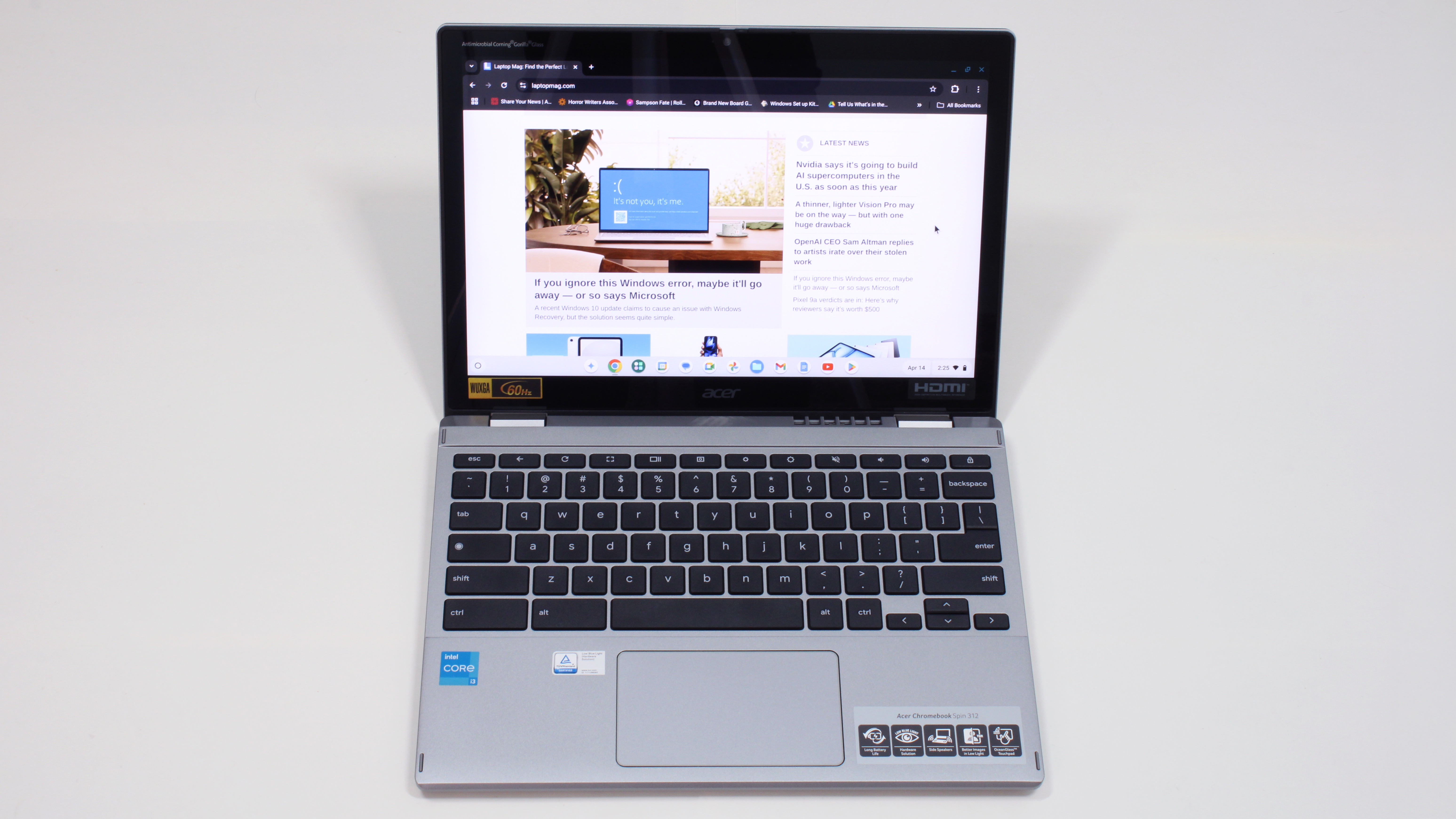
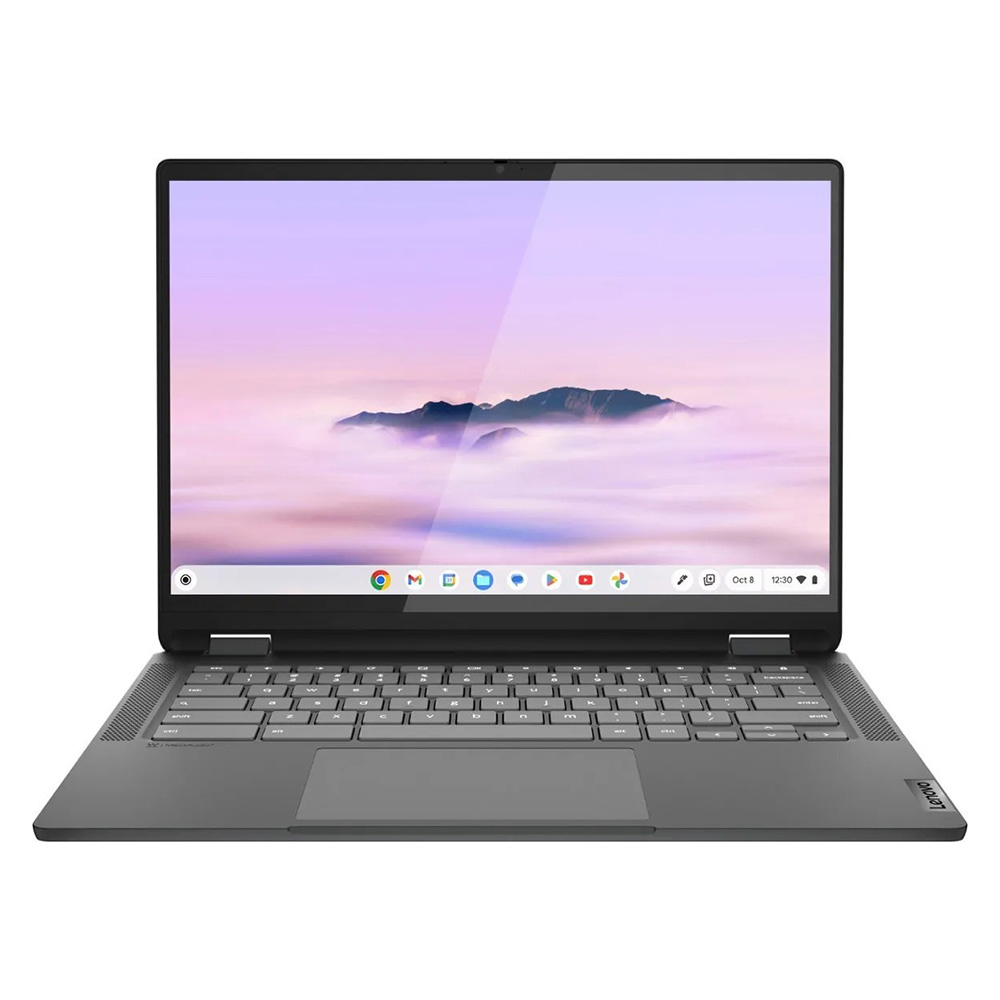 Best overall
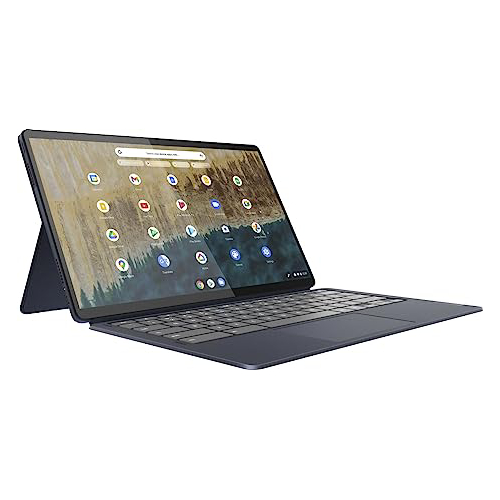 Best under $300
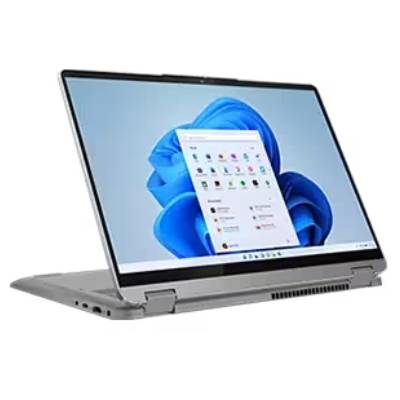 Best Windows laptop
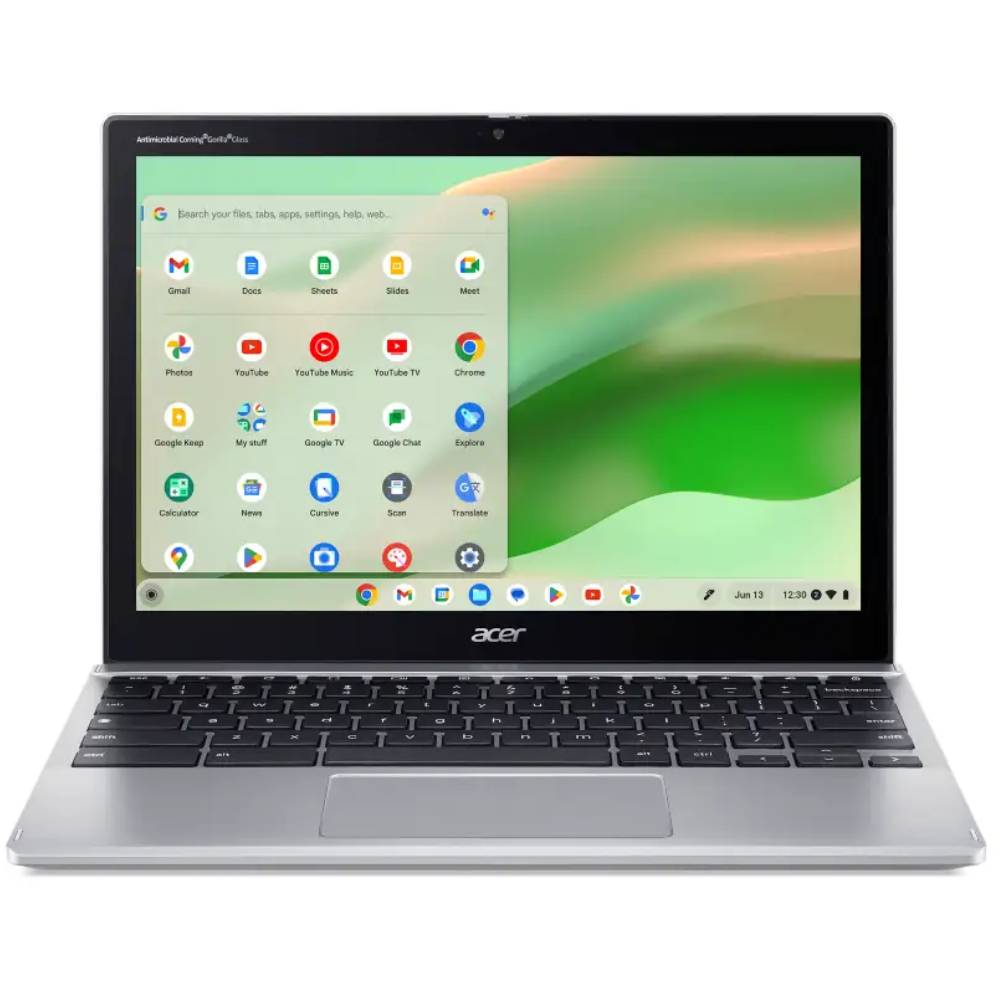 Best for students