Login
Login
Google adds Gemini Labs to centralize experimental features
Google has brought a new feature, Gemini Labs, to the Gemini web app. This new section is made to hold features that are still being tested. It helps users clearly see which tools are new, experimental, and not fully finished yet. By doing this, Google makes Gemini easier to understand and use.
A new toggle, Personal Intelligence, has been added with app. This option lets users choose whether Gemini can use information from connected Google apps, like Gmail or Google Drive, during a chat.
The setting is turned on by default. If users turn it off, Gemini will not use their connected app data in that conversation. When a new chat starts, the setting turns back on automatically.

Image via 9to5Google
To support these changes, Google has slightly changed the Tools menu. Regular features such as Deep Research, Nano Banana, and Deep Think are now grouped together in the main Tools area. Experimental features are kept in Gemini Labs so users can easily tell the difference.
For months, signs of Gemini Labs appeared in updates behind the scenes, showing Google was preparing a space for testing new ideas. Right now, Gemini Labs is only available on the Gemini web app in some regions. Mobile apps have not changed yet, but Google will likely bring this feature to more users soon. Stay tuned for more information.

The post Google adds Gemini Labs to centralize experimental features appeared first on Sammy Fans.

 Learn how to use simple Gemini prompts to create a 2026 budget, find hidden savings and organize your spending.

 Gemini Drops is our regular monthly update on how to get the most out of the Gemini app.
 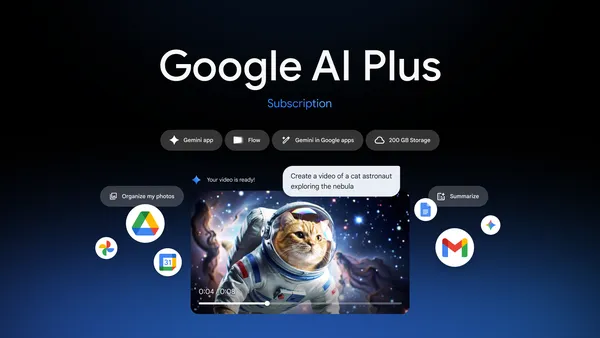 We’re launching Google AI Plus in 35 new countries and territories including the US, making it available everywhere Google AI plans are available.