Login
Login
How to share files between Galaxy S26 series and iPhones
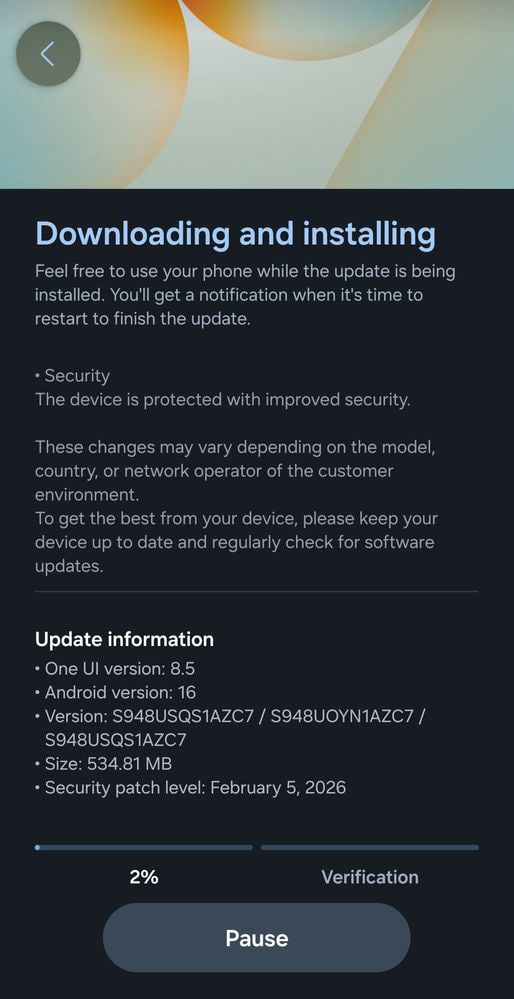
Samsung is sending Airdrop support for Quick Share on the Galaxy S26 series, allowing Android flagship users to share files with iPhones. The update was released a few days prior for Korean users, now expanding to S26 series users around the globe. Though it may have other improvements, the key attention is grabbed by the AirDrop file sharing support.
Here’s how to share files
First, install the latest software update on your Galaxy S26 series and go to the Quick Share via Settings > Connected devices> Quick Share. Look for “Share with Apple devices. This option may have been enabled by default.

If this is available in your device, check for “Who can share with you”, and select Everyone”. If this isn’t enabled, you won’t see Galaxy devices on an iPhone or other Apple devices.
On the other hand, you will need to do the same on an Apple device. Find AirDrop and change its settings to “Everyone for 10 minutes” to receive files from the Galaxy S26 device.

You should know that Apple devices will only enable sharing mode for 10 minutes. So, you will have to check it again for the next session.
The file sharing works as usual, and there are no complexities. Just open your Quick Share or AirDrop and tweak these two settings on each device to share or receive files. Furthermore, you can send files in batches, including multiple images mixed with videos.

This cross-platform file sharing support is currently limited to the S26 series, but the good news is that Samsung will expand it to older flagships with OTA updates. In that case, we expect it to come after the One UI 8.5 update rollout in April.
The post How to share files between Galaxy S26 series and iPhones appeared first on Sammy Fans.