Login
Login
Advanced Audio option spotted in One UI 8.5 Connected Devices – Here’s how it works
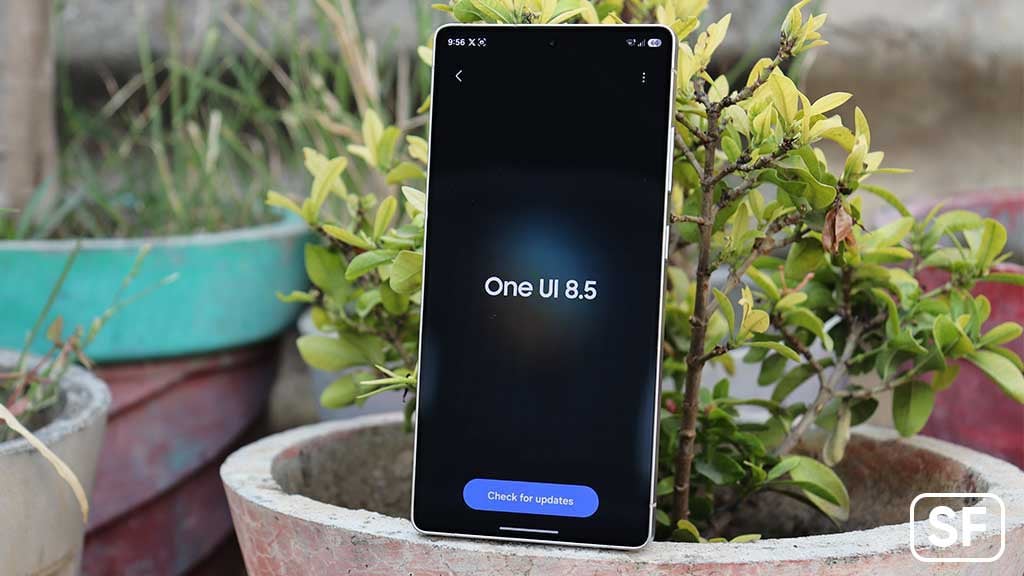
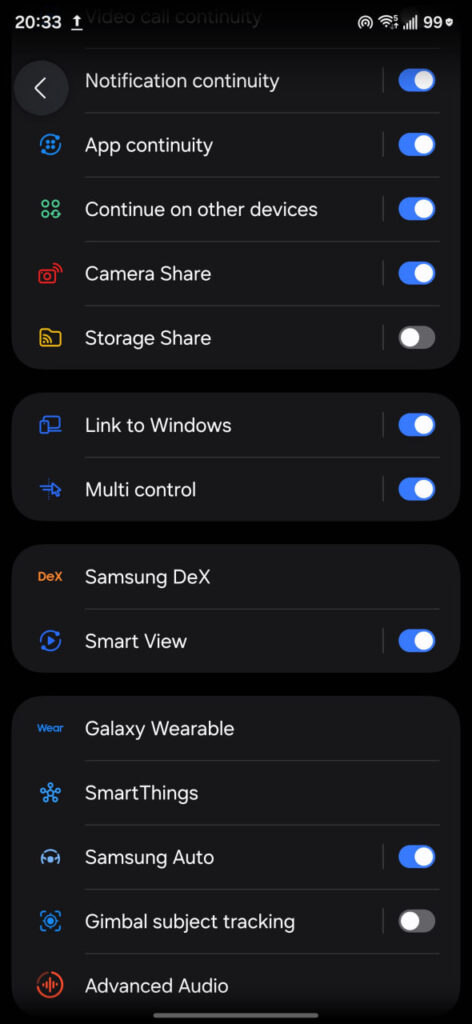
Samsung’s One UI 8.5 is currently in public beta testing, and the company is expected to release the stable version with the upcoming Galaxy S26 series. The update brings several new features, and now another useful tool has been spotted in the Connected Devices section of Settings.
Advanced Audio feature has been spotted by a reliable tipster @GalaxyTechie. It is designed to improve sound recording when using external microphones connected through Bluetooth. It allows users to record 24-bit high-quality audio, which means clearer sound with more detail and better voice quality.
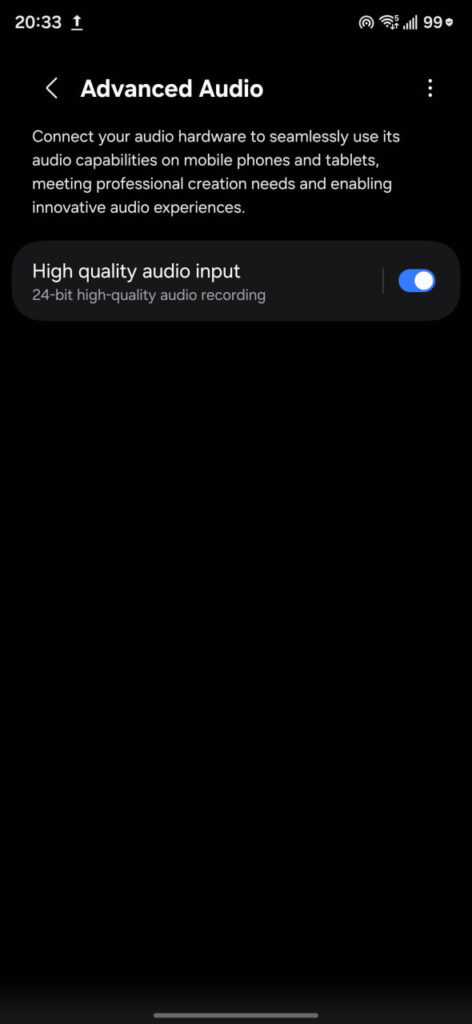
When you open Advanced Audio, you will see a High-Quality Audio Input option. There is a simple toggle to turn it on or off. Once enabled, compatible Bluetooth microphones can deliver professional-level audio for recording videos, interviews, live streams, and more.
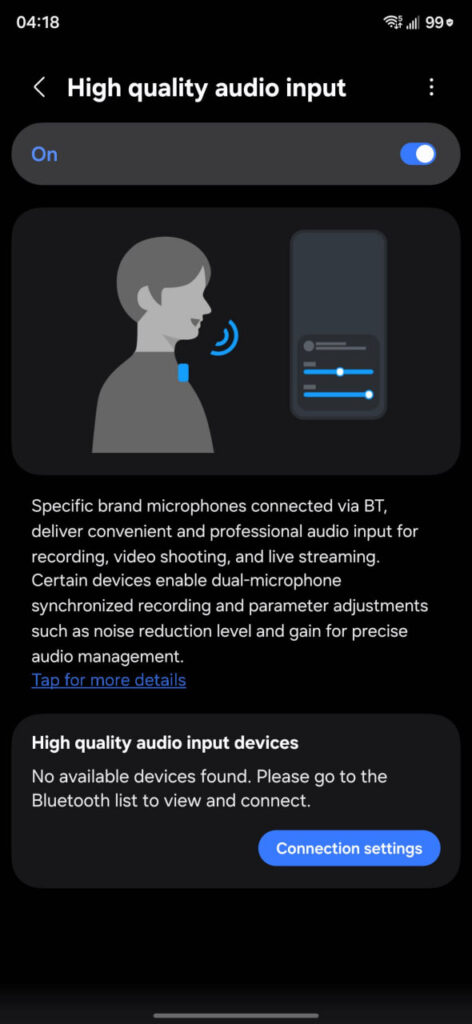
Some supported devices also offer dual-microphone synchronized recording. This means you can connect two microphones at the same time, which is helpful for two-person interviews or live broadcasts. If the connected microphones do not support syncing, the phone will use the main connected microphone for recording.
Also, there is a feature for microphone parameter adjustment. Users can adjust settings such as noise reduction level and gain. These controls can be changed from the feature page, and quick adjustments can also be made from the notification bar while recording.
The feature currently supports select DJI microphones, including DJI Mic 2, Mic 3, Mic Mini, and the upcoming Mic Mini 2, via Bluetooth connection.
In the more detailed section, Samsung mentions that this feature is made for recording, video shooting, and livestreaming. However, it does not work for phone calls or instant voice chats.
With Advanced Audio, One UI 8.5 makes Galaxy devices more powerful for content creators and everyday users who want better sound quality. Stay tuned for more information.

The post Advanced Audio option spotted in One UI 8.5 Connected Devices – Here’s how it works appeared first on Sammy Fans.


 Can your phone do that? Get ready for the next level of photography with







 Get ready for the next level of privacy. Can your phone do that?