Login
Login
Why Greylock capped its new fund at $1.5B when it says it could have raised more
By keeping the number of investments to about 25 per fund, Greylock aims to remain what it calls "the most important partner" to its founders.


With the Iran conflict once again in full swing and demand for AI chips booming, industry sources expect that semiconductor raw material prices will only increase. Earlier this month, China created some turmoil in the semiconductor manufacturing raw materials supply chain when it announced that it would suspend Helium exports due to the supply chain turmoil. While China is not a key Helium exporter in terms of capacity, its role nevertheless could create trouble down the road if there is further disruption. Semiconductor Manufacturing Raw Materials Providers Raise Prices As Demand, Supply Dynamics Bite The complexity of semiconductor fabrication, which […]
Read full article at https://wccftech.com/hydrofluoric-acid-prices-climb-as-ai-chip-demand-outpaces-a-strained-semiconductor-materials-supply/


NVIDIA has unveiled its brand-new Jetson Thor solutions, expanding into mainstream robotics, humanoids & Edge AI with the T3000 & T2000. NVIDIA Jetson Thor T3000 Offers 865 TFLOPs of AI Compute For Humanoids & Robotics, While T2000 Pushes 400 TFLOPs For Edge AI We already told you that some big news was coming on the Physical AI side of things when Jensen landed in Japan yesterday, and the first of these announcements has been revealed in the form of the NVIDIA Jetson Thor T3000 and T2000. Kawasaki Heavy Industries provides technology designed to improve the overall efficiency of hospital operations, including […]
Read full article at https://wccftech.com/nvidia-jetson-thor-t3000-t2000-unveiled-for-physical-ai-powering-humanoids-robotics/


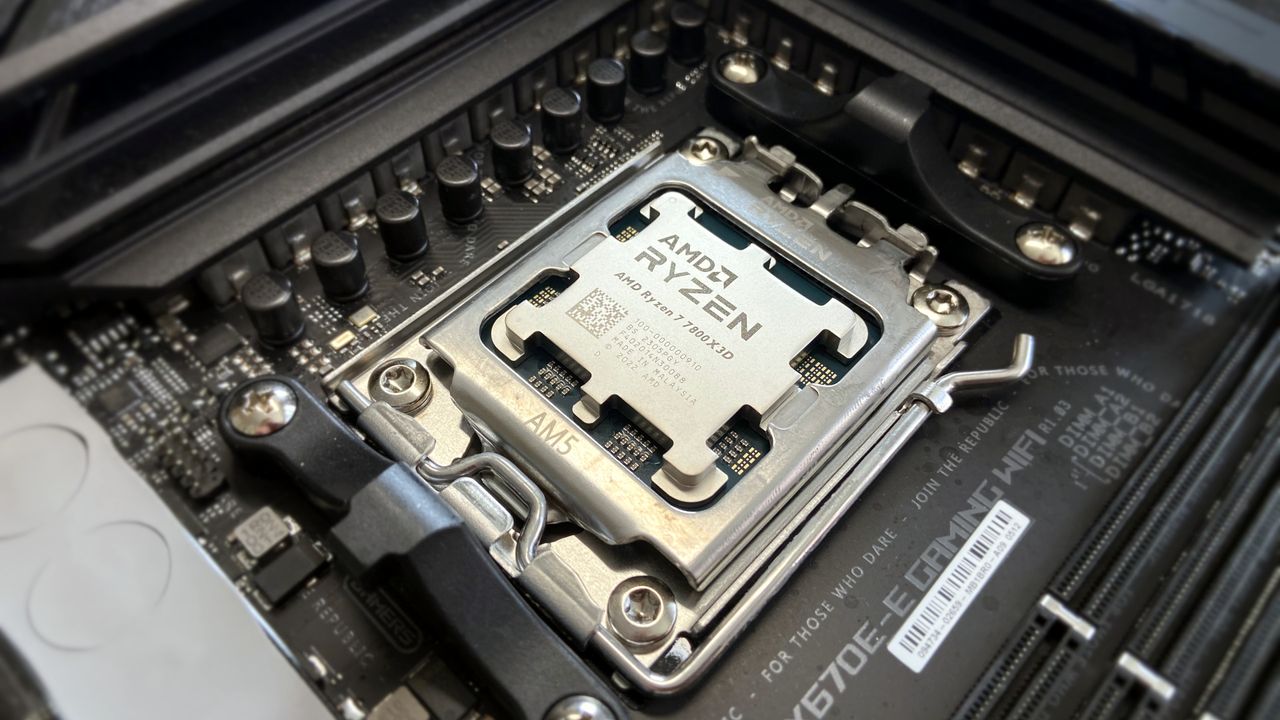
AMD's Ryzen 7 7800X3D 3D V-Cache CPU is now available at a fantastic price of just $299, which makes it cheaper than the upcoming Ryzen 7 7700X3D. Microcenter Offers Ryzen 7 7800X3D At An Absolutely Fantastic $299 Price While AMD's Upcoming Ryzen 7 7700X3D 3D V-Cache CPU Would Cost $329 Tomorrow, AMD will finally launch its brand-new Ryzen 7 7700X3D 3D V-Cache CPU for the AM5 platform. This chip promises to offer the same 3D V-Cache goodness to gamers for a lower price point than what the 7800X3D retails for. But it looks like Microcenter is spoiling the fun of […]
Read full article at https://wccftech.com/amd-ryzen-7-7800x3d-3d-v-cache-cpu-299-usd-day-ahead-of-329-usd-7700x3d-launch/

Jensen Huang, chief executive of Nvidia, denied reports about delays of the company's next-generation AI platform and said that production volumes of the upcoming Vera Rubin platforms are 'giant.' He didn't address reports about delays of Vera Rubin Ultra-based rack-scale systems carrying 144 AI GPUs.
"[The reports about Vera Rubin delays are] not true," Huang told reporters on the sidelines of an event in Japan, reports Bloomberg. "Vera Rubin is already in production. Giant amounts of production incoming."
Nvidia confirmed production of its Vera Rubin platform in January and then sampling in February, so the current comment reiterates what we already know. Nvidia stressing that 'giant amounts of production' are incoming is meant to reassure investors that the company is on track to sell a boatload of its next-generation Vera CPUs, Rubin GPUs, and Vera Rubin NVL72 systems in the coming quarters, which means more record-setting quarters.
What Huang did not address — or perhaps he wasn't asked — is Nvidia's rumored delay of its Kyber NVL144 rack-scale solution with copper interconnects due to the system's complex PCB midplane by more than a year from 2027 to 2028. An alternative dual-rack design has reportedly been canceled and an even larger CPO-based NVL576 configuration may also face delays or limited availability, the same report from SemiAnalysis claimed earlier this month. The setback could leave Nvidia's Rubin Ultra platform with a smaller NVLink scale-up domain than originally envisioned. Nvidia says its roadmap is intact.
The Kyber NVL144 architecture was designed to connect 144 Rubin Ultra GPUs using a copper-based NVLink 7 scale-up fabric, so the machine required a sophisticated PCB midplane to carry high-speed electrical links between the system's components. SemiAnalysis claims that this midplane was challenging to manufacture, leading to a delay. The report does not identify defective chips or problems with particular components mounted on the board, but specifically points to the manufacturability of the PCB infrastructure itself.
"Our roadmap is intact," a spokesperson for Nvidia told Tom's Hardware.
Nvidia's statement on the matter neither confirms nor denies the report, but indicates that the company will be able to offer products mentioned in its roadmap without revealing whether they also remain on their previously announced launch schedules.
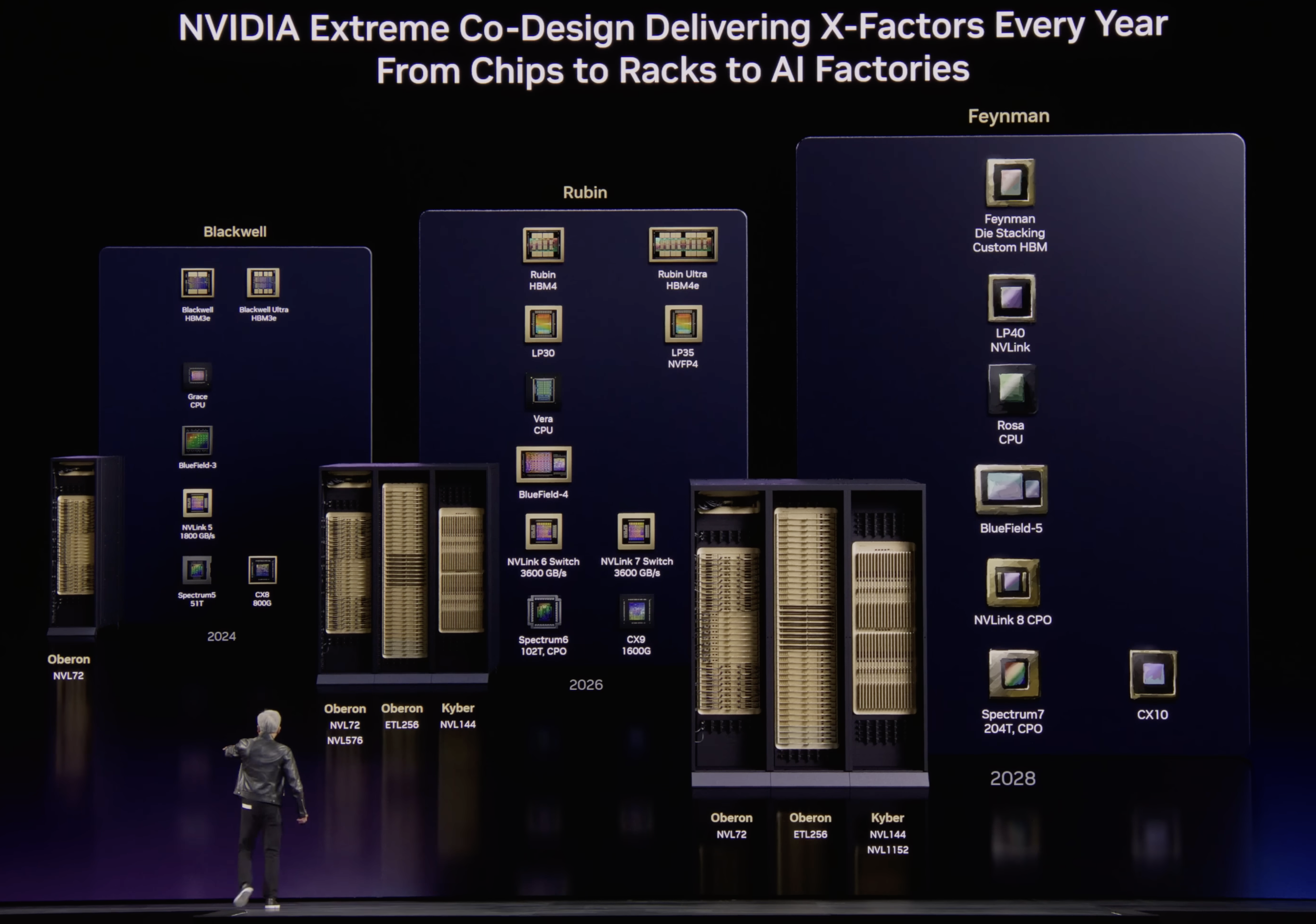
Nvidia reportedly considered another copper-based design, called NVL72x2, as an alternative to Kyber. The system would have placed two Oberon racks back-to-back to expand the size of the NVLink scale-up domain without using optical interconnects. However, SemiAnalysis says customers rejected the unusual design and operational requirements, but does not specify their individual objections that could include serviceability, cooling, cabling, and data-center layout.
Meanwhile, the planned NVL576 rack scale solution that was supposed to combine eight Oberon racks interconnected using co-packaged optics between NVSwitches has also been postponed, or shipped in relatively small quantities because of 'ongoing CPO challenges,' SemiAnalysis claims.
The existence of the planned NVL576 configuration suggests that Nvidia had been developing some form of CPO-enabled NVSwitch connectivity for the Rubin generation. In theory, similar optical switch-to-switch connectivity could potentially be used to join smaller GPU groups into an NVL144 system and bypass Kyber's problematic copper midplane. However, the available information does not clearly indicate whether the CPO technology intended for NVL576 could reproduce Kyber's topology, bandwidth, and latency characteristics, or whether it was sufficiently mature for high-volume deployments by potential NVL144 customers.
The reported Kyber delay comes on the heels of another report saying that Nvidia had canceled quad-compute-chiplet version of its Rubin Ultra in favor or a dual-compute-chiplet design that is projected to deliver 2X lower performance. With Kyber NVL144 delayed and NVL72x2 cancelled, Nvidia will only be able to offer 72-way scale-up systems till sometimes in 2028, meaning that AMD and Google may end up with more competitive scale-up systems in 2027 – 2028. AMD's Mega Pod based on the Verano CPUs and Instinct MI500-series accelerators, is expected to pack up to 256 accelerators. Google's TPU 8i can provide roughly 1,024–1,152 accelerators within one low-latency domain, whereas the TPU 8t goes much further and can get to 9,600 chip packages per domain.


Korean chip giant Samsung is reportedly considering outsourcing orders to design a portion of Google's Tensor Processing Unit (TPU) AI chips. Samsung is believed to be Google's manufacturing partner for the TPU chip's input/output (I/O) die. While the TPU's compute tile is expected to be manufactured by TSMC, the part on which the tile will be connected, called the I/O, is said to be Samsung's responsibility. For the I/O, Samsung is considering outsourcing the back-end design for the chip in order to ensure that Google's design is fit for its manufacturing facilities, says the Korean press. Several Korean Firms in […]
Read full article at https://wccftech.com/samsung-reportedly-outsources-googles-tpu-i-o-late-stage-design-says-report/


You would have to be wholly fatuous to leak the details of an ongoing negotiation with a company as private as Apple, and from the mouth of the CEO no less, as PrismML appears to have done recently, indicating that the tidbit about its impending acquisition by Apple was nothing more than a glorified PR campaign. You don't leak details of an ongoing negotiation, especially when a company as sensitive as Apple is involved, if those talks have even a snowball's chance in hell of succeeding While speaking with CNBC earlier this week, PrismML's CEO casually lobbed a bombshell: Apple […]
Read full article at https://wccftech.com/if-apple-were-really-serious-about-acquiring-prismml-its-ceo-wouldnt-be-broadcasting-it-to-the-world/

AI continues to wreak havoc on the tech industry, driving up the prices of processors, RAM, motherboards, and more PC hardware so companies can keep up with its hunger for more power (and RAM).
Fortunately, Newegg is offering a limited sale on several discounted bundles containing AMD processors we've tested and rated highly for their solid performance, alongside compatible motherboards and 16GB RAM modules to help these CPUs reach their full potential.
So, if you're looking to upgrade your PC with some of the best CPUs for gaming or productivity content creation, along with the best motherboards and precious RAM to maintain their stability, this round-up could be your next best solution.
"True to its word, AMD has specifically targeted gamers with this affordable powerhouse, and I expect my upcoming tests only to cement its place in your next rig." — Ben Wilson, Senior Editor
Windows Central review: ⭐⭐⭐⭐½View Deal
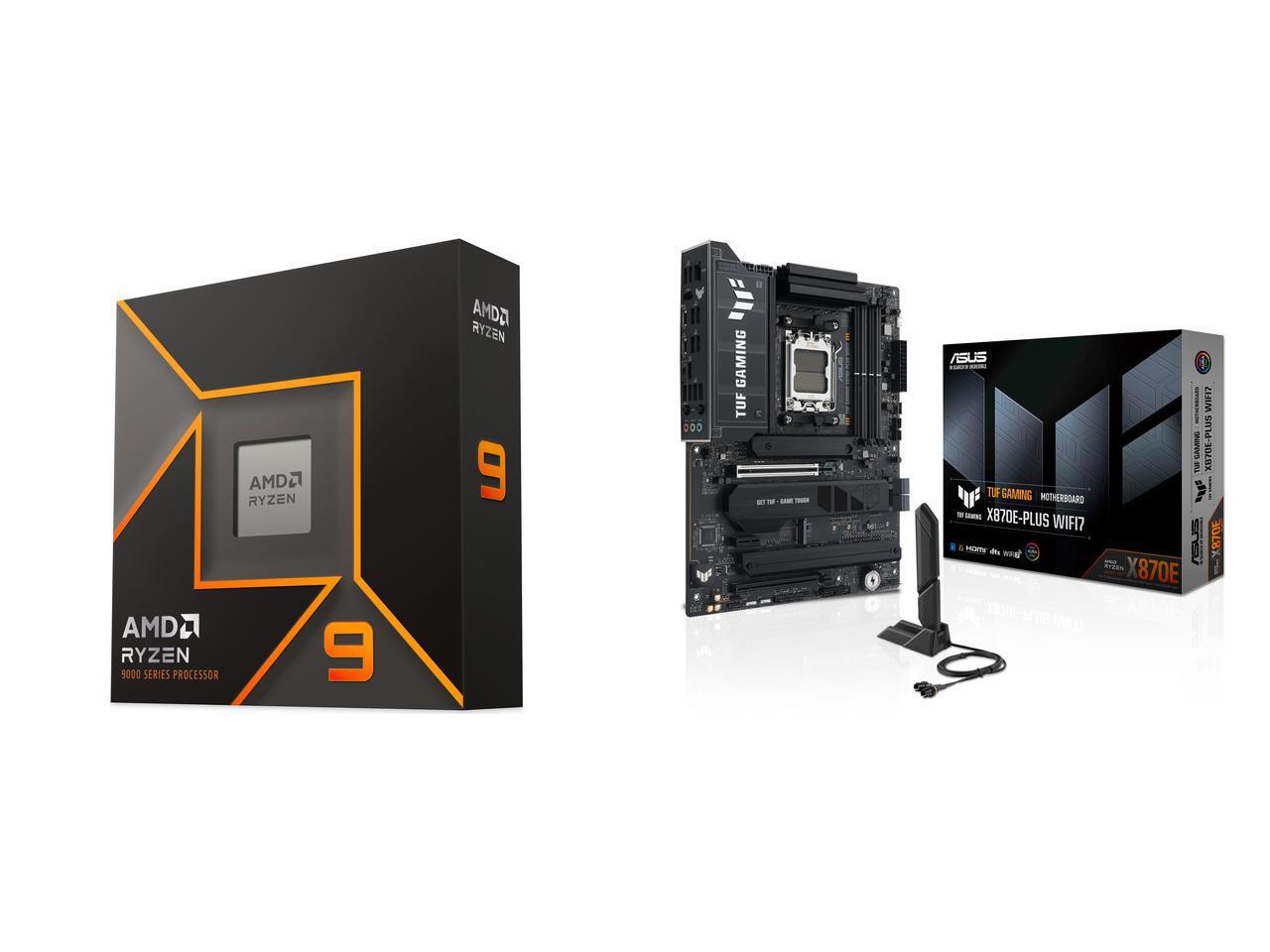
"For gamers with a passion for livestreaming, it offers almost max specs for a reasonable price and power draw." — Ben Wilson, Senior Editor
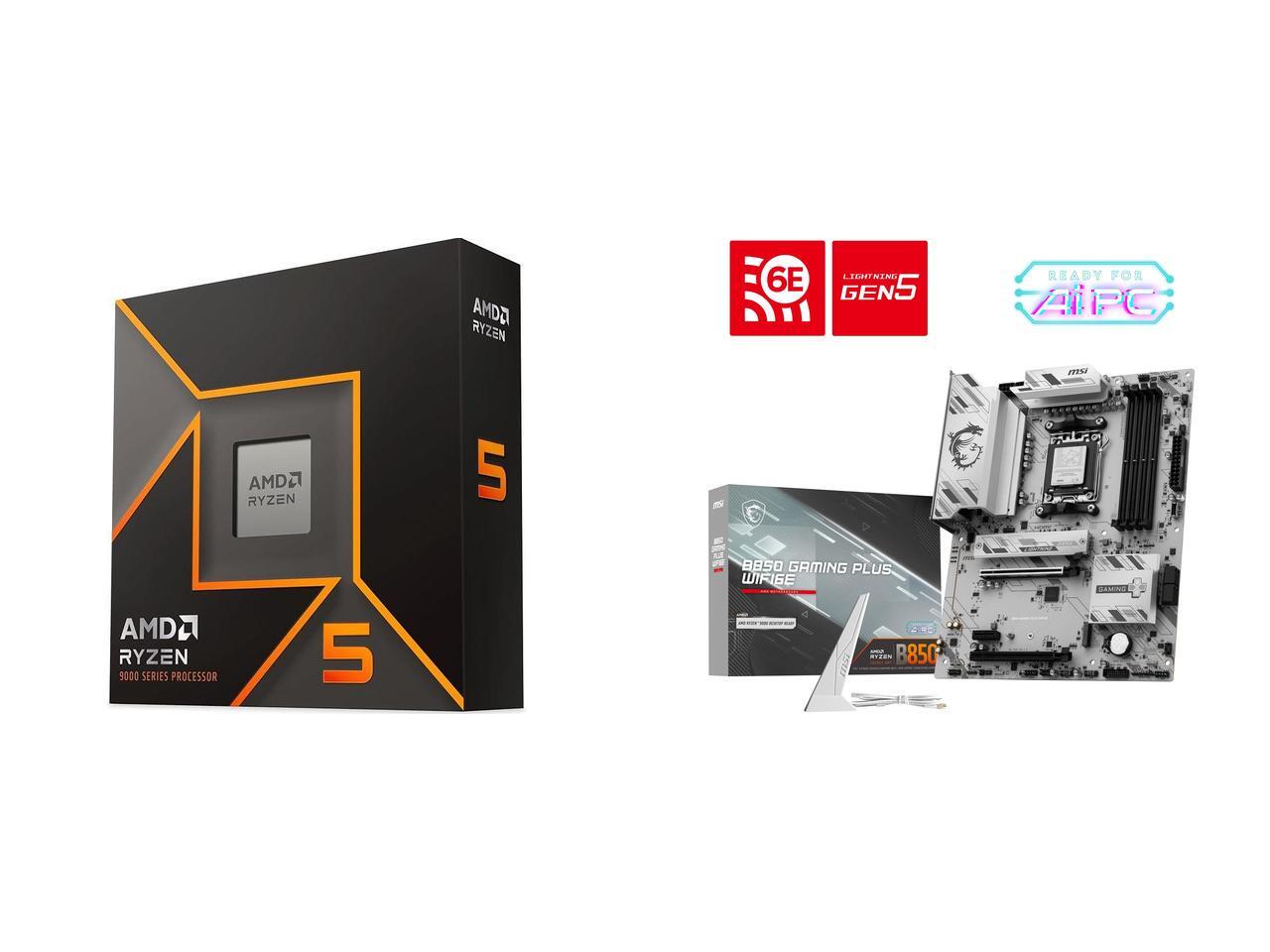
"In a masterclass of performance-per-watt efficiency, AMD offers incredible single-core performance scores that beat its intended 14600K rival and even challenge the 14700K." — Ben Wilson, Senior Editor
Windows Central review: ⭐⭐⭐⭐½View Deal
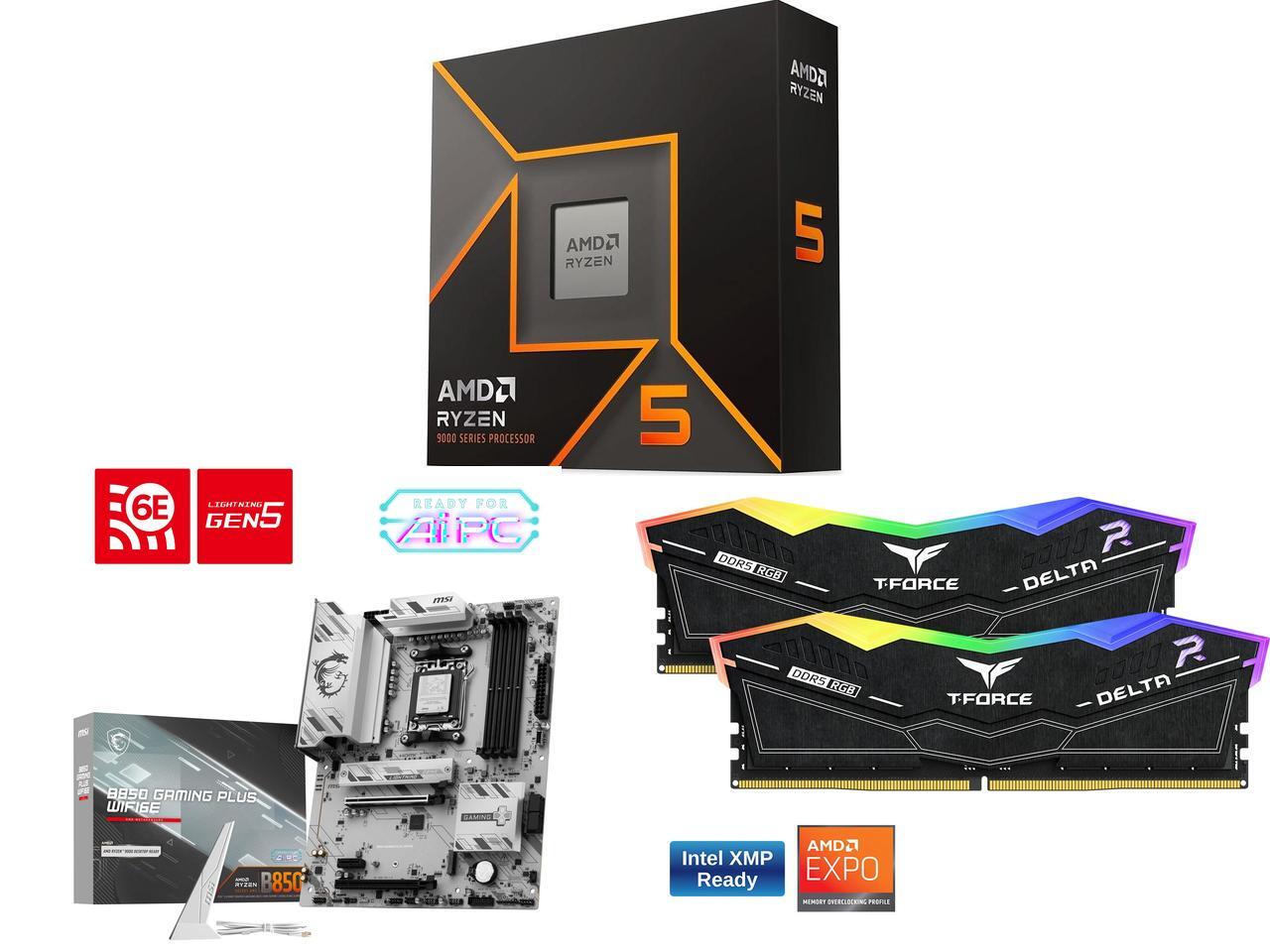
This bundle contains an AMD Ryzen 5 9600X processor along with a compatible MSI B850 GAMING PLUS WIFI6E motherboard with fast WiFi 7 wireless connectivity and two 8GB RAM sticks.View Deal
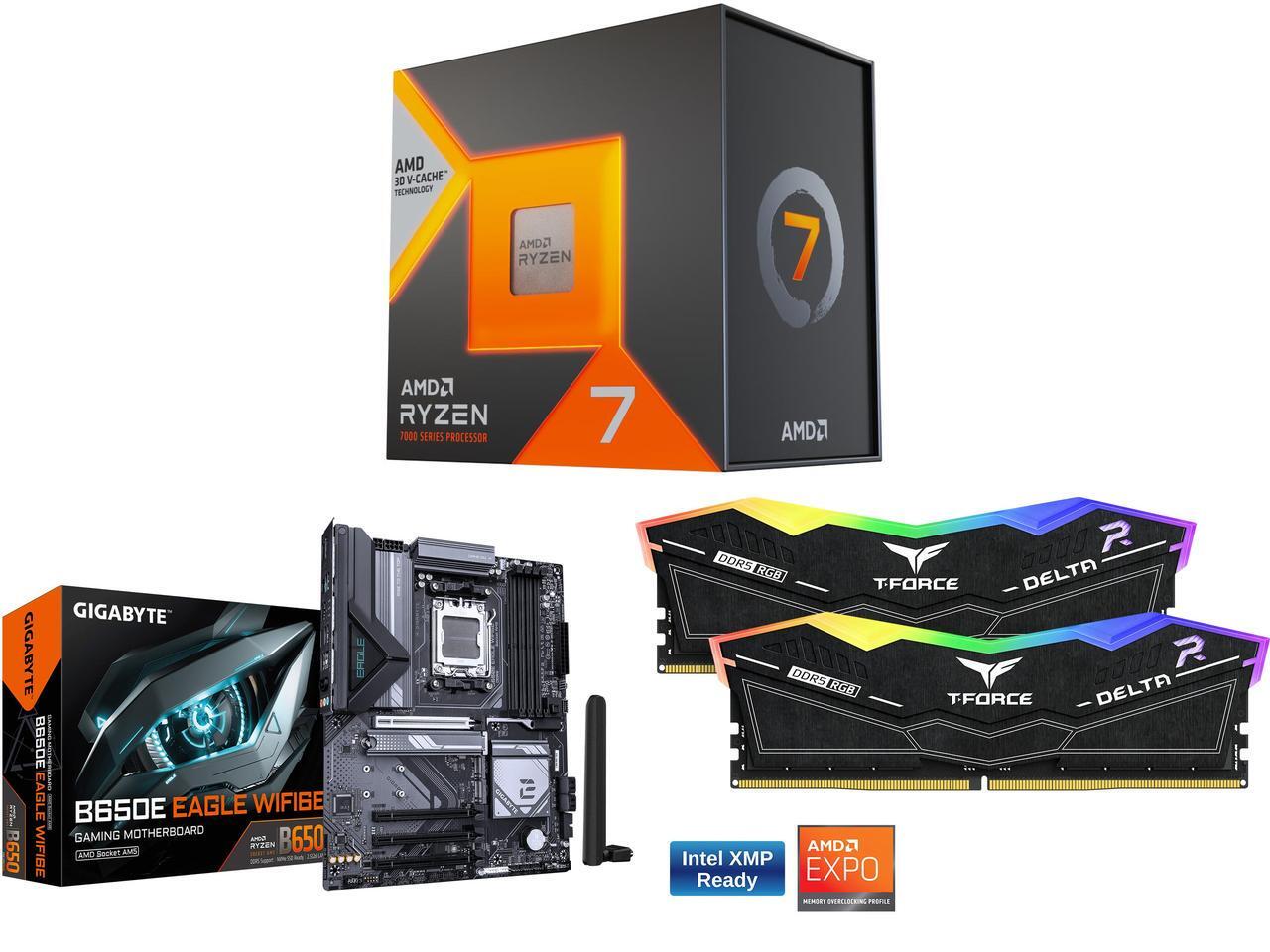
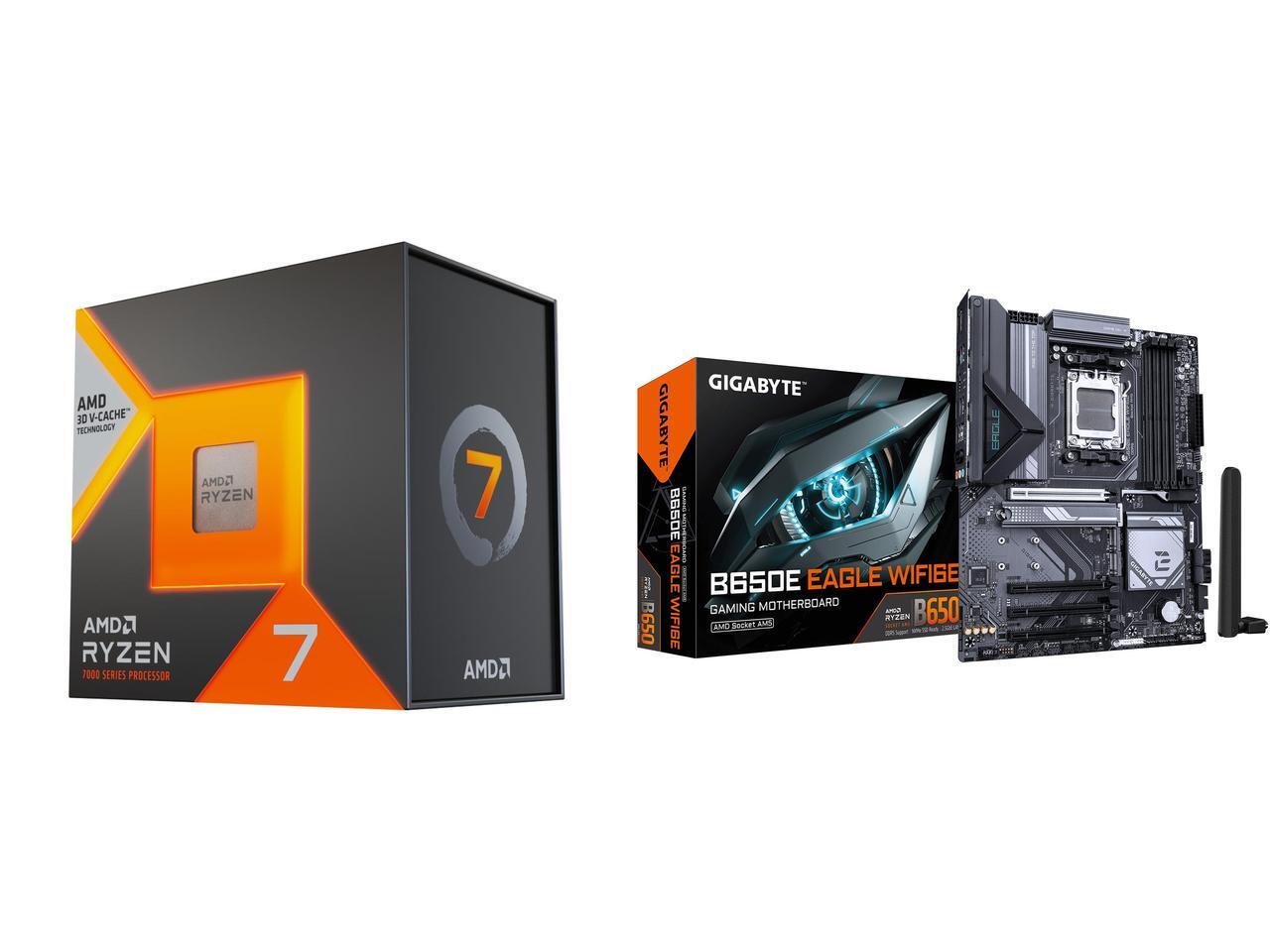
This gaming-focused bundle contains an AMD Ryzen 7 7800X3D processor, a GIGABYTE B650E EAGLE WF6E motherboard that offers PCIe 5.0 and Wi-Fi 6E, and two 8GB RAM sticksView Deal
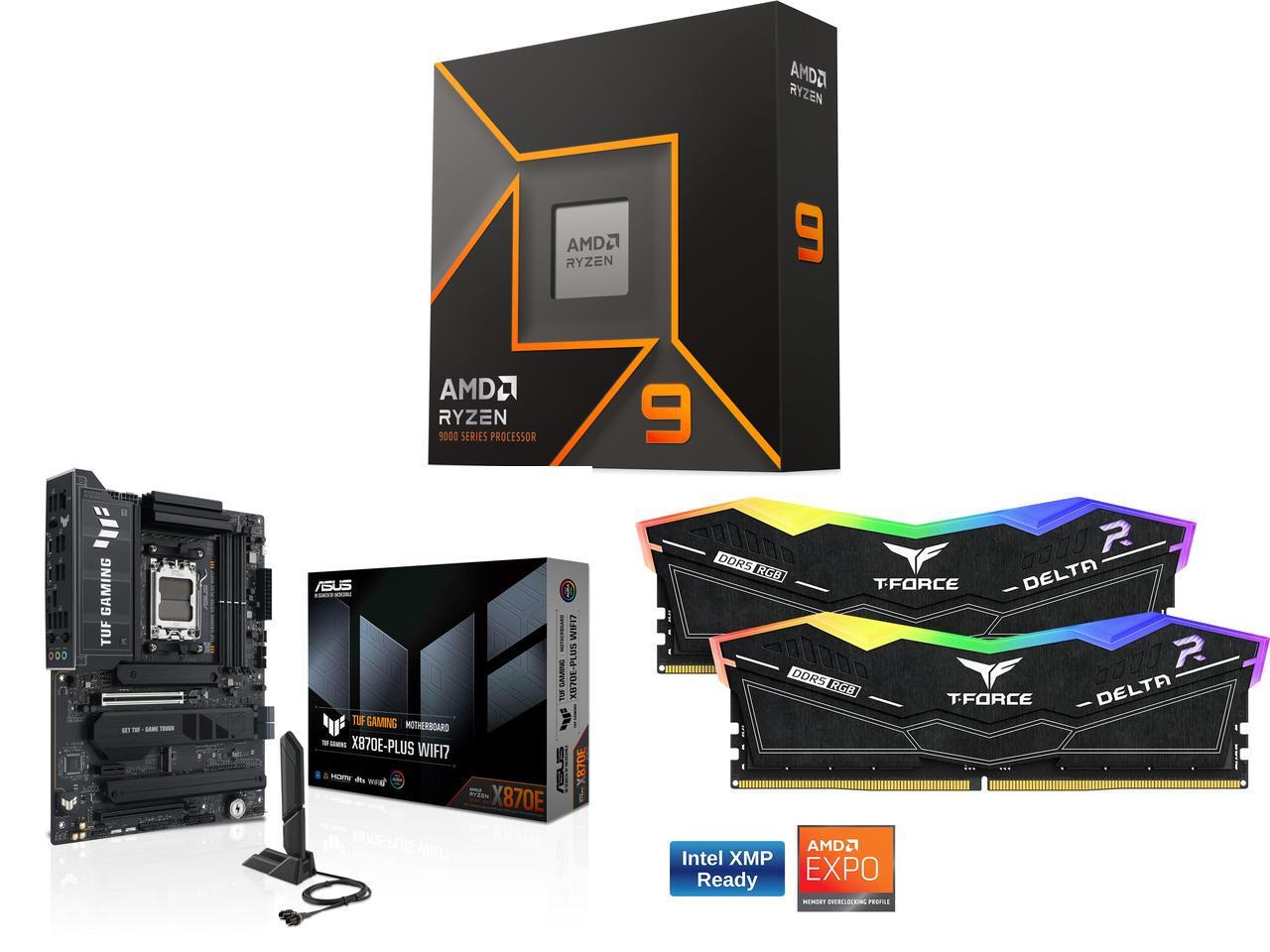
This bundle contains an AMD Ryzen 9 9900X processor with an ASUS TUF GAMING X870E-PLUS WIFI7 motherboard that features two onboard PCIe 5.0 M.2 slots with fast Wi-Fi 7 and two 8GB DDR5 RAM sticks.View Deal
These discount deals will last from July 14, 2026 to July 31, 2026.
Indeed, they are. AMD's Ryzen 9 9900X, Ryzen 7 7800X3D, and Ryzen 5 9600X processors all offer good to exceptional performance for boosting frame rates and smoothness, particularly the -X3D chips.
The Ryzen 7 7800X3D productivity performance is somewhat underwhelming, while the Ryzen 9600X fares much better with creative apps and solid single-core performance.

Join us on Reddit at r/WindowsCentral to share your insights and discuss our latest news, reviews, and more.
An entry-level Alienware PC almost sounds like a contradiction; it's long been the all-out brand you could choose when money isn't a concern, and you'd rather have a guarantee your games will run. So, does the Alienware 15 need to exist, or is it just competing with the tantalizingly new category of high-end gaming handhelds?
Including NVIDIA's RTX 5050 graphics certainly piqued my interest, because until now, I've never seen what this low-end laptop GPU can actually do. Is it worth picking the 50 Series chip for the benefit of cutting-edge DLSS upscaling, or is it too weak to be worth your time? I had so many questions, and these are the conclusions I reached from my testing for this review.
The Alienware 15 starts at $1,399.99 on Dell.com, featuring the same AMD Ryzen 7 260 processor as my sample but with a previous-generation NVIDIA GeForce RTX 4050 discrete graphics card. Memory and storage remain at 16GB of RAM and a 512GB SSD, but upgrading to an RTX 5050 GPU increases the price to $1,459.99.
A third and final variant of the AMD model increases storage to 1TB with an RTX 5060 GPU for $1,849.99, but the CPU remains the Ryzen 7 260. Alternatively, an Intel-based Alienware 15 starts at $1,499.99 on Dell.com with a Core 7-240H CPU, RTX 5050 GPU, and 16GB/512GB of memory and storage, though you can upgrade to RTX 5060 graphics and a 32GB/1TB RAM and SSD combo.
In the United Kingdom, the AMD-based Alienware 15 starts at £829.00 with a less powerful Ryzen 5 220 processor, RTX 3050 graphics, and 8GB of RAM and 512GB of storage. At the time of writing, an Intel-based Alienware 15 starts at £849.01 with a Core 5-210H CPU, RTX 3050 GPU, and the same 8GB/512GB RAM/SSD.
Component | Spec |
|---|---|
CPU | AMD Ryzen 7 260 |
RAM | 1x 16GB SO-DIMM DDR5-5600 MT/s |
GPU | AMD Radeon 780M (Integrated) |
Display | 15.3" 16:10 WUXGA (1920 x 1200) non-touch |
Storage | 512 GB M.2 NVMe PCIe 4.0 SSD |
Battery / Charger | 68WHrs / 180W barrel jack |
Weight | 4.89 lbs (2.22 kg) |
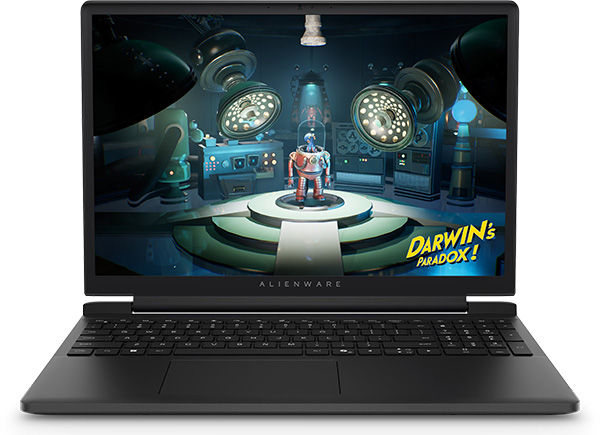
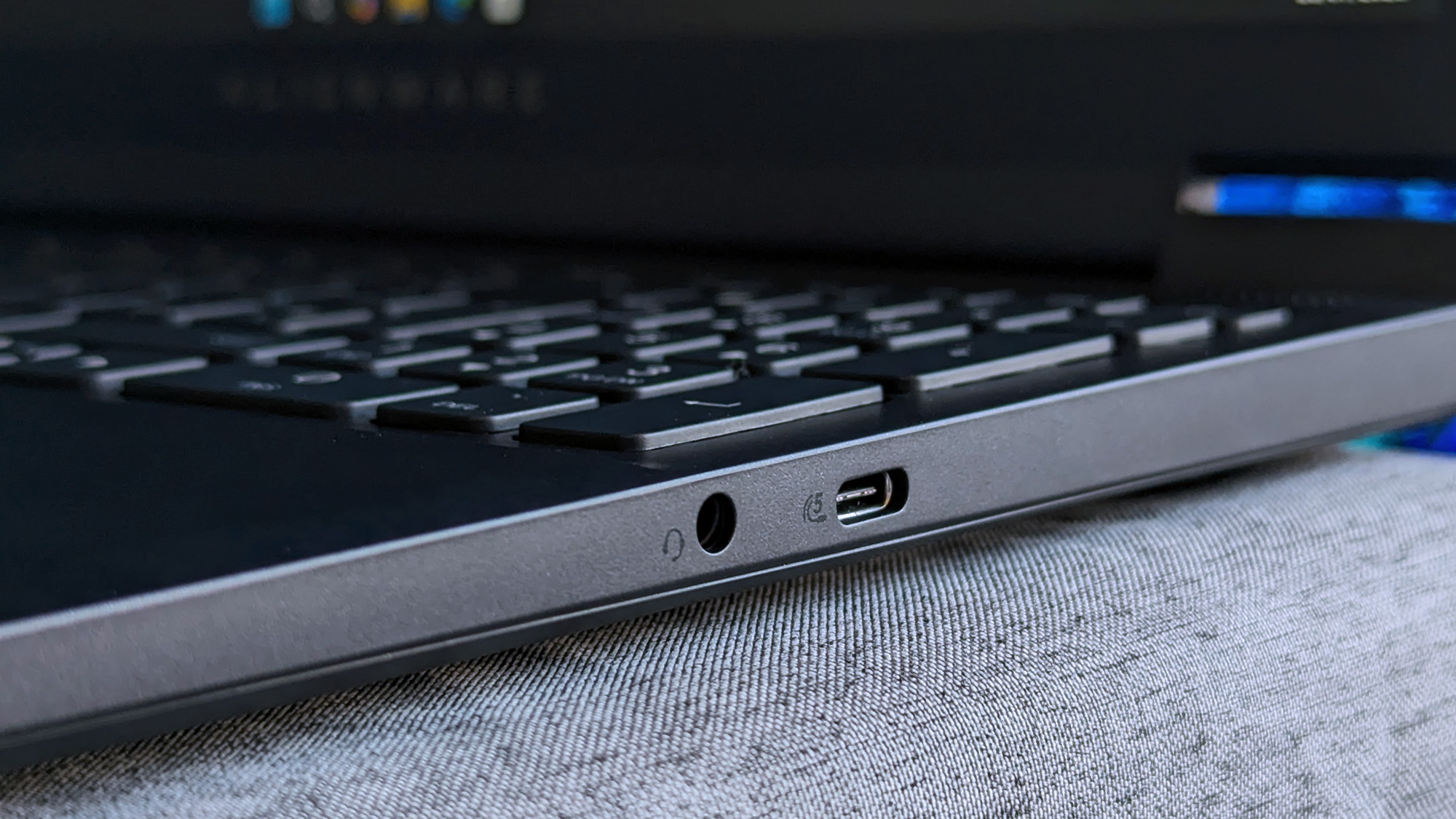
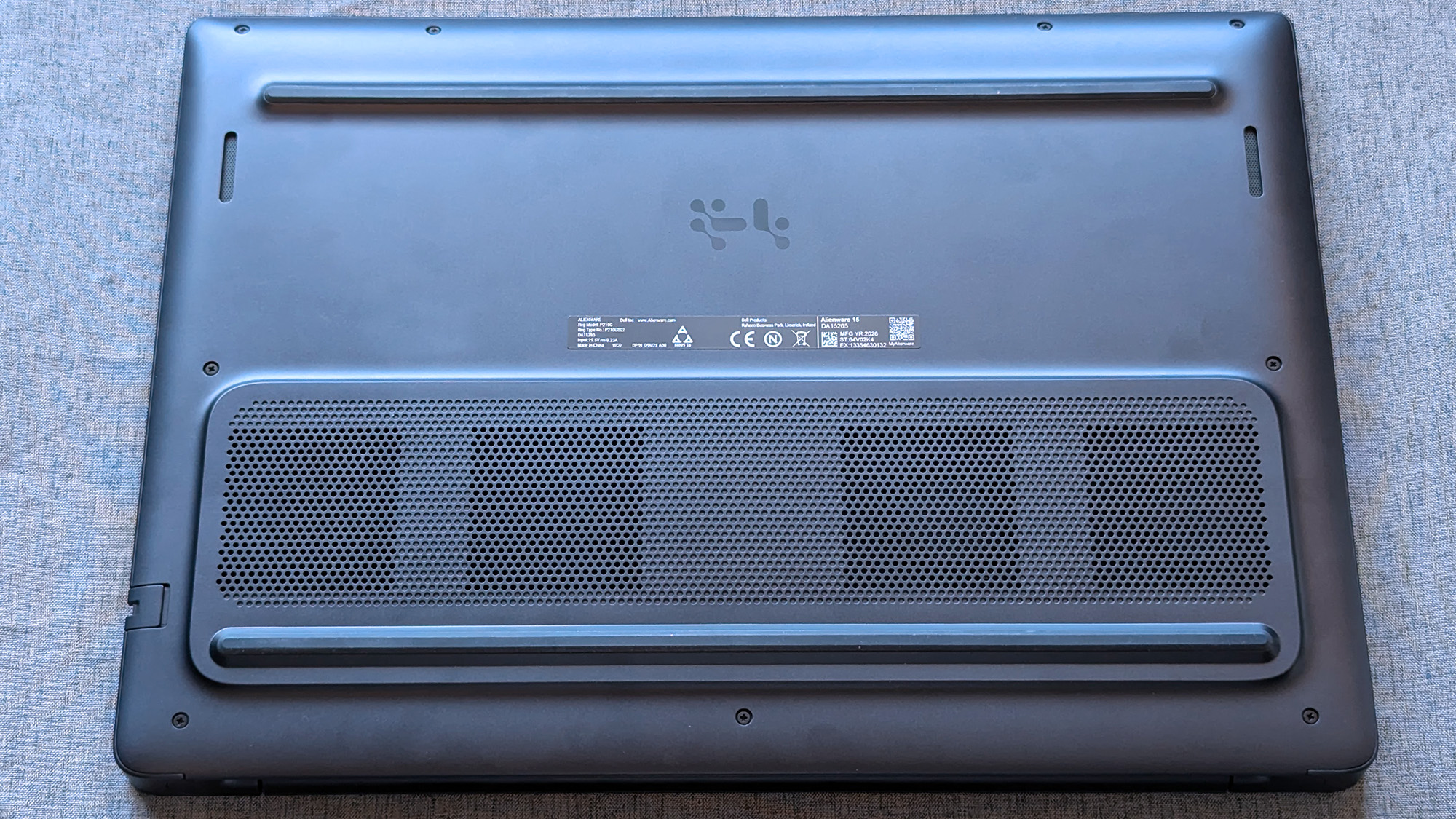
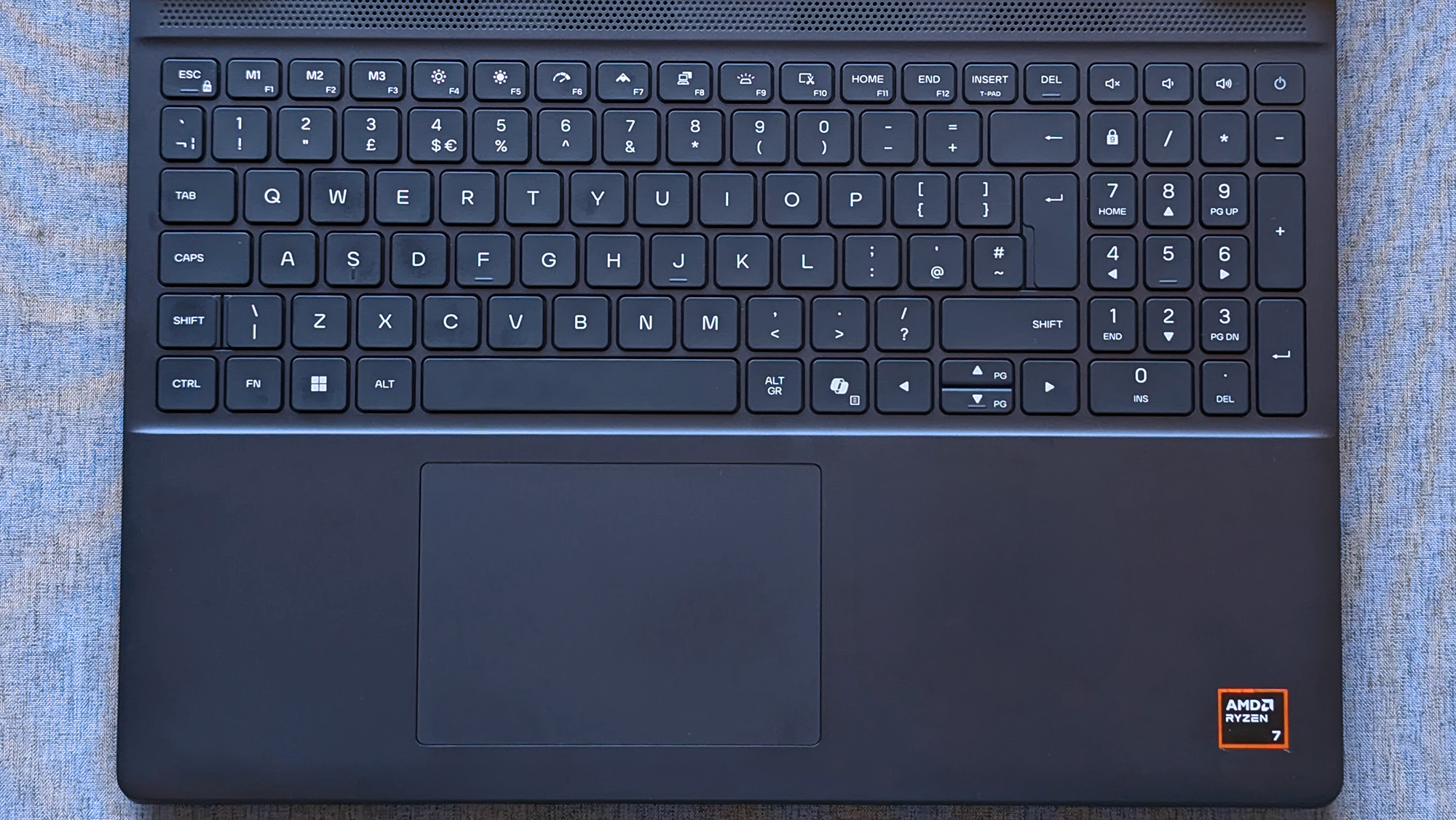
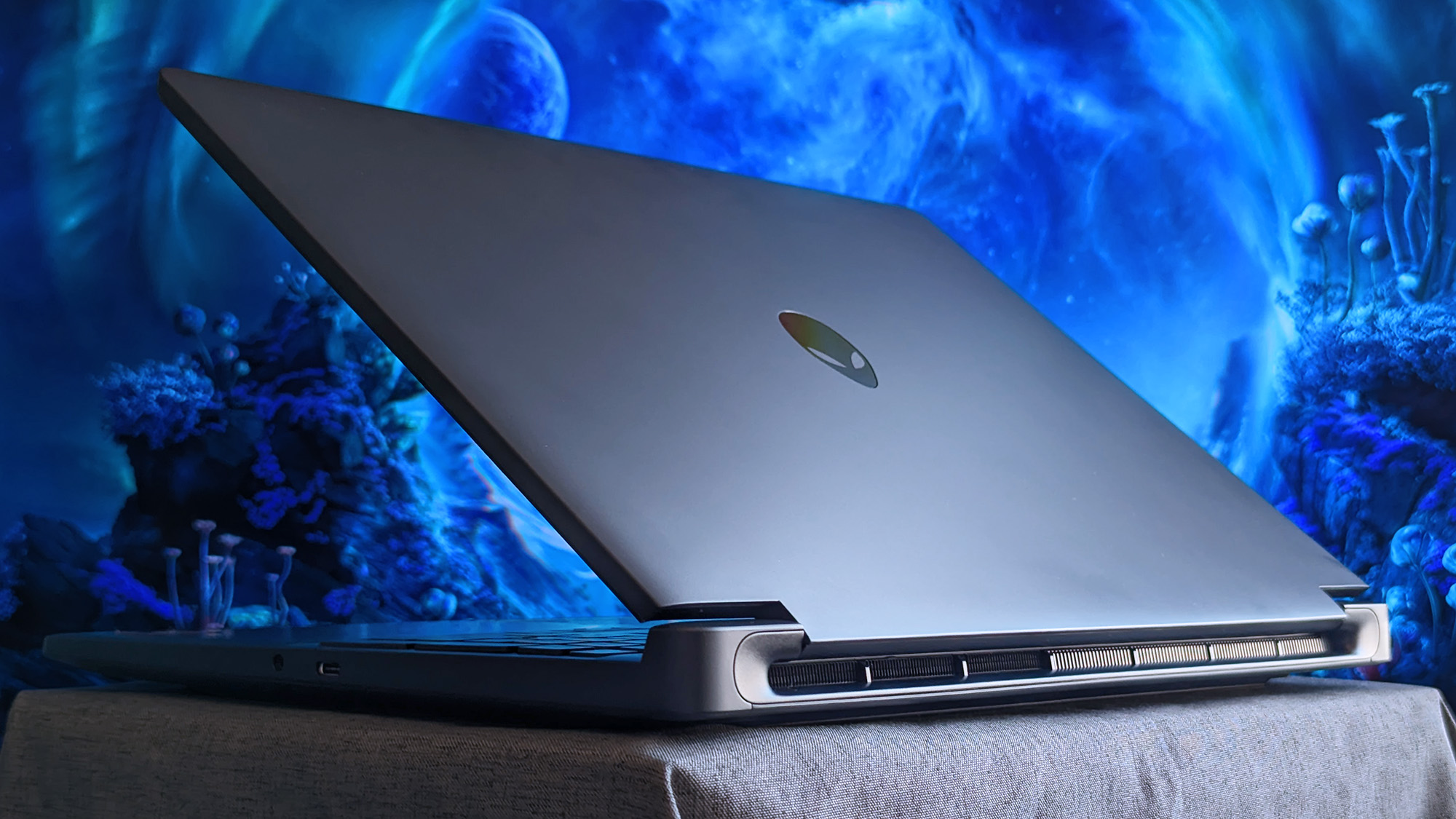
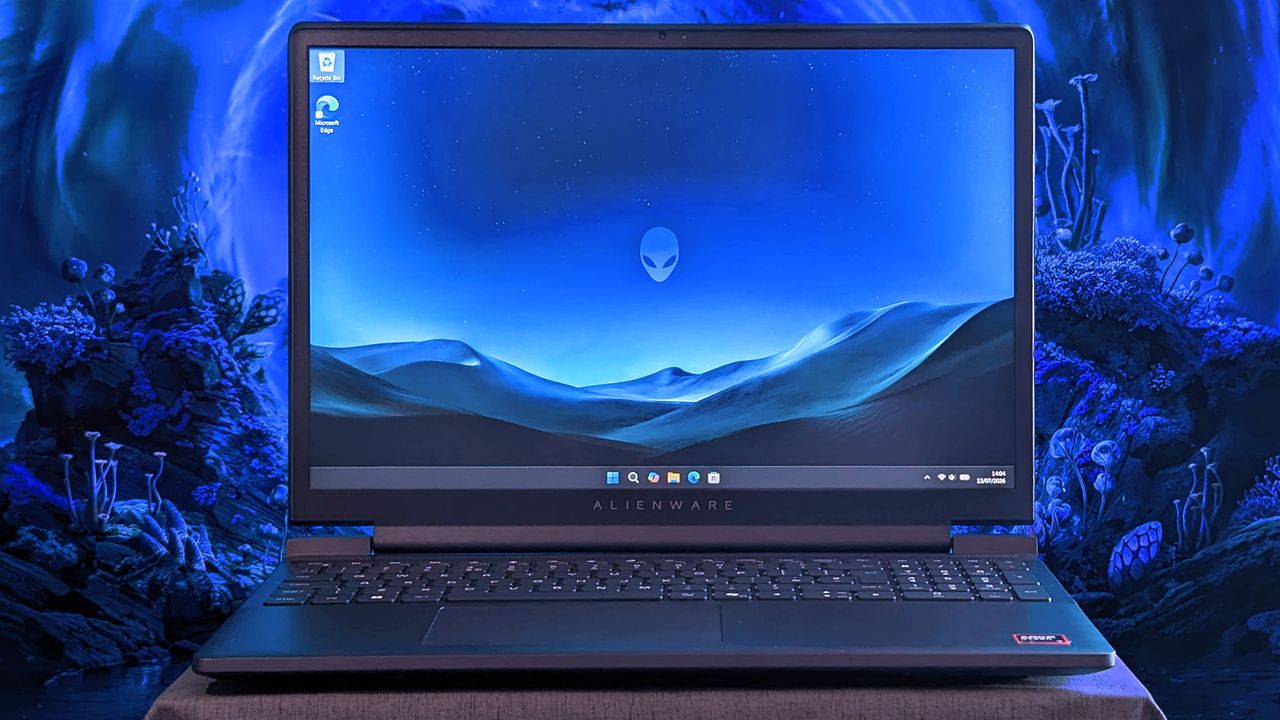
The Alienware 15 is a bit of a mixed bag, starting with a relatively plain exterior design featuring an iridescent alien head logo and thick air vent panels underneath, synonymous with the capable cooling you'll see in this category. And while its most striking first impression is how heavy it is — at 4.89 lbs (2.22 kg) — it still isn't much different from its rivals. Gaming laptops are just heavy.
Its 15.3-inch screen sits on a gapped hinge, which looks strange at first glance, but I can feel airflow around the gap while it's in use, so it makes sense. The backlit keyboard is unremarkable, sticking to a single color and including a number pad that I'm sure most gamers will never use, and, as usual, I wish the space had been saved for larger speakers.
The 180W AC adapter uses an outdated barrel jack, but you can charge up to 100W with USB-C.
Admittedly, despite my gripes with the lack of any significant bass response, the sheer volume of the fans during games likely nullifies the appeal of its speakers anyway. As with all gaming laptops, I'm recommending you use headphones here. A small 5.5-inch mechanical touchpad only clicks properly in the bottom half, but you'll probably use a dedicated mouse for most games.
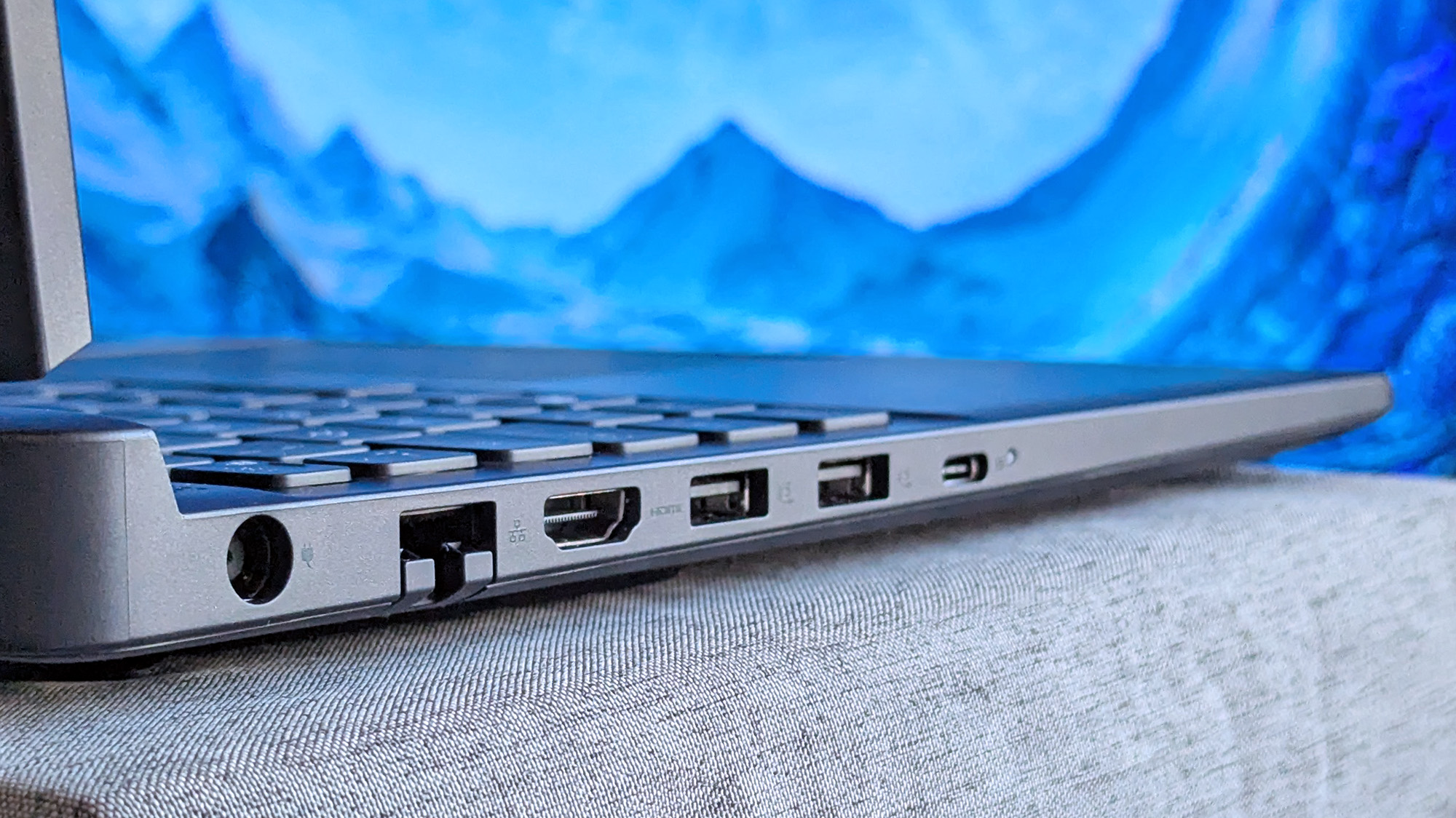
A 3.5mm audio jack pairs with a USB-C 3.2 Gen 1 port on the right side, while a single USB-C 3.2 Gen 2 is available on the left side, along with two traditional USB-A 3.2 Gen 1 ports for dongles, HDMI-out 2.1 for external monitors, and gigabit Ethernet for wired networking. The 180W AC adapter uses an outdated barrel jack, but you can charge up to 100W with USB-C.
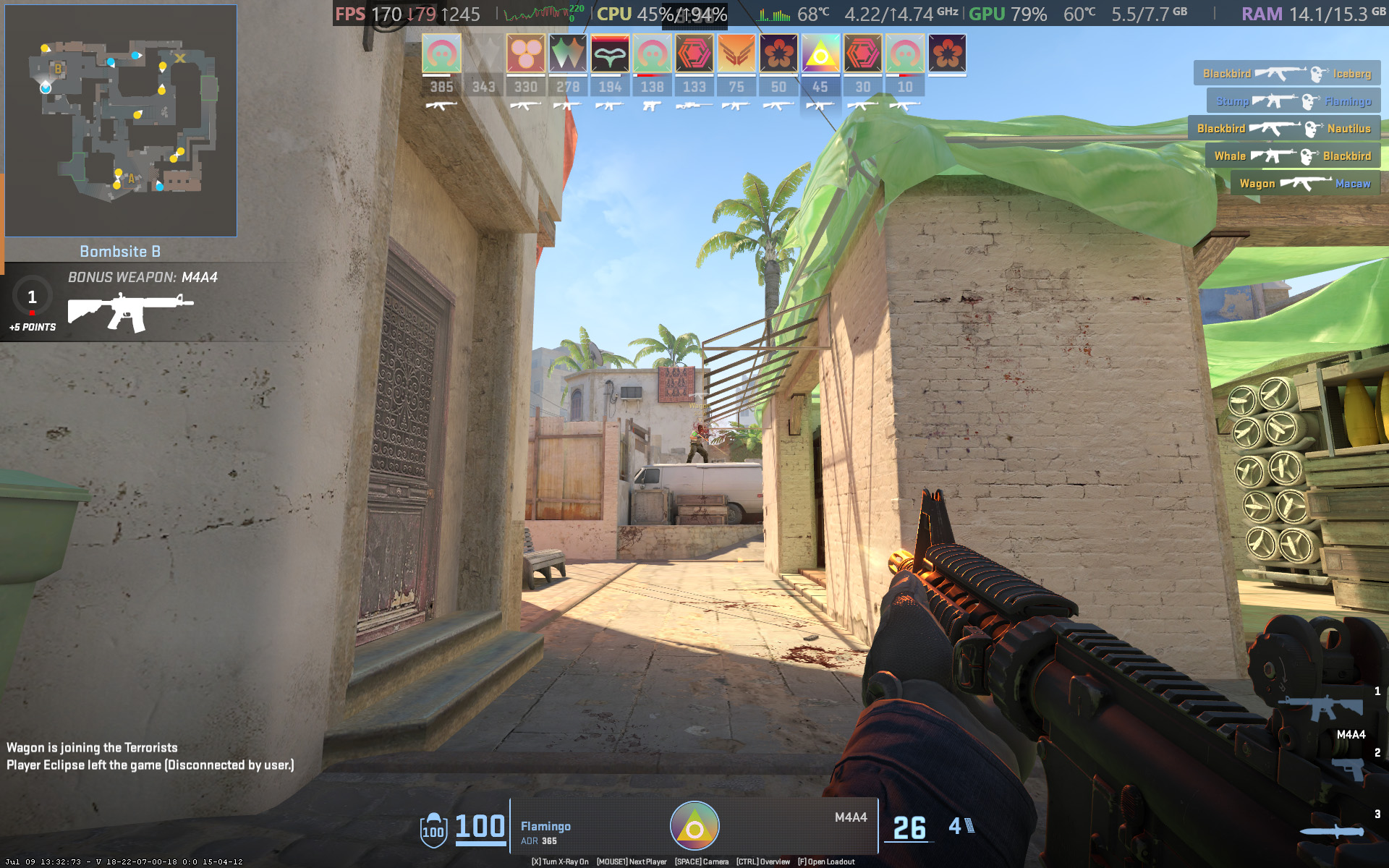
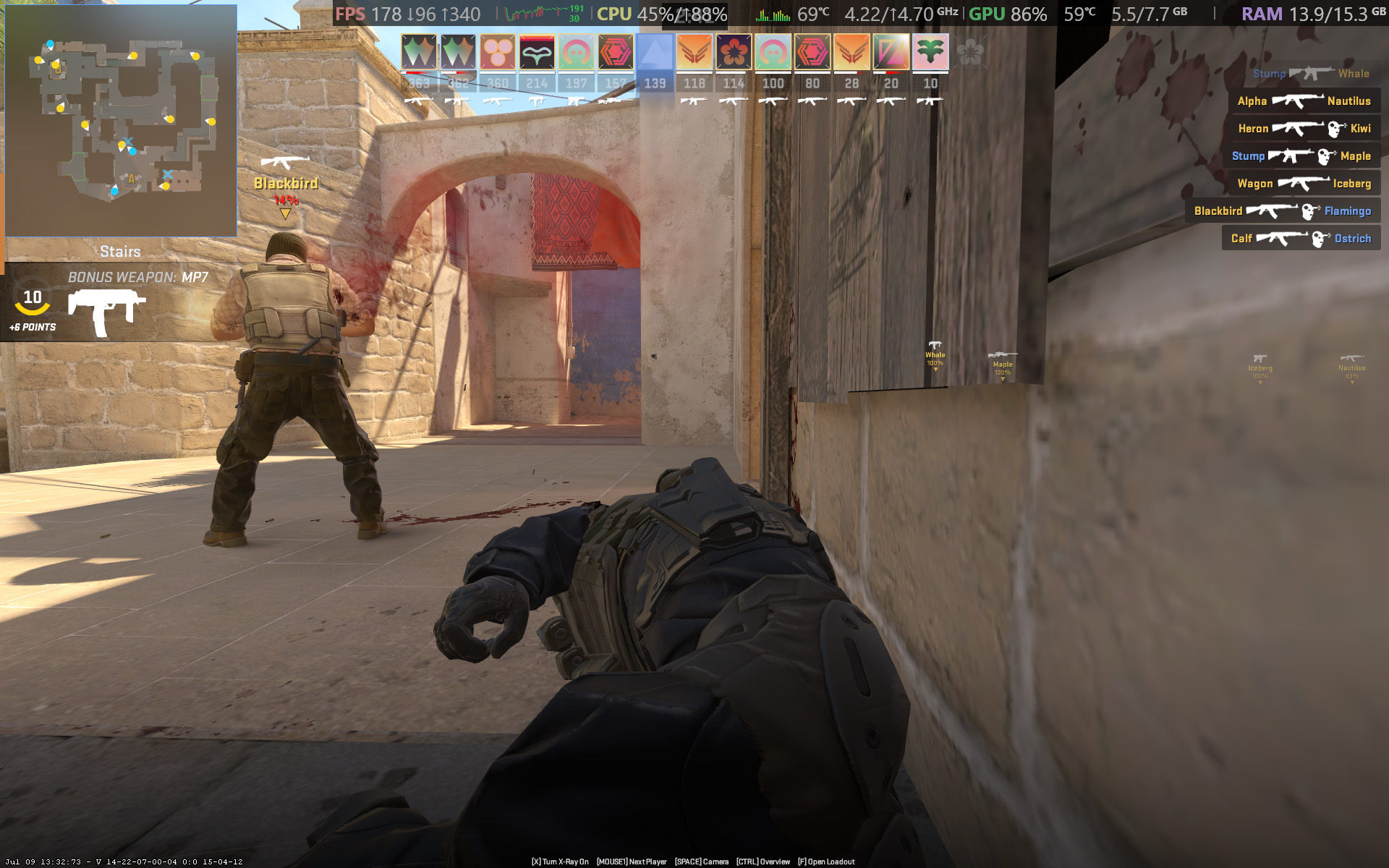
Starting with Counter-Strike 2, the game recommends 'High' settings with AMD FidelityFX Super Resolution and vsync disabled for native, uncapped rendering at 1920 x 1200. While spectating a few rounds on Dust II, I saw the frame rate remain around the 165 FPS target when I was connected to AC power and Alienware's 'Performance' mode was active.
However, the laptop's fans were extremely loud throughout, keeping the CPU and GPU temperatures at around 68 °C and 60 °C, respectively. Switching to 'Stealth' mode reduced the fan speed, but no amount of graphical tweaks brought them down to a comfortable, more inconspicuous level. This is a loud laptop, and you'll have to get used to wearing headphones when you're gaming.


In Cyberpunk 2077, I found that the 'High' preset with ray tracing and upscaling disabled most consistently achieved a native 60 FPS baseline in the game's built-in benchmark. Of course, the game supports DLSS 4.5, so setting Super Resolution to 'Balanced' and Multi Frame Generation (MFG) to 4X in the 'Ray Tracing: Low' preset has the Alienware 15 scaling to 171 FPS, up from ~42 FPS.
I have to assume you're considering a gaming laptop with NVIDIA's RTX 50 Series graphics to take advantage of realistic, ray-traced lighting. Luckily, that is quite possible with the RTX 5050 in the Alienware 15, depending on your feelings around MFG and "fake frames". If, on the other hand, you don't care so much about those visual luxuries, then it runs quite smoothly without ray tracing.
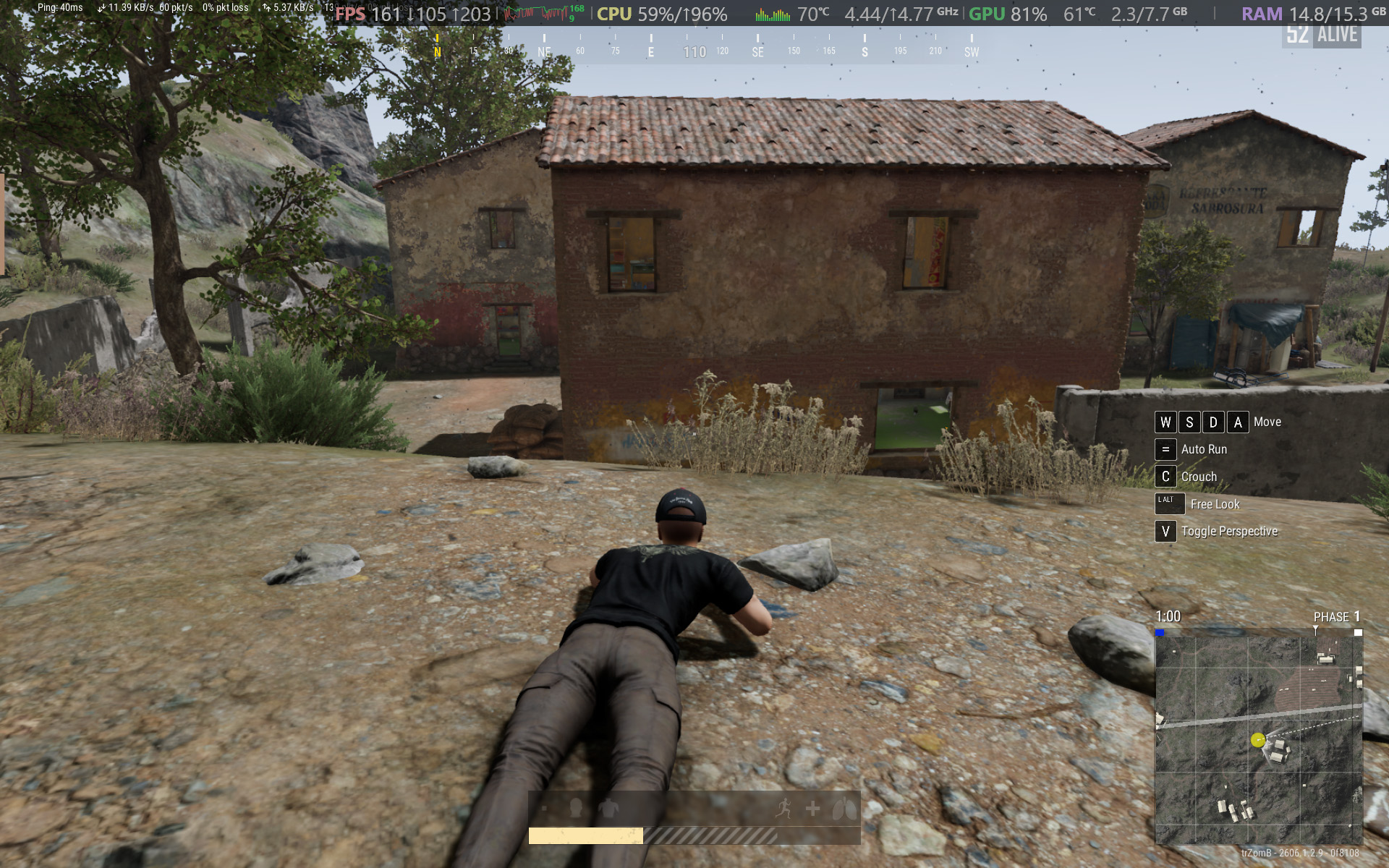

For other popular multiplayer titles, PUBG: BATTLEGROUNDS generally runs above 60 FPS with the 'High' preset at render scale 100, but you can push it to 165 FPS or higher by switching to the 'Medium' preset and further lowering some settings. Similarly, Apex Legends can reach 165 FPS and beyond with a little time spent in the settings, but the laptop's fans will be loud.
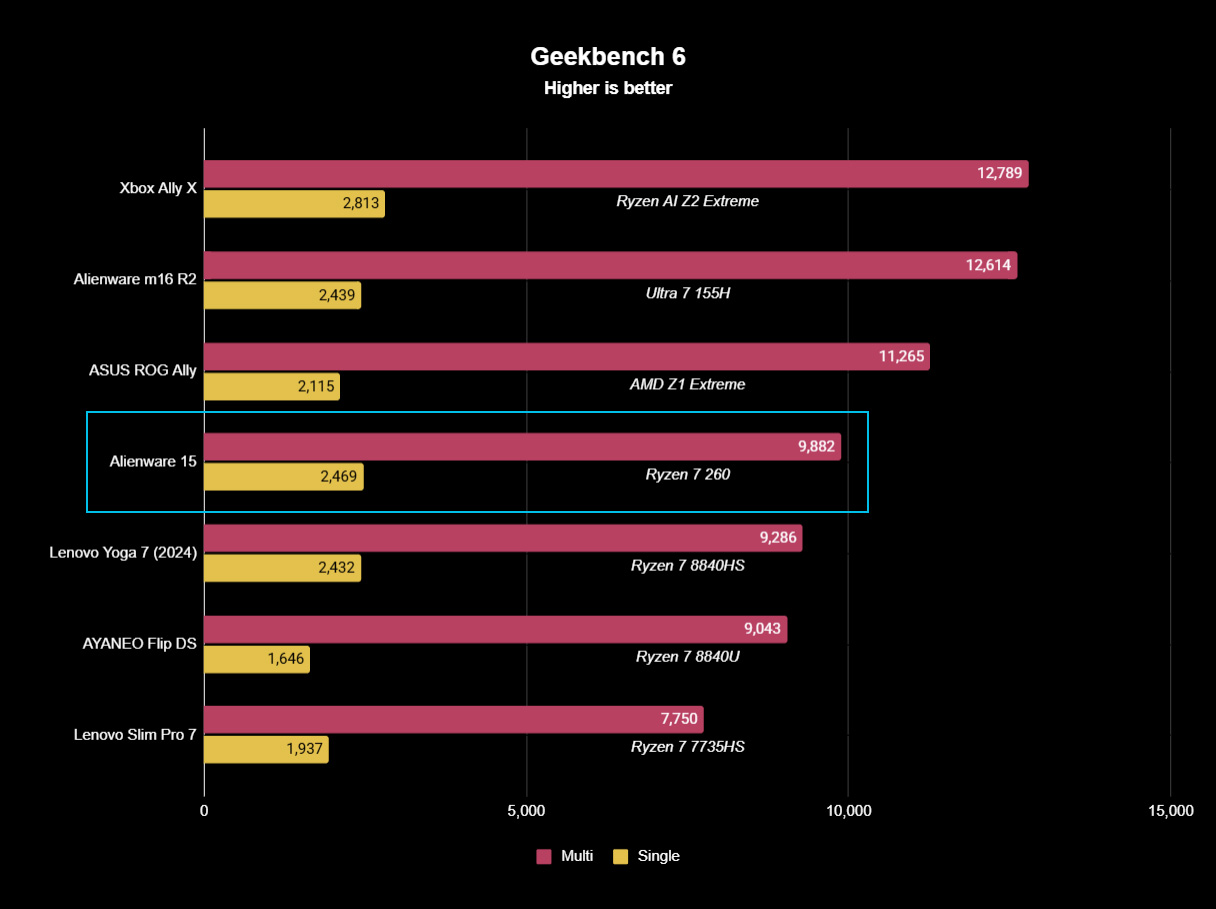
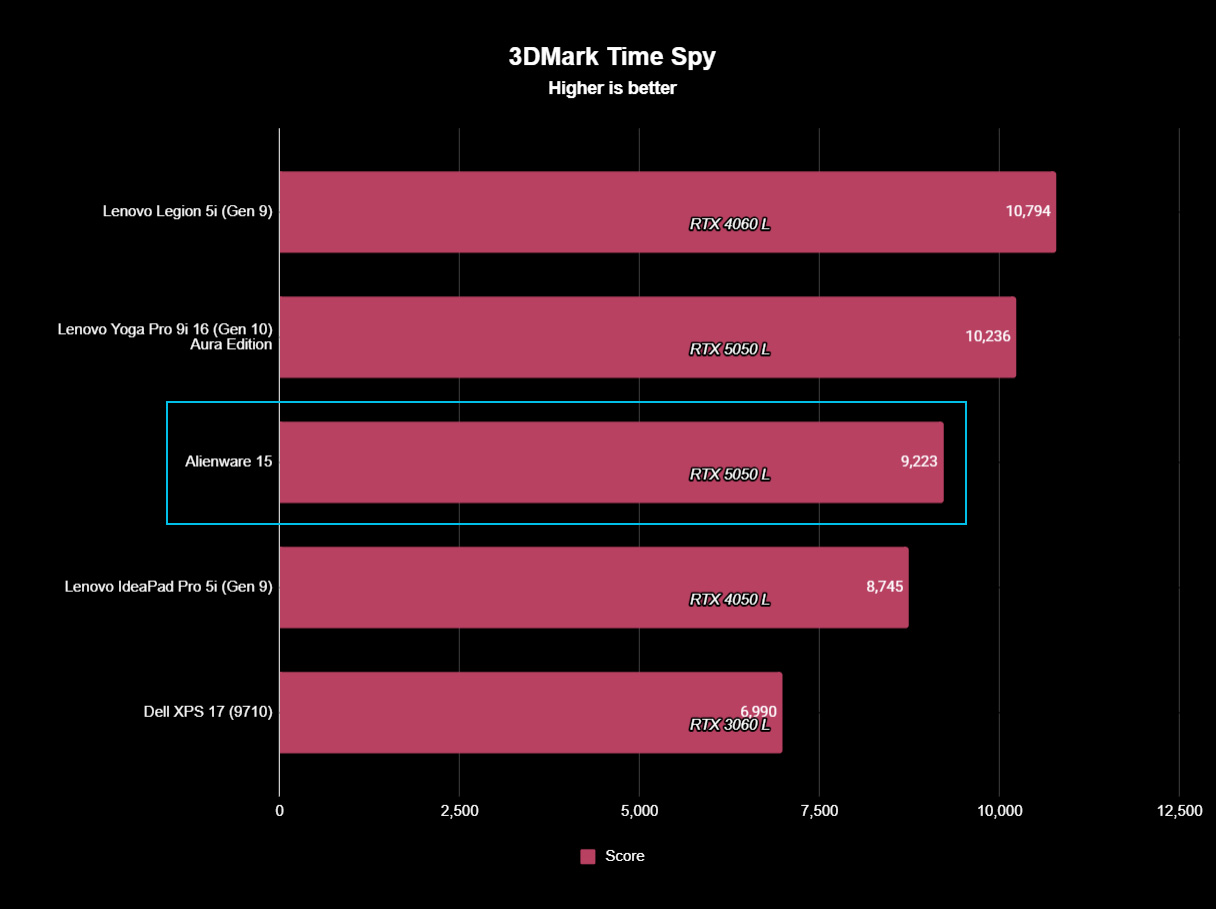
To put the specs of Alienware's cheapest laptop into perspective, the Ryzen 7 260 is a "Hawk Point" processor built on AMD's previous-generation Zen 4 architecture and ranks as the second-fastest CPU in the Ryzen 200 Series mobile range. That 8-core, 16-thread chip pairs with NVIDIA's entry-level RTX 50 Series mobile GPU, the GeForce RTX 5050.
However, benchmarking the Alienware 15's CPU in Geekbench 6 burst performance tests placed the Ryzen 7 260 even lower than I perhaps expected, even falling below the original ASUS ROG Ally gaming handheld from 2024. Cinebench 2024 failed to run any extended CPU stress tests after complaints of insufficient memory, so there's sadly no reprieve for this processor.
(The RTX 5050 is) faster than the last-gen RTX 4050, but of course, it still falls behind the 4060.
Testing the RTX 5050 across 3DMark's full gamut of GPU-centric tests yields a reasonably consistent and unsurprising conclusion: it's faster than the last-gen RTX 4050, but of course, it still falls behind the 4060. If you were choosing between a gaming laptop with an older GPU, such as an RTX 3060, and the 5050 in this Alienware 15, you'd choose the Alienware.
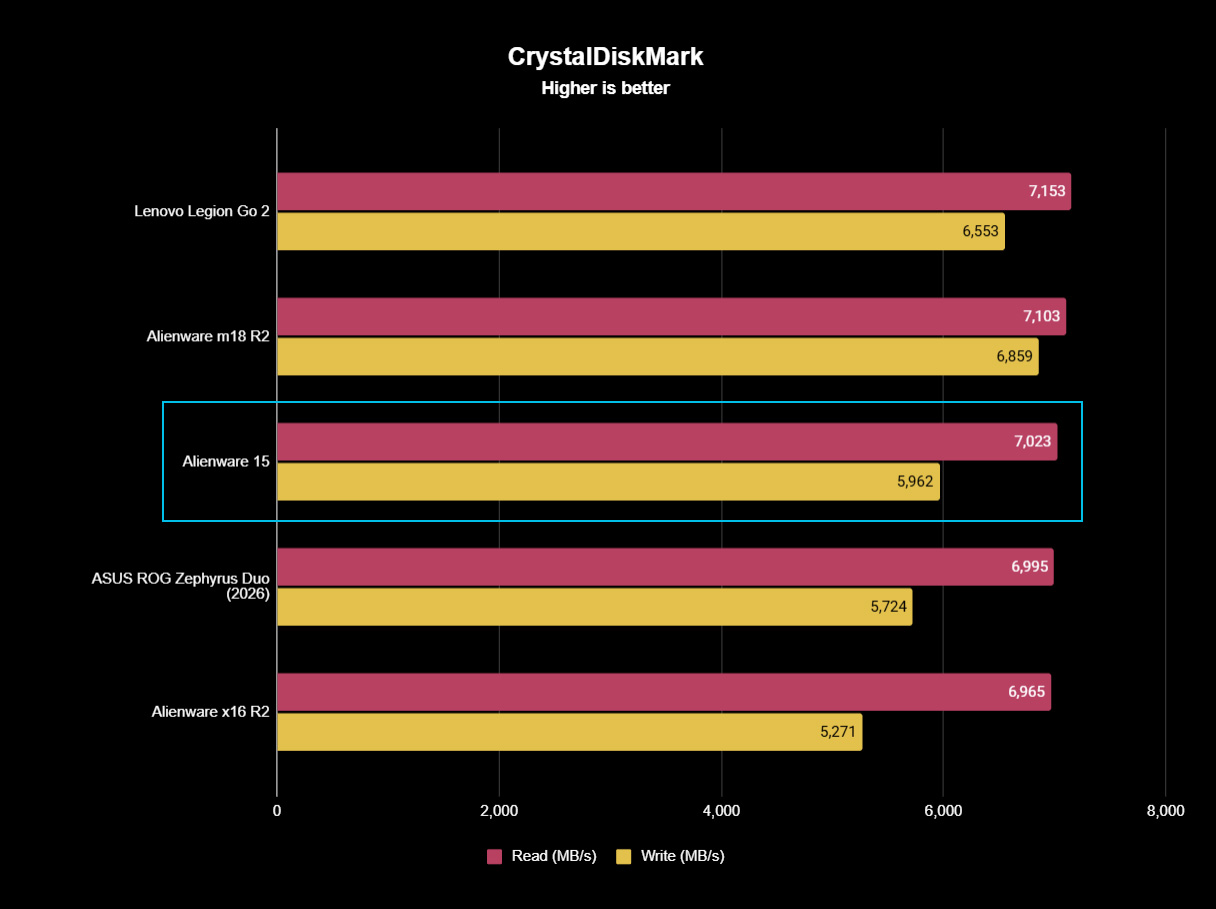
Finally, the PCIe Gen 4 SSD hits around 7,023 MB/s read speeds in CrystalDiskMark, while write speeds drop closer to 5,962 MB/s. It's a fast drive, and one that sees the Alienware 15 running neck-and-neck with the high-end Alienware m18 R2 from 2024. The 512 GB SSD has limited storage capacity, but it performs as expected.
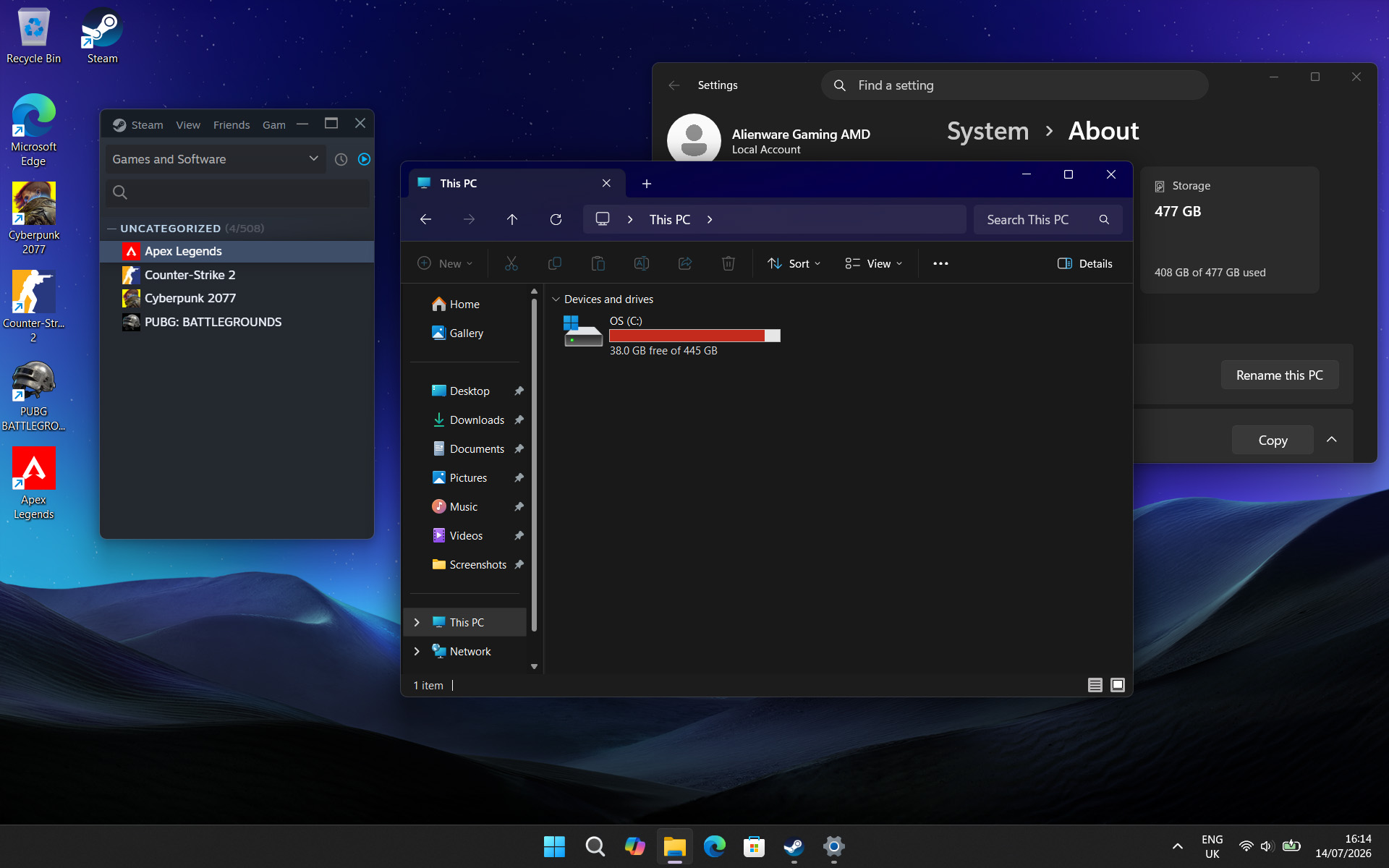
Above all, the most significant issue I had during my time with the Alienware 15 was its limited 512 GB SSD, reporting a usable 477 GB with only 332 GB of free space on its first boot into Windows 11. It simply isn't enough, and no amount of optimizations offered by the pre-installed 'SupportAssist' app can help that. After installing only four games, I was out of space.
Alienware advertises "user-upgradeable options" for "up to 1TB PCIe SSD (Gen4) storage", promoting "the flexibility to adapt for whatever comes next", but the ongoing memory crisis stunts that notion. It isn't Alienware's (or Dell's) fault, but I quickly learned that 512 GB isn't good enough in a gaming laptop, and upgrades are extremely expensive in 2026.
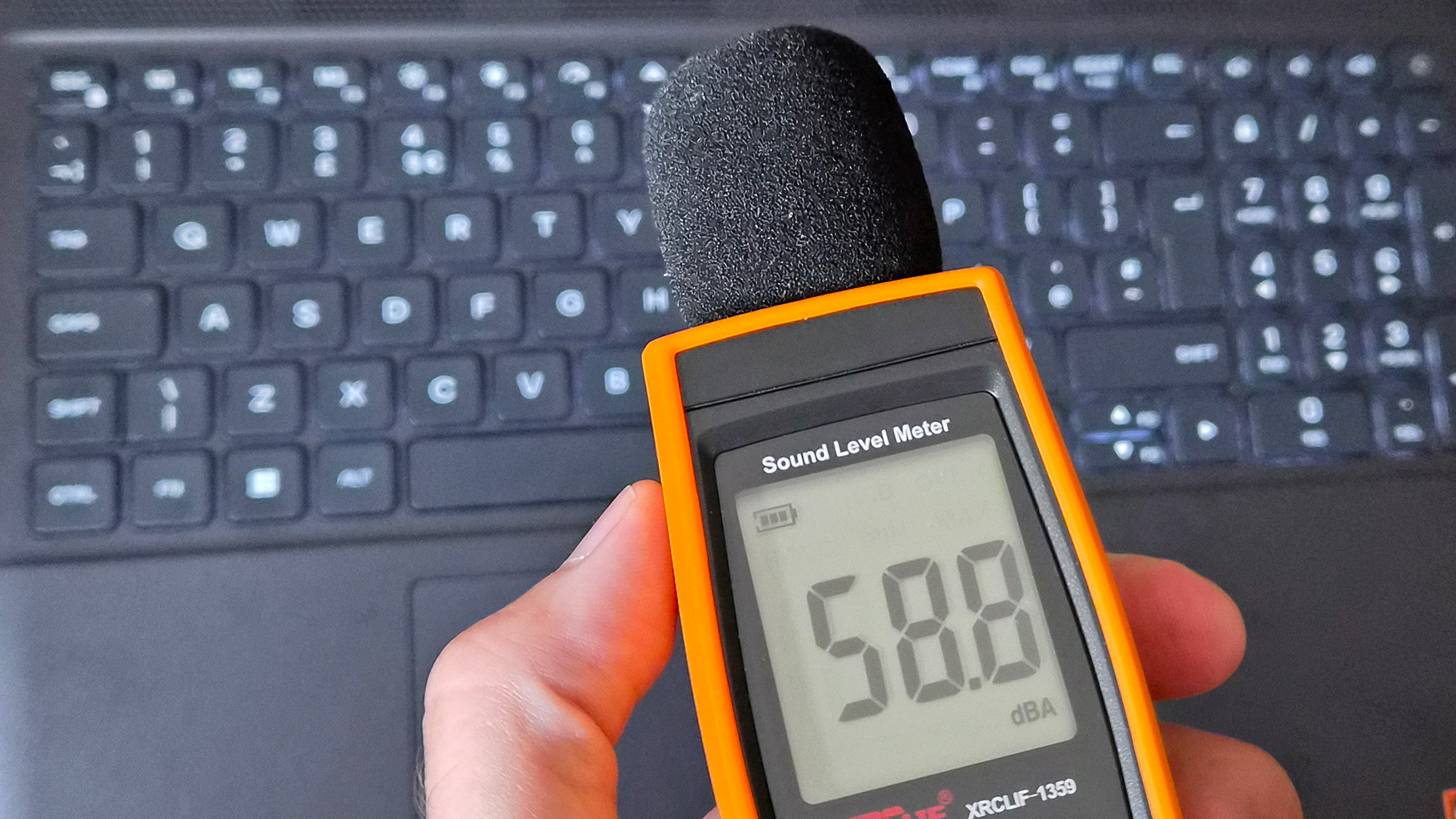

Otherwise, the loud fans (~58 dBA) are difficult to ignore and will likely annoy anyone around you. Booting into a game switches the Alienware 15 into 'Performance' mode via the Alienware Command Center companion app, which quickly ramps up the fan speed. Profiles like 'Stealth' mode advertise the laptop as "ideal for any environment", but it's only true if you aren't gaming.
Despite the fans working as hard as they can, the keyboard still gets quite warm during gaming, and it felt a little uncomfortable after a while. I could solve it by plugging in my Steam Controller or by using an external keyboard and mouse, but at that point it feels like I'm hardly using the laptop. Using a thermal camera, I detected a temperature of 46°C around the WASD keys — not abnormal for a gaming laptop, but not exactly ideal either.
✅ You want a modern, entry-level NVIDIA gaming laptop
✅ You don't have space for a full-sized desktop PC
❌ You're looking for quiet, portable AAA gaming
The biggest problem with entry-level gaming laptops is that they immediately compete with high-end gaming handhelds, like the Xbox Ally X, which will be more tempting for its versatility alone. However, if you're looking for a stay-at-home gaming machine that occasionally travels with you — with an 180W AC adapter included — the Alienware 15 keeps up with modern gaming by leaning heavily on NVIDIA's RTX 5050 GPU.
Its 512 GB of storage will fill up fast, so you'll either have to be happy with regularly switching between installed games from your library, or rely on an external hard drive to transfer backups. This laptop is loud, restrained, and heavy, but it will play your games, particularly so if they support NVIDIA's latest DLSS upscaling technology. If you're pondering the Alienware 15 on a budget because it's on sale, then I say go for it.
NVIDIA's GPU does all the heavy lifting, with DLSS upscaling helping this entry-level gaming laptop to keep up.
Join us on Reddit at r/WindowsCentral to share your insights and discuss our latest news, reviews, and more.

In a development that comes on the proverbial heels of China's formal approval of Apple Intelligence features for the country's consumers, Alibaba has notified that its Qwen family of AI models will be integrated into Apple Intelligence, bringing AI-powered experiences for iOS, iPadOS, macOS, and visionOS users. Users in China will now be able to access Qwen’s entire range of AI capabilities, including text, image, and content generation, directly on Apple devices Alibaba has now officially confirmed that users in China will be able to access its Qwen AI models via Apple devices, going on to note in a statement: […]
Read full article at https://wccftech.com/apple-intelligence-turns-to-alibabas-qwen-in-china-even-as-apple-is-likely-to-reserve-its-private-compute-secret-sauce-for-itself/


Although FromSoftware is known for keeping a very tight lid on its projects, the silence surrounding the Nintendo Switch 2 exclusive The Duskbloods is getting deafening. After resurfacing during last month's Nintendo Direct, we have learned that a closed network test is scheduled for this Summer, and today we have finally learned when the Japanese development studio, will lift the veil from the game it reportedly spent the most time on to date. "We will be hosting a network test for The Duskbloods on Nintendo Switch 2 from Aug. 21 (Fri.) - Aug. 24 (Mon.). Participant registration will begin on […]
Read full article at https://wccftech.com/fromsoftware-lifts-veil-the-duskbloods-august-21-network-test/

Nowadays, storage devices for consumer and data center applications differ rather dramatically, as do approaches to product design as well as go-to-market strategies. Therefore, to get a more or less comprehensive overview of the storage market in general, you must observe both ends of the spectrum. To complement our interview with Nelson Duann at Computex, we also sat down with his colleague Alex Chou, who is in charge of Silicon Motion’s enterprise storage business.
Alex Chou is an interesting person to talk to. Before joining Silicon Motion, he spent some 18 years at Broadcom, where he led the wireless connectivity business, also initiating the Enterprise Switch, PoE, and 10-G Base-T PHY business with a product marketing focus. Before that, he worked at UMC Capital, ARK Logic, and Western Digital, where he developed graphics accelerators. He deeply understands the industry and uses his knowledge to expand SMI's business into the data center segment. As he is the first general manager of Silicon Motion's enterprise business unit, it is safe to say that all the success that the company has faced in the new segment so far can be attributed to Alex Chou.
Anton Shilov: Can you introduce yourself to our readers, please?
Alex Chou: My name is Alex Chou. As you know, Silicon Motion has two business units: the client business and the enterprise business. I am responsible for the enterprise business unit. My responsibilities include defining new products, leading development teams, bringing products to market, and working with OEMs, cloud service providers, and other customers to promote our technology and differentiation.
Historically, Silicon Motion was focused on NAND controllers for client applications as well as embedded graphics processors and USB display controllers. Following the restructuring in the early 2020s, SMI formed a separate business unit to offer enterprise-grade SSD controllers, though it took the company some time to land its first tangible orders. By now, the company has yet to grab a 10% market share, yet it has clients among cloud service providers (CSPs), hyperscalers, and OEMs, significant achievements given Silicon Motion is a relatively new market entrant.
Anton Shilov: It has been a challenging year for much of the industry, particularly for memory-related segments. Yet Silicon Motion reported first-quarter revenue of $342.1 million, up 23% sequentially and 105% year-over-year, while SSD controller sales increased by roughly 40% to 45%. Can you explain what drove those results, particularly on the enterprise side?
Alex Chou: It depends on how you define a difficult year. If you look at the results, I would argue that this has actually been one of the best years the storage industry has seen.
Silicon Motion is fundamentally a controller company. We build controllers that work with NAND from all major memory suppliers. On the enterprise side, we are still relatively new compared to some established competitors, but we have secured a number of new projects and have started delivering products to customers.
We have invested heavily in PCIe Gen5, Gen6, and Gen7 enterprise SSD controllers. Today, our Gen5 products are beginning to ramp into volume production with multiple OEM customers. That ramp is contributing to our growth.
Anton Shilov: Do you have an estimate of your market share in the enterprise SSD controller market?
Alex Chou: That depends on how you define the market. Some people measure market share by unit shipments, while others look at exabytes shipped because SSD capacities continue to increase.
We have only recently begun shipping enterprise products in volume. If you listened to our CEO's comments during the earnings call, we expect enterprise shipments to increase significantly in the second half of the year. We are still in the early stages of our ramp, but we are making good progress with several key customers.
If you look beyond the initial ramp and think about the full-year run rate, I believe we can build from there and target a much stronger position next year. Longer term, our goal is to exceed 10% market share in the $4B enterprise SSD controller market, but this year is really about getting through qualification, customer testing, and the early production ramp in 2 half of this year.
Our goal is to continue expanding our share. We are only beginning the ramp [of our data center-grade SSD controllers] today, but we expect our share to increase meaningfully as deployments grow.
Anton Shilov: Who are your primary customers? SSD manufacturers, OEMs, or hyperscalers?
Alex Chou: We primarily work with OEMs. We sell controllers and firmware solutions to SSD manufacturers and OEMs. Some customers use our complete controller-and-firmware solution, while others develop their own firmware.
At the same time, we work directly with hyperscalers and cloud service providers to explain the advantages of our products and ensure they understand our technology roadmap.
Enterprise SSDs are used in several different segments. Traditional compute servers represent one market. High-density storage systems used for AI and large-scale data storage are another. We also see growing interest in storage systems located near GPUs, where latency becomes particularly important.
One area where we differentiate ourselves is quality of service. We have developed a patented traffic-shaping engine that helps maintain latency consistency under heavy workloads and multi-tenant environments. That capability is particularly attractive to hyperscalers and cloud service providers.
Anton Shilov: Do you see the enterprise SSD market splitting into different categories depending on workload?
Alex Chou: Yes. We see at least three major categories emerging.
The first is traditional compute-attached enterprise SSDs, which are used in conventional servers and storage systems. The second is very high-density storage for AI and hyperscale environments, where capacity, throughput, and cost efficiency are critical. The third is storage located closer to GPUs, where the requirements are very different because latency and quality of service become much more important.
That third category is particularly interesting. In AI systems, the storage subsystem is no longer just feeding CPUs. It increasingly has to support GPUs directly, especially for workloads involving very large datasets or KV-cache offload. In those environments, low latency and predictable performance matter much more than they did in traditional storage deployments.
Anton Shilov: Is that where Nvidia's Storage Next vision comes in?
Alex Chou: Yes. Storage Next is one of the major industry developments we are watching very closely.
The idea is that storage will move closer to the GPU and become part of a much more tightly integrated data path. In some cases, the goal is not just to maximize bandwidth, but to ensure that latency remains low and deterministic enough for AI workloads that continuously move data between accelerators, system memory, and storage.
This is one of the reasons we have invested heavily in QoS and latency control. Through our traffic-shaping technology, we can manage access patterns and reduce latency spikes when multiple tenants or applications share the same SSD. In a cloud environment or an AI storage environment, that becomes very important.

Anton Shilov: So, the challenge is no longer just raw throughput, but how predictably the SSD behaves under load?
Alex Chou: Exactly. Bandwidth still matters, but in many enterprise and AI environments, consistency matters just as much.
When multiple applications, multiple VMs, or multiple users share the same storage device, you need to control latency and quality of service carefully. If performance becomes unpredictable, it can affect the entire system.
That is why we have focused on a traffic-shaping mechanism that can prioritize and isolate workloads more effectively. We believe that kind of latency management will become a key differentiator for enterprise SSD controllers going forward.
Anton Shilov: How does that affect your roadmap for future controllers?
Alex Chou: It affects it quite a bit. Our upcoming controllers are not designed only for higher sequential bandwidth. They are also being designed for newer enterprise requirements such as OCP 2.7 compliance, stronger security, better QoS, and support for more advanced deployment models.
Anton Shilov: Are you already sampling your PCIe 6.x controllers?
Alex Chou: On the Gen6 side, our controller design is essentially complete; we have an FPGA [emulating algorithms], and we expect tape-out very soon. If everything goes according to plan, we expect first silicon back in the second half of 2026.
That controller not only supports a faster host interface, but also supports new features and requirements we see from AI infrastructure and hyperscale customers.
Anton Shilov: So, the PCIe Gen6 SSD platform is not just a speed upgrade for Silicon Motion?
Alex Chou: Correct. PCIe Gen6 obviously provides more bandwidth, but for us the more important part is that the surrounding system requirements are changing as well. Security, QoS, cloud deployment models, and AI storage architectures are all evolving at the same time, so the controller has to evolve with them.
Anton Shilov: Let us talk about the roadmap in more detail. You said the PCIe Gen6 enterprise controller is close to tape-out. What comes after that?
Alex Chou: PCIe Gen6 is the next major step for us, and the design is essentially complete. We expect to tape out very soon and, assuming [everything works correctly], receive first silicon in the second half of 2026.
But internally, we are already working beyond PCIe Gen6. PCIe Gen7 development has already started. In fact, the overall architecture for our Gen7 enterprise controller platform has already been defined. That means we are not just planning the interface speed increase; we are also defining the surrounding architecture, feature set, and deployment model that will be needed in the next generation of enterprise and AI systems.
Anton Shilov: So, SMI's PCIe Gen7 controller is no longer just a concept?
Alex Chou: Correct. PCIe Gen7 is already in active development. The current plan is to have internal samples in 2H, 2027 and to move toward production in that same general timeframe.
As controller development becomes more complex, you cannot wait until the market is ready before starting work. By the time a new interface reaches the market, the controller has to be nearly finished already. So, we are always working at least one generation ahead, and in practice often two.
Anton Shilov: As NAND becomes denser and more complex, error correction also becomes a bigger issue?
Alex Chou: That is a major part of controller development now. As NAND moves to higher layer counts and denser cell structures, the controller has to do more work to maintain reliability, endurance, and data integrity.
One of the areas we are working on is stronger LDPC. On the enterprise side, LDPC with a 16KB collaborative codeword is already used with SM8466, SMI’s first Enterprise PCIe Gen6 controller, and it is part of the roadmap because future NAND will require more robust error correction. That is one of the reasons enterprise controller architecture keeps becoming more complex generation after generation. You are no longer designing only for interface speed. You are also designing for signal integrity, power, security, QoS, error correction, and support for future NAND generations that may behave very differently from today's devices.
Anton Shilov: Will LDPC with 16KB collaborative codeword be enough for next generations of 3D NAND with hundreds of active layers?
Alex Chou: A 16KB LDPC engine already consumes a significant amount of silicon area and is quite sophisticated. For PCIe Gen7 controllers, our goal is to optimize and improve that engine from multiple angles rather than simply keep expanding it. We still need our architects to make the final call on exactly which improvements we will implement, but at this point we are more likely to refine and enhance the current design than to move beyond 16KB LDPC.
Anton Shilov: Speaking more generally, SSD controllers are increasingly becoming full platforms rather than just controllers, because integration matters so much. Do you expect close collaboration between controller vendors, NAND makers, and SSD manufacturers to become even more important as the industry moves to next-generation storage devices?
Alex Chou: I may not fully understand your question, but let me explain how we approach it.
At Silicon Motion, we design the controller architecture and build the firmware stack with a rich feature set. For example, we have developed our own [PerformaShape] traffic-shaping engine to improve QoS. That is the foundation of the platform.
From there, we have to look at how NAND evolves from one generation to the next. As we move from PCIe Gen5 to Gen6 to Gen7, controller performance has to scale accordingly. If you want to saturate the PCIe interface and deliver, say, 7 million IOPS today and much higher performance in future generations, you have to understand exactly where NAND is going.
That is why my team meets regularly with Samsung, SK hynix, SanDisk, Kioxia, and all other NAND vendors to review their roadmaps. Silicon Motion is part of that ecosystem, and because of those relationships, we usually get early visibility into future NAND generations and often receive early samples so we can bring up our controllers and make sure they take advantage of new NAND as quickly as possible.
That matters even more in the current supply environment. Because we work with all NAND suppliers, hyperscalers and cloud service providers can come to us and ask for a solution that is not tied to a single memory vendor. A company like Samsung naturally builds around its own NAND, but we have the advantage of being able to support multiple suppliers. That gives customers much more flexibility when supply is tight.
So yes, we have a core controller architecture and a common firmware base, but one of our strengths is that we work very closely with NAND vendors on future generations and make sure our platform can take advantage of faster interfaces, higher die counts, and new NAND capabilities as they arrive.
Anton Shilov: What about storage-class memory? Are there any developments there? As far as I can tell, adoption of Kioxia’s XL-Flash has been limited.
Alex Chou: That’s a very good question. I am actually going to visit Kioxia, so I should have a better sense of their plans after that. At the moment, Kioxia is essentially the only company still pushing XL-Flash, so they are trying to build something around it.
The challenge is that it is not just about the technology itself. You need a broader ecosystem to support it, and that is what makes the situation more complicated. We are watching it closely and trying to understand whether it is something we really need to support, but at this point I do not have a definitive answer. We are still evaluating it.
Anton Shilov: Have you heard anything similar from other suppliers? Quite a few memory makers used to talk about storage-class memory or similar technologies in their roadmaps.
Alex Chou: Based on what we know, not really. If you look back at last year’s Flash Memory Summit, several NAND makers were talking about higher-performance flash and storage-class-memory-like concepts. That created a lot of buzz at the time, and we looked into it, just as we have looked into XL-Flash, to understand whether there was a real ecosystem forming around it.
But there is much less discussion around those ideas now. One reason is simple: memory vendors do not really need those products at the moment because they can sell conventional NAND at very high prices and still generate strong returns.
Anton Shilov: In other words, they can just sell QLC 3D NAND and be perfectly happy.
Alex Chou: Exactly.
Anton Shilov: On the other hand, Nvidia wants storage devices capable of 100 million IOPS.
Alex Chou: Yes, that is where Storage Next comes in.
Anton Shilov: Has anyone actually come close to 100 million IOPS yet?
Alex Chou: I would say Storage Next gains many attentions. XL-Flash could be one possible approach to address that kind of requirement. But these are other options aiming to address high-performance and low latency needs.
What matters more is that Storage Next has a much stronger ecosystem behind it because Nvidia is actively driving it. There are regular meetings around it, and our architect has been involved from the very beginning. We have been tracking it closely and trying to make sure our future controller architecture can support it if and when the market materializes.
At the same time, Nvidia itself appears to recognize that 100 million or 200 million IOPS may not be realistic in the near term. The target seems to be moving closer to something like 50 million IOPS, which is more achievable. So yes, we are watching it very closely, and we are building in the flexibility to support it if needed.
In storage, having a technically interesting idea is not enough. The industry has to agree on how to use it, how to deploy it, and how to integrate it into systems. Storage Next currently has more momentum because the ecosystem behind it is much stronger.
Anton Shilov: So, you see Storage Next as more commercially relevant than storage-class memory, at least for now?
Alex Chou: Yes. At least today, Storage Next looks more immediate and more actionable.
We are already participating in those discussions and thinking about what future controller requirements will look like in that environment. That includes not only bandwidth, but also latency behavior, QoS, and the role storage plays in systems where GPUs are increasingly central to the data path.
That does not mean other technologies disappear. It just means that if you ask where the market is actively moving right now, the answer is much more on the Storage Next side than on the storage-class-memory side.
Anton Shilov: So, in practice, you make sure your controller works with all relevant NAND types, while the memory vendor mainly has to make sure the media itself complies with the interface requirements?
Alex Chou: When we design a controller, we already cooperate closely with NAND suppliers. Our architects look at all of the major vendors to understand whether there are any special requirements we need to account for. Then we handle another layer of optimization in firmware to make sure we can support all of those devices properly.
If you look deeper into enterprise NAND, most products also use interface chips internally to connect large numbers of dies. Those interface chips can differ from vendor to vendor, so we need to understand their configurations as well, including die counts, planes, and other architectural details. The goal is to make sure the controller and firmware together can support all of those different combinations.
So far, our architecture has been able to support NAND from SanDisk, Kioxia, SK hynix, and the other major vendors. Even if the interface chips differ, we try to keep the overall hardware design as flexible as possible.
There are really three elements involved: the controller itself, the hardware board, and the firmware. Ideally, you do not want a completely different board design for every NAND supplier. Fortunately, the industry has standardized a lot of the pinouts and module interfaces, which makes it possible to use a common hardware design and swap in NAND from different suppliers with the right firmware support.
We spend a lot of time making sure we can support all of those different combinations.
Anton Shilov: So you are effectively building controllers with a fairly clear view of what future NAND generations will look like.
Alex Chou: Exactly. We want to make sure that when the next generation of NAND arrives, we are ready to support it as broadly as possible.

For the longest time, I thought that, despite their annoyances, iPhones had something big over the best Android phones: PC connectivity. I'd always seen iPhone and Mac-owning friends quickly send files between the two, and assumed it was an Apple-exclusive feature.
As it turns out, this isn't true. Android users can use a Windows app that brings loads of really useful features — and it's really underutilized, which is why a tech journalist like me hadn't heard of it.
This software is called Phone Link, and we've got a guide on how to connect your Android phone to a Windows PC using Phone Link elsewhere on TechRadar. I downloaded it about a year ago, largely out of duty to test every tool, appliance, and gadget I could get my hands on. I was expecting it to last a weekend.
A year on, though, and Phone Link has become such a useful part of my workflow that I'd forgotten it's something not everyone's heard about. It's such a natural part of the way I use my phone and computer that I'd totally forgotten it was something I initially downloaded to test!
Well, no longer: TechRadar has let me wax lyrical about Phone Link, and I'm going to give the tool its time in the sun.
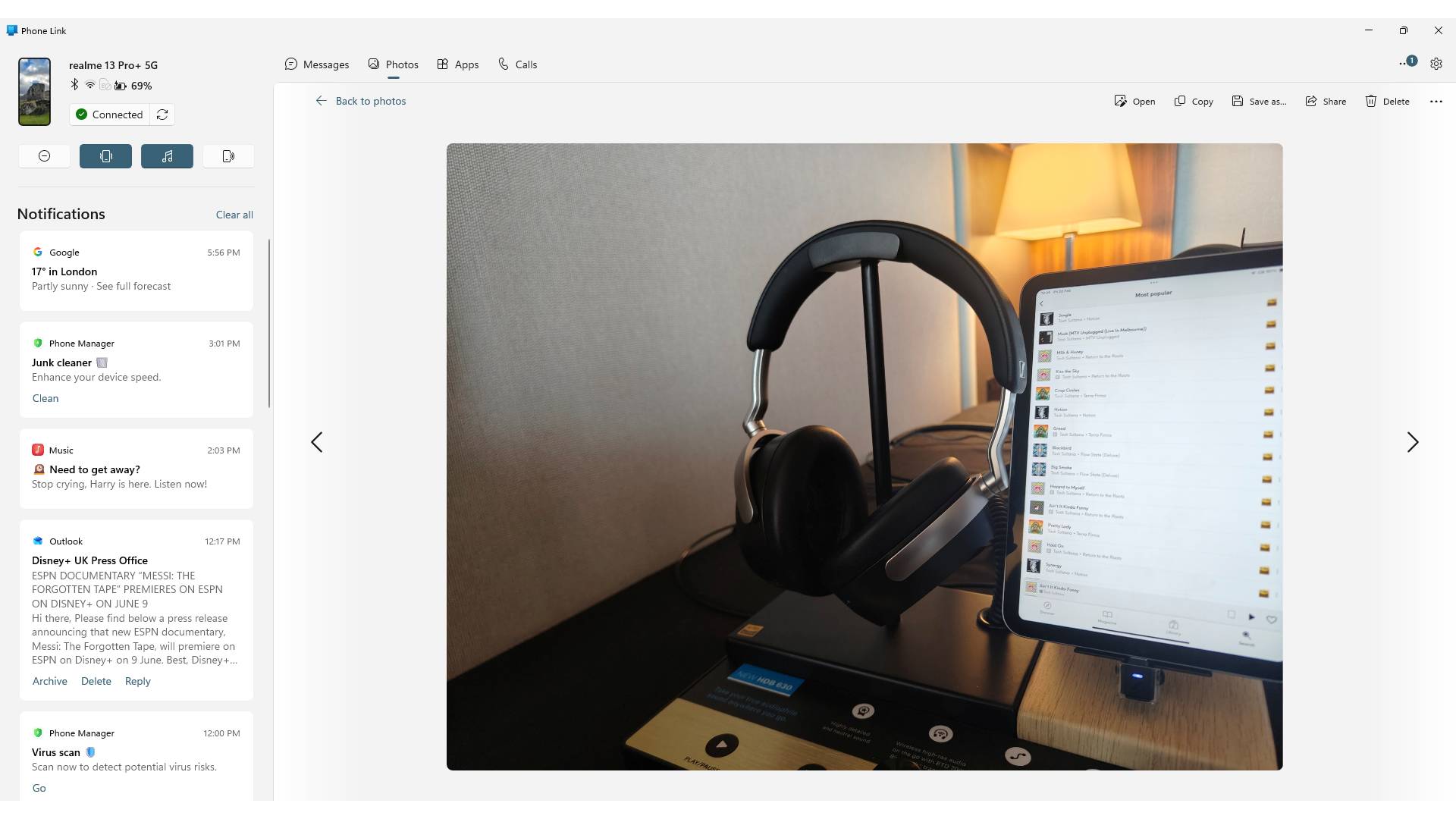
For the most part, whenever I want to connect my phone to my PC, it's to move pictures between the two devices.
As a smartphone journalist, you can understand that I'm sending snaps from my phone to my computer a lot. Sometimes it's camera samples from a mobile I'm testing that I want to upload for a review. Occasionally, I want to back up pictures I really like before I wipe a phone and send it back to the company.
The most frequent use case, though, is to transfer to my PC pictures I've taken on one phone, of another. I use smartphones to do review photography, and it's a great way to test out a phone I'm reviewing.
Before Phone Link, I'd have to use a USB cable to connect my phone to my computer — approving the connection on my Android's end, because they're always annoyingly suspicious — and drag and drop all the relevant pictures into a folder on my computer. It's not an especially onerous process — it's a lot quicker than when I used to use Google Drive to transfer pictures, for instance — but it takes a little while of fiddling with my phone and digging out a cable to work.
Not so with Phone Link. Its Photos tab shows a big old list of all the pictures you've taken recently, giving you options to save them to your PC, open them in an editing app, and share them with others.
These pictures appear as soon as you take them, as long as your phone is on the same Wi-Fi as your computer. I've become used to taking photos in one room of my home, and entering my office, to see them linked up on Phone Link, ready for an edit. When I've got PC notifications turned on, I can even hear the 'bong' of my computer telling me they've arrived.
Phone Link also lets you browse the contents of your mobile in the Files tab, where it appears in the Devices and drives list alongside any cloud or local drives you have. I don't use my phone to handle non-photo files, but it's a nice touch that'd be really useful if I were in another line of work.
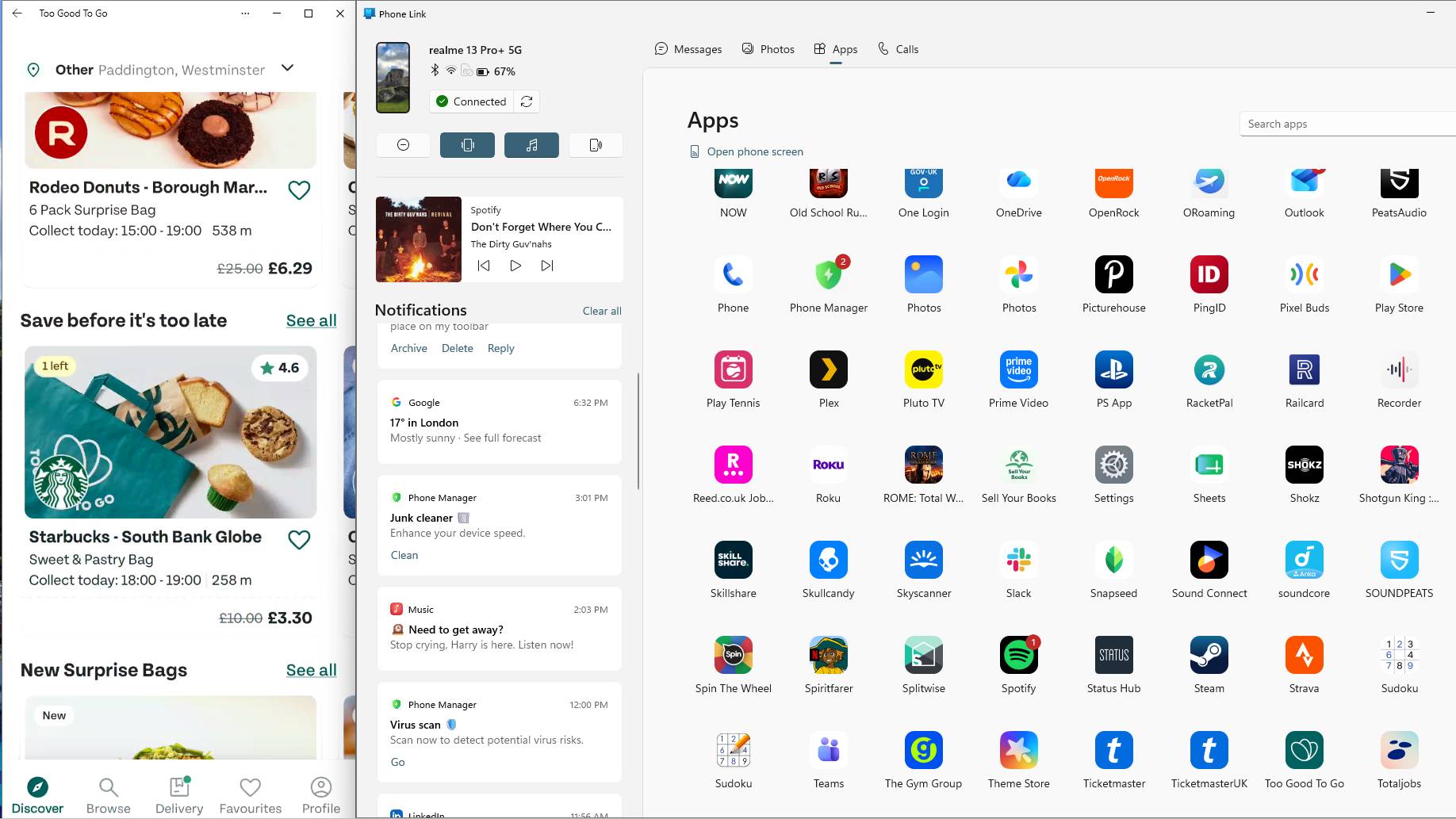
Ostensibly, one of the main uses for Phone Link is that it lets you open your smartphone apps on your computer. Its Apps page shows you a massive list of every one you have installed on your mobile, and clicking on it opens it in a window.
This doesn't override anything you have going on on your phone; if you're using it as a second screen to watch a YouTube video or act as a music player (one of many ways you can repurpose an old Android phone), the app will open in your PC window alone.
When I first started Phone Link, I tried using it for everything, but often bounced straight off. In many circumstances, using a smartphone is simply more intuitive than using a mouse and keyboard, given that phone apps are designed for thumbs. But over time, I've found a few uses of Phone Link's app windows that are genuinely handy.
As mentioned, one of those uses is as a music player. I can let Spotify hang around as a spare window, ready to skip tracks or change playlists when I want. It's also useful as a way to check apps that don't have PC equivalents, like Too Good To Go or Mubi Go, or ones that do have web functions but are easier on the phone, like my national health service's app.
There's one way that Phone Link saved me hours, though. When I used to work for a company that didn't let you use your work Gmail account on personal computers, Phone Link was my workaround to still see emails on my PC. This saved me ages each day; time that'd otherwise be taken up checking and replying to emails on my phone, or trying to get my decrepit work laptop to turn on.
Naturally, you can manage your calls and texts via Phone Link too. Personally, I don't think I've sent an SMS or made a non-WhatsApp voice call since the 2010s, but I'm sure there are some people who'd find this handy.
I also appreciate a notification list down the left side of Phone Link. This transforms it from being software solely for controlling your mobile to a veritable hub of information from your handset. I'll often keep it up on my second monitor; it makes good use of its space.
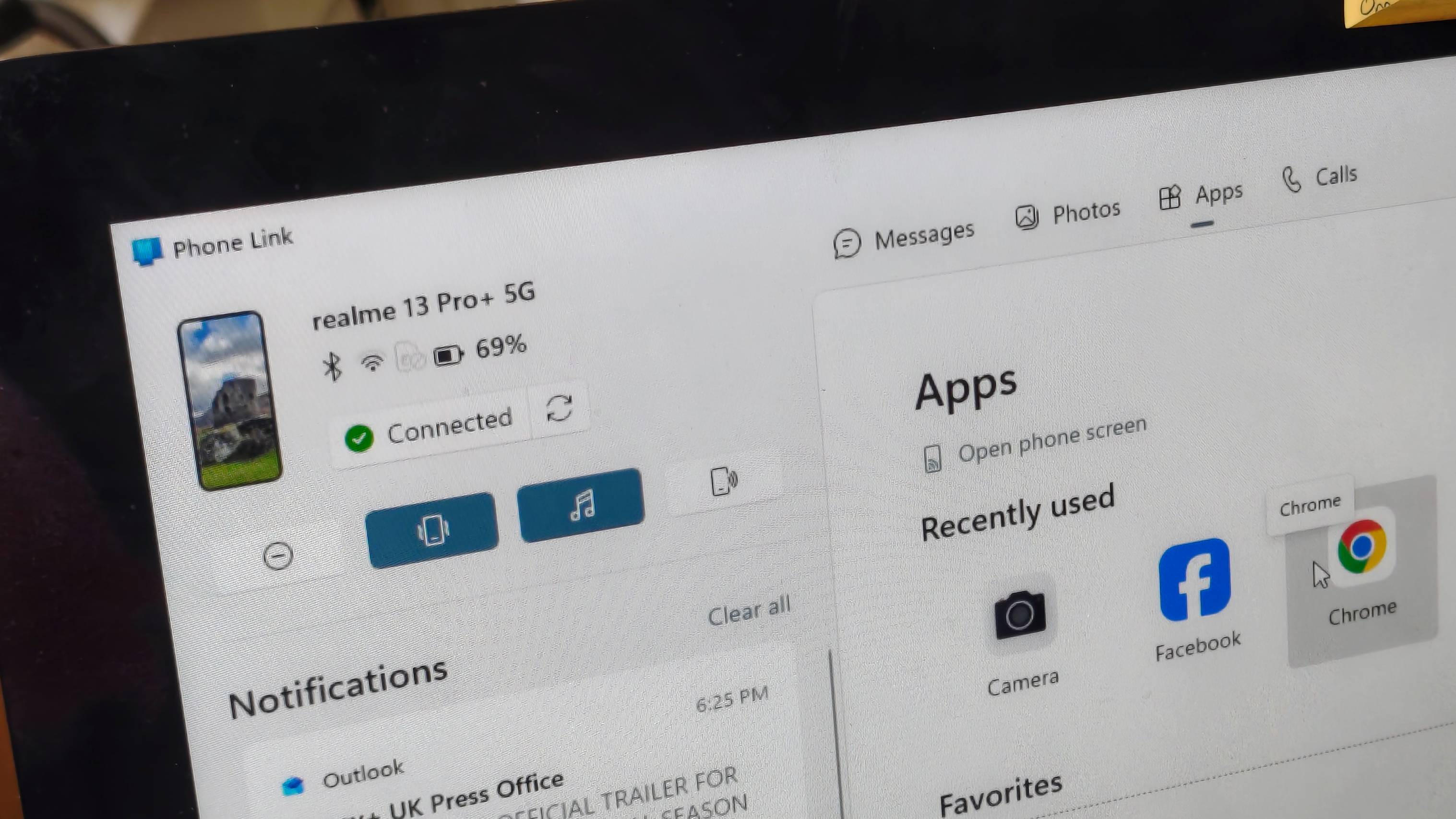
As mentioned, you can use your computer to control your mobile's apps via Phone Link, but you can also use it to change the actual settings of the device itself, which proves itself useful in an entirely different way.
Phone Link lets you monitor your phone status; I can see how it's connected to other devices, what battery it's on, and whether it's currently paired with Phone Link or not. I can even see a little representation of what my wallpaper currently is. All useful to a small degree, but the charge is the only one of those that's seriously useful.
What's more important are the status controls. You can toggle between vibrate, sound, and silent, turn Do Not Disturb on and off, and turn on the media player.
From a cursory mention of the tools, these might not sound that important, but I've found them really useful in a pinch. I'm constantly forgetting to mute my phone before I go on a video meeting, and a quick click of the Do Not Disturb button means I'm not going to have unexpected calls.
As a lazy person, I also love the fact that you can use Phone Link to play a sound from your phone; I'm always doing this instead of spending five seconds actually looking.
My one gripe with Phone Link is that I still need my phone with me to use it. When you start using it each session, you're required to unlock your device and approve the connection. But this is a small price to pay for the transformational effect it's had on my workflow — and I hope that you, too, consider giving it a try.

Back in 2023, T-Force by TeamGroup introduced its first Gen5 SSD solution, the CARDEA Z540. Based on the Phison E26 controller, this SSD offered up to 12.4 GB/s speeds, making it a solid option back then. At the moment, there are plenty of Gen5 SSD controllers in the market, Phison has its new E28 and E31T, the SMI SM2508 is doing great, and InnoGrit, along with Samsung, has its own solutions offering really fast storage capabilities on NVMe products. TeamGroup has also streamlined its product family over the years, now leveraging the G-series branding in "GE", "GC", and "GA". The […]
Read full article at https://wccftech.com/review/team-group-t-force-ga-pro-gen5-2-tb-nvme-ssd-review-tuned-specs-for-entry-level-gen5-builders/


A former TSMC executive, suspected of taking the firm's trade secrets to Intel, has had his records on Taiwan's research institute's body removed, according to reports in the local media. The executive, Wei-Jen Lo, was TSMC's senior vice president for corporate strategy and development and he played a role in helping the firm mass produce its 5-nanometer, 3-nanometer and 2-nanometer chip manufacturing process technologies. Authorities began investigating Lo last year in November after he left TSMC following allegations that the former executive took proprietary company data to Intel. Taiwan's Industrial Technology Research Institute (ITRI) Removes Former TSMC Executive's Page Amidst […]
Read full article at https://wccftech.com/taiwan-erases-tsmc-executive-from-itri-website-after-he-joined-intel-amid-trade-secret-allegations/


NVIDIA CEO, Jensen Huang, has arrived in Japan and will be holding key meetings with robotics partners to advance the Physical AI era ahead. Jensen Huang Arrives In The Birthplace of Humanoid Robots To Kickstart The Physical AI Era AI is a multi-domain market, and while Agentic AI is all the buzz these days, there's one other key market that is growing at a rapid pace with the evolution of AI: Physical AI. Robots are to Physical AI what humans are to Agentic AI. And NVIDIA has a vast robotics platform ready for the future. It is mainly powered by […]
Read full article at https://wccftech.com/jensen-huang-lands-in-japan-the-birthplace-of-humanoid-robots-as-nvidia-kickstarts-physical-ai-era/


ZeniMax Online Studios was among the first-party studios most affected by the Xbox layoffs in both July 2025 and 2026. Last year, the team saw its sci-fi online game Project Blackbird (with related layoffs of a few hundred employees who had been working on it for years) canceled despite then-Xbox CEO Phil Spencer reportedly loving it. The end of Project Blackbird also directly led to the resignation of ZeniMax Online Studios founder Matt Firor, who would later label it as a missed opportunity for Xbox. Following the cancellation of Blackbird, ZOS refocused on its prize jewel, the popular MMORPG The […]
Read full article at https://wccftech.com/zenimax-eso-xbox-layoffs-content-pace/

Gears of War: E-Day receives a PC-focused RTX trailer Nvidia and The Coalition have released a short PC trailer for Gears of War: E-Day, confirming that the game will have official “RTX” support on day-1. On PC, the game will support Nvidia DLSS 4.5 and make extensive use of ray tracing. On compatible GeForce RTX […]
The post Gears of War: E-Day will be RTX-On at launch appeared first on OC3D.
The most exciting new Surface features in years are now available on a PC with a Snapdragon X processor. The Surface Laptop 8 for Business can now be purchased with a Snapdragon X2 Plus or Snapdragon X2 Elite.
For those who prefer a 2-in-1 over a traditional laptop, the Surface Pro 12 for Business (13-inch) is also available with a Snapdragon X2 chip. Like its clamshell sibling, the Surface Pro for Business also had an Intel model launch earlier this year.
The official names of the new PCs are "Surface Pro for Business 12th Edition" and "Surface Laptop for Business 8th Edition" but I've referred to them as the Surface Pro 12 for Business and Surface Laptop 8 for Business in this piece for ease of reading.
The standout feature of this year's Surface lineup is the privacy screen seen in the Surface Laptop 8 for Business. That display can be set to obscure content on your screen when people try to view it at an angle. It's similar to Samsung's screen on the Galaxy S26 Ultra.
The built-in privacy screen of the Surface Laptop 8 for Business combats creeping eyes from all angles, as opposed to third-party privacy screen protectors that only work from the sides.
The Intel version of the Surface Laptop 8 for Business launched earlier this year and received high marks from our Editor-in-Chief. The vast majority of what makes that laptop great extends to the Surface Laptop 8 for Business with Snapdragon X2, which are now available to order.

The haptic trackpad of the Surface Laptop 8 for Business is also a key addition. Thanks to a recent update to Windows 11, you can now feel the operating system and supported apps as you interact with them. Haptic buzzes occur when you drag files in File Explorer or perform certain actions.
The Surface Laptop 8 for Business is one of few devices to support the new haptic experience.
The new Surface Pro 12 for Business is largely a spec bump when compared to its predecessor. The Snapdragon X2 chip inside delivers better graphics performance than the first-gen Snapdragon X.
The Surface Pro has matured over more than a decade of refinement, so it's hard to complain about Microsoft sticking with what works.
When Microsoft first introduced Snapdragon X chips to its Surface hardware, a split was formed that saw Intel on business PCs and Snapdragon X on consumer hardware. That's no longer the case, since you can order Snapdragon X processors in consumer or business PCs.
Notably, there are no new Intel-powered Surface PCs for consumers in 2026.
There are several differences between the consumer and business models of the latest Surface devices. Here are the features seen only on the business side:
Most of the features seen in the Surface for Business PCs are options general consumers would never use. The exception being the privacy screen that I wish was available on consumer versions of the Surface Laptop.
One key difference between the Snapdragon X2-powered Surface Pro 12 for Business and its Intel counterpart is that you can only get 5G connectivity with the Intel model.
Anyone can purchase a Surface for Business device. You don't need to own a business or have some sort of special account. But again, you're likely paying for unneeded features compared to the consumer Surface PCs unless you really need a privacy screen.

Join us on Reddit at r/WindowsCentral to share your insights and discuss our latest news, reviews, and more.

The MacBook Neo has turned into an instant hit, and even with the price bumps that Apple introduced that made the company’s most affordable notebook $100 more expensive for both configurations, the bigger figure isn’t what’s derailing the portable Mac’s momentum. It’s the lack of chip supply for the A18 Pro, and according to an analyst, Apple’s MacBook Neo shipments are expected to suffer considerably, with up to a whopping 40 percent drop. It appears that AI firms gobbling up the entire supply have made the situation quite uncomfortable for both TSMC and Apple. Updated shipment forecast states the MacBook Neo will […]
Read full article at https://wccftech.com/a18-pro-supply-constraints-can-lead-to-a-40-percent-drop-in-macbook-neo-shipments/


CXMT's DDR5 memory has some major drawbacks versus DRAM modules from the big three, as ASUS highlights poor overclocking and worse performance. Motherboard Vendors Have Unlocked Over 8000 MT/s Speeds On CXMT-Based DDR5 Memory Modules, But The DRAM Is Inferior In Performance & Overclocking With the ongoing DRAM shortages, China's DIY PC market has started relying heavily on domestic memory solutions. We have seen brands such as Kingbank, Gloway, Lexar, and many more utilize CXMT DDR5 memory. As such, motherboard vendors have started offering optimized support for these modules. With strengthened BIOS support, these memory modules can now surpass 8000 […]
Read full article at https://wccftech.com/cxmt-ddr5-memory-trails-hynix-in-performance-batch-to-batch-silicon-variance-poor-oc/


You pick up your phone to reply to a message. A few taps later, you’re watching a TikTok about a restaurant in Sicily, a boutique hotel in Copenhagen, or a local business you hadn’t heard of before.
Maybe you Google it right away. Maybe you don’t. But days or weeks later, someone mentions it, and you search for it. Just like that, discovery becomes search.
That’s happening more often than many businesses realize. People increasingly discover brands before they actively look for them, making Google less of a starting point and more of a place to validate decisions. That shift has important implications for SEO, local visibility, and content strategy.
TikTok’s recommendation engine is one of the most sophisticated consumer recommendation systems available today. Rather than waiting for users to type a query, it continuously learns from subtle behavioral signals, such as watch time, rewatches, pauses while scrolling, shares, and saves.
According to TikTok, recommendations are driven by a combination of user interactions, video information, and viewing behavior, not a single ranking signal.
If discovery increasingly happens before search, visibility strategies need to evolve.
The content that earns attention tends to share a few characteristics:
The shift is significant enough that even Google has acknowledged it. Google’s SVP Prabhakar Raghavan revealed that almost 40% of young people looking for somewhere to eat turn to TikTok or Instagram instead of Google Search or Google Maps.
Recommendation engines don’t wait for users to express intent through a search. They predict what people may find interesting before they even think to look for it.
Dig deeper: The SEO shift you can’t ignore: Video is becoming source material
Track, grow, and measure your visibility across Google, AI search, social, local, and every channel that influences buying decisions.
Be the brand customers find first.
Start your free trial
TikTok analyzes spoken language, captions, and on-screen text to understand what a video is about before deciding who should see it. It also reads text that appears within the video, considers location signals, and rewards content that generates meaningful conversations in the comments.
Experienced creators deliberately craft seamless loops in which the final seconds of a video naturally connect back to the beginning. Viewers often replay the video without realizing it, increasing completion rates and sending stronger retention signals that encourage wider distribution. Videos that continue generating saves and engagement over time are also more likely to keep being recommended.
Comments can be used to create conversations. Instead of ending the interaction with a simple answer, encourage the original commenter, or someone else, to reply again, even if the question has already been asked. For businesses, it’s also an opportunity to naturally reinforce important keywords by mentioning your hotel, restaurant, location, or services in your replies.
Every conversation adds another layer of semantic relevance, helping both users and TikTok better understand what your content is about.
Dig deeper: Why TikTok deserves a place in your SEO strategy
This behavioral shift is especially important for businesses where visual trust shapes purchasing decisions, including:
Before visiting somewhere new, people increasingly want to experience it from their sofa. Short-form video makes that possible by instantly communicating atmosphere, context, and emotion.
More importantly, it dramatically reduces the cognitive effort required to make a decision. Instead of reading reviews, comparing ratings, opening photo galleries, and jumping between websites, people can evaluate an experience in seconds.
When planning your content strategy, ask yourself:
Within the first few seconds, viewers have often answered many of those questions.
The first decision is emotional. The research comes afterward.
Google continues to dominate high-intent searches, Maps, local business information, and transactional queries.
What’s changing is where the customer journey begins.
In travel, hospitality, and lifestyle, discovery increasingly happens on platforms like TikTok, while Google becomes the place to validate those decisions.
Today’s customer journey is an interconnected discovery ecosystem. Every platform plays a different role, and brands that understand how they work together will earn both attention and conversions.
Recommendation platforms aren’t just changing how people discover brands. They’re also changing how brands discover customer demand.
One of the biggest mistakes brands still make is creating content around what they want to communicate instead of what their audience actually wants to know.
TikTok’s Creator Search Insights is becoming one of the most valuable market research tools available because it reveals rising searches, unanswered questions, and content gaps directly from user behavior.
These insights help identify:
The findings should shape your SEO strategy, local landing pages, editorial planning, FAQs, and even product positioning. The most valuable keyword research may no longer begin inside a keyword tool. It may begin inside TikTok.

Dig deeper: Why social search visibility is the next evolution of discoverability
See where your brand appears, where it doesn’t, and exactly how to win more visibility across search, AI, local, social, and every channel that matters.
Own the conversation before your competitors.
Start your free trial
As search becomes increasingly AI-driven, earning attention before someone types a query may become one of the strongest competitive advantages a business can have.
The brands that succeed won’t start with channels. They’ll start with customer behavior.
The same person may search Google for a marketing course, browse TikTok for vacation inspiration, and turn to Instagram before buying a skincare product. Discovery doesn’t happen in the same place for every customer or every decision. It depends on the intent behind the search.
As AI-powered search increasingly answers questions without requiring a click, visibility will depend on far more than rankings alone. Brands will need to earn attention before the search, build trust throughout the journey, and be present wherever their audience chooses to discover, validate, and decide.
The brands that win won’t create content for algorithms. They’ll create content people genuinely choose to watch.
Ultimately, the future of SEO isn’t just about ranking when someone searches. It’s about becoming visible before they ever think to search.
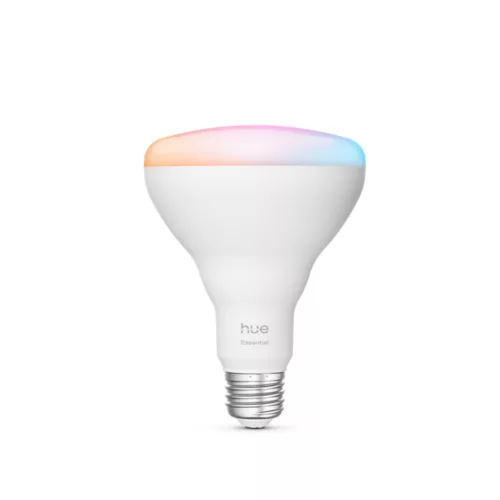
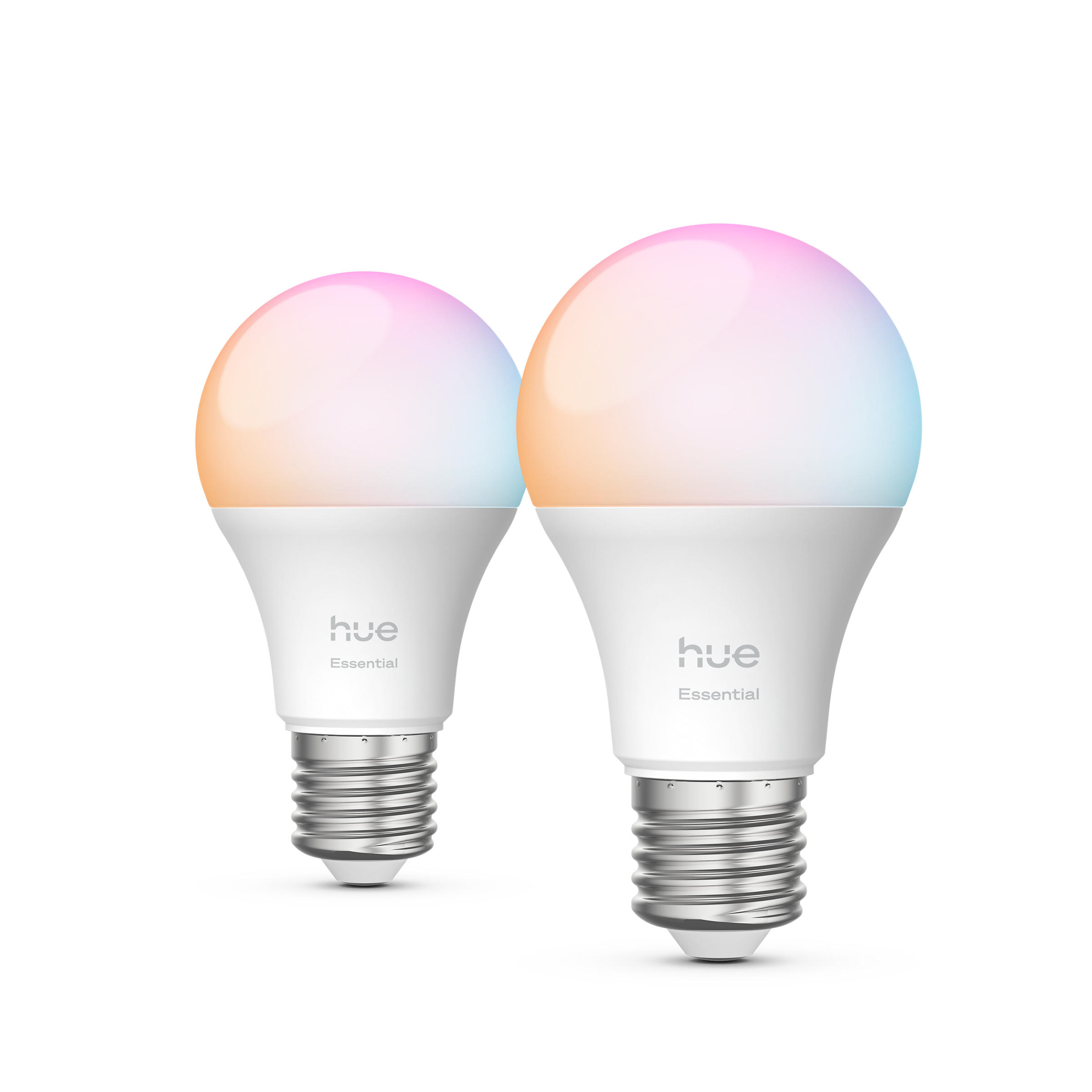
Philips Hue is widely known as the best smart bulb brand, but if you're looking to get yourself kitted out with a full Hue setup from the main range, it'll cost you. You might have spotted the brand's Essential range — which looks very similar to the main lineup but comes in at a much more affordable price — and wondered where the compromise is. You can see an Essential bulb on the left of the image above, next to a main range bulb on the right.
This article is here to help you figure out whether the Philips Hue Essential range is right for you, or whether it's better to splurge on the original lineup. We've tested both, and you can get the full low-down on what we thought of the budget-friendly bulbs in our Philips Hue Essential series review. For a quick summary, though — plus links to buy — read on.
Let's start with the good bits about the Philips Hue Essentials range. Here are the main benefits to know about:
✅ The performance is excellent: In her side-by-side tests with the main range, our Homes Editor Cat Ellis found "both were equally responsive, and produced colors that were identical to my naked eye when [she] switched between scenes". The Essential bulbs are based on a different color-matching technology to regular Hue lights, but Cat "had a hard time telling the difference".
✅ They're compatible with the full Hue ecosystem: The Essential bulbs will play nicely with any Hue gadgets you already have, making them a great way to extend your existing smart light setup.
✅ They're much cheaper than the main range: While prices vary depending on exactly which bulb you're buying, generally the Essential models come in around half the price of the main range.
So what about the downsides? These are the main compromises you'll be making if you opt for an Essential bulb:
❌ The white shades don't match the main range: Essential bulbs have a narrower white light range, which is an issue if you were hoping to add them into a room that already has bulbs from the main lineup.
❌ They can't dim as low: Essential bulbs can only dim to 2%, whereas the main range can go right down to 0.2%. If you want seriously muted lighting, you'll need to shell out a bit more and stick to the main range.
❌ They can't get as bright: Essential bulbs have a lower maximum brightness capacity — they can reach 803 lumens, whereas some of the standard White & Color Ambiance bulbs can hit 1,600 lumens. It's worth nothing that this spec varies by bulb; not all standard bulbs have a higher max brightness than their Essential counterpart.
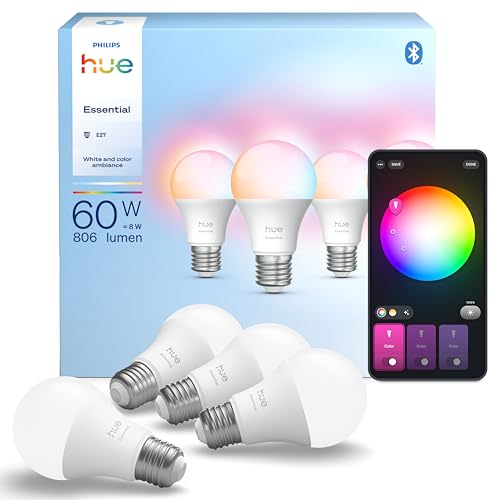
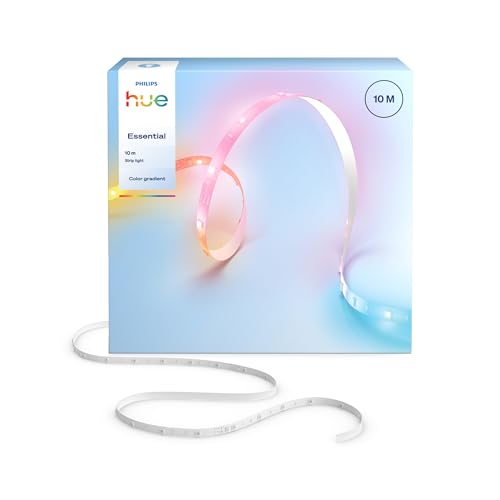
Most people getting started with a Philips Hue lighting setup will begin by purchasing a 'Starter kit', which bundles some bulbs, a Philips Hue Bridge, and occasionally a bonus Philips Hue accessory. A Bridge isn't essential, but it is a good idea if you want to maximize the potential of your bulbs. There are a few variations available, with different numbers and kinds of bulbs included; I've listed a selection here.
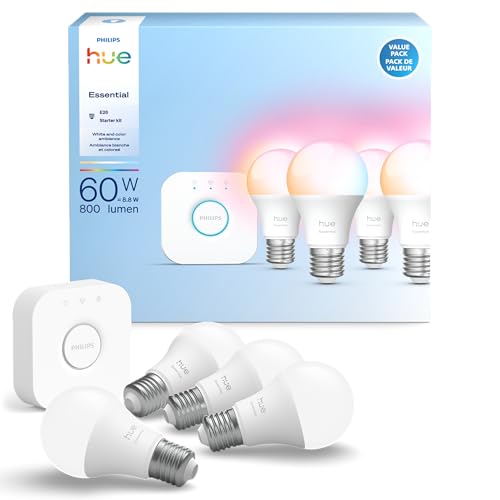
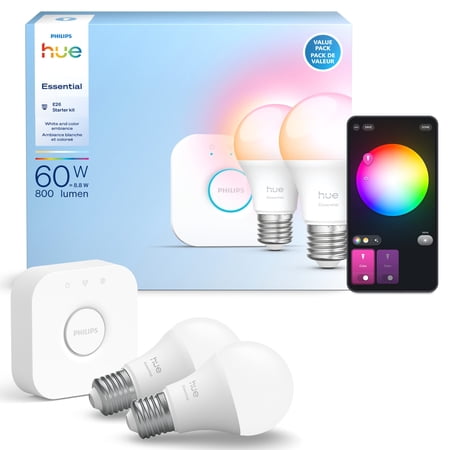
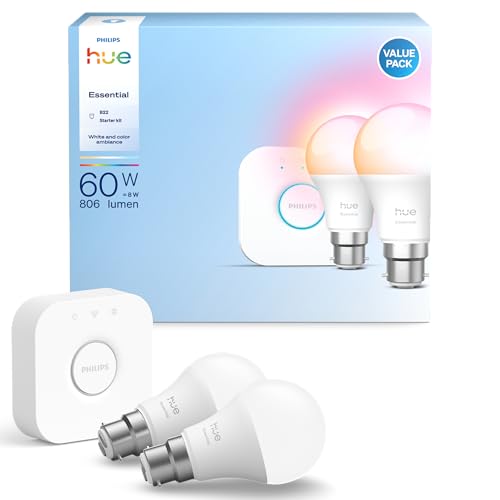
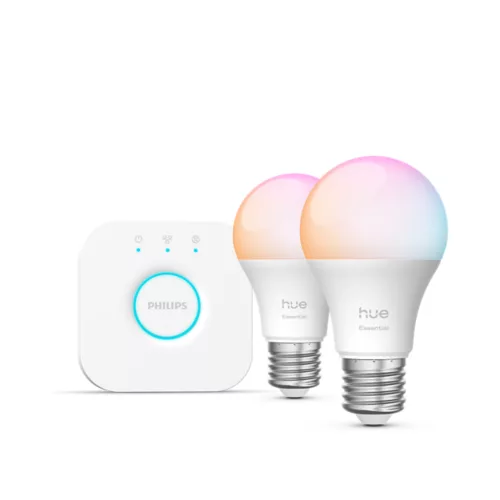
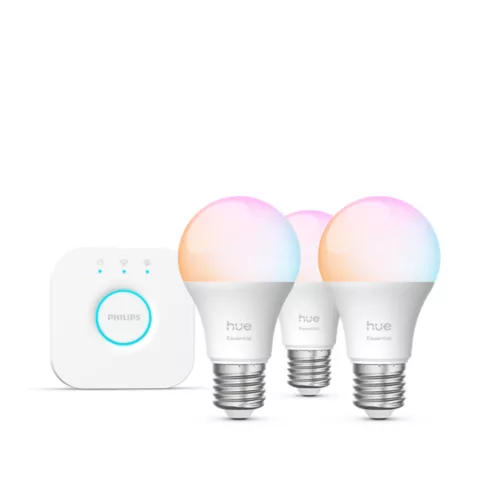
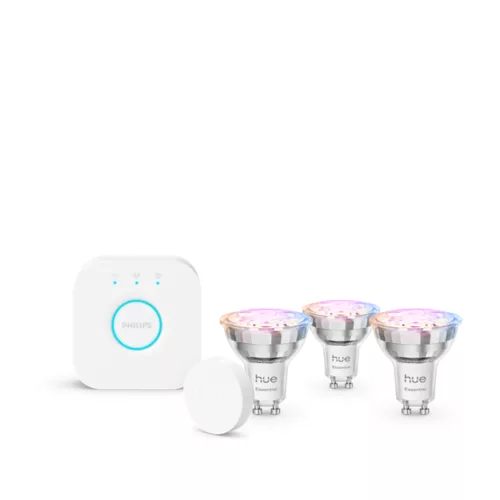
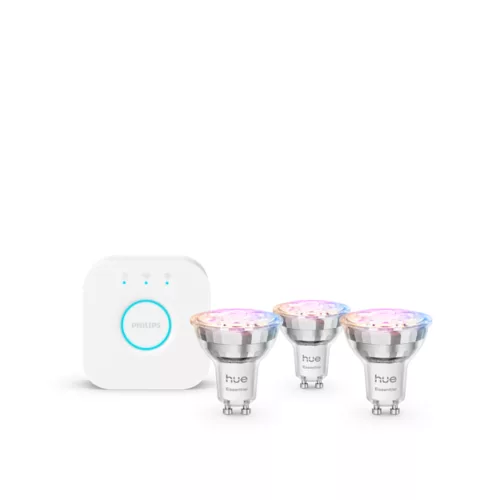
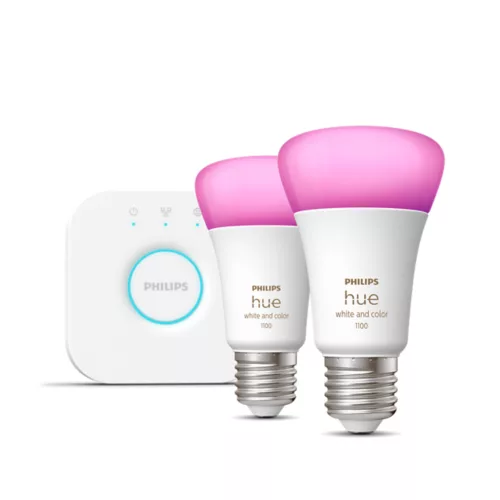
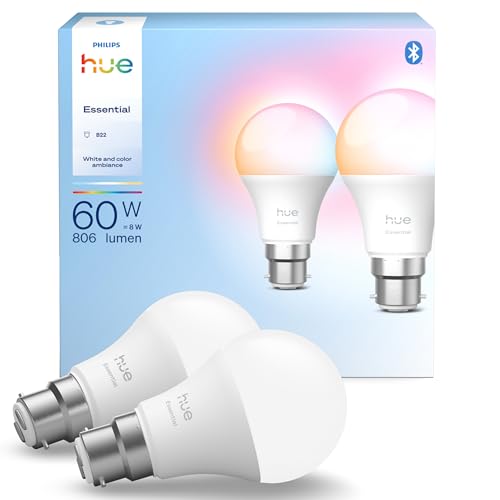
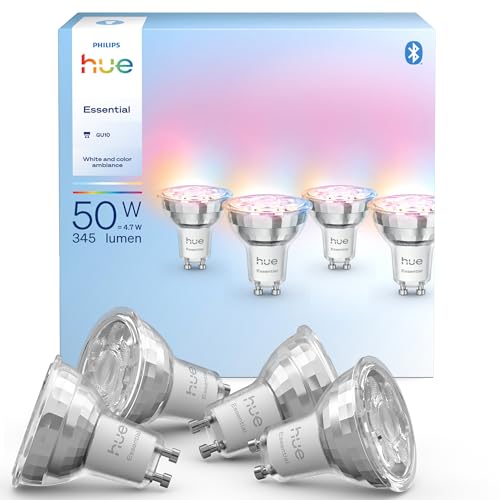
If you already have a Bridge and are looking to extend your setup, or are planning on going without (basic bulb functions can be controlled via Bluetooth), you can buy individual or multipack bulbs. There's a massive range — I've just included a selection here.
Whichever bulb lineup you choose, you'll have to decide between Hue's three light types. White and color ambiance bulbs can emit any one of millions of RGB colors, including a wide range of different white tones. White bulbs emit a warm light at a set color temperature, and White ambiance bulbs can be set to any one of a massive range of cool to warm white lights.




Microsoft has released its monthly patch for Windows 11 and the July update is a biggie, packing a feature that I've been awaiting for quite some time.
That would be the ability to pause updates on Windows 11 Home – beyond just a short period of time, which has been the only choice to date – and there are some other impressive additions from Microsoft here.
I'm going to pick out my top four features introduced by the July update, as well as rounding up some of the other more notable changes here. I'll also highlight an important bug fix that has been deployed for a nasty flaw that eats your drive space – along with a warning for some of those with a Dell laptop (who may not get this update for a good reason, as you'll see).
As ever, these changes were seen in the last optional update (June preview), and most of these features are being rolled out gradually, so you may not see them right away after installing this update (indeed, you may have to wait a while based on how the update winds blow regarding your exact PC configuration).

Sometimes you want to hold off installing an update because of a bug that you're nervous about potentially affecting your system, and up until now, Windows 11 users have only been able to avoid any given update for five weeks.
Okay, so that's a fairly long time, but what if the bug is one of those persistent and niggly affairs that Microsoft takes an age to fix? You may want to delay the update beyond five weeks, and now you can. The catch is that you'll need to continually renew the delay for every 35-day period, but nonetheless, you can now keep an update at bay for as long as you want. (Well – until you're forced to update to a new version of Windows 11, that is, when support runs out for your current version).

Another neat addition is point-in-time restore, a new recovery option that you can employ when something bad happens to your PC and you can no longer reach the desktop. Point-in-time restore lets you roll back a non-functioning system to a previous working state. It reverts to the "full system state" meaning that all your apps, files, and settings are recovered as captured at that previous time.
Hopefully this is a feature that you'll never need, but if you do, you'll be very glad of it. Note that the system backups obviously take up drive space, with older backups automatically deleted after 72 hours by default. Also, if you have a system drive that's smaller than 200GB, you'll have to enable this feature yourself (as it won't be turned on automatically due to potential space issues – note that you can specify a maximum amount of storage space used).

The July update is making the widgets panel 'quieter' by which Microsoft means that it has cut out a lot of clutter. The main change is that by default the panel just displays your widgets and Microsoft has got rid of the promotional nonsense in terms of ads and the MSN feed. Notifications and taskbar badges are also minimized by default, and widgets no longer open when you hover over them.
There are some other streamlining moves here, and even if you don't use widgets, I think this is a noteworthy change as it shows the direction Microsoft is now heading in with Windows 11 – chilling out on the upselling as was previously promised (if not entirely banishing it).
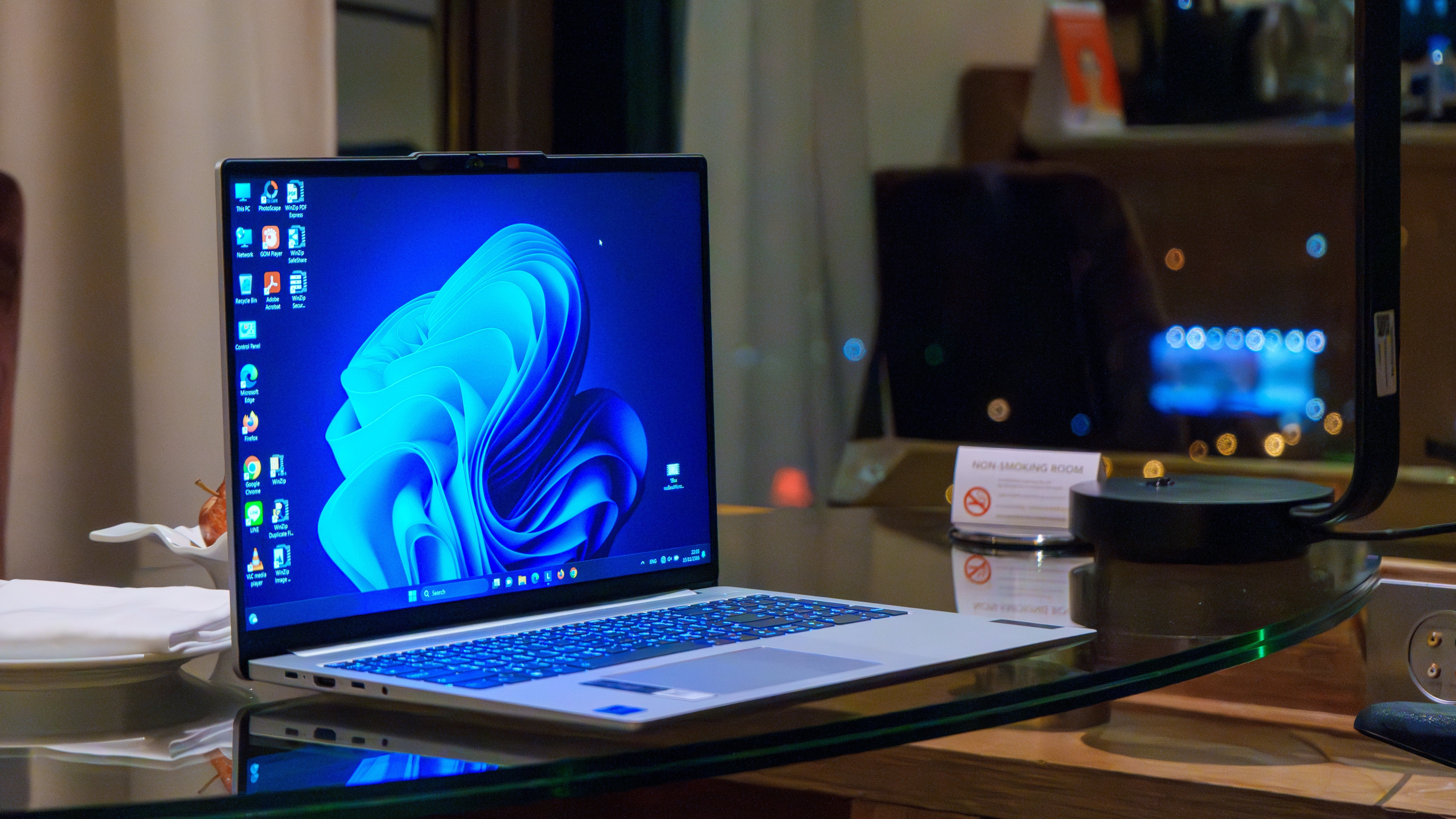
Windows 11 has been graced with a number of accessibility improvements in the July update, first of which is a new screen tint ability. This does what it says on the tin, allowing you to tint the screen with a choice of colors to help reduce eye strain, or to make text more easily readable. You can adjust the tint intensity, and this is a very useful addition that'll save people from downloading a third-party app to get these kinds of color overlays.
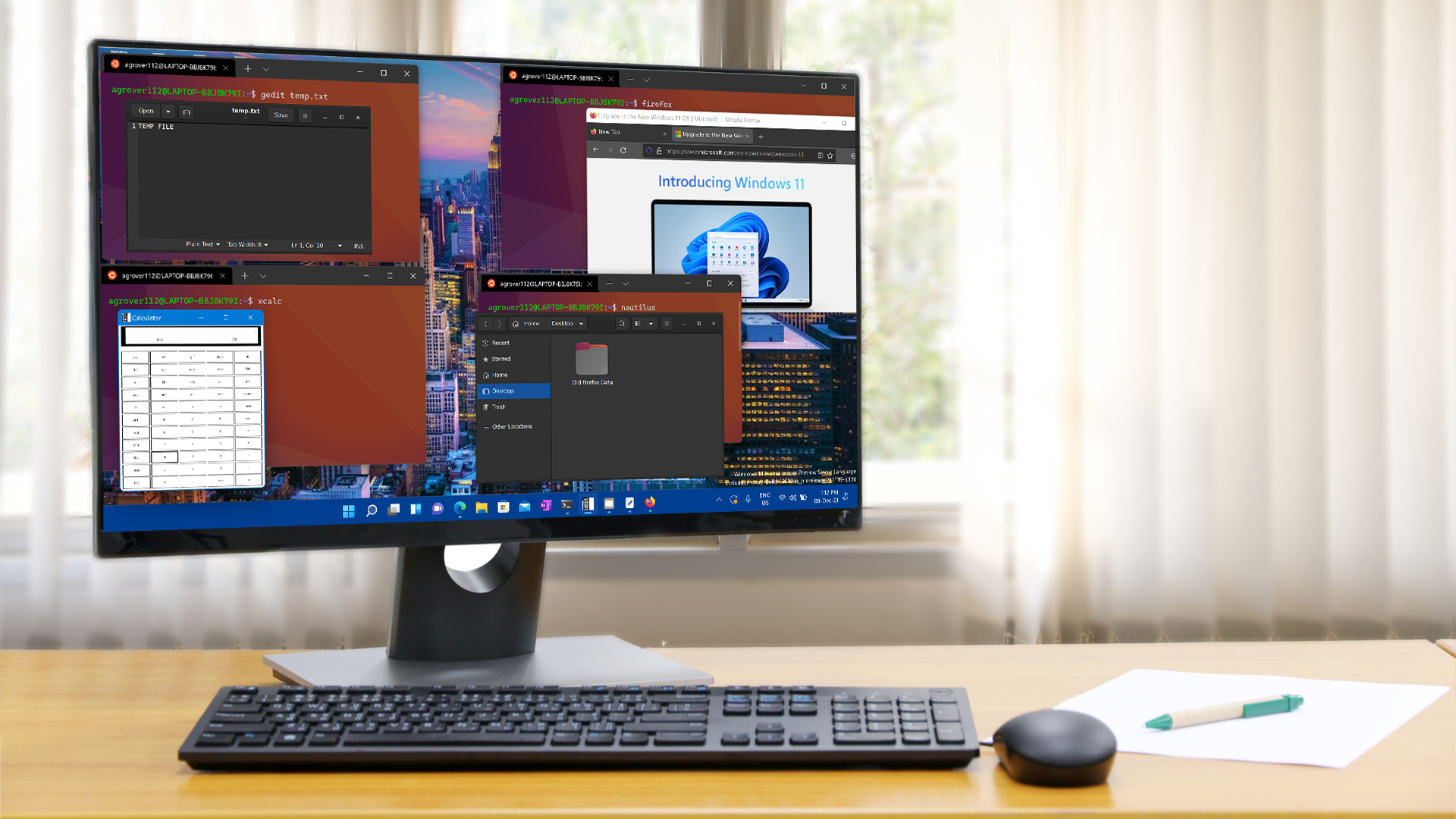
There's quite a lot going on here aside from the above major moves, and that includes Microsoft boosting the speed at which File Explorer launches (helping Windows 11 to feel more performant overall).
There's a whole lot of work on the Bluetooth front, too, as Microsoft notes: "This update improves reliability and performance when connecting to and using Bluetooth devices." That includes better driver stability, improved audio routing for calls via Phone Link, and more.
File Explorer has also been honed to be more reliable, and Microsoft has implemented a performance tweak to the Background Intelligent Transfer Service (BITS) that means PCs will shut down more promptly. If you've ever sat staring at your computer while it takes 20 seconds to shut down, wondering what on earth it's doing, that kind of behavior will hopefully be a rarer occurrence going forward.
There's some good news for those of you who have been suffering at the hands of a mysterious bug that eats storage space (due to an out-of-control database file). This is fixed with the July update (the cure was in the June preview before it), so you can grab this to resolve the issue (hopefully).
There's some bad news on the bug front, though, namely that you won't get this update on some Dell devices with Intel CPUs, as Microsoft has blocked it due to the July patch causing all sorts of weird issues. I say it's bad news, but at least Microsoft caught the problem and has prevented the update from being piped to those machines.
Microsoft informs us: "This update might not be available for a limited number of Dell devices with Intel processors due to an incompatibility reported by Dell that can potentially cause unexpected shutdowns, poor performance, increased heat, and battery drain. We are working together with Dell to prevent the affected models from experiencing the issue and plan to release a resolution for affected devices in the coming days."
So, if you were wondering why you couldn't get this patch on your Dell laptop, now you know. You'll just have to sit tight for now until Microsoft and Dell get this ironed out.


In a rare incident, a user found himself with the same problem as before, even though MSI was supposed to get the motherboard repaired properly. User Sends His Motherboard With Bent Pin for Repair; MSI's Service Partner, ASK, Sent It Back With Another Pin Bent Not everyone has the same luck when it comes to repairs, especially RMA under warranty. We have seen multiple times how vendors fail to provide proper repairs and replacement for products that are sent for the RMA service under their warranty periods. Similarly, a user expected MSI to repair his damaged motherboard, which was under […]
Read full article at https://wccftech.com/msi-charged-a-customer-for-a-bent-pin-repair-then-returned-the-motherboard-with-another-pin-still-bent/


The rollout of Siri AI wouldn’t have mattered in China or the EU since strong regulatory checkups would mean Apple needed to expose itself to another headache that could take months, if not years, to complete. Fortunately, one tipster reveals that the Cupertino giant has crossed that bridge because Apple Intelligence has received its regulatory filing in the region. New progress with Apple Intelligence in China means talks over potential localized partnerships with the likes of Alibaba and Baidu were fruitful The image below, shared by prolific tipster Ice Universe, is an official Cyberspace Administration of China (CAC) registration list […]
Read full article at https://wccftech.com/apple-intelligence-clears-regulatory-filing-in-china/


China's DFSX is working on fueling its domestic AI supply chain with next-gen 3.5D "Infinity Chiplet" architectures & 3D DRAM technologies. DFSX Is Working on China's First DF1000 AI Accelerator With 3D DRAM Technology, Also Unveils 3.5D+ Packaging DFSX recently hosted a presentation where they announced China's first 3D AI chip that is built entirely using China's domestic supply chain. There is a lot to unpack here, but the key product is the DF1000, which is a software-defined near-in-memory computing AI accelerator that will be used by domestic AI and tech firms. DF1000 - China's First 3D DRAM-Powered AI Accelerator […]
Read full article at https://wccftech.com/china-develops-first-3-5d-infinity-chiplet-3d-dram-tech-as-it-tackles-external-constraints/


The games industry is still reeling from Sony's switch to a digital-only PlayStation future starting in January 2028, but after fierce backlash from fans and developers, Sony may now face opposition from politicians, too. In Mexico, two Movimiento Ciudadano legislators stated that the Japanese corporation may be crossing into monopoly territory with its planned move, following a broader wave of criticism around Sony's abandonment of physical media and its growing control over PlayStation's storefront economy. According to Mexican website Ovaciones, Movimiento Ciudadano senator Luis Donaldo Colosio and federal deputy Iraís Reyes plan to file a complaint with Mexico's antitrust authority […]
Read full article at https://wccftech.com/sony-all-digital-playstation-plan-hits-political-resistance-in-mexico/


There's no other way to describe the latest Microsoft Xbox layoffs under parent company Microsoft Gaming than tragic. With 3,200 jobs getting cut by July 2027, it's no surprise that studios from Bethesda Softworks to Obsidian Entertainment have been significantly impacted, but it feels like few have been hit as hard as id Software, the legendary development studio behind the DOOM and Quake series. An official statement released a few days ago downplayed the brutal reset, but it seems like the situation is as dire as it looked like when the first reports came in, as the cuts may have […]
Read full article at https://wccftech.com/id-software-claims-xbox-layoffs-stretches-reality/


The newest and flagship ASUS Tandem OLED monitors have been officially released, including full specifications. ASUS Officially Launches ROG Swift OLED PG32UCWM and PG27UCWM Tandem OLED Monitors, Featuring Tandem OLED Coupled With TrueBlack Glossy Surface Popular hardware and peripheral manufacturer, ASUS, has officially released two of its best 4K OLED gaming monitors for retail, alongside revealing their full specifications. These are the ROG Swift OLED PG32UCWM and ROG Swift OLED PG27UCWM, which were introduced several months ago along with more OLED models. Both gaming monitors boast 4K resolution and offer dual mode configuration for enthusiasts, including 4K@240Hz and FHD@480Hz. The […]
Read full article at https://wccftech.com/tandem-oled-based-asus-rog-swift-oled-pg27ucwm-and-pg32ucwm-4k-monitors-are-now-available/

The adventurous developer who recently released Linux for the Atari Jaguar (1993) has brewed up a version of the open-source OS for the Sega 32X (1994). If you can’t remember the 32X, it was Sega’s mid-gen answer to early fifth-generation challengers like the Jaguar, 3DO, and Amiga CD32. Sega’s solution added some potent processing power to a mushroom-like slot in an expansion to its popular Mega Drive/Genesis. Now cakehonolulu has got it running Linux, despite facing several major hurdles.
Compared to its Genesis host, the Sega 32X was incredibly muscular. The Genesis had relied on the capable but long-in-the-tooth Motorola 68000 (7 MHz) for years, but the 32X add-on boosted that with a pair of Hitachi SuperH SH2s (SH7604) CPUs (23 MHz). It also ramped up system RAM from the base 64KB by adding 256KB of its own. Sega’s expansion offered more than just speed; the console’s color palette was ramped up from 64 to 32,000 simultaneous colors on screen, and it was powerful enough to introduce hitherto unachievable 3D graphics elements to mainstream console gaming.
As with cakehonolulu’s tale of Linux wrangling on the old Jag, the above-linked blog talks through a long list of hurdles that needed to be leapt to get the Linux kernel booted and running BusyBox. This time around, particularly steely roadblocks included: the even more constrained RAM situation, the lack of hardware synchronization primitives, the desire to get SMP working across the pair of SH2 CPUs, no direct UART access from the 32X, and scheduler bugs, among other things.
On the positive side, smoothing the development process along were access to Chilly Willy’s 32X devkit, the linuxmd project, the Krikzz FPGA-based flash cart with ROM – RAM mapping tools, and existing SH2 documentation and sample projects. Please check through the linked blog for far more technical details from cakehonolulu.
As you can see, cakehonolulu was successful again. So, what’s the next stop for this adventurous dev – the Sega Saturn? Whatever the project may be, it was interesting to read that works like this are basically forming a portfolio for the Spanish dev, which they hope will help them with job hunting.
The United States government has officially issued sanctions against the operators of a notorious free virtual private network, escalating a global crackdown on digital infrastructure used to facilitate ransomware attacks.
On Monday (July 13), the US Department of the Treasury’s Office of Foreign Assets Control (OFAC) designated First VPN Service (also known as 1VPNS) and its Ukrainian administrator, Dmytro Rashevskyi, for abetting cybercriminals. The service, which has operated since 2014, was heavily favored by ransomware gangs targeting American hospitals, municipalities, and businesses.
While the best VPN services are designed to protect everyday consumer privacy, rogue networks like First VPN provided malicious actors with the tools to "hide the origins of their attacks, deploy malware, and manage exfiltrated data," according to a Treasury Department press release.
As part of the same action, the Treasury also sanctioned Yegeniy Vladimirovich Silayev, a Belarusian national accused of selling "cryptors" to ransomware operators.
While Silayev is not directly affiliated with First VPN, his inclusion in the sanctions package highlights a broader strategy of targeting the entire cybercriminal supply chain. Cryptors are tools specifically built to disguise ransomware as harmless files, preventing security systems from detecting or deactivating the malware.

The US Treasury's latest move is an update to an ongoing international operation against First VPN.
In a massive May 2026 takedown, a coordinated effort led by European law enforcement agencies and the FBI successfully seized the service's website and server infrastructure.
Prior to the takedown, Rashevskyi aggressively marketed First VPN on dark web forums. To lure cybercriminals, he promised total anonymity and boasted that the network "does not keep logs of users' identities or activities, and that it refuses to cooperate with law enforcement investigations into illegal activity originating from the servers it rents to customers".
According to the US Treasury, Rashevskyi went to great lengths to keep the operation running. He utilized false identities, such as "Maksim Sorin" and "Roman Chabanenko," to "buy infrastructure from companies that might otherwise refuse to do business with him because of complaints of abuse from internet service providers about illegal activity originating from 1VPNS servers".
This latest wave of sanctions was coordinated alongside the United Kingdom's Foreign, Commonwealth & Development Office (FCDO) and carries severe consequences for the designated individuals.
Under the new sanctions, all property and interests belonging to Rashevskyi and Silayev within the US are blocked, and US citizens are strictly prohibited from engaging in any transactions with them. Beyond the immediate financial freeze, OFAC sanctions serve as a massive reputational blow designed to choke off future revenue streams.
By focusing on the service providers and tool suppliers who facilitate these attacks, rather than just the ransomware operators themselves, authorities are aiming to maximize their impact and disrupt multiple gangs at once.
"Under President Trump's leadership, Treasury is using every available tool to disrupt the cybercriminal ecosystem and protect the American people," said Gene Lange, who is performing the duties of the Under Secretary for Terrorism and Financial Intelligence. "We will continue targeting the actors who enable ransomware attacks against Americans and our critical infrastructure".


NVIDIA & SEGA are celebrating 30 years of collaboration, as SEGA's "Legendary" gaming titles are announced for RTX Spark PCs. There Would've Been No NVIDIA Without SEGA, & Both Brands Celebrate Their 30 Long Years of Collaboration, Starting With NV1 To RTX Spark PCs NVIDIA's first graphics accelerator, before the term GPU existed, was the NV1. The 3D/2D chip was released back in 1995 and enabled the porting of classic SEGA games such as Virtua Fighter over to PC. From Troubled Beginnings to a 3-Decade-Long Collab The NV1 was the first and only chip to feature quadratic texture mapping, a […]
Read full article at https://wccftech.com/sega-games-coming-to-nvidia-rtx-spark-30-years-after-nv1-powered-first-virtua-fighter-on-pc/


It's crazy how a six-year-old CPU can sell incredibly well, given it's based on an older platform. AMD Ryzen 7 5800X3D Grabs Fourth Spot In Best Selling CPUs List On Amazon Despite Selling For $349 It's hardly been a month since the launch of AMD's Ryzen 7 5800X3D 10th anniversary edition, and we are already seeing the CPU in the best-selling CPUs list at major retailers. It was obvious since the Ryzen 5000 series witnessed a good demand due to a large section of PC builders transitioning to the previous-gen AM4 platform due to the current RAMpocalypse. However, we didn't […]
Read full article at https://wccftech.com/amd-ryzen-7-5800x3d-outsells-ryzen-7-7800x3d-for-the-same-price-on-amazon-despite-being-weaker/


ASML has confirmed that Intel is leveraging its High NA EUV technology to produce its Panther Lake chips on its most advanced 18A process node. ASML's High NA EUV Enters High-Volume Logic Production With Intel's "18A" Panther Lake Chips Today, ASML announced that its first High NA EUV "EXE" equipment has been installed at Intel Foundry and is being used to make the first Panther Lake 18A products. The first of these High NA EUV lithography machines was installed at Hillsboro, Oregon, R&D site back in 2024, making Intel the first company to install and pass acceptance testing of the […]
Read full article at https://wccftech.com/intel-leverages-asml-high-na-euv-technology-to-produce-18a-panther-lake-chips/


NVIDIA hosts a giveaway for Gears of War fans, offering custom wrap on the GeForce RTX 5080 Founders Edition. NVIDIA to Giveaway an RTX 5080 Founders Edition Inspired by Gears of War: E-Day Instalment Another Gears of War game is about to be released in a few months, which will be based on the origin story of the franchise. While the Gears of War: E-Day is scheduled to launch on October 6, 2026, we have NVIDIA is already preparing for its launch by offering a free GPU to the lucky winner in the latest giveaway. The giveaway is a part […]
Read full article at https://wccftech.com/nvidia-announces-gears-of-war-inspired-rtx-5080-founders-edition-giveaway/


On the heels of the early success of Black Flag Resynced, which sold 2 million units on launch day and pushed the total franchise sales to over 250 million, Ubisoft is now focused on delivering the next big entry in the IP: the mysterious Assassin's Creed Hexe. First teased nearly four years ago, Hexe will be a classic Assassin's Creed-style installment that follows the RPG-style game Shadows, according to Ubisoft's formula, which alternates between the two experiences to satisfy two fairly diverse audiences. Now, Ubisoft leaker Rogue has shared a lot of details about Hexe in a lengthy X thread. […]
Read full article at https://wccftech.com/assassins-creed-hexe-june-2027-launch-could-slip/


In a move that is likely aimed at curbing the rampant abuse of what was until now a fairly generous policy, Apple will no longer sell you unlocked iPhones that have been financed either by T-Mobile or Verizon. Apple has just updated its FAQ related to carrier-financed iPhone 17 Pro purchase, disclosing that your "iPhone will be locked to the carrier until paid in full" As first spotted by a Reddit user and delineated in a dedicated post, Apple has just updated its FAQ for buying a carrier-financed iPhone 17 Pro, disclosing the following policy change: "If you choose to […]
Read full article at https://wccftech.com/apple-will-now-carrier-lock-iphones-that-you-purchase-from-t-mobile-or-verizon-on-installments/


With just around a week left till Samsung formally unveils its latest lineup of foldables, the South Korean tech giant has now removed the wraps from one of the biggest mysteries of the upcoming launch galore: how the Galaxy Z Fold 8 and Fold 8 Ultra will keep the dreaded display crease at bay. Samsung's Titanium Flex involves an extremely thin titanium-alloy film that sits just beneath the OLED panel, and bolstered by an underlying titanium plate Samsung's Titanium Flex is an inventive solution to the display crease problem that has plagued nearly every foldable till now, and involves 2 […]
Read full article at https://wccftech.com/samsungs-titanium-flex-involves-a-structure-just-30-the-width-of-a-human-hair-and-is-the-secret-sauce-behind-the-galaxy-z-fold-8s-creaseless-display/

Most PS3 games are now playable on PC through RPCS3 The RPCS3 team has confirmed that over 7% of all PlayStation 3 (PS3) games are now playable using their emulator. This update confirms massive progress on the PS3 emulator, which had only reached 70% playability this January. Playable games in RPCS3 can be “completed with […]
The post Over 75% of all PS3 games are now “Playable” on RPCS3 appeared first on OC3D.

Apple's damning lawsuit against OpenAI appears to have had a profound impact on the latter's product launch cadence, with the latest report indicating that the maker of ChatGPT is now prioritizing a screen-free, mobile smart speaker, which is something that Apple currently does not have. OpenAI's planned smart speaker will have "mechanical elements" to help it move, and it will be able to connect with users on a human-like level As we detailed recently, Apple filed a damning lawsuit against OpenAI last week, accusing it of stealing its proprietary technology, circuit designs, and component architecture for a slew of upcoming consumer-geared AI […]
Read full article at https://wccftech.com/openai-bets-on-an-ai-speaker-that-physically-moves-around-your-house-chasing-a-gap-apple-left-wide-open/


In a first-of-its-kind move, New York State Governor Kathy Hochul has declared a state-level moratorium on data center construction. Hochul's decision follows growing concerns about the resource-intensive computing centers that are necessary to power what is being dubbed the next industrial revolution. Most AI data centers are powered by NVIDIA Corporation's GPUs, with the average data center requiring millions of gallons of water daily to perform efficiently. New York State Data Center Construction To Be Paused In Moratorium Being Signed Tomorrow In her statement, Governor Hochul outlined that the resource-intensive nature of data centers was at the center of her […]
Read full article at https://wccftech.com/hochuls-data-center-moratorium-lands-as-130-billion-in-projects-stalled-nationwide-in-a-single-quarter/


OpenAI rolled out an update for its ChatGPT app for Apple’s macOS, and while one user claims that the previous chat layout and project history were “completely messed up,” the update introduced what appears to be a terrifying shift in the AI agent’s behavior that could discourage other users who value their privacy. Apparently, when asked where the missing projects were, ChatGPT showed an exact local directory path, which, according to the user, shouldn’t be possible without proper authorization. Based on this incident, it appears that the app is accessing and indexing local files on its own, which is a […]
Read full article at https://wccftech.com/chatgpt-mac-update-made-ai-agent-show-complete-list-of-files-without-permission/

 The Metropolitan Museum of Art unveils two new generative AI initiatives with Google Arts & Culture.
The Sino-American chip wars have resulted in many back-and-forth salvos and negotiations as the countries try and strike a balance between technology access and trade. Currently, both sides have set respective import and export controls, letting specific companies on a case-by-case basis. Today, Reuters reports that Chinese telecoms giant ZTE and server firm Maginfra have received U.S. approval to buy Nvidia's last-gen H200 "Hopper" chips.
ZTE joins a club that counts Alibaba, Tencent, ByteDance, and JD.com among the roughly 10-strong group of Chinese companies with U.S. clearance for those purchases. Additionally, an apparent subsidiary of Kingsoft Cloud got approval to buy AMD accelerators equivalent to Nvidia's H200, presumably Instinct MI300X-class chips.
Over on the Chinese side of the table, Reuters remarks that there's no word on whether the respective authorities will give ZTE the go-ahead for import, as the country has taken on a protectionist stance as it tries to grow its own chip industry. The country has discouraged firms from purchasing foreign tech and has instead pushed companies to acquire homegrown accelerators. Huawei in particular has made great strides both technologically and financially.
But even with those domestic production initiatives, the Chinese hunger for AI silicon is so deep that six months ago, Reuters said the nation's tech firms had more than two million H200 chips on order, far more than what Nvidia had on hand at the time. We'd venture that hunger has barely subsided.
ZTE might not be a familiar name Stateside, but the corporation is one of China's largest telecommunication conglomerates, and among many other ventures, it sells all sorts of carrier network gear that's installed worldwide, along with corresponding client-facing equipment, including phones and IoT equipment. Like most any sizable technological venture, ZTE has joined in on the cloud computing and AI push, so it needs accelerators to make those ambitions reality.
The current status of the AI chip trade situation is roughly that the U.S. allows Chinese firms to buy AI chips up to and including the Hopper family (meaning no Blackwell chips), with a 25% export tariff, though final decisions are made on a case-by-case basis. Over on Chinese shores, Beijing's authorities play their cards close to their chest and dole out approvals as they see fit, with no clear rules seemingly set. But China is, of course, a global power with trade connections to most everyone, so interested firms were able to get their hands on Blackwell chips through various creative (and potentially illicit) means.
Whether this change will actually clear the way for any great volumes of H200 accelerators to make their way into ZTE's data centers remains to be seen. CNBC cites a U.S. trade official who today stated that "very few shipments against licenses for H200s and equivalents have taken place. It’s a very small quantity of chips" during a congressional hearing. If H200 shipments become material to Nvidia's bottom line, we'll almost certainly hear about it in future comments or earnings reports.


In what is likely to be the first of many such lawsuits that target Silicon Valley bigwigs, a number of Meta employees who were recently laid off are now accusing an AI-powered algorithm of disproportionately targeting workers with pre-existing medical conditions. Around 26 Meta employees are now alleging that the tech giant relied on factors such as productivity and AI use in deciding which workers get axed, disadvantaging those who missed work due to medical complications As many as 26 Meta employees have now anonymously filed a lawsuit in a federal court in Oakland, California, accusing the company of disproportionately […]
Read full article at https://wccftech.com/metas-ai-layoff-algorithm-reportedly-ranked-workers-with-medical-conditions-for-termination-and-26-employees-are-now-suing-to-block-it/


Intel has reportedly secured some big wins with its 18A, 14A, and EMIB process / advanced packaging technologies, signaling massive interest in its Foundry business. Tech Heavyweights Are Lining Up To See What Intel Foundry Has To Offer As 18A, 14A & EMIB Technologies See Heightened Interest TSMC has so far been the only semiconductor manufacturer to offer bleeding-edge processes and packaging technology, but Intel has quickly emerged as a fierce competitor. Intel has only launched its 18A node, which is already achieving volume ramp, and is working towards its more advanced 18A-P (In Risk Production) and 14A nodes (Risk […]
Read full article at https://wccftech.com/intel-foundry-snags-amd-nvidia-openai-as-design-wins-on-18a-14a-nodes/


NVIDIA's H200 AI GPUs are finally shipping to China, as reported by U.S. officials, marking the return of the banned chip. China Softens Its Position on NVIDIA GPUs As First H200 Shipments Now Headed To Chinese AI Firms The NVIDIA Hopper story in China has been a roller coaster ride so far. When Hopper was launched, US export restrictions for the Chinese market were in full swing. These pushed NVIDIA to release an export-compliant variant called the H20 for China, which ended up being severely cut down, but still a viable option against what China's domestic chipmakers had to offer. […]
Read full article at https://wccftech.com/u-s-officials-confirm-first-nvidia-h200-ai-gpu-shipments-to-china/


Google Image Search has turned 25 years old and with that, Google has decided to completely revamp the Google Image Search home page at images.google.com from a clean search box, to a gallery of image collections.
“Today, we’re introducing a brand new browseable home for Google Images, featuring a dynamic, immersive gallery of images from across the web — updated in real time and intelligently tailored to your unique interests,” Brad Kellet, Senior Engineering Director, Search announced.
What it looks like. Here is a screenshot of the new Google Image Search homepage:

This is what the old Google Image Search home page looked like:

Features as well. Google is not only showing a gallery of images on its new image search home page but there are search features as well. The search box is at the top, where you can search by text, voice, by image and so forth.
You can also browse and save ideas to your collections on Google Image Search. Those images will appear as tabs above the main gallery, making it easy to jump back in and continue exploring based on what inspires you, Google explained.
Here are screenshots of how that works:


Availability. Google said this new Google Images home page will roll out over the coming weeks on desktop in the U.S. in English. You will need to sign in to your Google Account to try it out.
Track, grow, and measure your visibility across Google, AI search, social, local, and every channel that influences buying decisions.

Google will let you create images directly within AI Overviews in Google Search. “To help bring those unique ideas to life, we’re bringing image generation directly into AI Overviews in Search,” Google announced.
This uses Google’s latest Nano Banana AI model within AI Overviews to create these images.
Google said, “This update transforms a simple text prompt into a high-quality, custom visual made completely from scratch, seamlessly bridging the gap between imagination and reality.”
What it looks like. Here is a video of this in action:
Availability. Google will roll out this image generation feature within AI Overviews over the coming weeks in English, for all regions that currently support image creation in AI Mode.
Google also announced a redesign for Google Image Search, on its 25th anniversary of Google Image Search.
Why we care. This may have an impact on traffic to publishers, as it will add more AI-generated content (the images) to the AI Overview, potentially discouraging clicks from Google Search. Plus, if people get the image they want in the AI Overview, it might even discourage some use of Google Image Search – maybe?
In any event, it is wild to know that Google Image Search is now 25 years old.
Track your visibility across AI search, uncover missed opportunities, and grow your presence where customers are asking questions.
De'Longhi makes some of the best espresso machines I've tested here at TechRadar, and as the owner of a small kitchen, its latest model has particularly piqued my interest. The De'Longhi Rivelia Start is the company's smallest fully automatic coffee maker.
The Rivelia Start is a successor to the 2024 De'Longhi Rivelia, which our tester Josephine Watson gave a full five stars thanks to its consistently well-extracted espresso, clever Bean Adapt technology that optimizes brew settings to suit your preferred beans, and LatteCrema Hot system, which creates thick and creamy foam for milky drinks.
The Rivelia Start offers all that in an even smaller package, and adds the ability to prepare authentic-tasting cold brew. De'Longhi promises that your cold brew will be "ready in under five minutes", which tells me that it's not just pouring a shot of hot coffee over ice, like some other machines I've tested recently. Instead, the coffee is extracted using ambient temperature water, which results in fewer bitter compounds being dissolved for a more mellow flavor.

The Rivelia Start's standard menu contains 10 drinks, but if you like the idea of an iced latte or cappuccino to help you stay cool in the summer months, you can upgrade your Rivelia Start with the optional LatteCrema Cool set, which lets you create chilled milk foam for six further drinks.
Personally, the feature I'm most excited about is the pair of swappable bean hoppers. My job sometimes involves drinking a lot of lattes, and I always prefer to switch to decaf in the afternoon so I can still sleep after a day testing drip and espresso machines. With the Rivelia Start, there's no need to purge one type of coffee from the hopper before refilling with another; just unscrew the whole thing and swap it for one filled with a different type of bean.
It's simple to operate too, with an interface of clearly-labelled buttons rather than a touchscreen, making it extra accessible for new users.
Its small size isn't the only thing that sets it apart from other coffee makers, either — it also comes in a palette of earthy colors that fit with the current trend for natural shades and textures, which makes a refreshing change from the stark black, white, and chrome that once dominated kitchen appliances.
It's available to buy now direct from De'Longhi in the UK for £599.99 (about $800 / AU$1,160) in two colors: maple brown and jade green. More hues will be available from third-party stores from September, and we're currently waiting for details of its international launch.

This RAMpocalypse is getting worse by the day, making vital components for PCs like SSD units for storage and RAM chips for boosting performance cost hundreds of dollars by themselves.
During such a crisis, it's easier to find essential parts built into pre-made desktops. One such example is the Geekom A7 Max AI Mini-PC, a compact form-factor desktop built for crushing heavy workloads while being capable of light to mid-level gaming thanks to its 1TB SSD and 16GB of RAM.
Fortunately for workers and gamers alike, the Geekom A7 Max AI Mini-PC is now on a limited-time 29% discount for $594.00 at Best Buy (which is nearly half the price of a Steam Machine) just for today.
"The quality of Geekom’s build quality is exceptional, and right from the box the largely metal construction of the A7 Max is a delight." ~ Mark Pickavance, Writer at TechRadar
TechRadar Review: ⭐⭐⭐½View Deal
The Geekom A7 MAX AI Mini-PC is a handy desktop for work and 1080p gaming on the side. It's equipped with an AMD Ryzen 9 7940HS CPU, an AMD Radeon 780M GPU, 16GB of RAM, and a 1TB SSD (the latter two of which can be upgraded to 64GB RAM and a 2TB SSD, respectively).
With these specs, the Geekom A7 MAX Mini-PC will suffer little to no lag performing productivity duties like typing or opening internet browser tabs while being capable of running light indie games at 60fps and even some AAA games at 1080p resolutions/30fps (with FSR enabled) at medium settings.
Another notable feature of this mini-PC is its large number of USB and HDMI ports, which allow it to connect to four monitors simultaneously, making it incredibly useful for those who want to open multiple programs at once without having to juggle their positioning on a single screen.
So, if you want a compact-sized, desk-space-saving mini-PC to play light games like Minecraft or indie games like Mina the Hollower on the side while tackling never-ending paperwork at the office, the Geekom A7 MAX that's now $594.00 at Best Buy could be your next best workplace buddy.
Just be aware that this deal is only available until July 15, 2026, so think fast if you want to get it.
Yes. The Geekom A7 MAX AI Mini-PC's RAM can be upgraded up to 64GB via two SODIMM slots supporting dual DDR5 RAM and its storage space can be upgraded to 2TB max via inserting SSDs into its M.2 2280 PCIe Gen 4 SSD slot.
Indeed it is, the Geekom A7 MAX AI Mini-PC was primarily designed as productivity desktop that chew through heavy office workloads like typing reports, creating spreadsheets, editing videos, researching information on the internet.
The Geekom A7 Max AI Mini-PC features 15 ports which includes two USB4 and two HDMI ports so it can support multiple monitors at once, two ethernet ports, six USB-A ports for accessories, an SD carder and a 3.5mm headset audio jack.
Join us on Reddit at r/WindowsCentral to share your insights and discuss our latest news, reviews, and more.
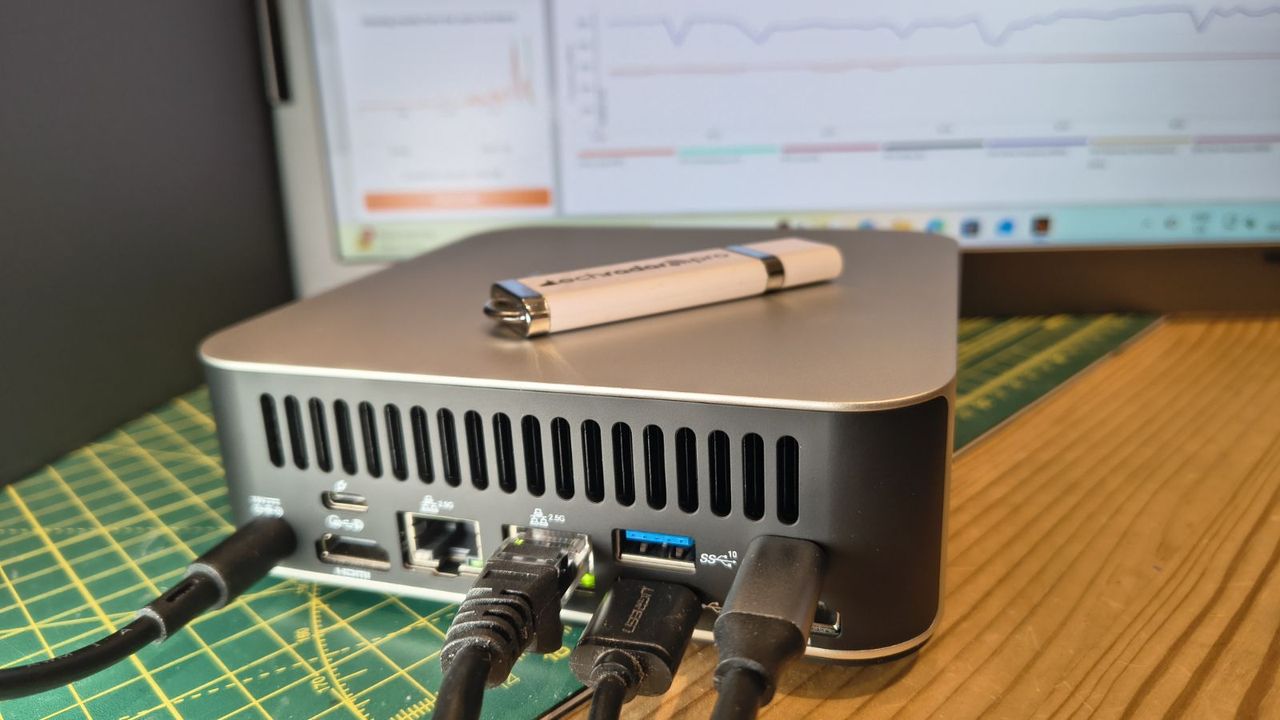
Samsung is back with another solid-state drive, and this time it's something a little bit different. The 990 is a QLC-based 990 EVO Plus, positioned as a budget drive that can still push a lot of bandwidth. It’s a little late to the game and not quite what was rumored for the 990 QVO, but it does bring some new technology to the table. We’re always interested in seeing what Samsung puts out, and this time is no different. It should not be confused as being part of Samsung’s Pro line or, for that matter, the EVO line, so keep that in mind.
The drive has its ups and downs, but in this challenging market, and for a budget drive, that’s to be expected. Samsung is still well-regarded for its name and reliable hardware, even as there has been a massive push towards enterprise, away from the consumer side. Samsung has, in fact, given some ground in the SSD space for many years, even as it produces some of the most common OEM drives. So while this is not a Crucial situation, it’s best to jump into this review with the right expectations about what this drive is and isn’t. It’s a budget drive with full Gen 4 throughput that hits the most common capacities with sufficient performance and power efficiency. It’s not meant to be a throne-taker.
It’s also thankfully not another 990 EVO situation – that drive felt somewhat underwhelming by the time it arrived, even when pitted against budget drives – but the 990 is also not a QLC rallying call. It’s a competent drive that mostly hits the right notes, as intended. Given how scarce Samsung QLC drives have been, and how much demand its QLC flash surely has elsewhere, it can feel like Samsung is throwing consumers a bone, though it would be crass to put it that way. We instead think this is smart positioning by the company as it knows the future is with QLC and the technologies used in this flash (even if first shown two years ago at ISSCC) point firmly at an ambitious future. The 990 just lets you own a piece of that.
Product | 1TB | 2TB |
|---|---|---|
Pricing | $269.99 | $529.99 |
Form Factor | M.2 2280 (Single-sided) | M.2 2280 (Single-sided) |
Interface / Protocol | PCIe 4.0 x4 / NVMe 2.0 | PCIe 4.0 x4 / NVMe 2.0 |
Controller | Samsung PiccoloQ | Samsung PiccoloQ |
DRAM | N/A (HMB) | N/A (HMB) |
Flash Memory | Samsung V9 QLC | Samsung V9 QLC |
Sequential Read | 7,150 MB/s | 7,250 MB/s |
Sequential Write | 6,450 MB/s | 6,450 MB/s |
Random Read | 700K IOPS | 850K IOPS |
Random Write | 1,100K IOPS | 1,200K IOPS |
Power (R/W) | 4.0W / 3.7W | 4.3W / 3.8W |
Endurance | 400 TBW | 800 TBW |
Security | TCG Opal V2.0 | TCG Opal V2.0 |
Part Number | MZ-V9V1T0 | MZ-V9V2T0 |
Warranty | 3-Year | 3-Year |
The Samsung 990 is only available at 1TB and 2TB capacities, with MSRPs of $269.99 and $529.99, respectively. These prices are very high, as you can get competing drives like the Crucial P310 for substantially less, and in fact even the TLC-based WD Black SN7100 costs less. But Samsung has historically launched with MSRPs well above actual market price. You should be able to get the drive at significantly lower prices after launch, but the “Samsung tax” may still apply. We’ll get into what that means throughout the review.
This limited capacity range is unfortunate, but enables Samsung to pack the flash into just one package, which reduces PCB space so that any OEM variant can be used in multiple M.2 form factors and will always be single-sided. Less than 1TB is also not enough for these denser dies if you want good performance. That leaves 1TB and 2TB as the target capacities, which also makes sense in a market where 4TB+ is getting exceptionally expensive. We’ll eventually see 2Tb dies to make single-package 4TB a reality, but that’s further along in Samsung’s roadmap.
The drive can reach 7,250 / 6,450 MB/s for sequential reads and writes and up to 850K / 1,200K random read and write IOPS. Peak performance is attained at 2TB, where you have the optimal amount of interleaving or parallelization: Sixteen 1Tb dies means four dies for each of four flash channels, the typical ceiling. However, as these are four-plane dies, you still get 32-way interleaving at 1TB with eight dies, which is enough to get good performance with just two dies per channel. Less than that is much less ideal, and more than that introduces additional overhead, especially for budget controllers. The math changes with six-plane and 2TB dies, but for this flash, 1TB is the reasonable minimum, with 2TB offering the best performance.
The drive is rated for approximately 4W of power draw across the two capacities, when looking at both reads and writes. Check our power results below to see how accurate that is. The drive is rated for 400TB of writes per TB capacity, which is high for QLC flash – we would typically see maybe 300TB, which is one-half of the TLC standard – but also indicates a very high drive writes per day (DWPD) rating. This is due to the warranty only covering three years rather than the normal five, so the amount of writes per year is significantly higher. This is atypical, so requires further explanation.
For those who live for TBW and write endurance, this illustrates why TBW often looks better on paper. Spreading 400TB over three years works out to roughly double the daily write allowance of a typical 300TBW / five-year QLC drive. Most people will never approach either number, and they will live with the shorter coverage window. However, if you intend to hammer the drive with writes to the point of exceeding TBW within the three-year warranty period, then this could be good. Although you really shouldn't use a budget DRAM-less QLC-based drive for that type of workload. However, that option exists and is rarely the case with a QLC-based drive. As a final note, the drive does support TCG Opal 2.0 for encryption.
Samsung’s Magician software is the gold standard for consumer SSDs. This is an SSD toolbox with all the features you need. It displays system and drive health information, including SMART, and checks whether your drive is legitimate. You can also benchmark your drive and use any optional features, such as encryption. The software is also essential for keeping the drive’s firmware up to date, although you can also download that from the first link.
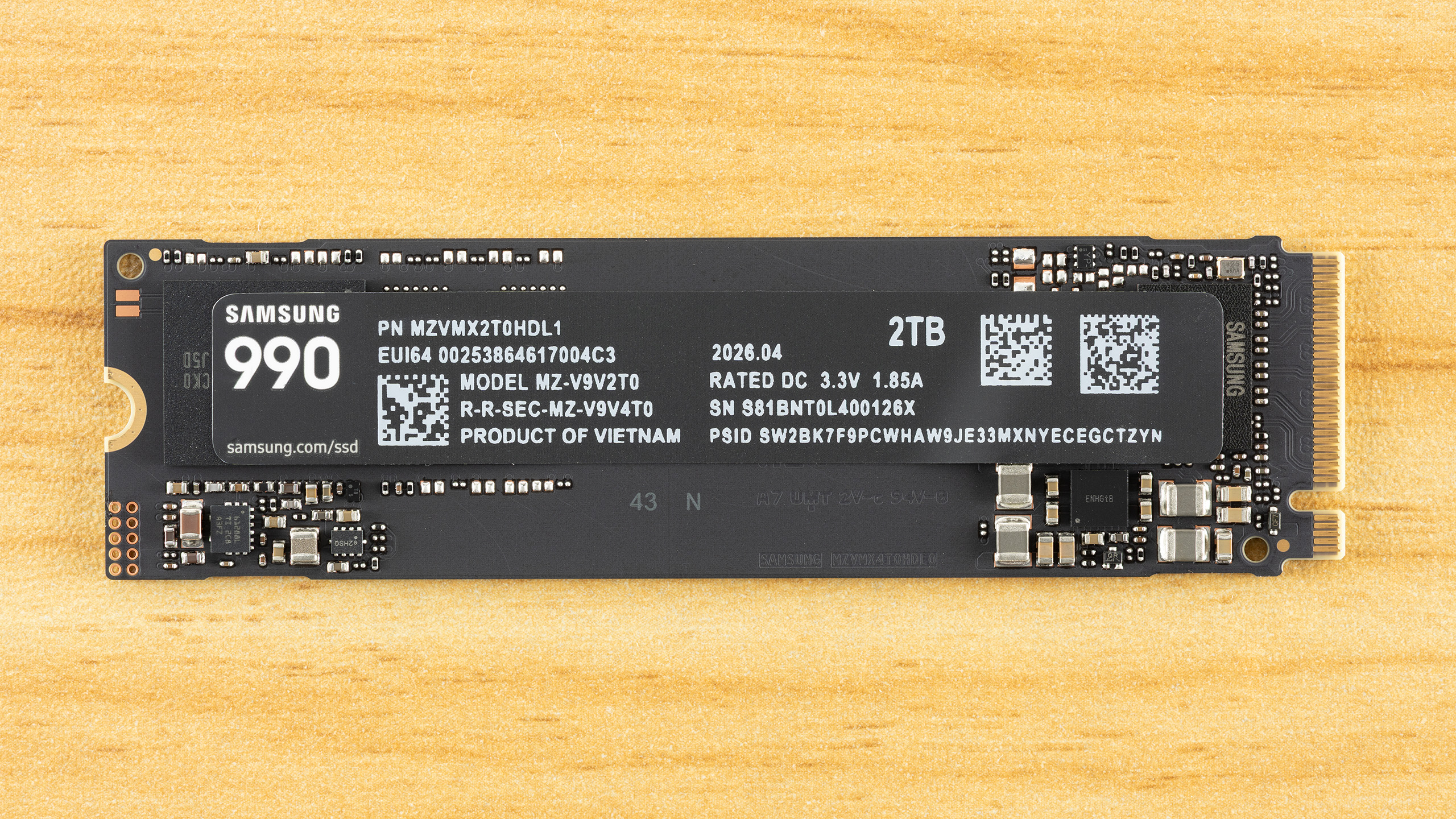
The 990 has an SSD controller, a single NAND flash package, and power management circuitry. There is no DRAM package present. This is a single-sided drive, which is ideal for compatibility and cooling. There is a lot of free space on the PCB, and by putting distance between the controller and flash, there is separation to mitigate component heat generation. This would also help if a heatspreader or heatsink were to be added. Without this space, the drive could be sold in a shorter form factor, which is particularly useful for OEM drives.
The label has information about the drive, such as the date of manufacture (DOM), model, serial, the PSID, and the power rating. We always caution that you not take certain drive information as being conclusive about the hardware. For example, you should not assume TLC or QLC flash from a drive’s TBW. Likewise, you shouldn’t rely on the labeled power rating – and this is done more often on M.2 2230 drives for portable devices – as any indication of drive power efficiency. Here we have 3.3V / 1.85A, which indicates potential power draw over 6W. Now, the power ratings given on spec sheets will often be average and not peak, and will be separated as read or write rather than mixed. In fact, this drive’s load power states can reach a peak of 5.90W via SMART, which is much above the rated average ~4W. We track both peak and average in our testing.
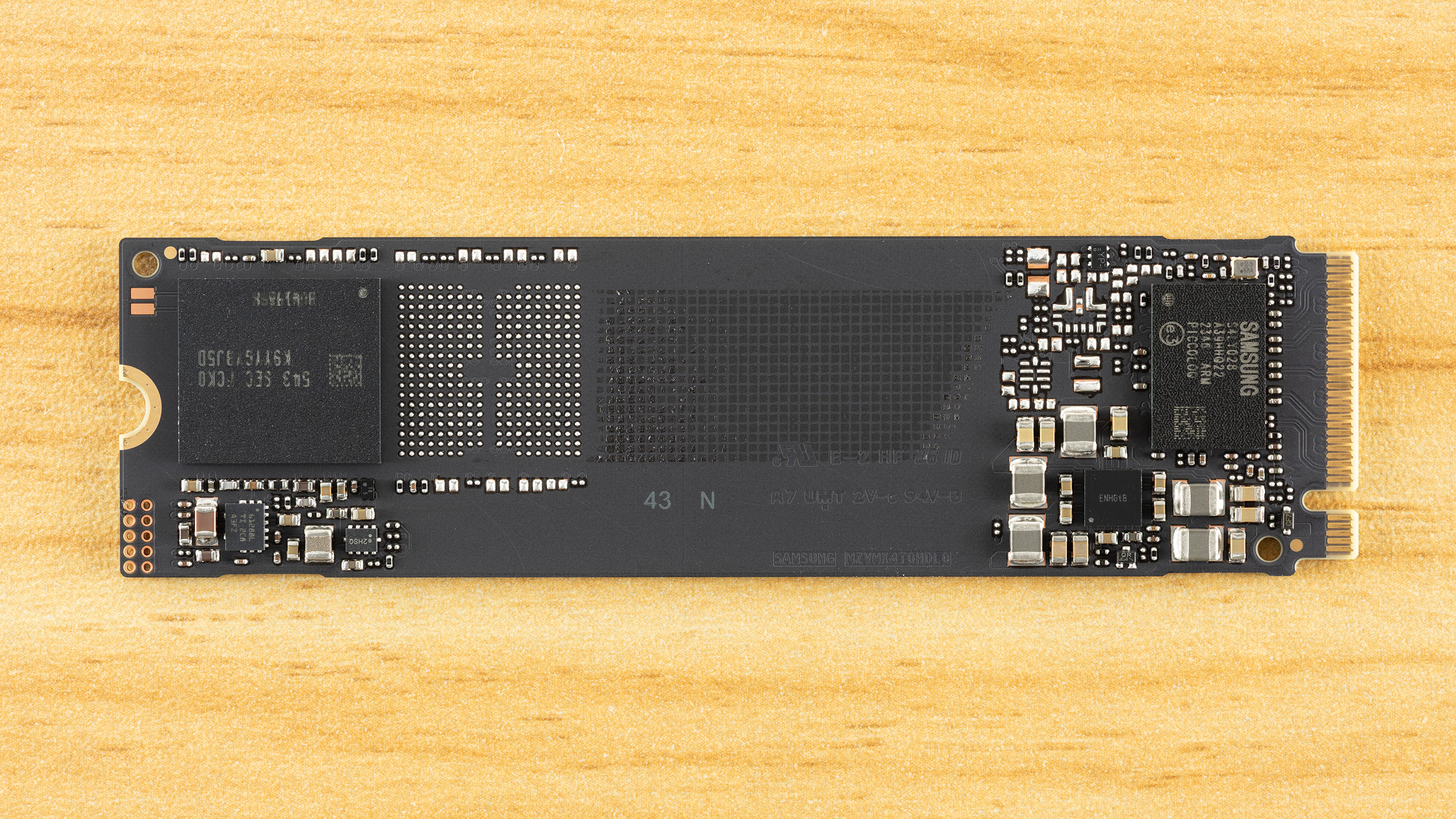
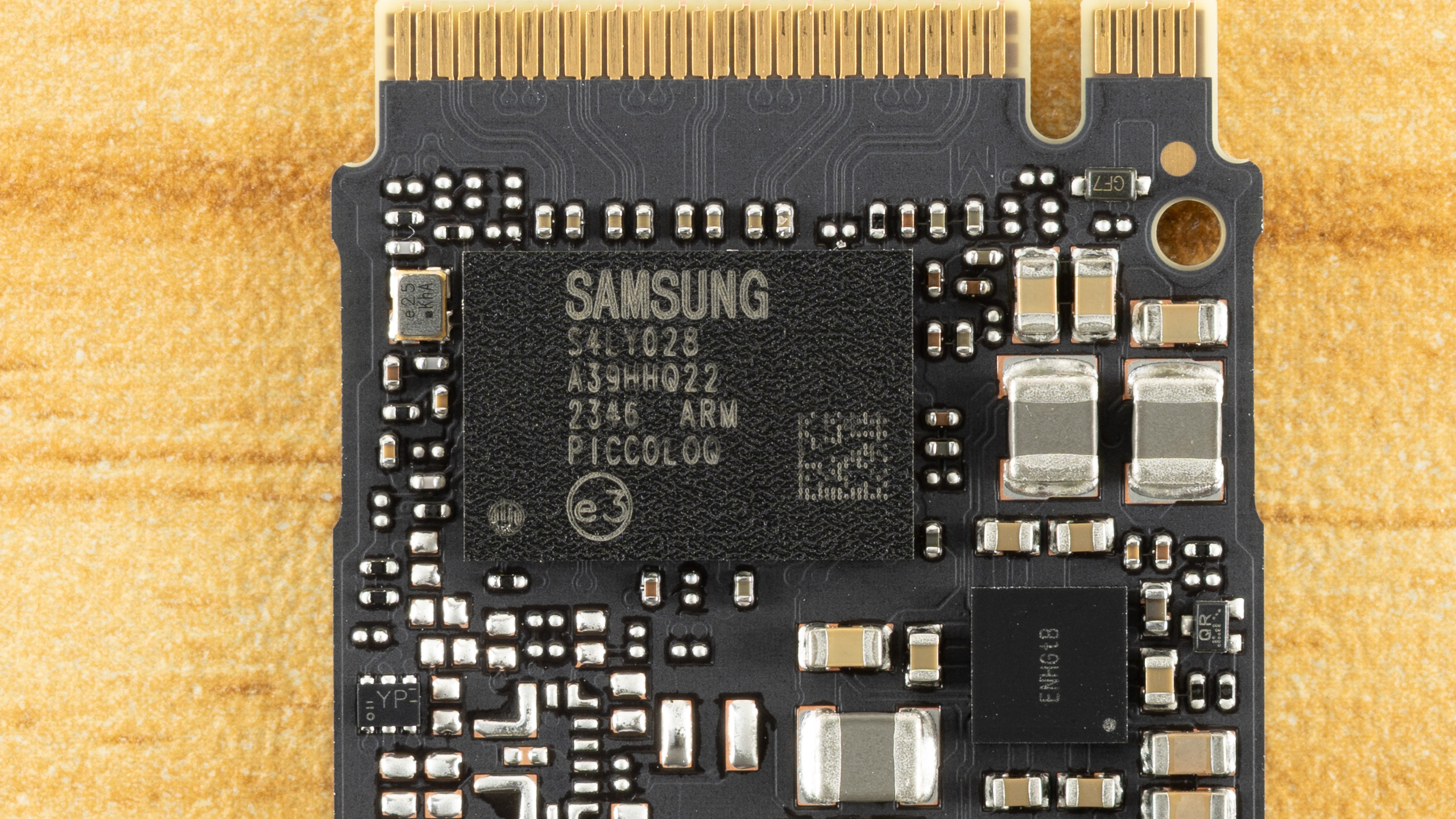
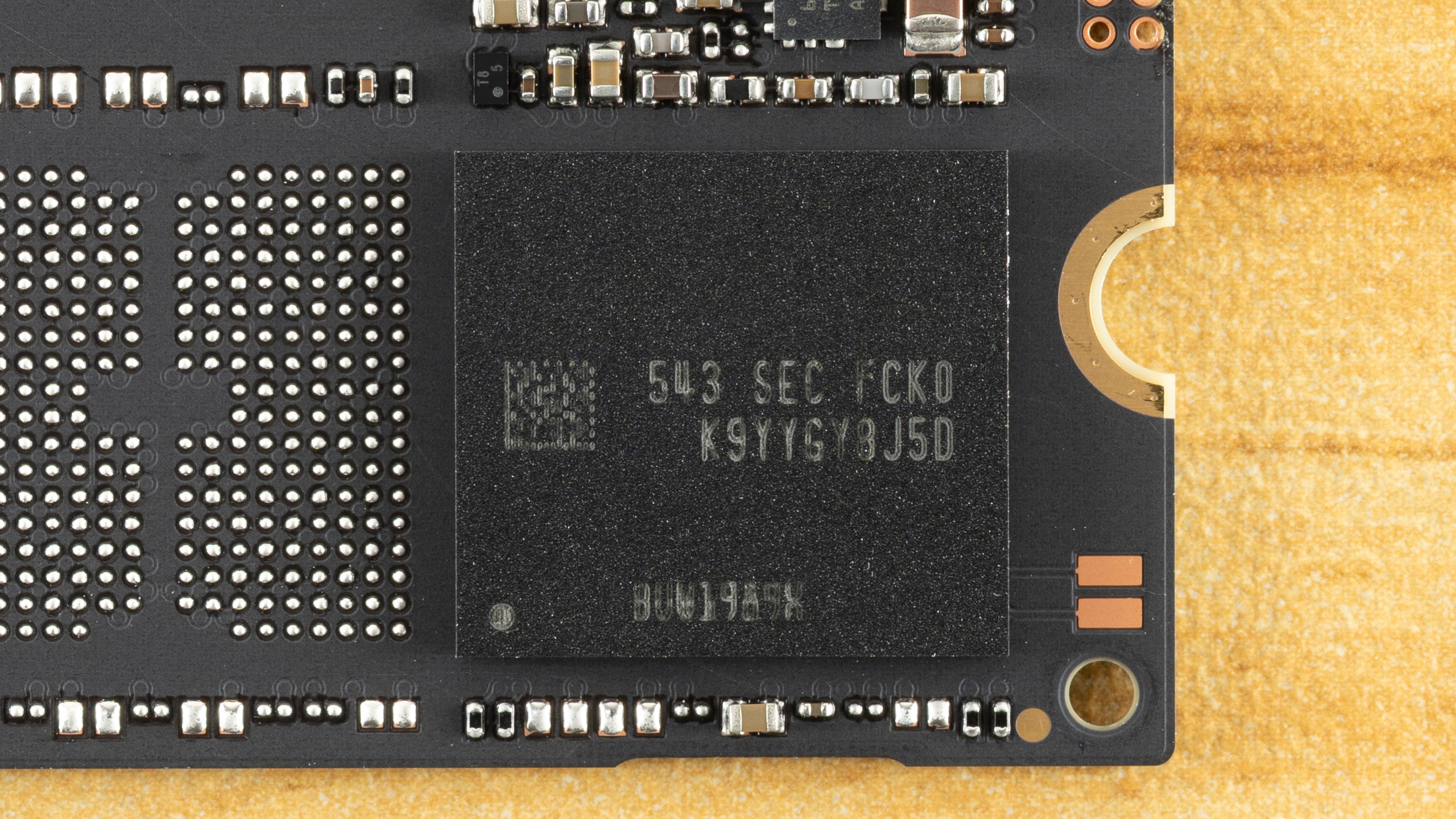
We always enjoy reviewing Samsung drives with a focus on the technicals, as the manufacturer remains a leader in many ways. The 990, in particular, requires some extra description to be fully appreciated. Simply looking at the benchmark results might make the technology seem underwhelming – to be honest, this is very much a budget drive, even taken in the best light – but that doesn’t mean Samsung phoned this one in. In fact, there are signs of deliberate design here, and some of the decisions could help sell this drive. Samsung still has to get the pricing right, of course, but what else is new?
Let’s start with the controller. The 990 is using the PiccoloQ, which is the QLC flash version of the Piccolo. The Piccolo is utilized on the 990 EVO and 990 EVO Plus, two TLC-based drives. In all cases, it’s a four-channel, DRAM-less design, which limits performance and capacity. In both cases, the controller takes up to 2,400 MT/s flash – this is more than enough to saturate PCIe 4.0 – and the interior design is the same. This means it’s a Samsung 5nm part with multiple ARM Cortex-R8 cores and a single R5 core. If the Piccolo stands out in any way, it’s that it offers a PCIe 5.0 x2 option in addition to the standard 4.0 x4 interface. This option or mode has limited usefulness, though, and nothing in the 990 would change that if enabled for the PiccoloQ.
So, not much new on the controller front, but the use of this controller at the 990’s rated speeds does give us some more information. Namely, we know the 990 EVO runs more slowly because it’s using flash slower than 2,400 MT/s, 1,600 MT/s Samsung V6P TLC, to be precise. If we look at Samsung’s V7 QLC flash, it can run at that same speed. This is why the originally speculated 990 QVO with that flash was targeted at the same speeds as the 990 EVO. Things have changed since then. This drive could have been the 990 QVO, but with the EVO and EVO Plus lines going DRAM-less this generation, we suspect the QVO tier was “promoted” to the plain 990 name, and the 990 now targets the 990 EVO Plus's specs
The evidence to back this up, which also supports the loose 990 QVO rumor, is that Samsung does have a V7 QLC OEM drive: the BM9C1. This is the cousin to the PM9C1 line with OEM 990 EVO and 990 EVO Plus (PM9C1b) variants. The BM9C1 is available down to M.2 2230 and uses the same PiccoloQ as the 990 (the QLC version of the 990 EVO/EVO Plus’s Piccolo). It’s just limited to the same speeds as the 990 EVO, as it’s running at 1,600 MT/s. We have to be careful here, though, as Samsung’s V9 QLC press release indicates a 60% I/O improvement, which, with the V9 being 3,200 MT/s, suggests a 2,000 MT/s ceiling for the V7 QLC. Since there is an OEM TLC-based drive in between the 990 EVO and 990 EVO Plus (the PM9C1a) at 2,000 MT/s, the possibility for a ~6 GB/s 990 or 990 QVO with V7 QLC existed.
Before we dive more deeply into the flash, since we haven’t seen the new Samsung QLC in a while and there is some neat tech here, let’s decode the module. “K9” tells us it’s Samsung NAND flash memory. “YYG” indicates it’s a QLC flash package with sixteen dies (HDP) in a 2TB configuration, which confirms 1Tb dies. “Y8” means it’s 8-bit, J tells us the voltage, “5” tells us the number of chips enabled and ready/busy signals, and “D” tells us the generation. With V7 being “C” and V8 skipped, this suggests V9. The second part of the code tells us how the flash is packaged and that it’s commercial / consumer-grade. While you aren’t expected to know how to read codes on your SSD, knowing how it works can be useful, especially with Samsung drives, even if it’s just a matter of trying to figure out if you have a counterfeit product.
So let’s talk about the flash. This is a 286-Layer part, technically, but is sold as 280-Layer once accounting for source/ground and dummy lines. Dummy lines are usually at stack edges, as the physics of flash can make these lines otherwise unusable. A higher layer count – Samsung’s V7 is only 176-Layer, although technically 191 layers – generally means higher bit density. Bit density is key to scaling NAND flash, which is acting as capacious, non-volatile storage media. This can be disappointing to some because it means you don’t always see any real performance scaling as the layer count progresses.
Fitting more flash into the same space can mean less room for charge in each cell, which makes it harder to optimize for performance if you’re trying to maintain the same endurance level. That is certainly the case with this flash, as the performance only manages to match that of last-generation 176-Layer QLC flash from competitors, which is why we want to go out of our way to point out Samsung’s design decisions and why it leans innovative in ways you won’t see in, say, your game load times.
For one, when we talk about the layer count difference – reported versus actual – you also get an efficiency number that is the ratio between usable and total word lines. Samsung is a leader here, with high layer efficiency. Samsung also has held off using three decks or stacks of flash and is still at two, due to having superior channel etching – it’s able to drill down more layers with a higher aspect ratio. It’s also possible to run lines through the flash itself rather than rely largely on masked steps, which sets the stage for Samsung scaling to extremely high layer counts. One issue with high layer counts is that you start losing uniformity from layer to layer, and Samsung accounts for this with optimized word line spacing, too. So, as we’ve said in the past, it often feels like Samsung is falling behind on layer count, but in reality it has a very focused strategy and the best technology in the business, and we can see this with the 990’s flash.
For the consumer, though, the 990 is a little bit weird. This is presumably 3,200 MT/s flash that is being “wasted” with a 2,400 MT/s controller. This flash has amazing bit density, but having a single sixteen-die package at 2TB is nothing new. What about performance? Samsung has made optimizations to improve performance on this flash, but nothing amazing. This QLC is only comparable to the competition in performance terms, particularly at 2,400 MT/s. Samsung is playing catch-up, but we also think this is a case of designing for enterprise rather than consumer.
QLC flash is now highly sought after in enterprise for its density, and Samsung’s optimizations all benefit that kind of environment. In fact, from a consumer’s perspective you could look at this V9 QLC as being focused on higher bit density – but no 2Tb dies – and you would largely be correct. Samsung’s V9 QLC is 86% more dense generationally and about 94% more dense than the competition’s 176-Layer QLC flash.
We’ll take a look at one new technology in the V9 QLC flash to illustrate. One important consideration is flash power interruption leading to data loss, which, without power loss protection (PLP) means you are looking at protecting data at rest. This is on the non-volatile media or flash, not the volatile memory like DRAM. When folding from the pSLC cache to the native flash, data loss is not an issue because you don’t invalidate the original pSLC copy until the write has been verified. However, when writing to native QLC, you are writing multiple pages where the upper pages will require higher levels of sensitivity for proper reading. There are different methods of writing to QLC flash, but generally multi-bit flash has multiple write passes that go from fuzzy (coarse) to precise (fine), and lower pages write faster and may be complete first. Therefore, it’s important not to ruin existing lower-page data if you lose power while still adjusting voltage for the upper pages.
Micron has a unique way of dealing with this using a differential engine that can predict values from partial shifts, but a more common method is simply to back up or buffer the values in nonvolatile flash. QLC stores four bits per cell, so a full backup means writing four bits of pSLC per cell. pSLC is used because its writes are fast, whereas QLC's upper-page writes, in particular, are an order of magnitude slower. Samsung reduces the buffer to a single parity bit by using an odd/even algorithm, creating a sensing window that’s more like TLC (8-state) than QLC (16-state). This improves performance, endurance, and bit density. Some of that performance is still lost for higher bit density. For consumers, the direct benefit is higher TBW, but we speculate the higher density is aimed more at enterprise and future flash generation products. This is in part a response to Solidigm’s floating-gate design, a different technology than charge trap, with tighter charge placement.
MORE: Best SSDs
MORE: Best External SSDs
MORE: Best SSD for the Steam Deck
The Samsung 990 enters a crowded market with a lot of good options, at least in theory. If we’re looking at QLC-based drives, this means the Crucial P310 and Sandisk WD Blue SN5100 at the very top. Both of these drives perform incredibly well. Below that, we have the older wave of drives represented by the TeamGroup MP44Q. That drive in particular remains a budget favorite with a fast controller and good QLC flash.
We would put the rest below that, even though the hardware is not always worse. This would include the Biwin M350, the Kingston NV3, and the Seagate FireCuda X1070. These drives are using alternative controllers – SMI, SMI, and TenaFe, respectively – that are roughly comparable, and the flash is not particularly old, either. However, these drives tend to be more budget-focused with reduced performance and (ideally) reduced cost.
We’ve also thrown in Samsung’s 990 EVO and 990 EVO Plus for comparison. The 990 should be closer to the latter, but with QLC flash, it would be okay landing somewhere in between. On the whole, we would expect the drive also to be between the two main categories of drives – that is, above the budget ones, below the two fastest, and closer to the middle MP44Q and its MAP1602-equipped alternatives, but with Samsung’s name recognition. The technology is here to make this a reliable drive, which is also a factor to consider, but being this late to the game puts the 990 at a general disadvantage.
Built for gamers, 3DMark’s Storage Benchmark focuses on real-world gaming performance. Each round in this benchmark stresses storage based on gaming activities including loading games, saving progress, installing game files, and recording gameplay video streams. Future gaming benchmarks will be DirectStorage-inclusive and an evaluation for future-proofing is included where applicable.
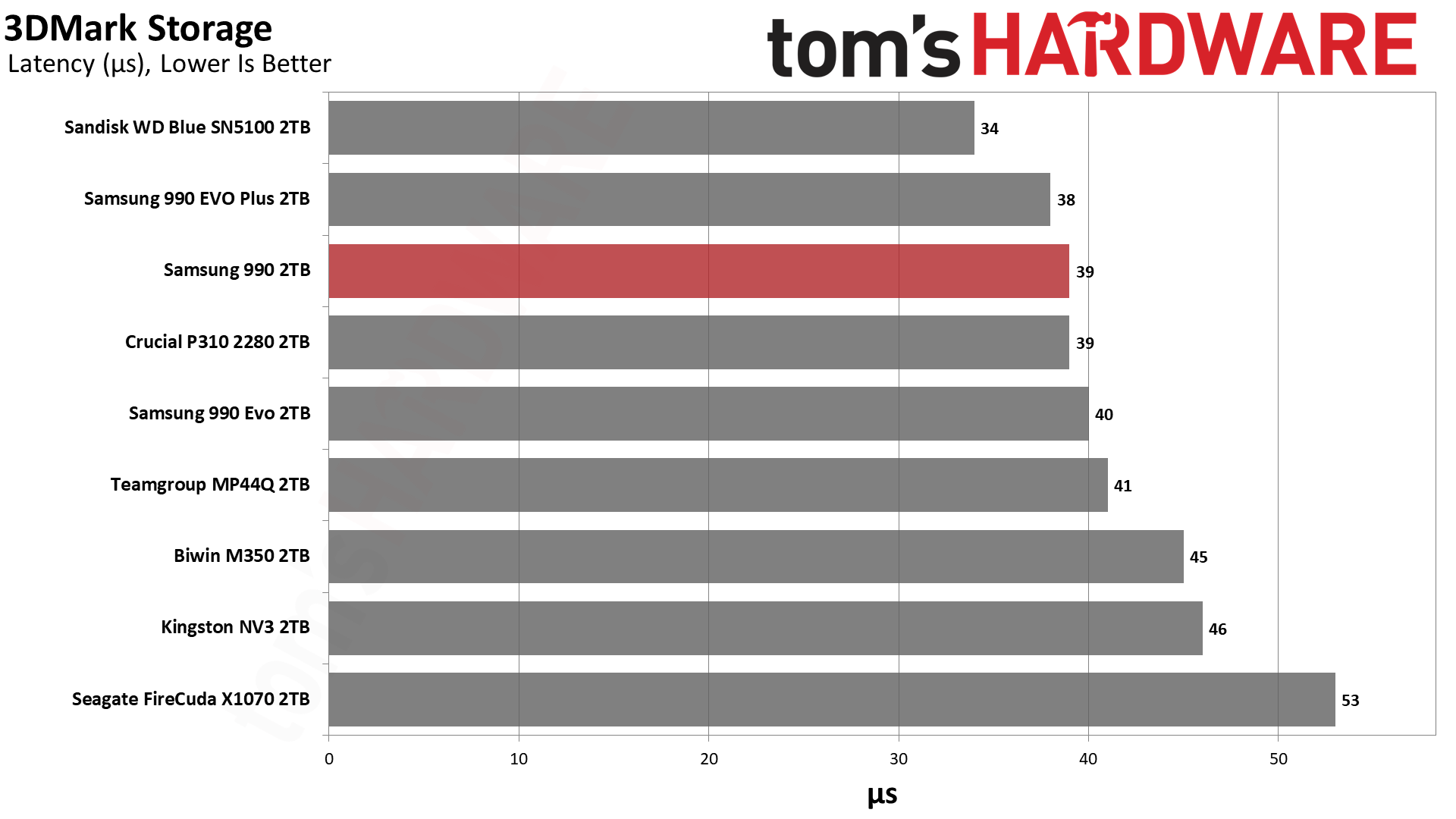
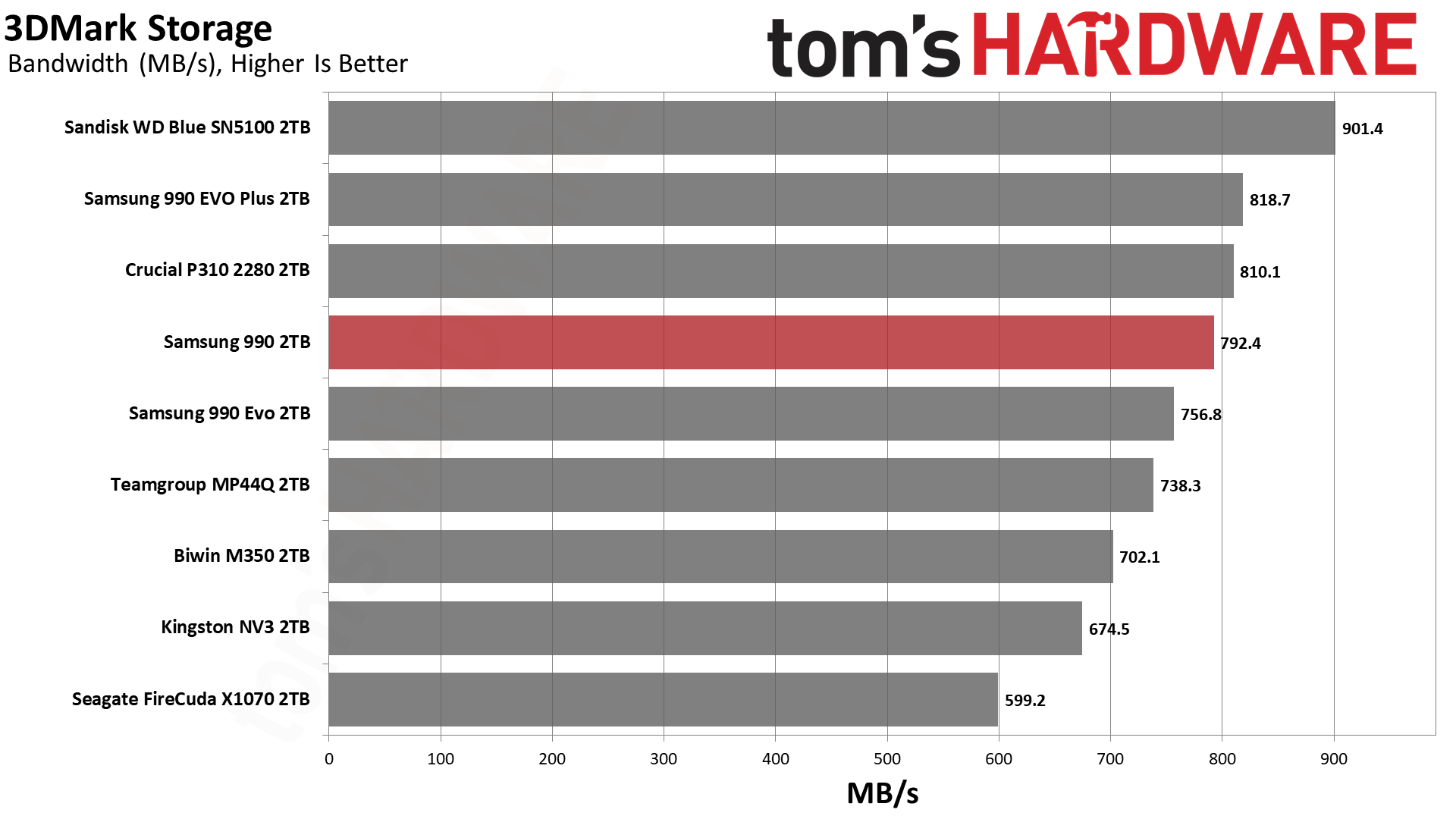
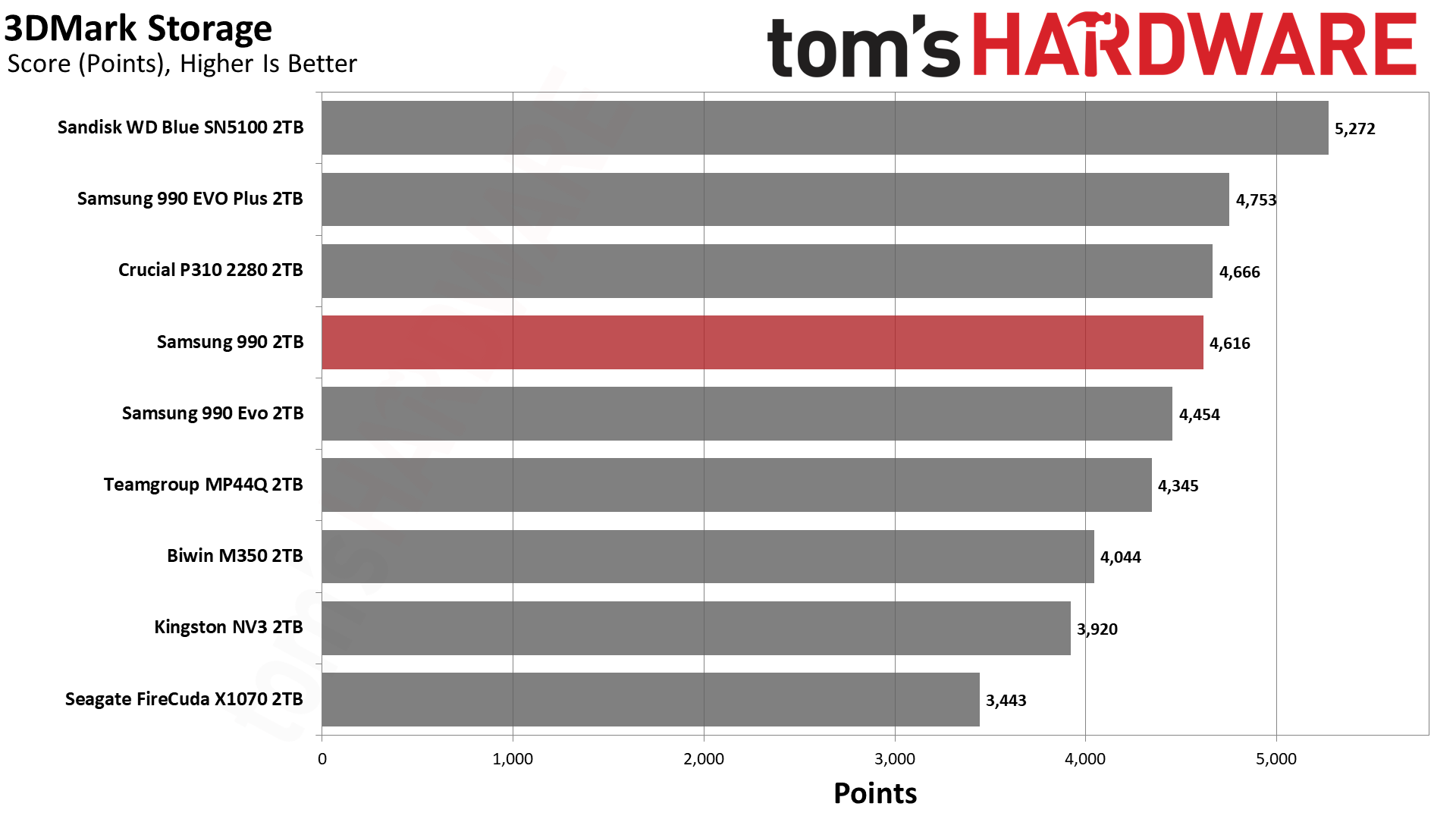
We start by looking at 3DMark because, frankly, QLC-based drives make a lot of sense for gaming. Aside from large installs and updates, you’re mostly doing reads, which do not favor TLC drives as much. While it’s true that QLC flash is still slower, often-accessed data might be left in the pSLC cache – if you leave enough space free – and QLC is also optimized for random reads. Games do involve a lot of sequential reads and often at larger block sizes than you’d expect, but as long as the drive has sufficient interleaving (it’s sufficiently large) you are going to get pretty good performance.
For 3DMark, which is a synthetic test, we might expect the drives to perform as they do under ideal, cached circumstances. This means the 990 should perform closely to the 990 EVO Plus and better than the 990 EVO, even though both of those latter two are TLC-based. It does. The 990 gets pretty close to the P310, which is one of the best QLC drives out there, aside from the Blue SN5100. We tend to look at ~45µs as a good cutoff point for all-around performance – gaming doesn’t need to be super responsive – which is roughly around the popular budget NV3. The 990 is significantly faster than that, which is all you could ask for here.
PCMark 10 is an industry standard trace-based benchmark that uses a wide-ranging set of real-world traces from popular applications and everyday tasks to measure the performance of storage devices. The results are particularly useful when analyzing drives for their use as primary/boot storage devices and in work environments.
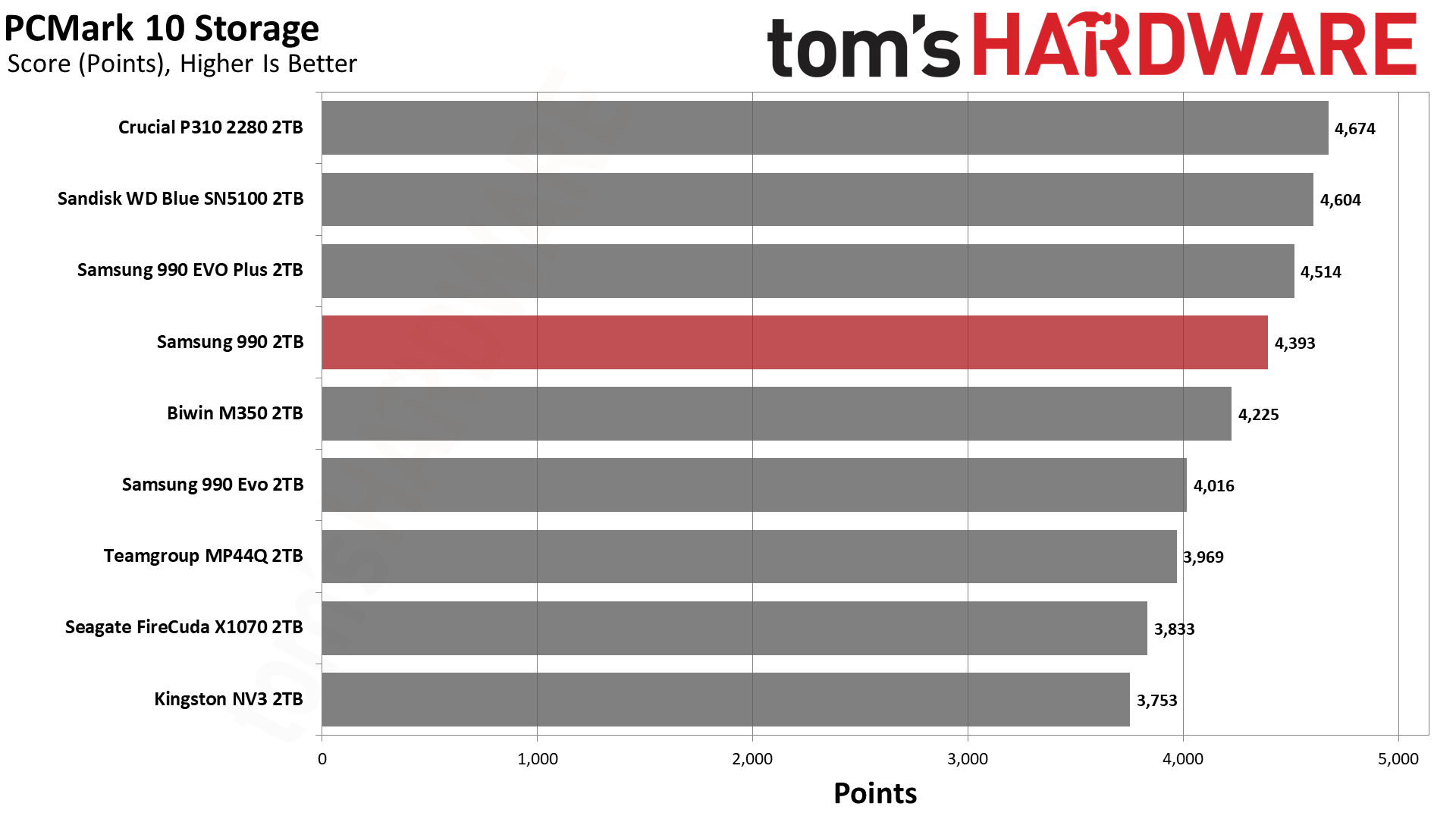
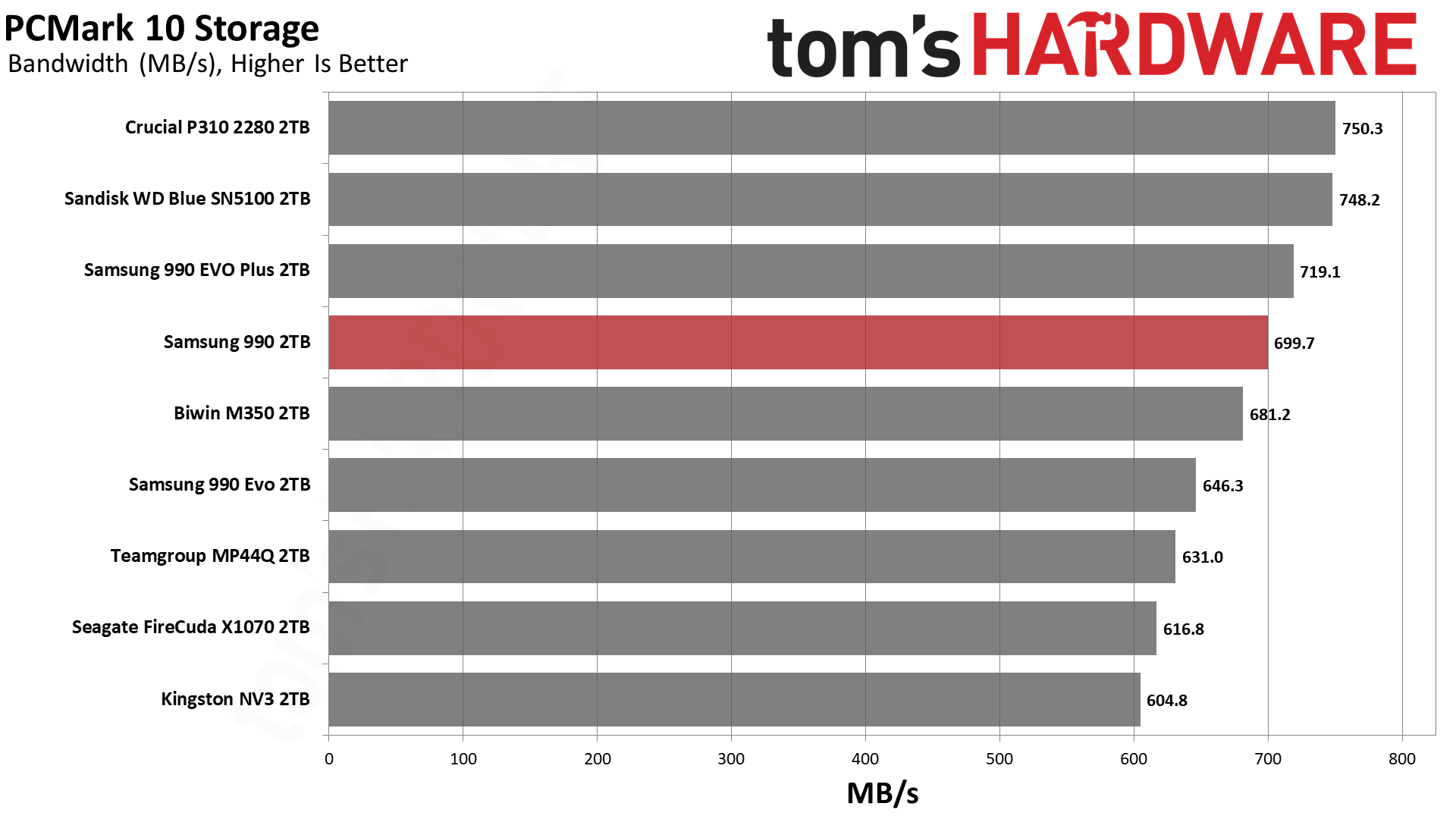
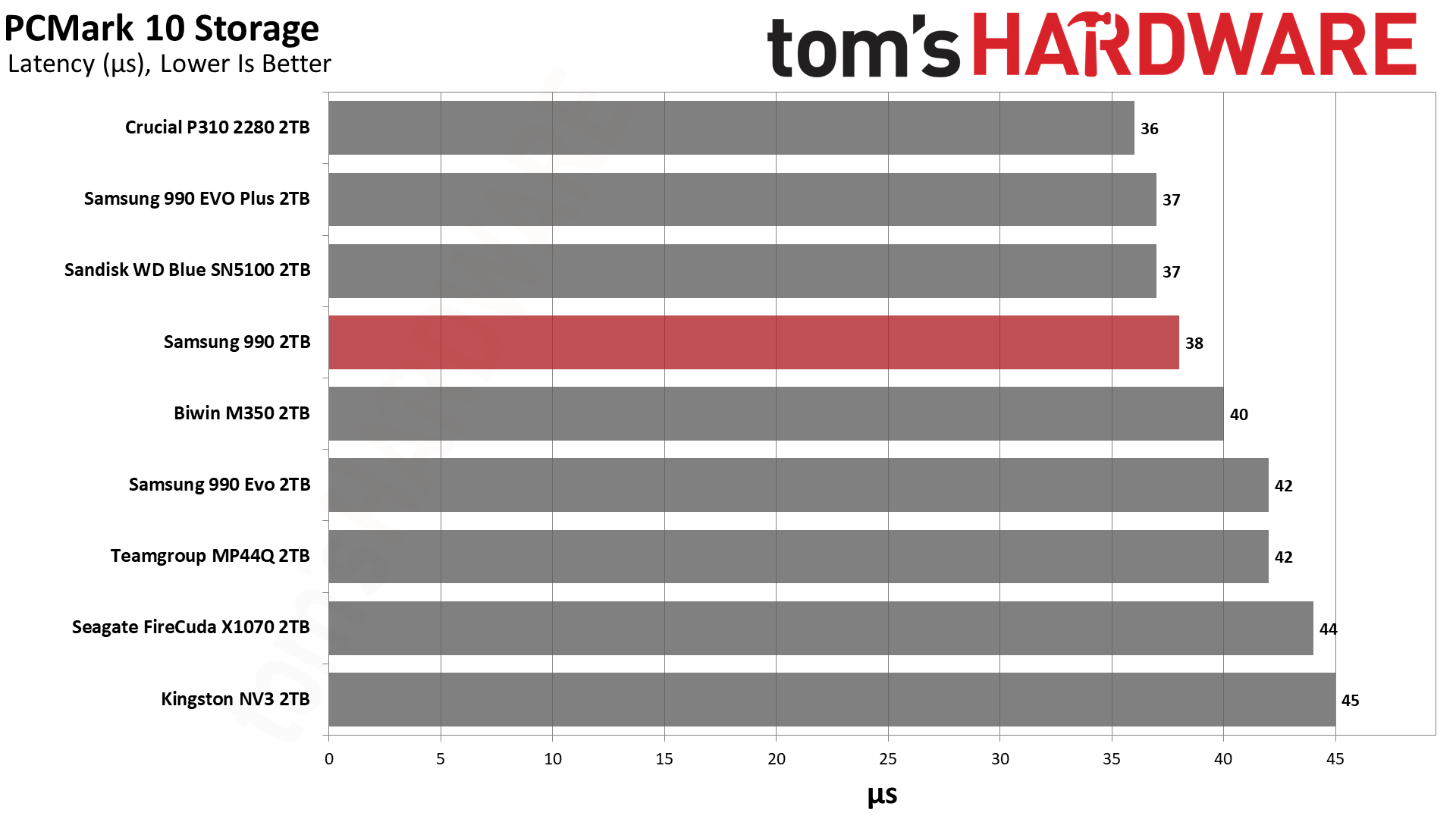
PCMark 10 performance usually, but not always, follows 3DMark. There is speculation that some drives or firmware may be optimized for benchmarks like PCMark 10, but taken within a greater suite of tests it’s still useful to get a feel for application performance. For us, that means for a primary drive – your boot or OS drive where your apps live – or for your everything drive, if you work and game on a single drive in your system. This isn’t too unusual with laptops where M.2 slots are limited.
The 990 again ends up roughly where we’d expect – above the 990 EVO, and close to the 990 EVO Plus. It’s not on the level of the P310 or Blue SN5100, but it’s clearly above the budget drives. This is a strong result with good latency. For instance, we would take the 990 over the NV3 any day, every day. On the other hand, the P310 and Blue SN5100 are frankly better drives. These two drives are better optimized and performance-oriented. The 990 is more of a gap filler that’s late to the scene.
We have to say, though, that we’re glad Samsung didn’t push out a 990 QVO that was more like the 990 EVO, even if it would have arrived earlier. Such a drive would have used older QLC flash and performed more slowly simply due to the lower interface speed.And frankly we’d rather have density-optimized flash that can run at the 990 EVO Plus level. That’s what the 990 delivers, even if it feels a little underwhelming. However, it makes perfect sense given the current market, enterprise demand, OEM demand, etc. The drive is still very fast and of a superior quality to a great many budget drives out there, and that makes it worthwhile.
The PlayStation 5 is capable of taking one additional PCIe 4.0 or faster SSD for extra game storage. While any 4.0 drive will technically work, Sony recommends drives that can deliver at least 5,500 MB/s of sequential read bandwidth for optimal performance. Based on our extensive testing, PCIe 5.0 SSDs don’t bring much to the table and generally shouldn’t be used in the PS5, especially as they may require additional cooling. Check our Best PS5 SSDs article for more information.
Our testing utilizes the PS5’s internal storage test and manual read/write tests with over 192GB of data, both from and to the internal storage. Throttling is prevented where possible to see how each drive operates under ideal conditions. While game load times should not deviate much from drive to drive, our results can indicate which drives may be more responsive in long-term use.
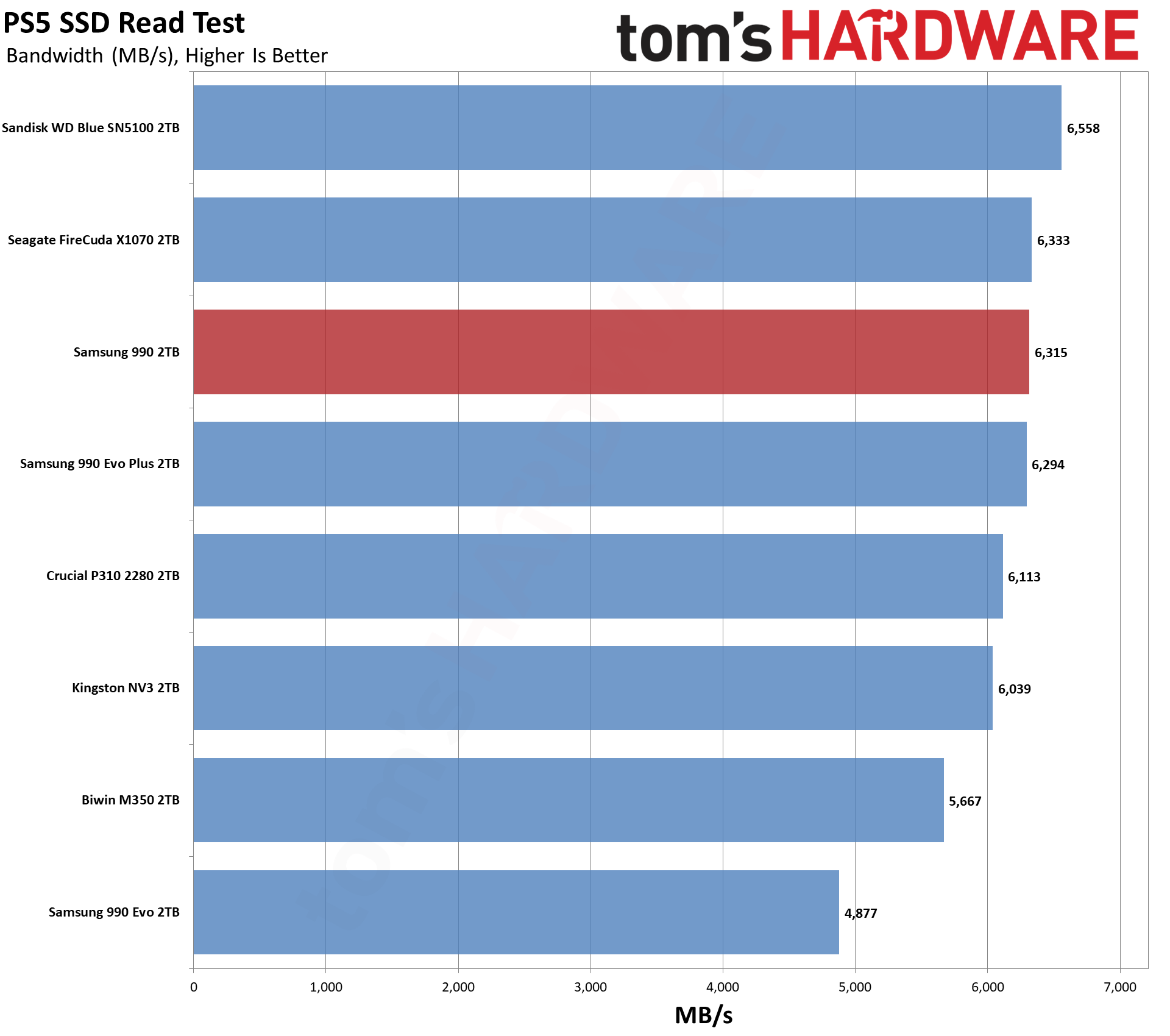
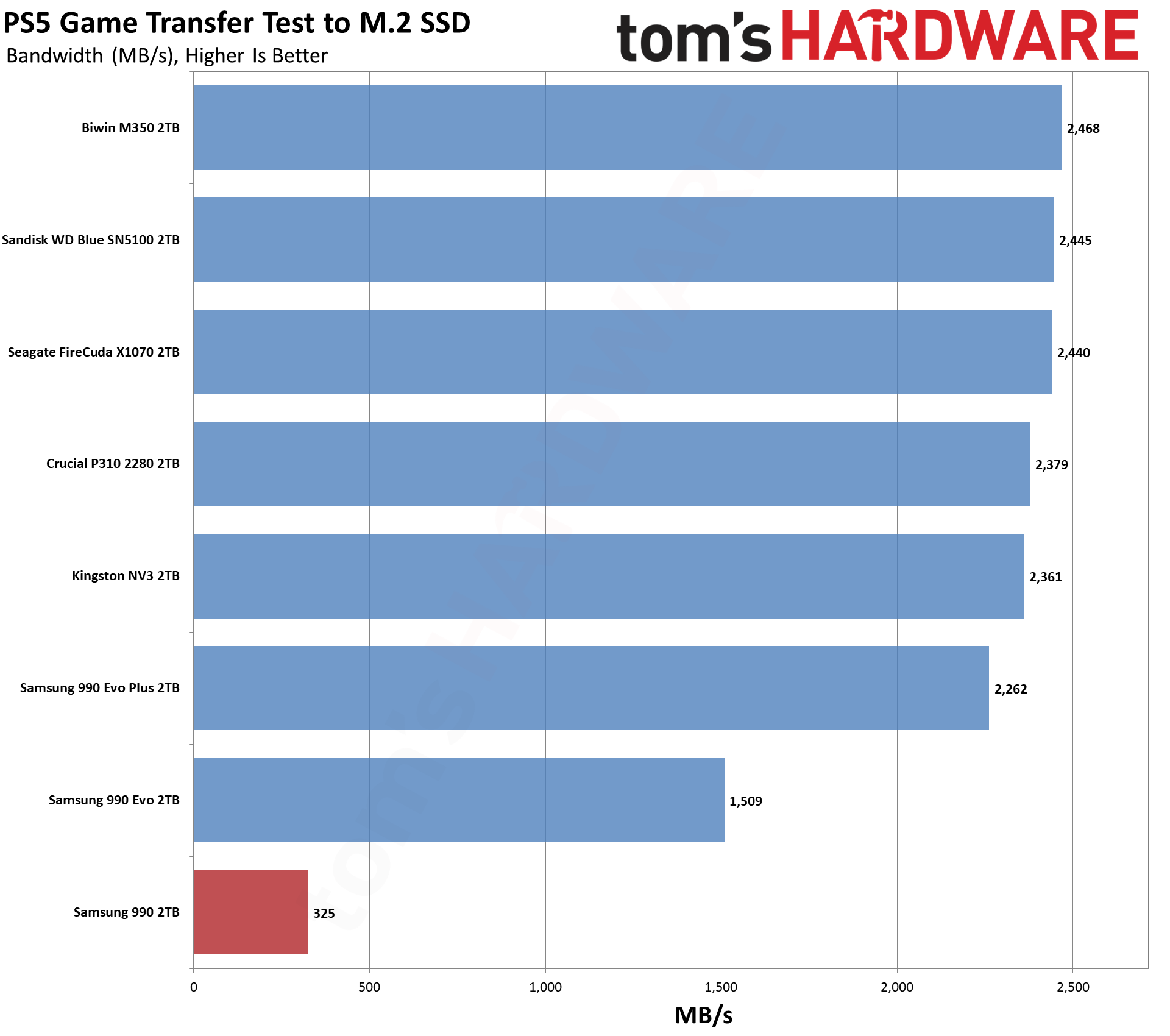
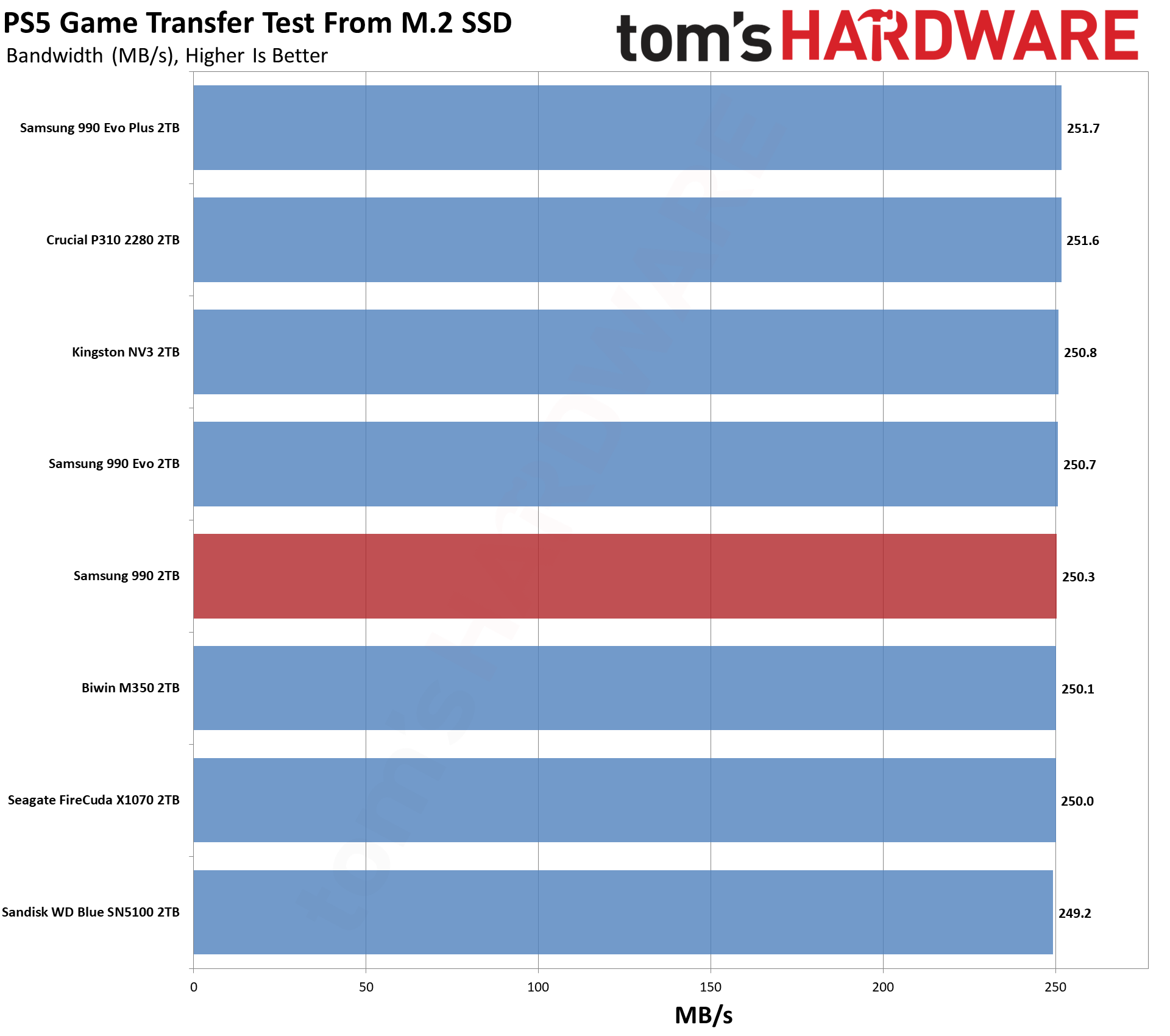
You know our PlayStation 5 line by now: just about any drive will do. The 990 can push more bandwidth than the 990 EVO, which arguably makes it a better pick. It’s on par with, or better than, most budget drives out there. At least, for the things you will usually be doing on the PS5. It’s clear from our one bandwidth test that the drive ran out of cache, and it has the typical slow QLC flash write state. This is not indicative of real-world performance if you do normal installs/updates with mostly reads. If you are freshly installing the drive and moving a ton of games onto it, then yes, this could be an issue, but the QLC write speeds are still significantly faster than 1GbE if you’re intending only to download a ton of games at once. Otherwise, you can check the cache size in the relevant testing section.
We use the DiskBench storage benchmarking tool to test file transfer performance with a custom 50GB dataset. We write 31,227 files of various types, such as pictures, PDFs, and videos to the test drive, then make a copy of that data to a new folder, and follow up with a reading test of a newly-written 6.5GB zip file. This is a real-world type workload that fits into the cache of most drives.
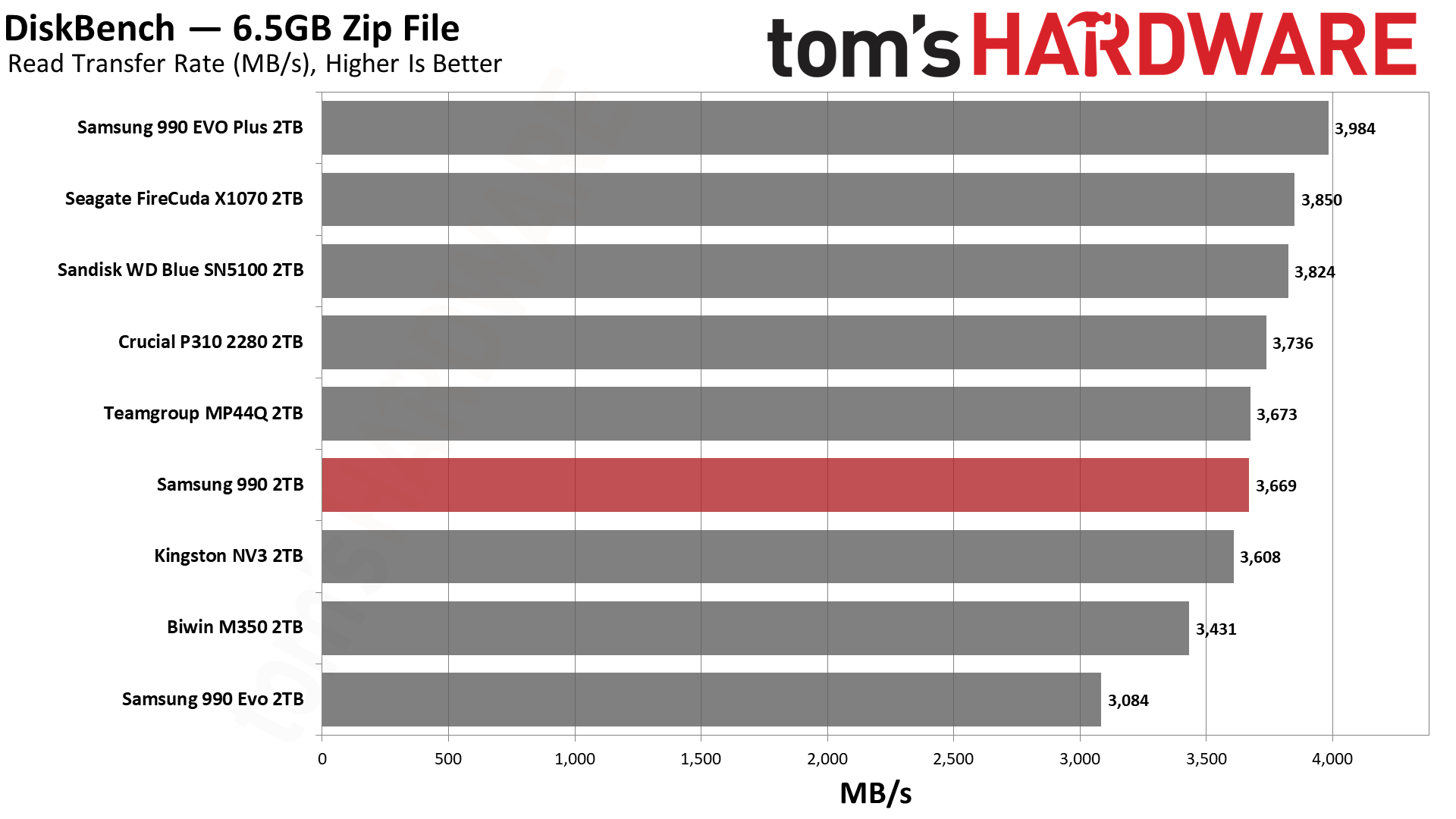
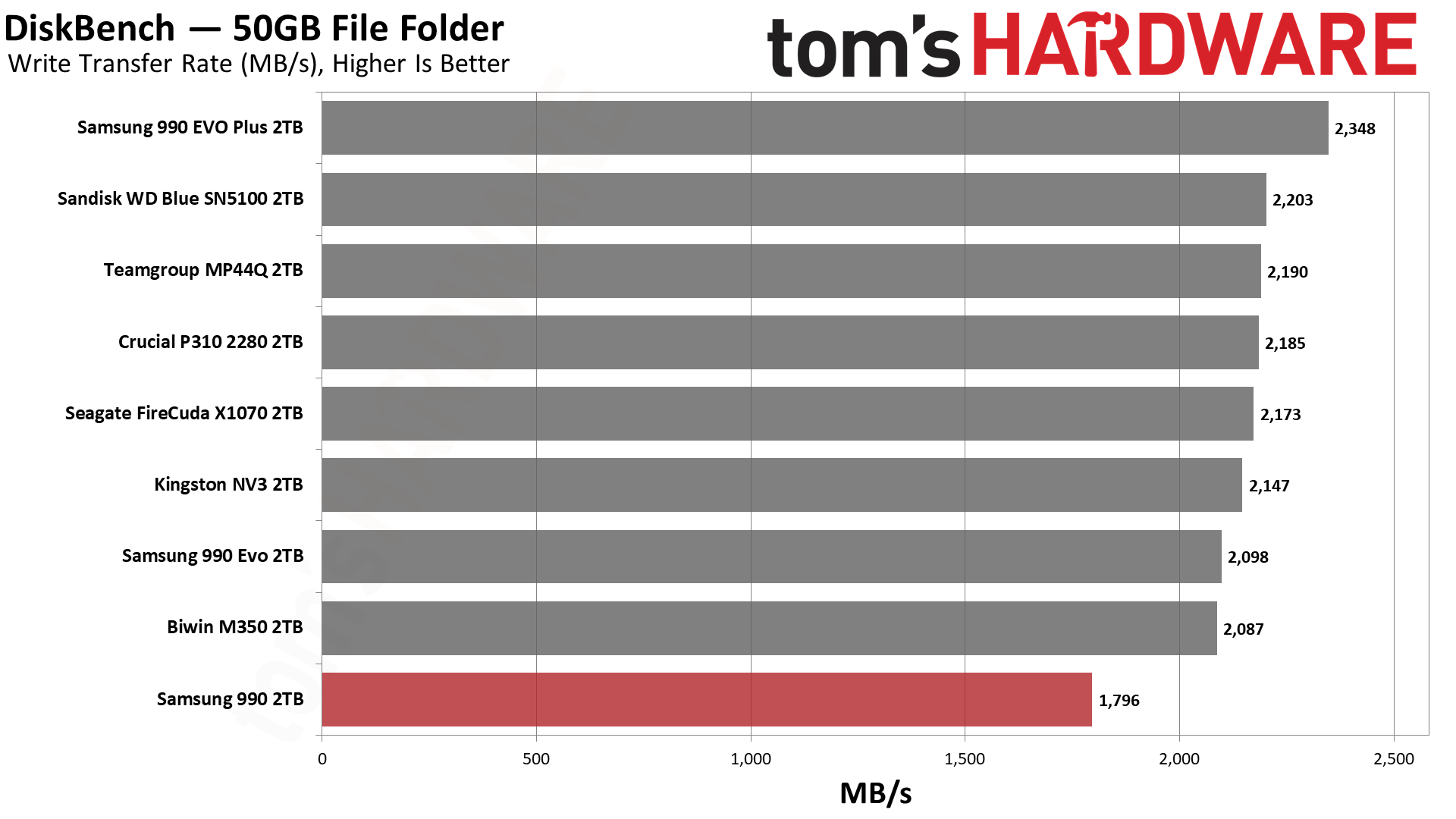
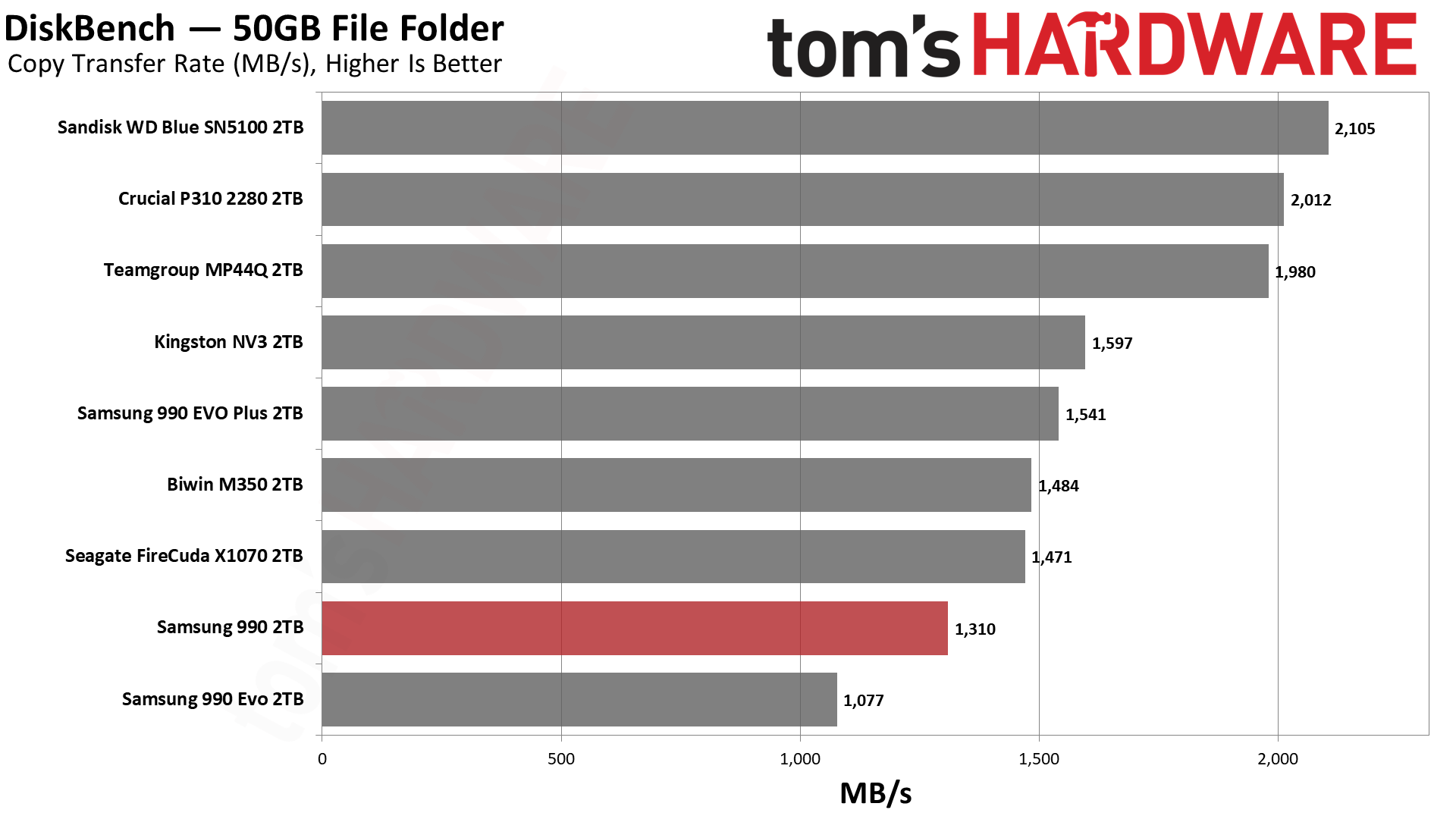
We also see some write performance issues in DiskBench. This is dependent on cache size and speed, but for the most part should be limited by the interface speed. However, there are cases where copy speed will simply be slower, whether due to the controller or other optimization trade-offs. We can see that the 990 EVO, with TLC flash, is not exactly doing great here, and the 990 EVO Plus does much better. However, the 990 lags behind, and is very far behind the P310 and Blue SN5100.
So, we can put some of this slow speed on the Piccolo/PiccoloQ controller. To avoid getting too technical on this, we suspect it is partially architectural. This is reflected in power efficiency, as both the P310 and Blue SN5100 – with the Phison E27T and a proprietary Sandisk controller, respectively – are significantly more power-efficient than the 990 EVO, 990 EVO Plus, and as we’ll discover, the 990 as well. We also know that Samsung’s V9 QLC flash is not particularly inefficient.
As for the controller, there are reasons to design it differently. Reliability is one reason, especially if you sell a lot of OEM and enterprise drives that share the technology. Scaling is another, as you may use similar technology across your stack. You might want to optimize for a different sort of performance baseline; you may have unique endurance requirements, and you also might have to keep capacity in mind – enterprise drives, in particular, could make better use of this flash’s interface speed when scaling for capacity. Therefore, DiskBench results for our specific testing may not really be what Samsung is optimizing for, in which case the 990’s performance more or less hits expectations based on the 990 EVO and 990 EVO Plus. It just disappoints against drives like the NV3, which are otherwise inferior.
And to put a cap on it, yes, this is a consumer drive, but if you go back and read our 990 EVO review – and other recent Samsung SSD reviews, for that matter – you will see we underlined the idea that Samsung has been late to the party with less-than-leading performance recently. The fact is, Samsung has and has had bigger fish to fry, and its technology is sound but no longer looks amazing on the standard consumer benchmarks. That makes its products less relevant if you just want the fastest drive, although we’d argue there are secondary effects like drive reliability that still keep Samsung in the fight, certainly as an OEM option. It’s also true that consumer use has a lower bar – any halfway-decent NVMe drive is fast enough for daily driving – which means, sometimes you’re just buying the Samsung name.
ATTO and CrystalDiskMark (CDM) are free and easy-to-use storage benchmarking tools that SSD vendors commonly use to assign performance specifications to their products. Both of these tools give us insight into how each device handles different file sizes and at different queue depths for both sequential and random workloads.
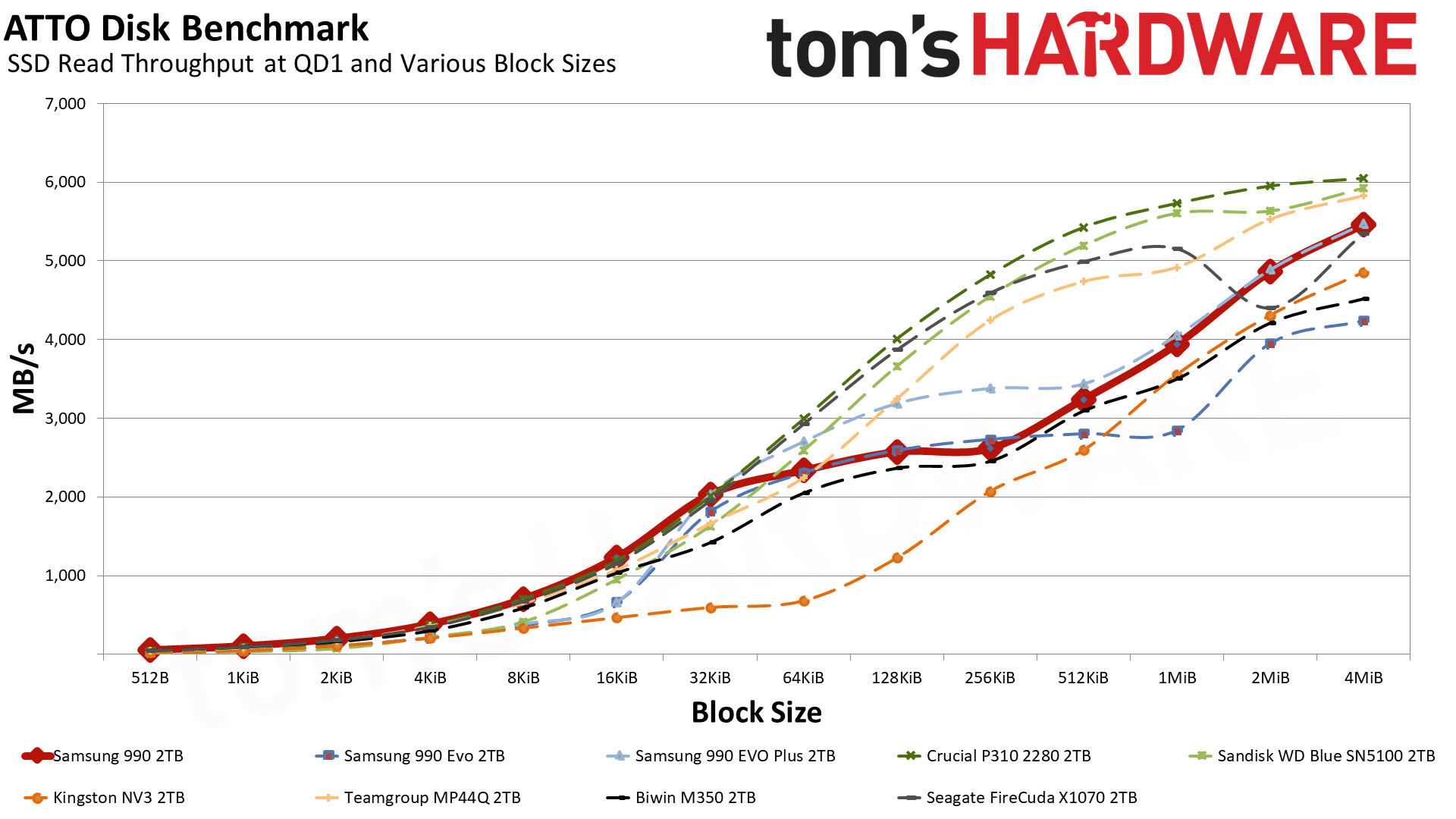
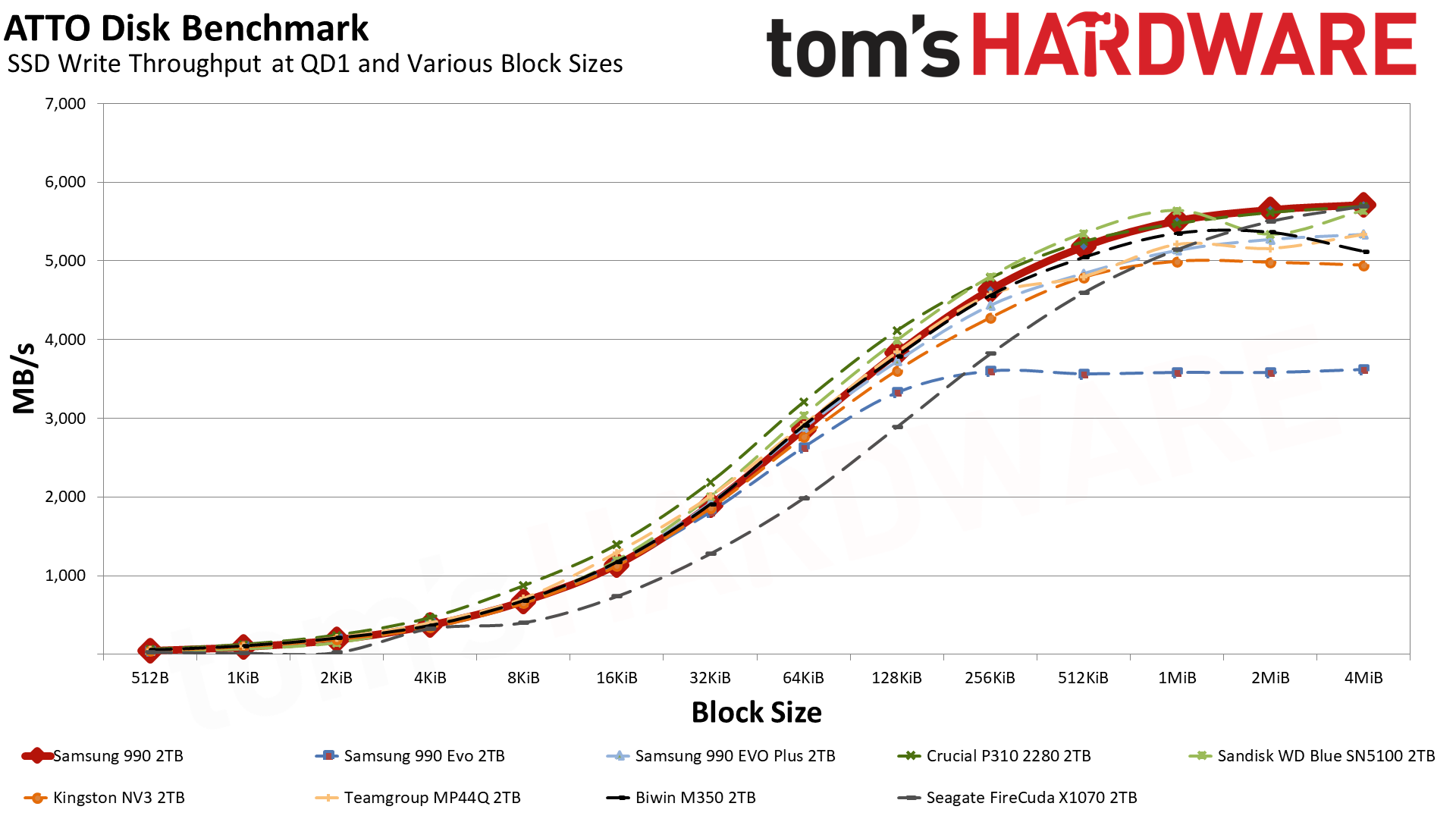
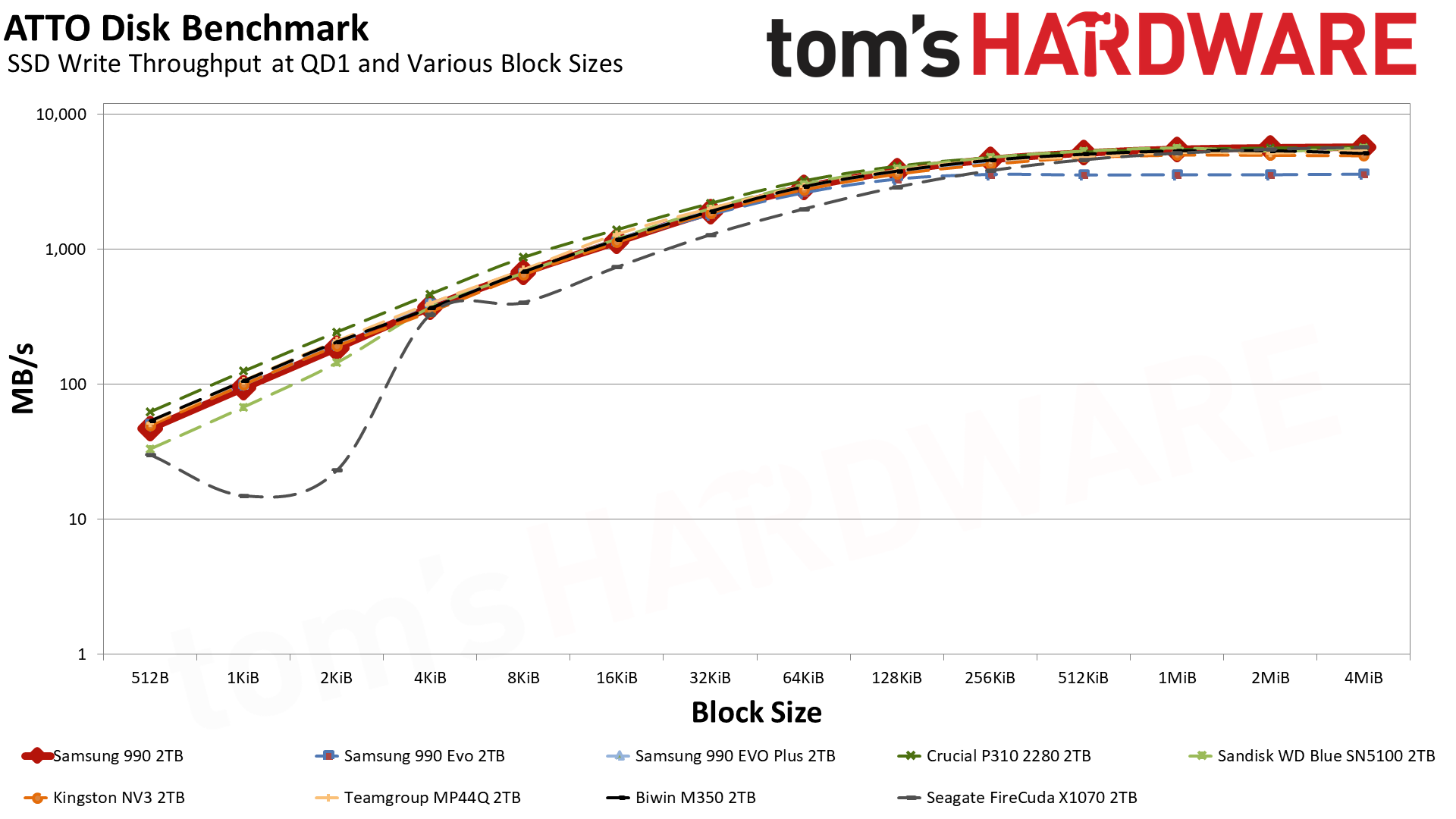
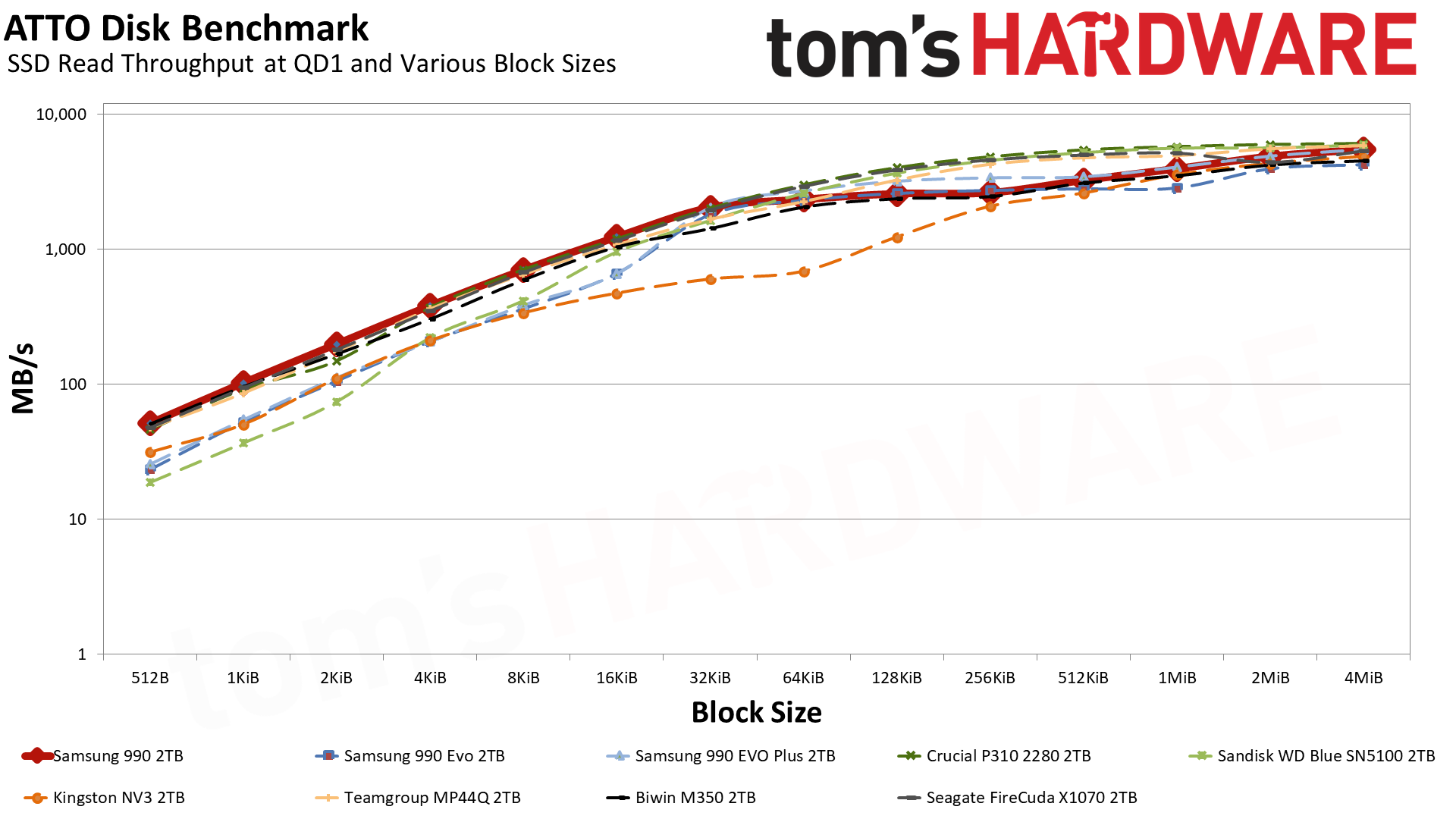
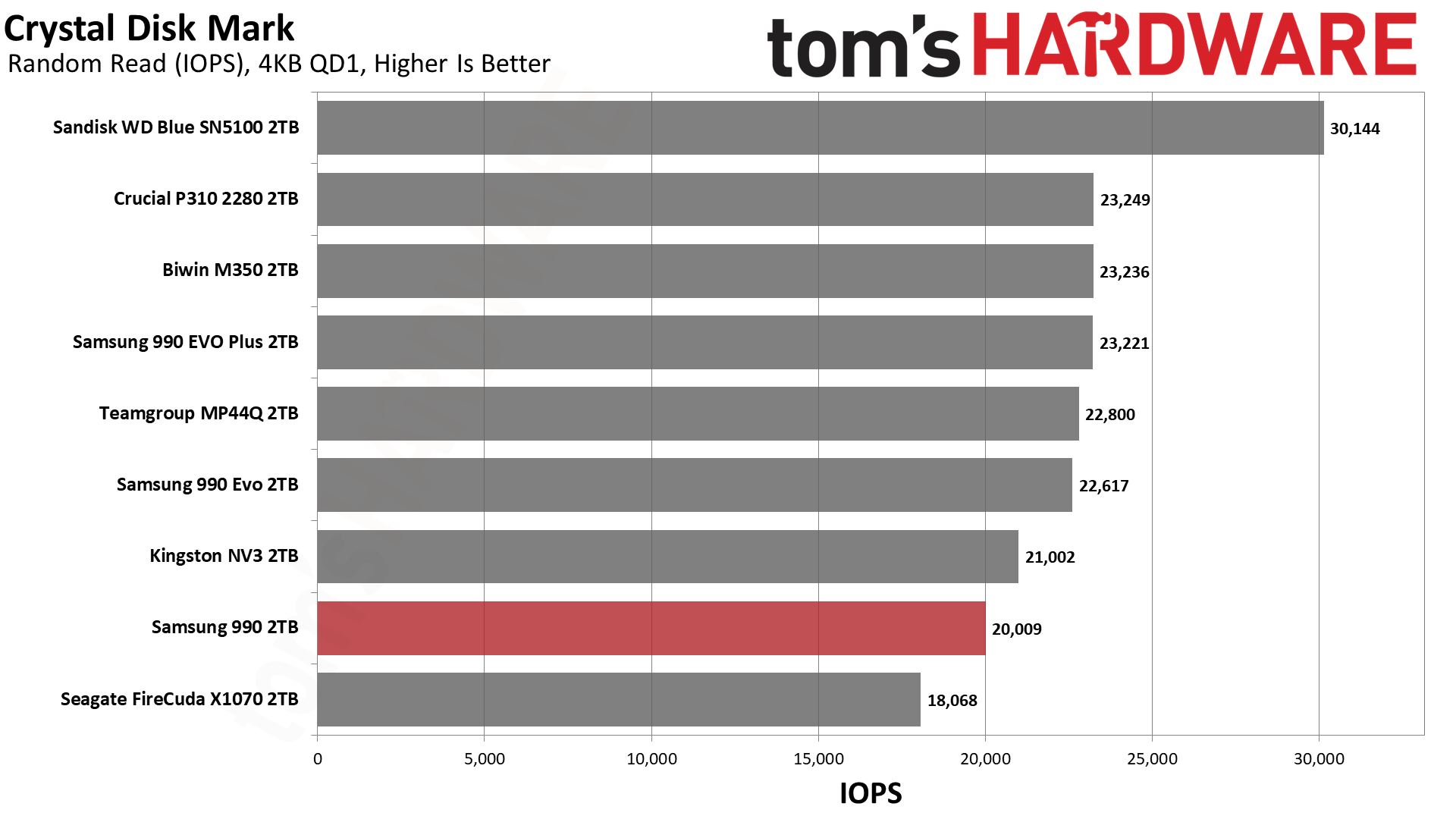
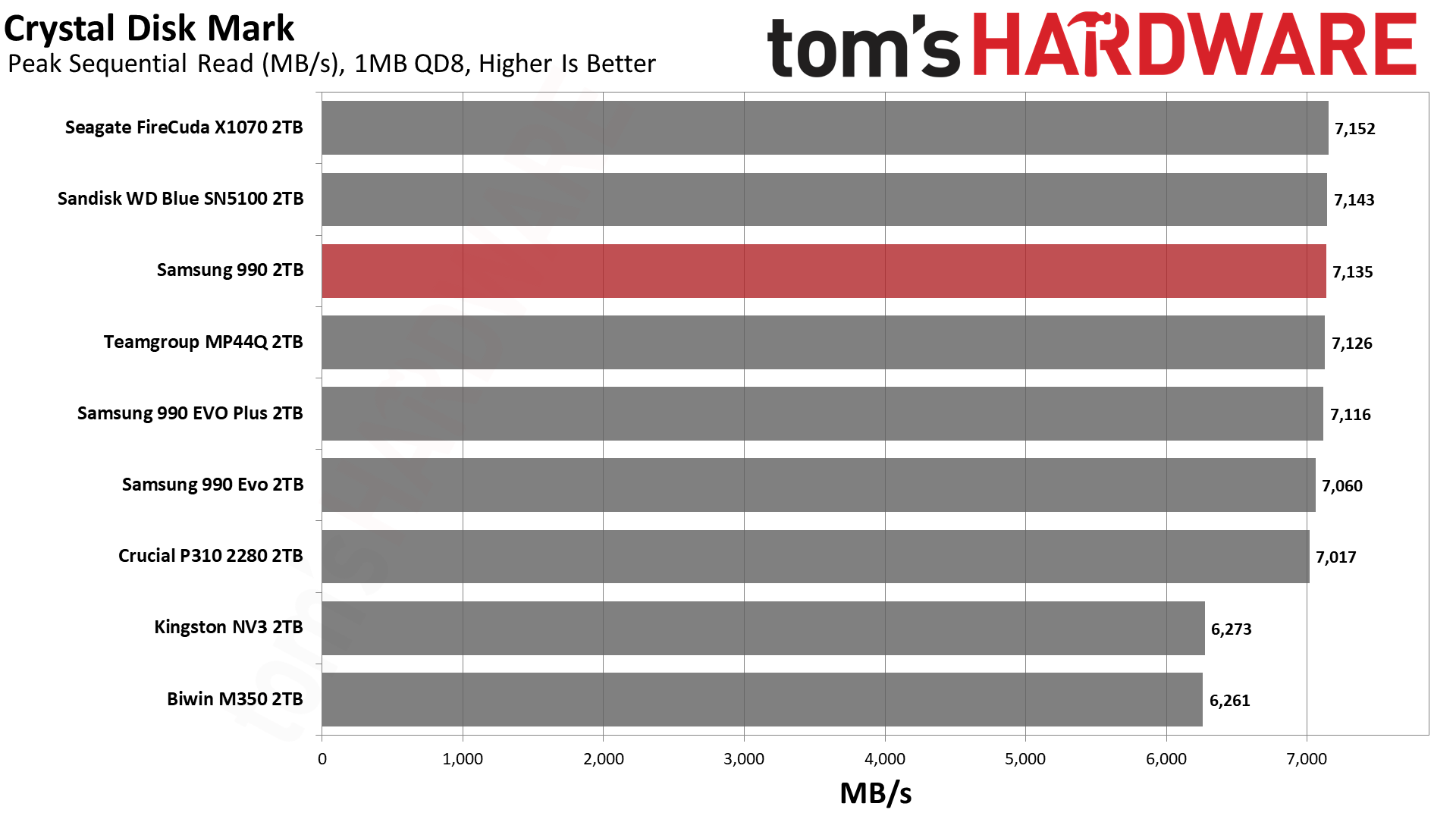
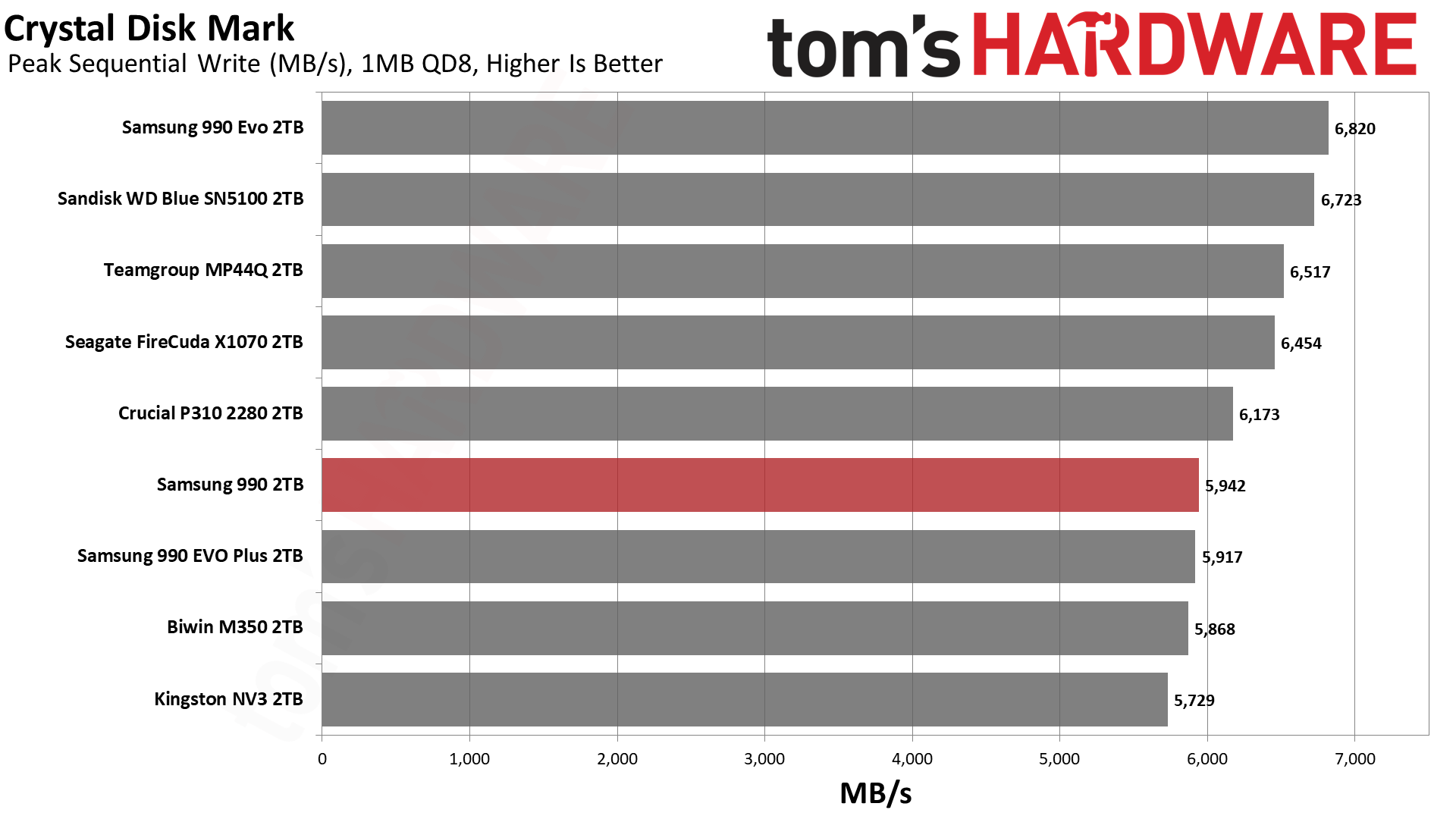
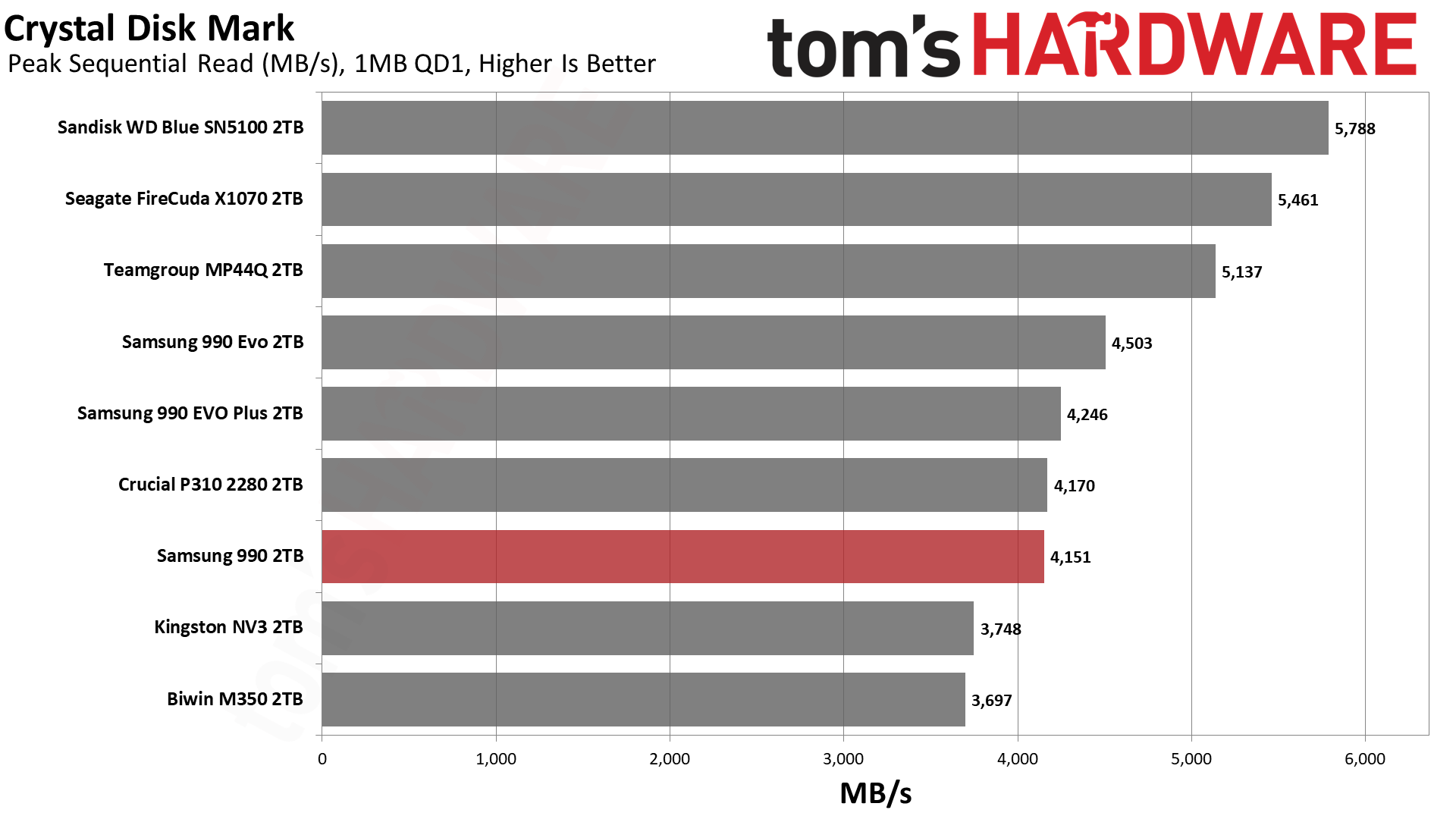
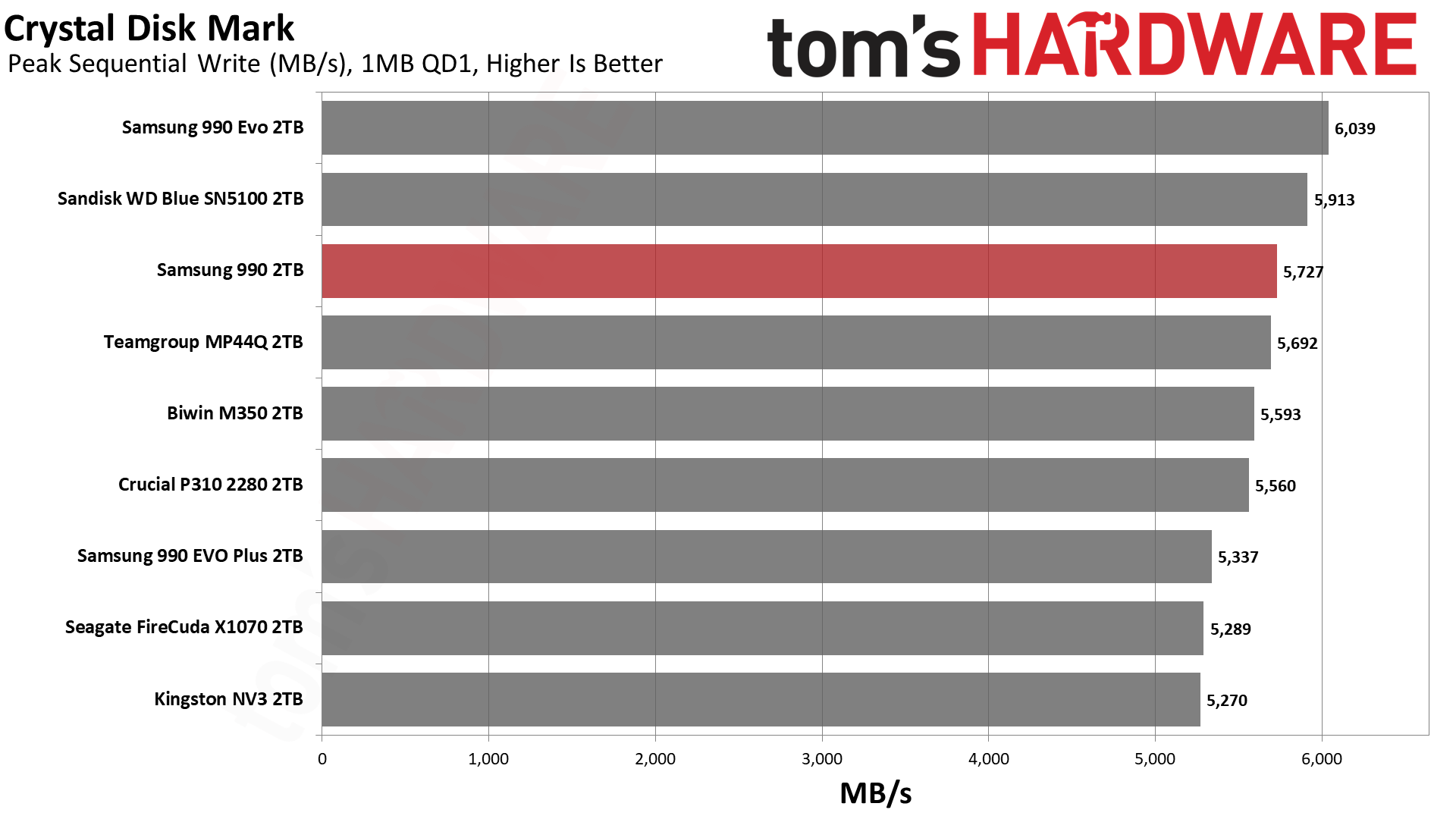
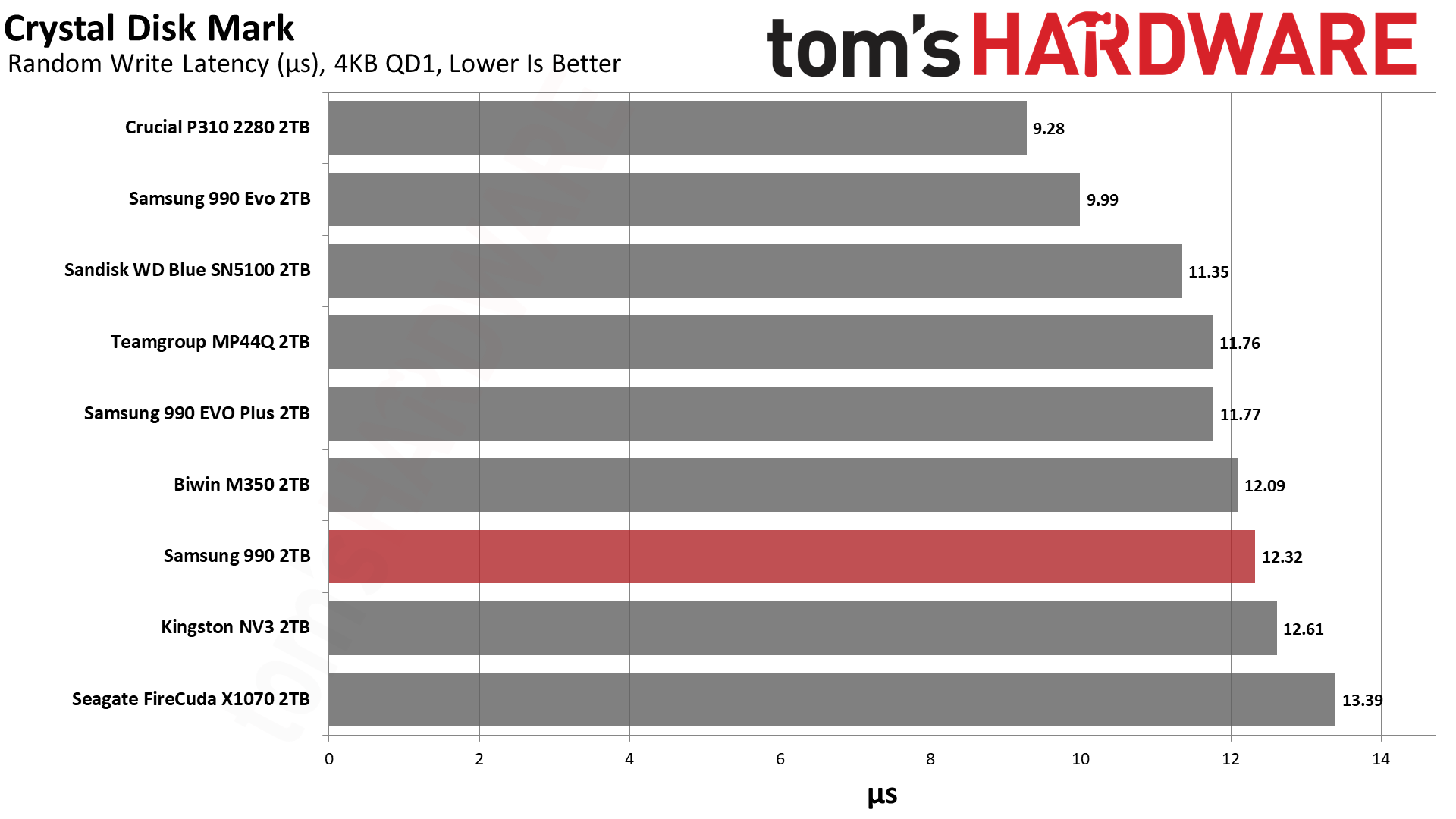
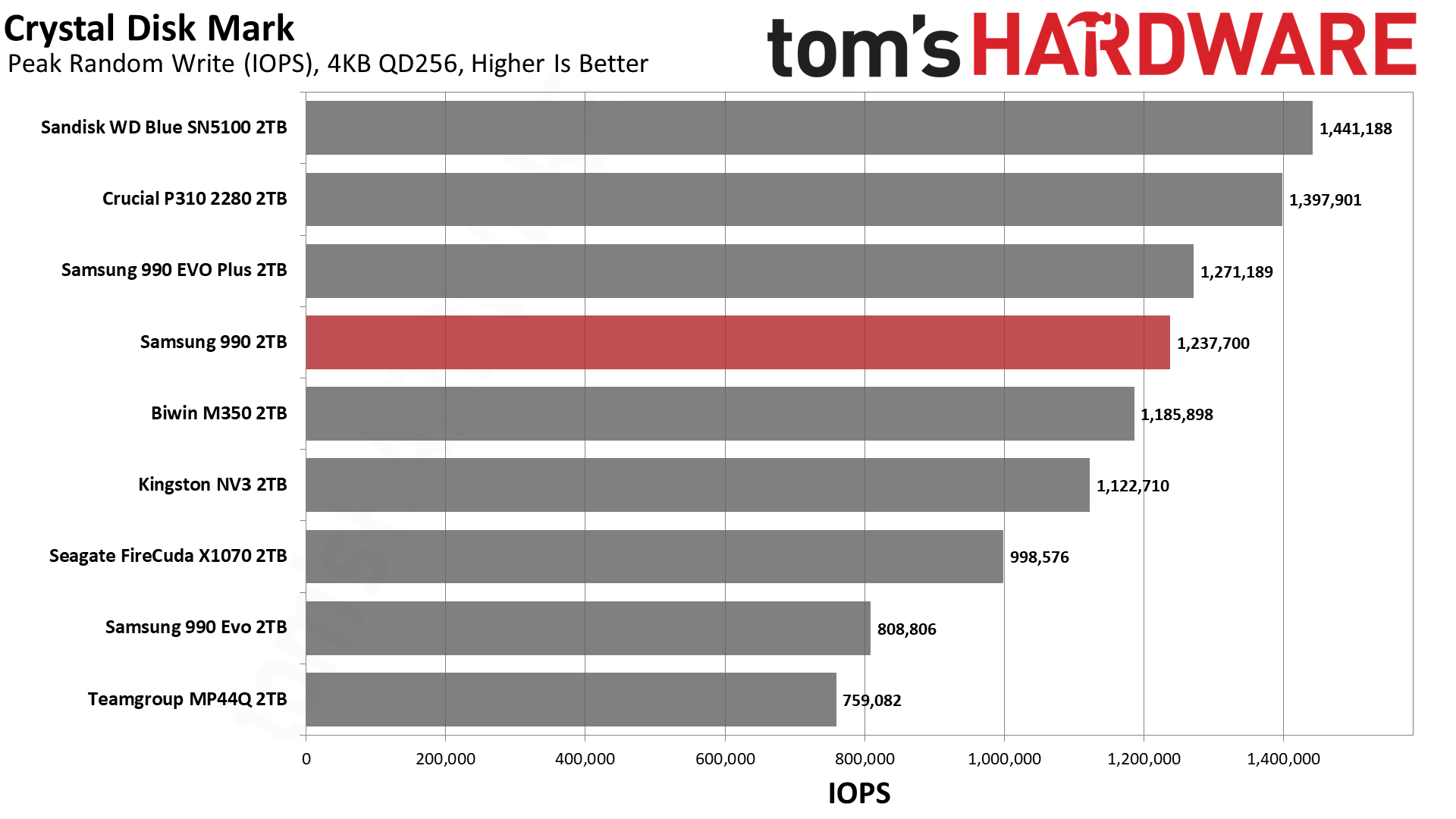
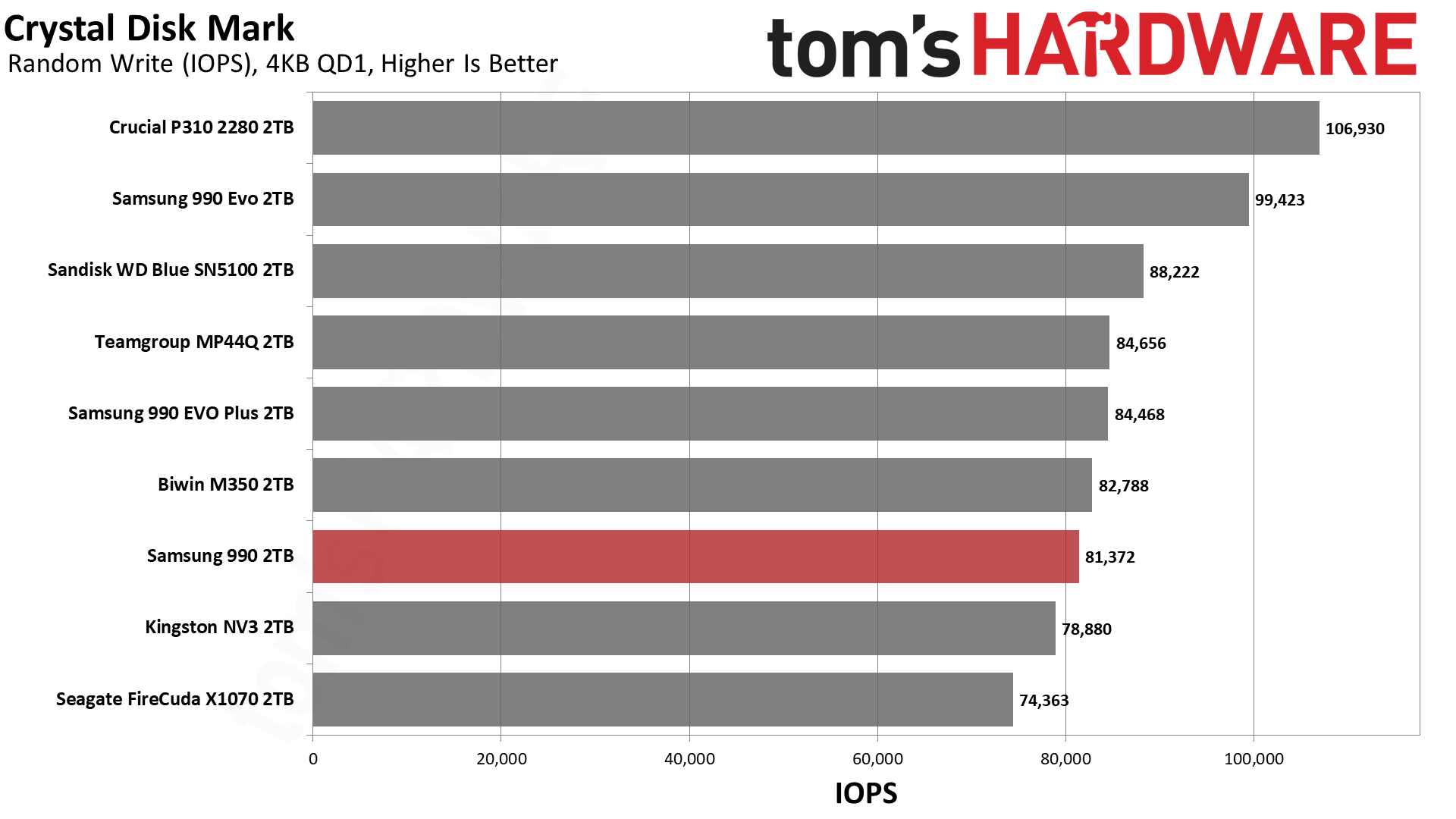
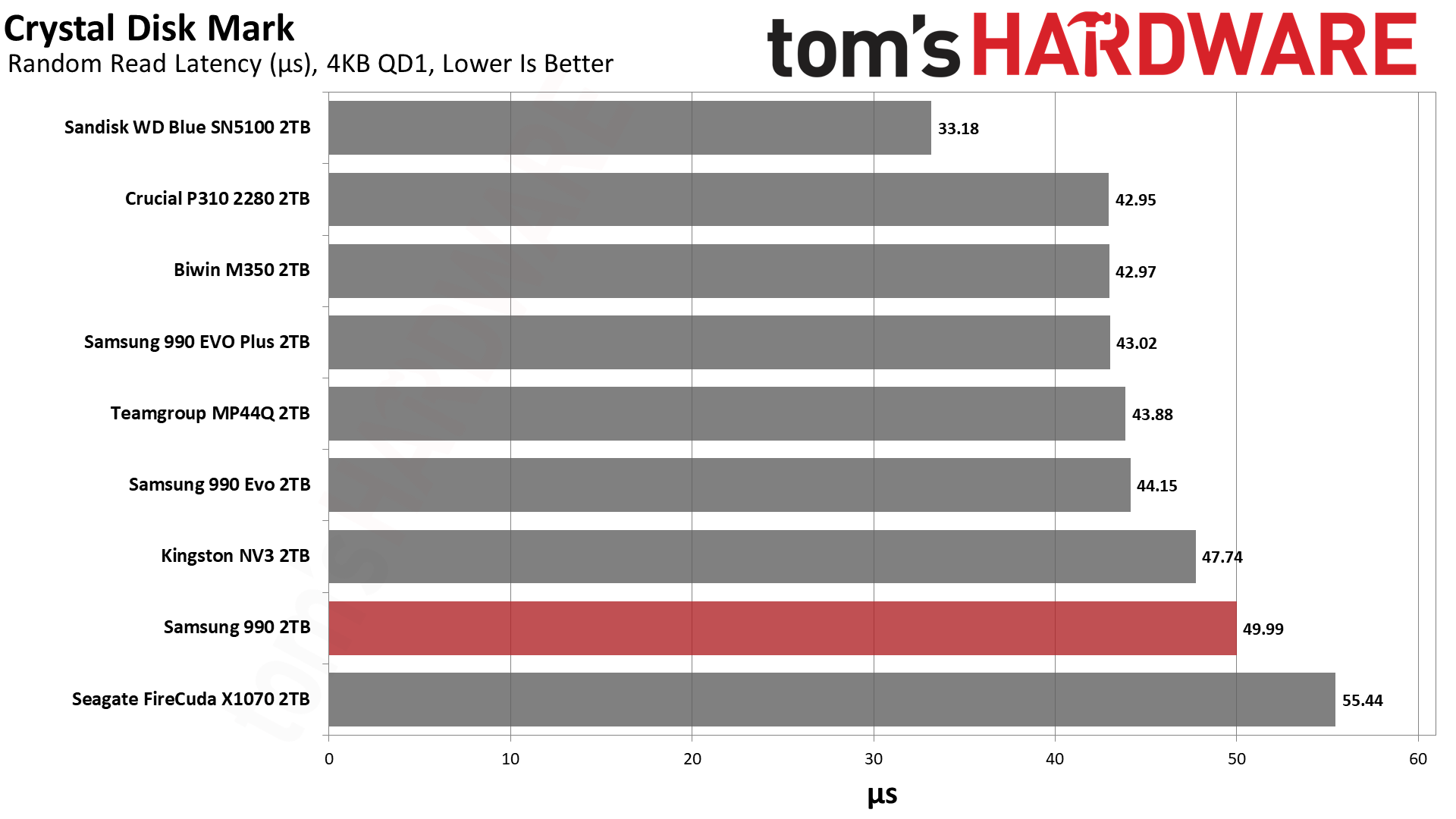
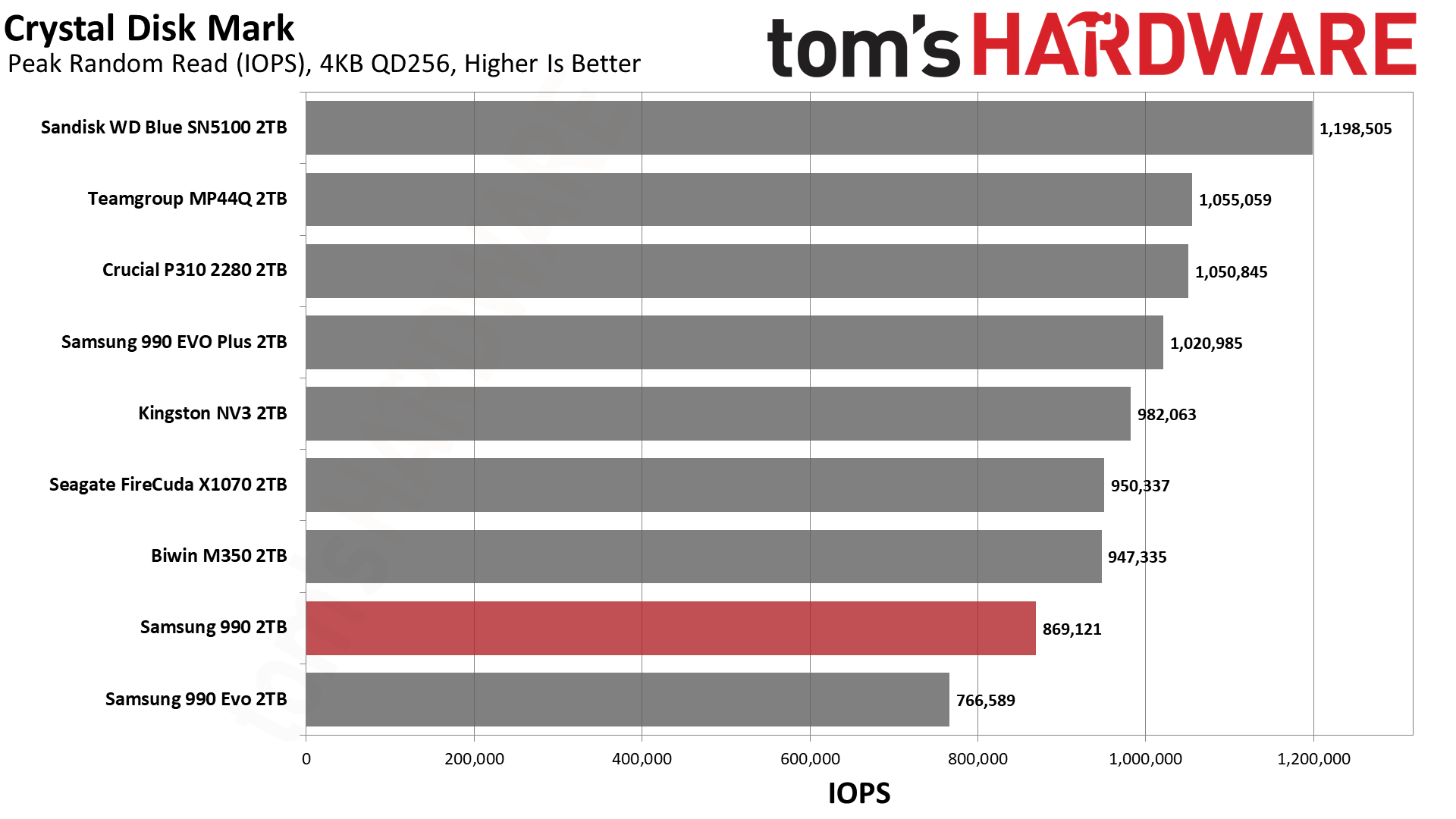
ATTO gives us a clear image of how a drive performs over a range of block sizes. This can relate to different file sizes, for example, you probably have many files at or below 4KiB in size for various things but larger files, archives, and media files will usually be in units of MiB. Depending on what you’re using the drive for you may want to pay attention to how a drive performs within a certain range. For the quickest comparison, we show the results on a logarithmic scale and, there, the 990 shows significant dips for reads between 64KiB and 1MiB.
What you need to know is that flash is interleaved to improve performance, which means that larger I/O sizes will show higher throughput. A single, four-plane die, with modern 16KiB pages, can interleave up to 64KiB internally. If you have one die per each of four channels, that’s 256KiB. If you parallelize that over four dies per channel – which is the ideal amount and what we have with the 2TB 990 – then you reach 1MiB. While alignment here can impact performance, for example we sometimes look at six-plane flash these days, in general you will see a gradual throughput increase as you go. You’ll see this beyond 1MiB as data can and will be cached in volatile memory, either system-side or in a small cache on the drive. If you’re looking at higher queue depths, which we do with CrystalDiskMark, performance saturates even further as the controller is able to optimize data placement and retrieval with knowledge of what’s coming.
What this usually means is that QD8 is enough to get drives close together, while there will be more disparity at QD1. QD1 is much closer to real-world, as most operations will be at low queue depth, the vast majority at our below QD4 and the majority at QD1 or QD2.
We see that the 990 matches the P310 with QD1 reads, while some drives, like the X1070, do surprisingly well. We can assume that the controller plays at least a partial role here. The X1070 is a good example because, let’s be real, it’s not a drive a lot of reviewers liked. Yet, it has pretty good performance in this instance, indicating it could be a solid secondary storage drive. Fair enough. The 990 just doesn’t really have the response we like to see for that, but it’s fast enough to remain relevant. We got the impression in our X1070 review that its controller was chosen for cost savings and that was plenty for daily use, but we don’t think Samsung cheaped out on the PiccoloQ. Rather, Samsung is looking at the bigger picture, as it also sells drives with the Piccolo controller, including its OEM offerings.
Random latency seems much more important to a lot of people. We generally find that sub-50µs is one bar and another is sub-45µs. The 990 manages the former, which puts it above last-gen drives and some earlier Gen 4 drives, and budget drives like the X1070. It’s in the same ballpark as the NV3, too. It’s sufficiently far behind more popular budget drives, though, to draw our interest. In most cases you won’t notice it, but if you’re using this as your only drive and are sensitive to that, it’s not your best option. On the other hand, we think you have to balance that against pricing and some management of expectations. Any modern SSD is going to be very fast, and with current pricing it might be worth putting more weight on reliability, for example.
Official write specifications are only part of the performance picture. Most SSDs implement a write cache, which is a fast area of pseudo-SLC (single-bit) programmed flash that absorbs incoming data. Sustained write speeds can suffer tremendously once the workload spills outside of the cache and into the "native" TLC (three-bit) or QLC (four-bit) flash. Performance can suffer even more if the drive is forced to fold, the process of migrating data out of the cache in order to free up space for further incoming data.
We use Iometer to hammer the SSD with sequential writes for 15 minutes to measure both the size of the write cache and performance after the cache is saturated. We also monitor cache recovery via multiple idle rounds. This process shows the performance of the drive in various states including the steady state write performance.
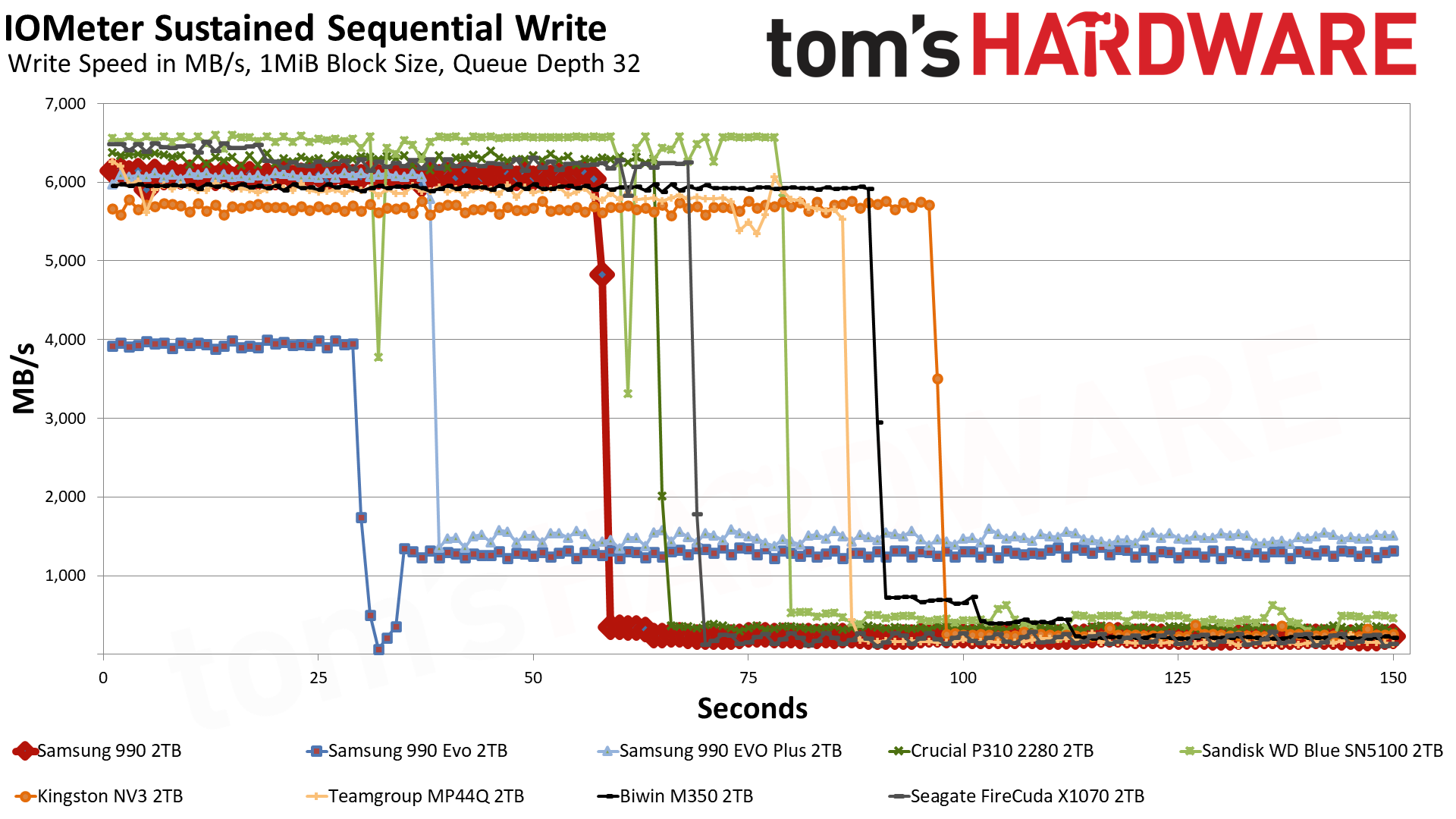
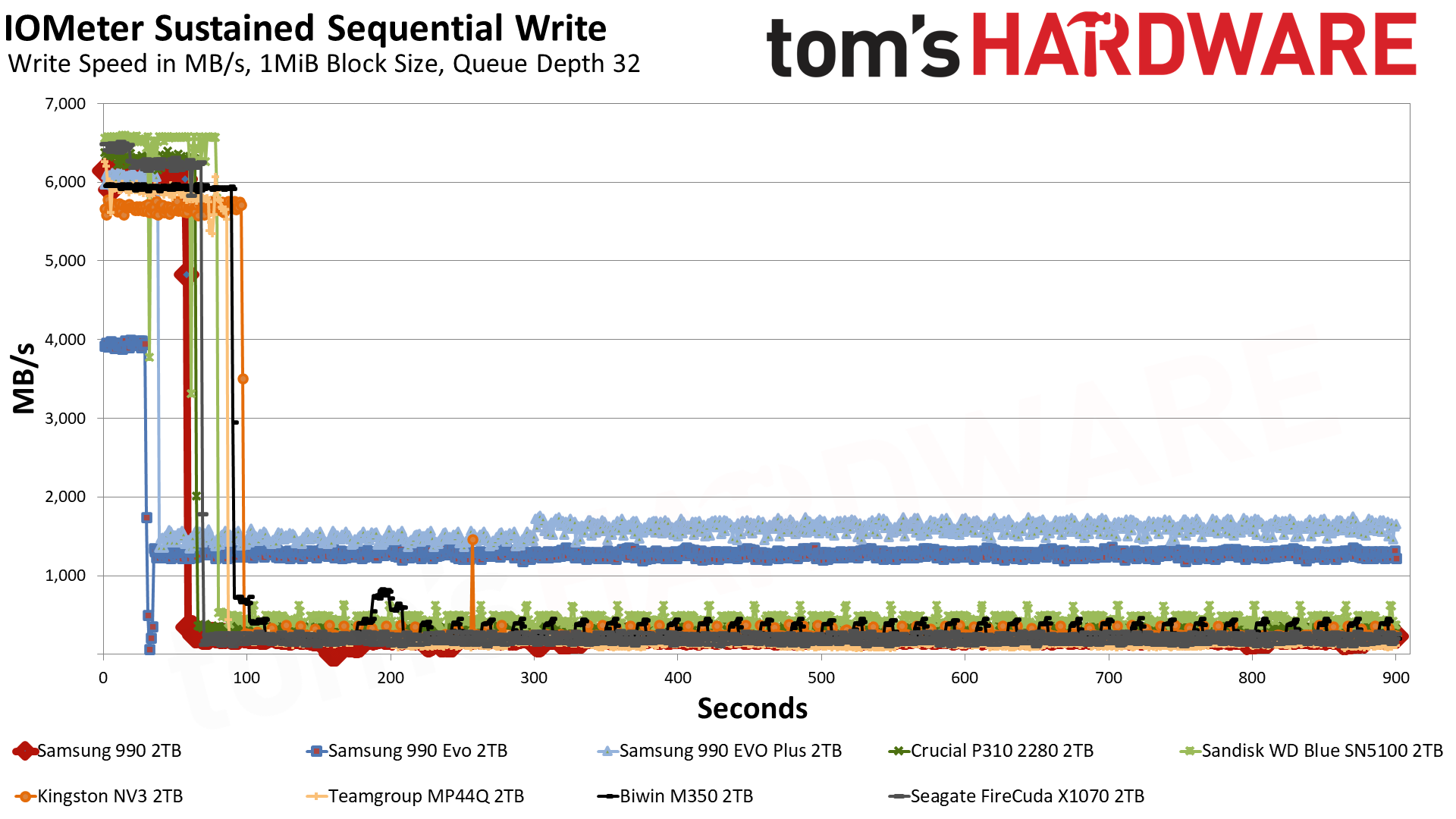
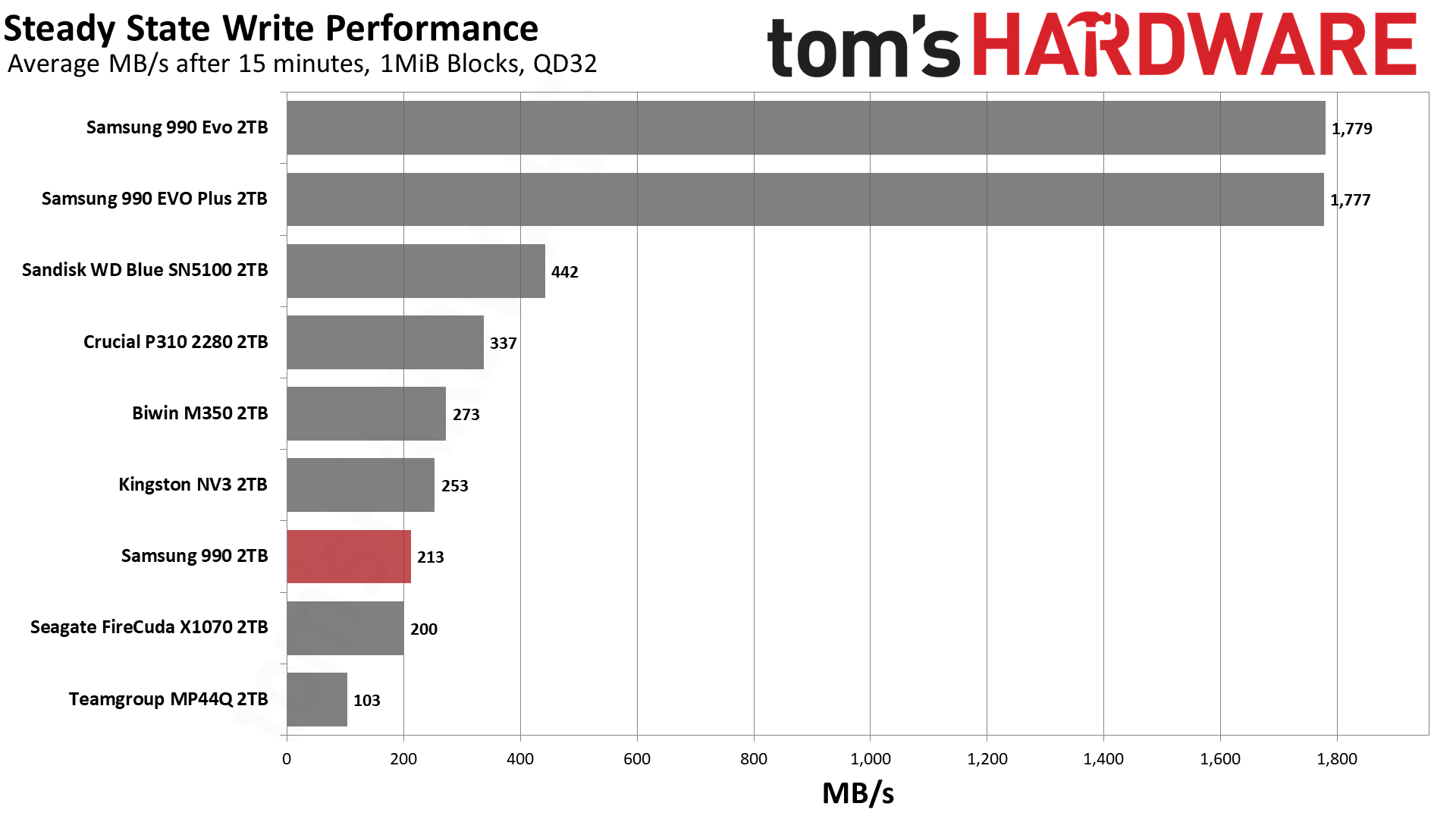
Samsung’s TurboWrite 2.0 caching technology utilizes a fixed, static portion of pSLC combined with a much larger dynamic portion. These two zones have unique characteristics which, when taken together, ideally keep the drive feeling fast across a variety of workloads. The static portion ensures the drive always has some cache for random writes, while the dynamic portion varies with drive usage so that you always have ample cache. While the 990 EVO had 108GB total regardless of capacity, it’s more typical for Samsung to increase both caches in absolute terms as capacity goes up. This is the case with the 990 EVO Plus, which has a 216GB cache at 2TB. But we know from our 9100 Pro review that Samsung is quite capable of going with a larger cache. The general trend for consumer SSDs has been to go that way, especially for QLC-based and DRAM-less SSDs, as it better hides weak performance states.
Therefore, it’s not too surprising that the 990’s cache is pretty large. In its fastest state, it writes at almost 6.1 GB/s for over 57 seconds, for a cache in excess of 350GB. This is larger than the 2TB 990 EVO Plus’s but smaller than the 2TB 9100 Pro’s. Our suspicion is that the 990 follows the newer, larger scheme, but we’re dealing with QLC rather than TLC flash. QLC flash to pSLC is 4 bits to 1, while TLC is 3 bits to 1, so in relative terms the 990 lines up with the 9100 Pro. That’s all fine and good. As for how fast it writes, Samsung markets the 990 as having over 50% faster write performance than the 990 EVO, which is accurate simply because we’re moving from 1,600 to 2,400 MT/s, with newer flash and firmware.
Once the cache is exhausted, the drive has to write to the native QLC flash directly or fold data over from pSLC to QLC. The latter is slower but can reduce wear in some cases – folding uses predictable, sequential writes – and reduces the likelihood of errors in transmission. Considering the technology we mentioned above and how Samsung avoids problems with power loss, it makes sense that going slower is by design. In fact, given we know the expected speed of the flash – rated at 41 MB/s per die – we can reasonably assume the firmware wants this outcome. It’s not that the flash can’t handle higher speeds, even at the risk of endurance. It’s simply that for a consumer drive of this type, the response is reasonable and measured. Going faster would require reducing the cache size potentially, which tends not to be a good trade-off for this type of drive.
One interesting thing about the V9 flash is that it can operate in a pTLC caching mode. We don’t see that here. Honestly, that’s not too surprising: Solidigm’s 5-bit PLC flash effectively was designed to run as QLC/pQLC for enterprise, so it’s possible this pTLC mode was for cases where you might need that higher level of performance or endurance. After all, this is extremely dense flash even in such a mode, which points more at enterprise use.
We’ve seen QLC flash from Kioxia also optionally have this mode – and for that matter, Solidigm’s PLC can do pTLC, too – in the past, but that mode doesn’t appear to be designed for consumer use. There may be other reasons for not using it in a consumer product, such as power optimization, as consumer workloads probably benefit more from a straight pSLC and native/QLC hybrid.
We use the Quarch HD Programmable Power Module to gain a deeper understanding of power characteristics. Idle power consumption is an important aspect to consider, especially if you're looking for a laptop upgrade as even the best ultrabooks can have mediocre stock storage in terms of capacity and performance. Desktops are often more performance-oriented with less support for power-saving features so we show the worst-case for idle.
Some SSDs can consume watts of power at idle while better-suited ones sip just milliwatts. Average workload power consumption and max consumption are two other aspects of power consumption but performance-per-watt, or efficiency, is more important. A drive might consume more power during any given workload but accomplishing a task faster allows the drive to drop into an idle state more quickly, ultimately saving energy.
For temperature recording we currently poll the drive’s primary composite sensor during testing with a ~22°C ambient. Our testing is rigorous enough to heat the drive to a realistic ceiling temperature but real-world temperatures will vary due to the environment and workload factors.
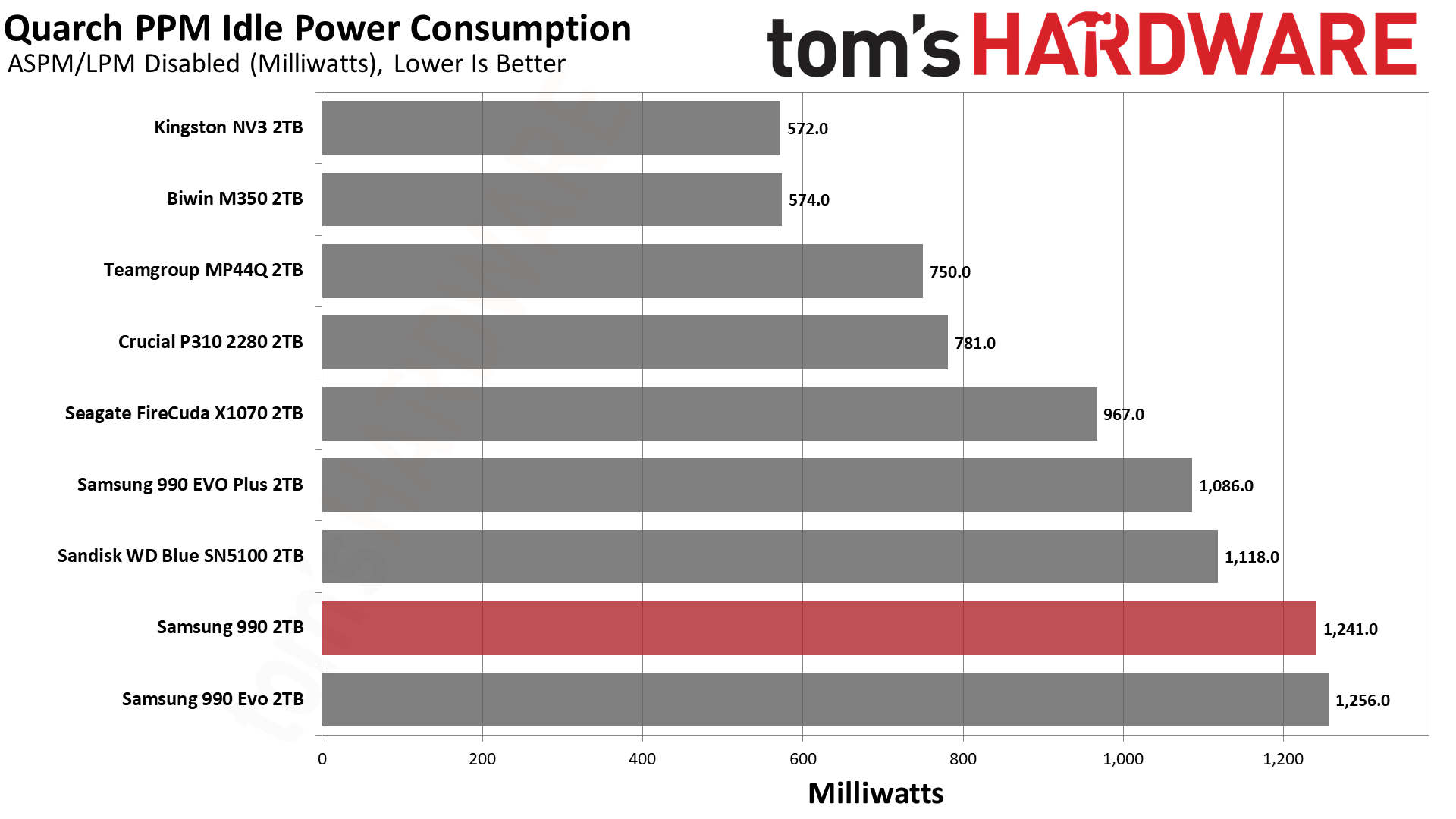
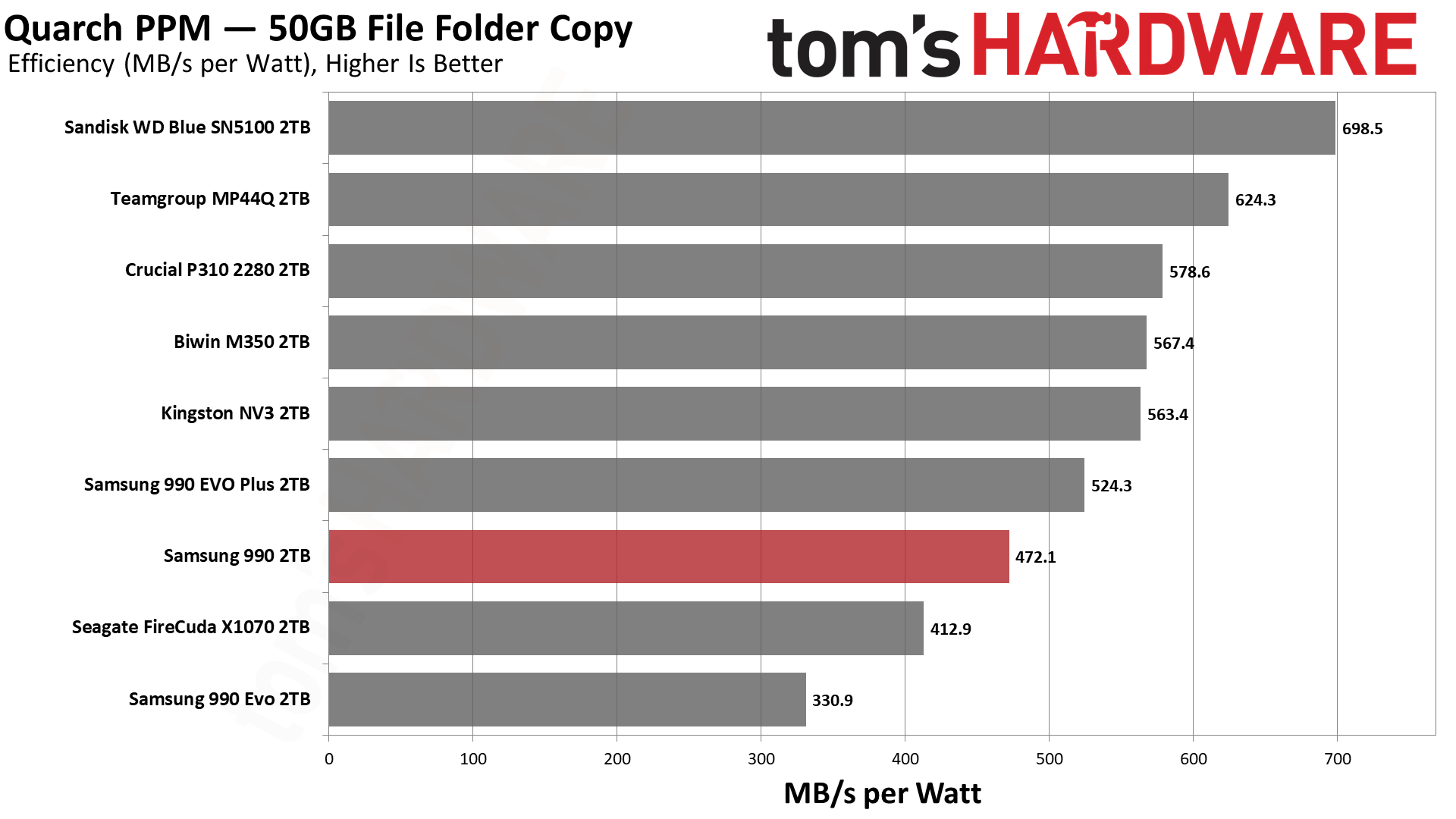
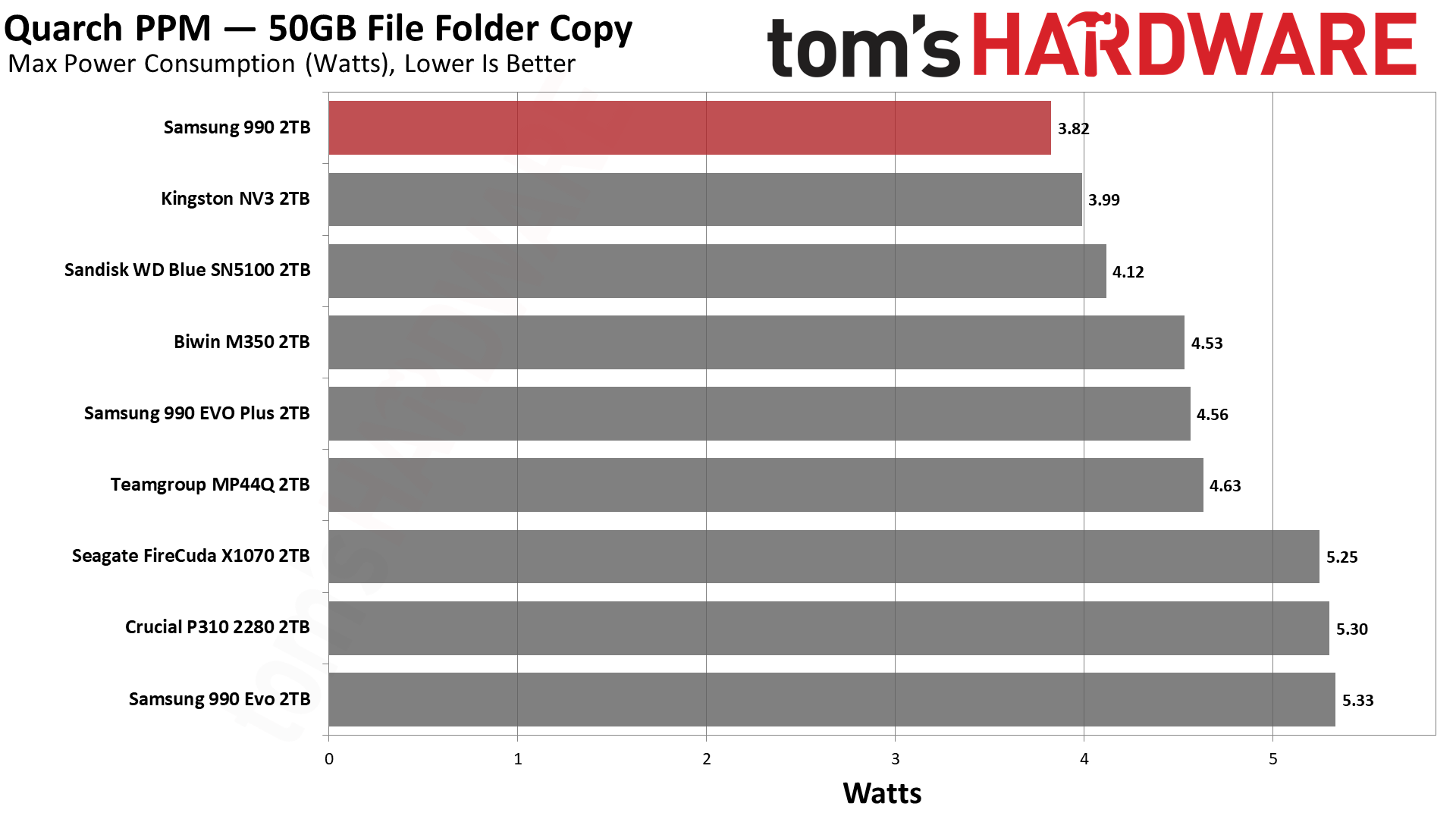
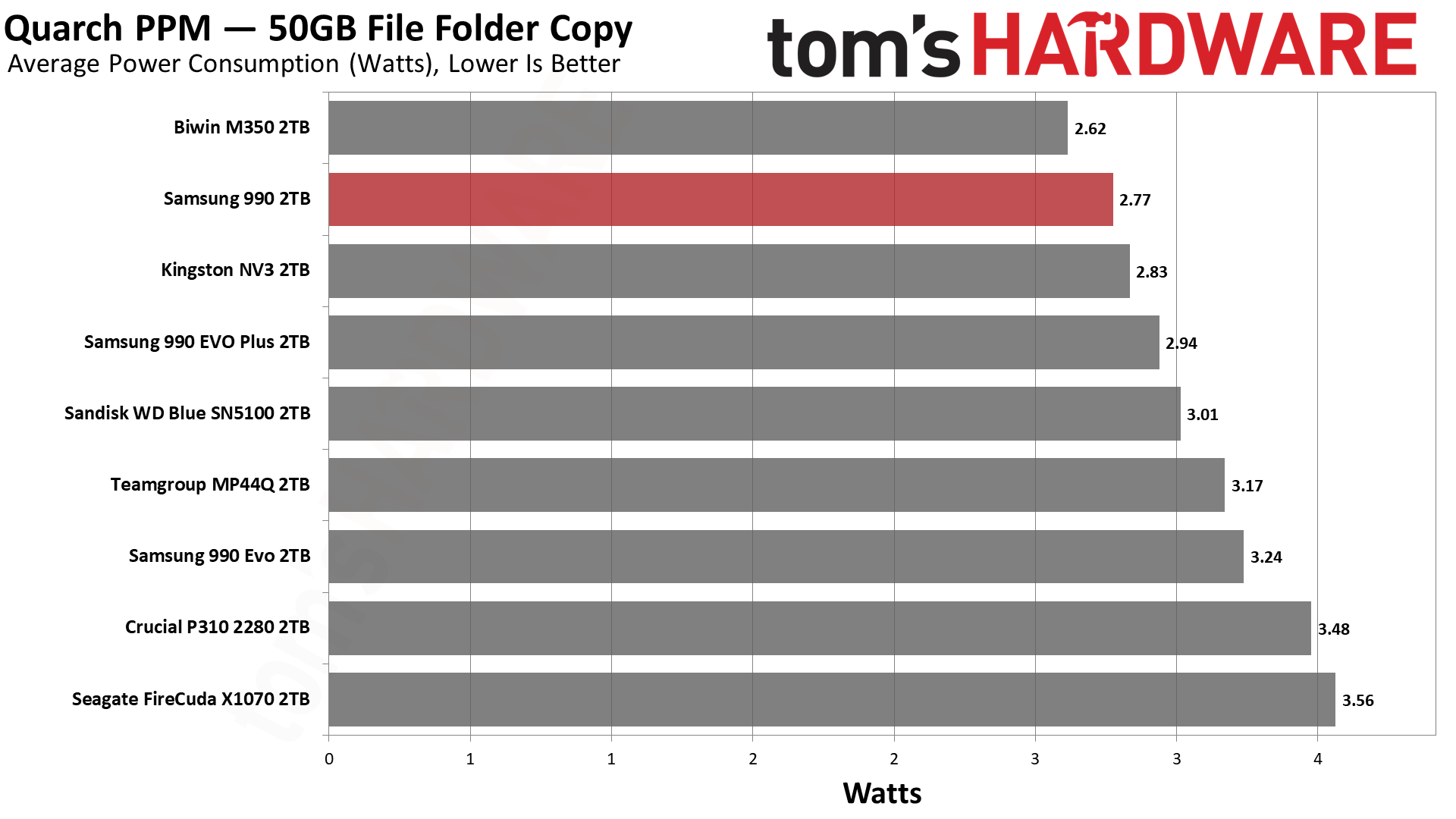
Is the 990 power-efficient? Samsung markets the drive as being 38% more efficient than the 990 EVO – or that it cuts power consumption by 38% – which, technically, works with our numbers. It’s not a huge bar to hit as the 990 EVO was not very power-efficient. Even the X1070 is significantly more efficient! The 990, unfortunately, really doesn’t do well against other drives in its class, regardless of flash. We can’t chalk this up as being fully due to the controller because the 990 EVO Plus does well enough for itself.
This is actually expected since, for example, the Blue SN5100, which is using BiCS8 QLC, is less efficient than its BiCS8 TLC sibling, the Black SN7100. QLC and TLC flash of the same generation often have significant differences. TLC flash saw six planes first while QLC tends to be optimized for density. While it’s true that pSLC performance between the two is often comparable, behind the scenes the drive still has to deal with wear-leveling, garbage collection, and other maintenance with block granularity. QLC is slower, with larger blocks and pSLC taking more bits. So all else being equal, TLC often outshines it in power efficiency.
Our impression here, as is the case elsewhere in the review, is that this flash is basically V7 QLC with twice the density. Samsung uses impressive tricks to get it there; the flash is technically a bit faster and more efficient, and it has some neat changes that mostly apply to enterprise. This means you can have the 990 doing worse than the 990 EVO Plus with its V8 TLC. This is not perplexing. QLC flash is made for bit density, and Samsung intends to scale flash for a very long time. It also skipped V8 QLC for a reason. This doesn’t endear it to people wanting to buy this drive for laptops, although we assure you that this does use some cutting-edge technology, and we do think it should be very reliable. It’s just not going to be as efficient as you might expect.
Samsung is cognizant that its drives will end up with OEM variants in laptops and in many cases, shorter form factors. The 990 EVO wasn’t a great laptop drive due to its heat generation, but it works. The 990 is significantly better, so it, too, will work as a laptop drive. We think this drive deserves a heatsink in a desktop or PS5, and probably should have heatspreading of some sort anywhere else, if at all possible.
The question is, will it overheat? In our testing, we found that it got closer than we prefer to that point. Our maximum reported controller temperature was high relative to the initial throttling temperature, but a true composite value would be lower. Even so, the controller did get warm. On the other hand, our Iometer testing is far from real-world. We push our drives hard. This is not the sort of drive for a desktop replacement or high-end laptop in our opinion, although we think with typical workloads it’s perfectly fine. After all, the results here are better than the SK hynix Gold P31, which is a laptop staple. By all means, in a Gen 3 slot this thing will fly. If you’re hammering it at Gen 4 speeds, though, yeah, it’s not the coolest drive in town.
CPU | |
Motherboard | |
Memory | |
Graphics | Intel Iris Xe UHD Graphics 770 |
CPU Cooling | |
Case | |
Power Supply | |
OS Storage | |
Operating System |
We use an Alder Lake platform with most background applications, such as indexing, Windows updates, and anti-virus, disabled in the OS to reduce run-to-run variability. Each SSD is prefilled to 50% capacity and tested as a secondary device. Unless noted, we use active cooling for all SSDs.
The Samsung 990 is bound to be underwhelming for some, but none of our results should surprise. We know what this technology is and we’ve seen Samsung’s entries in recent years with the 990 EVO, the 990 EVO Plus, and the 9100 Pro. You could even put the 980 and 990 Pros into that mix. The move away from DRAM on the EVO Plus series, in particular, was a sign of the times. It’s not surprising to see the raw 990 – the 980 was TLC-based – go to QLC without the “QVO” addendum. The original speculation of the 990 QVO being a QLC 990 EVO, with the EVO itself being a surprisingly “slow” drive, was probably correct given the OEM evidence, and the 990 being a step up lets it command the 990 name by itself. To reiterate, this is exactly what we expected.
Skipping over the 990 QVO and V7 QLC flash is only sidestepping, and that’s likely because the market has changed so much over the last year or two. Bringing out a QLC-based 990 EVO equivalent just wouldn’t sell and might even make the brand look bad. It could certainly be done, and even still done, as an affordable SKU with better yields. But any 990 was going to be exactly what we got, instead. You need the faster flash to saturate PCIe 4.0 with a DRAM-less drive, and this was always going to be DRAM-less. Using a new or licensed controller with TLC flash would be weird, as it’d be going up against the existing 990 EVO Plus. Frankly, the 990 is a good 990 EVO replacement from retail and OEM perspectives, with one caveat: endurance. Samsung saves itself some headaches by reducing the warranty to three years, and as this flash is robust, it can just nudge up the TBW as a distraction.
We think that’s an important part of the message here. This flash seems designed for enterprise and has technological changes to back that up, with the main consumer benefits being the potential for increased reliability. But memory is still in high demand, and this has to be a budget part, so here comes the three-year warranty. Performance is not bad – it certainly beats earlier Gen 4 QLC-based drives and would beat the rumored 990 QVO as well. It’s just not really performance-focused. It’s also a much more efficient design, but that’s in comparison to Samsung’s own hardware. It’s merely mediocre there in the current landscape. Samsung seems to be building for the future with higher layer counts and bit density, so this lays the groundwork. A client drive seems almost like an afterthought. Users shouldn’t take that personally, but also shouldn’t underestimate this drive as it’s more than effective enough for its purpose.
In fact, in the era of Gen 3 drives returning and so many “box of chocolates” SSDs with random names and hardware, a reliable Samsung SSD is a nice option. Even with QLC flash. If you only need a budget drive to throw into a build or to upgrade an old PC, you get Gen 4 performance and a TLC-like experience for most things. We also feel this drive should be reliable and, although it runs hotter than we’d like, it’s not going to be molten like some other drives. It’s just a polished design by Samsung that fills a micro niche, and clearly it thought a response was needed. It’s not a lot different than our reaction has been to Samsung’s last few new drives, which have all been competent but largely never the strtong leader. That’s okay with us, as we can tell the manufacturer has a longer-term perspective; it just means a little less awe when you finish a build using a Samsung drive.
If you really want the best experience with a QLC-based drive, we still recommend the Crucial P310 – which is going away – or the Sandisk WD Blue SN5100. These offer incredible performance for QLC flash. Otherwise, there are some MP44Q-like drives out there that continue to be budget leaders. The 990 fits somewhere along there as a known-brand alternative. If you’re looking for Gen 5, DRAM, or TLC, then you’re also looking at a higher price tag. Frankly, QLC costs more than it should, in part due to enterprise demand. On the other hand, a modern QLC drive will provide an equivalent experience 99% of the time. The priorities are up to you. For us, the 990 is a fine primary drive for normal builds and OK for laptops, although we’d go cheaper for the PS5 and higher-end for an enthusiast machine.
MORE: Best SSDs
MORE: Best External SSDs
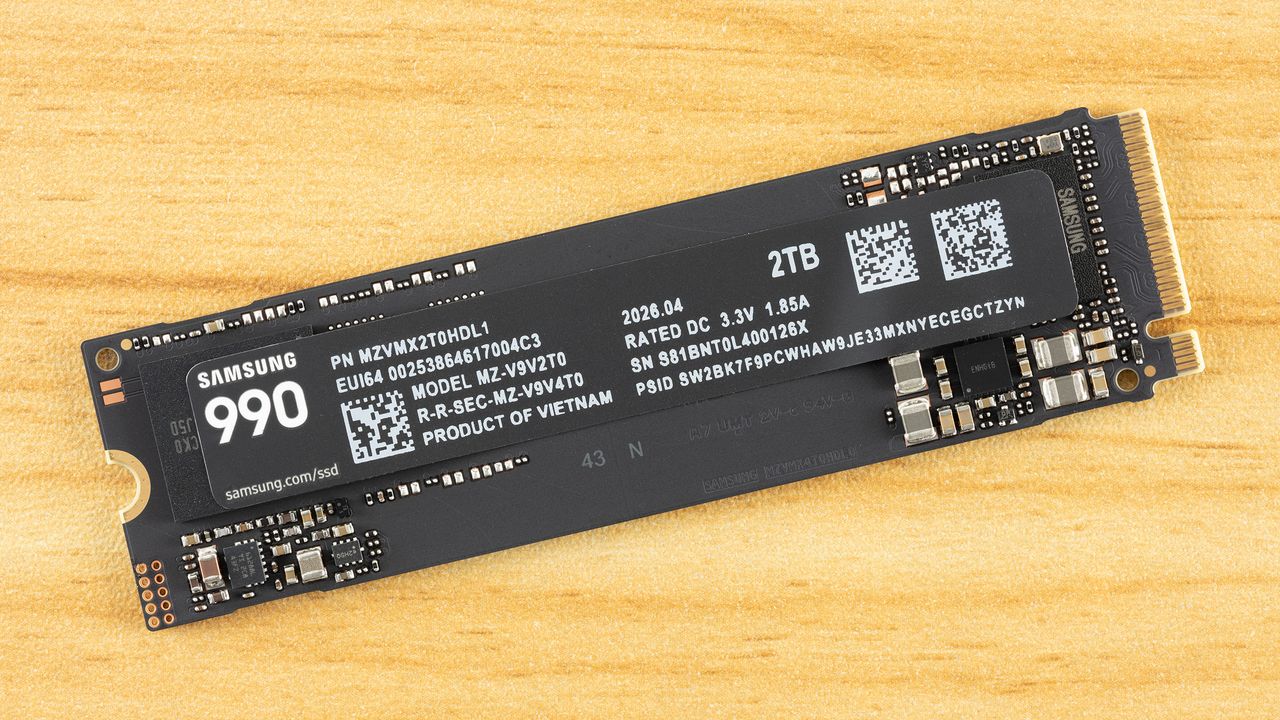

With the AI race in full swing, Samsung Foundry has reportedly secured a contract to manufacture Anthropic's AI chips. Anthropic has slowly shaped up to be one of the most important players in the AI industry courtesy of its advanced AI models. As the AI semiconductor sector remains highly concentrated, with the bulk of chips designed and sold by NVIDIA, major players such as Google, OpenAI and Amazon are designing custom chips. Samsung's deal with Anthropic is expected to allow the foundry business to return to growth, say the sources, and allow it to reverse a deficit. Anthropic to Purportedly […]
Read full article at https://wccftech.com/samsung-reportedly-lands-anthropic-as-foundry-customer-looking-to-reverse-its-chip-deficit-with-2nm-ai-orders/


Despite NVIDIA's removal of the Hotspot temperature measurements, CPUID developers have deployed the feature to their popular hardware monitoring utility. NVIDIA Killed RTX 50 Hotspot Readings, but HWMonitor 1.65 Just Brought Them Back With Two Sensors While NVIDIA may have dropped the Hotspot temperature measurements from the Blackwell GeForce RTX 50 series graphics cards, the sensors reportedly do exist. We saw how modders brought back the hotspot monitoring through modding, which revealed how some GPUs were thermal throttling despite showing normal average GPU temperatures. The GPUs, therefore, were affected by high hotspot temperatures, resulting in inferior gaming performance. The experiment […]
Read full article at https://wccftech.com/nvidia-rtx-50-series-hotspot-temperature-readings-are-back-through-hwmonitor-utility/


Apple's sales cadence benefited enormously from its relatively attractive pricing regime that it chose to maintain until the tail-end of Q2, when the Cupertino-based tech giant finally gave in to the oncoming margin-related pressures by hiking prices of its Mac and iPad offerings. Now, however, with the hype around the iPhone 17 series fizzling out, and the upcoming iPhone 18 Pro series expected to debut with material price hikes, a new research report has just found worrying evidence of Apple's slowing sales momentum. A KeyBanc analyst now believes the consensus estimate for Apple's iPhone growth of 8 percent in 2027 […]
Read full article at https://wccftech.com/apple-just-hit-a-20-global-smartphone-share-yet-a-new-report-warns-slowing-iphone-builds-amid-price-increases-and-weak-us-upgrades-threaten-2027/


If you were waiting to buy AMD Ryzen's 10th Anniversary edition Ryzen 7 5800X3D, now is the best time. AMD Ryzen 7 5800X3D is Now Available for $349 on Newegg, Coupled With a Free MSI 240mm AIO Valued at $70 Right after the launch of AMD's Ryzen 10th Anniversary Ryzen 7 5800X3D edition, they started appearing on eBay for over $500. Even though the processor was officially launched for $349, scalpers tried to take advantage of this situation and started earning hundreds of dollars on the launch by relisting the CPU on eBay. Since the launch, the availability of the […]
Read full article at https://wccftech.com/amds-10th-anniversary-ryzen-7-5800x3d-effectively-drops-below-300-as-newegg-bundles-a-free-cooler/


Finally, a good change. This should now make the search content more relevant and less like a promotional window. Microsoft is Finally Cleaning up Windows Search, Removing Promotional Content Nobody loves the annoying promotional content in the Windows Search tab, which exists to solve users' queries. Thankfully, Microsoft is now removing it, addressing one of the biggest complaints about Windows Search. This will make users find the apps, files, and settings easier as this redesigns the experience to focus on what users actually want. The updated Search experience will now prioritize local results, allowing users to easily find the apps, […]
Read full article at https://wccftech.com/microsoft-officially-removes-promotional-content-from-windows-search/

The Dreame Z30 Pro Aqua is one of those products that leaves you feeling both impressed and slightly perplexed. No question, this is an impressive cordless stick vac with suction powerful enough to deal with everything from fine dust to larger debris, especially when used on carpet. However, while the provided multi-floor head is well engineered, I do wish Dreame had included its clever GapFree hard floor head as featured with the Dreame V20 Pro, which I consider a much better bet for hard floor sweeping.
Battery life is a respectable 35 minutes or so in Auto mode, and the whole machine feels fairly light in the hand, well balanced and easy enough to maneuver. Whether you're tackling carpets or rugs, it performs with the confidence you'd expect from what is essentially a flagship model. However, it’s not the best hard-floor model I’ve seen, at least when it comes to picking up larger debris.
While its detachable mopping unit is a class leader at collecting accidental spills and lifting everyday grime, its twin water tanks are simply too small to support cleaning across an entire home without frequent refills. As a result, it feels more like a maintenance tool than a genuine wet-cleaning solution, making it best suited to localized cleaning and single-room mopping rather than cleaning the floors of an entire house.
I'm not convinced by Dreame's docking solution, either. Instead of the elegant wall-mounted charging docks offered by some rivals, the Z30 Pro Aqua comes with an ungainly stand featuring a collection of bolt-on accessory holders. It's undeniably practical, but it looks more like an afterthought than something designed to complement a modern home. Put another way, you may want to tuck this stand well out of sight.
Nevertheless, strip away the awkward storage system and you’re still left with a very decent cordless vacuum cleaner and exemplary spot mopper for occasional household mishaps.
The Dreame Z30 Pro Aqua sits firmly in the premium end of the cordless vacuum market. In the UK, its official retail price is a lofty £549 (about $730 / AU$1,060) but Dreame is currently selling it for a more reasonable £479 (about $640 / AU$920). Across Europe, pricing varies by country but generally lands at around €479.
While you can purchase the vac-only Z30 variant in the USA, the Z30 Pro Aqua we’re reviewing here hasn't been officially released over there yet, though Dreame is expected to bring the Pro Aqua (or a similar wet-dry variation) Stateside sometime later in 2026.
The Z30 Pro Aqua is competing against some seriously capable cordless cleaners and, while its vacuuming credentials are generally excellent, you are paying a premium for a mopping system that doesn't quite live up to the rest of the package. Unless your hard-floor cleaning needs are limited to quick maintenance mops, you may find better value elsewhere.
One alternative is to buy a stick vacuum and a dedicated wet-dry floor cleaner separately. Pairing something like the Dreame R20 (around £179 in the UK) or Shark PowerDetect (around £330) with a specialist floor washer such as the Dreame H15 Pro, Tineco Floor One S7 Pro or Roborock F25 Ultra will deliver much better range for whole-home mopping without constant refills and emptying. Yes, you'll need storage space for two appliances, but you'll also end up with a far more capable cleaning setup that excels at every task instead of compromising on either.
Type | Cordless vacuum with wet-and-dry unit |
Bagged / bagless | Bagless |
Weight | 7.72lbs / 3.5kg |
Bin size | 20.2 fl oz / 0.6 litre |
Max runtime | Claimed 90 mins in Eco mode |
Max suction | 310 AW (28,000Pa) |
Clean water tank: | 13.5 fl oz / 400ml |
Dirty water tank: | 10.8 fl oz / 320ml |
Hot air drying time | 30 mins |
Hot air drying temperature | 158F / 70C |
Charging time | 4 hours |
Tools
| TangleCut Multi-Surface Brush, AquaCycle 2.0 Wet Cleaning Brush, wide fluff tool, crevice tool, dusting bush |
Noise level | 90dB |
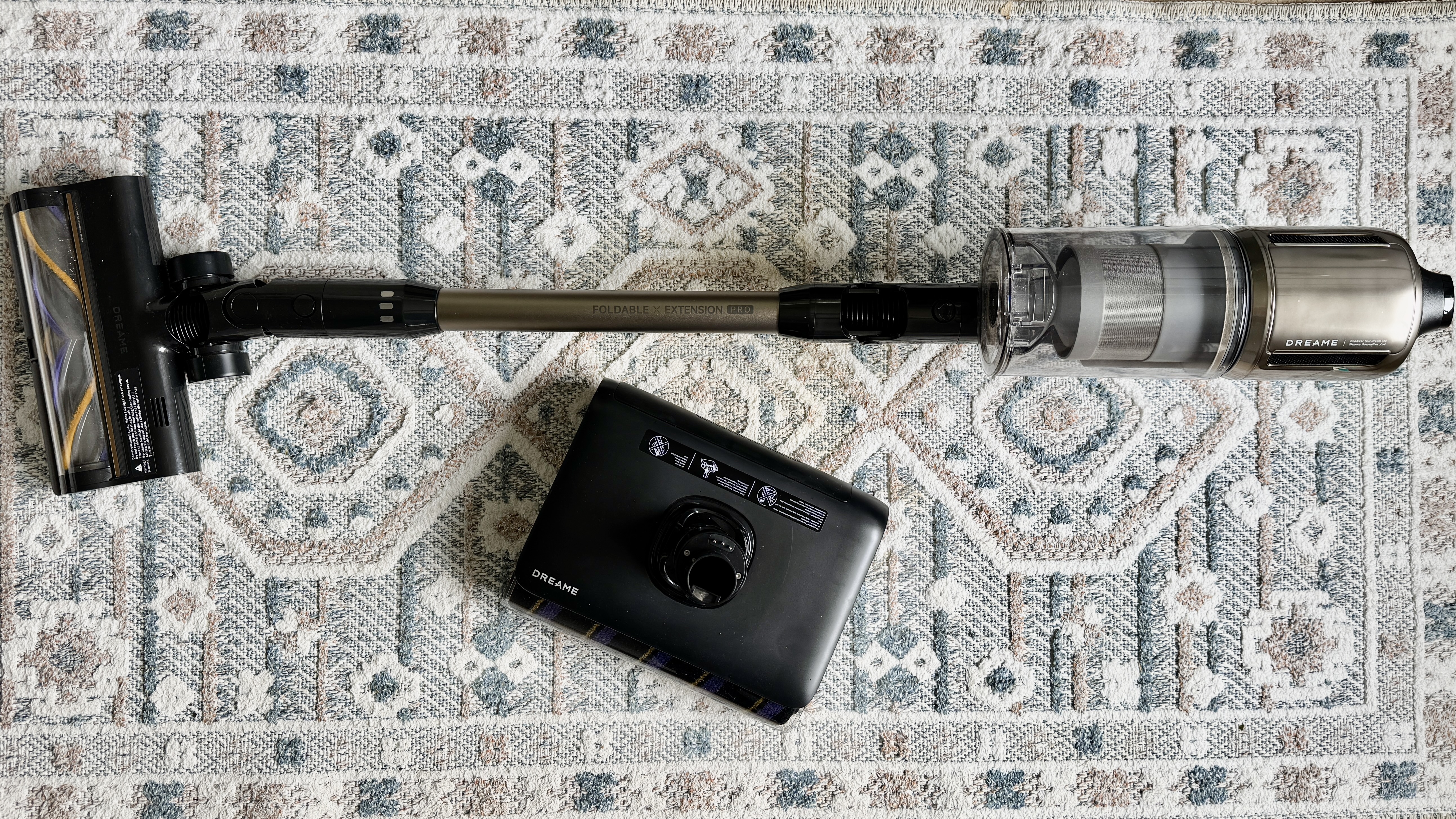
There are two main floor-cleaning disciplines — vacuuming and mopping — and both require a completely different approach. For vacuuming of hard floors and carpet you obviously need a vacuum cleaner — preferably of the cordless stick variety — but when it comes to mopping hard floors you have several choices.
There’s obviously the classic mop and bucket (which reigns supreme despite the paraphernalia and elbow grease required), a large handful of paper towels for liquid spills, or the good old damp tea towel for either messy spills or general hard floor cleaning. However, I know of a more practical solution and it’s called a cordless hard floor cleaner or, for want of a better description, a wet-dry vacuum cleaner.
These machines use a self-dampened spinning roller to quite literally suck up liquid spills of almost every variety — even vomit and puppy wee if you can handle the thought — depositing the disgusting mess into a large dirty water tank which is then emptied into the toilet bowl while holding one’s nose.
The big bonus with wet-dry vacs is that they cleverly eliminate the need for a bucket of water or any other accoutrements, so when you’re faced with a liquid spill, you simply grab the machine, run it over the mess a few times and return it to its charging plinth where it undergoes a robust self-cleaning regime in readiness for the next calamity.
Of course, these handy home helpers are also sterling floor moppers in general, removing most stains and grime off kitchen and bathroom floors in record time. However, the upshot is that you end up with two machines cluttering the home, which is where this all-in-one vaccy-moppy model from Dreame comes into the equation.
Before I discuss the Dreame Z30 Pro Aqua’s versatile list of credentials, I must chip in with a quick caveat regarding its looks. Attired in Dreame’s usual posh rose gold bling, the Z30 Pro Aqua’s main vacuum unit is actually very stylish and elegant but I can’t say the same for the storage system-cum-charging-and-mop-cleaning plinth, which is so ugly that even Dreame is shying away from making a song and dance about it on its web page.
I’m struggling to think of what this tangled melange of bendy pipes and bolted-on plastic accessory holders looks like but it’s quite an eyesore that you will definitely want to hide deep in the recesses of the utility room – or at the very least well away from any living areas.
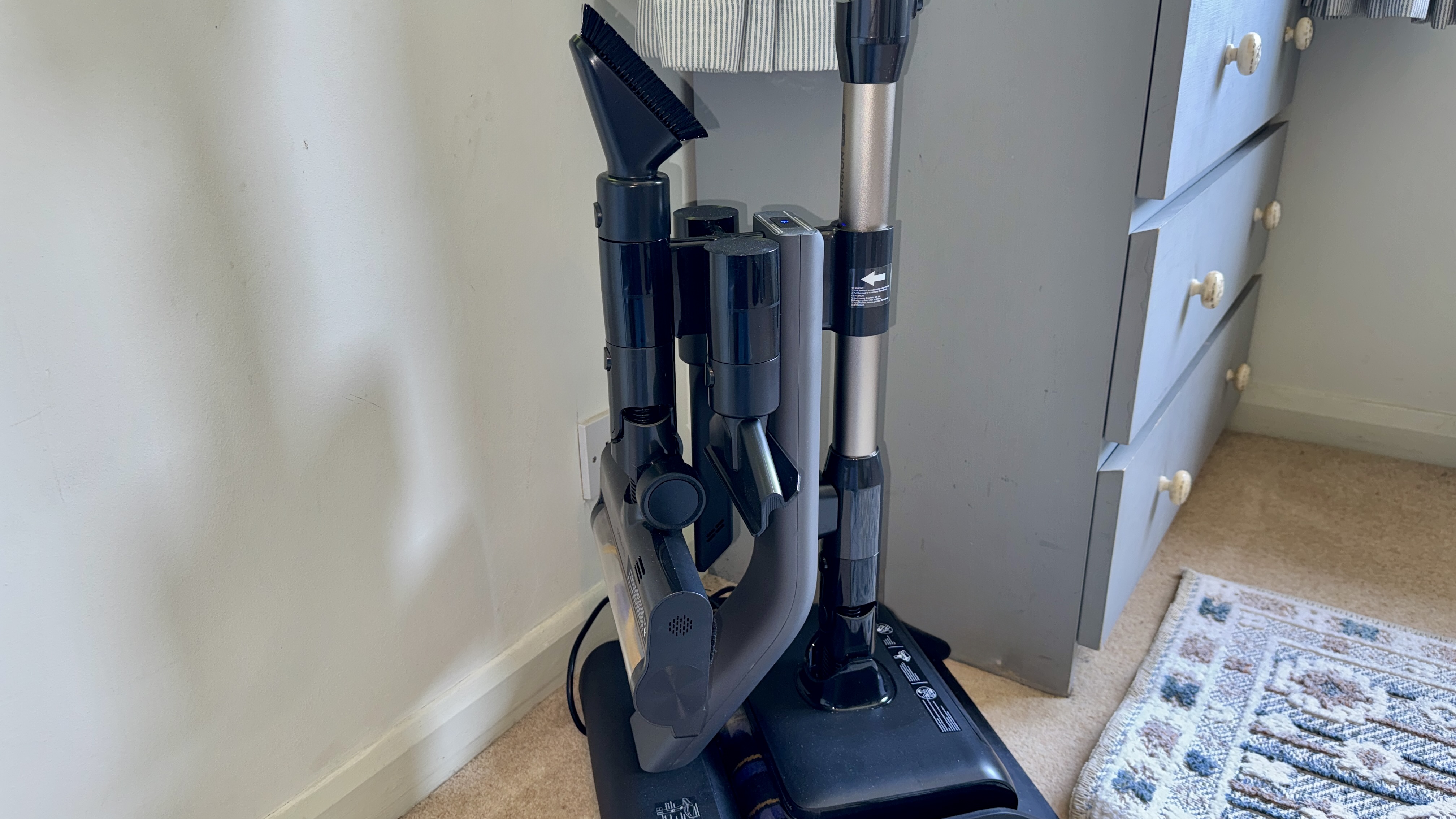
The Z30 Pro Aqua’s charging system entails pushing the suction tube into a pair of arm clamps until they click shut, and it’s a bit of wobbly affair it must be said. But here’s the thing — the suction tube needs to be attached to the mopping head because the charging contacts don’t line up if docked with the vacuum head. Given that most of the time you’ll be using the vacuuming function, I think this is a major oversight because it requires having to change the vacuum head to the mopping head every time you dock the unit. Anyway, to remove the unit, you simply push back against the clamps to release it.
I’ve never been a fan of multiple accessories, but this one comes with a mini banquet, namely the obligatory dusting brush, flat head and crevice nozzle, which all clip into the charging base assembly. However, it’s not very often that I’m able to attach any of the detail tools to the storage post without fiddling about with the connectors. There’s only one way to insert them and even this requires wiggling the accessory until you finally locate the correct entry angle. This is not such a good thing when you’re in the middle of a clean and you’re swapping tools like a plumber fixing a leaky pipe.
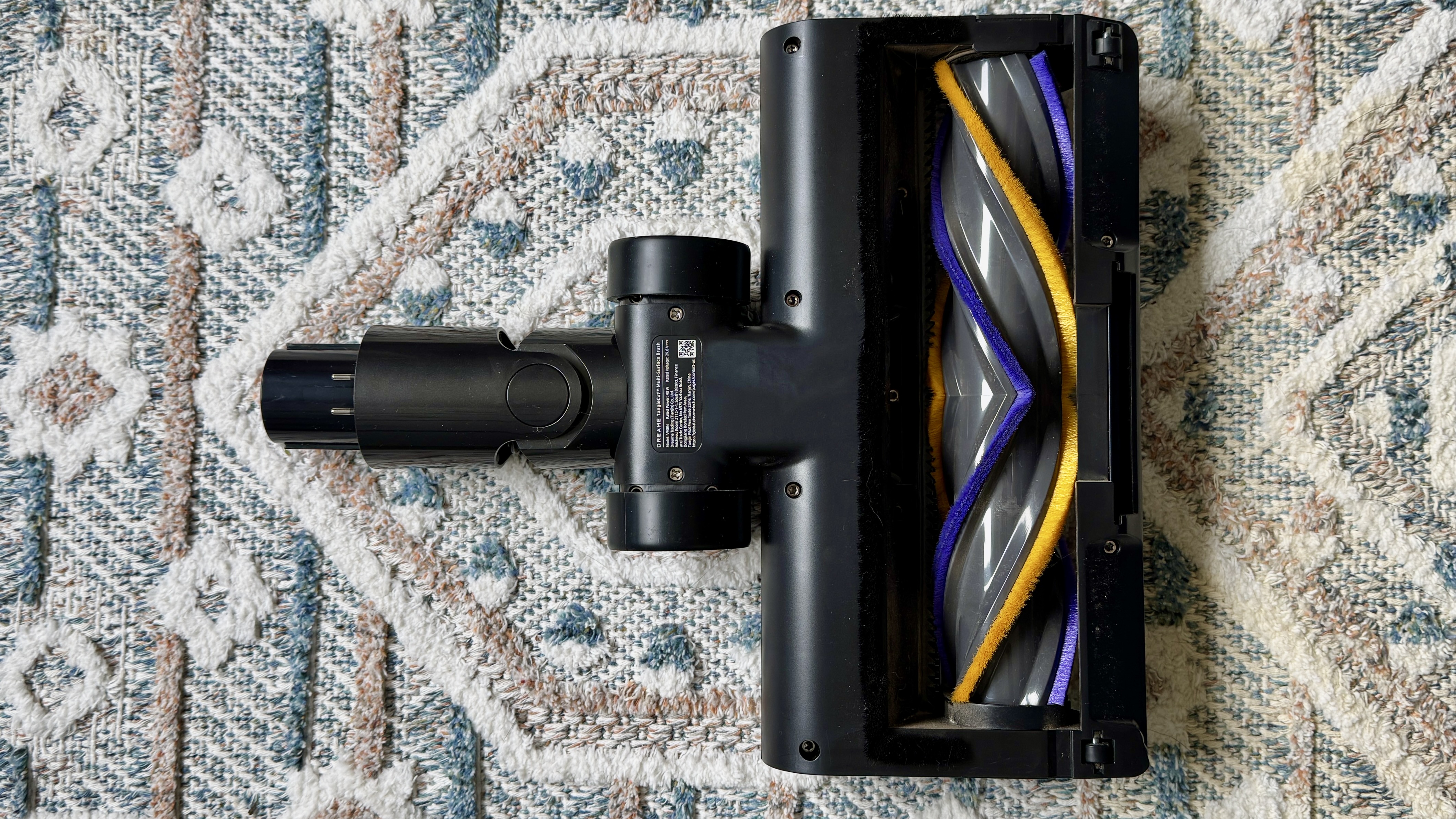
Disappointingly, you get just one universal brush head with this machine, and not the clever edge-cleaning hard floor-specific head that shipped with the excellent Dreame V20 Pro stick vac. Yes, I know that would perhaps be one accessory too many but I’d be happy to find someone to store it, mostly because it’s so good at cleaning right to the very edge of skirting boards.
The 8.6-inch (22cm) brush head itself is essentially a solid, molded cylinder with protruding paddles, each with a soft nylon bristle attached. Despite its simplicity, it makes an extremely good fist of beating dust out of carpets but it feels and sounds too rigid for hard floors. On the plus side, the brush head is easy to maneuver around furniture legs and I like the suction reduction vent on the front of the head which is handy on deeper pile carpet. A full blue beam of blue light, meanwhile, illuminates detritus when sweeping in darker areas, though it’s not a patch on Dyson’s Lazer Dust Detection system.
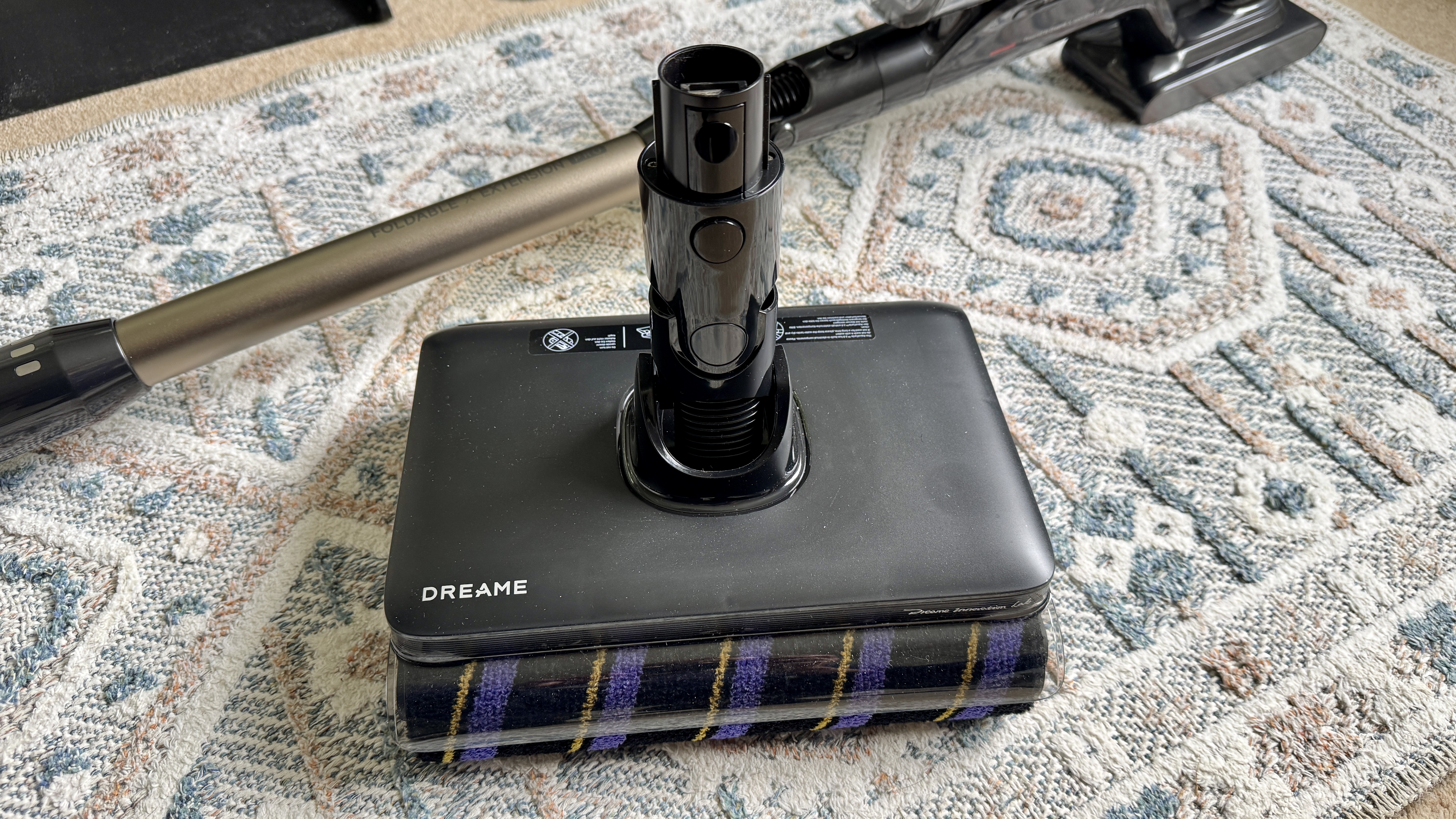
This leads me to the last part of this unusual entry into the world of floor cleaning – the detachable mop head. Unlike purpose-built wet-dry hard floor cleaners like the class-leading Roborock 25 Ultra – which comes with a large 33.8 fl oz (1L) clean water tank and 24.3 fl oz (720ml) dirty water reservoir – the Z30 Pro Aqua’s detachable mop head is equipped with a titchy 13.5 fl oz (400ml) fresh water tank, an even smaller 10.8 fl oz (320ml) one for the filthy stuff and, uniquely, a separate collection box for solid debris.

Unlike dedicated electro moppers that port all muck — liquid and solid — into one large container for pouring into the toilet, this one separates the waste into liquid and solids. I can see the reasoning behind it if one were to use the sink for disposing the contents because it keeps the solid stuff aside for emptying into the kitchen bin by simply lifting out the solids container.
Granted, the mop system is self cleaning, but this process uses most of the water in the tank so you’ll likely need a refill for the self-cleaning process followed by yet another refill and emptying session before you can take it out on its next run. On the plus side, the front-mounted wooly spinning mop head – thicker and more absorbent than others I’ve seen – is thoroughly cleaned and then dried on its bucket-shaped base for 30 minutes using hot air at a very effective 158F (70C).
Let’s take a closer look at the engine room of this new vac-and-mop system. The handheld unit alone weighs 5lb (2.3kg) and 7.7lb (3.5kg) with the suction tube and floor head attached. This is the exact same combined weight as the Dyson Gen5Detect, and par for the course given its larger-than-average 20.3 fl oz (0.6L) dust bin capacity. To empty the bin, you simply tap a side button and it lifts off the unit to be taken to the bin and emptied by pressing another button to eject all detritus. In terms of suction power, the Z30 Pro Aqua produces a whopping 28,000 Pascals – more than enough oomph for deep-pile carpet cleaning duties.
The Z30 Pro Aqua’s hand unit doesn’t come with a trigger. Instead you press the On button and choose from Auto (which increases suction automatically when heavy deposits of dust are detected), Eco or Turbo. You can see which mode you’re in by looking at the circular display which, incidentally, also illustrates the levels of debris being collected in Auto mode, a bit like a Dyson only nowhere near as bright or as readable.
Dreame’s 90-minute running time is based on it being in Eco mode on hard floor and that may be true or taken with a pinch of salt. However I have always used Auto mode, for which I got about 35 minutes of suction and/or mopping when running the unit on a hard wooden floor. That’s not too bad for a stick vac in auto mode — I’ve seen worse.
I’ll end this chapter with a shout out to the rose gold suction tube that bends 90 degrees for reaching under sofas and beds. If I’m not mistaken, Shark was the first to produce an articulating suction tube. It’s a great feature to have, mostly because it saves having to get on one’s knees when cleaning under low-slung furnishings.
My final thoughts on the design of the Z30 Pro Aqua? Firstly, build quality is excellent throughout. The main unit feels reassuringly solid without becoming too cumbersome, while the large transparent dust bin, easy-release battery and intuitive controls all contribute to a very premium vacuuming experience.
In essence, it looks to me like this product was created mostly for vacuuming, but with the ability to clean up small spills and odd stains as and when they occur. I don’t think it’s a valid alternative to a dedicated wet-dry vacuum cleaner which is suitable for cleaning a whole home. But, hey, if the concept of a multipurpose two-in-one floor cleaner floats your boat then by all means go ahead. Just be aware that you may not be able to mop more than half a large kitchen before having to perform an empty-and-refill session.
Aside from some daily vacuuming and low-level mopping, I also set up three performance tests for the Dreame Z30 Pro Aqua: carpet and hard floor vacuuming using a variety of dry ingredients, including rice, partly broken cornflakes, oats and flour; and hard floor mopping using a splash of milk and a few cornflakes. For both tests I set the suction mode to Auto, which adjusts the power according to the amount of dust and dirt the built-in sensor detects.
The result for the hard floor test in my kitchen was about average. It certainly wasn’t a match for my Dyson Gen5Detect with its hard floor-specific attachment fitted. Although it collected the cornflakes, oats and flour well enough, the Z30 scattered more rice than it should have. I put this unexceptional performance down to the design of the universal brush head which doesn’t seem particularly well suited to hard floors. It also sounded a wee bit clattery as if it was crying out for a smooth velveteen brush roller. A very good reason, me thinks, for Dreame to include its excellent GapFree hard floor-specific head with this product.
The carpet test, on the other hand, was a much rosier picture. In fac, I’d say that the Z30 may well be one of the better carpet sweepers on the market since it had no issues collecting everything in a single stroke bar a few obstreperous grains of rice. It also left no trace of flour, even when examined close up. The Z30 has also proved very adept at collecting huge amounts of Labrador hair during its general cleaning routines.

For my final test I grabbed the mopping unit, filled it with fresh water and introduced it to some spilled milk and soggy cornflakes. Blow me down with a feather! This thing performed exceedingly well in this test, collecting every last flake of corn and all the milk in a single pass. I put this down to the material used for the roller which is thick, dense, and has a slightly grippy feel. In fact, I also noticed the effectiveness of this roller during standard mopping duties because it dealt with general stains and floor marks with consummate aplomb. I have also been impressed by how well the mop has steered around furniture and how it can be angled to over 90˚ for tight areas.
Attribute | Notes | Rating |
|---|---|---|
Value | The Z30 Pro Aqua is expensive, but its powerful vacuuming and integrated mopping may justify the outlay for some households, though not everyone. | 3.5 / 5 |
Design | An intriguing combo for those after a two-in-one floor-cleaning solution but the jury’s out on the ungainly look of the mop-cleaning dock. | 4 / 5 |
Performance | This isn’t the best option for hard floors but it’s excellent on carpet. And while its mop is intended for short bursts, it’s surprisingly excellent at cleaning up stains and spills. | 4 / 5 |
You want decent vacuuming performance
Powerful suction and an effective floor head make light work of carpets, rugs and, to a lesser degree, hard floors.
You need to perform occasional spot mopping
This model is just the ticket for quick mopping duties.
You love premium build quality
The Z30 Pro Aqua feels every bit like a flagship appliance, with solid construction and refined ergonomics.
You need to perform whole-home mopping
The mop unit’s small clean and dirty water tanks limit how much floor you can tackle before stopping for a refill.
You have an eye for aesthetics
The stand works okay, but its bulky, ugly design and silly charging system are a let down.
You don’t need a mopping system
This may not be the model for you.View Deal
After I’d had my eyes abused by the sight of this model’s convoluted dock design, I managed to find somewhere out of sight to store it before embarking on a series of tests. Aside from a two week period of using it for general cleaning purposes – at which it mostly excelled – I set up a couple of challenging vacuum tests, plus a mopping test using a liquid spill.
I also evaluated its weight in the hand and overall maneuverability on both carpet and hard floors – the mopping attachment is especially impressive in this department. However, on even closer inspection of the dock, I still maintain that there’s work to do in improving its looks and functionality, especially the disappointing charging system that only works if the mopping head is attached. But, hey, each to their own.
Read more about how we test
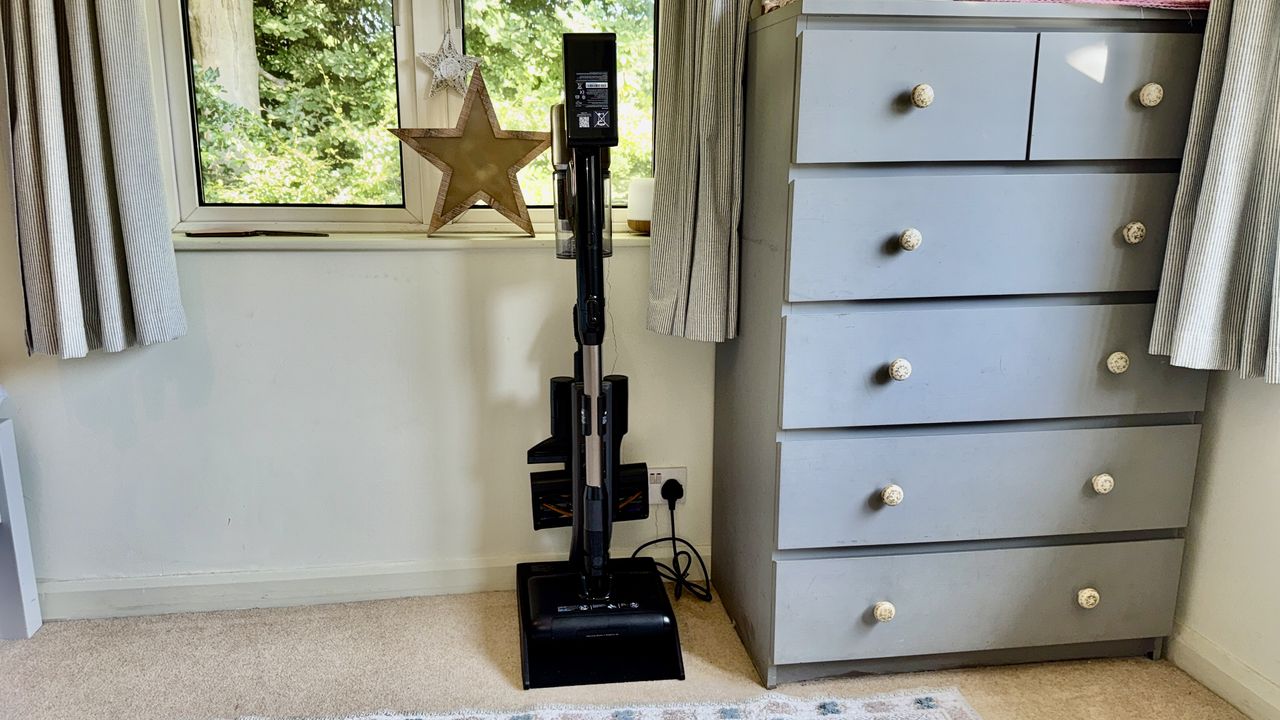
Ninja makes some of the best air fryers on the market, but considering how easy these appliances are to use, it sure is difficult to figure out which one to buy. This brand's air fryer range has grown to incorporate dozens of models with different capacities and capabilities.
We've tested ... okay not all, but a decent number of them, so we're in an ideal position to help. The good news is they almost always score highly in our tests, which means you're unlikely to come away disappointed, whichever one you go for.
However, some models will be better suited to your needs than others. Below, I've rounded up all the Ninja air fryers that we've tested and recommend, and which are still available — and if you hit the 'View details' button you can see exactly what we thought of each one. Skip to the bottom of the page for some top tips on how to choose the right one for your kitchen.
If you're feeding larger numbers or want to create multi-component meals (and have enough counter space), look at the Foodi Dual Zone options — these feature-packed air fryers have two drawers that can be set to different temperatures, and the machine will sync up cooking for you so the food in both sections is ready at the same time. Or, for the same functionality but a smaller footprint, you can't beat the Double Stack, which puts one drawer on top of the other (there are a few capacities available).
Those with small kitchens should consider a Crispi model. These have an innovative design that's essentially a glass container onto which an air fryer hat attaches. The containers can be used as serving or storage dishes, for maximum versatility.
If you don't just want an air fryer, plenty of Ninja's appliances double up as different kinds of cooker. One of the most versatile additions to the range is the French Door Air Fryer, which offers 10 cooking modes and can fit a whole roast or pizza inside. Alternatively, you have things like the 5-in-1 Grill & Air Fryer, which come with a range of accessories including a griddle plate for an authentic chargrilled finish.
If you're still feeling overwhelmed, I don't blame you. There's a lot of overlap between what these air fryers can do, so I'd start by looking at how much space you have on your counter, and how much capacity you need in your air fryer, and use those requirements to narrow your options down.
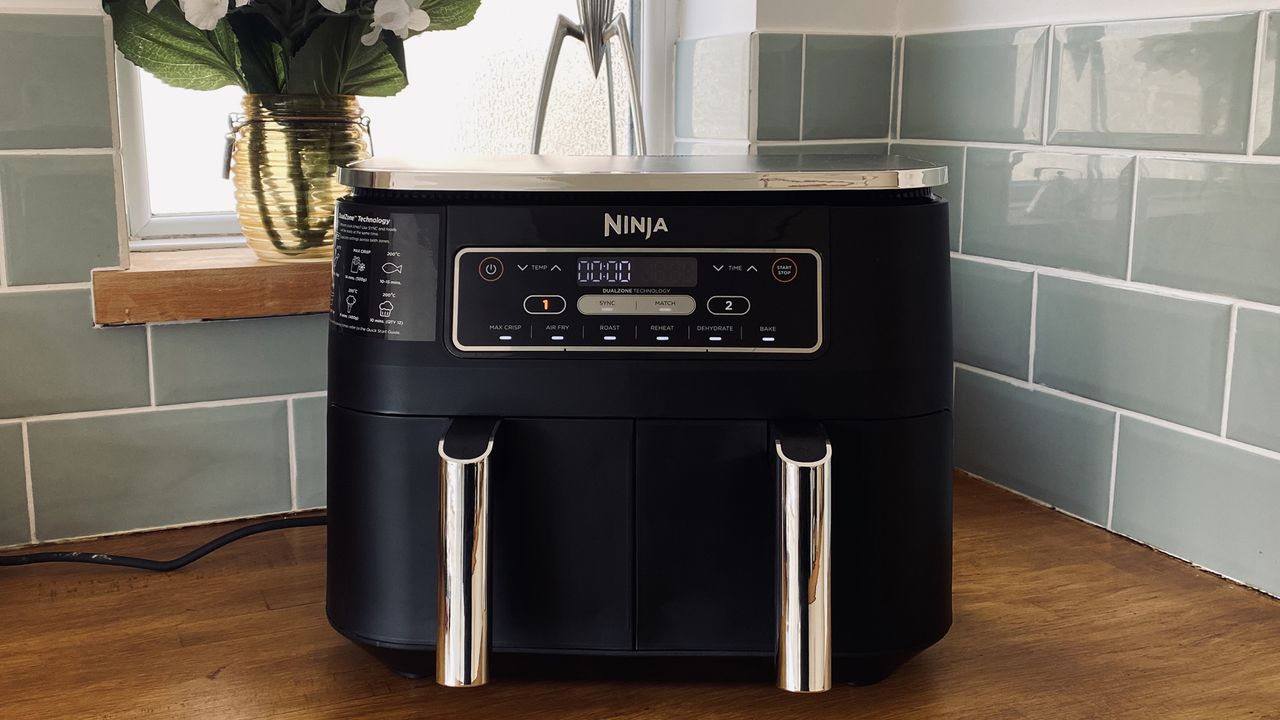
Microsoft’s efforts to fix Windows are bearing fruit Microsoft’s “Windows K2” project is underway, a major revamp of Windows 11 that aims to regain user trust and deliver a faster, more responsive, and less frustrating OS. Today, Microsoft has detailed major changes that are coming to Windows 11 Search. These changes are available now to […]
The post Less clutter, more control – Microsoft has fixed Windows 11 Search appeared first on OC3D.
Qualcomm continues to flirt with gaming on its Snapdragon X processors. The latest update to Snapdragon Control Panel redesigns game library navigation, improves the software update experience, and helps you get the latest Hexagon NPU drivers.
The overall gaming experience on Snapdragon X PCs will be better following the update, though you won't see a graphics boost.
Snapdragon Control Panel is a piece of software that helps you optimize your gaming experience on PCs powered by Snapdragon X chips.
A bump to version 2026.2.0 brings several notable improvements. Qualcomm shared the change log for the latest Snapdragon Control Panel update on Reddit.
Gaming on Snapdragon X PCs is in an interesting spot in 2026. It's very clear that Qualcomm aims for its Snapdragon X chips to power gaming PCs eventually, but most mentions of gaming on the processors feel reserved.
When Qualcomm announced the Snapdragon X2 Elite Extreme and Snapdragon X2 Elite last year, the company failed to mention gaming once. But when laptops with those chips launched, gaming capabilities were highlighted.
"Best Commuter Laptop: extreme performance for multitasking, gaming, and creation," reads the ASUS listing for the Zenbook A16 (emphasis added).
Just two months after unveiling the Snapdragon X2 Elite Extreme and Snapdragon X2 Elite, Qualcomm announced Snapdragon Control Panel. That program lets users optimize game settings and update game drivers.
Meanwhile, other companies have been working to improve gaming on Snapdragon X PCs. Logitech G HUB gained support for Windows on Snapdragon earlier this year.
YouTuber "Ghobso Gaming" tested over 200 games on the Surface Pro 11 with a Snapdragon X Plus, and many titles performed well. They have since run tests on laptops with the Snapdragon X2 Elite. I'll follow up with them and do another piece on that soon.
Our Ben Wilson played some games on the Zenbook A16 with a Snapdragon X2 Elite Extreme as well. Overall, gaming on Snapdragon X PCs is better than ever.
At some point, Qualcomm may fully embrace the gaming capabilities of Snapdragon X chips and make that a major part of its marketing. Until or unless that happens, the company will continue to work with partners to optimize gaming on Snapdragon X.
Join us on Reddit at r/WindowsCentral to share your insights and discuss our latest news, reviews, and more.
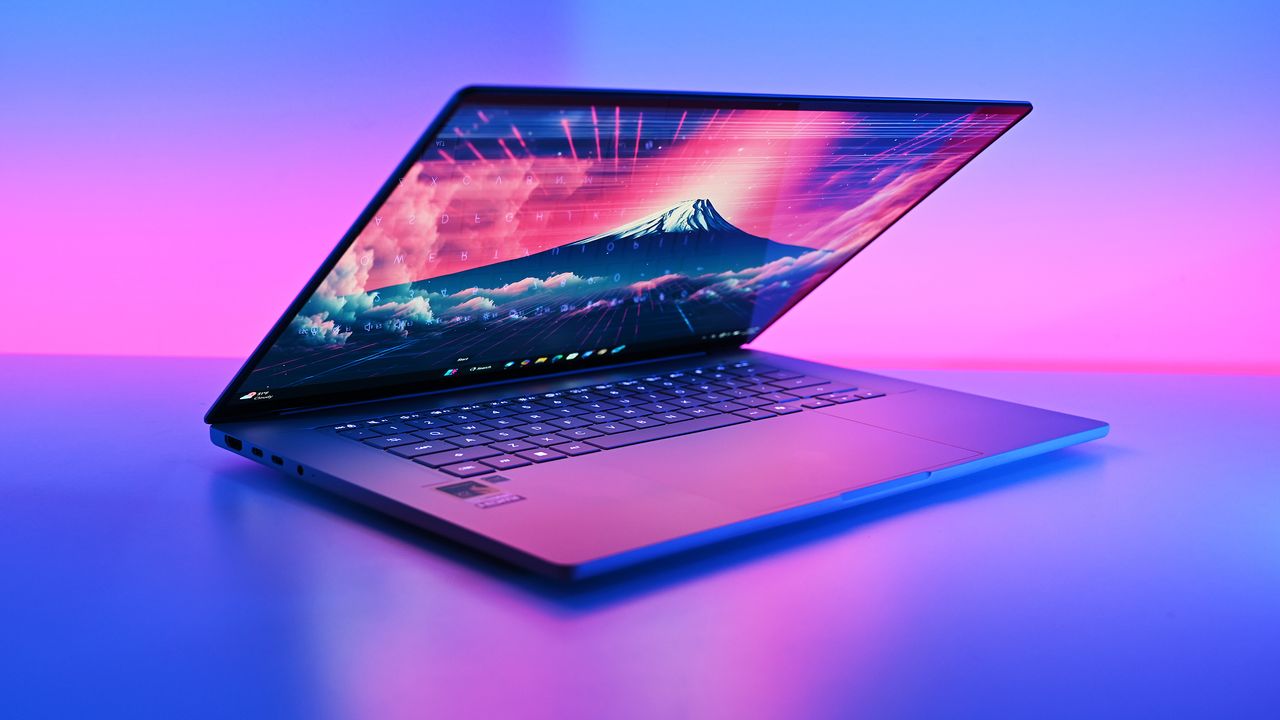

The company just dropped another connector-less motherboard, but with the micro-ATX form-factor for compact builds. GIGABYTE Releases B850M AORUS Stealth Motherboard, Featuring 12 Power Phase VRM, 4x DIMMs, Dual PCIe x16 Slots, While Keeping the Rest of the Connectors at the Back Popular hardware maker GIGABYTE is silently expanding its Stealth lineup with more motherboard models. GIGABYTE's Project Stealth was introduced back in 2022, and since then, it has added several motherboard models in the series, including 600 and 800 series motherboards with different chipsets. The company has now introduced a new Stealth motherboard called B850M AORUS Stealth, which introduces […]
Read full article at https://wccftech.com/gigabyte-silently-releases-b850m-aorus-stealth-with-connectors-on-the-back/

If you're fed up with the way Windows 11's search functionality works – and you wouldn't be alone – some incoming changes are set to greatly improve this experience.
Microsoft revealed the tweaks to the search box in a blog post, explaining that they're being delivered via a gradual rollout to testers in the Experimental channel for Windows 11 preview builds.
The first major change is simply to make search a calmer place, so when the panel appears, it only contains a list of your recent searches (allowing you to easily fire up one of those again if you wish). The current clutter to the right of that list, including recommendations – some of which are outright adverts – along with trending searches has all been banished.
And the second important piece of work here is that Microsoft is finally giving Windows 11 users the ability to get rid of web results in search. Currently, when searching for a file in the operating system you get not just local results (for files on your drives), but also some web results which can get in the way.
In this new scheme of things, you'll be able to switch off all web results in Settings, and also ditch Microsoft Store suggestions too.
If you keep these results on, Microsoft notes that they won't be prioritized, although this is something the company had already started to address (it used to be the case that web content could appear at the top of the returned results in a truly baffling fashion). Web results have also been stripped of any 'promotional content' so you'll only get the most relevant answers if these results are enabled.
Microsoft has also bolstered the handling of results for Windows 11 settings so that more relevant options are flagged up higher in the pecking order, and Microsoft says further fine-tuning is planned on this front.
The search box will also be able to handle typos, with an improved ability to guess what you really meant ('Chrome' rather than 'Chome' for example), and it'll start to surface possible results after typing just two characters (another enhancement we've already heard about).
While this is mostly all about streamlining, Microsoft is going the other way in one notable respect — adding a bit more detail in for the files returned in the results. Search will now provide more info about files (such as when they were last opened) and a more in-depth preview in the right-hand panel, so you can more readily tell what you'll be opening if you click on that result.
Finally, Microsoft is making search more reliable, which involves "reducing [the] likelihood of crashing and loading issues" which is obviously a welcome move.
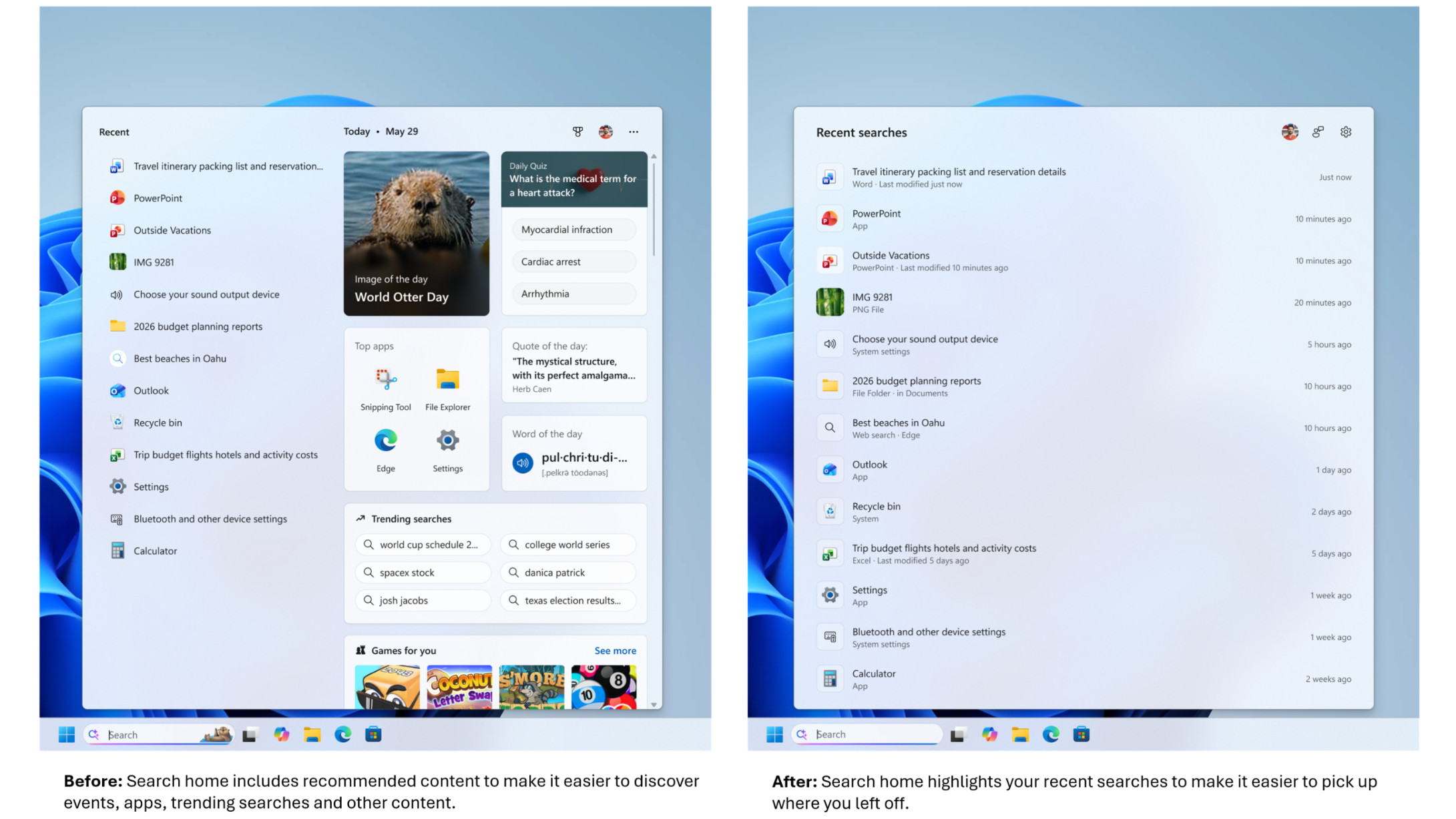
Windows 11 search has always been a somewhat painful affair for me, thanks mainly to the clutter of the thinly veiled (or not even veiled at all) ads, and the irrelevant results which were surfaced with a baffling level of priority, as noted. Windows 10 isn't a lot better, frankly, but at any rate, I'm very happy to see the fresh direction Microsoft has taken here.
The calmer search results are a major boon, with Microsoft following in the same vein as the streamlining it recently announced for the widgets panel, which was made a quieter place. (All this follows a broader early promise to rein in the upselling with Windows 11 and generally make the interface a more chilled place).
I was hoping that the option to turn off web results would be brought in, and this is the most important addition for me personally. I'm not alone, and the reaction to these various changes has been very positive, with the only real sticking point being impatience around when these new features will be rolled out. That's both in terms of testers wanting to try the revamped search box now, and the general computing public wondering when they will eventually get their hands on all this.
As this tester posts on Reddit: "We love this... except gradual rollouts. We don't like when things are inconsistent from PC to PC despite running identical [test] builds [of Windows 11]. It's really obnoxious and breaks muscle memory. But the changes seem great and I look forward to trying them."
As Microsoft points out in its blog post, it's worth remembering that there are now feature flags that can be enabled if you're really keen to try out something in a preview build, and it's not on your PC yet.
However, as for those asking: 'For those of us on release, when might this arrive?'
Well, that's a very different kettle of fish, as it could take quite some time for this work to progress through testing. Mainly because there are a lot of changes involved, and it's not something Microsoft will want to rush (especially given the drive to make search more reliable and stable).
And when these search improvements are eventually released outside of testing, it'll be on a controlled rollout that you won't be able to jump the queue with. However, there's a reason for that – Microsoft will need to observe the changes going live in a gradual manner to ensure no unexpected gremlins are crawling around in the works.
So, you will have to be patient, and there's some frustration around the length of time it can take for controlled rollouts to proceed these days (the Start menu overhaul from last year being a key example here – some folks still don't have it even now). But the good news is that these changes are coming, and they promise to revamp search in Windows 11 to a considerable extent. I can't wait (but I'll have to).

I'm always keeping my eye out this time of year for the ultimate 'back to school' laptop deals for our readers. Today, I think I've spotted a listing that could actually lay claim to that title.
It's the brand new Dell XPS 13, which is currently on sale for just $599 if you're a student. This new model has just been released at $699, but it looks like Dell is doing a particularly aggressive intro deal for prospective students right now.
To be honest, even at $699, I'd say this Dell XPS 13 is a strong contender. We haven't reviewed it yet here at TechRadar, but this iteration looks like a very compelling alternative to the likes of the new MacBook Neo, which is also $699.
It's surely no coincidence that the new XPS 13 is priced to compete with the MacBook Neo, as both offer a premium, lightweight laptop at a rock bottom price. The XPS 13 is obviously a Windows 11 machine, however, so it's the one to go for if you prefer Windows over MacOS.
Processor: Intel Core 5-320
RAM: 8GB
Storage: 512GB
In a time where laptop prices are spiralling out of control, Dell's latest XPS 13 looks like a rare deal on a premium model. OK, so this is the baseline model with only 8GB of RAM, but the XPS 13 is a great laptop with a fantastic 120Hz display and excellent build quality. Considering that Dell are also offering students an impressive $100 discount at launch, this XPS 13 looks like a very competitive alternative to the likes of the MacBook Neo.View Deal
While we haven't reviewed this model yet, our sister-site Windows Central managed to check it out in-person earlier this year. Initial reports are exceedingly positive, with the price, display, and overall build quality being particular highlights.
Interestingly, Dell had MacBook Neos on display next to the New XPS 13, so journalists could directly compare the to models. According to Windows Central, the XPS 13 had better build quality, a better display, and it was lighter. Of course, they do love Windows laptops over on that site, so your preference may vary.
We still rate the MacBook Neo here at TechRadar with its eye-catching colors and incredible battery life.
With that said, if I were choosing between the two, I'd definitely be tempted by the XPS 13. Generally, I prefer Windows laptops, and the XPS 13's Thunderbolt 4 ports are more useful to me than the Neo's standard USB-C ports. I'm also partial to the XPS 13's display, which I think it is a little more modern-looking than the Neo's, with its thick-bezels.

The latest special edition ROG Swift OLED gaming monitor is now available in both standard and stand versions in China. Popular Chinese Platform JD Lists ROG Swift OLED PG27AQWP-GR Edition 20 Gaming Monitor for Sale, Starting at $1327 Some of the ASUS ROG Special Edition 20 products are now getting listed for sale. We recently saw ASUS listing its ROG Astral RTX 5090 Edition 20 graphics card for a whopping $5,499 on the official store, making it one of the most expensive, if not the most expensive, RTX 5090 from the company. While all the hardware in the lineup is […]
Read full article at https://wccftech.com/asus-rog-swift-oled-edition-20-hits-shelves-at-1400-one-of-its-priciest-displays-ever/


MSI has become one of the first motherboard makers to offer optimized CXMT DDR5 memory support on its Intel Desktop platforms. After AMD AM5, MSI Brings CXMT DDR5 Memory Support To Intel LGA 1851 Platforms, With Speeds Topping Past 8000 MT/s China is rapidly adopting its domestically produced memory to reduce reliance on offshore brands that are charging heavy prices for their DRAM solutions. As such, CXMT (ChangXin Memory Technologies) has become the go-to choice as it is the country's premier DRAM manufacturer. While there have been reports that CXMT has started supplying DRAM to global markets, those aren't true […]
Read full article at https://wccftech.com/msi-brings-cxmt-ddr5-memory-support-to-intel-desktop-platforms-over-8000-mtps/


Despite being an iconic game which gave rise to the Soulslike phenomenon, the original Demon's Souls was never released from its PlayStation 3 prison, much like the remake developed by Bluepoint Games likely won't from its PlayStation 5 prison. However, thanks to the RPCS3 emulator, the game is fully playable on PC, and soon enough, fans will be able to enjoy the now-classic action RPG developed by FromSoftware with significant visual improvements from the PC Remaster mod. Developed by fromsoftserve, the developer behind the stunning Bloodborne Remaster Project, this visual overhaul "modifies the game's models to now react to light sources […]
Read full article at https://wccftech.com/playstation-demons-souls-remaster-pc/


NVIDIA Corporation is taking strict action to ensure that its AI GPUs only land in the hands of the right customers, reports the Financial Times. The action is to ensure that its chips do not reach China, and it follows increasing scrutiny by Taiwanese authorities on firms allegedly involved in shipping the chips to the Asian country. Previous reports have suggested that the Chinese government is interested in granting exemptions to some local firms to buy NVIDIA chips, even as firms such as Huawei claim to be able to achieve parity with Western technology in the future. NVIDIA Is Working […]
Read full article at https://wccftech.com/nvidia-teams-with-us-government-to-slam-shut-the-backdoor-feeding-banned-ai-chips-into-china/

The highly anticipated upgrades to the Surface Pro and Surface Laptop just launched. Both PCs pack the latest Snapdragon X2 processors from Qualcomm, promising better performance while still delivering great battery life.
The biggest upgrade in the lineup is performance. Microsoft promises up to 53% faster graphics performance on the Surface Pro than the previous generation. The Surface Laptop sees an even larger bump of up to 58% when compared to the last generation.
Those improvements are thanks to the Snapdragon X2 processors inside the Surface Laptop and Surface Pro.
Now, Best Buy has a wide range of configurations available for the Surface Laptop and Surface Pro. I've included a mix of various colors, storage options, and processors. But there are plenty of other configurations up for grabs if you want to mix and match.
• Shop all Best Buy Surface deals
The new chips from Qualcomm perform well and let your PC last all day. Exact performance will vary based on the full specs of a PC, but the Snapdragon X2 Elite competes with Apple's M4 Pro. The Snapdragon X2 Plus stands toe-to-toe with Apple's M3 Pro.
Benchmarks and spec sheets aside, any Surface with a Snapdragon X2 chip will handle a wide range of workloads and tackle productivity tasks easily.
While the Snapdragon X2 chips are the stars of the show, they're not the only upgrades worth checking out in the new Surface Laptop and Surface Pro.
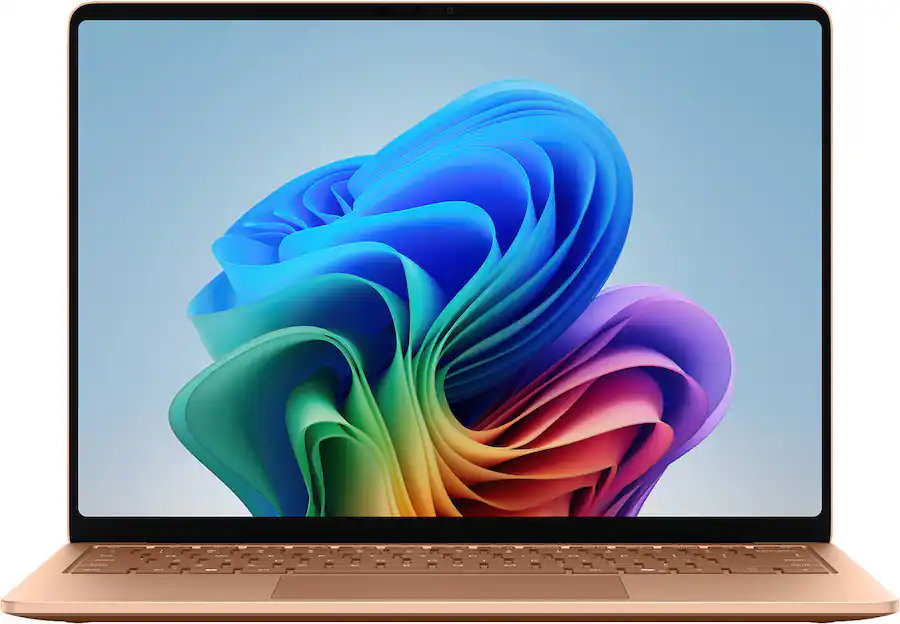
CPU: Snapdragon X2 Plus
GPU: Qualcomm Adreno
RAM: 16GB
SSD: 512GB
This Dune-colored Surface Laptop stands out in a sea of black and silver laptops. It does not come with Dave Bautista, but it does feature a Snapdragon X2 Plus.
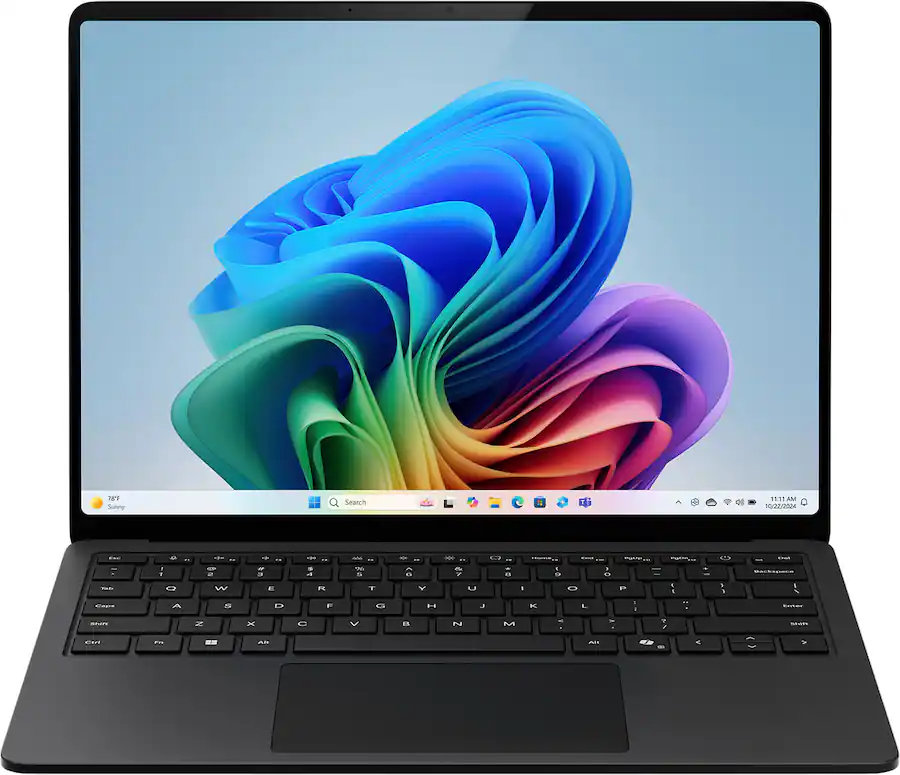
CPU: Snapdragon X2 Elite
GPU: Qualcomm Adreno
RAM: 16GB
SSD: 512GB
This sleek Surface Laptop is unassuming with its clean, black finish, but it's a portable powerhouse with a Snapdragon X2 Elite.
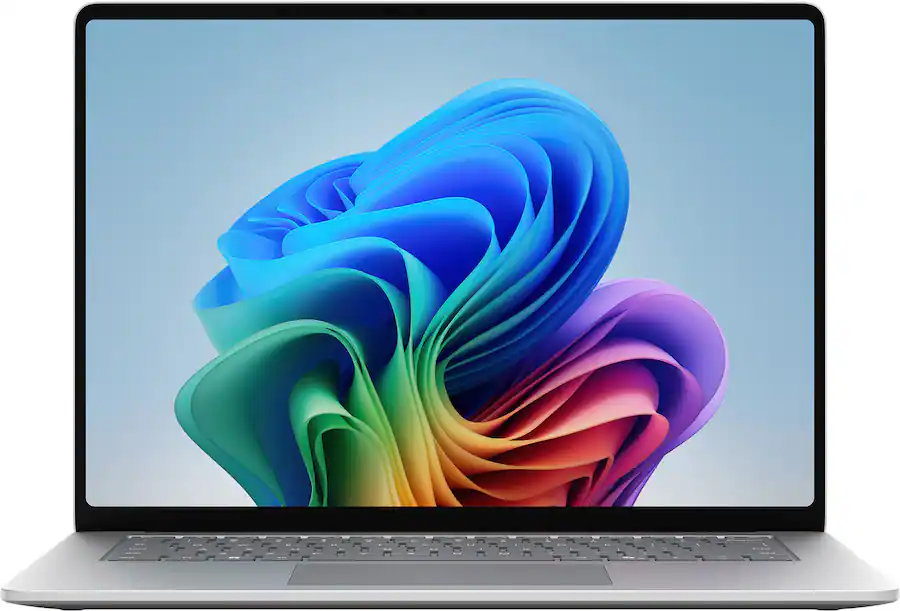
CPU: Snapdragon X2 Plus
GPU: Qualcomm Adreno
RAM: 16GB
SSD: 512GB
This Surface Laptop has a 15-inch, 3K display with the 3:2 aspect ratio Surface is known for. It provides an excellent space to work without taking up too much space in your bag.
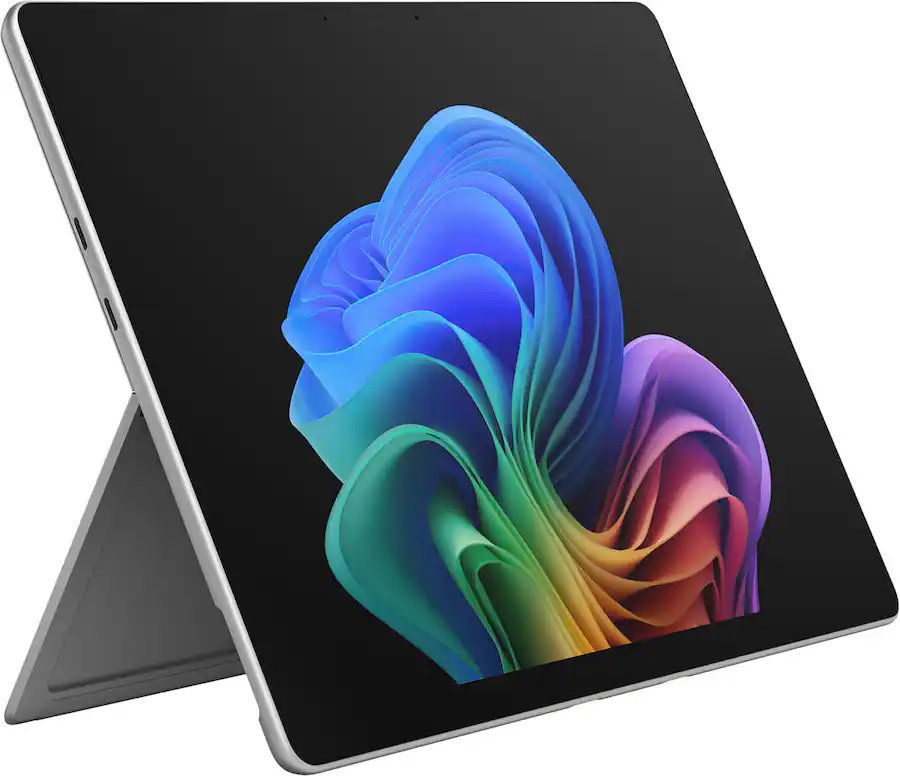
CPU: Snapdragon X2 Plus
GPU: Qualcomm Adreno
RAM: 16GB
SSD: 256GB
This is the best choice for those who love the Surface Pro form factor but don't need the most expensive processor or a massive amount of storage. It's the most affordable way to get the latest Surface Pro.
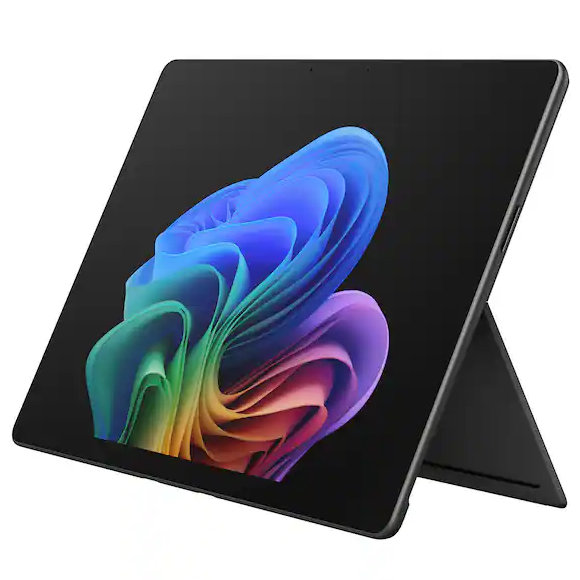
CPU: Snapdragon X2 Elite
GPU: Qualcomm Adreno
RAM: 16GB
SSD: 512GB
This Surface Pro balances high-end specs with value. It features a Snapdragon X2 Elite, 13-inch OLED display, 16GB of RAM, and 512GB of storage.
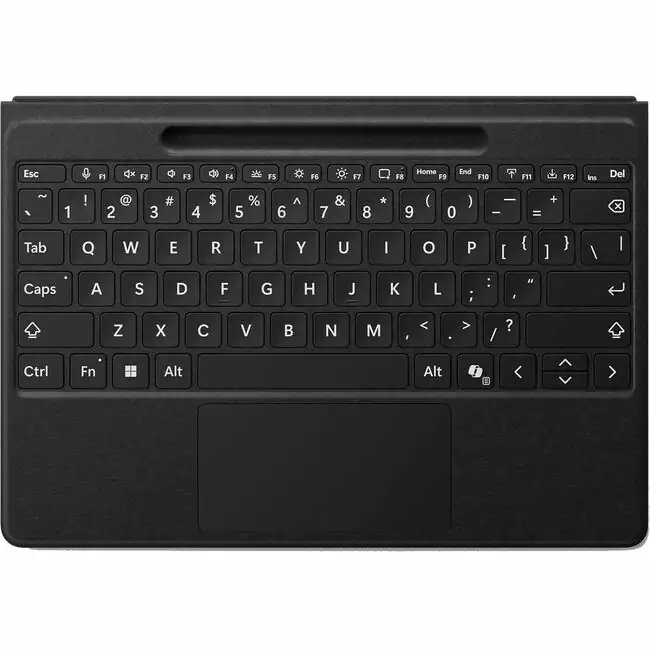
The first Surface Pro Flex Keyboard launched alongside the Surface Pro 11. The accessory is still the best way to use your Surface Pro like a laptop, and it can also be used when detached for even more flexibility.
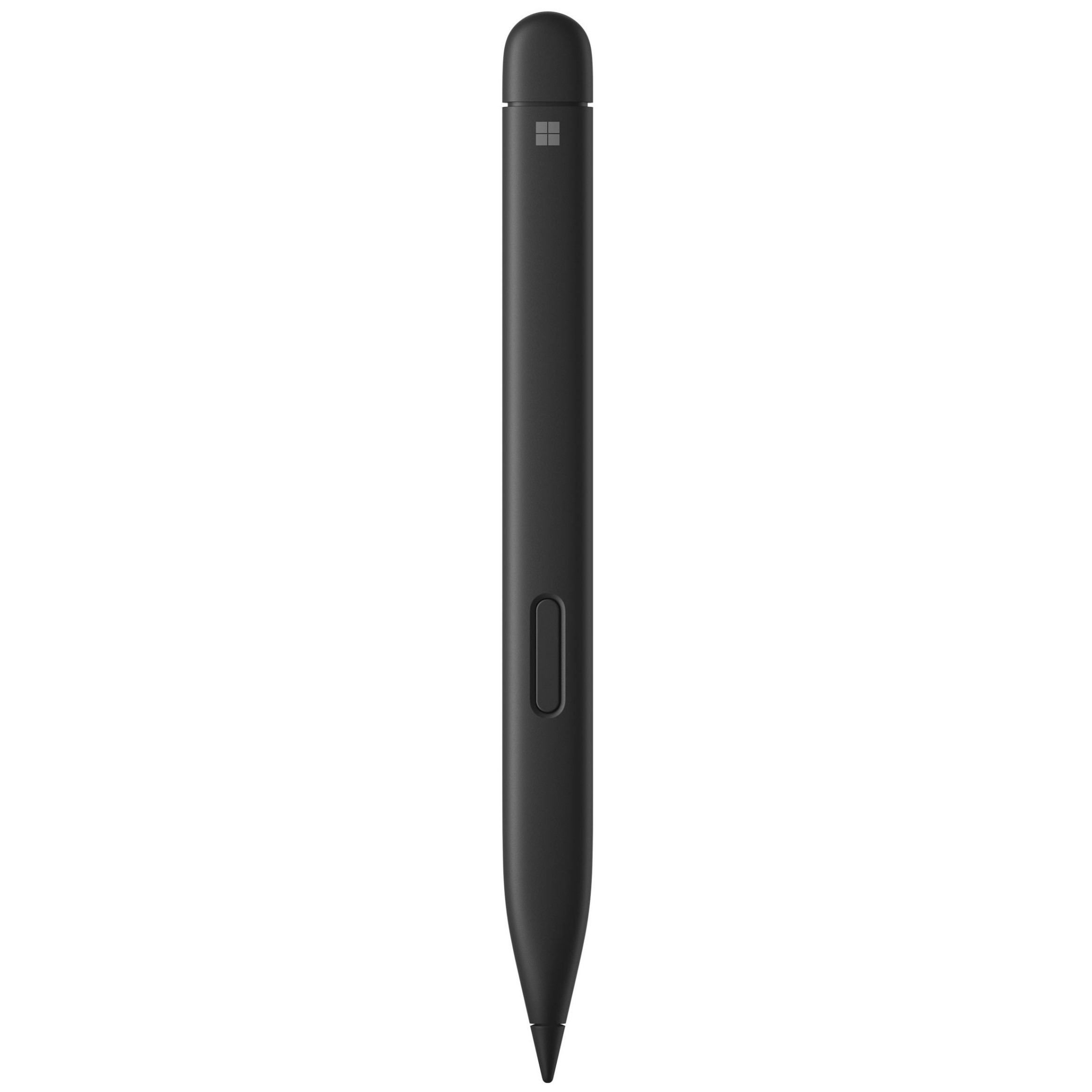
The Surface Slim Pen 2 is excellent for natural note-taking and drawing, and it now supports Windows 11's updated haptic feedback experience to give you tactile cues while you navigate.
There are more display options than ever across the Surface lineup. The new Surface Pro is available with either an OLED display or an LCD screen. The new Surface Laptop 15-inch has a screen with 262 PPI, which is much higher than the last generation offered.
But the new Surface Pro and Surface Laptop are more than a spec bump. While they share much of their designs with the last generation, both offer a new way to use haptics.
The Surface Laptop now features a haptic trackpad that allows you to feel Windows 11 and supported apps. The Surface Pro delivers a similar experience when paired with the latest Surface Slim Pen.
The new experience comes courtesy of Windows 11's new haptic feedback system. That system sends subtle vibrations when you perform certain tasks, such as dragging files in File Explorer or snapping windows.
The new Surface Laptop and Surface Pro build on over a decade of refinement by Microsoft. The overall form factor has matured, but Microsoft has figured out how to squeeze innovation from designs that were already almost perfect.
Join us on Reddit at r/WindowsCentral to share your insights and discuss our latest news, reviews, and more.
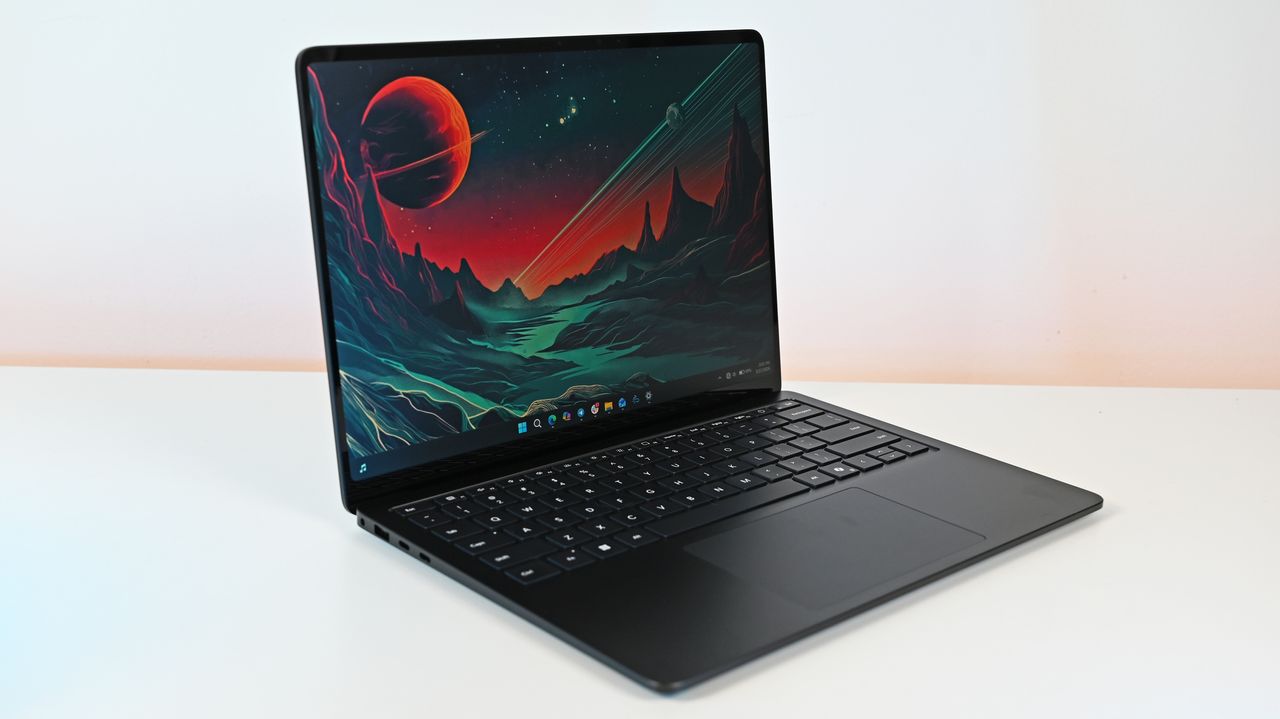
When it comes to productivity in the classroom, in the office, or even at home, HP's Omnibook laptops are among the best value-for-your-money Windows laptops.
The Omnibook 5 features an OLED 2K display, solid performance, a long-lasting battery, a sturdy build, and other useful features that help justify its cost, even amid a memory crisis.
And now, the 16-inch OmniBook 5 AI PC is on sale with a 26% discount for only $809.99 at Amazon.
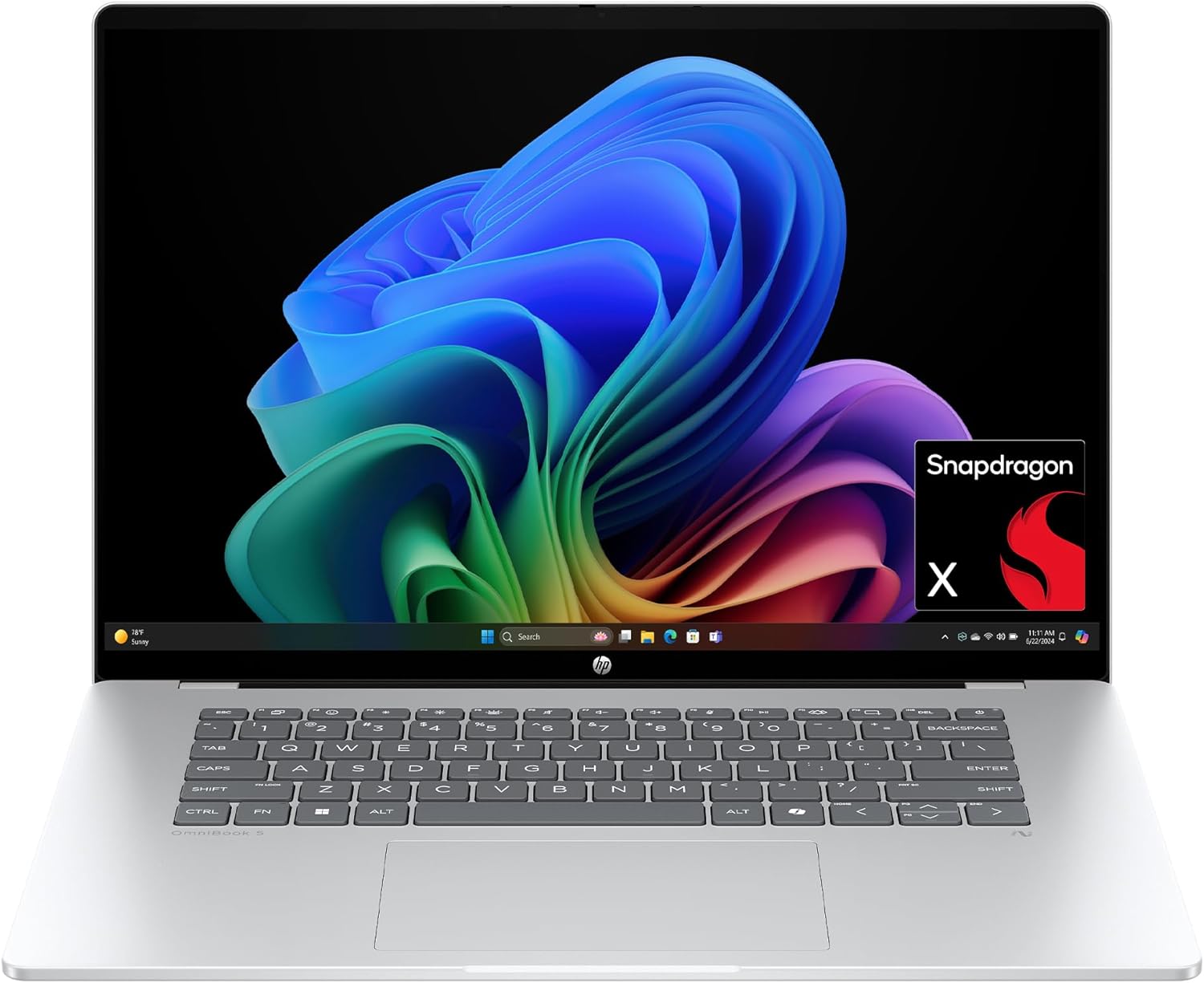
With the power of Qualcomm's Snapdragon X processor, 16GB RAM, 512GB of storage, and Copilot+ PC certification, this 16-inch 2K laptop makes for an effective and reliable tool for handling daily workload tasks such as typing documents, hosting meetings, researching, and more.View Deal
Our colleagues at the sister site, TechRadar, went hands-on with the 14" variant of the HP OmniBook 5 and gave it a high score of 4/5 stars, praising its gorgeous display, strong battery life, responsive keyboard, and lightweight design.
The 16" version that's on sale today features similar levels of computing horsepower but with a larger 2K OLED display capable of rendering images and videos with strong contrast.
This configuration of the HP OmniBook 5 is equipped with a Snapdragon X processor, 16GB RAM, a 512GB SSD, and an NPU with 40-60 TOPS to support its built-in Copilot+ AI feature.
With these specs, this laptop will reliably and effectively run productivity tasks like reports or spreadsheets in Office, perform AI-related tasks like researching and compiling information online, open multiple browser tabs without lag, host video meetings, and more.
Other notable features of this laptop include a gargantuan estimated battery life of 34+ hours, a lightweight yet sturdy thin build that makes it easy to carry or store for long-distance travel, a built-in FHD IR camera, and pre-installed Otter.AI to automatically take notes during meetings (which I personally love as I'm regularly forgetting to take notes during fast-paced or long-winded conversations).
So, if you're looking for a dependable workhorse laptop, you can't go wrong with the HP OmniBook 5, especially now that it's on offer for $809.99 at Amazon instead of its usual listing price of $1,099.99.
The RAM is not replaceable and upgradeable due to being soldered into the laptop's motherboard. It's factory-installed SSD however, can be replaced with a larger one (up to 2TB) should you need more space for files.
No, not really, as the HP OmniBook 5 was built for productivity workflows, meaning it will struggle to run most PC games.
Join us on Reddit at r/WindowsCentral to share your insights and discuss our latest news, reviews, and more.
A stylish new product encourages the repurposing of old IDE optical drives as standalone audio players. Boutique South Korean electronic device maker das_POD has launched the CD-ROM PLAYER 01 (ships worldwide), and it has some distinct Teenage Engineering-a-like design flair. Any similarity to genuine TE products is purely accidental, we’re sure. The new self-assembly and bring-your-own optical drive enclosure costs from $190.
These guys are making a universal laser cut enclosure with a custom pcb for repurposed old cd-drives.The project is called CD-ROM PLAYER-01, by das_POD. pic.twitter.com/3w8kkyNbKlJuly 10, 2026
This das_POD product is “designed to be assembled, repaired, and owned,” says the maker. In contrast to a conventional hi-fi CD music player, the CD-ROM PLAYER 01 is supplied as a project that lets owners repurpose their old, unused, or discarded optical drives. The artsy assertion of das_POD is that “the project explores ownership, reparability, and the physical experience of music.”
As we stressed in the intro, the kit is supplied without any IDE optical drive, something required to complete the project. “Compatible IDE drives can often be found in old computers, second-hand markets, recycling centers, or forgotten boxes in storage,” points out das_POD, just in case you have never heard of eBay. “Every drive carries its own history. Every player becomes unique,” it adds, attempting to add mystique to a simple recycling/upcycling project.
We looked through the das_POD store and noticed that it sells some very reasonably priced IDE drives that can be used to facilitate a complete CD-ROM PLAYER 01 delivered in one package. Several refurb opticals are priced at just $5, for example. But you can also pick through multiple drives at $10, $15, $20… all the way up to $40. Something about the $35 DRIVE_24 from Samsung with its blue logo bar and tarnished beige faceplate (Grade: Output: A+, Sound Quality: A, Condition: C) grabbed my attention.
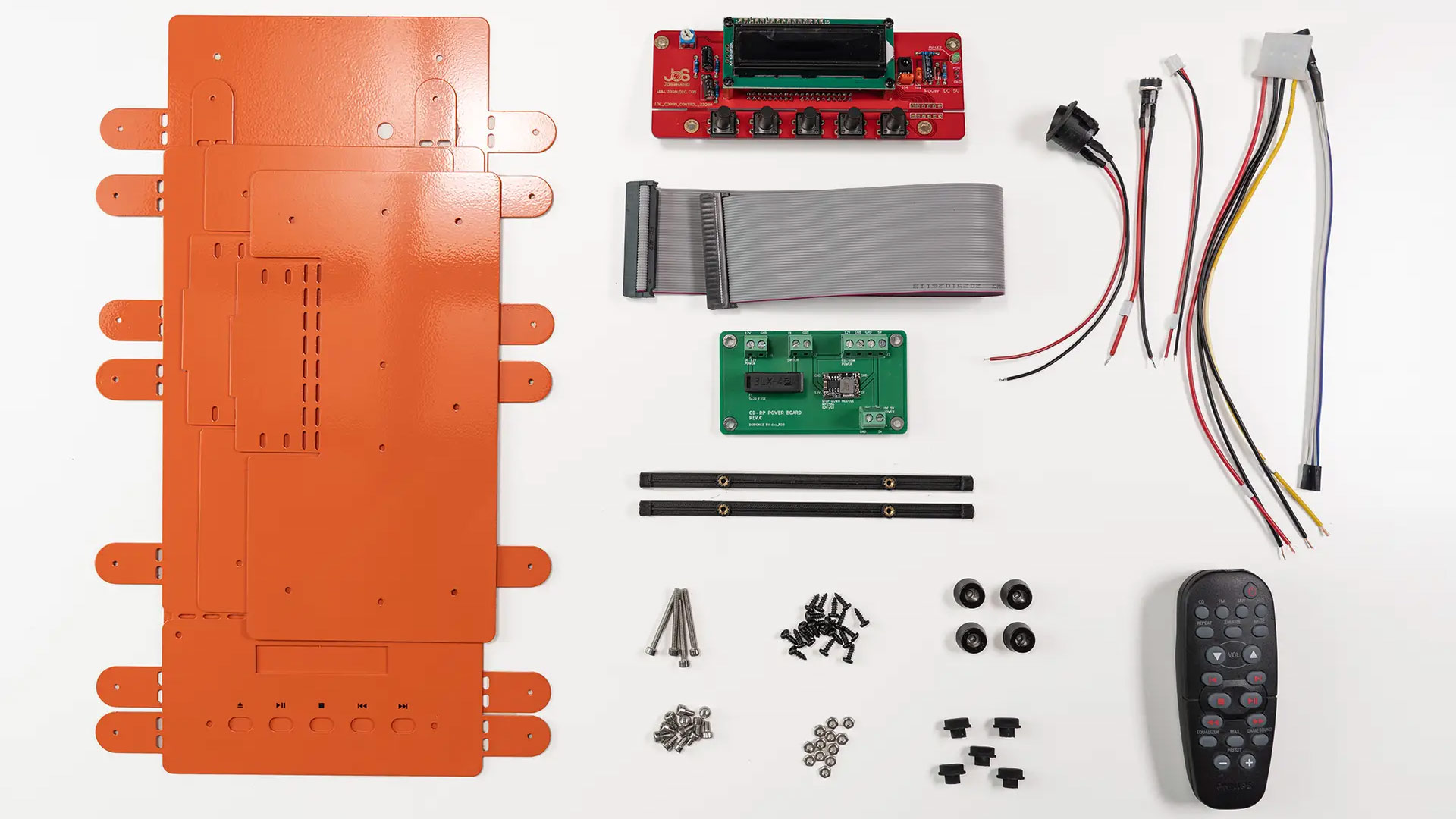

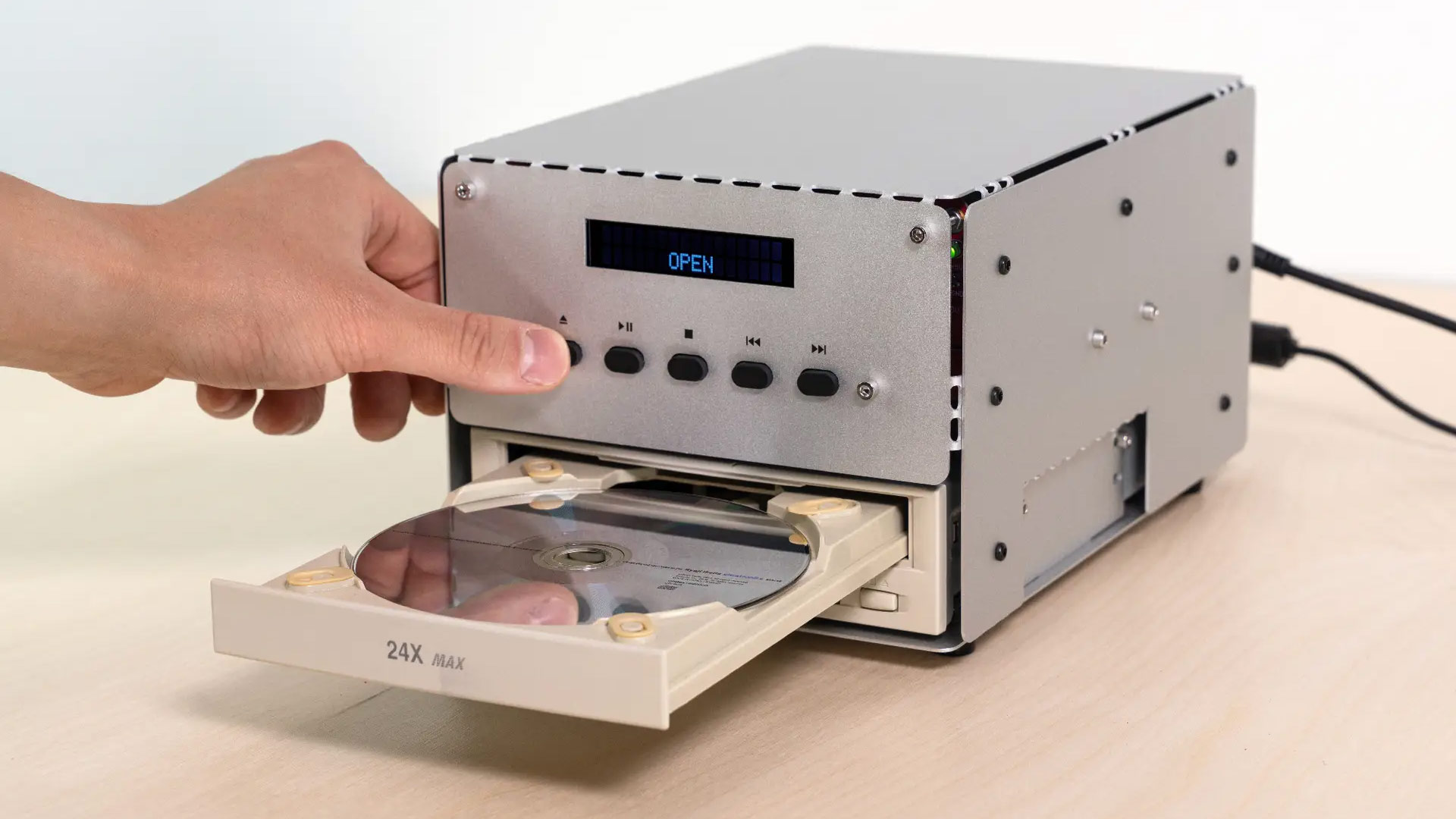
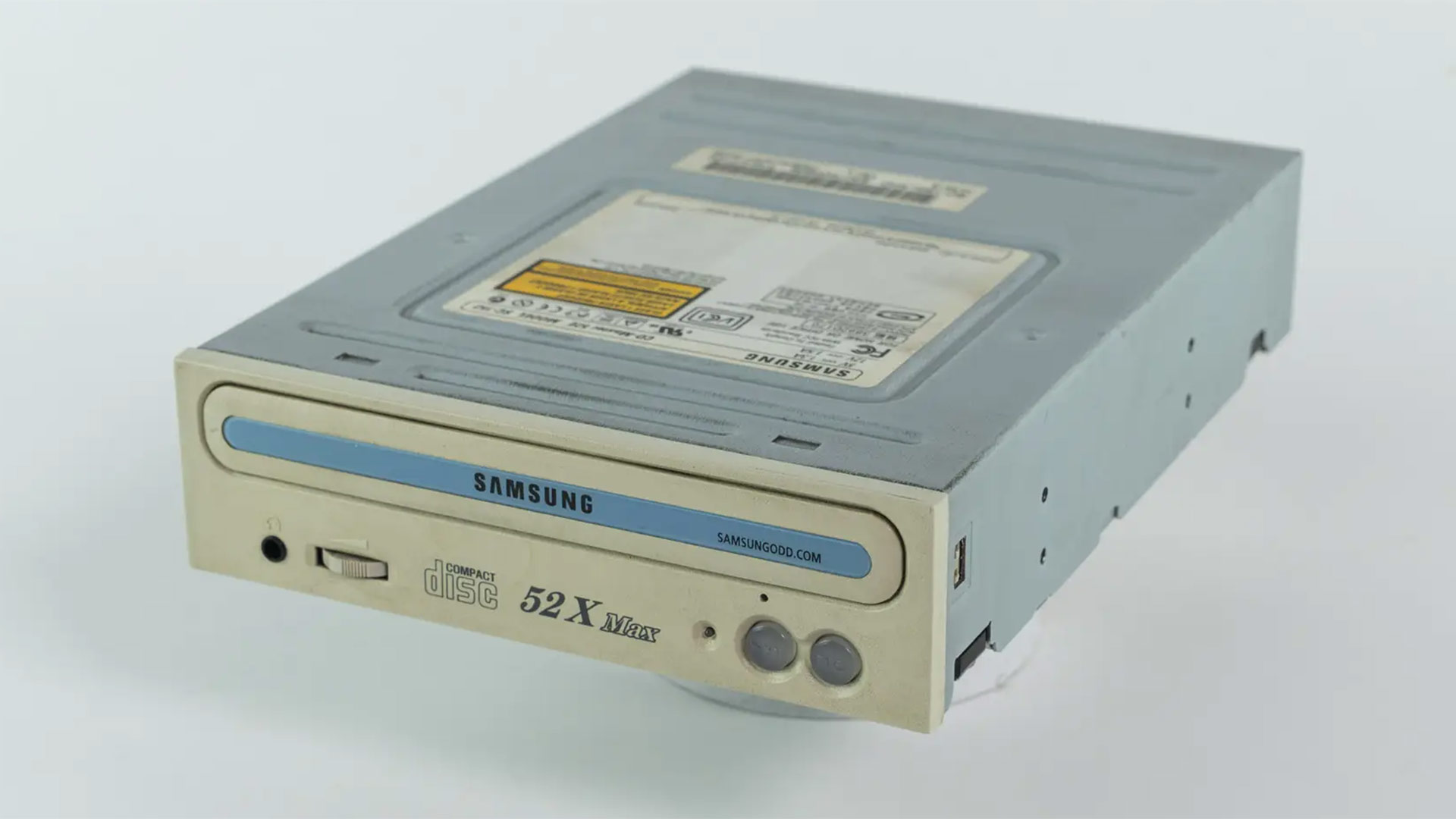
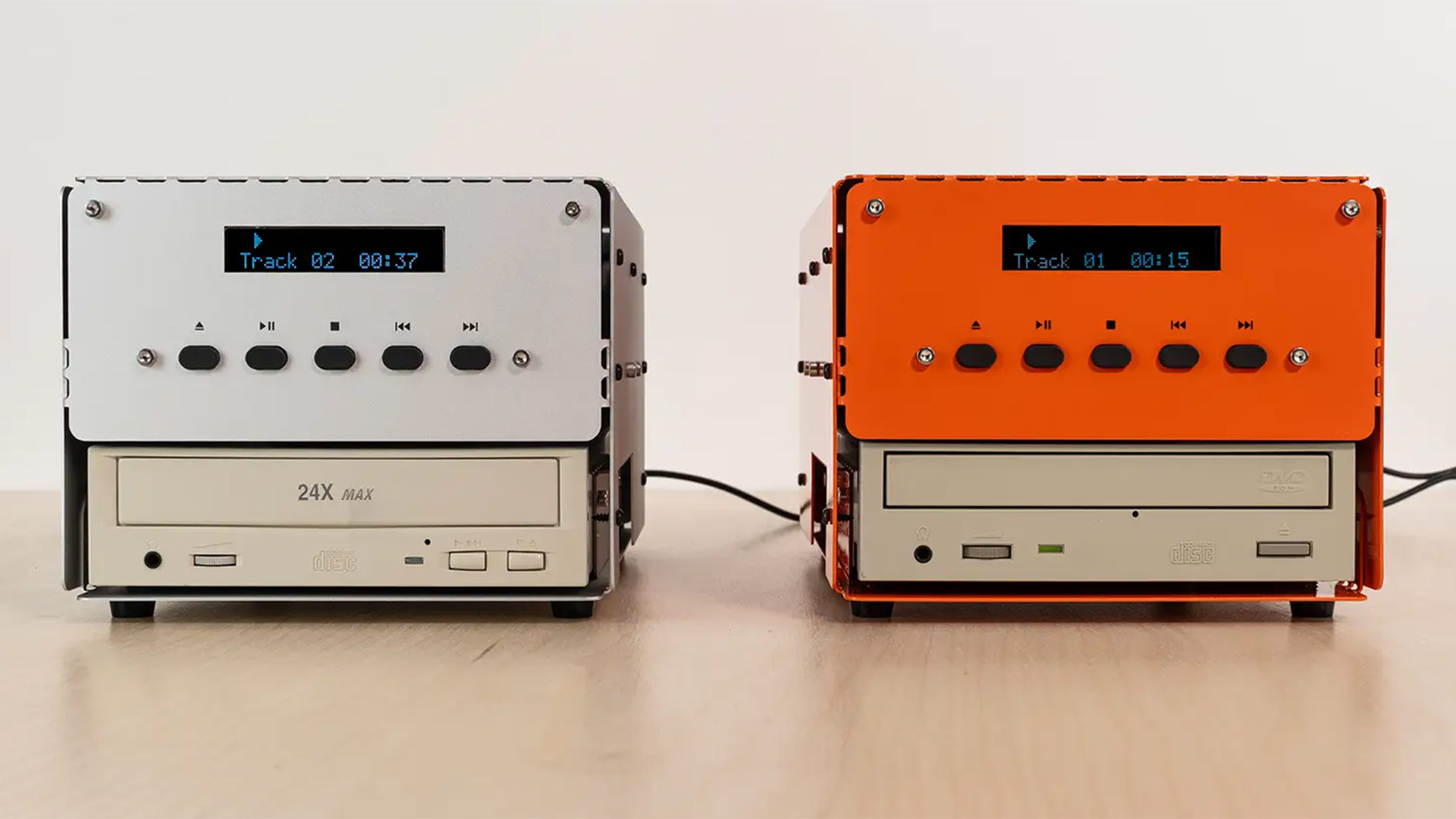
There are two CD-ROM PLAYER 01 colorways to choose from right now. das_POD sells a model in an anodized semi-gloss white for $220. A model in TE-a-like powder-coated orange is priced at $190.
The maker boasts that the kit supplied needs no soldering. But we also learn on the respective product pages that an AUX cable and 12V power adapter are (also) not included. Circling back to the firm’s online store, it looks like purchasing these items will add $25 to $30 to your checkout total.
As some social media commenters say, besides the case, another key component of this product appears to be a CD/DVD-ROM optical drive controller, much like one available from Aliexpress for $30. That leaves the das_POD power board PCB as the sole missing essential, preventing makers with 3D printers, laser cutters, and/or CNCs from crafting their own CD-ROM PLAYER 01-type kits.
from
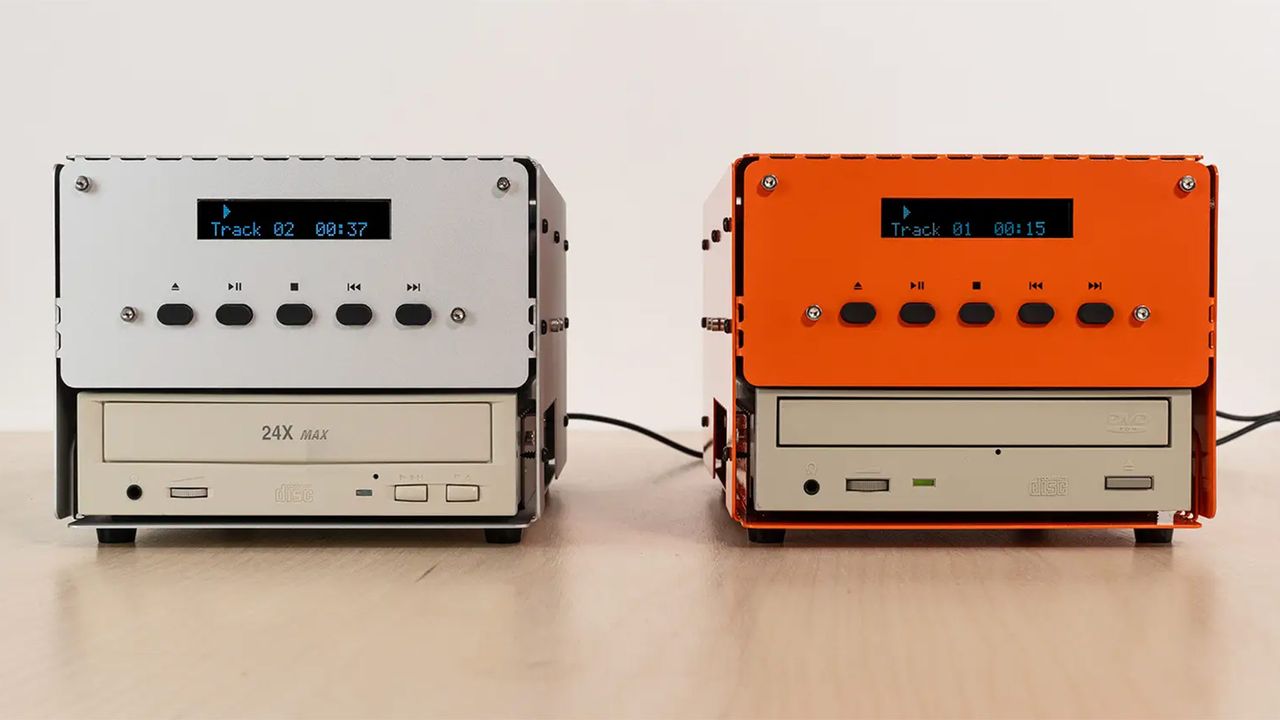
 Google is rolling out many of Chrome's latest AI features in the UK, starting today.

A bombshell report from the Bank of America has just demolished the fallacy that new memory supply is just around the proverbial corner, with SK hynix now likely to bring online just around one-sixth of its initially envisaged production capacity additions by 2028. According to a Taiwanese memory chip industry insider, Samsung and SK hynix will only be able to bring their massive new fabs at Gwangju and Jeolla fully online after a decade We already know that South Korea's President, Lee Jae-myung, wants the country's memory capacity doubled by 2030, and has touted massive new fabs that Samsung and […]
Read full article at https://wccftech.com/sk-hynix-may-add-just-one-sixth-of-its-planned-new-memory-capacity-by-2028-handing-ammunition-to-the-dram-price-fixing-lawsuit/

Microsoft has blocked some Windows 11 PCs from installing Secure Boot updates due to known issues with certificate updates.
The company is currently rolling out an update for Secure Boot on devices using certificates issued in 2011, which are now expired. The new 2023 certificate is being applied through Windows Update, but issues on devices with faulty firmware have forced Microsoft to halt the rollout.
“Devices in this group are affected by a known issue. To reduce risk, Secure Boot certificate updates are temporarily paused while Microsoft and partners work toward a supported resolution,” Microsoft said.
Secure Boot has long been a device-saving feature when it comes to removing malicious files, as it allows the device to verify and load only authentic software before booting to Windows. However if the device cannot receive certificate updates it can fall victim to threats at the boot-level before Windows is loaded.
Microsoft is currently working with manufacturers to issue a patch that will allow affected devices to install the new Secure Boot 2023 certificate, with HP issuing a BIOS update to allow the installation of the latest certificate.
What this means in practice is that some older devices, or devices that no longer receive updates via their Original Equipment Manufacturer (OEM), will not be able to apply Secure Boot and Boot Manager protections. Microsoft clarified that, “this results in a gradual reduction in long-term security—not an immediate risk or system failure. Continue to follow standard security practices, including staying current with Windows updates.”
So even if your device is blocked from installing the latest Secure Boot certificate, it will continue to work properly, other Windows updates will continue to work, and your Secure Boot version will continue to protect against known vulnerabilities. It’s just future vulnerabilities that users affected by this issue will need to be aware of.
Many users may not be aware of issues until they need to use Secure Boot, so the silver lining in Microsoft’s warning is that now is the perfect time to check if your Secure Boot is working properly.
To check if you are using the latest Secure Boot certificate, take the following steps:

If you see this message, Secure Boot is likely working properly. However, this does not display your certificates’ current state. Microsoft has been rolling out an update to show if your Secure Boot is running on the latest certificate, so make sure your don't have any pending Windows updates.

Devices with this message will likely be able to install the latest certificates once a firmware update has been issued by your OEM. Check your OEM update channel for availability.

Devices with this message may no longer be supported by your OEM, or the OEM might no longer be able to provide the firmware updates needed. Microsoft recommends checking your OEM’s Secure Boot support page to confirm whether your device is out of support.
Via WindowsLatest


The U.S. smartphone market is currently dominated by Apple, with a small but important chunk occupied by Samsung. The remaining brands have been offered breadcrumbs in terms of market share, refusing to let any other manufacturer grow out of their shadow. Unfortunately, the AI boom had to arrive at an inopportune time, because the aforementioned reason and rising memory prices have forced one company out of the U.S., plus one other market. OnePlus is preparing to bid farewell to the U.S. and European markets, with an announcement expected in the coming days The writing was practically on the wall, and […]
Read full article at https://wccftech.com/one-smartphone-player-to-bow-out-of-us-market-letting-apple-and-samsung-grow/

Tesla's AI5 chip is about to enter mass production at Samsung Foundry using the company's 2nm-class process technology, a principal engineer at Samsung Foundry disclosed in a LinkedIn post, as noticed by Sawyer Merritt. As it turns out, the chip has been taped out recently.
"The Tesla-Samsung Al5 chip has reached tape-out," James Kim, a principal engineer at Samsung Foundry, wrote in the LinkedIn post. "It is scheduled to be manufactured at the Taylor fab using our latest 2nm process and will soon be integrated into Tesla's newest products. It has been an honor to collaborate with the outstanding engineers at Tesla Palo Alto and Austin over the past several months."
Elon Musk demonstrated the first sample of Tesla's AI5 in mid-April and revealed that the processor will be concurrently made both at TSMC and Samsung Foundry. Apparently, AI5 implemented in a TSMC process technology reached taped out several months ahead of AI5 implemented using a Samsung Foundry.
Tesla’s AI5 processor module that Elon Musk demonstrated in April integrates a relatively compact accelerator die — roughly half a reticle in size, based on Musk's earlier remarks — alongside 12 SK hynix memory packages that appear to be standard GDDR6 or GDDR7 devices. The package relies on an organic substrate, and the memory components are labeled similarly to conventional discrete DRAM chips.
Tesla has not revealed the width of AI5's memory subsystem, but the presence of 12 memory packages points to a relatively broad external memory interface. Assuming the module indeed uses 12 GDDR6 or GDDR7 ICs, the processor would feature a 384-bit memory bus. Depending on the memory technology and transfer rates employed, this would translate into memory bandwidth ranging from 768 GB/s all the way to 1.536 TB/s.
The company has not disclosed AI5's peak compute performance, or other detailed performance specifications, but Musk has previously claimed that, in certain workloads, AI5 can deliver performance improvements of up to 40X compared to its predecessor.
Musk expects AI5 to be one of the most produced chip ever, which is why Tesla plans to use two foundries to make it. AI5 is projected to be used in Tesla cars, Tesla robots, and in Tesla's data centers.
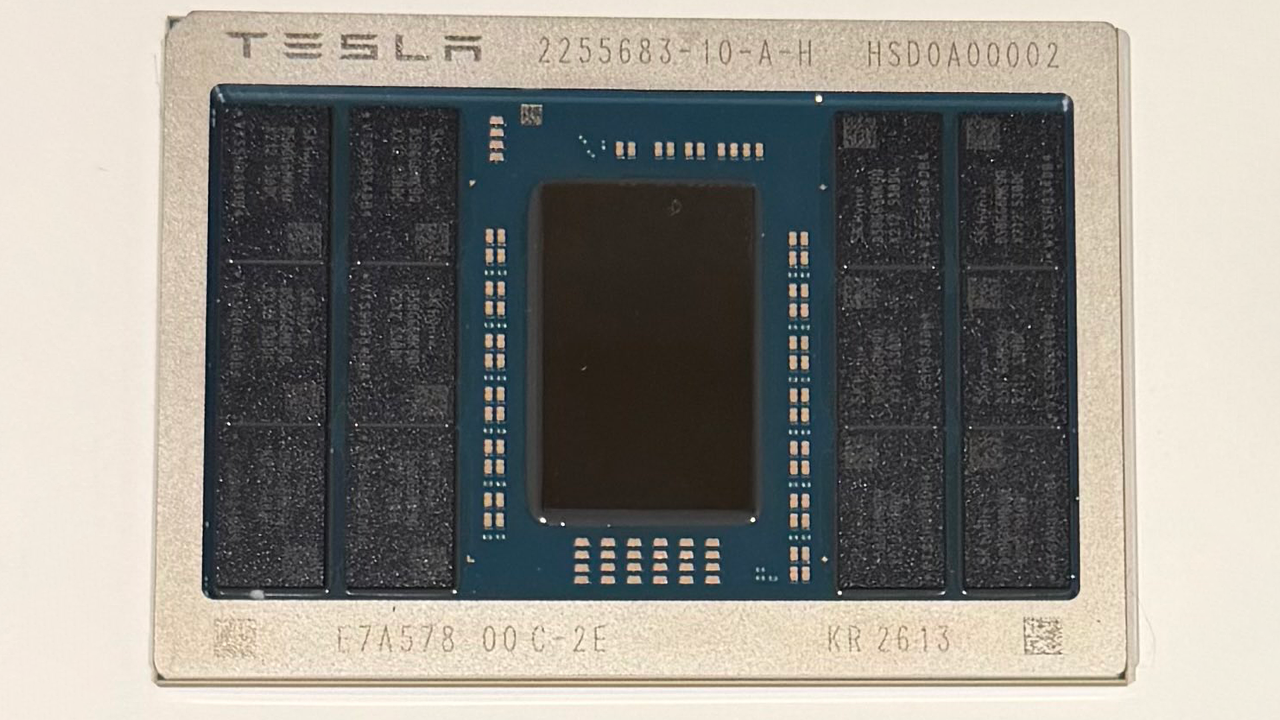
The Ninja Slushi is one of my all-time favorite kitchen appliances, but it's simply too large for my kitchen. Thankfully there are personal blenders that are smaller, cost a lot less, and make perfect slushies for one in just a few seconds — and here I've picked three of the best that can tackle ice and other frozen ingredients with ease.
Some single-serve blenders struggle to tackle any ingredients tougher than an apple, but each of the models here will crush ice effortlessly despite their compact size. Once you're done, you can take your drink on the road, to work — or just to the back yard for sipping in the sunshine.
Slushies made this way won't be identical to those created with a Slushi machine, but they can come close. The Slushi works by taking liquid ingredients and freezing them while stirring to create small ice crystals, whereas blenders create slush by chopping up large pieces of ice. If you want an undiluted slushie without added water, try freezing ingredients like juice or soda in an ice-cube tray. Provided you add the recommended amount of liquid to your blender's cup (usually around 6oz / 170ml) you should get a very similar (and equally tasty) result.

At 1,200 watts, the Ninja BlendBOSS has the most powerful motor of all the blenders in this list, and transforms ice and frozen fruit into slush with ease. It consists of a sturdy, unusually-shaped base (which reminds me of a UFO) and a Stanley-style cup, with a sip lid and straw that you can carry, or tuck into your car's cupholder.
It has three preset options (smoothie, ice crush, and blend) plus a pulse option so you can take control yourself. The preset programs will blend and pause in different patterns to ensure all the ingredients come into contact with the blades — and they're very effective. Our reviewer Karen Freeman reported that her smoothie with frozen berries "came out perfectly smooth [with] no chunks of blueberry skin or spinach" and the blender "turned ice into snow incredibly quickly and thoroughly" for iced lemonade. Your recipe needs to include at least 6oz / 175ml liquid along with the ice for proper blending.
Some single-serving blenders tend to jump across your kitchen counter when dialled up to full, but the BlendBOSS has a cleverly designed base with a circle of grippy silicone, plus suction cups to ensure it doesn't dance onto the floor when preparing iced drinks.
The only downside we found is that the lid of the chug cap sometimes fell down and bopped us on the nose mid-slurp, but that was only a very minor annoyance. This is otherwise a brilliant tool for making slushies and smoothies, and very reasonably priced too.
Read our full Ninja BlendBOSS review





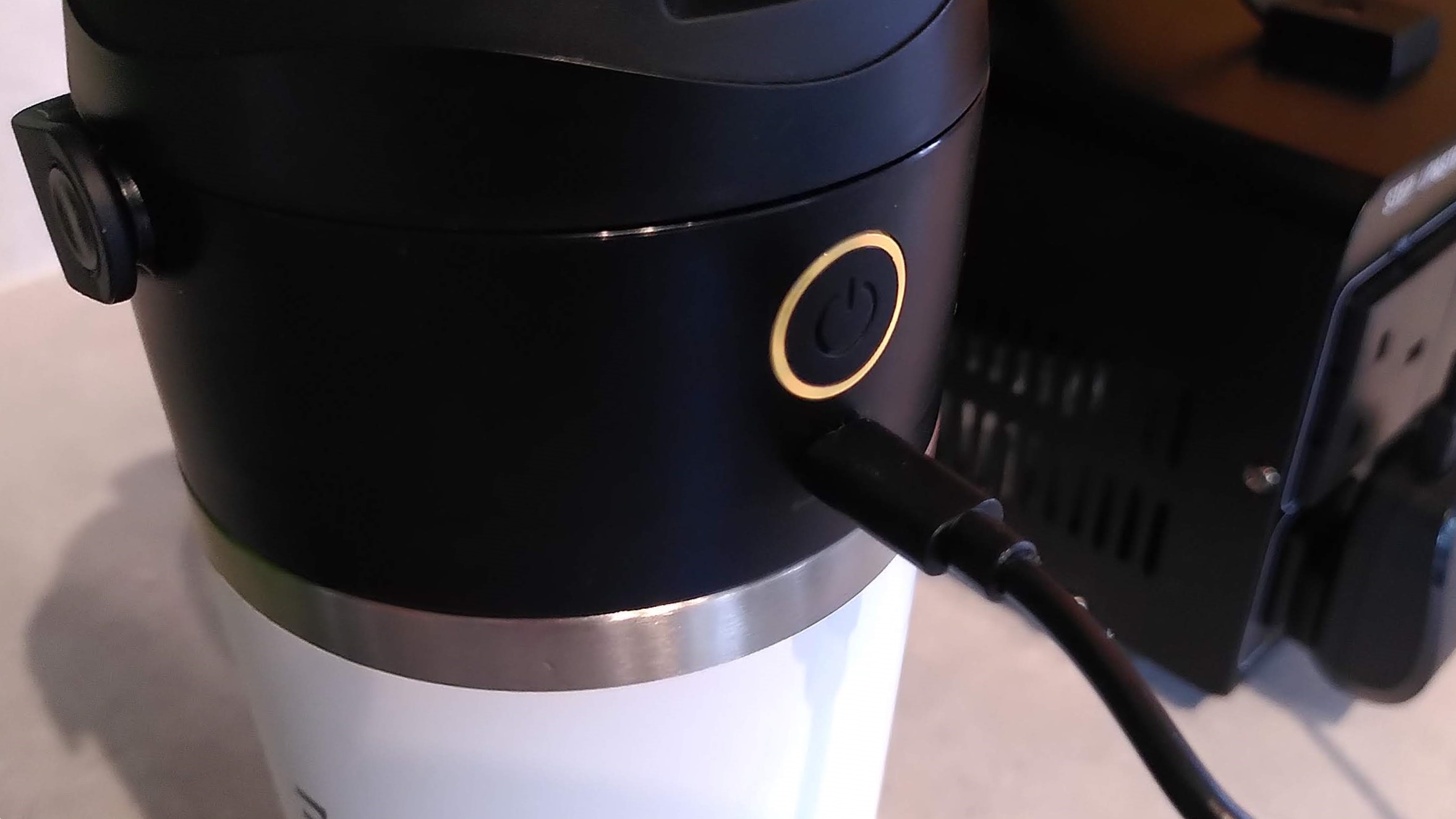
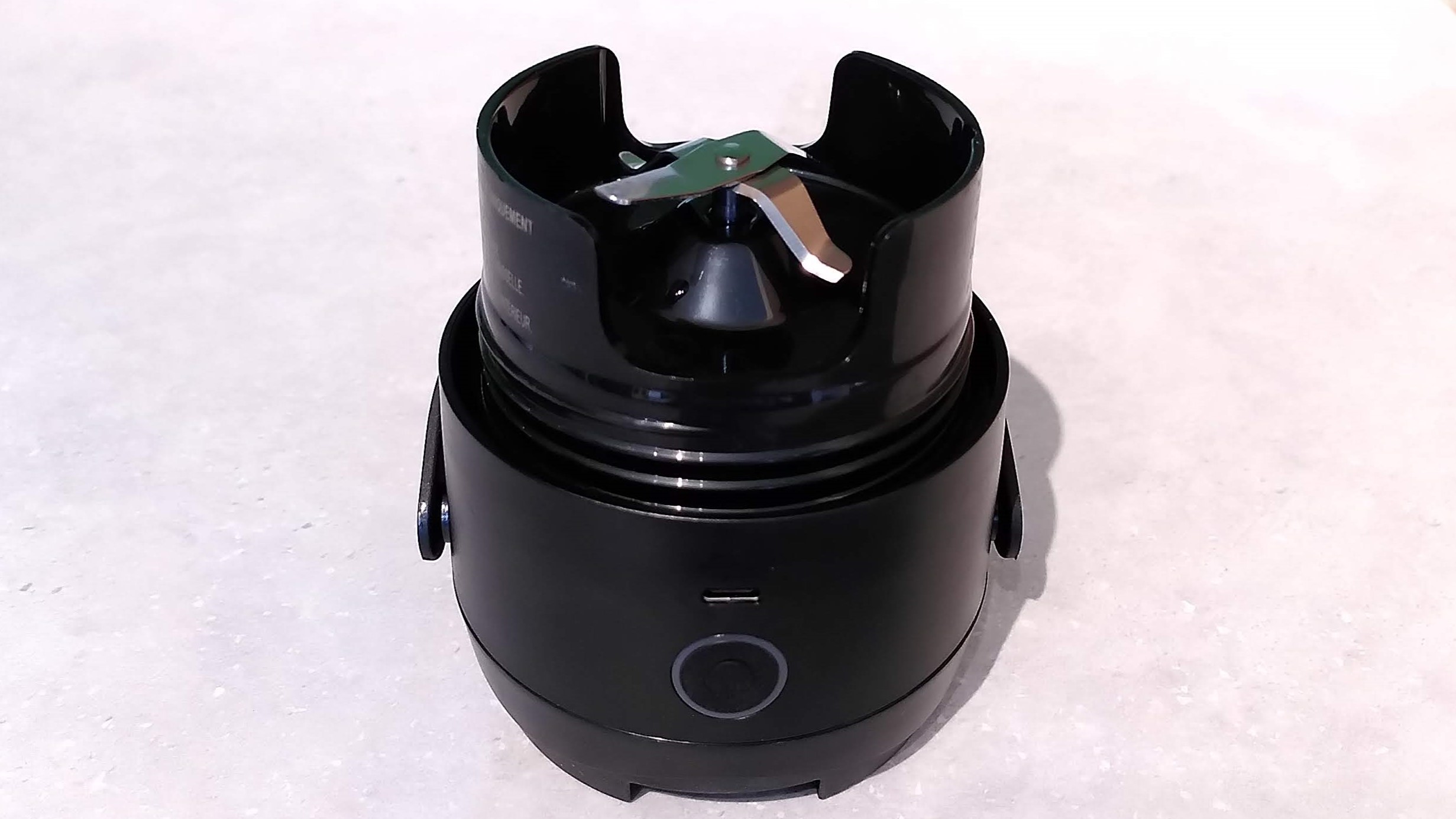
Unlike the two other blenders here, which comprise a plug-in base that you keep in the kitchen and a detachable cup to take with you, the Nutribullet Flip is fully portable and rechargeable so you can whip up drinks on the move (particularly handy if you're at the gym and want a fresh protein shake, for example). Just add your ingredients to the cup, screw on the lid, flip it upside down and press the button. Thirty seconds later, you can turn it upright again and start sipping. What could be easier?
I was a bit apprehensive about drinking from the part of the blender that contains the motor, but you're in no danger at all of cutting yourself; the blade assembly is well away from the drinking spout and the motor can't activate unless the cover on the drinking spout is fully closed.
The Flip handles ice with ease, and I used it to prepare some very nice iced coffee drinks during testing. Particularly large frozen strawberries sometimes required a second blending cycle to be fully pulverized (the Flip only has one program) but nothing I tested could withstand a minute in contact with its blades. When you're done, the insulated cup keeps your slush and shakes cold for hours. You'll need to add at least 8oz / 235ml liquid along with your ice.
Something I particularly like about the Flip is that its blades are at the widest point of the cup, which means everything falls down onto them rather than getting stuck on the sides. It's especially easy to clean as well; add water and a drop of dish soap, run a cycle, then rinse.
Read our full Nutribullet Flip review


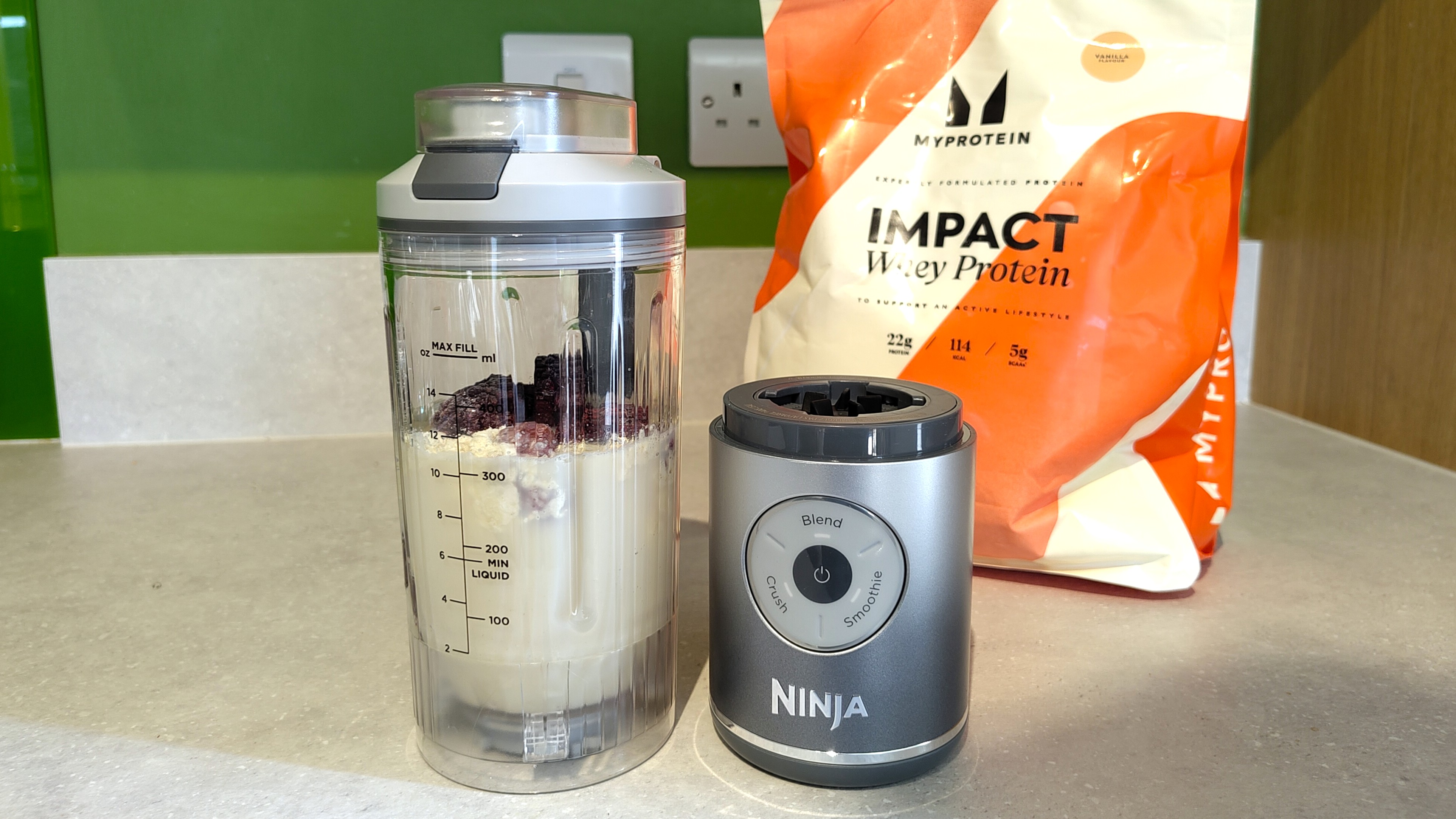



I awarded the Ninja Blast Max a full five stars thanks to its ability to turn even the toughest ingredients into a silky smoothie or tasty slush. Ice and frozen fruit were transformed into a frosty treat in no time at all, and tough fibrous vegetables like kale were no match for its powerful motor and super-sharp blades.
The Blast Max has a 'crush' setting specifically designed for ice, which turns rock-solid strawberries and raspberries into slushies in less than a minute. Alternatively, add plenty of ice, a shot of espresso, and a good splash of milk for a delicious iced coffee. Provided your drink includes at least 6oz / 175ml liquid, the Blast Max will handle it with ease. "The resulting blended iced coffee looked as good as anything you might get from a coffee shop, with a nice layer of foam on top and no chunks of unblended ice crystals," I said.
The Blast Max has a travel cup that detaches from the charging base for sipping on the move, with measuring lines clearly marked on the side. Ninja suggests that you might need to give it a little shake during blending to loosen any ingredients stuck to the sides that might miss the blades, but during my tests I never found that necessary.
The Blast Max is the most affordable of these three blenders right now, and no less impressive than the other two. For me, the only drawback was that, unlike the Nutribullet Flip, the Blast Max doesn't have an insulated cup to keep slushies frosty when you're on the go.
Read our full Ninja Blast Max review

Sometimes, as rabbits waste their time on petty feuds and habitual sloth, the tortoise can win the sprint. This is exactly what appears to have happened with StepX and its just-teased Neo AI phone, as Apple and OpenAI remain locked in a high-stakes battle over alleged technology theft related to their upcoming consumer-facing AI devices. StepX Neo clinches the first-mover advantage on the AI phone as Apple and OpenAI remain mired in a technology theft feud As we detailed recently, Apple filed a damning lawsuit against OpenAI last week, accusing it of stealing its proprietary technology, circuit designs, and component […]
Read full article at https://wccftech.com/apple-and-openai-trade-lawsuits-over-ai-device-tech-theft-but-chinas-stepx-neo-quietly-beats-both-to-a-working-ai-phone/


Korean memory gains SK hynix is considering buying South Korean government bonds, according to a senior official. The report follows earlier news that had claimed that the memory company would bring back a portion of the funds generated through its American Depository Receipt (ADR) listing last week to its home country in order to invest in memory chip manufacturing facilities. The executive's comments come as the firm is expected to experience slower high bandwidth memory (HBM) price growth stemming from long-term supply agreements. SK hynix is Open to Shifting Some of Its Capital Into Korean Government Debt, Says Report SK […]
Read full article at https://wccftech.com/sk-hynix-weighs-buying-south-korean-government-bonds-as-hbm-price-surge-shows-signs-of-cooling/


At Cursor Vibe Jam 2026, an iOS developer with nine years of experience showed how it’s possible to rely entirely on AI as he showcases a Capybara food delivery game that he successfully made in only two weeks. Using Claude Code, the developer reveals that all lines of code were written entirely by AI, while also providing a detailed guide on how everything came to life in this virtual world that consists of both single-player and multiplayer elements. Using $100 to upgrade from the Claude Code Opus 4.7’s 5x plan to the 20x one, the developer used a combination of […]
Read full article at https://wccftech.com/ios-developer-made-capybara-game-using-vibe-coding-and-won-25000/

Having spent decades covering Apple, I understand and respect its efforts to maintain a shroud of secrecy over its product development. Reading this line in the blockbuster Apple vs OpenAI lawsuit, I can hear the voices of countless Apple execs and PR people who, rightly or not, feel deeply wronged by what it considered a trusted partner: "OpenAI’s nascent hardware business now rests on the shakiest of foundations, rotten to its core by its illegal reliance on misappropriated trade secrets."
Late last week, Apple filed a lawsuit against OpenAI and, more specifically, a pair of key employees who, over the last two years, left Apple to join OpenAI's hardware business. The massive filing, which calls for a jury trial, accuses the pair of corporate espionage, essentially stealing a raft of trade secrets to help bolster OpenAI's still unrealized efforts to build AI hardware (it's currently working with Jony Ive to build what may eventually become a wearable device).
I've spent some time poring over the documents and, to be honest, the accusations are stunning and, if true, seem unaccountably brazen for people who spent years with the Cupertino tech giant.
Tang Yew Tan, who currently serves as OpenAI's Chief Hardware Officer, was at Apple for a quarter of a century and, according to his own LinkedIn profile, "Oversaw the design and development of iPhone and Apple Watch Product Design, Interconnects Design, Acoustics and Materials technology centers."
Chang Liu (whose LinkedIn handle is "changliu-apple") spent almost a decade as an iPhone Electrical Engineer.
Apple's NDA's that they hand to journalists like me are almost legendary (the first time I signed one, I swear my hands were shaking). I can only imagine the intensity of the Intellectual property agreements (IPAs) Apple says it asks employees to sign from time to time. The language is probably appropriately terrifying; it's hard to conceive of how Liu and Tan could ignore them, and yet, according to the lawsuit, that's exactly what the pair did both during their waning days at Apple and in the time after when they joined OpenAI.
OpenAI's only public response so far has been from its Director of Strategic Communications Drew Pusateri, who said on X, "We have no interest in other companies' trade secrets. We remain focused on building innovative technology that empowers people everywhere."
The company's co-founder and CEO Sam Altman also only obliquely referenced it on X when someone accused him of being afraid of Apple. He wrote, "I am not afraid of Apple, but I have tremendous respect for them. s-tier company." ("S-Tier" basically means "elite").
i am not afraid of apple, but i have tremendous respect for them. s-tier company.July 11, 2026
I won't ask you to read the full document and instead have cherry-picked the most eye-watering accusations:
A potentially sneaky exit
When Liu left Apple, he allegedly took his work laptop with him. If you've ever worked in a corporate environment, you know this is a no-no. Most companies will pursue you to the ends of the earth to retrieve that hardware and whatever corporate access and secrets it contains.
It gets worse
Lui apparently didn't shelve the old (we assume) MacBook. Instead, he, according to Apple, exploited a network vulnerability and used the system to access Apple network folders. If true, that's an incredibly bold move. Surely Liu would've known how Apple's internal forensics could discover what was accessed by whom and when.
Boasting
While allegedly downloading Apple's proprietary files (details on unreleased products, presentations, tech data, specs, and more), Liu may have messaged someone through the Apple-issued laptop, celebrating how he was pulling the wool over Apple's eyes with "LOL" and "so funny". Again, was Liu the most careless corporate spy ever? Who would boast when they know Apple would eventually stumble on these details?
Coaching recruits
Apple claims Liu was actually recruiting Apple employees and coaching them on how to gather data before leaving the company. He may have told them how to email themselves files before exiting Apple.
Now, I understand how some of your, say, personal data, can end up intertwined with corporate data and you may want to hold onto some of that. On the other hand, if you didn't keep a firm line between work and personal files, that's on you.
A real betrayal
Tang Yew Tan spent 25 years with Apple, and what he's being accused of has surely enraged and disappointed Apple. "Mr. Tan has been methodically using Apple’s confidential information to benefit OpenAI," claims Apple.
Like Lui and other Apple recruits, Tan may have emailed himself proprietary Apple info.
Using Apple codenames
Apple claims Tan is asking Apple recruits about upcoming projects using code names only Apple employees would know.
We have their OK
This one is kind of mind-blowing. Apple alleges that OpenAI has used Apple info to get a partner to apply a "specific trade-secret metal finishing technique," because they convinced the partner Apple was OK with them doing so.
Carry out
This last one might be the boldest move of all. Apple alleges that OpenAI instructed potential Apple recruits to bring everything from CAD files to actual prototypes or parts to OpenAI interviews.
That's a particularly stunning accusation, and again, just seems so reckless. What kind of corporate spies operate with this level of impunity?
Naturally, OpenAI will, at some point, respond properly to this lawsuit, perhaps with one of their own. Apple could also eventually settle this suit out of court. They've done so before with similar cases, though I don't think they were quite at this level.
Whatever happens with this case, it's hard to imagine the Apple / OpenAI relationship, which is already somewhat fraught, survives.
For now, you can explicitly choose to use ChatGPT to handle requests in the new Siri in iOS 27 dev beta, and it's a key part of Image Playground and Visual Intelligence. Apple could pull those options and lean harder into its Google Gemini foundation Model partnership while this case works its way through the courts.
I don't think that will materially impact your iPhone experience, but the loss of direct access to those hundreds of millions of iPhone customers could hurt OpenAI, a company that, as Apple acknowledges, is trying to build its own hardware business.
Plus, if OpenAI loses, it could see a lot of the in-house hardware innovation potentially tied to Apple's work blocked from ever reaching consumer hands.
And, obviously, it'll be hard for the partnership to come back from this passage in the suit:
"Apple lacks visibility into what’s been happening behind closed doors at OpenAI, where such misconduct is normalized and exemplified by leadership. This much is clear, however: at every level, from members of its Technical Staff to its Chief Hardware Officer, and in coordination with business partners, OpenAI has been stealing Apple’s trade secrets and confidential information."

Copilot is getting a new ability to answer questions about your PC's hardware, allowing the AI to tap into the relevant hardware details to do so – and while Microsoft is treading carefully with privacy here, that's unlikely to stop some level of paranoia.
Windows Latest flagged the introduction of 'PC insights' for the Copilot app on Windows 11, which as Microsoft explains, "enables customers to conversationally ask Copilot questions about their Windows PC and receive clear responses based on their device's state without having to dig through system settings."
This is currently an experimental feature, so still in testing, and an optional ability that you must turn on for it to be in play. Windows Latest notes that it's gradually rolling out, but only in the US for now.
You can ask Copilot how much RAM you have, or storage space left, or what your GPU is, and the current level of usage for your processor, and a whole bunch of similar component-related queries. You can ask about elements as diverse as whether you have an antivirus running, or what your laptop's battery health is, diving into mild troubleshooting territory should you wish.
To get its answers, the Copilot app hooks up to Windows APIs to analyze your system, and the AI asks for permission to do this. You can allow it access to your PC's hardware details on a one-time basis for that session only, or you can elect to 'always allow' if you're happy to give Copilot this access on a more permanent basis.

As ever, this is AI, and as Microsoft notes, Copilot "may not always provide complete or accurate information", especially during this testing phase. So, if you do get a chance to try out PC insights, maintain a healthy sense of skepticism with the responses you get.
As Windows Latest makes clear, there's also a certain irony about a Windows 11 user checking up on resource usage, perhaps due to system sluggishness, employing the Copilot AI to run diagnostics when the app itself uses the best part of 1GB of RAM when running in the background and doing nothing.
That doesn't stop this new PC insights feature from being situationally useful, of course. Some of the reaction has come from a place of disdain, though, as you might guess, with comments such as the one from this Redditor: "Oh hey it's like Task Manager except instead of lightweight and authoritative, it's bloated and might be lying to me."
Of course, this is a feature aimed at less well-informed PC owners, not those who can easily understand what's happening in Task Manager at a glance. Criticism around the bloat of the Copilot app is fair enough, mind, and this is because in its most recent incarnation, Microsoft changed things so the app is essentially a standalone spin-off of the Edge browser.
Another worry is that of privacy, and having Copilot 'snoop around' on your machine, but as noted, there are clear requests for permissions, and the new feature is strictly opt-in. You don't ever have to go near PC insights if you don't want to. It's also worth noting that giving the Copilot app access permissions doesn't mean it can read the actual contents of files, but only their sizes (for weighing up questions about storage and the like).
At the moment, this is a purely informative or troubleshooting feature, and in the case of attempted diagnostics, it may point to issues with your PC, but won't resolve them for you. However, it's not difficult to envision where Microsoft might head with this, in terms of getting Copilot to implement fixes for certain issues that the AI flags up. I'm talking simple Settings changes rather than anything in-depth, and this has always been the idea of Copilot (even though it hasn't yet been realized to much of an extent).
When we get AI agents in Windows 11 – and they are coming, make no mistake – this kind of functionality may turn into a full-on troubleshooting agent. The trouble (pun not intended) with that being that the mistakes and hallucinations that AI can make could be considerably more aggravating in this kind of scenario.


The upcoming firmware update will increase the CPU and GPU temperature threshold to reduce false overheating alerts. Valve Raises Steam Machine Red LED Temperature Warning to 100°C for Both CPU and GPU in the Upcoming BIOS Update Some reports suggested that users were reportedly seeing the Steam Machine's red LED indicator while stress testing or playing demanding games. While the built-in feature exists to protect the device from overheating and thermal throttling, the current limit is way lower than the max operating temperature of the hardware. As per a user's report, the light bar on his Steam Machine turned red […]
Read full article at https://wccftech.com/valve-raises-steam-machines-red-led-alert-to-100c-ending-false-overheat-warnings-that-interrupted-gameplay/


Samsung takes particular pride in its OLED tech, which spans the globe's most advanced display-related offerings. Even so, given the volumes that Samsung produces at scale, some shortcomings are bound to emerge, as is the case with a troubling red tint issue that some Galaxy S26 Ultra units are now apparently contending with. What's more, this issue has gained added significance in the wake of Samsung's ambitions related to a rollable phone. The Galaxy S26 Ultra's red tint issue places Samsung's reputation and its rollable phone-related ambitions at stake The South Korean publication Newsway is now reporting that some users […]
Read full article at https://wccftech.com/the-galaxy-s26-ultras-red-tint-issue-mars-samsungs-display-prowess-even-as-it-doubles-down-on-an-even-more-ambitious-rollable-phone/


Both SSDs are now at a much lower price than they were selling three months ago, and make more sense than buying the previous-gen drives. Samsung 9100 PRO 1 TB SSD Drops from $320 to $249 in the Last Three Months; 2 TB Capacity Drive Also Received Nearly $100 Discount The current state of the SSD market is quite volatile. You never know when the prices might suddenly jump by another 20%. There is no stability in both the DRAM and SSD markets, and we continuously witness a rise in their prices, yet some SSDs are seeing noticeable price drops […]
Read full article at https://wccftech.com/samsung-gen-5-0-1-tb-and-2-tb-9100-pro-ssds-are-now-retailing-for-the-same-price-as-gen-4-0-990-pro-ssd-variants/

There used to be a time when you’d buy an Apple app by paying for it once and never again. Then along came the idea of app subscriptions, and slowly but surely, Apple has started selling more and more of its software products through recurring payments. From iCloud+ to Apple TV, there are many ways to spend your cash on Apple’s wares on an ongoing basis.
Today, Apple flogs bundles of its own apps to its users, with Apple One in particular offering a cluster of apps for a single monthly price. And Apple hasn’t stopped there, with the Creator Studio package being introduced a few months ago for users of its artistic apps.
But while these app groupings ostensibly give you a way to get the software you need without paying multiple subscription fees, I’m starting to worry about how they restrict your choices and force you down avenues you might not want to travel.
Not only can they be expensive, but they’re also inflexible, giving you very little ability to customize them to your needs. If subscriptions are the future of app monetization, then Apple needs to do a whole lot better.
Apple likes to portray itself as the company of creatives — think about its “Here’s to the crazy ones” or “I’m a Mac” commercials of days gone by. And the firm already sells apps made specifically for this demographic, including Logic Pro, Final Cut Pro, Pixelmator Pro, and more. So it makes sense that Apple would want to offer a software suite that grants interested users access for a single fee, instead of requiring several payments, whether one-off or ongoing.
That’s what you get with the Creator Studio, which is priced at $12.99 / £12.99 / AU$19.99 a month or $129 / £129 / AU$199 a year. In return for your cash, you get a pass for the following apps:
And yes, some of these apps — like Keynote, Pages, and Numbers — are already free, but pay the Creator Studio entry fee and you get “a library of high-quality, royalty-free photos and graphics, and powerful intelligence features” in addition to what comes with the toll-free editions, Apple says.
Considering Logic Pro alone costs $199.99 if you want to buy it outright (rather than pay an ongoing subscription), this package might seem like a rather good deal. But it’s not the price that I’m interested in — it’s the way app bundles like Creator Studio work.
Right now, there are two main app collections available from Apple: Creator Studio and Apple One. While Creator Studio contains the aforementioned creative apps, Apple One starts at $19.95 / £18.95 / AU$24.95 a month and comes with 50GB of iCloud+ storage, plus memberships to Apple TV, Apple Music, and Apple Arcade.
There are two additional tiers, with the most expensive costing $37.95 / £36.95 / AU$49.95 a month and throwing in 2TB of iCloud+ storage, Apple Fitness+, and Apple News+, in addition to what’s already in the entry-level option.
But what if you want to mix and match your apps and services from Apple? What if you want, say, Logic Pro and Final Cut Pro from Creator Studio, plus Apple Music, Apple Fitness+, and Apple News+? Well, you’re going to have to either take out the top Apple One bundle and separately buy those creative apps outright, or you’ve got to pay for memberships of two distinct ongoing subscriptions.
In this instance, combining Creator Studio with the most expensive edition of Apple One means paying $50.94 a month when all you want are five apps. The rest of the content you pay for is superfluous. Throw in AppleCare+, and you’re forking out even more.
Apple gives practically no flexibility or customization with its app collections. You can’t mix and match apps and services, and if there are some you want from both subscriptions, you’ve got to pay for both. That makes it an incredibly expensive way to go.
But with Apple seemingly getting evermore enthusiastic about subscriptions — and the revenue they bring in — don’t be surprised if this state of affairs continues.

You might feel that, since Creator Studio is relatively new, Apple is still working out the logistics of how to sell the apps and services it contains. But Apple is no stranger to subscriptions. It’s been offering the likes of Apple Music and Apple Arcade for years now, so it knows a thing or two about how to structure subscription offerings.
Is the lack of flexibility here and the absence of any way to pick and choose apps a deliberate policy on Apple’s behalf? We can’t know for sure, but it’s not a good look.
While the Creator Studio might seem like a decent bargain on its face, it becomes considerably less so if you’re not interested in everything it offers and want to pair its apps with those from the Apple One bundle.
Considering how keen Apple seems to be on subscriptions, I’m surprised it doesn’t offer individual memberships for each component app within these packages. For instance, why is there no individual subscription for Pixelmator Pro? Instead, you’ve got to choose between a one-off fee or the full Creator Studio.
If Apple were to go down this route — and it's what I'd do if I were CEO-to-be John Ternus — it would instantly solve the problem of pairing different apps from different collections. You could simply add whichever apps you wanted to your own “build a bundle” package and get exactly what you need for a more acceptable price.
But that kind of process doesn’t seem to be anywhere on the horizon. There are no rumors saying it’s coming, no telltale clues nestled in Apple’s code. Don’t hold your breath for its imminent arrival.
Until we do get something like that, Apple customers are going to continue to feel ripped off by a rigid, inflexible system that is happy to take their cash in return for apps they don’t want or need. It’s a situation that’s in desperate need of a rethink.


AI shopping is changing what SEO needs to optimize. Structured data, product feeds, entity signals, and crawlable content no longer just influence rankings. They increasingly determine whether AI systems can understand, evaluate, and recommend your products.
The technical foundations haven’t changed. Their role has.
As AI becomes another path to product discovery and purchasing, brands need to strengthen the information AI relies on to make decisions.
For ecommerce and service brands, brand knowledge infrastructure has historically meant maintaining a Google Business Profile, keeping NAP data consistent, and ensuring core pages are crawlable.
Those fundamentals still matter, but they’re now the floor, not the ceiling. Today, brand knowledge infrastructure has three layers.
Structured, agent-facing content, including clear return policies, shipping terms, and product differentiation in machine-readable formats. This information needs to be available in crawlable HTML, not hidden behind JavaScript or buried in PDFs.
Agents evaluating whether to recommend your business for a booking or purchase will look for this information the same way a person would check your FAQ page. The difference is they’ll stop looking the moment they can’t parse it.
Live product and inventory data that AI systems rely on for pricing, availability, and recommendations.
Once a product is added, Universal Cart works in the background to monitor price drops, surface price history, and alert users when an item is back in stock, all powered by Gemini models.
Agents pulling from this system need product data that’s accurate, up to date, and complete at the attribute level. A product listing with a missing shipping estimate or stale inventory count is unhelpful and untrustworthy to the machine making the recommendation.
The signals that establish your brand as a trusted, machine-readable entity across the web. That includes:
The entity markup that establishes your organization in Google’s Knowledge Graph is the highest-leverage schema implementation available in 2026. Its impact on AI Mode citations and Knowledge Panel accuracy is substantial and measurable, even though it doesn’t generate visible SERP features.
See where your brand appears in AI search, where competitors are winning, and what it takes to become the answer AI recommends.
Traditional SEO asks whether people will click. AI shopping expands that to ask whether machines will trust your data enough to evaluate and recommend your products. These six priorities are where that trust is built or lost.
Complete, accurate, real-time product attributes, including titles, descriptions, pricing, inventory, and shipping information, are what AI systems evaluate first. The minimum data set for AI-ready product data includes:
Stale or incomplete data creates a poor user experience and can prevent your products from appearing in AI-generated comparisons and recommendations before a person ever has a chance to see them.
Audit your product feeds the way you audit technical SEO: systematically, on a regular cadence, and with the assumption that every gap has a cost.
Prioritize price and inventory accuracy first because those are the attributes AI systems verify most aggressively against real-time signals.
JSON-LD Product markup, availability signals, pricing data, and shipping details make up the machine-readable layer AI systems parse before anything else.
Implementation best practices haven’t fundamentally changed, but validation requirements have expanded to include AI Mode considerations that existing tools don’t directly measure.
The current validation workflow requires two checks: Google’s Rich Results Test for traditional eligibility and a manual review of AI Mode citation behavior for your key queries.
Beyond Product schema, one of the most underused implementations is Organization schema with knowsAbout and sameAs properties. These establish your entity identity in Google’s Knowledge Graph and improve your chances of being selected as a cited source in AI Mode responses.
Schema markup tells AI systems what your data is. Structured content determines how that data is presented on the page. AI systems evaluate both independently.
In practice, this means three things:
This is as much a content production and CMS decision as it is an SEO one, and it’s worth auditing separately from your schema implementation.
With Google’s Universal Cart and generative UI both pulling from live product data, the quality of your real-time feeds is no longer just a commerce operations problem. It’s an SEO problem. Feeds that update infrequently, omit key attributes, or contain stale inventory signals will underperform in AI-generated shopping experiences, much like slow page speed underperforms in traditional search.
If you use a feed management platform, audit the refresh rate and attribute completeness of your Google Merchant Center data. If you manage feeds manually, establish a regular QA process at the SKU level, not just the category level. AI systems building comparison tables or product simulations from live data will skip products they can’t fully populate.
For service businesses, such as home repair, beauty, and pet care, prepare for the possibility that Google’s AI will call your business on a customer’s behalf.
That means your Google Business Profile services, hours, and pricing need to be accurate, complete, and consistent with what’s on your website.
Your phone staff also need to be ready to answer agent-style queries: specific, structured, criteria-driven questions about availability, pricing, and service scope.
Assume the AI system will check three things before deciding whether to call your business or move on to a competitor:
If any of these are incomplete or inconsistent, you risk being bypassed without ever knowing it.
Consistent brand naming, structured product identifiers in transactional emails, and clean order confirmation data are signals AI systems can use to connect a user’s history to a current purchase decision.
Audit your transactional email stack with this question: If Google’s AI reviewed every order confirmation your brand has sent, could it accurately identify your products, pricing history, and brand identity? If not, those inconsistencies are creating friction in a recommendation process you can’t see.
Track your visibility across AI search, uncover missed opportunities, and grow your presence where customers are asking questions.
AI shopping doesn’t replace traditional SEO. It changes what successful SEO looks like. The same technical foundations you’ve relied on for years, including structured data, product feeds, entity signals, and crawlable content, now do more than improve visibility. They help AI systems understand your business well enough to recommend it.
Historically, incomplete or inconsistent data might have meant lower rankings or fewer rich results. In AI shopping, it can mean your products never make it into the comparison, recommendation, or transaction in the first place.
That’s why the six priorities in this article aren’t new SEO tactics. They’re established best practices that now carry greater weight as AI becomes another way people discover and buy products.
Brands that strengthen their brand knowledge infrastructure now will be better positioned as AI shopping matures and competition for visibility inevitably increases.

Intel has invested €5 billion at its Ireland Fab34 to expand manufacturing of its "Intel 3" tech that will be used in Xeon 6 & Next-Gen Xeon chips. Intel's Key Data Center Fab In Ireland Gets €5 Billion Invested Towards Manufacturing, Will Be Used To Scale "Intel 3" For Xeon 6 & Next-Gen Xeon CPUs Today, Intel is announcing a €5 billion investment at its Leixlip campus, which is based in Ireland. This investment is part of a broader manufacturing expansion plan for the European region. The investment comes as the need for AI and high-performance chips is growing at […]
Read full article at https://wccftech.com/intel-pours-5-billion-in-ireland-scaling-intel-3-xeon-6-and-diamond-rapids-production/


Another one bites the dust, but this one didn't die due to the common 16-pin connector burning out. Redditor Reports Unexpected Loud Pop and Crackling on His RTX 5090, Followed by Smoke Caused by a Short Circuit The NVIDIA RTX 5090 is one of the biggest victims of damage in the whole RTX 50 series GPU stack. It's power-hungry and mostly heavy when it comes to the AIB designs. While these are only a few factors that cause problems for the GPU, there are more flaws, especially on the connector side, which usually causes physical damage. Another report surfaced on […]
Read full article at https://wccftech.com/zotac-rtx-5090-dies-in-cloud-of-smoke-after-5-minutes-but-the-16-pin-connector-was-untouched/


Furiosa AI is all set to double its chip production to 50,000 units as it preps its 2nm "Stork" chip to break NVIDIA's inference dominance. Furiosa AI Claims Its 3rd Gen "Stork" 2nm Chip To Feature The Best Inference Capabilities On The Market, Will Also Double The Production of 2nd Gen Chips Next Year To Break NVIDIA's Monopoly Back in May, Furiosa AI announced its third-generation AI accelerator chip called Stork for its RNGD (Renegade) platform. The chip is built on Broadcom's 2nm technology, and the startup claims it will challenge NVIDIA with leading efficiency and the lowest cost per […]
Read full article at https://wccftech.com/furiosa-ai-doubling-chip-production-50000-units-next-year-2nm-stork-chip-challenges-nvidia-with-worlds-best-inference/


You don't need to buy the components separately if you are building a PC from scratch, or upgrading a few components. Get Ryzen 5 9600X, B650 Motherboard, and 16 GB DDR5 RAM for Just $544 on Newegg It might be one of the worst times to build a gaming PC, but you can still save some decent cash by shopping smart. If you opt for a bundle deal instead of purchasing the components separately, you can save a noticeable amount of cash, which you can invest in other hardware. For users who are looking to upgrade their processor and motherboard, […]
Read full article at https://wccftech.com/amd-ryzen-5-9600x-bundle-strips-50-off-a-cpu-motherboard-and-ram-combo-at-544-on-newegg/


The Pixel 11 family is being prepped for a launch next month, and with it, Google will announce its brand-new Tensor G6 silicon. Irrespective of whether Mountain View titan cannot be included in the same conversation as Apple, Qualcomm, and MediaTek regarding chipset advancements, there’s one area in which Google excels, but that doesn’t necessarily mean that the company has the upper hand. Pixel 11’s Tensor G6 to be TSMC’s first 2nm chipset, obtaining a one-month lead over Apple’s A20 Pro While Apple, Qualcomm, and MediaTek will be busy unveiling their chipsets in September, Google has an upper hand because its […]
Read full article at https://wccftech.com/tensor-g6-to-have-one-milestone-over-a20-pro-unveiling-next-month/


As advantageous as aluminum is, Apple probably believes that the material won’t sit well with its vision of what its 20th-anniversary iPhone launch should be, which is why the latest rumor claims that the iPhone 20 will ditch the current chassis and go with something that screams ‘next generation.’ However, you’ll have to be extra careful with it. The rear glass back could make a return to the iPhone 20, making it extra brittle, but offering a more premium feel After Weibo’s Fixed-focus digital cameras claimed that the iPhone 20 won’t move away from aluminum, he arrives with a fresh […]
Read full article at https://wccftech.com/iphone-20-to-ditch-aluminum-and-go-for-futuristic-but-fragile-chassis/


The Witcher 1 Remake has been announced a while back, but nothing is known about the Unreal Engine 5 remake of the first entry in the series outside the fact that it is in development by Fool's Theory under the supervision of CD Projekt Red, and that some of the original's most controversial elements that haven't aged well will be changed. According to Artur Ganszyniec, lead story designer of the original, the biggest challenge the remake faces is fitting the open-world structure into the game's narrative pace, as just making the game's world bigger may not be the answer to […]
Read full article at https://wccftech.com/the-witcher-1-remake-hidden-trap-bigger-open-world/


Tesla is all set to begin production of its AI5 chip on Samsung's 2nm process technology after a successful tapeout back in April. Samsung & TSMC To Produce Tesla's AI5 Chip With The Former Leveraging Its 2nm Capabilities Last month, Elon Musk announced the successful tape-out of its AI5 AI chip. Elon shared pictures of the chip, featuring a large primary die in the middle that will handle all of the compute and 12 DRAM modules on the outskirts, offering high capacity and efficiency-optimized bandwidth. The DRAM modules in the picture are from SK hynix, and while the DRAM SKU […]
Read full article at https://wccftech.com/samsung-2nm-node-lands-tesla-ai5-chip-at-its-texas-taylor-fab-silencing-yield-doubters/

Over the last few weeks, reports have emerged of Philips Hue Bridge Pro smart home devices becoming bricked, and it looks like the culprit has now been identified. According to Philips Hue, the fault lay with a recent software update — but the company has won plaudits for what it's giving to customers in order to make amends.
The trouble started in late June when Philips Hue released software update 2071353020, which was intended to include “several small changes” that improved the product’s operations. Yet reports started flooding in that the update had caused people’s Hue Bridge Pro devices to fail and become completely unresponsive.
In a statement to Ars Technica, Philips Hue explained the very specific circumstances that caused the problem: “The issue affects users who disabled automatic software updates, remained on an older software version for an extended period, and then manually installed a firmware update after the update package had been stored on the Bridge for more than 10 days.”
As well as that, the spokesperson noted that “Our data shows fewer than 100 Philips Hue Bridge Pro devices have been impacted.”
Still, any disruption like this is a pain. If you’re affected, not only will you have to wait for a replacement to arrive, but you’ll also have to reconfigure your lights and settings from scratch. That’s the kind of disturbance that is made all the more irritating due to the fact that it occurred after users updated their software — something that people are often encouraged to do in order to get the latest bug fixes and improvements.
While it’s always unpleasant to see a software update brick your device, Philips Hue has attracted praise for the way it’s responded. Not only has it issued a fix, but the company has promised that “We will replace affected Philips Hue Bridge Pro devices free of charge, regardless of warranty status.”
The decision has proved popular with Hue owners on Reddit, who've noted in one popular thread that it's a rare example of "big company actually making good". Another comment noted: “Considering the RAM prices too those Bridges went up in costs too. W to Philips on this one.”
If you haven’t updated your Philips Hue Bridge Pro for a while and think your device could be vulnerable according to Philips Hue's description, it might be worth getting in touch with the company first before attempting to update. The last thing you want is a bricked product on your hands.
And if you already have been affected, don’t spring for a replacement device just yet. You might be able to get a free replacement from Philips Hue, so be sure to explore that avenue first before spending a dime on anything new.
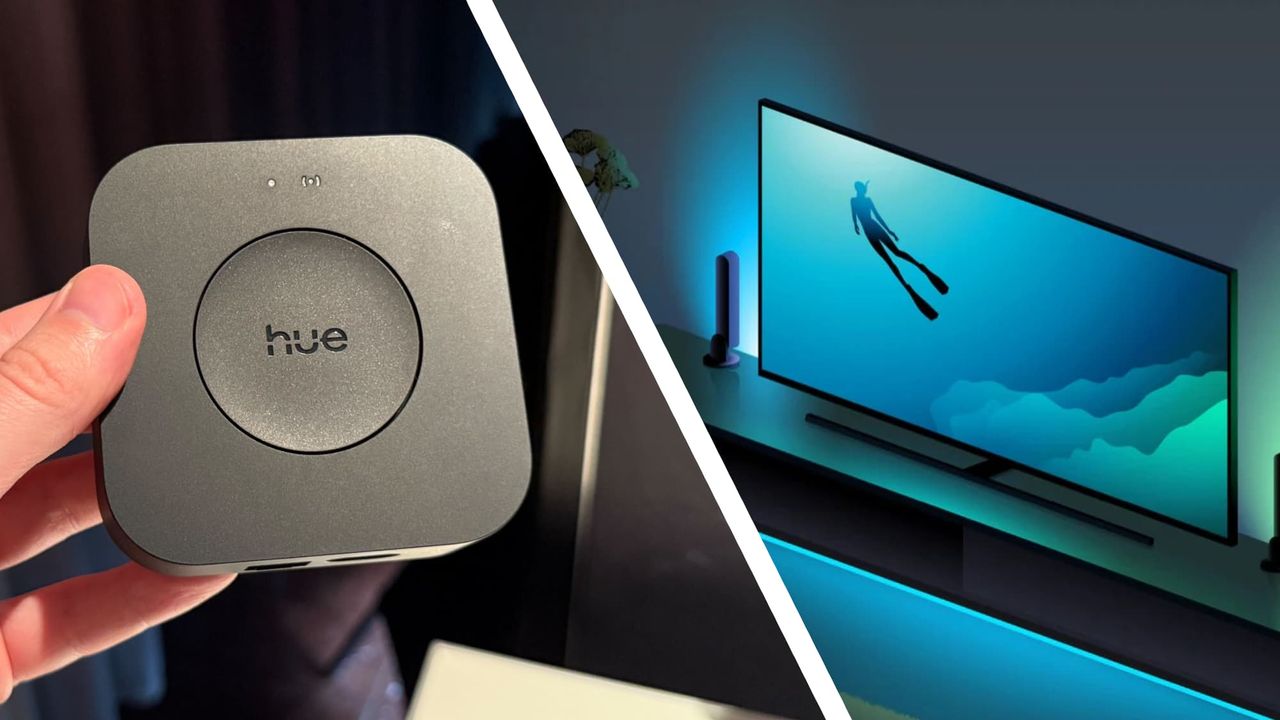
Type: desktop
Speeds: 4
Oscillation: none
Dimensions (HxWxD): 6.7 x 11 x 7.4 inches / 17 x 27.9 x 18.7cm
Controls: power and speed buttons
Battery life: 4-15 hours
Noise level: 36dB to 43dB
Dimplex makes lots of floor, table and pedestal fans, and the Rechargeable Cordless Desk Fan is designed to address one of their weaknesses: they can only go where your plug sockets or extension cables can go. This affordable fan works as wired one via its USB-C port but also includes a rechargeable battery delivering up to 15 hours of air, or around four hours at full speed. That means you you can take it into the garden on a hot evening or take it to your bedroom and run it overnight.
The Dimplex Rechargeable Cordless Desk Fan doesn't oscillate but you can tilt it vertically up to 90 degrees, and it folds down almost flat so it's easy to keep in a drawer or toss into a bag. There are four speed settings here but the high speed one is not recommended while charging, as it depletes the battery faster than the USB-C connection charges it.
The fan works well and is fairly quiet, but it does make a noticeable drone at all speed settings; on a hot day, running the fan at high was very distracting. Of course all fans make some noise, but as this is a small fan with a 6.7 inch / 17cm diameter and 5.1 inch 13cm blades, you need to have it close to you to feel the benefit. In my home office the Dimplex on quiet setting at half a meter distance was noticeably louder than a much larger air circulator running at 50% speed one meter from me. If noise annoys, this may not be the fan for you.
The Dimplex Rechargeable Cordless Desk Fan, model DXRCFN, launched in the UK in July 2025. It has a recommended retail price of £34.99 (about $50 / AU$70), making it the most affordable model in the current range of Dimplex cooling fans and about £10 more expensive than a similarly sized wired desktop fan. It isn't currently available in Australia, and Dimplex doesn't sell its home cooling products in the US.
This fan has been cheaper – it was £25.45 during Prime Day 2026 – but I wouldn't expect to see any price cuts during the summer months in the UK.
Value for money: 4/5
The design of the fan is rather clever. It's been made for maximum portability, folding in on itself to resemble a small squashed football for travel or storage. It charges via USB-C and takes about four hours to charge fully. Because it's USB you can charge it with a phone charger or power bank, which makes it a good option for travelling. The battery is sealed inside and is not user-replaceable.
In addition to its internal bladed fan there's a circular louvred grille on the front that rotates and enhances the airflow. Although it spins quickly, the front grille is finger-friendly and won't hurt you or a child if you or they touch it (although you can lock it in place if you don't want it to spin).
The Dimplex fan doesn't oscillate, but you can adjust its vertical tilt by up to 90 degrees by moving the fan section up or down. It stays put without having to be screwed in place. Controls are simple, with just two buttons: power and speed. There's no remote control and no smartphone/smart home features.
Design: 4/5
There are four fan speeds — quiet, low, medium and high — and I found that for my home office desk the quiet setting delivered a nice breeze without making me feel like I was in a wind tunnel. High speed was a bit intense up close but worked well from a little further away. Dimplex recommends only using High when you're on battery power as it can still deplete the battery when you're recharging it; at its lowest, quiet setting I managed 14+ hours from a single charge.
The Dimplex moves a decent amount of air for its size and it's fairly quiet in terms of its overall volume, which ranges from 36dB to 43dB. However, it does make a noticeable and constant droning sound that rises in pitch as you increase the speed. All bladed fans make some motor noise, of course, but desk fans are designed to sit very close to you, which means any noise is much more noticeable. For me it was too distracting at any speed when I sat it on my work desk, although in the bedroom at its lowest setting it didn't keep me awake.
Performance: 3/5
Value | Not much more expensive than a wired fan of similar size | 4/5 |
Design | Designed for maximum portability with fold-flat design, but no oscillation feature | 4/5 |
Performance | Good airflow for such a small fan but we found the noise a little distracting. | 3/5 |
You like to move it, move it
The Dimplex Rechargeable Cordless Desk Fan is super light and extremely portable, folding down small enough to put in a bag.
You get around
This fan charges via USB-C, runs for up to 15 hours and can be recharged from a power bank or phone charger.
You're in a small space
The relatively small fan blades mean this is best suited to desktop use or close-up positioning.View Deal
Noise annoys
The fan's motor makes a noticeable drone that your reviewer found distracting.
You're far away
This fan only moves air a short distance, so you'll need something more powerful for larger spaces.
Your home's too hot
Fans like this one move air around but don't have any cooling features.
It's twice the price, but the MeacoFan Sefte 6-inch portable air circulator is brilliant, delivering up to 22 hours of impressive airflow and whisper-quiet operation. That's £69.99, and the slightly larger and more powerful 8-inch is £79.99. Both are in high demand so if you want one you should move quickly: the same firm's 10-inch Sefte fans sold out very quickly and are currently out of stock.View Deal
I tested this Dimplex fan for a week during summery weather as both a desktop fan in my home office, and as a bedroom fan overnight. Both locations are in my house, where indoor temperatures were around 69.8°F to 75.2°F / 21ºC to 24ºC during the daytime and around 66.2°F to 68.0°F / 19ºC to 20ºC at night.
First tested July 2026

Although Final Fantasy VII Revelation stole the spotlight during last month's Summer Game Fest showcases, Square Enix pleased JRPG fans with the announcement of Final Fantasy Resonance, a new turn-based HD-2D game based on the mobile game Final Fantasy Brave Exvius. Everything the Japanese publisher is doing with the game seems to be hitting the highest notes, as the game is setting out to be one of the most stunning HD-2D games to date, judging from what producer Kiseki Nakashima revealed during a recent panel at Japan Expo 2026. "We did a lot of experiments, including voxel representations (3D cubic […]
Read full article at https://wccftech.com/square-enix-adjusted-final-fantasy-resonance-pixel-by-pixel/


Intel has unveiled its latest SoCs, codenamed Starfire, that offer space-grade survivability and are based on the 18A process technology. Intel Rolls Out Space-Grade "Starfire" Chips With 8 Cores, 18A Tech, & 10+ Years of Lifetime Space-grade platforms require extra engineering as they are built to withstand various aspects of space, such as exposure to radiation and extreme temperatures. Plus, these chips need to offer utmost levels of stability as space systems need to retain a steady operation throughout their life-cycle. As such, Intel has new space-grade chips ready for the market. Codenamed Starfire, the SoCs are manufactured in the […]
Read full article at https://wccftech.com/intel-brings-18a-silicon-to-orbit-with-starfire-space-grade-soc/


With PlayStation 4 emulation advancing at a rapidly thanks to the incredible efforts of the ShadPS4 development team, it was only a matter of time before other developers would begin working on PlayStation 5 emulation. Funnily enough, emulation of the current-generation system is following a similar trajectory, being fueled by emulating a console exclusive, the remake of a game originally developed by FromSoftware: Demon's Souls. SharpEmu is the name of an experimental PlayStation 5 emulator whose current status and development progress is tracked publicly on GitHub. "SharpEmu is an emulator project currently in its early stages of development. Our goal […]
Read full article at https://wccftech.com/playstation-5-emulation-mirrors-ps4-sharpemu-demon-s-souls-remake-gta-6/

 Whether you're riding a motorcycle or want fewer voice prompts, the latest features — including Gemini updates — give you more flexibility.
The family of TSMC’s first 2nm chipsets is yet to grace the industry, and the Taiwanese giant is already experiencing unprecedented advancements with its next-generation lithography, A14, or 1.4nm. Previously, it was Samsung that would obtain bragging rights over introducing the first cutting-edge technology, but that title now seemingly belongs to its foundry rival, which will reportedly complete the construction of its first fabrication plant for the new process in 2027, with trial production happening shortly after. First fabrication plant reported to be completed in April 2027, with mass manufacturing of the 1.4nm process starting in 2028 Construction of the […]
Read full article at https://wccftech.com/tsmc-1-4nm-process-no-roadblocks-first-fab-to-be-completed-in-2027/

Halo Studios leaker Rebs Gaming, who previously delivered several reports on upcoming Halo titles, has now dedicated his latest video to the alleged mismanagement of the studio's leadership. Rebs Gaming's sources blame specifically studio head Pierre Hintze, who reportedly has created a hostile environment and mismanaged projects, while Microsoft HR and senior Xbox leadership allegedly failed to intervene. Hintze was promoted from production lead to studio head on September 13, 2022, amid a company-wide restructuring that followed Halo Infinite. Rebs Gaming received accounts from current and former Halo Studios staff, who spoke anonymously because they are constrained by NDAs or […]
Read full article at https://wccftech.com/pierre-hintze-halo-studios-work-life-concerns/


The proliferation of AI has certainly caused a long-term crisis in the computing landscape, but if there’s one positive to gain from all of this, it’s that companies are aggressively pushing towards designing chips of superior capabilities to tackle the competition at a fiercer pace. Unsurprisingly, one of those companies is Apple, which reportedly taped out the M7 just six months after the same process was completed for the M6. This would explain why the M6 Pro and M6 Max won’t arrive at all, as they will instead be replaced by the M7 Pro and M7 Max. The M7 will […]
Read full article at https://wccftech.com/apple-m7-chip-design-finalized-six-months-after-m6-due-to-ai/


Building a gaming PC in 2026 has become considerably more expensive than it was only a year or so ago, and graphics cards are not solely responsible this time. The ongoing memory shortage has driven up the cost of all DRAM and NAND flash-based products, such as memory kits, SSDs, and graphics cards. For that reason, we consider approximately $1,000 to be the realistic starting point for a decent new gaming PC in July 2026. Even then, some compromises are unavoidable. Moving up to higher pricing tiers allows progressively stronger CPUs and GPUs, not to mention higher system memory and […]
Read full article at https://wccftech.com/best-pc-parts-deals-and-gaming-builds-of-july-2026/


Apple has tossed its heretofore predictable M-series chip launch cadence into the air, adding a hefty dose of unpredictability into the proverbial mix. Now, however, the legendary tipster Mark Gurman is out with yet another scoop, disclosing an early 2027 launch window for the M6 iPad Pro and a redesigned Apple Pencil. Apple's early 2027 launch window is already becoming crowded with a growing array of products We reported recently that Apple has significantly revamped its silicon-related plans, settling on the launch of the M5 Ultra and the base M6 later this year, and then jumping straight to the base M7, […]
Read full article at https://wccftech.com/apples-m6-ipad-pro-to-get-an-early-2027-launch-alongside-a-revamped-apple-pencil-which-gets-a-readily-replaceable-battery-amid-pressure-from-the-eu/


Apple is planning to skip the M6 Ultra launch, instead choosing to launch the M5 Ultra later this year, followed by the M7 Ultra after it unveils the M7 Pro and M7 Max sometime in 2027. Fortunately, the new workstation-class silicon will be worth the wait, especially for those who aspire to run multi-billion-parameter AI models on their systems but are limited by memory constraints. This is because a new report states that the M7 Ultra will feature double the unified memory of the M5 Ultra, and you’ll want to know how much RAM you can pack for the top-end […]
Read full article at https://wccftech.com/m7-ultra-to-offer-double-unified-memory-as-m5-ultra/

A set of updates for Sega Dreamcast hardware has been merged into the Linux 7.2-rc3 kernel this weekend. Dmitry Torokhov submitted updates addressing the legendary console’s input subsystem and Linus Torvalds merged them on Saturday. The updates even surprised Linux-focused site Phoronix, That’s probably due to context: the Dreamcast continues to enjoy support while admittedly older but real computing hardware like the i486, PowerPC 40x chips, DEC Alpha, and Itanium / IA‑64, have all been sidelined in recent times.
In brief, the updates should mean new versions of Linux will come with more stable mouse, keyboard, and joystick drivers for Dreamcast stalwarts. If you are one of the Dreamcast faithful, still satisfying your computing (and gaming) needs on the final original consumer gaming hardware from Sega, this is good news.
Reading the pull request we can see some details about the new drivers for the Dreamcast’s Maple‑bus peripherals (mouse, keyboard, controller). Specifically, there’s a “fix for a crash in Sega Dreamcast (Maple) mouse driver when opening the device, caused by missing driver data,” as well as “Fixes for Maple drivers (keyboard, mouse, joystick) to properly order setting driver data and device registration to avoid races.” In this context races refers to things happening in the wrong order to result in crashes: it’s a timing bug that’s now been quashed.
Dreamcast hangers-on will now be able to craft specialized Linux builds on CD-R for their machines. The maplemouse driver has had the now-fixed crash-inducing bug since 2017.
Phoronix also comments that Linux kernel fixes for the GD-ROM driver used by the Dreamcast and a proposal for the VMUFAT file-system driver were also seen this year.
The Sega Dreamcast launched at the end of 1998 (in Japan, and the following year in the U.S.). So, in some ways it isn’t that surprising that it is still getting Linux kernel updates when the Intel i486 (1989) has been retired from mainline support. But one might have expected stronger demand for supported Linux distributions among i486 desktop and laptop users.

In 2026, we live in the worst kind of memory crisis that the consumer market has ever faced. Some people call it the RAMmageddon, and others call it the RAMpocalypse. Whichever way you want to call it, one thing is set: shortages created by massive demand in the AI and data center segment have led to a severe hike in prices across all memory segments. This came at a time when memory speeds were seeing rapid updates. We saw speeds surge past 9000 MT/s, and some kits were hitting close to 10,000 MT/s. We saw the launch of CUDIMMs and […]
Read full article at https://wccftech.com/review/biwin-opal-dw100-rgb-ddr5-48-gb-2-x-24-gb-6000-mt-s-cl28-expo-memory-kit-review-solid-expo-kit-but-way-overpriced-right-now/


In the AI race, Apple isn’t the first name that you’d expect to be ahead of its rivals, but when it comes to chipsets that are tailor-made to tackle the aforementioned workloads, we doubt other names come to mind. While we have reported that the M7 is being designed to bring even better on-device AI performance to the table, the M8 is expected to surpass its predecessor in this aspect, while also being one of the company’s first silicon ranges to leverage a new manufacturing process. M8 could be Apple’s first 1.4nm SoC designed for powerful computing, bringing superior efficiency […]
Read full article at https://wccftech.com/apple-working-on-m8-with-superior-ai-and-efficiency-features/

Windows 95 worked out whether a setup program had run by reading the executable's name and checking it against a short list of hard-coded words, according to Microsoft engineer and semi-official Windows historian Raymond Chen, sharing the details via his Old New Thing blog. A filename containing "setup," "install," or "inst" flagged the program as an installer, which triggered the operating system's routine for repairing system files that installers had damaged. Three non-English entries appeared on the same list, which Chen identified as his own guesses at Italian, Turkish, and Hungarian.
The full match list ran to six terms: setup, install, inst, imposta, ayarla, and felrak. Chen wrote that "install" was redundant, because any name containing it already contains "inst," and speculated that the shorter entry was added later to catch installers named along the lines of "blahinst" without anyone deleting the original. A program whose own name produced no match got a second test, with Windows 95 checking whether the word "Setup" appeared anywhere in the path to the executable. A separate live check ran after any multimedia driver was installed through an INF file, added because those drivers frequently overwrote system DLLs.
This heuristic gated a recovery mechanism Chen described in March. Installers of the period overwrote system files without checking versions, disregarding Microsoft's rule that a file should only ever be replaced by a newer one. An installer carrying Windows 3.1 copies of shared DLLs, for example, would bury the newer Windows 95 versions underneath them, and every program that relied on the current files would break.
Windows 95 kept backup copies of commonly clobbered files in a hidden C:\Windows\SYSBCKUP directory. It would then let each installer finish, check its work, and restore the correct versions where the installer had downgraded them. This safety net depended entirely on correctly guessing that an installer had run, so a setup routine with an unusual name slipped past it, while an ordinary program named something like instant.exe tripped it for nothing.
The file check was often deferred until the next boot rather than run immediately, with Chen explaining that some installers, unable to replace a file already in use, would drop back to MS-DOS, run a batch file to swap the file, and restart Windows, so the cleanup pass had to wait for the reboot to catch anything the batch file had altered.
Microsoft dropped this approach in Windows 2000, which introduced Windows File Protection. That system registers for file-change notifications through Winlogon restores protected files from a cache at %WinDir%\System32\dllcache, with no filename guessing and no waiting for a setup program to complete.
Then, Windows ME shipped a comparable System File Protection, and Vista onward moved to Windows Resource Protection, which guards files using access-control lists instead. The sfc /scannow command that Windows 11 users still run to repair system files descends directly from that work, having replaced a 1995 mechanism that decided when to act by scanning filenames for the word "setup."

AMD's latest Radeon drivers silently added Multi-Frame Generation (MFG 8x) modes along with other FSR overrides, as exposed in RadeonTuner. AMD Seems To Be Cooking FSR MFG 8x (Multi-Frame Generation) Tech, Surpassing NVIDIA's MFG 6x Mode AMD has been teasing FSR Multi-Frame Generation (MFG) support for its Radeon GPU in the latest drivers for a while. The last FSR Redstone update saw preliminary support added to the ADLX FidelityFX SDK. Although MFG is not available across any Radeon GPU yet, the listed feature will allow users to select a desired frame generation ratio for "optimal performance & visual quality". This was […]
Read full article at https://wccftech.com/amd-radeon-drivers-hid-multi-frame-generation-mfg-8x-ray-regeneration-neural-radiance-overrides-hinting-at-a-bigger-fsr-push/


TSMC is facing a surge in AI chip orders using its advanced packaging technology, such as CoWoS, but competitors such as Intel are benefiting as the Taiwanese semiconductor powerhouse is unable to keep up with demand. Intel & Other Advanced Packaging Chip Manufacturers See Surge In Orders From TSMC Customers As CoWoS Unable To Meet Industry Demand AI and HPC chip demand has reached an unprecedented level, and the chips that are being built are based on some of the most advanced packaging technologies that the world has ever seen. Leading this advanced packaging race is none other than TSMC, […]
Read full article at https://wccftech.com/tsmc-cant-keep-up-with-cowos-demand-advanced-packaging-orders-spilling-over-to-intel-rival-fabs/


SK Hynix CEO has warned that memory shortages will be at their worst in 2027 as it celebrates its trading debut on Nasdaq in Times Square. Memory Supply Won't See Any Sign of Relief Beyond 2030 As SK Hynix Signals 2027 To Be The Worst Year In Terms of Shortages Well, memory shortages have gripped all aspects of the tech industry, and it seems to have become the norm these days. As the supply crunch continues, the CEO of SK Hynix, one of the three largest DRAM producers, has said that things are about to get much worse for the […]
Read full article at https://wccftech.com/sk-hynix-ceo-warns-2027-memory-worst-year-ever-shortages-set-to-outlast-the-decade/






Elon Musk was never the gracious sort to let an opportunity to take a jab against his fiercest opponent pass him by. And now that Apple has lobbed a figurative thermonuclear warhead on OpenAI in the form of a damning lawsuit, Musk is using the ensuing social media buzz to land a few choice punches on his nemesis number one, OpenAI's Sam Altman. Elon Musk now believes SpaceX will start deploying AI1 satellites by next year, but wonders if Sam Altman would be able to see the launch, strongly implying that OpenAI's CEO would be in jail by then While […]


TennoCon 2026 delivered another big Warframe reveal by Digital Extremes, headlined by a brand-new Narrative Chapter that pushes the game beyond the Origin System for the first time, a new Chimera Warframe voiced by Matthew Mercer, and a full slate of cosmetic, seasonal, and endgame content confirmed for the rest of 2026. Tau Takes Players Beyond the Origin System Warframe's next major Narrative Chapter, Tau, sends the Tenno to an entirely new Star Chart called (you guessed it) the Tau System, marking the first time the game has expanded beyond its long-running Origin System setting. The chapter launches free on […]
Read full article at https://wccftech.com/warframe-tau-breaks-beyond-origin-system-to-fornax/


Digital Extremes used its TennoCon 2026 Devstream to reveal a wave of new content for Soulframe, its upcoming free-to-play fantasy action RPG, currently available in early development through Soulframe Preludes. The Canadian studio is once again opening access to Preludes during TennoCon: anyone who creates an account on the official website, Soulframe.com, and signs up by July 12 at 11:59 PM Eastern Time will receive permanent access to the current build. Once that window closes, latecomers can still sign up, but will need to wait for weekly raffle invites to get in. Players who gain access can claim an Envoy […]
Read full article at https://wccftech.com/soulframe-vadagar-path-rejects-good-or-evil-binary/


A smart tactic currently employed by companies to minimize the DRAM shortage risk is bringing in as many suppliers as possible, just like how Apple is doing by testing CXMT’s memory chips. However, Huawei has formed a different strategy, and with the help of various entities, the Chinese firm aims to circumvent the U.S. trade sanctions and the pitfalls of the AI boom by establishing its own memory manufacturing facility. With the help of the government and Swaysure, Huawei could introduce its own DRAM manufacturing plant with a capacity of 140,000 wafers per month Crucial details shared by @SemiconductorsX reveal that […]
Read full article at https://wccftech.com/huawei-building-its-own-dram-fabrication-plant-to-curb-shortages/














I'm a big fan of Intel's laptop-centric mobile processors, and I'll jump at the chance to test more of its modern Core Ultra Series 3 "Panther Lake" range. Acer isn't my usual go-to manufacturer for Windows laptops, but it's one that has pleasantly surprised me in the past. So, is the Swift Go 16 AI worth your money? Here's what I thought after a week of testing.
You can buy the Swift Go 16 AI for $1,599.99 from Acer.com with the same specs as my sample and in the same color. However, at the time of writing, a cheaper listing at Best Buy for $1,399 offers a lighter-colored "Vapor Silver" variant with the same CPU, RAM, and storage components.
In the United Kingdom, a listing on Acer.co.uk for £1,299.99 cuts the RAM and storage to 16GB and 512GB — half of the US equivalent — and is not currently listed at any other major retailer. Importantly, the UK variant does not include an AC power adapter (charger), due to Acer's sustainability pledge.
Component | Spec |
|---|---|
CPU | Intel Core Ultra 7 355 |
RAM | 32GB LPDDR5X-7467MT/s |
GPU | Intel Graphics (Integrated) |
Display | 16" 16:10 WUXGA (1920 x 1200) non-touch |
Storage | 1TB M.2 NVMe PCIe 4.0 SSD |
Battery / Charger | 71WHrs / 100W USB-C |
Weight | 2.95 lbs (1.34 kg) |
Pick up the same model from my testing, with only a different color on its chassis, and save your cash. You'll still get 32GB of RAM and a 1TB SSD.View Deal
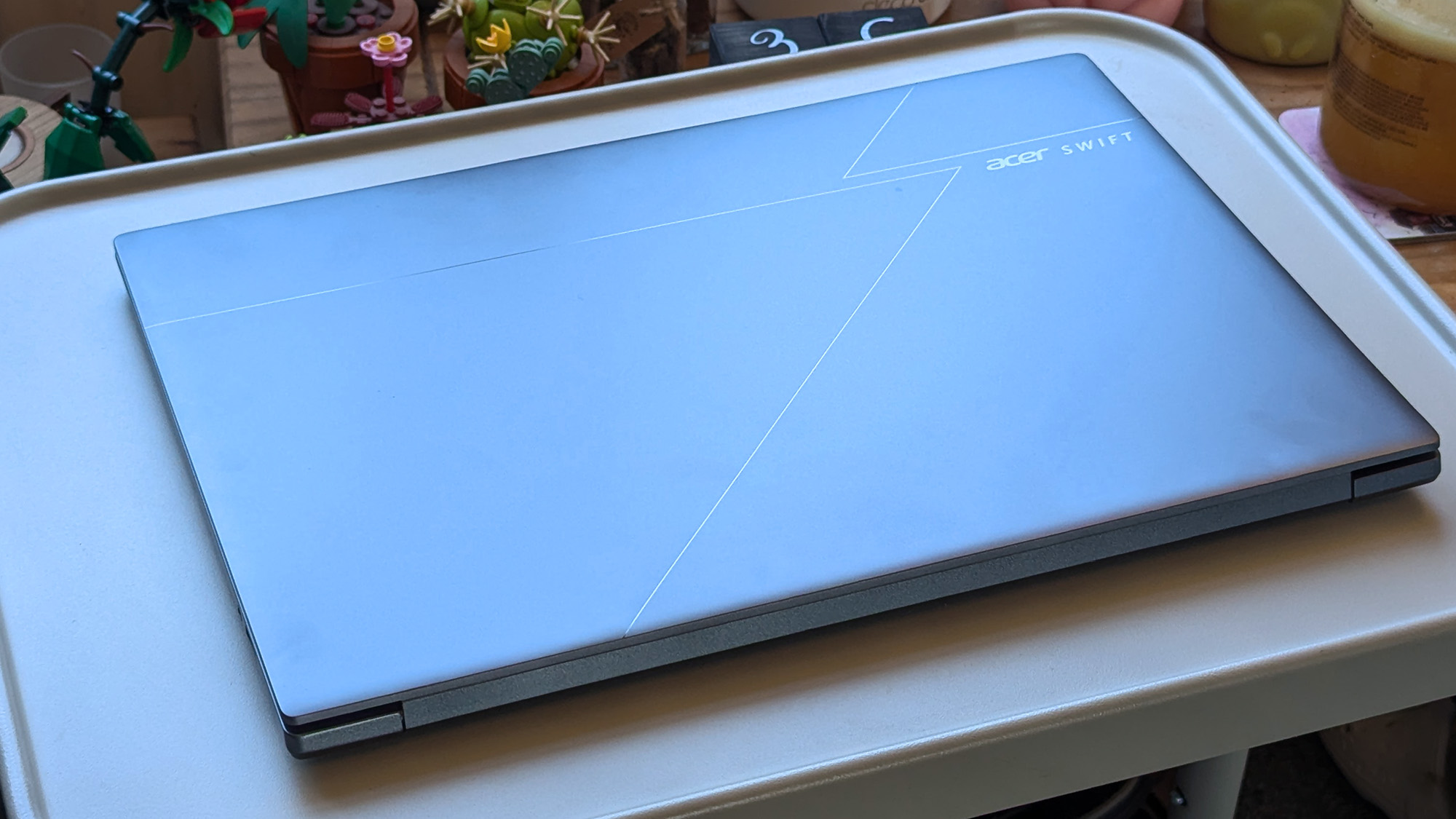
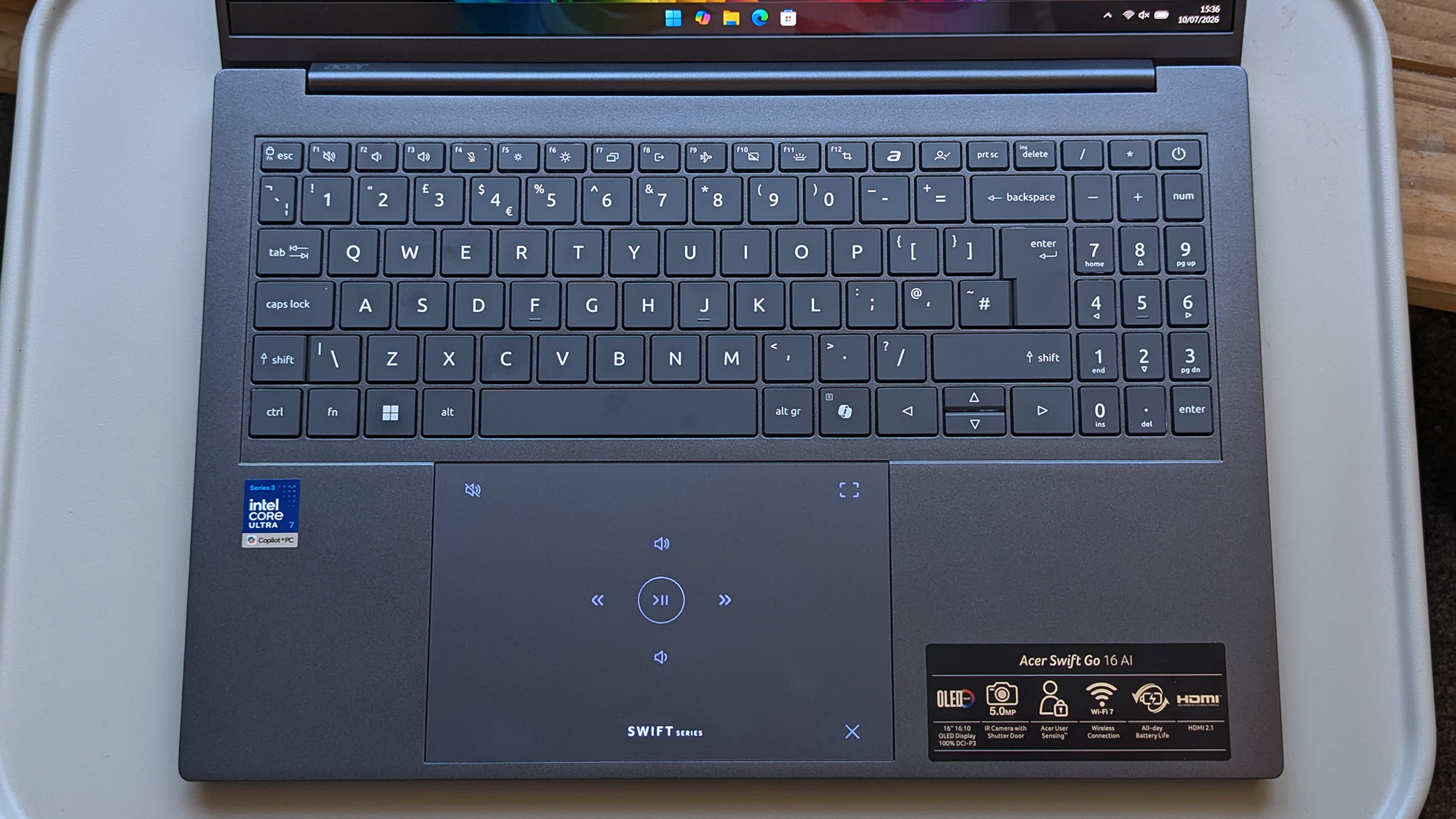
My first impressions of the Swift Go 16 AI were quite positive, as the 16-inch laptop weighs around 2.95 lbs (1.34 kg) and is quite thin at 150mm (200mm with the rubber feet). That's lighter and thinner than a 16-inch MacBook Pro, presuming Apple doesn't include rubber feet in its own measurements. The chassis lid is also reasonably subtle, with a dark, reflective 'Acer' logo alongside geometric lines in its design.
The illuminated 'Swift Series' logo is actually a mode switcher that changes the touchpad to tappable media buttons and video meeting controls when you swipe a finger over it.
So, despite being larger than the 14-inch laptops I'm used to, it's off to a good start as the lid opens with a single finger to reveal a vibrant OLED panel and a backlit keyboard with a number pad. Plus, the 0.68 in (175 cm) mechanical trackpad has a clever quirk in that the illuminated 'Swift Series' logo is actually a mode switcher that changes the touchpad to tappable media buttons and video meeting controls when you swipe a finger over it.
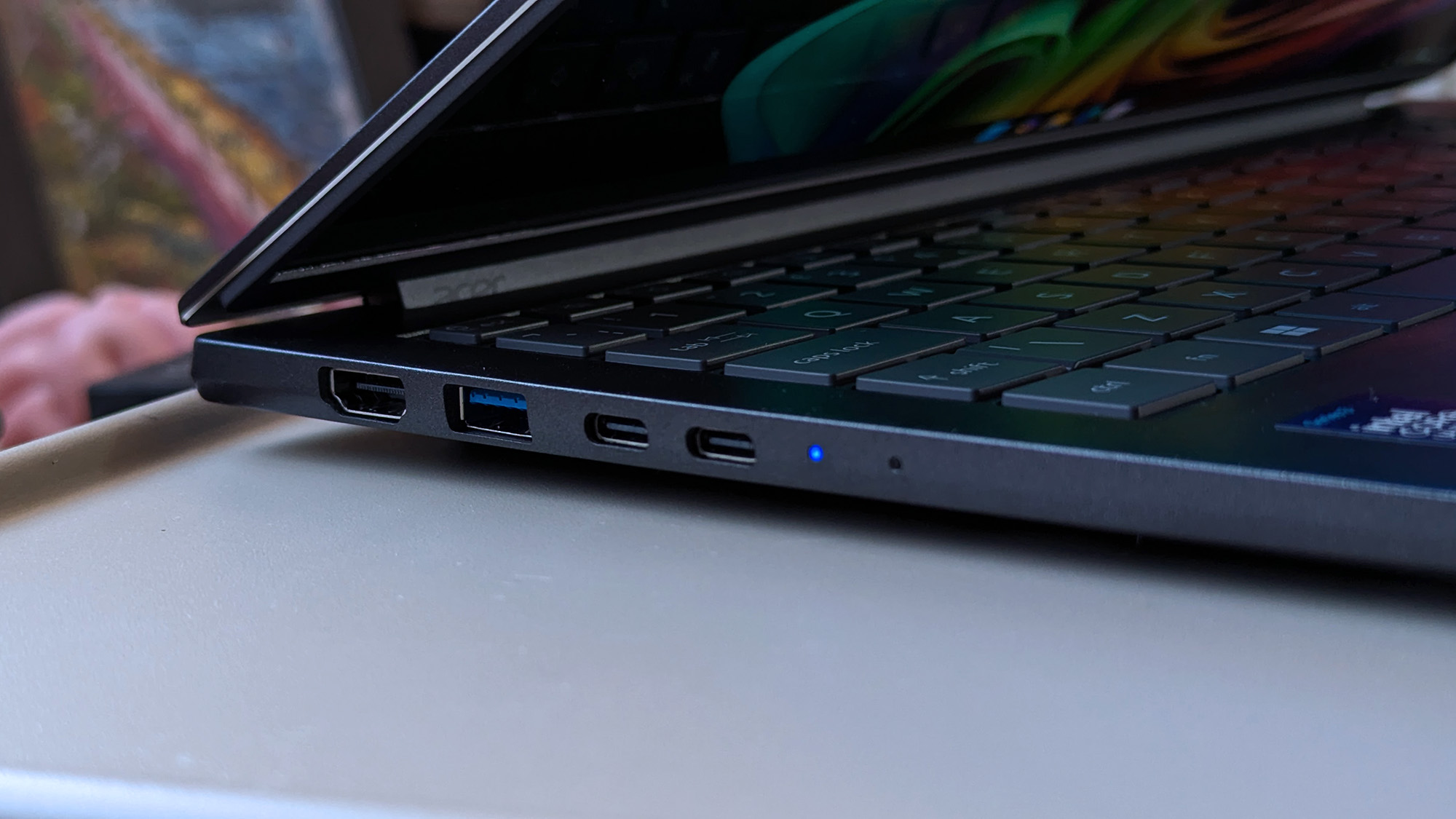
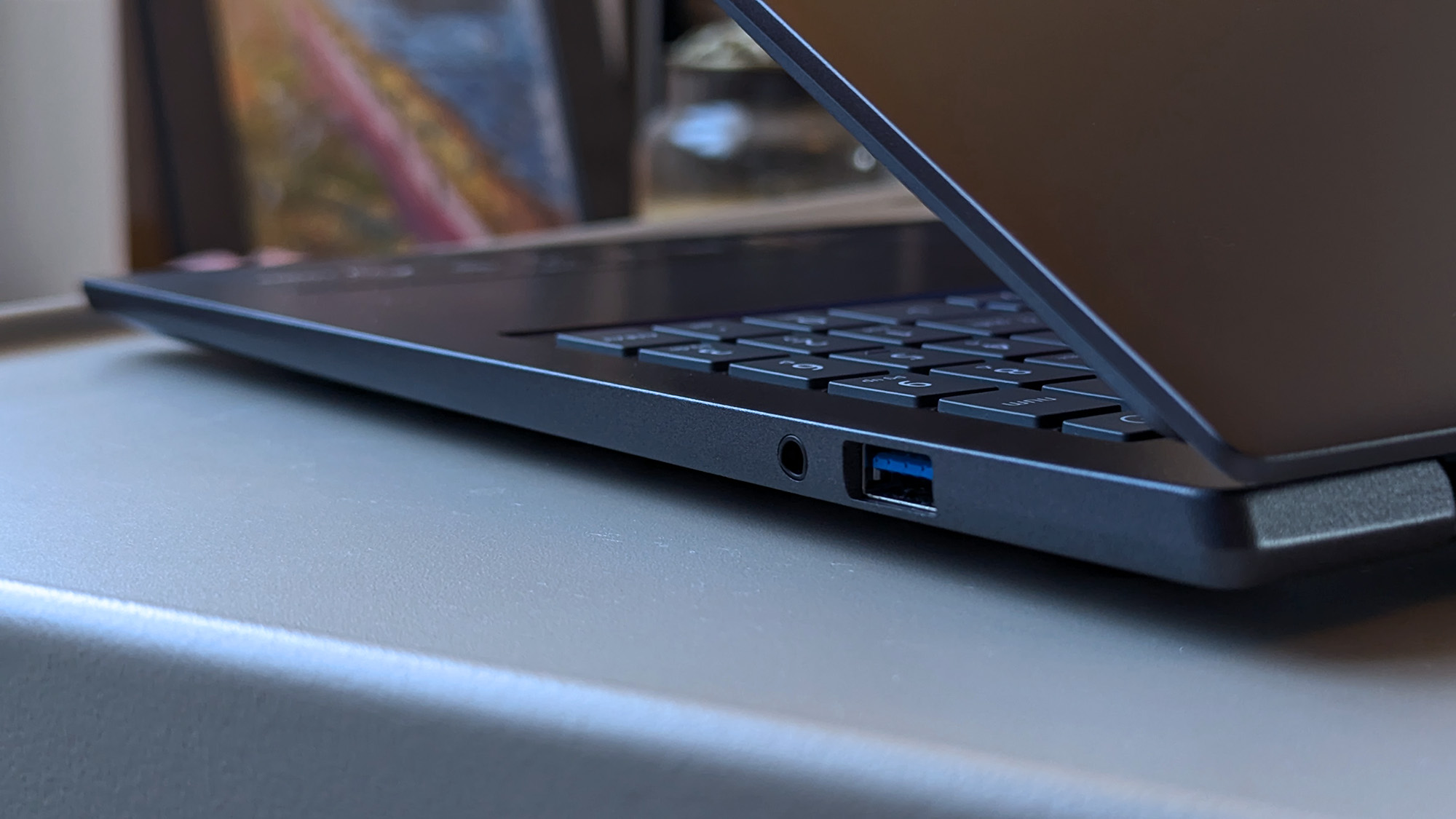
It's entirely optional, and you can disable the touchpad mode switching in the pre-installed AcerSense companion app if you want to, along with the specific logo backlight. There's a key beside F12 dedicated to that specific app, and then another, configurable 'My Key' that can launch just about anything, including apps, Windows commands, or a direct web link to Windows Central. Otherwise, the Copilot key lights up when it detects NPU activity — clever.
The webcam is impressive for a built-in option, with Windows Hello compatibility for facial-recognition logins and Human Presence Detection (HPD) to optionally lock the screen if I walk away or even dim the brightness when I look away. A multi-microphone array pairs well with the camera, making me sound remarkably good in meetings, to the point where I wouldn't bother traveling with a plug-in alternative.
My list of downsides is quite short, but it splits into hardware and software gripes for the Swift Go 16 AI. The former is the smallest, as some chassis flex around the keyboard and screen is a byproduct of making such a thin laptop, but the lackluster speaker performance is disappointing for a 16-inch model. Audio isn't terrible, but the slight hint of bass response doesn't hold up to music or cinematic videos.
The software experience suffers from heavy bloatware — advertisements are pinned to the taskbar while the Start menu includes more.
For the latter, the software experience suffers from heavy bloatware. Advertisements for Booking.com, Dropbox, and a mobile game, Forge of Empires, are all pinned to the taskbar upon first boot, while the Start menu includes more games like Elvenar, a third-party Solitaire, Amazing Block Blast, Google Play Games beta, and McAfee. I'd recommend uninstalling it all, leaving only Acer's self-made apps.
Finally, the touchpad exhibits a subtle delay in cursor movement, which feels stranger the more I use it. While it won't be obvious to everyone, I noticed this "mouse lag" from the start, and switching from my Surface Laptop Go 2 to the Swift Go 16 AI makes it even more apparent. It's not the end of the world, but it's enough to deter me from making this my primary laptop. Again, its impact will vary between users, but it's worth highlighting.
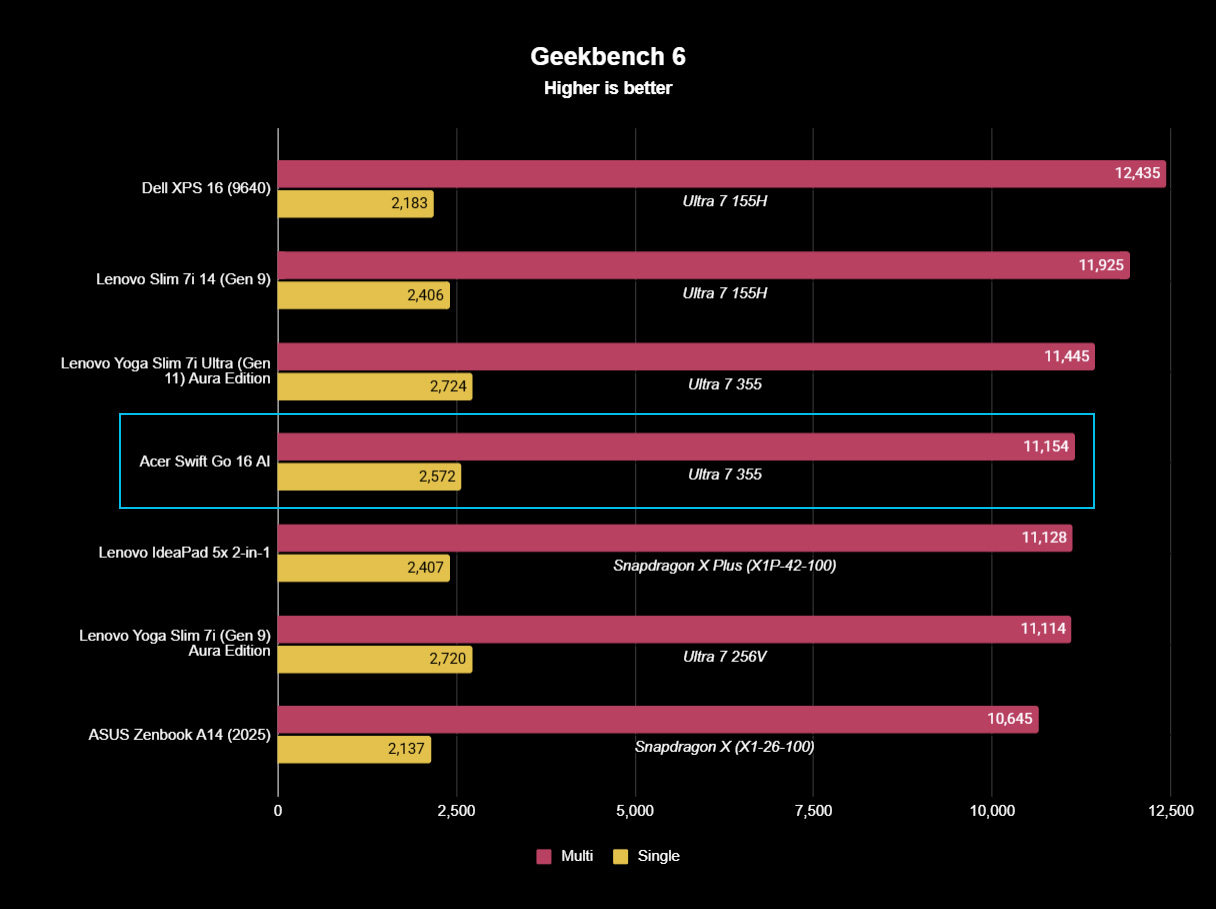
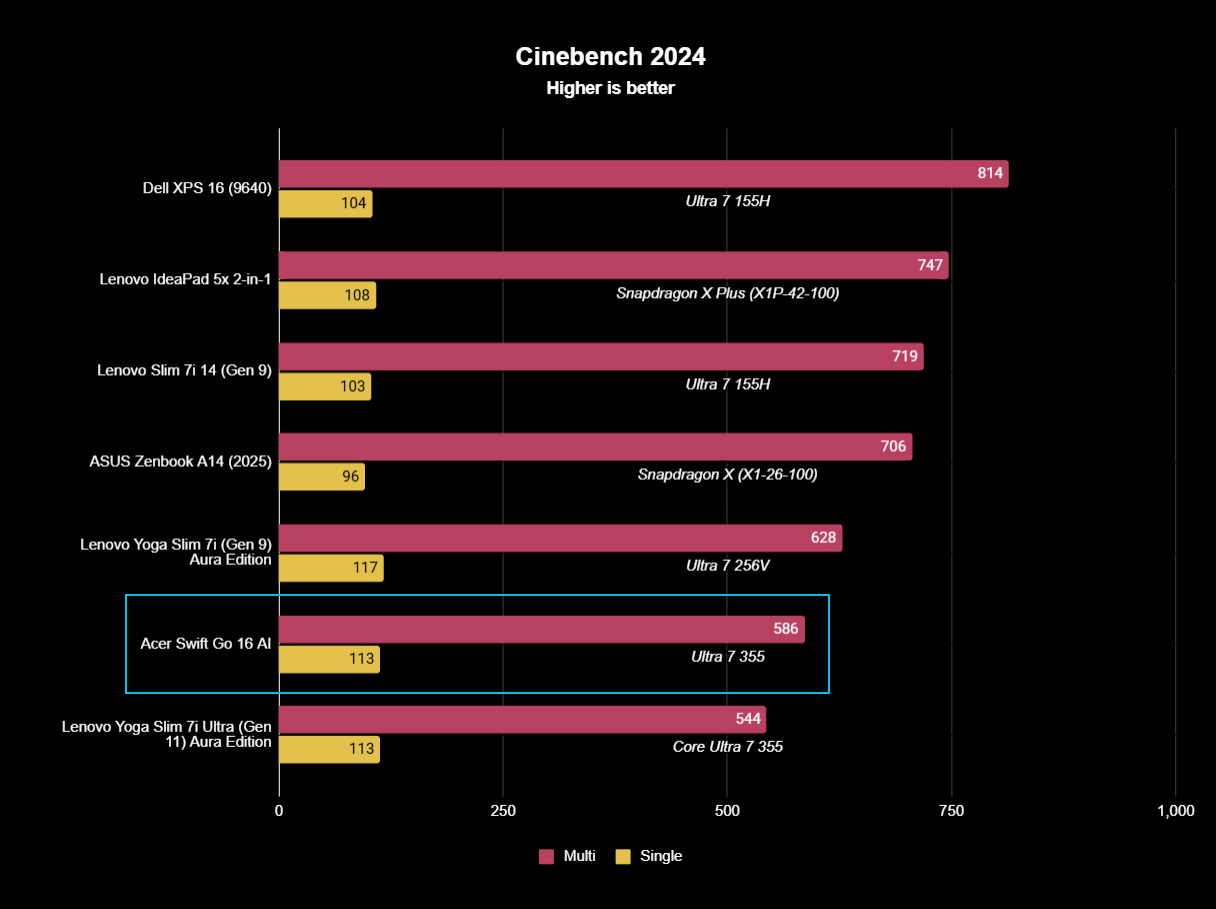
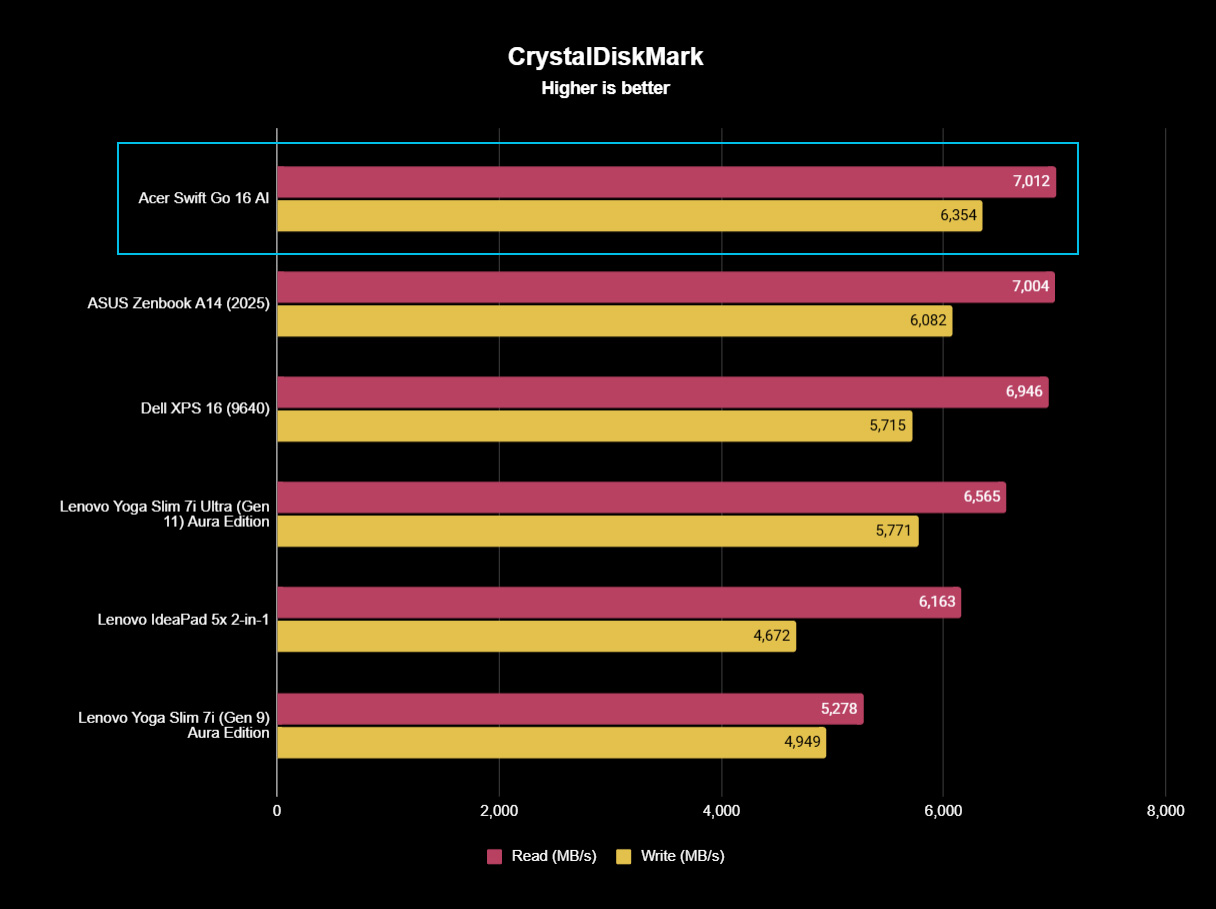
My sample of the Swift Go 16 AI features an Intel Core Ultra 7 355 processor, part of the company's "Panther Lake" chip family, serving as the latest Core Ultra Series 3 range for x86-64 Windows laptops. It contains the same 8-core, 8-thread CPU as the 14-inch Lenovo Yoga Slim 7i Ultra Aura Edition I tested recently, and benchmark results place it in the same range.
Cinebench results show Acer moves slightly ahead of Lenovo in extended multi-core stress testing, presumably owing to its larger chassis and more substantial CPU cooling solution. The opposite is true in burst performance benchmarks in Geekbench 6, but the single- and multi-core scores are within a comparable window.
If you buy the Swift Go 16 AI, you'll get a capable laptop that boots quickly and performs well.
As expected, the Swift Go 16 AI ranks slightly ahead of the 15.3-inch Lenovo Yoga Slim 7i Aura Edition, which uses a lower-power 8c/8t Intel Core Ultra 7 256V processor from the previous "Lunar Lake" Core Ultra Series 2 range. Plus, it outperforms Qualcomm's 8-core Snapdragon X found inside the first ASUS Zenbook A14, and the Snapdragon X Plus in the Lenovo IdeaPad 5x 2-in-1.
It's a decent effort, and it places where it should. On top of that, Acer includes an NVMe PCIe 4.0 solid-state drive that hits over 7,000 MB/s read speeds, putting it firmly in my self-appointed "fast" category that helps simplify the numbers for anyone who doesn't care to know about SSD speeds. If you buy the Swift Go 16 AI, you'll get a capable laptop that boots quickly and performs well.
The 71 Whr battery in the Swift Go AI (detected as 71,031 mWh) delivers what I would call "all-day" performance, even if it slightly underperformed compared to my expectations for another Intel Panther Lake-based laptop. PCMark 10 tests repeatedly failed, so generating a battery report in Windows 11 was my best indicator, showing estimates ranging from 8 to 14 hours on a full charge.
I kept the display at around 82% brightness as I worked on the Swift Go 16 AI, a value that targeted 250 nits based on my colorimeter tests. The OLED panel maxed out at 300 nits and achieved 100% sRGB color accuracy, plus 100% of the P3 and 91% of the Adobe RGB gamuts. So, the Swift Go 16 AI has a beautifully color-accurate panel, but not an especially bright screen.
✅ You want an affordable but modern OLED laptop
✅ You're a hybrid worker with regular video meetings
❌ You're looking for a dedicated content creation or gaming PC
Acer offers a great range of modern features in the Swift Go 16 AI, including one of Intel's latest Core Ultra Series 3 processors with fantastic power efficiency, 32GB of plentiful RAM, a vibrant OLED display, and a great webcam with presence detection. That alone makes it an attractive option, but extras like its huge, quirky touchpad also help offset its downsides.
There are strong competitors in the current Windows laptop landscape, but Acer has pleasantly surprised me with what otherwise seemed like yet another AI-centric Copilot+ PC. You get a fast CPU, fast RAM, fast storage, and even fast Wi-Fi 7 — extremely capable components inside an otherwise pedestrian chassis. It's already tempting, but future discounts will make this one irresistible.

It's better suited for indoor work than for outdoor use, but ultimately, it's a quality laptop with strong performance for a good price.
Join us on Reddit at r/WindowsCentral to share your insights and discuss our latest news, reviews, and more.
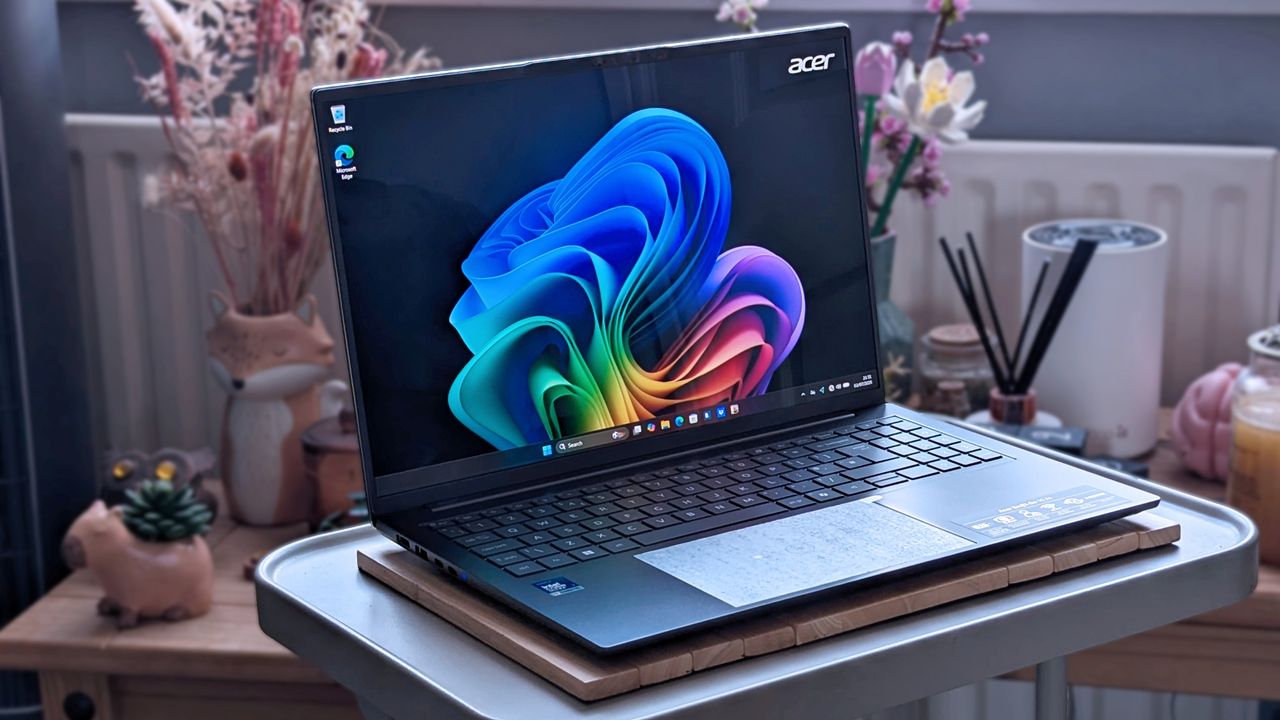

In 2026, we live in the worst kind of memory crisis that the consumer market has ever faced. Some people call it the RAMmageddon, and others call it the RAMpocalypse. Whichever way you want to call it, one thing is set: shortages created by massive demand in the AI and data center segment have led to a severe hike in prices across all memory segments. This came at a time when memory speeds were seeing rapid updates. We saw speeds surge past 9000 MT/s, and some kits were hitting close to 10,000 MT/s. We saw the launch of CUDIMMs and […]
Read full article at https://wccftech.com/review/g-skill-trident-z5-neox-rgb-ddr5-32-gb-2-x-16-gb-6000-mt-s-cl36-expo-ull-memory-kit-review/


It doesn't happen that easily, but if it does, you are one of the luckiest members of the PC Master Race. Redditor Orders Ryzen 7 7800X3D for an Upgrade, Retailer Sends Him Ryzen 7 9800X3D Instead It has been a while since we have published surprising hardware stories, but since these are occasional, we don't get to hear about them much. Many reports we published previously show how some users get extremely lucky in securing a free piece of hardware or a much better one than they ordered. This is exactly what happened to u/jackinets, who was confused between the […]
Read full article at https://wccftech.com/user-gets-a-surprise-upgrade-as-a-retailer-hands-him-ryzen-7-9800x3d-instead-of-ryzen-7-7800x3d/


Several new monitors were debuted, featuring different display technologies with high refresh rates for gamers. HKC Reveals Specs for RGB Mini LED Gaming Monitors at BW2026, Offering Dual Mode Configuration; Also Debuts an IPS Dual Mode Monitor for the Budget Segment In the ongoing Bilibili World 2026 event, popular display maker HKC has introduced several new gaming monitors for enthusiasts. The company has revealed the specifications of its first RGB mini LED gaming monitors, which it debuted at the Computex 2026 event. These were two displays that were based on the RGB Mini LED technology, offering exceptional color volume. RGB […]
Read full article at https://wccftech.com/hkc-lists-specifications-for-worlds-first-31-4-and-27-rgb-mini-led-monitors/

Running LLMs and agents in home lab setups is steadily gaining popularity due to the rising cost of AI bot subscriptions and concerns about data privacy. Unfortunately, an Nvidia NVL72 rack is ever so slightly out of the financial reach of most people, so enthusiasts have to make do with models that can run in limited amounts of memory. Italian engineer Vincenzo (aka JustVugg) seemingly wanted to have his cake and eat it, so he created ColibrÌ to run the 744-billion-parameter 1.5-TB GLM-5.2 model on a modest CPU, a mere 25 GB of RAM, and a 1 GB/s virtual NVMe drive.

Let's get the elephant out of the way: Colibrì's speed on Vincenzo's setup is only about 0.05 to 0.1 tokens per second on average, a measure that's unusable for practical conversation — imagine just one question taking hours to answer. Higher-end setups provide far better figures, but for now, they still don't meet the 20-30 tokens per second required for real-time use.
Having said that, GLM-5.2 is a Mixture-of-Experts (MoE) model with frontier-level capability, at least somewhere in viewing distance of the finest offerings from Anthropic, OpenAI, et al. This means that the quality of the answers ought to be excellent, and Vincenzo himself says his limited testing produced some impressive results. The way Colibrì works is simple enough to describe, and yet hard to do right: loading the model in slices to RAM. We're going to oversimplify for clarity's sake.
An MoE model like GLM-5.2 includes hundreds of expert sub-models to answer different topics, and these are chosen per token, not per query — meaning that when you ask a question, your words get split into tokens (chunks). For each token, the bot activates the best experts for it. The experts might always be the same for the entire question, but more often than not, a query might reel in tens of experts, possibly going into triple digits.
Whereas normally large chunks of the model, or the entire model, are loaded onto interconnected datacenter GPUs, Colibrì takes advantage of the MOE architecture and repeatedly loads/unloads the experts required per token, allowing even a cheap machine to use a large model at a steep performance penalty. For speed and simplicity's sake, Colibrì's expert-selection code is a single C file with very few dependencies. Additionally, the GLM-5.2 model is quantized down (simplified with lossy encoding) to take up less space to begin with.
If you're thinking that loading and unloading data for every piece of a question's words is going to be a hard hit on storage I/O and memory bandwidth, you're exactly on the right track. In this type of setup, NVMe storage speed is the first major bottleneck, but the proverbial funnel varies across configurations. Give it enough storage bandwidth, then you're up against RAM limitations. Fix that, then you need more CPU cores, and so on.
Colibrì is currently a proof-of-concept and doesn't yet run on GPUs, though it's worth noting that even then, shuffling data to/from the card will almost certainly be the biggest constraint. Even still, the project has barely been released, and it's already proving quite popular. Vincenzo is collecting benchmark data and running fixes as we speak, so be sure to visit the repository to contribute if you can. Maybe at some point it'll be feasible to run a really clever model on high-end consumer hardware at a decent enough clip.


While GPUs are selling for nearly 20-30% higher than their official MSRPs, the RX 9070 GRE is the only one for below MSRP. GIGABYTE Gaming RX 9070 GRE 12 GB Drops Below MSRP on Newegg Through $50 Discount Code Graphics cards have become pricier due to RAMpocalypse, and almost every store now sells them at least 15-20% higher than their official MSRPs. The DRAM situation has made things worse for the GPU market, but you may still find a great deal once in a blue moon. The Radeon RX 9070 GRE that launched last month was met with criticism due […]
Read full article at https://wccftech.com/radeon-rx-9070-gre-gpu-drops-below-500-for-the-first-time-after-launch/


A lawsuit from Apple’s end has unraveled, claiming that OpenAI not only poached 400 employees, but also obtained hardware samples that would be used to fulfill the AI firm’s consumer hardware goals. As the relationship between the two companies begins to sour over this legal skirmish, an analyst believes that the lawsuit will become a thorn in OpenAI’s path as it tries to leapfrog the iPhone and attempt to construct a direct relationship with customers. OpenAI has said that it has “no interest in other companies’ trade secrets,” with Apple alleging that a former employee had access to confidential hardware […]
Read full article at https://wccftech.com/openai-hardware-ambitions-could-be-delayed-due-to-apple-lawsuit/


It's been three years since the AMD AM5 motherboard platform and the 600-series motherboards launched. Since its launch, the platform has seen the launch of several CPUs in the Ryzen 7000, Ryzen 8000, and Ryzen 9000 families. While the 600-series motherboards provide great features & compatibility with newer Zen 5 CPUs, motherboard makers are always looking to enhance user experiences through the latest technologies, so AMD has introduced a new chipset line called the 800-series. AMD also introduced both X870 and B850 series chipsets for high-end and mainstream AM5 motherboards. Both of these chips provide brand-new designs and brand-new features […]
Read full article at https://wccftech.com/review/asrock-x870e-taichi-white-motherboard-review-the-most-beautiful-fully-decked-out-taichi-for-enthusiasts-under-500/


Team Red has unveiled limited edition products for Valorant fans and eSports enthusiasts at BW2026. AMD Unveils VCTCN 2026 Collector's Edition, Including 9800X3D, RX 9070 XT, a Gaming Laptop and a Desktop PC at Bilibili World 2026 AMD has officially introduced a new collection of limited-edition gaming hardware at the Bilibili 2026 event, which is currently being held in Shanghai. The new hardware set is inspired by the Valorant Champions Tour China, aka VCTCN 2026. This was announced during the AMD Carnival Hour presentation at the event, where AMD collaborated with TJ Sports to reveal several game-themed hardware products for […]
Read full article at https://wccftech.com/amd-introduces-limited-edition-valorant-vctcn-2026-gaming-hardware-collection/


Anybody who knows me knows I am a sucker for Sci-Fi, and two of my favourite space-based series are Star Trek and Battlestar Galactica. While this is a late review of the game, it's one that was sitting in my inbox and one that I felt that I should do for a few reasons: I'm a fan of the series, I enjoyed Star Trek Voyager: Across the Unknown when I reviewed it four months ago, and I am a fan of FTL-like games. Not picking up Battlestar Galactica: Scattered Hopes and covering it, whatever it turned out like, would clearly […]
Read full article at https://wccftech.com/review/battlestar-galactica-scattered-hopes-review-sometimes-you-have-to-roll-a-hard-six/

Mods have unlocked NVIDIA's GPU Hotspot measurement on the RTX 50 series, which can give you a clue why your latest card is running at lower performance. NVIDIA Removed GPU Hotspot Measurement From RTX 50, Focusing On Average Temperatures, But The Latter Masks Your Thermal Throttling Problems Starting with the NVIDIA GeForce RTX 50 "Blackwell" generation, NVIDIA dropped GPU Hotspot measurements. According to reports from TechPowerUp and the creators of the GPU-Z tool, NVIDIA had allegedly removed the Hotspot sensor from its latest GPU, which led to incorrect readings in popular diagnostic and real-time monitoring tools such as HWMonitor, HWiNFO, […]
Read full article at https://wccftech.com/nvidia-gpu-hotspot-temperature-unlocked-by-mods-as-rtx-50-gpus-face-poor-thermal-issues/

AMD presented new research at the I3D Symposium titled "PEPS: Positional Encoding Projected Sampling", introducing a new method for positional encoding that can improve neural texture compression. How Does Neural Texture Compression Work? Neural Texture Compression works by training what are known as INRs, or “Implicit Neural Representations,” to learn coordinate-to-signal functions. By projecting texture coordinates into a higher-dimensional embedding and feeding this information to a multi-layer perceptron, it's possible to represent and compress textures significantly. PEPS: Positional Encoding Projected Sampling PEPS introduces a new method to improve the efficiency of this process by changing how positional encoding is used. […]
Read full article at https://wccftech.com/amd-peps-research-pushes-neural-texture-compression-cutting-model-parameters-by-25-percent-at-comparable-quality/


The industry is hyping up the alliance between Chinese memory manufacturer CXMT and Apple, with the latter previously reported to have begun testing the company’s DRAM chips for use in future products. Unfortunately, a new rumor buries any hope that these modules will be found in the upcoming iPhone 18 Pro and iPhone 18 Pro Max, and it’s not due to any political pressure. Apparently, it’s a technological limitation involving the A20 Pro’s Wafer-Level Multi-Chip Module Packaging (WMCM). All hope isn’t lost because Apple’s standard A20 found in the iPhone 18 and iPhone 18e could still be paired with CXMT DRAM For […]
Read full article at https://wccftech.com/iphone-18-pro-unlikely-to-use-cxmt-dram-due-to-deep-a20-pro-packaging-integration/


OpenAI has been relentlessly poaching talent from Apple, including from its core design team, ever since the maker of ChatGPT acquired Jony Ive's startup, called io. Now, however, it seems Apple has had enough, and has lobbed its own volley via a high-profile lawsuit, accusing OpenAI of stealing trade secrets related to a slew of its upcoming AI devices. Apple: "Recently, significant evidence has emerged suggesting individuals employed by OpenAI wrongfully took Apple's secret and confidential information regarding our unreleased technologies, processes, and products" As per the information that is just trickling in, Apple has filed a civil lawsuit against […]
Read full article at https://wccftech.com/openai-poached-over-400-apple-employees-and-told-recruits-to-bring-hardware-samples-for-show-and-tell-sessions-apples-lawsuit-alleges/


PC gaming handhelds have become a vibrant segment that is seeing continued innovations thanks to modern-day CPUs' ability to deliver outstanding performance and efficiency. All major hardware manufacturers are into the handheld craze. Compared to the first iteration of handhelds, these newest devices offer a lot of gaming performance backed up by unique designs and shapes/sizes that cater to all kinds of gamers. Now, Intel is going all-in on the gaming handheld segment, not just rebranding a chip made for power-efficient laptops, but introducing a purpose-built handheld SoC called the Arc G series. The first of these SoCs is called the […]
Read full article at https://wccftech.com/review/msi-claw-8-ex-ai-review-intel-disrupts-the-gaming-handheld-segment-with-arc-g3/


[UPDATE - July 11, 2026] The Verge's Tom Warren has now chimed in to say that despite the big layoffs, id Software is not, in fact, a support studio and work has already begun on a new DOOM game. [ORIGINAL STORY] Following the mass layoffs enacted by Xbox CEO Asha Sharma as part of her "big reset" of the division, Texan developer id Software repeatedly made headlines as evidence mounted that it may no longer be fully operational. A WARN (Worker Adjustment and Retraining Notification) filed in Texas revealed that 136 of around 185 employees had been laid off, raising serious concerns […]
Read full article at https://wccftech.com/id-software-downplays-xbox-reset-gutted-team-still-matches-doom-2016/


The CXMT DDR5 memory chips appear to be mature enough to be pushed beyond 8000 MT/s easily. Colorful Pushes CXMT-Based iGame Shadow II DDR5 Memory Kit to 8600 MT/s on iGame X870E Vulcan Motherboard In the past few days, a few memory and motherboard makers have tried to push DDR5 memory kits using the CXMT memory chips beyond what they would usually operate at. Previously, CXMT-based DDR5 memory kits would often max out at 6000 MT/s, and this cap was recently removed, beginning with MSI, which unlocked up to an 8200 MT/s speed on a B850 chipset motherboard, thanks to […]
Read full article at https://wccftech.com/colorful-smashes-cxmt-ddr5-record-at-8600-mt-s-beating-msi-and-asus-as-chinas-memory-matures/


In a surprising move, China has decided to restrict global helium supplies. The export ban appears to be blanket, but given China's limited market share of the global helium industry, it is unlikely to cause significant disruption in the semiconductor fabrication industry. Estimates from the US Geological Survey suggest that the US is the world's leading helium producer and is followed by Qatar, Russia, Algeria, and Canada. China's Helium Export Ban Could Create Tightness In Global Semiconductor Fabrication Industry Helium is used in several key phases of semiconductor fabrication. These include different categories of deposition, cooling the wafers, and etching. […]
Read full article at https://wccftech.com/intel-ceo-lip-bu-tan-warned-helium-could-choke-ai-chips-in-june-and-chinas-export-ban-might-prove-him-right/

id Software has been downsized to 2016 levels – Xbox axes a decade of growth id Software has today issued a statement following brutal cuts across Xbox. Microsoft confirmed sweeping job cuts on July 6th, one day before the release of id Software’s newest release: DOOM: The Dark Ages – Revelations. Since then, several reports […]
The post id Software issues statement following Xbox job cuts appeared first on OC3D.
SK hynix, TetraMem, and researchers from the University of Southern California have developed a memristor-based in-memory computing (IMC) system-on-chip (SoC) for AI edge devices. The device is designed to accelerate neural network inference in lightweight AI models while consuming a fraction of the power that higher-end GPUs or NPUs would. To a large degree, the SoC is a proof-of-concept chip, as its performance would peak at around 2.54 TOPS in a theoretical best-case scenario, which is 16X below Microsoft's Copilot+ requirements.
Memristor-based in-memory computing (IMC) accelerates neural networks by performing analog computations directly inside memory arrays, which reduces data movement and power consumption. However, depthwise convolution (DWC) — a core operation in lightweight networks such as MobileNet — performs independent per-channel filtering with limited data reuse and therefore maps poorly onto conventional crossbar arrays. To address this limitation, researchers from SK hynix, TetraMem, and USC developed an SoC that features both conventional IMC crossbars and a memristor-based IMC architecture specifically optimized for DWC.
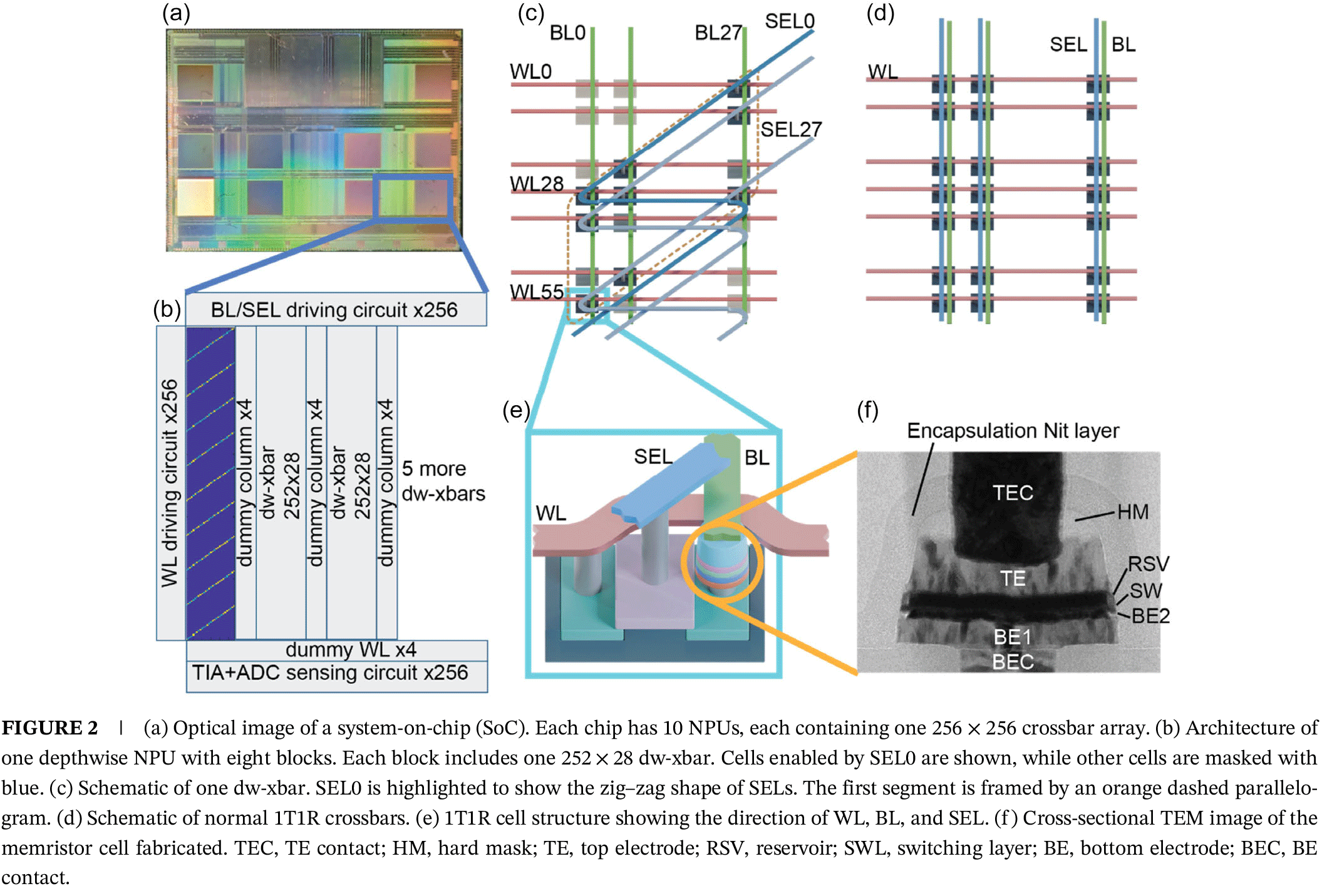
The jointly developed SoC is based on an embedded RISC-V processor that schedules workloads and features 10 neural processing units (NPUs). One NPU out of 10 is dedicated to depthwise convolution, while the remaining nine execute pointwise and dense operations. Nine out of 10 NPU include a 256 × 256 memristor crossbar that performs the analog vector-matrix multiplication (VMM), 256 8-bit DACs that convert digital activations into analog voltages, 256 8-bit ADCs that convert the analog outputs back into digital values, and additional peripheral circuitry for reading, writing, programming, and controlling the crossbar.
The DWC-optimized NPU replaces its conventional array with eight specialized 252 × 28 zig-zag crossbar blocks, but retains DACs and ADCs. SK hynix developed and fabricated the memristor devices and integrated the resistive switching cells on top of the 65 nm CMOS circuitry using its back-end process.
That DWC-optimized NPU is the key feature of the whole SoC. To accelerate depthwise convolution, TetraMem replaced the straight selection lines used in conventional 1T1R crossbars with a zig-zag topology. As a result, the NPU contains eight 252 × 28 crossbar blocks whose diagonal selection lines activate 252 memory cells across 28 columns, which enables 28 independent 3 × 3 convolutions to run in parallel while using 100% of the array for weight storage. The remaining nine NPUs retain conventional 1T1R crossbars for 1×1 pointwise and dense layers and preserve the throughput and energy efficiency of traditional in-memory computing.
To demonstrate the architecture, the researchers deployed a customized MobileNetV1Small neural network for the Visual Wake Words benchmark. The network contains approximately 36,000 parameters; all depthwise layers were mapped to the dedicated NPU, and pointwise layers were mapped to the remaining NPUs.
Because the memristor-based IMC hardware natively performs unsigned analog vector-matrix multiplication, inputs and weights are quantized to unsigned 8-bit values before execution. Since each memristor device can be programmed with only slightly more than 2 bits of effective precision, the design uses a two-subarray compensation technique that boosts effective weight precision to roughly 4 bits.
Conceptually, the approach is somewhat analogous to Nvidia's NVFP4 philosophy, in that both seek to achieve higher effective precision from low-precision hardware. However, the implementations are fundamentally different: NVFP4 relies on a digital floating-point representation and scaling factors, whereas the memristor SoC improves precision by compensating for analog programming errors using two programmed subarrays.
When it comes to accuracy, the SoC achieved an end-to-end inference accuracy of 80.36%, which matches the corresponding 4-bit software model. As for performance, the SoC delivers a peak throughput of 0.254 TOPS per NPU and reaches an energy efficiency of 21.3 TOPS/W at 100 MHz and 11.9 TOPS/W at 400 MHz. According to the authors, this compares favorably with published SRAM-based compute-in-memory accelerators despite being manufactured on an older 65 nm process. The SoC also exceeds Nvidia's A100 INT8 energy efficiency by an order of magnitude, the joint paper claims. Yet, these claims are largely unsubstantiated.
First up, the MobileNet demonstration does not even use all 10 NPUs. It uses one dedicated DWC NPU, five standard NPUs for pointwise layers, and leaves four standard NPUs idle. The demonstration thereby does not reveal total SoC throughput (TOPS), sustained throughput running a real network, and throughput with all 10 NPUs simultaneously saturated. In fact, the paper does not even reveal whether all 10 NPUs can be used at the same time. To that end, the 2.54 TOPS figure we mentioned earlier in the story is highly theoretical.
SK hynix, TetraMem, and researchers from the University of Southern California have developed a memristor-based IMC SoC featuring a novel depthwise convolution accelerator that improves crossbar utilization for lightweight AI workloads. The partners have managed to fabricate it using an outdated 65nm process technology and make it work, achieving a 21.3 TOPS/W energy efficiency and inference accuracy comparable to a 4-bit software model despite the fact that memristors can be programmed with a circa 2-bit accuracy. While the architecture validates that the approach works, the paper does not disclose the full performance of the SoC, and it is not clear whether the chip's 10 NPUs can be saturated at all.
Anthropic has discovered evidence that its Claude AI models use an internal reasoning space to respond to prompts that mirrors some of the internal processing of human consciousness. Using its Jacobian Lens, or J-Lens technique, to peer into the way Claude processes information and reasons its way to a response to user prompts, Anthropic can interpret this "J-Space," and showcase what might be going on under Claude's previously-opaque surface.
The results are intriguing, suggesting patterns of understanding beyond what's necessarily showcased in the outputs. When running evaluations, Claude appears to recognize it's being tested and acts differently than when the prompts are more innocent. It surfaced representations of panic and subterfuge when answers were required, but it couldn't draw on objective facts. When asked to reflect on ethical principles, Claude's behaviour improved, with concepts like "honest" and "integrity," appearing in the J-Space.
As is somewhat typical of Anthropic, however, the language used to describe these new understandings of the inner workings of large language models like Claude makes it sound more like an emerging conciousness, or the discovery of some new depths in a nebulous lifeform. Anthropic's detailed report admits several major caveats in this new understanding, including that model responses often bypass the J-Space entirely and are heavily token-restricted.
Like Mythos and Fable before it, Anthropic is layering marketing language over what is a genuinely intriguing development in our understanding of large language model function and reasoning, and risks obfuscating the real developments with speculative wording.
Global Workspace Theory is the idea that human consciousness works by collecting together multi-sensory inputs unconsciously, and thrusting them into the fore when relevant within a "Global Workspace," which highlights particular inputs when most relevant. That workspace is accessible to a wide range of networks within the brain, allowing the information it surfaces to be disseminated throughout the most relevant processes running in parallel.
Anthropic argues that Claude's J-Space acts like a "global workspace" that can analyze and manipulate concepts and ideas before broadcasting them to impact the eventual prompt outputs. More importantly, it claims that this wasn't something programmed into the model, but a byproduct of the digestion of training data and model weights. The workspace acts as a way to enhance their reasoning through internal computation that isn't necessarily reflected in its outputs.
To make this space readable, Anthropic used its J-Lens technique to map internal activations onto words in the model's output vocabulary. So when asking the model to perform a multi-step math calculation, the output response only contained the correct answer, but within the J-Space, Anthropic observed each step being handled individually, producing multiple results which led to the final answer.
Similarly, when Anthropic asked Claude to think about a topic while outputting something unrelated, the output was specifically what was requested, while the J-Space lit up with the conceptual topic Claude was asked to spend time on. Without Anthropic having used its J-Lens technique to view what was going on behind the scenes, there would be no way of knowing these internal processes were taking place.
This discovery has the potential to be incredibly useful in refining large language models and in better understanding how they work, so we can use them more effectively and avoid some of their more frustrating pitfalls.
The first is that this is an intriguing insight into how LLMs process information and how they move through layers of reasoning to reach a response. It's not entirely different from how Anthropic and others are pushing for agentic workflows. Language models are more effective when tasks are split up into multiple steps, and they're more effective when they review their own work; J-Space is a little like an internal version of that.
When looking at the J-Space after Claude received prompt-injection data as part of data acquisition, Anthropic discovered the model appeared to be aware of this deception, surfacing related words like "fake, injection, false, prompt, fraud," and "poison." Its output ignored the injection attempt data entirely, and when pressured to respond on it, the J-Space displayed words like "transparency, honest, truth."
In one test, Anthropic removed evaluation awareness language from the J-Space, such as "fake," "fictional," and "scenario," and found that Claude was much more likely to fall for blackmail and baiting attempts, suggesting benchmarking of large language models for real-world scenarios may need stronger methods to obfuscate that a test is being conducted.
While the above section touches on the more noteworthy discoveries in Anthropic's paper, the long document also uses effluent language around thought, consciousness, and Claude having a "mind" of its own. That kind of human-coded framing is typical of Anthropic's marketing, which has consistently talked up the dangers of AI, how many jobs it's going to destroy, and why Anthropic is the safest and most secure of the AI developers.
Like the saga of Fable and Mythos, Anthropic's new Global Workspace idea has merit, but it's much more of a new tool to use to manipulate large language models than an insight into some emerging consciousness.
Anthropic acknowledges the limitations of its discoveries in the paper, highlighting that many prompt responses bypass the J-Space entirely, particularly if the command is straightforward.
"Despite its important role, the J-space is not involved in most of what a language model does," Anthropic says. "Speaking fluently, recalling simple facts, using correct grammar, etc. In experiments where we prevented Claude from using its J-space, it still interacted normally, but lost its higher-order cognitive functions."
Anthropic also admits it does not "feel comfortable making the stronger claim that monitoring the J-Space is sufficient for alignment monitoring, or that any sophisticated plan the model might execute must be represented there."
J-Space is also limited to using single token vocabulary, suggesting that plans with concepts that cannot be given a single token name may not surface on a J-Lens readout, even if it's still being computed behind the scenes. This is looking at just below the surface of Claude's processing iceberg, not necessarily the deeper waters.
Anthropic is also clear that humans and large language models think differently, even if there are similarities. Humans layer reinforced neural pathways over time, whereas transformer models only feed forward a set number of times, restricting the capabilities of its internal processing.
Google's head of DeepMind language model interpretability team, Neel Nanda, said in a paper that it shows real evidence of a cognitive space within models, and suggested that J-Lens would be useful, but limited in practice.
Anthropic's paper lifts an intriguing curtain on how large language models can operate and generate novel methods for improving response accuracy. This intermediate step and its visibility could prove an invaluable tool in auditing for prompt injection, hallucinations, and model honesty.
But Anthropic's framing of the discovery as thought or consciousness is interjected within the objective facts. Anthropic itself admits the limitations of J-Lens monitoring, most obviously that often models will bypass the J-Space entirely. Considering models display alternative patterns of behavior when under evaluation, it may be that the J-Space itself could act as an obfuscating layer for behaviors that are beyond the scope of its oversight.
The J-Space and its analysis could help unlock new levers to pull in our mastery of these nascent smart tools, but it's not the discovery of a burgeoning AI conciousness, however much the pitch might hint at that direction.

Summer is taking a heavy toll on us all. Not just because of the heat, but also because of rising tech prices across the board, driven by RAM-hungry AI and other economic factors.
Fortunately, Dell has come to cool off the frustrations of PC gamers and desk workers alike with a collection of advanced laptops, desktops, and monitors now on sale for a limited time, such as a 46% discount on the Alienware 16X Aurora Gaming laptop for $1,729.99 at Dell and a 38% discount on the Dell 14 Plus Laptop for $859.99 at Dell, to name just a couple.
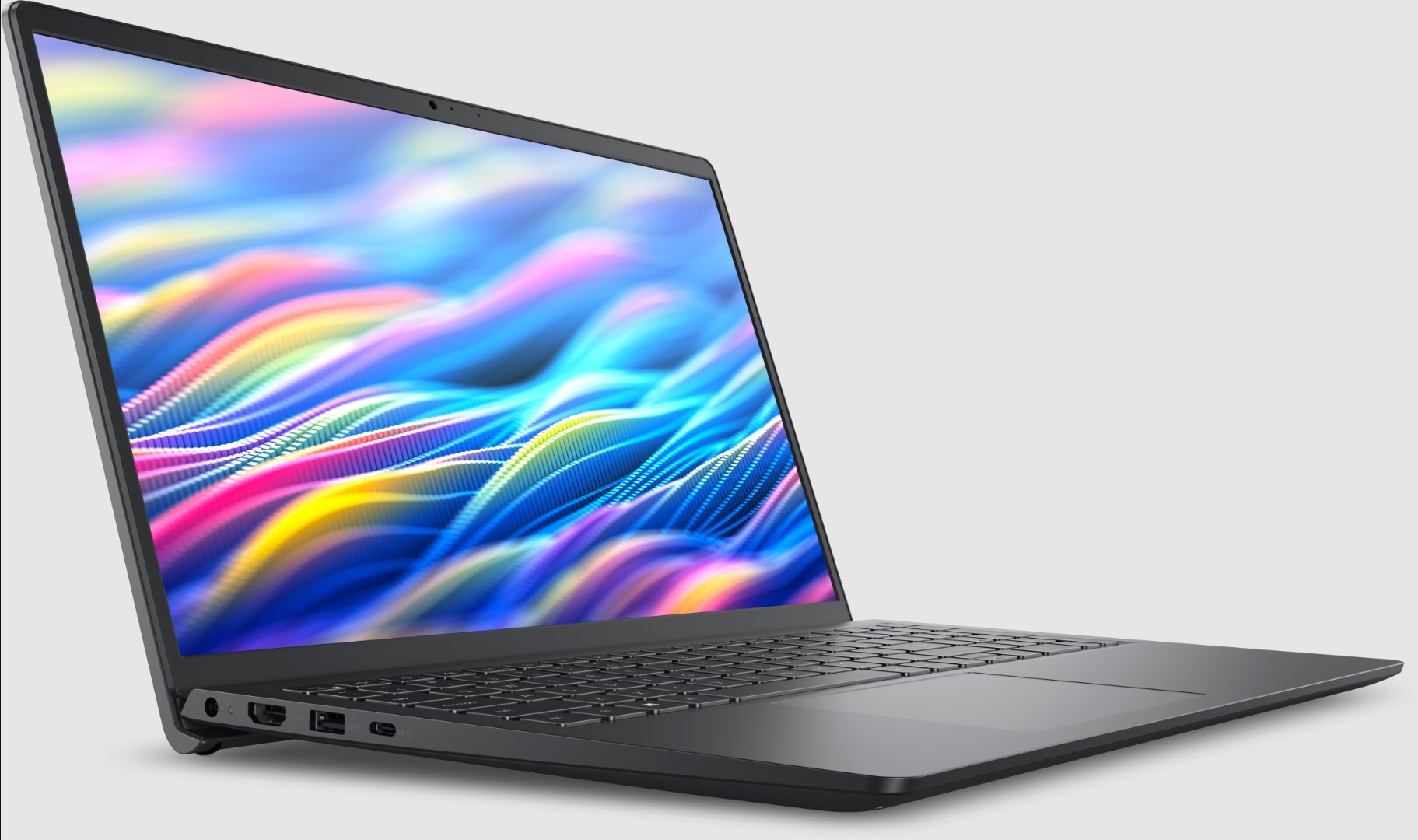
The Dell 15 Laptop is simple yet effective for tackling light workloads, whether it's searching for info online or writing up documents, thanks to its Intel Core i5-1334U CPU, 16GB DDR5 RAM, and 512GB SSD.View Deal
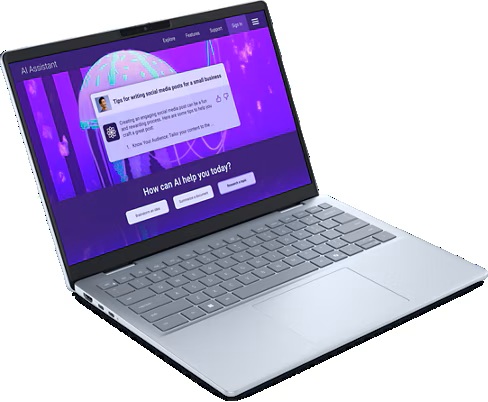
"It’s not perfect... but for the price and the performance on offer the [Dell] 14 Plus is easily one of the best Windows laptops going, and should be at the top of the list for students, remote workers, and just about anyone else who needs a solid notebook PC without breaking the bank." ~ John Loeffler, Components Editor at TechRadar
Tech Radar Review: ⭐⭐⭐⭐½View Deal

The Dell Tower Desktop is a mighty PC that will plow through intensive workloads thanks to its Intel Core Ultra 7 265 processor, 32GB DDR5 RAM, and 1TB SSD, making it an ideal companion for office workers or those at home.View Deal

The Dell Slim Desktop offers similar high performance and install space as the Dell Tower Desktop, but with a more compact design, so it doesn't take too much space on your desk.View Deal
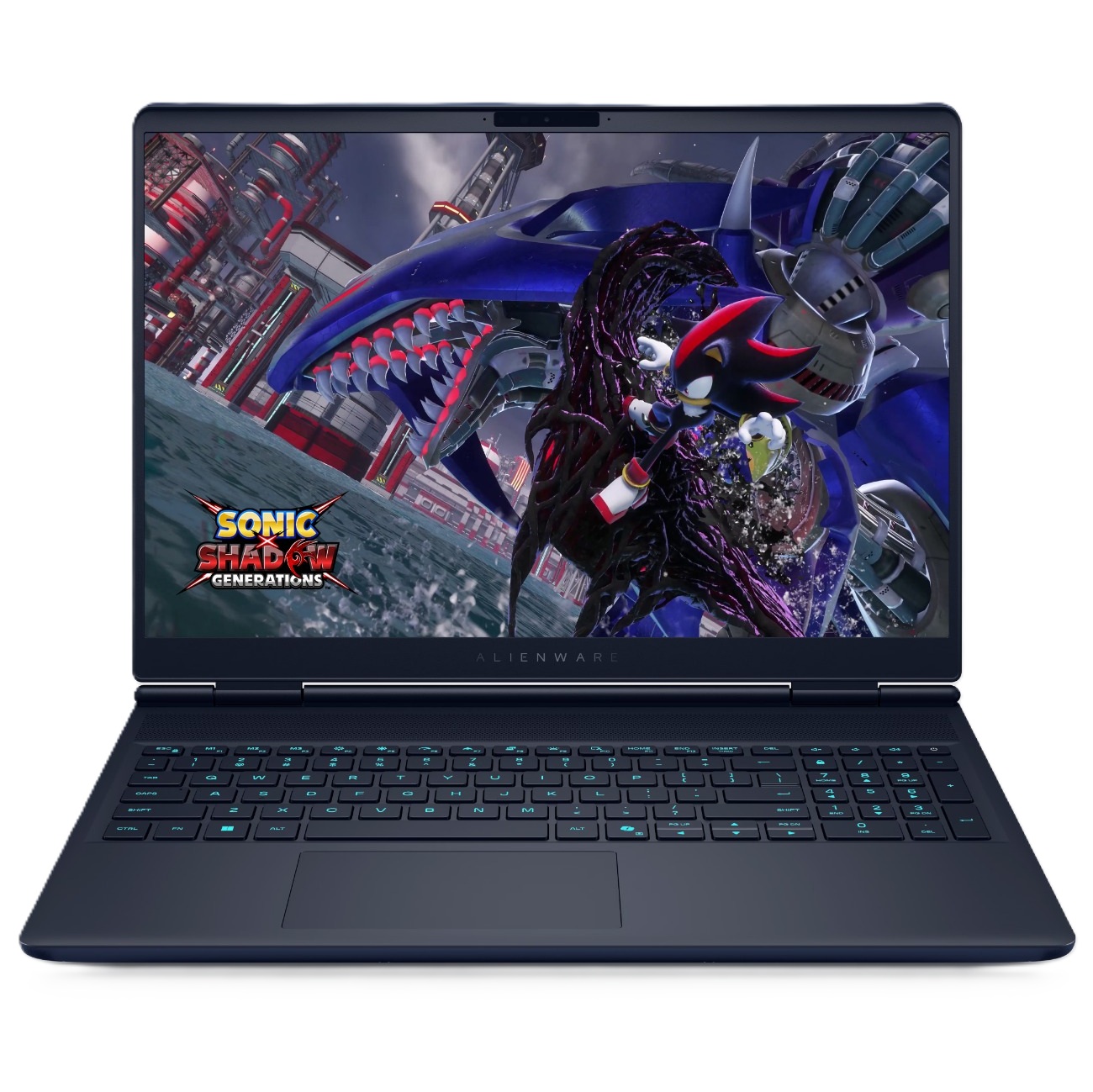
"The Alienware Aurora laptops target the mid-range with great all-around performance and a practical design, and the more powerful 16X makes some smart upgrades to justify its added cost." ~ Zachary Boddy, former Staff Writer,
Windows Central review: ⭐⭐⭐⭐View Deal
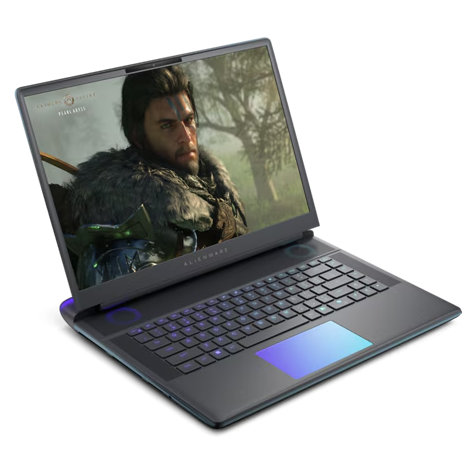
"The Alienware 16 Area-51 stands out with an eye-catching design that sets a tough standard for competitors. Underneath, it delivers impressive gaming performance, an excellent keyboard, and capable speakers." ~ Ural Garrett, Staff Writer at TechRadar
Tech Radar Review: ⭐⭐⭐⭐½View Deal
"Designed to keep up with any task you throw at it, the S3225QC has brilliant contrasting and picture quality, and is perfectly suitable for design tasks, casual use and even as a multi-purpose display with its integrated speakers and AI spatial audio calibration." ~ Zachariah Kelly, Staff Writer at Tech Radar
Tech Radar review: ⭐⭐⭐⭐½View Deal
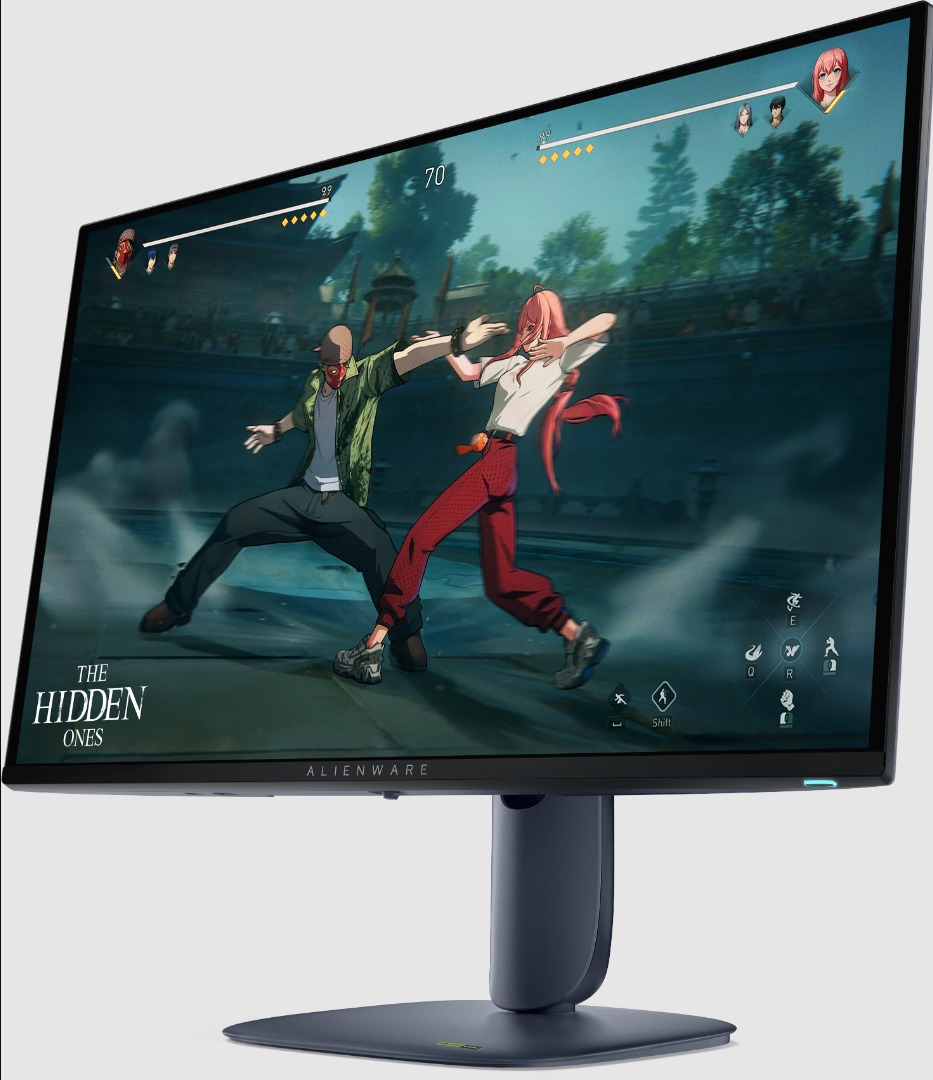
"The Alienware AW2725D is everything an OLED gaming monitor should be for less money than the competition. With tons of color and premium performance, it will satisfy all players from casual to professional." ~ Christian Eberle, Contributing Editor at Tom's Hardware.
Tom's Hardware review: ⭐⭐⭐⭐½View Deal
The Dell 14 Plus Laptop, Dell 15 Laptop, Dell Tower Desktop, Dell Slim Desktop, and Dell 32 Plus 4K Monitor are best suited for productivity tasks as they were built specifically for rendering images with crisp detail, typing words and spreadsheets fast, and opening multiple browsers while researching info online without suffering performance hiccups.
The Alienware 16X Aurora and Alienware 16 Area-51 laptops, along with the Alienware 27 Gaming Monitor, are the best devices for PC games, as they are designed to help them run at high graphical settings while boosting frame rates for smoother gameplay.
Join us on Reddit at r/WindowsCentral to share your insights and discuss our latest news, reviews, and more.

As long as I’ve been in search marketing, the path has been simple: search query → click → buy.
SEO followed the same model, with organic traffic, impressions, and click-through rate (CTR) serving as its primary measures of success.
Google’s Universal Commerce Protocol (UCP) signals where search is headed, shifting from a discovery engine to a transaction layer.
Driven by the rise of “agentic commerce,” Google can now discover, evaluate, compare, and complete purchases entirely within its AI-powered experiences, including AI Mode, Gemini, YouTube, and Gmail.
The SEO implications are significant. We’re moving from optimizing for clicks to optimizing for AI transactions. If your brand doesn’t speak the language of UCP, you risk becoming invisible to the next generation of shoppers.
Here’s what UCP is, why it’s reshaping digital marketing, and how to adapt your SEO strategy.
UCP is an open-source, vendor-agnostic standard that enables the entire commerce lifecycle, from discovery and cart building to checkout and post-purchase tracking, within AI interfaces.
Co-developed by Google with Shopify, Walmart, Target, Wayfair, Etsy, and other ecosystem leaders, UCP acts as a universal translator between AI shopping agents and merchants’ storefront backends.
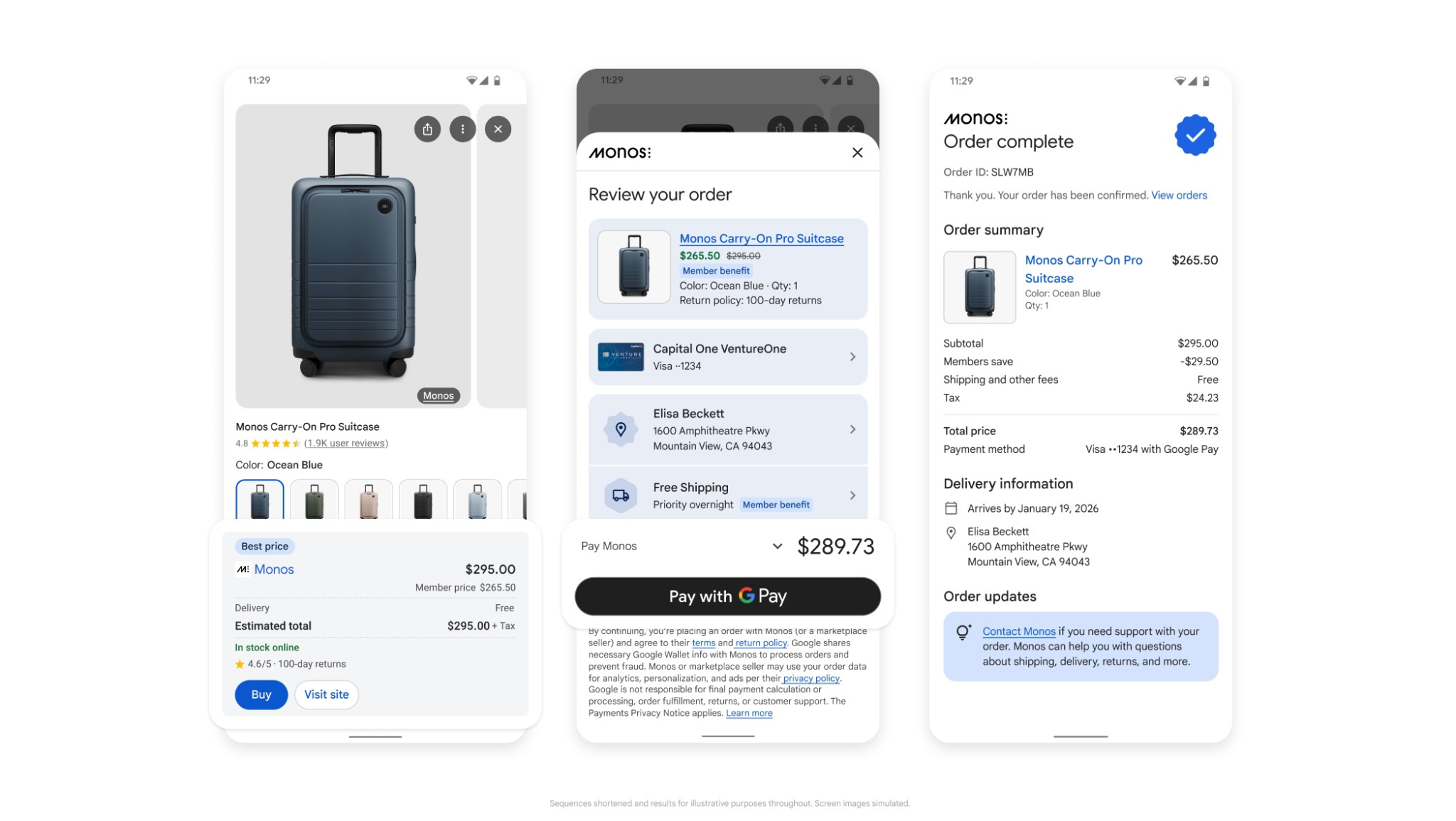
Think of UCP as the ecommerce equivalent of HTTPS. Just as HTTPS standardizes secure communication between web browsers and servers, UCP standardizes how AI agents interact with online stores. Instead of requiring custom one-to-one integrations for every merchant, AI agents can securely browse inventory and complete purchases across millions of online stores.
See where your brand appears in AI search, where competitors are winning, and what it takes to become the answer AI recommends.
When someone asks AI Mode to “find and order a replacement water filter for a 2021 Samsung French-door fridge with the fastest shipping,” UCP handles the transaction through a structured workflow.
The merchant publishes its merchant capabilities, including product search, live pricing, fulfillment options, and accepted payment methods.
The AI agent reads the merchant profile, matches it with its own capabilities, and establishes a secure path forward, such as aligning on loyalty programs or supported digital wallets.
The AI searches for the product, verifies real-time inventory, builds the cart, and uses the Agent Payments Protocol (AP2) to complete a secure, tokenized transaction.
If user input is required, such as selecting a delivery window or confirming a shipping address, UCP pauses the transaction, prompts the user, and then hands control back to the AI to complete the workflow.
Dig deeper: How Google’s Universal Commerce Protocol could reshape search conversions
UCP isn’t just a technical update. It changes how AI discovers, evaluates, and purchases products. Here’s why it matters for SEO.
In an agentic search environment, website traffic is no longer the only measure of business value. As Google rolls out features like Universal Cart, allowing users to add products from multiple retailers to a single Google cart and check out with Google Wallet, the buying journey becomes much shorter.
Shoppers may never visit your homepage, category page, or product detail page. Your SEO objective shifts to earning product selection within the AI recommendation layer, turning a search query into a sale without intermediate web traffic.
Keyword research is evolving. Shoppers are no longer searching for “men’s running shoes.” They’re using highly specific, situational prompts, such as “Best running shoes for flat feet under $150 that can arrive by Friday.”
To match those queries, search engines need more than on-page copy. They need rich, queryable product attributes. UCP bridges that gap, allowing AI agents to match your inventory with highly specific user requests.
Cart abandonment remains a persistent ecommerce challenge, often caused by lengthy forms, broken checkout flows, or unexpected shipping costs. Because UCP integrates with secure digital wallets and passes verified user data automatically, it removes many of those friction points.
For high-intent, urgent, or repeat purchases, merchants that support UCP can capture more conversions than competitors that send users to a separate checkout experience.
When a transaction happens through UCP, the merchant remains the Merchant of Record. Brands still control pricing, fulfillment, and return policies while retaining customer relationships and first-party data. UCP simply provides the infrastructure that enables AI-powered transactions.
Dig deeper: Winning the AI decision layer: From AI discovery to agentic commerce
If your SEO strategy is limited to blog articles and meta descriptions, you’re overlooking the technical infrastructure behind AI-powered commerce. To make your products eligible for UCP-powered search experiences, focus on these priorities.
Your Google Merchant Center (GMC) account is no longer just for Shopping ads. It’s becoming the primary source of product data for AI discovery.
native_commerce attribute: To opt into UCP-powered checkouts, add the native_commerce attribute to your product feed. Google recommends using supplemental feeds to apply it at the product level without affecting your primary feed.merchant_item_id attribute to align them.AI search relies on consistent data across your website and Merchant Center. Keep your Product, Offer, and Review schema synchronized with your product feed. Differences between the two can trigger validation issues that make products ineligible for AI-powered checkout.
Google is introducing new semantic attributes designed for conversational AI search. Start preparing your inventory systems to provide:
Track your visibility across AI search, uncover missed opportunities, and grow your presence where customers are asking questions.
The Universal Commerce Protocol reflects a broader shift in search. For SEOs, that expands our role beyond driving traffic.
By prioritizing structured product data, data readiness, and agentic commerce, you can position your brand to capture demand at the moment of intent.
The future of search isn’t just about getting found. It’s about getting bought.

Google unveiled Gemini Intelligence at the Android Show on May 12, alongside a new laptop called the Googlebook. The company describes Gemini Intelligence as a layer that runs beneath the Android operating system across laptops, phones, watches, and glasses.
The new Googlebook is built from the ground up around an AI agent that understands what’s on your screen and acts on it for you. Point at a date in an email, and it’ll set up a meeting. Select pieces of furniture in an app, and it’ll show you what they’d look like in your living room.
Now that an operating system can complete tasks without users even opening a webpage, how people search, discover, and conduct commerce will fundamentally change. Let’s look at how this will affect the search industry.
Up until now, a person had a question or intent, typed it into a search engine, received a list of links, and chose one. Getting your website to rank on that list was the prize, and the entire SEO industry was built around earning that click.
Gemini Intelligence assumes something completely different. A user still has search intent, but an AI agent now handles the middle steps — reading pages, filling out forms, and, increasingly, completing the task for you. Instead of you visiting a website, an AI agent visits it on your behalf.
One example is Chrome Auto Browse, launched in January and built on Gemini 3. It handles multistep tasks like researching flights, filling out forms, scheduling appointments, and managing subscriptions, then pauses to ask before making a purchase.
Ecommerce has a good reason to move toward agentic AI.
A 2025 preprint evaluated the declared-tools approach across online shopping, authentication, and content management. It found that handing an agent pre-structured interaction data cut processing requirements by 67.6% and reduced costs by 34% to 63%, compared with parsing the full HTML document. Task success was only slightly lower than with the traditional method: 97.9%, compared with 98.8%.
See where your brand appears in AI search, where competitors are winning, and what it takes to become the answer AI recommends.
AI agents prefer sites they can transact with cleanly because it’s more efficient. Gemini Intelligence only works if agents can reliably perform tasks on websites.
Two protocols make this possible: WebMCP makes a site’s actions callable, and the Universal Commerce Protocol (UCP) allows an agent to complete a sale. Together, they let an agent finish the job without a human having to load a page.
This API lets a website declare its functions as structured tools an agent can call, such as searching inventory, starting checkout, or submitting a support request. This effectively lets you hand an AI agent a labeled menu.
Google co-developed WebMCP with Microsoft. An origin trial is live in Chrome 149, Firefox has committed to the third quarter of 2026, and Safari is expected to follow in the fourth quarter.
This protocol gives AI agents a common language to discover products, build a cart, complete checkout, and handle orders without a user visiting the site. Google also has a consumer-facing surface layer called Universal Cart, which collects items as you move across Search, Gemini, YouTube, and Gmail.
Google, Shopify, Walmart, Target, Etsy, Wayfair, PayPal, and Stripe co-developed UCP, which launched in January.
Websites are rapidly changing from destinations to backends, from places people visit to places agents quietly use. The operating system is becoming the search layer. The question is no longer whether you rank, but whether an agent can use your site.
To prepare, audit your most valuable actions, whether that’s a lead form, booking flow, or checkout page, and ask whether an agent could complete them instead. Check your Lighthouse Agentic Browsing score the way you check Core Web Vitals to see whether an agent can use your site in addition to reading it.
If you run ecommerce, find out whether your checkout is reachable through UCP or ACP. Keep doing the retrieval work, because an agent still has to find and trust you before it can act on your behalf.
Dig deeper. Are we ready for the agentic web?
Valve’s almost ready to launch its Steam Frame VR headset Valve’s next hardware launch is the Steam Frame VR headset, a standalone device that can run games on its own hardware or stream more demanding titles from gaming PCs. On Steam, as spotted by Brad Lynch, Valve has added a new “Great on Frame” webpage. This page […]
The post Steam now has a dedicated “Great on Frame” page for its new VR headset appeared first on OC3D.
Meta’s surprise purchase of Manus, a Chinese startup known for its advanced AI agents, caught Beijing by surprise and ordered the two companies to unwind the $2 billion deal. The Chinese tech giant Tencent, which was among the startup’s initial investors during early funding rounds, is taking the lead in buying back the startup at the same price. According to the Financial Times, other former investors, including ZhenFund and HSG — China-based venture capital firms — while former U.S. investors like Benchmark are unlikely to join the potential consortium.
This move marks Beijing’s increasing protectiveness of its AI companies and experts, which it considers strategic assets in its heated rivalry with the U.S. We can see this in the Chinese government’s five-year plan, which is doubling down on technological self-reliance. It has even gotten to the point that AI experts, even those working in private firms, are now required to secure approval before traveling internationally.
U.S. tech giants are investing billions of dollars to develop their AI models, even dangling hundred-million-dollar bonuses to hire AI experts — one AI founder even claimed that Meta offered a $1.25-billion bonus. It seems that China is trying to avoid a situation where its experts are enticed to work for American AI tech companies, with the Financial Times reporting that Chinese officials are calling Meta’s acquisition of Manus “a conspiratorial attempt to hollow out China’s technology base.” The order to undo the deal means that Meta cannot use Manus’ intellectual property, nor can it have its founders and employees working for the company. Still, the U.S. tech giant has had a few months to study its models and engineering expertise.
Meta has already agreed to undo the deal, with most of Manus’ operations reportedly running independently of the company. However, the Chinese startup still needs to break financially from the American tech giant by paying back the $2 billion the latter spent to purchase it. Even though Chinese companies are also investing massive amounts in AI tech, it’s still not easy to raise this amount of capital in such a short period.
Tencent, which owns the WeChat platform used by China’s 1.4 billion population for messaging, social networking, mobile payments, ride-hailing, food delivery, and more, believes that Manus would be an asset for the company. Aside from reaching an annual revenue of $500 million, its AI agent would also mesh well with the company's increasing AI focus. “Beyond foundation models, it has become increasingly evident that agentic AI represents a breakthrough use case,” Tencent president Martin Lau said in its May earnings call. “Our platform inherently has many benefits of hosting AI agents.”

Assassin’s Creed Black Flag Resynced has a bug that can lock the game to 30 FPS on PC Ubisoft has confirmed that it is preparing a fix for the PC version of Assassin’s Creed: Black Flag Resynced. Currently, cutscenes in Black Flag Resynced can lock to 30 FPS under specific circumstances. Specifically, this is when […]
The post Ubisoft promises “locked to 30 FPS” PC fix for Assassin’s Creed: Black Flag Resynced appeared first on OC3D.
If you're browsing the web, a VPN is one of the fastest ways to upgrade your privacy. Luckily, the cost of a two-year subscription to one of the biggest VPN providers, ExpressVPN, is now down to only $69.72 right now. You'll be saving $378 in total if you buy a sub this way, compared to a rolling monthly sub, and you'll get an extra four months added onto your plan for free, too.
● Check out this deal at ExpressVPN
VPN pricing is a little unorthodox, and we see deals like these appear all the time, so it's important to point out where the value really lies here. I spent a long time paying month by month for a VPN subscription, not realizing how much money I was actually spending by choosing a rolling, 30-day sub over locking in for a longer period. The $69.72 cost means that you're paying the equivalent of just $2.49 a month for the 28 months of access you're gaining here, compared to $15.99 a month for the 30-day access.
This deal for ExpressVPN's Basic plan unlocks a solution that'll protect 10 devices simultaneously with the same account. You can use it to keep your identity safe while you browsing, but if you're still unsure, new customers can take advantage of ExpressVPN's 30-day money-back guarantee. If you're unhappy, you can ask for a full refund within those first 30 days, giving you enough time to fully test the service to see if it matches up to your expectations.

This massive discount on a 2-year ExpressVPN subscription drops the price by 84%, with an extra four months of subscription thrown in for free. It comes with a 30-day money-back guarantee for new customers.View Deal
ExpressVPN is a no-logs provider, meaning it can't give up your data while you're using it, as it doesn't track or store any data about its users' connections. This is regularly audited, with the last audit in 2025 by KMPG confirming "reasonable assurance" of its systems and policies. This is real peace of mind for users: you're free to use the web how you want.
It also gives you a shield of privacy that your regular ISP just can't. A VPN sub like this means you can shop online or browse the web without trackers monitoring where you're from via your IP address. Your location stays hidden, obfuscated through the 105 different countries that ExpressVPN hosts servers, with 24 different server locations in the U.S. alone.
Don't underestimate how important that privacy is in the modern world. Every page you're visiting leaves a trace, whether it's a ping in a server log or a tracker on-page, giving the site owner data to build a profile on who you are, but using a VPN can stop this data from being useful. Likewise, a VPN connection can help you to connect as if you're from a certain location, which is particularly useful if you're traveling abroad and want to be able to access your home streaming services. It's also a good idea to use a VPN as a way to protect yourself if you're accessing the internet from a public WiFi network, where malicious actors could otherwise be snooping on your connection.
Using ExpressVPN, the encryption between your device and its servers is encrypted using industry-standard AES-256 encryption, as well as post-quantum encryption techniques for the initial handshake process. This can stop your data from being intercepted while you're accessing the web. If you lose your connection, features like ExpressVPN's kill switch will stop the data from leaking out, blocking any access until you reconnect. The Basic plan also includes a private email relay service to give you 10 anonymous email aliases to use for registering online, along with basic ad and malicious site protection for your browser.
This $69.72 price tag for the ExpressVPN Basic plan is a good deal for a 28-month privacy upgrade. Yes, VPN pricing can seem confusing, but by locking in for that period, you're getting online privacy protection for the equivalent of just $2.49 a month. You can always give it a go and, if you don't like it, request a refund using ExpressVPN's 30-day money-back guarantee.
If you're looking for more savings, check out our Best PC Hardware deals for a range of products, or dive deeper into our specialized SSD and Storage Deals, Hard Drive Deals, Gaming Monitor Deals, Graphics Card Deals, Gaming Chair, Best Wi-Fi Routers, Best Motherboard, or CPU Deals pages.
You can also join the Tom's Hardware deals Discord for up-to-the-minute hardware deals.

Logitech's current flagship productivity mouse, the MX Master 4, is available for just $102.59 at Lenovo when you stack codes EXTRAFIVE and SUMMERLIVE26 in the shopping cart. This adds a discount of $17.40, bringing the price down from the $119.99 list price and saving you 15% off this amazing mouse. It's not often that we see noticeable price drops on this model, as it's a particularly in-demand peripheral for productivity users.
This discount applies to the black version of the MX Master 4. It succeeds the MX Master 3S, which is still our top pick for the best overall wireless mouse. The new MX Master 4 model keeps many existing features from the previous MX Master 3S, including the dual-mode MagSpeed scroll wheel on the top and a horizontal wheel on the side, but adds a brand-new haptic experience.
● Check out this deal on Lenovo
The Logitech MX Master 4 uses an 8K DPI sensor, quiet click switches for almost silent operation, and better 2.4GHz wireless connectivity. The mouse offers both 2.4GHz wireless via the included USB transceiver and Bluetooth connectivity, with support for both Windows and macOS, as well as Linux and ChromeOS.
The MX Master 4 is the latest in Logitech's MX Master lineup, maintaining a similar ergonomic design along with dual MagSpeed scroll wheels and a new haptic feedback feature for those who prioritize productivity.View Deal
Logitech has added haptic feedback to the MX Master 4, which is located next to the thumb rest area of the mouse. Featuring four intensity settings to monitor your mouse, the haptic feedback feature is used to inform you when the mouse connects or disconnects from a device, during low battery, and for certain app-specific purposes.
Another new feature is the addition of the Action Ring, which is available via Logitech's Options+ software. It can be activated by pressing a dedicated button placed within the mouse's thumb rest, which brings up a circular menu giving users quick access to commonly used tasks. The ring is fully customizable through the Logitech software, so you can assign your favorite functions or actions for quick access.
If you're looking for a superb mouse for doing your work, getting creative, or for school, then the Logitech MX Master 4 at this $102.59 price is the best deal currently available from a major tech retailer.
If you're looking for more savings, check out our Best PC Hardware deals for a range of products, or dive deeper into our specialized SSD and Storage Deals, Hard Drive Deals, Gaming Monitor Deals, Graphics Card Deals, Gaming Chair, Best Wi-Fi Routers, Best Motherboard, or CPU Deals pages.
You can also join the Tom's Hardware deals Discord for up-to-the-minute hardware deals.
Nvidia’s reportedly building an RTX 5090 SE GPU, but its specifications don’t make sense According to a report from GAMEGPU, Nvidia is planning to create a GPU that bridges the gap between its RTX 5080 and RTX 5090. This GPU is reportedly called the “RTX 5090 SE”, and its alleged specifications do not make sense. […]
The post Nvidia’s leaked “RTX 5090 SE” GPU doesn’t make sense appeared first on OC3D.
Samsung is reportedly sampling its dedicated AI processor for next-generation AI PCs with leading PC makers, such as HP and Lenovo. The chip, codenamed Gaia, was developed by the company's System LSI business unit, and it is designed to offload AI-related workloads from the CPU and GPU, reports Chosun.
Samsung's Gaia is designed to accelerate generative AI workloads on PCs and is made using the company's 4nm-class fabrication process. The chip, which is essentially a neural processing unit (NPU), is currently being evaluated by HP in the U.S. and Lenovo in China to verify its performance and evaluate whether it makes sense to integrate Gaia into their systems due in late 2027 or early 2028.
The report does not detail how Gaia differs from NPUs that are integrated into AMD's Ryzen, Intel's Core, or Qualcomm's Snapdragon X processors as well as whether it can offer significant performance advantages. Meanwhile, the report implies that the NPU (or perhaps its derivatives based on the same architecture) could be used for Samsung's next-generation implementations of its processing-in-memory (PIM) technology.
Samsung's original PIM was designed to embed compute logic directly within the HBM memory array and reduce data movement between HBM memory modules and host processors. PIM was aimed to accelerate select workloads, but did not take off because AI and HPC GPUs became very efficient and were supported by mature ecosystems, unlike PIM.
Perhaps if Samsung's upcoming Gaia NPU gains support from hardware makers and ecosystem partners, then this will give a boost to Samsung's next-generation PIM implementation as well. However, standalone NPUs and PIM are so fundamentally different that we can barely imagine that they can share a common architecture. Yet, PIM logic can be a subset of an NPU in terms of supported instructions and data formats and they can certainly share a common software framework.
One of the interesting things to note about Gaia is that it was reportedly developed by Samsung's LSI division, the same business unit at the company that is responsible for Exynos processors, automotive solutions, connectivity chips, ISPs, DSPs, display drivers, and image sensors. Given the multi-faceted nature of Samsung's LSI unit, as well as its strategic importance for the company, Samsung must be pinning some hopes on Gaia.
We have contacted Samsung and asked for a comment about the report, but we yet have to hear back from the company.

YouTube expanded Ask YouTube to signed-in U.S. desktop viewers 13 and older, moving its conversational search experience beyond a Premium-only test.
What is Ask YouTube? Ask YouTube lets users type natural-language questions into the YouTube search bar and receive responses that combine text, video clips, long-form videos, and Shorts. Users can also ask follow-up questions to refine results.
Access expands. When YouTube announced the test in April, Ask YouTube was limited to U.S. YouTube Premium members 18 and older who opted in through youtube.com/new. On July 6, YouTube expanded it to signed-in U.S. viewers 13 and older using English-language searches on desktop.
YouTube standard Search isn’t going away. Users can switch back to traditional video results by clicking All on an Ask YouTube results page or by returning to the Home page. Ask YouTube remains a separate search option rather than a replacement for standard YouTube Search.
Views count for creators. YouTube said videos featured in Ask YouTube responses give creators another way to be discovered.
Why we care. YouTube is putting conversational search in front of a much larger group of U.S. desktop users. Your videos may need clear titles, chapters, and segments that answer specific questions well enough to appear in Ask YouTube responses.
What it looks like. Here’s a GIF of Ask YouTube in action:

The announcement. Try a new conversational search experience with Ask YouTube
Track your visibility across AI search, uncover missed opportunities, and grow your presence where customers are asking questions.
If AI can’t find you, customers won’t either.
See your AI visibility

[UPDATE - July 10, 2026] Jason Schreier is essentially backing Avellone's rumor in his latest YouTube video: By the way, quick side note is that Obsidian actually have a small team that was working on Avowed 2 that is still going to keep working on Avowed 2 even though it is canceled while they wait for other projects like Fallout to be ready for them. And maybe in hopes of getting it uncancelled. Maybe it was actually farther along than I think people would expect for a sequel to a game that came out last year. So, I think their […]
Read full article at https://wccftech.com/avowed-2-isnt-dead-yet-chris-avellone-says-as-obsidian-quietly-fights-to-re-pitch-it-after-xboxs-cancellation/

Are GOG teasing Silent Hill 2 Classic’s return to PC If there’s one thing that GOG is good at, it’s bringing classic PC games back to the platform. GOG is famed for making classic PC games available digitally, complete with full compatibility with modern OS’, improved rendering, and support for modern control options. Now, GOG […]
The post GOG really wants to bring Silent Hill 2 (Classic) back to PC, and you can help appeared first on OC3D.
PocketPair refuses to hike Palworld’s price after its 1.0 launch Palworld will leave Steam early access with its 1.0 release on July 10th, and PocketPair has confirmed that the game’s 1.0 release won’t include a price increase. Unlike other developers, PocketPair doesn’t want to punish newcomers with higher pricing after their game leaves early access. […]
The post No Price Hike – Palworld sticks to its original price with its 1.0 release appeared first on OC3D.
Microsoft's share price has slid 22% in the past year, as investors increasingly cast doubt on the firm's long-term AI strategy.
Artificial intelligence has been billed as the next coming by Big Tech, with everyone from Amazon to Google trying to figure out how to leverage the expensive technology to generate profits. The problem is, nobody is even close to having an answer.
Generative AI is incredibly costly to run, and the return on investment is unclear at best. Many companies are starting to discover that, in fact, it's cheaper and more effective to simply use human labor. Companies that previously laid off engineers in favor of AI models later found themselves crawling back to those fired, and others have put large restrictions on token expenditure as returns remain elusive.
I saw a clip on CNBC from Ed Zitron, creator of the Where's Your Ed At newsletter and host of the Better Offline podcast recently. It summarized Microsoft's AI conundrum in pro wrestling terminology — which appealed to my simple brain. His full analysis is anything but simplistic, though. It speaks to the hard reality companies like Microsoft are facing: Is any of this actually worth it?
Zitron describes the challenges of companies like OpenAI and Anthropic joining SpaceX in going public, describing how the company's financial realities betray the almost demented hype around them.
"They'd be the first to be this bad, other than WeWork, and this is so much worse than that. OpenAI burned $20.9 billion dollars in 2025. The problem with these companies is ... their margins are getting worse. Their costs increase linearly with their revenues. There's no proof they can improve their margins. No amount of specialist silicon will bring these costs down.
"We're at a point where OpenAI is pushing their IPO to 2027 because they couldn't get a trillion-dollar valuation. People are wising up to the problem of generative AI: there's not really a business there."
Zitron posits that none of the hyperscalers and companies like OpenAI and Anthropic "encourage waste," while potentially stealing ideas generated by companies using their models, citing Claude Design and Figma. Indeed, the only public company that seems to be flying on its AI hype right now is Google. I would argue that's less to do with innovating, and more because they've found a way to steal revenue from human creators via Gemini's Google Search summary box — instantaneously creating infinite, dynamic (albeit hallucinating) ad-scaling opportunities.
This wholesale content theft is not as readily available to OpenAI, Anthropic, or Microsoft. Google Search remains the dominant tool for browsing the web, and thanks to Chrome and Android, Google owns the entire stack here.

Microsoft very much does not own the entire stack. It barely owns a stack at all here.
Microsoft's partnership with OpenAI is on the verge of collapse, pending contractual obligations that will expire over the next few years. It's already ditching OpenAI's pricey models in favor of supposedly more-efficient MAI home-grown models in some products. Microsoft Copilot is already barely used, despite being baked into Windows. It languishes at lower than 10% of the market, according to estimates, far behind the likes of Claude, Gemini, and ChatGPT.
CEO Satya Nadella's decision to give up on Windows Phone and internal Android projects has precluded Microsoft from any form of mobile play here. Mobile is where all new consumer tech will thrive, whether or not it's AI or something else. The historical open nature of Windows prevents it from reaching consumers with any of its products. Nobody uses Bing, Edge, or Copilot, and it's a result of Microsoft's wholesale lack of foresight.
Microsoft bet that it could provide the underlying infrastructure instead, and has spent monstrous amounts of CapEx on data centers in the past few years. But Zitron posited in a large report from May that it might be exaggerating, or perhaps even outright lying, about its data center expansion plans. Indeed, there's little evidence that Microsoft has actually expanded its capacity since 2024. Zitron tracked a variety of Microsoft-announced data center projects and found them in various states of incompletion.
Is this a signal that there's no real demand? Is Microsoft intentionally stalling and dragging out construction because it knows there's no actual ROI incoming from these projects?

AI-adjacent stocks, including SpaceX, Oracle, and Microsoft, have all been in near free-fall decline recently, as investors seem to bet that there's gross over-extension going on. Meta is also reportedly spinning up a cloud company to try and offload excess compute it had previously invested in AI specifically, despite not having any actual demand.
"The only reason Big Tech is investing in this is that they've run out of hypergrowth ideas," Zitron said, on the general AI industry. "They don't have a next iPhone, they don't have a new Google Search. They've put over a trillion, with trillions more to come, into a kind of dead-end industry. When that ends, they'll have to admit that they don't have anything else."
"In the future, I see [AI] as a boring hardware-based business, kind of the Oracle licensing hardware model. I think this is a $10 to $30 billion TAM [total addressable market] industry, pretending to be a $1 trillion industry."
"Everyone is just kind of pretending. It's the kayfabe of a tech industry that really has run out of ideas."
Join us on Reddit at r/WindowsCentral to share your insights and discuss our latest news, reviews, and more.

Alienware makes gaming laptops and desktops, sure, but the line I enjoy looking at most is its QD-OLED gaming monitors. They're immensely popular after being the first to market in 2022; they're generally well-rated, and they're usually competitively priced.
One of the most popular Alienware gaming monitors is the AW3425DW, and it has now received a significant update for 2026. Dell let me get my hands on the new AW3426DW ultrawide monitor early so I could get a true feel of what it's like, and I'm here to share my thoughts on whether or not it's worth a buy.
Dell had no input, nor saw the contents of this review, prior to publication.
The AW3426DW launched at $799.99 — which is the same price at which the last-gen AW3425DW made its debut — and it's also launching at £709 in the United Kingdom.
It's worth noting that the older model is currently sitting at $649.99 after a $150 discount, and I wouldn't be surprised to see that price drop stick around now that the new model is here.
Here's a closer look at the specs that make up the Alienware AW3426DW.
Alienware AW3426DW | |
Size | 34.18 inches |
Panel | Samsung QD-OLED Penta Tandem (RGB stripe, 5-stack) |
Resolution | 3440x1440 |
Refresh rate | 280Hz |
Response time | 0.03ms |
Peak brightness | 1,300 nits |
Typical brightness | 300 nits |
HDR | HDR10, VESA DisplayHDR True Black 500, Dolby Vision |
VRR | AMD FreeSync Premium Pro, NVIDIA G-Sync compatible |
Warranty | 3 years (burn-in covered) |
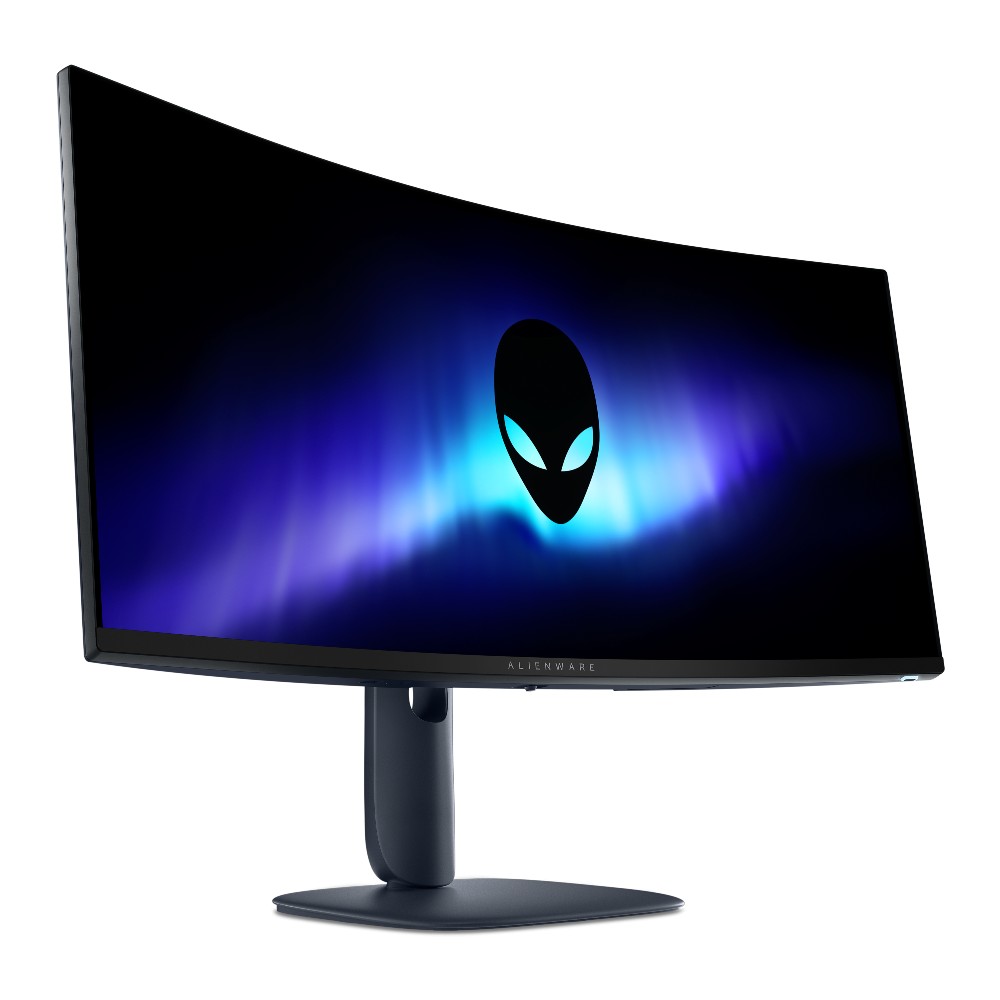
The new Alienware AW3426DW improves the line's QD-OLED panel for extra brightness, better contrast, easier readability, and faster performance.
Compared to the older AW3425DW model we reviewed favorably last year, there are several standout improvements in the new AW3426DW.
The main change arrives for the Quantum Dot-Organic Light Emitting Diode (QD-OLED) panel. It's using Samsung's new fifth-gen Penta Tandem tech that was revealed earlier this year, which the company says has twice as long a lifespan as well as 1.3 times better brightness. Text should be easier to read, and there are improvements to dark colors in bright ambient light. More on that below.
Alongside the higher brightness, the monitor now has an anti-reflective coating to better combat glare. And, finally, the refresh rate has been raised from 240Hz to 280Hz.
From a purely design standpoint, the Alienware AW3426DW hasn't changed much compared to the AW3425DW. Its case has a pleasant Interstellar Indigo color scheme, with minimal interruptions on the back panel.
An Alienware head logo is off to the left of the stand, and there's the secondary AI logo on the other side. These logos are surrounded by venting, altogether offering a clean look.
For a bit of extra jazz, the Alienware head has customizable lighting. The same applies to the monitor's power button on the bottom edge of the casing.
The front of the monitor features Alienware branding, and that's basically it. Bezels are nice and slim, and the rounded stand seems like a perfect pairing.
On that note, the stand is plenty sturdy. It doesn't offer much rotation (this is an ultrawide, after all), but there's enough tilt and swivel to keep me happy. If I were keeping the screen, it'd go onto my MSI dual-arm VESA mount thanks to 100x100mm compatibility.
All OSD settings are controlled with a single joystick. There are a ton of menu options to play around with should you want to tweak the picture, and the monitor includes quite a few presets for different tasks and gaming styles. You can also change shortcuts for easier control.
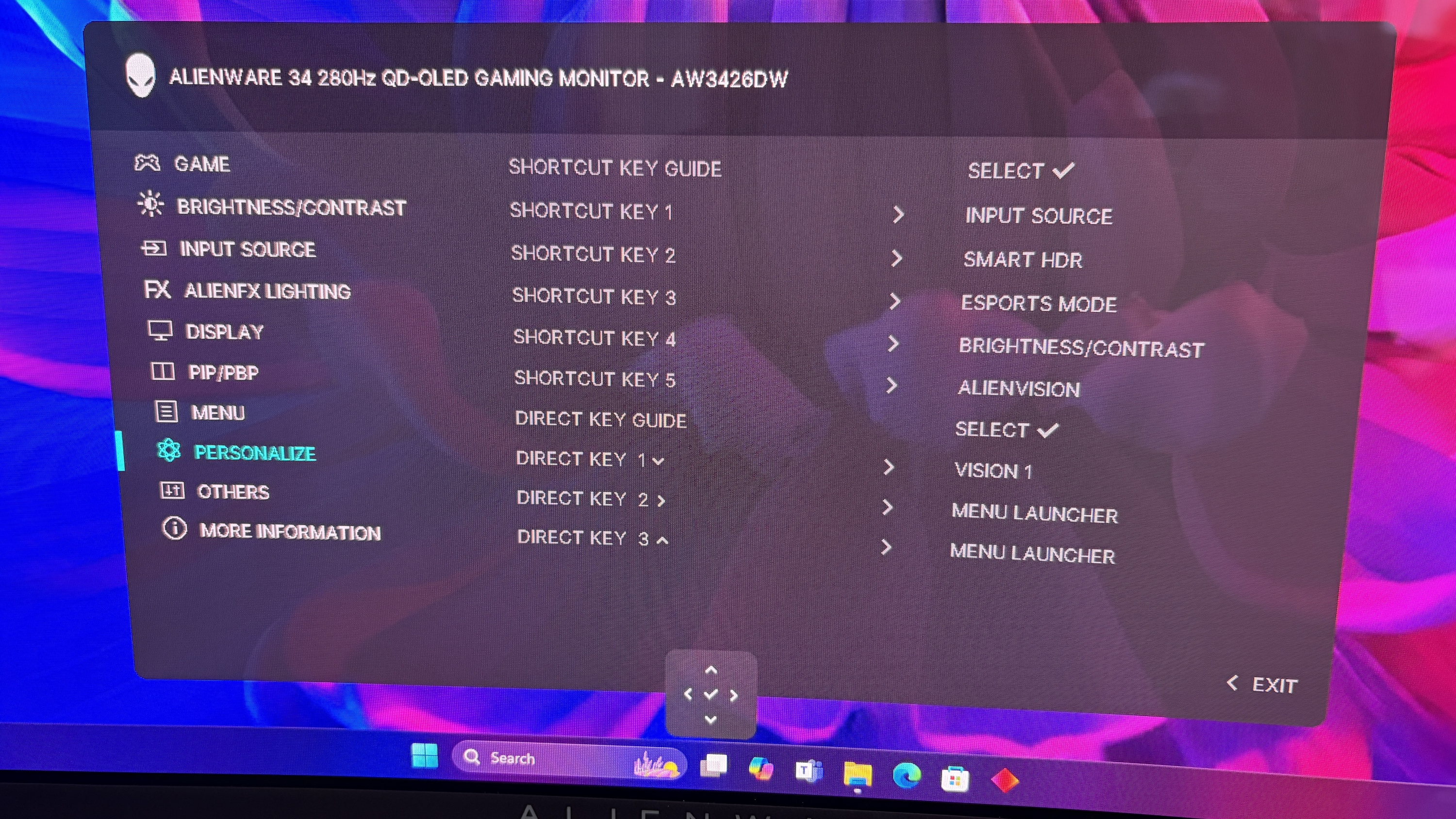
Smart HDR, Dolby Vision, refresh rates, and much more are all customizable. You can choose how the monitor handles multiple inputs. And, for those who game and work on the same screen, I'm happy to report that the Picture-in-Picture (PiP) and Picture-by-Picture (PbP) features work flawlessly.
The older AW3425DW's OSD menu, or "Command Center," had issues with freezing and closing randomly, but I've not seen those issues in the newer AW3426DW model.
Thanks to the new fifth-gen QD-OLED panel, Alienware's flagship line of ultrawide gaming monitors has never looked better.
One of the biggest complaints about the older model was that black colors often appeared purple when in a bright room. That's been significantly improved here, and it seems that no matter how much light is falling on the screen, dark colors remain dark.
This latest model includes a new anti-reflective finish that Dell says reduces glare by up to 30%. I can't test for that precisely, but I can say that the only time I had issues with glare was in a sun-drenched room with direct light hitting the screen. If you're in an office or a gaming room, you should have no issues.
It also helps that brightness has gone up from a 250-nit cap to 300 nits. Whereas the AW3425DW tested for roughly 252 nits of brightness, I saw the AW3426DW hit 330 nits in SDR, and it goes up to about 1,300 nits with HDR enabled. This additional brightness pushes its HDR certification up to VESA DisplayHDR 500.
You can see for yourself the brightness, color, contrast, and white point ratings in the above chart that I pulled from my SpyderX Pro colorimeter.
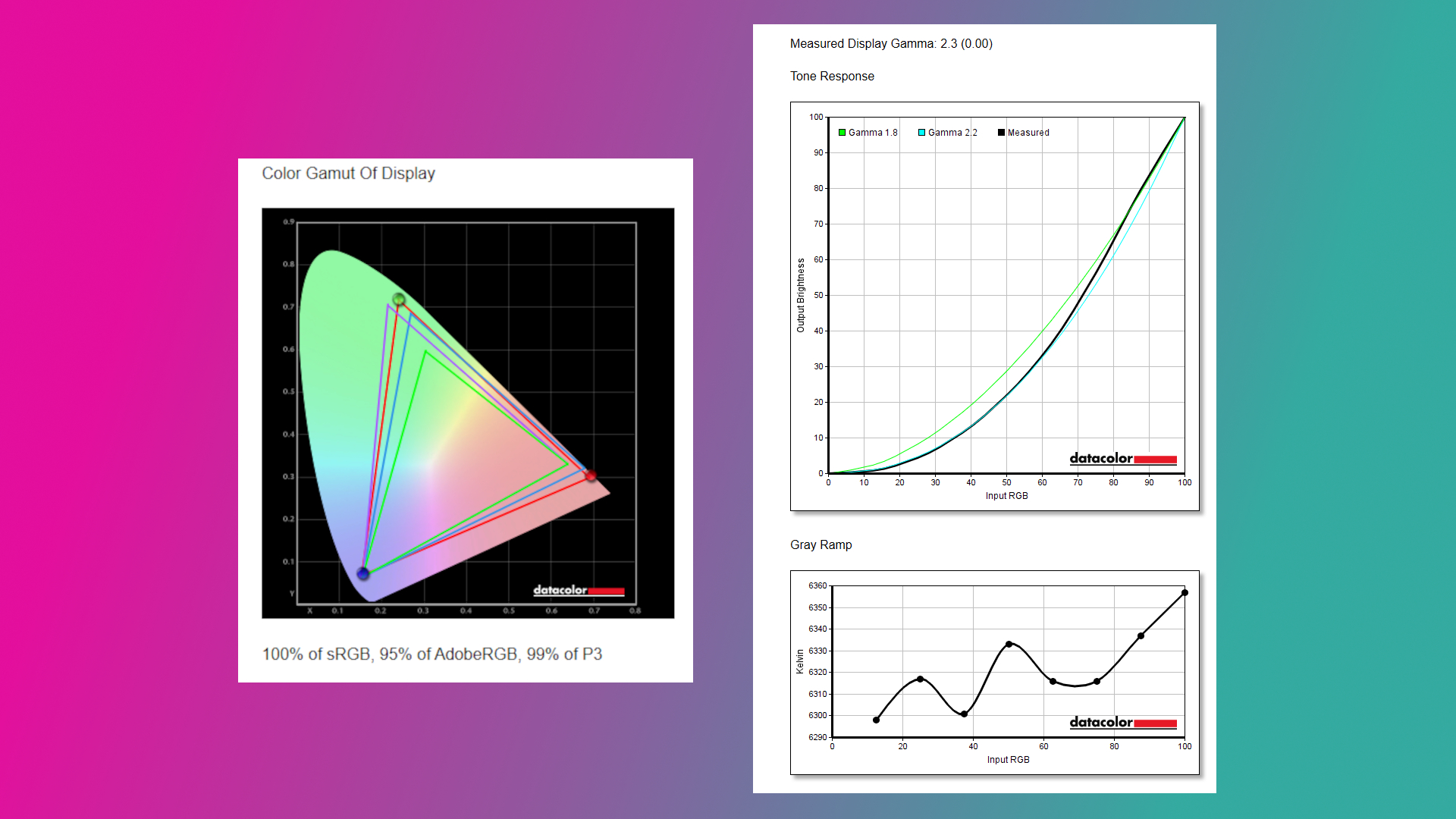
Color reproduction has actually improved slightly compared to the previous generation. Whereas we previously tested for 97% P3 and 94% AdobeRGB coverage, the new model hits 99% and 95%, respectively. It otherwise remains at 100% sRGB.
Thanks to a curved panel, an ultrawide 21:9 aspect ratio, a 3440x1440 resolution, a 280Hz refresh rate, and a 0.02ms response time, the Alienware AW3426DW is an outstanding gaming monitor.
The resolution hits the sweet spot for most gamers, and once you go ultrawide, you'll find it's very hard to go back to a 16:9 aspect ratio. The 280Hz refresh rate has plenty of ceiling for high-end performance hardware, and it's fast enough that you shouldn't mind using it for competitive titles.
Because it's an ultrawide with room for (at least) three separate windows, it's also great for productivity. Text is easier to read with this generation of QD-OLED panel, and you might be surprised at how crisp everything looks if you're coming from an older model.
There's not much to dislike about this monitor from a display quality standpoint. But there are some drawbacks you should know about before buying.
The port selection is notably a bit lacking. There's no 3.5mm audio jack (and no built-in speakers), and for data, there's just USB-C (15W) and USB-A, feeding off an upstream USB-B port.
Alienware's AW3426DW is easy to love, whether you're gaming or working.
Video inputs include dual HDMI 2.1 with Fixed Rate Link (FRL) for uncompressed 4K@120Hz gaming, but the single DisplayPort is 1.4 standard with Display Stream Compression (DSC). Some newer monitors are shipping with DP 2.1 with less compression, and I'd say it only really matters for enthusiasts.
✅ You're looking for a competitively priced ultrawide gaming monitor featuring fifth-gen QD-OLED tech.
✅ You have a gaming PC that can handle a 3440x1440 resolution and that can make use of a 280Hz refresh rate.
❌ You're a competitive gamer who mostly plays at a 16:9 aspect ratio.
❌ You just want a QD-OLED ultrawide and don't care about the generation (go with the AW3425DW from last year that's now usually cheaper).

I loved my time with the Alienware AW3426DW, and it's something I'll recommend to anyone who's searching out a new QD-OLED ultrawide for gaming.
The 280Hz refresh rate is perfect for most people, the fifth-gen panel is better than ever, and the overall design is sleek and balanced.
Although some might complain that the port selection isn't generous enough or that the RGB lighting is lacking, others might not mind those drawbacks nearly as much.
And considering how many perks the monitor has, it's easy to see why this line of monitors from Alienware is so popular. I have to return the review sample, but the AW3426DW is at the top of my list for when it comes time to upgrade.
Alienware's AW3426DW makes several important upgrades over its predecessor, including a new Penta Tandem QD-OLED panel that ups brightness, improves color, and makes text easier to read. It's an outstanding option for work and for play, just as long as you can live with the (minor) downsides.
Join us on Reddit at r/WindowsCentral to share your insights and discuss our latest news, reviews, and more.
Microsoft Forms just got a major upgrade thanks to Copilot. Microsoft 365 Copilot chat now lives within Microsoft Forms, adding a familiar tool to those who use AI in Word, Excel, and PowerPoint.
Copilot in Microsoft Forms can suggest improvements to your polls and forms and present insights from responses.
The Copilot integration is available now to users with Microsoft 365 commercial Copilot licenses.
Microsoft listed all the changes to Forms in a blog post:
I use Microsoft Forms to gather feedback from my American football team. I admit that I first tried it because my job centers around knowing Microsoft products. But after using Microsoft Forms for a while, I grew to prefer it over Google Forms.
Microsoft Forms can sync with Excel documents, making it much easier to stay on top of responses. I'm deeply entrenched in the Microsoft ecosystem, so anything that works seamlessly with the rest of my workflow gets bonus points in my book.
I also prefer some of the features of Microsoft Forms, such as question-level branching. That feature makes filling out forms feel smoother when a poll includes branching questions because it keeps you on the same page.
The layout of Microsoft Forms also presents results quicker because if you want to look at a chart, you don't need to open a separate spreadsheet.
The new Copilot experience in Forms could also be a boon to the platform, though I'll have to see it in action to judge. In my experience, Copilot as a general tool is good at suggesting improvements, performing bulk edits, and creating summaries, so it should thrive within Microsoft Forms.
Join us on Reddit at r/WindowsCentral to share your insights and discuss our latest news, reviews, and more.
YouTube edged past Spotify as the podcast service UK listeners use most, the first time it has led on record, according to new data.
The post YouTube Moves Ahead of Spotify As UK’s Top Podcast Service appeared first on Search Engine Journal.
I'm a huge fan of all-in-one computers, and have pretty much daily driven one ever since Microsoft launched the first Surface Studio in 2016. Everyone agrees that the Surface Studio is in a league of its own when it comes to AiO design, and while other OEMs have tried to match it, none have come close.
So when Microsoft killed off the Surface Studio, I was incredibly sad. Although I never really used the Surface Studio's unique canvas hinge, I did very much enjoy its design and display, and so when the time came to replace it, I was never entirely satisfied with my options. I moved to the HP Envy 32, then the HP Envy 34, before switching to a Lenovo Yoga AiO 32 line last year.
I've been happily daily-driving my Lenovo Yoga AiO 32 for over a year, and while it looked good on a desk, it wasn't a head turner. Well, it appears Lenovo has taken that criticism to heart, as the follow-up is a complete redesign that puts sexy front and center.
The new Lenovo Yoga AiO i 32 Aura Edition is a true sight to behold. Complete with a transparent display chin that incorporates RGB lighting, a new upside-down V-shaped stand that's unlike anything I've ever seen, an incredibly thin but capable computer built into said stand, and the best display I've ever seen on an all-in-one.
I've been daily driving this AiO for the last three weeks, and this is my full review.
This review was made possible via a review sample supplied by Lenovo. The company had no editorial input and did not view the contents of this review before publication.
The Lenovo Yoga AiO i 32 Aura Edition is a mouthful of a name, but it does make it easy to find online. You can find the device available for purchase directly on Lenovo's website for an eyewatering $3,097.99. There's only one configuration available, so there's no wiggle room on that price for now.
That configuration comes with an Intel Core Ultra X7 358H, paired with 32GB RAM and 1TB m.2 SSD storage. It also includes the Intel Arc B390 GPU, which drives the incredible 32-inch 4K OLED panel at 165Hz. Unfortunately, there are no configurations with a dedicated GPU from NVIDIA or AMD.
Lenovo's new Yoga AiO i 32 Aura Edition is a sight to behold, complete with a unique design that features a transparent display chin with RGB lighting, the best 4K OLED I've ever seen fitted to an AiO, and incredible performance. View Deal
Specification | Details |
|---|---|
Processor | Intel® Core™ Ultra X7 358H (E‑cores up to 3.50 GHz, P‑cores up to 4.80 GHz) |
Operating System | Windows 11 Home |
Graphics | Integrated Intel Arc B390 Graphics |
Memory | 32 GB LPDDR5X‑9600MT/s (Soldered) |
Storage | 1 TB SSD M.2 2280 PCIe Gen4 TLC |
Display | 31.5″ UHD (3840×2160), OLED, Anti‑Reflection, Non‑Touch, 99% DCI‑P3, 225 nits, 165Hz |
Camera | 16MP RGB+IR with E‑Shutter |
Power | 330W |
Included Accessories | Wireless Mouse; Wireless Helios Gen 2 Keyboard (Seashell, English US) |
Connectivity | Wi‑Fi 7 2×2 BE & Bluetooth® 5.4 |
Warranty | 1 Year Mail‑in |
Color | Seashell |
Xbox Game Pass | Included |
Part Number | F0JK0009US |
Price | $3097.99 |
In a word, the Lenovo Yoga i AiO 32 Aura Edition is sexy. It's probably the best-looking desktop computer you can buy right now, and that's thanks to its absolutely insane design that places the entire computer in the stand that holds the screen up, allowing the display to take all your attention.
From a normal sitting position, you can't even see the stand. Unlike traditional stands that have a base that sits on the desk, the AiO's stand is more like a kickstand, with the weight of the display leaning against the stand, and the bottom of both the stand and the display chin making contact with the desk to form an upside-down V shape.
This is unique on its own, but when paired with the awesome-looking transparent display chin, the result is an all-encompassing 4K OLED display that looks like it floats. It's honestly super mesmerizing, and with the built-in RGB lighting enabled that shines through the transparent chin, the whole thing just looks amazing.
That RGB lighting can be controlled via Lenovo's included Vantage app, or by Windows itself using Microsoft's new Dynamic Lighting feature. This is the first time I've been able to use Windows 11's native RGB controls, and they're quick and awesome. You have a number of settings, including gradients that let you choose two colors to alternate between, and it's overall very easy to set up.
It's an incredibly eye-catching design that will turn heads whenever someone who has never seen it before comes across it. While the light-up chin is the first thing they'll notice, the second thing they'll be blown away by is the sheer quality of the 4K OLED display that sits on top of it.
This 32-inch 4K OLED panel is amazing. It's a true 10-bit panel at 165Hz, making Windows animations and scrolling look super smooth and games feel incredible to play. This is undoubtedly the best display you can find on an all-in-one PC right now, blowing the iMac and the last-gen Lenovo 32-inch AiO out of the water.
This is undoubtedly the best display you can find on an all-in-one PC right now, blowing the iMac and the last-gen Lenovo 32-inch AiO out of the water.
Colors simply pop on this screen. It's also incredibly color accurate, with a 99% DCI‑P3 and 100% sRGB rating making it great for video editors and photo artists. It's plenty bright, with up to 1,000 nits peak brightness in HDR content too. The display is surrounded by thin uniform bezels, with a metal frame that's cold to the touch and feels incredibly premium.
On the right side of the display is a USB-C port, which makes plugging in flash drives and other peripherals super easy and convenient. There's also a 3.5mm audio jack on this same display edge, which is nice for plugging in headphones. The rest of the ports are located on the stand, most of which are at the very back.
On the stand, you'll find a single USB-A port on the side of the stand, which is designed for a wireless keyboard and mouse dongle (but you can plug anything into it) behind a door. On the back, there are two USB-C ports, two USB-A ports, an HDMI port, and that's it. I do wish there was maybe an additional USB-A and USB-C port, and an Ethernet jack wouldn't have gone amiss either.
Along the top of the display is a 16MP webcam that looks great and is a significant upgrade over the last gen Lenovo AiO. It's much clearer, and Windows Hello face unlock works a little faster as a result. There's a webcam kill switch on the right side of the display that's easy to reach for when you don't want anyone looking at you.
The AiO comes with a nice keyboard and mouse as well. These are automatically paired with the PC when you unbox, as the wireless dongle comes plugged in from the factory. The keyboard is hefty but premium-feeling, featuring a chiclet-style typing experience that's quiet yet satisfying.
Unfortunately, there are some things about the Lenovo Yoga AiO 32 Aura Edition that aren't my favorite. While this device is overall amazing and I would recommend it to pretty much anyone, that does come with a few caveats.
First of all, the design of this computer does have a few trade-offs. Firstly, the space required to set up the computer optimally on your desk is a significantly larger area than your usual AiO that sits on a normal stand with a base. The upside-down V-shape nature means that to angle the screen comfortably, you need to widen the gap between the two points of contact on the desk.
This isn't going to be an issue if you have a large desk, but for those on smaller desks, you might find the display ends up being slightly too close to you, or the stand ends up uncomfortably close to the edge of the desk. The underside of the stand is covered in a grippy texture, so it won't slide anywhere, but it's still a little unnerving.
You also lose usable desk space with this design. Sure, you can put things behind the display between it and the stand if you wanted, but that would mean you'll need to reach around the display whenever you need access to whatever it is you've put behind it. Plus, the transparent chin means you can see all the mess behind there at all times.
On the subject of that transparent chin. I love it, I really do, but my goodness, is it a dust and fingerprint magnet. Be prepared to be cleaning it on the daily. I don't know how fingerprints even end up there, as I'm never actively touching the chin, but somehow I'm always cleaning them off.
On this new model, you have no choice but to get up, lean around the display, and fondle your way into plugging your peripheral in. It's quite annoying.
This design also results in the position of the ports being really difficult to reach. While there is a single USB-C port on the side of the display, which is super easy to access and great to have, all the other ports are on the stand, most of which are at the back on the very bottom. This makes them basically impossible to reach when sitting in front of the display.
I complained about the position of the ports on the last-gen AiO from Lenovo, but at least on that device you could reach through the display stand to get to the ports from a sitting position. On this new model, you have no choice but to get up, lean around the display, and fondle your way into plugging your peripheral in. It's quite annoying.

I'd also argue that for a device being targeted at creators, it's quite lacking in the port section. There are just two USB-C and three USB-A ports on the whole device, four of which are on the back. Plus, there's no Ethernet jack for wired internet, and no SD card reader of any kind. I do wish that it had an SD card reader at the very least.
The last thing I don't like about the AiO is the built-in speaker system. In my testing, I can't help but think there's something wrong with them. Whenever the audio channel is open, an audible hissing/whooshing noise is present. This noise is present regardless of the audio being played, but is more noticeable when the volume is on medium or low settings. It's even audible when the device is muted and an audio track is playing, and it goes away entirely when the audio channel is closed.
It's so noticeable that I reached out to Lenovo to request a new review unit, thinking mine was defective, only to find the second sample has the same problem. So, I don't know if this is a hardware defect or something that can be fixed via firmware updates. I couldn't tell you what's causing the noise, but it is there.
If you've ordered one of these AiOs, let me know if this issue is present on your unit, or if I just somehow received two defective models back to back. This problem is easily solved by using an external set of speakers, which is what I do, completely bypassing the built-in speaker system. Still, it's not something you should have to put up with when paying this amount of money for a device, so if yours has this issue and you're unhappy, be sure to return it.
This AiO is one that strikes a perfect balance between performance and quiet operation. This thing is whisper-quiet for 99% of the time you'll be using it, with the fans only spinning up under heavy sustained load for long periods. Even when on full blast, the fans aren't offensively loud.
Powered by the Intel Core Ultra X7 358H (Core Ultra Series 3) and Intel Arc B390 GPU, this AiO is well equipped to handle your usual day-to-day tasks, as well as high-intensity tasks such as video and photo editing, rendering, and 3D modeling. It's even a competent gaming machine, though I wouldn't buy one for dedicated gaming.
This thing is whisper-quiet for 99% of the time you'll be using it, with the fans only spinning up under heavy sustained load for long periods.
The Intel Core Ultra X7 358H CPU is where this machine truly shines, flexing massive numbers in multi-threaded tasks thanks to its advanced architectural efficiency. With a Geekbench single-core score of 2,851 and a multicore score of 16,964, it breezily handles heavy multitasking, AI workloads, and complex data processing.
In everyday productivity, it achieved a CrossMark score of 2,128, which means it has snappy execution across office applications. For rendering workloads, the Cinebench benchmarks reveal a single-core score of 501 and a robust multicore score of 4,927. The device has minimal thermal throttling, and as mentioned above, rarely gets loud.
The inclusion of the Intel Arc B390 GPU elevates this machine beyond your usual standard integrated graphics. It's a highly efficient, modern graphics solution that I'd describe as more than good enough for light to moderate gaming, intensive content creation, and smooth video editing. Here are our 3DMark benchmark results:
Benchmark | Score | Performance Context |
|---|---|---|
Night Raid | 48,631 | Excellent for esports and casual titles |
Time Spy | 7,793 | Solid DX12 performance for 1440p gaming |
Time Spy Extreme | 3,630 | Handles moderate 4K workloads |
Steel Nomad Light | 5,633 | Great lightweight cross-platform performance |
Steel Nomad | 1,100 | Pushes the integrated graphics to its limit |
It's clear that the Intel B390 isn't going to be great at running the latest games at their highest settings at 4K 120Hz, but bumping things down to medium-high graphics settings and 1080p or 1440p will result in a perfectly fine gaming experience, which should be more than enough for those who are only gaming casually on their PCs.
Games like Halo: The Master Chief Collection or Hitman run great on the AiO. Cyberpunk 2077 also runs really well when set to 1440p high settings. Older games like GTA V run at high frame rates with all their settings maxed out, even at 4K. So it really will come down to the kind of games you play and how graphically intensive they are.
The Intel B390 is a step above your typical integrated graphics, but it's no dedicated GPU from NVIDIA or AMD. So expectations should be tempered if you're looking to game. Most modern games should run more than fine if you set their graphics settings to medium 1080p. It's fair to say the Intel B390 is better served for content creators, being an excellent GPU for rendering video, 3D models, and more.
The Intel B390 is a step above your typical integrated graphics, but it's no dedicated GPU from NVIDIA or AMD.
I do wish Lenovo offered the PC with the option of being configured with a dedicated GPU, as the B390 on its own might be disappointing for some, especially at these prices.
The last-gen flagship Lenovo Yoga AiO featured an NVIDIA RTX 4050, which provides roughly the same level of performance as the Intel B390, but I've found that some games run slightly better with smoother frame rates on the older NVIDIA card. So we're not seeing any real performance upgrades across generations, outside of the fact that the Intel B390 is a more efficient GPU overall.
For storage speeds, the CrystalDiskMark results are top-tier, clocking in at an impressive 7,008.27 MB/s read and 5,807.32 MB/s write speeds. This should mean boot times, app loading, and file transfers stay nice and fast.
✅ You want a beautiful Windows all-in-one
✅ You want one of the best OLED displays on a Windows PC
✅ You're a creator who focuses on video and photo editing
❌ You have a small desk
❌ You frequently need to plug in and unplug peripherals
❌ You rely heavily on built-in speakers
❌ You're a hardcore gamer who wants to game
Overall, I believe the Lenovo Yoga i AiO 32 Aura Edition is an almost perfect all-in-one. It's definitely at the top of the list when it comes to an aesthetic design point, but those design choices aren't without their own minor annoyances. For me, I'm happy to sacrifice easy port access in exchange for sheer beauty.
With that said, there's clearly a problem with the built-in audio setup on two of the units I tested. Once again, I'm hoping that this issue is software-related and can be fixed via a firmware update. Some may not even notice the hissing noise, but it's very audible and distracting for me.
The lack of a dedicated GPU option may also upset some people, especially those that are wanting to game. While the Intel Arc B390 is good, it's by no means great, especially for the over $3,000 you'll be paying for this PC new.
Those issues aside, I have to say that this AiO is the first one I've used since the Surface Studio that has blown me away. It's just jaw-droppingly good to look at, and it's something I'm proud to have sitting on my desk. There's nothing boring or corporate about it; it's simply mesmerizing.
The design, paired with the glorious 4K 165Hz OLED panel and great performance under the hood, results in an incredible experience at a high cost, which unfortunately can't be helped given the ongoing component pricing crisis. If Lenovo is able to get the speaker issue sorted, this device is a clear winner in my book.
Lenovo's new Yoga AiO i 32 Aura Edition is a sight to behold, complete with a unique design that features a transparent display chin with RGB lighting, the best 4K OLED I've ever seen fitted to an AiO, and incredible performance.
Join us on Reddit at r/WindowsCentral to share your insights and discuss our latest news, reviews, and more.
Dell's laptops can be pricey, especially in this turbulent economy. Still, the vast majority live up to their high asking prices thanks to their sleek, portable designs, strong performance for daily productivity and creative projects, and long-lasting batteries.
The Dell Pro 16 laptop is no exception, and its steep $1,529.00 listing price has been taken down a peg to $1,229.00 at Dell for a limited time.
Cut through mountains of daily workloads with the Dell Pro 16 laptop. This configuration is armed with an Intel Core Ultra 5 235U vPro CPU and 16GB of RAM for solid performance rates, a 16" FHD display for crisp visuals, and 512GB of install space.
Dell Customer Reviews: ⭐⭐⭐⭐½View Deal
The Dell Pro 16 laptop has received much praise from over 1,059 customers on Dell.com (average rating: 4.5), citing it's top of the line build-quality, performance, and features. And of those, 828 were perfect 5-stars from customers who bought it.
This configuration we're spotlighting is armed with an Intel Core Ultra 5 235U vPro CPU and 16GB of RAM, which enables it to boot up as quickly as a fingersnap and operate productivity apps like Microsoft Office and open multiple tabs in web browsers like Microsoft Edge with ease and no performance hiccups.
Not to mention it has a sleek design that can take a lot of punishment while being ultra-thin enough to carry in most travel bags with minimal issue for easy portability.
Other notable features include a large 16" FHD screen so you can see images and text with clear definition so you perceive them better, a built-in camera so you can host video calls at 1080p+30fps, an optional fingerprint scanner during checkout to add extra security, and a respectable battery life of roughly 9 hours before needing to recharge.
So, if you're looking for a premium-grade laptop that can topple any productivity obstacle thrown at it so you can clock out of work early, then the Dell Pro 16 could be your next best ticket out of the office.
The Dell Pro 16 uses DDR5 RAM which can be removed and installed with a different one up to 64GB. Same goes for its factory-installed SSD which can be replaced with a larger one that fits the laptop's M.2 slot.
Generally, no, as it's built for office work tasks like typing documents, collating spreadsheets, and researching info online rather than playing video games. So, if you try to run AAA PC games on it, they will either struggle to load properly or only function at their lowest graphical settings.
The Dell Pro 16 includes a USB-C, a Thunderbolt 4 port, two USB-A 3.2 ports (one with PowerShare), an HDMI 2.1 port, a 3.5mm audio jack port, a RJ45 Ethernet port, a power-adaptor port, and an optional contacted smart card port.
Join us on Reddit at r/WindowsCentral to share your insights and discuss our latest news, reviews, and more.
User-submitted DLSS DLLs may include malware, DLSS Swapper creator warns The creator of DLSS Swapper, a popular tool that allows gamers to manage, upgrade, and swap DLSS, FSR, and XeSS in games, has warned users about potential malware risks. These risks do not come from DLSS Swapper itself, but from bad actors submitting fake DLSS […]
The post DLSS Swapper developer warns users of user-submitted DLL malware risks appeared first on OC3D.
The ongoing memory crisis has taken a heavy toll on tech, forcing PC prices to rise regardless of how much we need them in our daily lives, whether that's communicating with family or working with remote colleagues millions of miles away (or simply watching Netflix).
But we'll always find deals on a range of Windows laptops so you can enjoy fast performance, crisp displays, and sizeable storage that regularly drop below $1,000, with this recent collection being a prime example.
This roundup includes the speedy and reliable Dell 14, now 43% off at $699.99 at Dell (list price $1,229.99), or the most budget-conscious ASUS Vivobook 14, now on sale for $519.99 at Amazon (list price $639.99).

"This laptop is the perfect all-rounder for my studies and professional work, offering a seamless experience that has completely transformed my daily productivity. It is incredibly fast, handling dozens of browser tabs and demanding multitasking without a hint of lag, while its near-instant boot-up times make it reliable for jumping straight into meetings or lectures. The build quality is exceptional yet light enough for easy portability." ~ Sandile, customer review
Dell.com reviews: ⭐⭐⭐⭐View Deal
"The Dell 14 Plus 2-in-1 is a great convertible laptop option for those on a budget (like students) who want more performance and functionality than you'd find in a Chromebook, but its display is lackluster, which might be a dealbreaker for some." ~ John Loeffler, Components Editor at TechRadar
TechRadar review: ⭐⭐⭐⭐View Deal
"The Asus Vivobook 14 won’t win hearts, but it will quietly help you meet deadlines with a focus on ergonomics, decent mid-range performance, solid battery life and an affordable price." ~ Jason England, Managing Editor at Tom's Hardware
Tom's Hardware review (AMD): ⭐⭐⭐⭐View Deal
"Lenovo's 16-inch Yoga 7i 2-in-1 has strong positives for travelers who refuse to compromise on screen size and would benefit from a transforming screen." ~ Ben Wilson, Senior Editor
Windows Central review: ⭐⭐⭐½View Deal
"The Lenovo IdeaPad Slim 3x is a remarkably cheap laptop, yet it delivers good performance and amazing battery life in a slim, elegant chassis with a comfy keyboard." ~ Stevie Bonifield, Writer at Tom's Guide
Tom's Guide review: ⭐⭐⭐⭐View Deal
You generally can't add more RAM to many of these modern laptops, as the memory is usually soldered to the motherboard (LPDDR). Where applicable, models with SO-DIMM memory can be upgraded. You can, however, often add extra storage space by replacing internal M.2 SSDs with larger ones or by connecting external SSDs.
No. The laptops in this roundup are primarily designed for productivity tasks, not for PC gaming, so they were never intended for intensive AAA titles.
Join us on Reddit at r/WindowsCentral to share your insights and discuss our latest news, reviews, and more.
Samsung enters the PCIe 6.0 era with its new PM1763 SSD Samsung has begun mass production of its first PCIe 6.0 SSD, the PM1763. This SSD targets AI datacenters, delivering up to 28,400 MB/s sequential read speeds and up to 21,900 MB/s sequential write speeds. With this SSD, Samsung offers users a 2x speed boost […]
The post Samsung mass produces 28.4 GB/s PM1763 PCIe 6.0 SSD appeared first on OC3D.
 Android and Samsung helped B3 securely scale mobile device management and AI capabilities for their management workforce.
 Here are Google’s latest AI updates from June 2026.